Feature reveal
A sequence devoted to one feature: its announcement and its demo.
70,515 scenes · page 73 of 1176
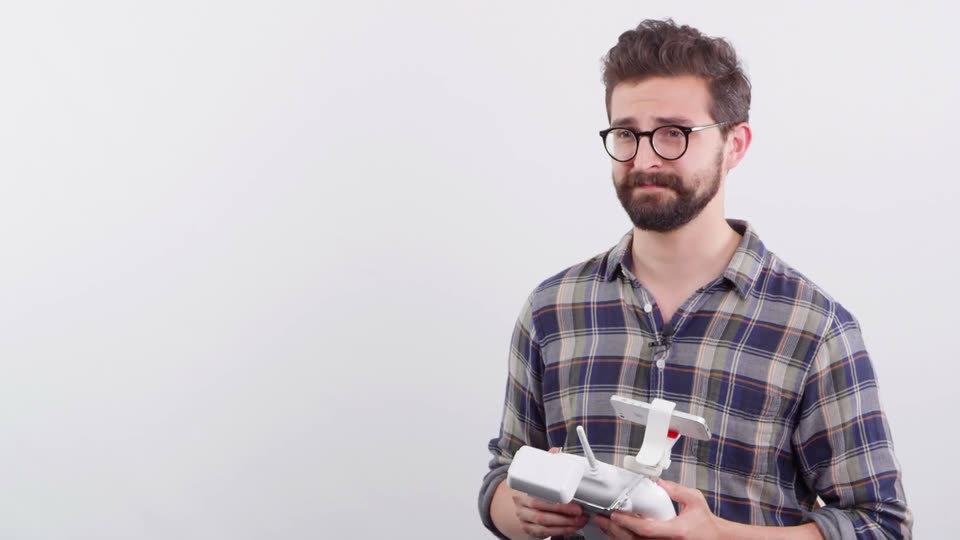 0:19–0:21DJI · DJI - Introducing Ground Station for the Phantom 2 Vision SeriesA bearded man in glasses and a plaid shirt stands on the right against a plain white backdrop, holding a white drone controller at chest height. He speaks toward the left of the frame with small hand movements while the camera stays locked off.
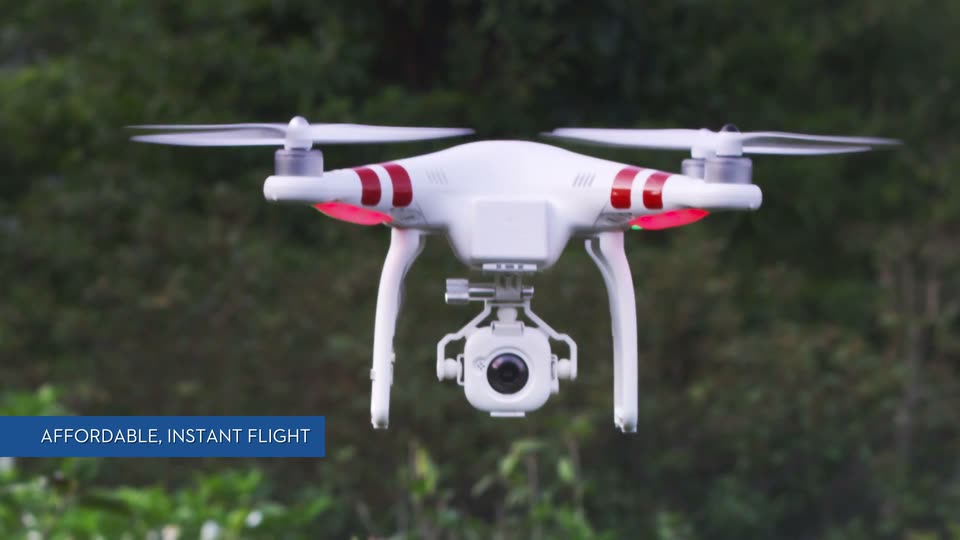 0:07–0:12DJI · DJI Introducing the Phantom FC40A white quadcopter with red and green arm lights hovers against blurred green foliage, its gimbal camera facing the lens. The drone tilts and drifts slightly while holding position. A blue caption bar scales in at the lower left.
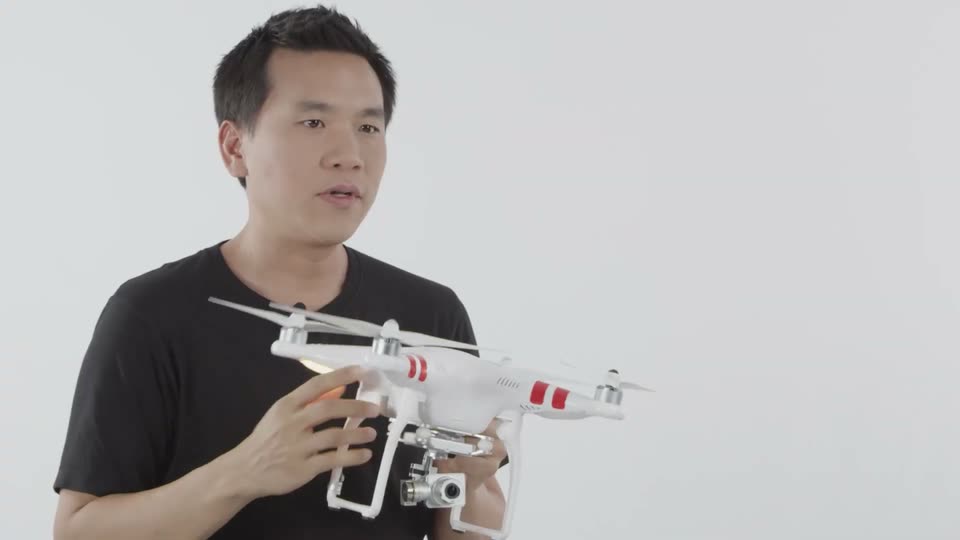 0:38–0:41DJI · DJI - Introducing the Phantom 2 Vision PlusA man in a black t-shirt holds a white quadcopter with red stripes in front of a plain light backdrop, turning it slightly and gesturing with his free hand as he speaks.
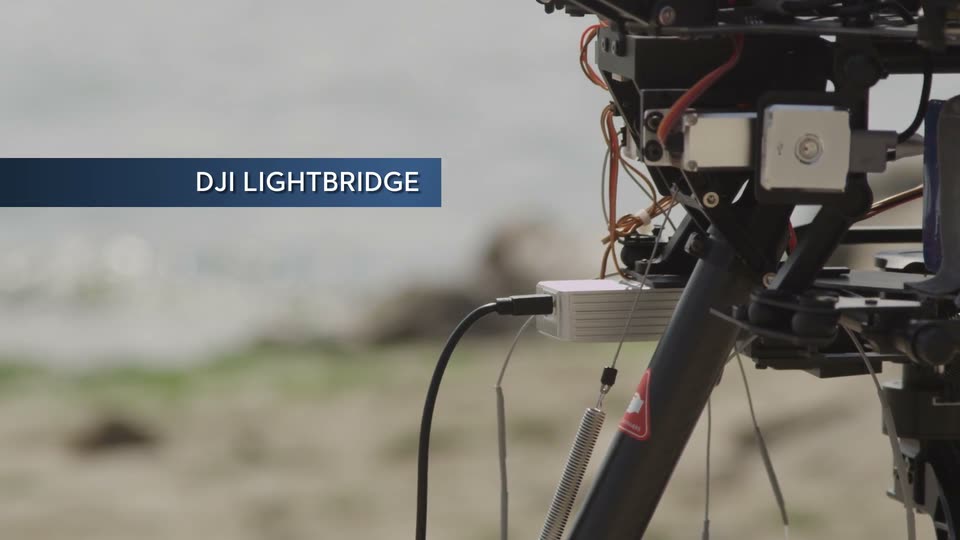 0:32–0:33DJI · DJI - Introducing the LightbridgeA locked-off close-up of a drone's black frame, copper wiring and a silver module fills the right half, set against a soft-focus beach. A blue banner with white text reading DJI LIGHTBRIDGE holds on the left edge.
 0:10–0:11DJI · DJI - Introducing the Spreading Wings S1000A black drone motor component bearing the dji mark and 4114 label emerges from darkness in a tight locked-off close-up, its edges catching the light. A blue lower-third bar wipes in from the left at the bottom, revealing white caption text as it expands.
 0:14–0:15Google · Meet the new Google SheetsA red rocket icon with a white outline sits centered above the white headline “Speed Improvements” on a coral background patterned with faint spreadsheet glyphs. The frame holds locked-off with no motion.
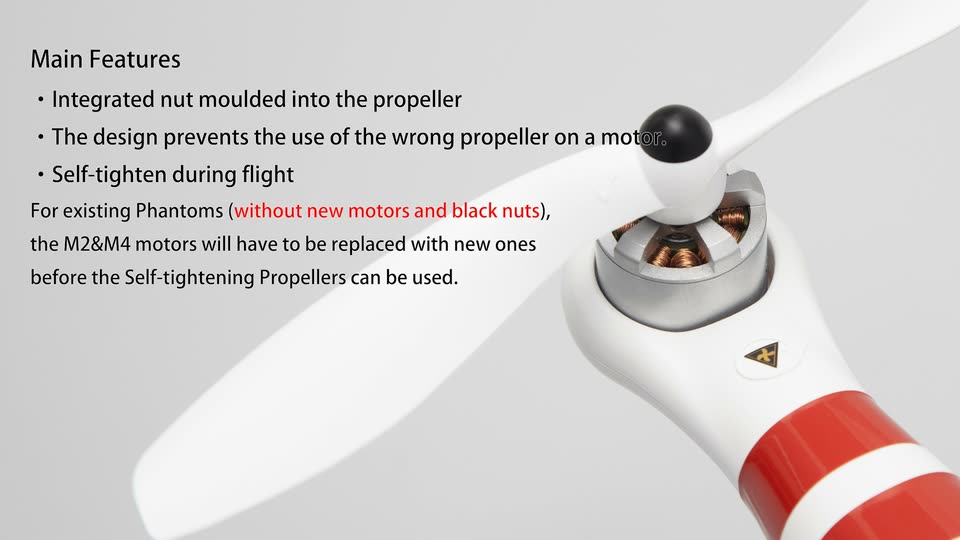 0:06–0:20DJI · DJI Introducing the Phantom Self - tightening PropellerA white drone propeller on a silver motor with copper windings fills the right of a light gray frame, the arm banded in orange. A title holds top left while a feature list with one red phrase fades in on the left. The shot is locked off.
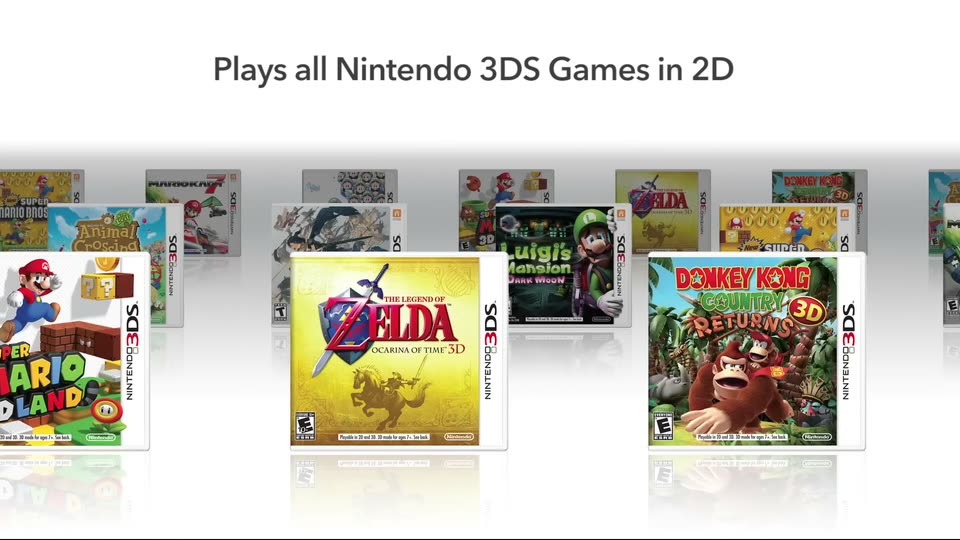 0:20–0:23Nintendo · Nintendo 2DS - IntroductionTwo rows of Nintendo 3DS game cases float above a glossy white floor with soft reflections, sliding slowly left as new titles enter from the right. A gray headline fades in above the lineup.
 0:46–0:47Google · Introducing Google NoseA man in a gray button-down shirt faces the camera in a medium close-up, speaking against a blurred backdrop of vertical white, red, and blue panels. He tilts his head and presses his lips together in a faint smirk. The framing holds steady on his face throughout the short clip.
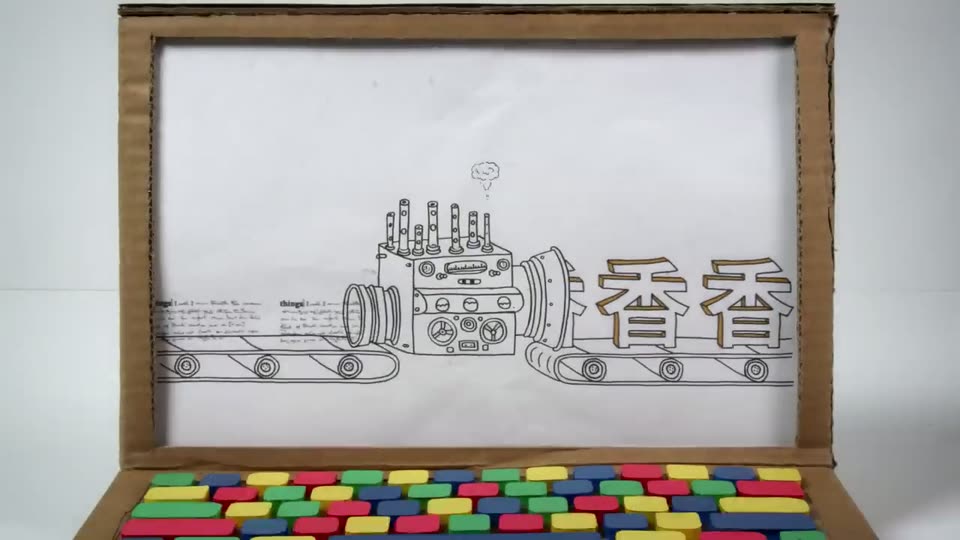 0:24–0:25Google · Introducing Google Input ToolsA hand-drawn line illustration of a mechanical machine with tubes and dials on a conveyor belt, beside 3D Chinese characters, sits inside a cardboard frame. The camera pulls back to reveal a row of multicolored chalks lined up along the bottom edge.
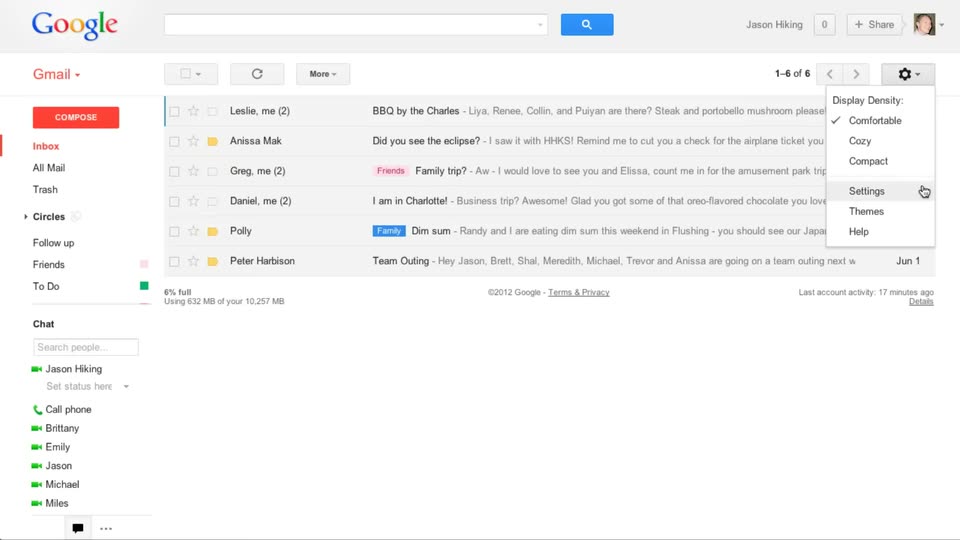 0:03–0:05Google · Introducing Custom Themes in GmailA Gmail inbox fills the screen. A cursor moves to the settings gear in the top right, opens the dropdown, and selects Themes. The view switches to the Settings page, where rows of color and HD theme swatches fill the main panel. The cursor drifts across the swatches.
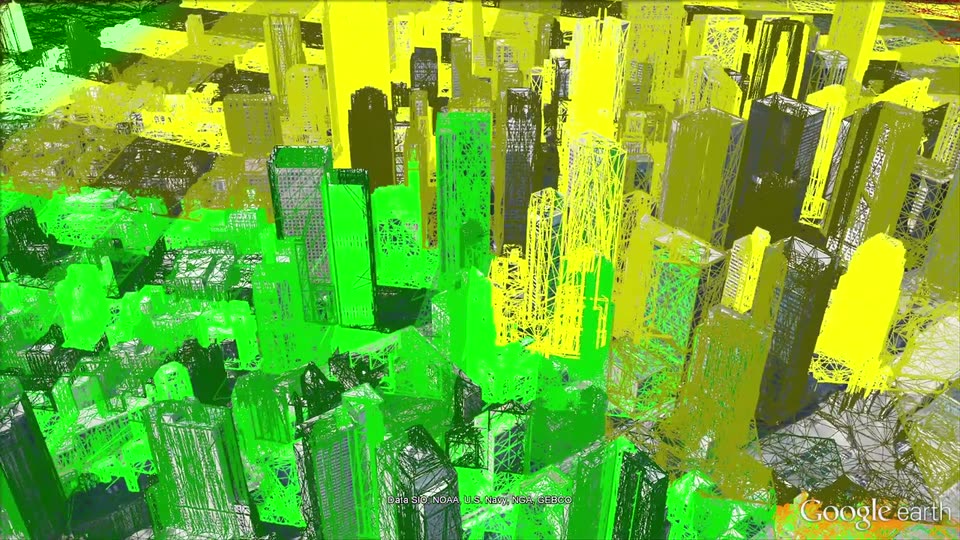 0:04–0:08Google · New 3D imagery for Google EarthA stylized 3D city of solid green and yellow volumes mixed with wireframe towers fills the frame. The camera pulls back and rises, widening the view to reveal the dense skyline stretching to the horizon.
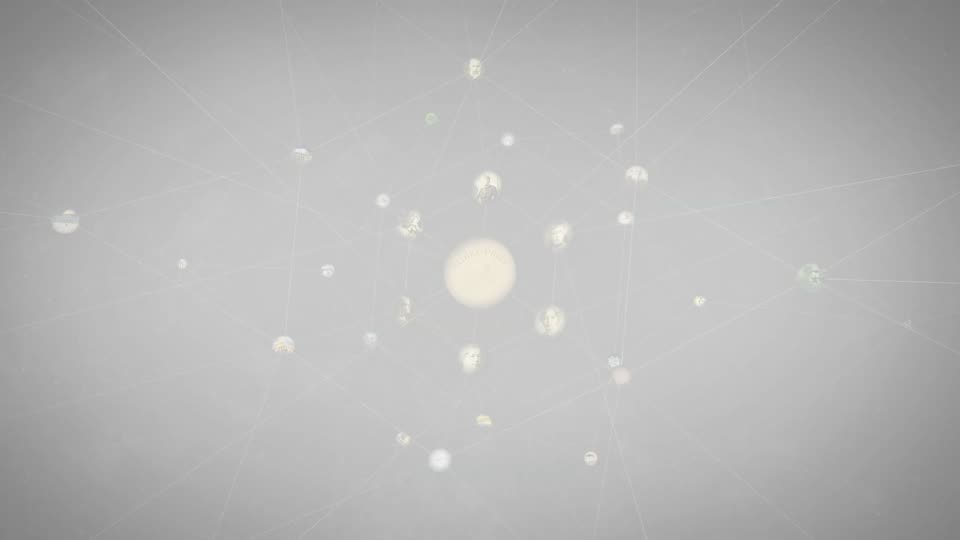 1:17–1:18Google · Introducing the Knowledge GraphA network of small nodes, each holding a tiny image, is joined by thin white lines across a dark gray field. The largest central node is a beige disc with a small label and icon. The scene brightens as the background turns light gray and the nodes fade to white.
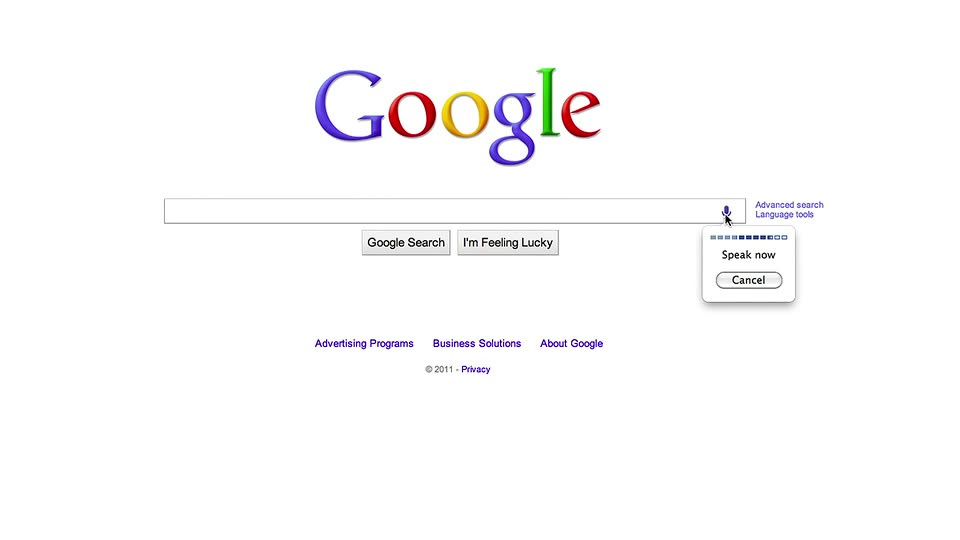 0:05–0:11Google · Introducing Voice Search for your computerThe classic Google homepage fills a white screen. A cursor glides to the microphone icon in the search box and clicks it, popping open a small dialog with a pulsing dash row, a Speak now line and a Cancel button. The dialog then swaps to a spinning loader.
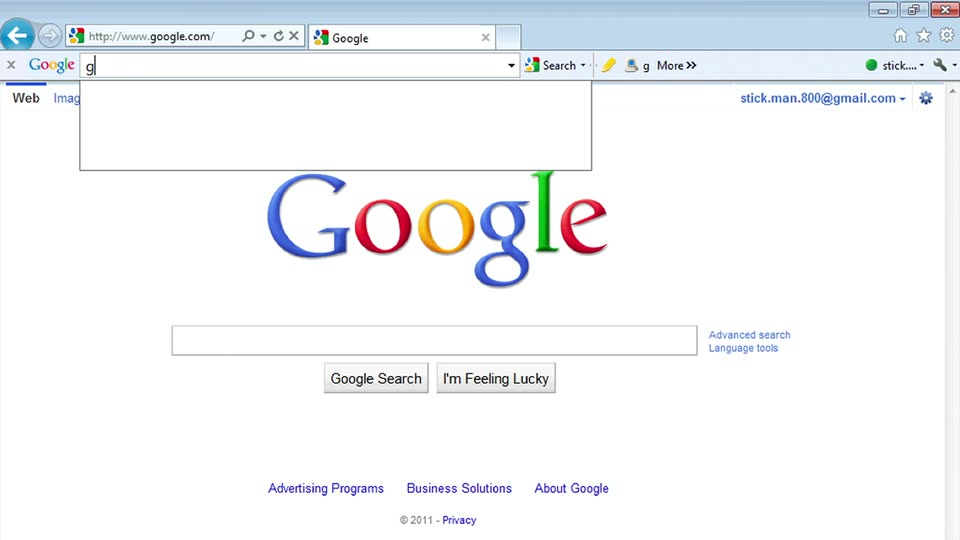 0:07–0:09Google · Introducing Google Toolbar 7A tight close-up of a browser toolbar pulls back to reveal the full Google homepage. A letter g is typed into the search box, opening an autocomplete dropdown of suggestions.
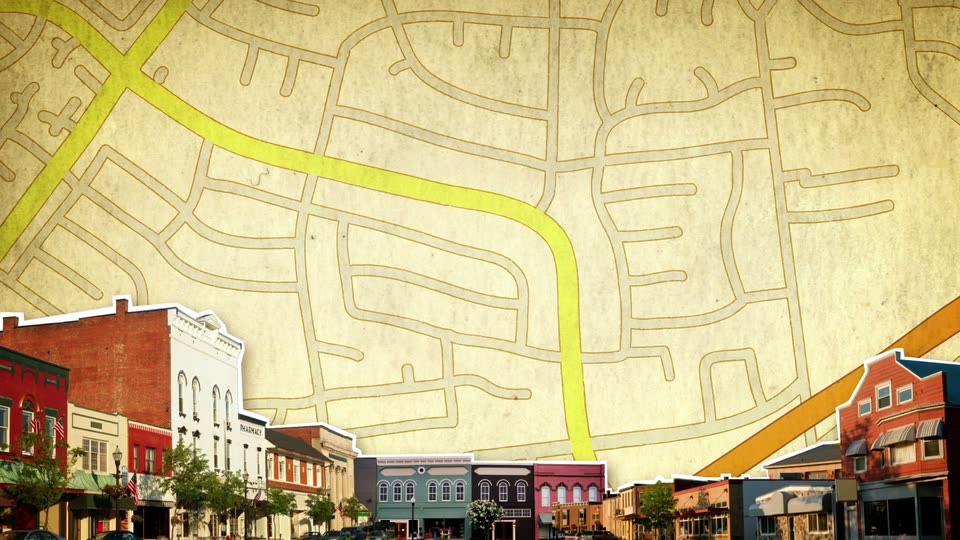 0:17–0:18Google · Introducing Google Map Maker for the United StatesA cream paper map with thin orange street lines and a thick yellow route fills the upper frame. A row of cut-out storefront photographs with white outlines lines the bottom edge, like a collage strip. The composition holds still.
 0:19–0:27Google · Introducing Gmail MotionA man in a blue Google t-shirt faces the camera and speaks against a plain white backdrop, held in a static medium close-up. His mouth moves as he delivers lines about a new development.
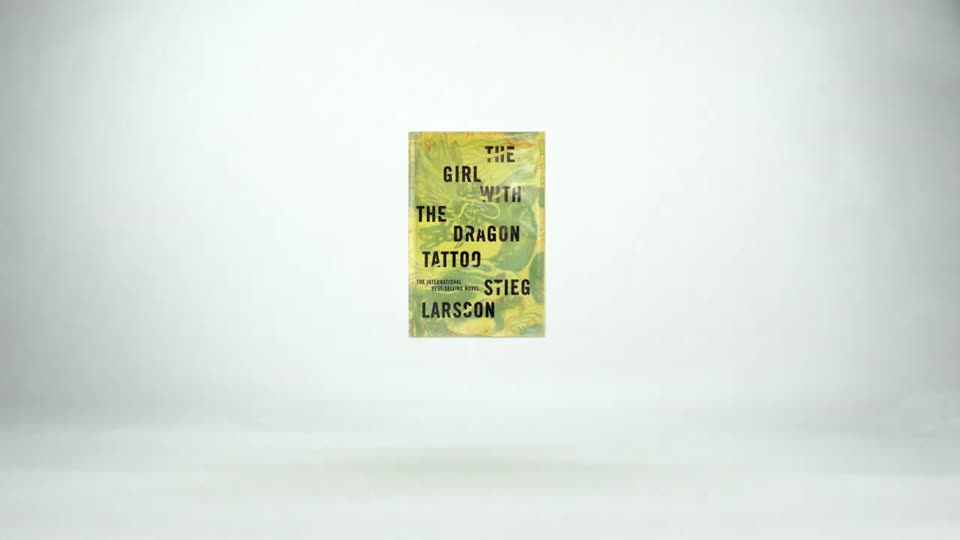 0:49–0:54Google · Introducing Google eBooksA blank white book cover rotates in 3D from an edge-on tilt to a flat frontal view, then the cover art for The Girl with the Dragon Tattoo fades in on its surface. The object floats in a soft white studio with a faint floor plane.
 0:00–0:01Google · Introducing Instant PreviewsThe title “Instant Previews” holds centered on a plain white background. The frame is locked off and the text stays still for the full shot.
 0:19–0:26Google · Introducing a new Google DocsThree white clouds on a plain background each hold a tilted document icon: a lined page, a green spreadsheet grid, and a page with shapes and a yellow pencil. The third cloud pops in, then all three blur and slide across a Google Docs resume screen.
 0:04–0:05Google · Introducing the Blogger Template DesignerA solid black frame holds a single line of white text centered in the middle of the screen. The line stays locked off and motionless for the entire clip.
 0:02–0:03Google · Introducing the Street View snowmobileA centered gray line on white cuts to a first-person Street View of a snowy road, pine trees and a blue sign, with map controls and a hand cursor at center. A headline caption sits over the view.
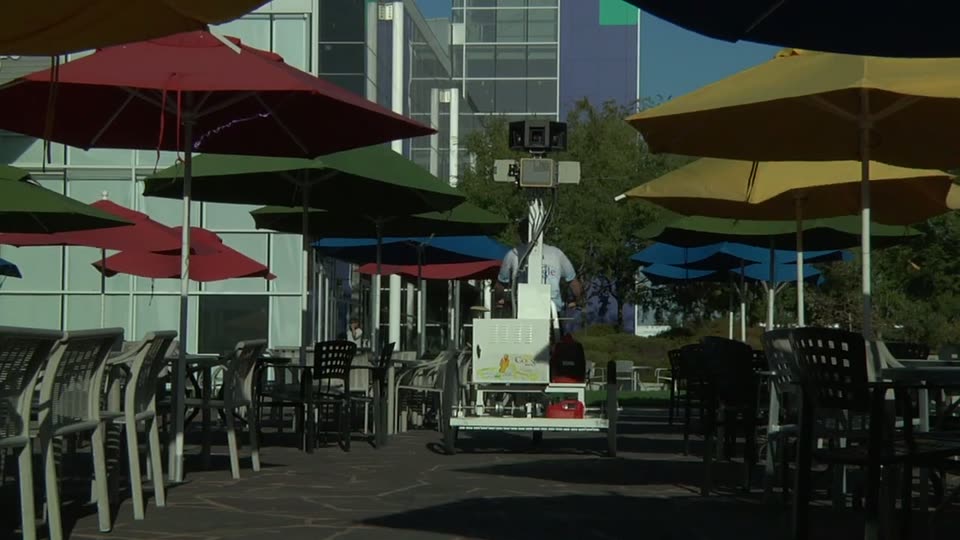 0:02–0:04Google · Introducing the Street View TrikeA rider in a light blue shirt pedals a white bicycle cart away from the camera down a stone patio flanked by rows of chairs and red, green, and yellow umbrellas. The cart's white side panel carries a blue Google wordmark and an orange stick figure, shrinking as it recedes between the tables.
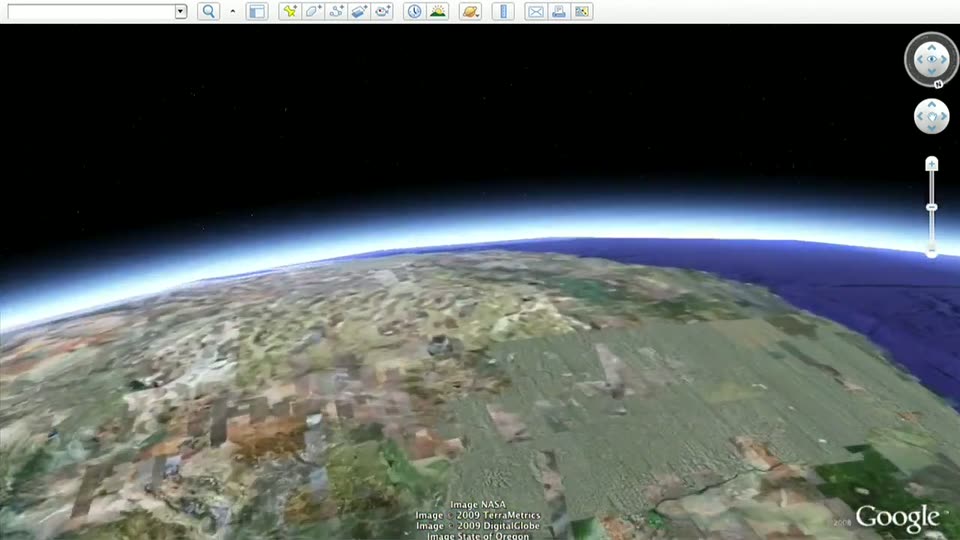 0:06–0:07Google · What's New in Google Earth 5.0A top toolbar and right-side control panel frame a 3D view of the Earth's surface seen from orbit. The camera glides across green and brown terrain beneath a glowing blue horizon and a black starfield, while attribution lines sit at the bottom center.
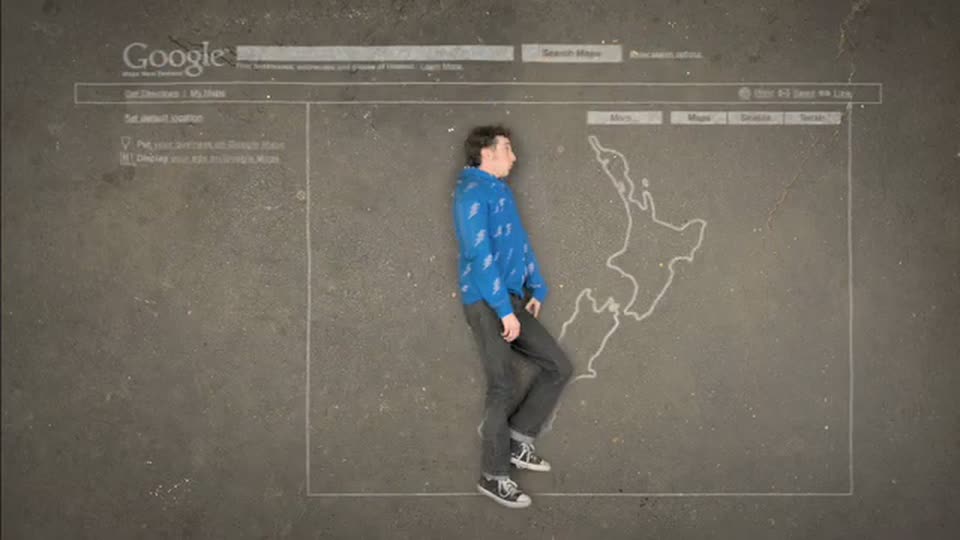 0:20–0:26Google · Street View now available in New ZealandTop-down view of a man in a blue sweater lying on asphalt beneath a Google Maps interface overlay with a white route line. He sits up, stands, and walks across the map panel.
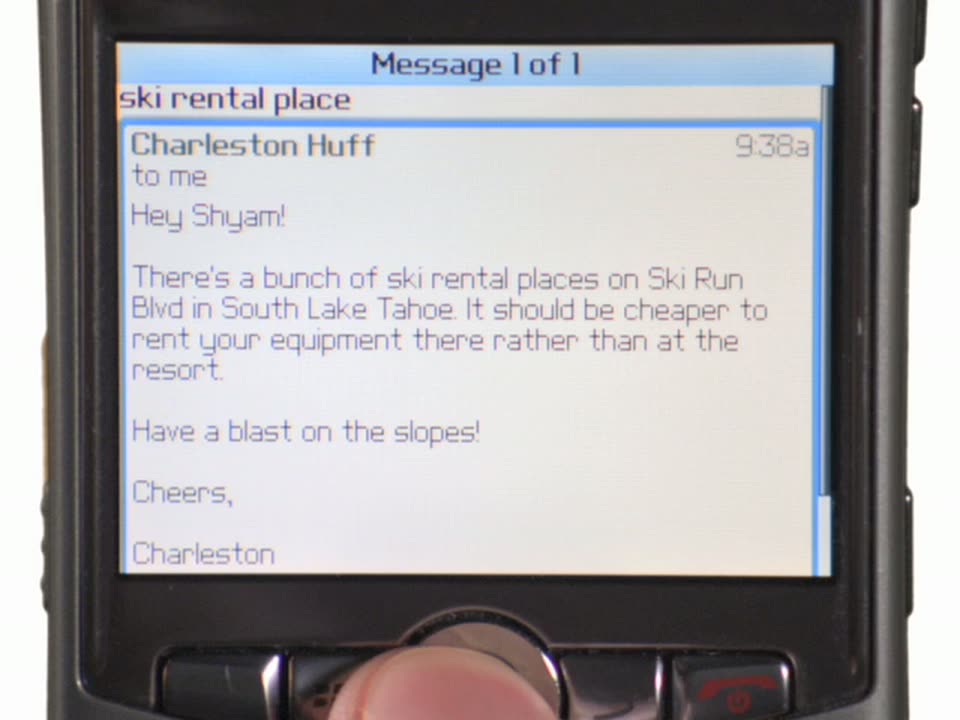 0:16–0:18Google · Introducing Gmail for mobile 2.0A locked-off close-up of a black phone screen shows an email from Charleston Huff about ski rental places in South Lake Tahoe. A thumb rests on the navigation key at the bottom. The screen stays static throughout the shot.
 0:00–0:02Google · New Tab PageA white card shows the gray text New tab page above the colored Google logo. It cross-dissolves into a browser window on the Google homepage, the text and logo fading out as the interface fills the frame.
 0:01–0:04Google · New features in Google Earth 4.3A translucent blue globe with the Google wordmark and the caption “Explore new features in Google Earth.” fades into a satellite view of North America, then dives into San Francisco, where a cursor drags the zoom slider over 3D buildings.
 0:19–0:21Google · Google Maps Street View - launch videoA flat screen capture of the Google Maps interface shows a map of North America, with the United States centered and the search bar and menu tabs along the top edge.
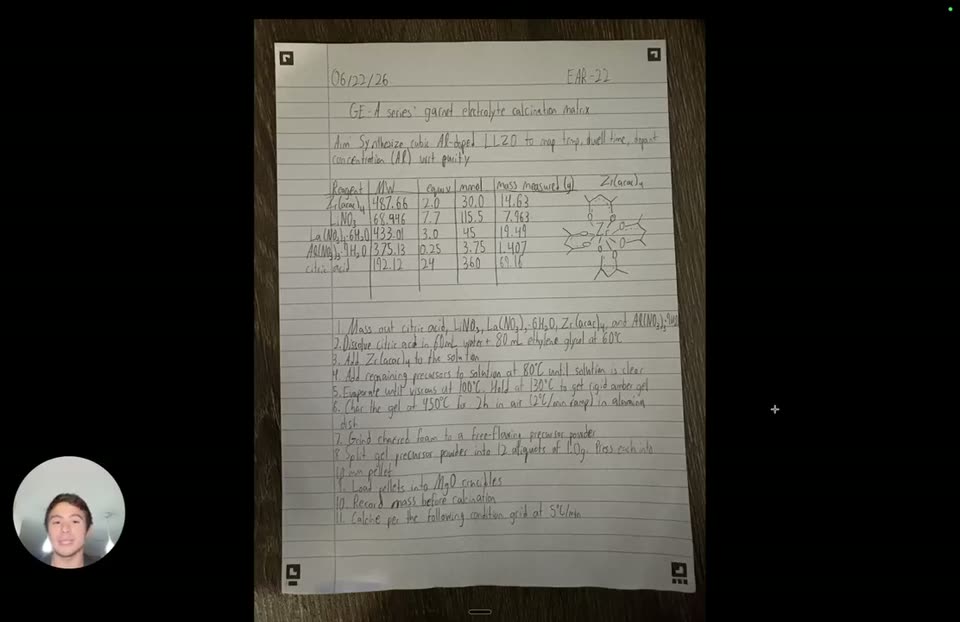 0:27–0:3383 Sciences · 83 Sciences Future of Scientific Discovery | 83 SciencesA handwritten lab notebook page fills a black frame, a small circular webcam of the presenter in the corner. The page straightens, then cuts to the Nova Materials Lab app, where the scan sits in the editor with numbered blue boxes around detected regions.
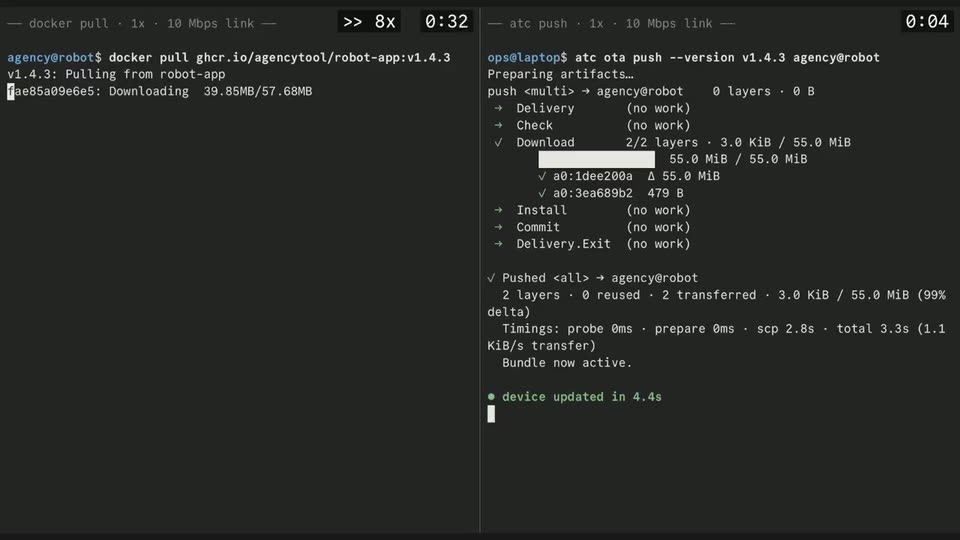 0:44–1:02Agency Tool Company · Introducing Agency Tool Company and ATC Deploy: fast, reliable software delivery for robots. Robotics teams build machines for fields, warehouses, factories, and other places where networks areA split screen pairs two dark terminals. Left, a docker pull crawls, its MB counter and timer climbing; at 10 s a '>> 8x' badge appears and the timer leaps. Right, atc push completes in 4 s, ending on a green 'device updated' line.
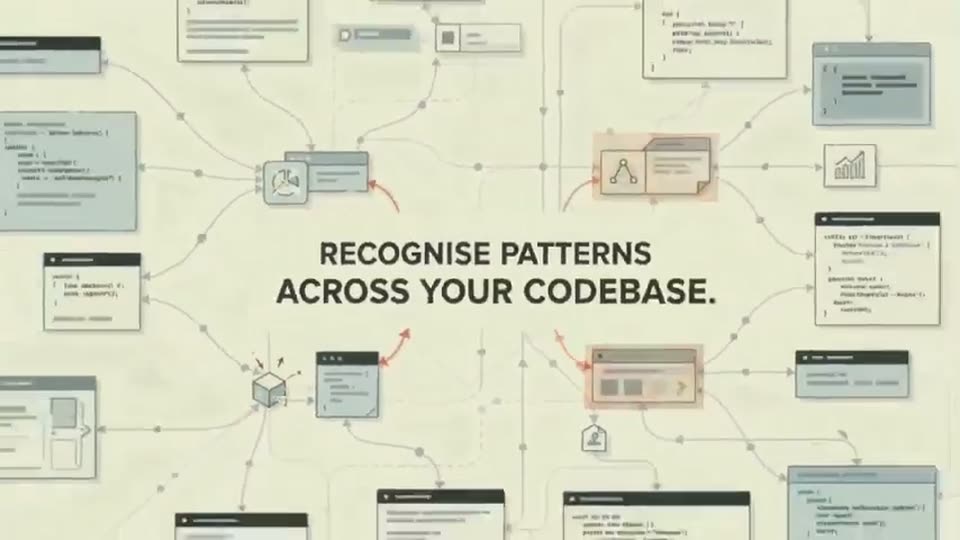 0:32–0:39Akon Labs · #ai #llm #graphs #coding | Akon Labs (YC S26)A flat network diagram of code cards and UI panels on cream paper, linked by thin lines. The camera pushes in as red lines trace connections from a central red logo, orange boxes flag matching nodes, and bold headlines cycle through the center before the map fades out.
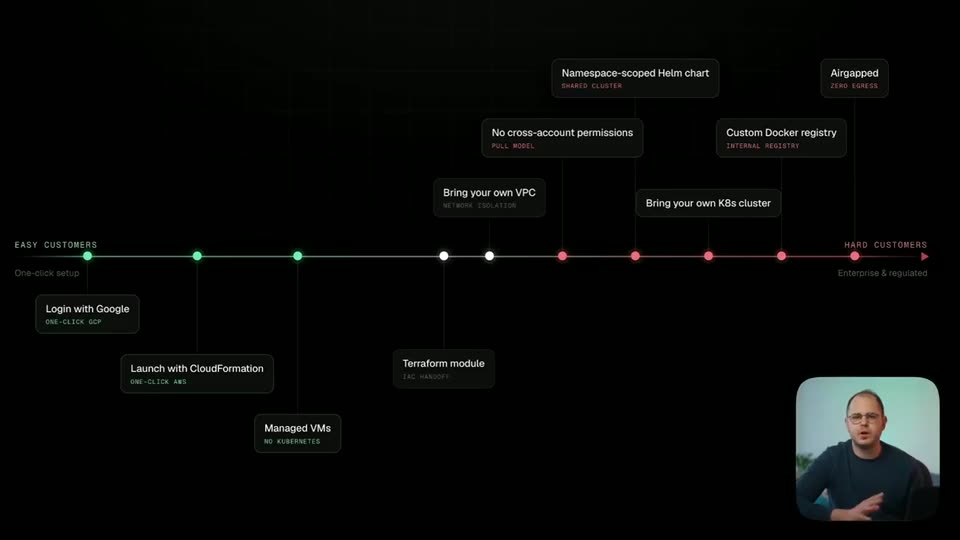 0:58–1:15Alien · We're launching the Alien platform today, backed by a $5M seed from Basis Set, Jibe Ventures, and angels from OpenAI, Google, and Databricks. We've built it so that when your next $300K enterpriseA black-grid timeline diagram builds left to right: green dots and lower callout boxes cover the easy-customer side, then at 10s the line extends into red dots with upper callout boxes for hard customers. A man gestures in a rounded video inset at the bottom right.
 0:21 · 0.8sAlmanac · We just killed two biggest limitations of your favourite AI agents: Their memory and Your laptop Almanac’s agents have unlimited memory, their own computers, browsers and access to the tools theyA tight view of a chat thread with a question bubble and a typing indicator pulls back to a pale gray workspace holding four small white panels, one with a red dot and one with an avatar.
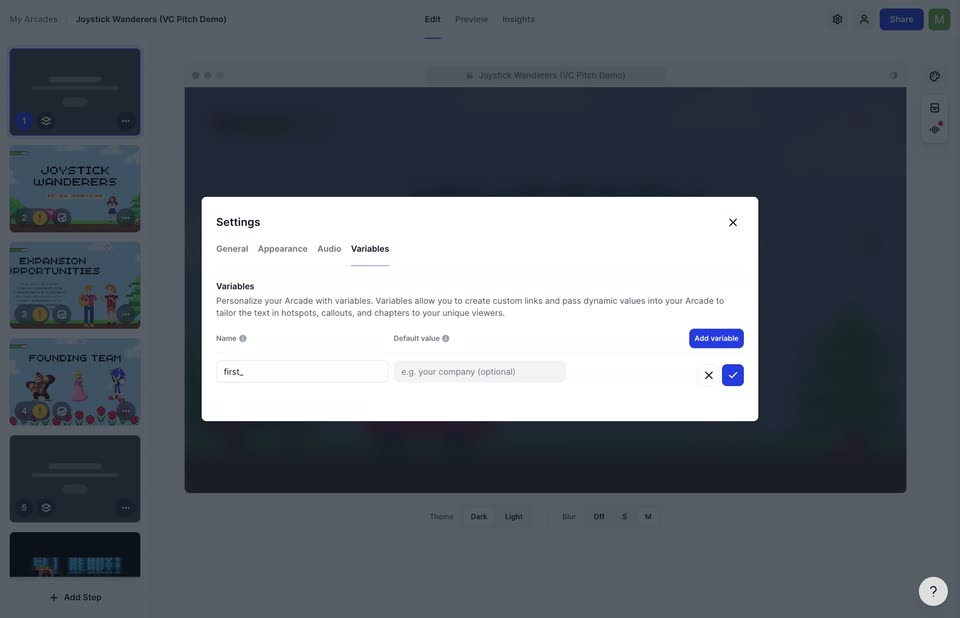 0:03–0:18Arcade · Arcade Adventure 👾A white Settings dialog sits centered over a dimmed app window; the cursor moves from the top bar into the dialog, clicks the Variables tab, then the Add variable button, types first_name into the new row, and confirms it with a checkmark.
 0:50–0:52Asakana · Asakana (YC F26) automates sales and the entire back office for food distributors. Restaurants still order by text, WhatsApp, phone, or a photo of a handwritten note, often not in EnglishA faded harbor scene with a Ferris wheel, boats and fishing nets sits behind a thin grid and scattered blue patches. The word ASAKANA scales up at the center, shifting from a faint outline to solid dark gray.
 0:45–0:47Aside · AsideOn a pale background, a four-row list of spawned subagents with LinkedIn, Netflix and Amazon icons is shown. The view zooms in on the top row until the LinkedIn check fills the frame, the other rows sliding out of view.
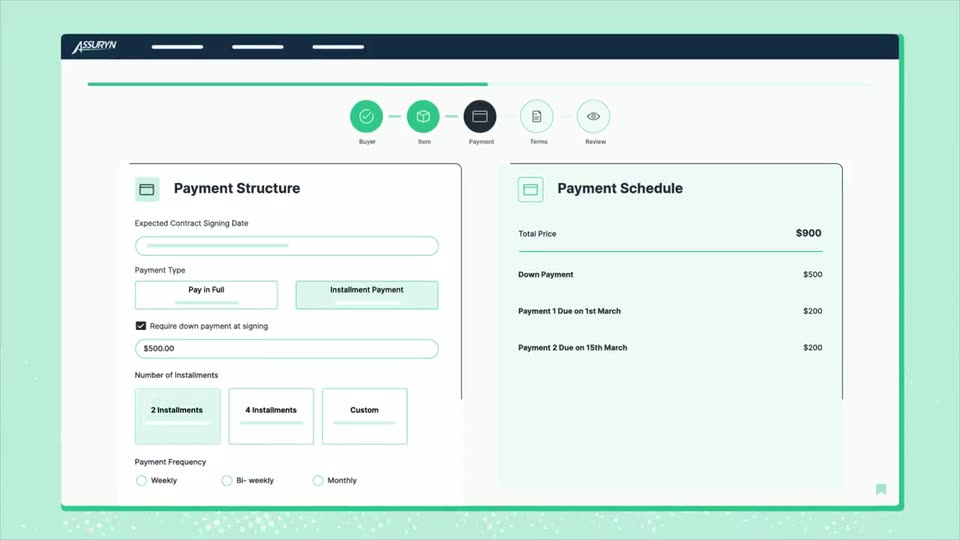 0:23–0:26Assuryn · Assuryn posted on LinkedInA flat payment form UI fades in, then the schedule panel on the right fills with line items one by one. The whole screen slides left to reveal the next view.
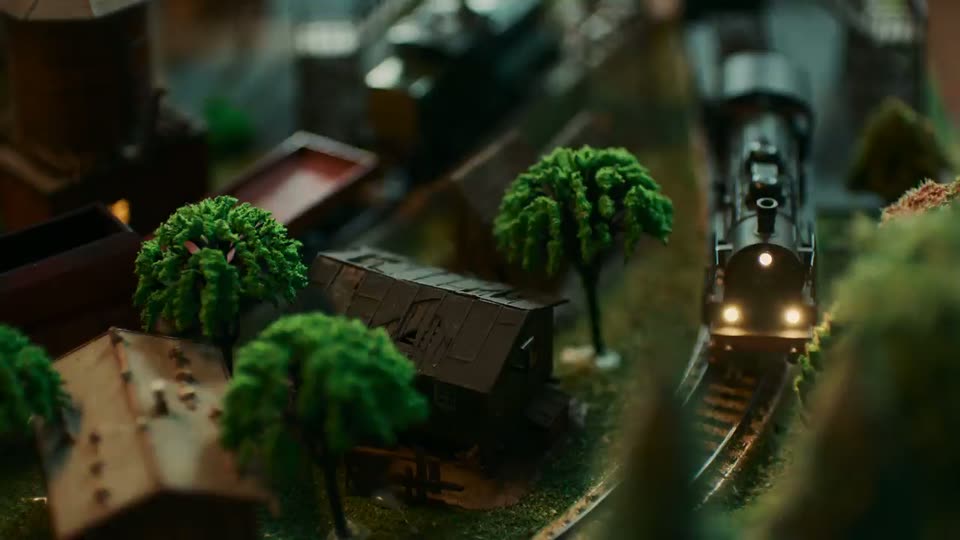 0:33–0:34Ato AI · Introducing Ato, your grandparent’s next computer. Over the past year, more than 2,500 older adults around the globe have used Ato in their daily lives through our beta program, and the adoption… | Ato AIA model steam locomotive rolls along curved tracks through a miniature landscape of tiny trees and a small building, its headlights glowing. A shallow depth of field keeps the train in focus while the foreground foliage and background blur.
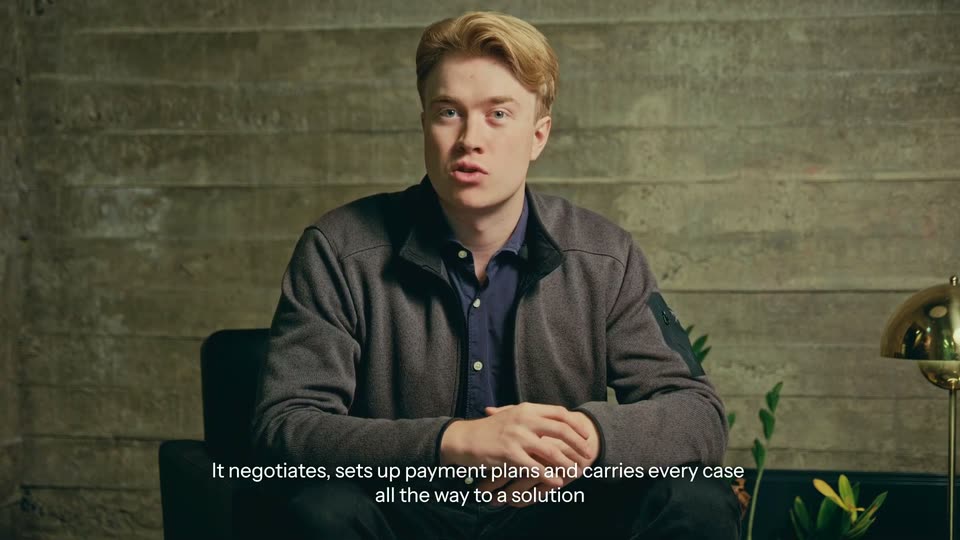 0:23–0:30Audun · Audun launch filmA blond man in a gray fleece jacket sits in a black armchair against a raw concrete wall, speaking to camera and gesturing with open hands. White two-line subtitles sit at the bottom of the locked-off medium shot.
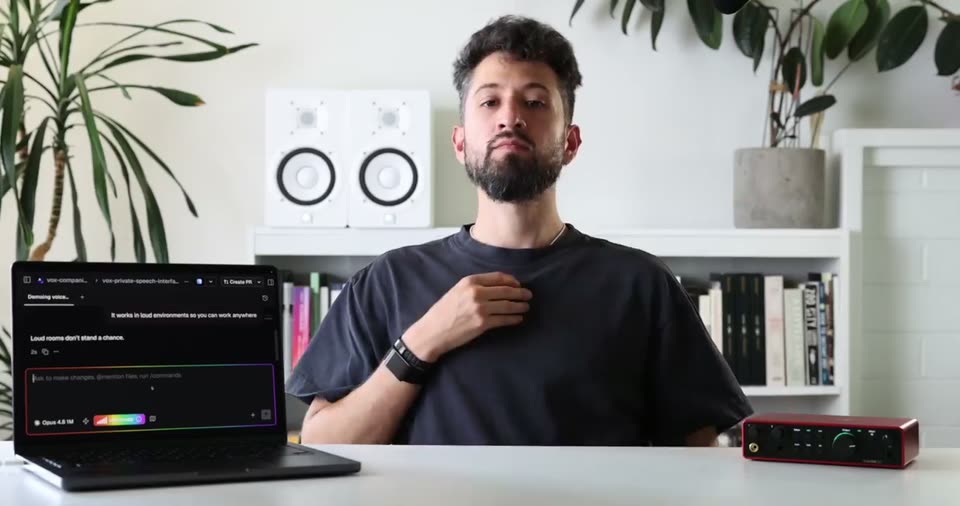 0:24–0:40Augmental · Augmental | 276 likes · 91 commentsA bearded man in a black tee talks to camera, a laptop showing a dark voice app on the left and a red audio unit on the right. He whispers at his collar and raises one finger while the laptop screen switches views. Subtitles sit in black bars below.
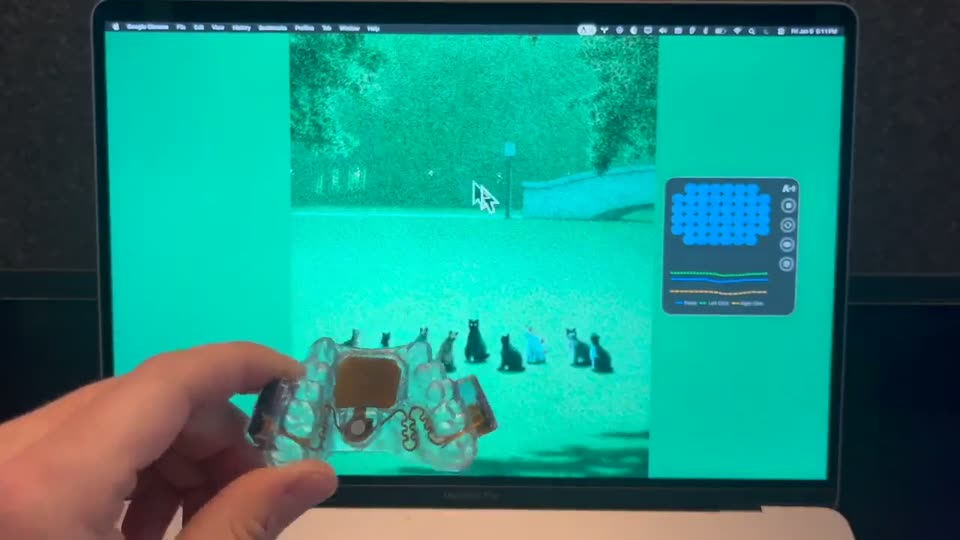 1:01–1:05Augmental · MouthPad is a touchpad you drive with your tongue. Now available across the US. Over 100 people already use it, some for up to 16 hours/day. It works for gaming, for CAD, for Figma, and we're inA hand holds a small clear 3D-printed object with copper wiring in front of a laptop. The screen shows a teal 3D scene of cats on a lawn and a control panel on the right. The hand shifts the object while a cursor moves across the screen.
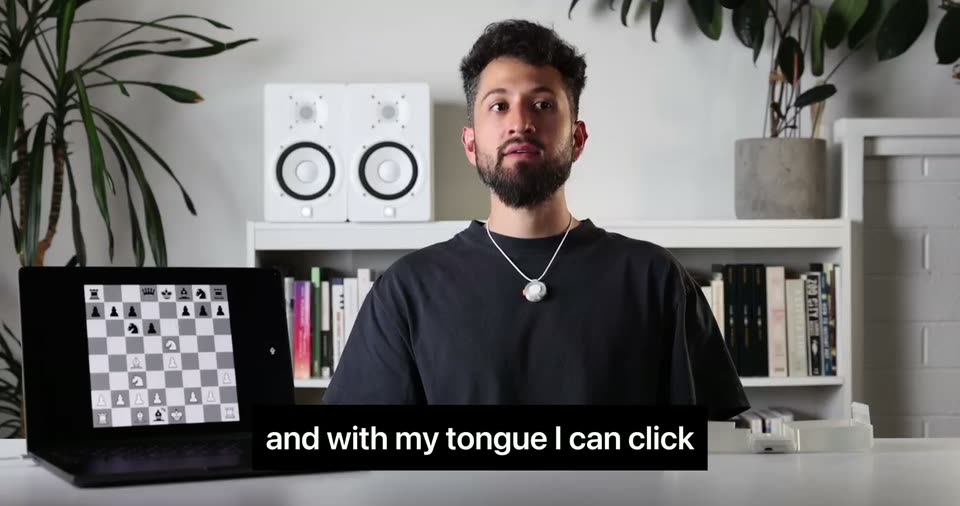 0:08–0:12Augmental · VOX is the keyboard. MouthPad is the mouse. Neither one shows. The game is rigged. The interaction isn't. We built these around the needs of the people the keyboard and mouse were never built for:… | AugmentalA bearded man in a black tee sits at a desk, a laptop showing a chessboard to his left, white shelf with speakers and plants behind him. He speaks to camera, moving his head and face. White subtitle lines on black boxes appear at bottom center.
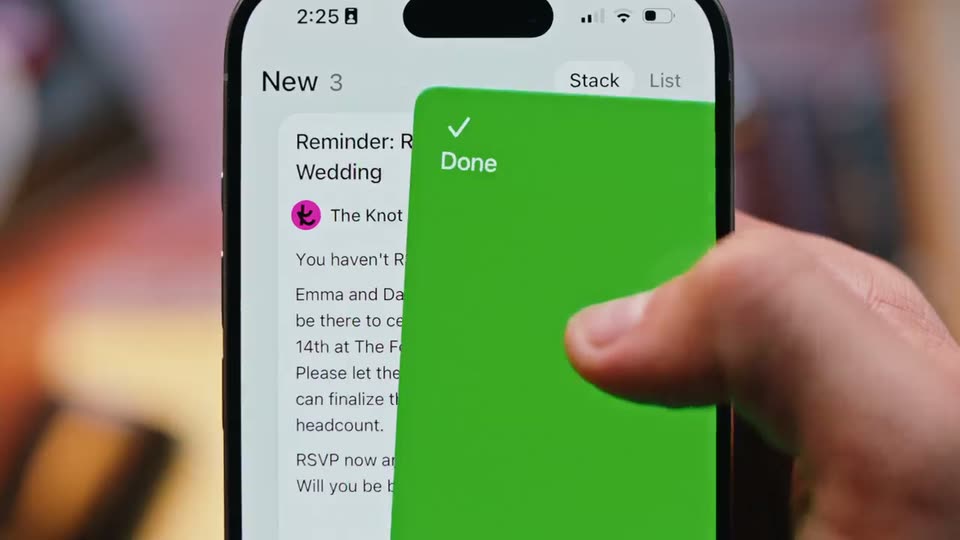 1:15–1:16Avec · Jonathan Unikowski | 219 likes · 63 commentsA hand holds a phone showing an email inbox. A finger swipes a card to the right, sliding a green Done panel with a checkmark across the screen as the email list changes from a Mom message to a wedding reminder.
 0:11–0:13Billow AI Labs · AI can now close your books from Microsoft Teams 🤯 Billow is an AI for Finance that’s built on top of your existing stack (NetSuite, QBO, Bill, Excel, SharePoint, etc.) Tag it in your chat and ask… | Joanathan McIntoshA centered black headline sits above a grid of white pill-shaped integration logos on an off-white background. The logo grid blurs as it drifts horizontally, while a dark caption pill stays fixed at the bottom.
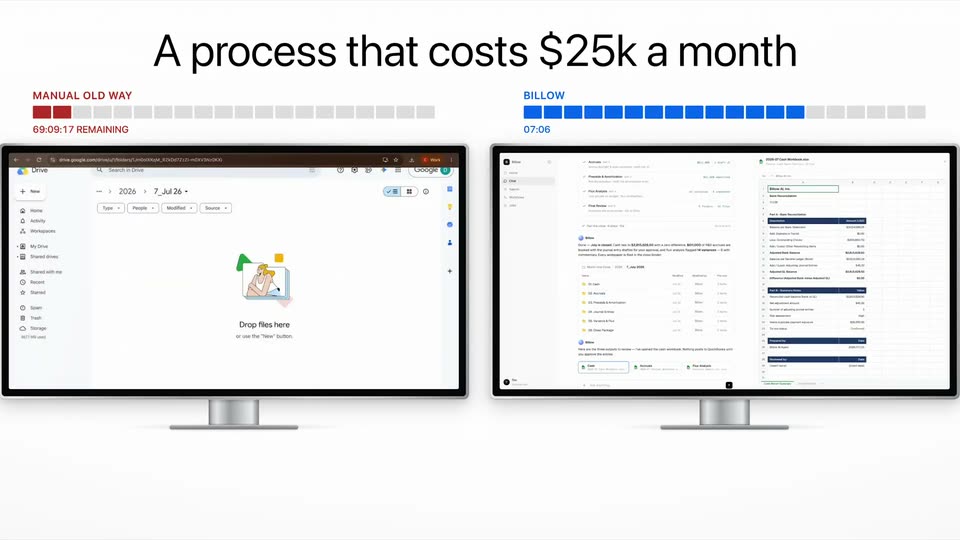 0:22–0:26Billow AI Labs · Billow - YC LaunchTwo flat iMac screens sit side by side on white. The left cycles an invoice sheet, Drive list and folder dialog under a red countdown; the right holds the Billow app with a blue timer. The top headline swaps lines, ending on 'and still takes two weeks'.
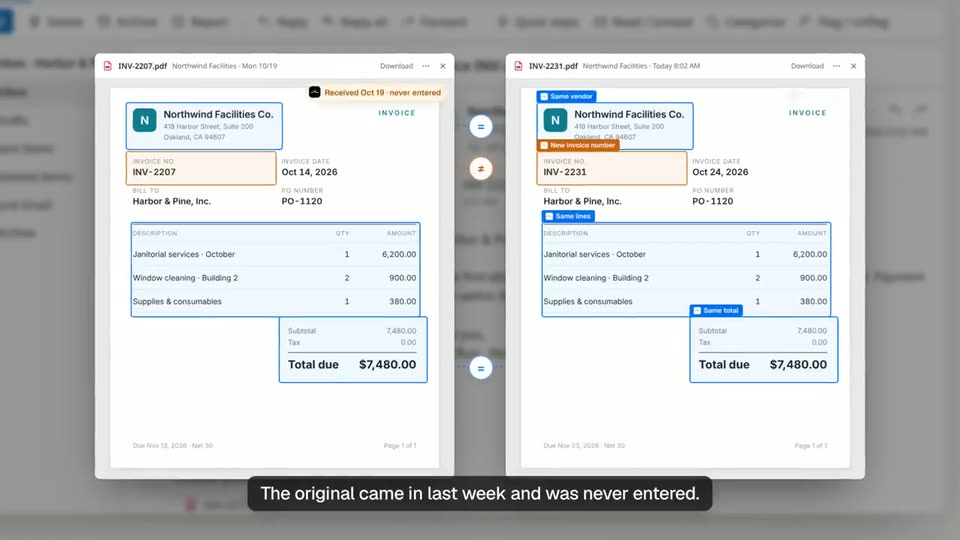 0:04–0:10Billow AI Labs · Last week, we showed our AI running Accounts Payable and many were skeptical 👀 "What if the AI misses a duplicate invoice, or pays a scammer?" So we made this video to show the guardrails weTwo invoice PDFs sit side by side over a blurred app background. Blue outlines and tags mark the matching vendor, lines and totals, orange outlines flag the differing invoice numbers, then a red REJECTED stamp reading Duplicate of INV-2207 lands on the right document.
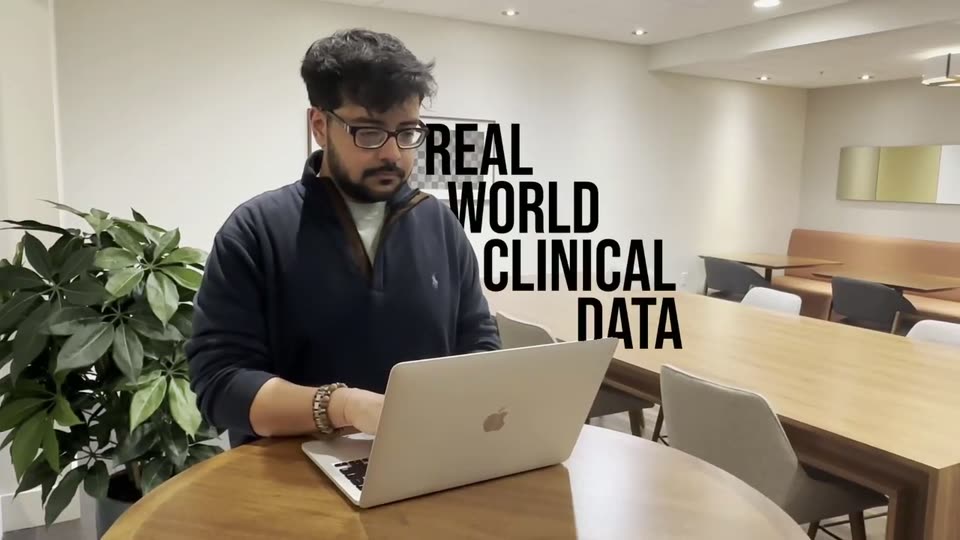 0:36–0:37BioStack Platforms · BioStack Platforms launch filmA man with glasses and a beard sits at a round wooden table in a bright office, typing on a silver laptop. A large green plant fills the left edge. Bold black words stack on the right, with DATA dropping in below CLINICAL.
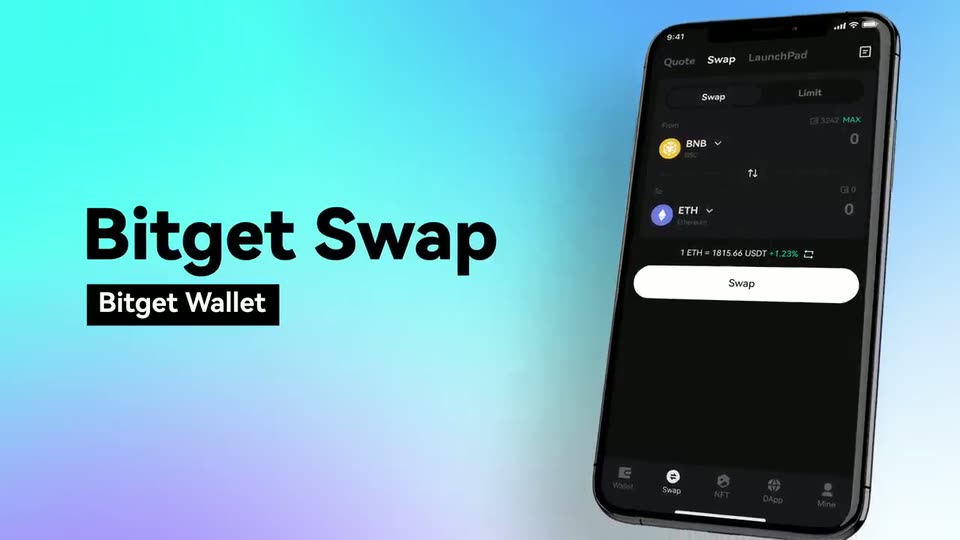 0:45–0:49Bitget Wallet · Bitget Wallet | 8 likes · 1 commentA 3D phone on the right displays a dark swap screen with BNB to ETH fields and a white button, easing from a tilted angle toward the camera. On the left, a bold black 'Bitget Swap' headline and a black 'Bitget Wallet' tag sit on a teal-to-purple gradient.
 0:11 · 0.4sBitstack · A new Bitstack has landed. 👀 New logo. New colours. New app. Same ambition: helping you own your financial future. Don’t worry, your bitcoin is still where you left it. What hasn’t changed isA grainy dark frame snaps into focus, revealing a yellow rounded-square eye logo beside the white word Bitsta and a gray tagline, while yellow and black squares fill the background.
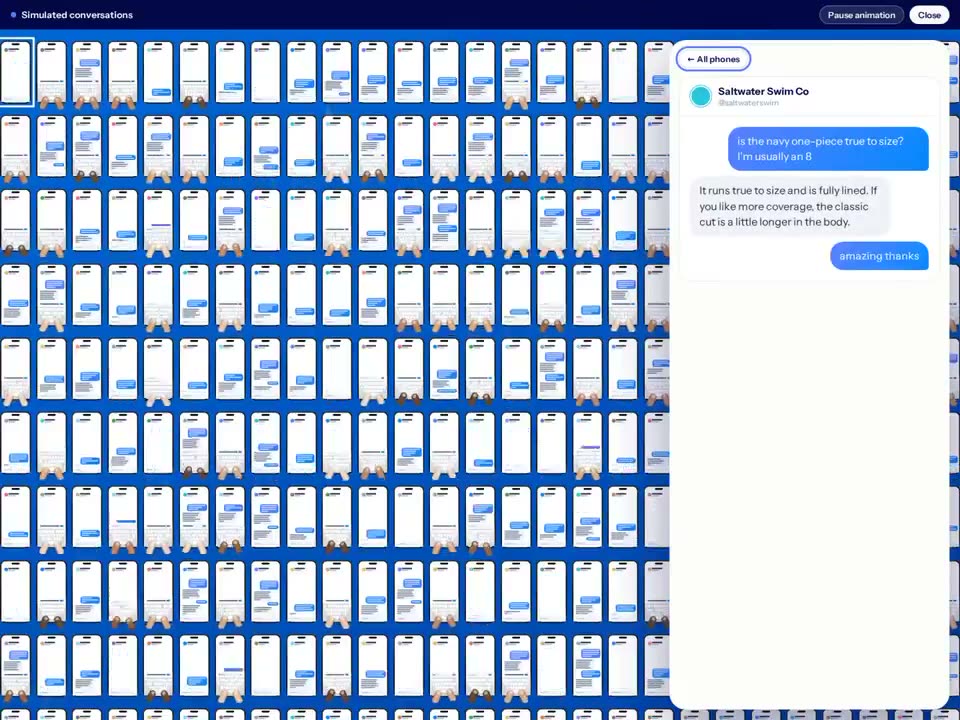 0:03–0:07Blueberry · We talk a lot about 1:1 at scale. This is what it actually looks like. | BlueberryA blue field of dozens of small phone screens loops through chat bubbles. A white card on the right shows one conversation in detail: a sizing question, a bouncing typing indicator, then a reply and a thank-you bubble scale into place.
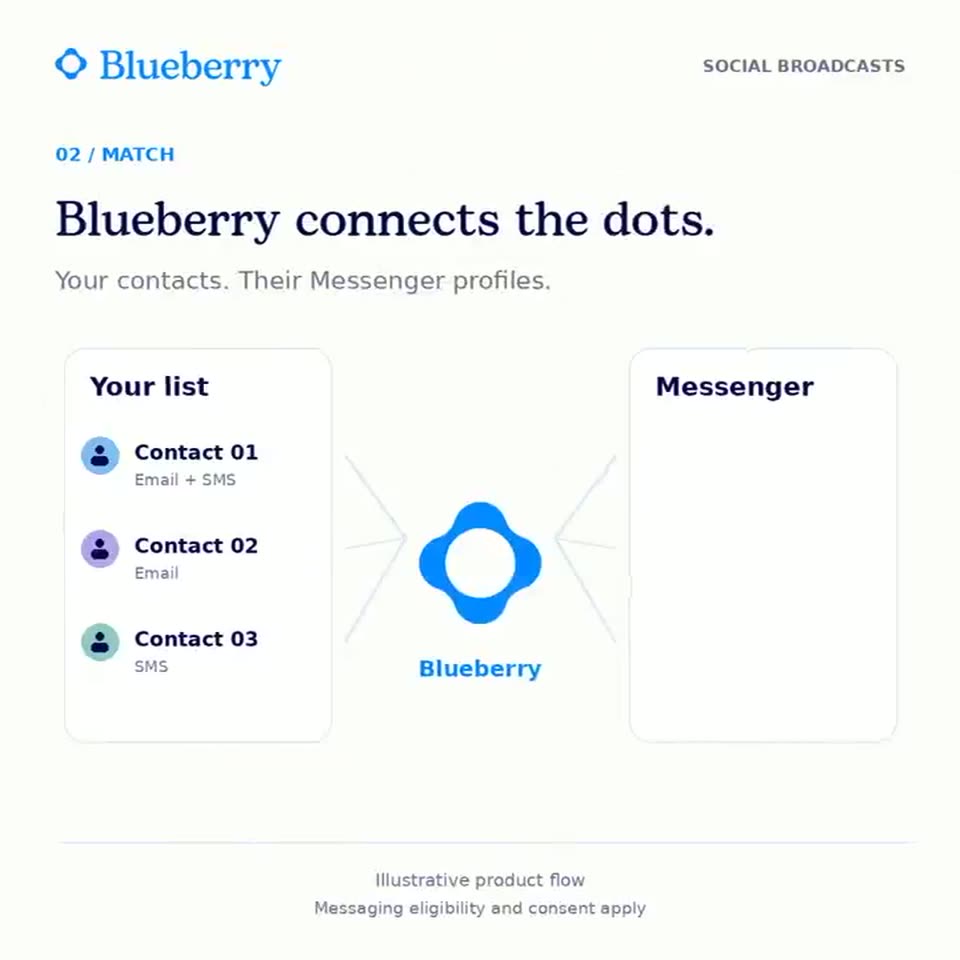 0:03–0:04Blueberry · Your email and SMS campaigns have another place to go this Black Friday. Upload your lists. Blueberry matches eligible contacts to Messenger profiles. Send your campaign to customers who've agreed… | BlueberryA wide Blueberry marketing page scrolls horizontally, panning from an upload section with email and SMS list cards and a progress bar into a match section that pairs contact cards with a Messenger profile.
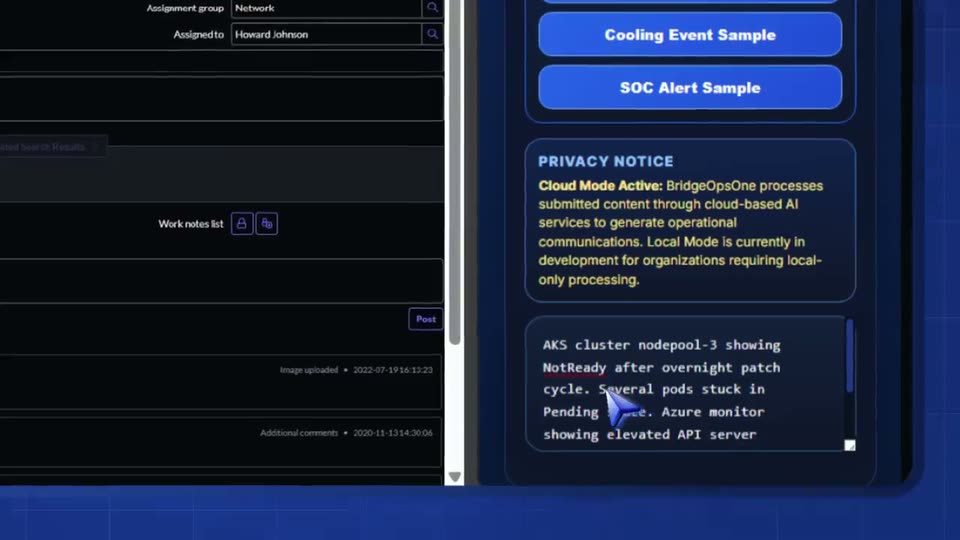 0:20–0:22BridgeOpsOne · BridgeOpsOne Platform Overview | BridgeOpsOneTwo UI panels hover above a blue grid floor. The left shows a dark incident list; the right scrolls up past blue sample buttons and a privacy notice to a monospace status box with a cursor.
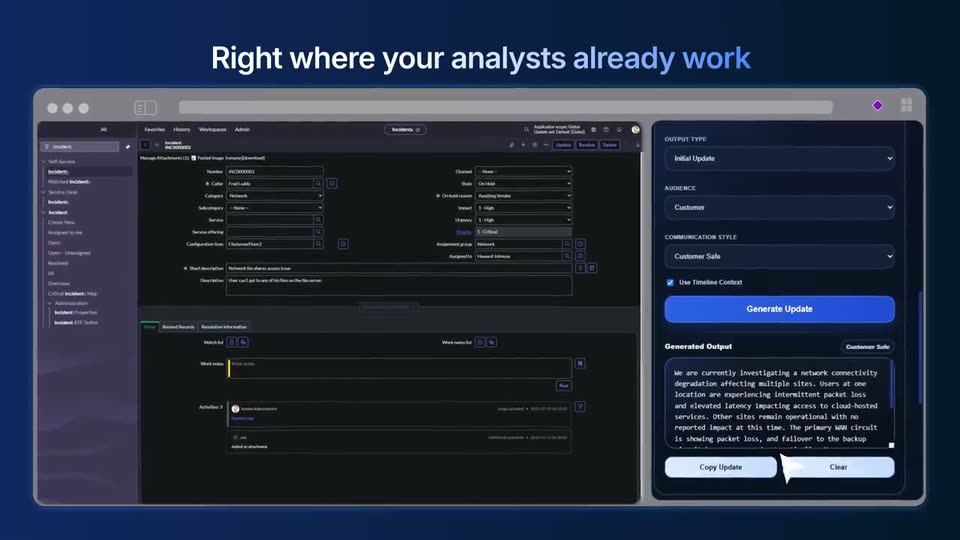 0:19–0:32BridgeOpsOne · Turning Technical Details Into Clear Operational Updates | BridgeOpsOneA dark blue background holds a tilted browser mockup showing a ticketing screen and a right-side update panel. A cursor clicks Generate Update, generated text appears in the output box, then the cursor moves toward Copy Update as top headlines change.
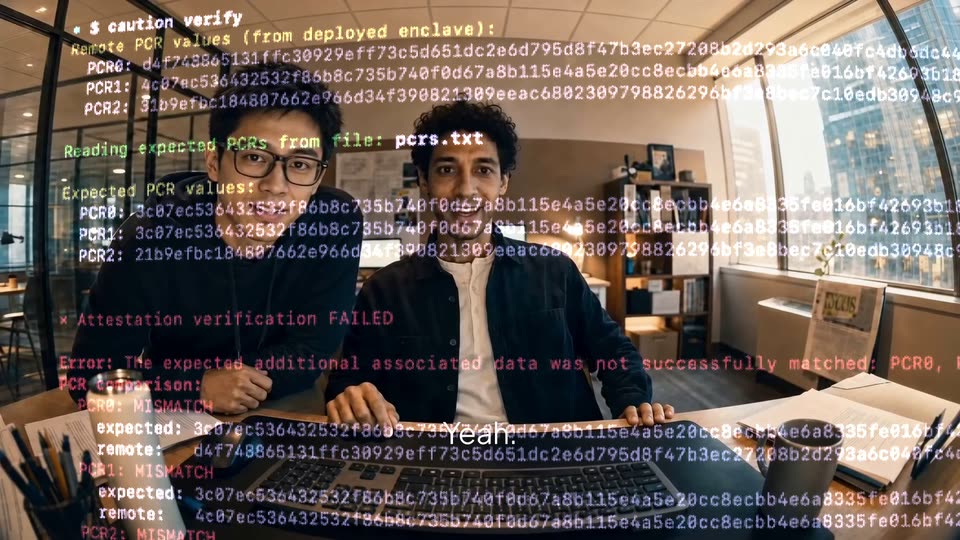 1:01–1:14Caution · Caution launch filmA man at a desk in a warm office types and watches the camera as a monospace terminal log fills the left of the frame with a verify command and red errors. A second man with glasses leans in; the first leans toward the camera as the shot pushes in.
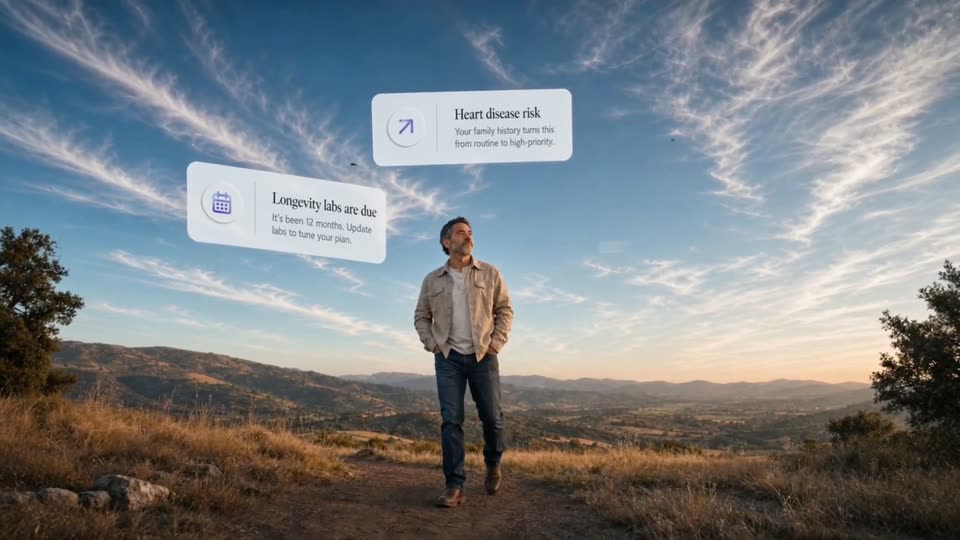 0:16–0:20Clara · Clara launch videoA man in a beige jacket and jeans walks toward the camera along a hilltop dirt path beneath a wide blue sky streaked with cirrus clouds. Three white rounded cards, each with a small icon, fade in one by one around his head, tilted in 3D perspective.
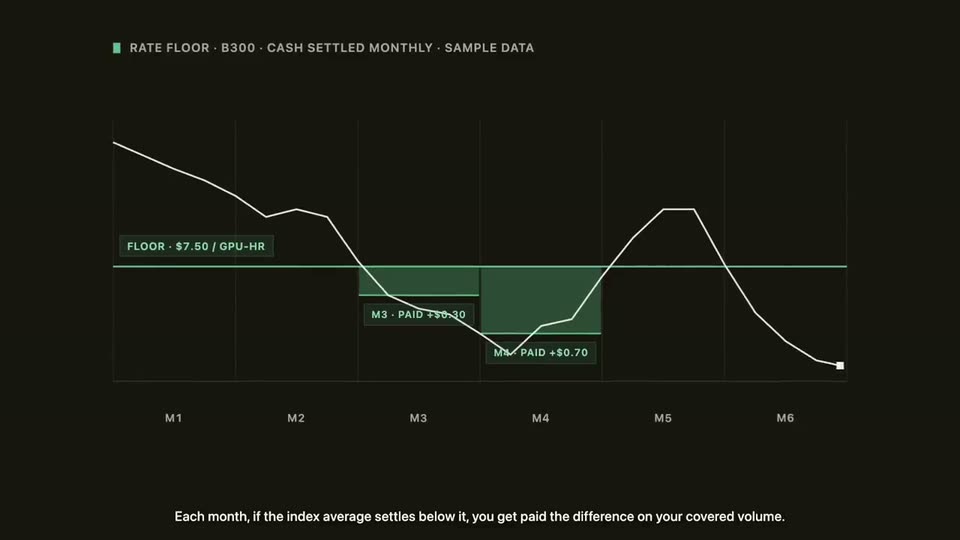 0:23–0:37Computable · Introducing the Rate Floor Pricer: like insurance on GPU prices, estimated in real time. GPU leases have become massive price bets. To meet surging demand, companies are signing multi-year GPU… | ComputableOn a black chart, a green floor line draws across, then a white price line plots down from M1 to M6, dipping below the floor. Green bands fill the dips with payout labels, and the headline KNOW YOUR WORST CASE fades in below the axis.
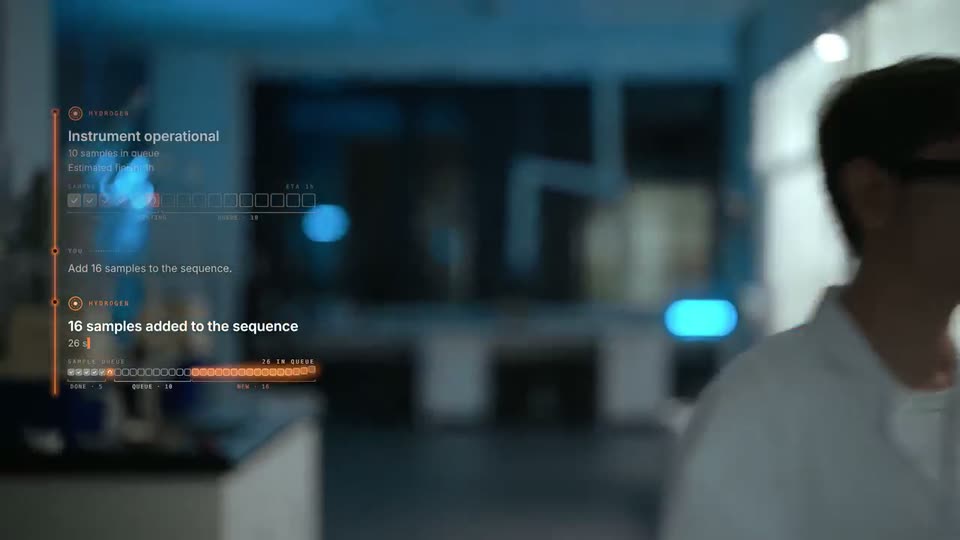 0:08–0:12DeepPrinciple · #aiforscience #scientificdiscovery #deepprinciple | Deep PrincipleA bespectacled man in a white lab coat stands in a blue-lit lab holding a sample tray, speaking to camera. An orange-accented status panel on the left updates with chat lines and a filling queue bar as he turns and walks off to the right.
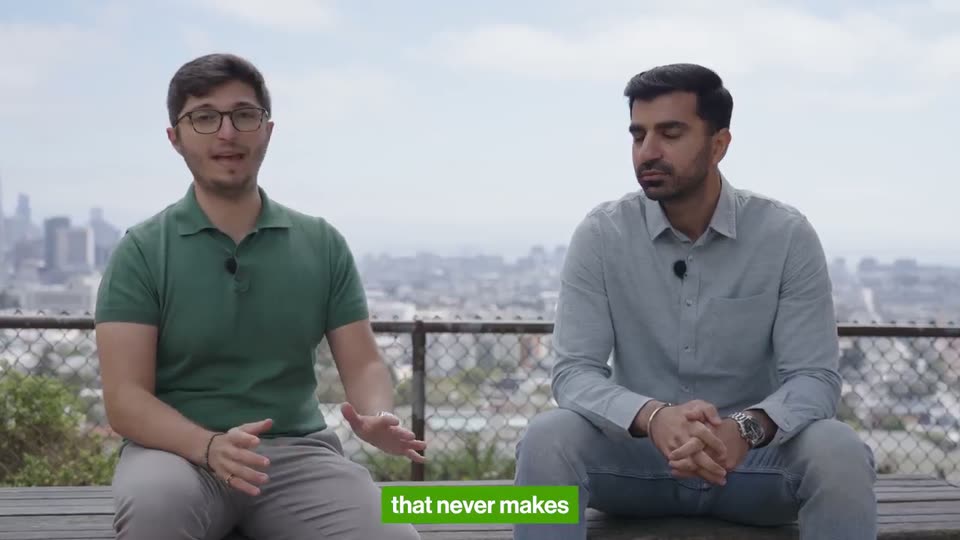 0:26–0:29Dipole Labs · Dipole (YC S26)Two men sit on a rooftop bench against a hazy city skyline. The man in a green polo gestures as he speaks while the man in a light shirt listens. A green caption box at the bottom swaps phrases as the line progresses.
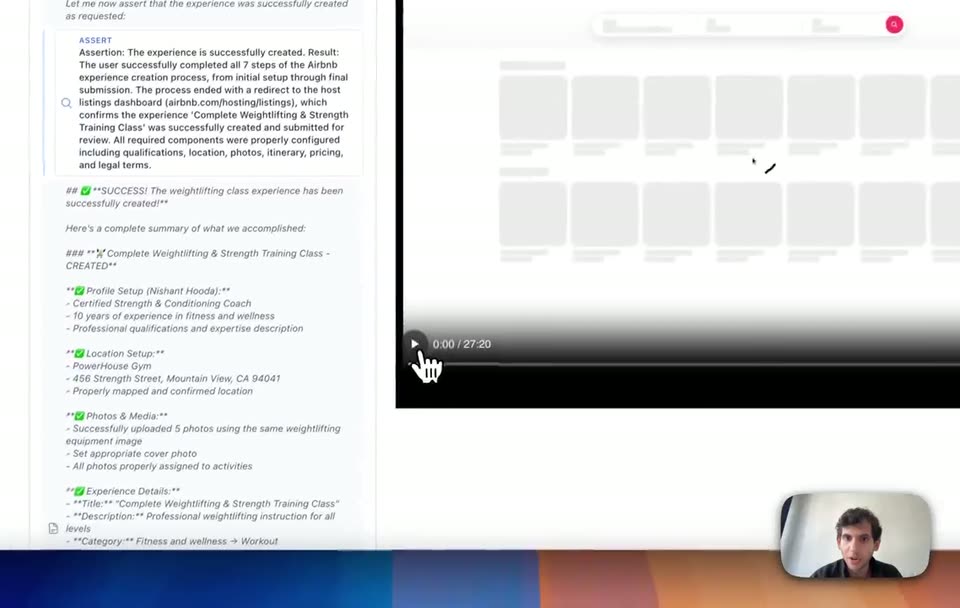 2:16 · 0.7sDocket · #ai #qa #e2etest #yc #airbnb #productmanagement #developerexperience | Docket (YC P25)A two-pane interface: a markdown document fades in on the left while a video player on the right loads from a spinner into a grid of listings, a hand cursor on the play control. A webcam tile of a presenter sits in the corner over a gradient backdrop.