Feature reveal
A sequence devoted to one feature: its announcement and its demo.
88,767 scenes · page 635 of 1480
 0:54–0:56Adobe · Introducing the Adobe Common Controls Framework (CCF) | AdobeA man in a checkered shirt speaks in a tight close-up, set right of frame against a soft-focus window and green foliage. The locked-off shot holds while a small text label is revealed.
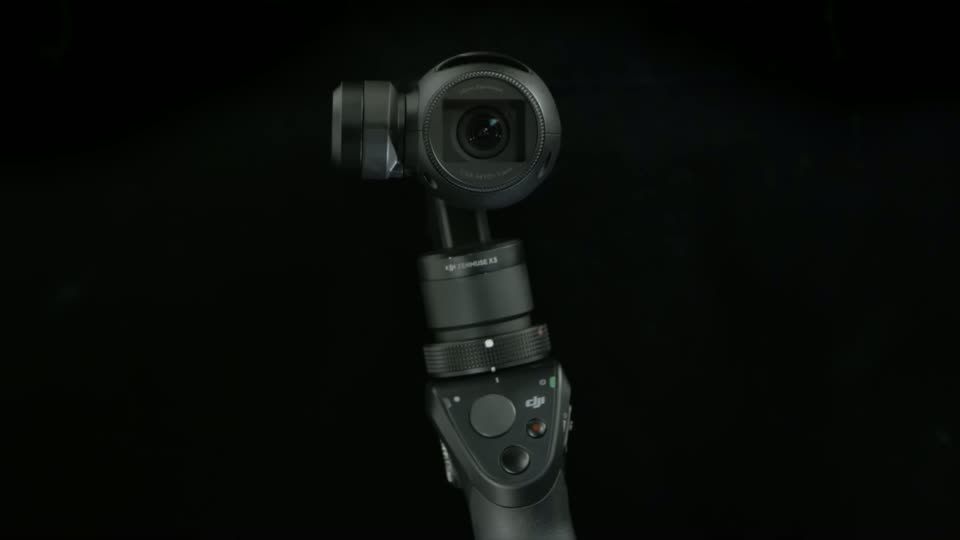 0:43–0:46DJI · Introducing the DJI OsmoA black handheld gimbal camera is centered on a pure black field. The camera head tilts to one side and back in a slow, smooth arc, showing its range of motion, while the handle and lens stay locked in frame.
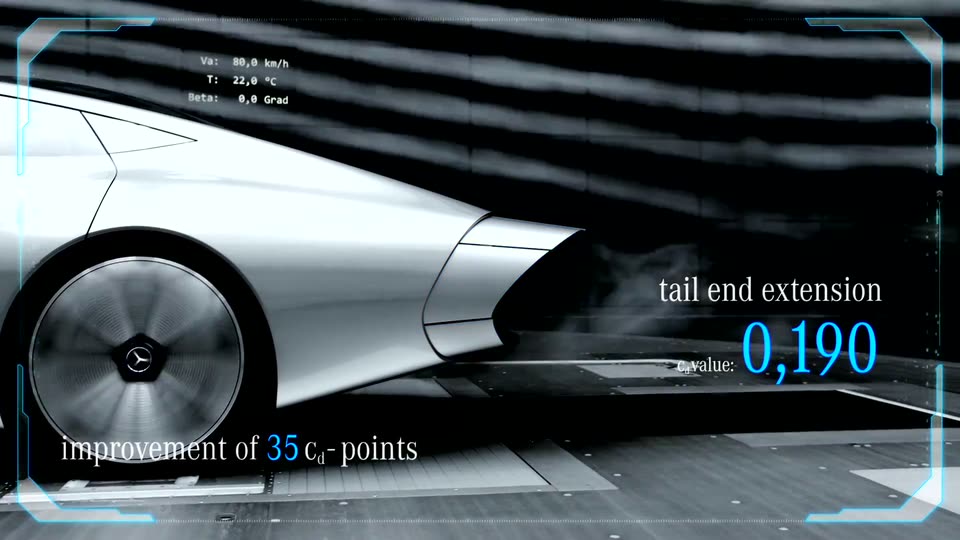 1:18–1:21Mercedes-Benz · Intelligent Aerodynamic Automobile – the “Concept IAA” – Mercedes-Benz originalA silver concept car is shown in side view inside a wind tunnel, rear wheel spinning, enclosed by a glowing blue HUD frame. The tail panel folds out to extend the rear, and the blue Cd figure drops from 0,225 to 0,190 as captions fade in.
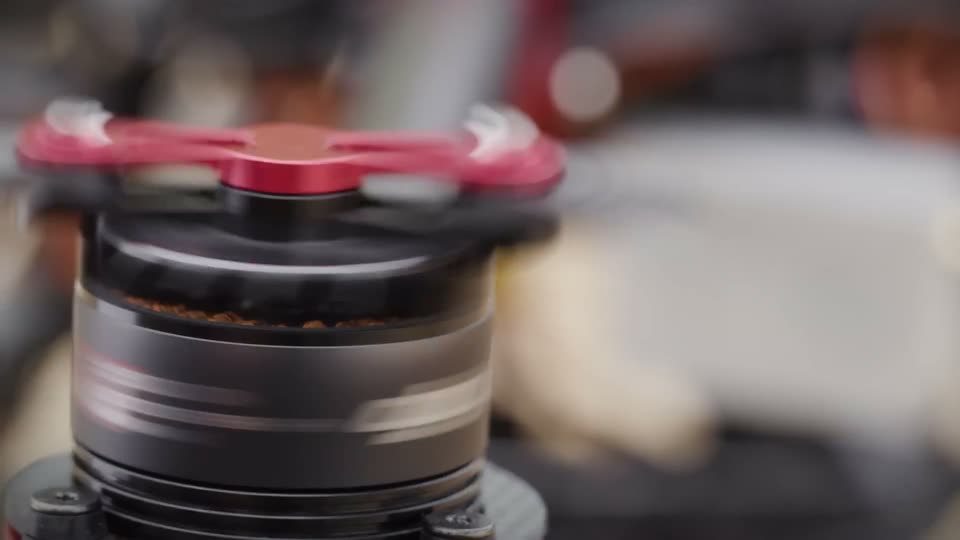 1:05–1:06DJI · DJI - Introducing Lightbridge 2A macro close-up of a black cylindrical motor with a red three-pronged knob. The knob spins, blurring, while the focus racks from soft to sharp, revealing copper windings inside the body against a blurred workshop background.
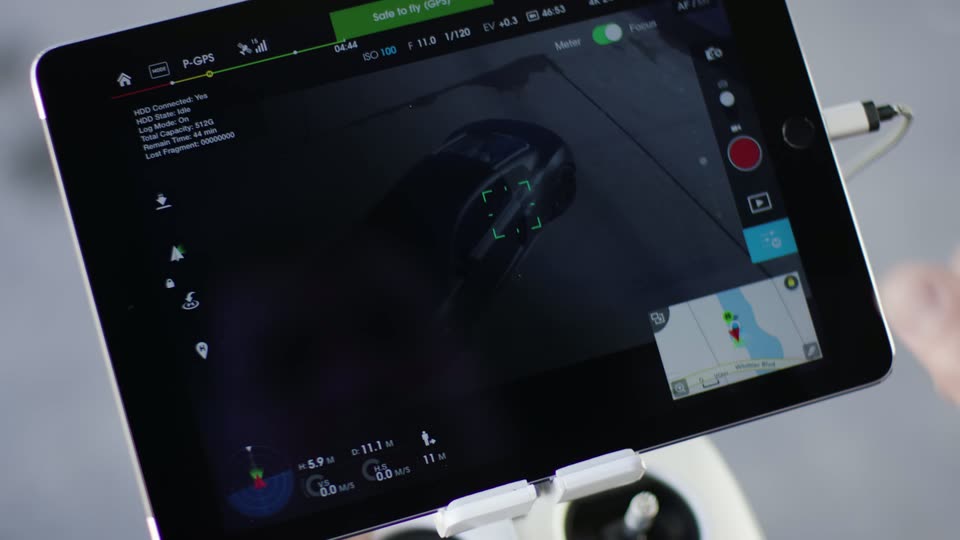 0:53 · 0.7sDJI · DJI - Introducing the DJI Zenmuse X5 SeriesA tablet on a white stand shows the drone app with a top-down view of a dark car and a green focus bracket. A hand enters from the right and taps the screen near the red record button.
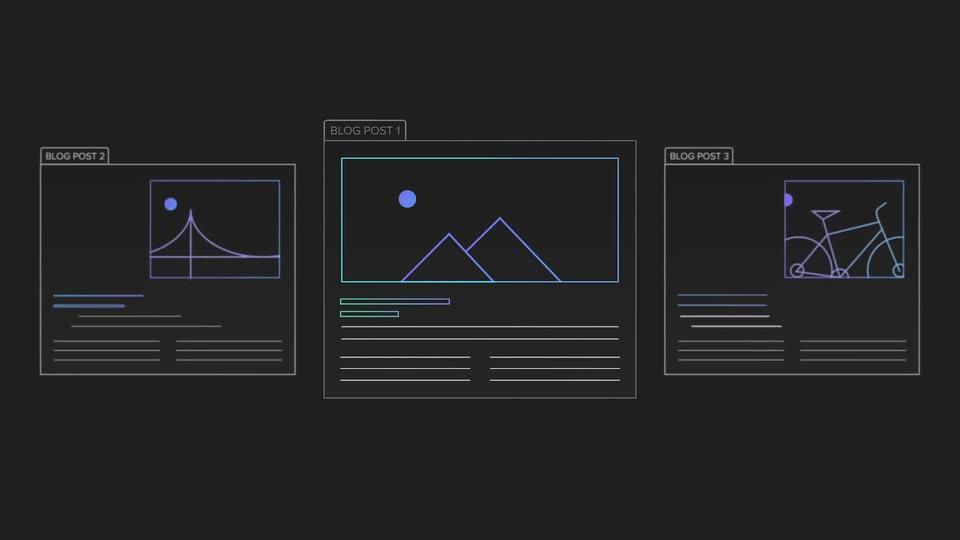 0:51–0:56Webflow · Introducing Webflow CMSOn a dark background, a pile of overlapping wireframe blog-post cards settles into three columns. The middle card, labeled BLOG POST 1, grows while the side cards shrink, then all three image placeholders expand to full width as extra wireframe blocks slide in at the edges.
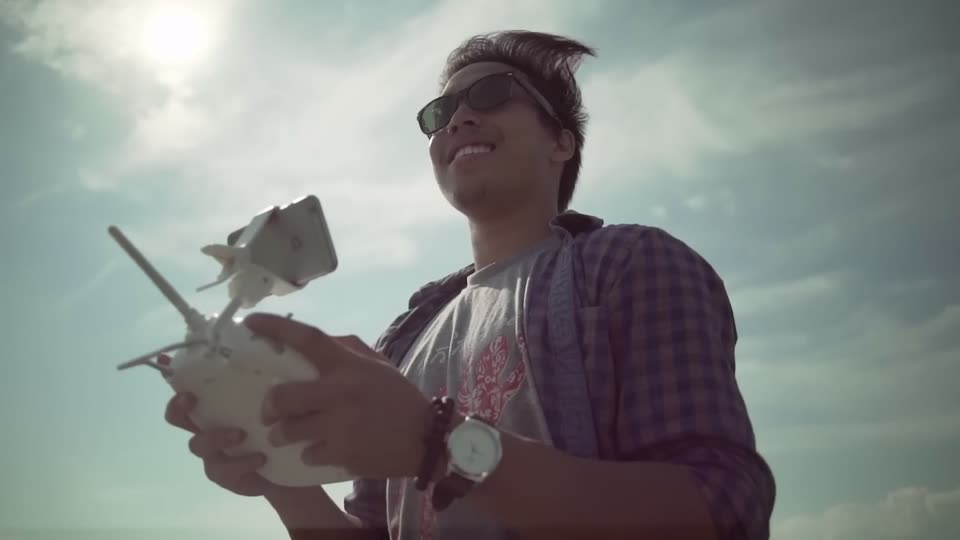 1:05–1:07DJI · Introducing the all-new DJI GO mobile appA smiling man in sunglasses holds a white drone controller with a phone mounted on it against a bright sky, then the shot cuts to a close-up of the phone screen showing a live aerial view of a vineyard in the drone app.
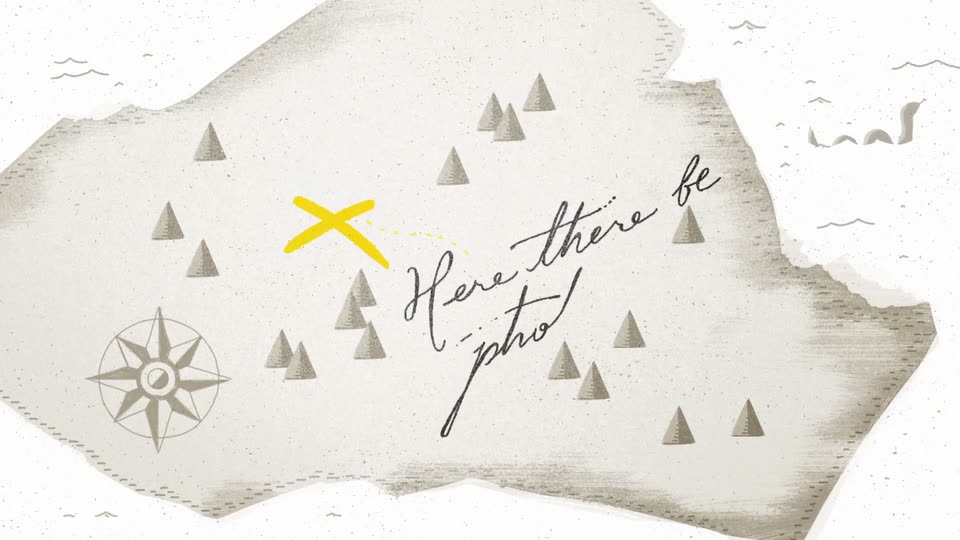 0:47–0:50Google · Introducing Project SunroofA torn-paper treasure map grows on a speckled white background. Triangle mountains, a compass rose and wavy water lines draw in, then dark cursive script writes the line, the last word underlined with a yellow highlighter stroke.
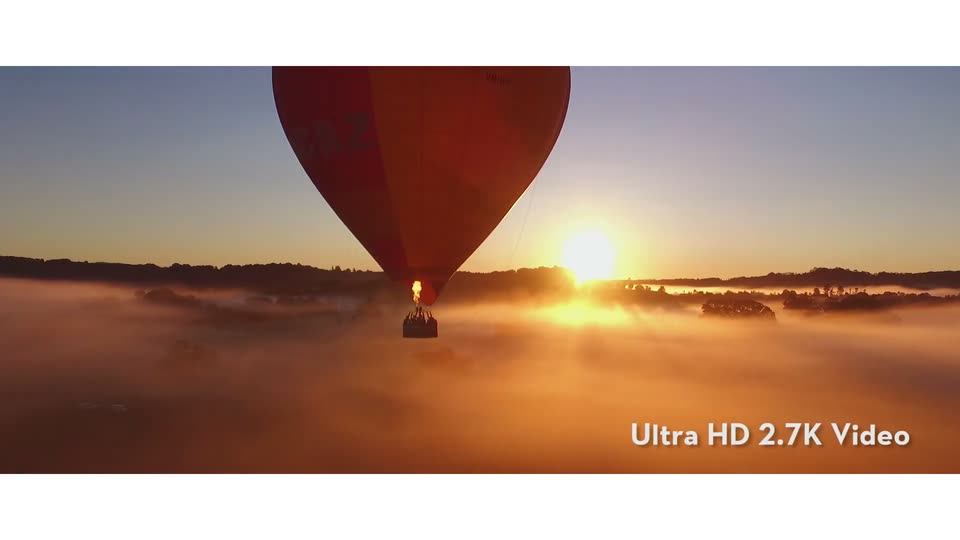 1:30–1:33DJI · DJI - Introducing the Phantom 3 StandardA letterboxed aerial view holds on an orange hot air balloon floating above a thick layer of morning fog, the sun burning low behind a dark tree line. The burner flame glows in the basket while the balloon drifts gently. A white caption sits in the lower right corner.
 1:00–1:05GitHub · Introducing Atom 1.0!A grainy close-up of a code editor: a partial comment line on the left, a diff column of gray, green and red bars on the right. The view drifts down and settles on the status bar reading UTF-8, C, master, +102, -20.
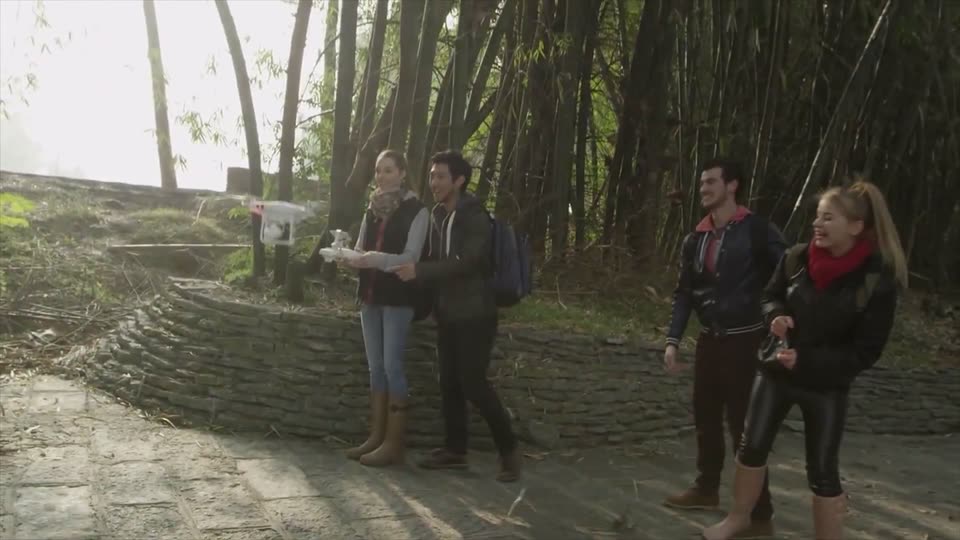 0:35–0:37DJI · DJI - Introducing the Matrice 100 and GuidanceA white quadcopter drone hovers low over a sunlit stone path while a group of five people stand behind a low stone wall in a wooded area. One woman holds a white remote controller; the others smile and watch the drone.
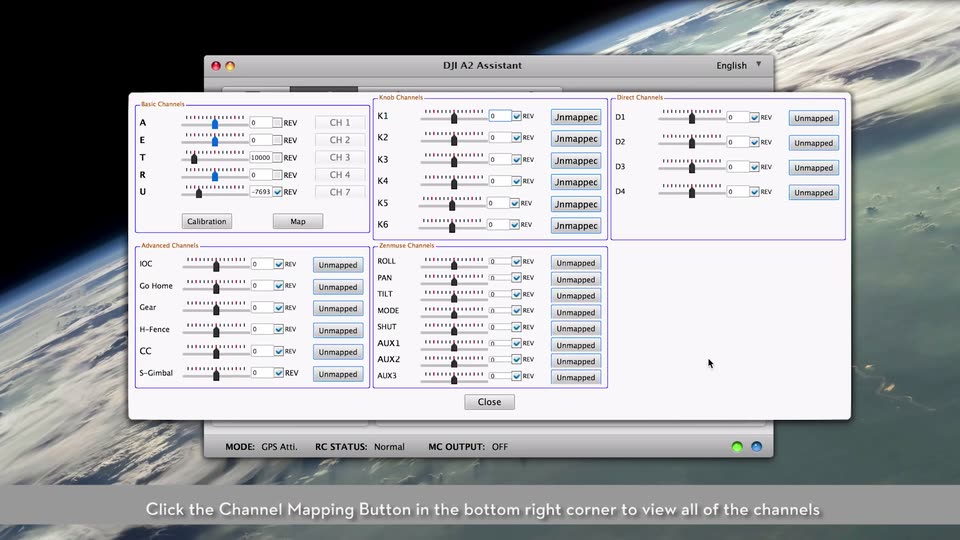 0:45–0:49DJI · New A2 Firmware (V2.5) IntroductionA macOS window of the DJI A2 Assistant shows a grid of channel sliders and mapping buttons over a satellite view of Earth. A cursor drifts across the right panels as the buttons flip from numbered channels to Unmapped. A gray caption bar at the bottom gives the instruction.
 0:17–0:18Google · Introducing Google Calendar for iPhoneA single line of thin gray text, “And take them someplace new.,” sits centered on a plain off-white background. The frame is locked off and the text holds static for the full duration.
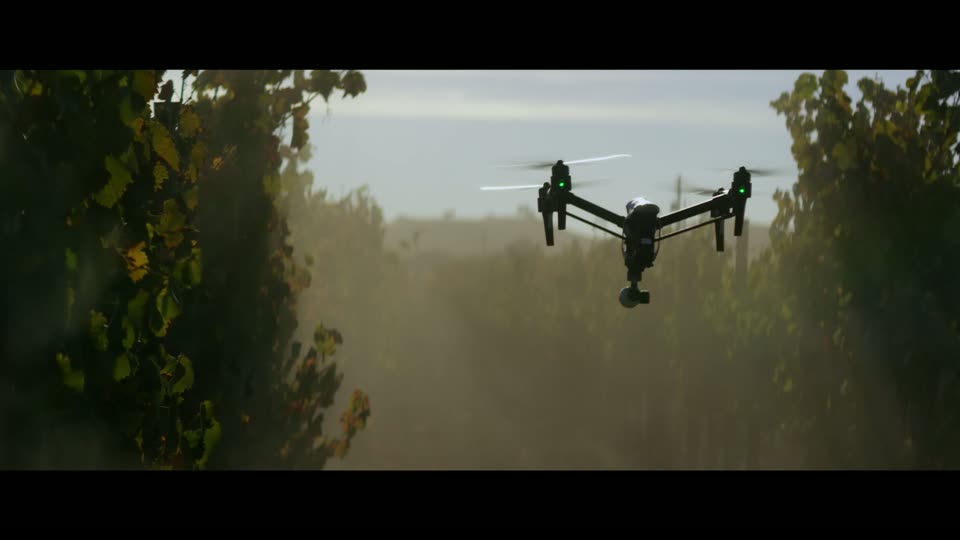 0:35–0:36DJI · DJI – Introducing the Inspire 1A black quadcopter drone with green status lights and a gimbal camera hovers and glides left through a misty vineyard, rows of leafy trees framing the hazy background. The drone stays centered as the camera tracks it across the rows.
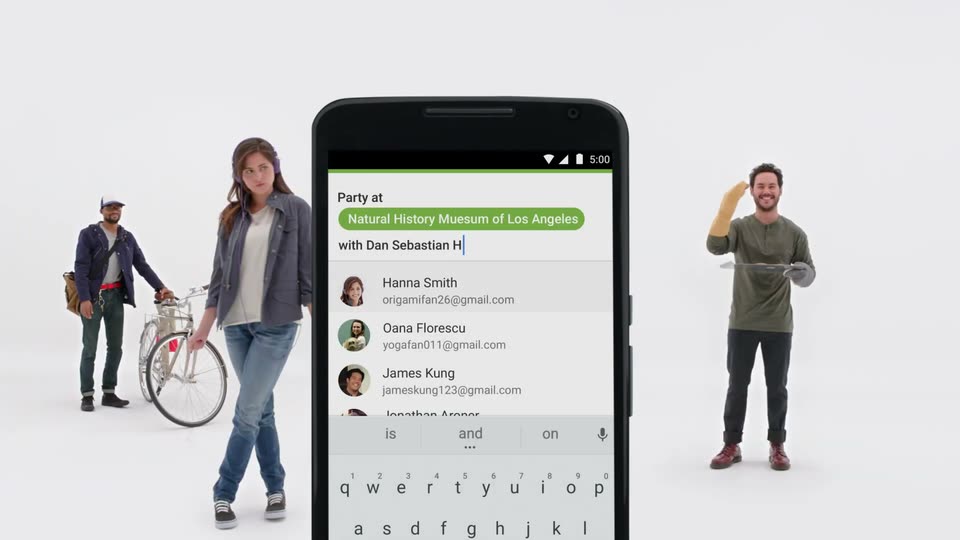 0:17–0:20Google · The new Google Calendar app for Android and iPhoneA black phone mockup in a white studio types an event invite and adds guests on screen. Museum artifacts on pedestals give way to live people: a cyclist at left, a man with a tablet at right, a woman walking past the phone.
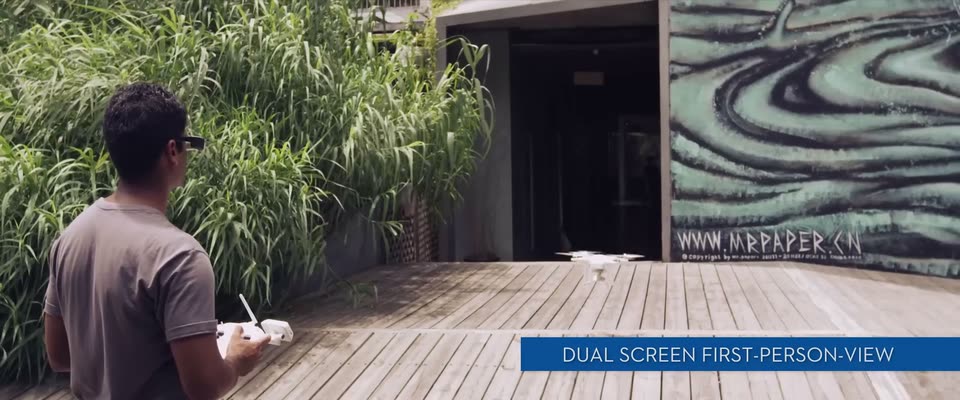 0:30–0:32DJI · DJI - Introducing Effortless FPV with Epson MoverioOver-the-shoulder shot of a man in AR glasses holding a drone controller as a white quadcopter hovers on a wooden deck. Lush plants fill the left, a painted wall the right. A blue caption bar at bottom right reads DUAL SCREEN FIRST-PERSON-VIEW.
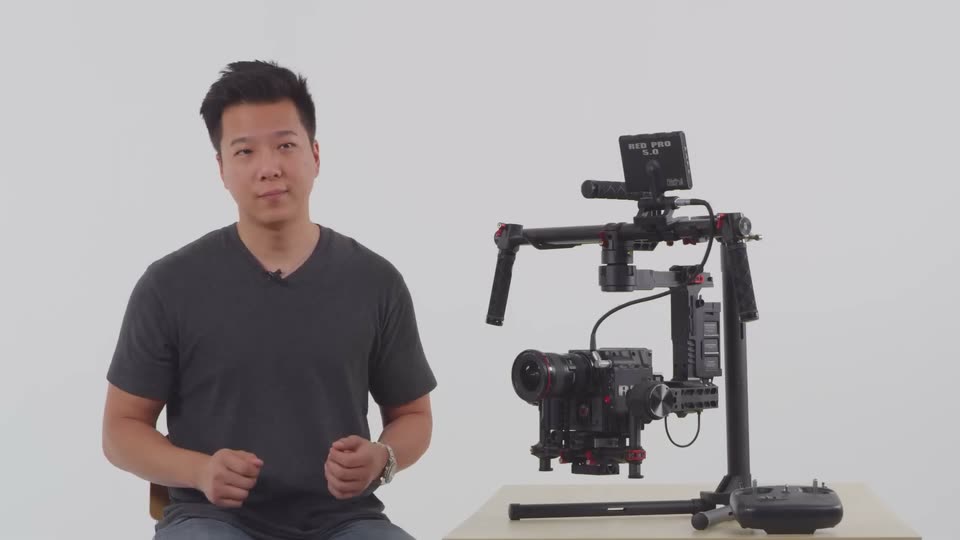 0:43–0:45DJI · DJI - Introducing the RoninA man in a gray t-shirt sits at left, talking and gesturing, beside a black camera gimbal rig on a wooden table against a white backdrop. The shot fades in from dim to full brightness over the first second.
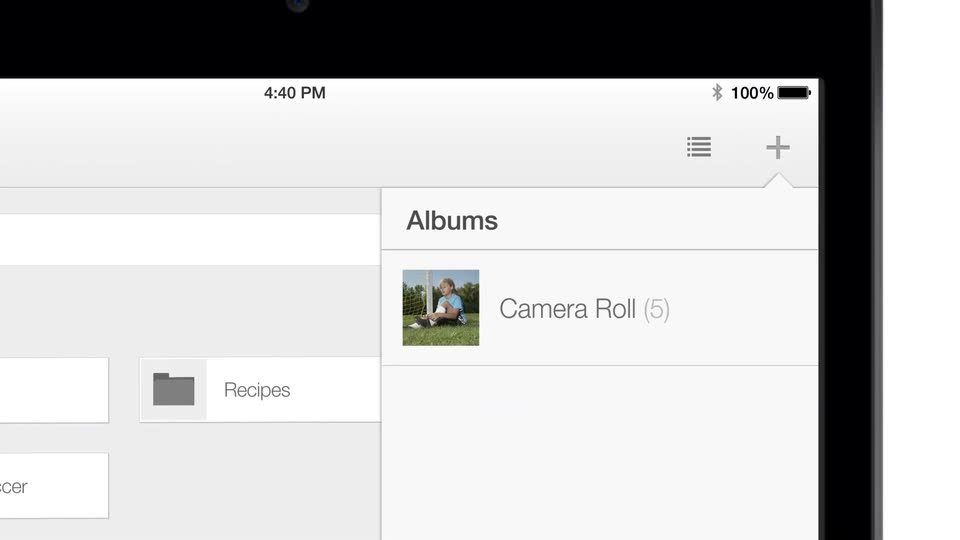 0:52–1:07Google · Meet the new Google DriveA tablet in 3D perspective shows a file list that switches to a thumbnail grid. The camera zooms in as a plus menu opens, revealing Albums and a Camera Roll panel with photo thumbnails. The view pulls back to the grid, now with a new photo added.
 0:39 · 0.8sDJI · DJI - Introducing Ground Station for the Phantom 2 Vision SeriesA bearded man with glasses in a plaid shirt stands against a plain white wall, holding a white drone with its remote. He gestures with his free hand while speaking. Locked-off medium shot, subject framed right of center.
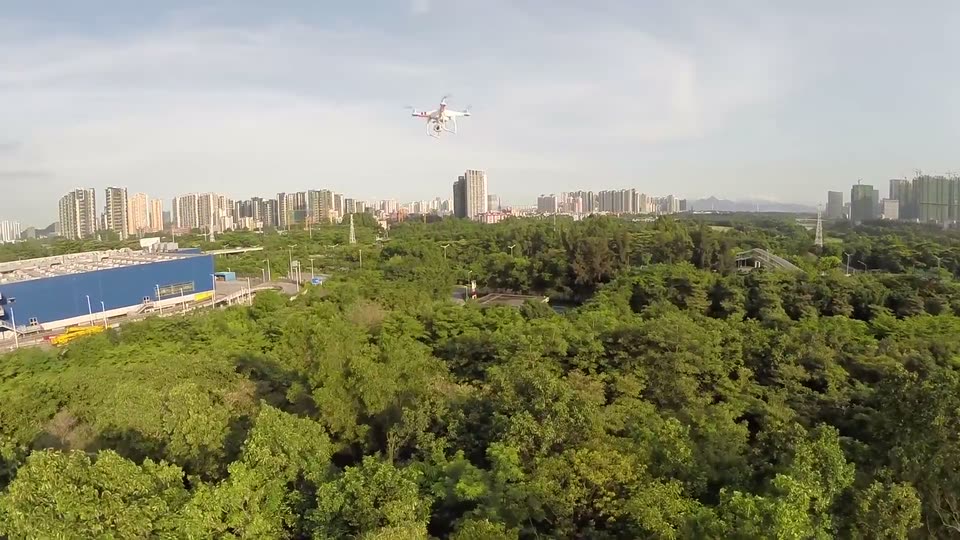 0:39–0:41DJI · DJI Introducing the Phantom FC40A white quadcopter drifts left across a hazy sky above a dense green treeline, with a city skyline of high-rise towers on the horizon. The camera pushes forward over the treetops toward the drone.
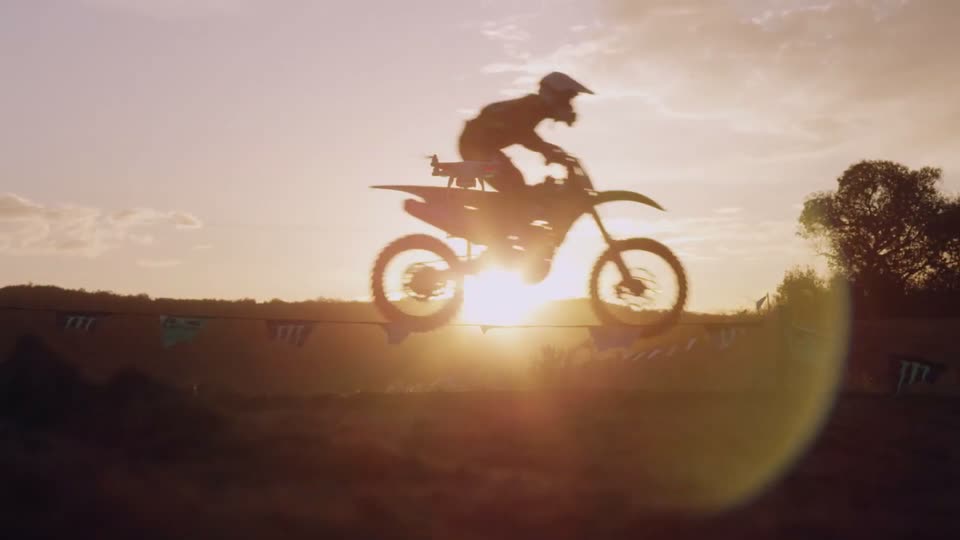 0:59–1:01DJI · DJI - Introducing the Phantom 2 Vision PlusA white quadcopter drone hovers steady at center against a low sun and hazy sky. A silhouetted motocross rider on a dirt bike jumps from left to right, passing in front of the drone. Lens flare glows at the bottom right. The drone holds its position throughout.
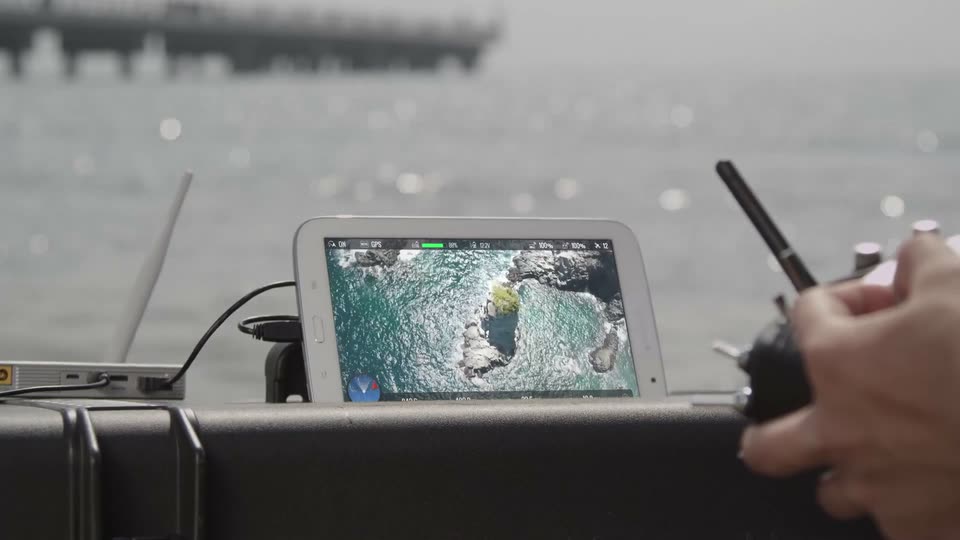 0:43–0:44DJI · DJI - Introducing the LightbridgeA tablet mounted on a boat railing shows a top-down aerial map of turquoise water and rocks, while a hand on the right grips a remote controller. The water and a distant pier stay blurred behind it in a locked-off frame.
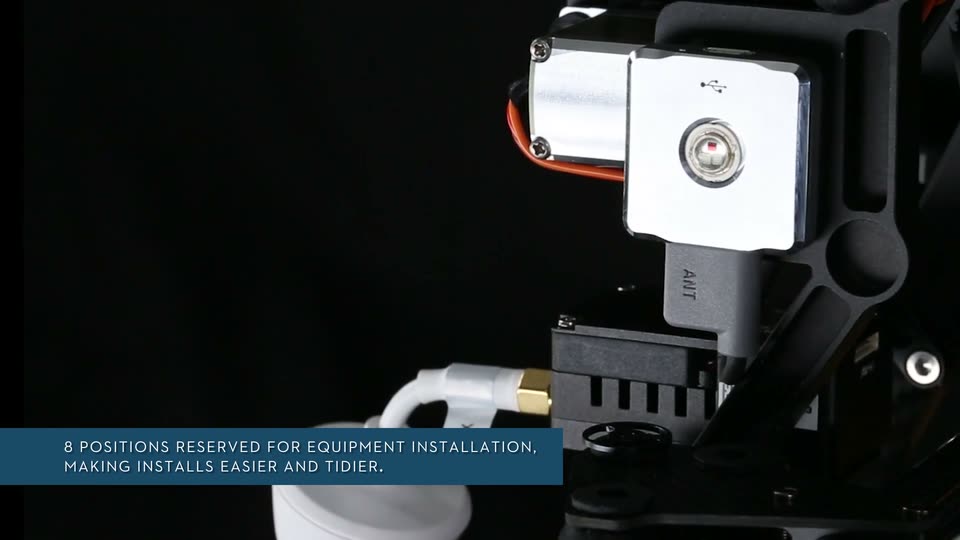 0:22–0:23DJI · DJI - Introducing the Spreading Wings S1000A macro close-up of a 3D printer hotend assembly holds still on a black background. A silver block with a circular nozzle, an orange cable and a white tube with a brass fitting sit on a black frame. A blue caption banner sits at the lower left.
 0:51–0:52Google · Meet the new Google SheetsOn an orange field patterned with faint spreadsheet icons, the white headline “20 new functions” sits centered, then gives way to a white card holding the orange word “AVERAGEIF”. The swap is a quick cut, holding the function name in the middle of the frame.
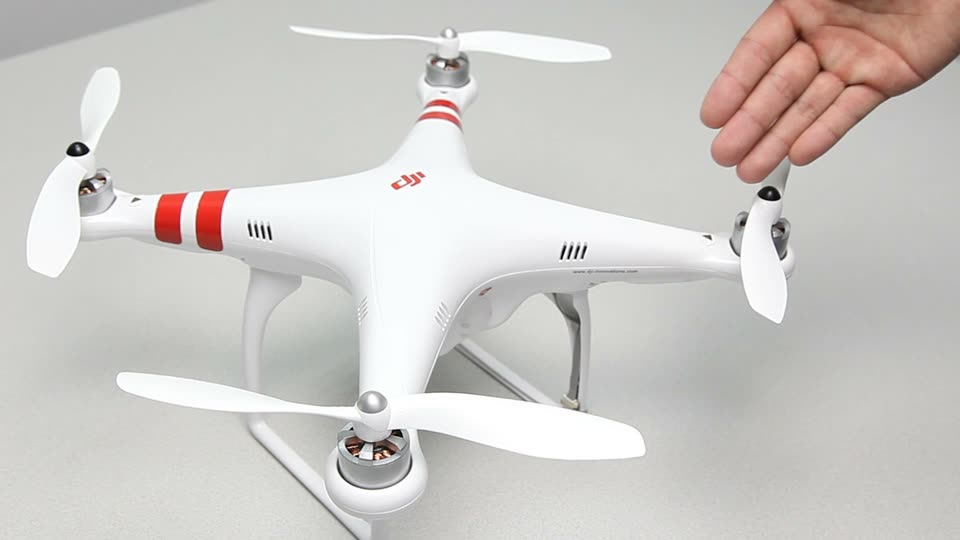 1:00–1:08DJI · DJI Introducing the Phantom Self - tightening PropellerA white quadcopter drone rests on a stand against a light gray backdrop. A hand enters from the top right, sweeps across the drone's body to show gesture control, then exits frame right. The camera stays locked off.
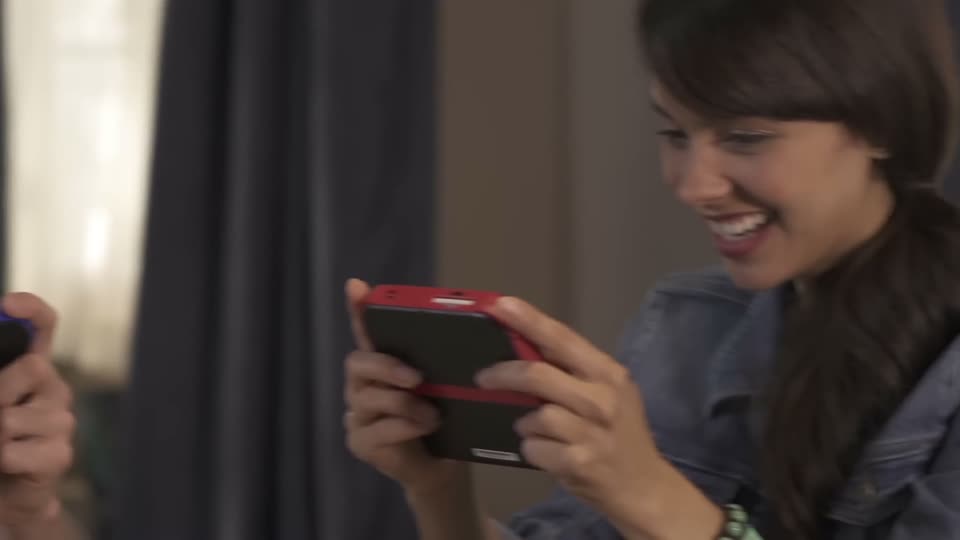 0:33–0:34Nintendo · Nintendo 2DS - IntroductionTwo people sit side by side, each holding a handheld game console, one purple and one red, tapping the screens. The camera pans right and refocuses on the smiling woman in a denim jacket holding the red unit.
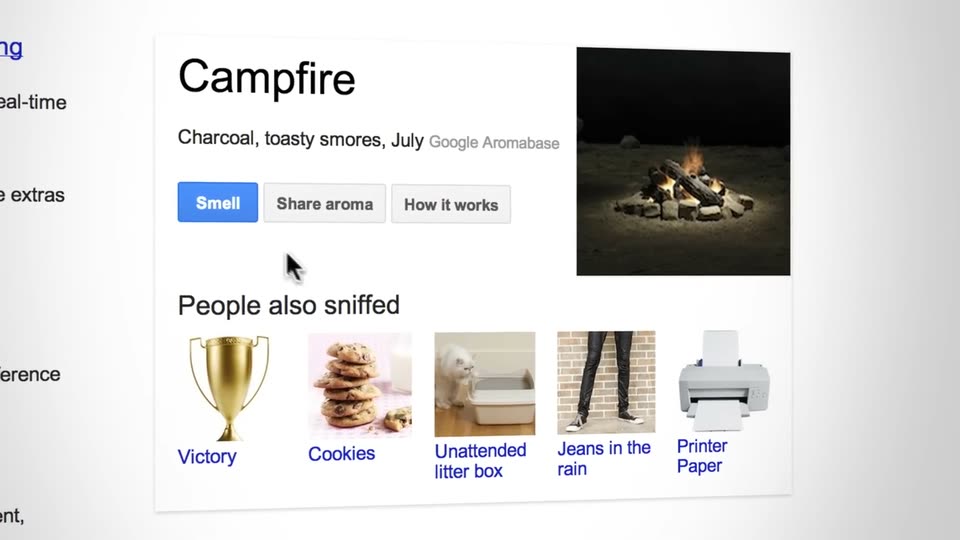 1:01–1:05Google · Introducing Google NoseA white search-result card titled Campfire, with a campfire photo, a blue Smell button and a row of related thumbnails, is set in 3D perspective. A cursor moves in and clicks the Smell button as the card tilts.
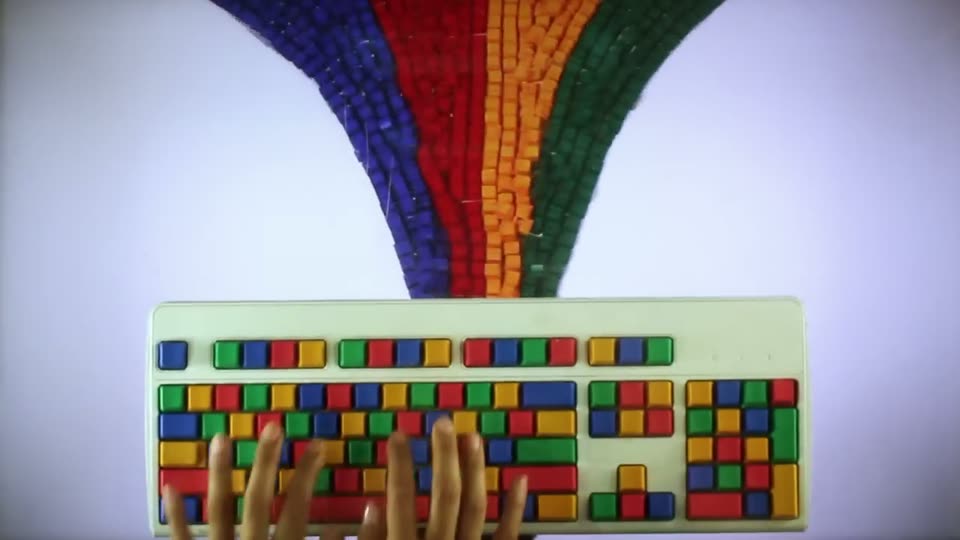 0:52–0:54Google · Introducing Google Input ToolsA cream keyboard with rainbow mosaic keys sits before a woven rainbow arch on a white wall. The shot racks from soft blur to sharp focus as hands enter and type across the keys.
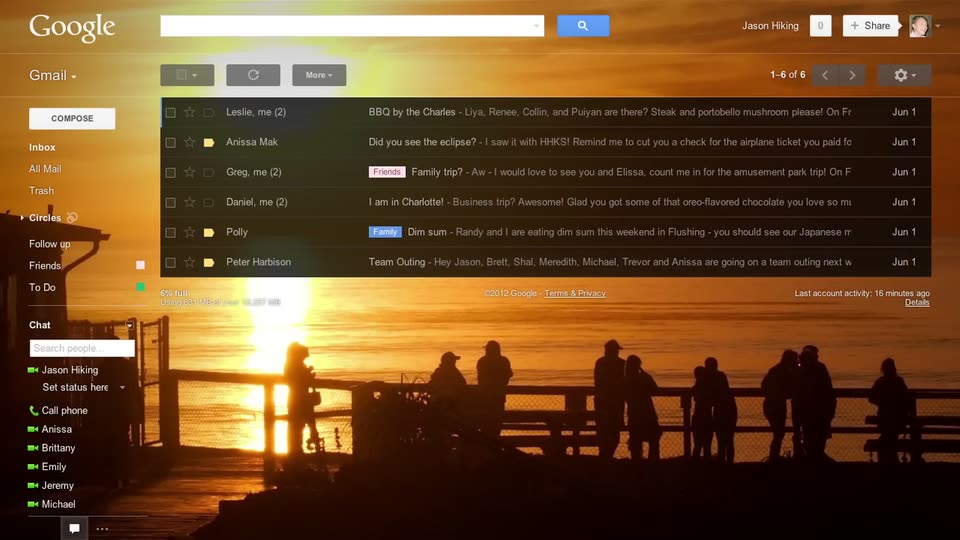 0:12 · 0.7sGoogle · Introducing Custom Themes in GmailA Gmail inbox window sits over a warm sunset photo of silhouetted people at a railing. The list shows six messages with sender names and dates, the left rail lists folders and chat contacts, and a small caption near the storage bar reads how to pick a profile photo.
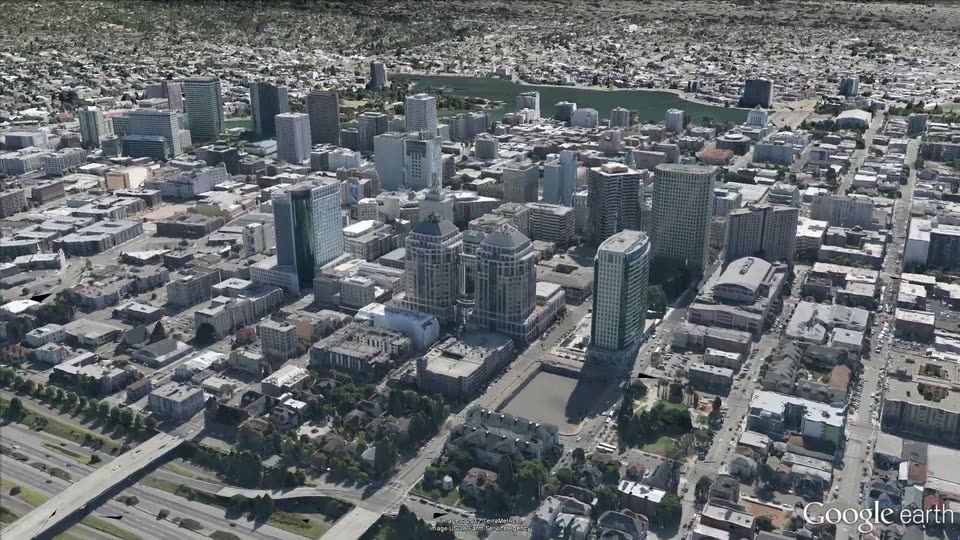 0:27–0:31Google · New 3D imagery for Google EarthA 3D aerial mesh of a dense city skyline, with a lake and hills behind, drifts slowly forward as the camera pushes in over the rooftops. The Google Earth logo holds in the lower right corner.
 1:47–1:53Google · Introducing the Knowledge GraphThe multicolor Google logo fades in over a white background, then the search bar and two buttons appear below it. The query Leonardo da Vinci types into the box letter by letter, and a hand cursor moves to click the Google Search button.
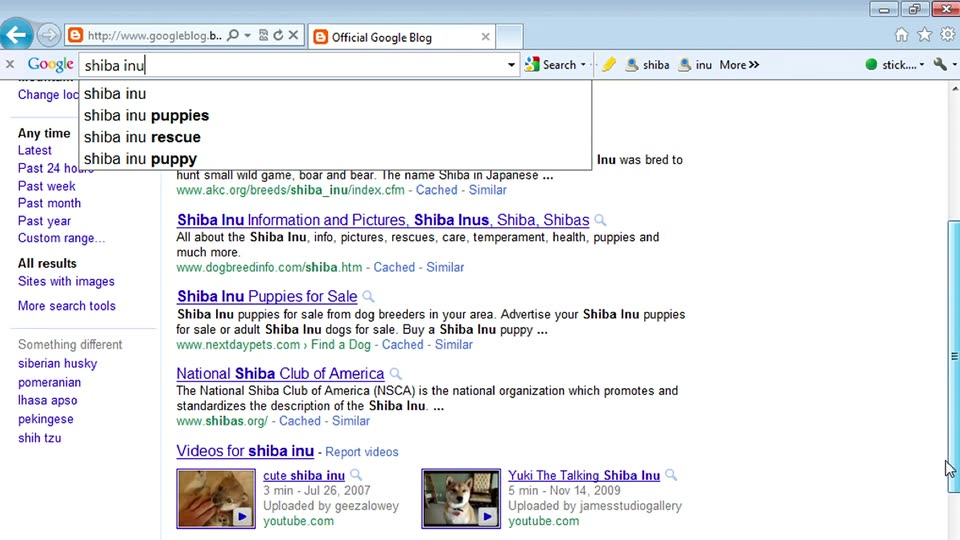 0:27–0:29Google · Introducing Google Toolbar 7A browser window shows Google search results for shiba inu with an open autocomplete dropdown. The page scrolls down past blue link titles to a row of video thumbnails under a Videos for shiba inu heading.
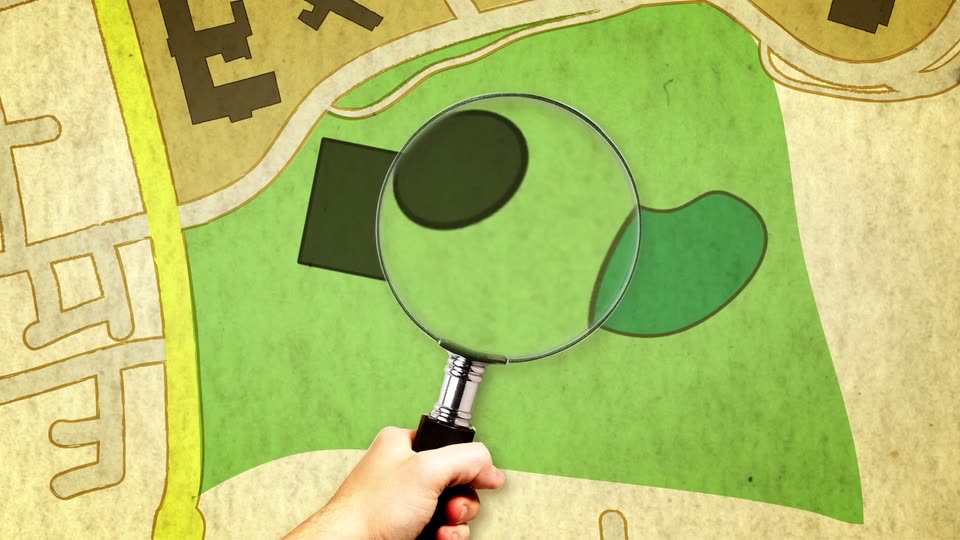 0:31–0:46Google · Introducing Google Map Maker for the United StatesA man stands in a park before a giant illustrated map, question marks popping above his head. The park gains a soccer field, playground, and pond; a hand with a magnifying glass inspects it, then the view pulls back to a full map interface with pins and cards.
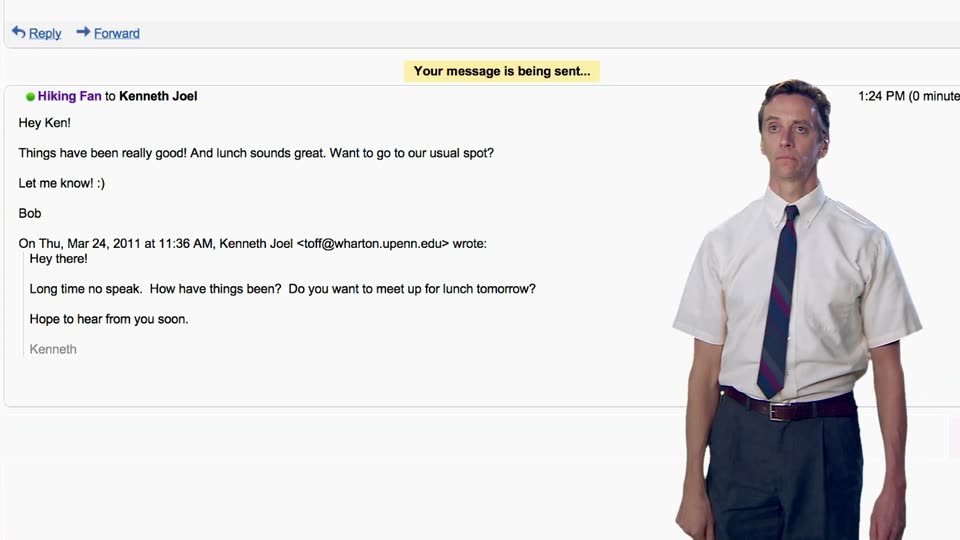 0:51–0:52Google · Introducing Gmail MotionA split layout pairs an email thread on the left, under a yellow banner reading the message is being sent, with a deadpan man in a short-sleeve shirt and striped tie walking forward on the right, pointing then dropping his arm.
 1:07 · 0.8sGoogle · Introducing Google eBooksOverhead shot of a plain yellow book centered on crumpled white tissue paper over a teal surface. The paper is removed, leaving the book alone on a white background, where it tilts slightly to reveal a fold.
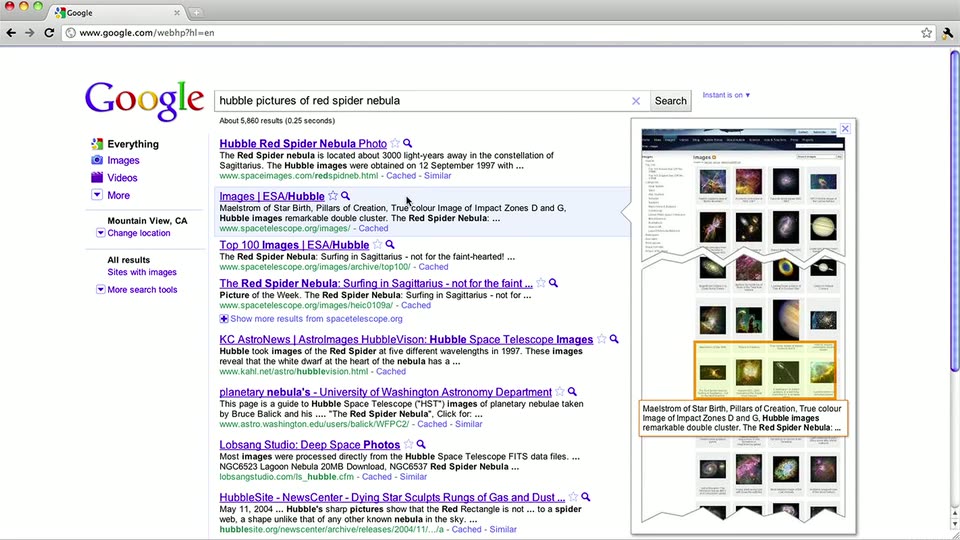 0:13–0:21Google · Introducing Instant PreviewsA Google search results page for the red spider nebula fills the screen. The cursor moves down the list, and a preview pane on the right crossfades from a purple article page with a text snippet into a grid of nebula thumbnails with its own caption.
 1:21–1:24Google · Introducing a new Google DocsThree white cloud shapes sit in a row on a white background. A tilted lined document, a green spreadsheet grid, and a drawing sheet with a pencil rise out of each cloud, motion-blurred, then settle into a locked frame.
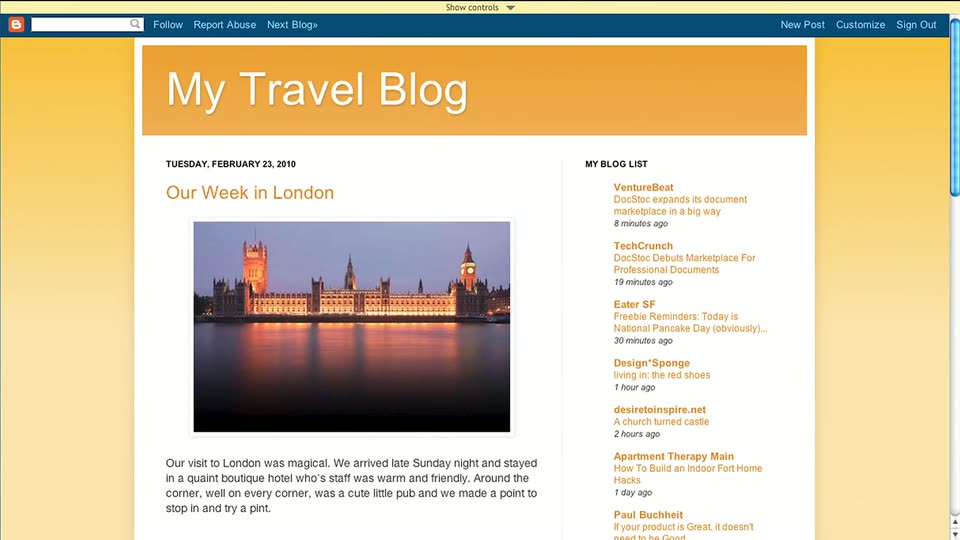 0:10–0:11Google · Introducing the Blogger Template DesignerA static blog interface fills the frame: an orange header band with white My Travel Blog text, a post titled Our Week in London above a dusk photo of the Westminster Palace, and a right sidebar listing other blogs. No motion.
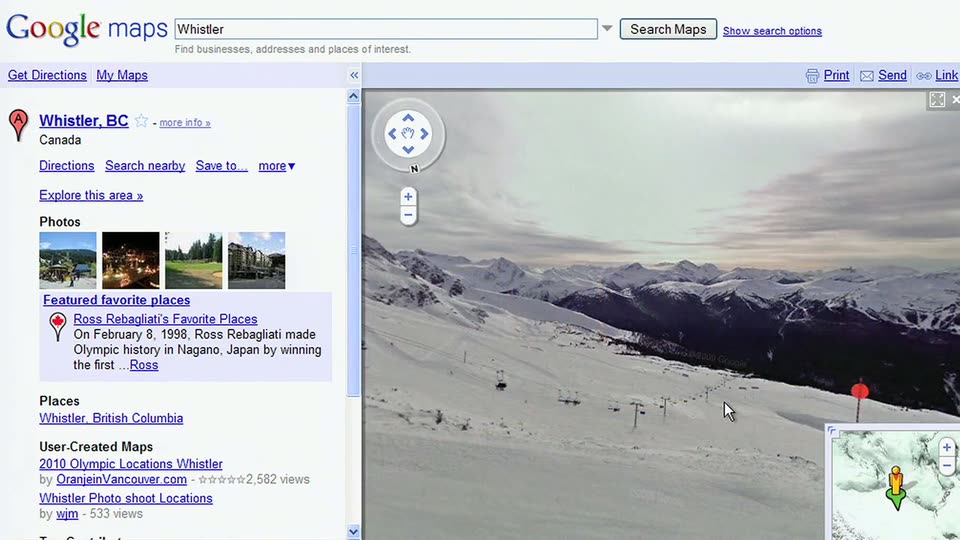 0:18–0:21Google · Introducing the Street View snowmobileA Google Maps window opens on Whistler, BC, its map pane filled with a 360 panorama of a skier on a snowy ridge. The view pans across the mountains as a cursor drags, then the sidebar and controls fade out, leaving the full slope and a red marker.
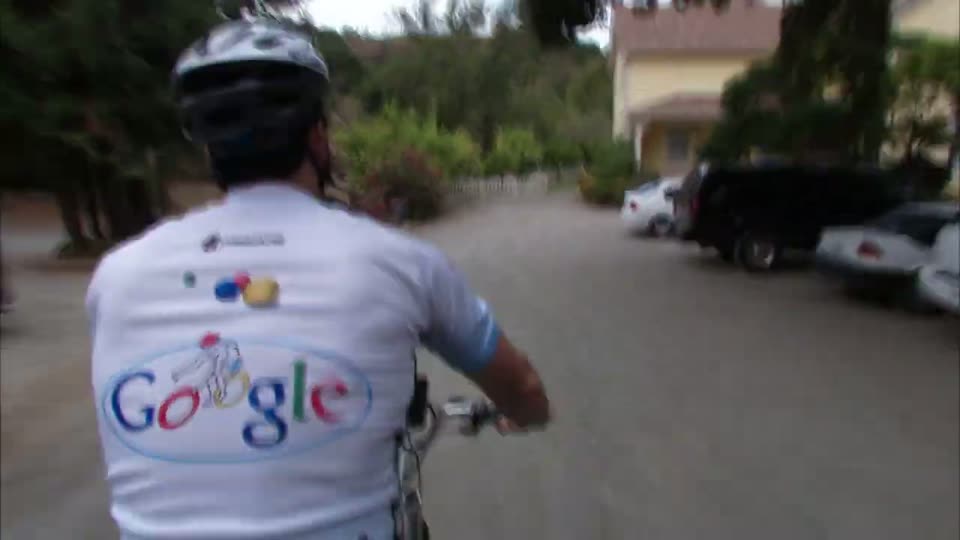 0:18–0:19Google · Introducing the Street View TrikeA cyclist in a white Google jersey rides away from the camera down a tree-lined residential street, parked cars passing on the right. The handheld follow shot keeps the rider's back centered as the road and houses blur past.
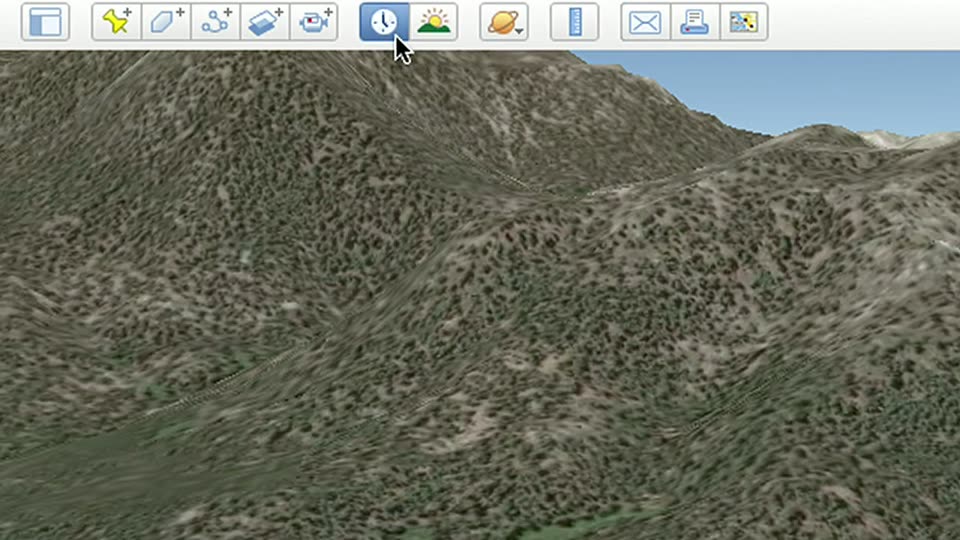 0:23–0:26Google · What's New in Google Earth 5.0A full-screen Google Earth view shows a 3D mountain terrain under a pale blue sky, with a row of toolbar icons across the top. A white cursor moves to the clock icon and clicks it, turning the icon blue. The terrain holds still.
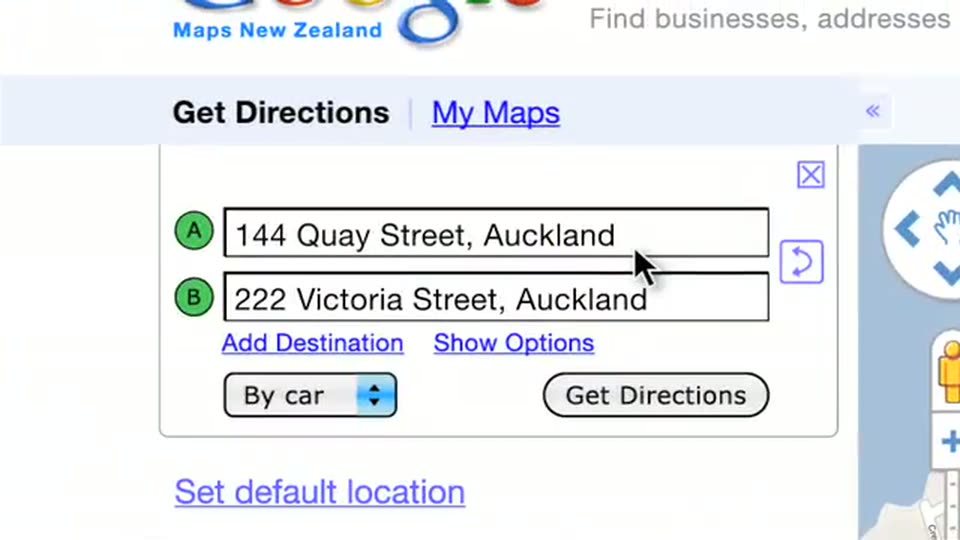 0:51–0:56Google · Street View now available in New ZealandA Google Maps page fills the frame, then the view zooms in on the Get Directions panel as two addresses are typed into the fields. A hand cursor moves to the Get Directions button and hovers over it.
 0:28–0:30Google · Introducing Gmail for mobile 2.0A tight close-up of a phone screen shows an Outbox list with two rows, the lower one highlighted blue. A thumb presses the navigation key below as the upper row slides into place.
 0:11 · 0.5sGoogle · New features in Google Earth 4.3A low-poly 3D city of white and grey towers sits under a clear blue sky, panning slowly left, while three circular navigation controls with blue arrows, an eye icon and a hand cursor float along the right edge.
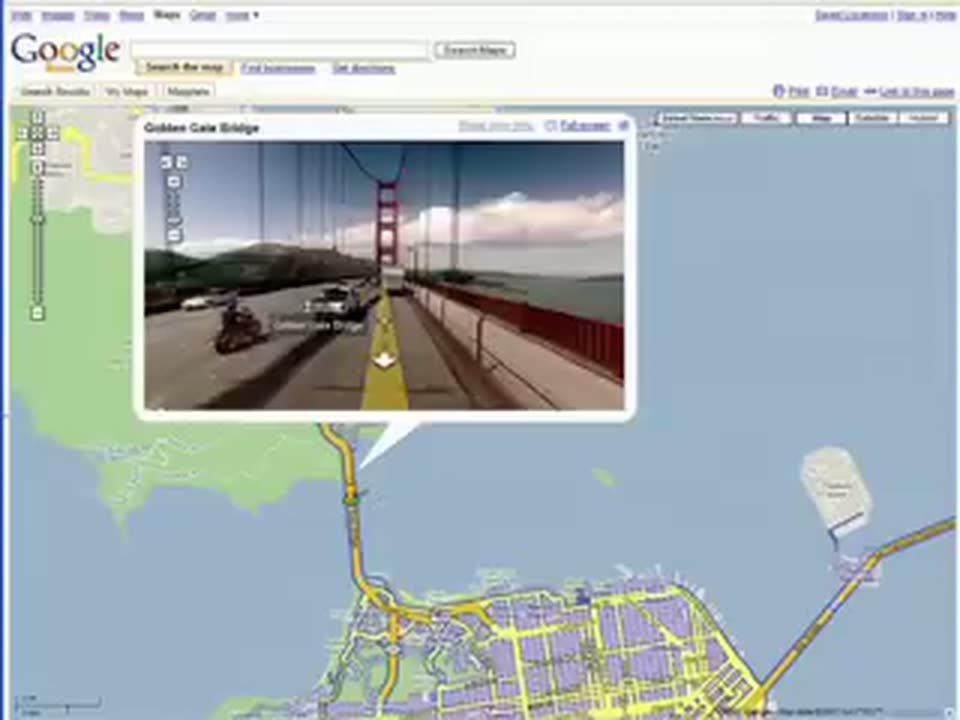 0:35–0:37Google · Google Maps Street View - launch videoA locked-off Google Maps view of the San Francisco Bay shows a yellow route line crossing the Golden Gate Bridge, with a Street View popup window of the bridge roadway floating over the map. The frame stays static throughout.
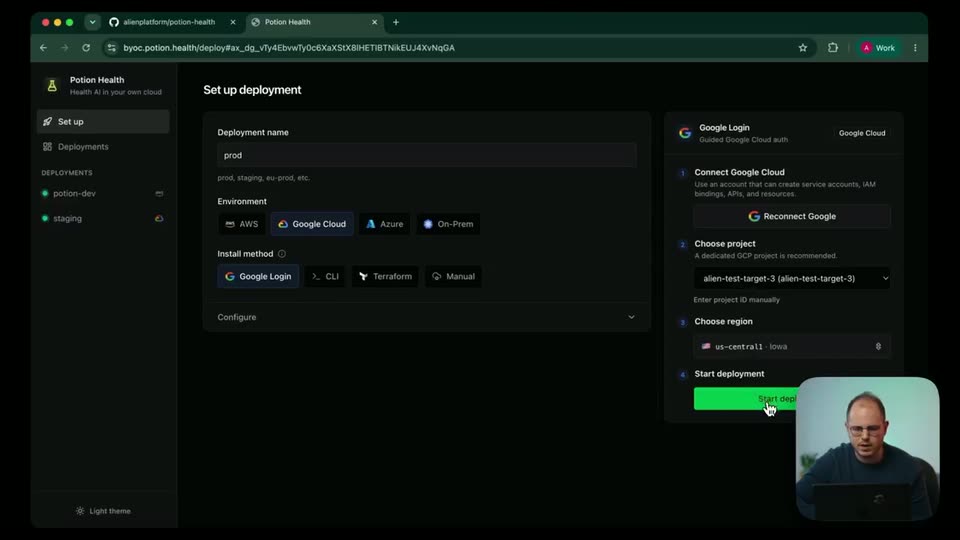 2:18–2:22Alien · We're launching the Alien platform today, backed by a $5M seed from Basis Set, Jibe Ventures, and angels from OpenAI, Google, and Databricks. We've built it so that when your next $300K enterpriseA dark deployment setup screen in a browser. A Google sign-in dialog closes, then a cursor picks a project from a dropdown and clicks the green Start deployment button, which shows a loading spinner. A small webcam video of a presenter sits in the bottom-right corner.
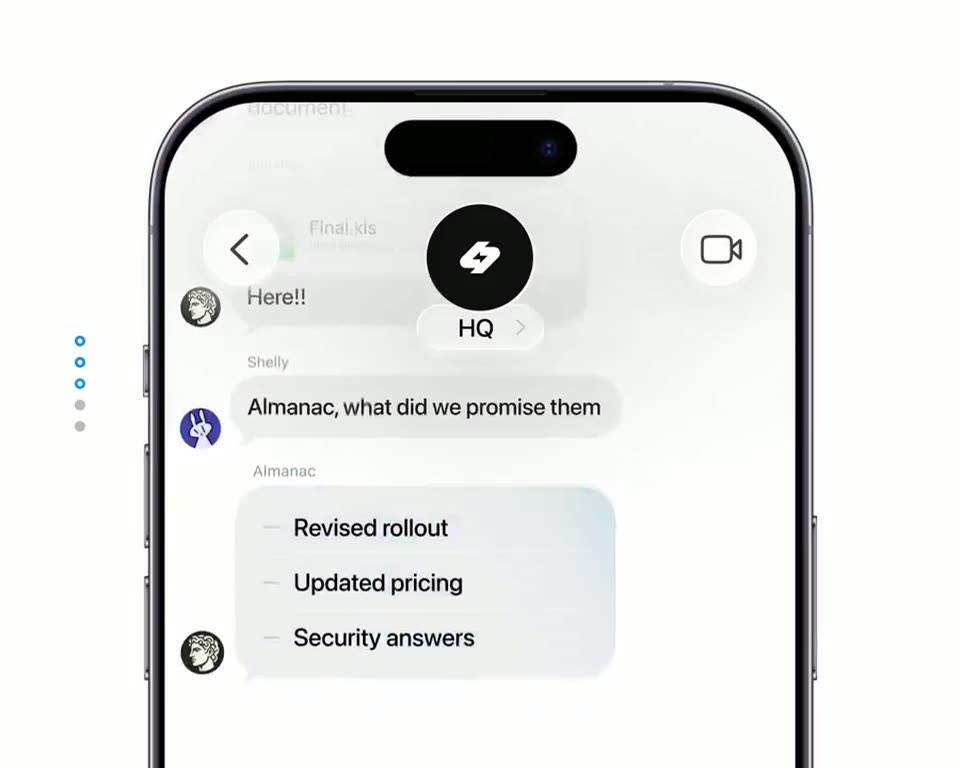 0:31–0:36Almanac · We just killed two biggest limitations of your favourite AI agents: Their memory and Your laptop Almanac’s agents have unlimited memory, their own computers, browsers and access to the tools theyA front-facing phone on a white background shows a group chat. The message list scrolls up, revealing a spreadsheet attachment and a rollout card with two bullet points, then accelerates into a fast blurred scroll.
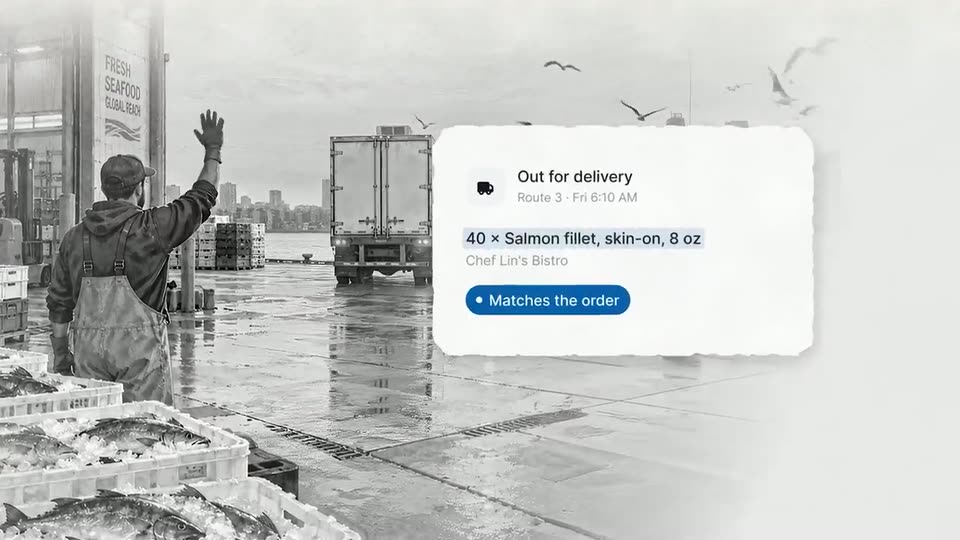 1:02–1:04Asakana · Asakana (YC F26) automates sales and the entire back office for food distributors. Restaurants still order by text, WhatsApp, phone, or a photo of a handwritten note, often not in EnglishA grayscale fish-market dock with a worker waving at a truck fills the frame. A 3D stack of white delivery cards rotates from a steep tilt to a flat angle on the right, the top card showing a salmon order and a blue 'Matches the order' pill.
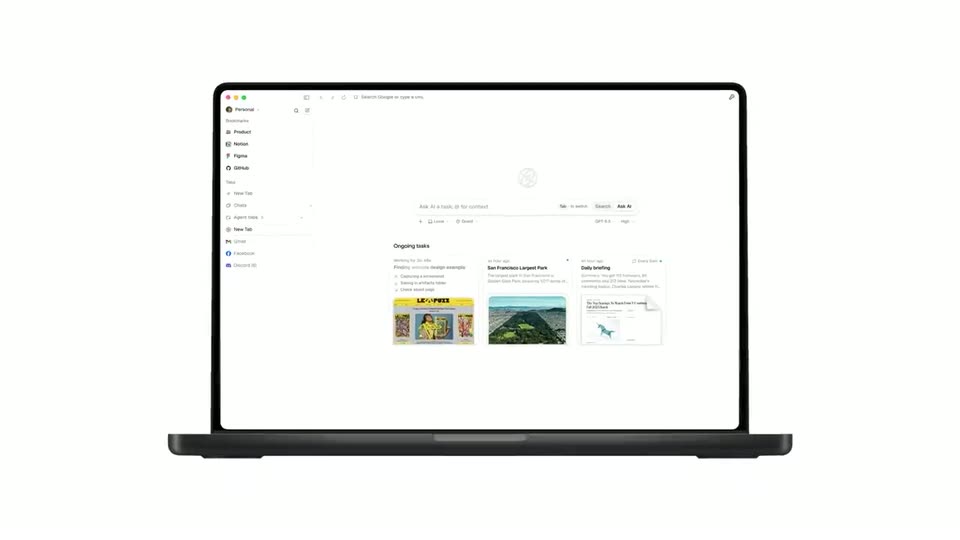 1:10–1:11Aside · AsideA black laptop mockup scales up from the bottom on a white background, its screen showing a task app with a left sidebar and three ongoing task cards. A large dark gray headline sits centered over the device, static throughout.
 0:47 · 0.6sAssuryn · Assuryn posted on LinkedInTwo illustrated arms shake hands over a laptop on a mint table, a contract card with a green seal hovering above. A white rounded card then scales in to fill the frame, showing the same document outline with the seal.
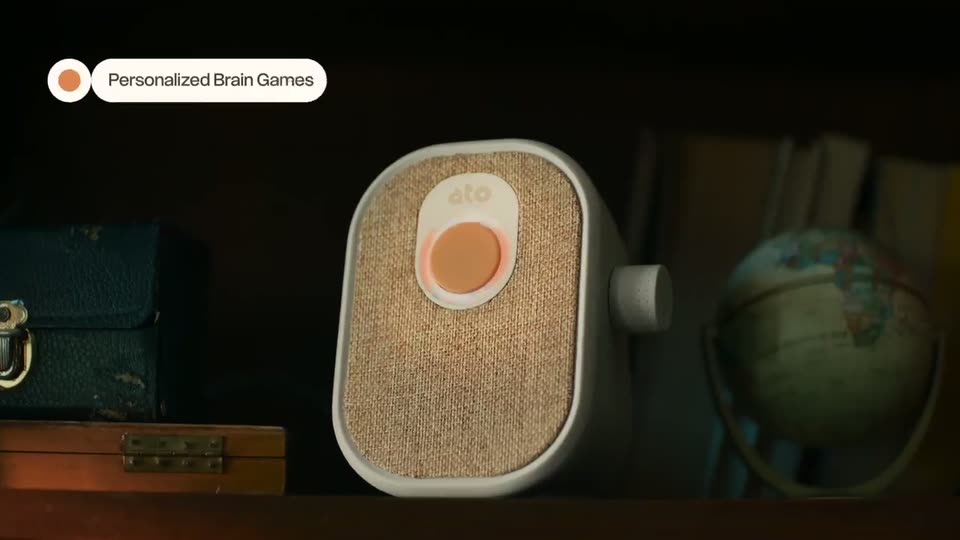 0:53–0:57Ato AI · Introducing Ato, your grandparent’s next computer. Over the past year, more than 2,500 older adults around the globe have used Ato in their daily lives through our beta program, and the adoption… | Ato AIA small fabric-fronted device with a glowing orange button sits on a dark shelf beside a globe and vintage boxes. A green plant icon floats at left, then an orange dot and a white pill label expand at the top left to read “Personalized Brain Games.”
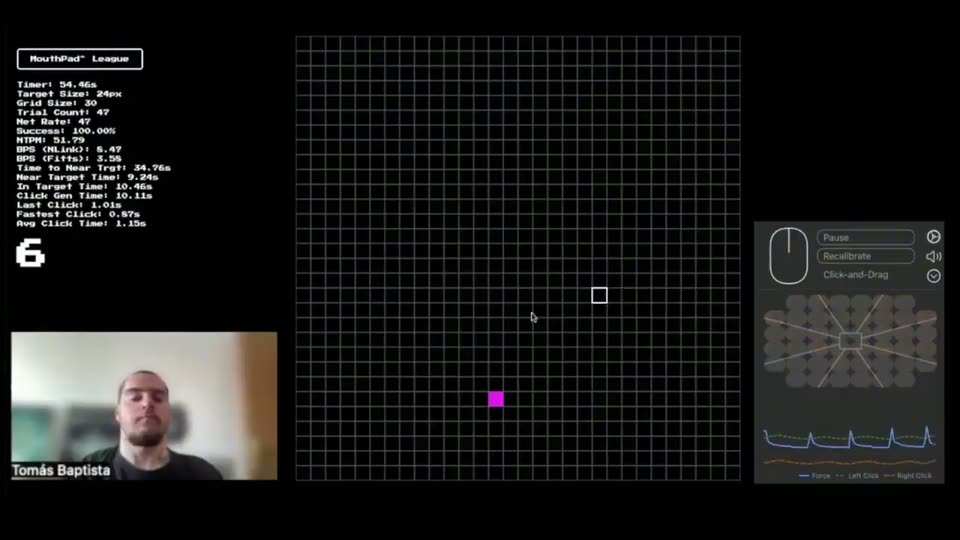 1:39–1:40Augmental · MouthPad is a touchpad you drive with your tongue. Now available across the US. Over 100 people already use it, some for up to 16 hours/day. It works for gaming, for CAD, for Figma, and we're inA static screen capture of a clicking benchmark tool. A dark grid holds a magenta target chased by a cursor, flanked by a live stats readout and a webcam of a man on the left, and a control panel with a mouse icon and waveform on the right.
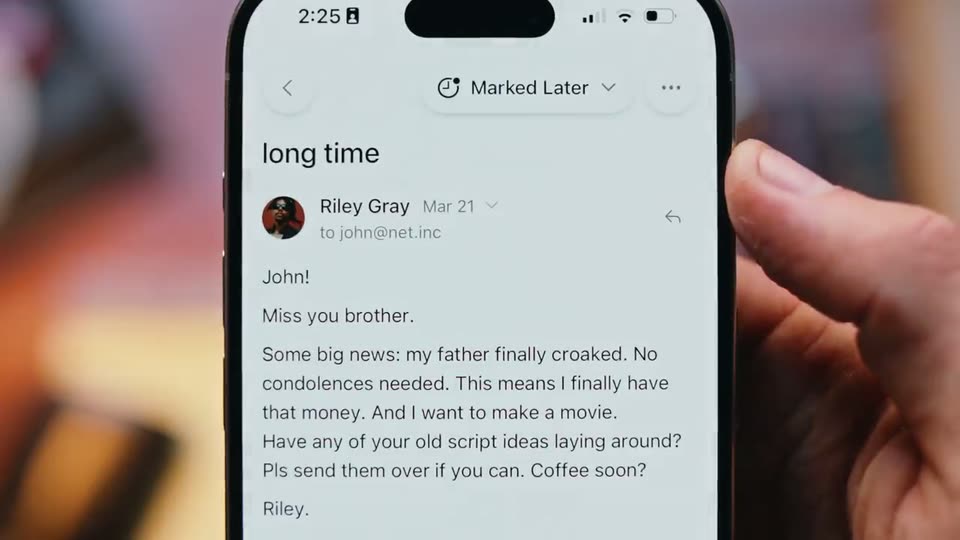 1:32–1:33Avec · Jonathan Unikowski | 219 likes · 63 commentsA hand holds an iPhone in close-up, showing an open email titled “long time” from Riley Gray. The screen stays mostly still, with the message body visible against a warm blurred background.
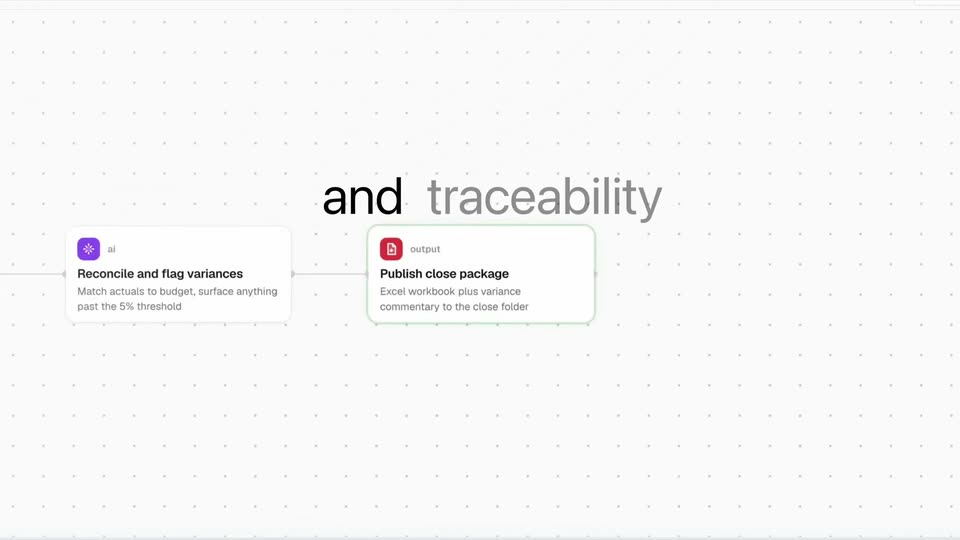 0:38–0:40Billow AI Labs · Billow - YC LaunchOn a light dotted-grid background, a large black headline reads “does it with a 100% accuracy” then crossfades to “and traceability”, while a horizontal row of small feature cards with icons slides left beneath it.
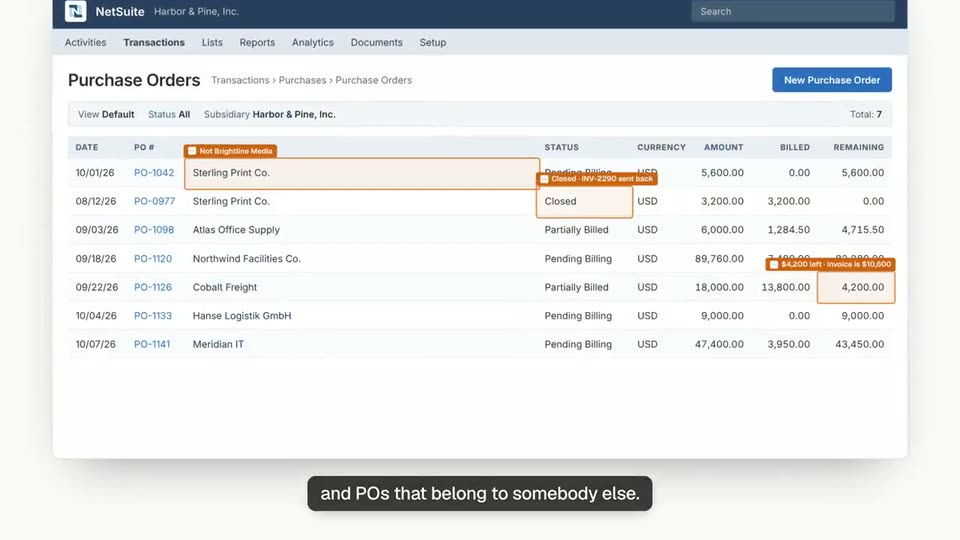 0:21–0:22Billow AI Labs · Last week, we showed our AI running Accounts Payable and many were skeptical 👀 "What if the AI misses a duplicate invoice, or pays a scammer?" So we made this video to show the guardrails weA NetSuite Purchase Orders table sits on a light background. Orange highlight boxes draw around three cells, then small orange tags pop in with explanatory notes. A dark caption bar at the bottom shows the voiceover line.
 0:52 · 0.8sBioStack Platforms · BioStack Platforms launch filmA row of five white line icons in circles, each labeled with a clinical workflow step and linked by arrows, sits on a black field. It cuts to a second diagram where an AI code card flows through three check-marked columns into a validated output card.
 1:01–1:05Bitget Wallet · Bitget Wallet | 8 likes · 1 commentOn a black background, the title Chrome Extension sits above a browser window whose outline draws itself in. A dark circular icon fills with the colorful fox logo as a wallet panel with balance and action buttons fades in on the right.
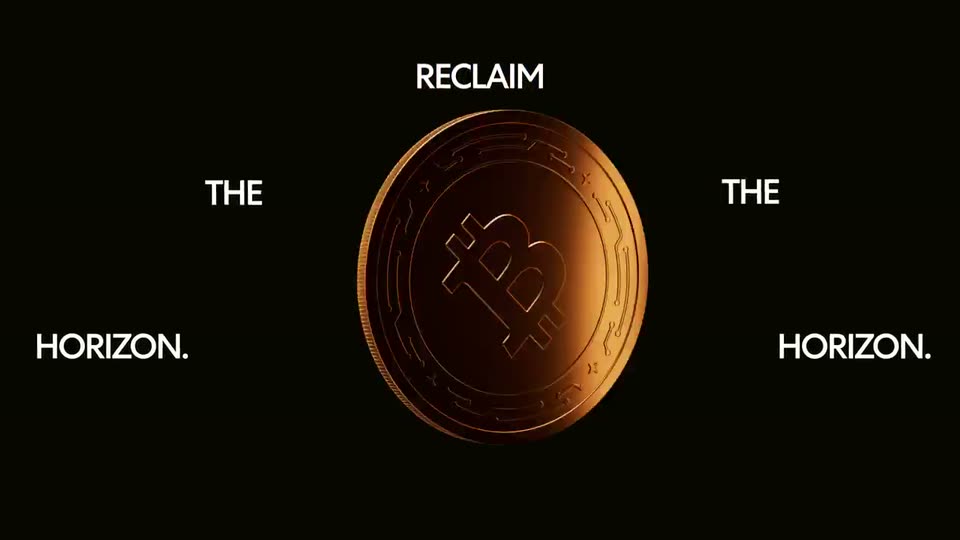 0:16–0:17Bitstack · A new Bitstack has landed. 👀 New logo. New colours. New app. Same ambition: helping you own your financial future. Don’t worry, your bitcoin is still where you left it. What hasn’t changed isA copper coin bearing a B emblem spins from edge-on to face-on at the center of a black frame. White text reading RECLAIM THE HORIZON. mirrors on either side, glitching and sliding into place as the coin catches a bright glint.
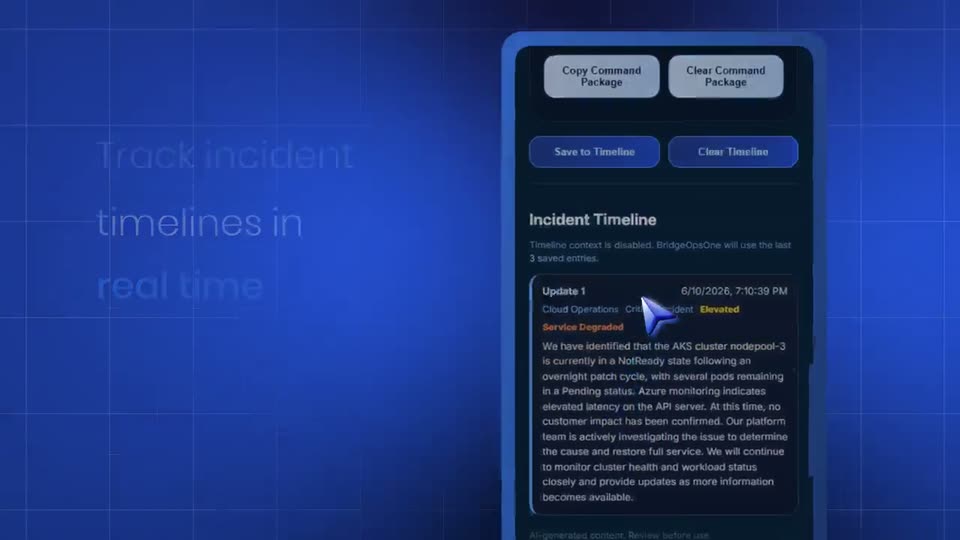 0:34–0:35BridgeOpsOne · BridgeOpsOne Platform Overview | BridgeOpsOneA dark phone mockup in 3D perspective on a blue grid background displays an incident timeline screen. The left headline fades out as the phone scales up, filling the right side of the frame.
 0:31–0:34DeepPrinciple · #aiforscience #scientificdiscovery #deepprinciple | Deep PrincipleA man with wavy dark hair and glasses in a brown shirt stands in profile at a counter in a dim modern room, looking down and speaking. White subtitle captions swap at the bottom of the frame. The camera is locked off.