Feature reveal
A sequence devoted to one feature: its announcement and its demo.
73,058 scenes · page 205 of 1218
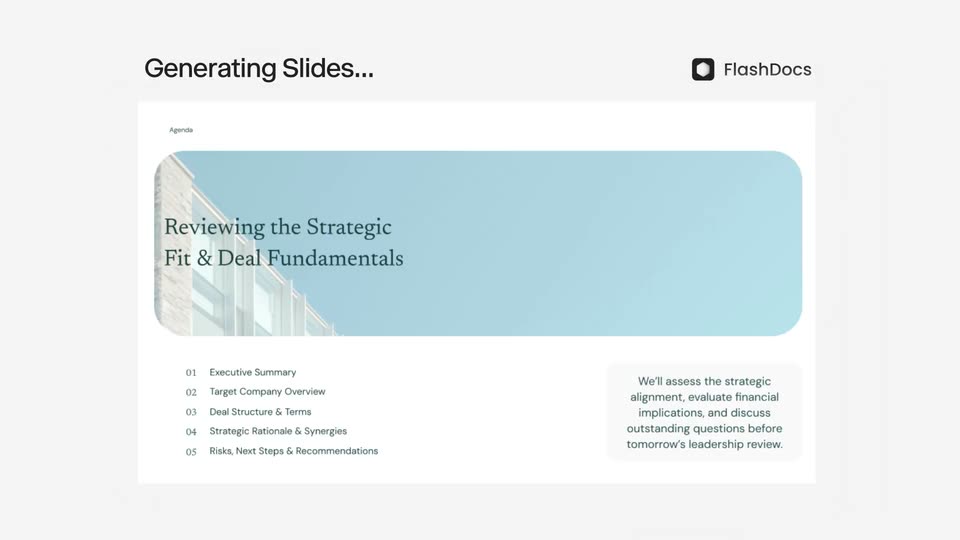 0:06–0:07Hebbia · Hebbia - Today, we're announcing our acquisition of @FlashDocs, the leader inA white slide card sits on a pale gray background, its agenda layout showing a blue photo banner, a serif headline, a numbered list and a gray paragraph box. Above it, the status line “Generating Slides...” and the FlashDocs logo hold still. The frame is locked off.
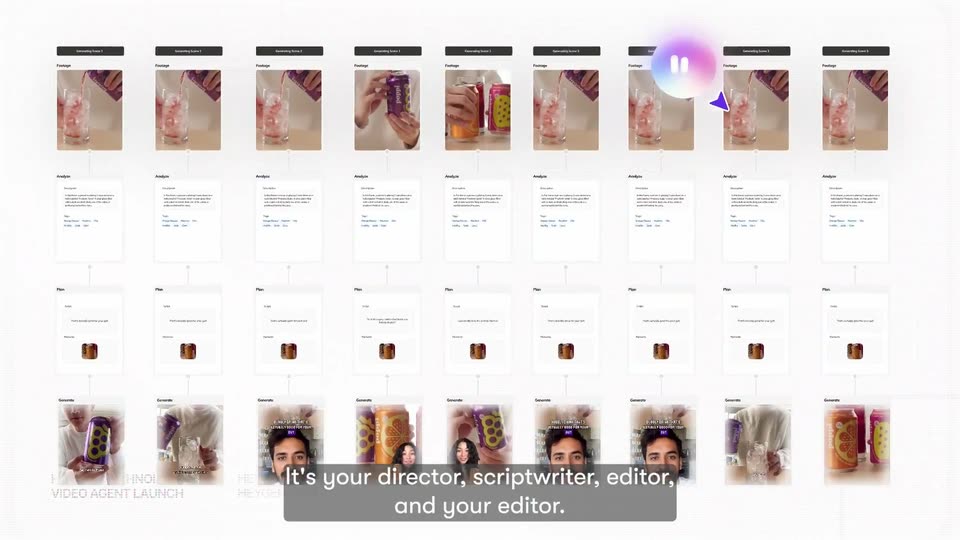 1:49–1:50HeyGen · Joshua Xu - Today we’re introducing you to the future of video. The world’s firsA wide grid of workflow cards (Footage, Analyze, Plan, Generate) scrolls slowly left across a light background while a gradient pause orb and a blue cursor hover over the top row. A gray caption bar at the bottom swaps from the first line to a new two-line caption, the second line scaling in.
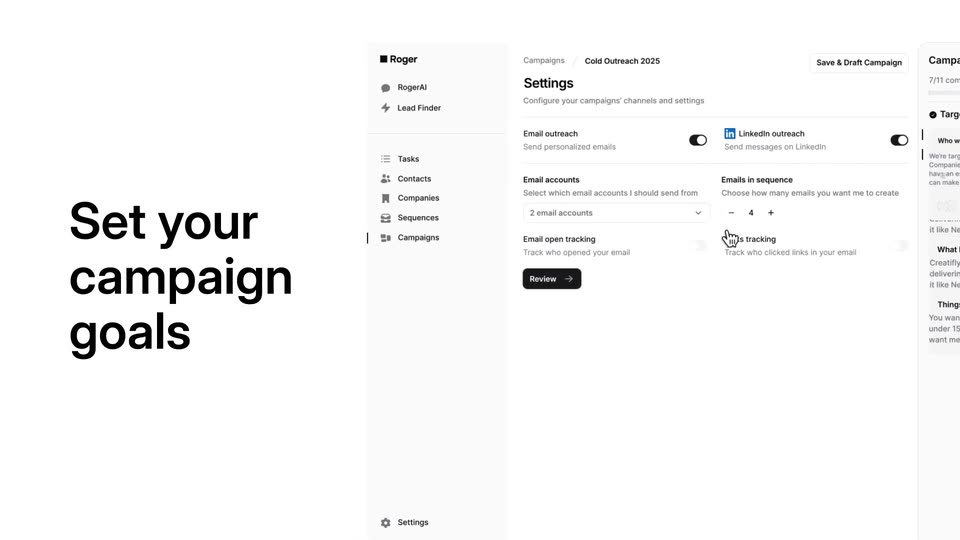 0:12–0:17Augment Inc. · HireRoger - Your AI SidekickA campaign settings screen fills the frame as the view zooms in and a bold headline appears on the left. A cursor clicks through four toggle switches, turning on email and LinkedIn outreach plus open and link tracking.
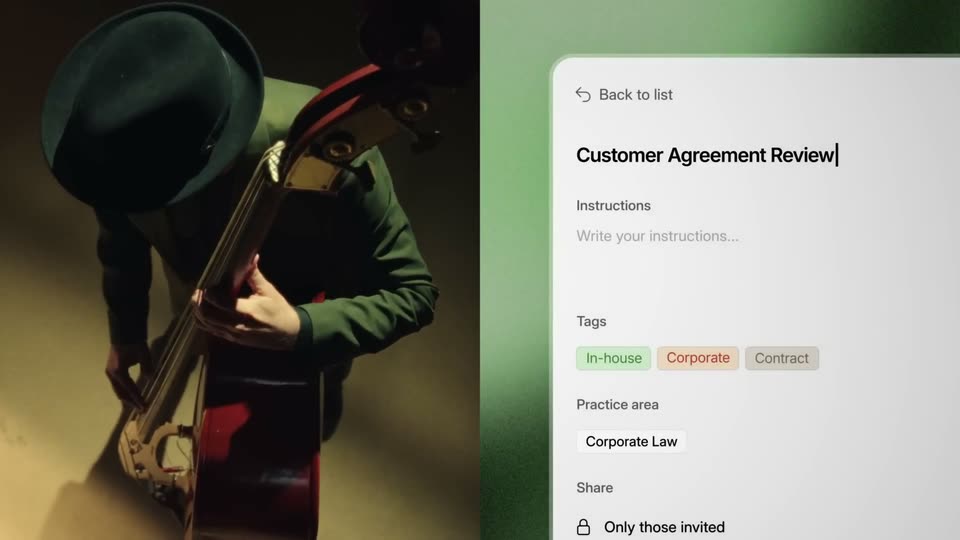 0:07–0:09Legora · Legora Workflows - The orchestration layer for legal workSplit screen: a bassist in a green hat and jacket plays an upright bass in a dim, warm-lit room on the left; on the right, a white workflow form on a green gradient dissolves in from a list view, and its title field types out Customer Agreement Review.
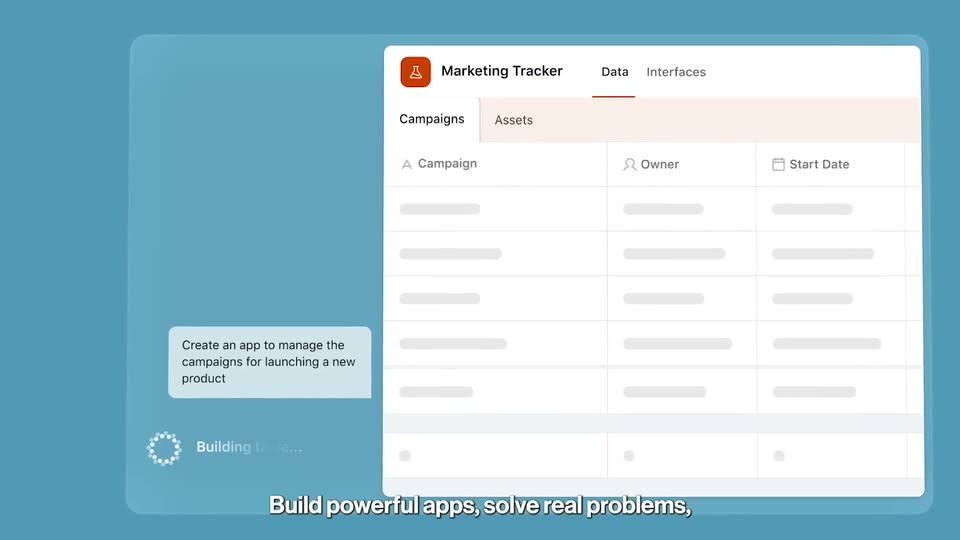 0:16–0:18Airtable · Introducing a new generation of Airtable - built for the AI eraA white app interface builds itself on the right of a blue screen, its table filling with placeholder rows, while a chat prompt and a loading spinner sit on the left. A red panel wipes across at the end.
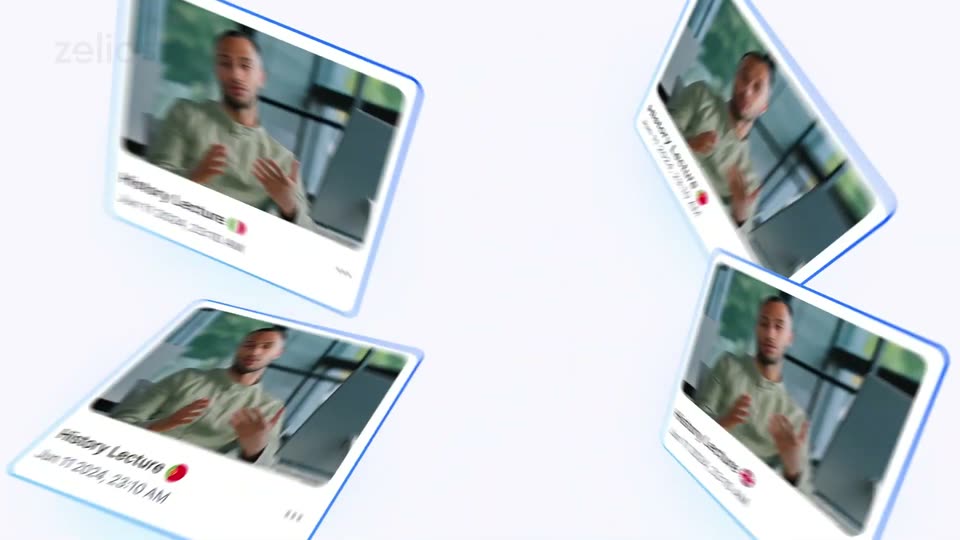 0:17–0:18LangEase · Best SaaS Product Launch Ad Video | LangEaseA flat grid of video cards holds a blue selection box and a hand cursor over the History Lecture tile. The tile zooms out from the grid, lifts into 3D, and spins on a white surface, leaving tilted ghost copies behind.
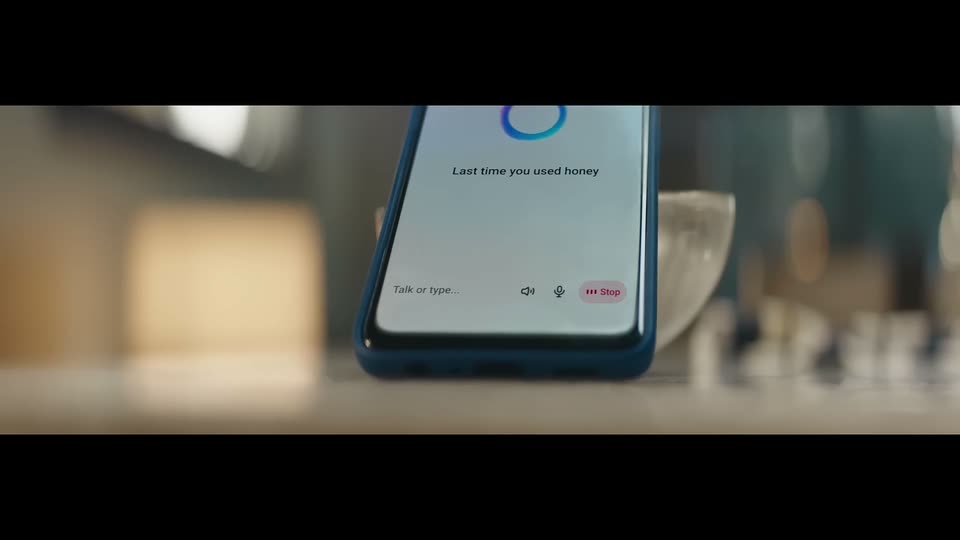 0:08–0:09Meta · Your personal AI. The new Meta AI app.Close-up of a phone in a blue case propped on a table. On its screen a blue loading ring spins above the line “Last time you used honey”, which types out, with a pink Stop button below. The warm background stays soft and out of focus.
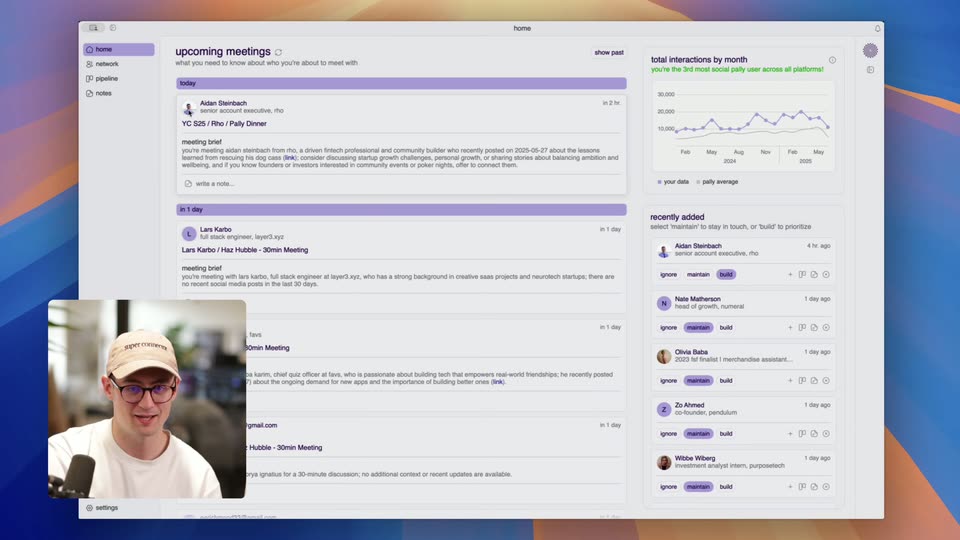 0:52–0:54Pally · Pally Launch VideoA tilted 3D mockup of the app home screen floats over a wavy orange and blue gradient. The panel lists upcoming meetings; a right sidebar holds a line chart and a recently added feed. A small video-call window of a man in a cap and glasses sits lower left.
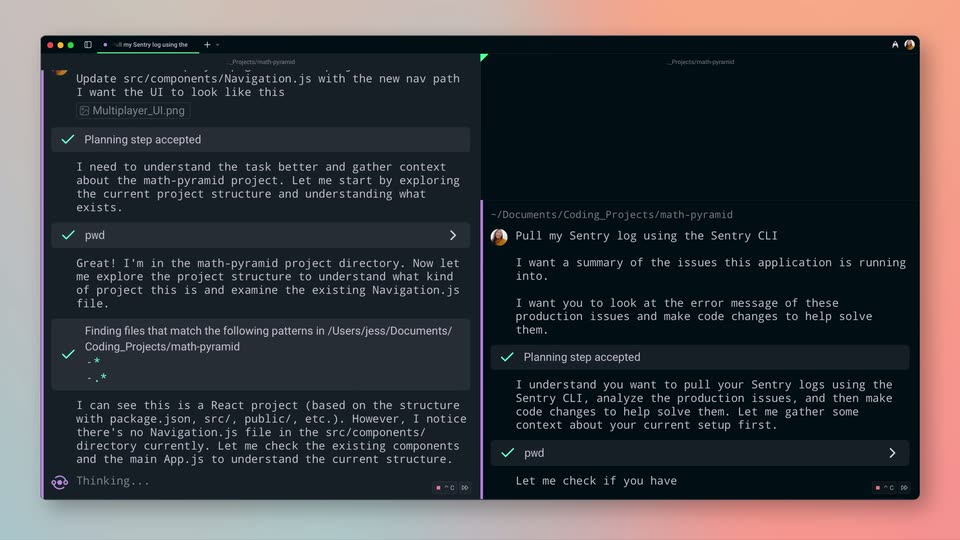 0:54–0:56Warp · Introducing Warp 2.0: The Agentic Development EnvironmentTwo dark terminal windows sit side by side on a peach background, each showing an AI coding agent session. Chat messages and command output scroll upward in both panels as the agents process tasks, with a Thinking indicator at the bottom of each.
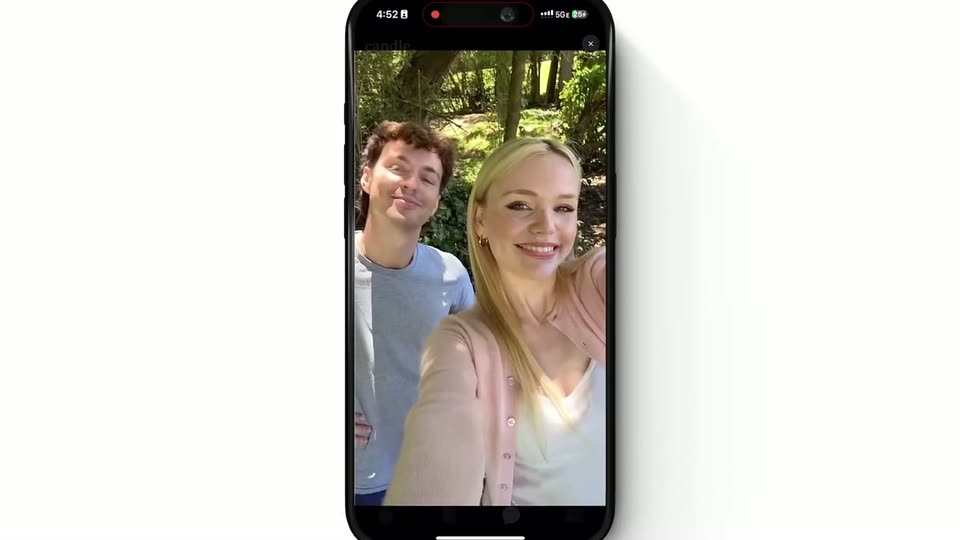 0:11–0:12Candle · Couple Games & Photos - Launch!A smartphone mockup sits centered on a plain white background, its screen playing a selfie video of a smiling couple in a sunlit park. The device tilts slightly, then settles upright.
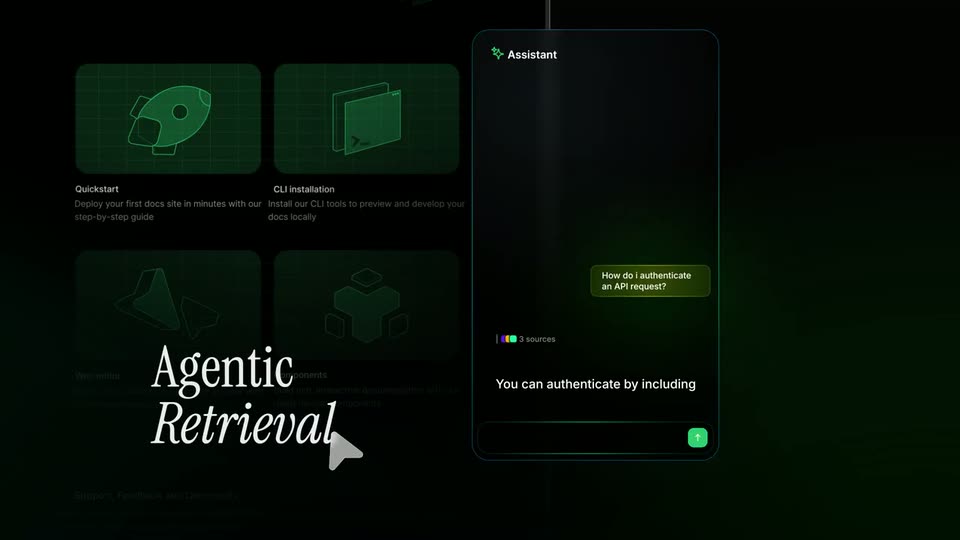 0:07–0:10Mintlify · Mintlify - The future of documentation is AI native and personalized. Answers gA dark documentation page with feature cards sits on the left while an Assistant chat panel on the right shows a question, a searching status, then a sourced answer. A large serif headline, Agentic Retrieval, fades in word by word at the bottom left.
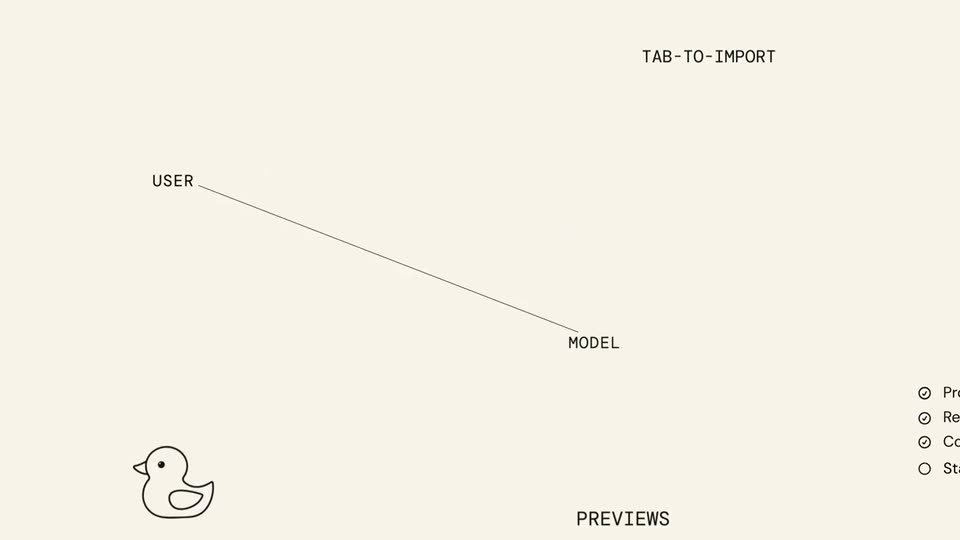 0:28–0:29Windsurf · STUDIO DUMBAR/DEPT® - Entering the flow state by bringing the brand to life though sound anOn a cream field, the black serif wordmark Wave scales up while a 4 slides in from the right to form Wave4. Small monospace labels, a dotted node diagram, a line-drawn duck, and an Off/Auto/Turbo toggle drift at the edges.
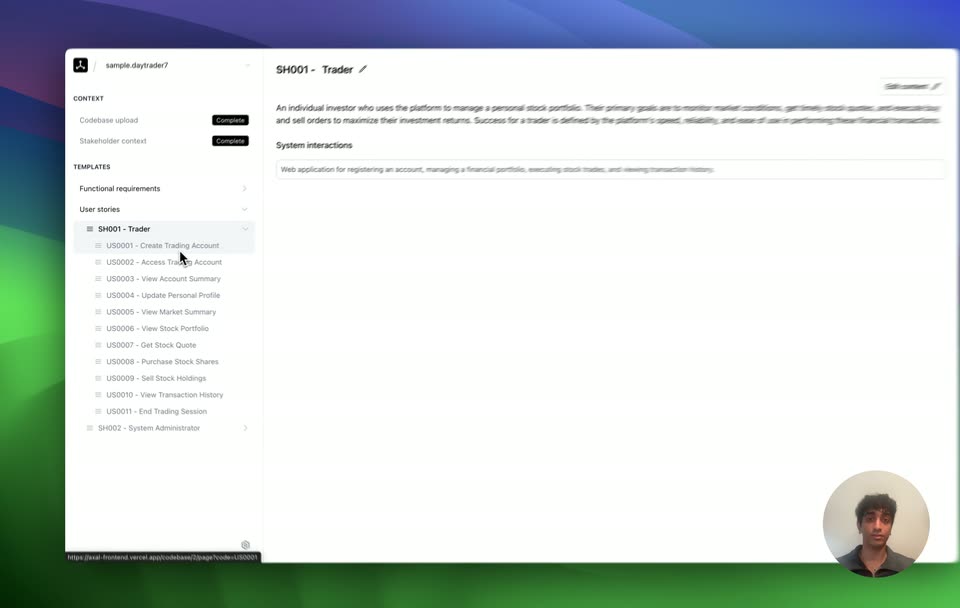 1:49–1:57Axal · Extract Functional Requirements from Legacy CodeA product screen on a gradient desktop, with a small presenter inset bottom right. The view zooms into the left sidebar as a cursor expands the Trader user stories list and hovers down the items. Selecting one updates the main panel, then the frame zooms back out.
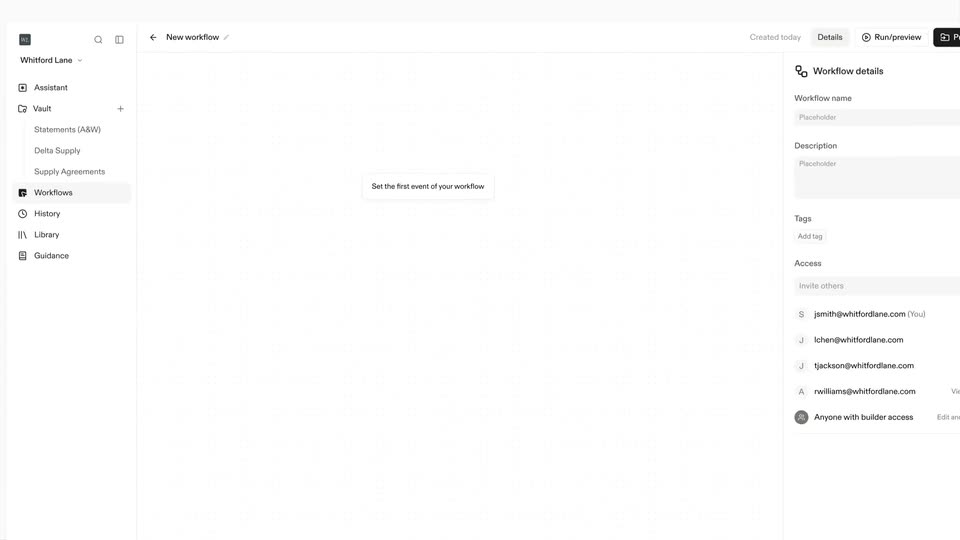 0:03–0:04Harvey · Workflow BuilderA light workflow editor interface zooms from a soft, wide framing to a sharp close-up, the Workflow details panel sliding in on the right while a cursor hovers over the Access field.
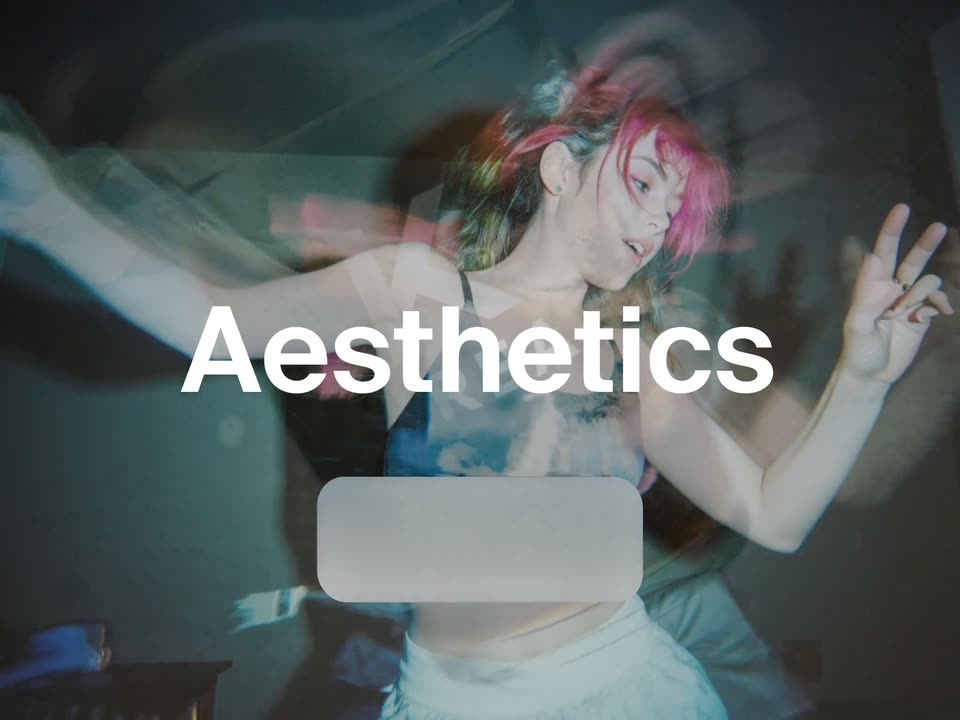 0:06–0:07Krea · Krea - Krea 1 is now available to everyone. today, we're releasing the publA pink-haired dancer moves through a dark green room while the white word Aesthetics holds centered. A frosted pill below types out Exposure. The shot dissolves to a person with long dark hair as a white Pr mark fades in over them.
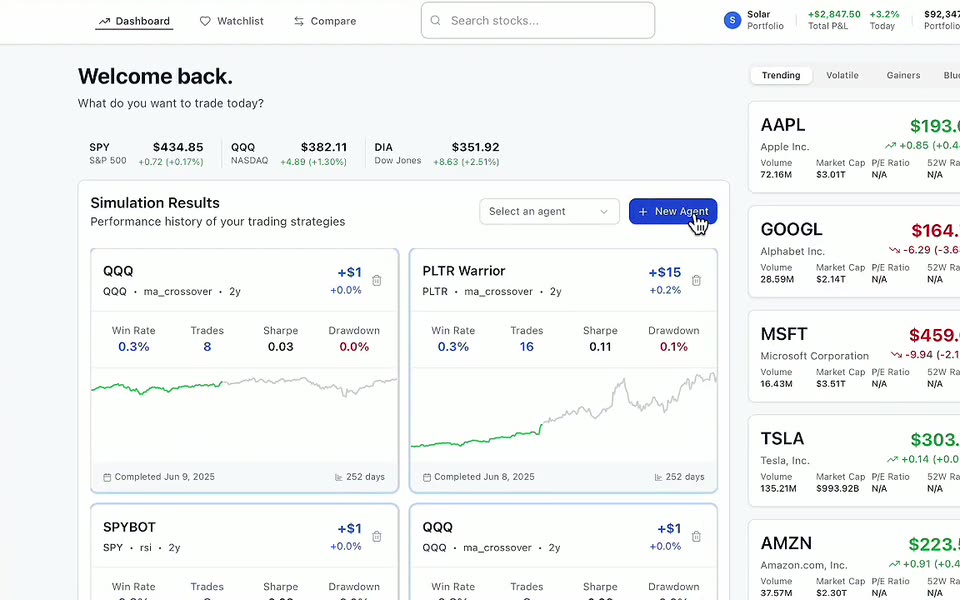 0:29 · 0.8sSharpe · Introducing Solar by LumenaryA cursor hovers the New Agent button on a stock trading dashboard, then the screen switches to a Create New Trading Agent form showing a three-step header, a ticker field, and strategy options.
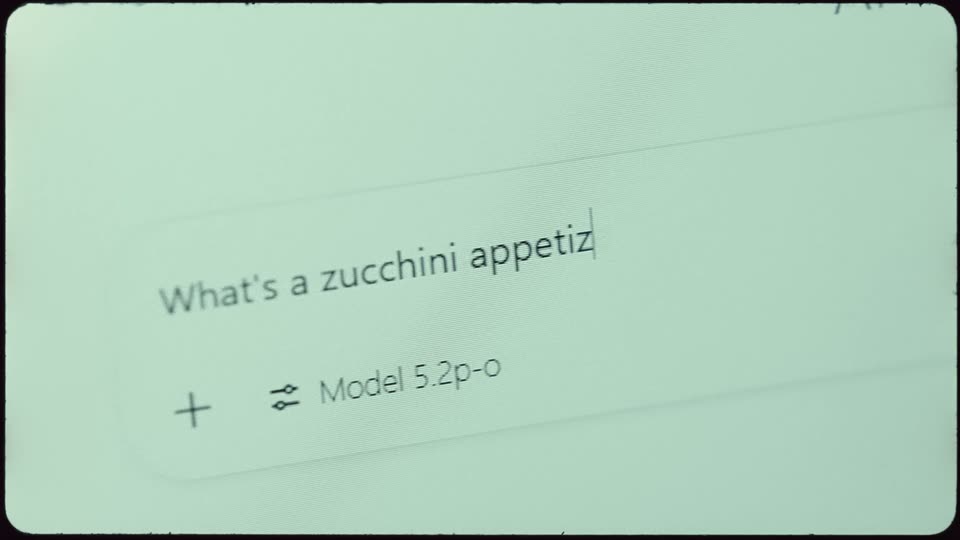 0:22–0:23The Browser Company · Dia Browser | Never Explain Yourself AgainA pale mint rounded card floats tilted in 3D perspective. The query types out letter by letter with a blinking cursor, while a plus icon and a slider labeled with the model name sit on a row below.
 0:47–0:49The Browser Company · Dia - Meet Dia. Now available for Arc members.A white sans-serif headline reading 'Dia already knows' holds static in the center of a plain black background.
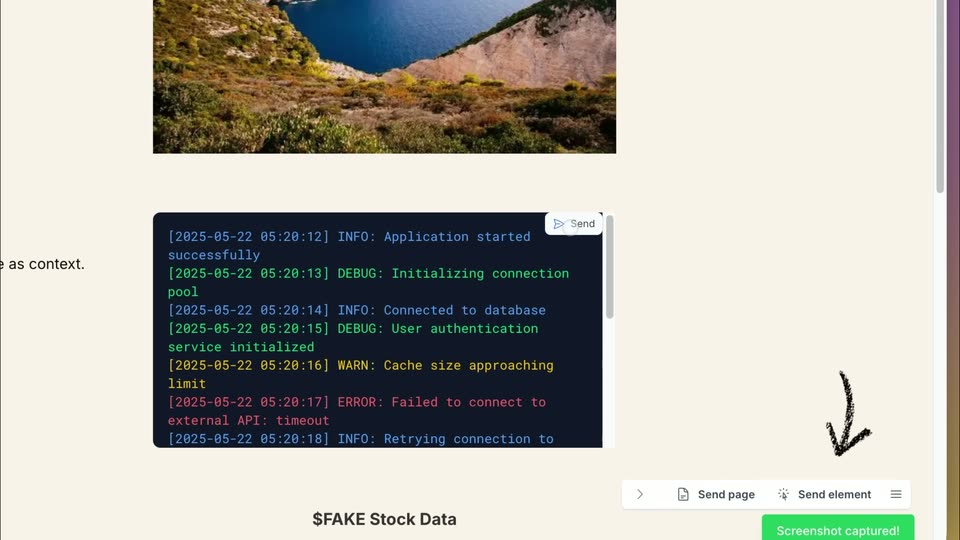 0:17–0:21Windsurf · Windsurf Wave 10 – Day 2: Windsurf BrowserA product view: a left text panel beside a scrolling document. The page scrolls up to reveal a landscape photo, then a dark log panel of colored lines. A Send button pops in above the log and a green toast flashes at the bottom right. A hand-drawn arrow points down.
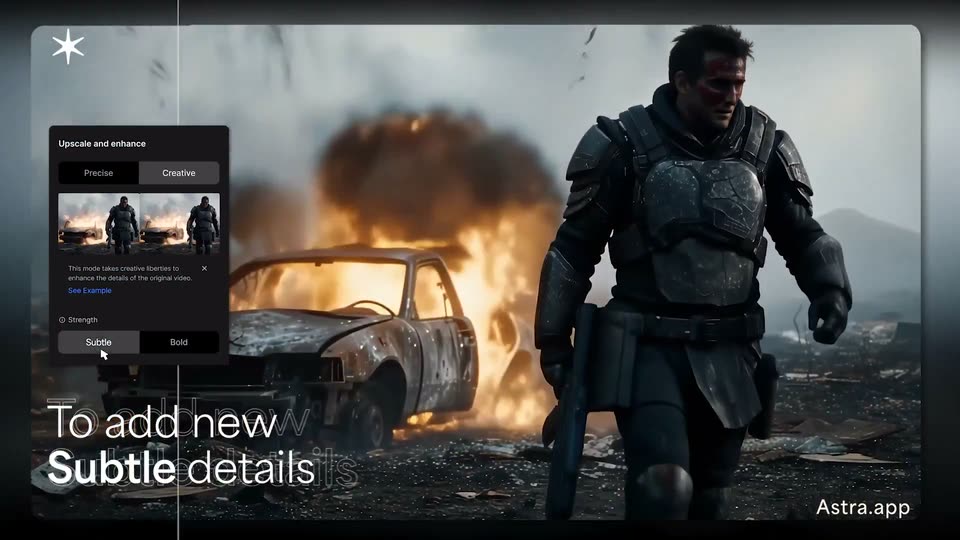 0:10–0:12Topaz Labs · Topaz Labs - 🚀BIG NEWS! We’re launching Astra: the first-ever creative upscaler foA dark control panel labeled Upscale and enhance slides in from the left over a video of a soldier walking past a burning car. The panel shows a Precise/Creative toggle and a Subtle/Bold strength control with a cursor resting on Subtle. A white headline reads To add new Subtle details at the bottom left as the car erupts in flames.
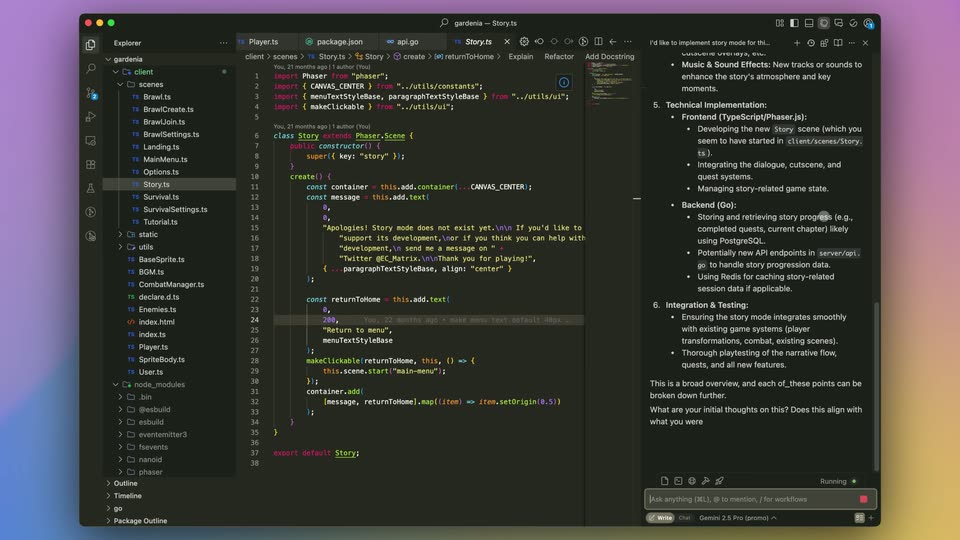 0:11–0:14Windsurf · Windsurf Wave 10 – Day 1: Planning ModeA code editor fills the frame: file tree and a TypeScript file on the left, an AI chat on the right. The chat scrolls up at a steady pace as the assistant streams a long plan, ending on a Planning for Os box with a Generating label.
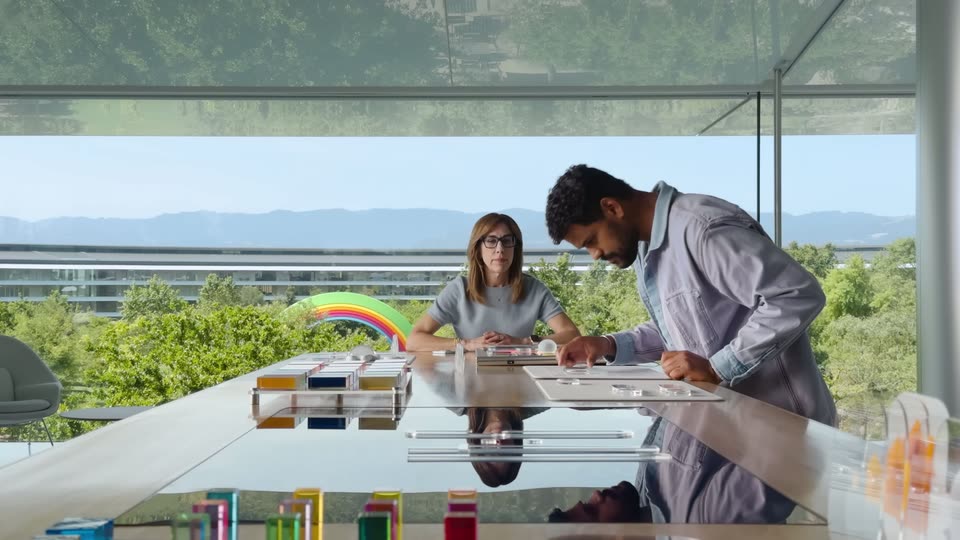 1:28–1:30Apple · iOS 26: Introducing Liquid GlassA man and a woman lean over a glass table, placing small white pieces beside rows of colorful translucent blocks. Floor-to-ceiling windows behind them show trees, mountains and a rainbow arch, while their reflections sit in the polished tabletop.
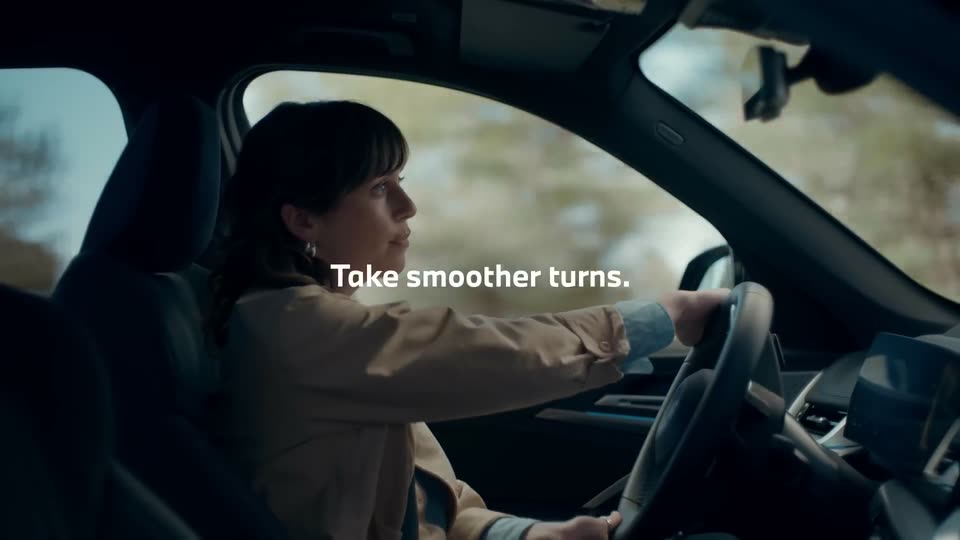 0:25–0:26BMW · BMW Intelligence | BMW Curve-Ahead View.A woman in a tan blazer drives, filmed in profile from the back seat as the scenery blurs past. She holds the wheel steady through a turn. A white caption fades in over the door panel.
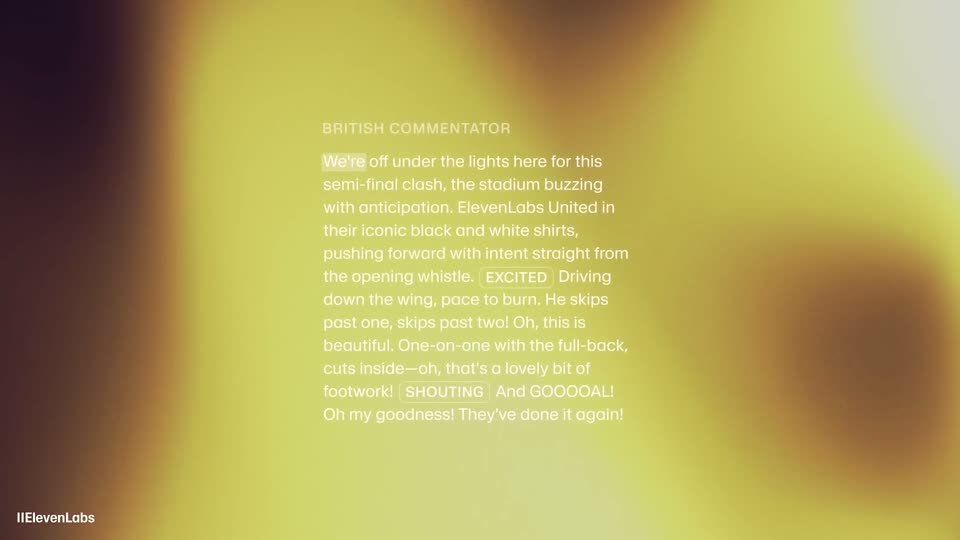 0:53–0:54ElevenLabs · Introducing Eleven v3 (alpha) — Our Most Expressive Text to Speech ModelA soft, out-of-focus gradient of yellow, orange and purple fills the frame. A block of white commentary text, headed by a small-caps label, sharpens into focus at center while a small white wordmark sits in the lower-left corner.
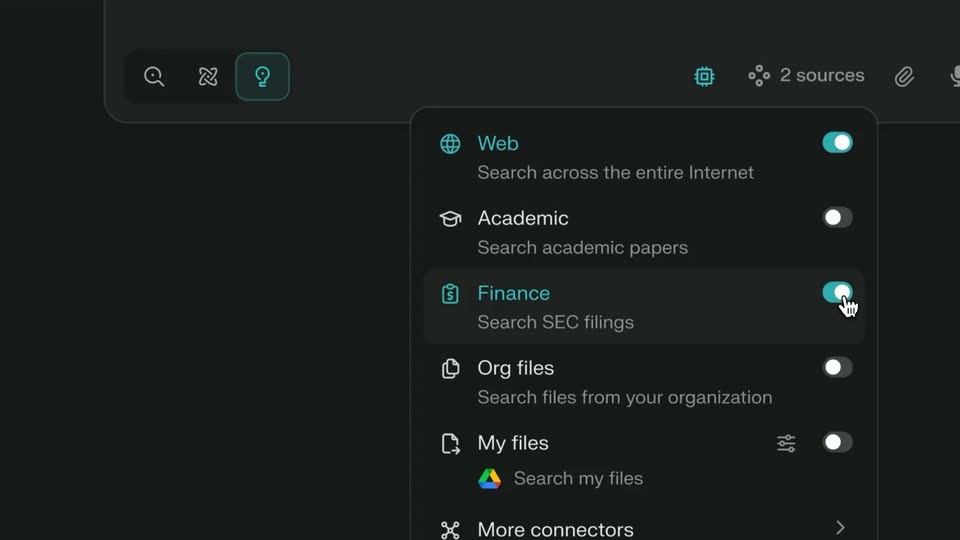 0:10–0:13Perplexity · Perplexity - Starting today, all Perplexity users have access to SEC data across SA dark Perplexity Pro interface shows the logo between two 'Create anything' input bars; the view zooms into the lower bar while a sources dropdown opens, and a cursor moves to the Finance row, highlighting it.
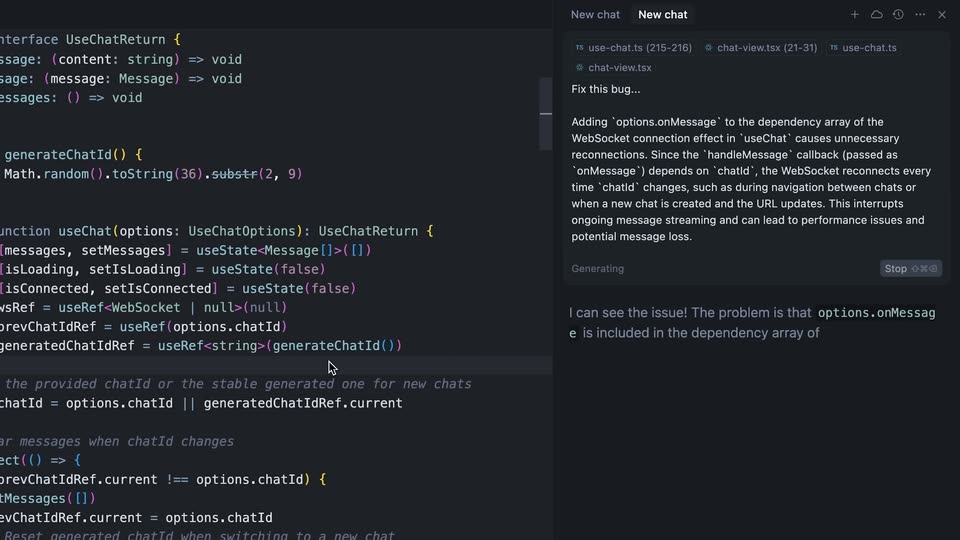 0:24–0:26Cursor · Meet Cursor 1.0A dark code editor fills the left half with TypeScript, while the right half holds a chat panel. The panel's reply streams in word by word, explaining a WebSocket reconnection bug, as a cursor rests on the code.
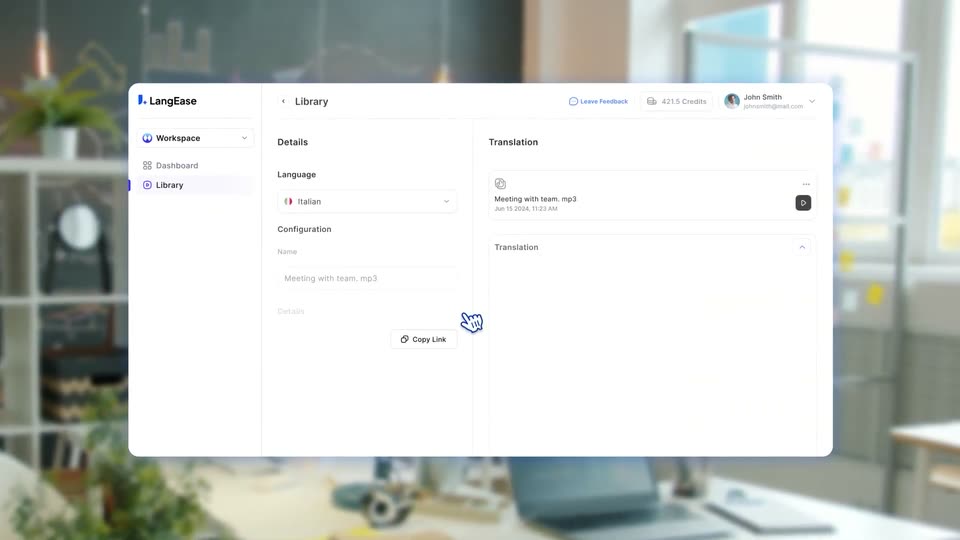 0:11–0:12LangEase · B2B Corporate Video Ad Example for SaaS Companies | LangEaseA flat LangEase library list floats over a blurred office background; a hand cursor hovers on the first file, then the view cuts to a detail panel showing Language: Italian and an empty Translation field.
 0:15–0:16Luma AI · Luma AI - Introducing Modify VideoTop-down split screen: a 3D-rendered astronaut drifts among asteroids in space on the left while a man in a denim jacket lies on a concrete floor on the right, his body cross-dissolving into the spacesuit as the white divider shifts.
 0:17–0:18Submagic · Submagic - Meet AI Caption Translation. What if your best video could reach milTestimonial cards with colored avatars and short quotes slide across a pale background. The top card then expands and centers into a full modal panel marked with a back arrow and close button, a small image emerging at its lower edge.
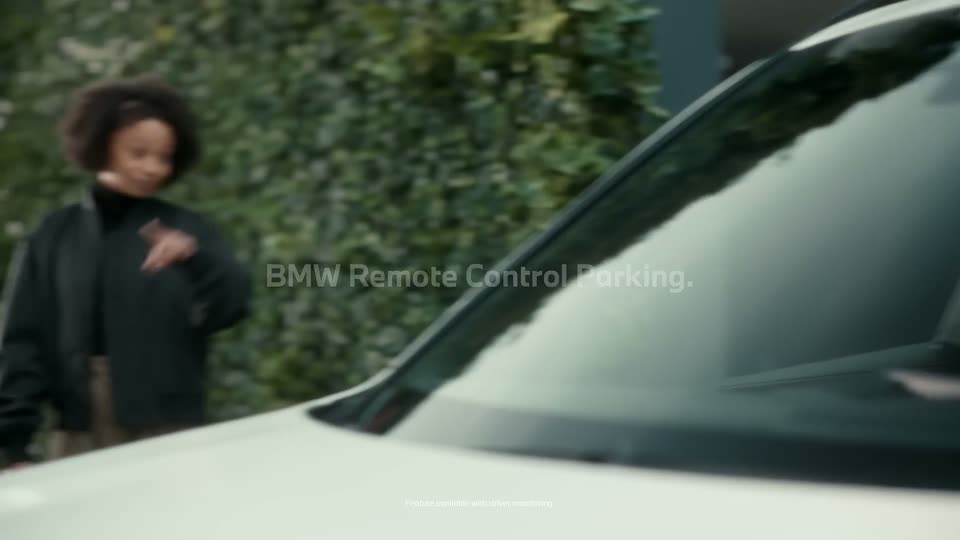 0:19–0:20BMW · BMW Intelligence | BMW Remote Control Parking.A golden retriever sits in the driver's seat of a white car, paws on the wheel, while the camera pans left past the windshield to a woman walking by a green hedge. The centered headline holds over the glass, then fades.
 0:34–0:35Manus · Manus - Introducing Manus video generation. Manus transforms your prompts inA dark product interface with a chat message, a numbered list, and a video preview thumbnail fills the frame. A bold white credit line sits centered over it. The interface fades to black, leaving the line on a plain black field.
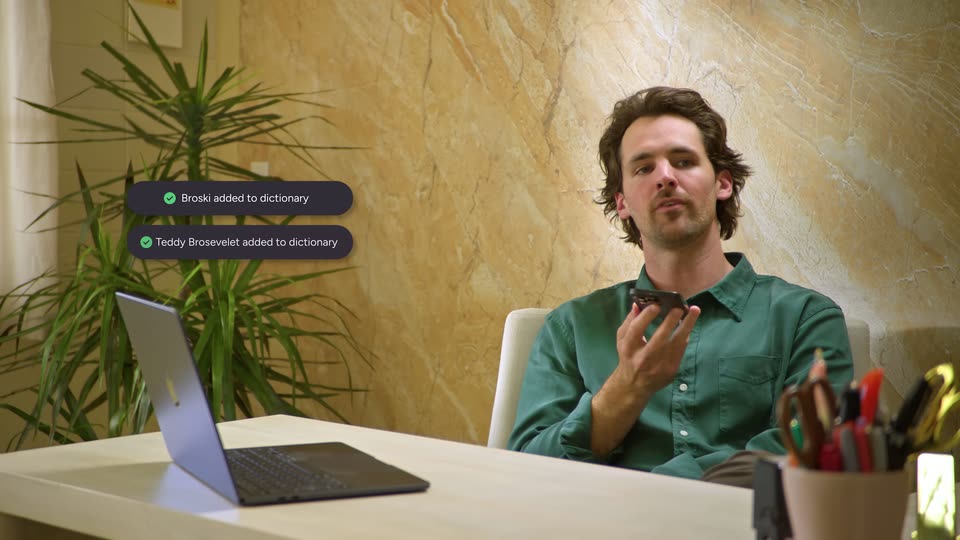 0:37–0:38Wispr Flow · Wispr Flow for iPhoneA man in a green shirt sits at a desk holding a phone to his mouth, dictating into it. On the left, a mic waveform pill and a white transcription bubble sit above a dark badge; the top elements exit and a second dictionary badge stacks below.
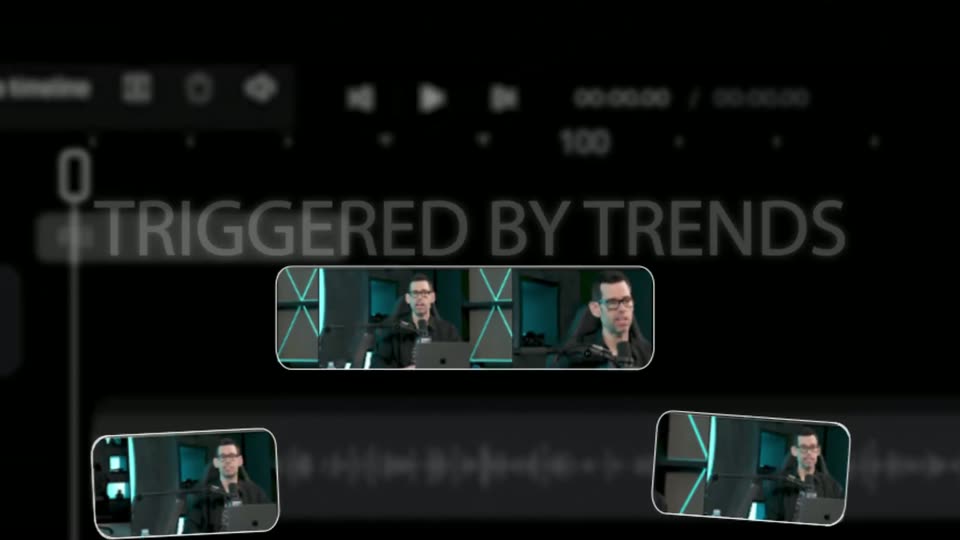 0:15–0:16OpusClip · OpusClip - Welcome OpusSearch, the first AI growth agent that can automaticallyOver a blurred video-editor timeline, the white headline TRIGGERED BY TRENDS types out behind a blinking cursor. A rounded video strip of a man at a desk splits into three clips, each tagged with a scaling label.
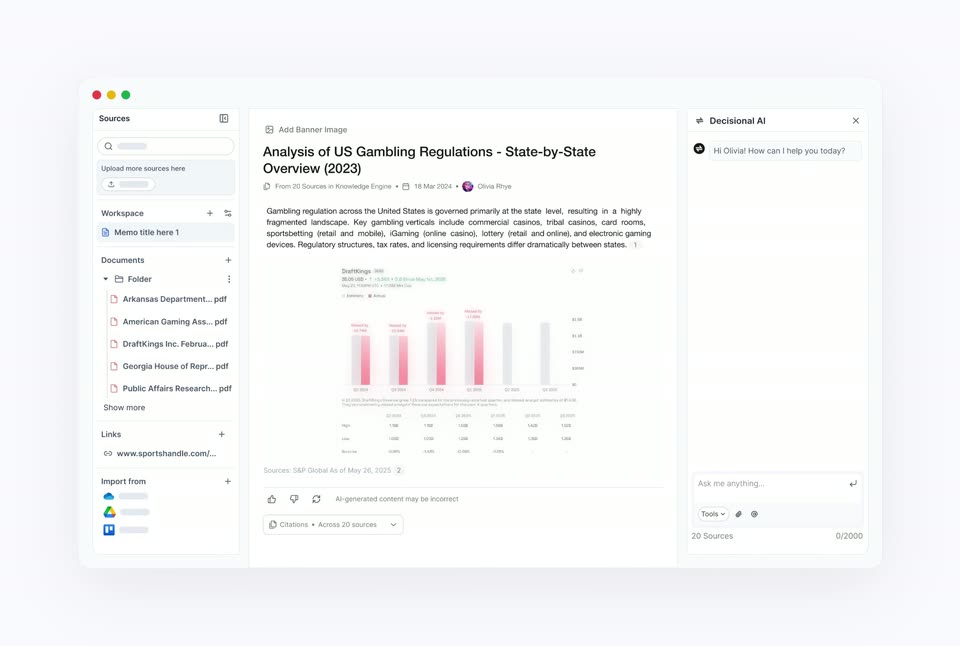 0:05–0:17Decisional AI · Decisional Knowledge Engine TeaserA product window on a light background: the cursor types a memo prompt, clicks send, and the pane shows Diving Deep steps, a skeleton loader, then a generated memo with a bar chart and citation tooltip. The view zooms out to reveal a second window with the source PDF.
 0:15–0:16ElevenLabs · Introducing ElevenLabs Conversational AI 2.0A three-line blue and dark gray headline sits between cropped white clock faces, then defocuses as a blue-outlined chat bubble with “Thank you.” settles in the center, another bubble blurring in at the right edge.
 0:16–0:18Flowith · Flowith - flowith neo is now open to everyone. no more codes hunting. gen anytBlack and white blocks slide and reshape over a dotted waveform line, masking the headline as 7×24HR scales and the white field collapses into a circle.
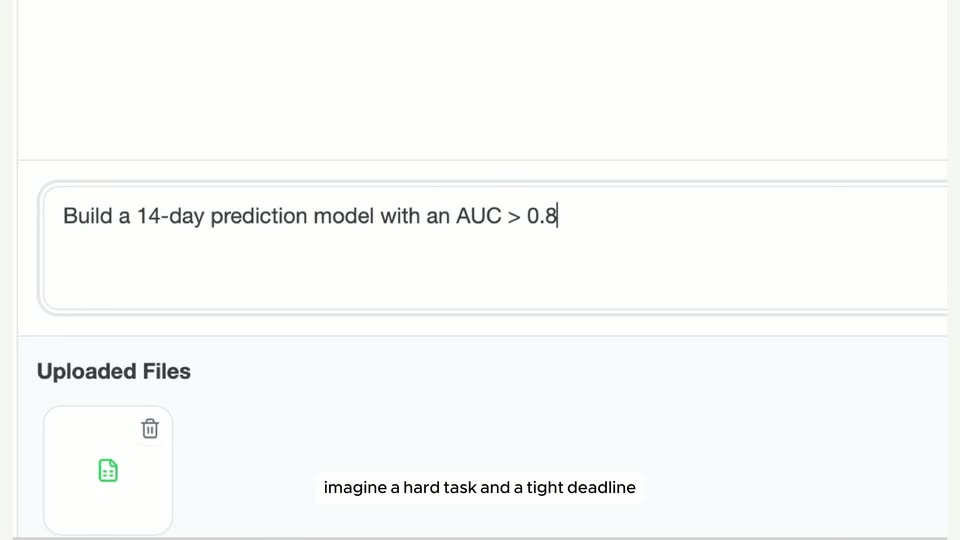 0:24–0:26Leeroo · Leeroo Continuous Learning AgentsA close-up of a chat input shows the prompt 'Build a 14-day prediction model with an AUC > 0.8' typed with a blinking cursor, then the view zooms out to the full ML Engineer agent interface with sidebar and empty chat canvas. A black caption sits at the bottom throughout.
 0:10–0:11Melder · Melder - AI for ExcelA spreadsheet of invoice rows with vendor names and amounts scrolls upward and fades out, the last row slipping below the frame, ending on a plain white screen.
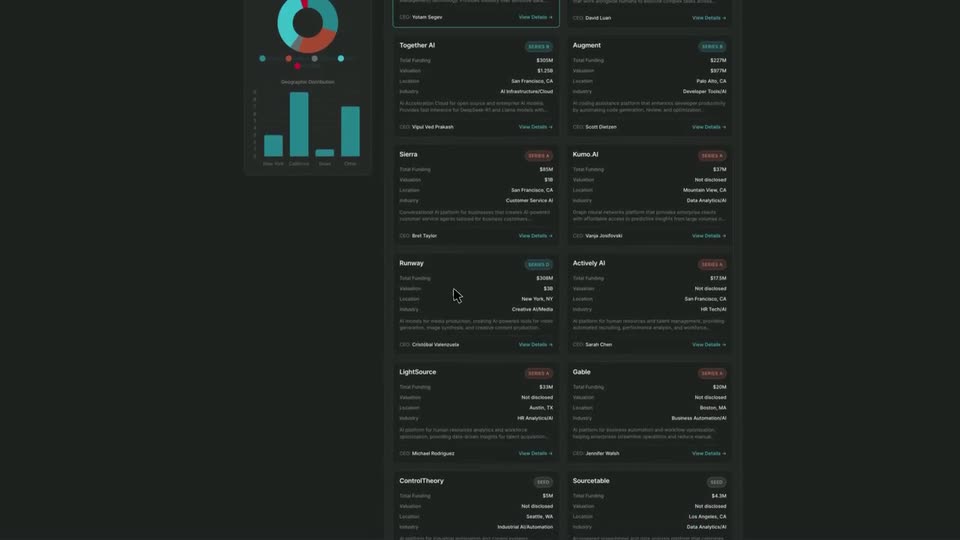 0:29–0:30Perplexity · Perplexity - Today we're launching Perplexity Labs. Labs is for your more complexA dark analytics dashboard scrolls down past a top stat bar, revealing a two-column list of potential customers with funding figures and a left panel of filters plus a donut and bar chart. A cursor hovers over the list as the rows move beneath it.
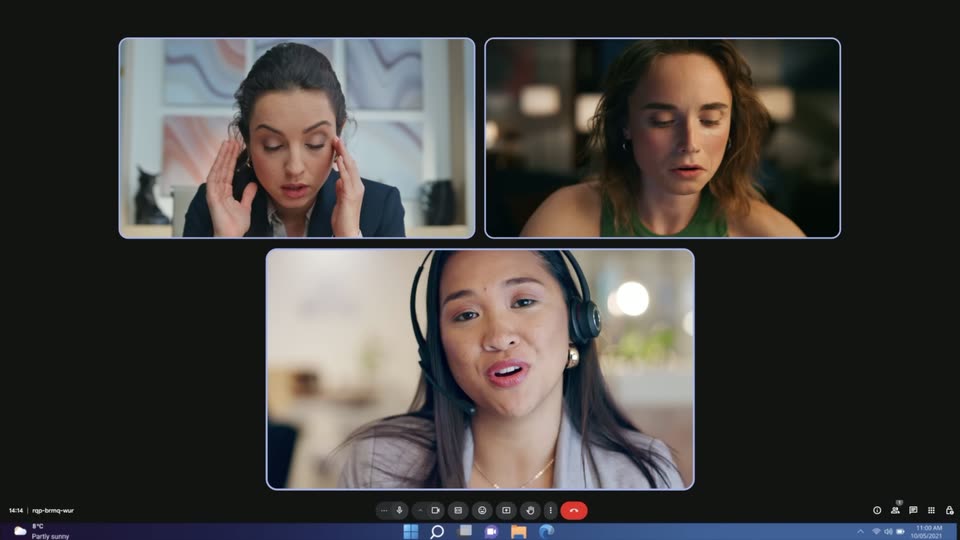 1:02–1:07Akool Inc · Introducing Akool Live Camera: Real-Time AI Video CreationA dark Teams call screen shows three women in a grid. The headset-wearing woman at the bottom center speaks, while the two above show fatigue, one pressing her temples and the other rubbing her forehead. The control bar and taskbar sit at the bottom.
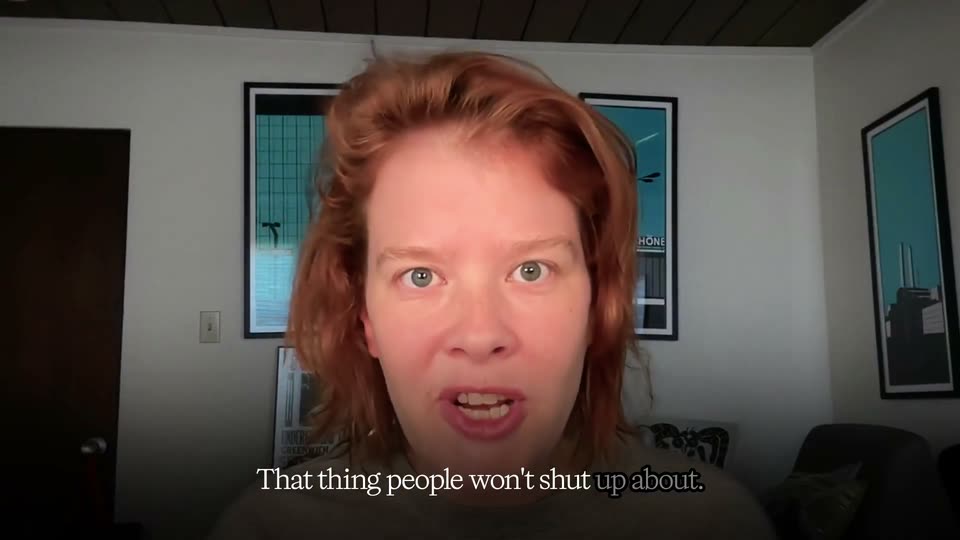 0:24–0:26Descript · Meet the Underlord: Descript's Open Beta Feature DropA red-haired woman faces the camera in a home office, framed posters and a door behind her. She talks with small head movements while a caption sits at the bottom. The shot is locked off and steady.
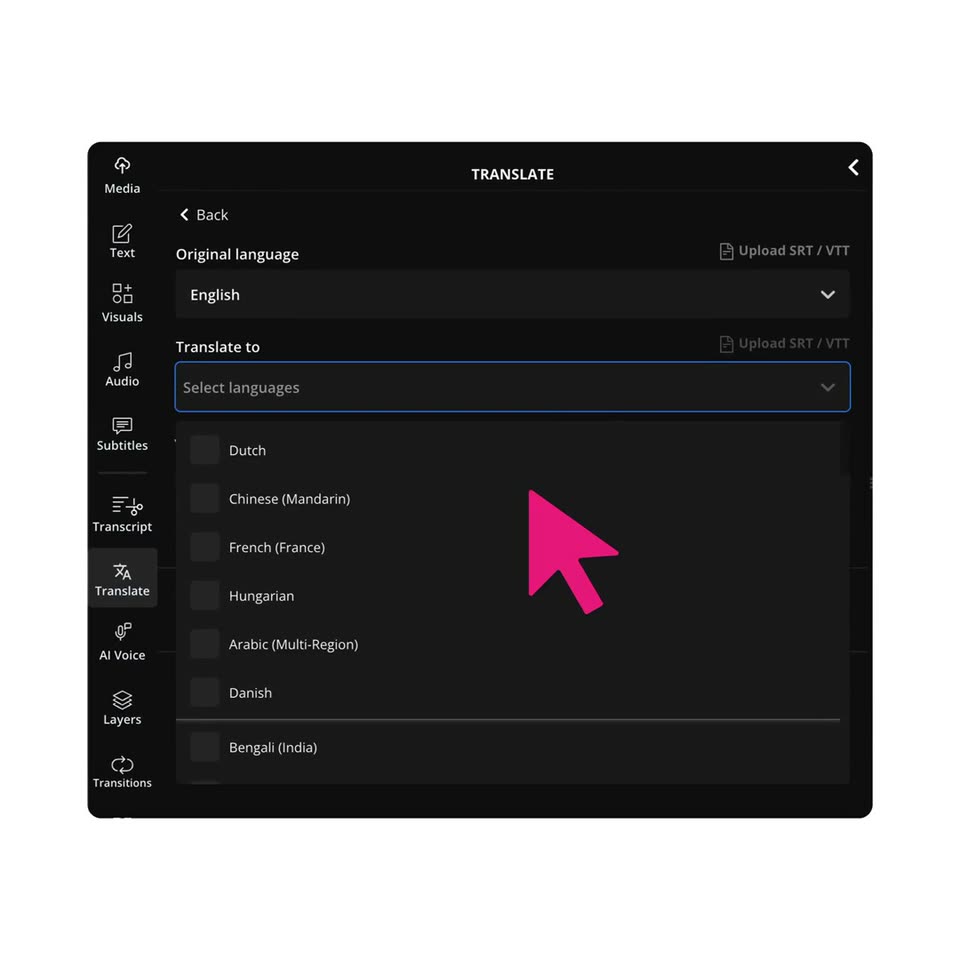 0:04–0:08Kapwing · Kapwing - Reaching a global audience just got easier 🌍 Kapwing’s AI Dubbing toA dark translate panel sits on a white field, opening on two option cards. A pink cursor selects one, the view switches to a form, then the cursor opens the language list, picks Chinese (Mandarin), and the green Dub Video button lights up.
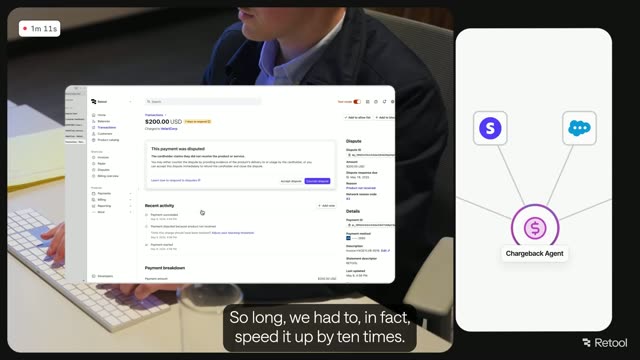 0:54–0:59Retool · Introducing Agents from RetoolSplit screen: a person types at a desk on the left as a Salesforce then Stripe dashboard mockup floats over the footage and a timer counts up; a static diagram card on the right links Stripe, a chat icon and a Chargeback Agent node. Bottom captions change.
 0:17–0:18Flott HQ · Flott HQ - AI Operating System for Fleet ManagementA blue-to-pink gradient circle with white four-pointed sparkles sits centered on a soft white-pink background. A thin white outline of a paper-plane shape draws itself around the circle.
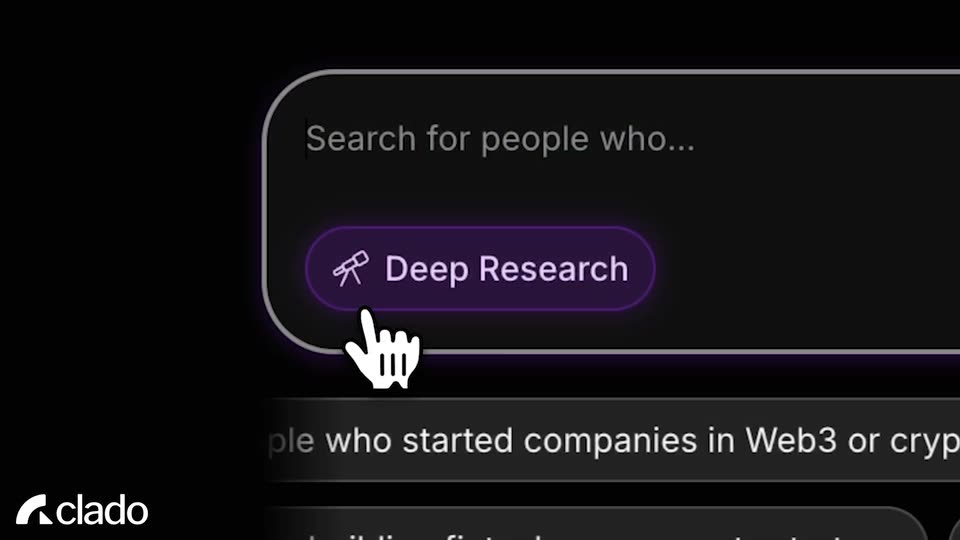 0:26–0:28Freesolo · Introducing Clado (YC X25): Deep Research for PeopleClose-up of a search interface. An arrow cursor slides up to the Deep Research row and clicks it; the row morphs into a glowing purple pill button while the surrounding interface darkens and dims.
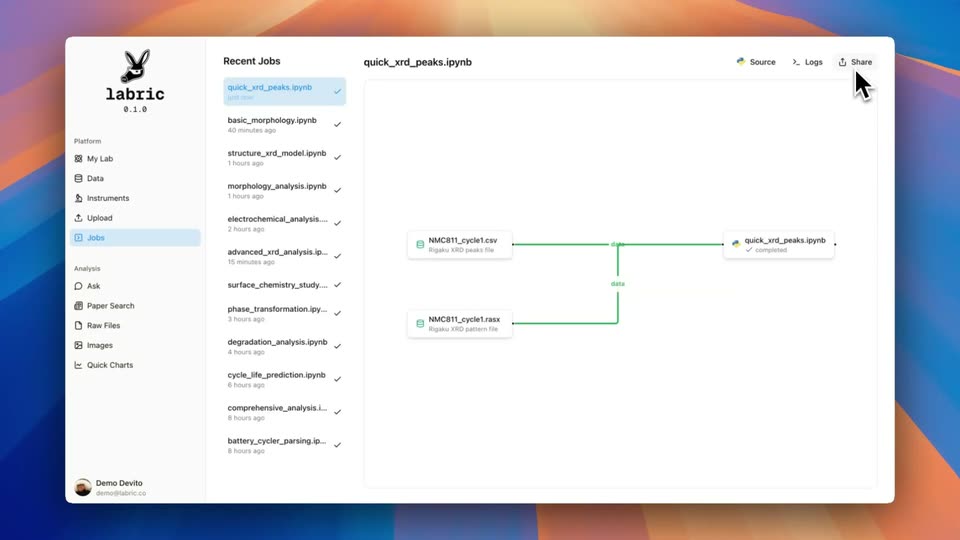 0:25–0:35Labric · Labric (YC X25) Launch VideoZoomed on a node graph linking two data files to a notebook, the view pulls back to the full Labric dashboard with sidebar and job list. The graph lines turn green as the job completes, then a cursor clicks Share, opening a dialog with a link and access list.
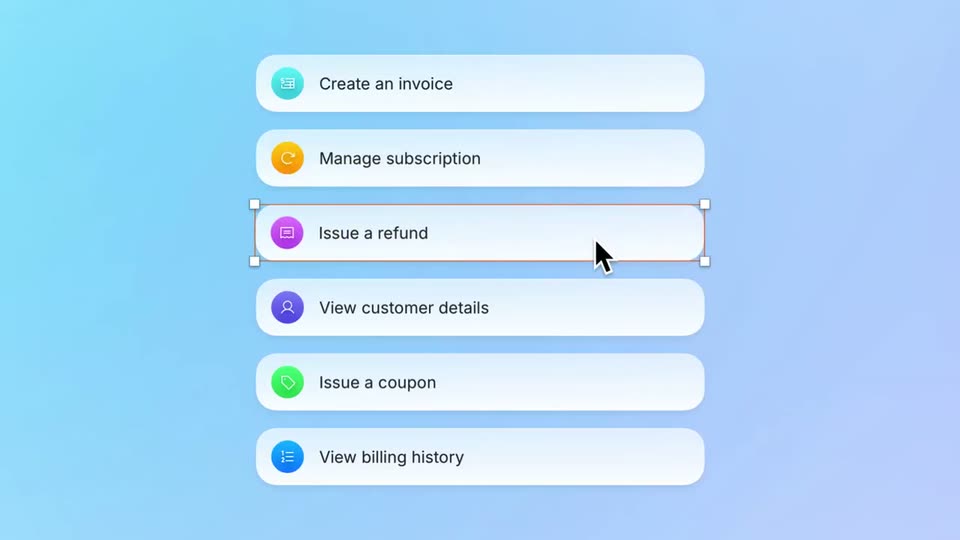 0:08–0:09Sketch · Sketch - Remember when we said auto layout was coming to Sketch? It’s here. ItOn a light blue gradient, a column of white rounded action buttons reorders as a cursor drags the 'Issue a refund' row down one position. Its orange selection box and corner handles follow it while the rows above slide up to fill the gap.
 0:54–0:56Sygaldry Technologies · Sygaldry: Quantum-Accelerated AI ServersA slow push-in through a blue server-room corridor carries four white phrases that swap in sequence at center, then a cut to a blue wireframe city skyline with the word CREATING held at center.
 1:02–1:04Avallon AI · Introducing Avallon AIOn a pale gradient background, a soft blue disc holds the dark Arc logo at its center, surrounded by a thin ring of six labeled channel icons. The ring and icons fade out, then the logo dissolves, leaving the plain blue disc.
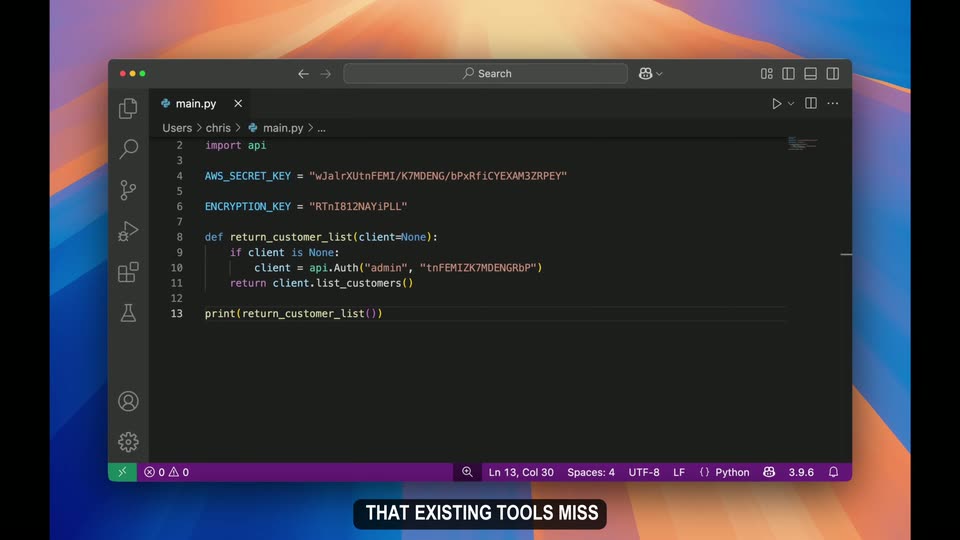 0:57–1:01BitPatrol · BitPatrol - Secret Detection That Actually Works (YC X25 Launch Video)A dark code editor window on a colorful gradient desktop shows a Python file with hardcoded AWS and encryption keys. The editor stays static while white caption lines in a black box at the bottom swap every second.
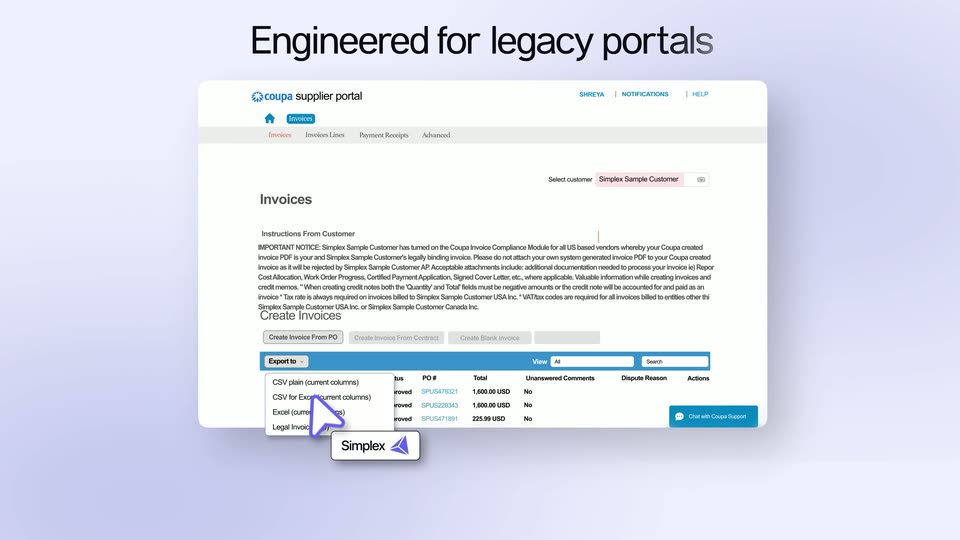 0:08–0:14Simplex · Simplex Launch VideoA flat Coupa supplier portal screenshot sits below the static headline “Engineered for legacy portals.” A purple cursor opens the customer and export dropdowns in turn, and a Simplex logo chip trails the cursor.
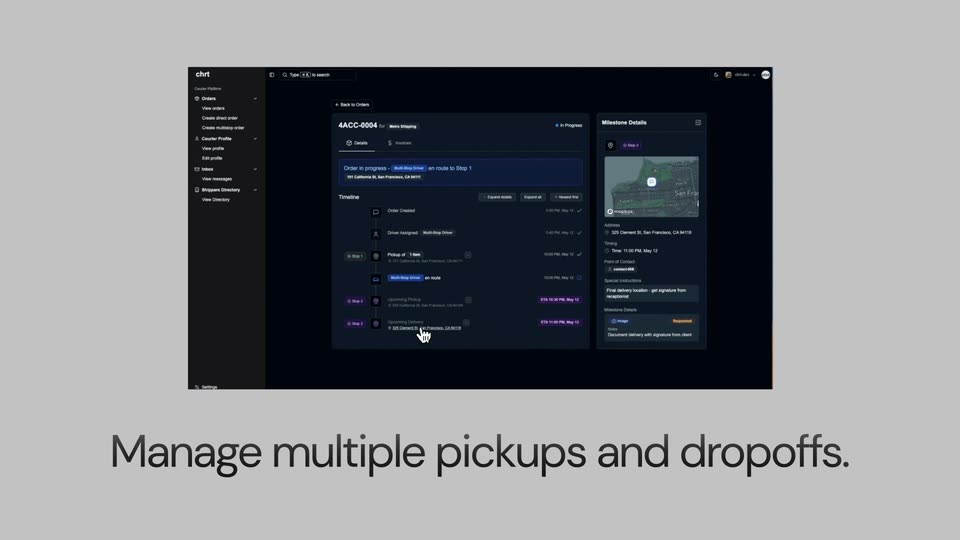 0:22–0:24chrt · chrt YC LaunchA dark order-tracking dashboard sits in 3D perspective on a light gray field, a white hand cursor resting on a timeline row. Below the panel, the headline crossfades from the fading words end to end delivery to the settled line Manage multiple pickups and dropoffs.
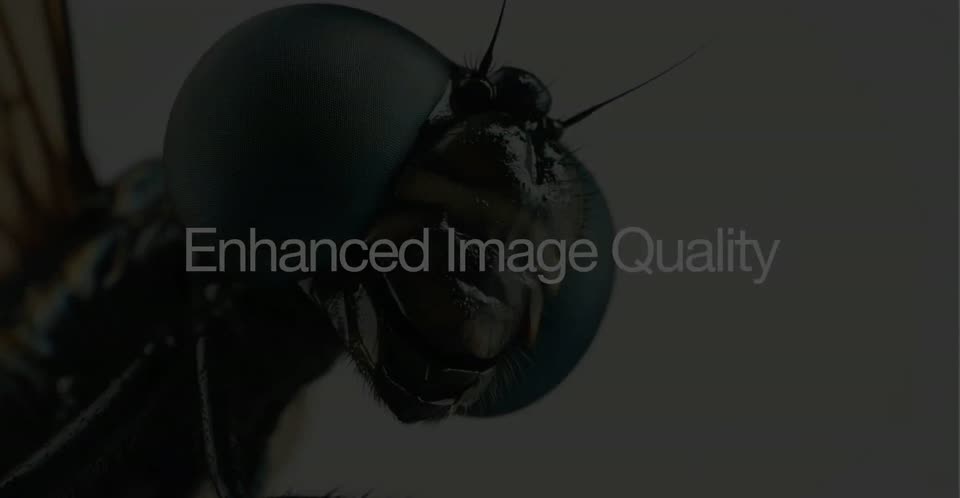 0:07–0:08FLORA · FLORA © - Photorealism, 2K resolution, and precise typography. Introducing ImaA dim interior of a stocked fridge holds still, then the scene cuts to an extreme macro of a fly's head. A centered caption appears over each shot and remains static throughout.
 0:19–0:20Google · Introducing Google AI Ultra: The best of Google AI in one subscriptionOn a black field, the stacked lines Veo 3, in, Gemini app sit beside a blue four-point sparkle inside two gradient rounded-rect outlines that drift left. The block fades out as Turn words into videos scales in, dim at first.
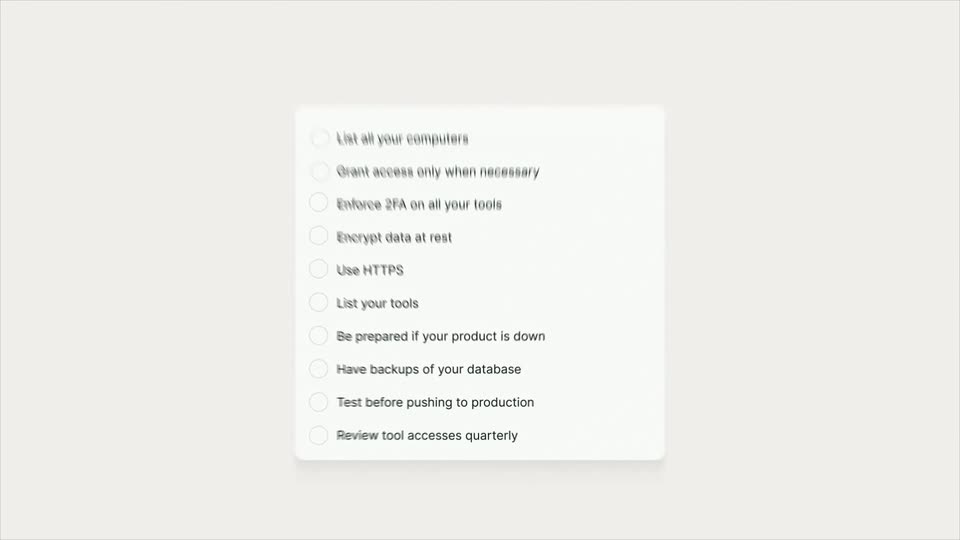 0:29–0:30Probo · Probo - SOC 2 in a weekA white checklist card with ten labeled rows and empty circles scales down and drifts up and left, settling beneath a large gray headline that fades in at the top left, as a yellow curved band slides out of the right edge.
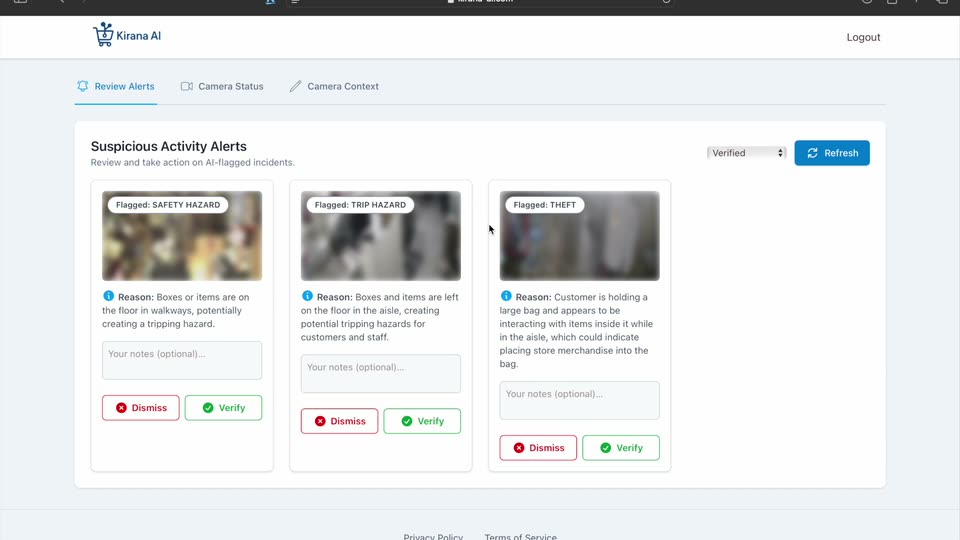 0:27–0:34Kirana AI · Kirana AI, Full-Stack AI Store ManagerThe Kiraana AI dashboard resolves from a loading state into three alert cards, each pairing a blurred camera still with a flag pill, a reason line, and Dismiss and Verify buttons. A cursor rests at the right edge.
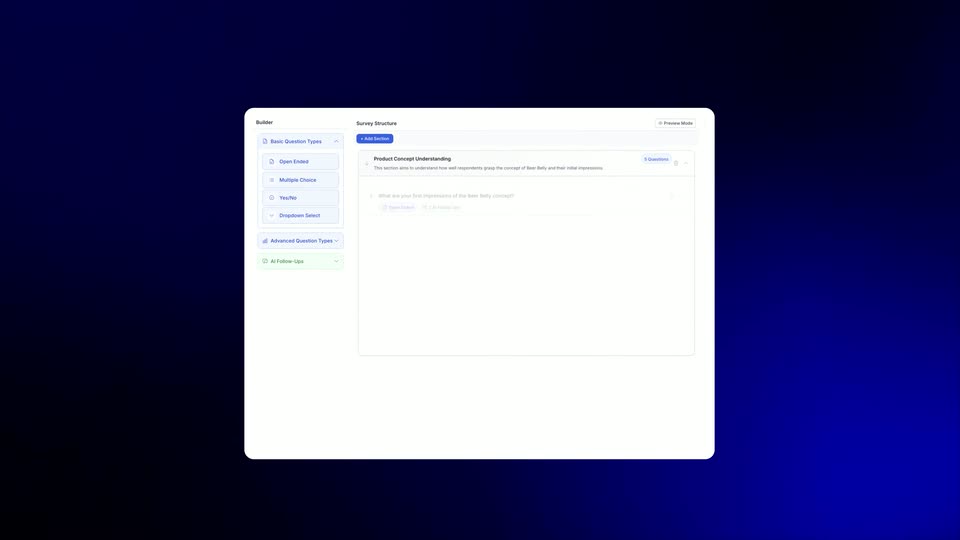 0:20 · 0.5sstratify · Stratify Demo VideoA white survey-builder panel with a left question-type menu and a single question card scales up into the center of a deep blue gradient background.
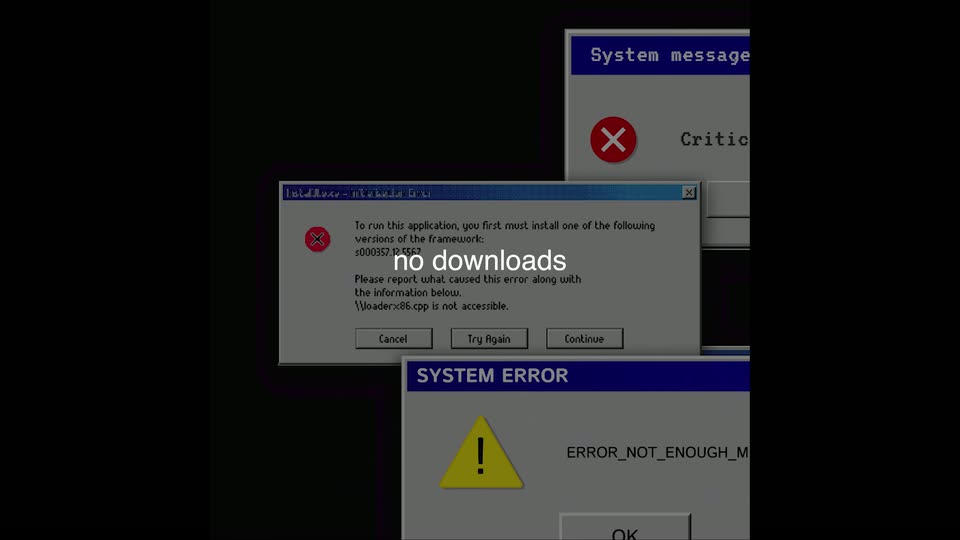 0:09–0:10Wavedash · Meet WavedashOn a black background, the white caption 'no downloads' holds center while retro Windows error dialogs slide in from the right and float, stacking with a second 'SYSTEM ERROR' box. The dialogs drift slowly, giving the still caption a sense of depth.
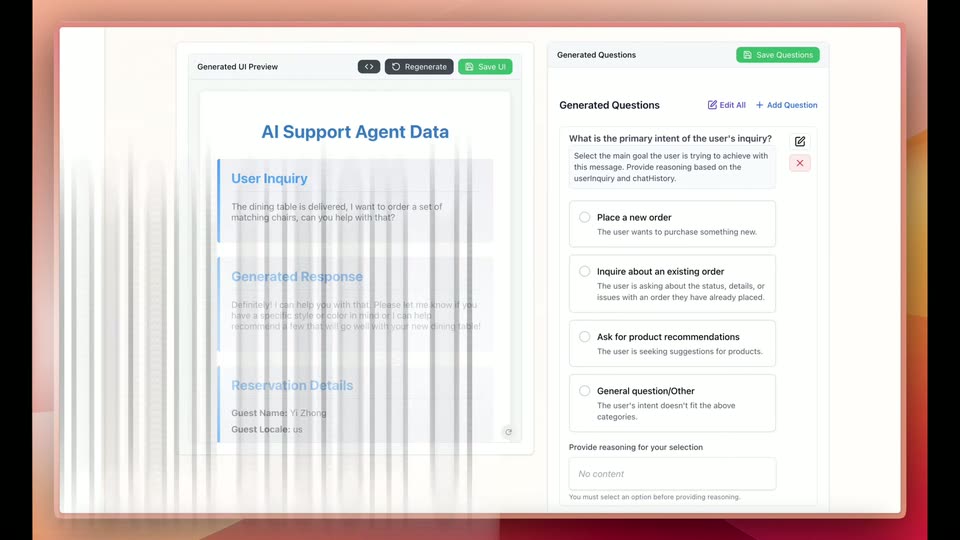 0:20–0:25Besimple AI · Besimple AI: Spin up your own data annotation platform in 60 secondsA two-panel product screen resolves from a blurred crossfade: a generated UI preview on the left, a question list with radio options on the right. A white rounded caption card slides in top-left reading “instant custom UI,” then slides to the top-right reading “and guidelines.”
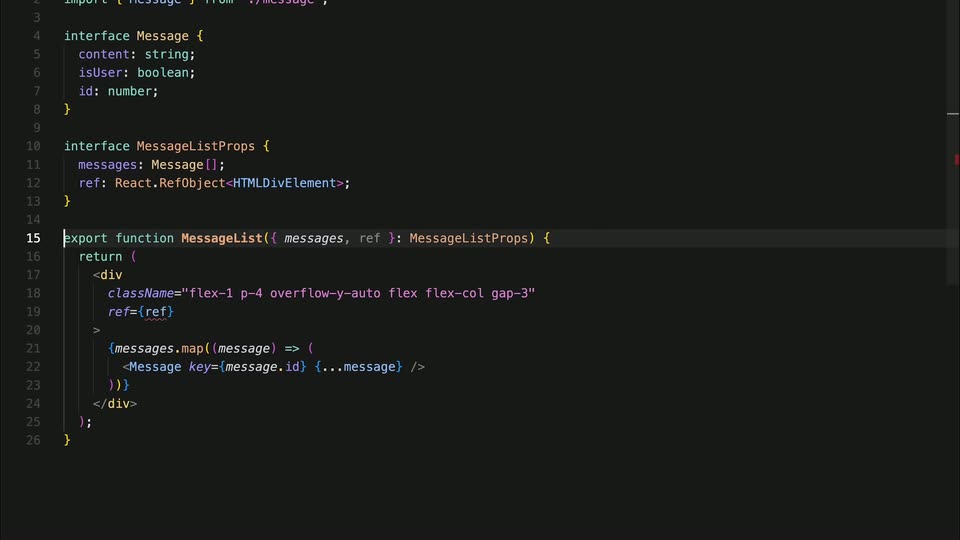 0:27–0:34Cursor · Cursor's largest update yetA dark code editor shows a TypeScript file as the caret jumps between lines. Ghost text previews the next edit on the right before it commits, and small 'TAB to jump here' hints pop up beside each stop while a bottom hint reads 'TAB to chat.tsx'.