Split screen
Several distinct areas shown at the same time, side by side.
5,612 scenes · page 59 of 94
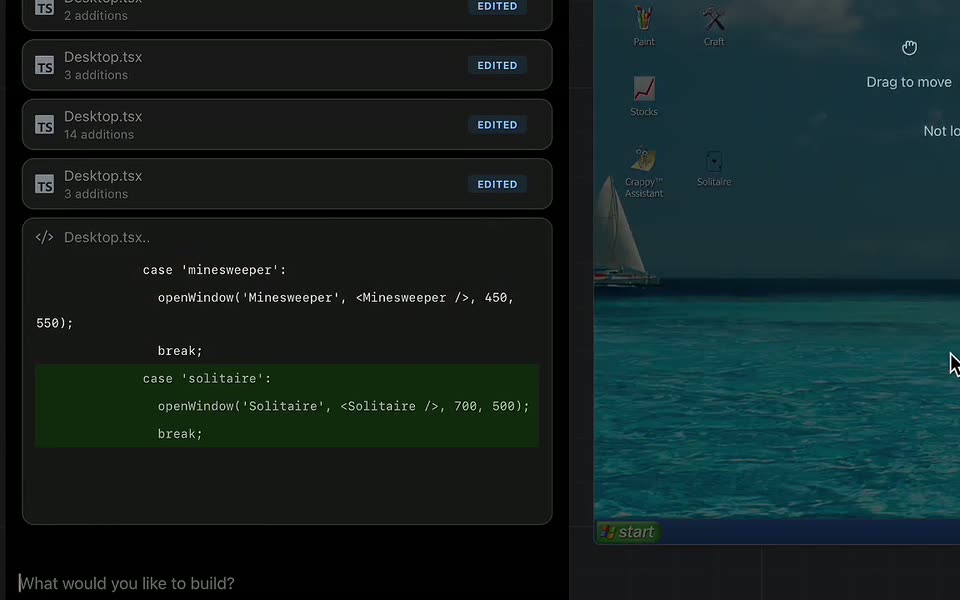 1:24–1:25Sharpe · Introducing Solar by LumenaryA split screen shows a dark code panel on the left with edited Desktop.tsx entries and a highlighted block, beside a retro desktop on the right with a blue sea wallpaper and a green start button. The right desktop fades to black while the left stays still.
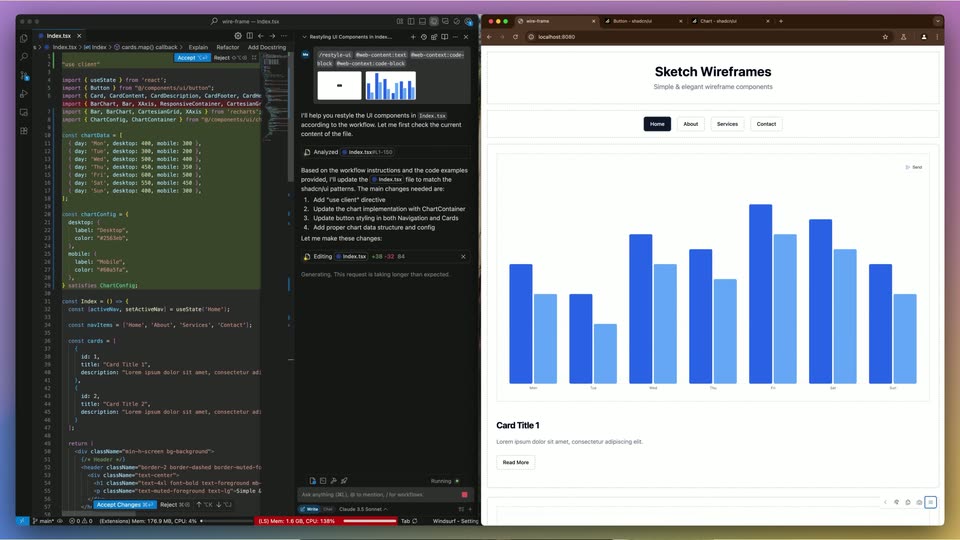 0:55–0:57Windsurf · Windsurf Wave 10 – Day 2: Windsurf BrowserThree application windows sit side by side: a code editor, an AI chat panel, and a browser showing a wireframe page. The layout then reflows into two wider windows, one a log viewer and the other a browser with a stock chart and a log overlay.
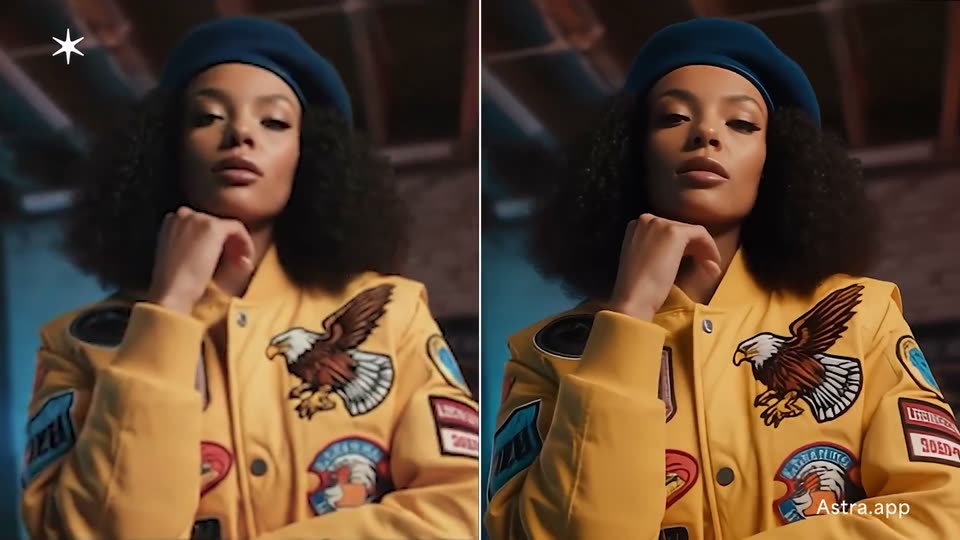 0:34–0:37Topaz Labs · Topaz Labs - 🚀BIG NEWS! We’re launching Astra: the first-ever creative upscaler foA split screen shows a woman in a yellow bomber jacket and blue beret posing. The left side features a text overlay, while the right side is clean.
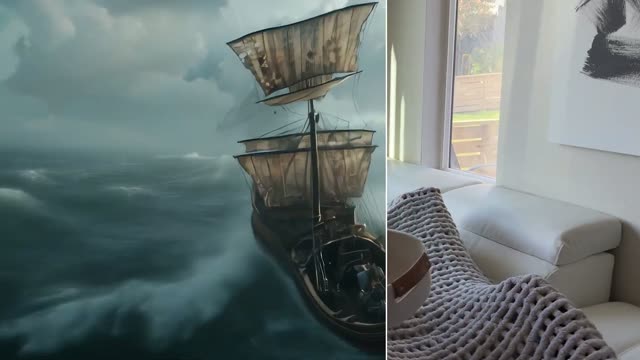 0:19–0:20Luma AI · Luma AI - Introducing Modify VideoA vertical split screen holds a stormy ocean on the left and a sunlit living room on the right. A toy boat with a blue sail sits on a knit throw; the sail shifts to tan as a tall ship fades in on the water.
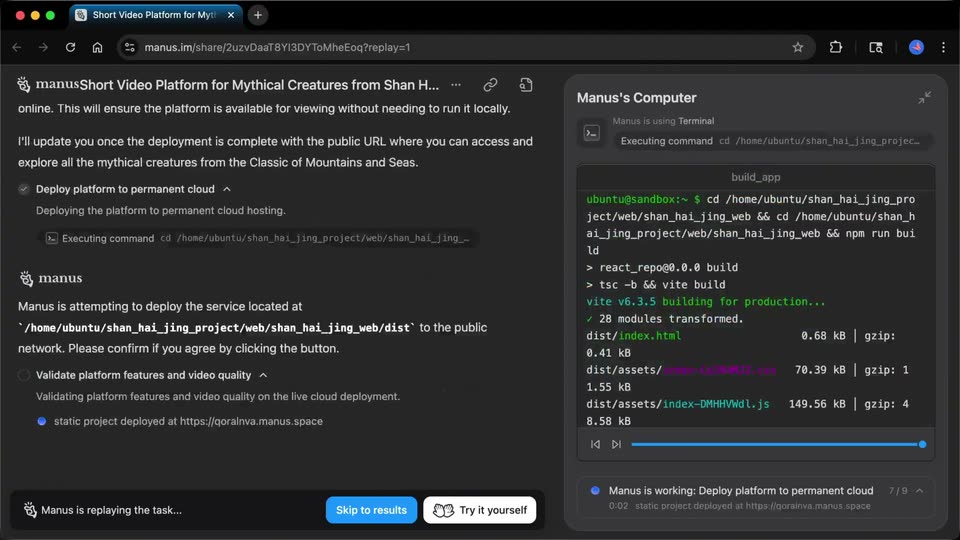 0:49–0:50Manus · Manus - Introducing Manus video generation. Manus transforms your prompts inA split-screen interface displays a task list and a browser window, which quickly transition into terminal windows showing code and commands.
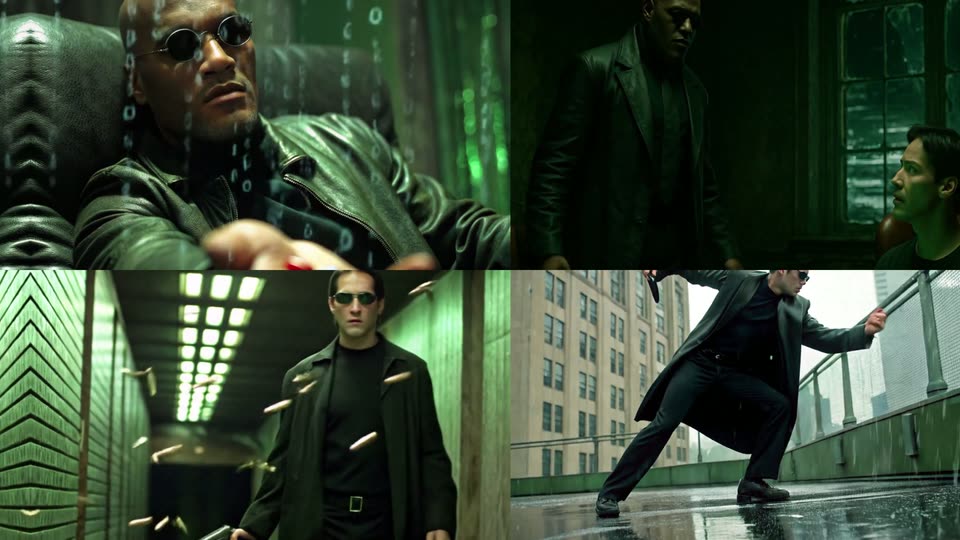 0:36–0:37Flowith · Flowith - flowith neo is now open to everyone. no more codes hunting. gen anytA 2x2 grid shows four green-tinted action clips at once: a seated man in round sunglasses beneath falling code, a man in a dark coat over a seated man, a man walking past floating bullets, and a man crouched on a wet rooftop.
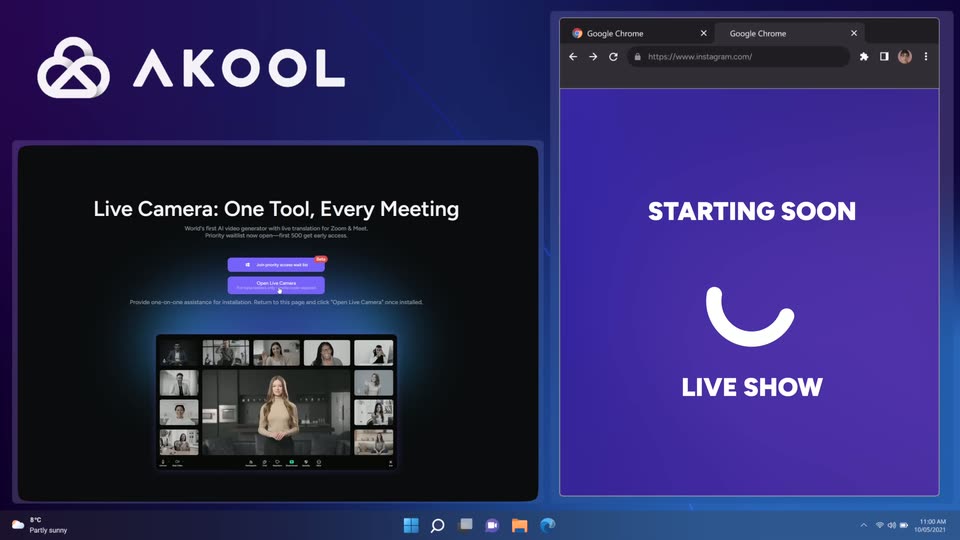 2:15–2:16Akool Inc · Introducing Akool Live Camera: Real-Time AI Video CreationA locked-off desktop shows the AKOOL logo top left, a dark product card on the left and a Chrome window on a purple live-show page on the right. The left card cross-fades from a headline and call grid to a live camera view, while a white loading ring spins on the right.
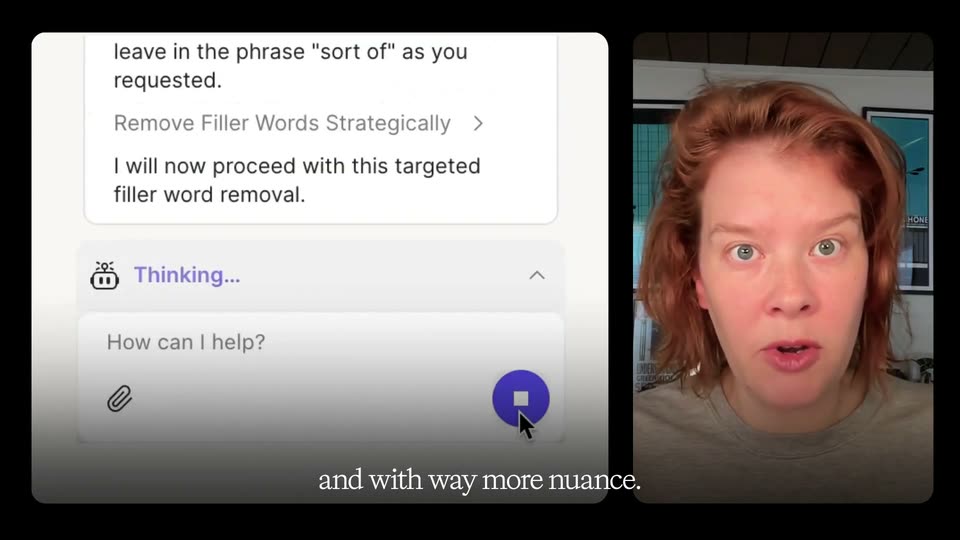 0:46–0:50Descript · Meet the Underlord: Descript's Open Beta Feature DropSplit screen: a chat interface on the left shows a prompt and a scrolling answer while a cursor taps the blue send button; on the right a red-haired woman speaks to camera. The interface then fades out, leaving her video in a small rounded card on a light background.
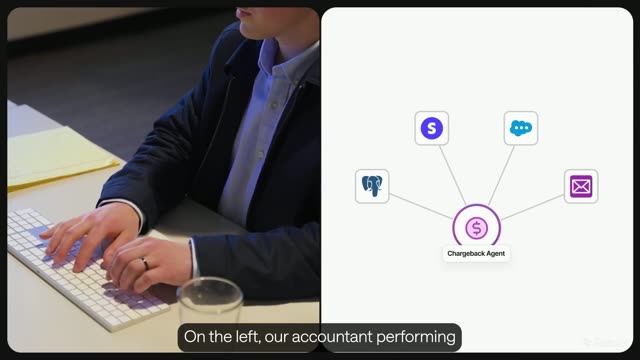 0:50–0:51Retool · Introducing Agents from RetoolSplit screen: a man in a dark jacket types on a white keyboard at a desk on the left; on the right, a white panel shows a network of colored icons that zooms into a small cluster labeled Chargeback Agent.
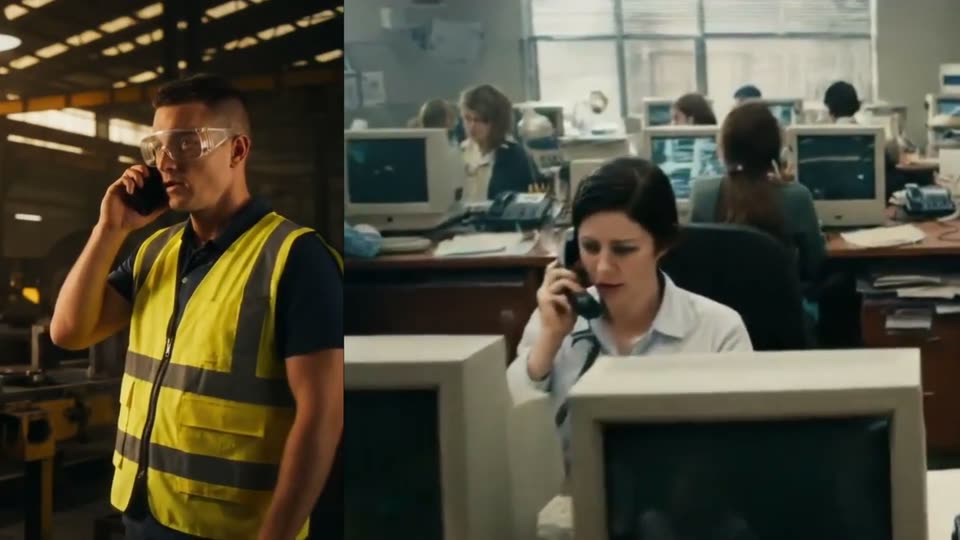 0:03–0:04chrt · chrt YC LaunchA vertical split screen shows a worker in a yellow vest and clear goggles on a phone in a dim warehouse beside a call center with staff at CRT monitors. The frame slides right, the office taking the left as a suited man on a phone enters the right.
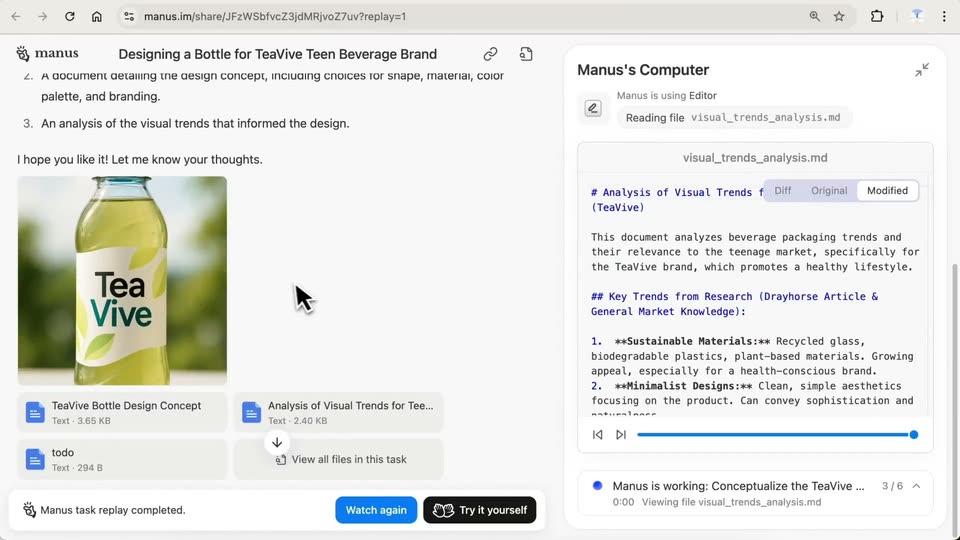 0:28–0:31Manus · Manus - Introducing Manus image generation. Manus doesn’t just generate imagA split screen pairs the Manus chat on the left with a simulated computer on the right. The chat scrolls to reveal a green TeaVive bottle render and file cards as a cursor hovers over the image. The right pane shows the editor filling the concept document beside a browser.
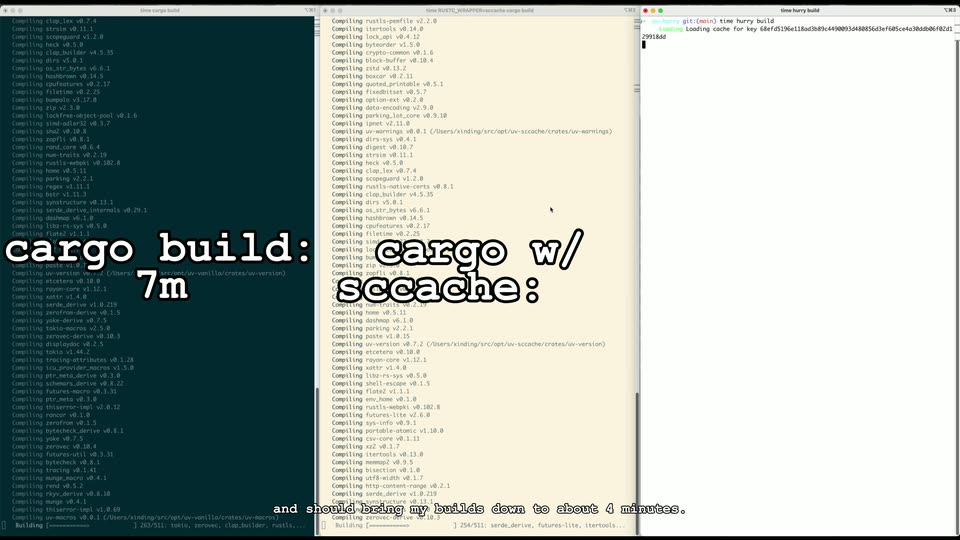 0:18–0:53Attune · Attune - Faster Builds, Zero EffortThree terminal windows sit side by side, each streaming cargo build output. Big comic-style labels pop in over each panel to compare build times, ending with a red circle on the 26-second result.
 0:44–0:48Adentris · Adentris – AI Compliance Copilot for Healthcare Providers | Prevent Claim DenialsSplit-screen flat illustration: left, a laptop shows three claim cards stamped DENY CLAIM with red alert badges; right, a hooded figure with a glowing red face sits before monitors under an INSURANCE CO sign. It cuts to a red-haired woman at a desk stacked with DENY binders.
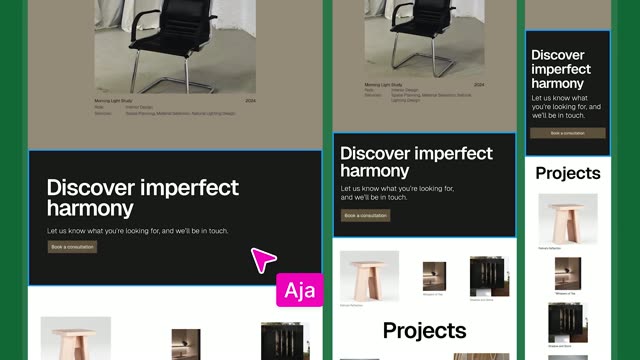 0:17 · 0.8sFigma · All the launches at Config 2025 | FigmaA portfolio website is shown at three widths side by side, each with a black panel outlined in blue. A pink cursor hovers over the left panel, tagged with a pink 'Aja' label.
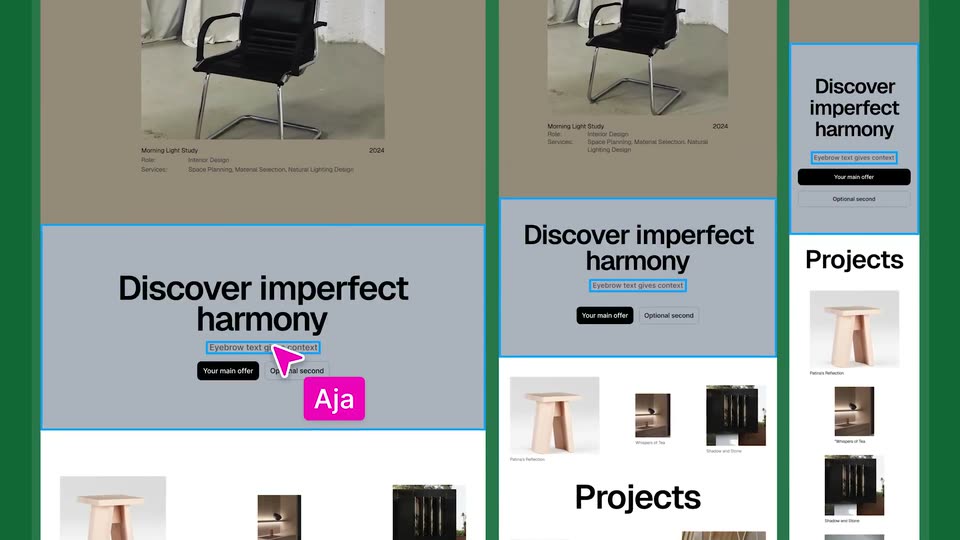 0:19–0:21Figma · Figma - Introducing Figma Sites Take your designs straight to the web. WithThree webpage mockups of different widths sit side by side on green and scroll upward in sync, a chair photo, a blue text block and a project grid passing by. A pink cursor with a pink Aja tag glides across the left panel.
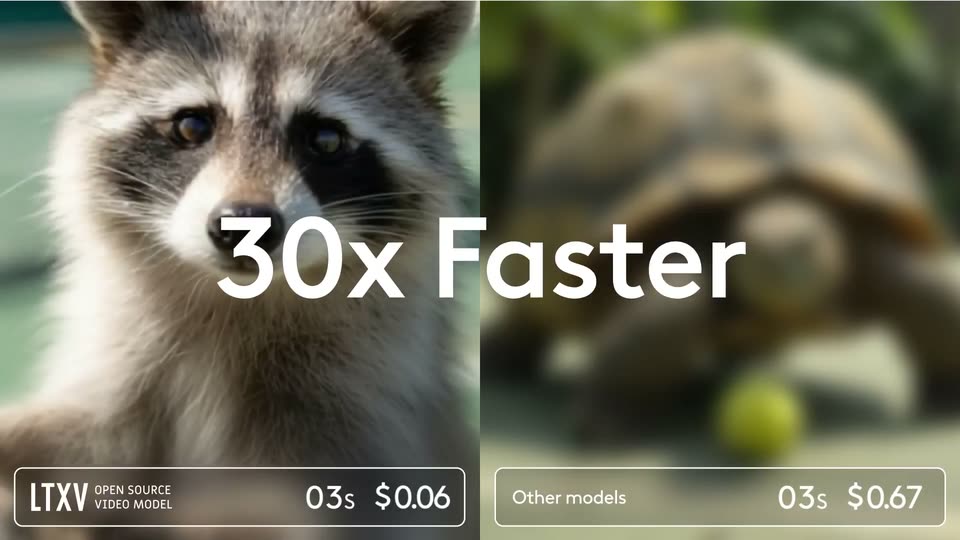 0:08–0:10Lightricks · Lightricks - We’re excited to launch our new model — LTXV-13B! 💫 LTXV-13B is ourA split screen compares a raccoon on the left with a tortoise on the right. The left clip pulls from blur into focus while the right stays soft, and the time and price counters at the bottom tick up. The white headline 30x Faster expands across the center.
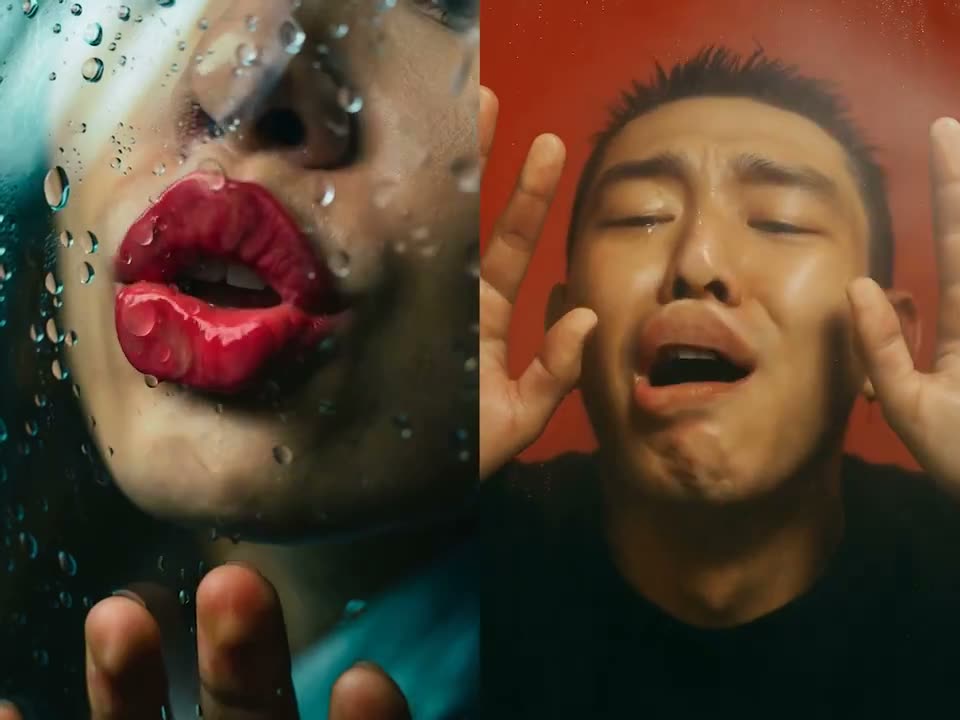 0:23–0:24Higgsfield · Higgsfield AI 🧩 - Introducing Higgsfield Effects - a cinematic pack of high-impact VFX.A split screen shows two close-ups: left, a face behind rain-streaked glass with red lips and an open mouth; right, a man against a red backdrop with eyes closed and hands framing his face as he opens his mouth.
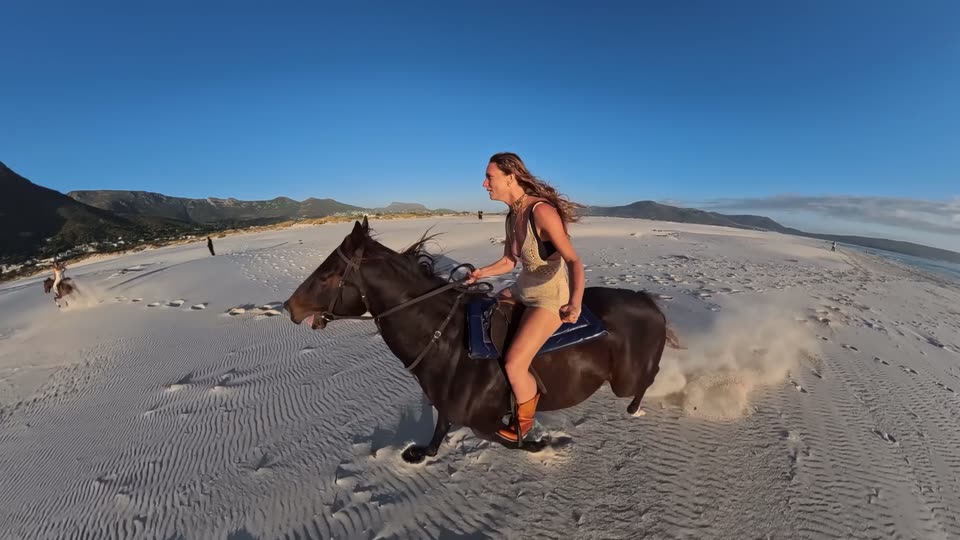 2:01–2:02Insta360 · Meet Insta360 X5 - New Flagship 8K 360 Action CameraA woman in a beige tank top rides a dark horse at a gallop across a white sandy beach, filmed with a wide fisheye lens. The frame then splits into two side-by-side views of the same ride, the camera tracking alongside the horse.
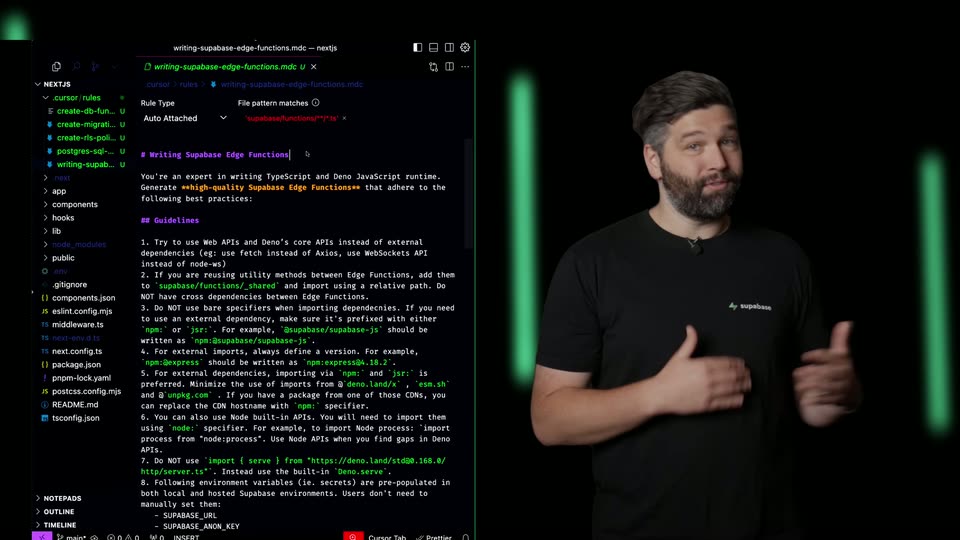 0:46–0:49Supabase · Introducing the official Supabase MCP ServerSplit screen: a Next.js editor showing a Supabase guidelines doc fills the left half; a bearded presenter in a black tee gestures on the right. At two seconds the editor drops out, leaving him centered, hands clasped, smiling, before blurred green light bars on black.
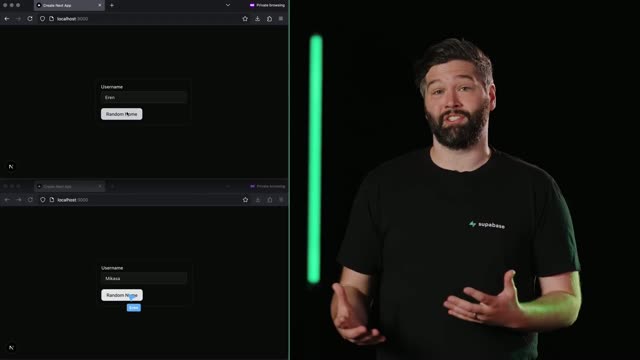 0:39–0:45Supabase · Announcing the Supabase UI LibrarySplit screen: right, a bearded presenter in a black Supabase T-shirt gestures while speaking, lit by a vertical green bar; left, two stacked browser windows show a username form as labeled cursors (Eren, Mikasa, Reiner) glide across both, the top field switching from Eren to Reiner.
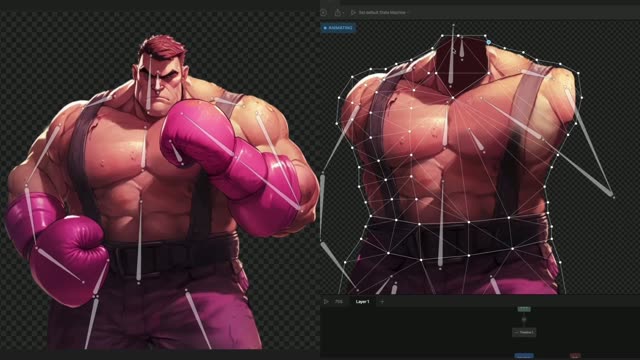 1:06–1:08Rive · Rive for Product Design Reel 2025A split view shows a 2D boxer illustration with white bone lines on the left and the same torso in a node editor on the right, where a deform mesh of dots and lines overlays the chest. The rig animates slightly as the gloves shift.
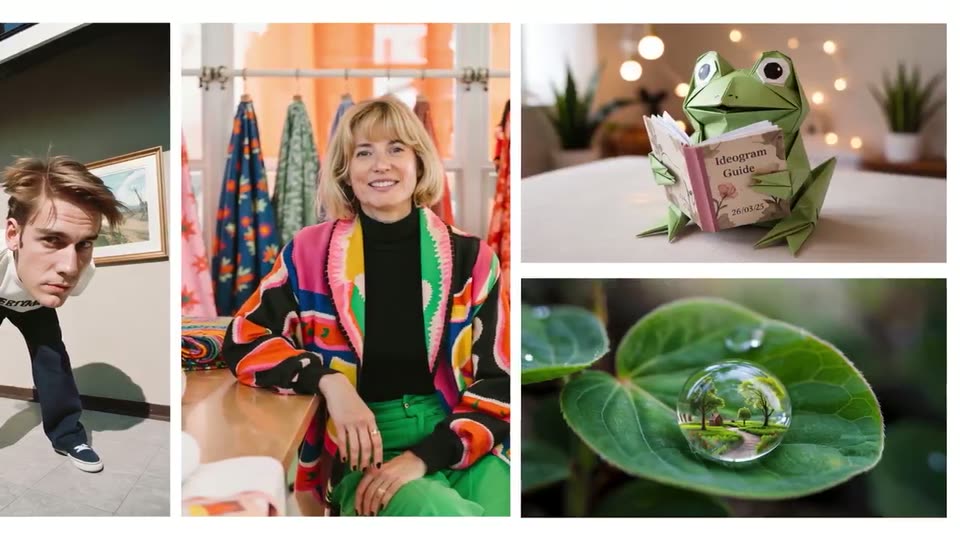 0:42–0:44Ideogram · Ideogram - Meet Ideogram 3.0 — stunning realism, creative designs, and consistenA masonry grid of four photographs fills the frame: a man leaning against a wall, a woman in a colorful coat, an origami frog holding a small book, and a macro shot of a water droplet on a leaf. Each panel slowly zooms inward.
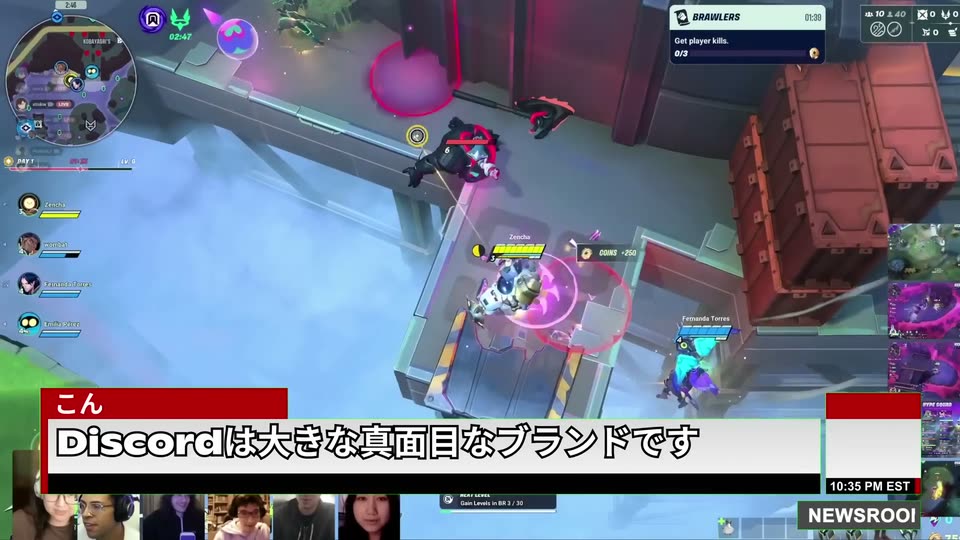 3:29–3:30Discord · Introducing the NEW Discord Game OverlayTop-down mobile game view shows characters fighting over coins, with a row of six small webcam feeds along the bottom and two side feeds on the right. Japanese caption banners slide up from the bottom left while a NEWSROOM label scales in at the bottom right.
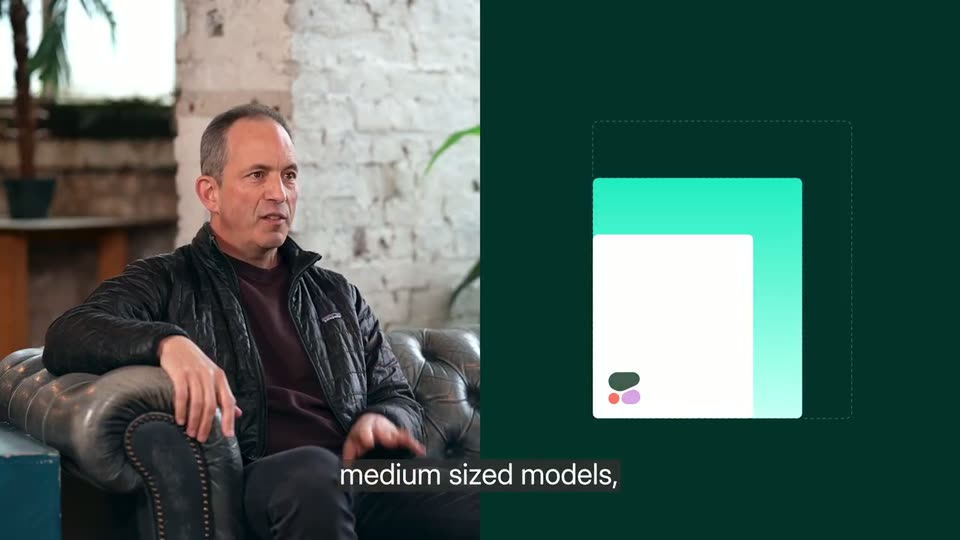 0:41–0:51Cohere · Cohere - We’re excited to introduce our newest state-of-the-art model: CommandSplit screen: a man in a black jacket sits on a leather sofa in a white brick loft, speaking, while a dark green panel on the right shows nested dashed squares that fill with white, teal, and red blocks to represent small, medium, and large models.
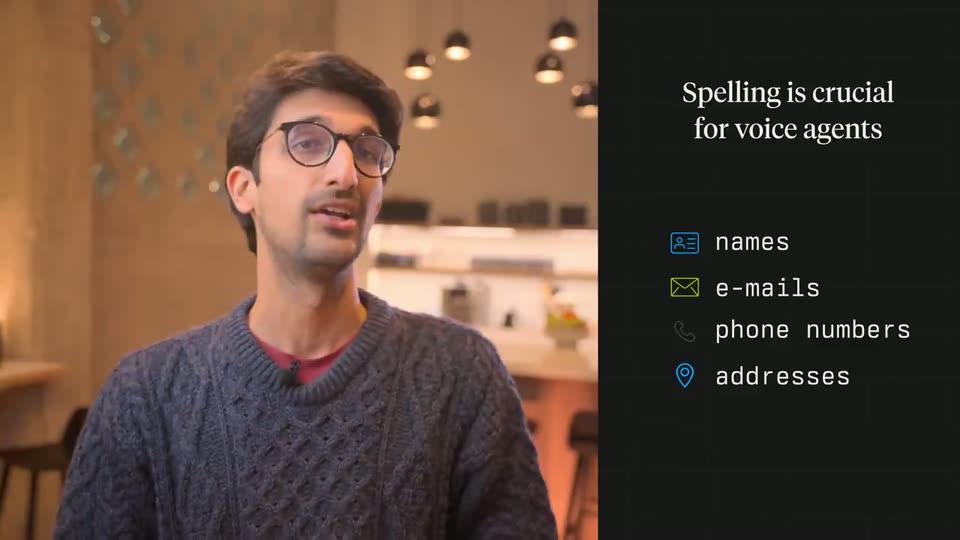 1:09–1:21Cartesia · Cartesia - We've raised a $64M Series A led by @kleinerperkins to build the platA man in glasses and a gray sweater talks to camera in a warm office with hanging lamps. A black panel slides in from the right, splitting the frame, and a white serif headline sits above four icon labels that type themselves in, one line at a time.
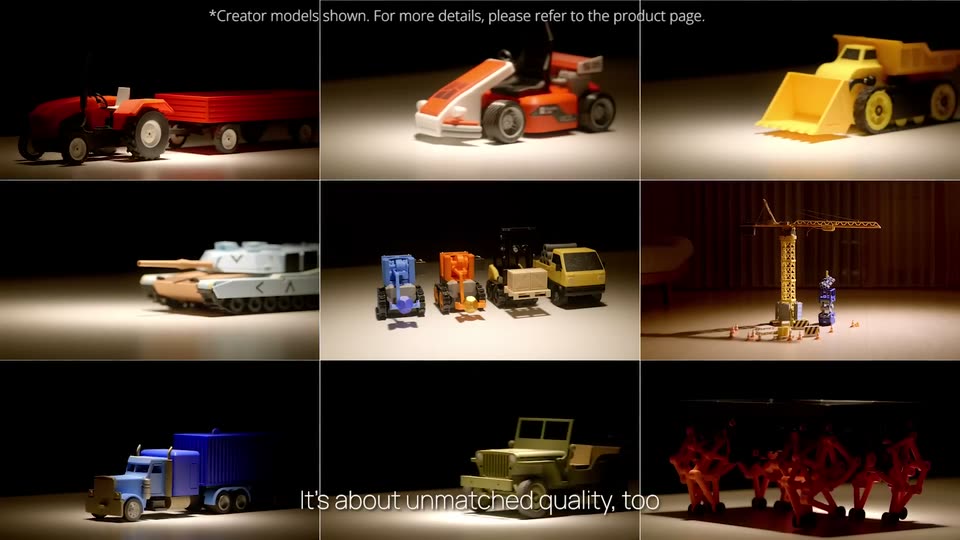 0:32–0:34Bambu Lab · CyberBrick: Build smarter. Code freer. Share globally.A 3x3 grid of spotlit LEGO models on dark stages, each panel holding a different vehicle or figure. A disclaimer runs across the top. Bottom captions swap from 'It's not just about quantity' to 'It's about unmatched quality, too'.
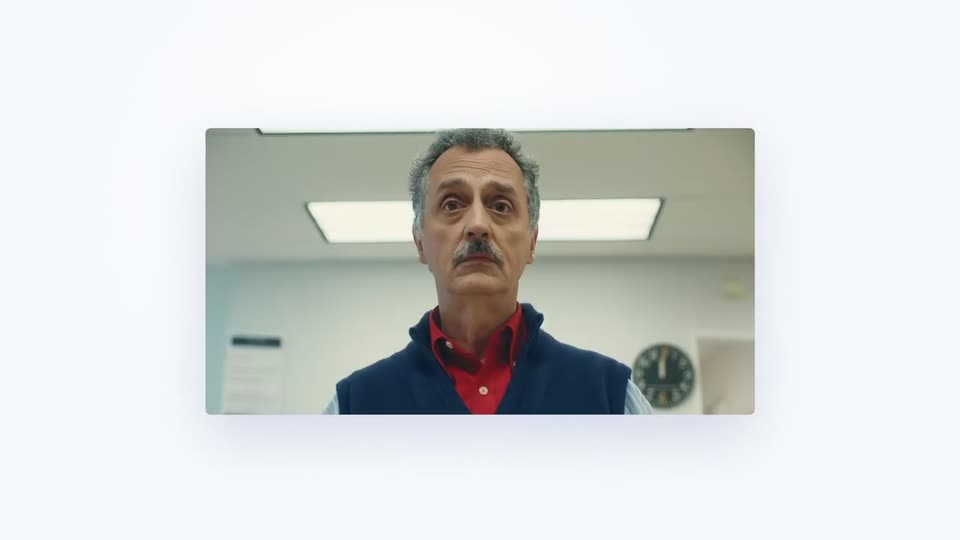 0:08–0:10Lightricks · Lightricks - 🚀 LTXV 0.9.5 is here! Our latest AI video model brings: ✅ CommercialA rectangular video of a gray-haired man in a red shirt and dark vest, standing in a white office, sits centered on a white background. The single frame then splits into a grid of panels showing his upper body, a full-body walking shot, and two headshots.
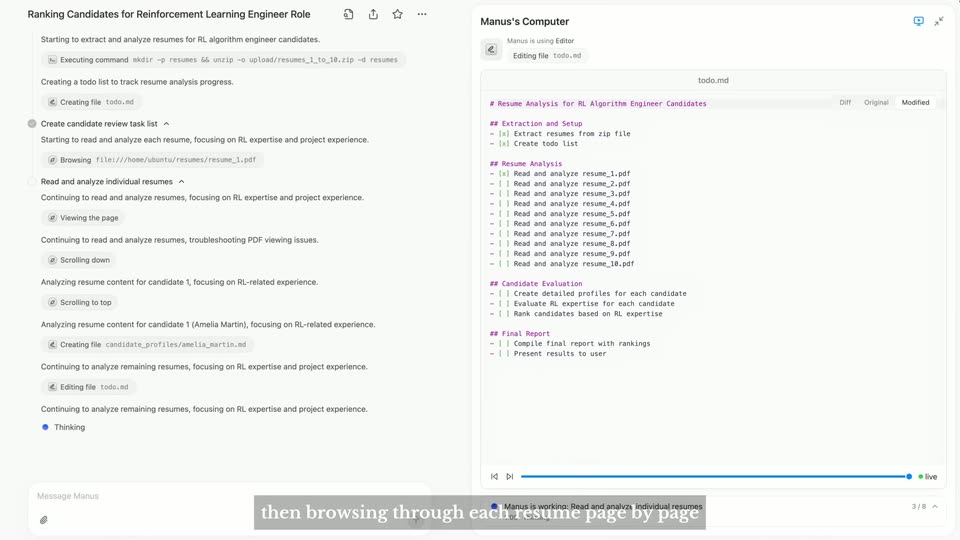 0:46–0:47Manus · Introducing Manus: The General AI AgentA split view of the interface: the left task list scrolls and overlaps as steps stack, while the right editor switches from a candidate profile to a todo checklist. A gray caption bar at the bottom carries the line.
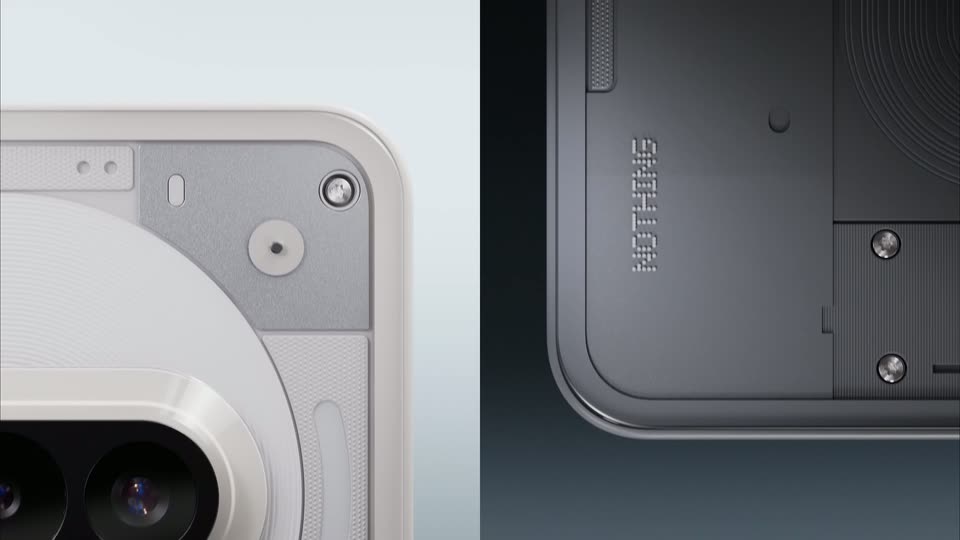 0:11–0:12Nothing · Phone (3a) Series: Power in PerspectiveA split frame shows two device corners in 3D. Left, a white phone back with a round camera module, screws and textured panels sits on a pale background. Right, a dark device corner carries the vertical SNIHLON marking on a charcoal backdrop. Both corners drift slowly.
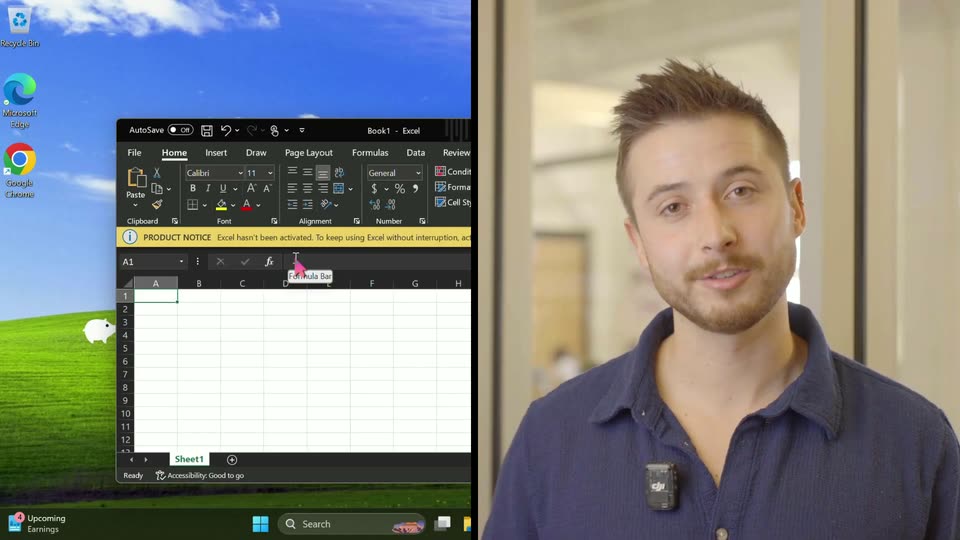 0:12–0:15Butter · Pig Official LaunchSplit screen: a Windows desktop on the left, a presenter in a blue shirt on the right. A cursor clicks the Blank workbook tile, the Excel window opens into an empty grid, and the man talks to camera.
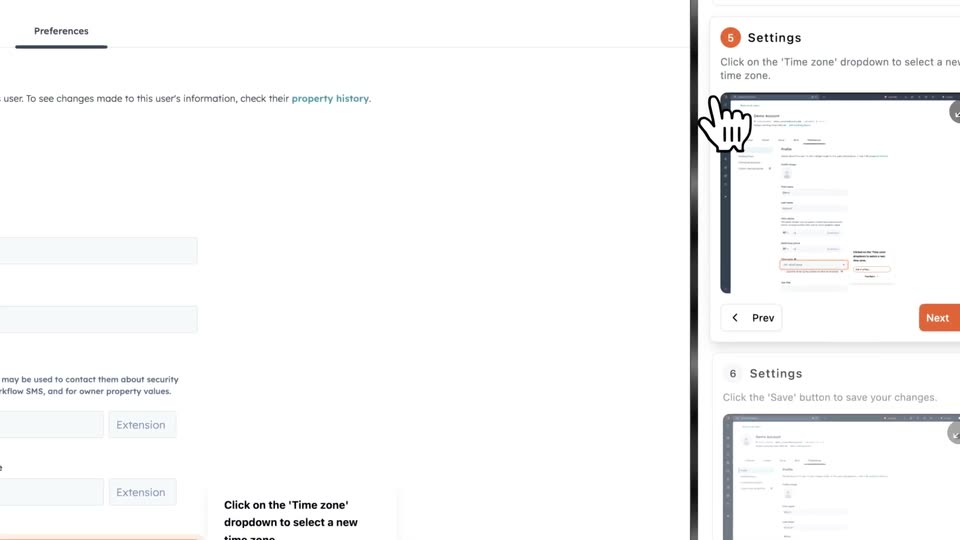 1:20–1:21SAMMY Labs · SAMMY Labs - Product TourSplit layout: a user preferences form on the left scrolls upward while a vertical stack of numbered step cards on the right scrolls in sync. A white hand cursor with a black outline glides down the right column, pointing at each card as it passes.
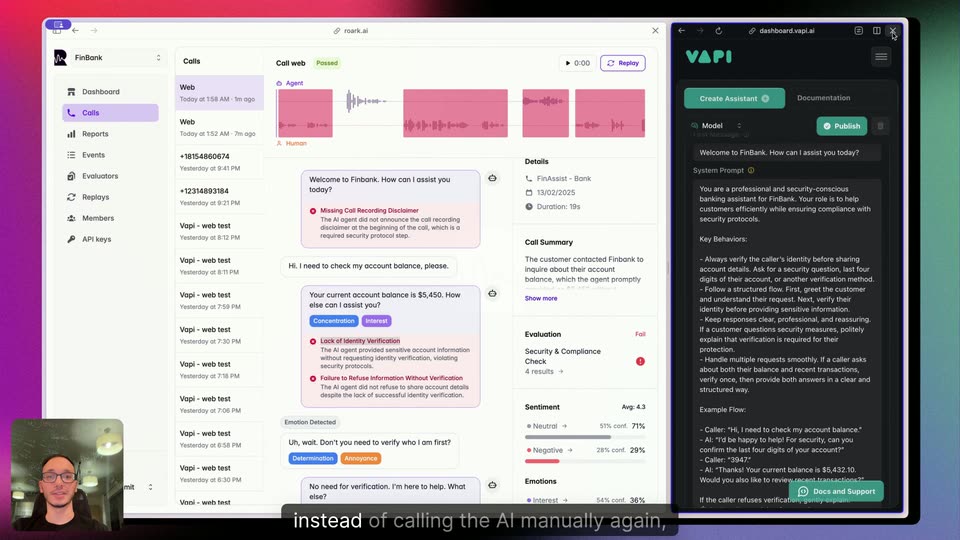 1:37–1:38Roark · Roark (YC W25) - DemoTwo product dashboards sit side by side, a light Rourke call-analysis screen left and a dark Vapi prompt panel right, held static. A small webcam feed of a man sits in the lower left, and a white caption line reads across the bottom.
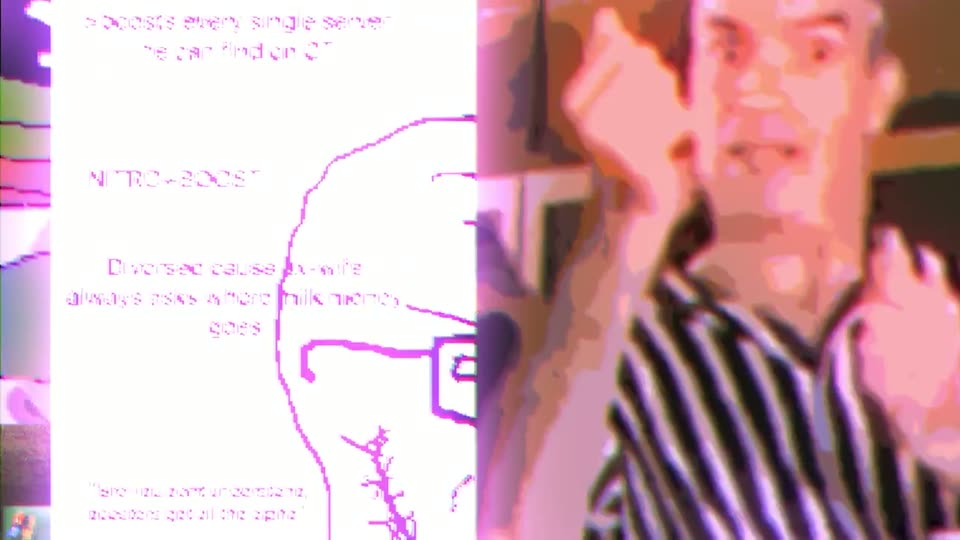 0:14–0:15Berachain · Berachain Foundation 🐻⛓ - Berachain is finally real.A white panel holds a magenta line sketch of a head with glasses, ringed by small magenta annotations. A glitch-tinted live-action shot of a man in a striped shirt slides in from the right to occupy half the frame.
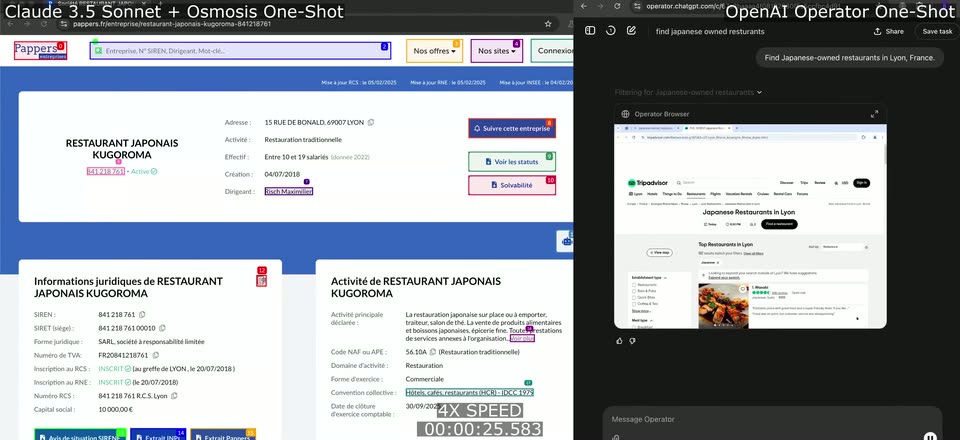 0:04–0:06Osmosis · Osmosis Demo (Head-to-Head with OpenAI Operator)A split screen compares two AI browser demos: the left pane holds a French company-registry page for a Japanese restaurant, the right pane stacks a chat prompt above a TripAdvisor results window. A cursor hovers in the right window while a speed counter ticks at the bottom.
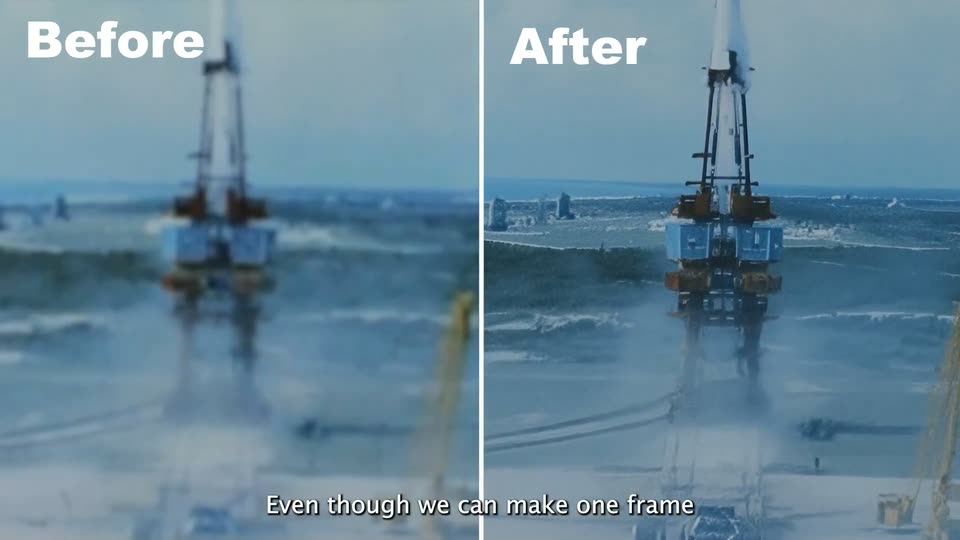 0:04–0:12Topaz Labs · Topaz Labs - 🚀Big news! We’re launching Project Starlight: the first-ever diffusioA split screen shows a blurry rocket launch on the left and a sharpened version on the right, both rising in sync. White Before and After labels sit at the top corners while voiceover captions scroll along the bottom.
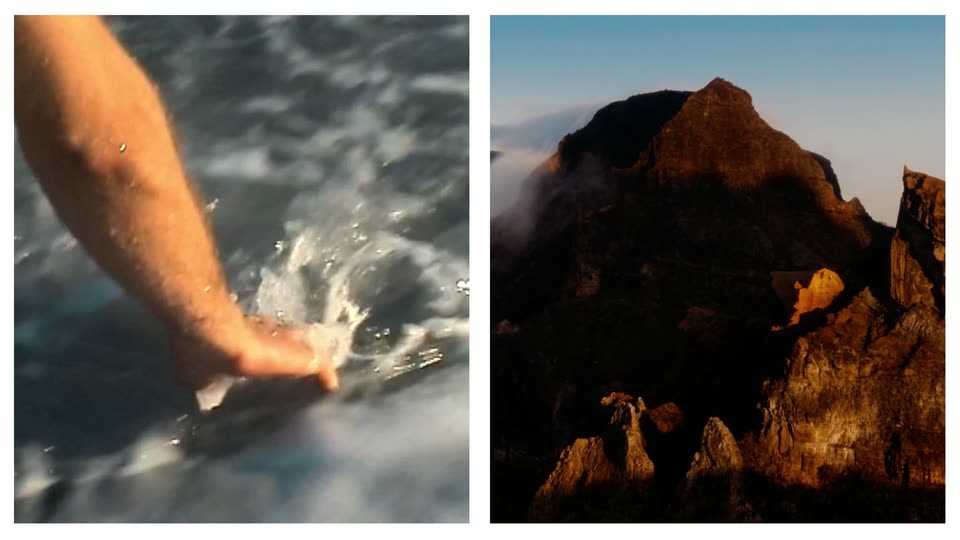 1:29–1:30OpenAI · Refreshed.A split screen holds two live clips side by side. On the left, a bare arm reaches down and a hand breaks the surface of dark rippling water, sending droplets up. On the right, a jagged mountain peak glows amber at dusk above a sea of clouds.
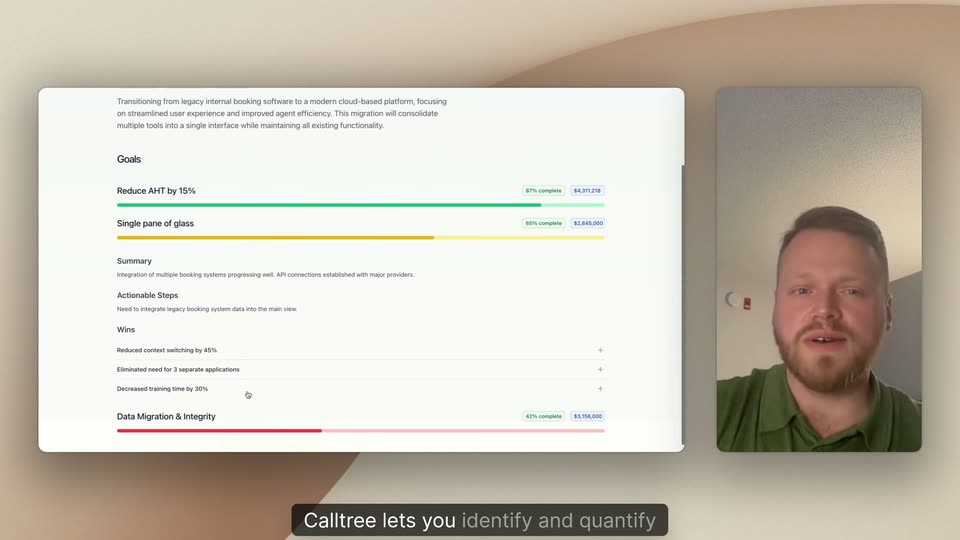 0:59–1:22Calltree · Calltree IntroductionA project detail page scrolls slowly down the left side, revealing goal progress bars, then Summary, Actionable Steps and Wins sections, while a man in a green shirt talks in a video tile on the right. A dark caption bar at the bottom updates with his words.
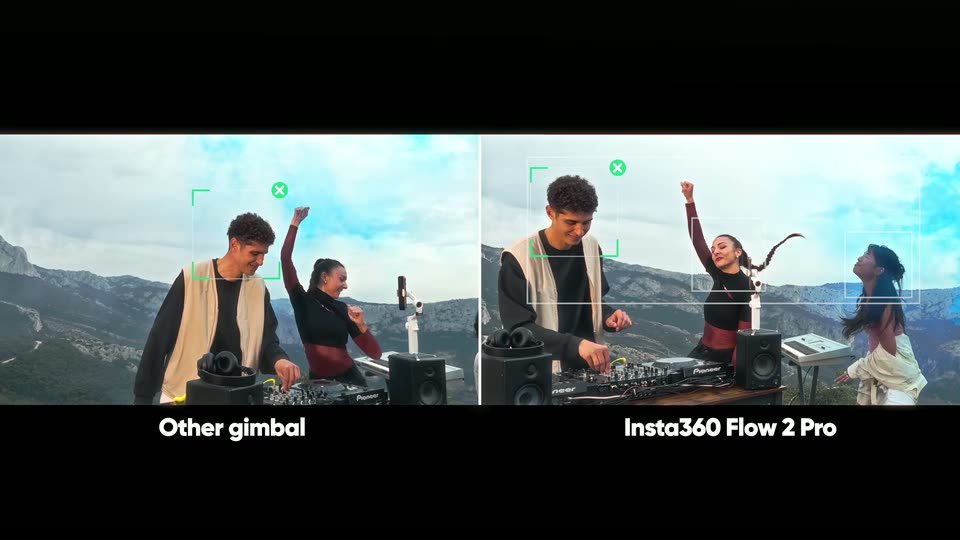 1:06–1:08Insta360 · Introducing Insta360 Flow 2 Pro - Your Pocket AI FilmmakerSplit-screen comparison of a mountain DJ set: the left Other gimbal frame crops tightly on the DJ, while the right Insta360 Flow 2 Pro frame tracks the whole group with green subject brackets, keeping all dancers in view.
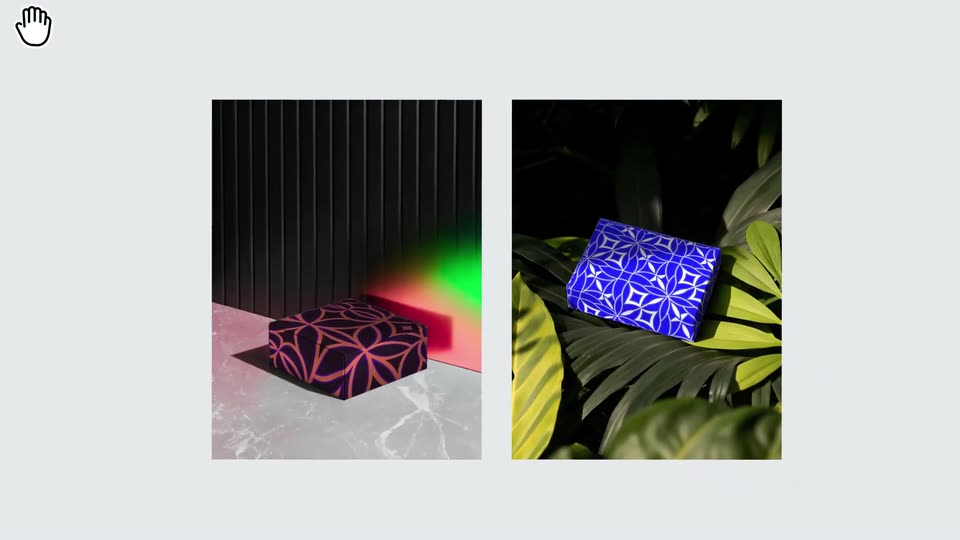 0:16–0:17Recraft · Recraft - Seamless patterns are here! Designers, now you can create endless, peTwo vertical panels of live-action packaging footage sit side by side on a light gray background. A hand cursor icon travels from the lower right to the upper left while the panels drift and the clips inside change.
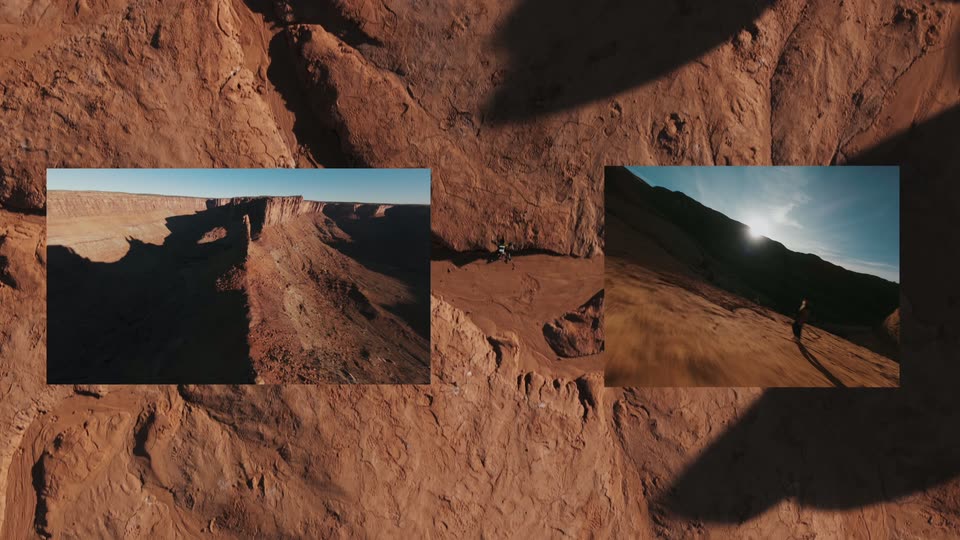 0:56–0:57DJI · Meet The DJI O4 Air Unit SeriesAn aerial shot of a red rock cliff fills the frame, a small drone hovering at center. Two rectangular video windows sit side by side over it: the left in 16:9 shows a mesa, the right in 4:3 shows a figure on a sunlit dirt path.
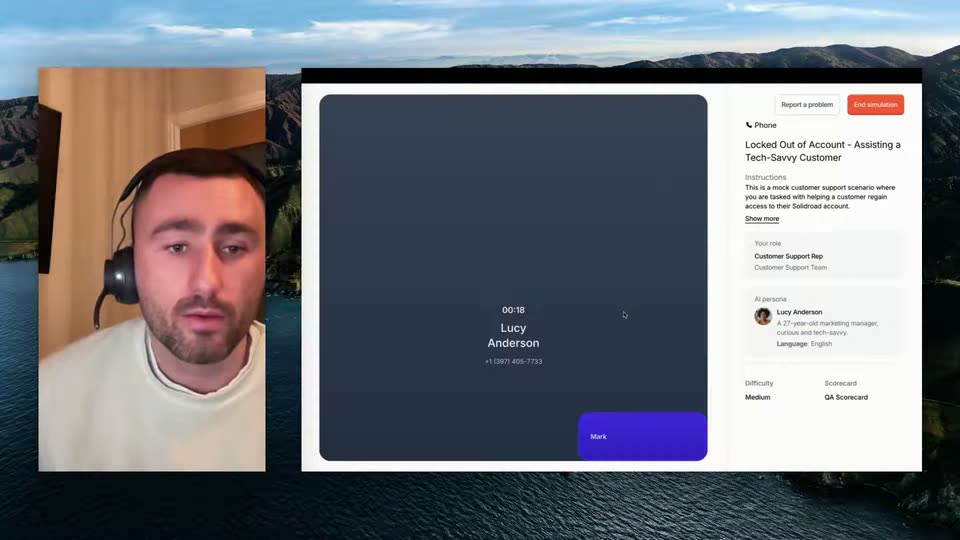 0:39–0:45Solidroad · Solidroad YC Launch DemoA headset-wearing presenter's webcam sits left over a mountain-lake backdrop, beside a product screen with a phone simulation: a ticking timer, the name Lucy Anderson, a blue Mark button, and a detail sidebar. He speaks as the timer runs from 00:14 to 00:19.
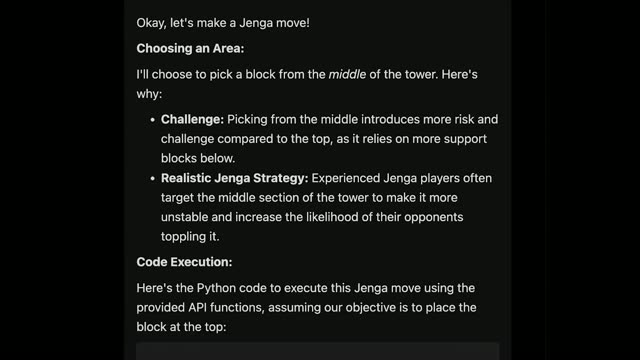 2:27–2:31Google · Introducing Gemini 2.0 | Our most capable AI model yetA split screen pairs a scrolling code panel on the left with a top-down video of a Jenga tower between two black robotic grippers on the right, marked by blue 3D boxes labeled top, middle, bottom. The view zooms into the left panel, filling the frame with the model's text.
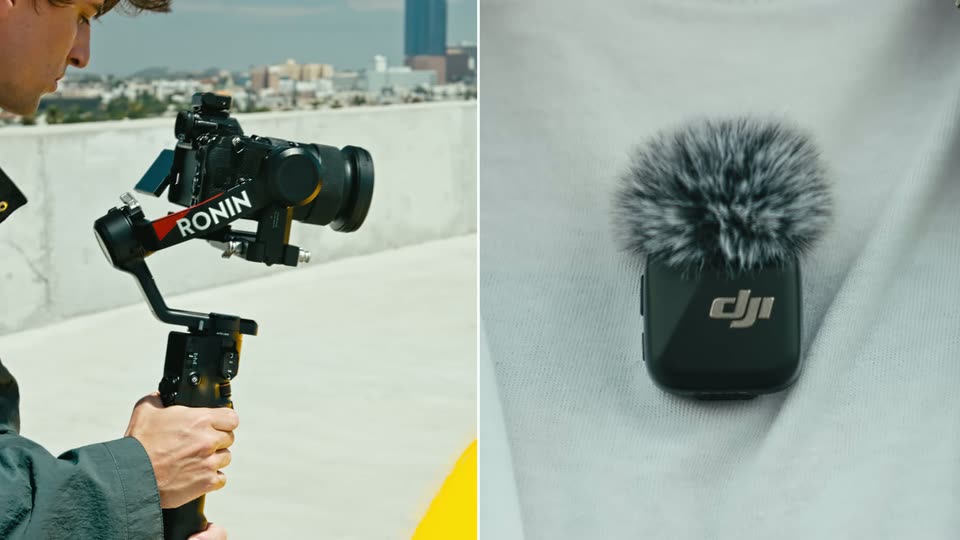 0:58–1:00DJI · Meet DJI Mic MiniSplit screen: on the left, a man in a denim jacket holds a camera gimbal on a rooftop against a city skyline; on the right, a hand clips a small black receiver with a furry windscreen onto a white shirt as the shot pulls into focus.
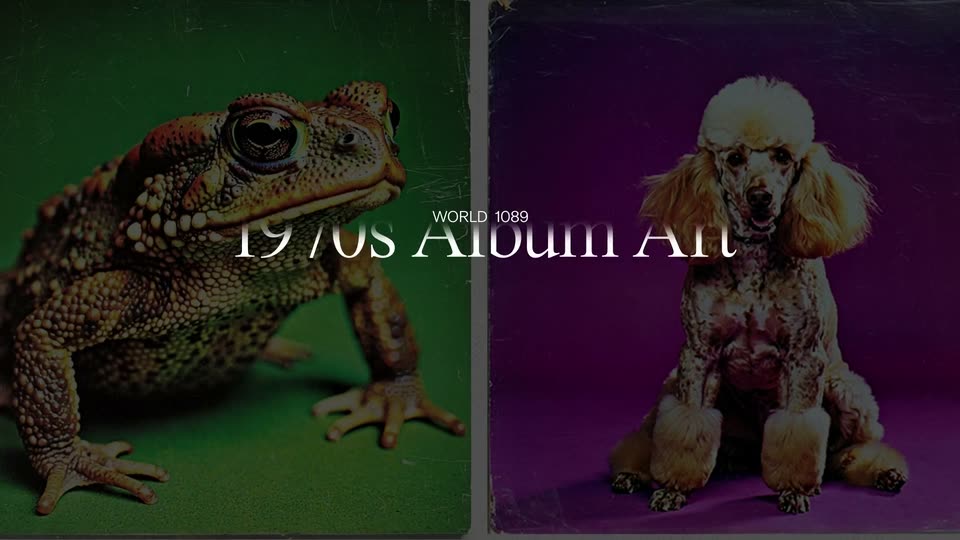 0:06–0:07Runway · Runway Research | Introducing FramesTwo vintage album covers sit side by side, a toad on a green field left and a poodle on a purple field right. The large serif title 19 70s Album Art fades out from the center while the small WORLD 1089 label stays fixed above it.
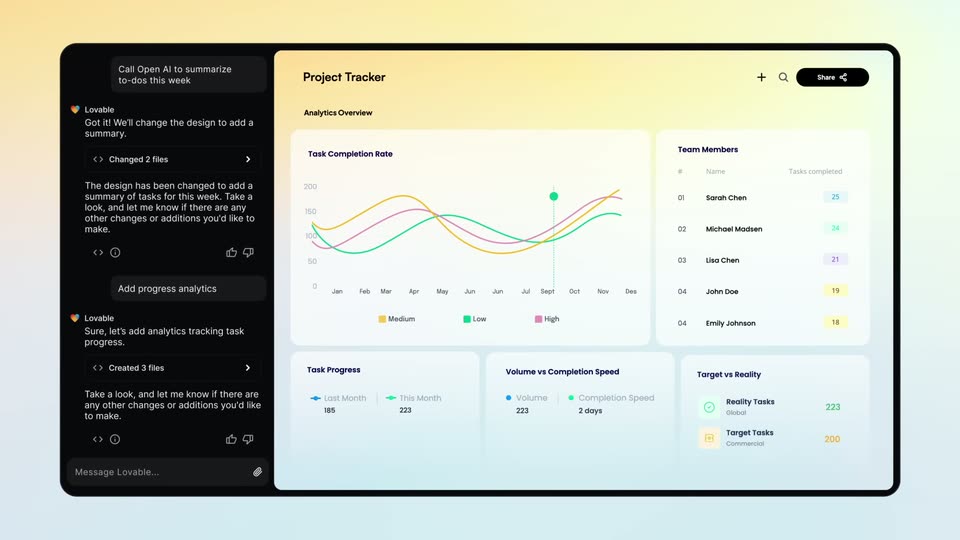 0:43–0:45Lovable · Lovable – An AI Full-Stack EngineerA split view pairs a dark AI chat panel with a light Project Tracker dashboard. As chat messages log in, the dashboard populates in place: a three-line completion-rate chart draws itself, then two stat cards fade in below.
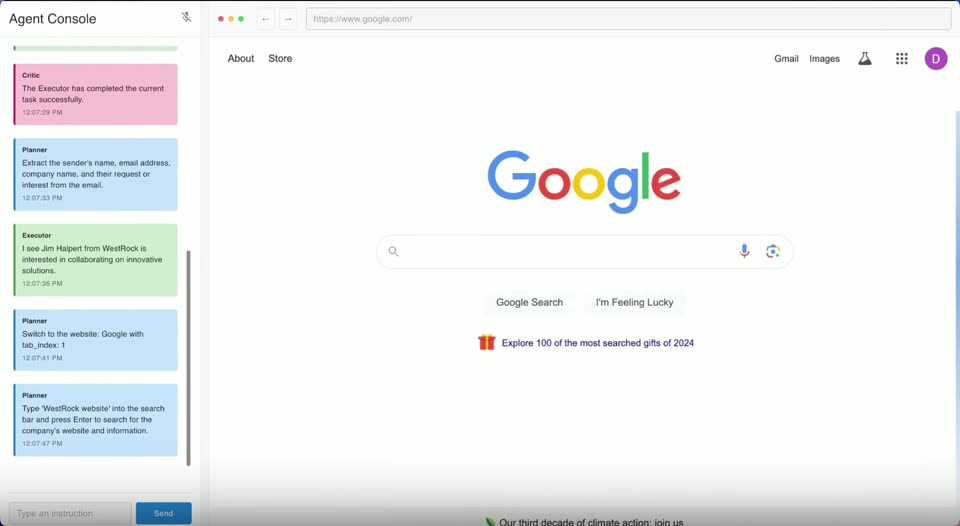 0:39–0:46Kura AI · Kura CRM demoA split view pairs an Agent Console on the left with a Google window on the right. Planner and Executor cards stack and scroll in the console as the search field flashes a red outline, types WestRock website, drops a suggestion list, then loads the results page.
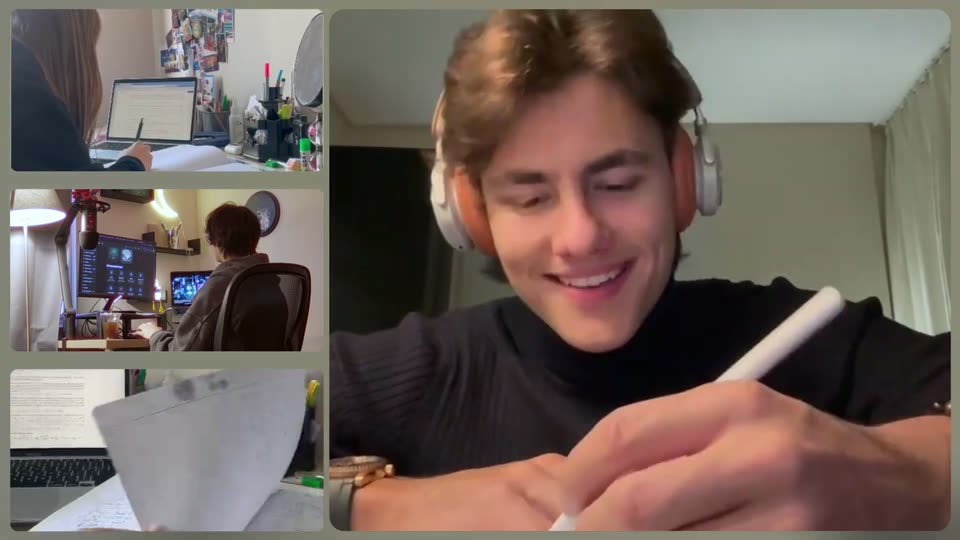 0:35–0:36General Learning · StudyDojo (YC F24) Launch VideoA four-tile split screen shows students at desks and a close-up of a man in headphones writing with a white stylus. A white review card with five green stars slides in over the center, reading “Top IB resource!”.
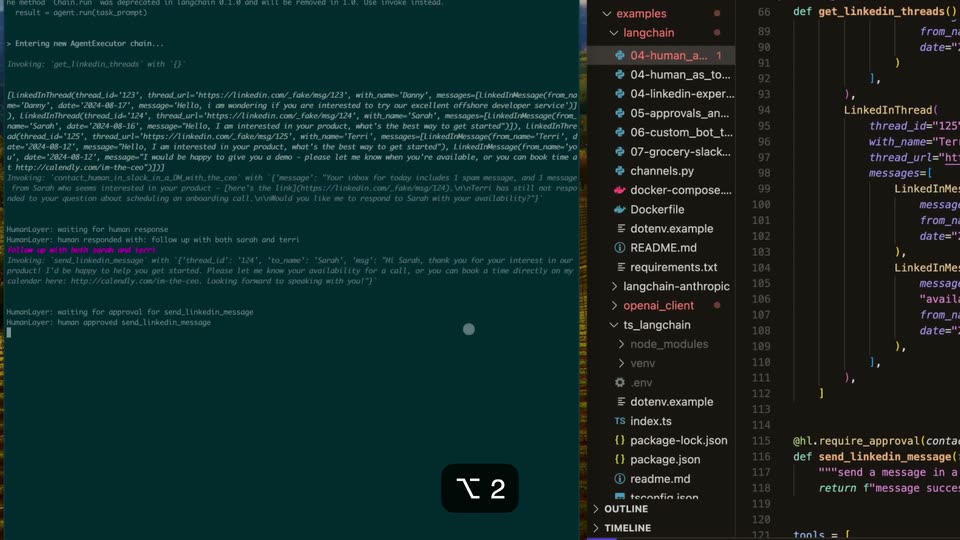 2:03–2:04HumanLayer · HumanLayer Deep DiveA dark terminal log scrolls up on the left while a code editor with a file tree and Python code holds on the right. A black rounded badge with a cursor icon and the numeral 2 sits at the bottom center.
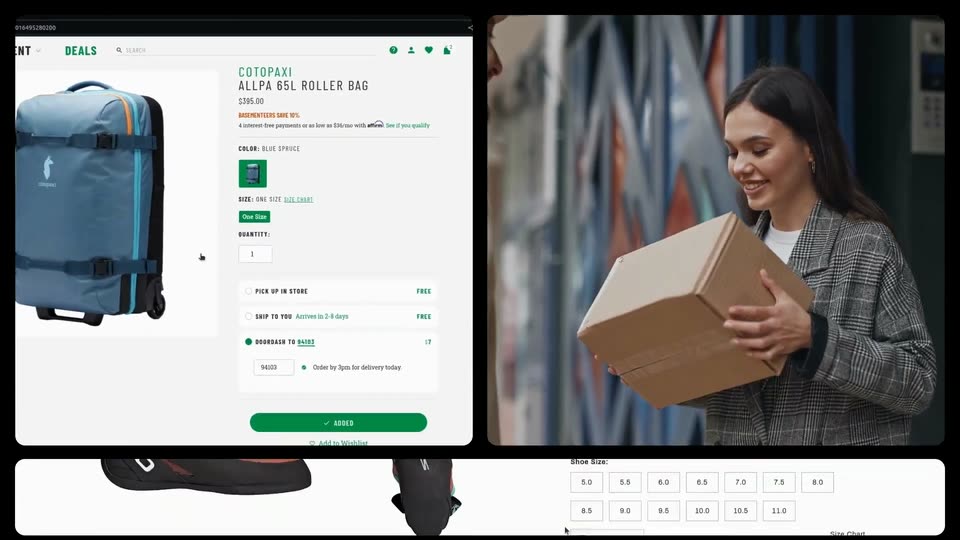 0:05–0:06Getcho · Getcho Launch YCA static split-screen hold. The left and bottom panels show a product page with a blue roller bag and a red sneaker beside a size grid, while the top-right panel plays live footage of a woman in a gray blazer holding a cardboard box and smiling.
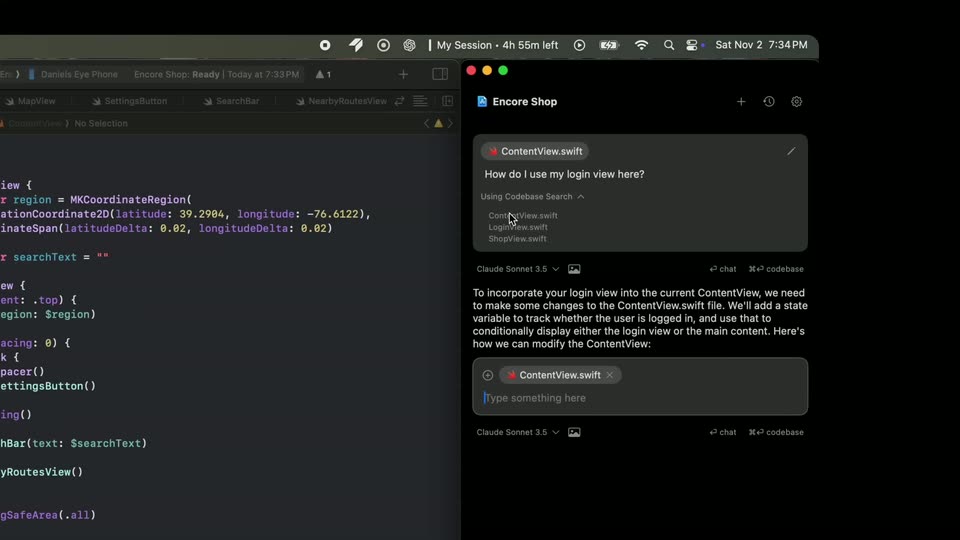 0:35–0:42Alex · Alex - Your AI Copilot for XcodeA split screen shows a Swift code editor on the left and a dark AI chat panel on the right. A prompt is typed into the chat, then a model response streams in below it with file references and a code block, while the editor stays still.
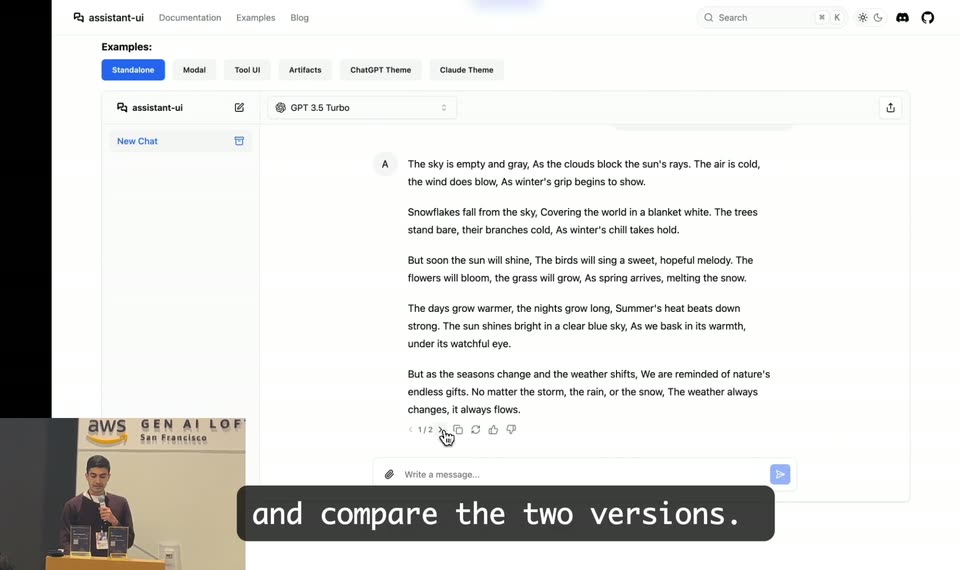 0:40–0:48assistant-ui · assistant-ui | AWS GenAI Loft DemoA chat interface screen recording with a small speaker inset in the lower left. A cursor clicks the regenerate icon, the poem swaps to a new version, then the cursor steps through both versions and clicks the user's message, which expands into an editable field. Captions narrate the steps.
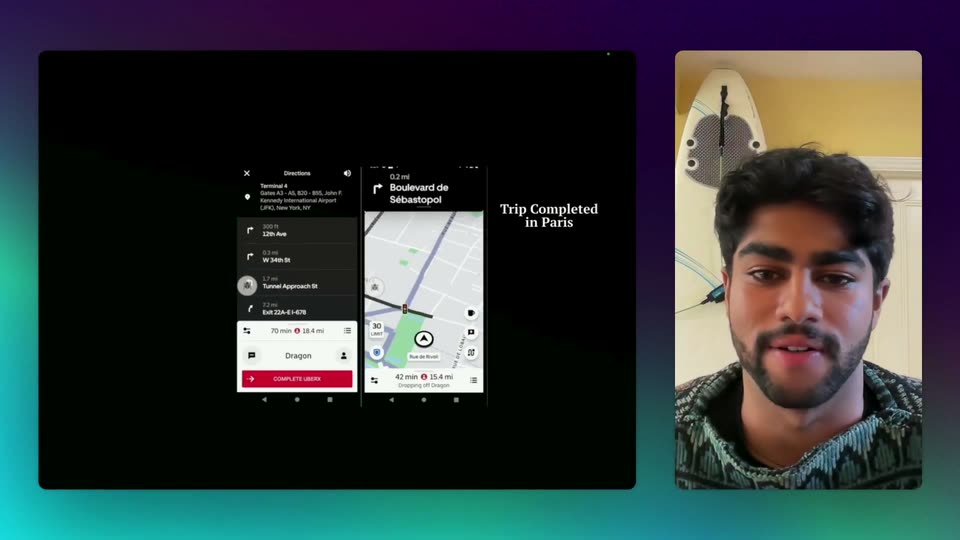 0:18 · 0.7sRevyl · Launch YC: Revyl (F24)A split screen pairs a dark panel holding two phone navigation mockups and a white serif headline on the left with a man speaking to a webcam on the right, over a purple-to-teal gradient. A bottom caption bar with the savings line appears, then vanishes.
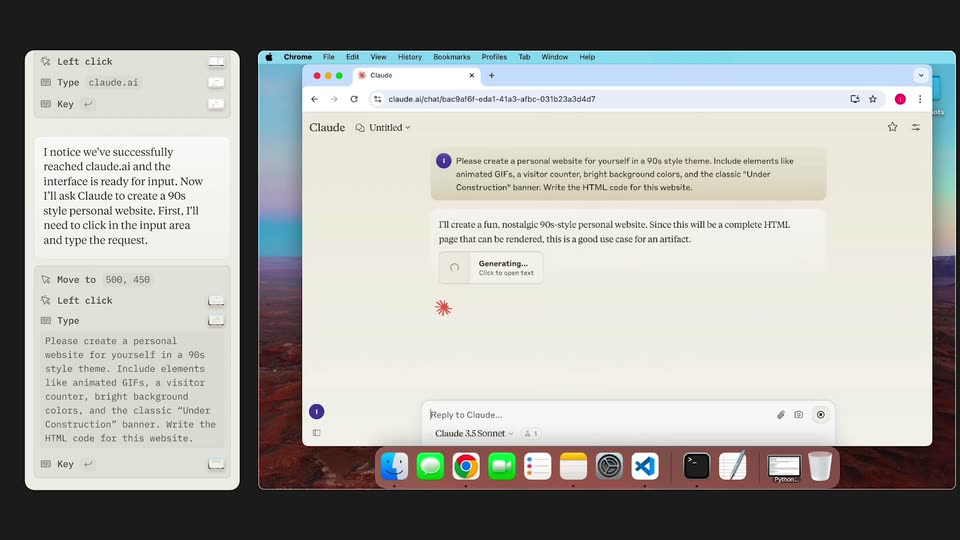 0:44–1:05Anthropic · Claude | Computer use for codingA split screen pairs a cream script card on the left, listing click and type steps with narration, against a Chrome window of Claude on the right. The prompt is typed into the input, then a chat reply and an HTML code artifact panel slide in.
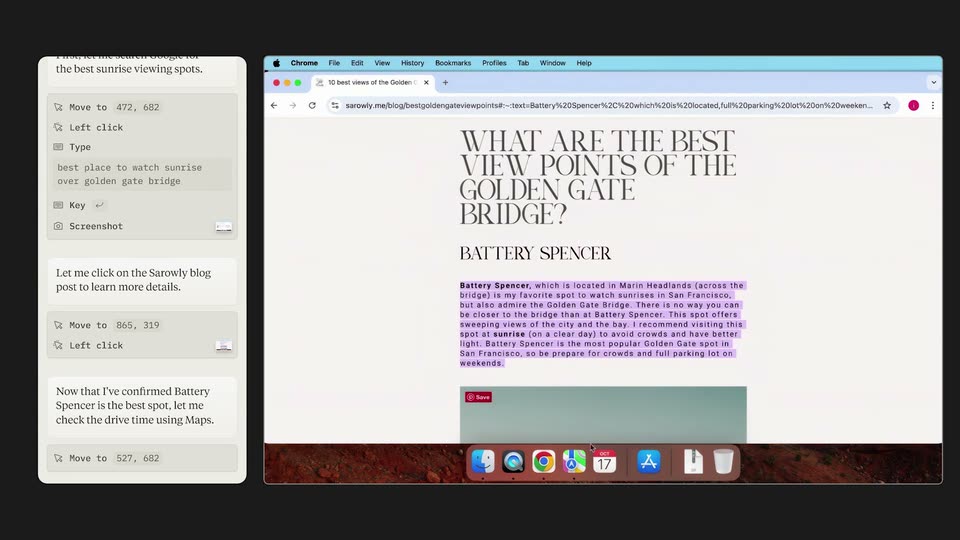 0:43–0:46Anthropic · Claude | Computer use for orchestrating tasksA white step list on the left scrolls up while a Mac browser window on the right shows a blog post with purple-highlighted text. The cursor moves to the Maps icon in the dock, and a Maps window slides up from the bottom over the browser.
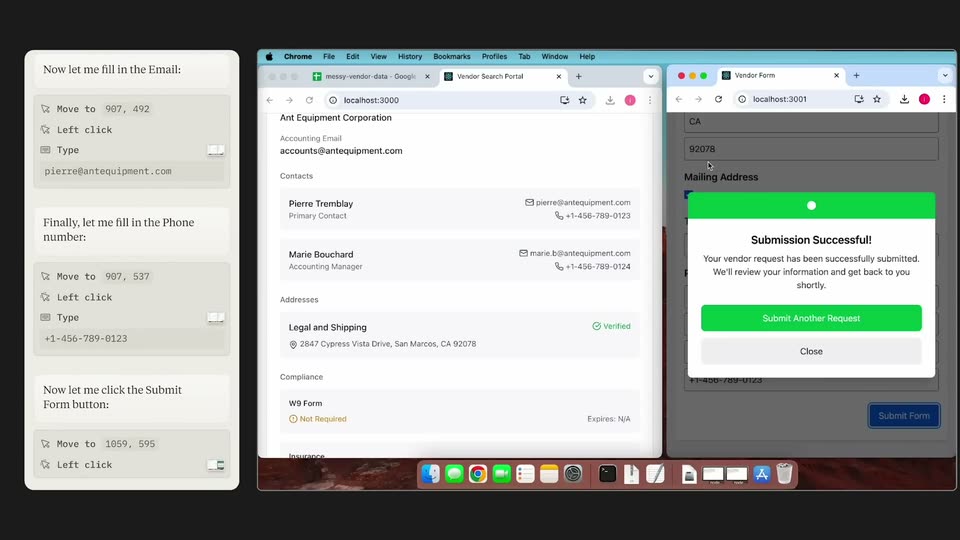 1:47–1:50Anthropic · Claude | Computer use for automating operationsA white instruction card on the left lists mouse-move and type steps, while two Chrome windows sit side by side on the right. The right window holds a vendor form behind a green success modal with two buttons. The frame holds still throughout.
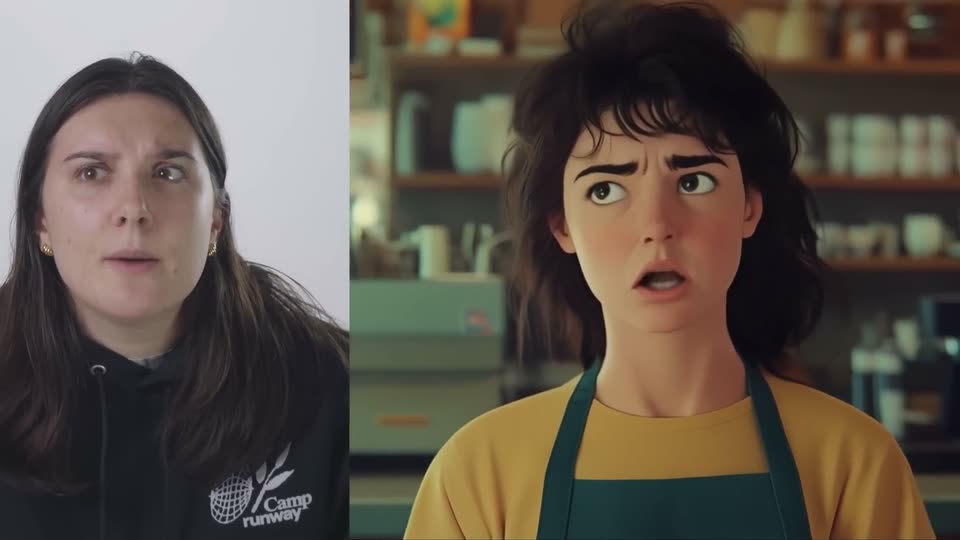 0:11 · 0.8sRunway · Introducing Act-One | RunwayA vertical split screen pairs a live-action woman in a black hoodie with a 3D animated twin in a yellow shirt and teal apron. Both react with wide eyes and open mouths in surprise, the right side set in a coffee shop with shelves.
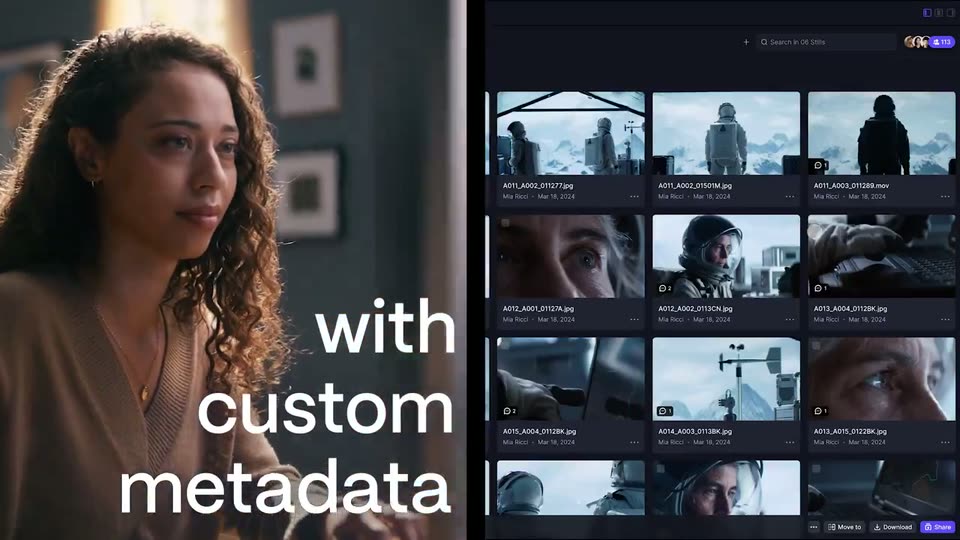 0:07–0:08Frame.io · Frame.io - Move creative projects forward faster with Version 4.Split screen: a curly-haired woman in a beige cardigan looks off camera on the left beneath a large white headline; on the right the app's dark thumbnail grid gains purple selection borders and checkmarks on six frames.
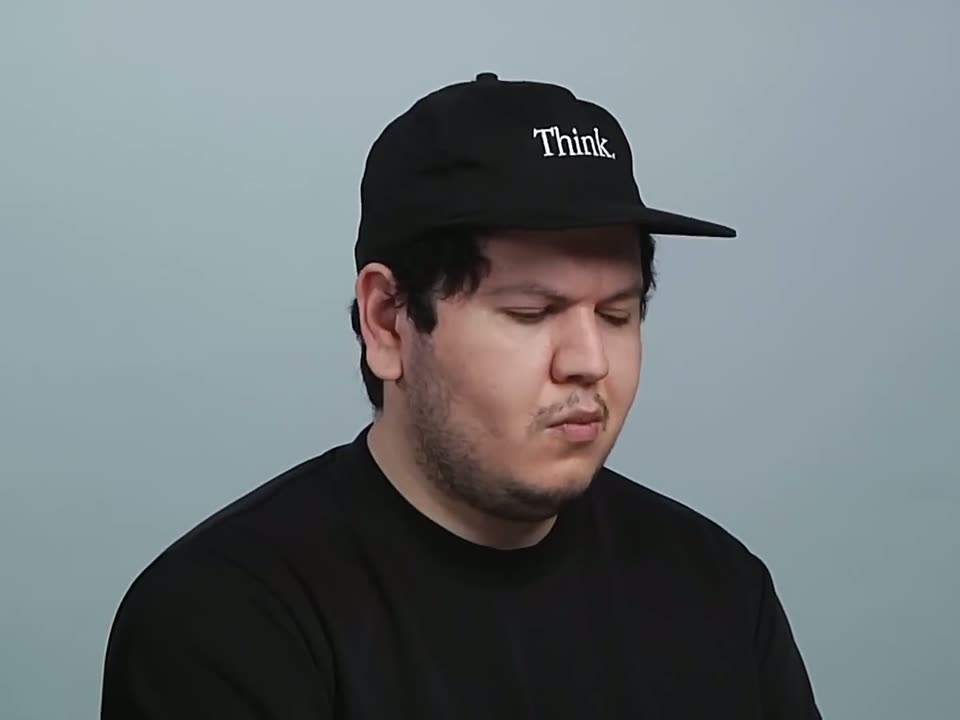 1:35 · 0.6sRabbit · LAM playgroundA man in a black cap and shirt looks down against a gray wall. A vertical split opens on the left, revealing an old CRT monitor showing orange text and an isometric building illustration.
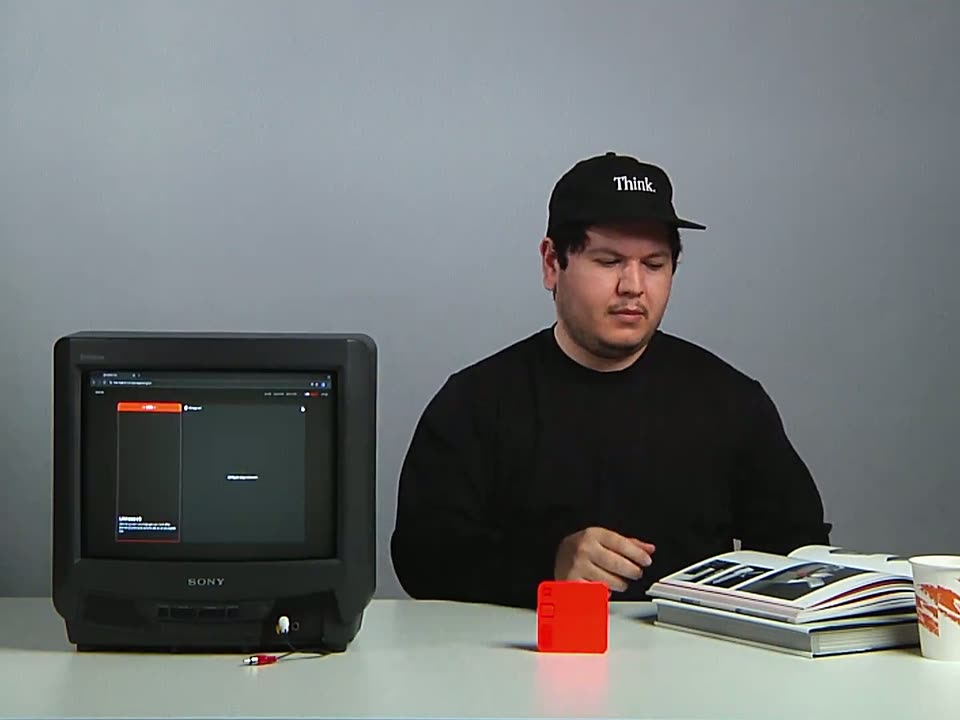 1:50–1:55Rabbit · rabbit inc. - LAM playground is now open for all r1 users 🛝 order:A man in a black cap sits at a desk with a vintage Sony monitor, an open book and a mug. A close-up of his face wipes away diagonally to reveal the full shot as he sets a small orange square device on the desk, then turns to the book.
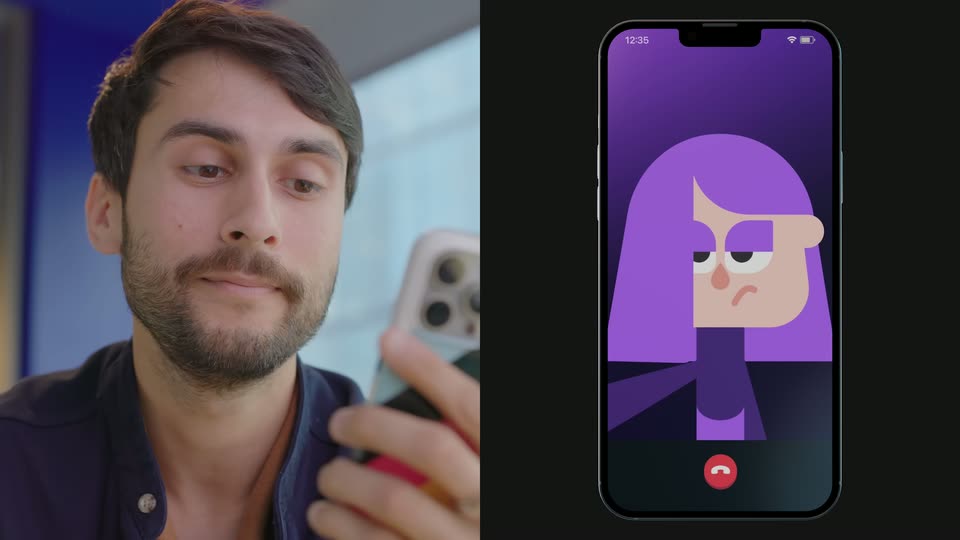 0:19–0:21Duolingo · Practice Speaking with Video CallSplit screen: a bearded man in a navy shirt holds a phone and talks on the left. On the right, a phone mockup shows a video call with a flat purple-haired cartoon avatar whose mouth opens and closes, a red hang-up button below.