Split screen
Several distinct areas shown at the same time, side by side.
5,612 scenes · page 58 of 94
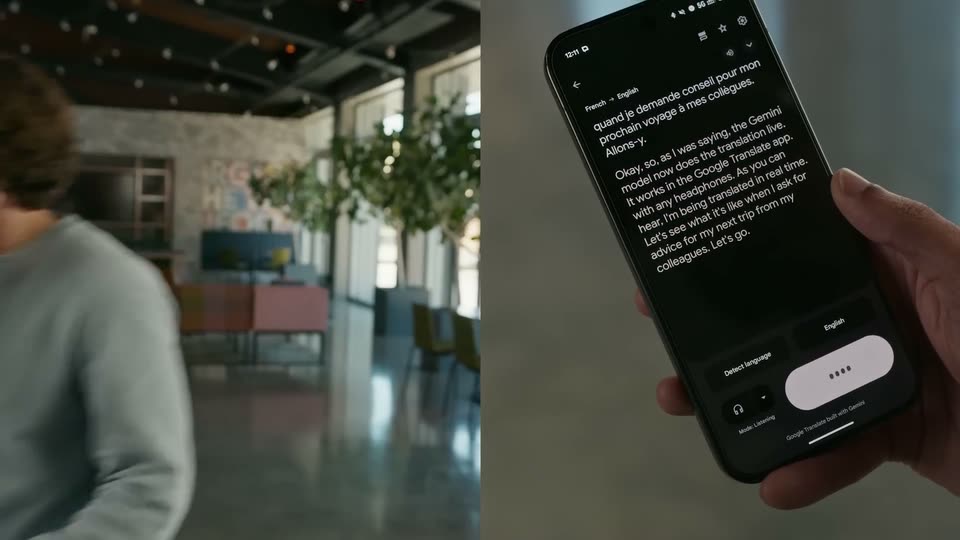 0:39–0:40Google · Introducing Gemini's speech-to-speech translation capabilitiesSplit screen: on the left, two people talk in a bright office, one holding a phone to his ear; on the right, a hand holds a smartphone showing a live French-to-English translation chat with a mic listening button.
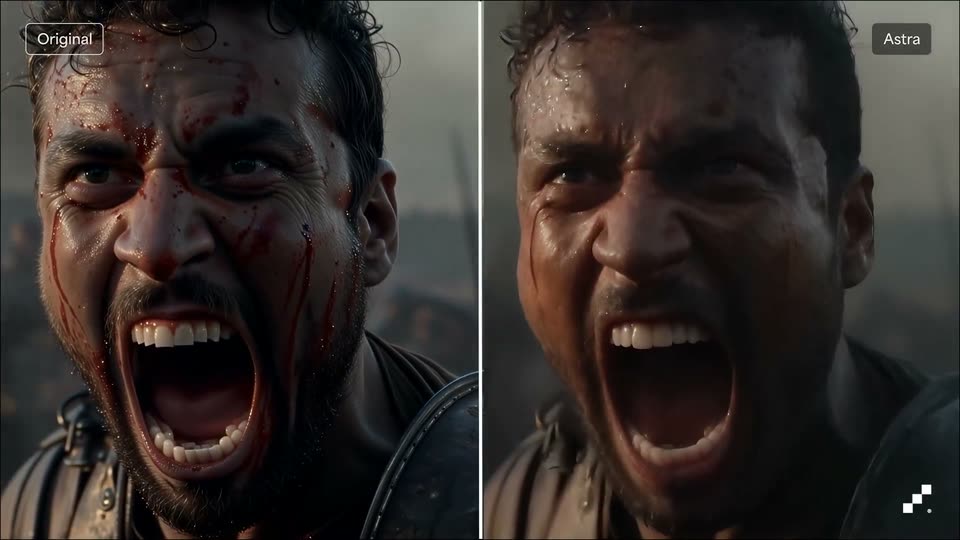 0:08–0:11Topaz Labs · Topaz Labs - 📢 Big release! Introducing Starlight Precise 2, a new video enhancemA split screen compares two takes of a battle close-up. The left panel, labeled Original, shows a bloodied man screaming. The right panel, labeled Astra, shows the same man with the blood removed and skin cleaned. Both panels play in sync.
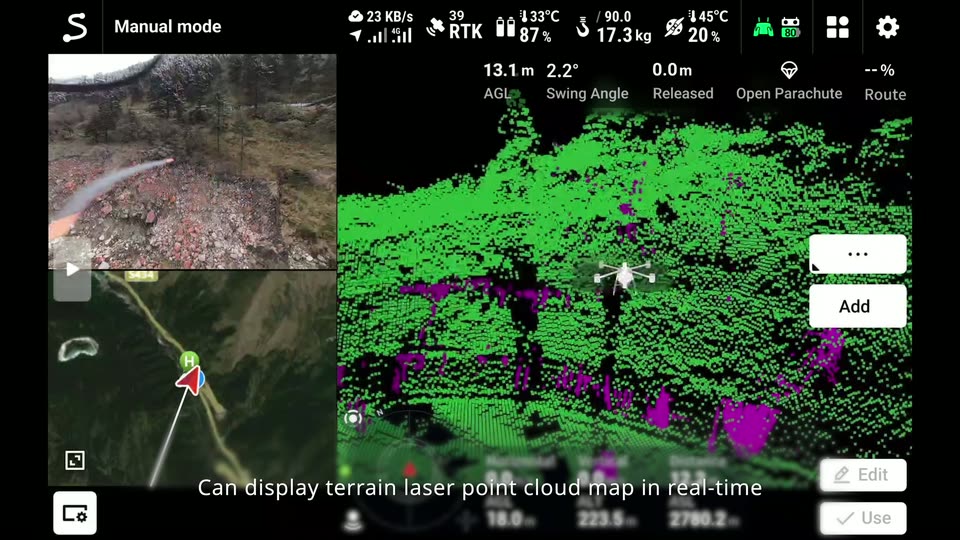 3:08–3:09DJI · Introducing DJI FlyCart 100 | Achieve More DeliveriesThe app interface fills the frame: a live terrain video and a route map stack on the left, while a green and magenta laser point cloud map with a drone icon occupies the right. Points shift slightly as the map updates in real time.
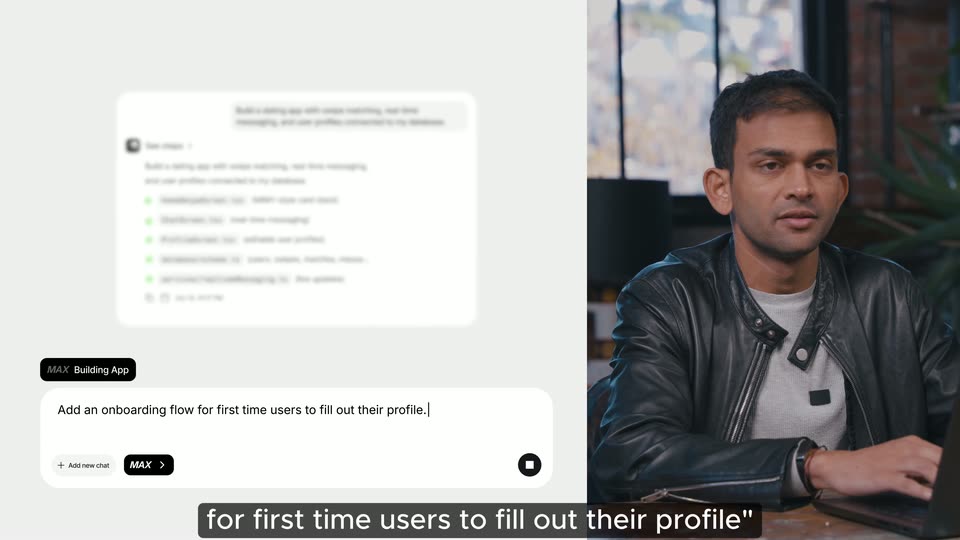 0:40–0:43Anything · Anything - Introducing Anything Max: Vibe Coding that's leaps above Lovable andSplit screen: a white product chat UI on the left types a new prompt and zooms out to reveal stacked task cards, while on the right a man in a black leather jacket works a laptop at a wooden desk. Subtitles sit in a dark bar at the bottom.
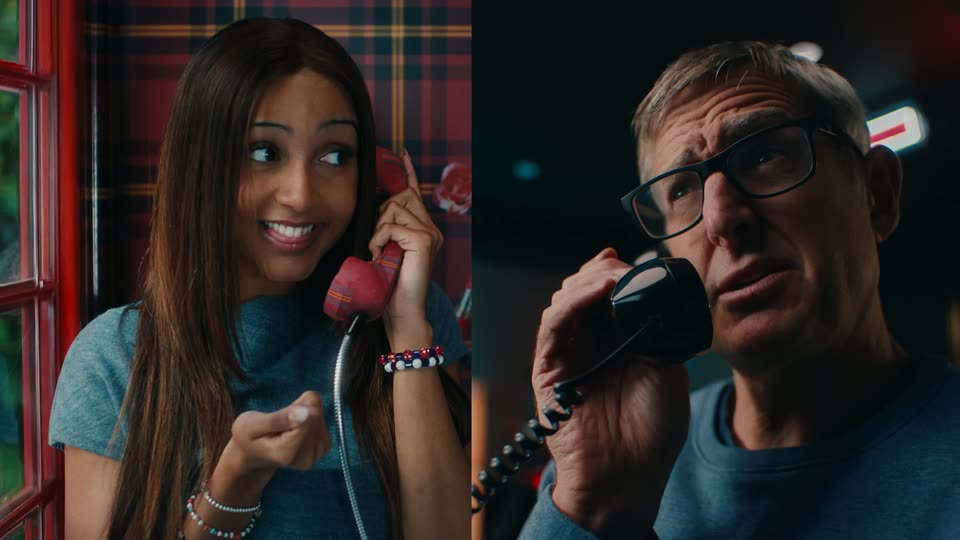 1:15–1:16Spotify · Your Favourite Artists reveal Spotify 2025 WrappedA vertical split screen frames a phone call: on the left a smiling woman holds a red receiver and gestures, on the right a man with glasses holds a black receiver with a worried frown. Both stay in tight medium close-ups.
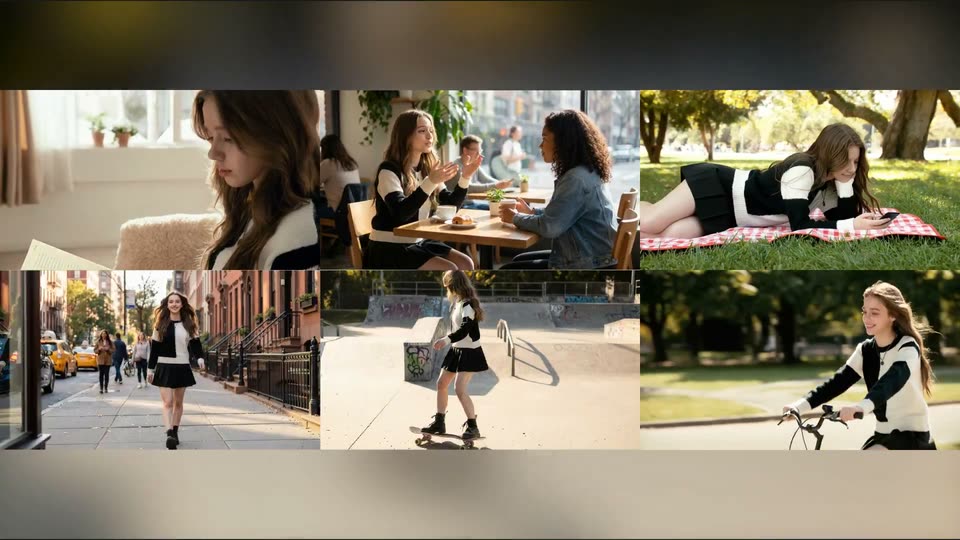 0:25–0:28Kling AI · Kling AI - Kling Omni Launch Week Day 1: Introducing Kling O1 — Brand-New CreatiA two-by-three grid of clips shows a young woman in a black and white outfit reading, chatting at a cafe, lying on a picnic blanket, walking a city street, roller skating, and riding a bike. The panels hold steady while the whole grid slowly pushes in.
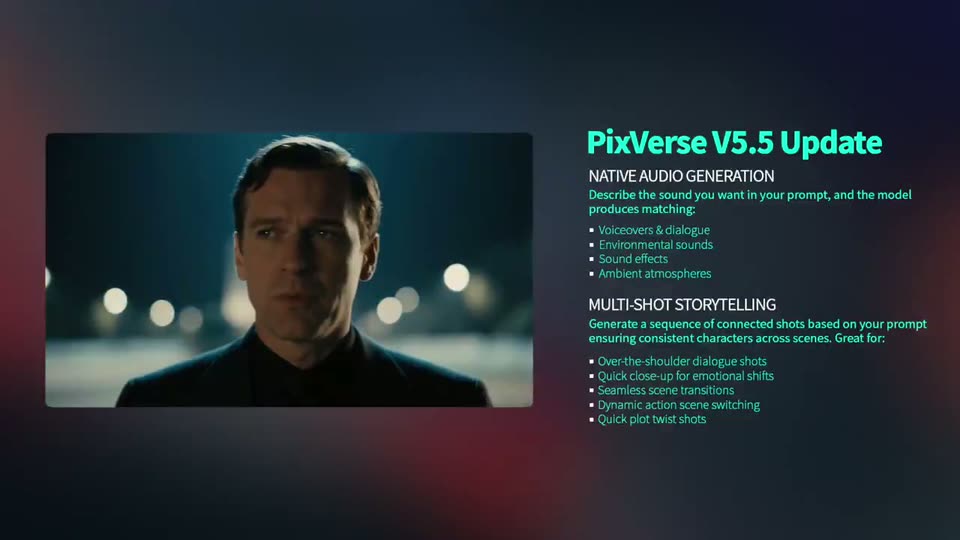 1:12 · 0.5sPixVerse · PixVerse - Infinite Voices. Infinite Shots. Your call. PixVerse V5.5 is LIVE. OnLocked-off frame: a night clip of a man in a dark shirt plays in a rounded panel on the left, while the right column lists the PixVerse V5.5 Update features under two white subheads. All text stays static for the duration.
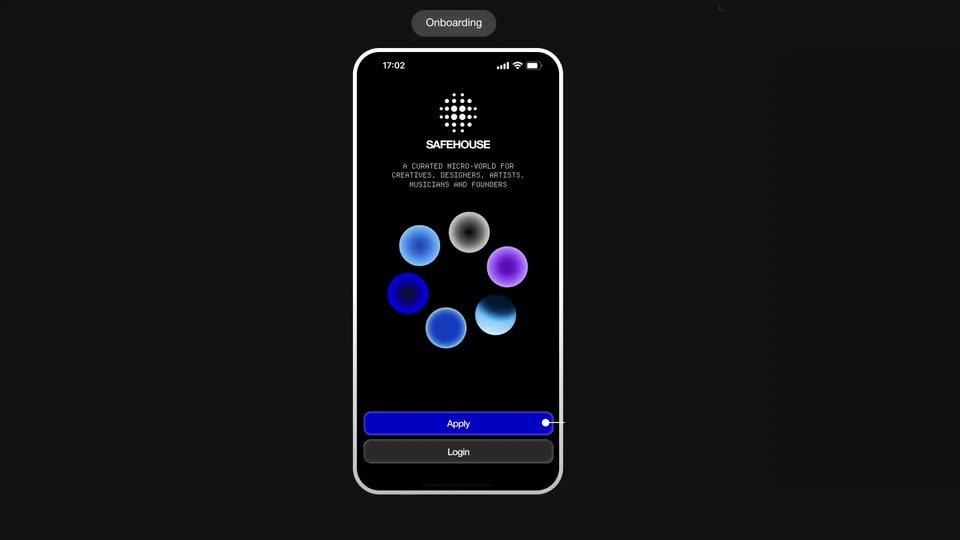 0:15–0:17AtlasGrid · AtlasGrid | Accelerate Product IterationA flat phone mockup centered on a black field shows the SAFEHOUSE onboarding screen with a ring of colored spheres and two buttons. A second phone slides in from the right to form a side-by-side view of the sign-up form, while the spheres drift and the top label slides.
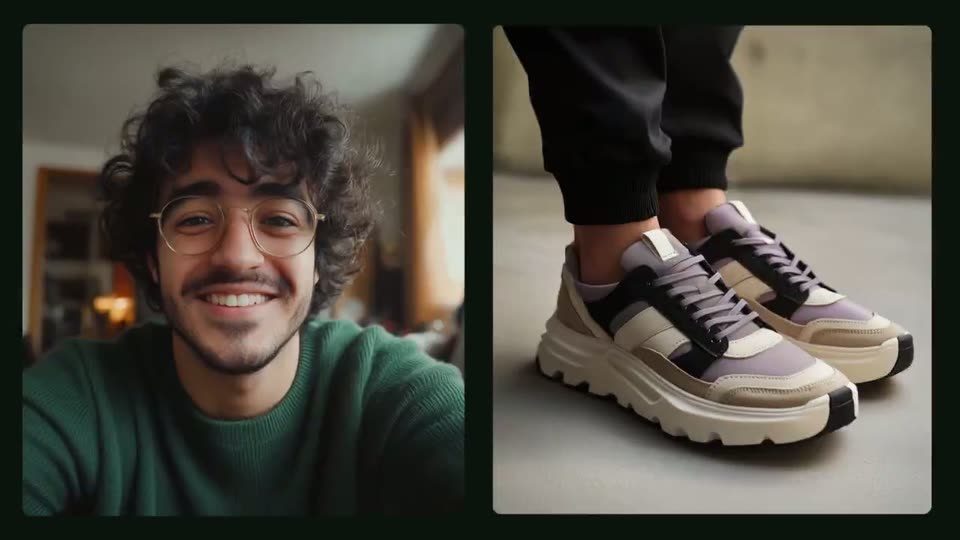 0:40–0:41Black Forest Labs · Black Forest Labs - FLUX.2 is here - our most capable image generation & editing modeThe word studio. holds on black, then a cut reveals a split screen: a smiling man in a green sweater on a video call at left, and a pair of chunky purple, beige and black sneakers on a pale floor at right.
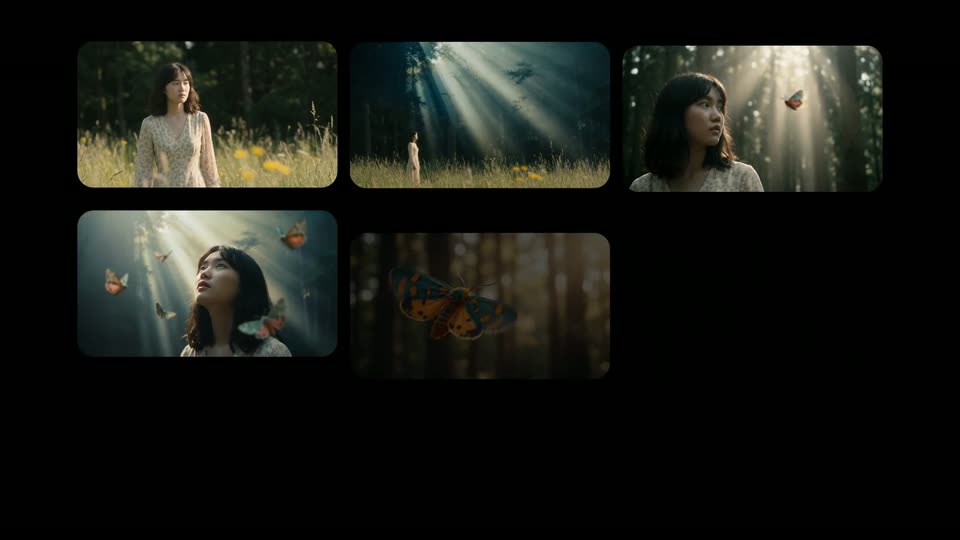 0:45–0:46Google · Google DeepMind - We just dropped Nano Banana Pro, built on Gemini 3. 🍌 With state-of-Nine rounded video clips assemble into a 3x3 grid on a black background, fading in one after another. The clips show a woman in a sunlit meadow, forest light rays, and butterflies.
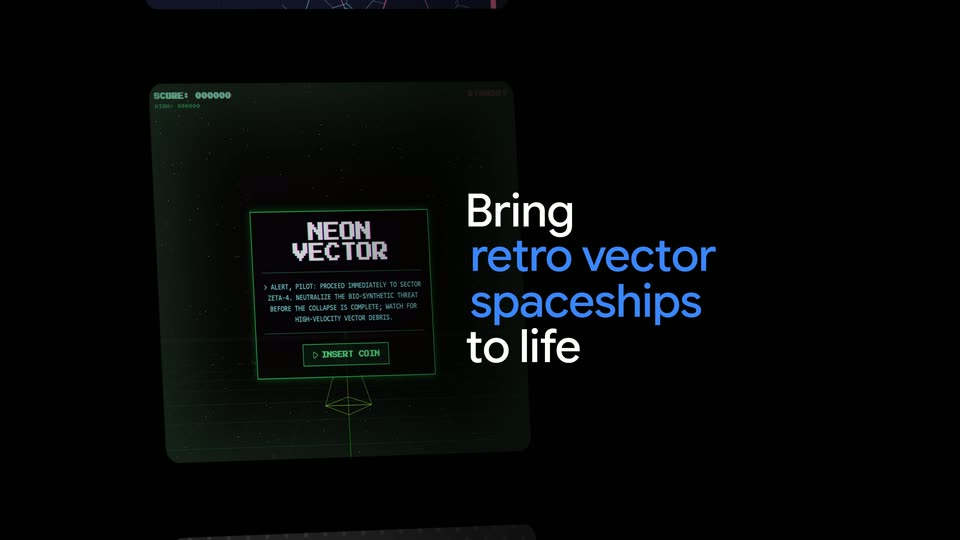 0:58–0:59Google · Vibe Coding with Gemini 3 in Google AI StudioA tall retro game interface mockup, tilted in 3D on the left, scrolls vertically past a static headline on the right. The mockup reveals a wireframe hex grid, a NEON VECTOR title card with an INSERT COIN button, and a wireframe octahedron.
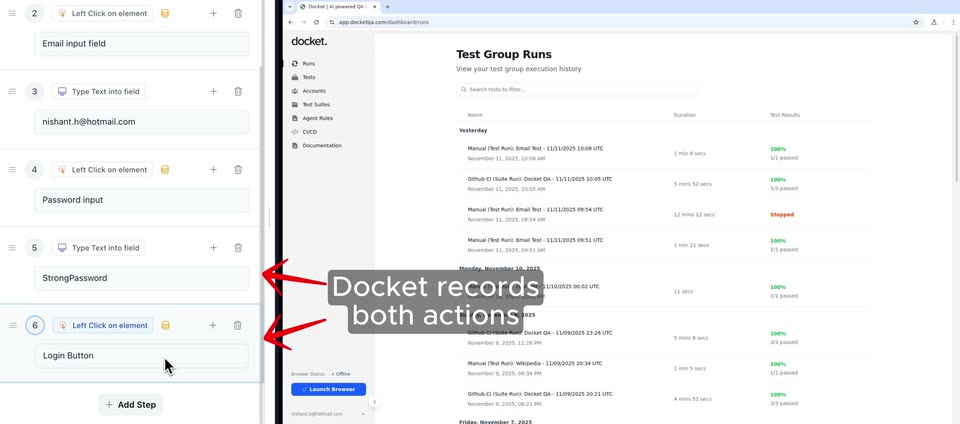 0:14–0:16Docket · Docket: recorded steps demoA split screen shows a Docket step editor on the left and a browser dashboard on the right. Red arrows point from the editor to the dashboard as a caption fades in over the right panel.
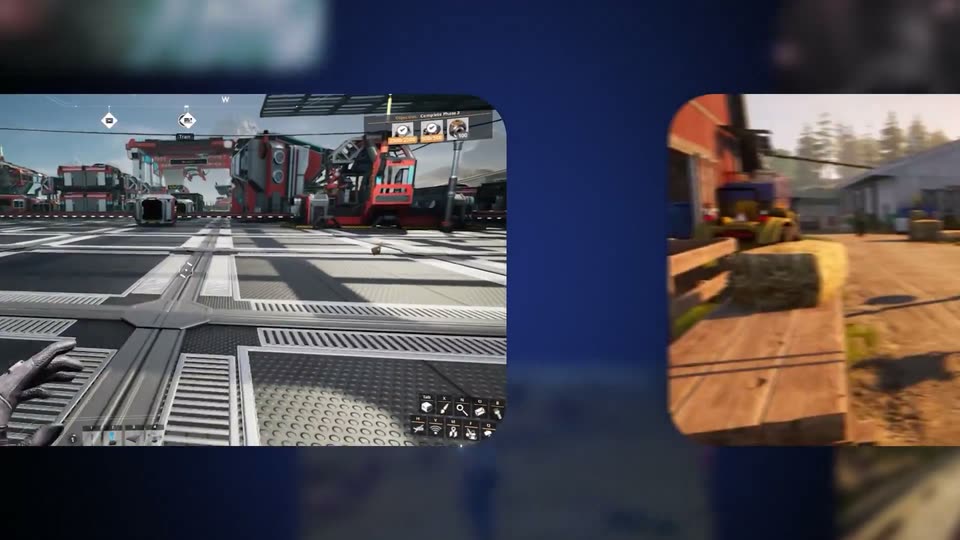 0:03–0:05SIMA 2 · Google DeepMind - SIMA 2 is our most capable AI agent for virtual 3D worlds. 👾🌐 PowereA rounded screen frame floats over a blurred woman's face, showing first-person footage of a red-and-white space station. The frame then splits into two side-by-side panels as a robotic hand reaches into a sunlit suburban street.
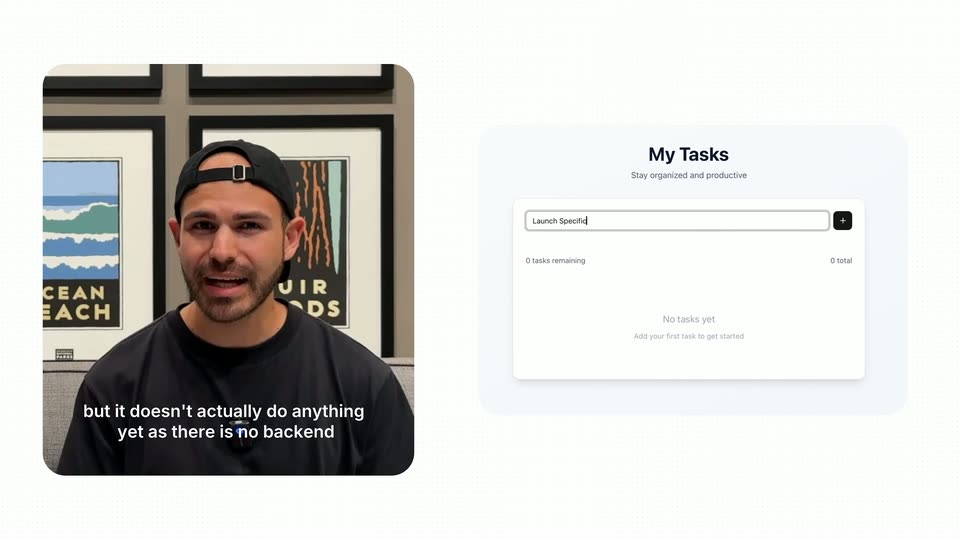 0:55–1:03Specific · Introducing SpecificSplit screen: a man in a black cap talks left while a 3D browser mockup of a todo app sits right. The mockup zooms into the input field, a cursor types a task and clicks the plus button, then the panel cuts to a dark terminal.
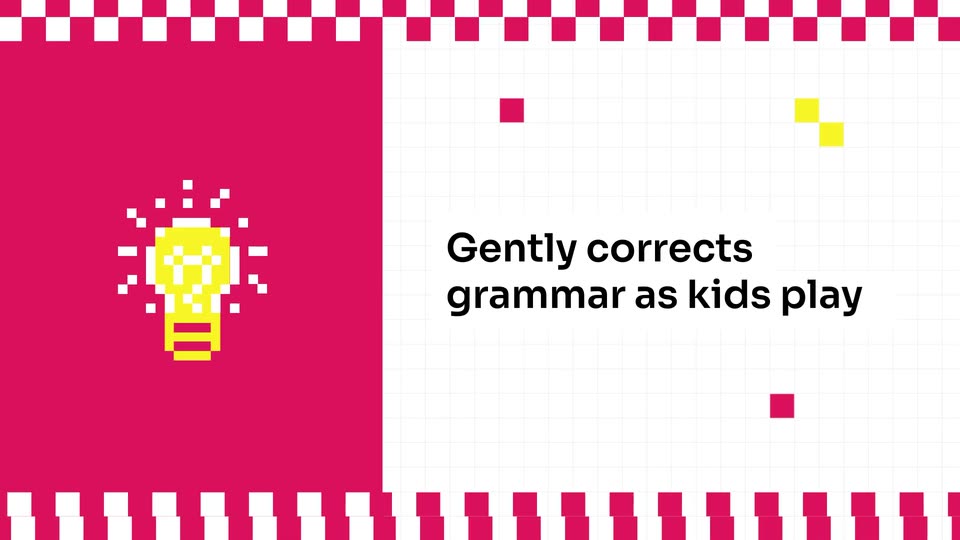 0:38–0:42Aleph Lab · Aleph Kids - Launch videoA pink panel on the left holds a pixel-art lightbulb with flickering rays, while a white grid on the right builds the headline word by word. Small red and yellow squares drift across the grid, and checkered pink-white borders frame the top and bottom.
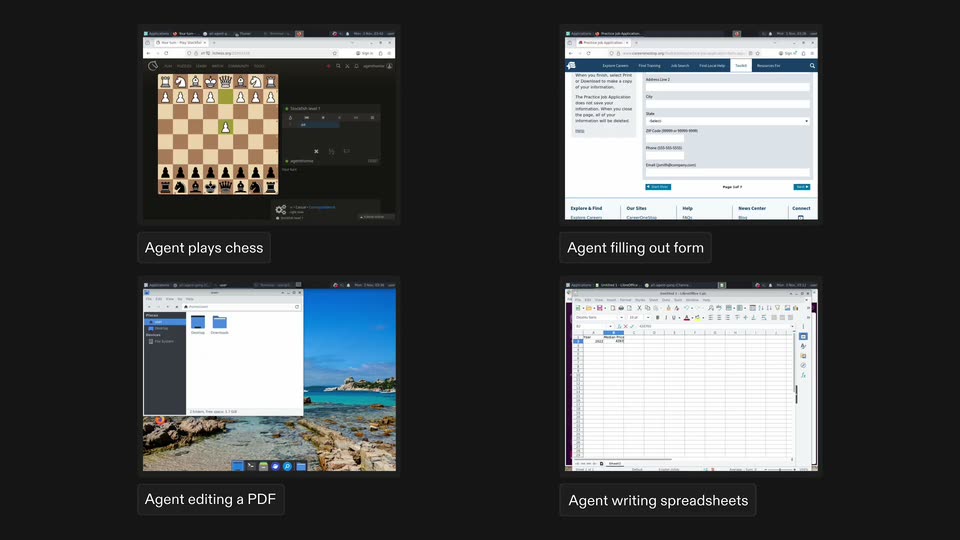 0:16–0:18Orgo · Introducing Orgo - Computers for AI AgentsFour browser windows in a 2x2 grid on a black background run live tasks: a chess game, a job application form, a PDF editor and a spreadsheet, each with a caption below. The frame then zooms into the chess window.
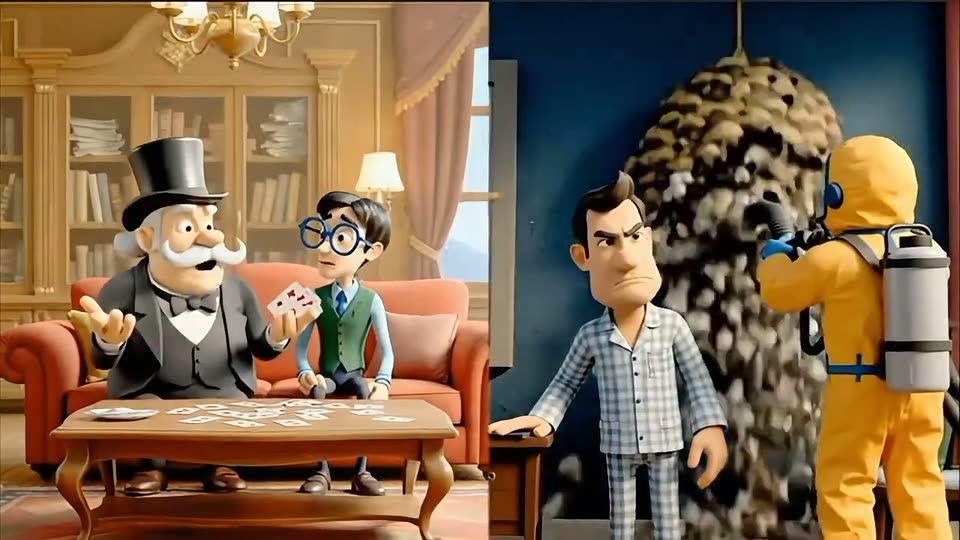 0:35–0:38Brickwise · Brickwise - YC F25Split screen: left, a top-hatted gentleman and a bespectacled young man play cards on a sofa; right, a pajama-clad man watches a hazmat worker spray a giant wasp nest off the wall until it shatters. A 'Job completed' notification drops into the top left.
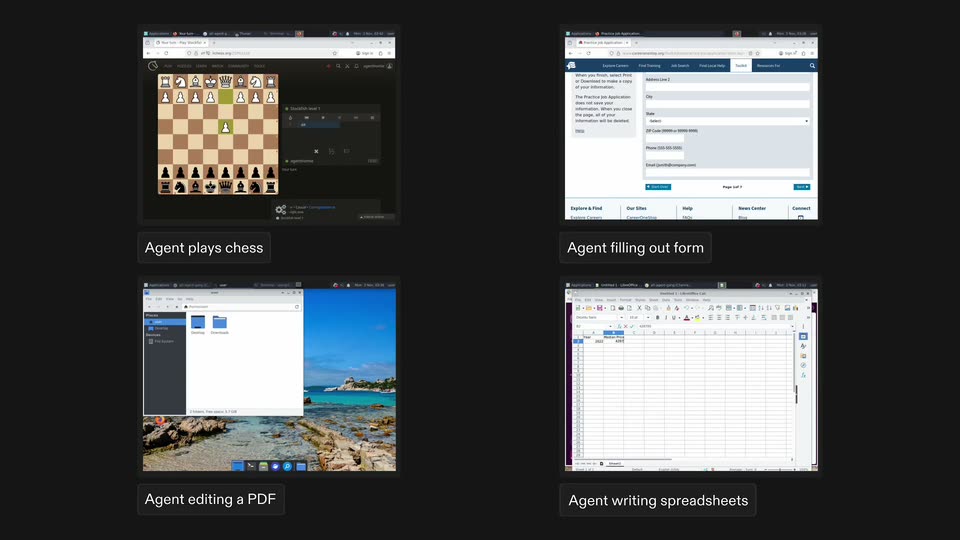 0:16–0:18Orgo · Spencer Kinney - Introducing @Orgo Orgo provides virtual computers for AI agents. BuA 2x2 grid of four desktop screens shows an agent playing chess, filling a form, editing a PDF and writing a spreadsheet, each with a white caption below. The view then zooms into the top-left chess screen, which fills the frame.
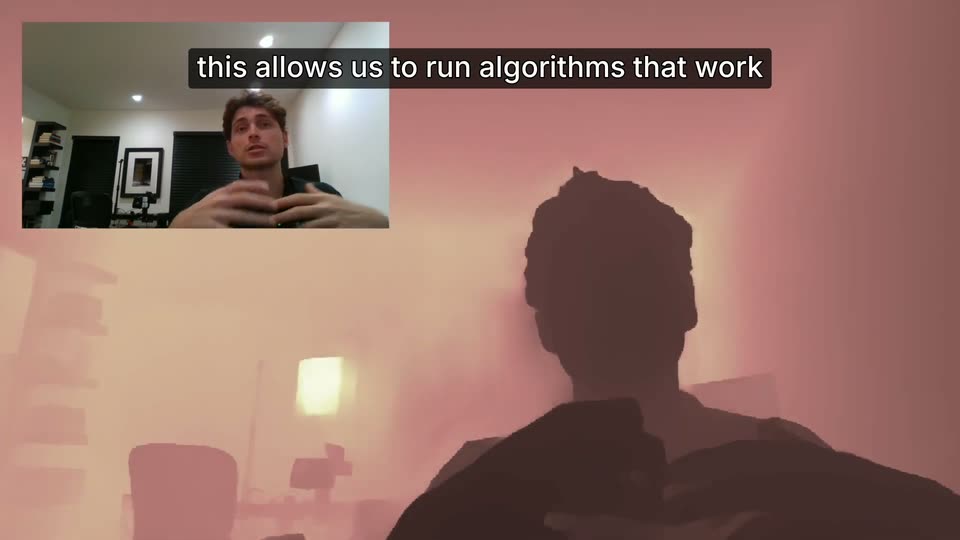 0:40–0:55Efference · Efference (YC F25) - Helping Robots See Like Humans doA low-poly 3D figure in a hazy pink room gestures with blocky hands while a small webcam inset of the speaker sits top left. Subtitles run across the top; a large white caption GEOMETRY + LEARNED PRIORS builds word by word mid-scene and fades.
 0:35–0:36Nucleo · Nucleo - Automated cancer diagnosticsA white serif headline, 'Cancer isn't just a biological disease', holds over a dark smoky backdrop, then a glitch transition scatters small live-action clips of a hospital waiting room and hands across a light field, converging on one central clip beneath the text.
 0:12–0:13Lakonia · Introducing: LakoniaA split screen stacks two camera feeds. The top sliver shows a brick building corner under blue sky; the larger lower feed looks over a car hood onto a residential street with a white SUV and red pickup parked right. A caption and logo sit at the bottom.
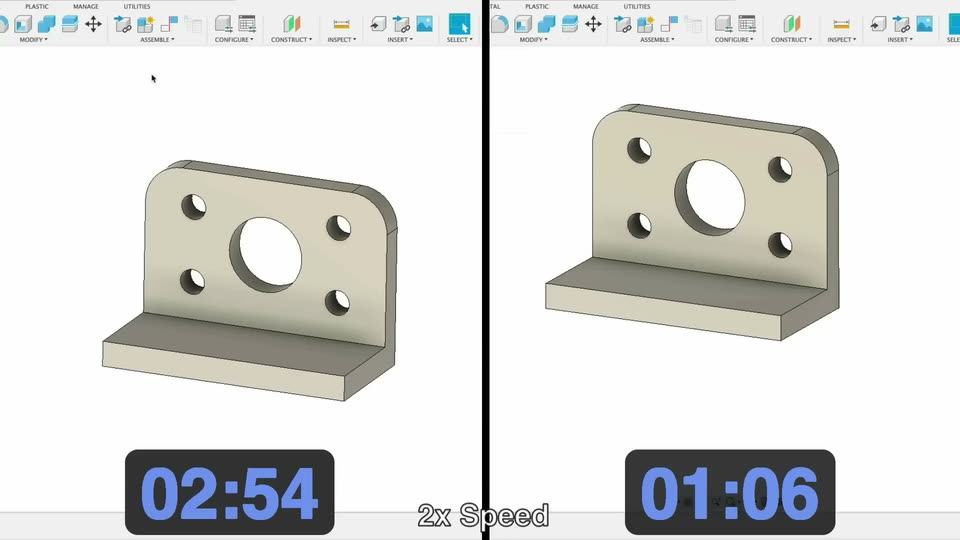 1:33–1:37Hestus, Inc. · Sketch Helper, AI copilot for CAD by @HestusInc.A split screen divides a CAD interface into two panels, each showing the same L-shaped bracket model in 3D perspective from slightly different angles. Black rounded timecode chips read 02:54 and 01:06 at the bottom corners, with a white 2x Speed label centered between them. The frame holds still.
 0:28–0:31Aspect · Aspect: AI platform for enterprise media content | YC F25A vertical clip of a man in a gray zip-up at a wooden table by the water at sunset holds the left. On the right, a file list with one highlighted row and a send icon gives way to a search box where a query types in, the box collapses.
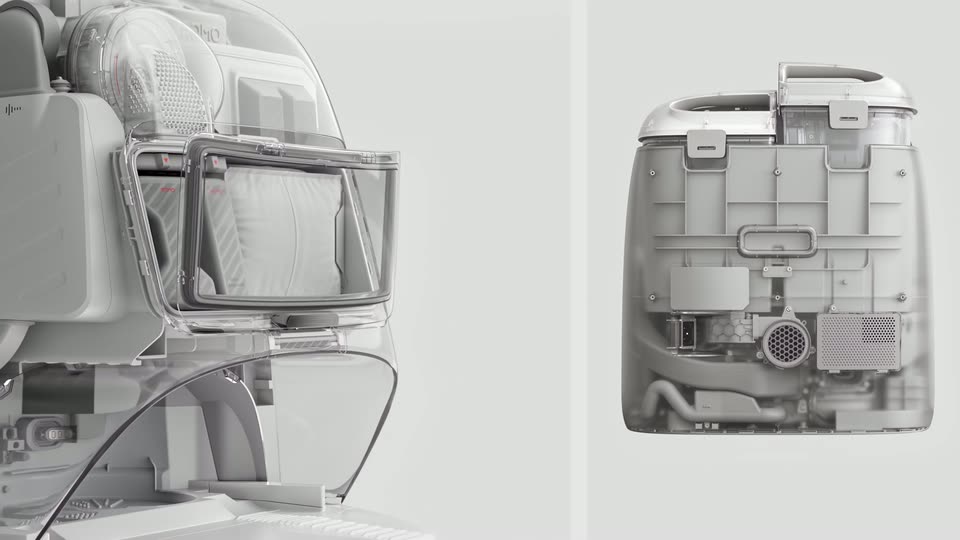 2:53–2:56DJI · Meet DJI ROMO Series - Make a Clean SweepA split screen shows a 3D base station from two angles. On the left, a clear front lid swings open to reveal dark water jets and a waste tray, then shuts again. On the right, the rear view holds a transparent panel over the suction port and internal parts.
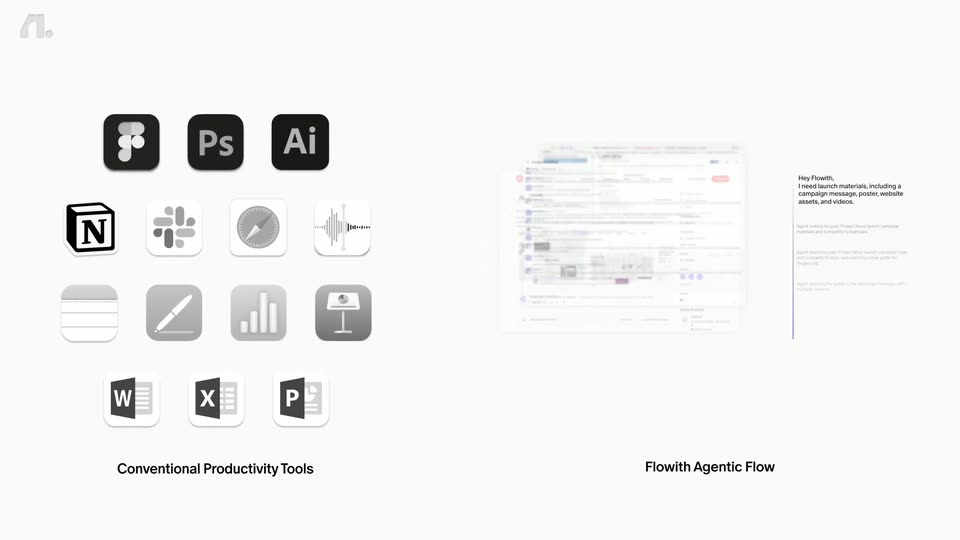 1:06–1:12Flowith · Derek Nee - introducing the OpenAI Atlas killer. might be the last browser you'llLight split-screen: a grid of app icons (Figma, Photoshop, Illustrator, Notion, Office) fades from blur to sharp on the left under the caption Conventional Productivity Tools; on the right a Flowith interface window scales in beside a short user prompt, under Flowith Agentic Flow.
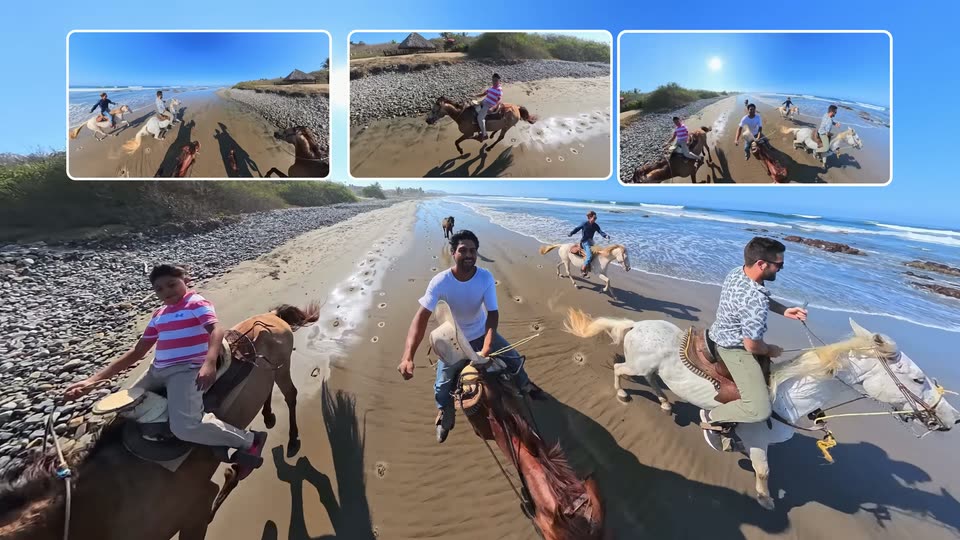 0:45–0:48Insta360 · Meet Insta360 X4 Air - New Ultralight 8K 360 CameraA wide-angle first-person view of riders cantering on horseback along a wet sandy beach, with two small rounded-corner inset clips of the same ride at the top of the frame; a third inset joins at one second as the group passes the surf line.
 0:26–0:27Lovable · Introducing our Shopify IntegrationA woman with a laptop sits on a couch at left as a chat input card at right types the clothing-store prompt and a cursor taps the pink send button; the card then scales up to center while the person defocuses.
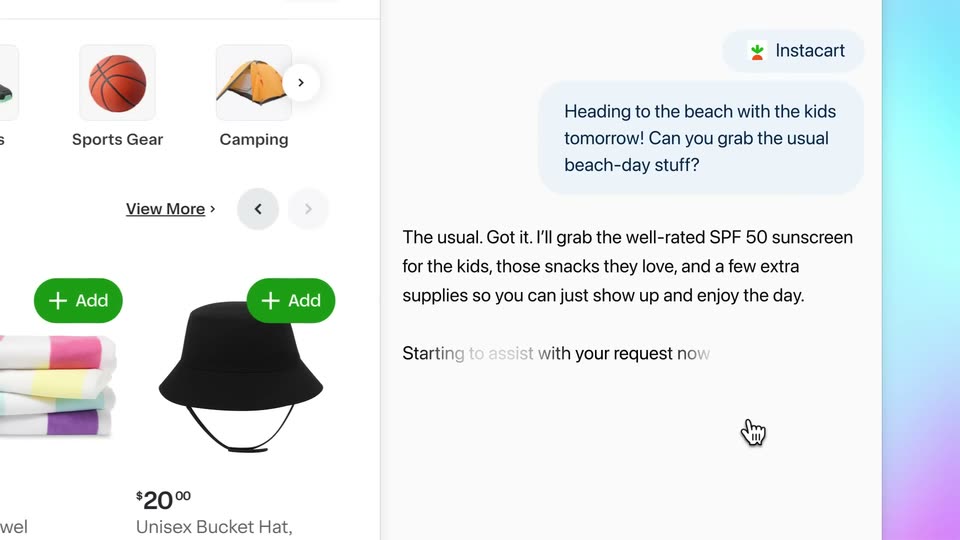 1:06–1:12OpenAI · Introducing ChatGPT AtlasA split screen pairs a grocery catalog with product cards and green Add buttons on the left with an Instacart chat on the right. The reply types in line by line, a permission prompt fades in, and a cursor clicks Continue.
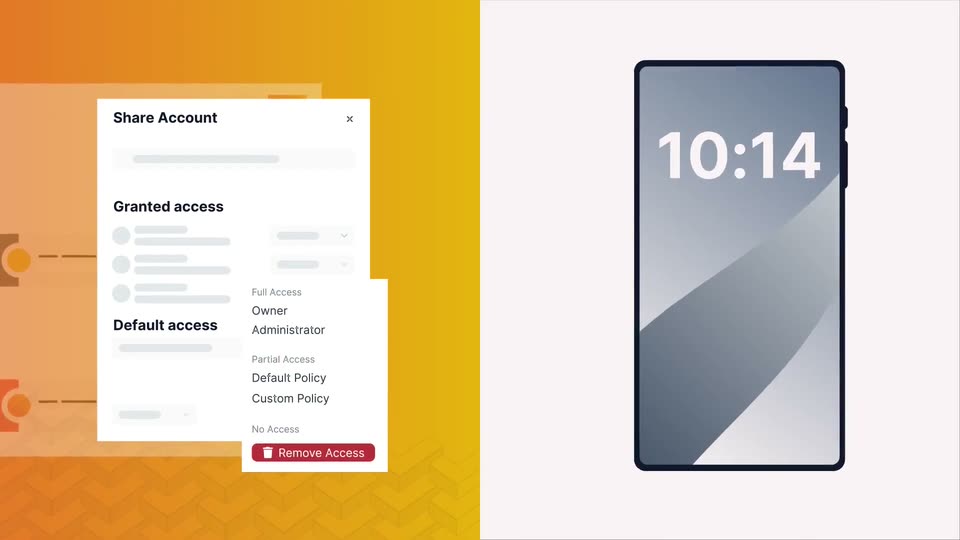 0:11–0:12Multifactor · Multifactor: Share Online Accounts with Humans & AI Agents (0:59)A split screen holds a white Share Account panel with an open access dropdown on an orange gradient left, and a 3D phone mockup showing a 10:14 lock screen on a pale right. The left panel and dropdown fade and blur out as the clip ends.
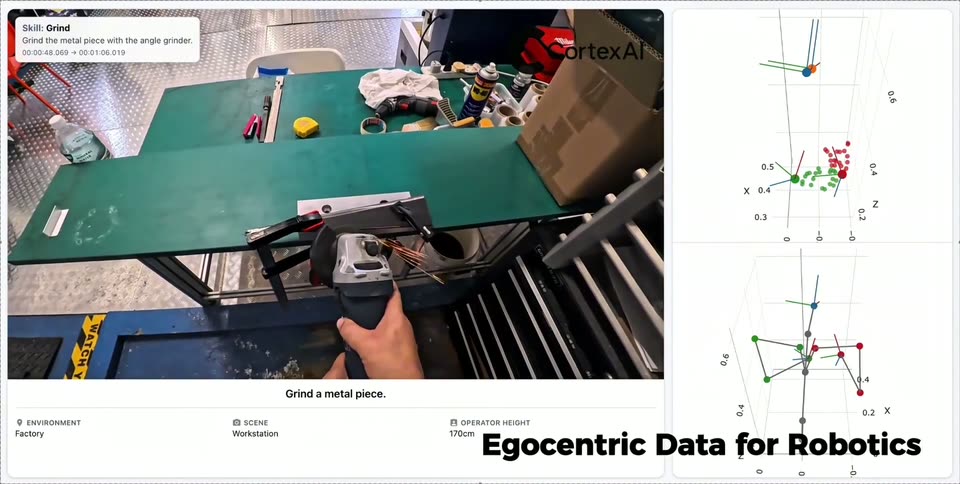 0:10–0:12Cortex AI · Cortex AI — Large-scale real-world robot & egocentric data for embodied AIA split layout holds a first-person video of a hand grinding metal at a green factory workbench on the left, while two white 3D point-cloud plots sit stacked on the right. A bold black headline reads 'Egocentric Data for Robotics' at the bottom.
 0:15–0:16ComplyDo · Compliance is CHAOS. ComplyDo (YC F25) - The most flexible enterprise compliance engine.A split screen pairs a map and a suited man holding a red laser pointer over papers on the left with three columns of dense regulatory text on the right. The centered caption stays still while the left footage cuts between shots.
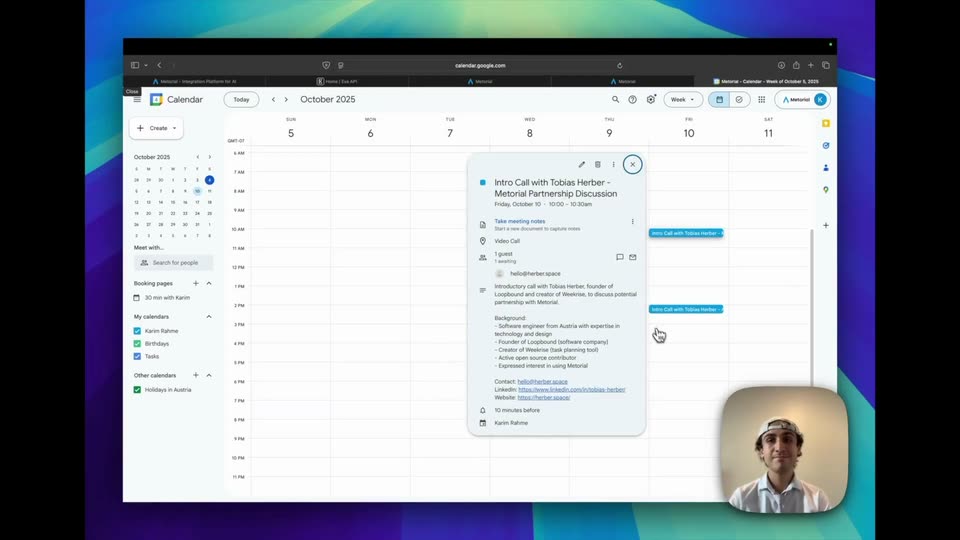 1:34–1:39Metorial · Introducing Metorial - YC F25A Google Calendar week view sits on a colorful desktop, an event card open at center. A cursor glides across the grid, then the frame zooms in to a macOS menu bar with a Go Pro dropdown. A vertical wipe splits the screen, revealing a pink panel on the right.
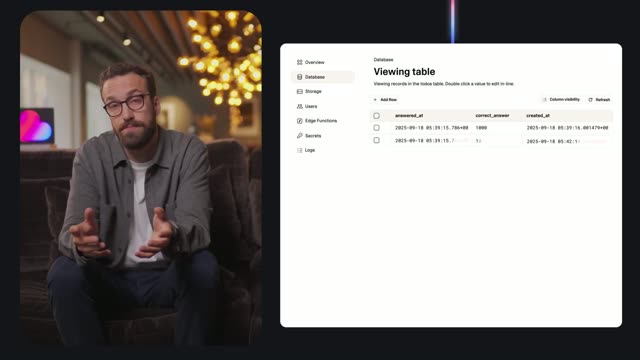 0:44–0:48Lovable · Introducing Lovable Cloud & AIA man in a grey shirt and glasses sits on a couch on the left, gesturing at the camera, while a white database panel slides in on the right and fills with table rows. The two rounded panels sit side by side on a black background.
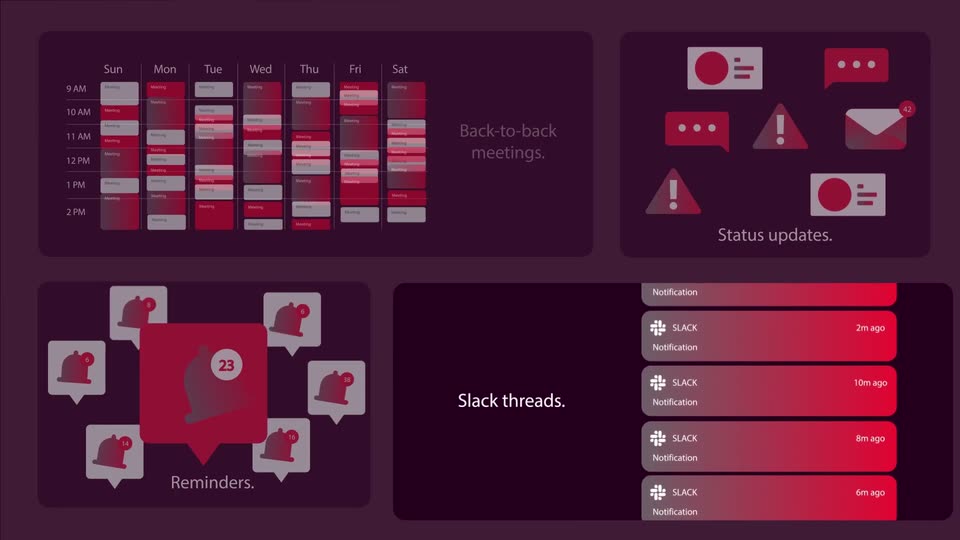 0:18–0:24Mesmer · Mesmer: The AI Operating System for Engineering • Vision VideoFour flat panels assemble into a 2x2 grid on a dark maroon field: a calendar of red meeting blocks, scattered notification icons, a bell ringed by smaller bells, and a scrolling stack of Slack cards. Captions label each quadrant, then a wide panel slides up to center one notification.
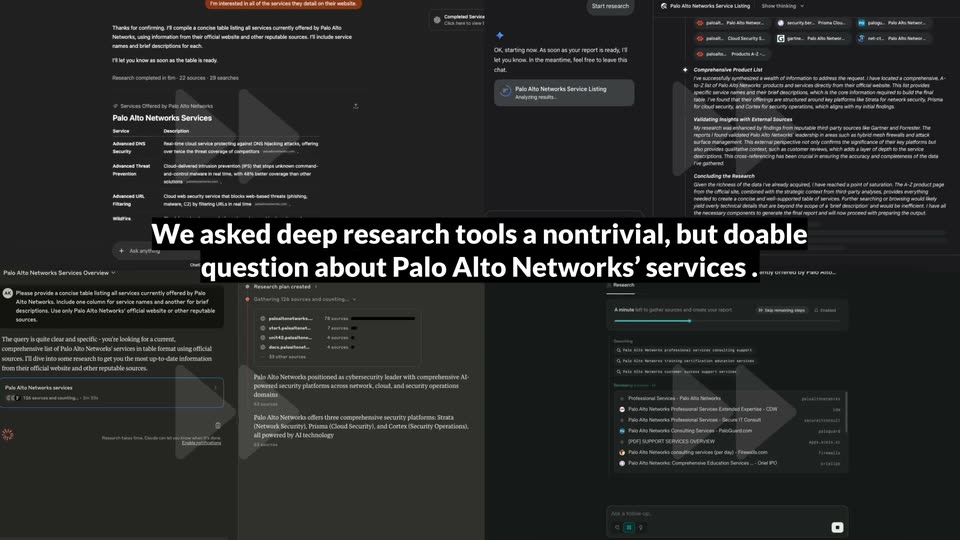 0:08–0:11Aviro · Cortex by AviroSix dark UI panels in a grid advance through the stages of a deep-research run on Palo Alto Networks services, from prompt to a final table. A white headline holds centered over the grid. A cursor clicks and types in the right and left panels.
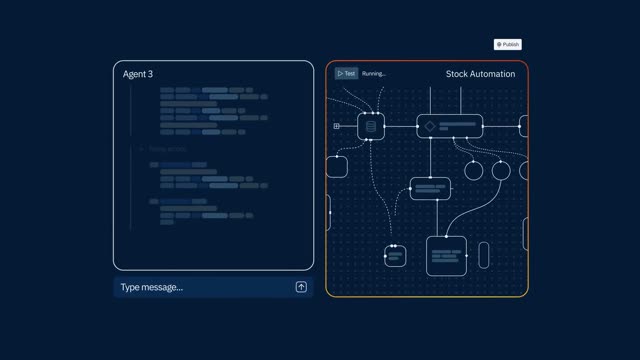 1:49–1:52Replit · Now Available: Replit Agent 3A dark navy frame holds two panels side by side. The left chat window fills with lines of text as the agent responds, while the right orange-bordered canvas draws a node workflow on a dotted grid, a Publish button popping in at the top right.
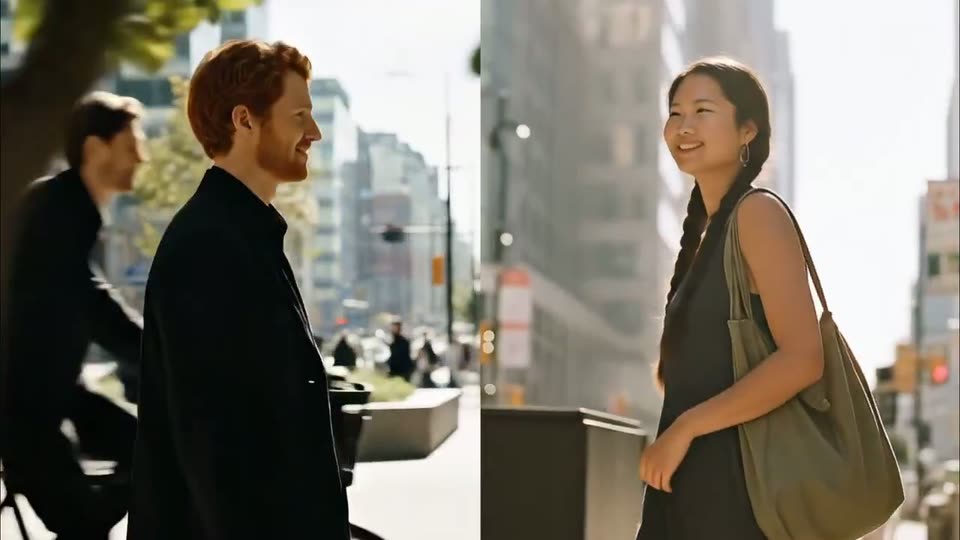 0:09–0:10Magnific · Magnific - NOW ON VIDEO: Visual Prompts Simply sketch the movement, add notes aA split screen shows a red-haired man in a black jacket and a woman with a braid and olive tote walking toward each other on a sunny city street. Both smile in profile. A dark foreground shape briefly crosses the left panel.
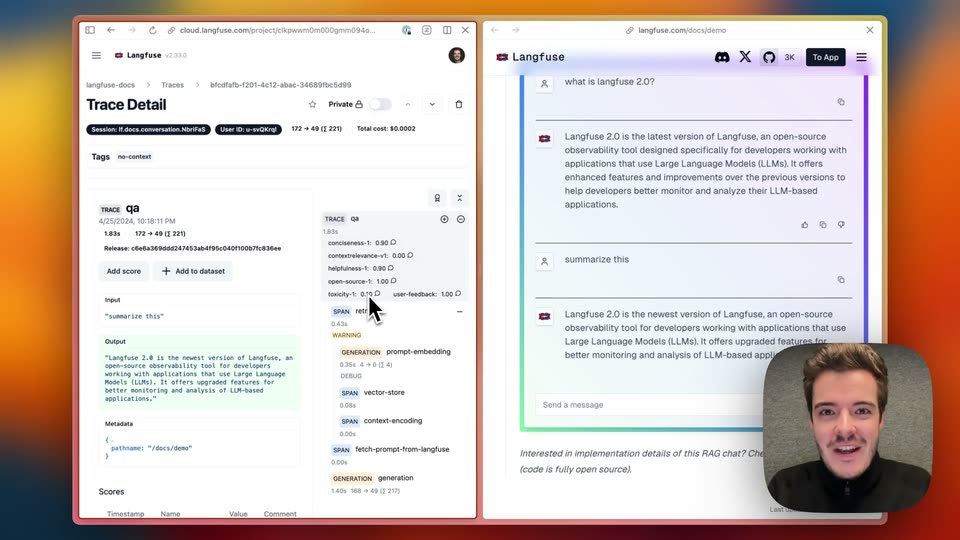 1:32–1:48Langfuse · Introducing Langfuse 2.0Two Langfuse browser windows sit side by side on a gradient background: a trace detail view on the left and a chat demo on the right. A cursor hovers over a span in the trace tree. A presenter talks from a circular webcam inset in the corner.
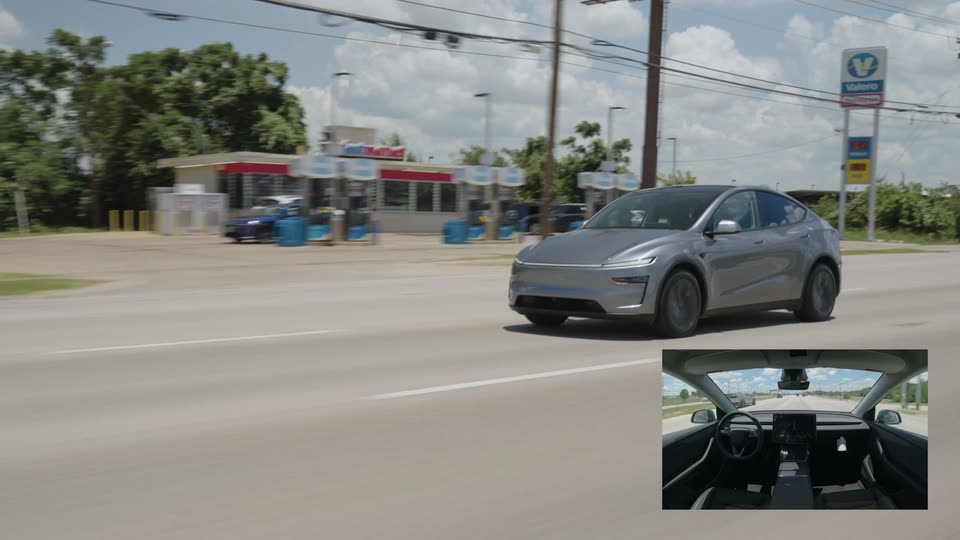 0:56 · 0.5sTesla · Sustainable Abundance | Master Plan Part IVA silver SUV drives left to right past a gas station on a sunlit road. A small inset in the lower right shows the interior, framing the steering wheel and center screen from the back seats.
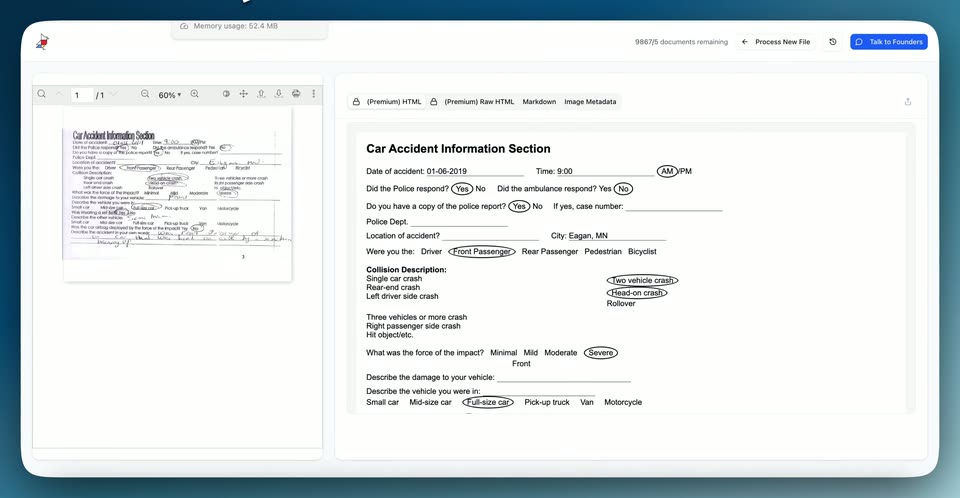 0:08–0:09Cardinal · cardinal demoA document conversion app shows a scanned accident form on the left and its extracted HTML on the right, with circled field values. The left panel switches to a balance sheet while an Analyzing Your Document dialog with a spinner and progress list appears over the right panel.
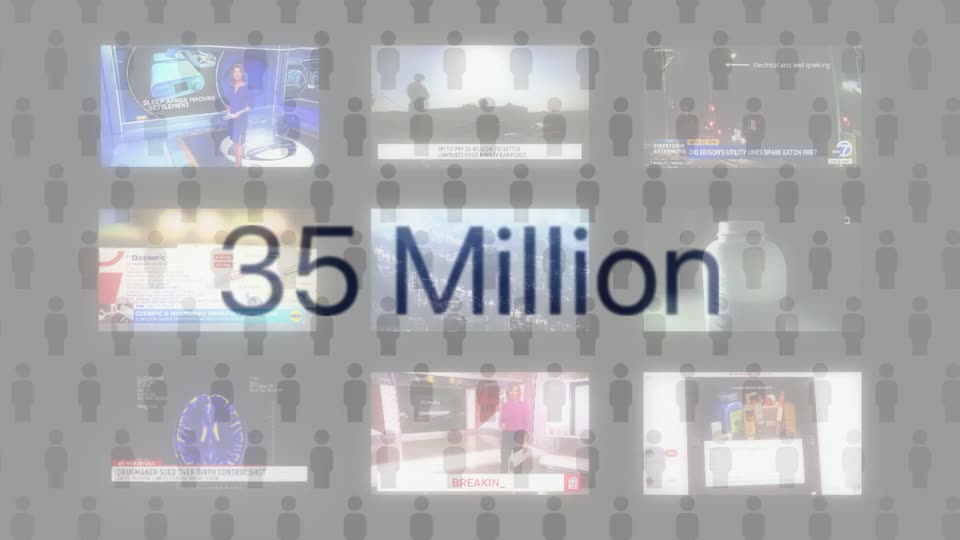 0:09–0:10Kalinda · Kalinda Launch VideoA 3x3 grid of news footage clips fills the black frame, then the grid fades as a large white statistic, 3.1 Billion, assembles in the center with a small caption line beneath.
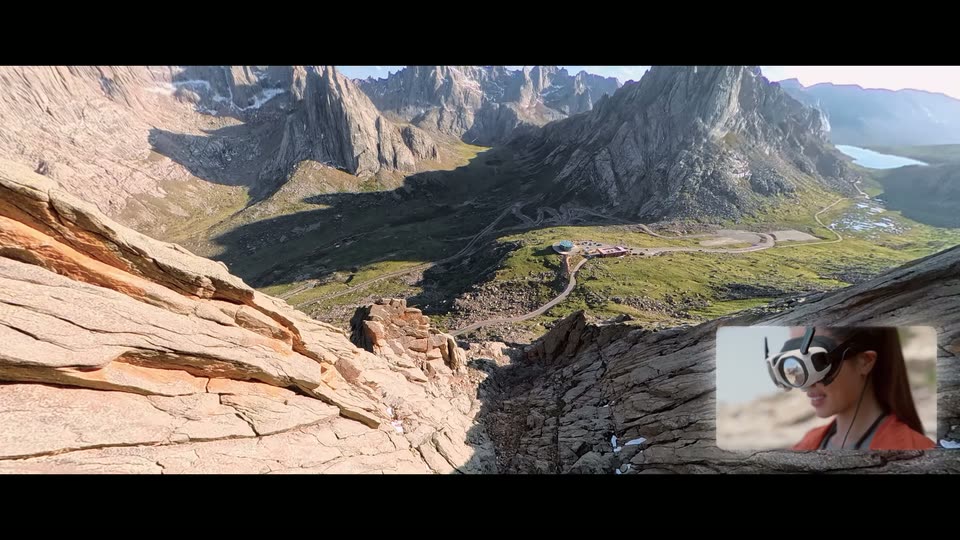 1:11–1:12Antigravity A1 · Meet Antigravity A1 — The 8K 360 DroneA mountain POV drifts forward over a steep rocky slope and tilts up to reveal a valley road and distant peaks. A small inset at the bottom right shows a woman in an orange shirt wearing a VR headset, looking down.
 0:32–0:34LLM Stats · ZeroEval (YC S25)Two side-by-side output panels fill with gray placeholder shapes and text lines, then give way to a single prompt panel as the centered serif headline “And third,” swaps to “Judges that learn.”
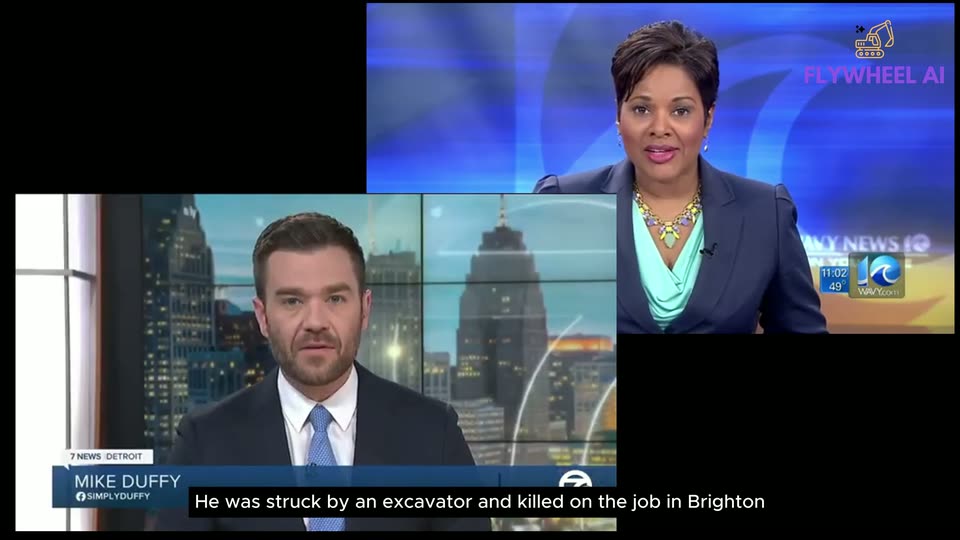 0:11–0:15Flywheel AI · Flywheel AI (YC S25) Launch VideoTwo locked-off news clips sit diagonally on a black background: a female anchor in a blue studio top right, a male anchor before a city skyline bottom left. The lower window scales up and drifts as white subtitles caption the report.
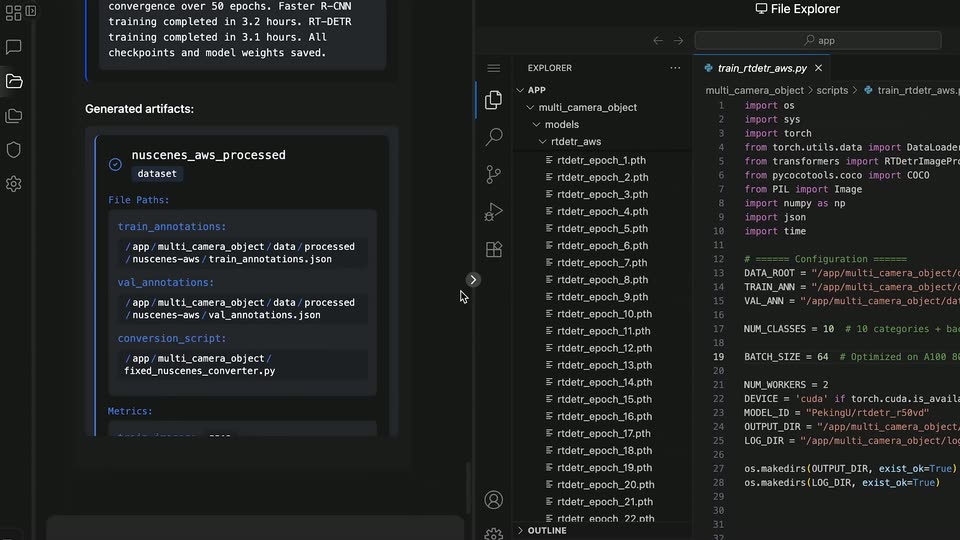 1:36–1:37Neo AI · Neo AI - Introducing NEO: The first Agentic Machine Learning Engineer. It worA dark IDE interface fills the frame, split into a chat log on the left and a code editor with file tree on the right. The chat scrolls upward through messages about training Faster R-CNN and RT-DETR for 50 epochs while the Python file scrolls to reveal its configuration block.
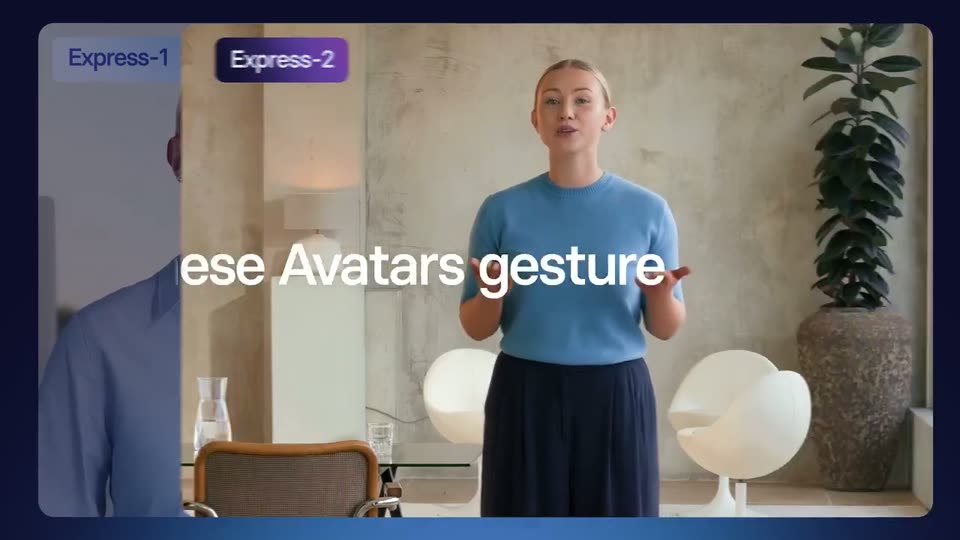 0:16–0:17Synthesia · Synthesia 🎥 - Say hello to Express‑2 — our new, full-body AI avatars that move, gesTwo rounded panels sit side by side: a dimmed presenter on the left tagged Express-1, a brighter one on the right tagged Express-2, gesturing with both hands. A beige slab then wipes in from the left, carrying the white headline e Avatars gesture.
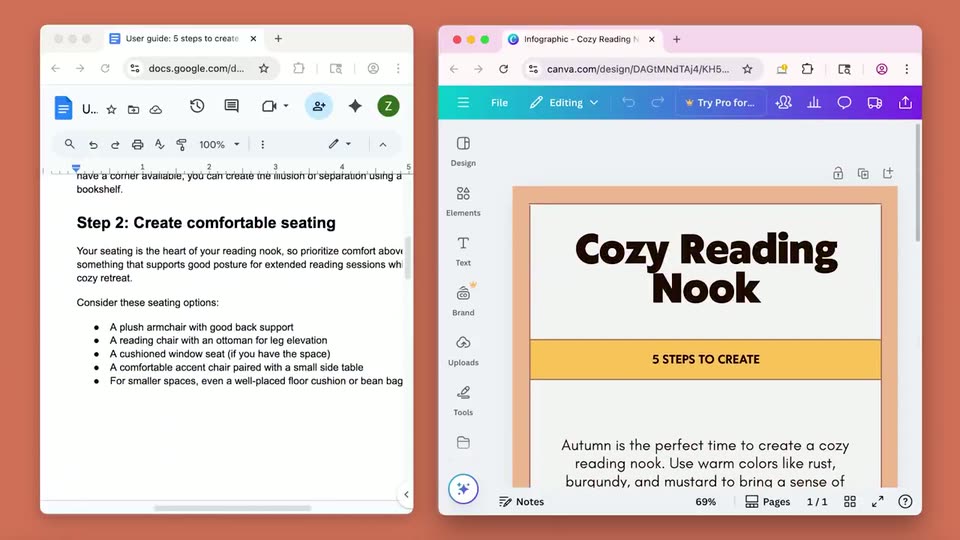 0:38–0:42Anthropic · Anthropic - Turn written content into professional designs with Claude + @canvaTwo browser windows sit side by side on a terracotta background. The Google Doc on the left auto-scrolls up through a five-step guide, while the Canva canvas on the right zooms in on the Cozy Reading Nook infographic title as its color shifts from black to rust.
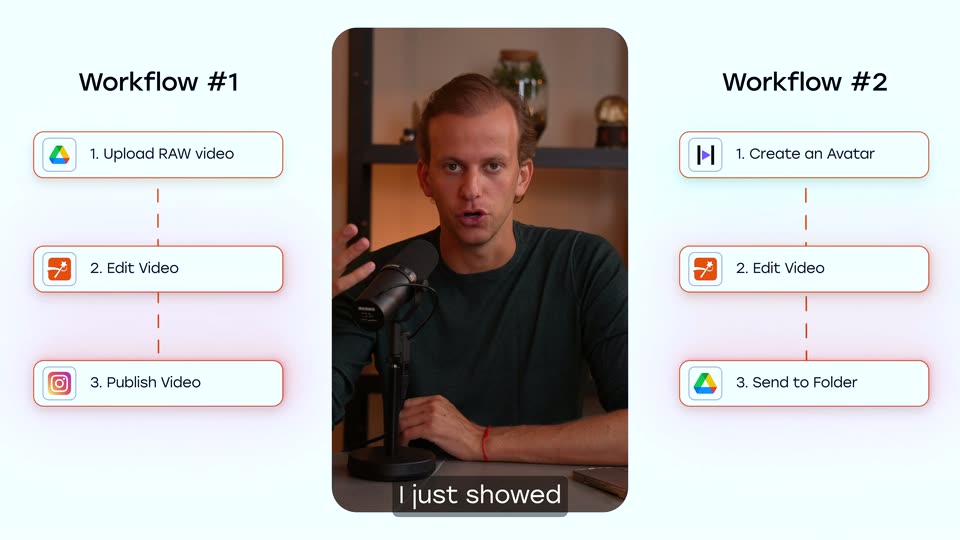 0:51–0:54Submagic · Submagic - Today, we’re launching the world’s first short-form video editing APIA man in a dark shirt speaks into a microphone, framed in a rounded rectangle at the center. Numbered workflow step cards with icons slide in and settle on either side over a mint background, while subtitles change at the bottom of the video.
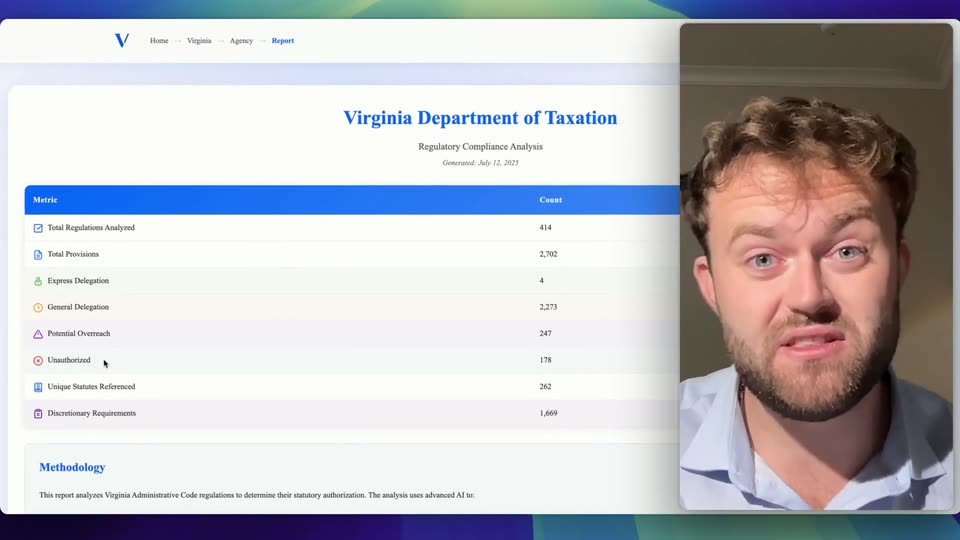 1:16–1:18Vulcan Technologies · Virginia Required Our Product by LawA compliance report for the Virginia Department of Taxation fills the left side, listing metrics in a blue-headed table, while a man in a light blue shirt speaks to camera in a panel on the right. The page stays static against a multicolor gradient.
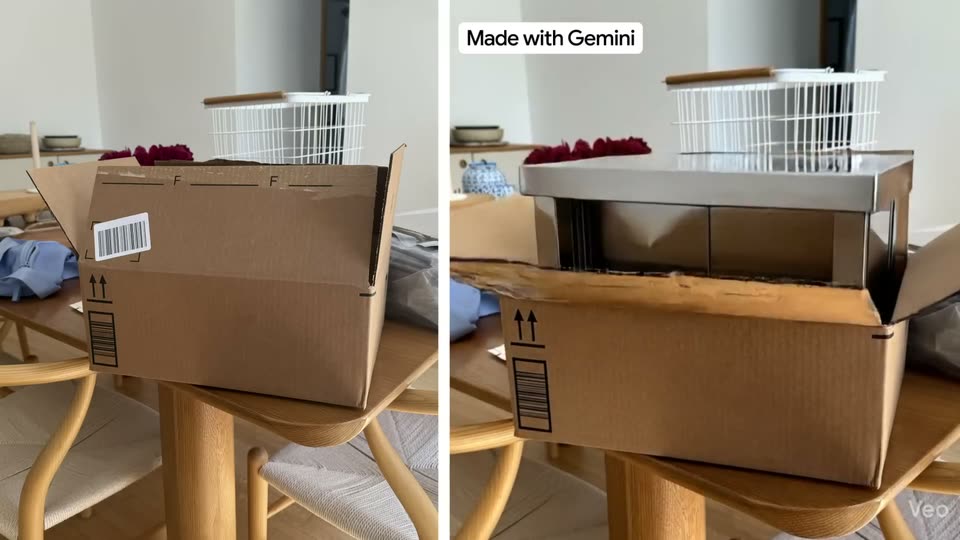 0:02–0:03Google · Turn your photos into videos using Veo 3 in GeminiA split screen shows a still photo of a cardboard box on a wooden chair beside a clip where the box's top flap lifts and the interior turns into a reflective chrome box. A white 'Made with Gemini' badge sits in the top right corner.
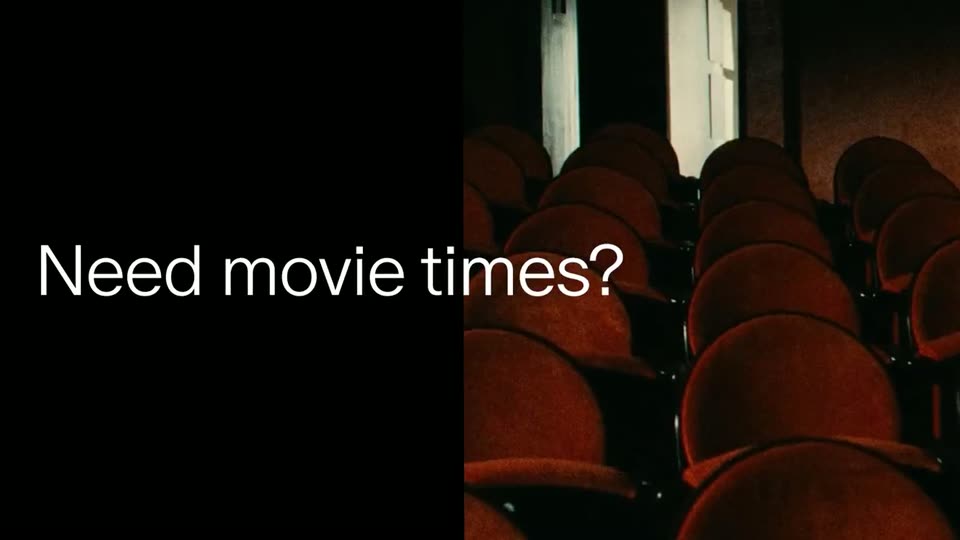 0:02–0:03The Browser Company · Dia - Need inspiration? There’s a /skill for that. 🖼️ Dia Skills Gallery vA split frame holds a black left panel with the white question beside a static shot of empty red cinema seats in a dim auditorium. The composition is locked off with no motion.
 0:21–0:22Marey · Moonvalley - Copy the motion, change the scene. Motion transfer for Marey lets yA dark pickup truck crosses sunlit sand dunes, kicking up dust. A vertical split opens on the left, revealing a night city skyline wrapped in flames and rising smoke, the two shots held side by side.
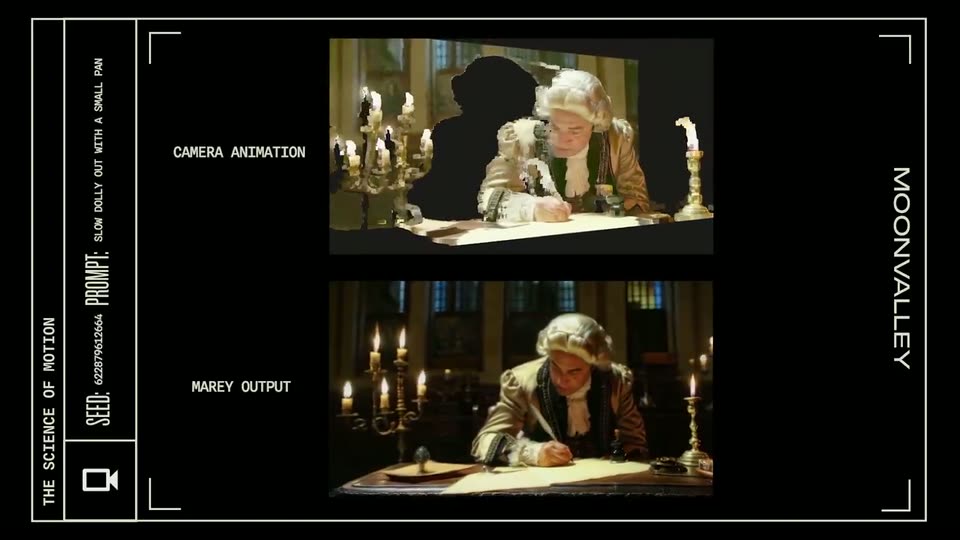 0:31–0:32Marey · Moonvalley - Most AI tools generate footage. Marey helps you direct it. Marey givA black layout framed by thin white lines holds two stacked video windows of a man in 18th century dress writing at a candlelit desk. The top window carries a black cutout over part of the image; the bottom shows the full shot. Vertical captions run along the sides.
 0:41–0:43Motives · Motives AIA tiled grid of video call participants, each in a home office, fills the frame. The mosaic pans horizontally and vertically, sliding to reveal more tiles, while a thin white line wipes across the middle row.
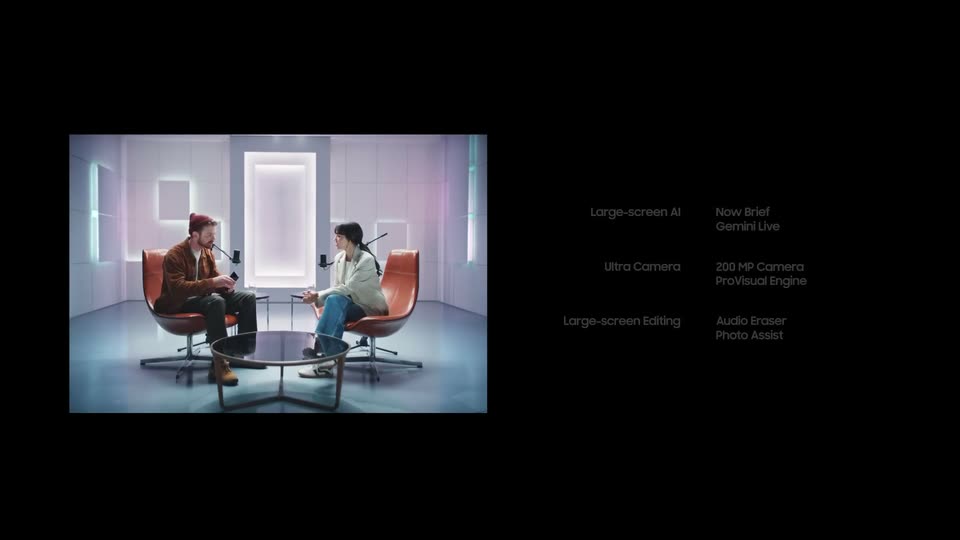 4:25–4:31Samsung · Introducing Galaxy Z Fold7 | Galaxy AI | SamsungSplit screen: on the left a studio clip of two hosts in orange chairs with microphones, on the right a white spec list on black. The list swaps from hardware specs to feature names, then the clip cuts to a close-up of the man holding the folded phone.
 0:08–0:09Higgsfield · Higgsfield AI 🧩 - Higgsfield Soul is now FREE for everyone. Just unlocked Daily Free GA static split screen holds two portraits of the same woman with short dark hair and freckles, hand on her chest. The left is graded warm orange, the right cooler with a blue shadow on the neck, both on a plain cream background.
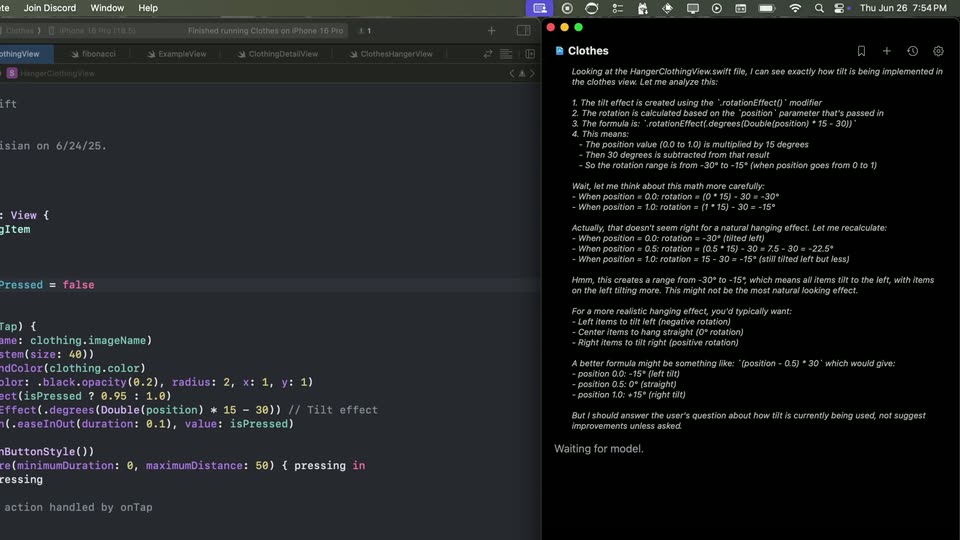 0:34–0:49Alex · Alex - Xcode AI Coding AssistantA purple logo and the white title Interleaved Thinking fade out over a dimmed screen recording, revealing a split view: Swift code in Xcode left, the Clothes AI chat right. A cursor types a question, and the model's reply streams in, scrolling down.
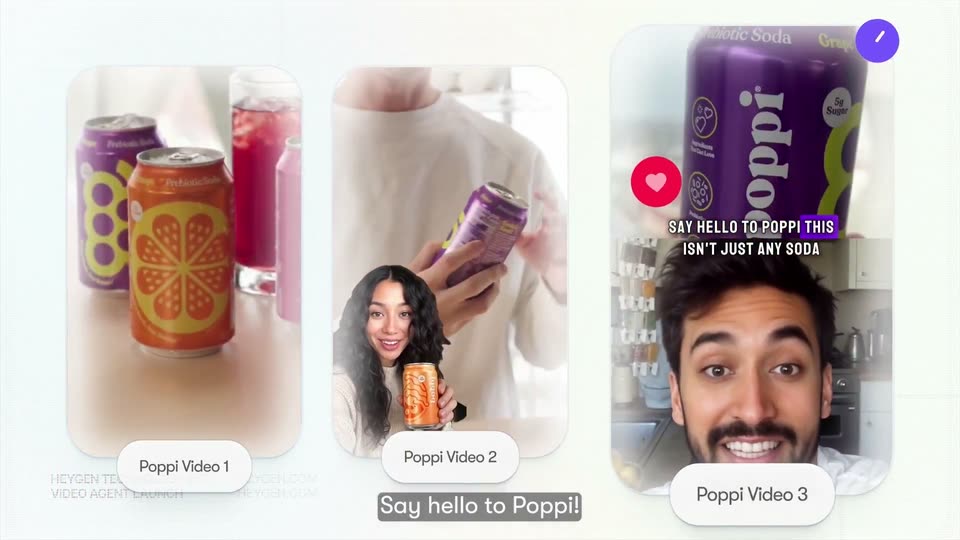 0:13–0:14HeyGen · Joshua Xu - Today we’re introducing you to the future of video. The world’s firsThree vertical video panels sit side by side on a pale background, each showing people holding Poppi soda cans. White pill labels read Poppi Video 1, 2, 3 beneath them, and a gray caption reads Say hello to Poppi! at the bottom.
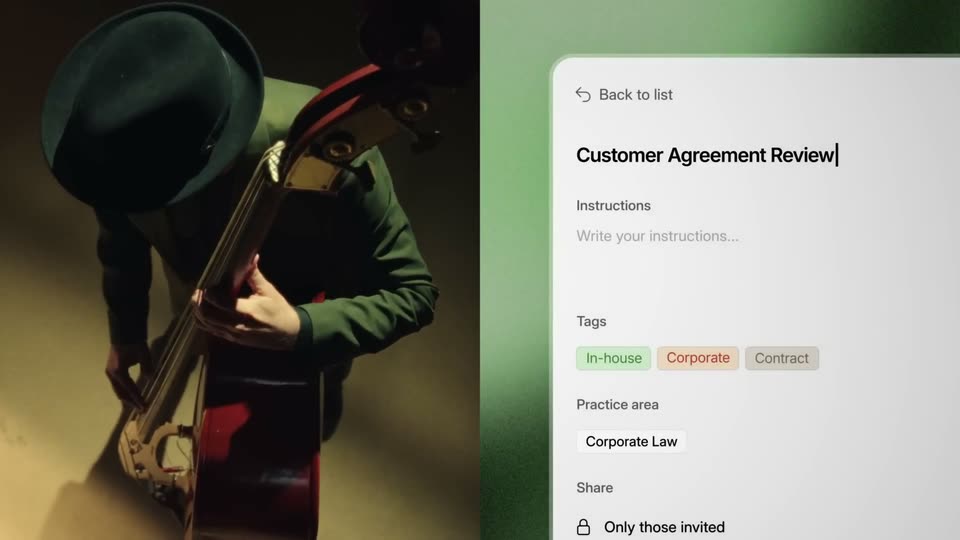 0:07–0:09Legora · Legora Workflows - The orchestration layer for legal workSplit screen: a bassist in a green hat and jacket plays an upright bass in a dim, warm-lit room on the left; on the right, a white workflow form on a green gradient dissolves in from a list view, and its title field types out Customer Agreement Review.
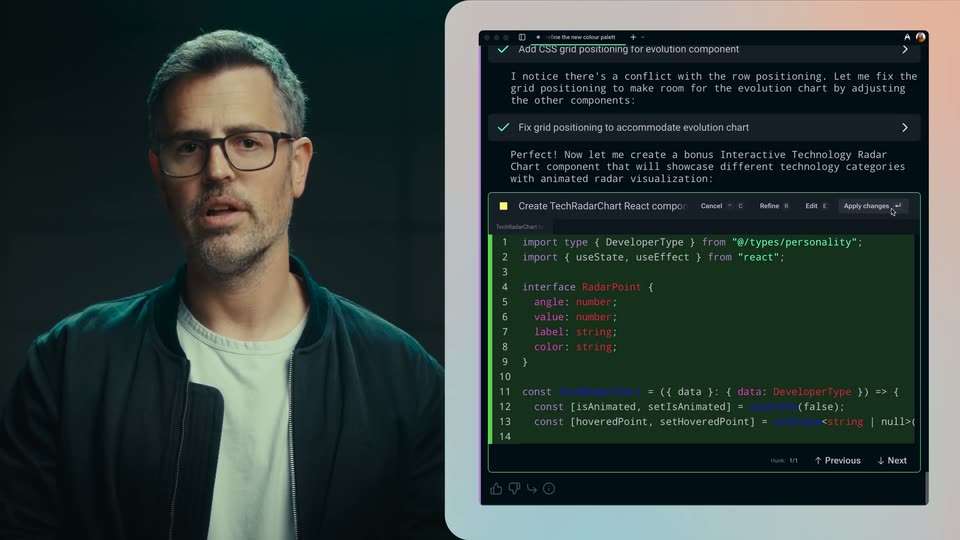 0:16–0:18Warp · Introducing Warp 2.0: The Agentic Development EnvironmentA man with glasses and a beard stands at left against a dark studio background, speaking. At right, a tilted 3D window shows a coding agent chat above a code editor; the code scrolls and a cursor moves down toward an Apply changes button.