Split screen
Several distinct areas shown at the same time, side by side.
5,612 scenes · page 60 of 94
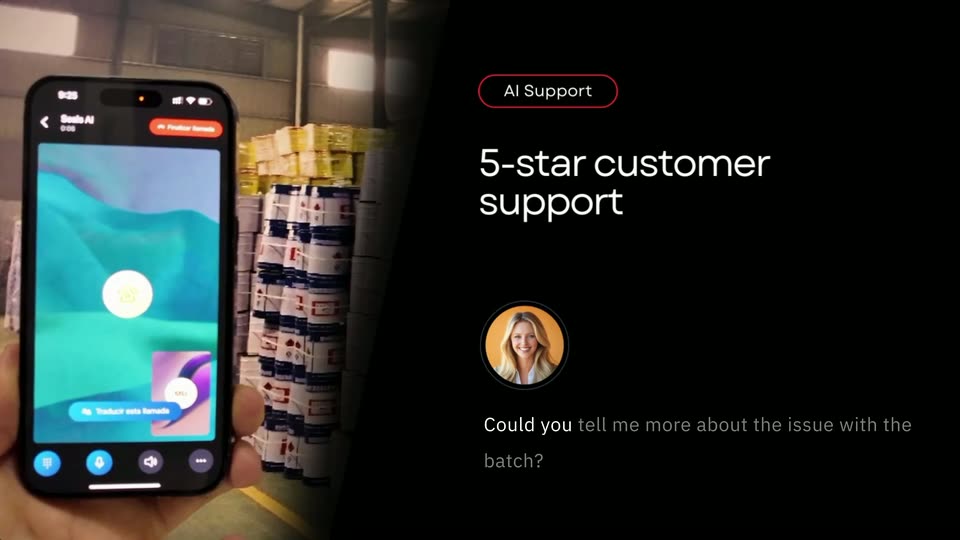 0:30–0:40Titanio · Seals AI (YCS24)A hand holds a phone running the AI call app in a warehouse on the left; a black panel on the right holds the AI Support badge, the 5-star customer support headline, and a smiling avatar. Captions below the avatar appear word by word with the voiceover.
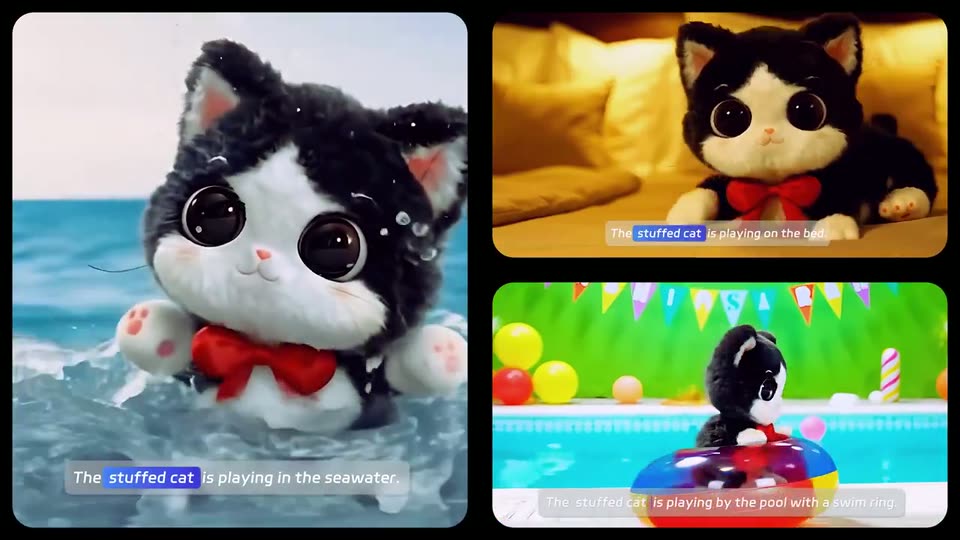 0:21–0:22Vidu · Vidu AI - 🥳Object Consistency is here!🚀 With the new "Reference to Video" featA black split-screen shows three panels of a black-and-white plush cat with a red bow tie: splashing in seawater on the left, sitting on a yellow bed top right, and floating on a rainbow swim ring bottom right. Each panel has a white caption bar.
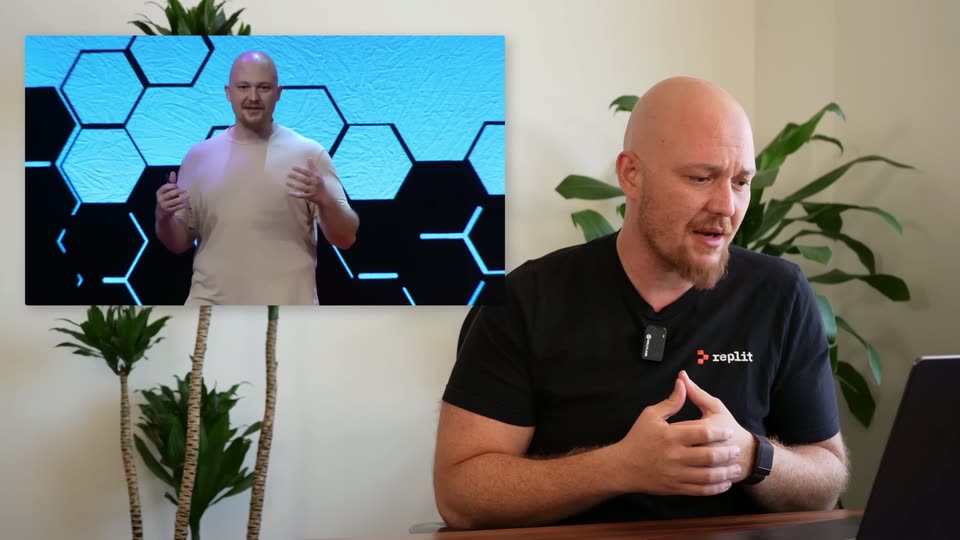 0:38–0:39Replit · Meet the Replit AgentA bald man in a black Replit shirt sits at a desk with a laptop, hands clasped, while a smaller inset in the top left shows the same man gesturing before a blue hexagon backdrop.
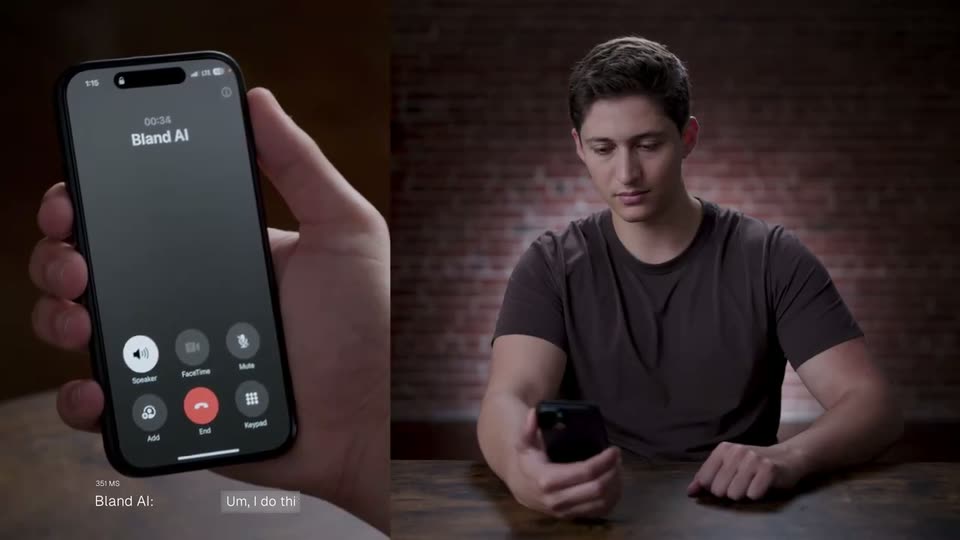 0:49–0:55Bland · Bland - Today, marks a major milestone for us. We’ve closed our series A withSplit screen: a hand holds a phone showing a Bland AI call screen with the timer ticking up on the left, while a man in a brown tee sits at a table against a brick wall, looking at his phone, on the right. Subtitles type out at the bottom.
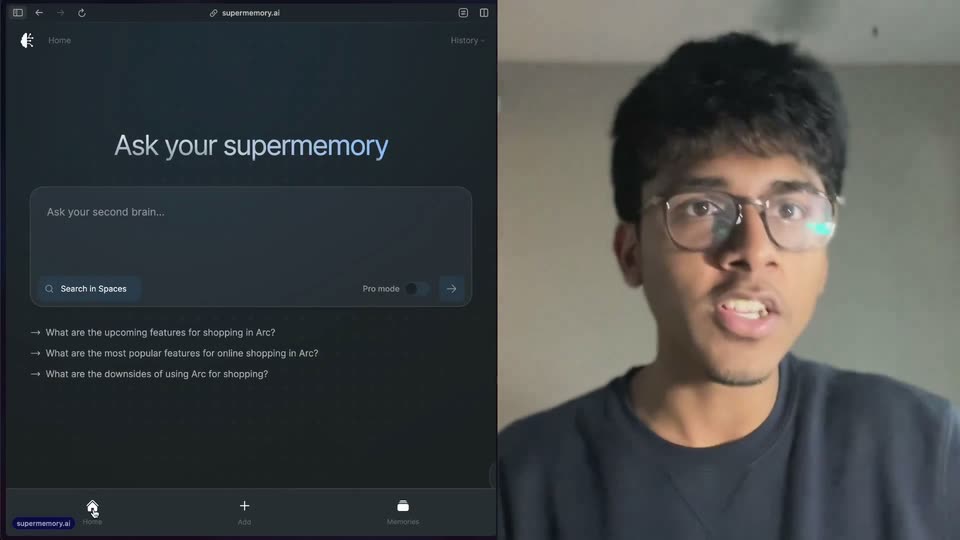 0:07–0:19Supermemory · Dhravya Shah - Introducing supermemory (again). an ai second brain for all your saSplit screen: the supermemory.ai interface on the left, a bespectacled presenter talking on the right. The memory grid scrolls quickly, the cursor clicks Home, and the Ask your supermemory screen appears as a suggested question types itself into the search box.
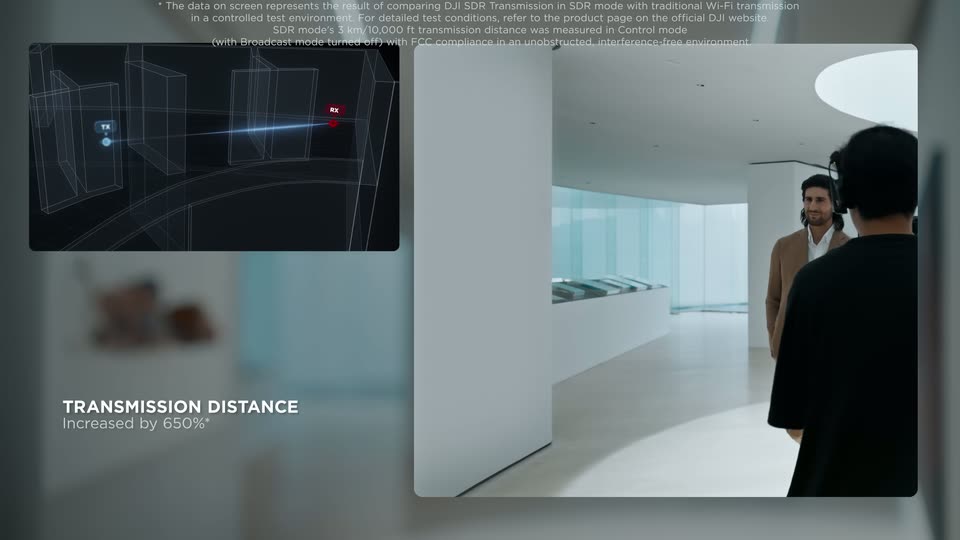 0:15–0:18DJI · Introducing DJI SDR TransmissionSplit layout: a 3D wireframe diagram left shows a TX node beaming to an RX node between wireframe towers, while the right shows a drone on a stand beside a monitor playing a man in a brown suit walking through a bright gallery, then a cameraman filming him. A title and stat appear bottom left.
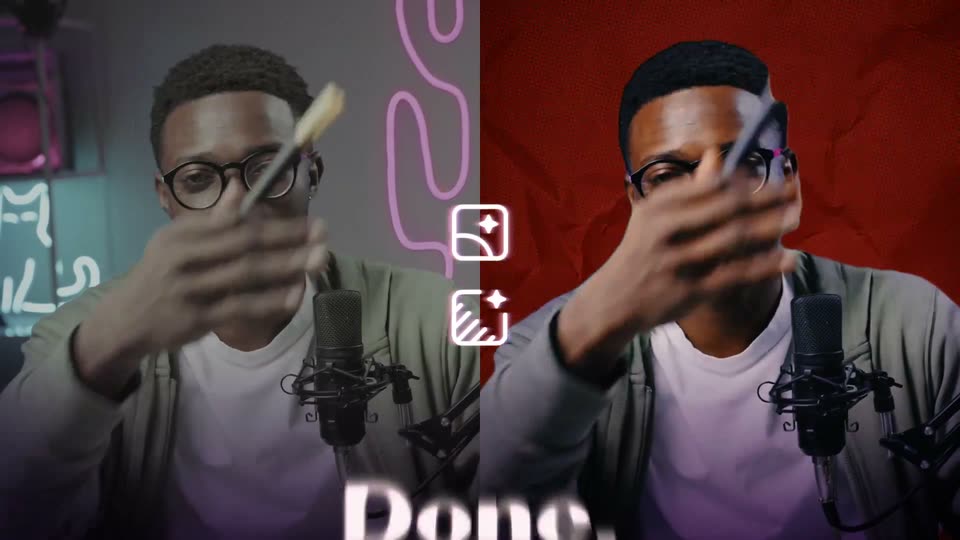 0:16–0:17Captions · Mirage - What if AI could edit your videos for you? Now it can. Introducing AA man appears twice in a side-by-side split screen, pointing and gesturing as he talks. Centered graphics swap from two app icons over the word Done. to one icon over the word Transitions?
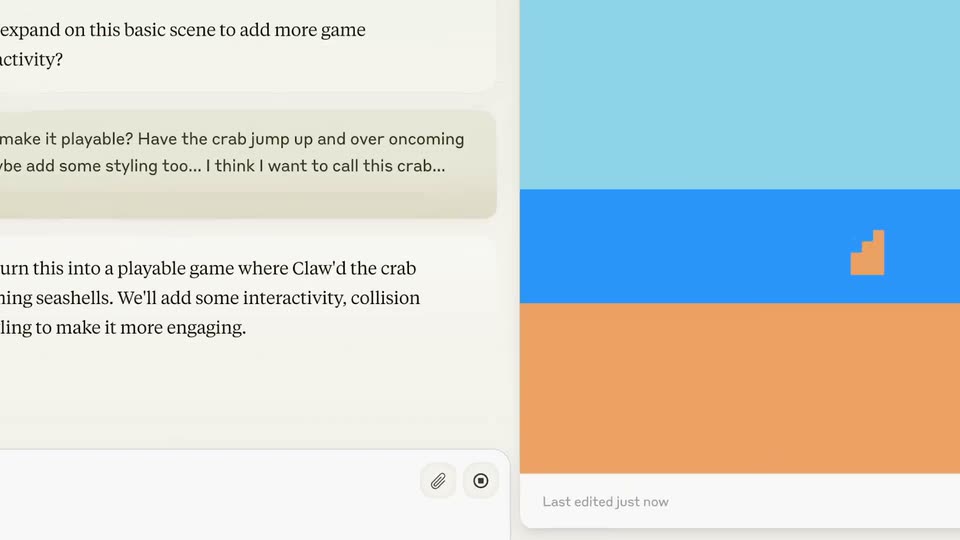 1:02–1:03Anthropic · Anthropic - We're also launching a preview of Artifacts on You can ask Claude toA chat panel with a conversation about making a crab game sits on the left, sliding leftward to widen a split canvas on the right. The canvas holds stacked light-blue, blue and orange bands, where a small orange square pops into the blue band.
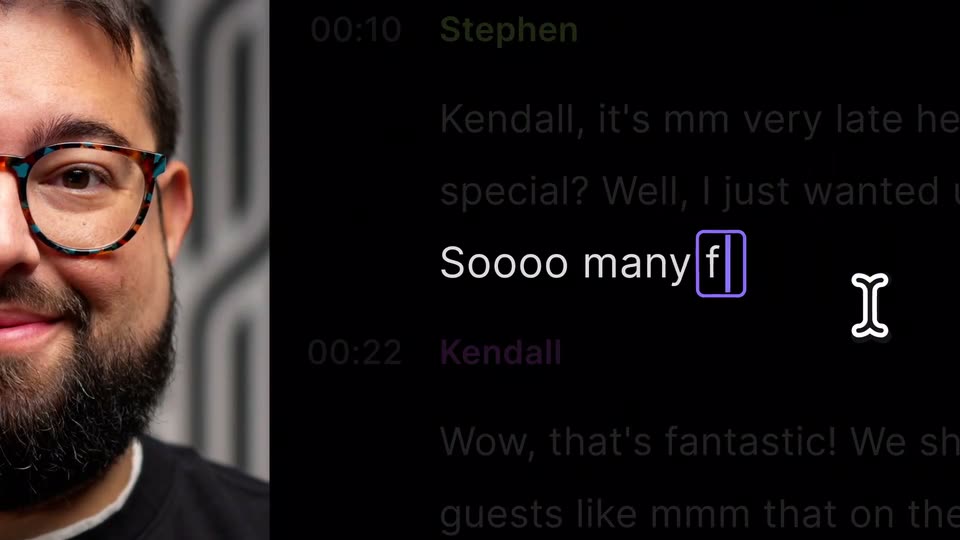 0:39–0:42Riverside · Riverside - Introducing the new Conversation Studio. With full HD live streamingSplit screen: a smiling bearded man in tortoiseshell glasses on the left; on the right, a dark transcript where a cursor clicks a Correct tooltip over the highlighted word pictures, which is then re-typed as features inside a purple selection box.
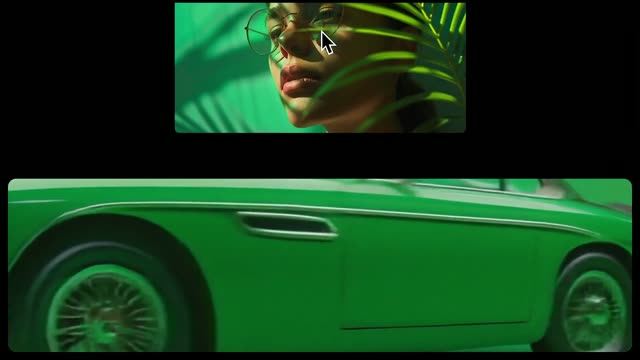 0:09–0:11Luma AI · Introducing Luma Dream Machine - Next Generation AI VideoA green classic car render sits in profile on a green backdrop. The frame splits into two panels: a woman in round sunglasses behind palm fronds on top, the car driving with motion blur below, while the words Image, to, Video scale in.
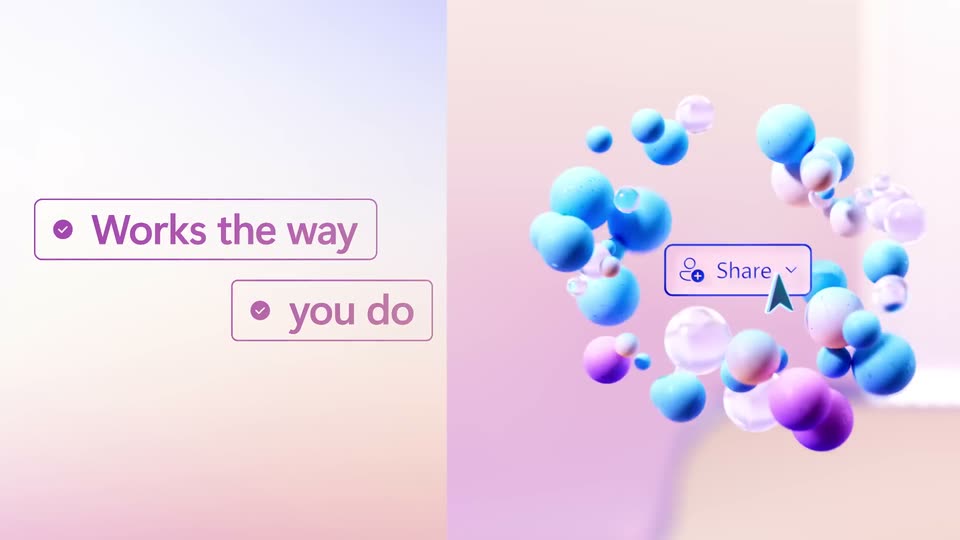 0:19–0:22Microsoft · The new Microsoft Planner is here! Streamline the planning, management, and execution of workPurple chips reading “Works the way” and “you do” slide in on the left as their circles fill with checkmarks. On the right, a cursor hovers a blue Share button that scales while glossy blue and purple spheres burst around it over a split lavender and peach background.
 0:25–0:26Mirage · Mirage - Talking videos, reimagined. Introducing AI Creator: the world’s firsA grid of eight video-call tiles shows different people talking against a purple background. A white caption reads 'Post a TikTok on internet feuds' with the final words in purple, then the text swaps to 'Create an for' as the tiles shift.
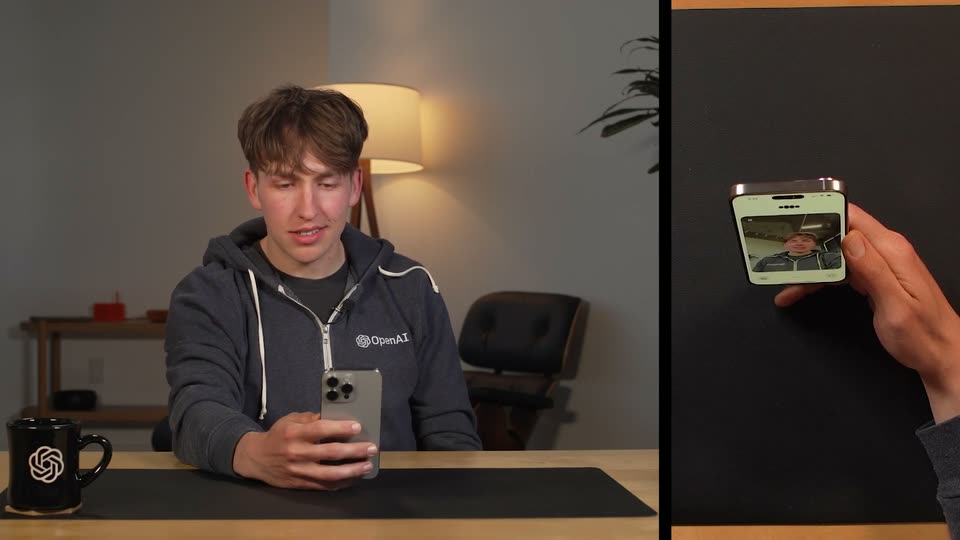 0:20–1:22OpenAI · Say hello to GPT-4oSplit screen: a man in a gray hoodie sits at a desk holding a phone and speaking, while on the right a hand holds a small square device against a black backdrop, its screen showing a live feed of him.
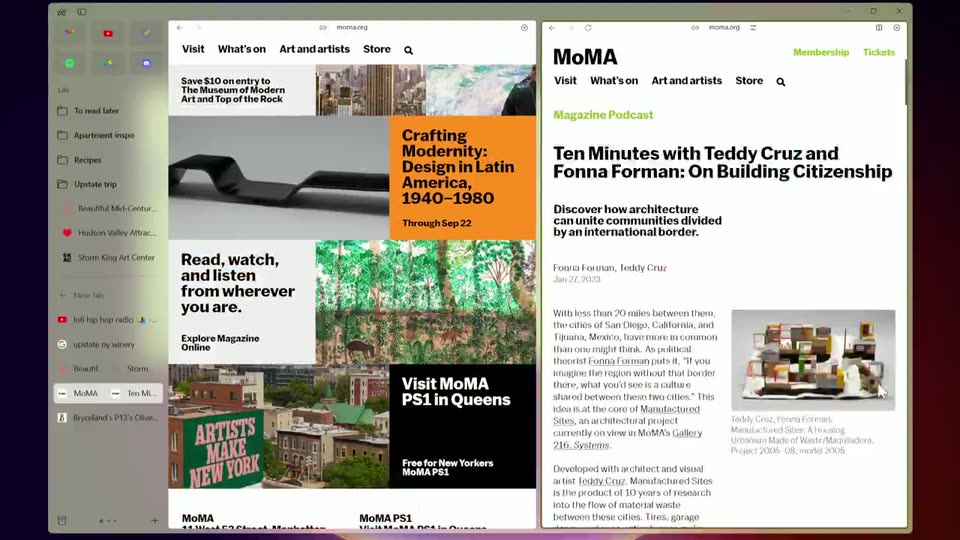 0:26 · 0.8sThe Browser Company · The Browser Company - Arc on Windows is finally here. No more waitlists, no more betas. DTwo flat browser windows sit side by side on a dark backdrop beside a macOS sidebar. The left shows the MoMA homepage with a black sculpture banner and an orange card, the right shows a MoMA article page, and both pages swap their content mid-clip.
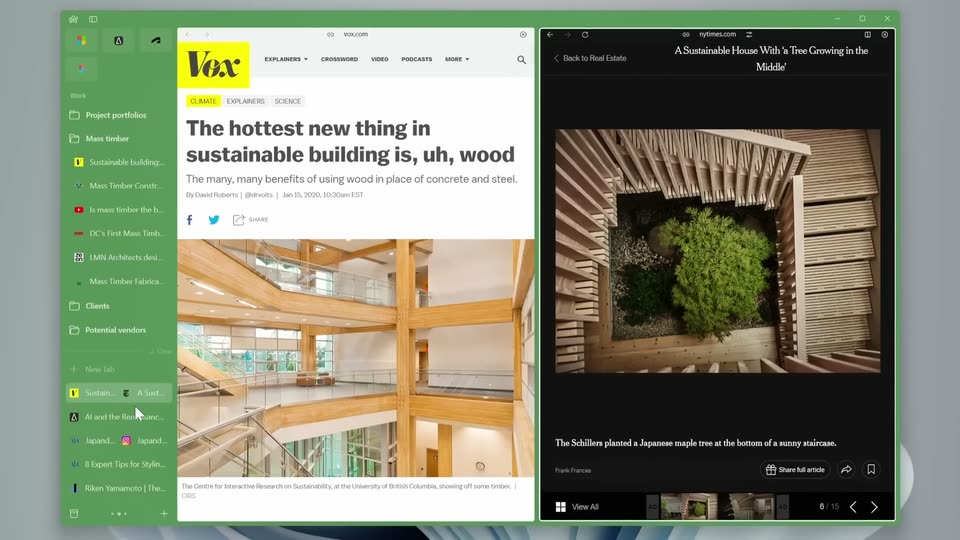 0:25–0:26The Browser Company · Arc on Windows. Download now.A green desktop app frames two browser panes side by side, showing a Vox article on wood construction and a New York Times story on a house with a tree; both pages switch to new content.
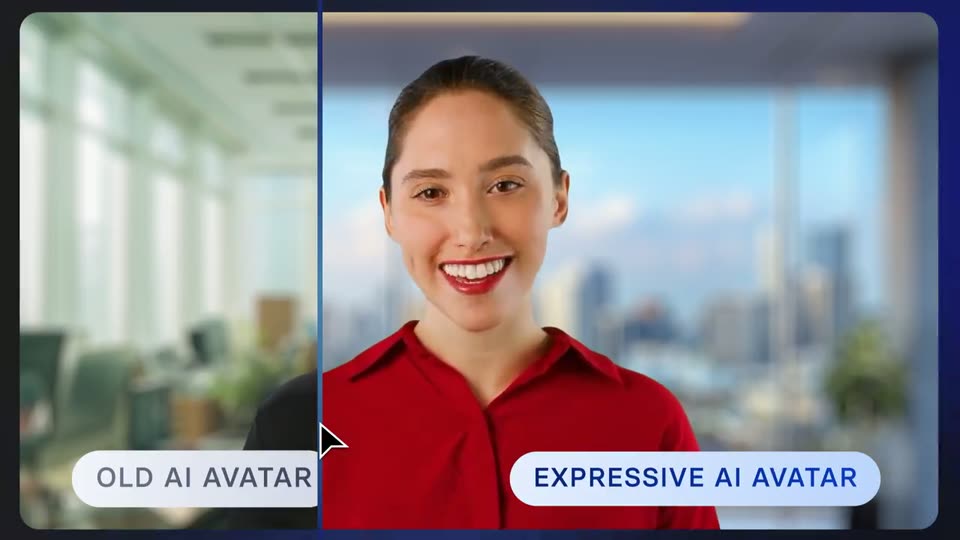 0:21–0:27Synthesia · Synthesia 🎥 - 💥 This is it. This changes everything. 💥 For the first time in histA split screen shows the same woman as a dim avatar on the left and a vivid one in a red shirt on the right. A cursor drags the blue divider left until the expressive side fills the frame, then the shot settles into a small centered card.
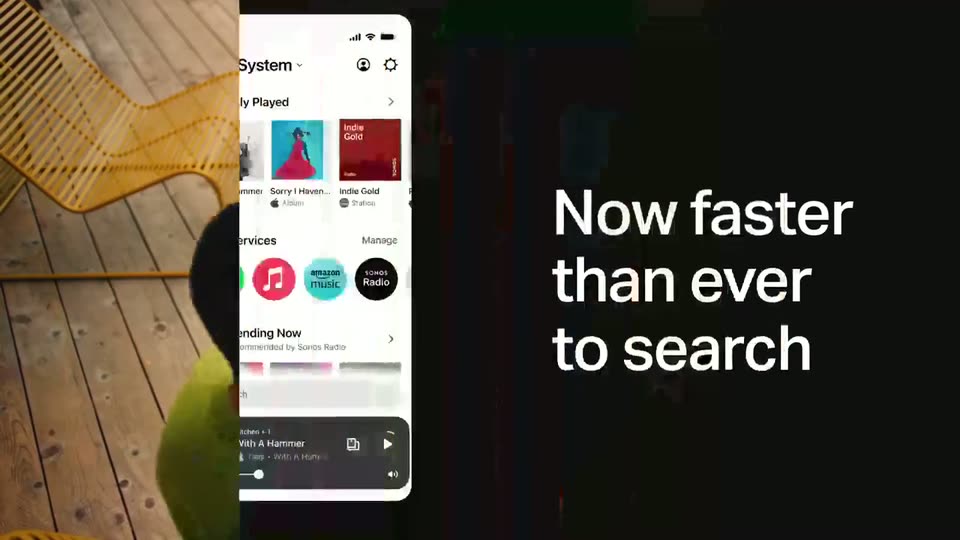 0:15–0:16Sonos · Sonos - A fresh look. Quicker access to your music. Easier control. The SonosA man in a green sweater sits on a wooden deck by a pool, holding a phone and a coffee cup. A phone app panel with music services wipes in from the left as a white headline appears over the darkened footage.
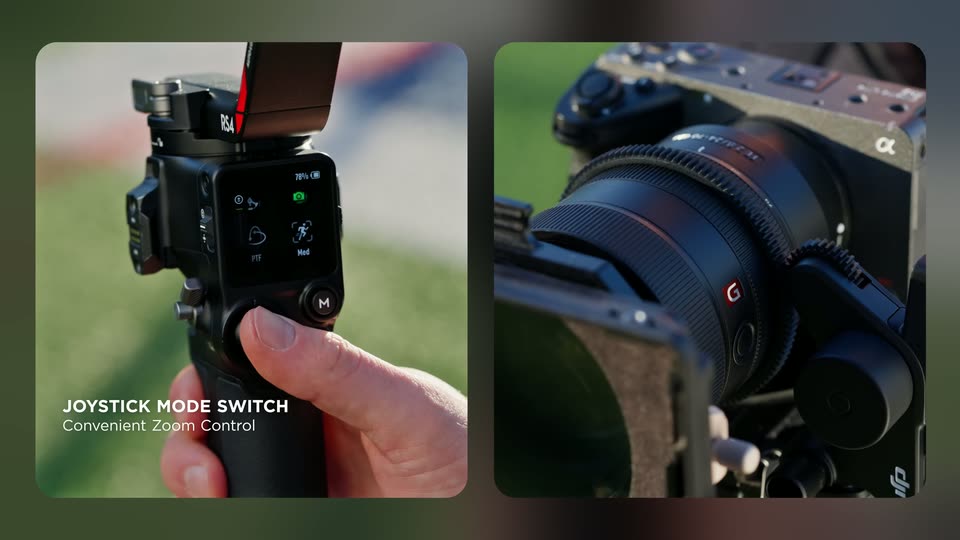 1:04–1:06DJI · Introducing DJI RS 4 SeriesTwo rounded panels sit side by side on a dark backdrop. The left shows a hand holding a gimbal as a thumb presses the joystick button; the right shows a camera lens in close-up. A white caption sits at the lower left.
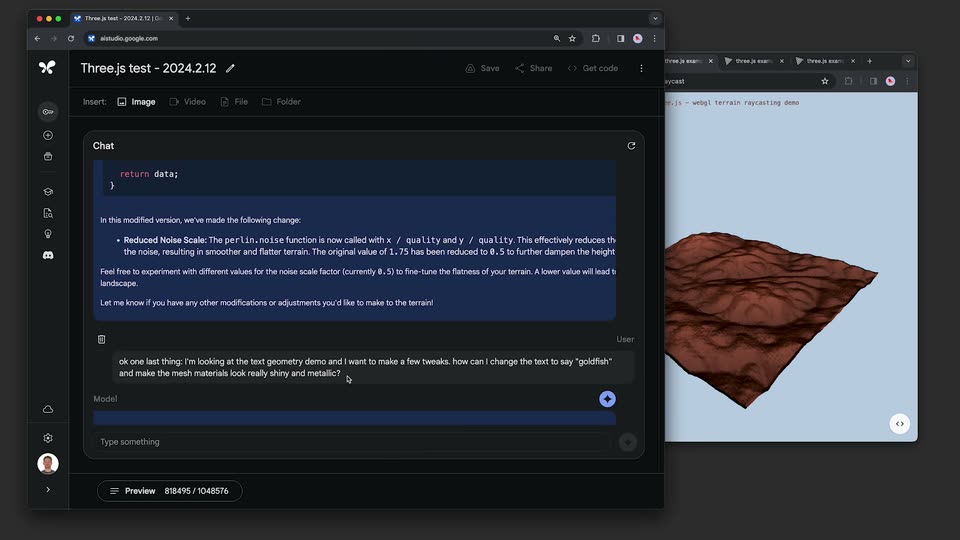 2:18–2:24Google · Problem solving across 100,633 lines of code | Gemini 1.5 Pro DemoA dark chat-and-code window on the left scrolls down as a cursor moves through it, while a browser on the right holds a brown 3D wireframe terrain mesh. A user prompt appears, then a model reply bar fills.
 0:21–0:23Google · Introducing a new way to search | Circle to SearchA split layout pairs a travel article card on the left, its temple photo scrolling down as a white spring-shaped squiggle draws itself down the image with a glowing dot, beside a plain gray panel on the right.
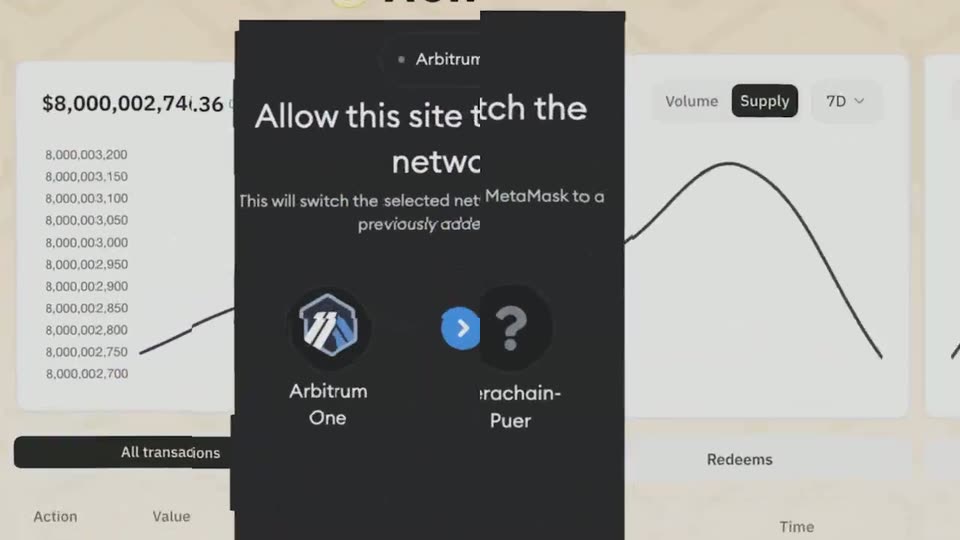 0:49–0:51Berachain · Berachain Foundation 🐻⛓ - Berachain’s Public Testnet "Artio" is now live. The March of the BerA rapid collage cuts from a split of a wallet dialog and a 3D figure holding a glowing box, to a four-panel grid of illustrations, then to two people in hoodies at a table as the word TOKENS scales in over them.
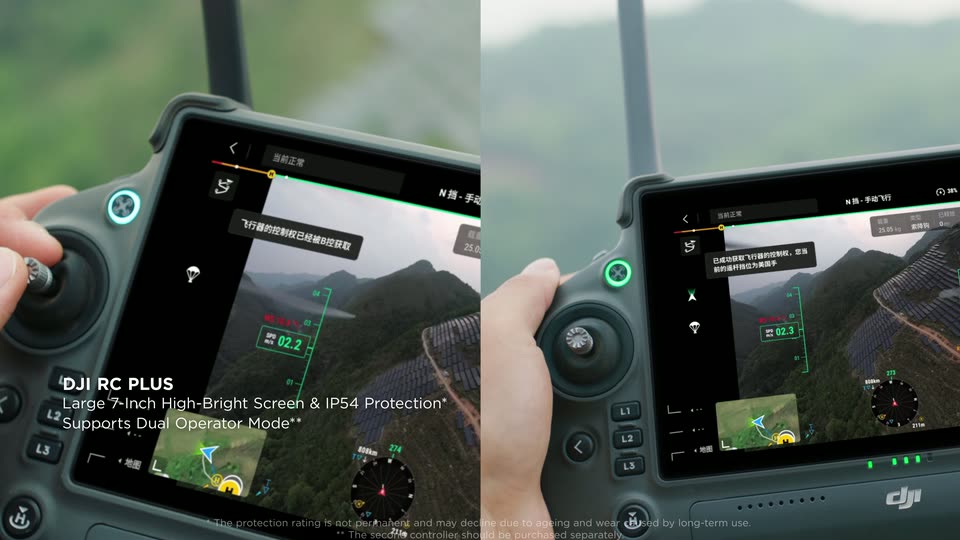 2:02–2:04DJI · Introducing DJI FlyCart 30 | DJI DeliveryA split screen shows two hands holding DJI RC Plus controllers, each screen displaying the same mountain FPV feed. White caption text at the lower left names the model and notes the 7-inch screen, IP54 protection and dual operator mode.
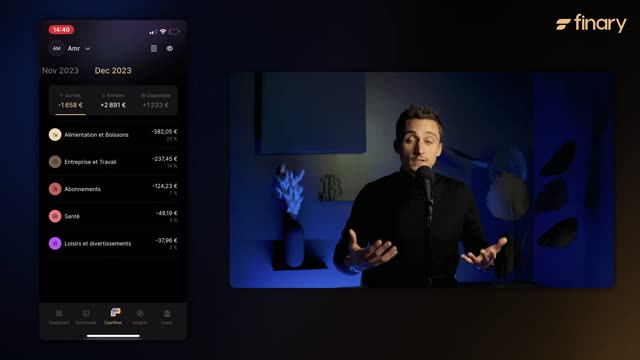 0:38–0:54Finary · Gérez votre budget efficacement et simplement avec Finary !Split layout: a dark phone mockup on the left, a presenter in a blue-lit room on the right. A cursor taps the Cashflow tab; the screen swaps to a green donut chart, then a scrolling list of expense categories, before dissolving into a 3D-tilted full-screen view.
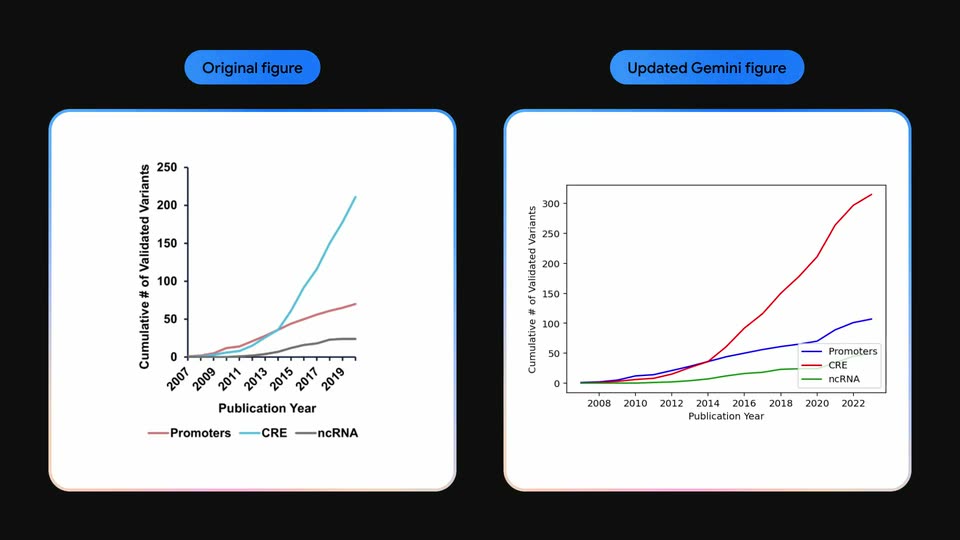 2:07–2:12Google · This is changing the way scientists research | GeminiTwo white rounded cards sit side by side on black, each holding a static line chart of cumulative validated variants by publication year. Pill labels above read Original figure and Updated Gemini figure, and the labels and card borders slowly cycle through blue, pink and orange gradients.
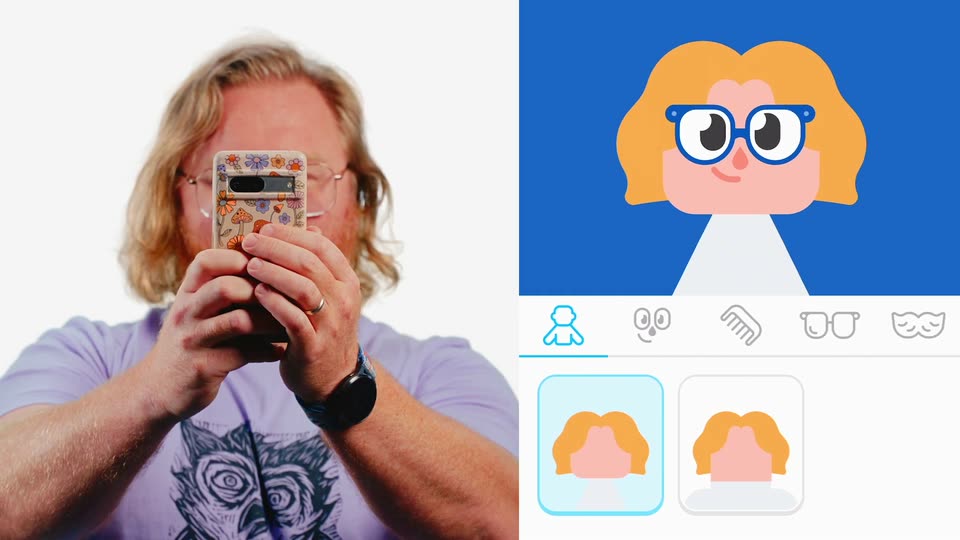 0:09–0:10Duolingo · Duolingo Avatar CreatorSplit screen: left, a blond man in a purple tee holds a phone to his face on a white backdrop; right, the app's avatar editor shows a cartoon face with orange hair and glasses on a blue tile, a row of style icons, and two hair thumbnails, the first highlighted.
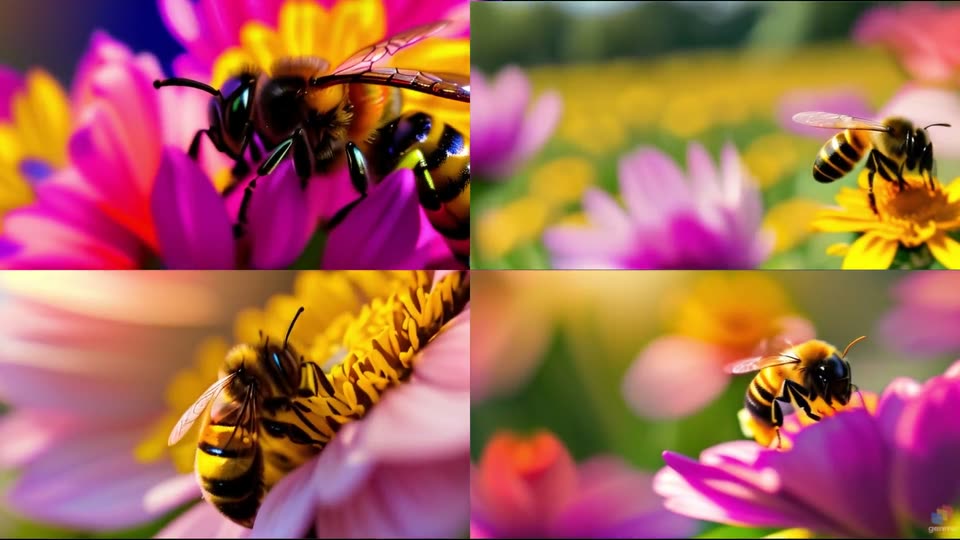 0:11–0:12Genmo · Genmo - Camera movement drives emotion, pace, and mood in filmmaking. AnnounFour macro clips of bees on flowers fill a 2x2 grid, each panel a separate bloom in pink, yellow or orange, held in a slow, near-static framing.
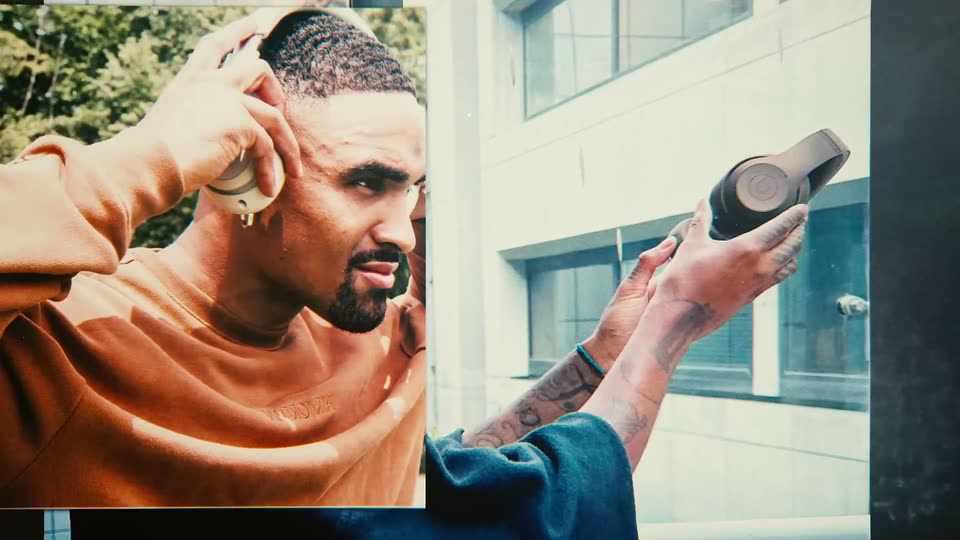 0:28–0:29Beats · Still Iconic I Beats Studio ProA row of vertical panels slides left across the frame, each showing a different person holding a wireless earbud device to their ear or raised against a city backdrop. The panels reveal new faces as the strip scrolls.
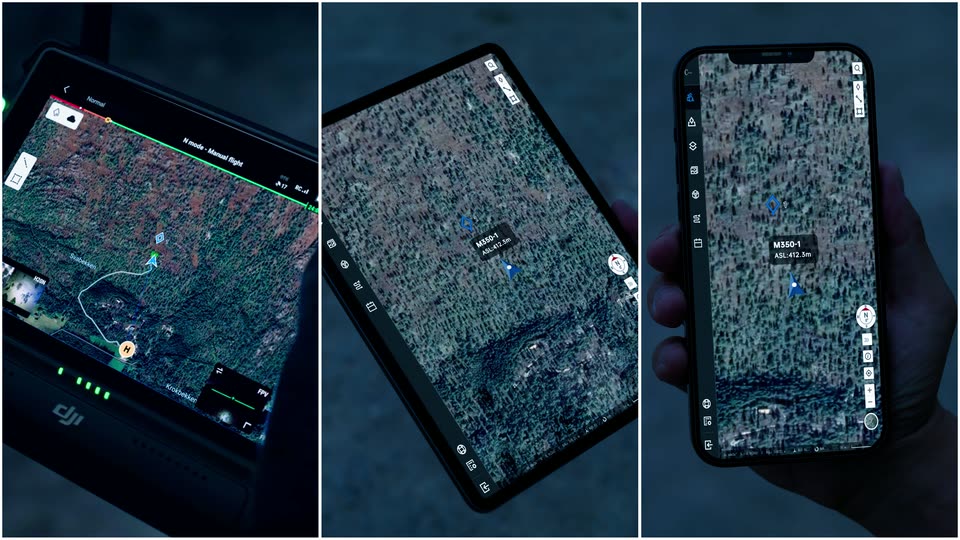 3:05–3:08DJI · DJI Enterprise - Introducing Matrice 350 RTKA split screen shows three filmed devices in dark blue light: a DJI controller, a tablet, and a phone in a hand. Each screen displays the same satellite map with the M350 drone marker and a flight path. The shots hold nearly still with a faint drift.
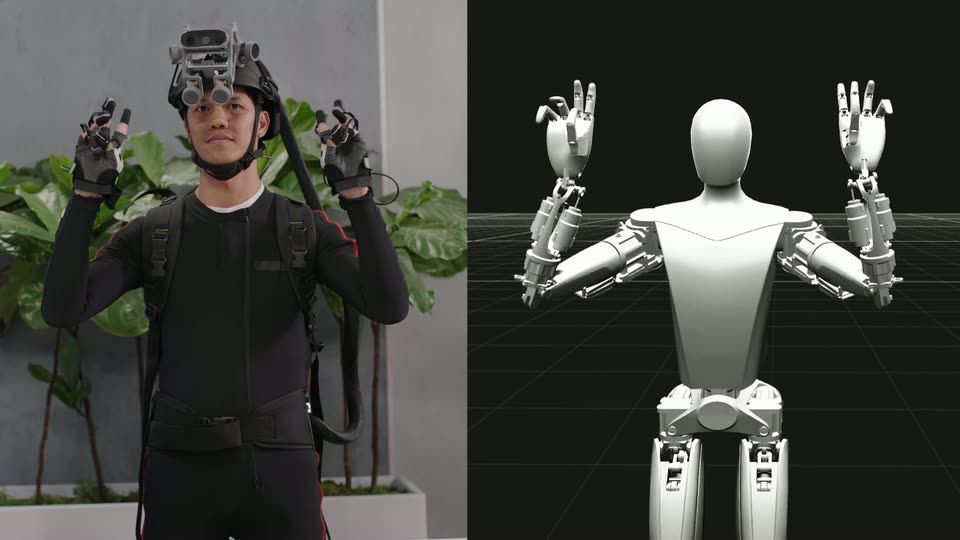 0:33–0:36Tesla · Tesla Bot UpdateA split screen shows a motion-capture actor in black with a sensor helmet and gloves on the left, and a white 3D robot on a black grid floor on the right. Both lift and spread their hands in sync.
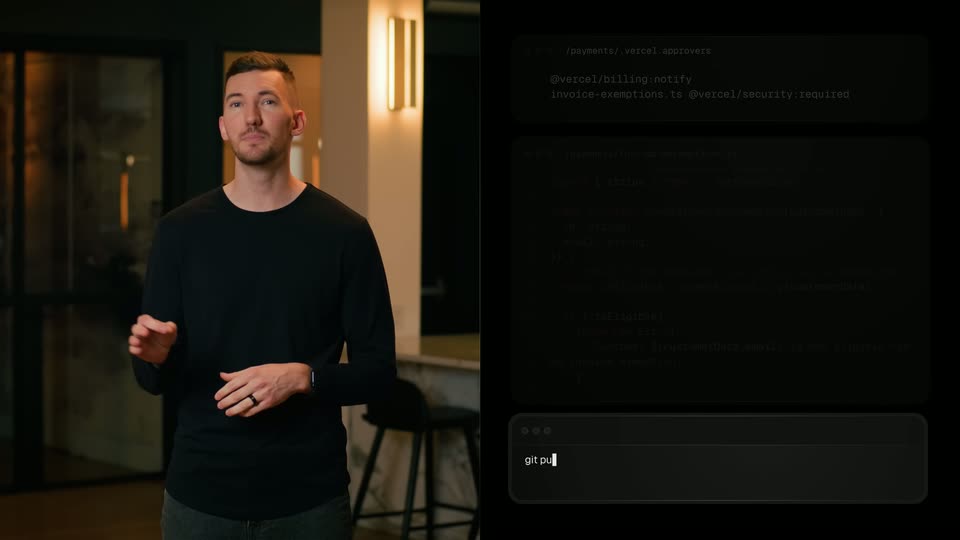 2:24–2:30Vercel · Introducing Vercel Spaces: Conformance and Code OwnersSplit screen: a presenter in a dim room gestures left of frame while dark code panels on the right fade in, a git push command types out, then notification cards for billing, security and a PR approval appear.
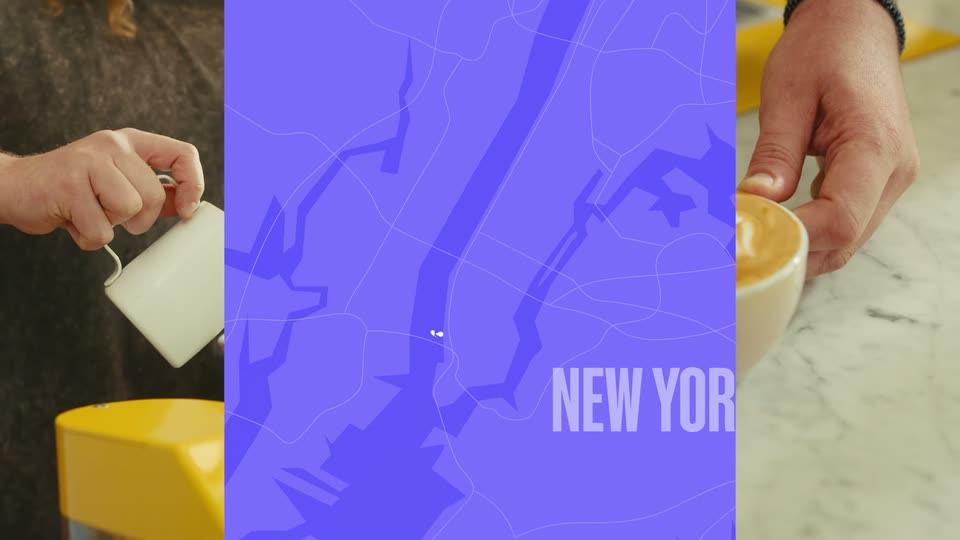 0:01–0:02Stripe · Introducing Stripe Reader S700A split screen shows a barista pouring milk on the left and a hand setting down a latte on the right. A blue panel with faint line art wipes open from the center, expanding to fill the frame and reveal 3D NEW YORK lettering.
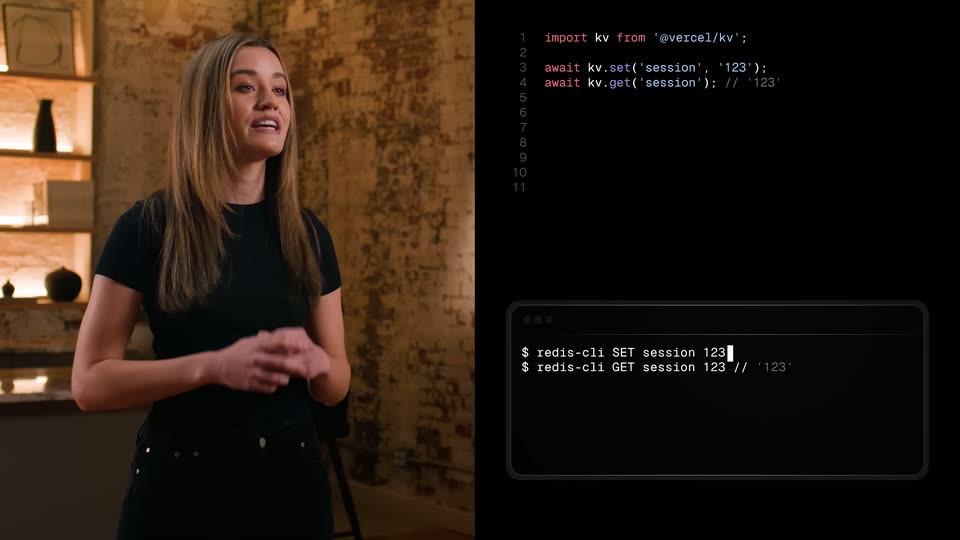 1:41–1:49Vercel · Introducing Vercel Storage: KV, Postgres, and BlobA woman in a black tee stands in a warm brick room, gesturing as she speaks. Right of her, a black editor pane holds a short kv snippet, and a terminal window fades in below it with two redis-cli commands.
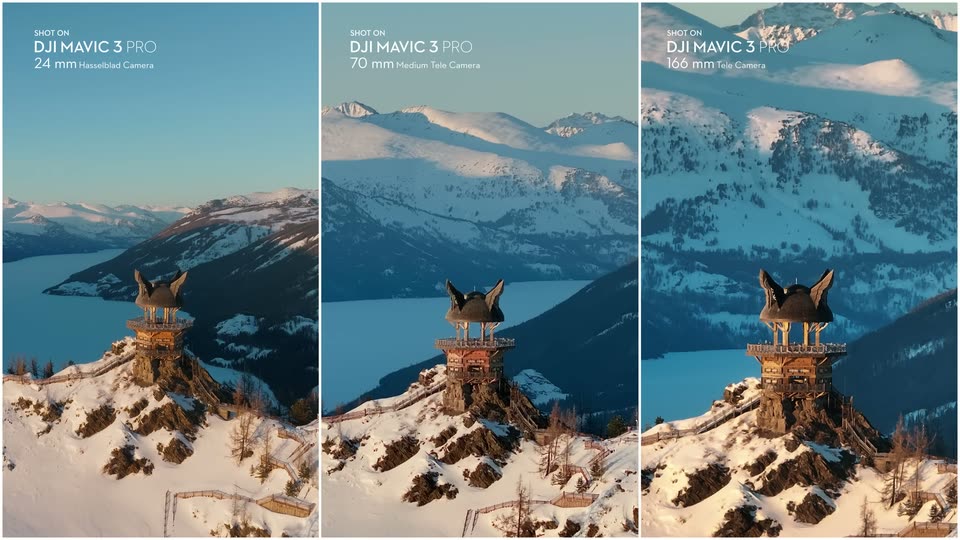 3:29–3:35DJI · Introducing DJI Mavic 3 ProA three-way split screen shows a wooden peak tower above a frozen lake at 24, 70 and 166 mm, each panel labeled with its lens. The tower stays centered while the background compresses as the focal length tightens, with a subtitle line along the bottom.
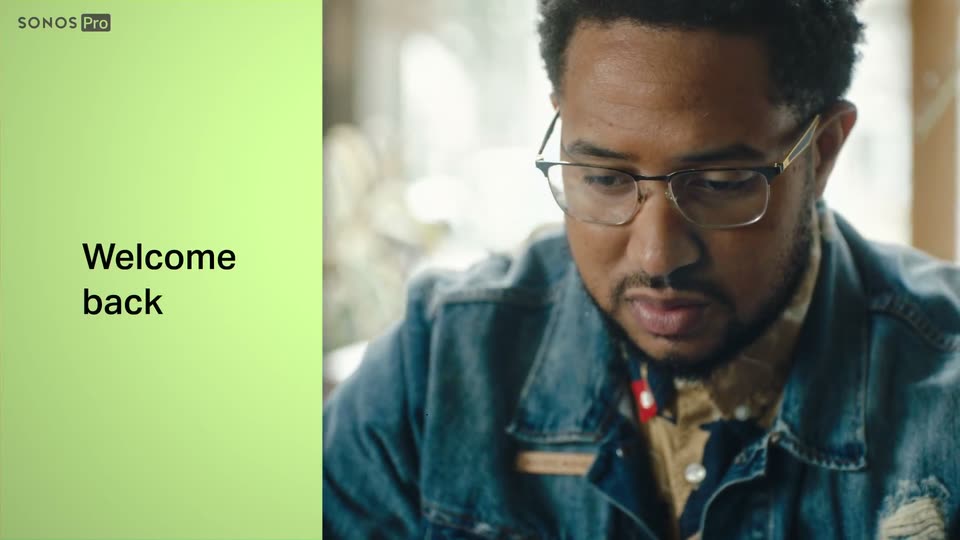 0:25–0:26Sonos · Introducing Sonos Pro | Sound at your serviceSplit screen: a flat green card on the left carries the black text “Welcome back” as the word scales up, while a man in glasses and a denim jacket looks down at a laptop on the right. Both halves stay locked off.
 0:05–0:07Mercury · All Startups Start SomewhereA lavender panel on the left types out a headline letter by letter, while the right shows a wooden desk with headphones; a 3D tablet displaying a money app slides into the frame over the desk.
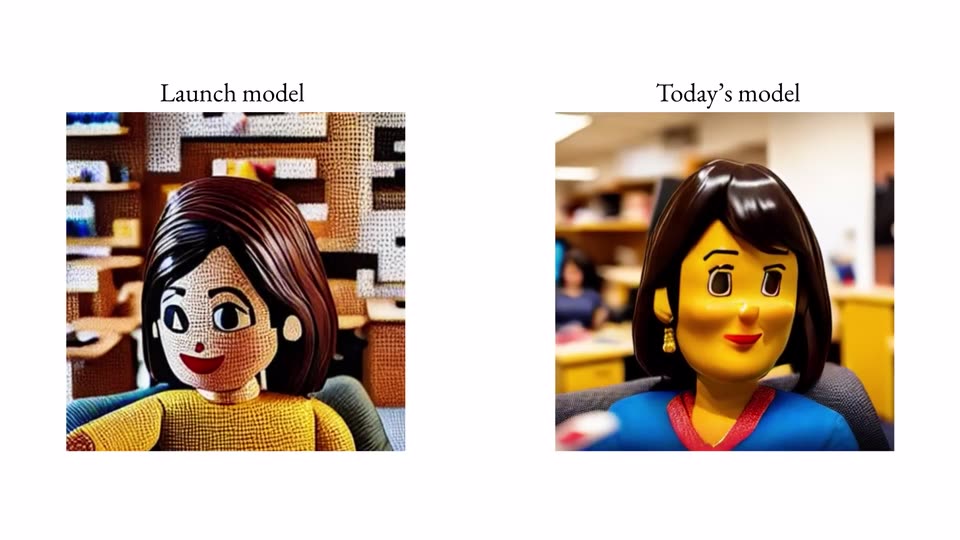 0:20–0:22Runway · Introducing Gen-2: Text to Video | RunwayOn a white background, two 3D renders of a woman's head sit side by side under the labels Launch model and Today's model. The left render is blocky and pixelated, its head shifting slightly; the right render is smooth and steady, comparing the two model versions.
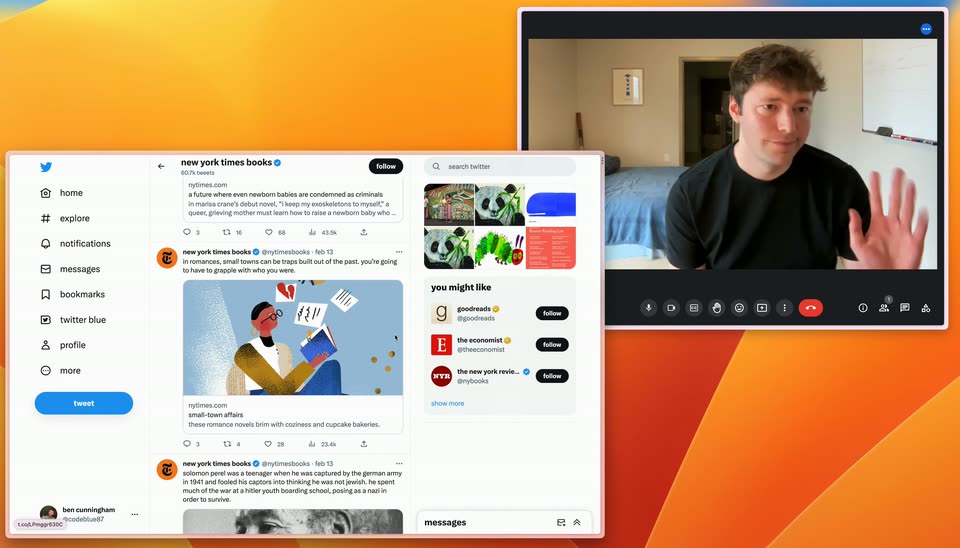 0:08–0:10The Browser Company · Arc Browser | Introducing Peek, with BenA Twitter web feed with the New York Times Books account sits on the left over an orange gradient, while a video call window on the right shows a man in a black T-shirt who looks down, then up at the camera. The flat composition stays locked off.
 0:31–0:34Shopify · Shopify Editions Winter ’23 is liveA grid of square tiles drifts slowly right, each holding a talking-head clip of a person or a flat product screen. The orange Shopify bag logo and a rotating “SHOPIFY EDITIONS” ring stay fixed in the top-right corner.
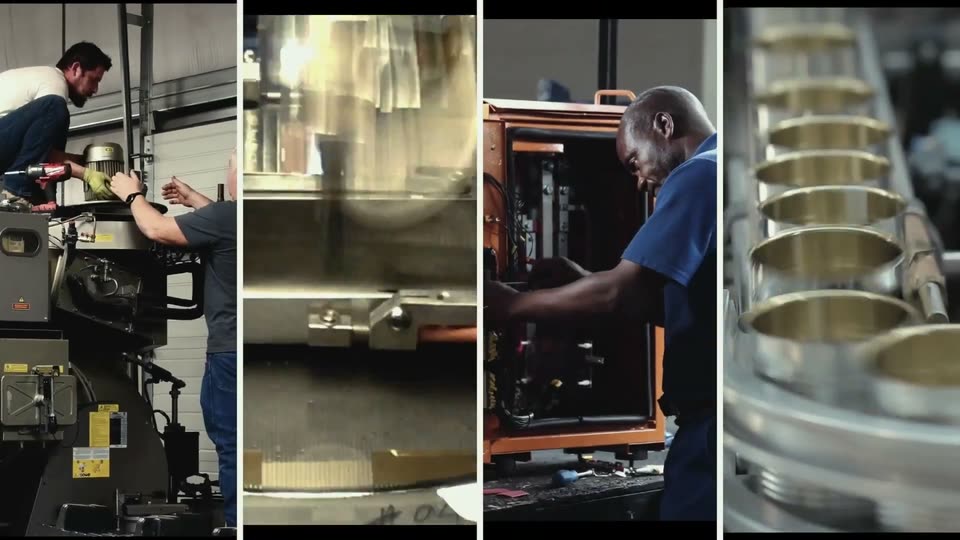 0:18–0:19Boston Dynamics · Automated Thermal Inspections with Spot | Boston DynamicsA four-panel vertical split shows industrial workers: two men at a drilling rig, a spinning machine part, a technician inside an orange cabinet, and a row of brass coils. The panels fade in from black as the word DANGEROUS scales up.
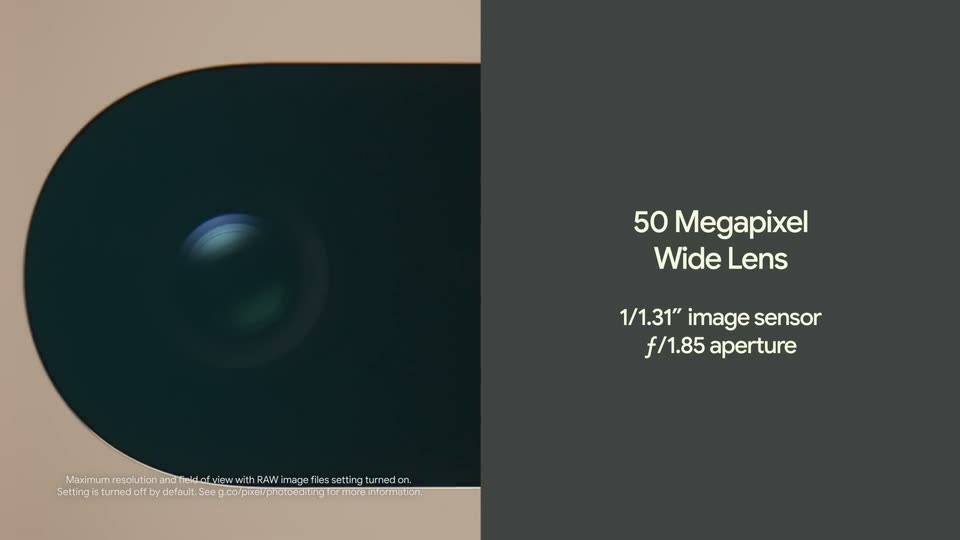 0:58–1:00Google · Meet Pixel 7 & Pixel 7 Pro: Google’s Most Advanced PhonesSplit layout on a locked-off frame: left, a macro of the dark phone wide lens with a blue-green glint on a beige field; right, a flat gray panel holding white spec text. The lens reflection shifts subtly while all text stays still.
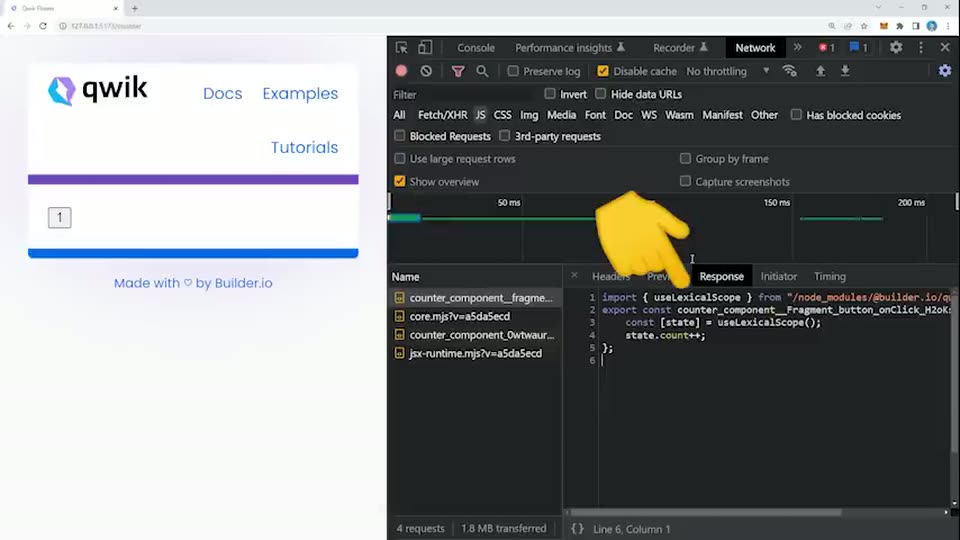 2:46–3:09Builder.io · Qwik… the world's first O(1) JavaScript framework?A browser window splits into a Qwik demo page and the dark DevTools Network tab. The counter button is clicked, JS requests load, and big black-outlined stickers read ZERO JS then DEFERRED JS while a yellow hand points to the timeline.
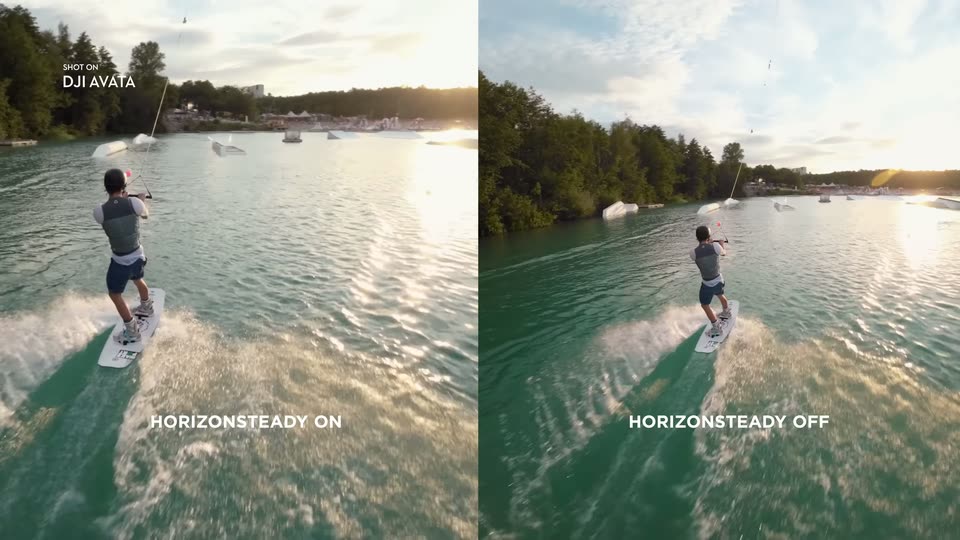 1:55–2:00DJI · DJI - Introducing DJI AvataA split-screen comparison follows a wakeboarder from a drone behind him across a green lake toward floating ramps. The left panel keeps the horizon level while the right panel tilts with the camera, demonstrating the stabilization effect.
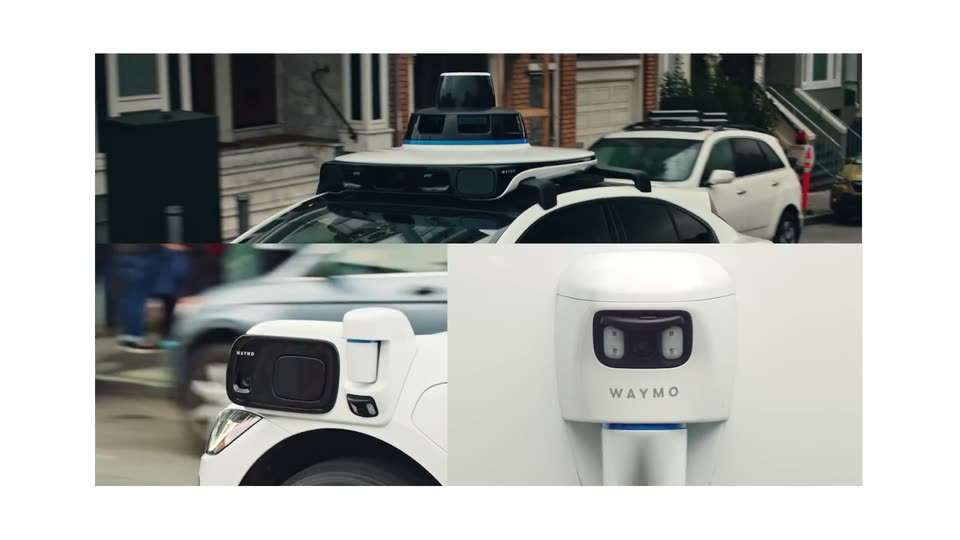 1:41–1:42Waymo · Sense, Solve, and Go: The Magic of the Waymo DriverA three-way split screen frames a white autonomous car with a roof sensor pod driving past townhouses on top, a close-up of its side sensor at lower left, and a white WAYMO sensor unit on a plain backdrop at lower right.
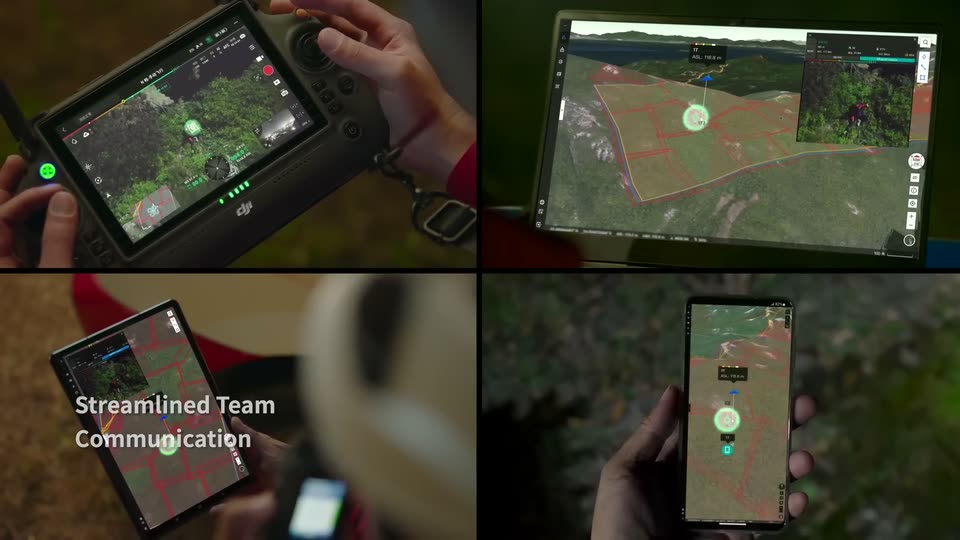 2:40–2:43DJI · DJI Enterprise - Introducing the DJI M30 SeriesA four-panel split screen shows the same terrain map on a drone controller, a desktop monitor, a tablet and a phone, each held by a hand. A white caption reads Streamlined Team Communication over the tablet, then fades out.
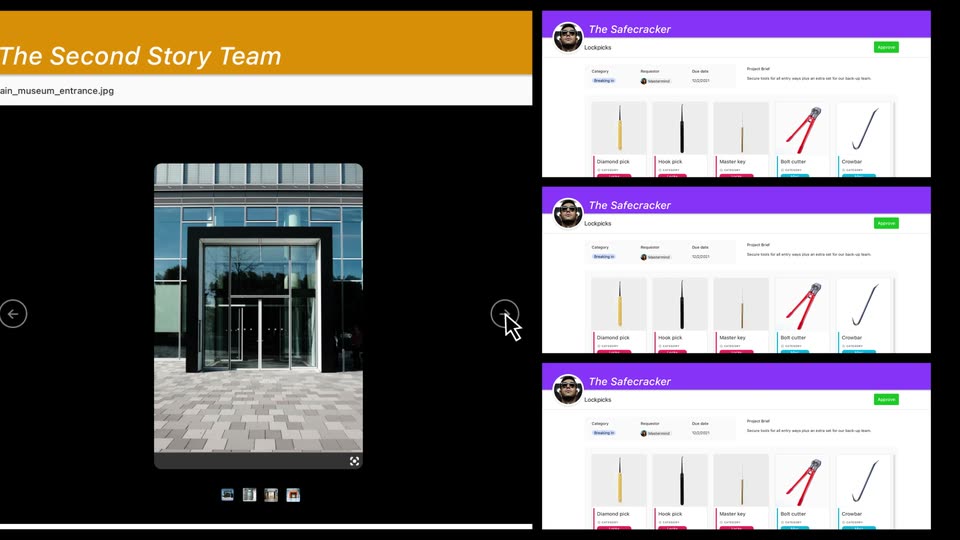 0:35–0:36Airtable · Airtable: introducing interface designerA flat two-column UI layout. The left shows an image viewer with an orange team header and a photo of a glass museum entrance. The right stacks three purple user dashboards listing lockpick tools, scrolling upward while a white cursor hovers over the panels.
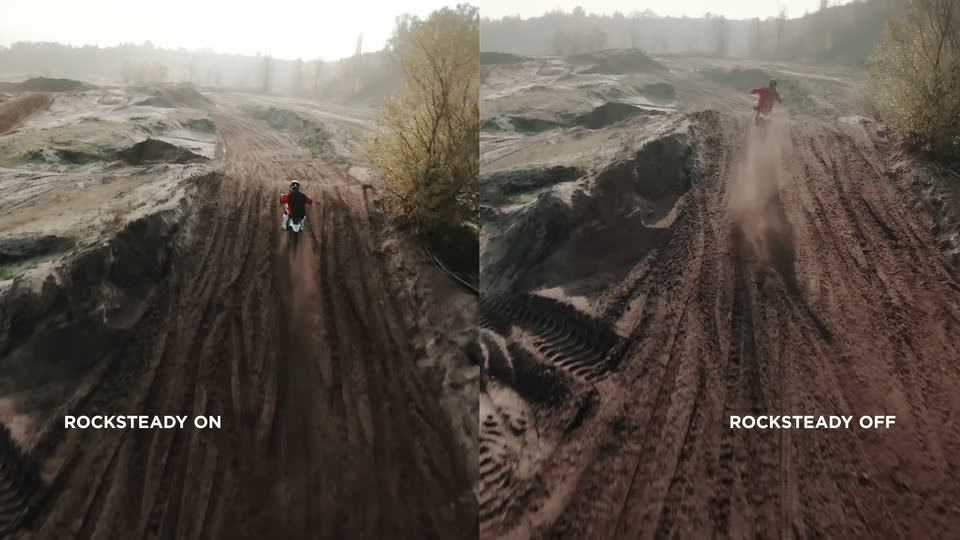 2:32–2:34DJI · DJI - Introducing DJI FPVA split-screen shows a motocross rider descending a muddy dirt hill. The left panel holds a steady, level shot while the right panel shakes and kicks up dust. White labels sit at the bottom of each side.
 1:27–1:54Microsoft · Introducing Microsoft Viva – The Employee Experience Platform and EcosystemA man in a dark suit stands before a wall monitor showing the Microsoft Viva logo, speaking and gesturing. A white panel with green shapes slides in from the left, a list of partner names builds word by word, then switches to four agency logos.
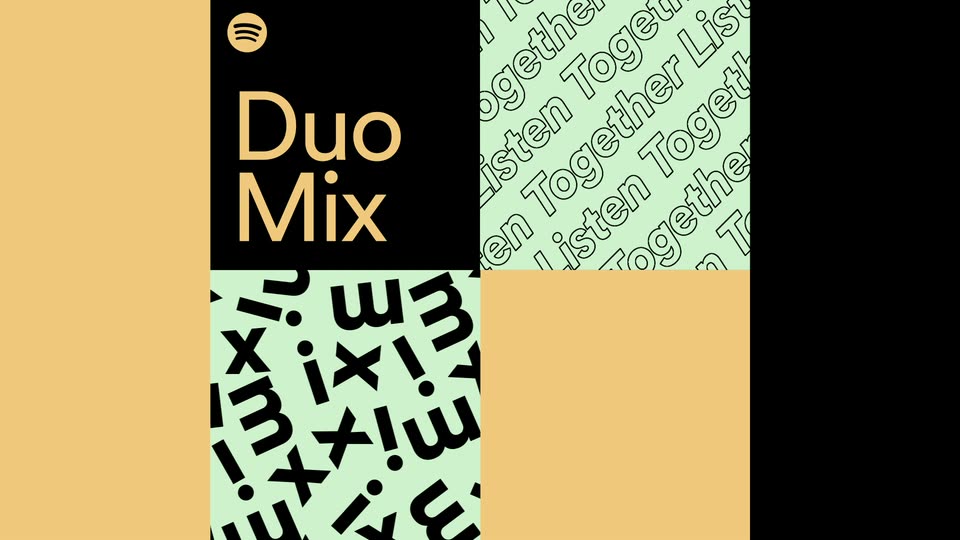 0:04–0:08Spotify · New Spotify Premium Duo Subscription Plan Launches in 55 Markets — SpotifyTwo phone screens on orange and green panels show personalized feeds for Jane and John, beside a gold serif headline on black. The camera zooms into the Duo Mix tile, which expands into a four-part grid with one empty dashed slot.
 0:56 · 0.8sFigma · What's Figma? [2019]A purple cloud with a white checkmark sits centered on a coral background, then the frame slides right and a purple panel enters from the left carrying a stacked menu list with SEARCH highlighted in orange, leaving a split of the purple list on the left and the cloud on the coral side.
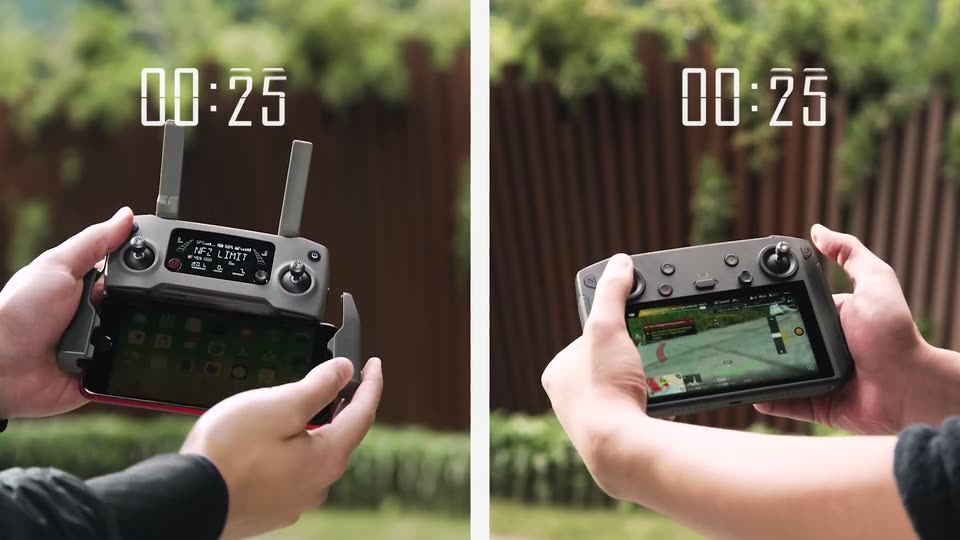 0:18–0:19DJI · Meet the DJI Smart ControllerSplit screen shows two live shots of hands holding a gray drone controller against a blurred wooden fence. Left, the controller is fitted with a smartphone; right, it is held horizontally, its screen switching from a video to a map. White seven-segment timers count up over each half.
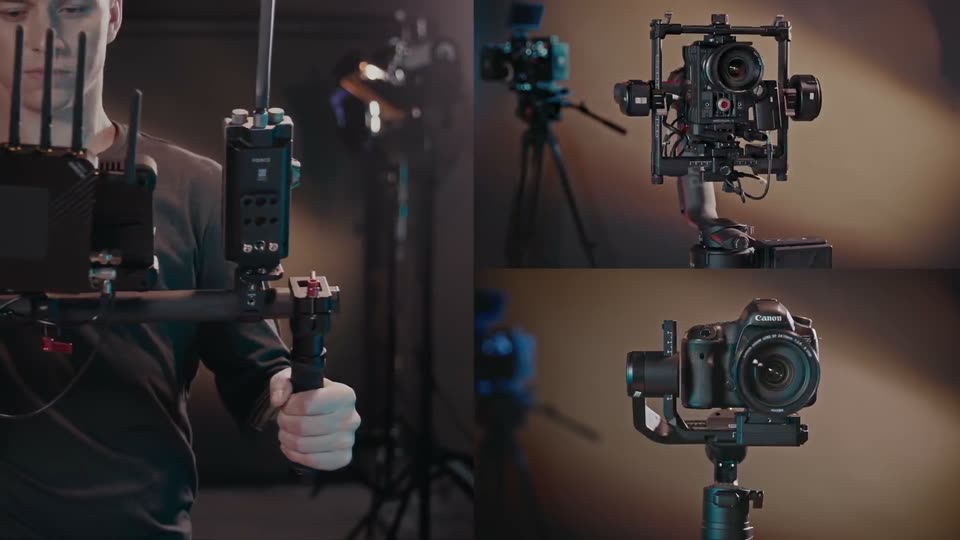 1:50–1:52DJI · DJI - Introducing Force ProA three-panel split screen shows a man in a chest rig holding a gimbal on the left, while two stacked frames on the right display a cinema camera and a Canon DSLR mounted on stabilizers. The man turns his rig slowly toward the camera.
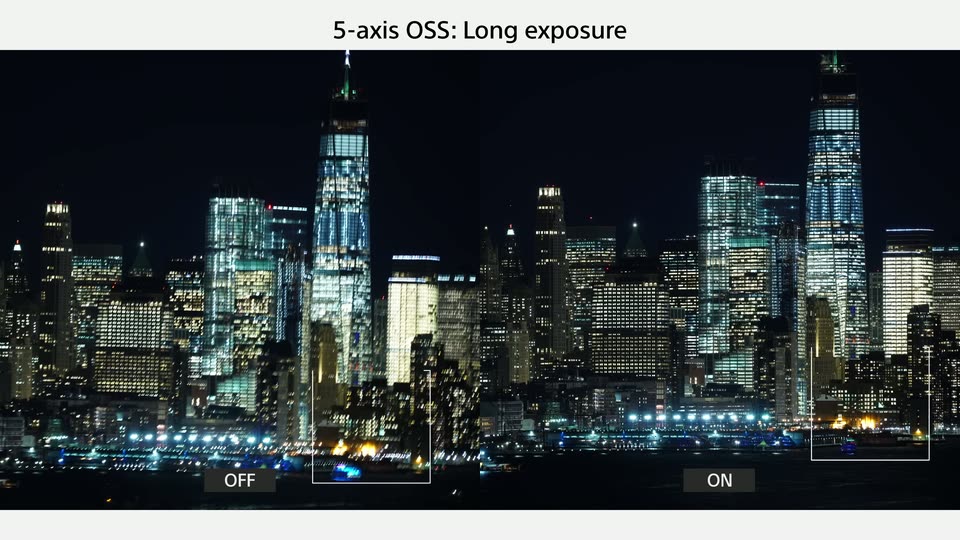 0:56–0:58Sony · Introducing Alpha 7 III | Sony | αA night skyline is compared side by side: the left half, labeled OFF, is blurred while the right, labeled ON, stays sharp, each enclosed by a white frame. The shot then cuts to a close-up of a lit building facade with the same split and a new title.
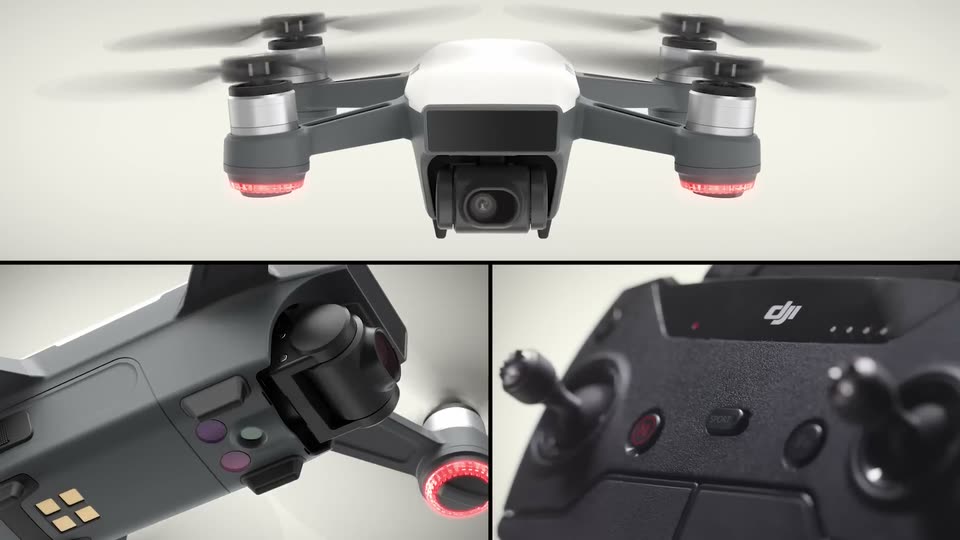 0:11–0:12DJI · DJI - Introducing SparkThree-panel split on a light gray background. Top: a white drone hovers with blurred spinning props and red arm lights. Lower left: an angled close-up of the gimbal camera and a red ring light. Lower right: the black controller with the DJI logo and two sticks.
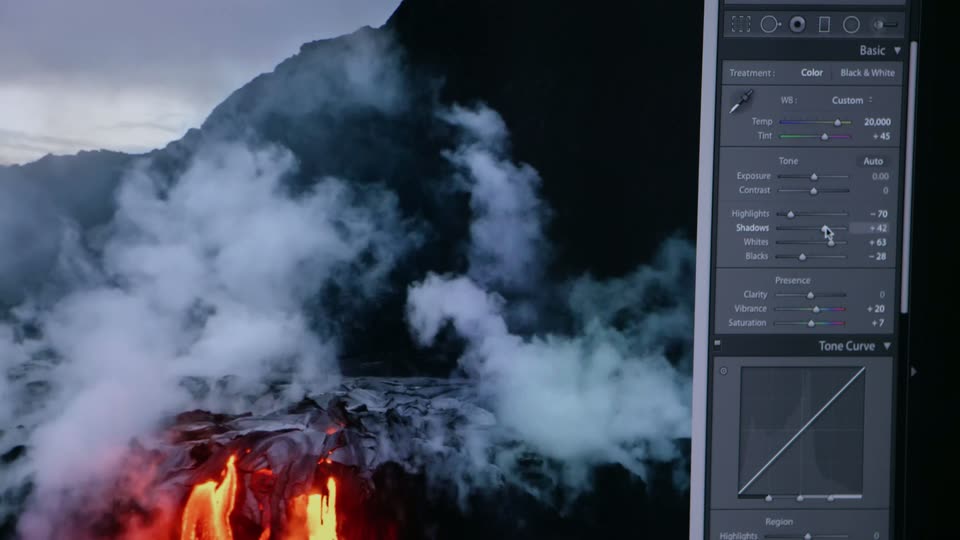 1:36–1:38DJI · DJI – Introducing Phantom 4 ProA volcanic scene with rising smoke and glowing lava fills the left, while a color-grading panel sits on the right. A cursor drags the Shadows slider upward and the shadows in the footage lift, revealing more detail.
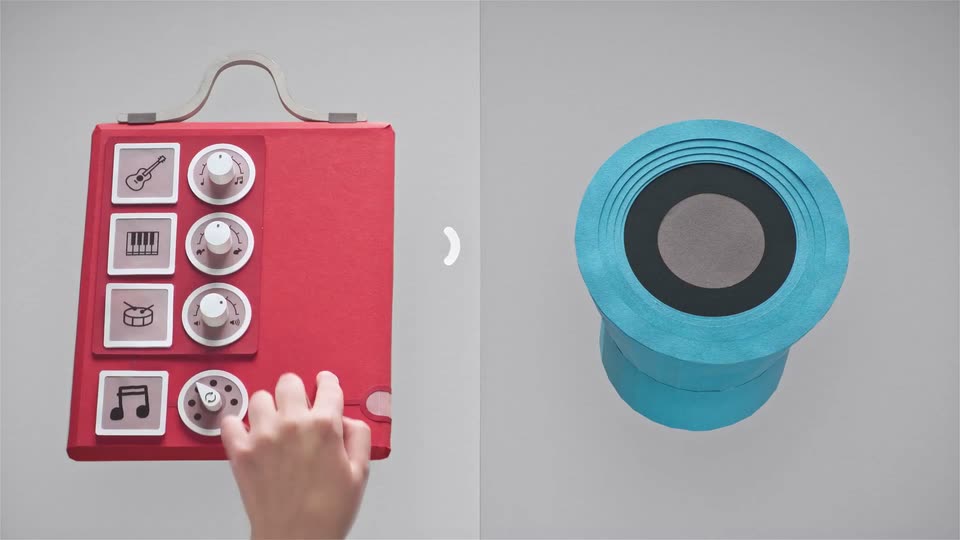 2:28–2:34Google · Introducing Project BloksTop-down split view of a red paper music controller with icon buttons and knobs beside a blue paper speaker. A hand taps the buttons and turns the knobs, then white sound-wave arcs and radiating dashes animate between the two.
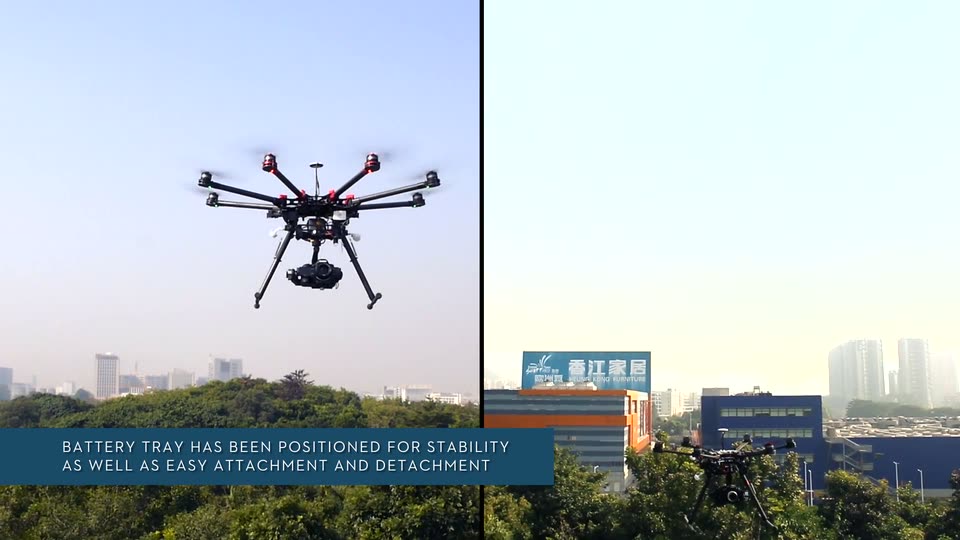 1:09–1:11DJI · DJI - Introducing the Spreading Wings S1000Split screen: on the left, a black octocopter hovers in a clear sky above a hazy city skyline; on the right, a drone descends past a building with a green sign. A blue caption bar sits along the bottom left.
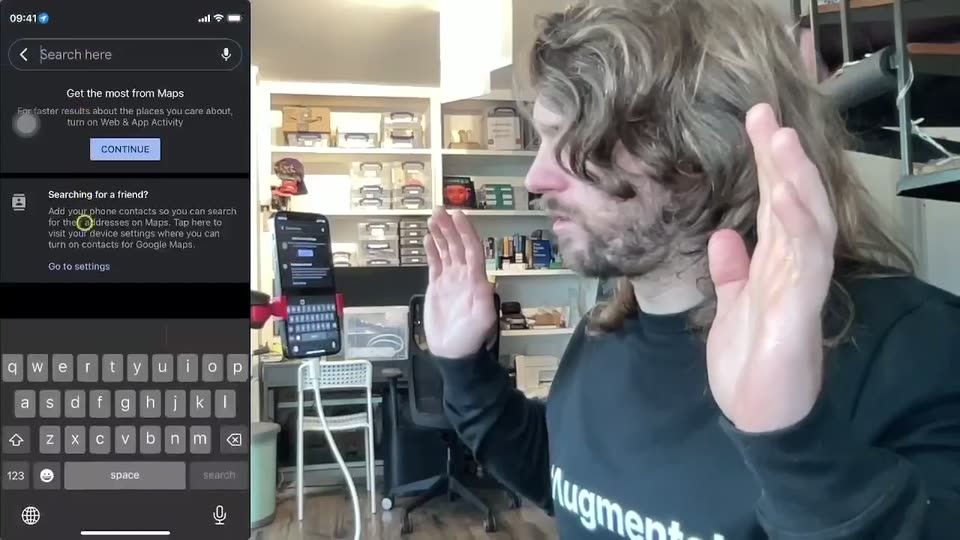 1:19–1:21Augmental · MouthPad is a touchpad you drive with your tongue. Now available across the US. Over 100 people already use it, some for up to 16 hours/day. It works for gaming, for CAD, for Figma, and we're inA bearded man in a black sweatshirt holds both palms up in a stop gesture beside a phone on a stand. The left side shows a Google Maps screen that switches from a map to a keyboard and a settings panel.
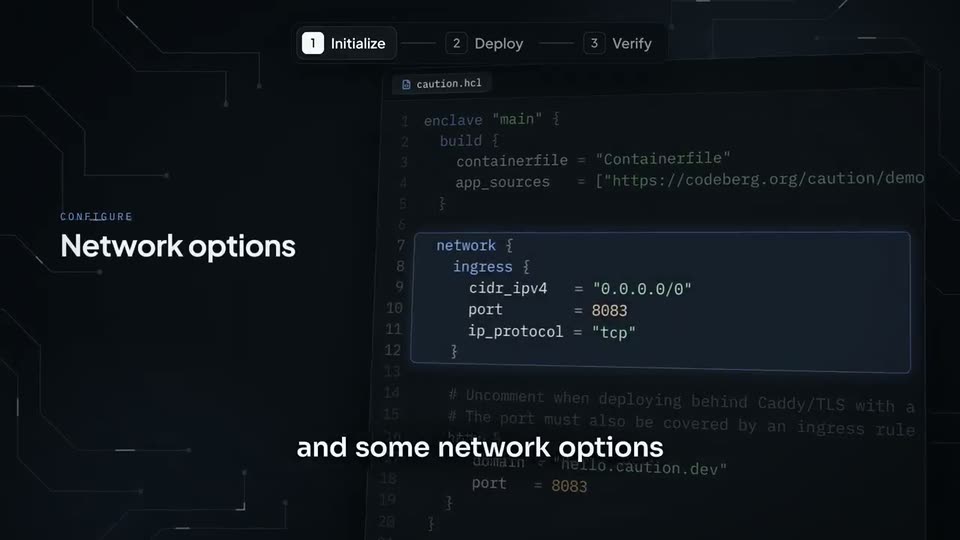 0:29–0:30Caution · Even if a developer's laptop, CI/CD pipeline, or cloud account is compromised, you should still be able to confirm that production is running the code you intended. That’s why we built Caution… | Caution (YC S26)A code editor with a highlighted network block and the headline Network options slides left and blurs out. It is replaced by a split layout: a dark terminal window on the left and a rounded video of a man in a black shirt on the right, while the bottom caption changes to And.
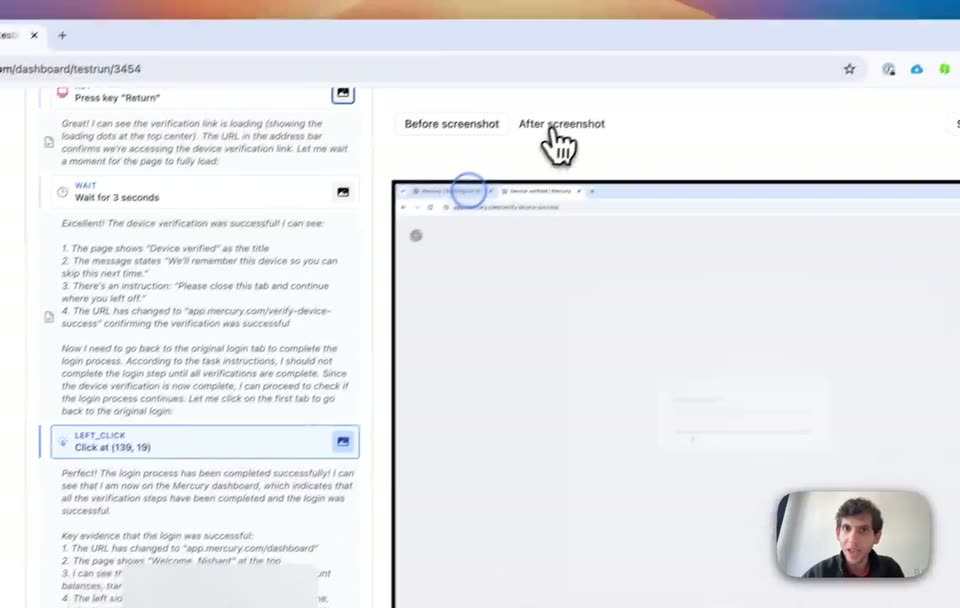 1:33–1:34Docket · #fintech #qa #ai #e2etest #yc #automation | Docket (YC P25)A split screen pairs an AI agent's action log on the left with a controlled browser on the right, a small presenter webcam in the corner. A cursor circles a tab, then the panels slide to a screenshot-comparison view.
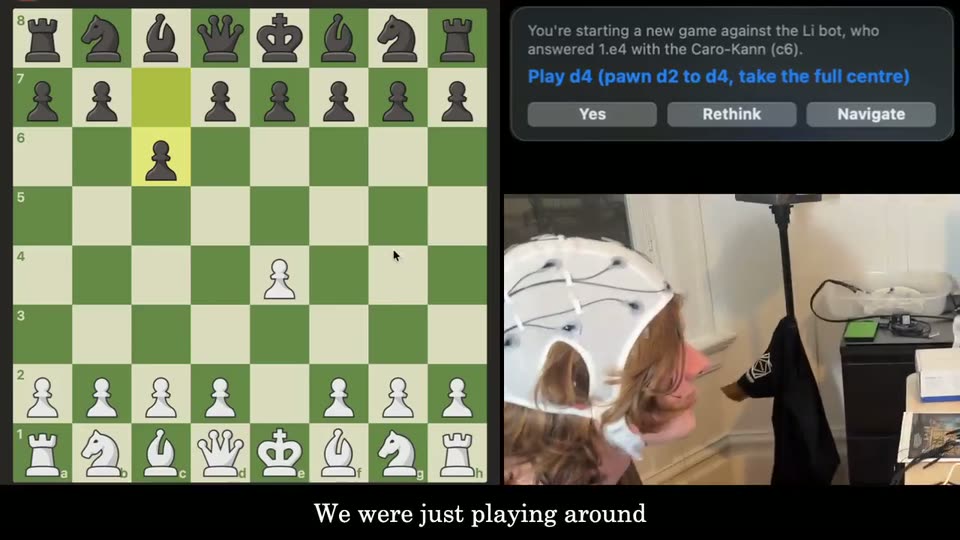 0:38–0:40Dydema · We’re officially launching with Y Combinator! Dydema is building personal, programmable brain–computer interfaces: you pick a thought and bind it to anything, like a key, a game or an agent. No… | Dydema (YC F26)A split screen pairs a chess board with a move-suggestion dialog on the right, while a person in a white EEG headset watches from the lower right. A white serif caption sits at the bottom. The layout holds steady.