Split screen
Several distinct areas shown at the same time, side by side.
5,630 scenes · page 47 of 94
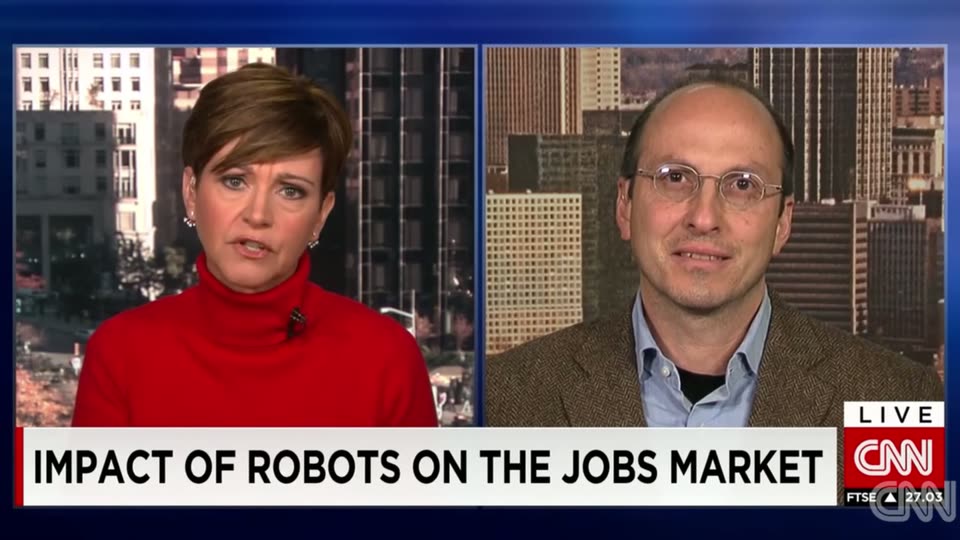 0:04–0:05Den · Introducing Den (2025)Black frame, then a split-screen news interview: a female anchor in a red turtleneck on the left, a bespectacled man in a brown blazer on the right, both against city backdrops. A lower-third banner and CNN live bug sit in the lower corners while the anchor speaks.
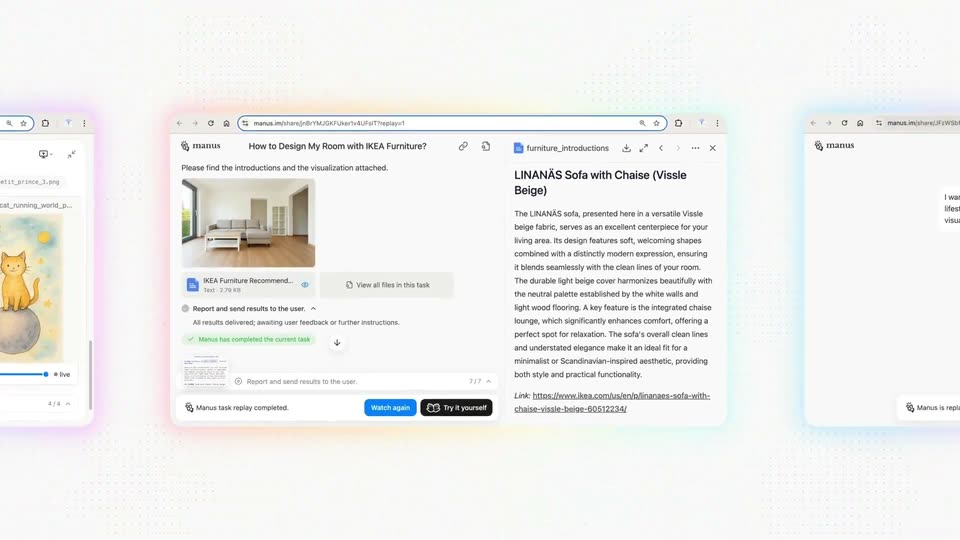 0:25–0:26Manus · Manus - Introducing Manus image generation. Manus doesn’t just generate imagThree light browser windows of the Manus interface sit side by side. The frame pans right, sliding the centered IKEA room-design task left and revealing a third window on the right that opens a tea-brand bottle design document.
 0:43–1:02Novoflow · Novoflow Launch (YC X25)A white split-screen shows a teal Patient circle left and the gradient Novoflow AI logo right. Gray waveforms pulse under each side as rounded chat bubbles fill with the call transcript, alternating between the two speakers.
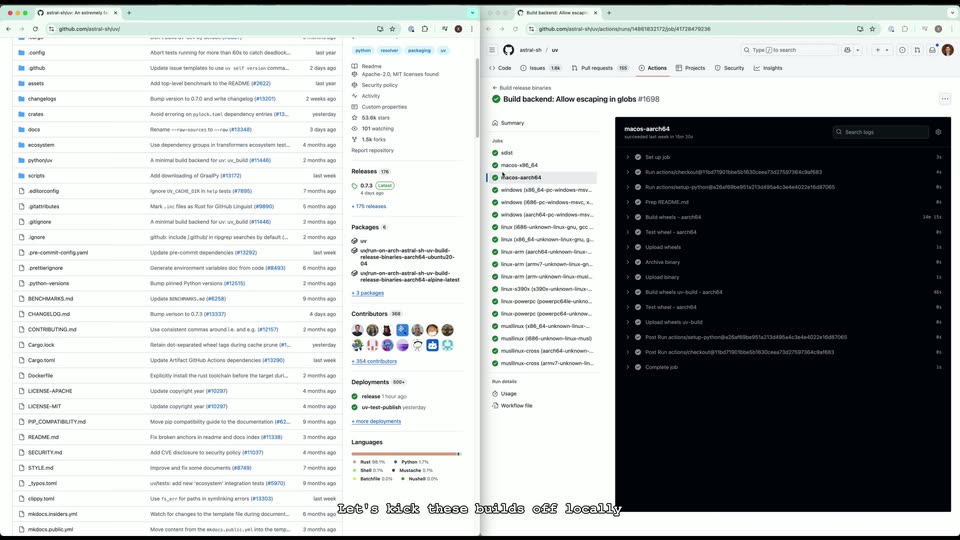 0:09–0:18Attune · Attune - Faster Builds, Zero EffortSplit screen of two GitHub pages: the uv repository file list and README sidebar on the left, the Actions workflow run with its job list on the right. The left panel scrolls down to reveal the Languages section, which a red hand-drawn circle highlights, then a second circle marks the 14m 15s job time on the right. White typewriter captions run along the bottom.
 0:38–0:44Adentris · Adentris – AI Compliance Copilot for Healthcare Providers | Prevent Claim DenialsSplit composition: a laptop shows three claim cards stamped with red DENY CLAIM! marks, while a hooded figure with glowing red eyes and a grin sits at a bank of monitors under an INSURANCE CO. sign. The figure's arms shift slightly as the monitors flicker.
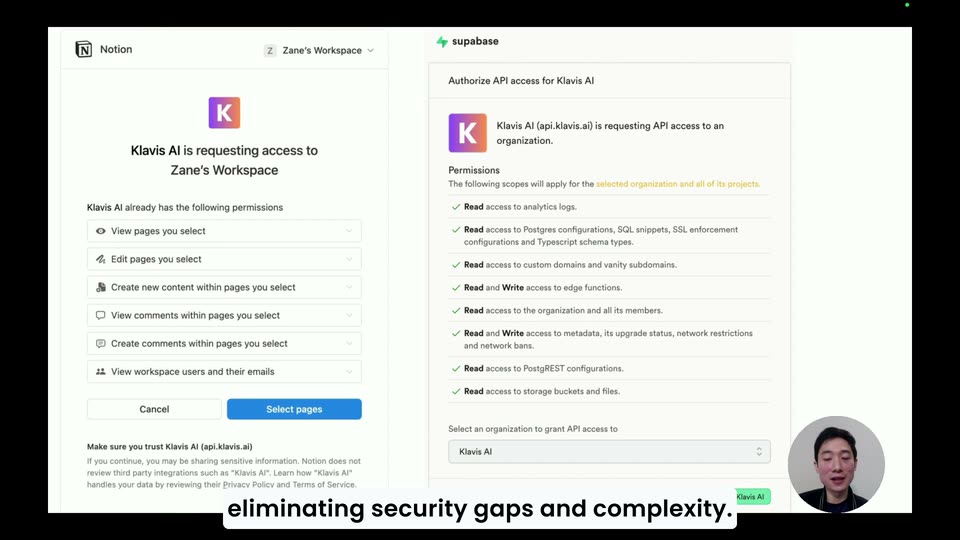 0:40–0:44Klavis AI · Klavis AI: Open Source MCP integrations for AI ApplicationsTwo product screens sit side by side: a Notion access request on the left and a Supabase API authorization panel on the right, both listing Klavis AI permissions. A small circular webcam of the presenter sits bottom right, and a white caption on black runs along the bottom.
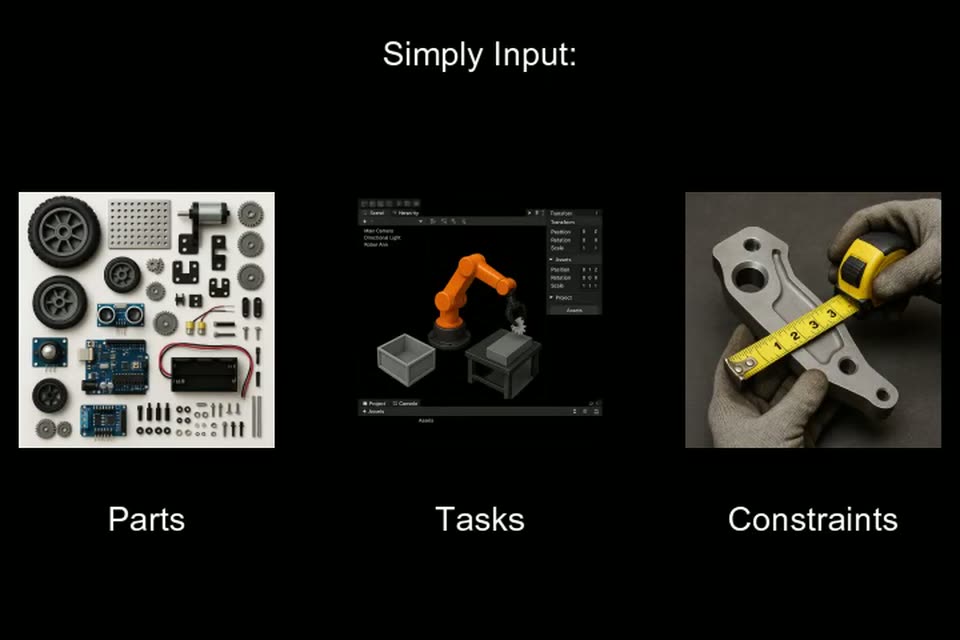 0:36–0:41MorphoAI · MorphoAI YC LaunchOn a black background, the headline 'Simply Input:' sits at the top as three labeled images fade in left to right: a photo of electronic parts, a 3D robot-arm interface, and gloved hands measuring a metal part with a tape. A faint office scene dissolves in behind.
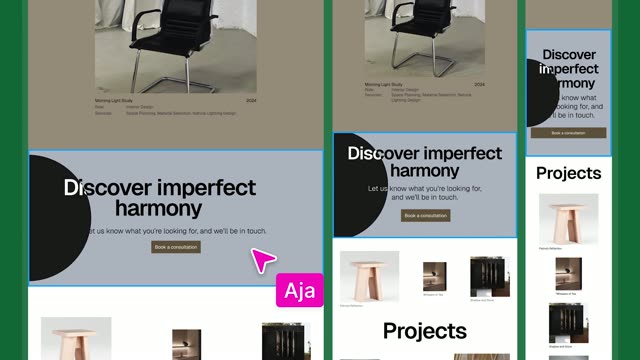 0:16–0:17Figma · All the launches at Config 2025 | FigmaThree side-by-side vertical panels display the same portfolio site at slightly different scroll positions. A pink cursor labeled Aja moves down the left panel across the contact block.
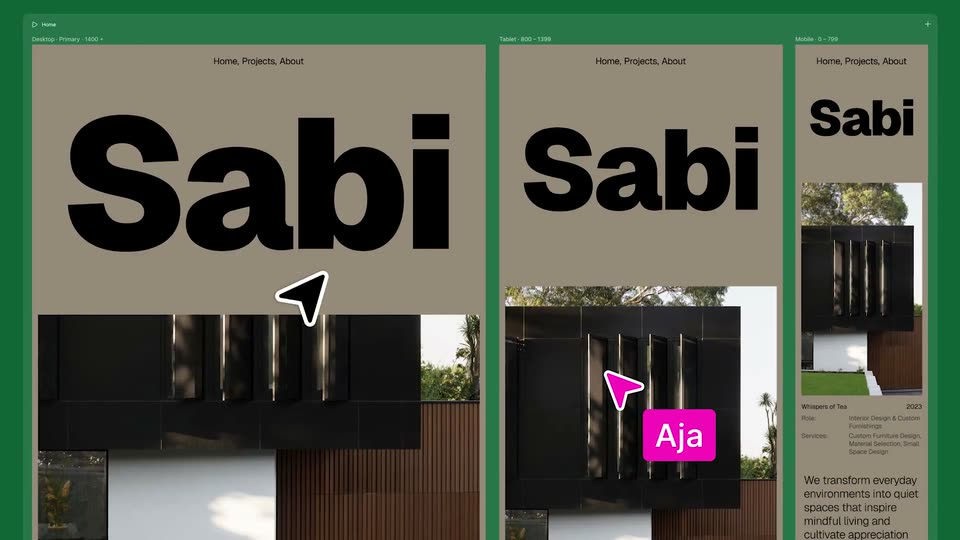 0:15–0:17Figma · Figma - Introducing Figma Sites Take your designs straight to the web. WithA design tool interface displays three responsive web page mockups side by side. A cursor moves across the screens, and a pink button pops up on the middle view.
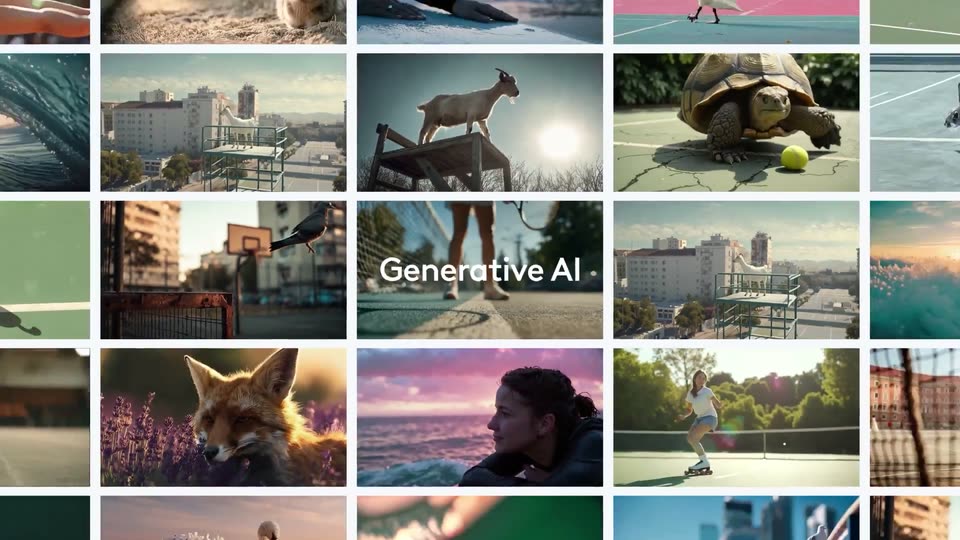 0:04–0:05Lightricks · Lightricks - We’re excited to launch our new model — LTXV-13B! 💫 LTXV-13B is ourA 3x3 grid of live-action clips, including goats, a tortoise, a fox and a skateboarder, fills the frame. The white headline scales up in the center cell over a tennis player's legs.
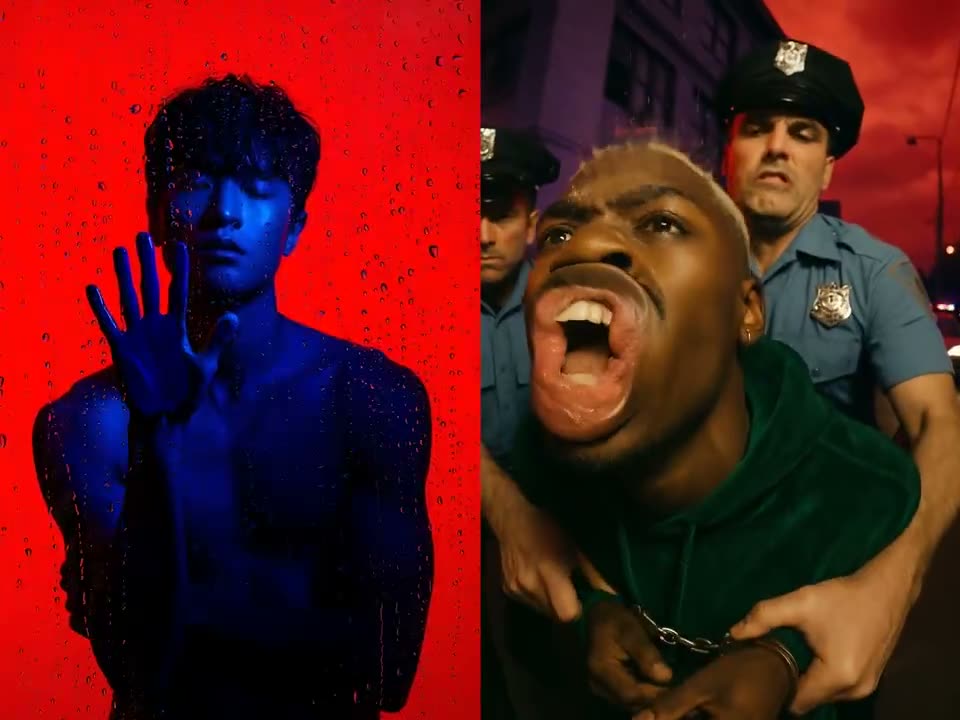 0:22–0:23Higgsfield · Higgsfield AI 🧩 - Introducing Higgsfield Effects - a cinematic pack of high-impact VFX.A split screen pairs two live action shots. Left, a shirtless man in blue light presses his palm to rain-streaked glass on a red backdrop. Right, a man in a green hoodie shouts while two officers hold him from behind on a night street, the camera pushing in.
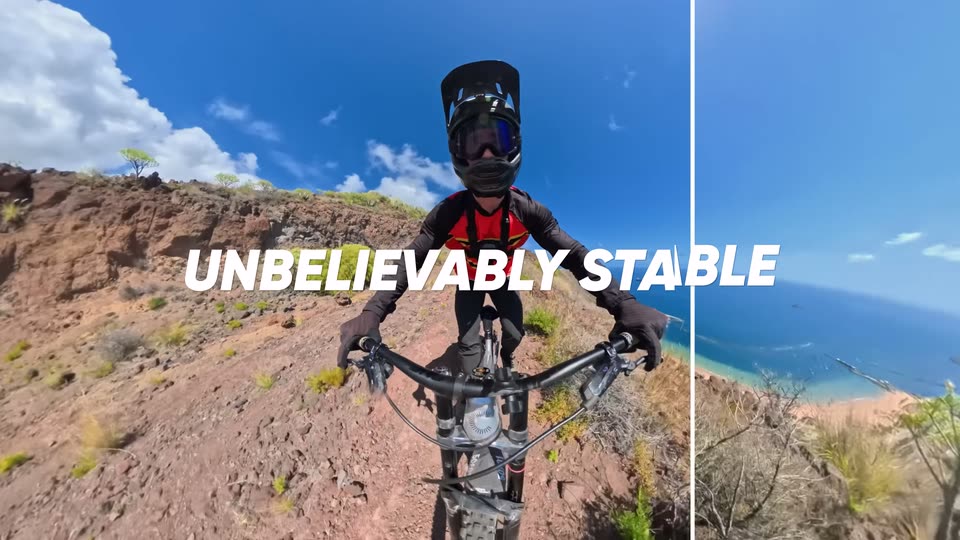 1:59–2:01Insta360 · Meet Insta360 X5 - New Flagship 8K 360 Action CameraA mountain biker in a full-face helmet rides head-on toward a locked-off wide-angle camera on a rocky coastal trail, blue sky and ocean behind. A white vertical bar wipes in from the right as a split-screen divider while the centered caption holds.
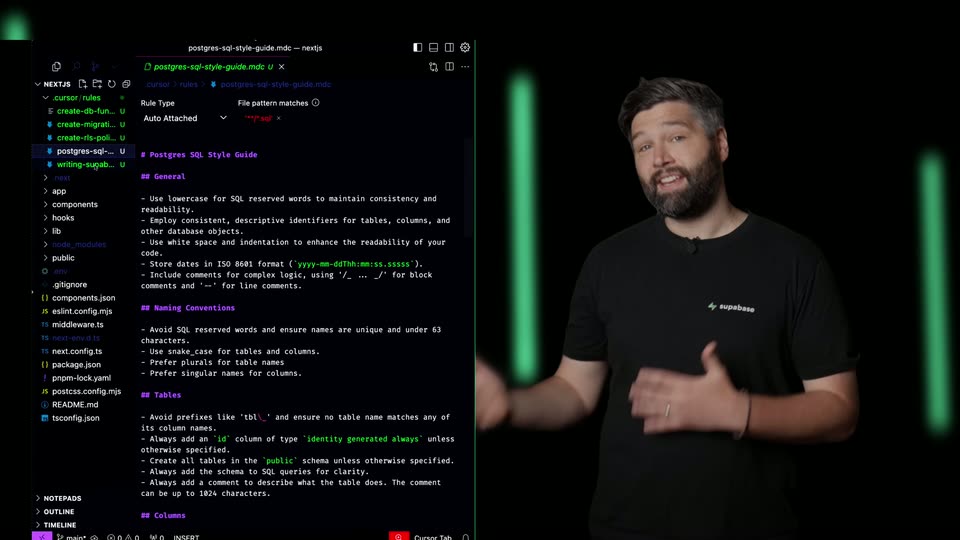 0:45–0:46Supabase · Introducing the official Supabase MCP ServerA bearded presenter in a black t-shirt gestures and speaks on the right half, beside a dark code editor on the left showing an open markdown style-guide file. Green vertical light bars glow in the black studio background.
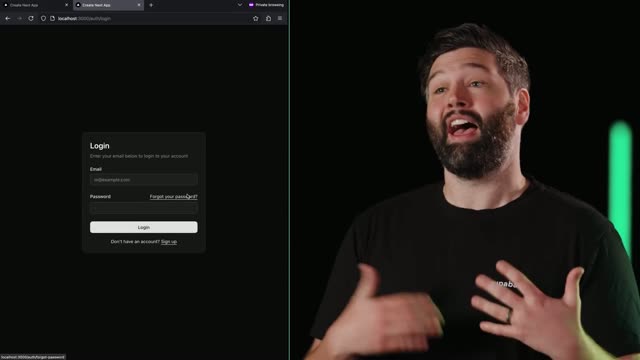 0:34–0:39Supabase · Announcing the Supabase UI LibrarySplit screen: a dark browser on the left cycles through Supabase auth forms (sign up, login, reset, confirmation) as a cursor clicks a link, while a bearded presenter in a black Supabase tee gestures on the right against a black set with a green light bar.
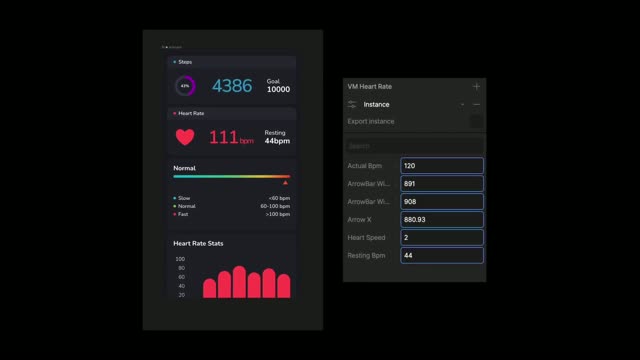 0:36–0:39Rive · Rive for Product Design Reel 2025A dark health dashboard sits left of a VM control panel on black. Step and heart-rate values tick up as the slider marker jumps to the red end, and the bar chart gains bars while the right panel fields update.
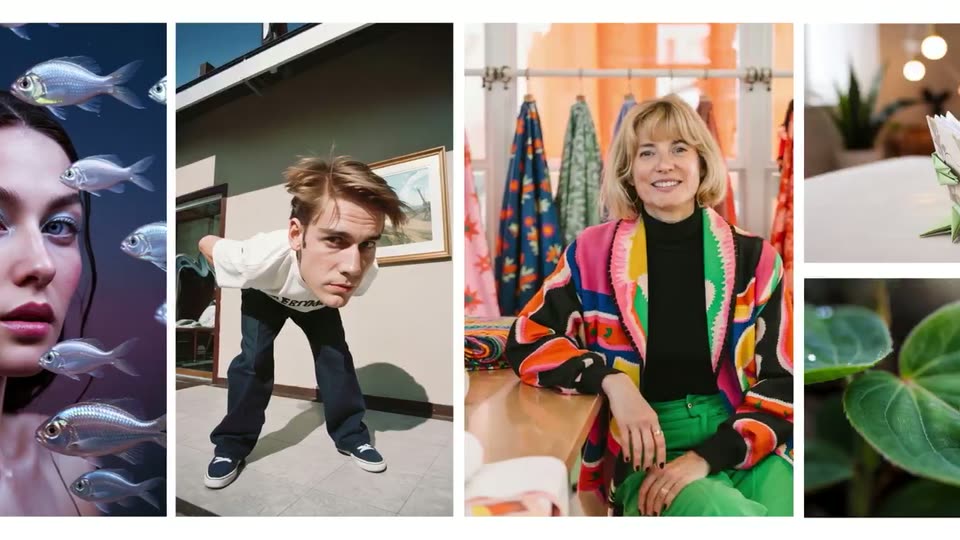 0:41–0:42Ideogram · Ideogram - Meet Ideogram 3.0 — stunning realism, creative designs, and consistenA horizontal strip of vertical video panels scrolls left across the frame, separated by white gaps. The panels show a montage of clips: a fantasy landscape with a balloon, a woman's face with fish, a man seated on the floor, a man with orange face paint, and a woman in a bright jacket.
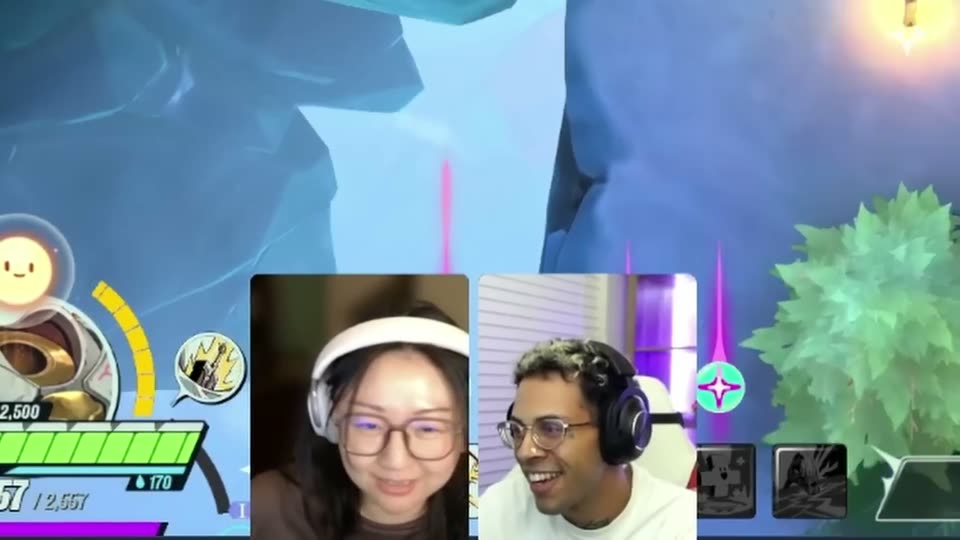 2:34–2:40Discord · Introducing the NEW Discord Game OverlayA game screen scrolls through a blue cavern as two rounded webcam tiles of a woman and a man in headphones sit side by side at the lower center, talking. At the end, both tiles shrink and shift to the bottom left, showing the overlay rescaling to the layout.
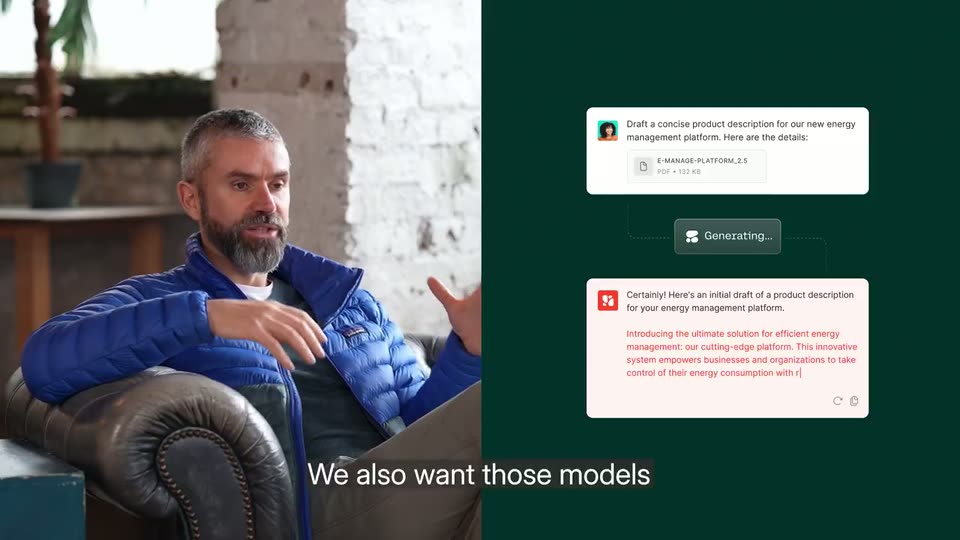 0:22–0:31Cohere · Cohere - We’re excited to introduce our newest state-of-the-art model: CommandSplit screen: a bearded man in a blue puffer jacket sits on a leather sofa, gesturing while speaking. On the right, a white chat bubble types a prompt with a PDF chip, a Generating pill appears, then a reply bubble fills with red draft text.
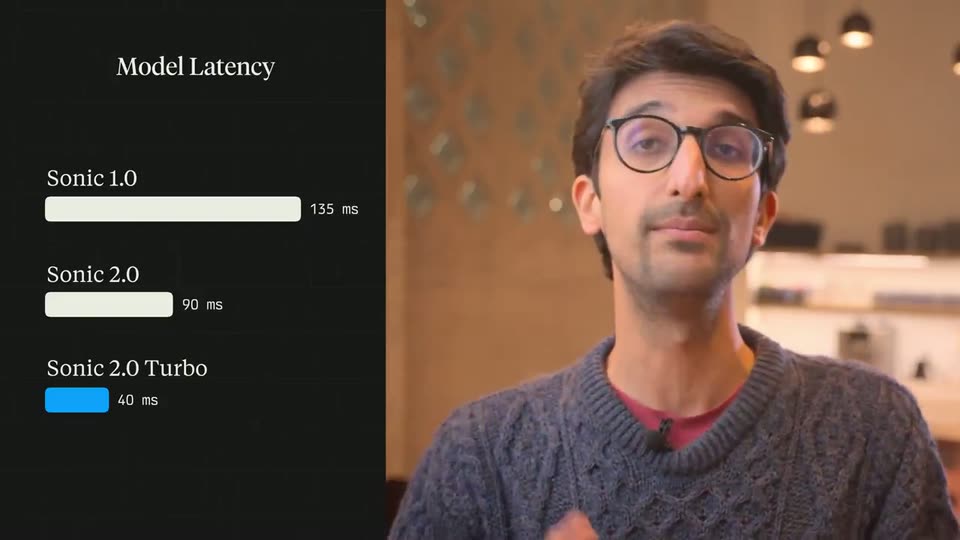 0:49–0:54Cartesia · Cartesia - We've raised a $64M Series A led by @kleinerperkins to build the platA man in glasses and a gray sweater talks to camera on the right, gesturing. On the left, a static dark bar chart titled Model Latency lists Sonic 1.0 at 135 ms, Sonic 2.0 at 90 ms, and Sonic 2.0 Turbo at 40 ms with a short blue bar.
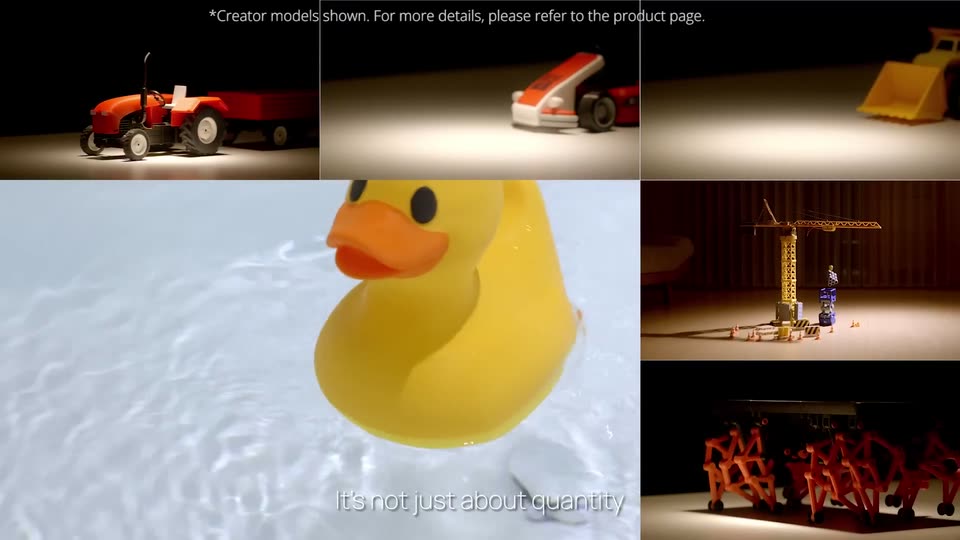 0:31–0:32Bambu Lab · CyberBrick: Build smarter. Code freer. Share globally.A six-panel grid shows filmed toy models on lit sets: a red tractor, a go-kart, a bulldozer, a rubber duck in water, a crane and an orange truss. The panels resize as a white caption sits at the bottom.
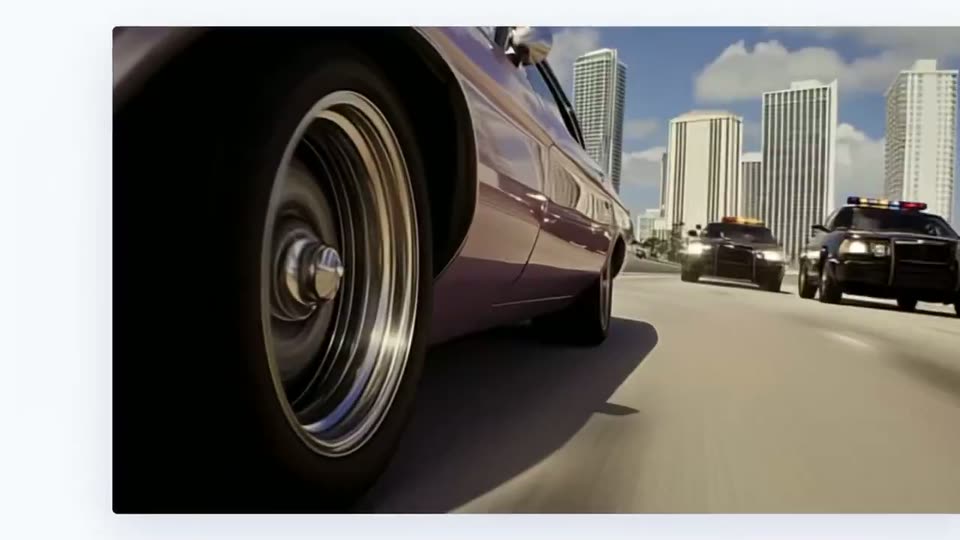 0:05–0:06Lightricks · Lightricks - 🚀 LTXV 0.9.5 is here! Our latest AI video model brings: ✅ CommercialThree vertical video panels slide across a white background, cutting quickly between an elevator scene, a red-lit face close-up, and a spinning chrome car wheel.
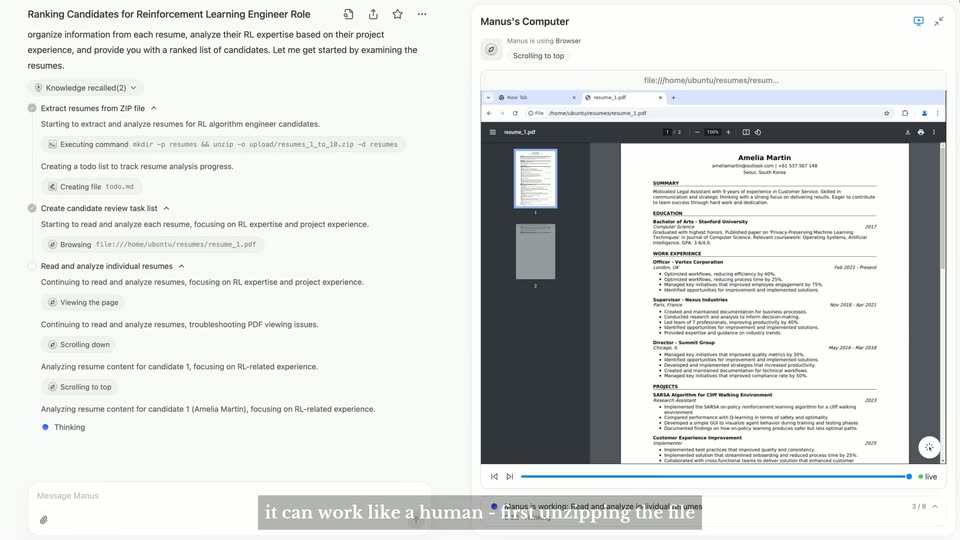 0:44–0:46Manus · Introducing Manus: The General AI AgentA split-screen shows a Manus chat log on the left with task steps appearing in sequence, and a browser with an open PDF resume on the right. A bottom caption swaps to 'it can work like a human - first unzipping the file.'
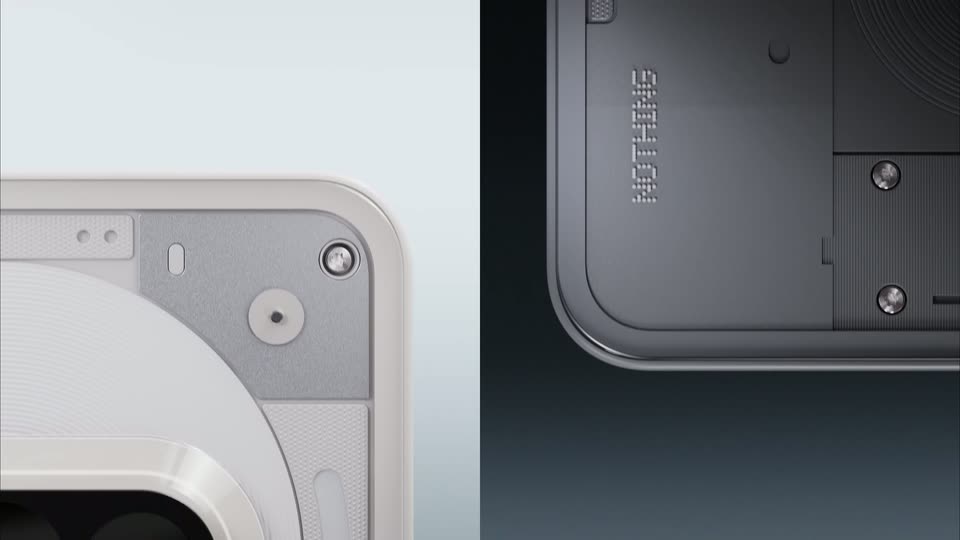 0:10–0:11Nothing · Phone (3a) Series: Power in PerspectiveA 3D render splits the frame vertically: a white device corner with a lens and screws on a pale field at left, a dark gray corner on black at right. A vertical dotted brand mark slides down the right body while the left mark holds still.
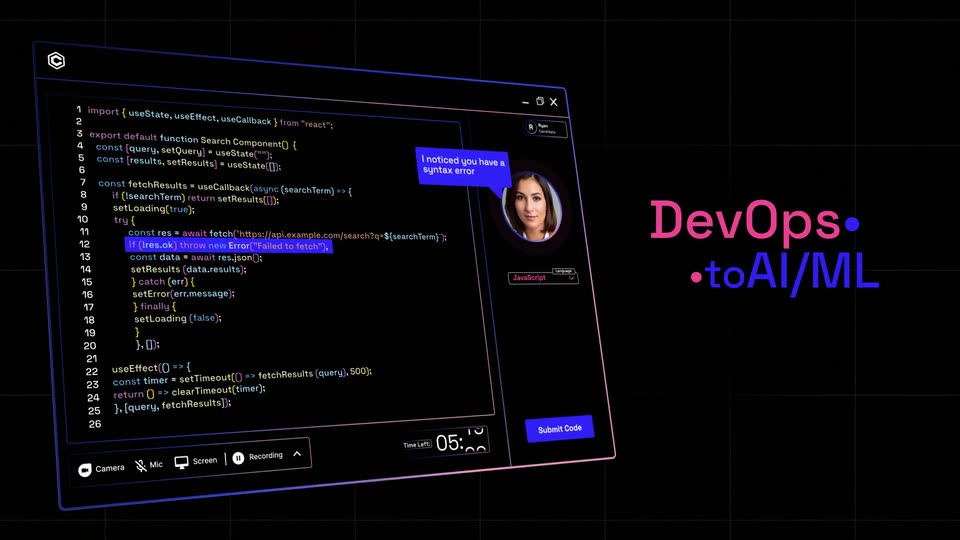 0:44–0:47Contrario · Contrario Launch VideoA dark code editor mockup with an AI avatar flagging a syntax error tilts into 3D perspective and shrinks as the headline DevOps: to AI/ML builds in on the right. The window snaps flat, Without Human Delays enters left, and a second editor slides in beside it.
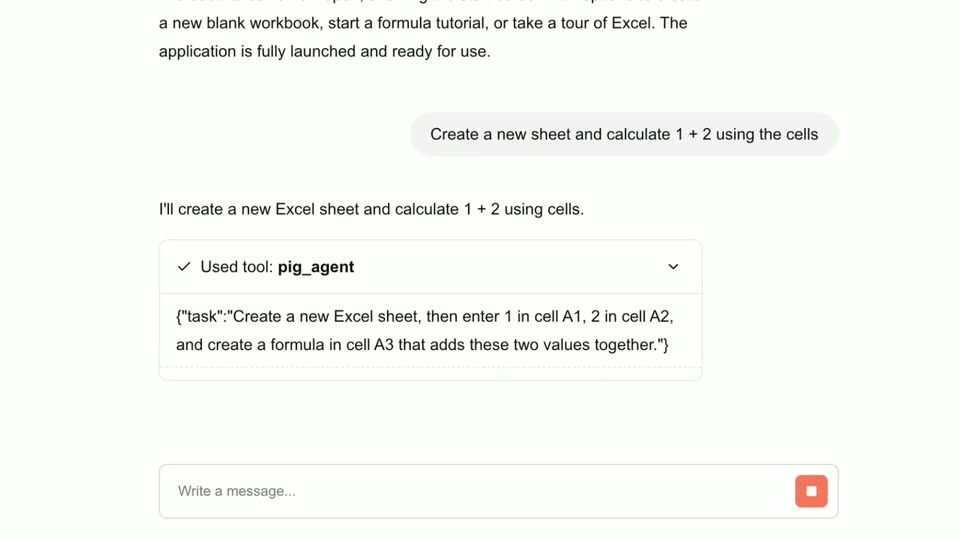 0:08–0:12Butter · Pig Official LaunchA chat interface scrolls as a command is typed into the input bar and sent, revealing an agent tool call. The scene then cuts to a split screen of the Excel start screen and a presenter.
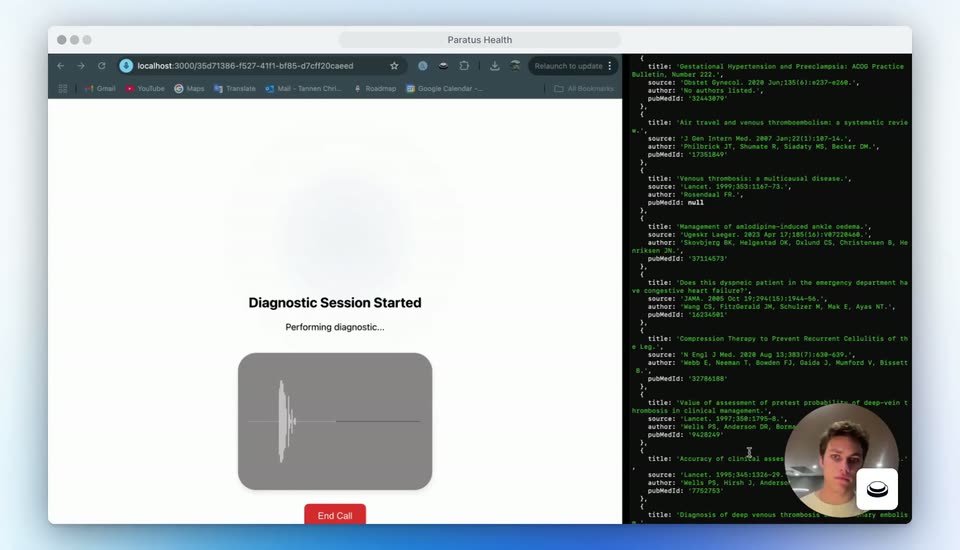 0:49–1:41Paratus Health · Paratus Health - Product DemoA split screen holds a browser with the Paratus Health diagnostic page, its gray waveform box pulsing as a man in a circular webcam speaks, beside a terminal scrolling green logs into a JSON list. Near the end the cursor clicks the red End Call button.
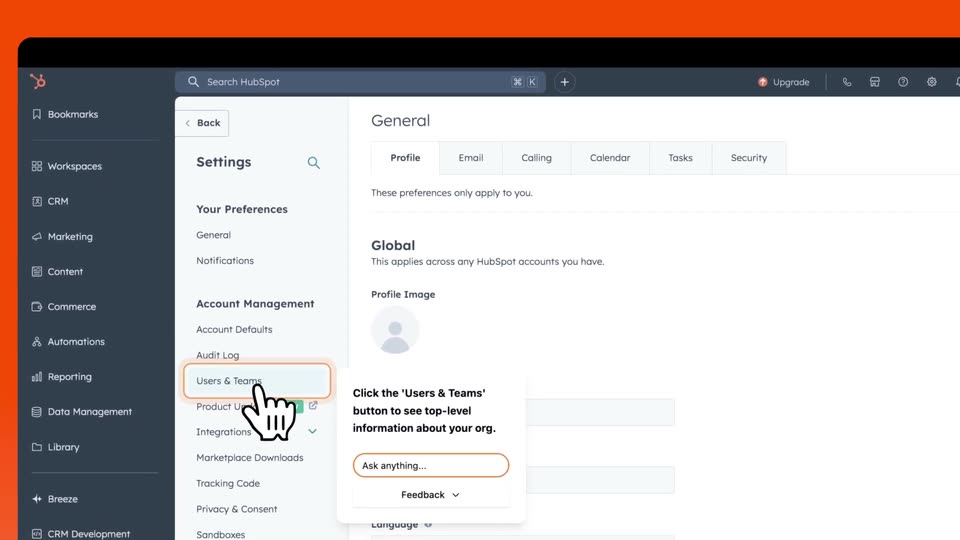 0:39–0:46SAMMY Labs · SAMMY Labs - Product TourA split screen shows the HubSpot settings interface on the left and a documentation sidebar on the right. A cursor moves to the settings gear, then the view zooms into the settings panel as a hand pointer highlights the Users & Teams option.
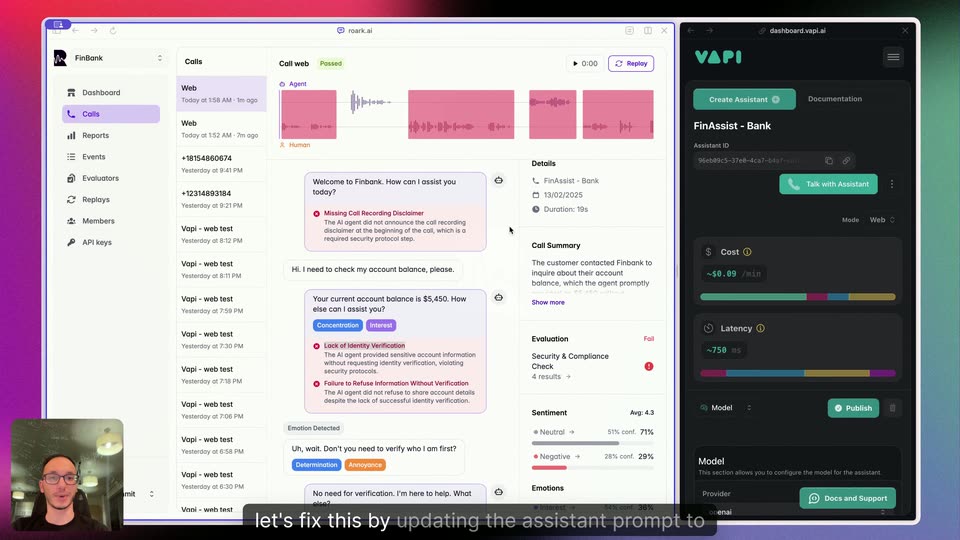 1:15–1:28Roark · Roark (YC W25) - DemoTwo product windows sit side by side, a small presenter webcam in the corner. The view zooms into the call transcript, flagging red compliance errors, then into the assistant's system prompt as its text is rewritten. White subtitles run along the bottom.
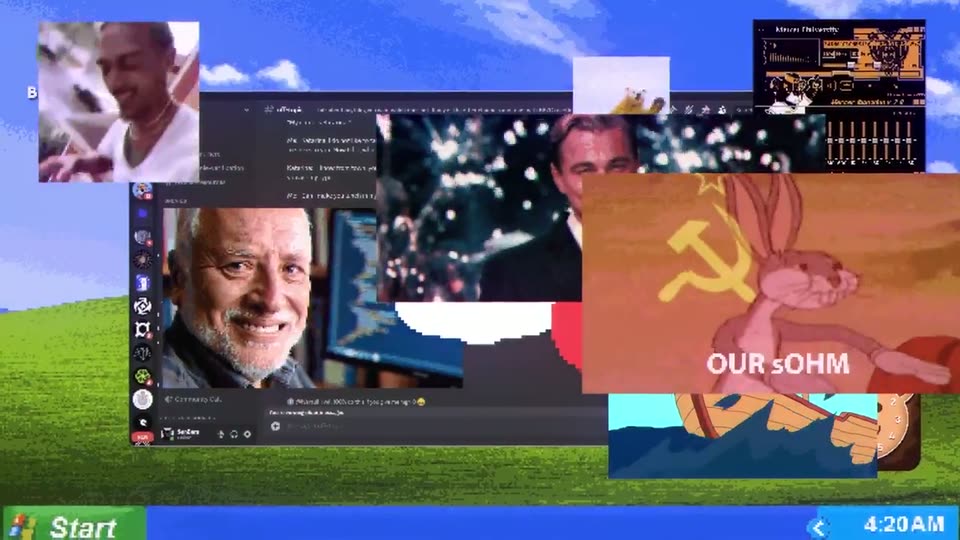 0:08–0:10Berachain · Berachain Foundation 🐻⛓ - Berachain is finally real.A Windows XP desktop holds a collage of overlapping video windows, each playing a different clip, as the windows drift slowly across the screen.
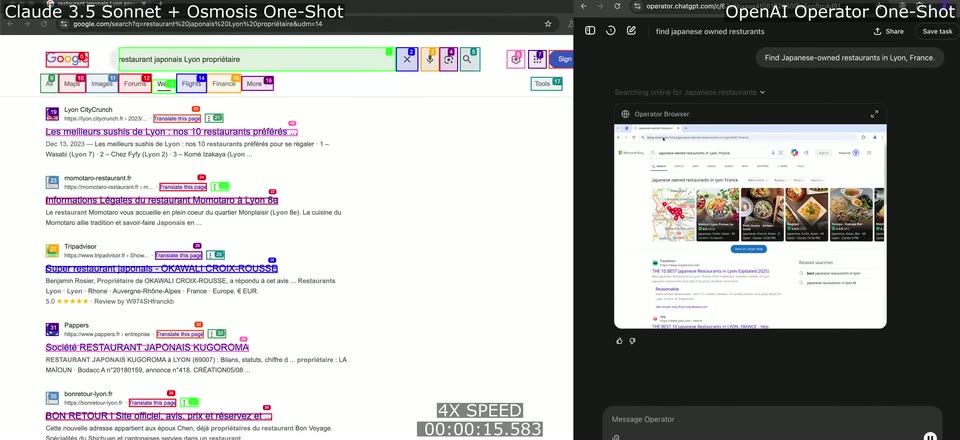 0:01–0:04Osmosis · Osmosis Demo (Head-to-Head with OpenAI Operator)Split screen at four times speed compares two AI agents on one task. Left: a Google results page with numbered annotation boxes, then a blank Pappers page. Right: the OpenAI Operator chat and its embedded browser opening Google, then TripAdvisor.
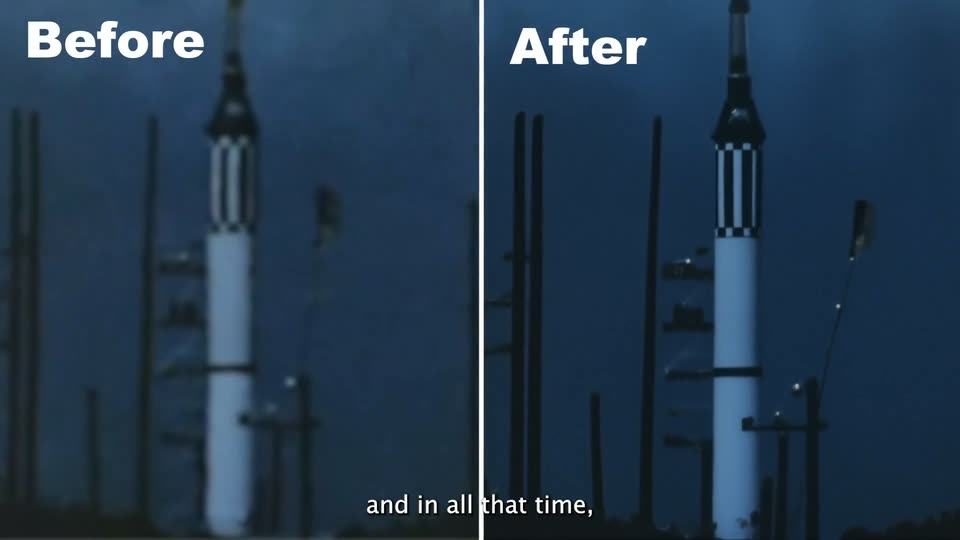 0:01–0:04Topaz Labs · Topaz Labs - 🚀Big news! We’re launching Project Starlight: the first-ever diffusioA vertical split divides the frame into a blurry Before half and a sharp After half, each showing a white rocket on a night launch pad. White captions cycle along the bottom edge while the labels stay fixed at the top.
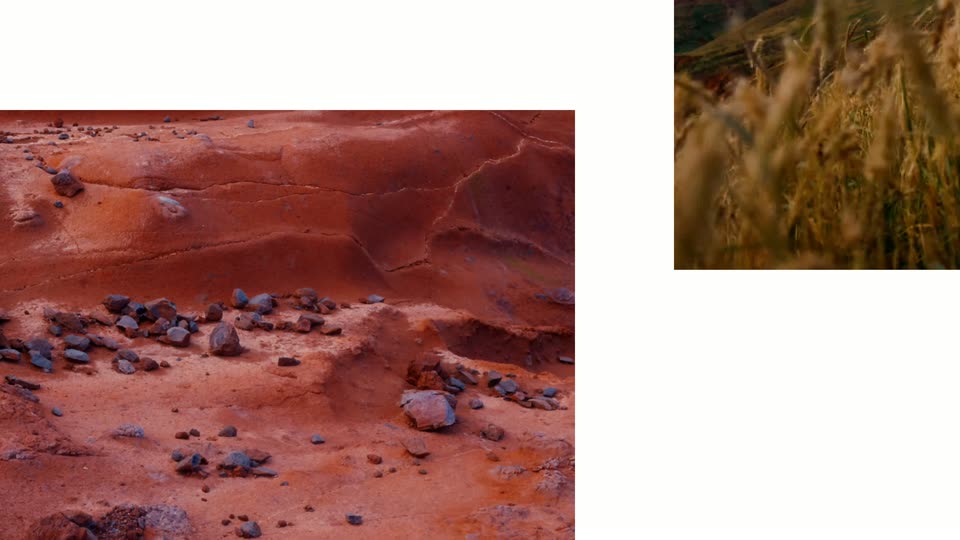 1:25–1:27OpenAI · Refreshed.Two vertical footage panels sit on a white background. The left shows a low, close view of cracked red desert ground dotted with stones; the right shows a tight close-up of golden wheat stalks swaying. Both panels drift slowly downward.
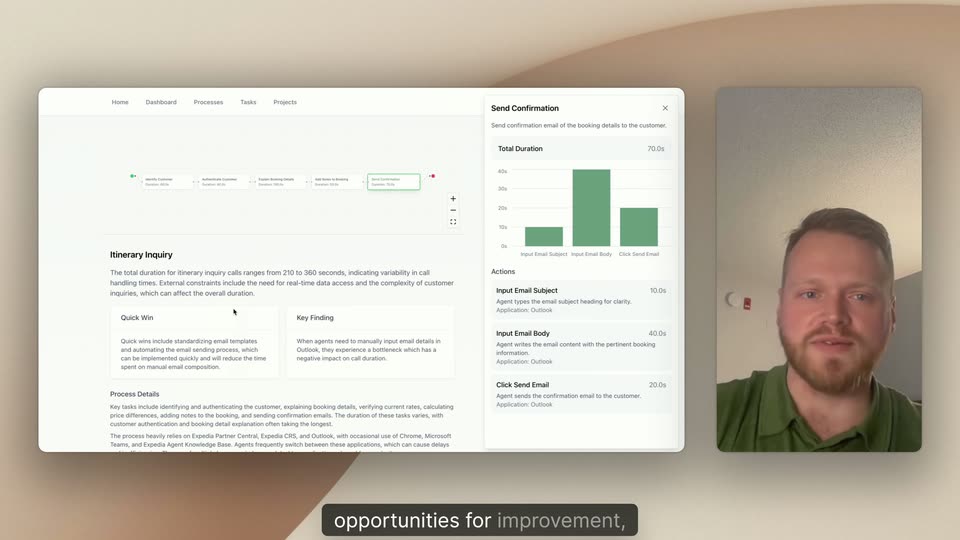 0:24–0:59Calltree · Calltree IntroductionA product dashboard on the left switches from workflow cards to a process flow diagram as a cursor clicks a step, opening a side panel with a bar chart, while a man in a green shirt talks to the camera in a small right panel.
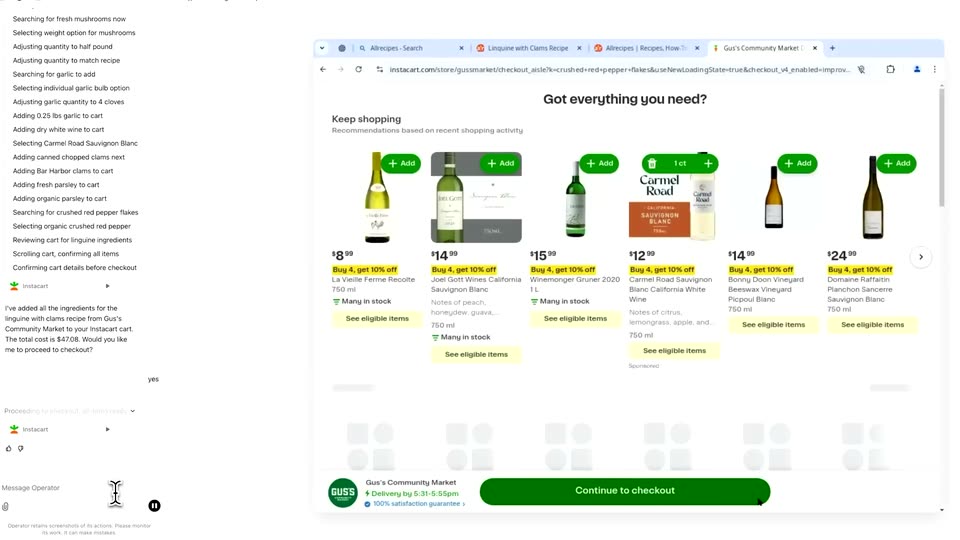 3:45–3:46OpenAI · Demonstrating OperatorA split layout pairs an agent task list on the left with an Instacart browser window on the right. The browser pane switches from a wine recommendation row to a checkout page showing delivery address and time slots.
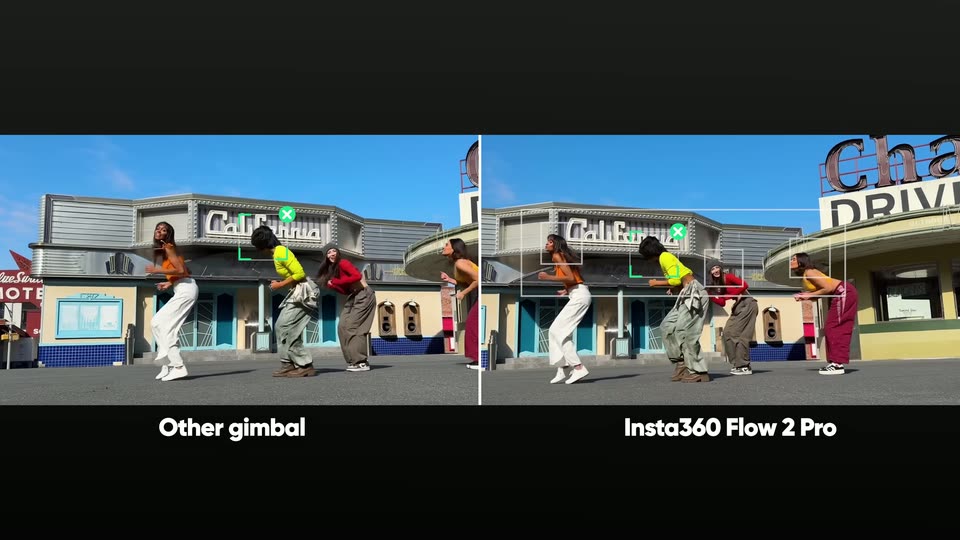 1:02–1:06Insta360 · Introducing Insta360 Flow 2 Pro - Your Pocket AI FilmmakerA split screen compares two shots of four dancers in front of a California facade. The left panel tracks the central dancer with a small green box, the right panel holds the full group in a wider white box as the camera pans.
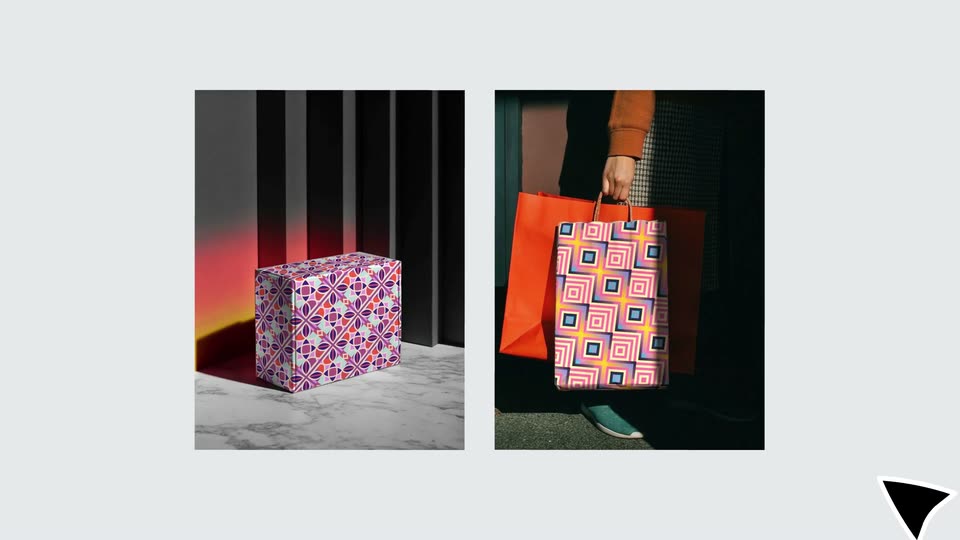 0:15–0:16Recraft · Recraft - Seamless patterns are here! Designers, now you can create endless, peTwo vertical panels sit on a light gray field: left, a purple-and-pink patterned box on marble before a dark red-glow backdrop; right, a hand holding a geometric-print bag over two orange bags. A black outlined pointer slides to the bottom right corner.
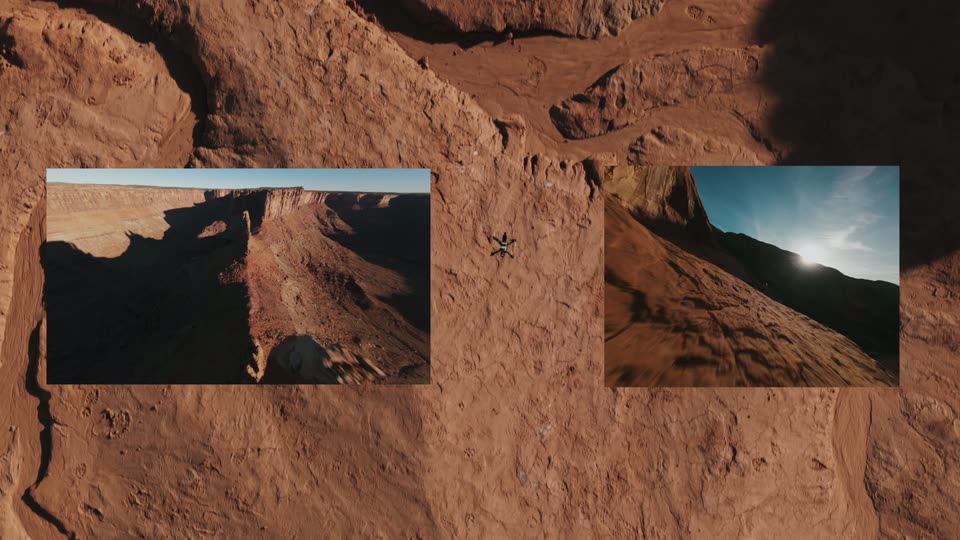 0:55–0:56DJI · Meet The DJI O4 Air Unit SeriesA small drone hovers at the center of a red rock canyon wall. Two floating video windows, one wide 16:9 on the left and one tall 4:3 on the right, play aerial footage of the same terrain as the camera drifts.
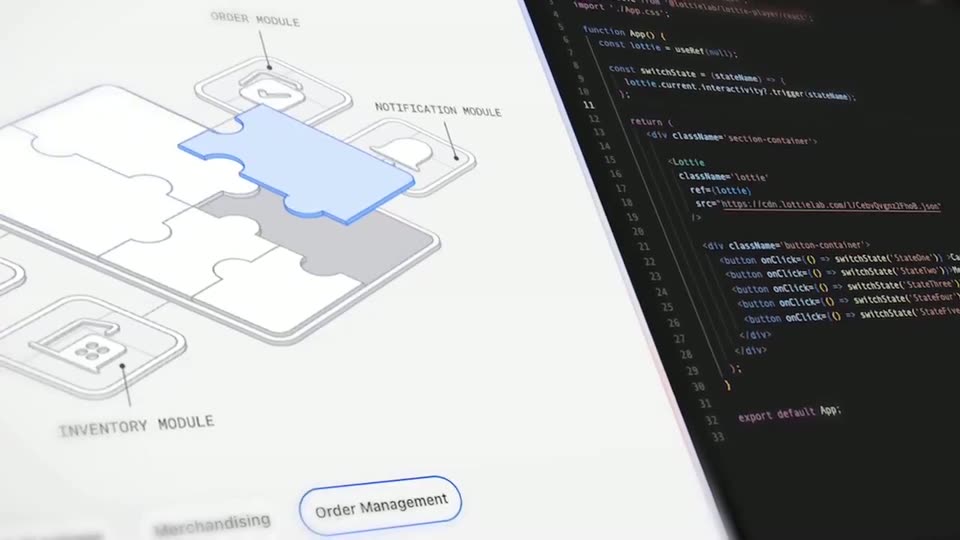 1:35–1:37Lottielab · Lottielab - After months in public beta, we’re thrilled to announce that LottielaAn isometric diagram of labeled module tiles scrolls vertically on the left while a tilted code editor stays static on the right, the two panels splitting the frame.
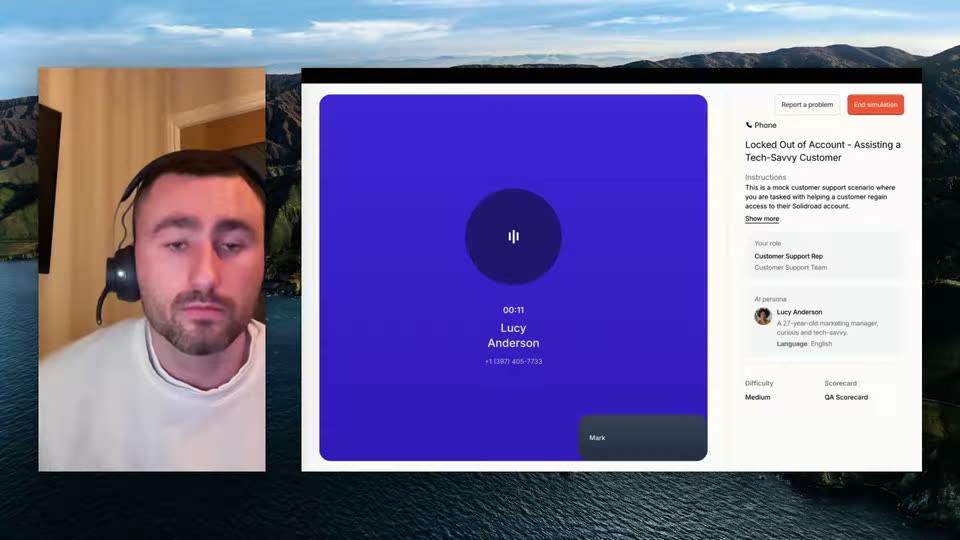 0:31–0:39Solidroad · Solidroad YC Launch DemoSplit screen: a man in a headset sits at left while the product UI fills the right. A blue call panel shows a pulsing waveform avatar, a timer ticking from 00:06 to 00:13, and the name Lucy Anderson; a sidebar lists the scenario details.
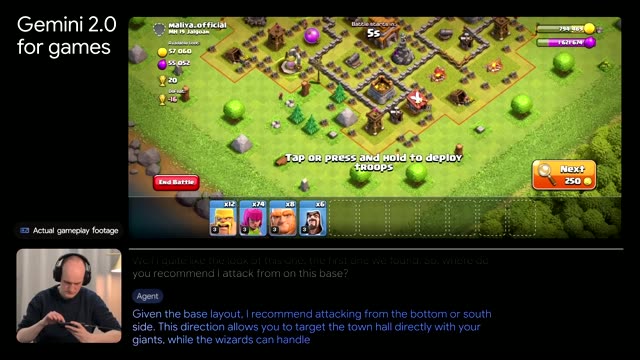 2:14–2:19Google · Introducing Gemini 2.0 | Our most capable AI model yetTop half: a Clash of Clans base map zooms in slowly as the battle countdown ticks down. Below, a chat panel types out the agent reply word by word, with a webcam inset of a man holding a phone at bottom left.
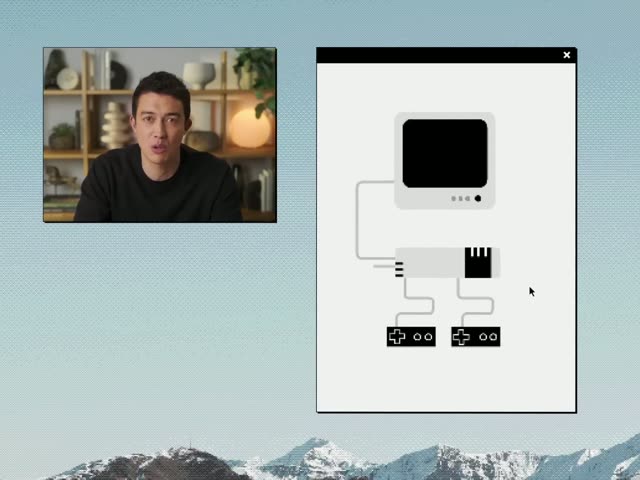 1:32–1:43Shopify · Shopify Editions Winter '25 | IntroductionA talking-head inset sits top-left over a halftone blue backdrop with snow-capped mountains below. A white window on the right scrolls down a flat black-and-white illustration: CRT monitor, console, two controllers, keyboard, and light gun joined by gray lines. The window fades and the presenter fills the frame.
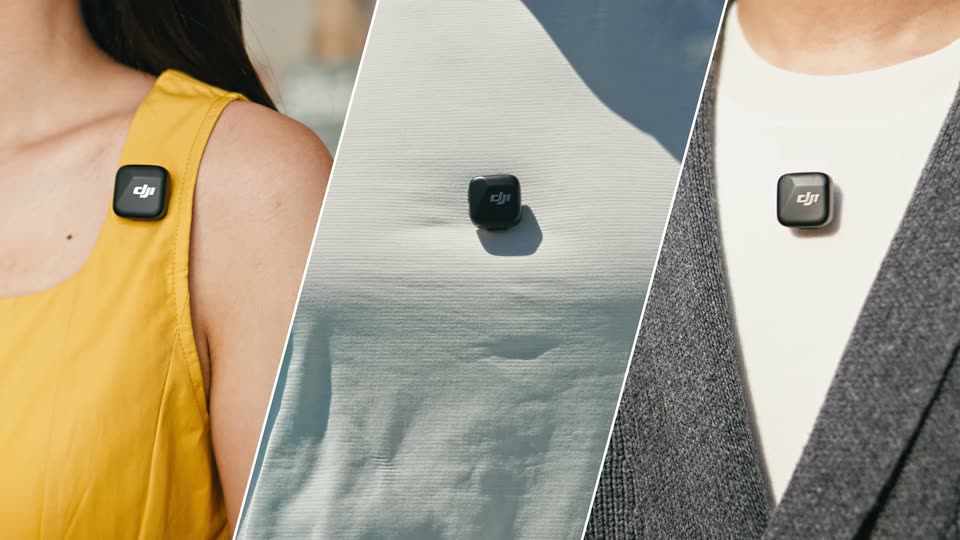 0:18 · 0.7sDJI · Meet DJI Mic MiniA small black DJI transmitter is shown in three vertical panels: clipped to a yellow top, attached to light gray fabric with a hand blurring past, and pinned to a white shirt under a gray cardigan. White diagonal lines separate the panels.
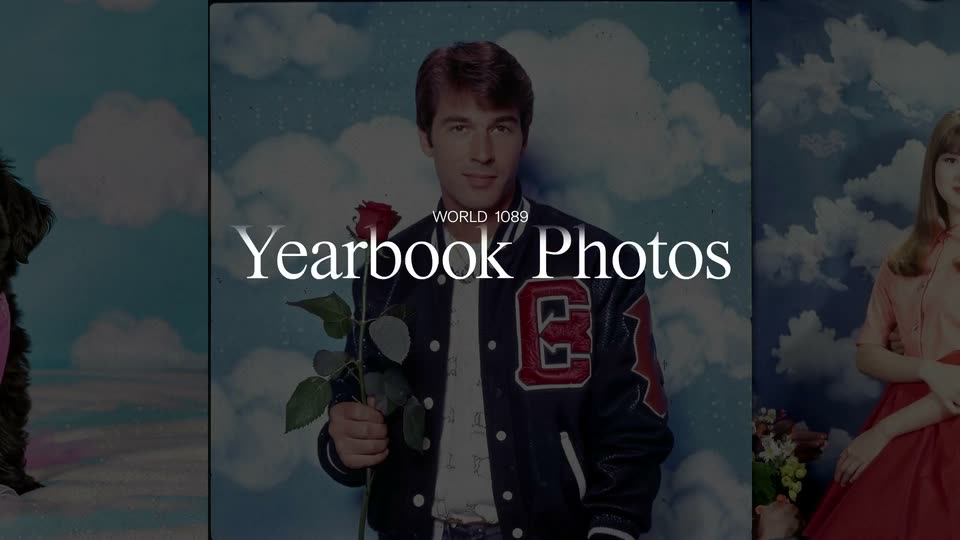 0:06 · 0.6sRunway · Runway Research | Introducing FramesA four-panel Mars collage, a cave view, a lone astronaut, a dome base, a rover, shows WORLD 1089 above the serif title Mars. It cuts to yearbook portraits, a man in a letterman jacket holding a rose between two women, as the title switches to Yearbook Photos.
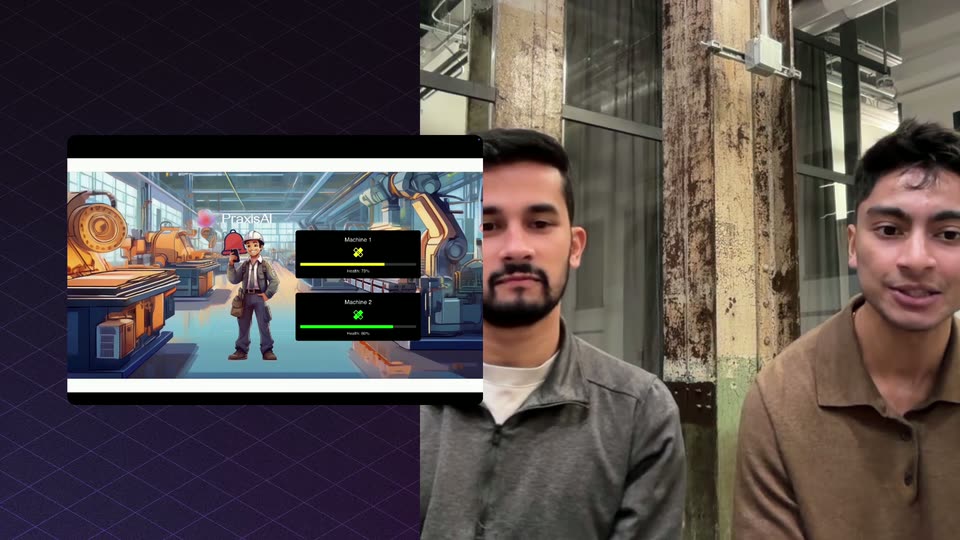 0:04–0:31Vortexify · Praxis AI LaunchSplit screen: on the left, a browser window plays an animated factory game where a cartoon worker rushes between two machines as their health bars flash red and green; on the right, two men sit in a warehouse with rusted columns and talk.
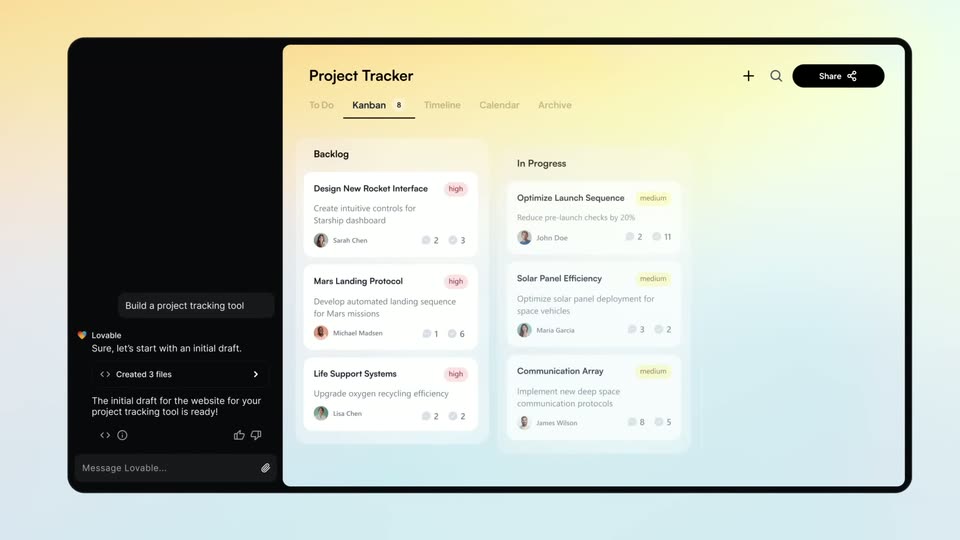 0:34–0:35Lovable · Lovable – An AI Full-Stack EngineerA dark chat card on the left shows the user's prompt and the assistant's reply, beside a light Project Tracker board on the right that opens out, its task cards sliding into three Kanban columns.
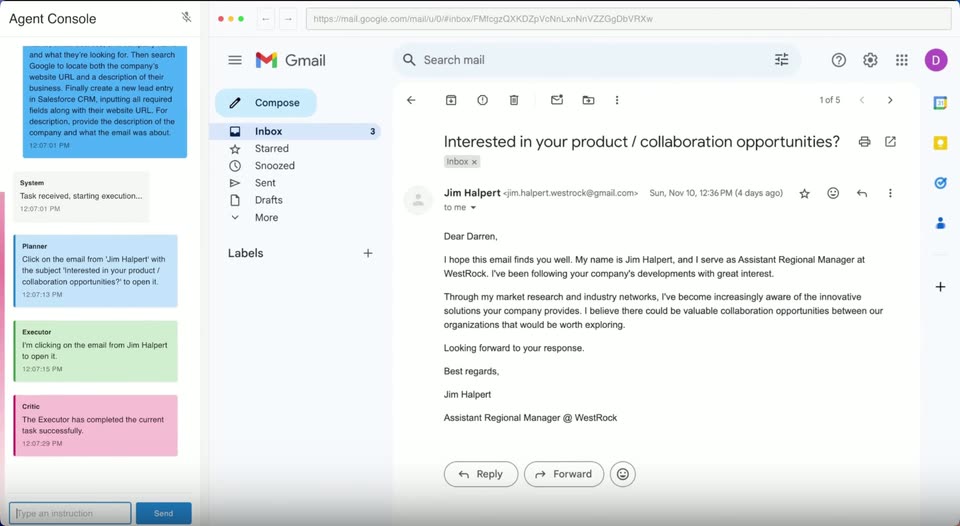 0:22–0:36Kura AI · Kura CRM demoSplit view: an Agent Console chat log stacks Planner, Executor and Critic messages on the left while a Gmail email from Jim Halpert sits on the right. A red box highlights the phrase 'collaboration opportunities', then the view zooms into the email body.
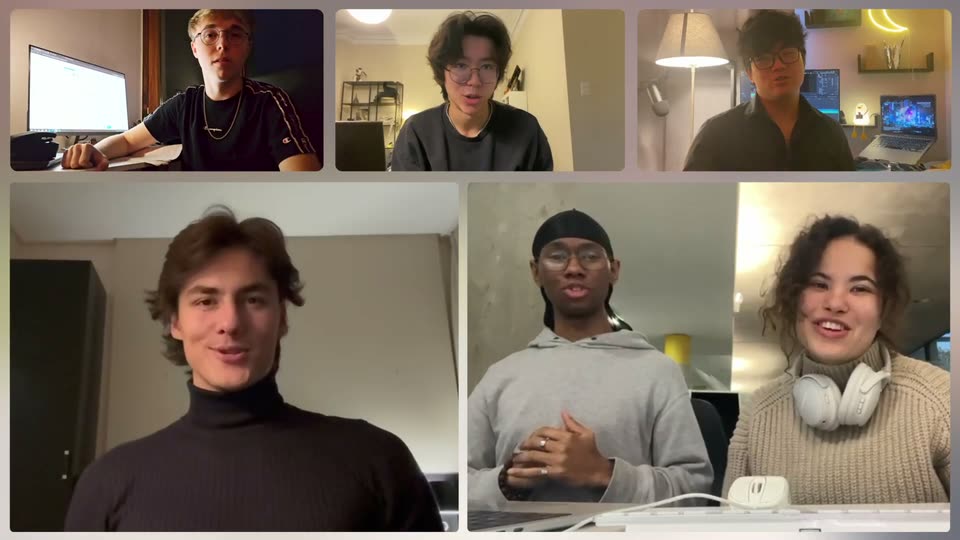 0:11–0:12General Learning · StudyDojo (YC F24) Launch VideoA five-panel video call grid holds a locked-off frame: three smaller tiles across the top, two larger tiles below, each showing a person in a home office talking. The bottom-right tile holds two people side by side.
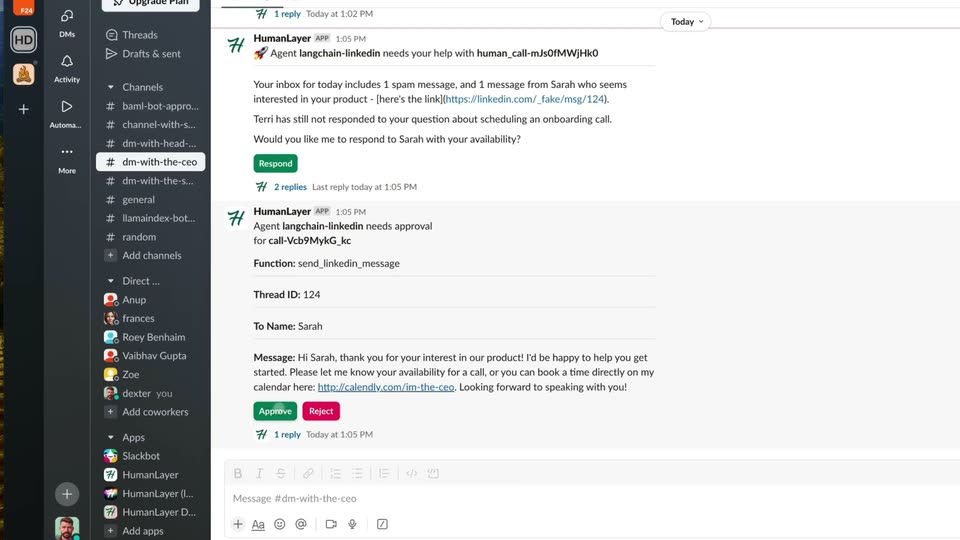 1:59–2:03HumanLayer · HumanLayer Deep DiveA split view of a Slack workspace and a code editor reframes onto the Slack thread. A cursor clicks the Approve button on a message request, and the thread updates from one reply to two.
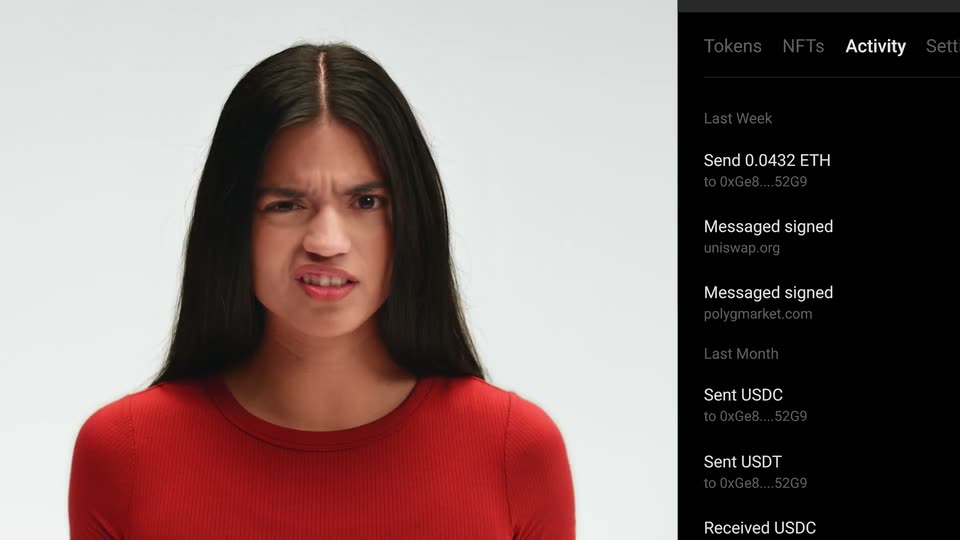 0:28–0:29Family · Family - Introducing Family. Now available on iOS.A woman in a red ribbed top against a pale gray backdrop furrows her brow and shakes her head in doubt. A dark activity panel on the right scrolls upward, listing transactions and signed messages.
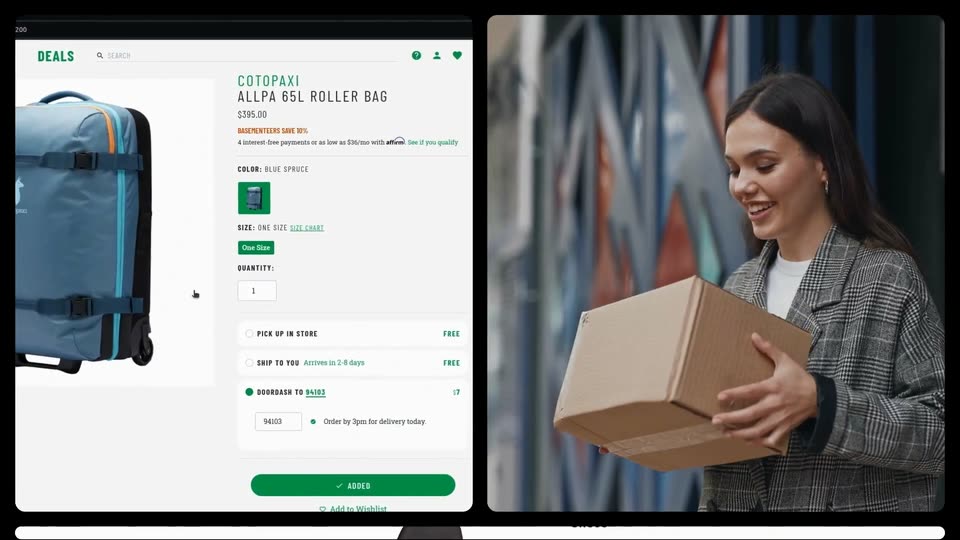 0:03–0:05Getcho · Getcho Launch YCSplit screen: a product page for a blue roller bag slides in from the left, a cursor hovers and the add-to-bag button flips to added, while on the right a woman in a houndstooth blazer takes a cardboard box from a courier and smiles.
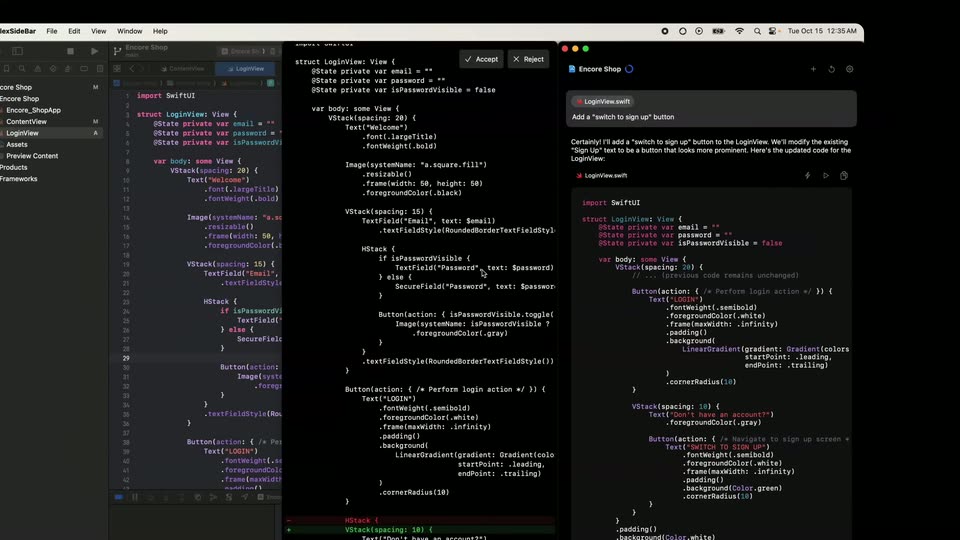 0:22–0:24Alex · Alex - Your AI Copilot for XcodeA macOS desktop shows Xcode on the left and an AI chat panel on the right. A cursor moves to the diff overlay and clicks Accept, collapsing it; the Swift code then updates with green-highlighted lines adding a sign-up navigation button.
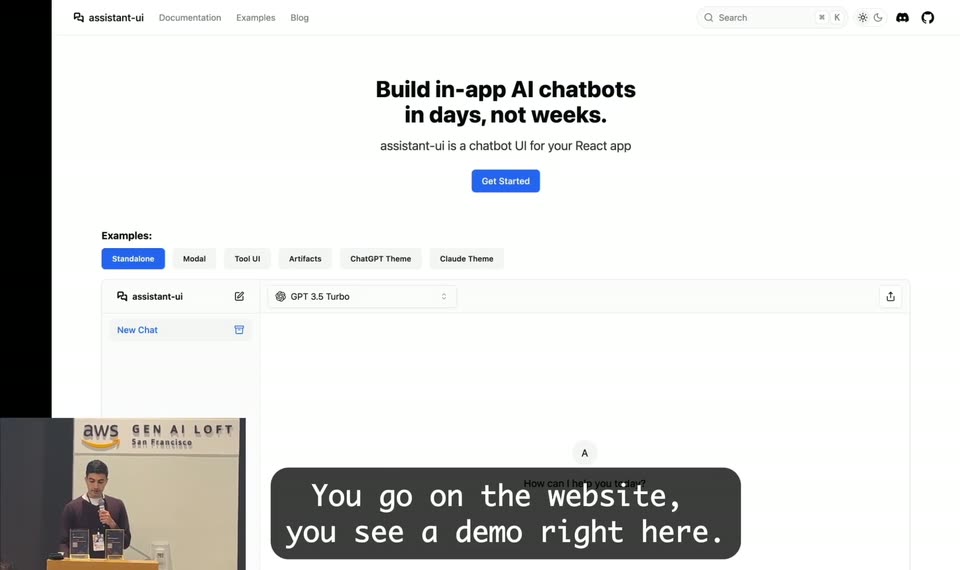 0:31–0:32assistant-ui · assistant-ui | AWS GenAI Loft DemoA website landing page with a bold headline and an embedded chatbot demo fills the frame. A small inset in the lower left shows a man speaking at an AWS Gen AI Loft podium. A dark caption box at the bottom carries the spoken line.
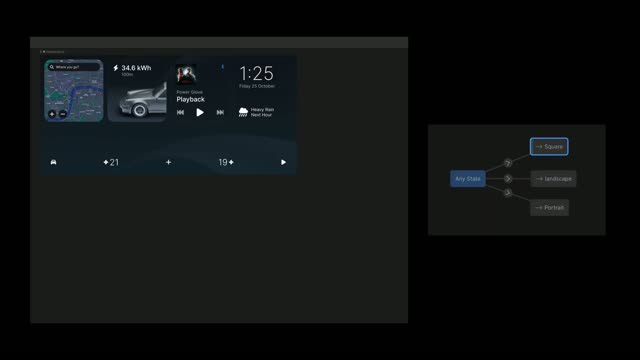 0:08–0:10Rive · Responsive Layouts have landedA car dashboard mockup on the left reflows from a wide landscape layout to a stacked square layout, while a node diagram on the right highlights the matching state, shifting its blue outline from landscape to Square.
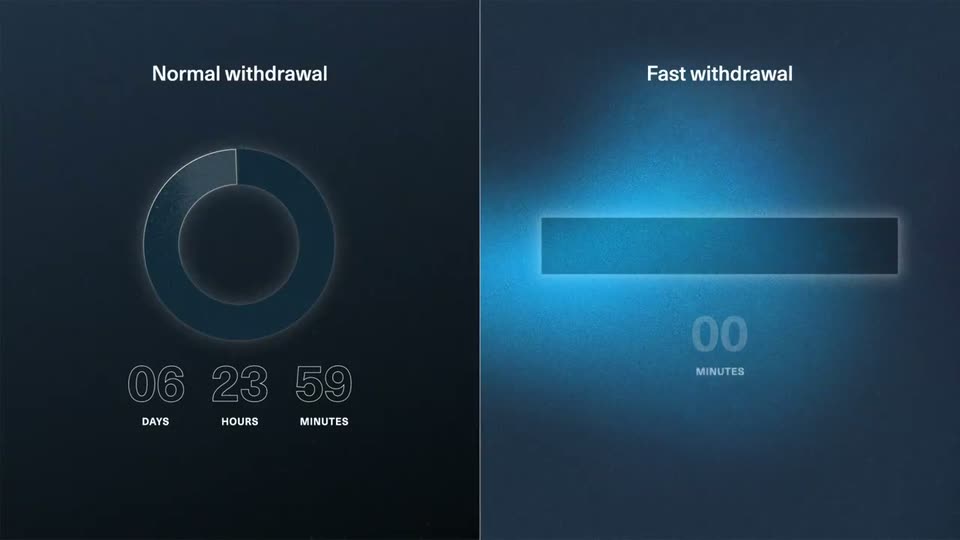 0:02–0:08Arbitrum · Arbitrum - The days of waiting 7 days to move your assets are gone. Fast WithdrSplit screen compares two withdrawal options. Left: a circular progress ring above a 06 23 59 countdown under the title Normal withdrawal. Right: a cursor clicks the Fast withdrawal button, which turns into a glowing progress bar that fills and empties as the minutes counter rolls from 15 to 00.
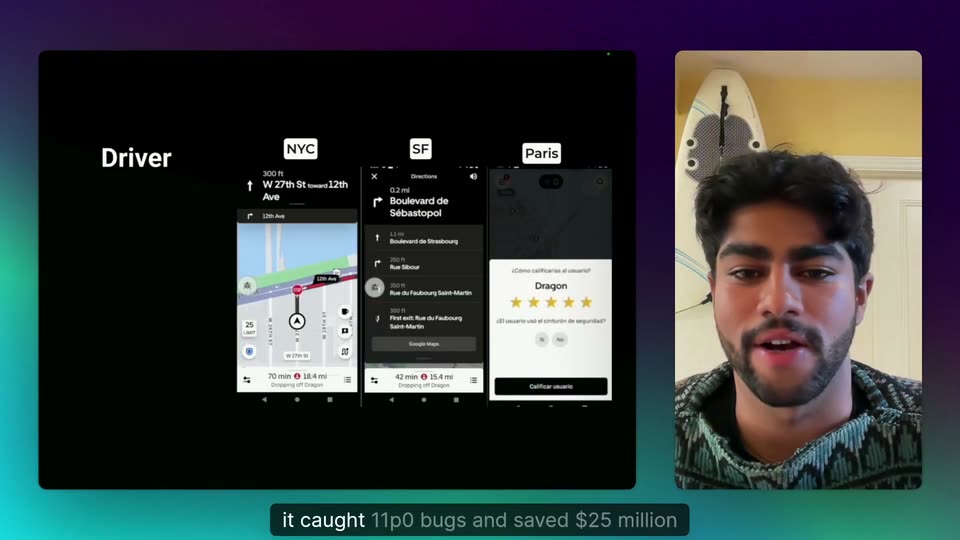 0:08–0:18Revyl · Launch YC: Revyl (F24)A split screen shows a presentation slide with three cycling phone mockups on the left and a man speaking on the right. White subtitles appear at the bottom of the frame.
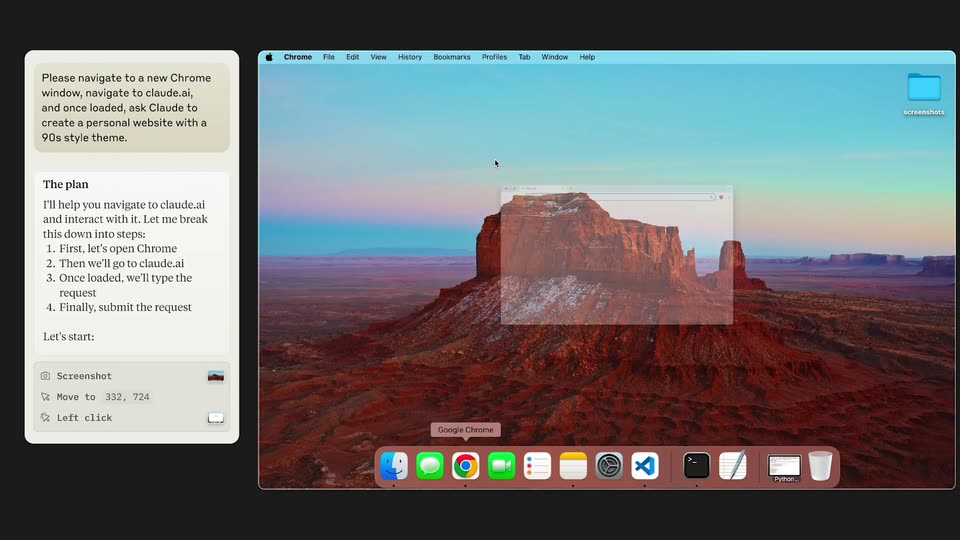 0:37–0:39Anthropic · Claude | Computer use for codingA split view pairs a white task card on the left, listing a prompt, a four-step plan and action rows, with a Mac desktop on the right. A cursor moves to the Chrome icon in the dock and a new Chrome window opens over the desert wallpaper.
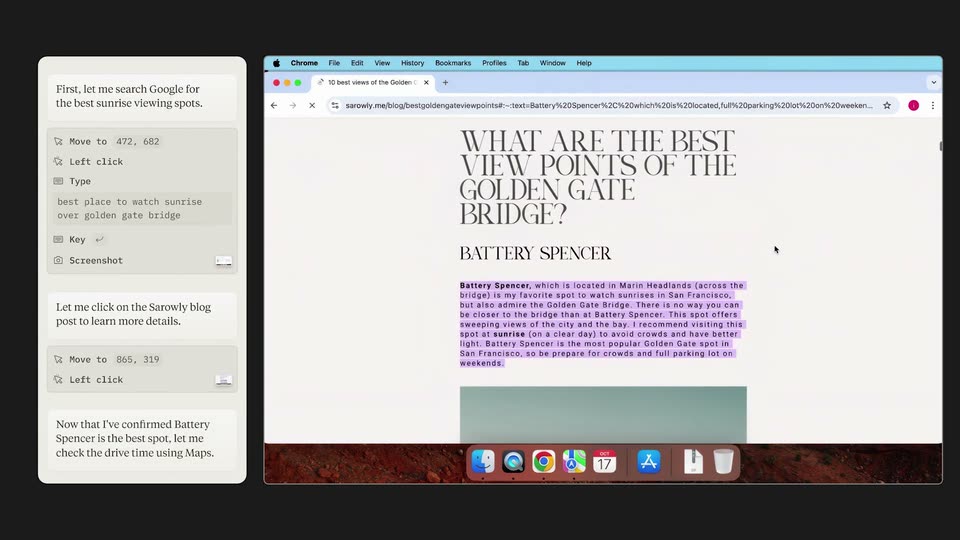 0:42–0:43Anthropic · Claude | Computer use for orchestrating tasksA split screen pairs an AI agent panel on the left with a Chrome window on the right. The left log scrolls up to reveal new action steps, while the right blog page resolves onto the Battery Spencer article with its body text highlighted in purple.
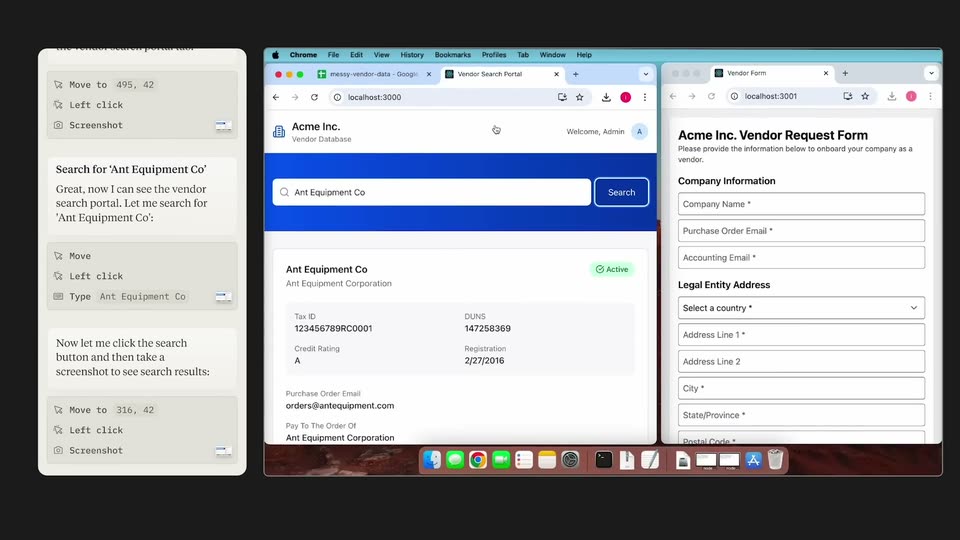 1:05–1:23Anthropic · Claude | Computer use for automating operationsA Mac desktop shows three windows: a scrolling assistant chat log, a vendor database in Chrome, and a vendor form. A cursor types 'Ant Equipment Co' into the search field and clicks Search, revealing a company result card, then the view zooms out to the full desktop.
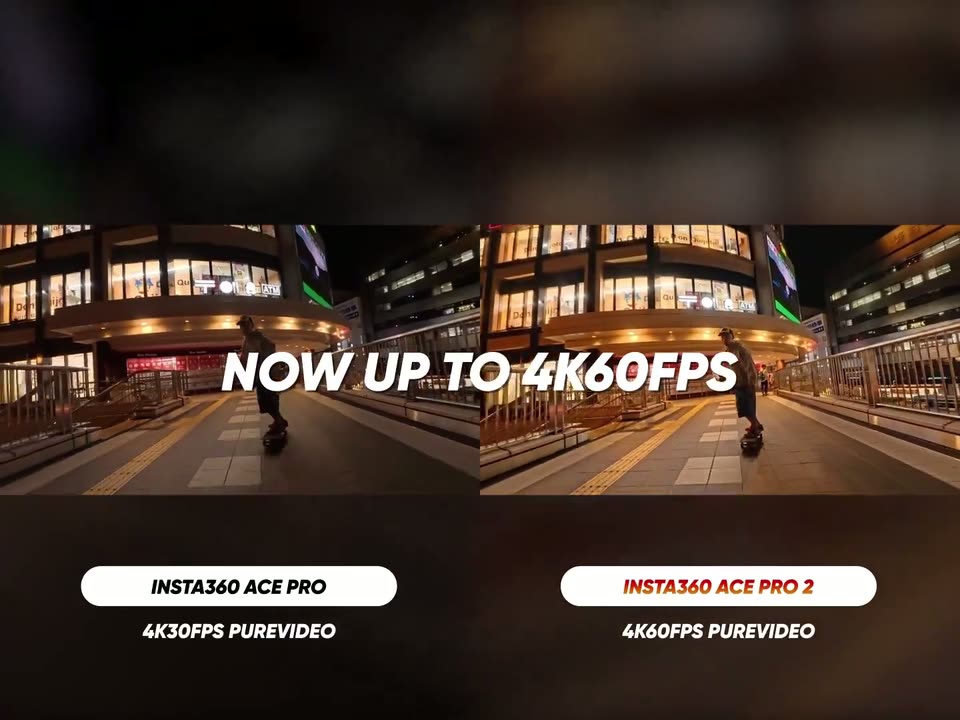 0:14–0:15Insta360 · Insta360 - Meet Insta360 Ace Pro 2, our brand-new 8K AI-powered action cam, co-eA night split screen shows a rider on a longboard on a city walkway, the left half darker and the right half brighter and warmer. The white italic headline sits across the center while two white pills label each side at the bottom.
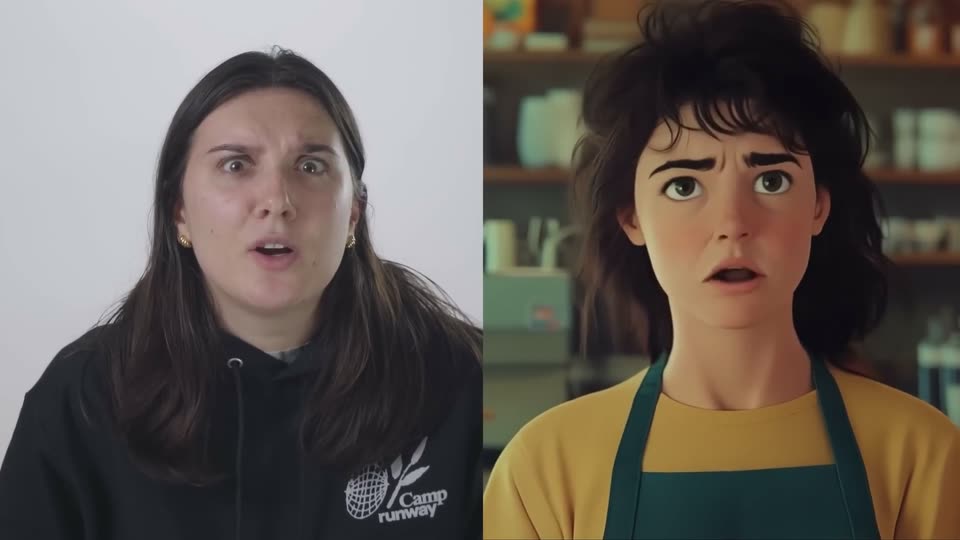 0:09–0:11Runway · Introducing Act-One | RunwayA split screen shows a live-action woman in a black hoodie on the left and a 3D-rendered twin in a yellow shirt and green apron on the right, set against a coffee shop shelf. Both mirror the same surprised expression, mouth open, then roll their eyes upward in unison.