Split screen
Several distinct areas shown at the same time, side by side.
5,630 scenes · page 46 of 94
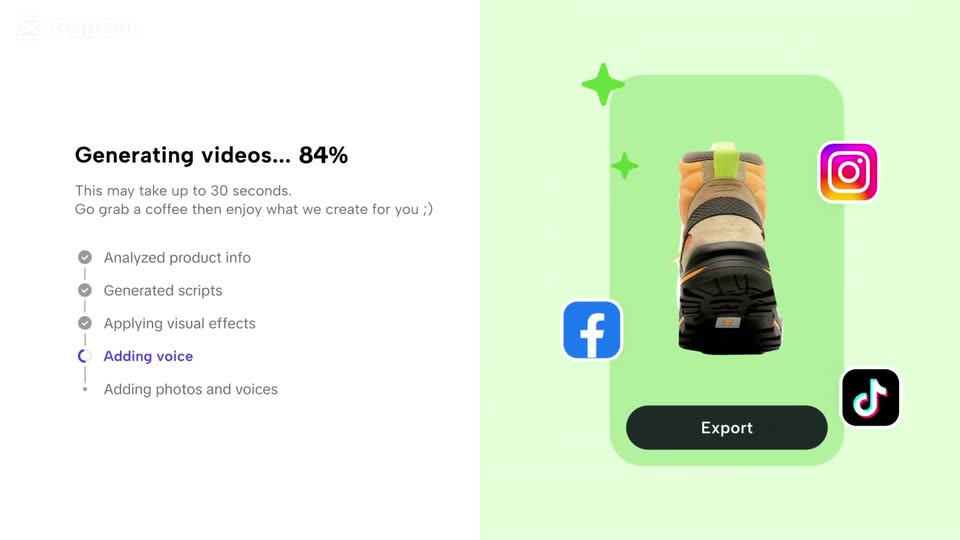 1:12–1:13CapCut · CapCut - Your all-in-one e-comm toolkit is here. Meet the new CapCut Desktop!A split-screen progress view: a checklist ticks off on the left as the counter climbs from 52 to 71 percent. On the right, an orange hiking boot spins on a green card ringed by social icons and an Export button.
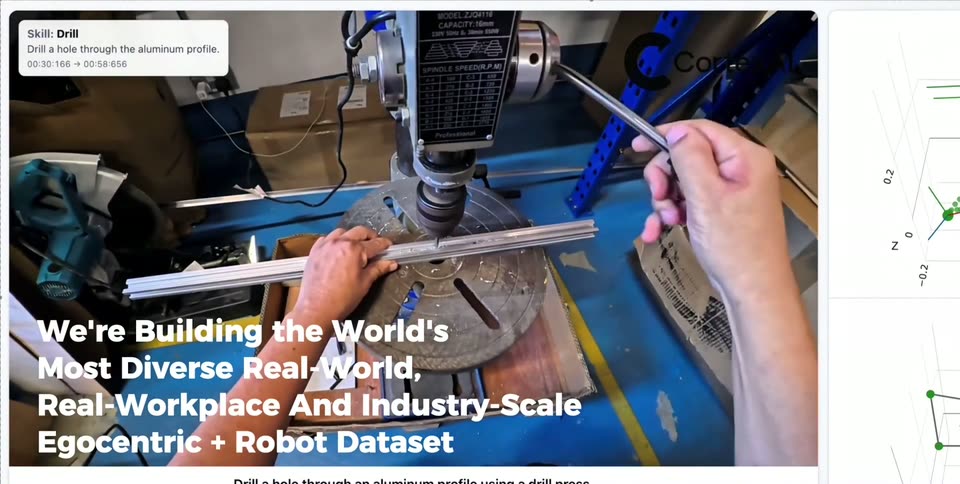 0:07–0:10Cortex AI · Cortex AI — Large-scale real-world robot & egocentric data for embodied AIFirst-person view of hands drilling through an aluminum profile on a drill press. A white 3D tracking panel with green axes on the right rotates as the bit descends, and a bold white headline sits at the bottom left.
 0:13–0:15ComplyDo · Compliance is CHAOS. ComplyDo (YC F25) - The most flexible enterprise compliance engine.A split screen shows a document, a calendar, and a Japanese text, which then transition to a phone chat interface and a calendar. The phone displays a message about a CISO not sleeping. The text 'Compliance becomes chaos' appears at the bottom.
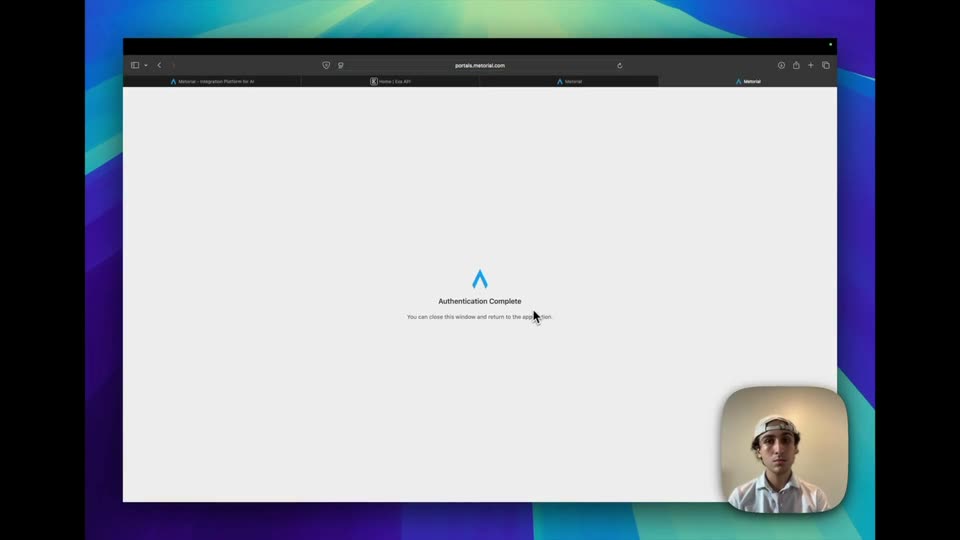 1:25–1:26Metorial · Introducing Metorial - YC F25A desktop screen recording on a colorful gradient wallpaper shows a browser window with a blue lambda mark and an Authentication Complete message, then cuts to a code editor pane beside that page. A small webcam box of a man in a cap sits in the bottom-right corner, and a mouse cursor rests on the page.
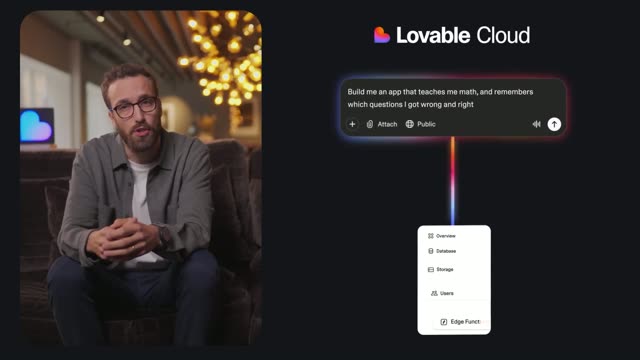 0:39–0:44Lovable · Introducing Lovable Cloud & AISplit frame: a bearded man sits on a couch left; right, a Lovable Cloud logo and chat prompt sit on a dark panel. A glowing line drops from the prompt as a white menu card with Overview, Database, Storage, Users, Edge Functions, Secrets, Logs assembles below, then the panel slides up.
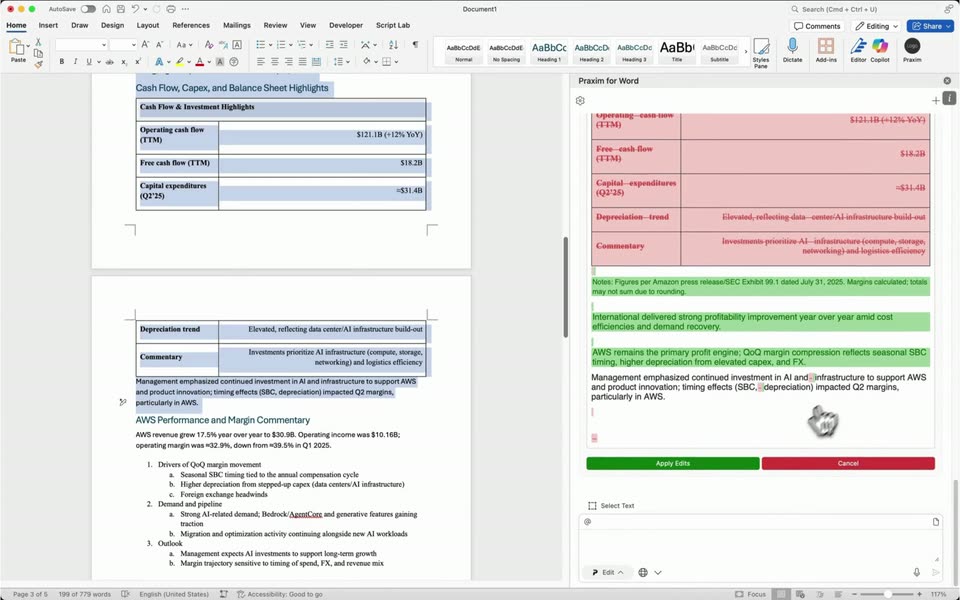 1:00–1:10Praxim · Praxim for Word DemoA Word document with financial tables sits left of a Praxm sidebar. A cursor clicks a prompt, the sidebar streams a suggested edit preview with green and red diff rows, then the consolidated table is inserted into the document and the page scrolls down.
 0:13–0:15Mesmer · Mesmer: The AI Operating System for Engineering • Vision VideoFour flat cards in a 2x2 grid on dark maroon: a red calendar ticking 10 to 11, shuffling code lines, chat bubbles, and a Launch button with a cursor, each under a white caption. A gray Tracking card slides in from the bottom left, covering the Talking to users card.
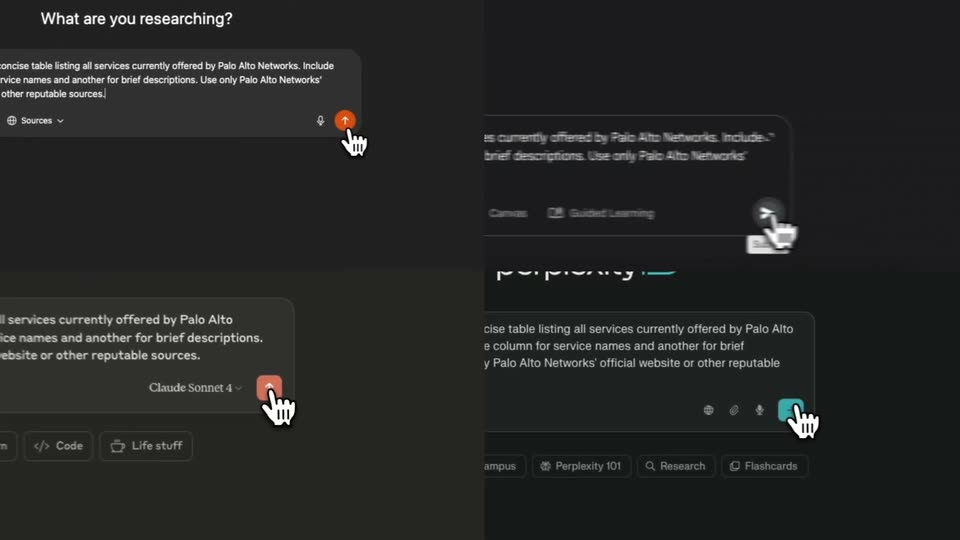 0:07–0:08Aviro · Cortex by AviroA split-screen view of a dark chat interface. On the left a hand cursor taps an orange send button under a research prompt; on the right a hand cursor taps a teal send button, both panels showing typed queries and model tags.
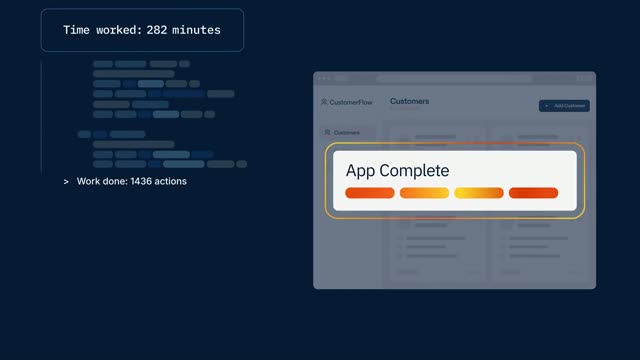 1:18–1:19Replit · Now Available: Replit Agent 3A dark navy frame shows a left code block with stat labels beside a right browser window of the CustomerFlow app that sharpens into focus. A white “App Complete” card with an orange outline overlays the window, its four orange pills cycling their fill.
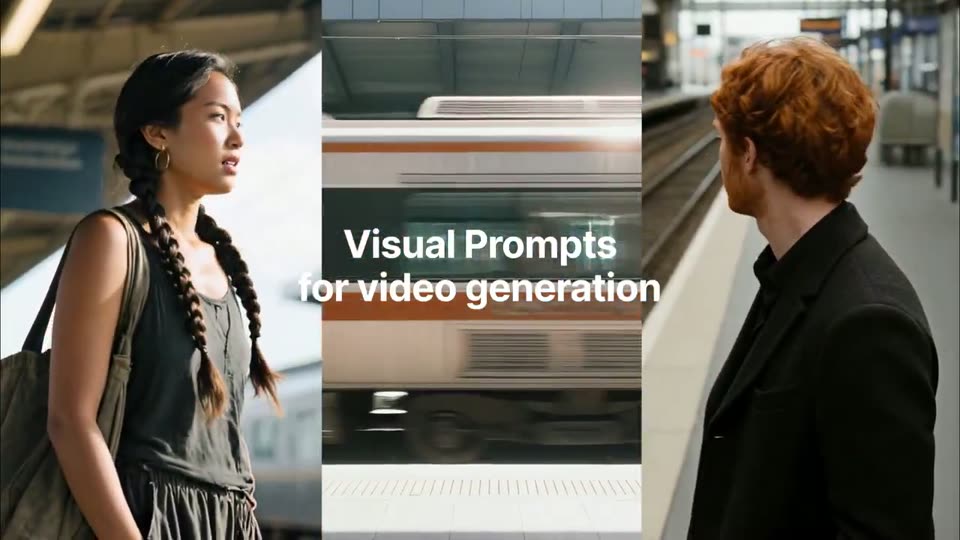 0:00–0:03Magnific · Magnific - NOW ON VIDEO: Visual Prompts Simply sketch the movement, add notes aThree vertical panels of station footage play side by side: a braided woman on the left, a train gliding past in the center, and a red-haired man on the right. The right panel brightens from black. A white title sits over the center panel.
 0:52–1:00Creatify AI · Aurora by CreatifyThree vertical panels show the same blonde woman in a bright bathroom, each holding a white ALOWE cream jar and talking to camera. A translucent pill labeled UGC sits over the right panel, and the creatify logo is locked in the bottom right corner.
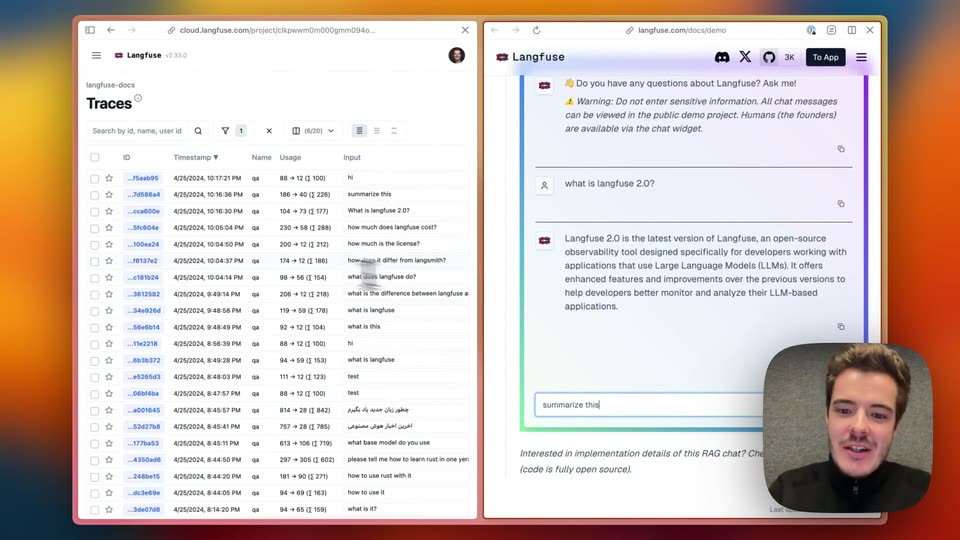 1:00–1:13Langfuse · Introducing Langfuse 2.0Two browser windows sit side by side over a gradient backdrop, with a presenter webcam in the corner. The shot zooms into the right chat panel as a cursor types a question and a prompt, then pulls back. The cursor clicks a left-table row, opening a detail timeline.
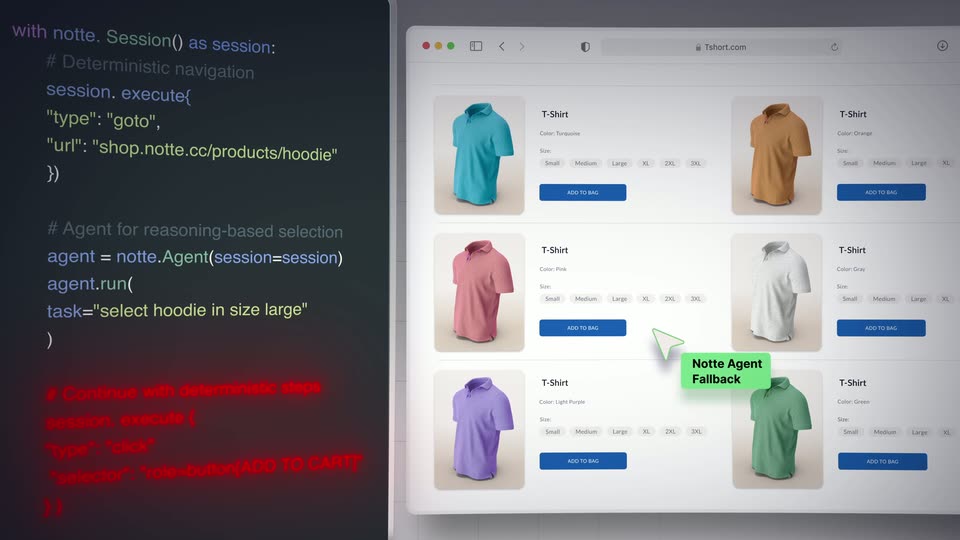 0:30–0:49Notte · Notte - Reliable Web Agent WorkflowsA code editor and a browser window sit side by side in 3D perspective. Code types in on the left while a labeled cursor clicks a size chip and a cart button on the right; the buttons turn blue and the cursor red, then a fallback label appears.
 0:33–0:34LangEase · BEST SaaS Brand Video Example | LangEaseA row of vertical video panels of people holding phones slides leftward across the frame; the center panel shows a phone screen with a social profile feed. Flag icons and the labels France, Portugal, and Japan ride along the bottom of each panel.
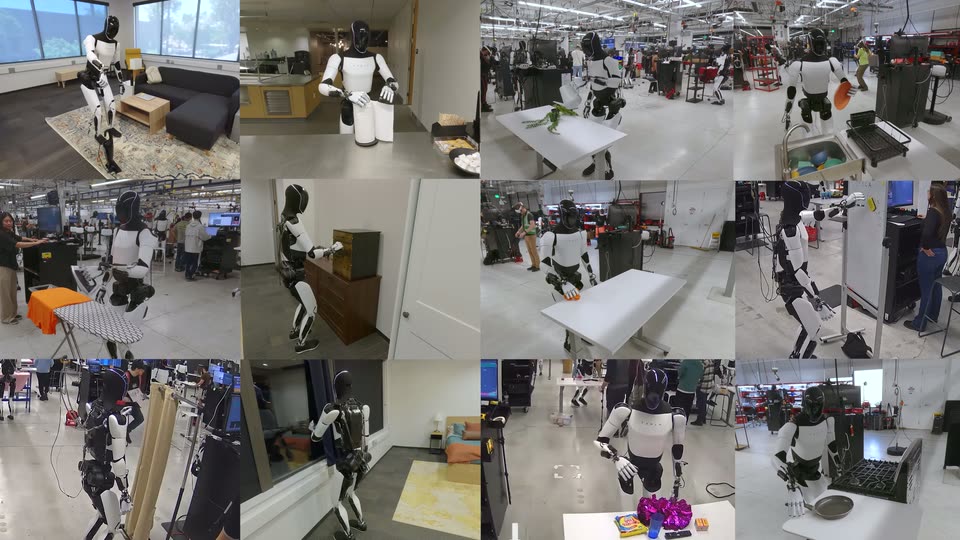 0:31–0:32Tesla · Sustainable Abundance | Master Plan Part IVA 4 by 3 grid of live action clips plays humanoid robots folding, carrying and cleaning across living rooms and factory floors. Each panel moves independently while the montage holds fixed on screen.
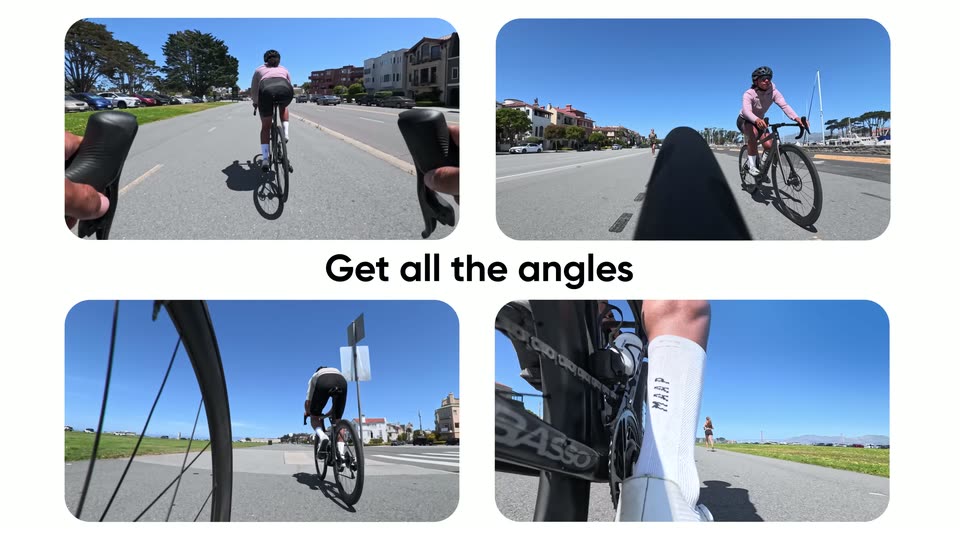 0:49–0:52Insta360 · Meet Insta360 GO Ultra - The Tiny 4K Cam Built for the MomentA 2x2 grid of cycling footage plays at once, each panel showing a rider from a different camera mount: handlebar, front, wheel and low frame. The headline sits centered between the rows on a white background.
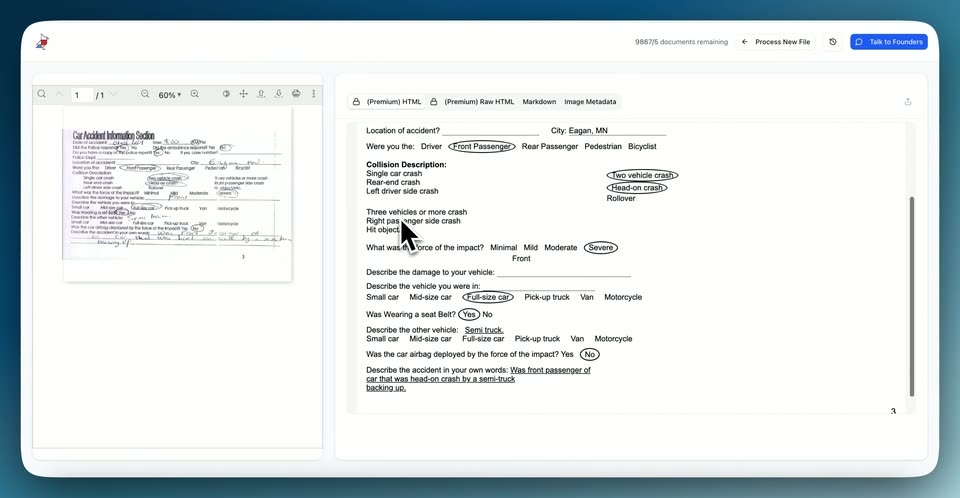 0:05–0:06Cardinal · cardinal demoA split-screen document viewer shows a scanned handwritten accident form on the left and extracted text with circled answers on the right. A cursor hovers over the right pane while the extracted text scrolls to earlier fields.
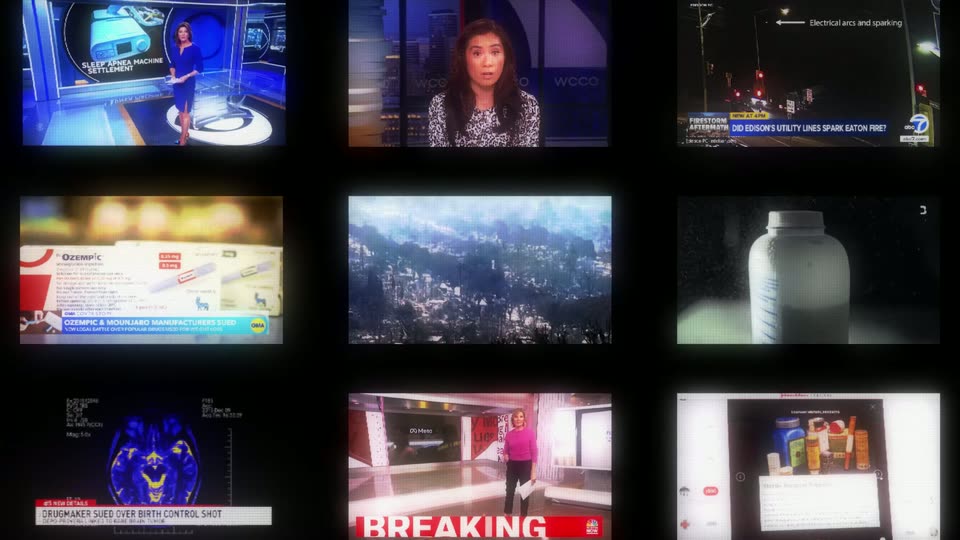 0:08–0:09Kalinda · Kalinda Launch VideoA 3x3 grid of news clips on black shows a wildfire, a smoky city skyline, a news anchor, a white bottle, a brain scan, and a studio set, each cell edged with a soft glow. The montage drifts slowly while the clips play.
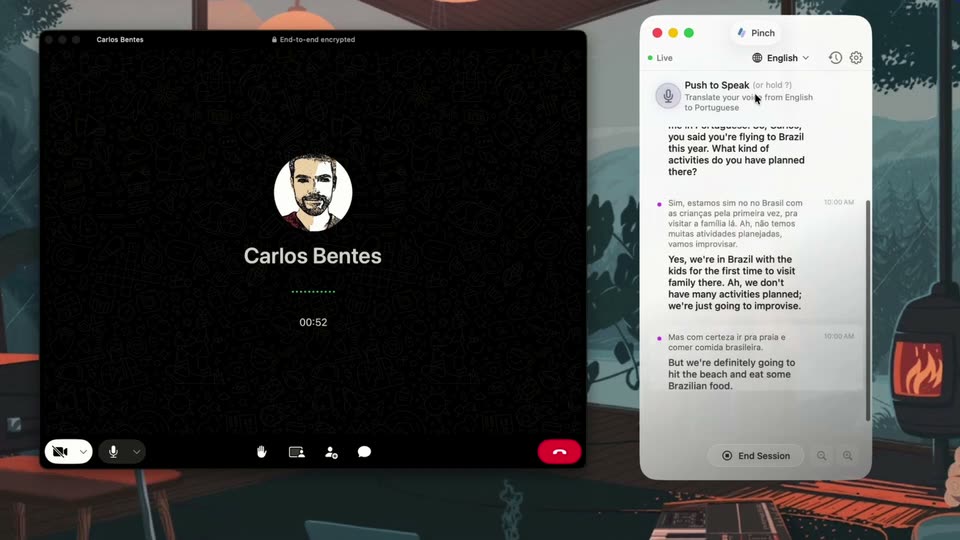 0:29–1:11Pinch · Pinch for MacA dark video call window and a light Pinch translation panel sit side by side over an illustrated room. The call timer counts up while Portuguese and English messages stream into the panel; a cursor clicks the mic button, turning it green, and English captions appear at the bottom.
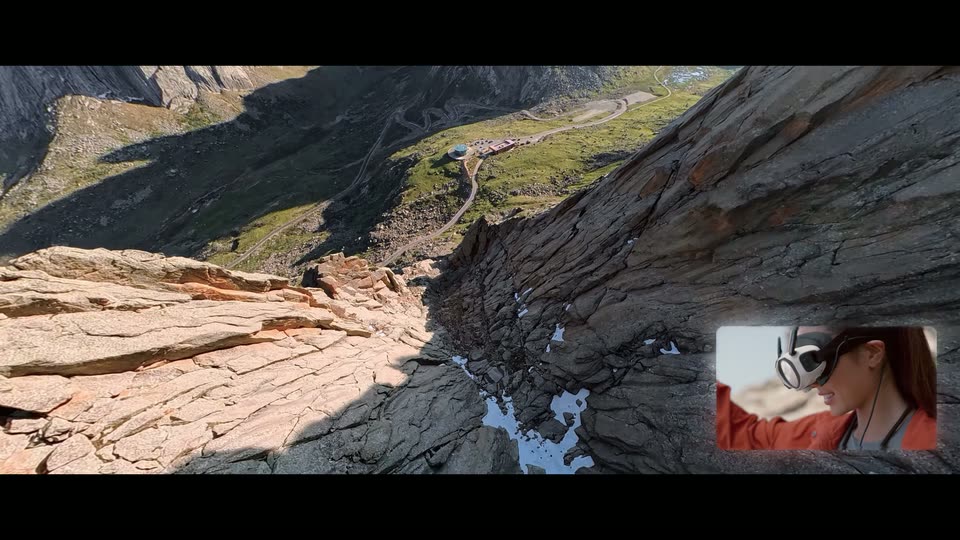 1:10–1:11Antigravity A1 · Meet Antigravity A1 — The 8K 360 DroneA first-person drone view plunges down a sunlit rock face toward a green valley, snow patches clinging to the stone. In the lower right, a small inset shows a woman in an orange jacket adjusting her FPV goggles.
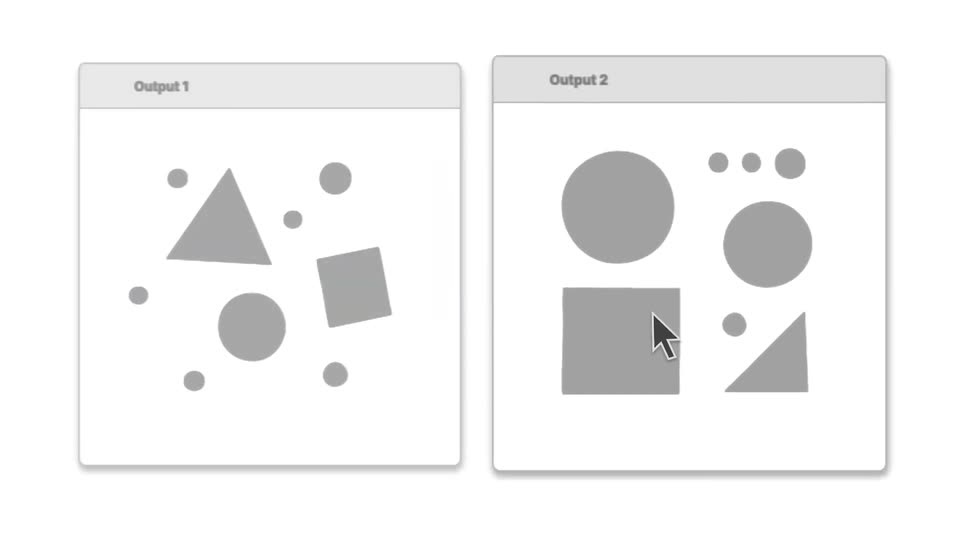 0:31–0:32LLM Stats · ZeroEval (YC S25)Two white cards sit side by side, titled Output 1 and Output 2. The left card holds scattered gray circles, triangles and squares; the right card arranges the same shapes in a grid, a black cursor resting on a square. The left card drifts a few pixels.
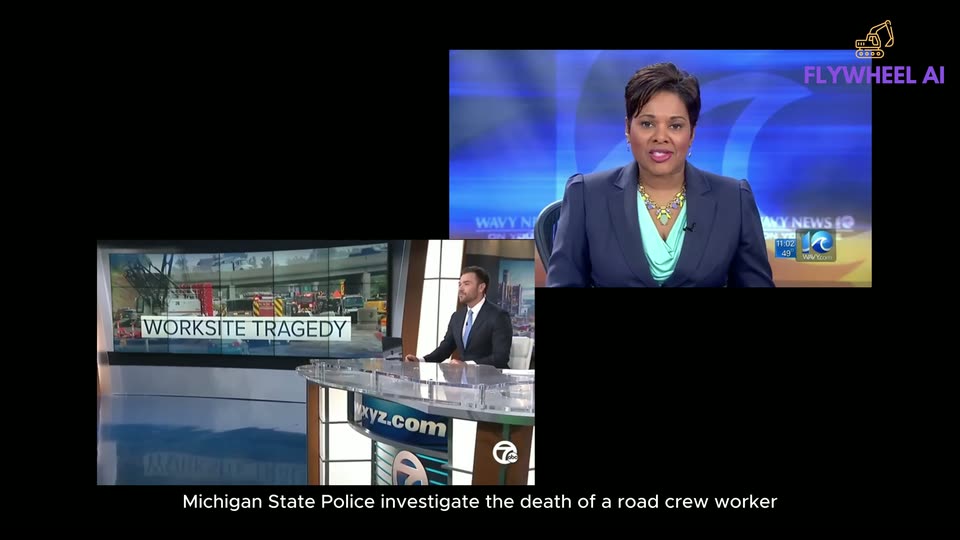 0:09–0:11Flywheel AI · Flywheel AI (YC S25) Launch VideoTwo news clips sit side by side on black: a female anchor in a blue studio top right, a male anchor at a desk with a worksite backdrop bottom left. A FLYWHEEL AI logo marks the top right corner, and a white caption runs along the bottom.
 0:17–0:18Synthetic Society · Synthetic Society Launch VideoTwo interface panels, a chat card on the left and a terminal on the right, sit side by side. The camera pushes in on them while the white phrase faster than ever stays fixed across the center.
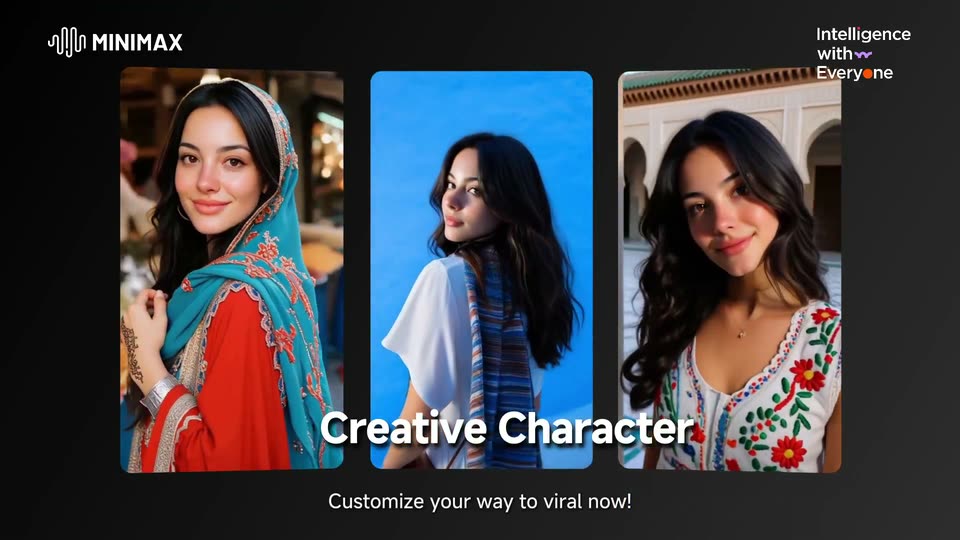 0:36–0:37Hailuo · MiniMax Design (H3) - 🚀 Hailuo Agent Templates just leveled up 🎬 Editable Storyboards are hThree vertical portrait cards of the same woman in different outfits sit side by side on a black background, the right card flipping between looks. A white headline and a smaller tagline sit centered below the cards.
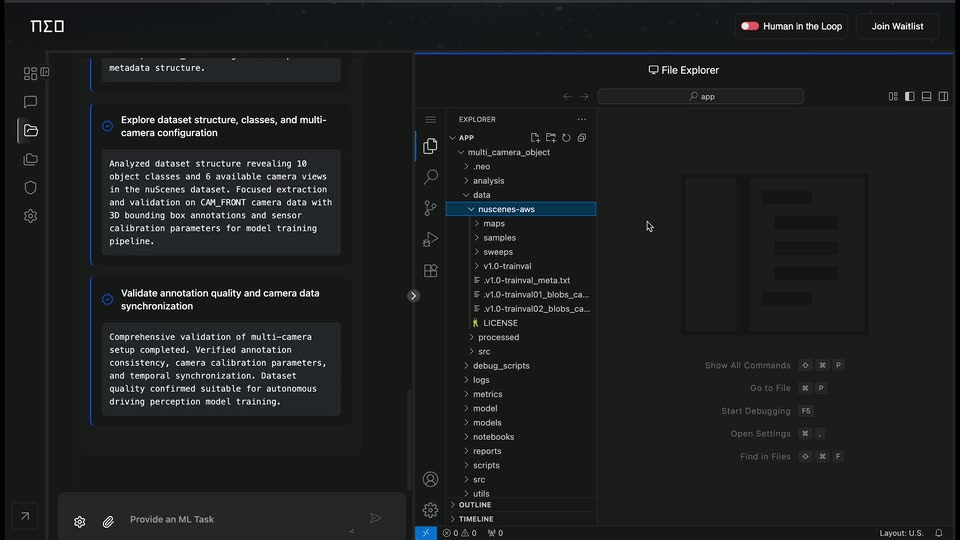 1:07–1:18Neo AI · Neo AI - Introducing NEO: The first Agentic Machine Learning Engineer. It worA dark product UI split into two panels. Left: a chat feed scrolls up, revealing @Executor execution logs and dataset summary cards. Right: a file explorer tree expands step by step from the data folder to nuScenes-aws subfolders while a cursor hovers over each entry.
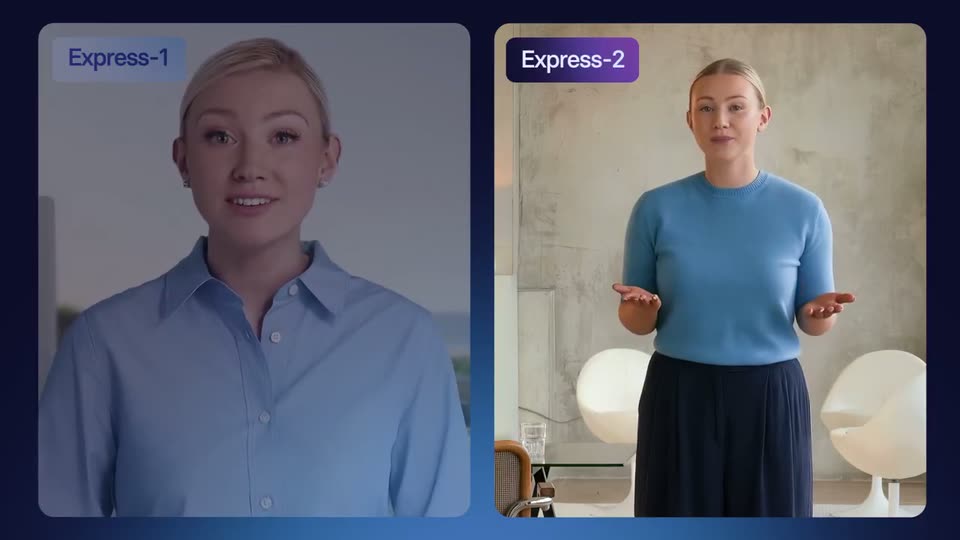 0:15–0:16Synthesia · Synthesia 🎥 - Say hello to Express‑2 — our new, full-body AI avatars that move, gesA dark navy frame holds two rounded panels side by side, each showing the same blonde presenter in a blue top. The left panel is a dim close-up labeled Express-1; the right is a brighter wide shot labeled Express-2, where she holds both hands open and gestures. The labels stay fixed in the top corners.
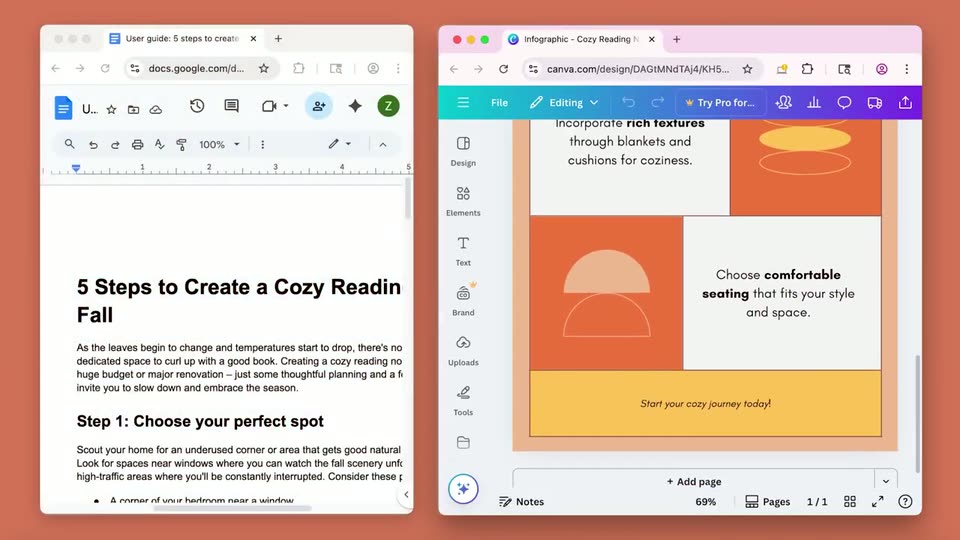 0:36–0:38Anthropic · Anthropic - Turn written content into professional designs with Claude + @canvaTwo flat browser windows sit side by side on a solid coral background, a Google Doc on the left and a Canva infographic on the right. Both scroll slowly, revealing the document's heading and the infographic's orange and yellow text blocks.
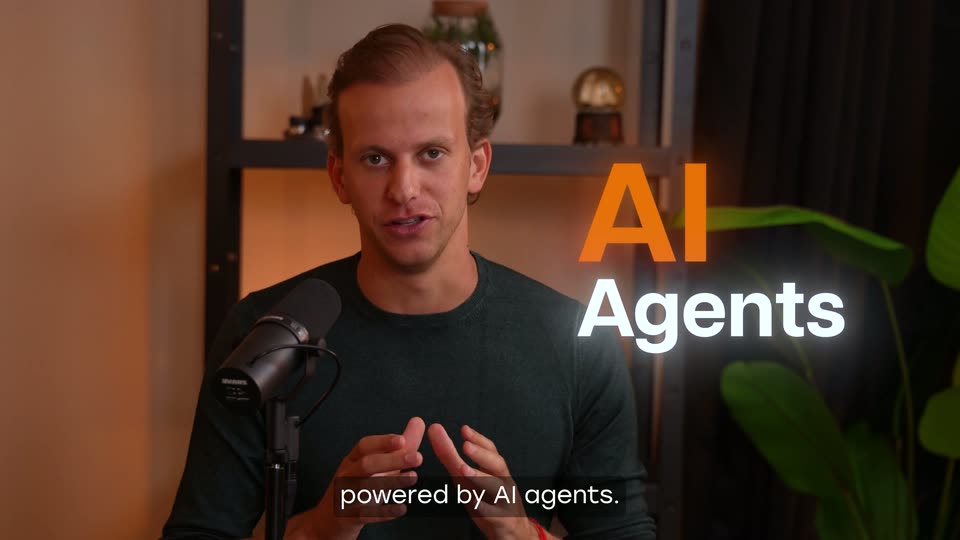 0:08–0:21Submagic · Submagic - Today, we’re launching the world’s first short-form video editing APIA man speaks into a mic on the right as a left panel scrolls short-video clips, then flips to a blue icon pattern with a big orange '+3M USERS' stat. The panel vanishes, 'AI Agents' and 'Submagic API' text pop in over the speaker as the camera pulls back.
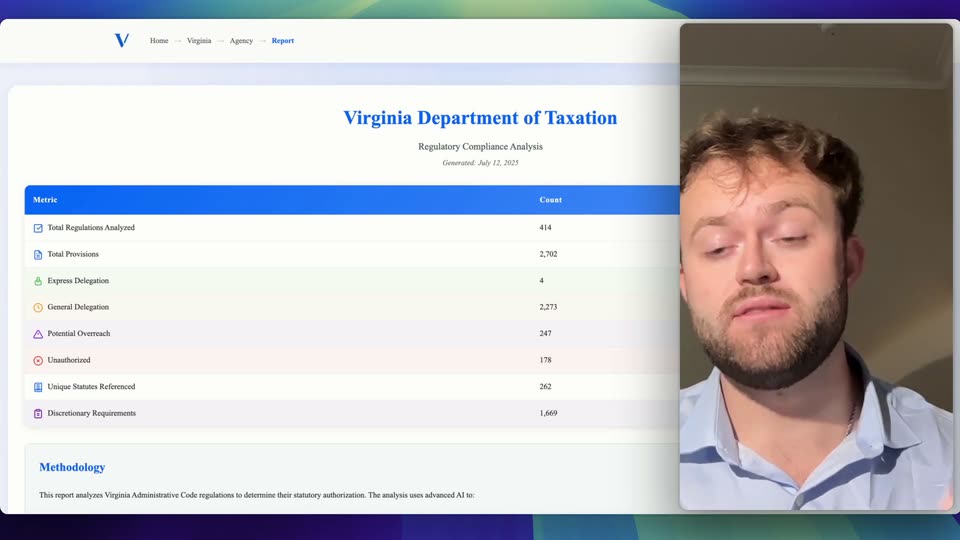 0:44–1:16Vulcan Technologies · Virginia Required Our Product by LawA split screen shows a static compliance report on the left and a talking presenter on the right. A cursor moves to the Unauthorized row, then the view zooms into the metrics list while the man gestures.
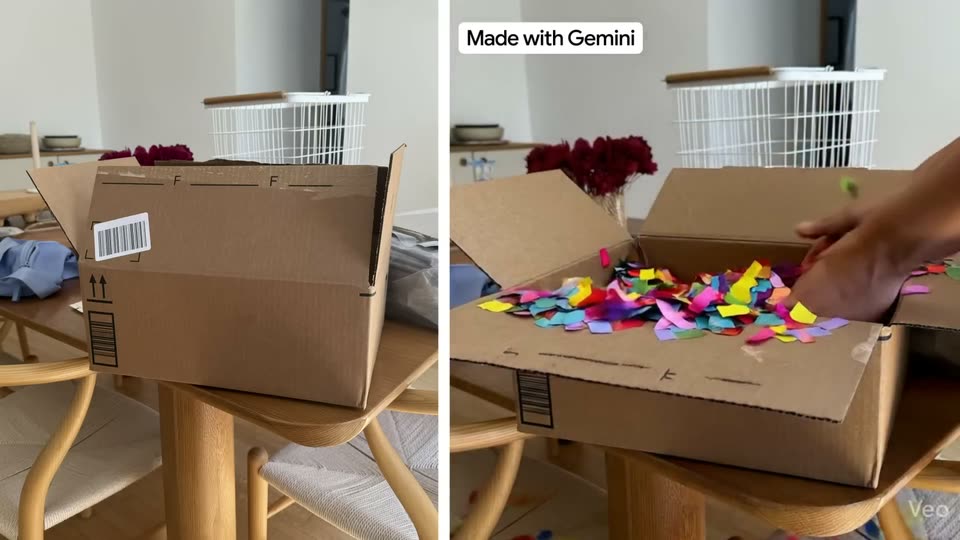 0:01–0:02Google · Turn your photos into videos using Veo 3 in GeminiA split screen shows a cardboard box on a wooden chair. On the left, the box is closed. On the right, the box is open, and colorful confetti pops out as a hand reaches inside.
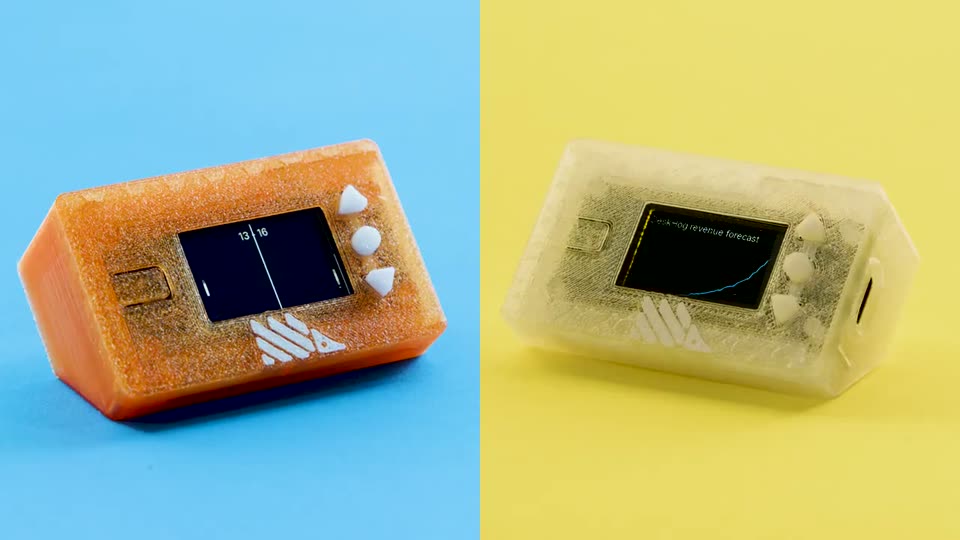 2:23–2:26Posthog · PostHog - Introducing... DeskHog! DeskHog is an open-source, 3D printed, palTwo translucent 3D-printed handheld devices sit side by side on split blue and yellow backgrounds. The orange left unit's screen ticks numbers up beside 16, while the clear right unit's screen shows a rising line chart labeled DeskHog revenue forecast.
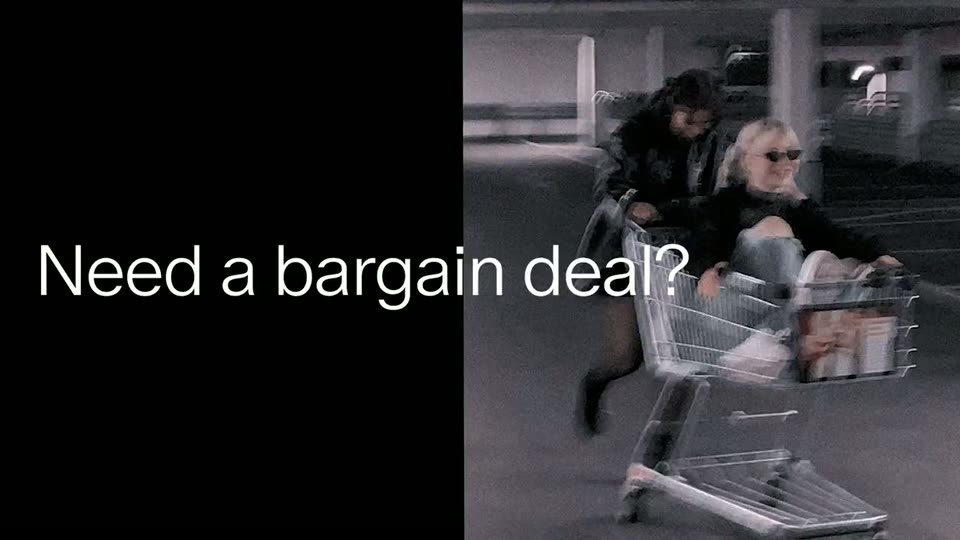 0:01–0:02The Browser Company · Dia - Need inspiration? There’s a /skill for that. 🖼️ Dia Skills Gallery vSplit frame with a black left panel holding the white caption and a grainy monochrome shot on the right: a dark-haired woman pushes a shopping cart with a seated blonde woman in sunglasses through a parking garage.
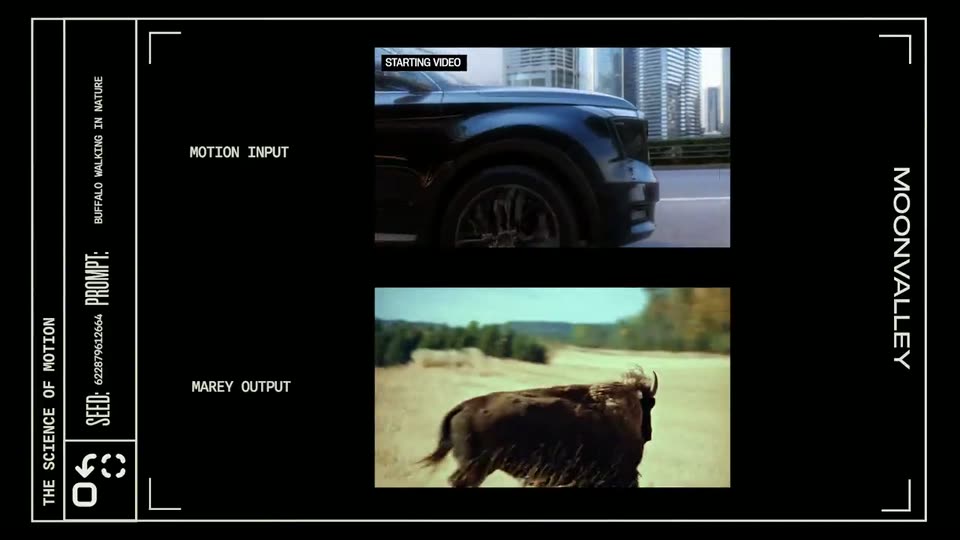 0:16–0:18Marey · Moonvalley - Copy the motion, change the scene. Motion transfer for Marey lets yA static black layout with white corner brackets and vertical side text frames two stacked video clips: a black SUV driving through a city on top, a buffalo walking in a field below. White monospace captions label them MOTION INPUT and MAREY OUTPUT.
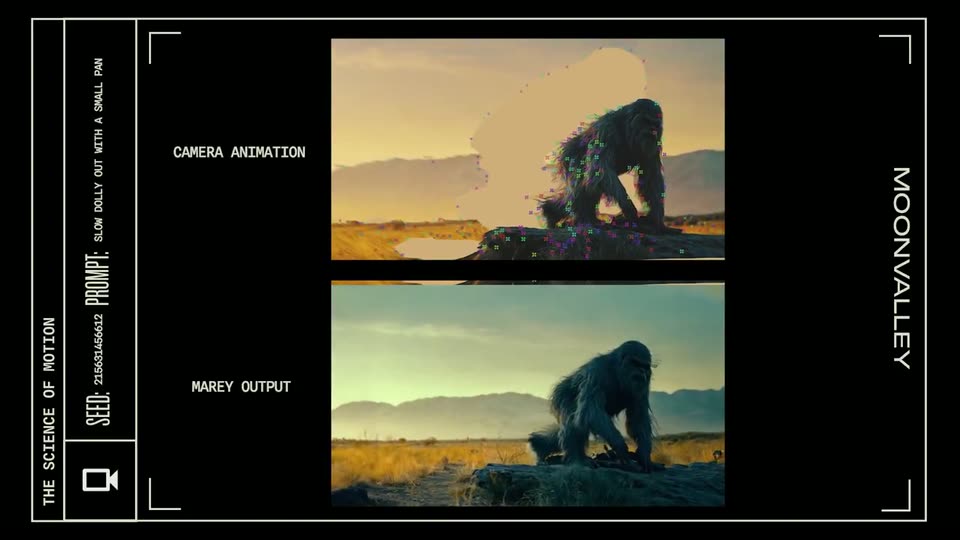 0:29–0:31Marey · Moonvalley - Most AI tools generate footage. Marey helps you direct it. Marey givA black technical frame with corner brackets holds two stacked video panels. The top, labeled CAMERA ANIMATION, shows a hairy figure on a rock overlaid with colored tracking markers; the bottom, MAREY OUTPUT, shows the same figure clean. Vertical text runs down the left and right edges.
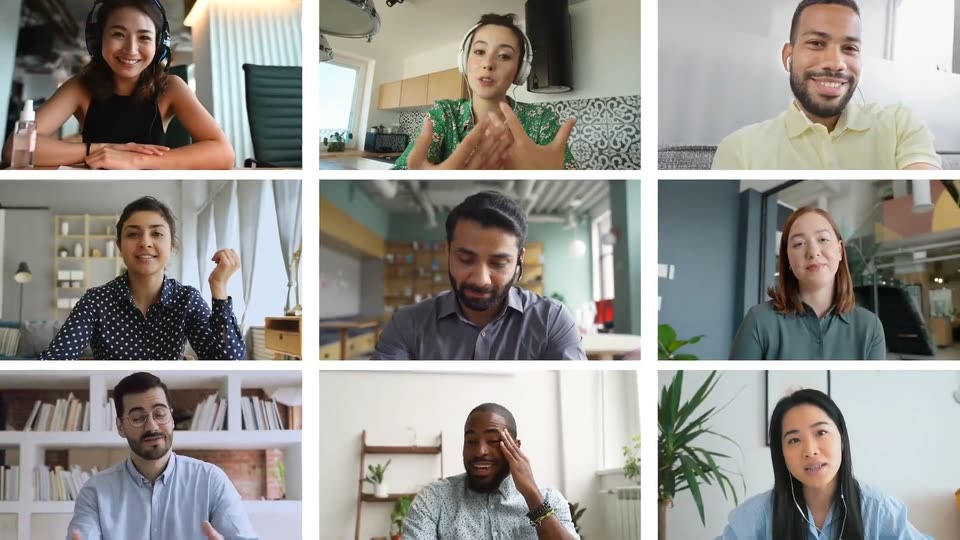 0:05–0:07Motives · Motives AIA video call grid fills the frame. It begins as a few large tiles separated by wide white gaps, then multiplies into dozens of small tiles of people in headsets, talking and smiling, the gaps narrowing until the screen is packed with participants.
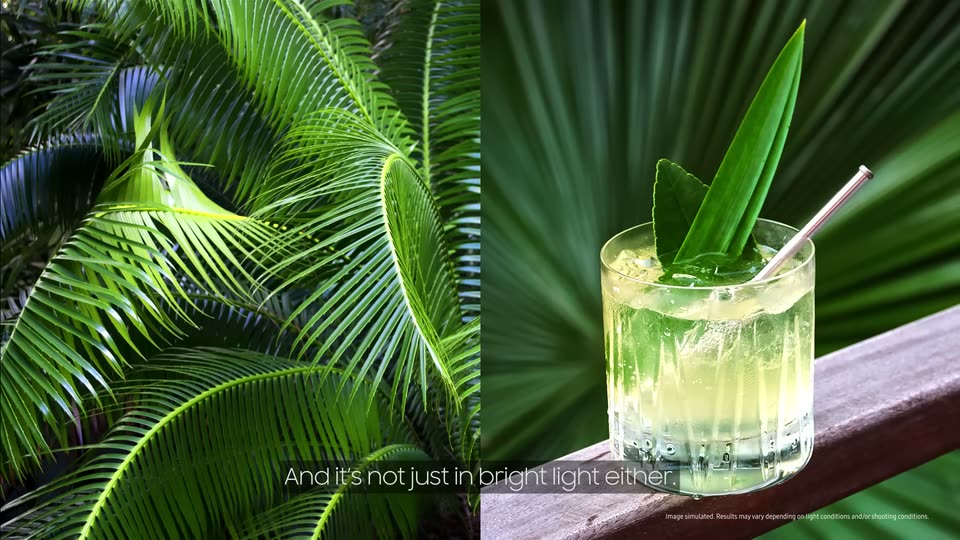 3:16–3:19Samsung · Introducing Galaxy Z Fold7 | Galaxy AI | SamsungA locked-off split screen shows green palm fronds on the left and a short cocktail glass on a wooden railing on the right. White caption text at the bottom changes from “the light, the detail with such clarity” to “And it's not just in bright light either.”
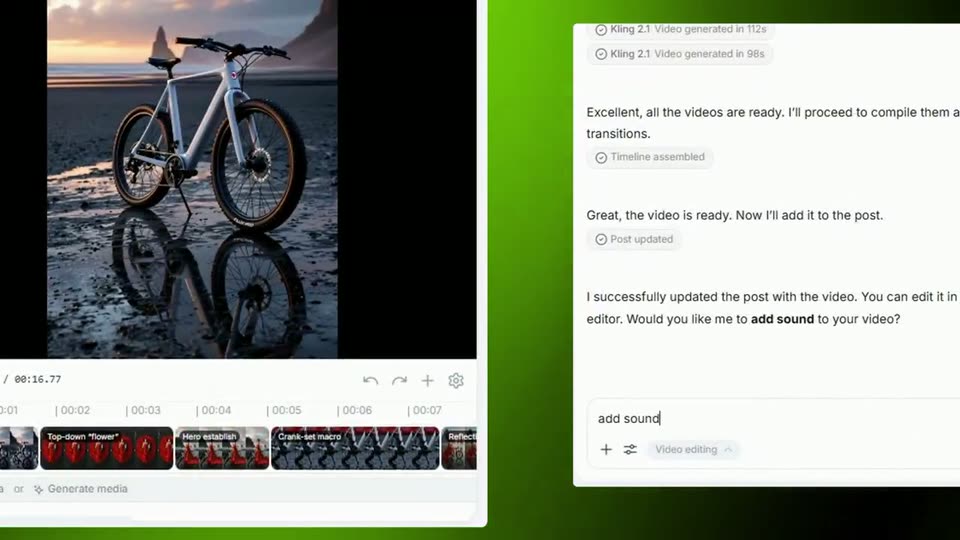 0:25–0:26Scade · scade.xyz - Meet Scade. The first full-cycle marketing system Forget the 30-persA green screen shows the product interface split into two panels: left, a video editor with a beach bicycle preview and thumbnail timeline; right, a chat log where an assistant reports compiling and publishing the video as add sound is typed into the input field.
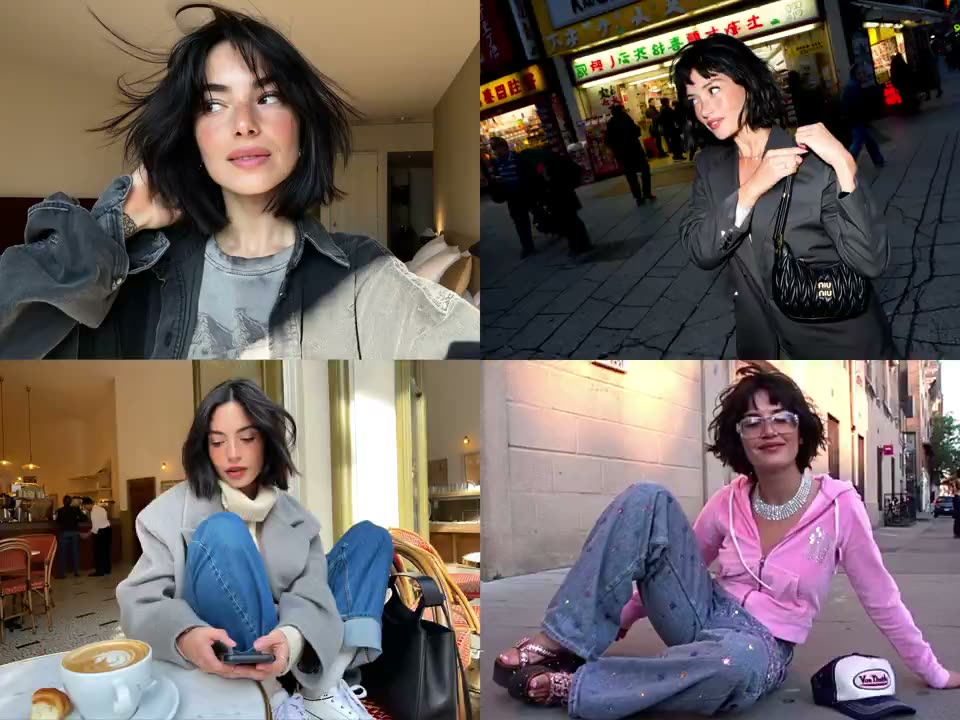 0:06–0:07Higgsfield · Higgsfield AI 🧩 - Higgsfield Soul is now FREE for everyone. Just unlocked Daily Free GA four-panel grid of lifestyle photos shows the same short-haired woman in different settings. The top three panels are present from the start, while the bottom-right panel, a seated woman in a pink hoodie, fades in from black.
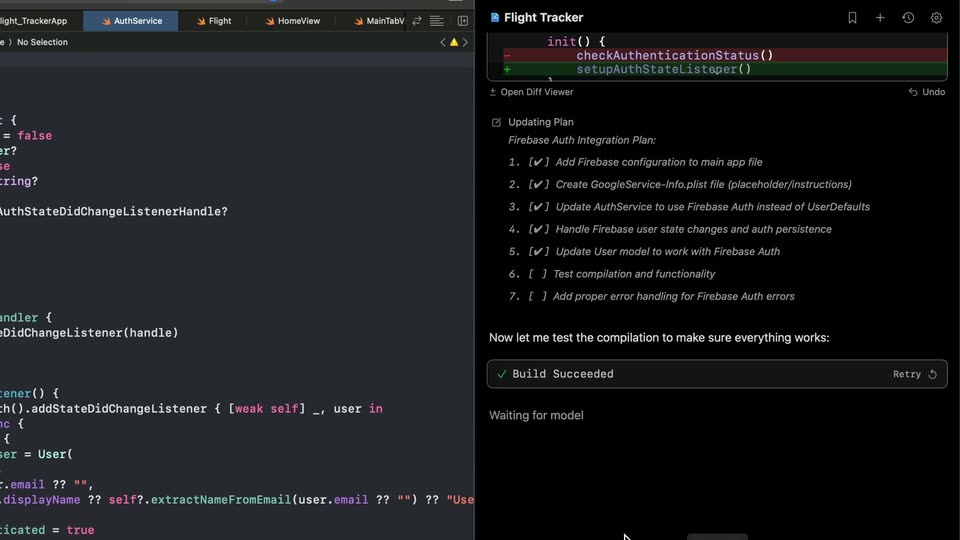 0:20–0:32Alex · Alex - Xcode AI Coding AssistantA split-screen IDE shows Swift code on the left and an AI assistant on the right. The assistant's diff scrolls, a seven-step plan checks off, a status flips from Compiling to Build Succeeded, then the title Interleaved Thinking fades in over the code.
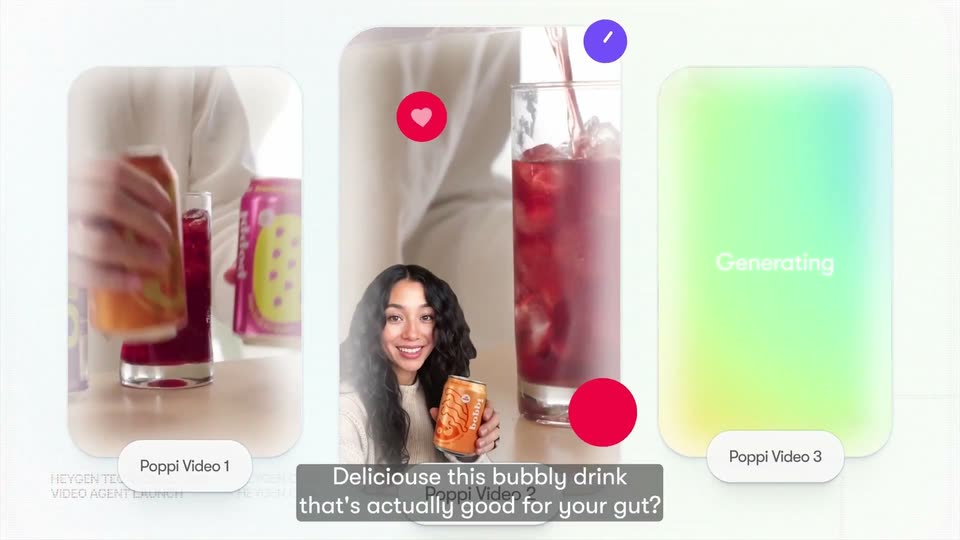 0:08–0:11HeyGen · Joshua Xu - Today we’re introducing you to the future of video. The world’s firsThree phone cards sit side by side on white. The left and middle cards play clips of a hand pouring a red drink and a woman holding an orange can; the right stays a green-to-yellow gradient marked Generating. A gray caption bar at the bottom updates mid-scene.
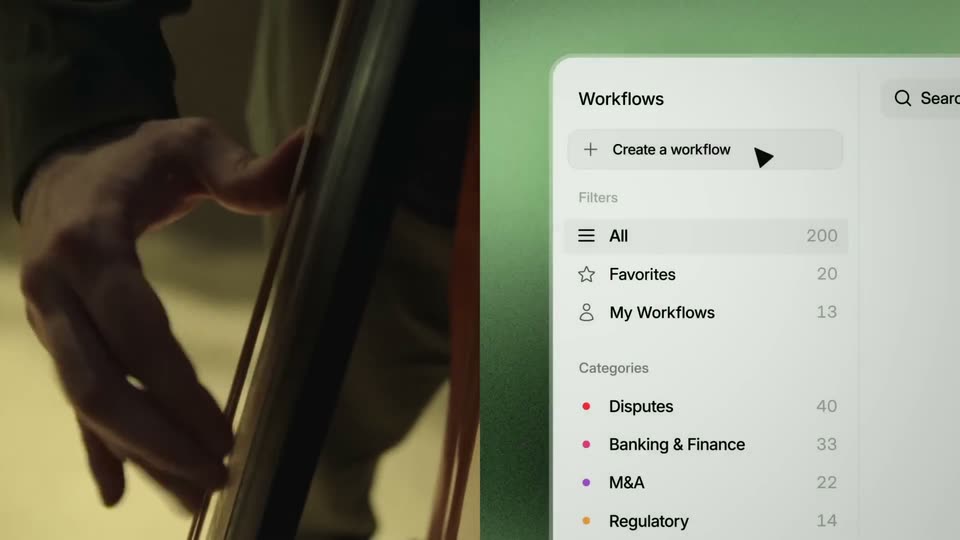 0:05–0:07Legora · Legora Workflows - The orchestration layer for legal workA split screen shows a hand gripping a vertical pole on the left and a workflows interface on the right, where a cursor moves to the create button.
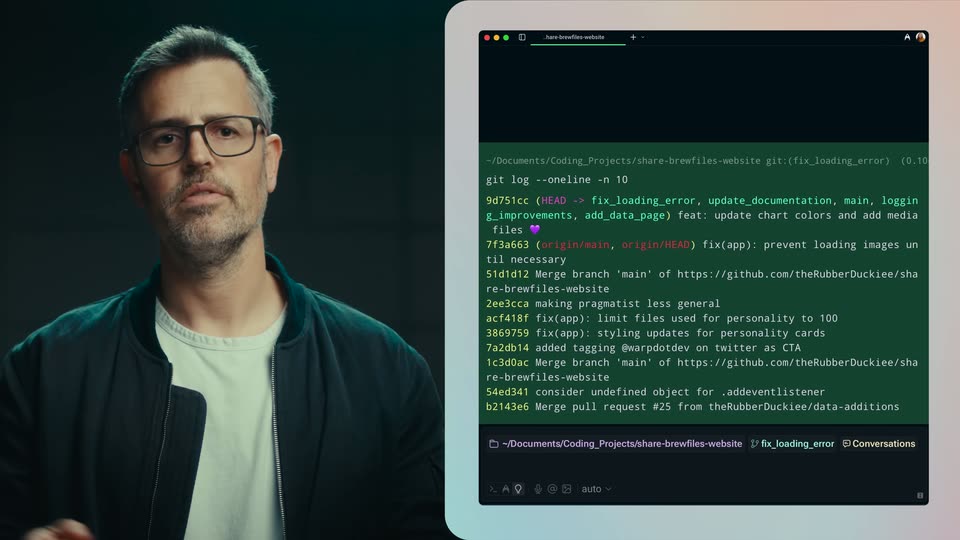 0:13–0:16Warp · Introducing Warp 2.0: The Agentic Development EnvironmentA man in a dark room talks and gestures on the left while a 3D terminal window on the right types a git log command, then fills with a list of commit history lines.
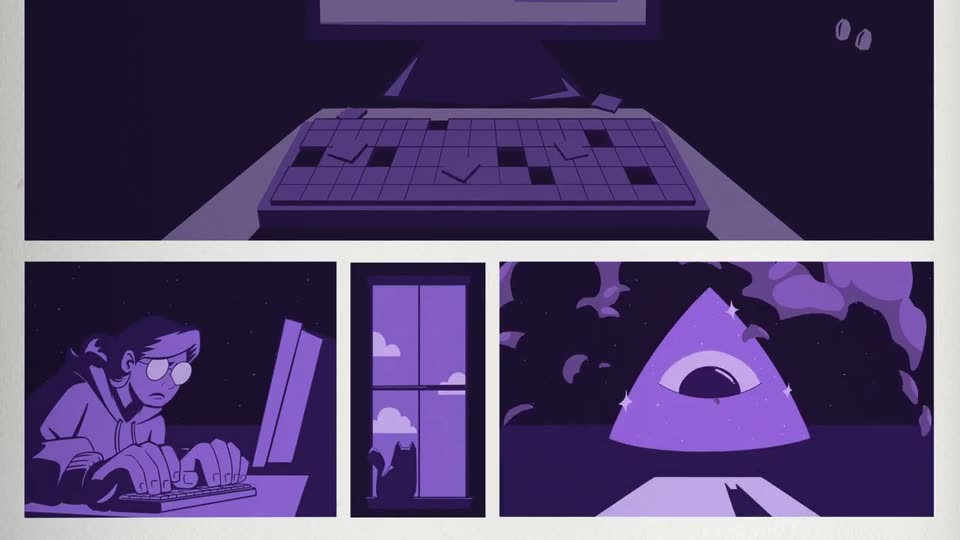 0:08–0:13Sentry · Sentry - Seer, Sentry’s AI debugger, is now generally available. It taps intoA purple comic layout fills the frame: a top panel shows a broken keyboard under a monitor, lower panels show a developer typing, a window with a cat, and a dark space where an eye rises from smoke. The panels then shatter and fly apart, revealing more comic frames.
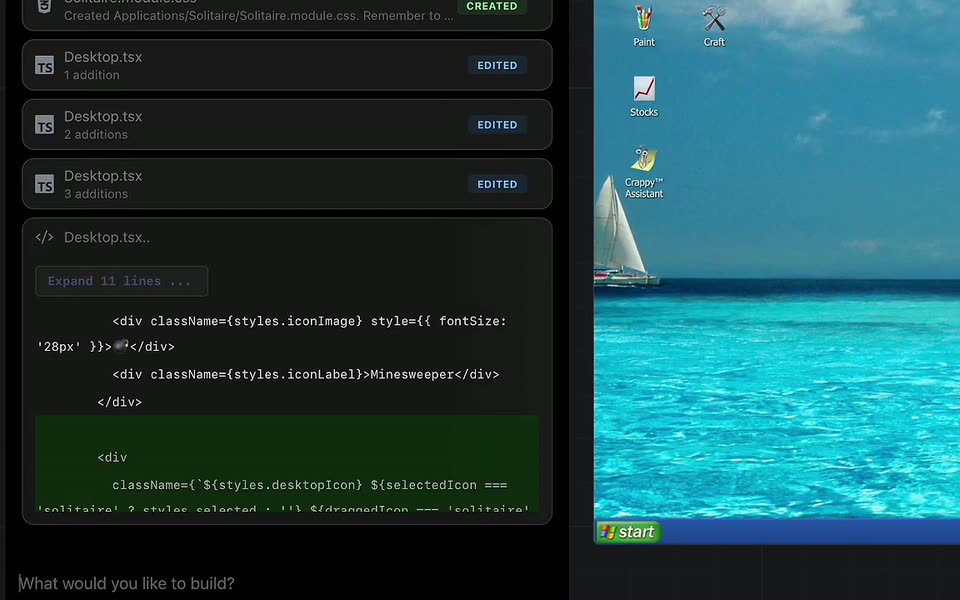 1:23–1:24Sharpe · Introducing Solar by LumenaryA split view pairs a dark assistant panel on the left with a Windows XP desktop on the right. The left file list scrolls up, revealing a new CREATED entry and a green highlighted code block, while the XP desktop with its sea wallpaper stays static.
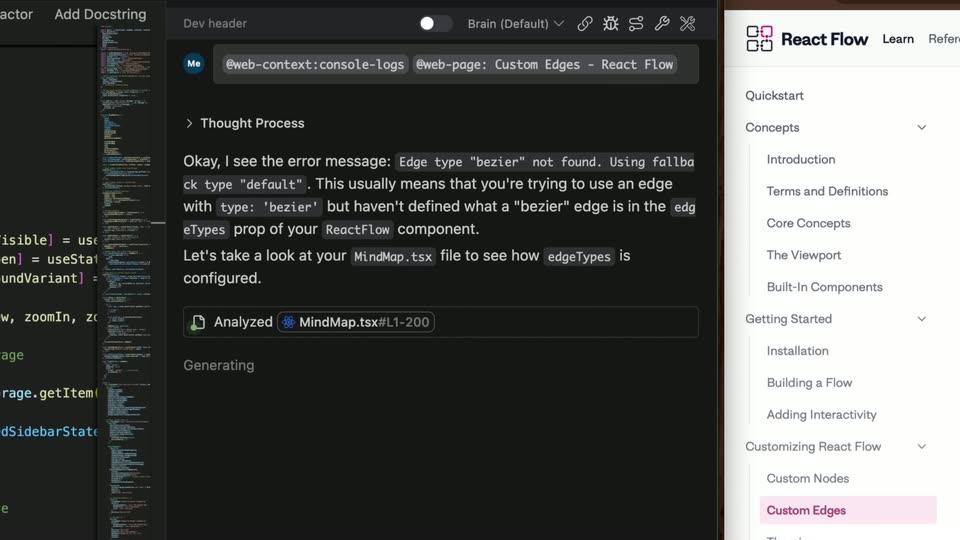 0:40–0:50Windsurf · Windsurf Wave 10 – Day 2: Windsurf BrowserA docs page resolves from horizontal motion blur into focus, then the frame pulls back to a side-by-side code editor and browser window. It zooms into an AI chat panel that types an error diagnosis, then cuts to a seated presenter against a yellow backdrop.
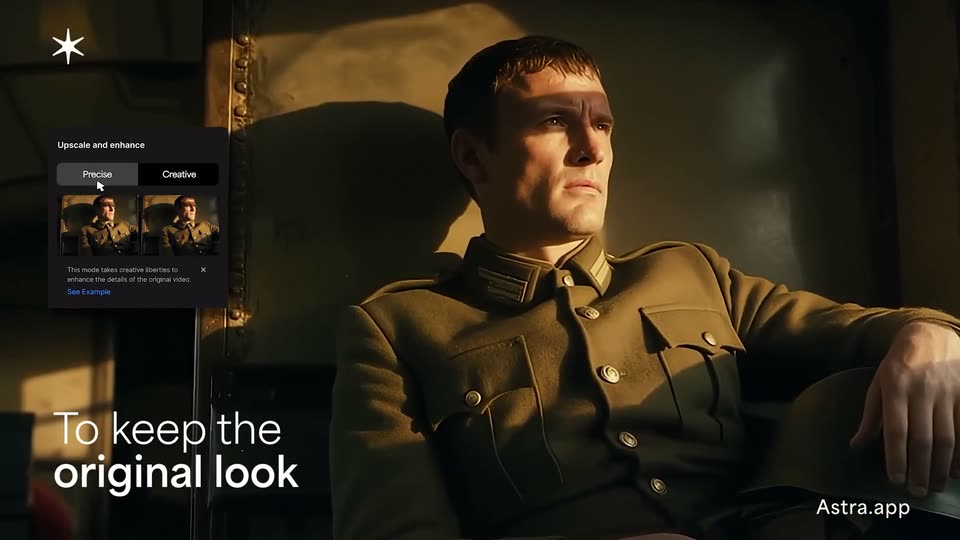 0:27–0:30Topaz Labs · Topaz Labs - 🚀BIG NEWS! We’re launching Astra: the first-ever creative upscaler foA warm film still of a seated man in a military uniform fills the frame, divided by a thin vertical line. A dark upscale panel fades in at left with the cursor on 'Precise', and the caption 'To keep the original look' fades in at the bottom left.
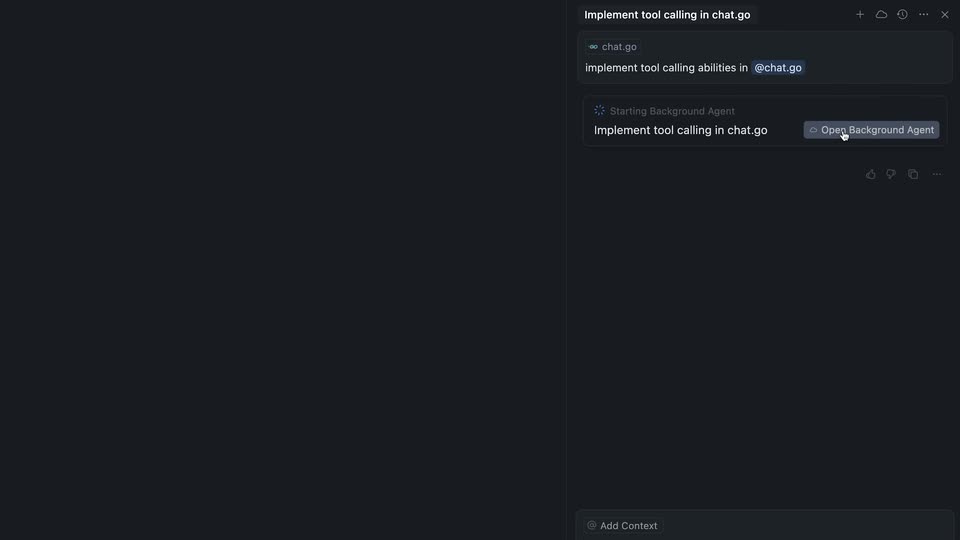 1:04–1:06Cursor · Meet Cursor 1.0A dark agent interface opens a left workspace beside the right chat panel. A cursor moves to the Open Background Agent button while monospace terminal logs fill the left pane.
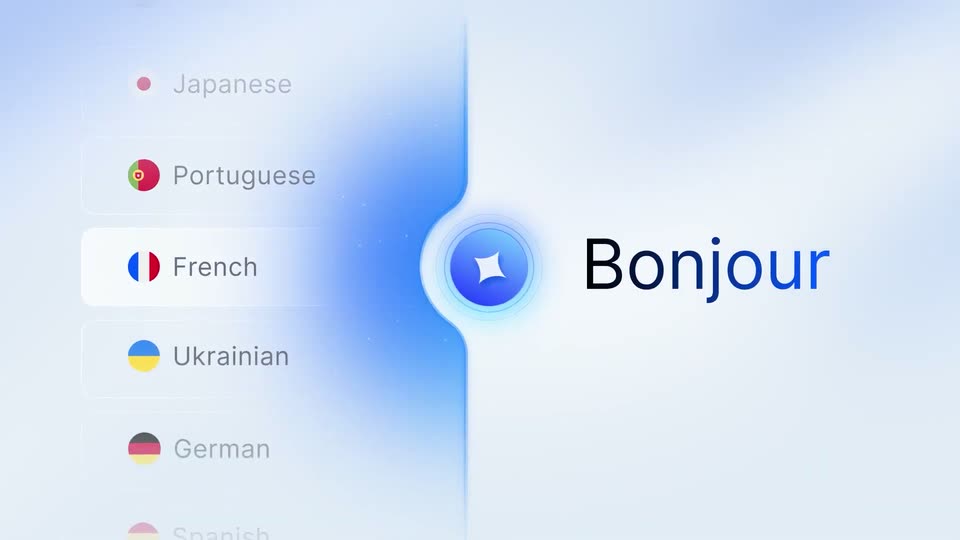 0:23–0:27LangEase · B2B Corporate Video Ad Example for SaaS Companies | LangEaseA list of language cards with flag icons scrolls upward along the left edge of a pale blue interface. A glowing blue round button sits on a vertical light beam in the center, and a greeting on the right changes from Japanese to Portuguese to Ukrainian in step with the scroll.
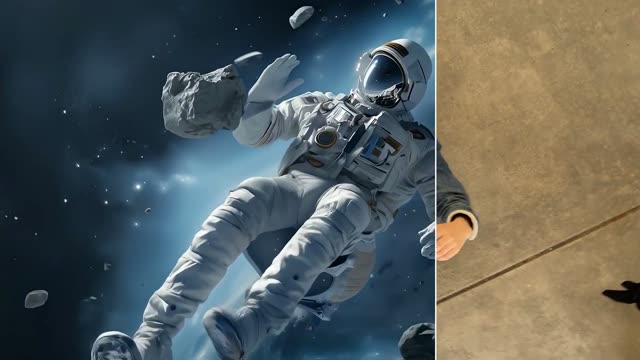 0:15–0:16Luma AI · Luma AI - Introducing Modify VideoTop-down split screen: a 3D-rendered astronaut drifts among asteroids in space on the left while a man in a denim jacket lies on a concrete floor on the right, his body cross-dissolving into the spacesuit as the white divider shifts.
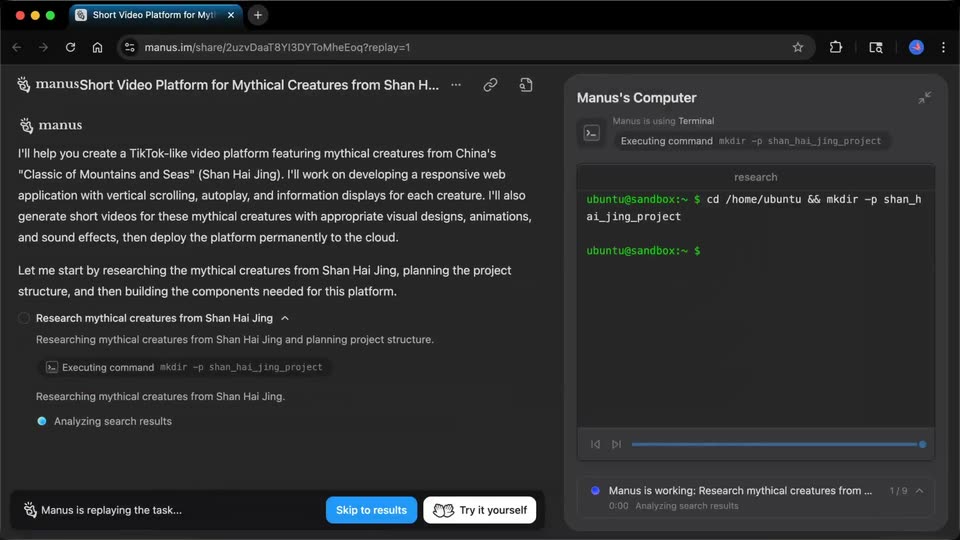 0:44–0:45Manus · Manus - Introducing Manus video generation. Manus transforms your prompts inA dark chat screen resolves from a ghosted double of the prompt into a two-column layout. The left holds the task brief and a checklist, the right a terminal panel printing commands and a filling progress bar.
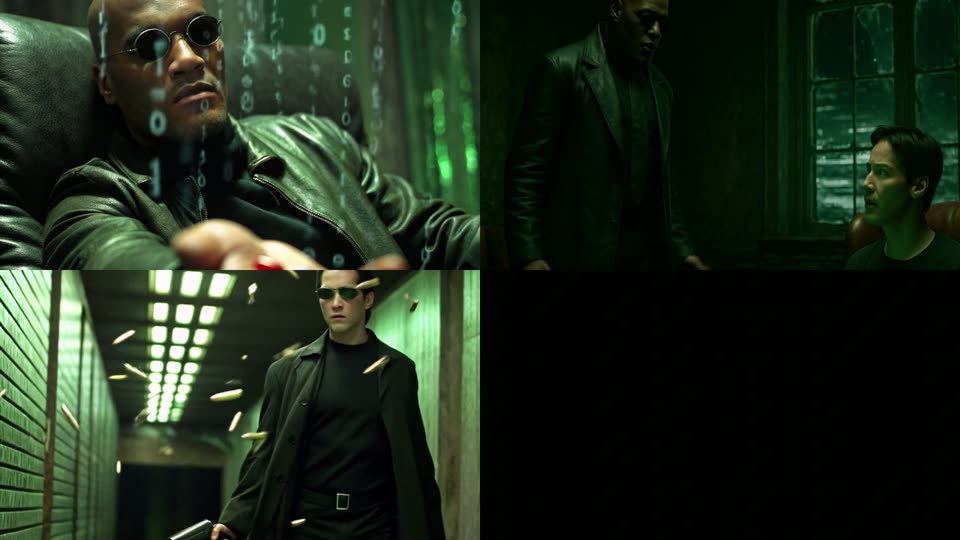 0:35–0:36Flowith · Flowith - flowith neo is now open to everyone. no more codes hunting. gen anytA three-panel split screen shows green-tinted live action clips: a bald man in sunglasses seated in a chair, a man standing beside a seated man, and a man walking a corridor as casings fly. The fourth panel stays black.
 0:12–0:21Leeroo · Leeroo Continuous Learning AgentsA bearded man in a gray blazer speaks to camera in a right-side video panel while the orange Leeroo wordmark slides into place on the left. The lines on-prem, Trainable, AI Agents appear one by one below it, then a small curved tagline fades in.
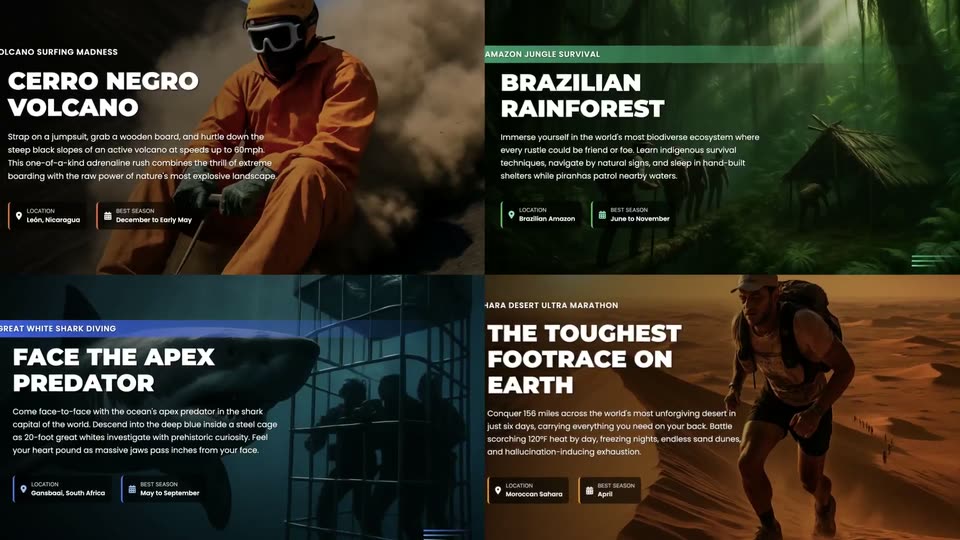 0:30–0:31Manus · Manus - Today, we are introducing Manus slides! Manus creates stunning, struA 2x2 grid of four adventure slide cards fills the frame: volcano surfing, jungle survival, shark diving, desert marathon. Each card pairs a photo with a bold white headline, body copy, and location and season chips. The grid holds static.
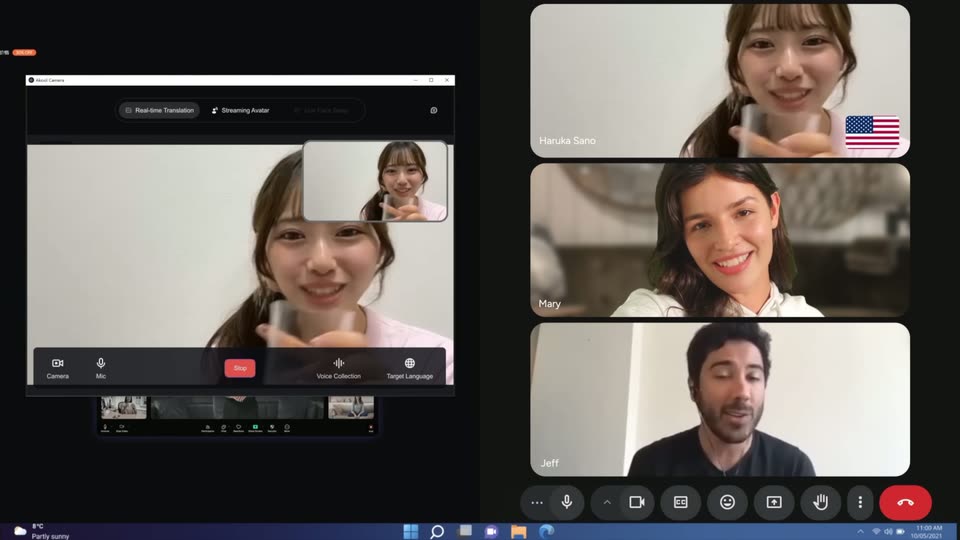 1:34–1:38Akool Inc · Introducing Akool Live Camera: Real-Time AI Video CreationA static screen recording splits the frame: the Meet Camera app on the left shows a woman holding a glass of water with a small inset mirroring her, while a three-person call grid sits on the right. She drinks, smiles, and a cursor hovers over the Real-time Translation tab.
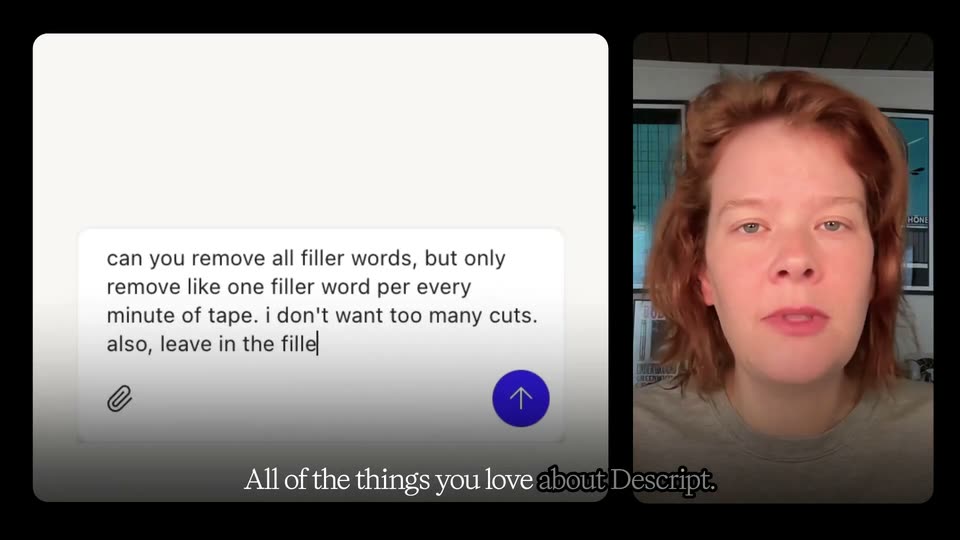 0:41–0:46Descript · Meet the Underlord: Descript's Open Beta Feature DropSplit screen: left, a chat prompt field types out a request to remove filler words one per minute; right, a red-haired woman speaks to camera. White serif captions at the bottom swap line by line with the voiceover.
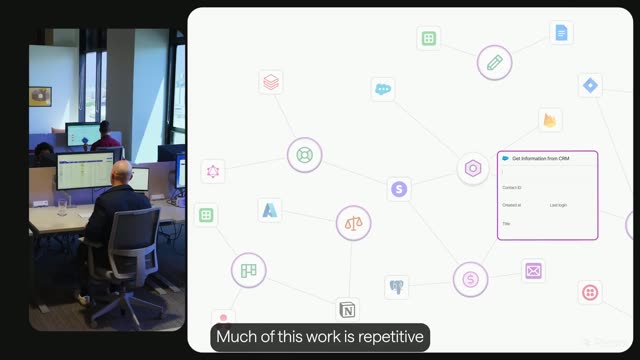 0:26–0:50Retool · Introducing Agents from RetoolSplit screen compares a filmed office on the left with an animated network of app icons on the right. The left panel shrinks to a strip as the graph expands, and task cards pop in between nodes.
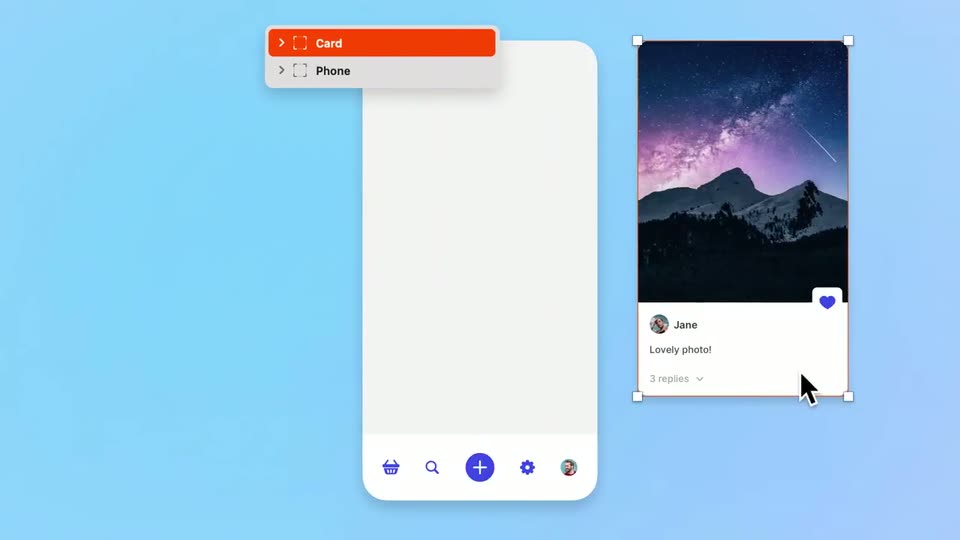 0:11–0:12Sketch · Sketch - Remember when we said auto layout was coming to Sketch? It’s here. ItA lavender canvas with a Frame square and a purple circle splits into a blue right half. The circle exits, the square shrinks to the top-left, and a white card with a mountain photo and a comment slides in from the right under a Card and Phone toolbar.
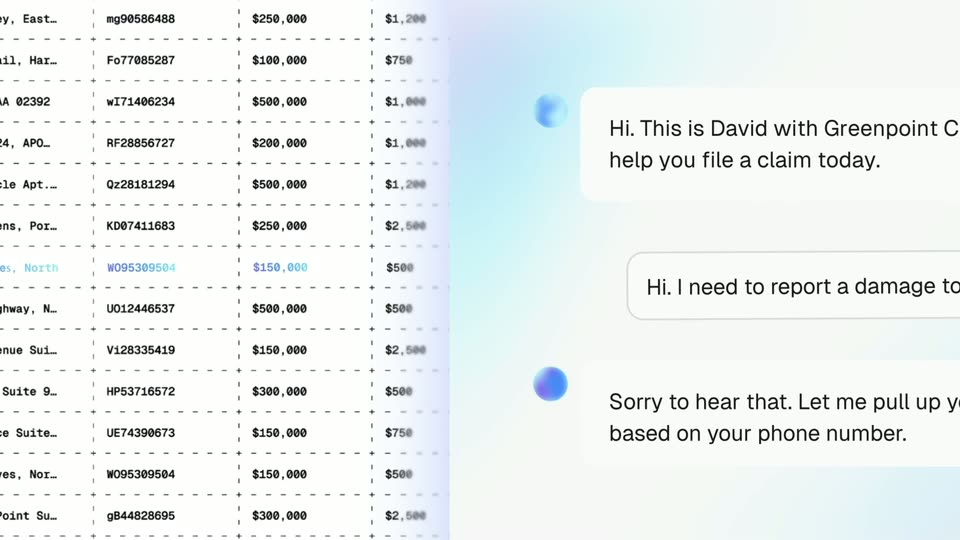 0:49–0:51Avallon AI · Introducing Avallon AIA split view shows a data table on the left scrolling upward through names, phone numbers, codes and dollar amounts, while a chat conversation with message bubbles stays fixed on the right.
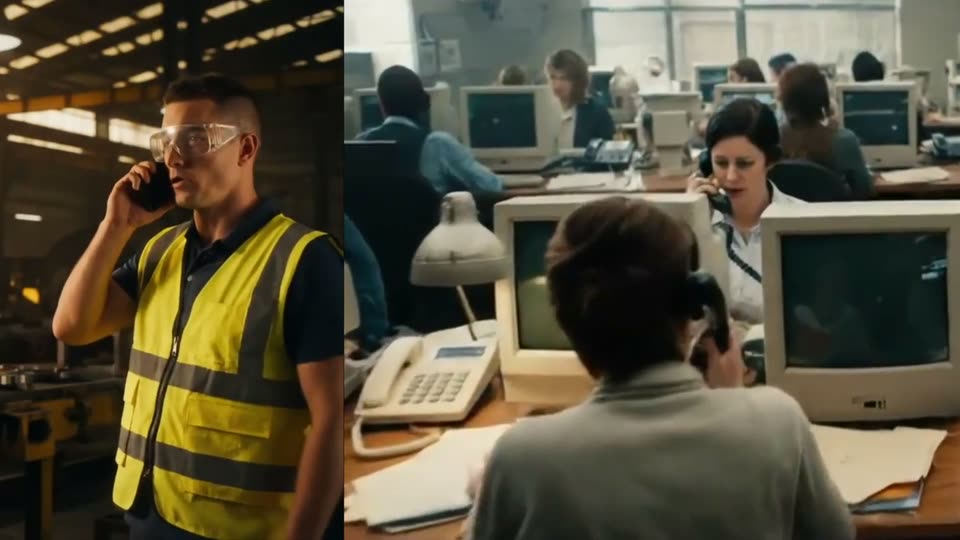 0:01–0:03chrt · chrt YC LaunchA split screen pairs a warehouse worker in a yellow vest talking on a phone with a row of office staff wearing headsets at CRT monitors. The worker gestures while speaking; the office side holds on the desks, phones and papers.
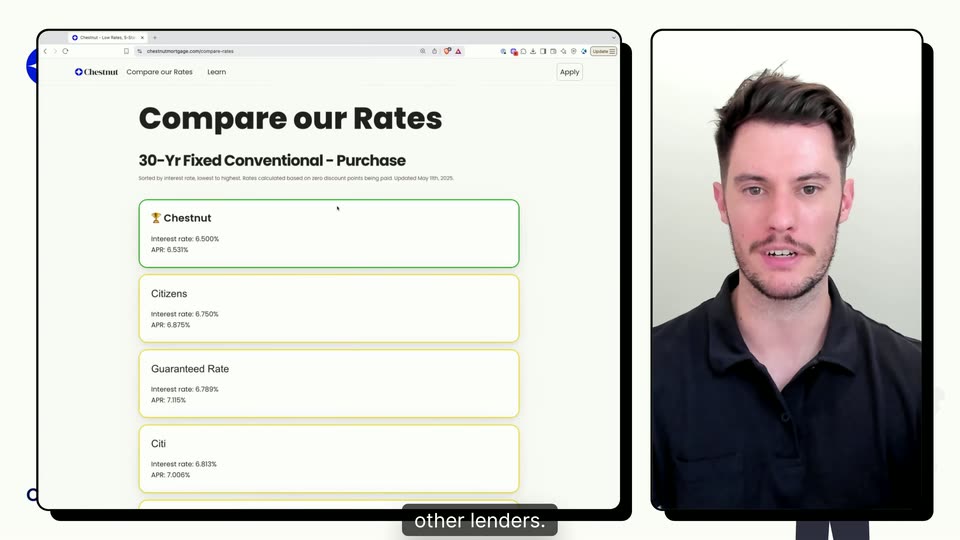 1:29–1:31Chestnut · Chestnut: the 1st AI mortgage lender 🏡A browser window on the left shows a rates comparison page while a presenter in a black shirt speaks from a video-call frame on the right. The page heading fades from gray to black. A black caption bar at the bottom updates with white subtitle text.