Feature reveal
A sequence devoted to one feature: its announcement and its demo.
89,290 scenes · page 506 of 1489
 0:50–0:52DJI · DJI – Introducing the Agras MG-1Extreme close-up of beaded water droplets on a white surface, a few rolling off the edge, then a cut to a white spraying drone hovering low over a dirt path with green fields and hazy mountains behind.
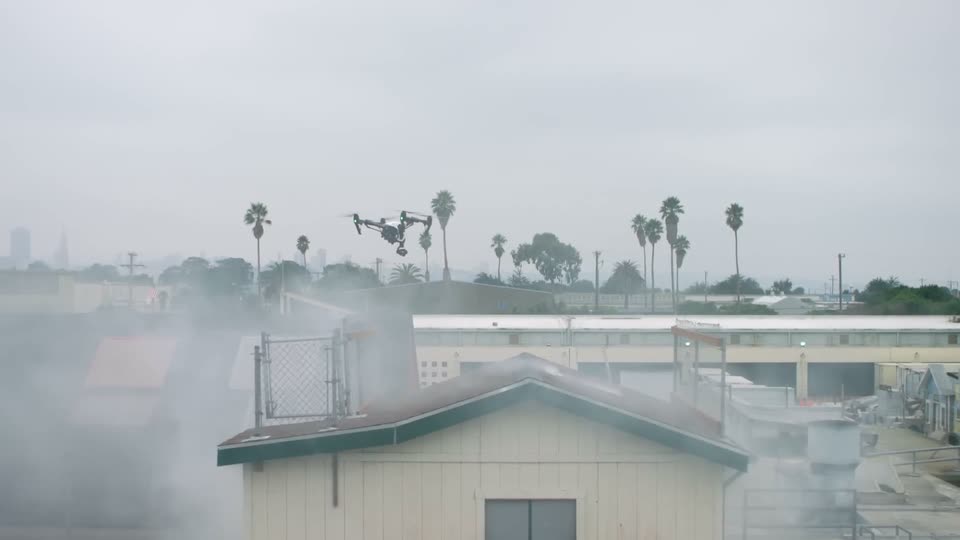 0:52–0:53DJI · DJI - Introducing the Zenmuse XT Thermal Camera and Gimbal Powered by FLIRA black multirotor drone hovers in a hazy sky above a peaked-roof building and a line of palm trees. White mist drifts across the foreground and midground, softening the rooftops and fence. The drone holds position, arms spread, against the pale overcast.
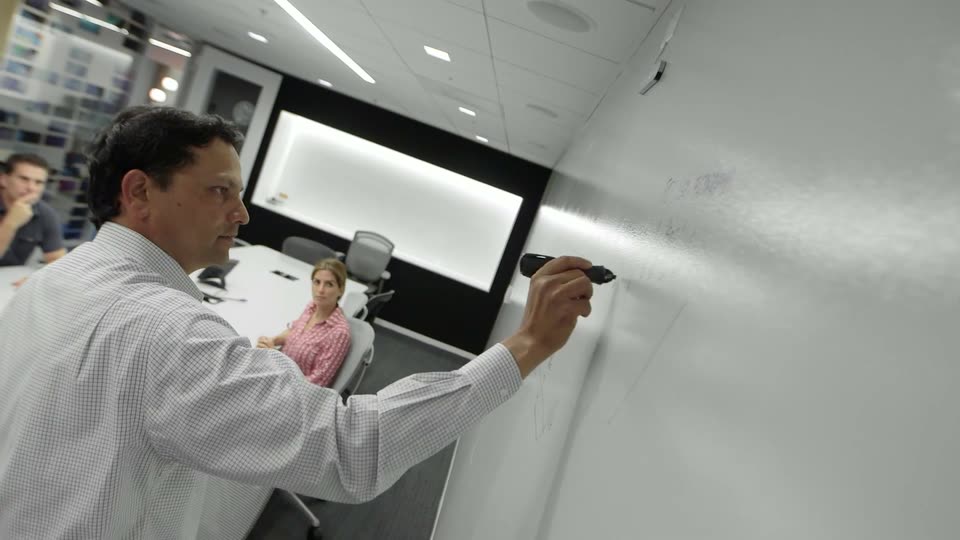 0:48–0:50Adobe · Introducing the Adobe Common Controls Framework (CCF) | AdobeA man in a white checkered shirt writes on a whiteboard with a black marker, framed at a tilted angle. Two colleagues sit at a conference table behind him, watching. The camera drifts slowly as he draws.
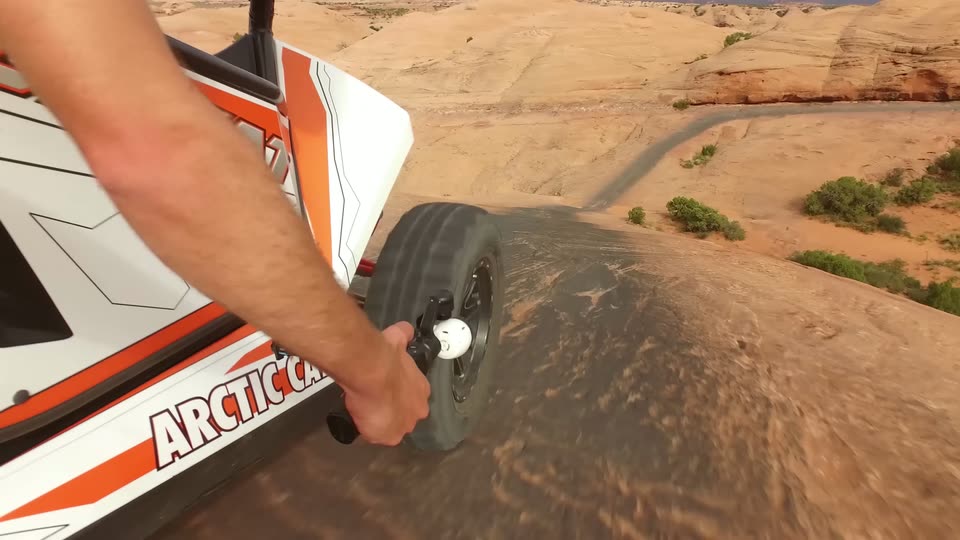 0:38–0:40DJI · Introducing the DJI OsmoA rider's bare arm grips the handlebar of an orange and white Arctic Cat ATV as it rolls along a rocky desert ridge. The mounted camera holds the front fender and tire in frame while a winding road cuts through the canyon below.
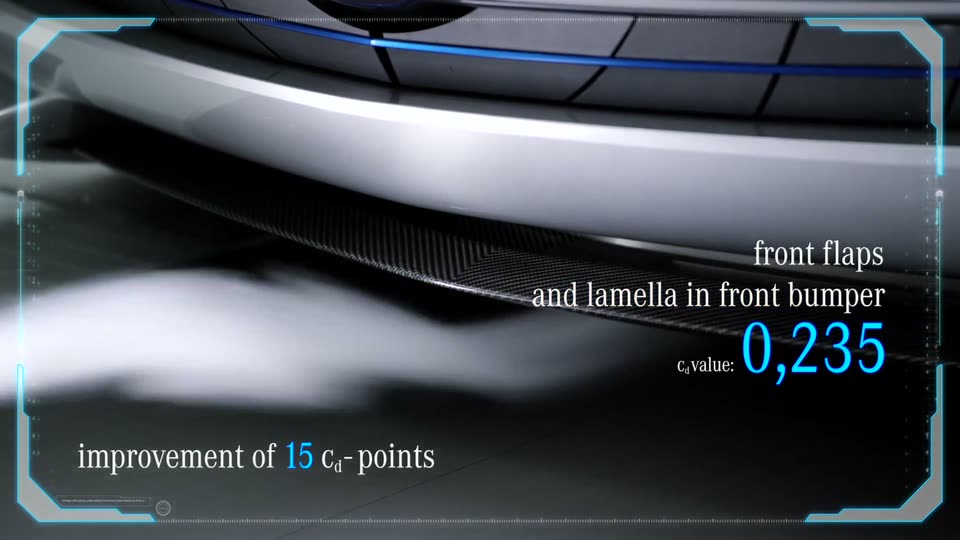 1:11–1:14Mercedes-Benz · Intelligent Aerodynamic Automobile – the “Concept IAA” – Mercedes-Benz original3D close-up of a car's lower front bumper: the blue lamella panel and flaps open and close as white airflow smoke streams past. A c_d value counts down from 0,250 to 0,235 beside the label, with 'improvement of 15 c_d- points' at the bottom left.
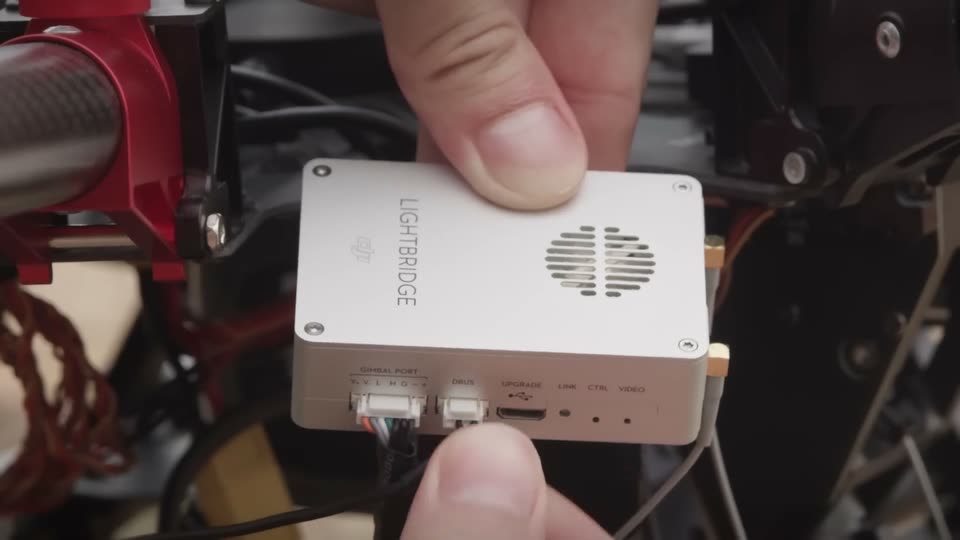 1:01–1:03DJI · DJI - Introducing Lightbridge 2Close-up of two hands fitting a silver Lightbridge module onto a drone. One finger presses a small cable connector into the device's port while the other steadies the unit, against a blurred background of red frame parts and wiring.
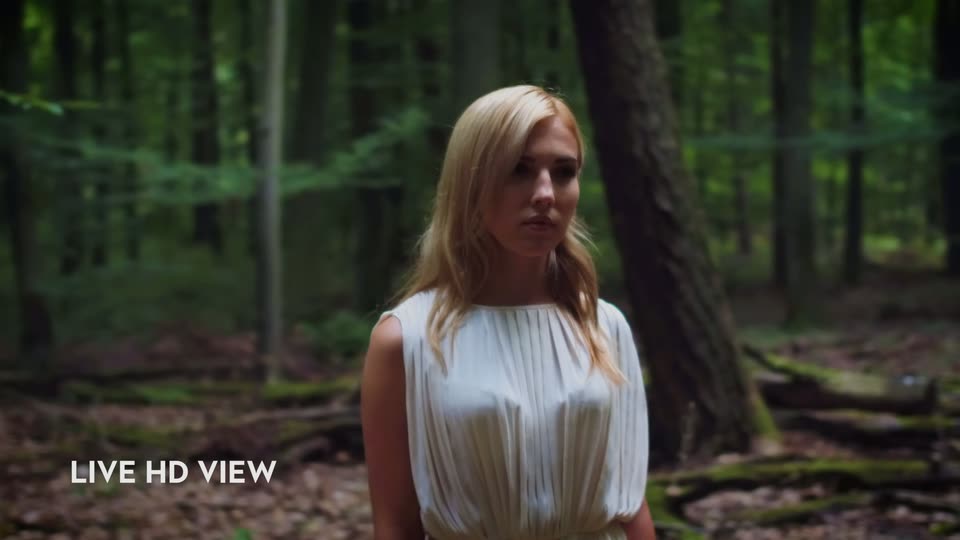 0:46–0:51DJI · DJI - Introducing the DJI Zenmuse X5 SeriesA blonde woman in a white pleated dress stands in a green forest. The camera slowly arcs around her from front to profile as she turns her head, while a static white caption sits in the lower left.
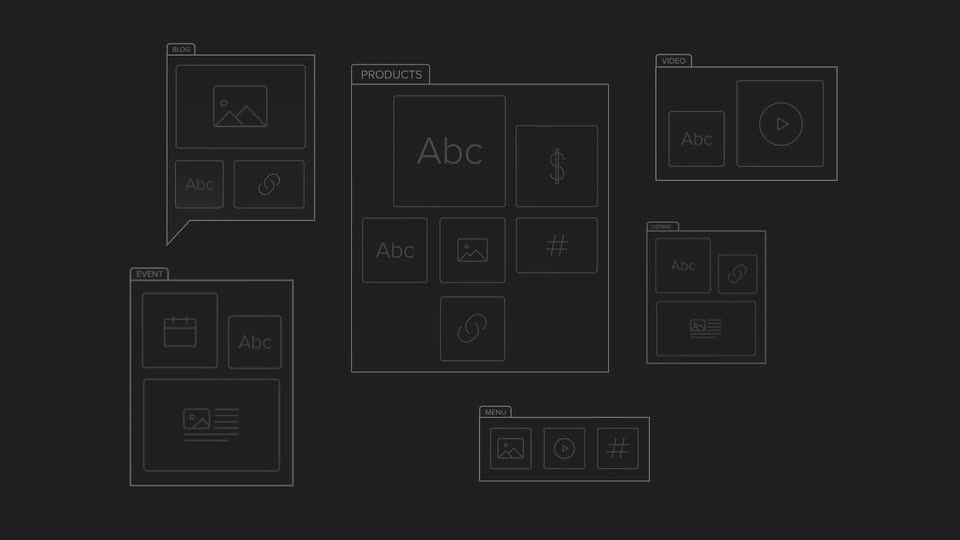 0:45–0:48Webflow · Introducing Webflow CMSOn a dark gray field, six wireframe UI cards (blog, products, video, event, layout, menu) fade in as thin line art. The central products card opens with solid blue gradient blocks that shrink and dissolve into outlines, then the video card brightens and its play icon glows purple.
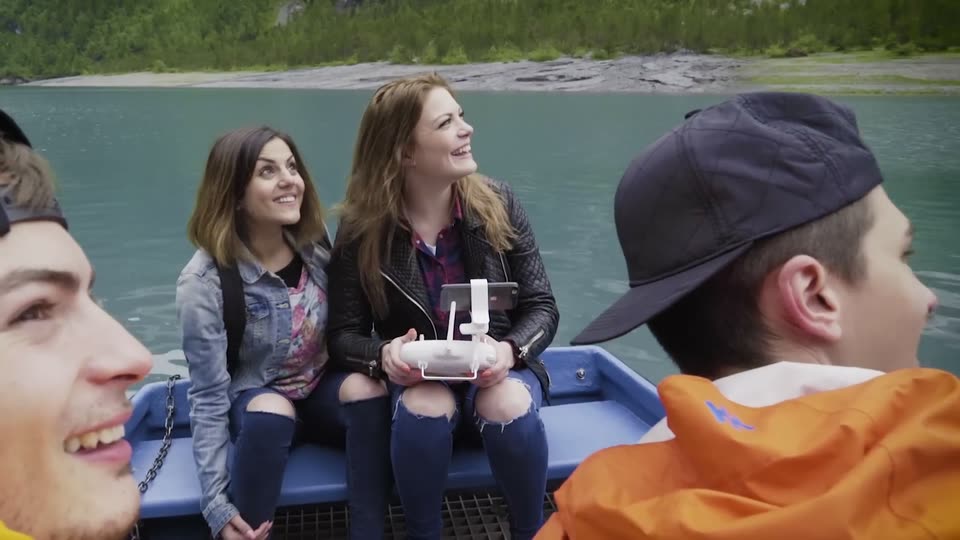 0:56–1:00DJI · Introducing the all-new DJI GO mobile appOver-the-shoulder framing on a calm lake: two women sit on a blue boat, one holding a white drone remote with a phone mounted, looking up and smiling; two men in caps sit in the foreground with their backs to the camera.
 0:46 · 0.6sGoogle · Introducing Project SunroofOn a speckled white paper background, flat illustrations of a lined document, a red calculator, a yellow pen, and gray cells with yellow sticky notes tumble and rotate quickly in 3D perspective, drifting from center to the left edge.
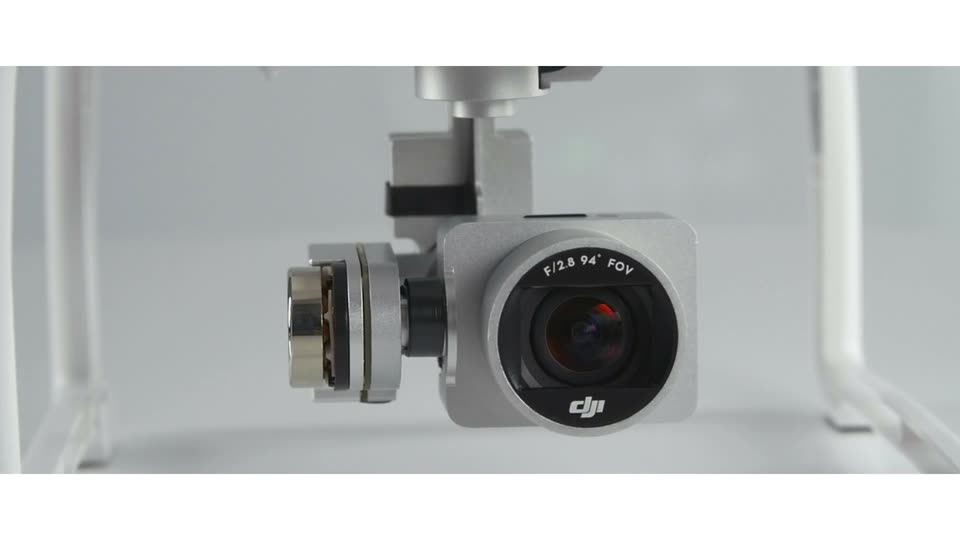 1:26–1:28DJI · DJI - Introducing the Phantom 3 StandardA locked-off close-up of the silver DJI camera module with its lens facing forward, then a cut to a bespectacled engineer in a white lab coat speaking to camera in a bright lab, with his name and title captioned at lower left.
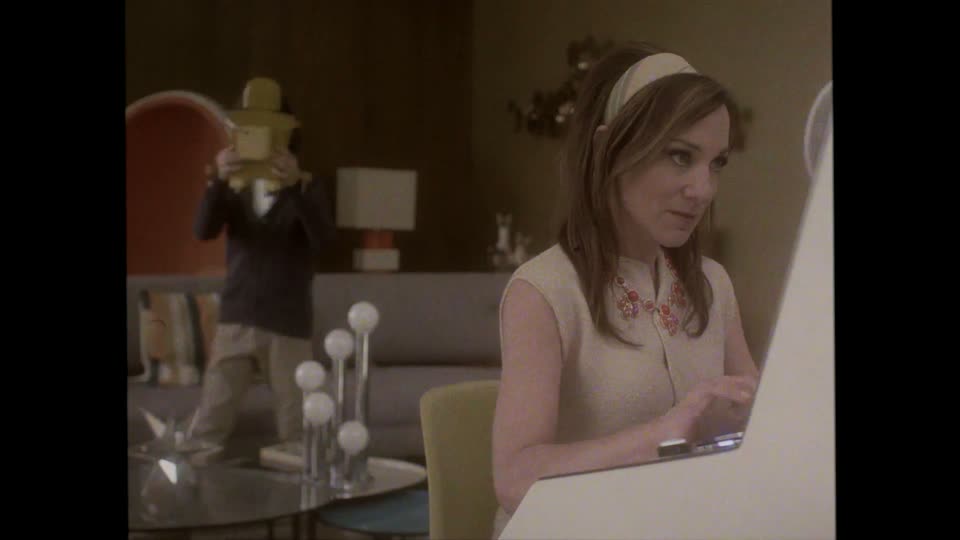 0:54–0:59GitHub · Introducing Atom 1.0!A woman in a cream sleeveless top and headband sits at a white desk, typing on a laptop and watching the screen. Behind her, a man in a dark suit walks across the retro room carrying a small robot figure.
 0:32–0:34DJI · DJI - Introducing the Matrice 100 and GuidanceA bearded man in glasses and a white shirt is framed in profile against a cloudy sky and blurred hills. He smiles slightly as he speaks, held in a static close shot with shallow depth of field.
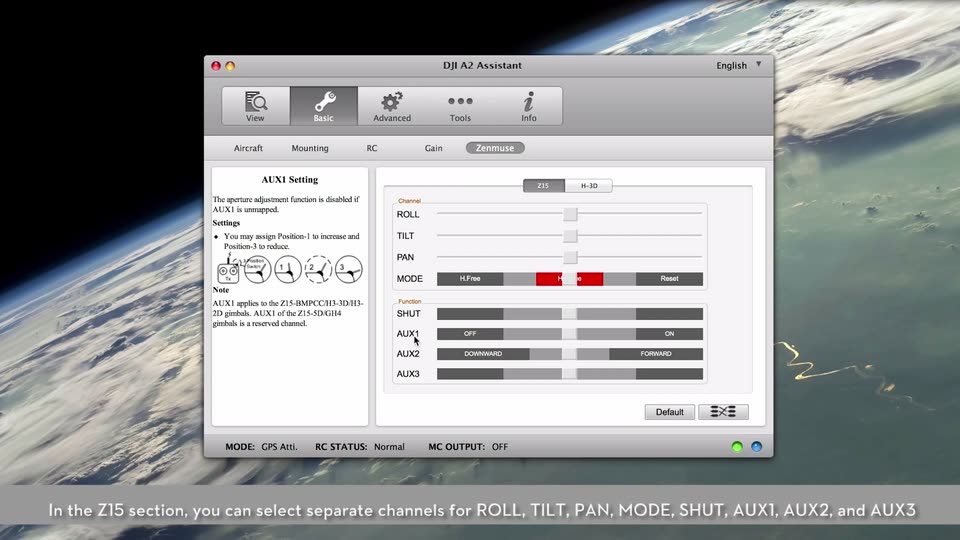 0:23–0:37DJI · New A2 Firmware (V2.5) IntroductionA flat macOS window of the DJI A2 Assistant sits over a static Earth satellite backdrop. A cursor steps down the channel list, ROLL to AUX3, and the left info panel swaps to the matching setting, while a caption line updates at the bottom.
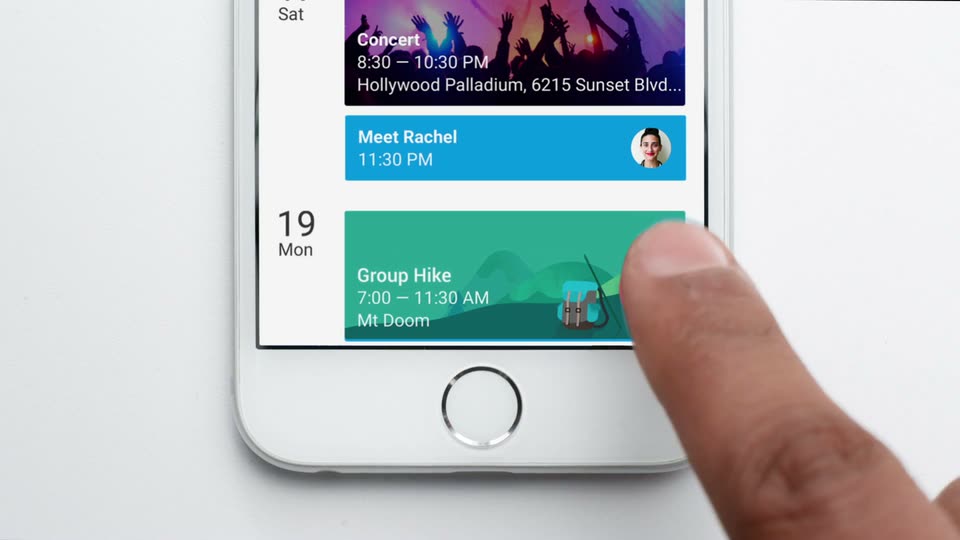 0:13–0:14Google · Introducing Google Calendar for iPhoneClose-up of a white phone on a pale surface, its calendar listing a concert, a meet-up and a hike. A finger taps the teal Group Hike card and a red circular plus button pops in. A caption scales in over the locked-off frame.
 0:32–0:33DJI · DJI – Introducing the Inspire 1A close-up of a white and silver device with green side markings drifts into focus in the dark, its front panel glowing bright blue. The shot stays soft and slightly blurred, isolating the gadget against a black background.
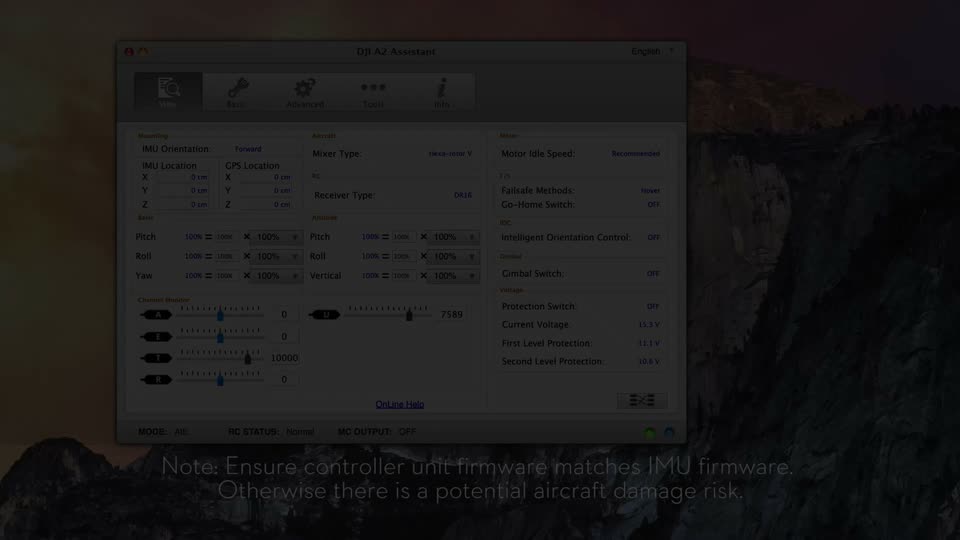 1:56–1:57DJI · DJI - A2 Firmware Version 2.4A settings window for the DJI A2 Assistant software sits over a mountain landscape, its panels, sliders and labels static. The whole frame then dims and fades to black across the shot.
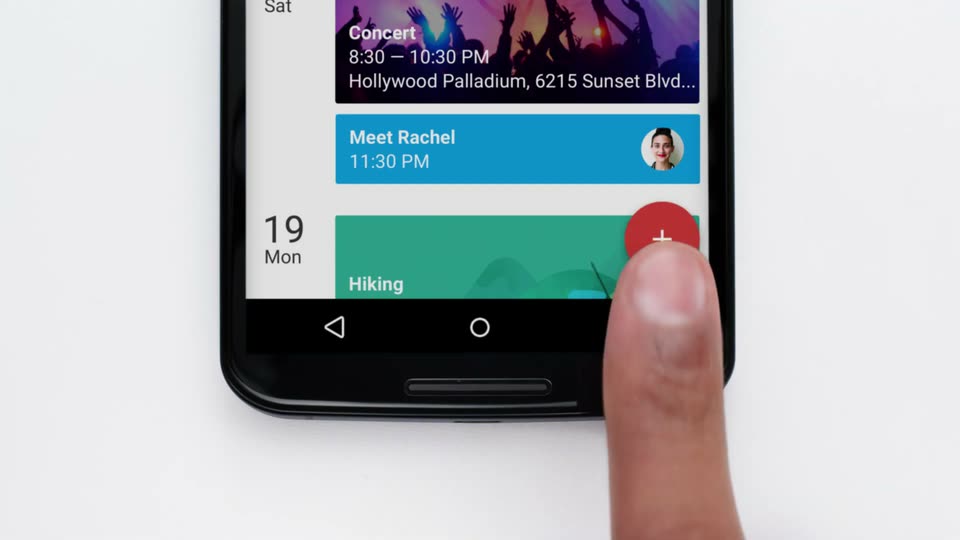 0:15–0:16Google · The new Google Calendar app for Android and iPhoneClose-up of the lower half of a black smartphone on a white surface, showing a schedule app with colored event cards. A real finger enters from the bottom right and presses the red circular plus button, which dips slightly on contact.
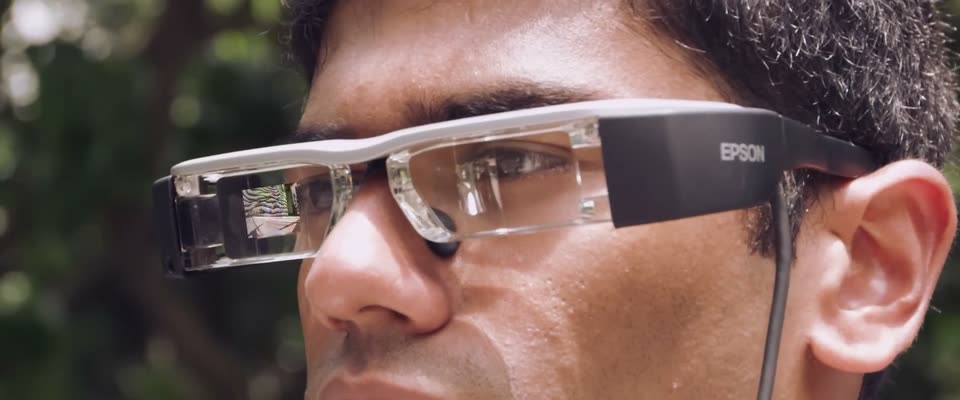 0:27–0:29DJI · DJI - Introducing Effortless FPV with Epson MoverioTight close-up of a man's face in profile, wearing Epson smart glasses with a small image floating in the transparent lens. He holds a steady gaze off-camera as the caption EASY TOUCH CAMERA CONTROLS sits at the bottom. The frame is locked off with only subtle head movement.
 0:36–0:40DJI · DJI - Introducing the RoninA cameraman runs across a soccer field holding a gimbal rig, chasing a player in a yellow shirt who dribbles a ball. The action is filmed through a chain-link fence, with the camera panning right to follow the two runners.
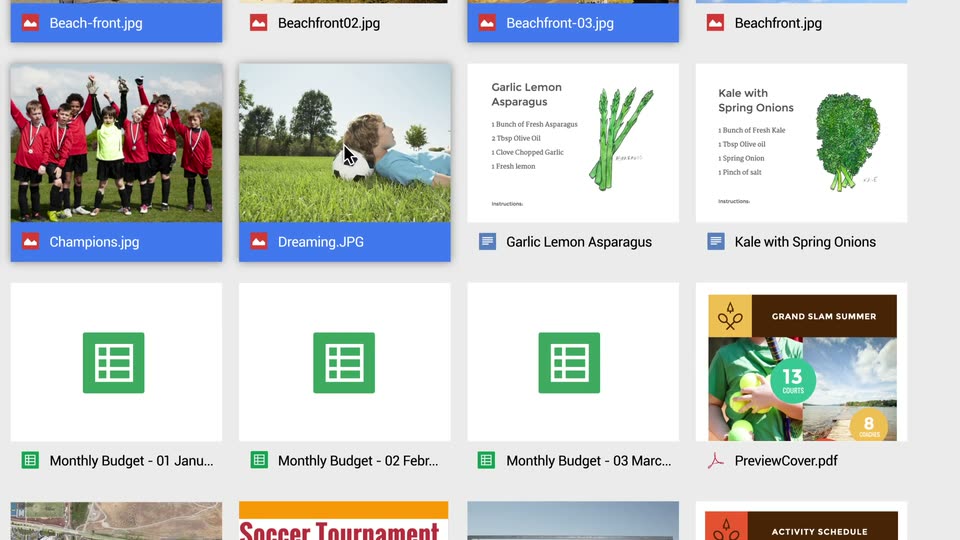 0:45–0:48Google · Meet the new Google DriveA white context menu listing file actions sits over a grid of Drive thumbnails, with a cursor resting beside it. The view then zooms out to reveal the full Drive window, its left sidebar and top bar, as the menu closes.
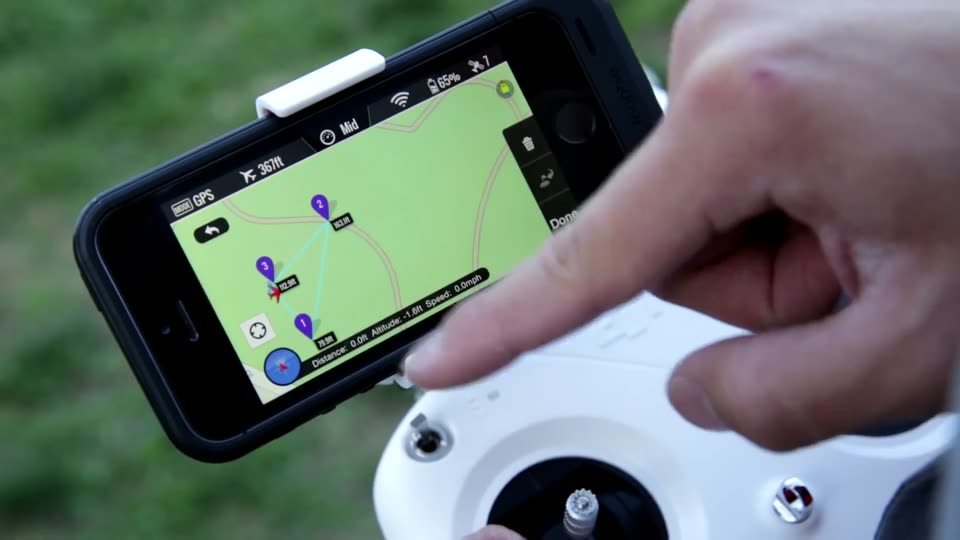 0:30–0:31DJI · DJI - Introducing Ground Station for the Phantom 2 Vision SeriesA close-up shows a phone clamped to a white drone controller, its screen displaying a green map. A finger taps and drags across the map, drawing a route line past numbered waypoints, while blurred grass fills the background.
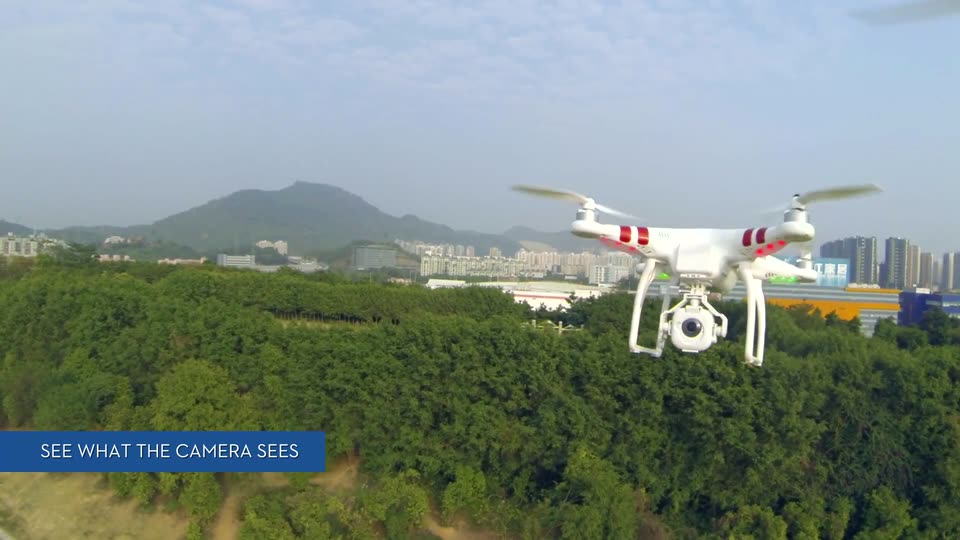 0:36–0:38DJI · DJI Introducing the Phantom FC40A white quadcopter drone lifts from the bottom right into the center of a locked-off shot over a green tree line, with a hazy city and mountains behind. A blue caption bar with white text sits in the lower left corner.
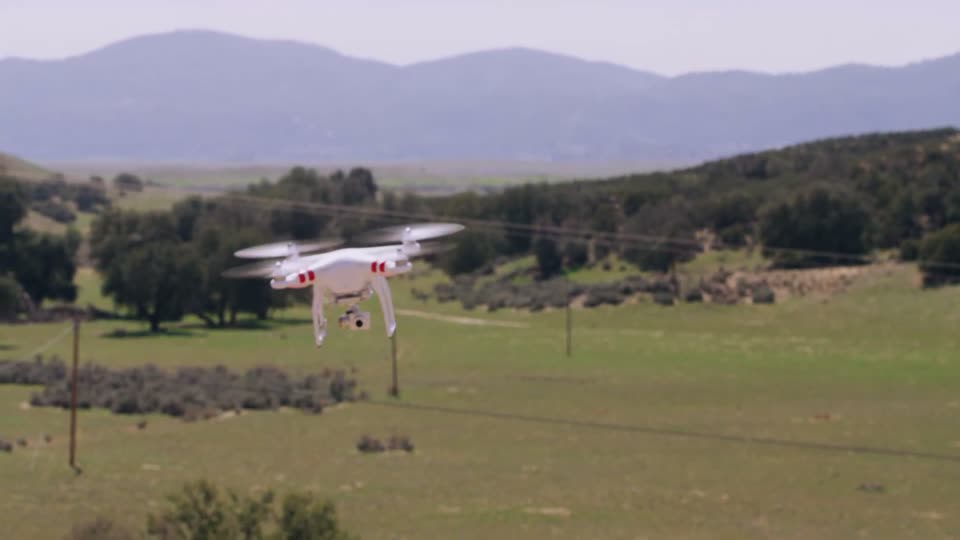 0:53–0:56DJI · DJI - Introducing the Phantom 2 Vision PlusA white quadcopter with red stripes and an under-mounted camera drifts slowly left over a green meadow. Rolling hills and hazy blue mountains fill the background as the camera tracks the drone gently.
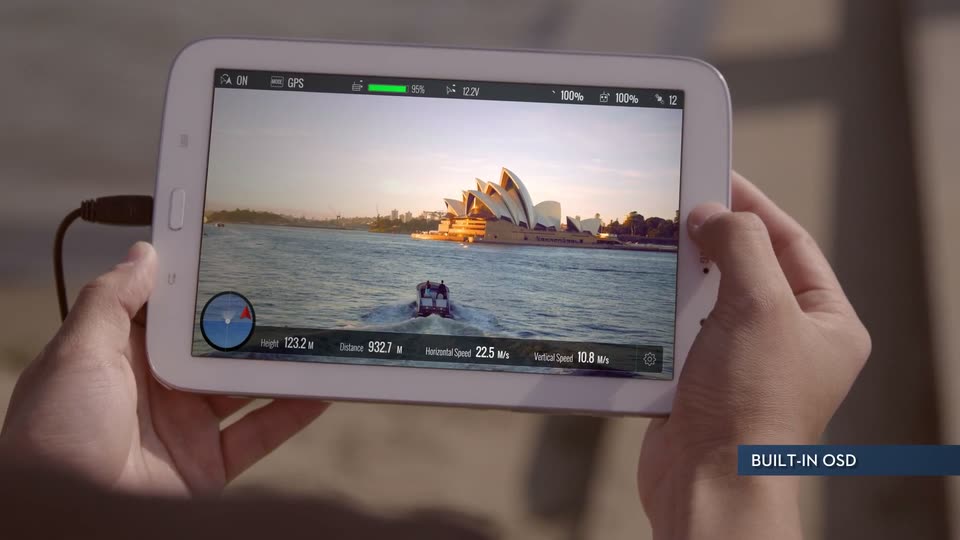 0:39–0:41DJI · DJI - Introducing the LightbridgeA pair of hands holds a white tablet controller, its screen showing a live drone view of the Sydney Opera House over water with telemetry data. A cable plugs into the left edge. The caption BUILT-IN OSD slides into the lower right corner.
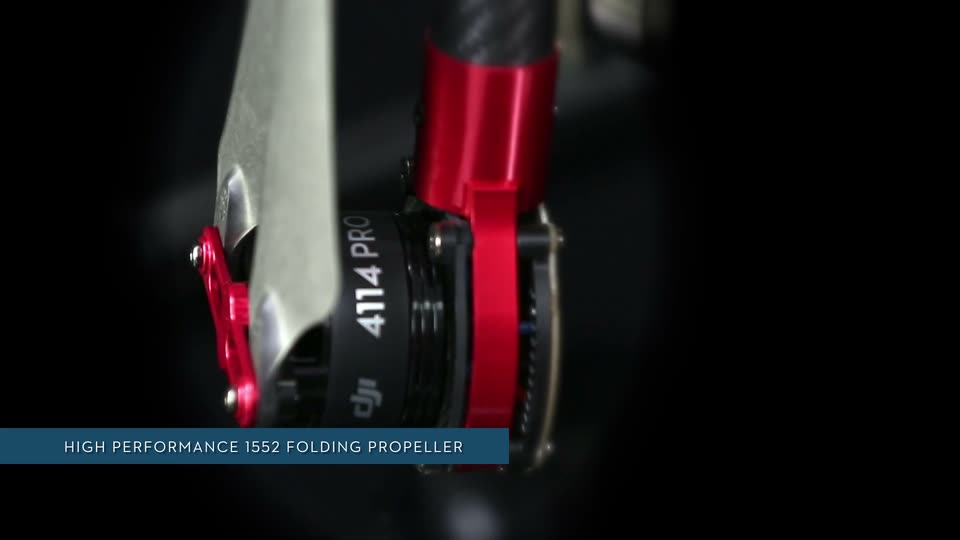 0:17–0:19DJI · DJI - Introducing the Spreading Wings S1000Macro close-up of a drone motor: red housing, black hub, silver blade on black. The frame starts soft and racks into sharp focus, settling on the hub and mount. A teal caption bar holds a white line of text at the lower left.
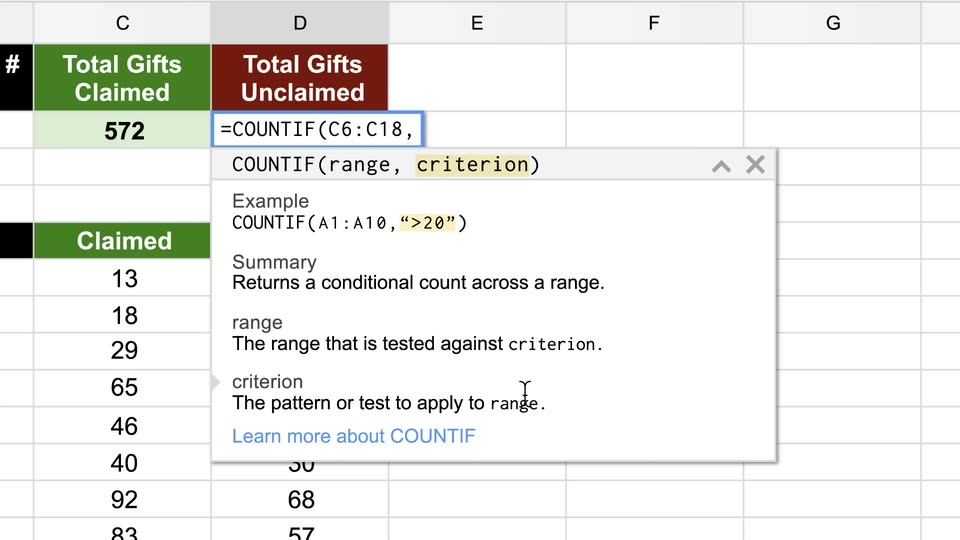 0:38–0:49Google · Meet the new Google SheetsA spreadsheet cell under the maroon 'Total Gifts Unclaimed' header is selected. The user types a COUNTIF formula; an autocomplete list and a syntax help card appear below the cell. The mouse cursor clicks the Learn more link, and the view cuts to a full help article.
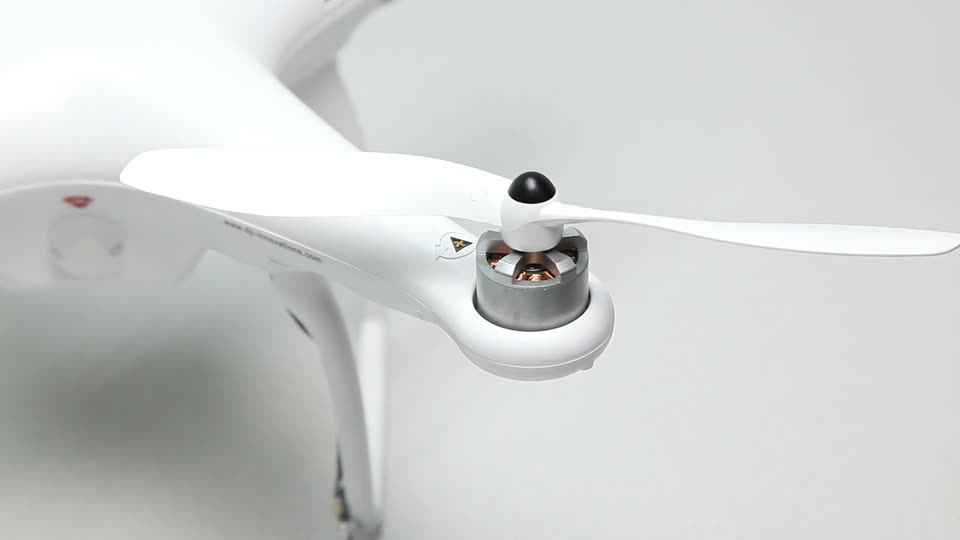 0:47–0:50DJI · DJI Introducing the Phantom Self - tightening PropellerClose-up on a white drone arm: two hands twist a white two-blade propeller onto a silver motor hub, then let go, leaving the propeller seated. Shallow depth of field, plain light-gray background, the drone body blurred at left.
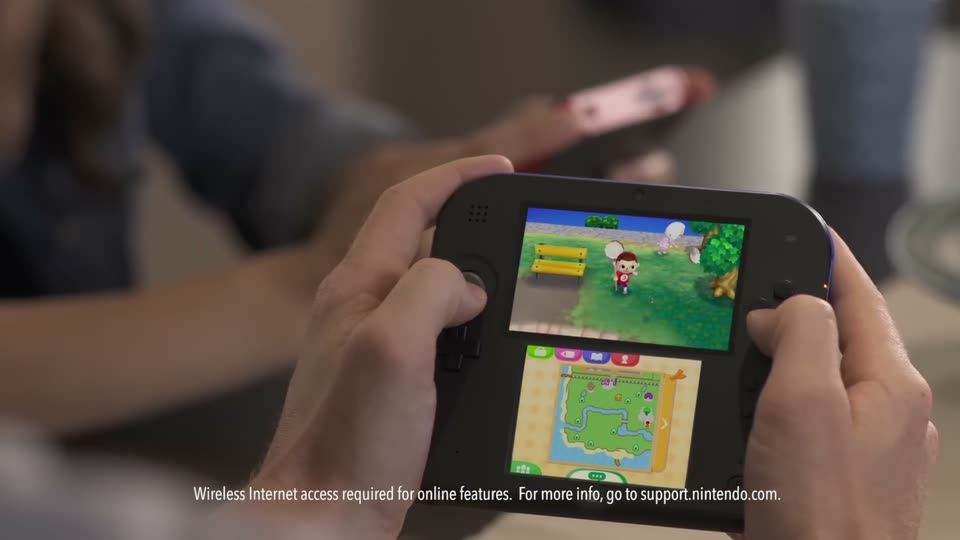 0:29–0:32Nintendo · Nintendo 2DS - IntroductionOver-the-shoulder close-up of two hands holding a Nintendo 3DS; the top screen shows a game character on a path, the bottom screen a map. Fingers tap the controls as the on-screen scene changes. A blurred person holding a phone sits in the background.
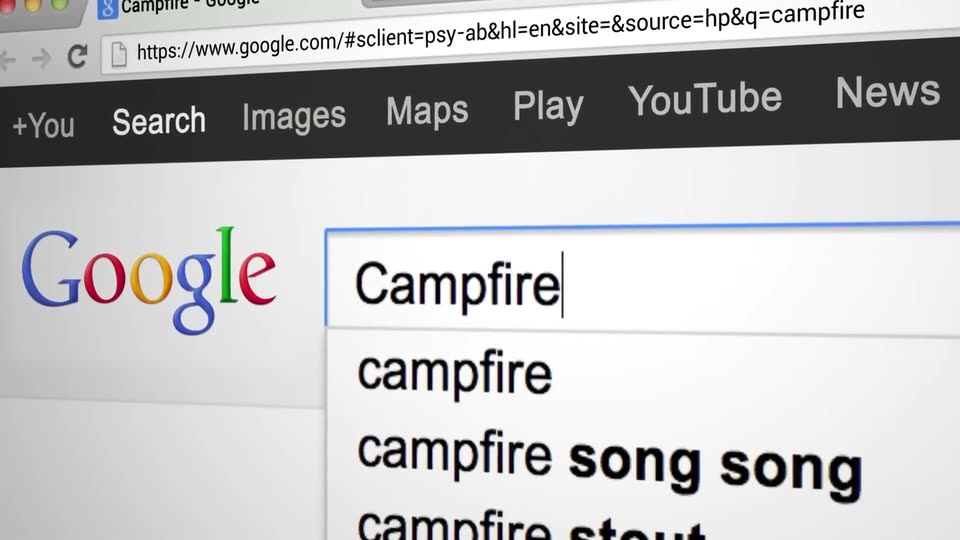 0:57–0:59Google · Introducing Google NoseA close-up of a Google search page in a browser window. The query box types out the word Campfire letter by letter while a dropdown of autocomplete suggestions updates beneath it, the Google logo sitting to the left.
 0:50–0:51Google · Introducing Google Input ToolsA sculpture made of black and colored keyboard keys sits on a white background. The camera pans down to reveal the full curved, rainbow-colored shape of the object.
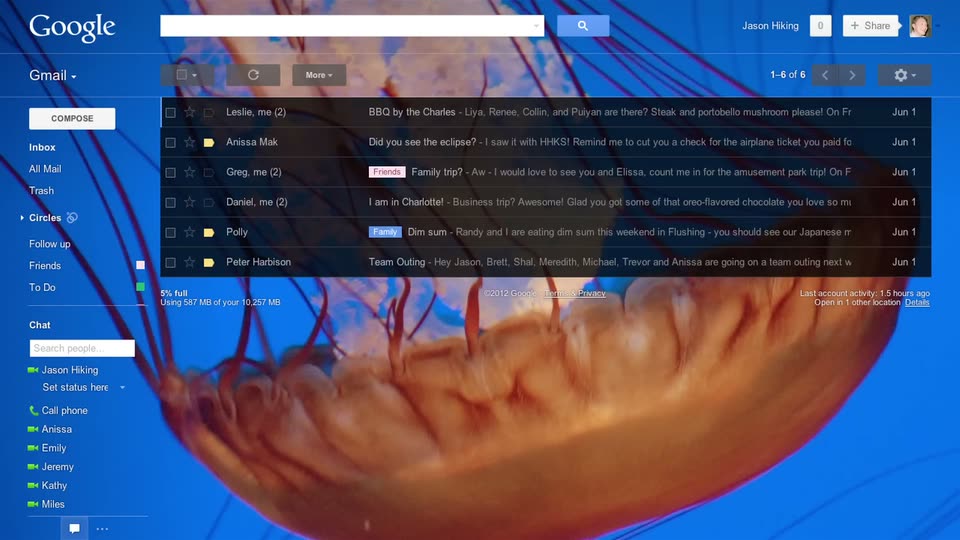 0:11 · 0.7sGoogle · Introducing Custom Themes in GmailA static full-screen view of the Gmail web interface. A dark inbox list with six email rows overlays a blue jellyfish wallpaper, while the left sidebar lists labels and a chat roster. The screen holds without motion.
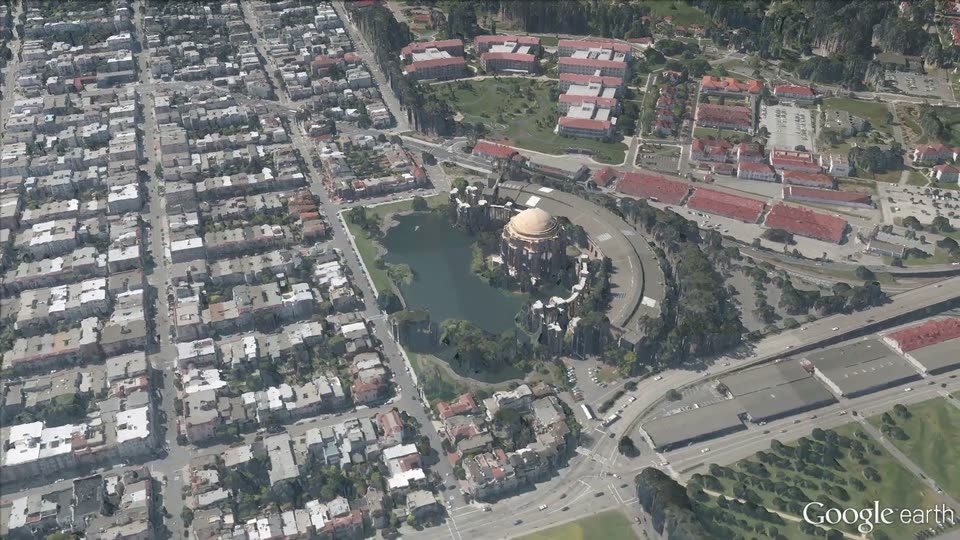 0:20–0:23Google · New 3D imagery for Google EarthA 3D aerial view of a dense city slowly orbits around a domed building beside a lake, revealing surrounding blocks, roads and a red-roof campus.
 1:37–1:46Google · Introducing the Knowledge GraphA woman with short brown hair and a green top speaks to camera in a medium close-up against a dark, blurred office background. A white lower-third caption on the left identifies her, then fades out near the end.
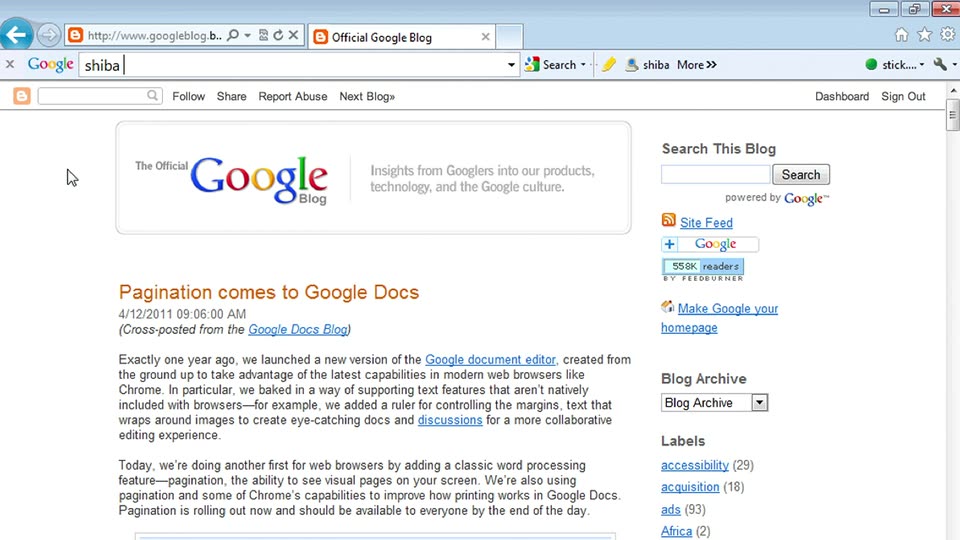 0:25–0:26Google · Introducing Google Toolbar 7A flat screen capture of a Chrome browser on the Google Blog page. The search bar at the top fills with the text shiba inu as it is typed, and a dropdown of autocomplete suggestions drops down beneath it. A white arrow cursor rests at the left margin.
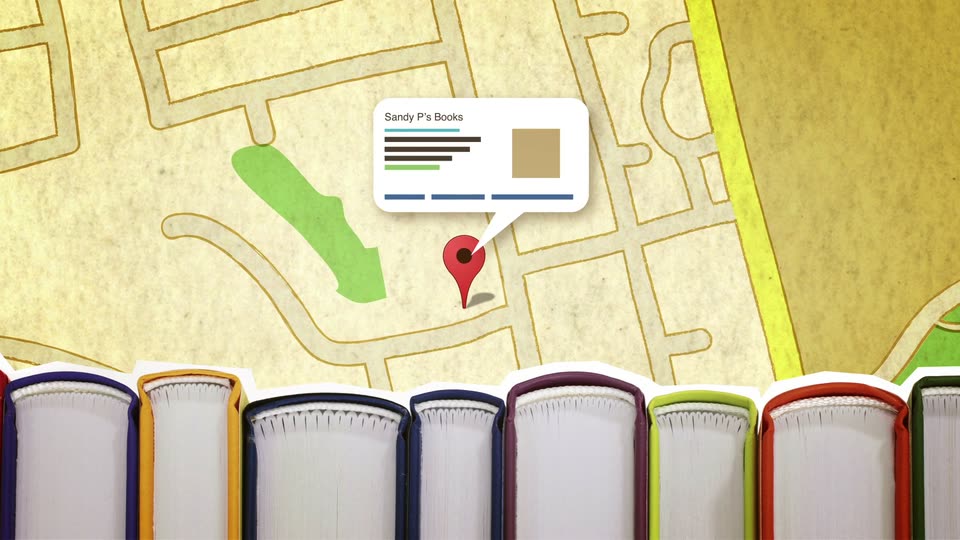 0:23–0:27Google · Introducing Google Map Maker for the United StatesA stylized street map pans while a red pin and a white card labeled Sandy P's Books hold near center. A blue P sign slides out, the row of illustrated book spines below gives way to grass, and the map zooms into a blur.
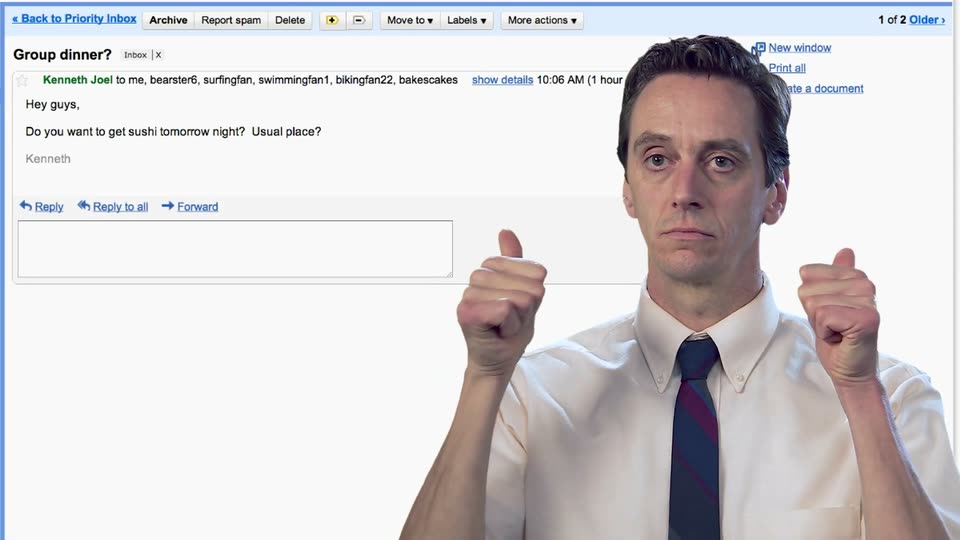 0:41–0:47Google · Introducing Gmail MotionA man in a white shirt and striped tie stands before a Gmail window. He points his right thumb back as a reply box opens, then lifts both thumbs as the view switches to a group email listing several recipients.
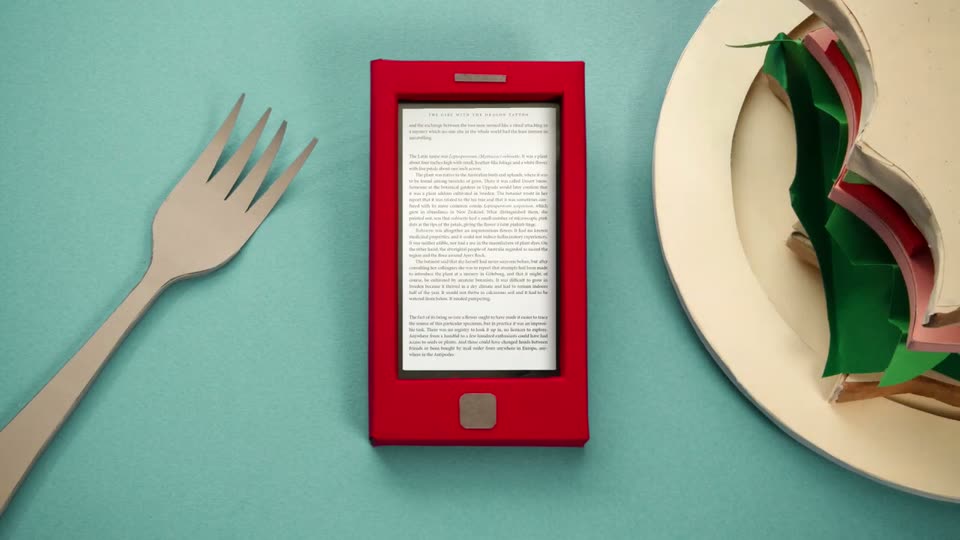 1:03–1:06Google · Introducing Google eBooksTop-down 3D shot of a red e-reader on a teal surface, flanked by a fork and a plate with a paper-wrapped sandwich. The reader's page turns to the next page while the sandwich is unwrapped and pulled open to show its filling.
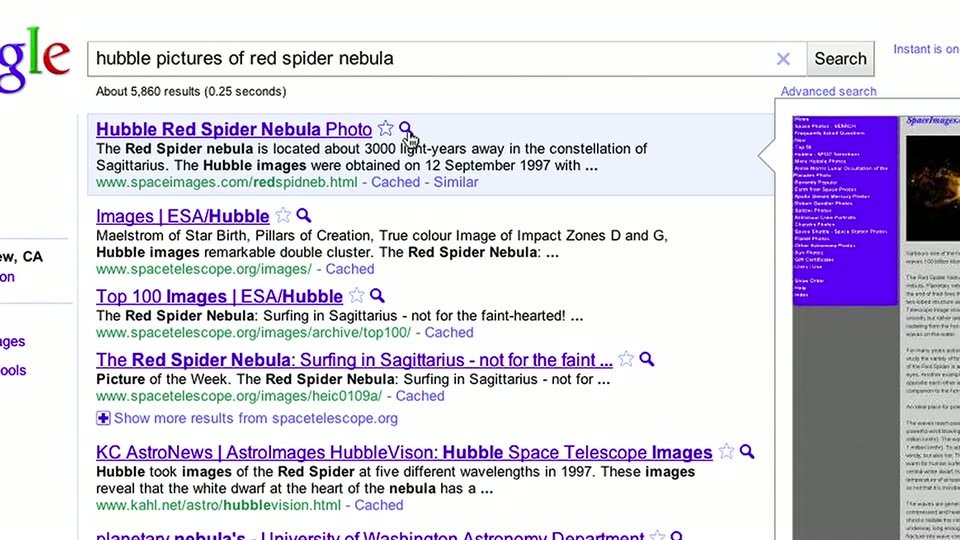 0:04–0:13Google · Introducing Instant PreviewsA Google results page fills the browser as the query 'hubble pictures of red spider nebula' is typed and results refresh. The view zooms onto the first result while the cursor hovers its magnifying glass icon, and a preview panel of the linked page slides in at the right.
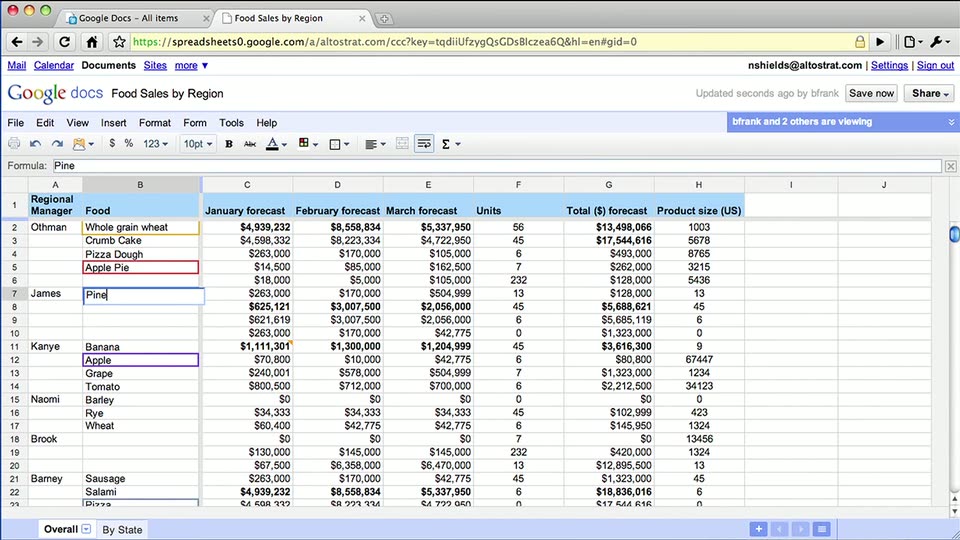 1:17–1:21Google · Introducing a new Google DocsA Google Docs spreadsheet in a browser window fills in as food names type themselves into the Food column across several rows at once. A blue banner at the top right reads 'bfkran and 2 others are viewing', and a hand cursor hovers near the sheet tabs.
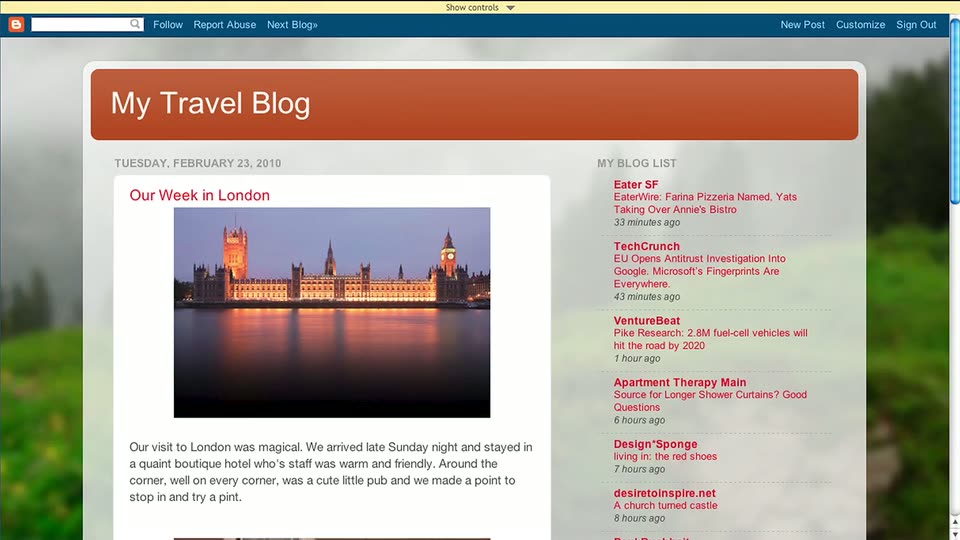 0:09–0:10Google · Introducing the Blogger Template DesignerA static travel blog page sits over a blurred green backdrop. An orange header reads “My Travel Blog”, a post shows the Palace of Westminster at dusk, and a blog list runs down the right.
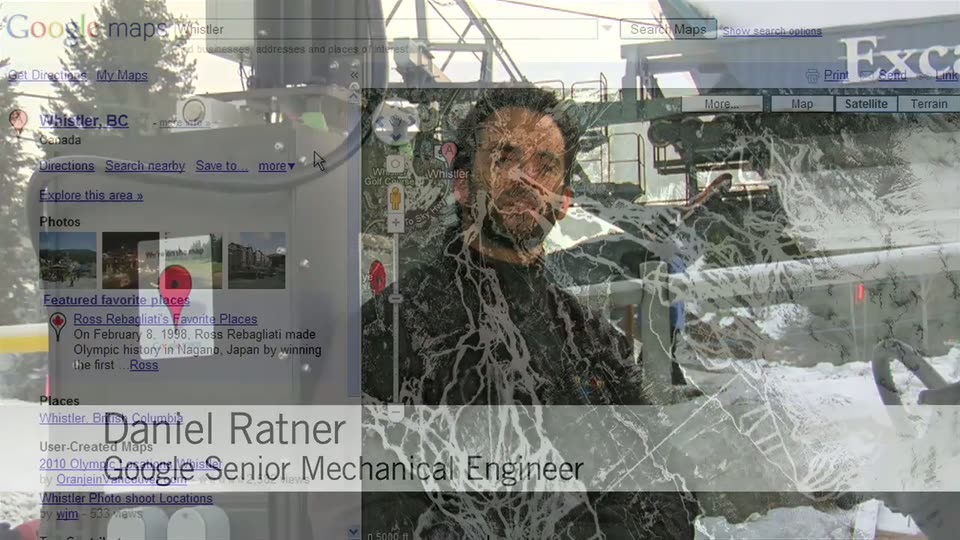 0:13–0:14Google · Introducing the Street View snowmobileA bearded man in a dark jacket sits in a snowy ski-resort setting next to a black camera rig bearing a Google Maps sticker. A lower-third names him as a Google engineer. A Google Maps view of Whistler dissolves over the footage and fills the frame.
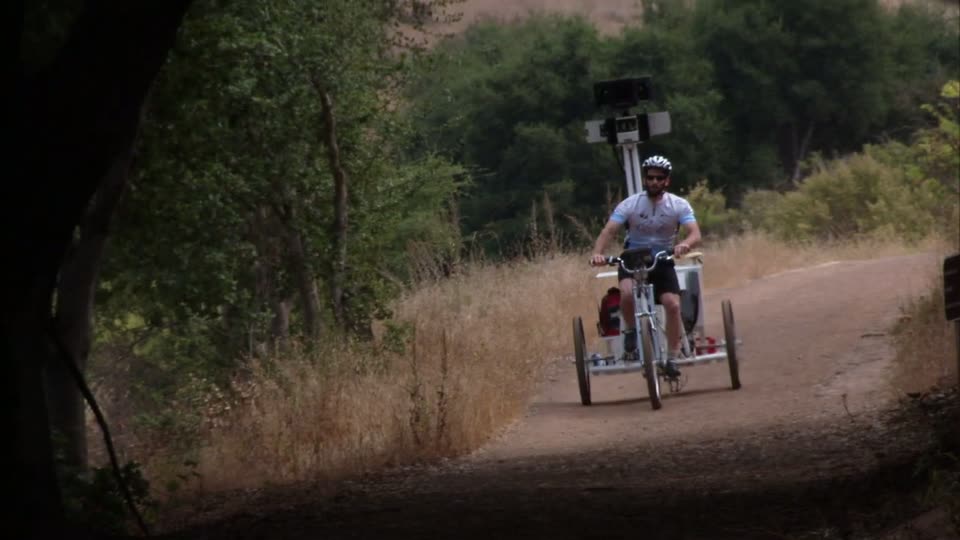 0:14–0:17Google · Introducing the Street View TrikeTwo men ride bicycles down a dirt road, each bike fitted with a tall vertical pole holding a black camera rig. They approach the camera through dry grass and green brush, one rider pulling ahead into the foreground.
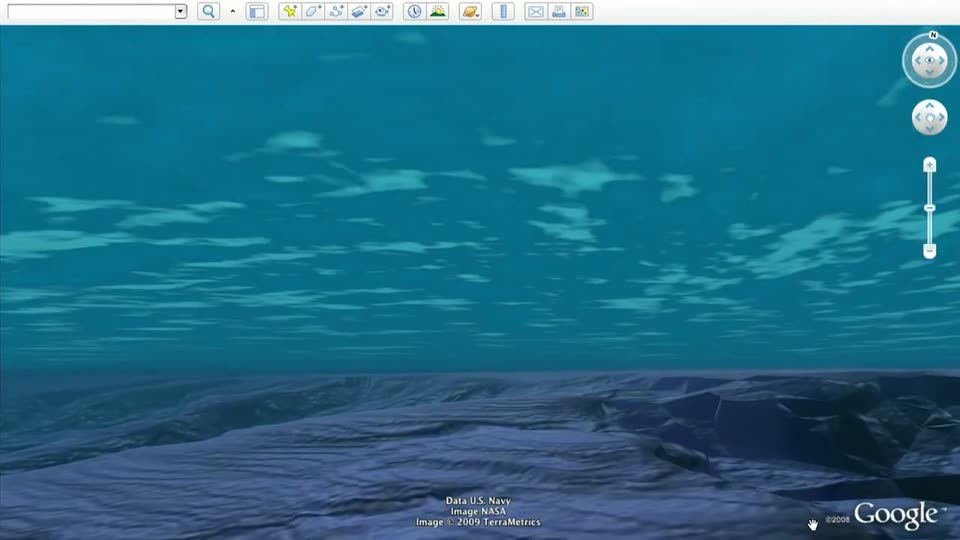 0:12–0:14Google · What's New in Google Earth 5.0A Google mapping interface shows an underwater 3D seafloor in blue and purple, with a flat teal water surface above. The view drifts slowly across the terrain while the top icon toolbar and the right-side compass and zoom slider stay fixed.
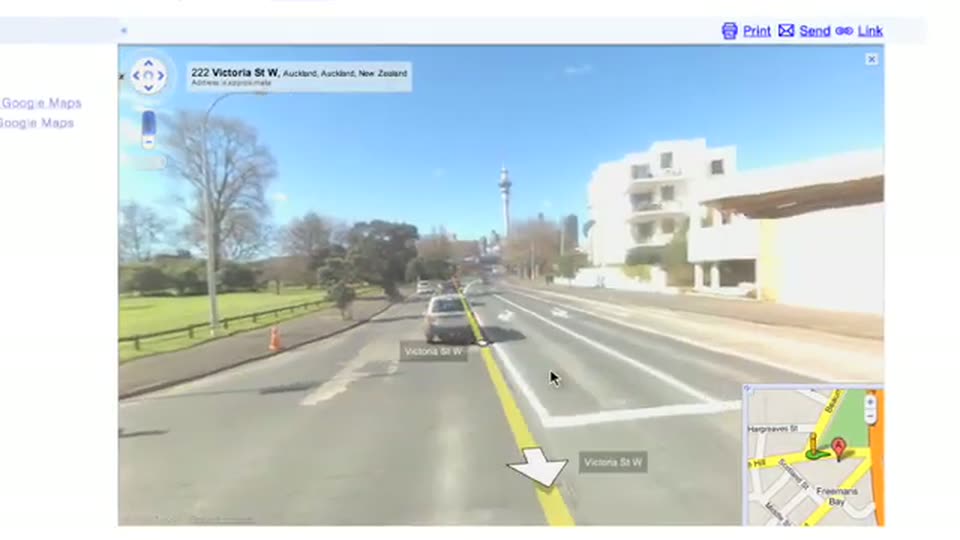 0:34–0:45Google · Street View now available in New ZealandA Google Maps Street View screen drives forward down a sunlit Auckland street, then the cursor drags the view in a slow pan right across an intersection and a red NEW WORLD sign before swinging back to face the road and rolling on.
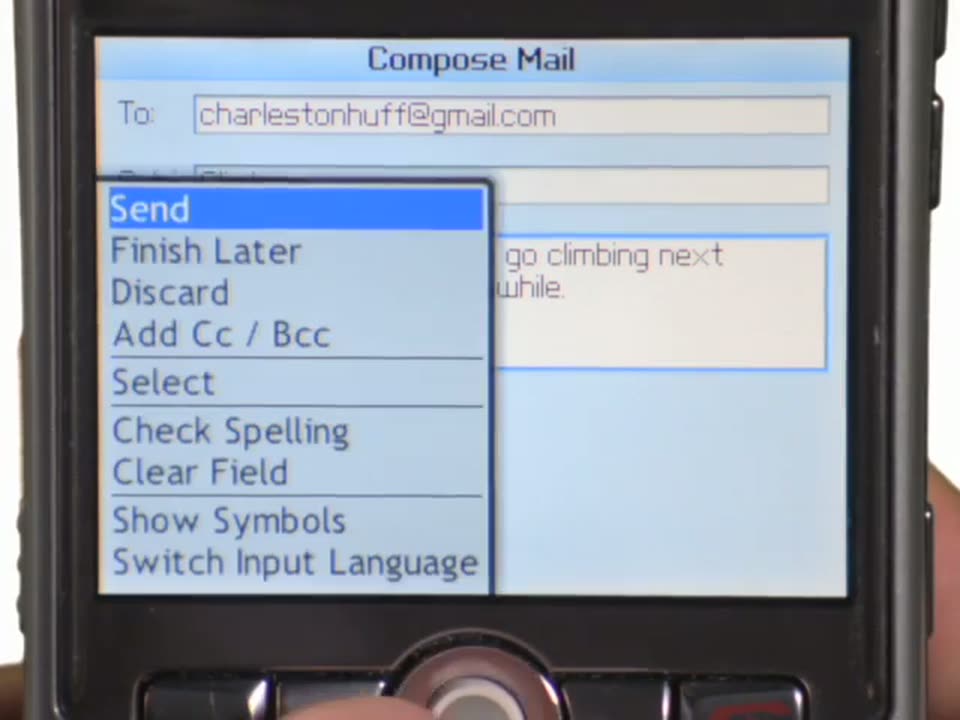 0:25–0:27Google · Introducing Gmail for mobile 2.0A hand holds a black handheld device, its screen filling the frame with a Compose Mail view. A thumb presses the center button, a context menu pops up with Send highlighted, then the display switches to the Inbox list.
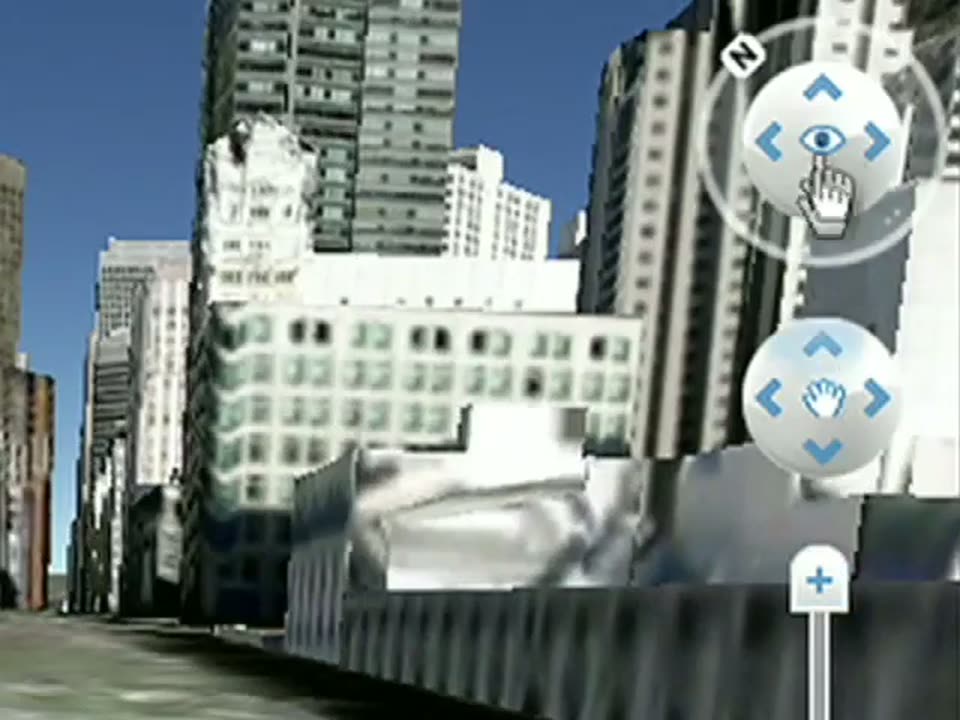 0:09–0:10Google · New features in Google Earth 4.3A 3D perspective view of a city of pale high-rises shifts as a white hand cursor taps the circular look and pan controls stacked on the right edge.
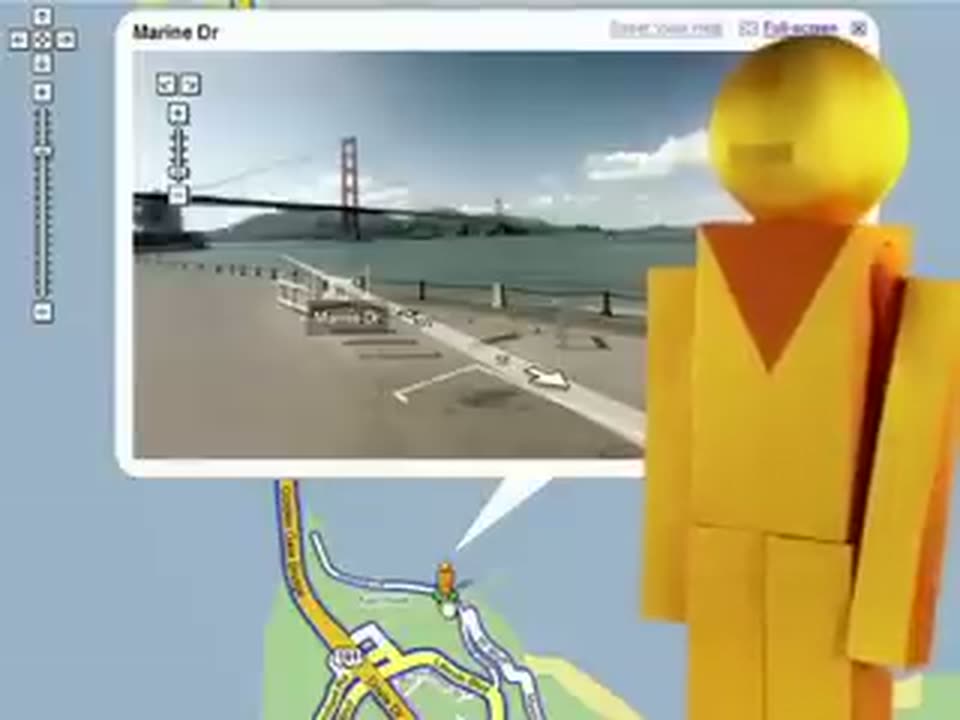 0:28–0:32Google · Google Maps Street View - launch videoA yellow blocky 3D figure stands at right, its arm dropping from a raised pose, next to a flat map window showing a street view of the Golden Gate Bridge. A 2D road map below links to that spot with a white speech-bubble arrow.
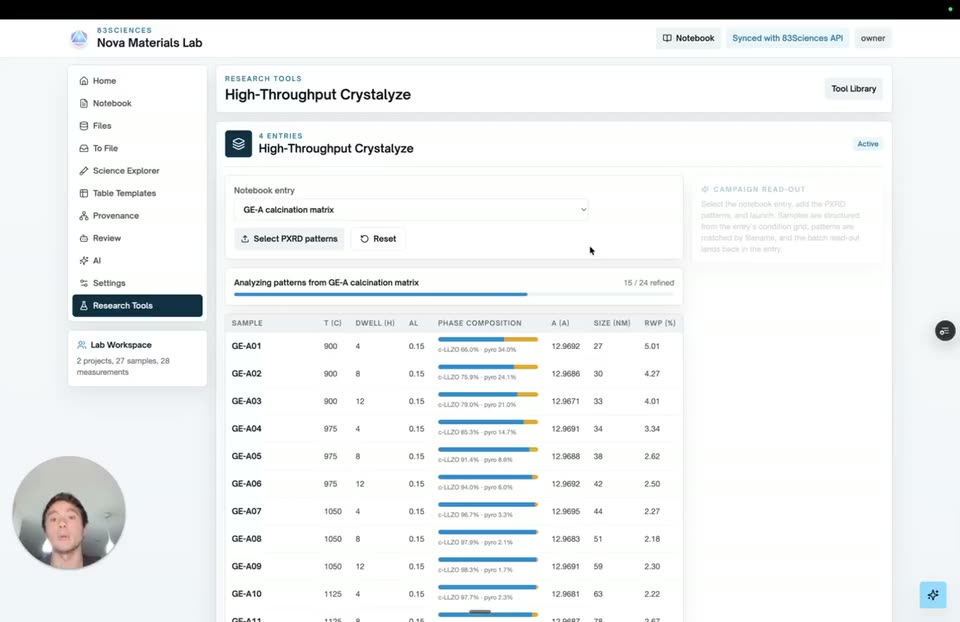 0:50–1:0983 Sciences · 83 Sciences Future of Scientific Discovery | 83 SciencesFlat view of the Nova Materials Lab interface. The cursor clicks Import & batch analyze; a progress bar runs to 24 refined while table rows flip from Queued to phase bars, and a right panel fills with a chart and summary. A circular webcam of the presenter sits bottom-left.
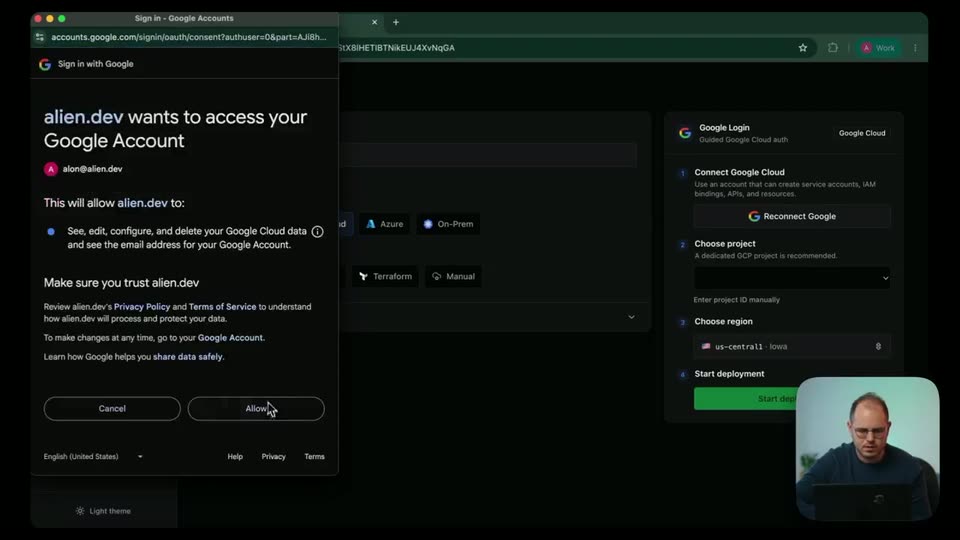 2:15–2:17Alien · We're launching the Alien platform today, backed by a $5M seed from Basis Set, Jibe Ventures, and angels from OpenAI, Google, and Databricks. We've built it so that when your next $300K enterpriseA dark web app displays a Google sign-in dialog. A cursor selects an account, the window switches to a permission prompt, and the cursor moves to the Allow button. A small webcam feed of a man sits in the bottom right corner.
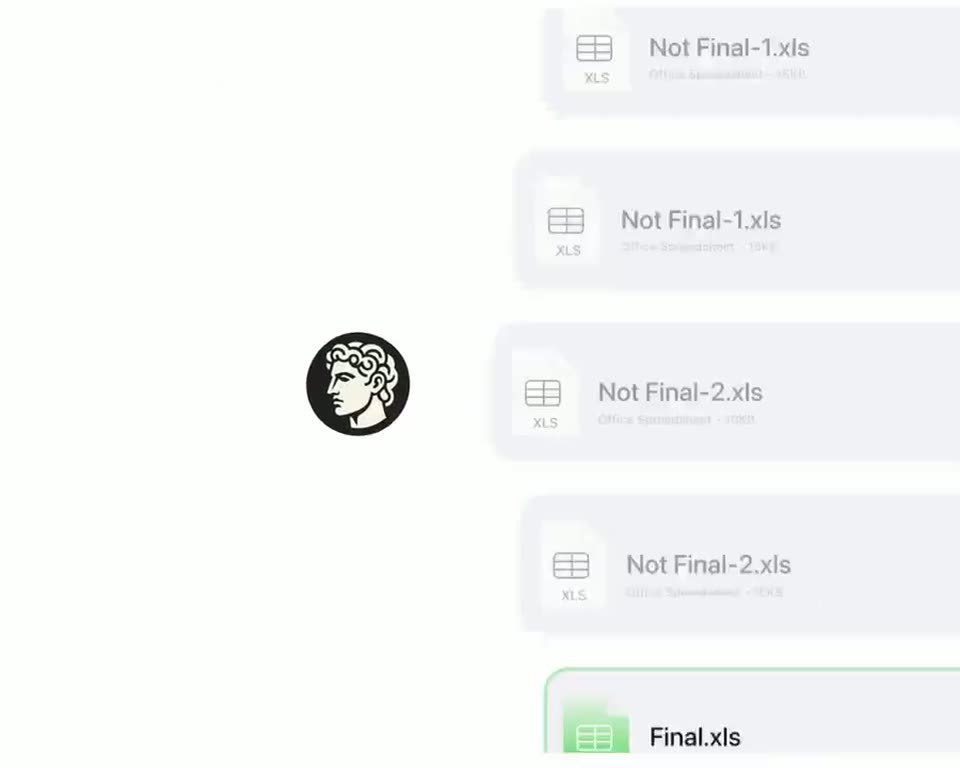 0:29–0:30Almanac · We just killed two biggest limitations of your favourite AI agents: Their memory and Your laptop Almanac’s agents have unlimited memory, their own computers, browsers and access to the tools theyA black circular logo with a curly-haired profile holds the left side as a vertical list of gray file cards scrolls upward on the right, revealing a green-bordered Final.xls card at the bottom.
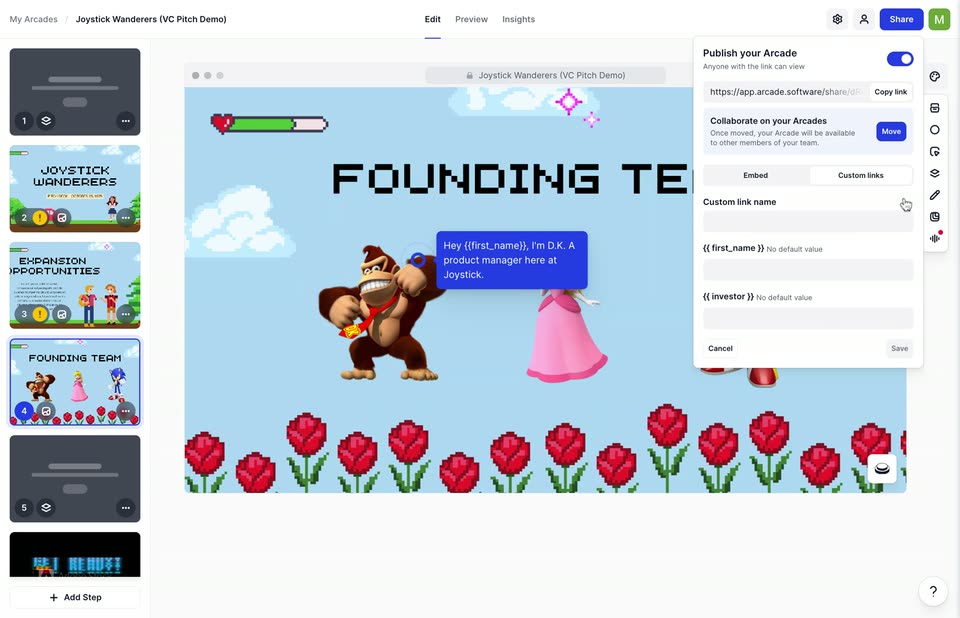 1:06–2:25Arcade · Arcade Adventure 👾Locked-off full window, a cursor works through the Arcade editor: it clicks a hotspot on the pixel-art canvas, opens a text panel, types a greeting with a name variable, saves it as a speech bubble, then opens the share panel, toggles publish, and fills two custom links. Confetti bursts.
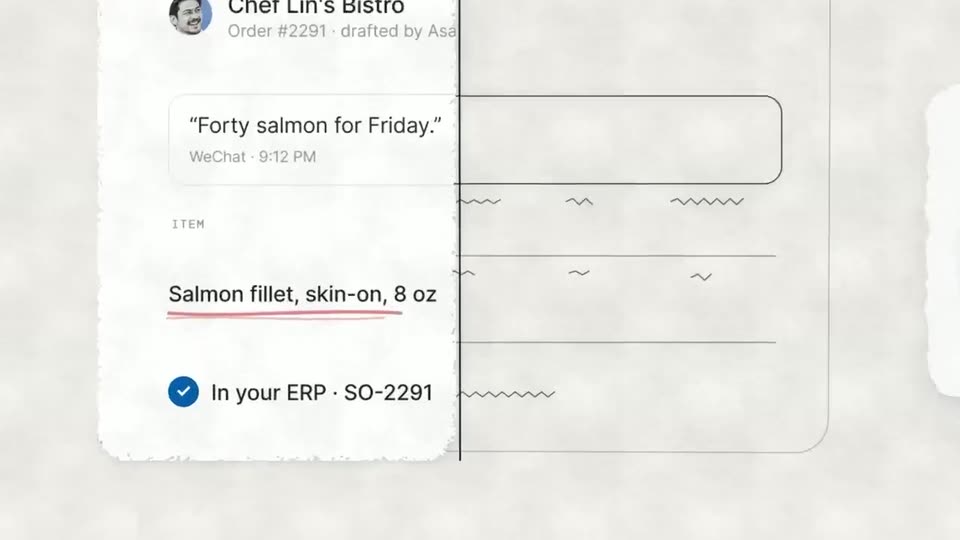 1:00–1:01Asakana · Asakana (YC F26) automates sales and the entire back office for food distributors. Restaurants still order by text, WhatsApp, phone, or a photo of a handwritten note, often not in EnglishTwo torn-paper cards rest on a textured paper background with a hand-drawn wireframe of wavy lines between them. The left card holds a Chef Lin order draft; the right card holds an Asakana suggestion. The camera zooms in to reframe on the left card and wireframe.
 1:08–1:09Aside · AsideOn a white background, a black lock icon and the word private sit centered as the word is exits left. The line then splits into two and under your control resolves beneath, settling into a locked two-line headline.
 0:37–0:41Assuryn · Assuryn posted on LinkedInA woman in a white sweater holds a phone; a green scan line ties her face to a large phone at right, where her portrait sits in a corner-bracket frame. A checkmark pops above it, a 'Julia Smith' tag slides in, and an ID card fades in below.
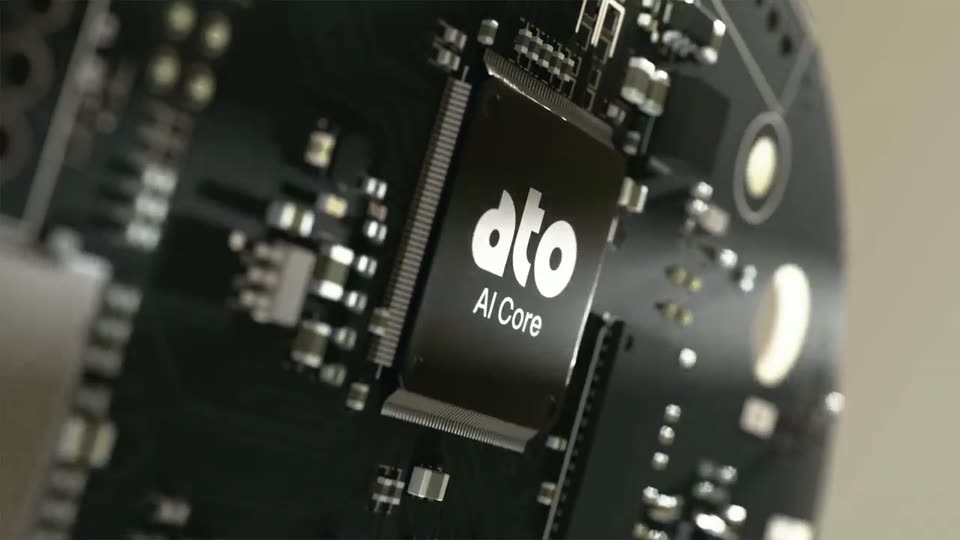 0:38–0:41Ato AI · Introducing Ato, your grandparent’s next computer. Over the past year, more than 2,500 older adults around the globe have used Ato in their daily lives through our beta program, and the adoption… | Ato AIA 3D render of a black circular circuit board tilts in perspective, a square chip marked dto AI Core in white sits at the center. Shallow depth of field keeps the chip sharp while the board's components blur toward the edges; the camera holds still.
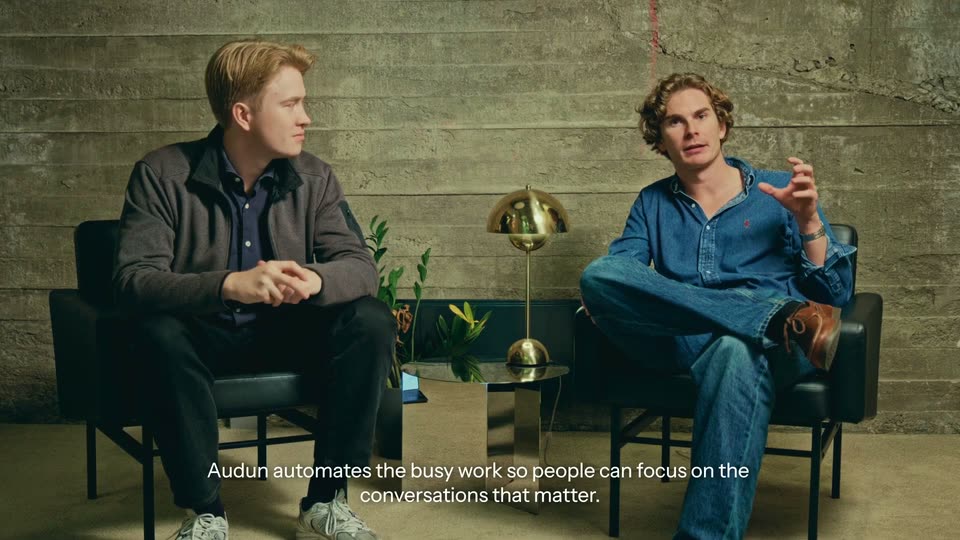 0:54–0:59Audun · Audun launch filmTwo men sit in black chairs against a raw concrete wall, a glass table with a gold lamp and plants between them. The man in the denim shirt talks and gestures while the other listens, then the image blurs out of focus.
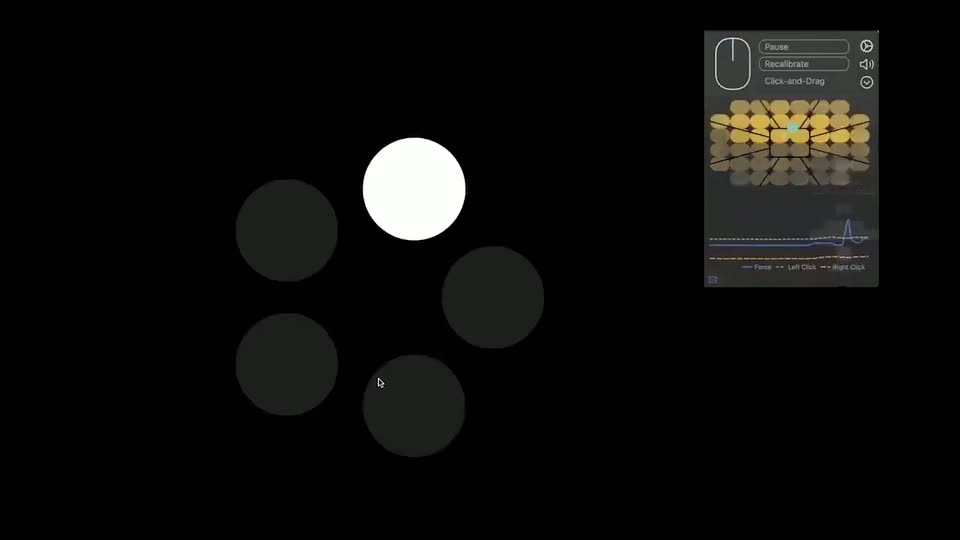 1:34–1:36Augmental · MouthPad is a touchpad you drive with your tongue. Now available across the US. Over 100 people already use it, some for up to 16 hours/day. It works for gaming, for CAD, for Figma, and we're inA black screen shows five circles in a cross, one bright white, while a white cursor drifts near the bottom circle. A small control panel in the top right holds a mouse icon, buttons, and a yellow hex grid with radiating lines.
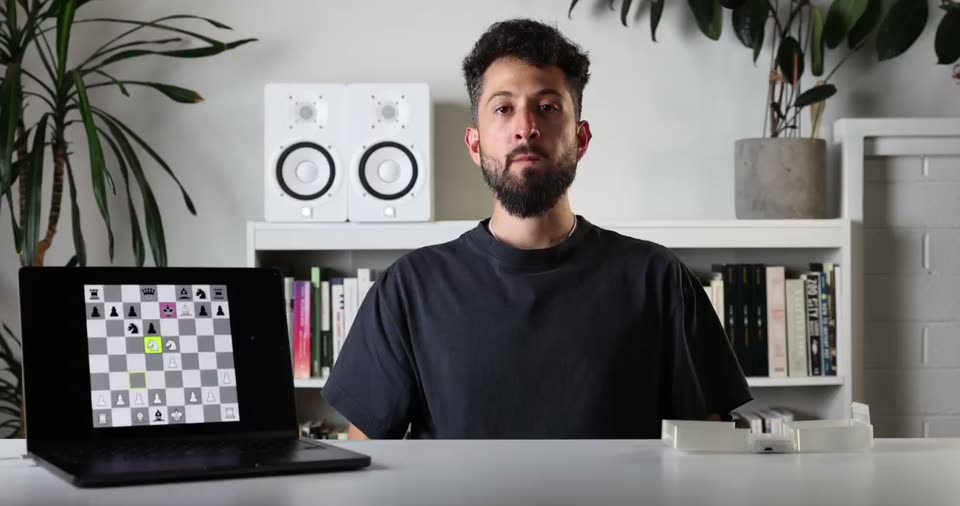 0:26–0:28Augmental · VOX is the keyboard. MouthPad is the mouse. Neither one shows. The game is rigged. The interaction isn't. We built these around the needs of the people the keyboard and mouse were never built for:… | AugmentalA bearded man in a black tee sits at a white desk facing camera, plants and white shelves behind him. A laptop on his left shows a chess app; the screen cuts from a Knight to D5 caption to the board with a highlighted move.
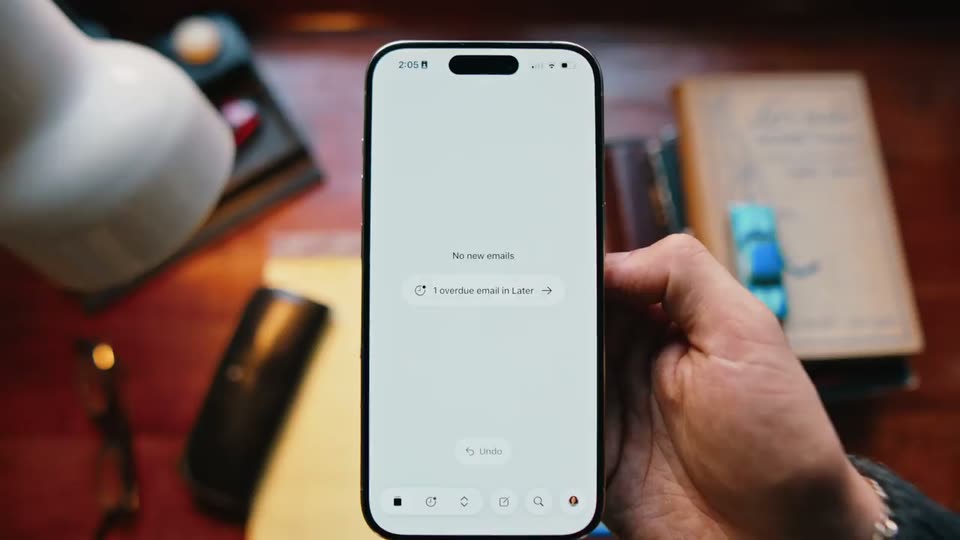 1:25–1:27Avec · Jonathan Unikowski | 219 likes · 63 commentsA hand holds a smartphone upright over a blurred wooden desk. The screen shows a green “Mark all Done” card, which clears to an empty inbox reading “No new emails” with a pill noting one overdue email in Later.