Feature reveal
A sequence devoted to one feature: its announcement and its demo.
81,224 scenes · page 317 of 1354
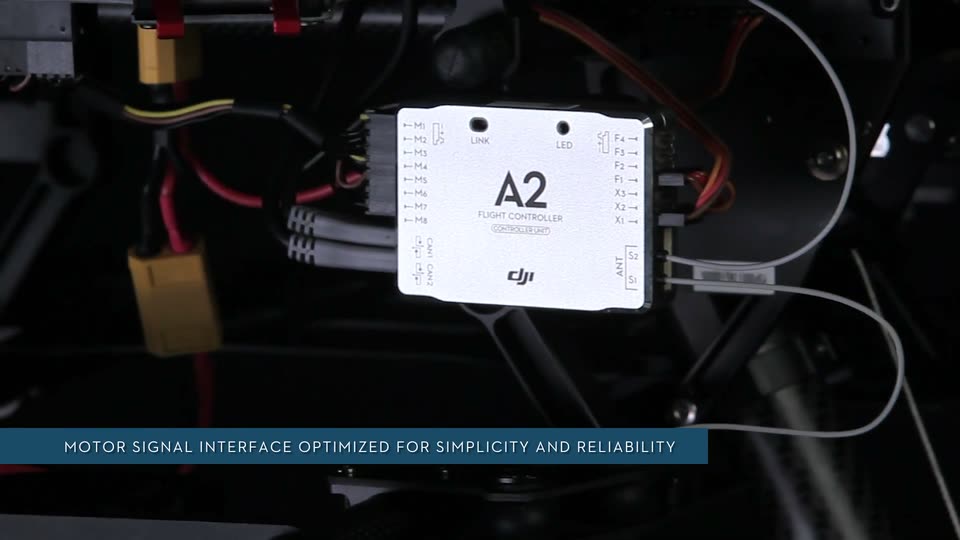 0:13–0:16DJI · DJI - Introducing the Spreading Wings S1000A macro shot of a white DJI A2 flight controller board wired into a dark frame, the lens slowly pushing in. A blue caption bar at the lower left types out the line word by word.
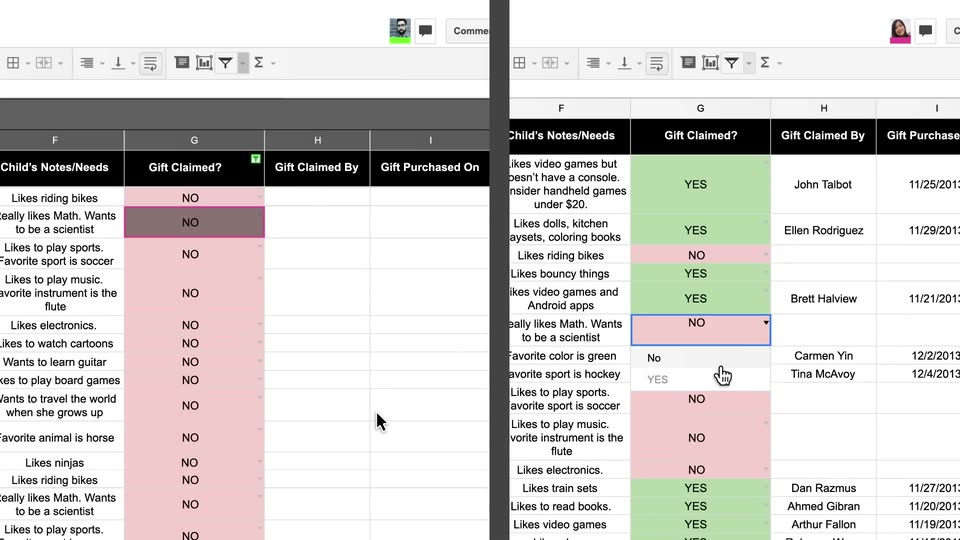 0:25–0:36Google · Meet the new Google SheetsA close-up of a Google Sheets toolbar zooms out as a cursor opens the filter menu, then the view splits into two collaborators who scroll and change a NO cell to YES together.
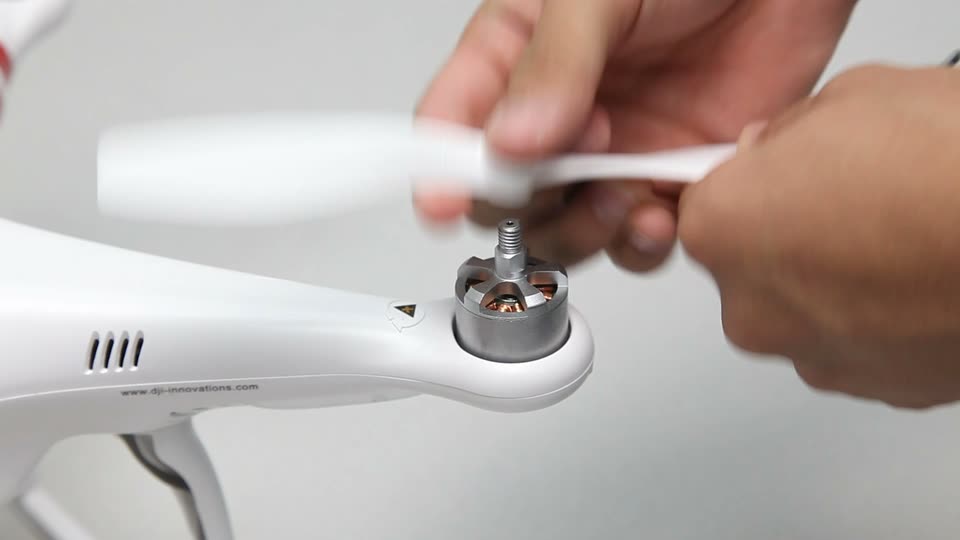 0:30–0:36DJI · DJI Introducing the Phantom Self - tightening PropellerA close-up shows hands gripping a drone propeller's black hub, twisting and lifting it off the motor to reveal the threaded shaft and copper coils, against a plain white background.
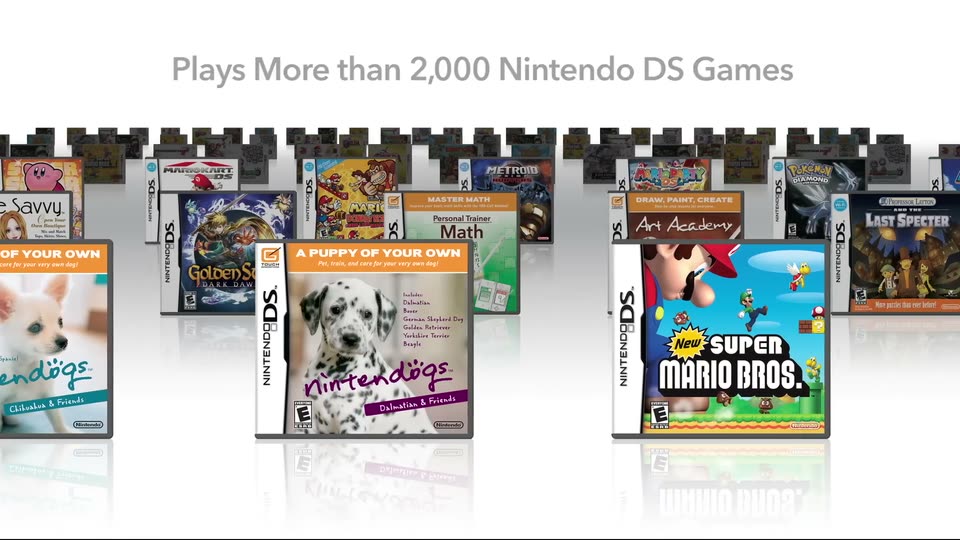 0:27–0:28Nintendo · Nintendo 2DS - IntroductionRows of Nintendo DS game cases stand in 3D perspective on a white reflective floor, receding into the background. The camera pans slowly across the lineup while the gray headline holds fixed at the top.
 0:53–0:55Google · Introducing Google NoseA woman in a straw hat holds a tablet in a garden, gazing at it. A cut reveals a frontal close-up of the tablet held before white daisies, its screen showing a Google app with a red droplet icon and the line Detecting Aroma.
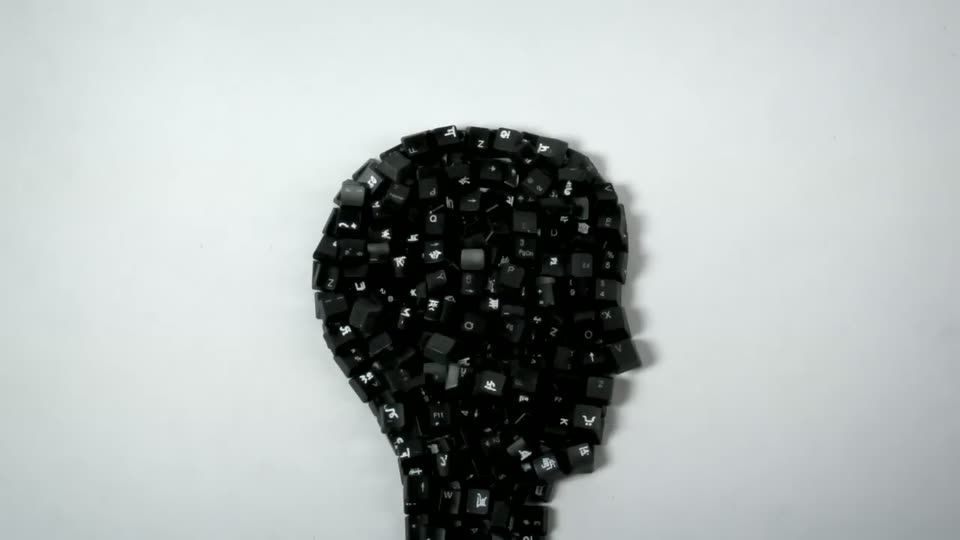 0:43–0:49Google · Introducing Google Input ToolsTop-down stop-motion on a white surface: black keyboard keys form a heart topped with a red paper flame and a matchstick, then rearrange into a lightbulb, and rows of keys fan out from the top like rays of light.
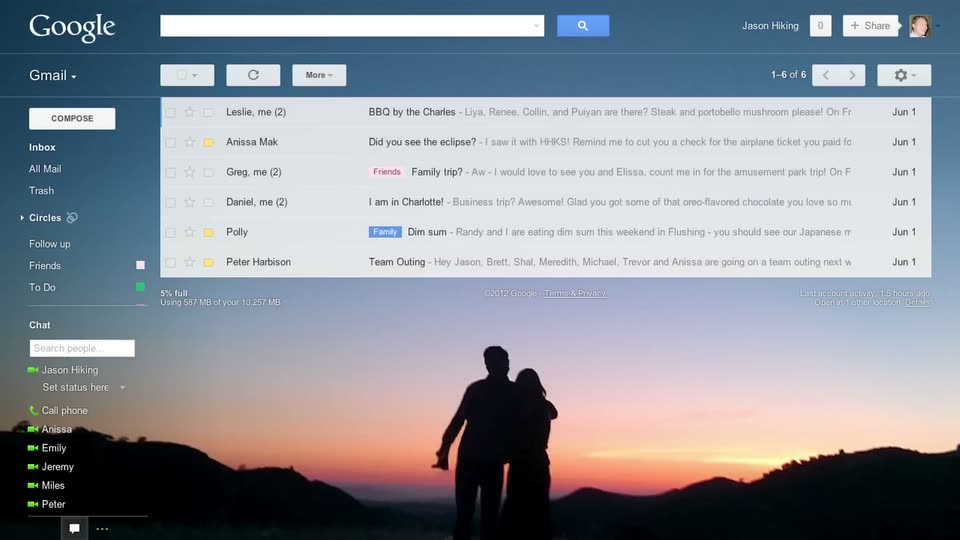 0:09–0:10Google · Introducing Custom Themes in GmailA Gmail inbox list and left sidebar sit over a full photo background. The backdrop switches from a sunset silhouette of two people to a stone arch under blue sky, while the interface stays static.
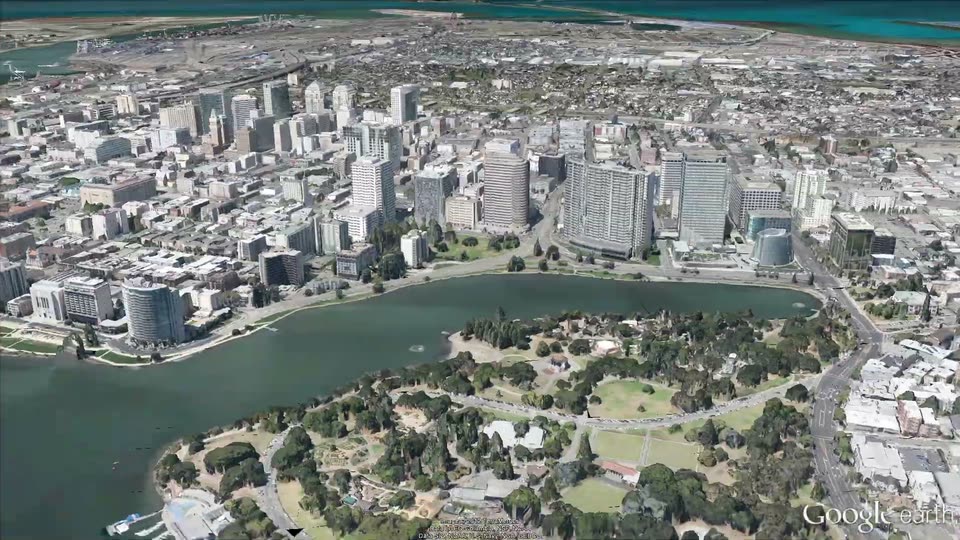 0:12–0:16Google · New 3D imagery for Google EarthA 3D aerial view of a dense coastal city, with a lake and wooded park in the foreground. The camera slowly pulls back and rises, widening the frame to reveal the shoreline and port cranes on the horizon. A white “Google earth” wordmark holds the bottom right corner.
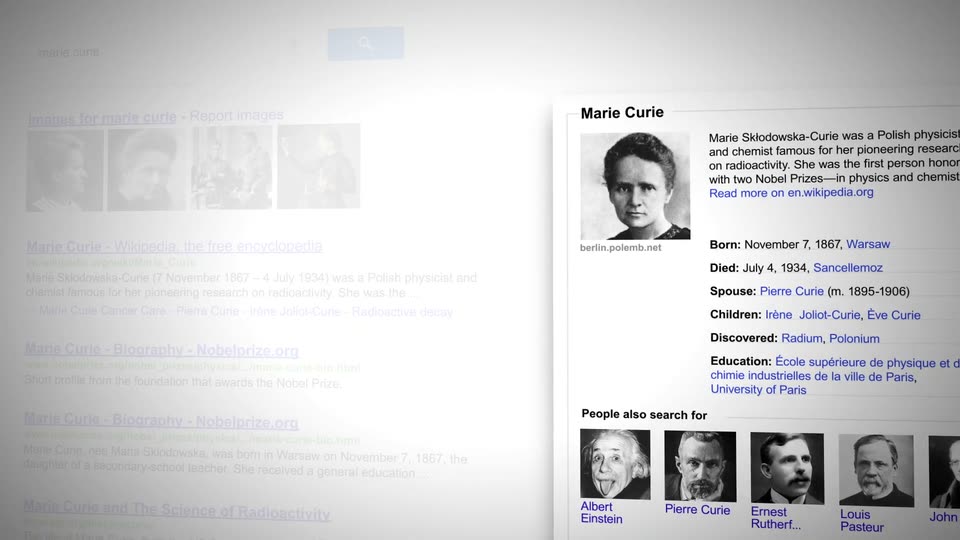 1:20–1:27Google · Introducing the Knowledge GraphA Google results page for marie curie recedes and dims on the left as a knowledge panel slides in on the right, filling in biographical rows and a people-also-search strip. The shot then cuts to a woman speaking against a dark, blurred background.
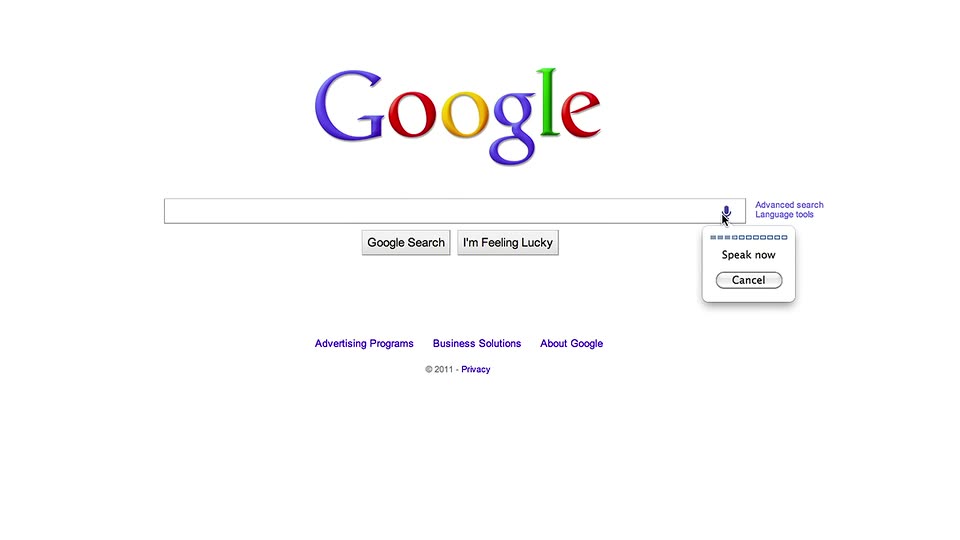 0:15–0:18Google · Introducing Voice Search for your computerThe 2011 Google homepage sits flat on a white background. The cursor drifts to the microphone icon in the search box and clicks it, opening a small popup that reads 'Speak now' with a Cancel button, then swaps to a loading spinner.
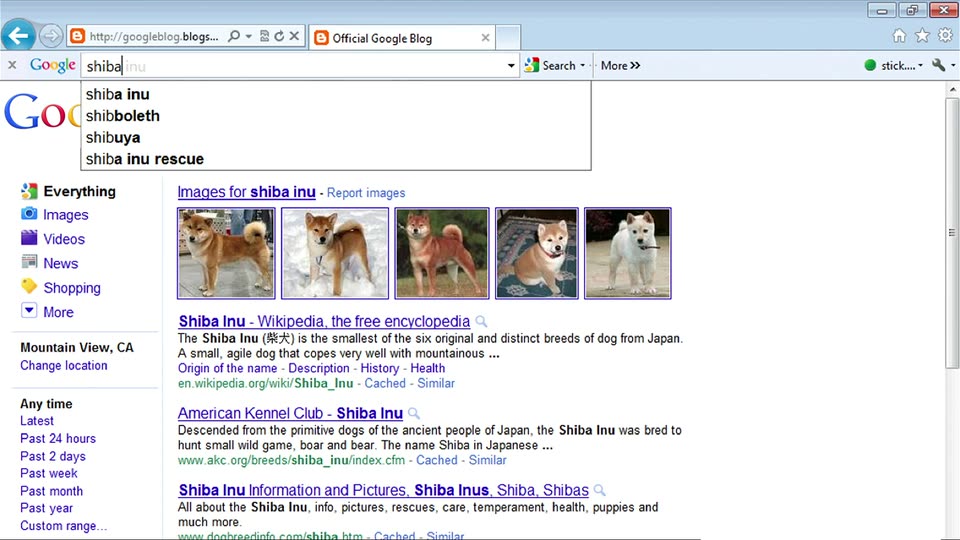 0:16–0:17Google · Introducing Google Toolbar 7A browser window frames the Google search page. Letters are typed into the search box, and a dropdown of autocomplete suggestions refreshes with each keystroke. When the query completes, a row of dog photos appears in the results. The view stays static on the screen capture.
 0:21 · 0.8sGoogle · Introducing Google Map Maker for the United StatesA fast horizontal blur resolves into a beige city map with yellow streets. A small yellow car drives in from the left and sharpens, while a tilted blue parking sign holds the right edge.
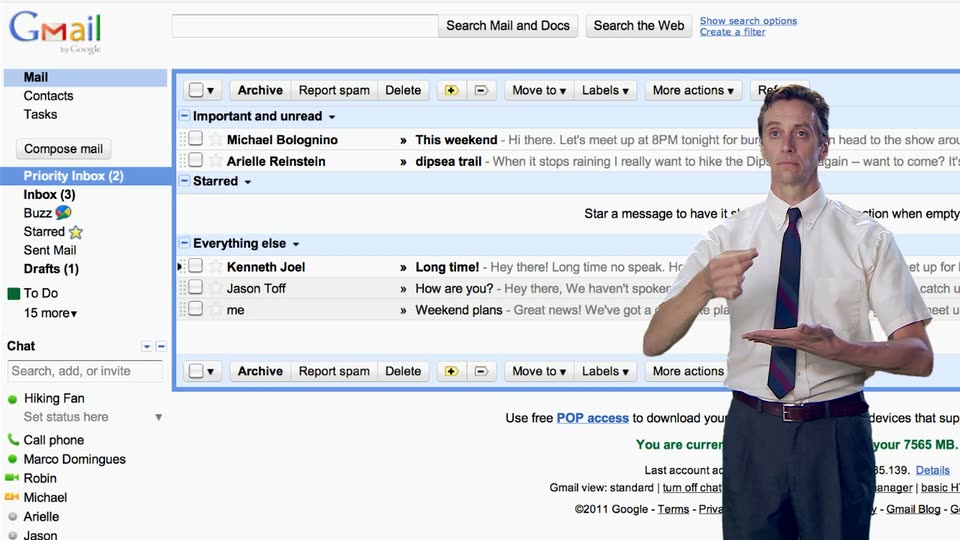 0:36–0:39Google · Introducing Gmail MotionA static Gmail inbox screen fills the frame while a man in a white shirt and tie stands at the right, mimes opening an envelope with both hands. Small annotation labels identify the gesture as a transitional schematic.
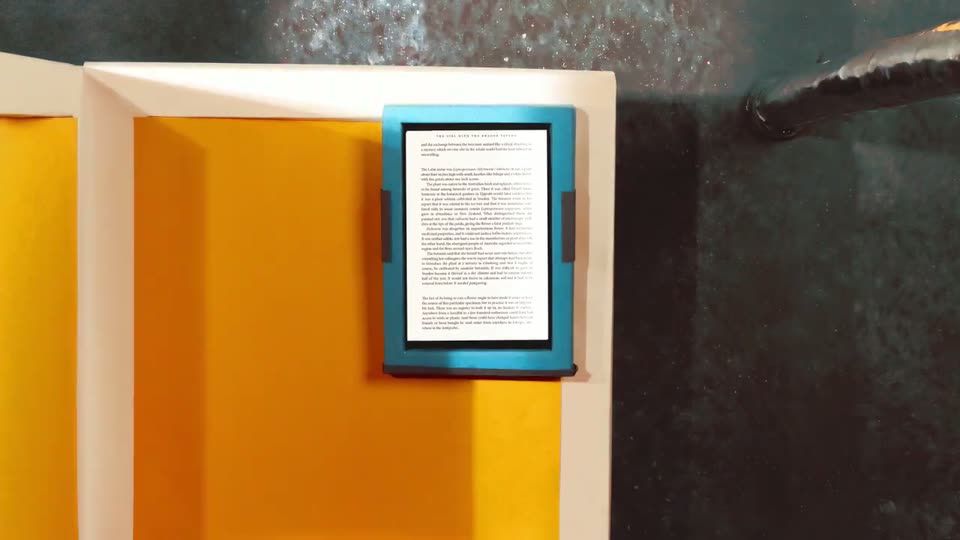 0:59–1:02Google · Introducing Google eBooksA teal-framed tablet sits mounted on a cream wall panel next to a bright orange panel, its white screen filling a page of dense body text. The locked-off shot holds the device steady against a dark mottled wall and a metal pipe on the right.
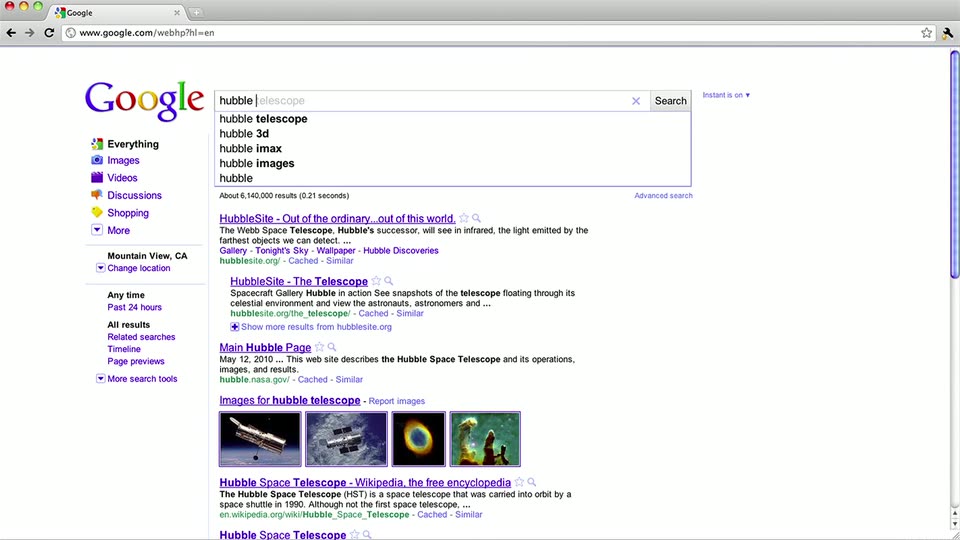 0:03 · 0.8sGoogle · Introducing Instant PreviewsA Google search page fills a browser window. The query 'hubble telescope' is typed into the search box, and a small preview card with a thumbnail slides in on the left beside the result list.
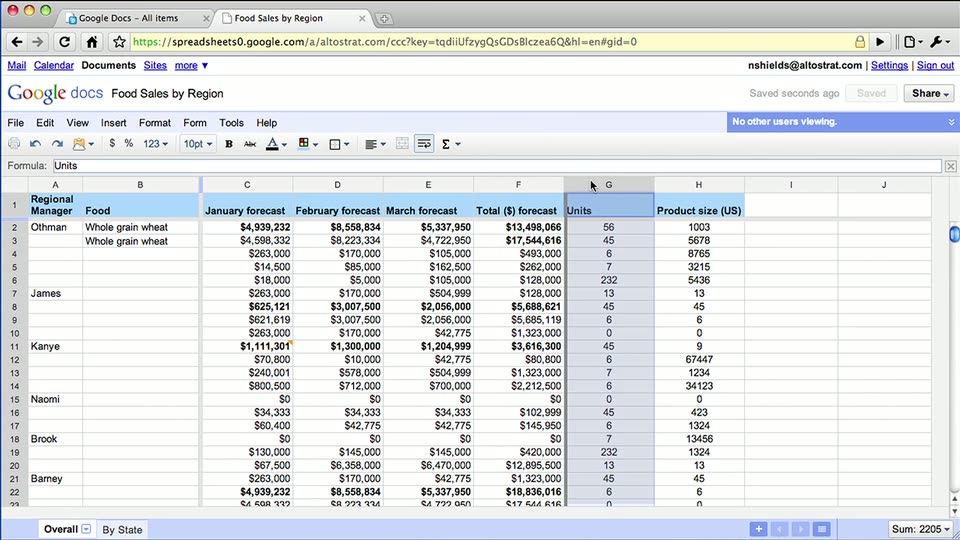 0:59–1:07Google · Introducing a new Google DocsA full-screen Google spreadsheet titled Food Sales by Region fills the browser window. A cursor clicks through cells, edits formulas in the formula bar, and drags the Units column header left to reorder the columns.
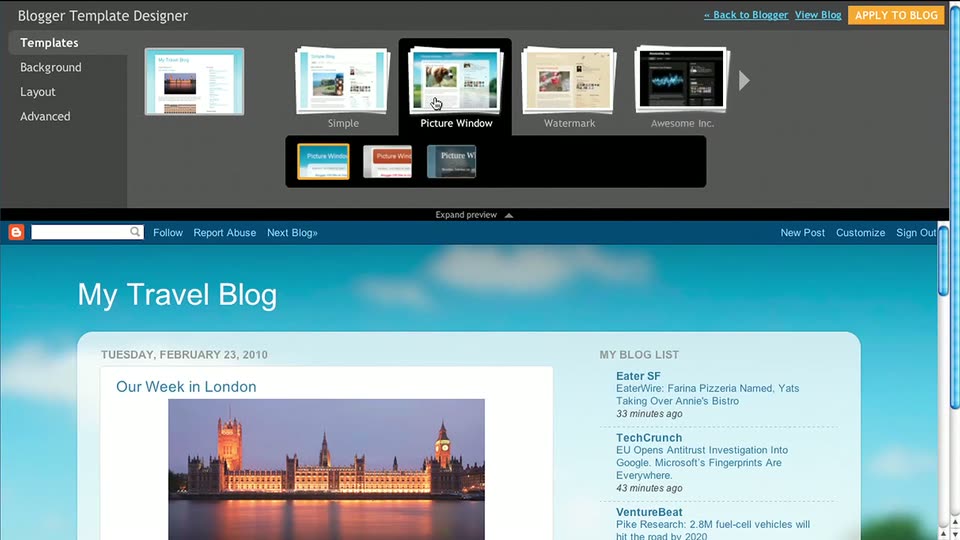 0:07–0:09Google · Introducing the Blogger Template DesignerA cursor hovers over the Picture Window template thumbnail in the Blogger Template Designer. The live blog preview below refreshes, its background fading from dark to a bright blue sky, while small variant thumbnails fade in beneath the template row.
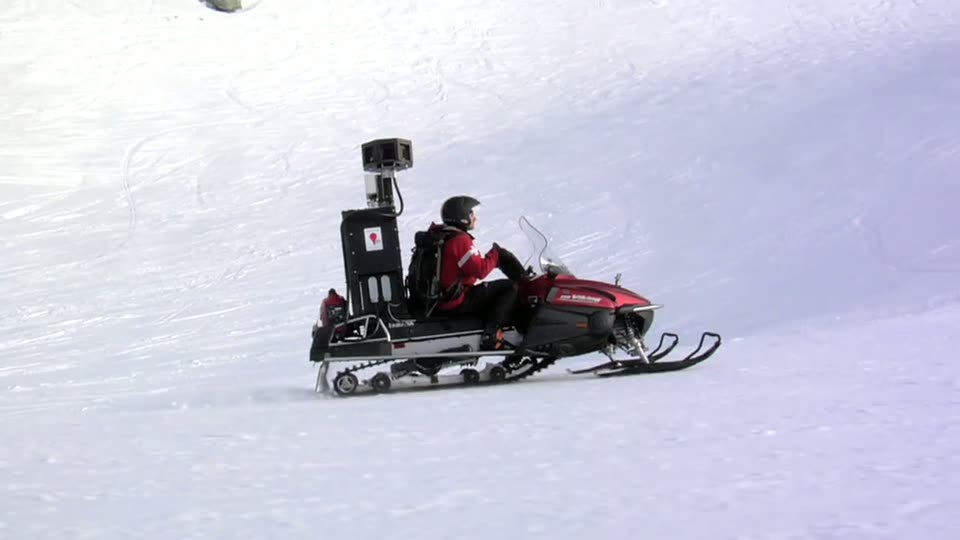 0:09–0:11Google · Introducing the Street View snowmobileA rider in a red jacket drives a red snowmobile across a groomed snow slope, pulling a black rig with a camera on a tall pole. The shot starts soft and sharpens as the camera tracks the vehicle moving left.
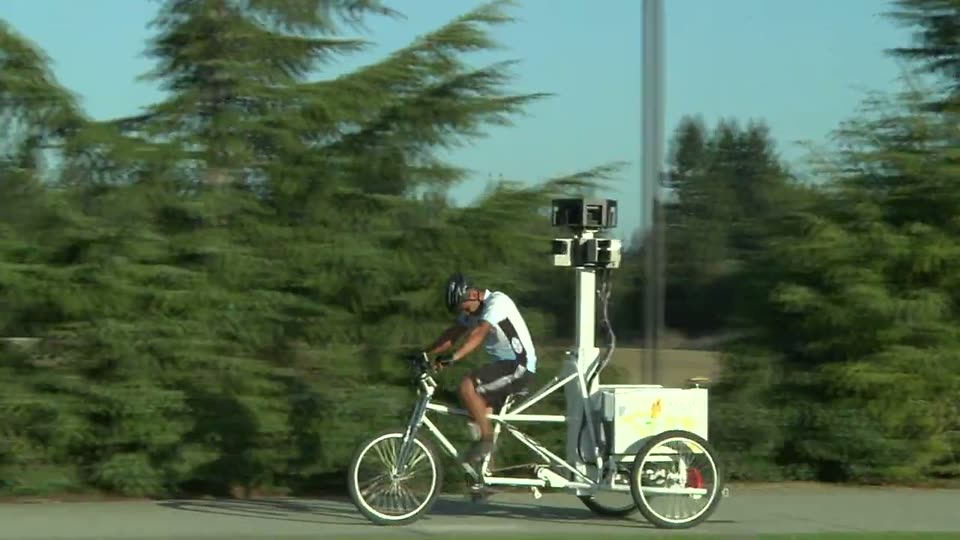 0:07–0:11Google · Introducing the Street View TrikeA cyclist in a white jersey rides a white bicycle pulling a trailer with a tall camera mast and a white box, moving left across a park path. Tall evergreens and a hedge fill the background. The camera pans left to track the rider in a wide shot.
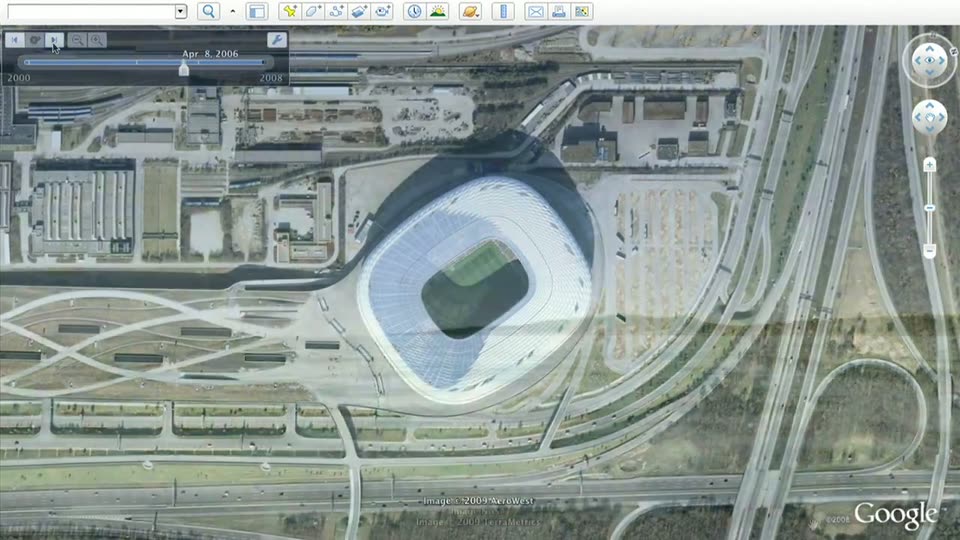 0:10–0:11Google · What's New in Google Earth 5.0A Google Earth aerial view of a white-roofed stadium fills the frame. The time slider in the top left advances from 2006 to 2008, and the satellite imagery cross-dissolves from an AeroWest source to a DigitalGlobe source, with a cursor resting on the slider controls.
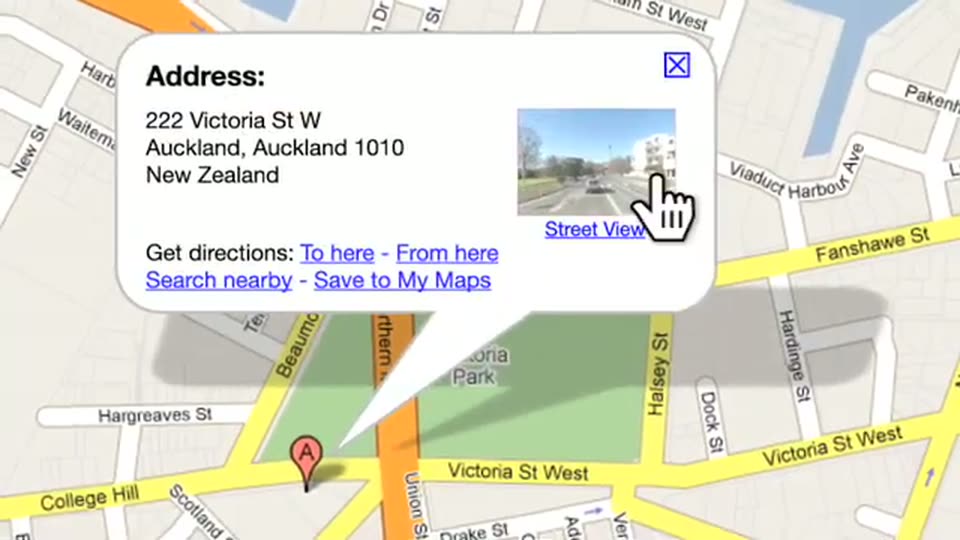 0:32–0:33Google · Street View now available in New ZealandA static Google Maps view shows a white address card over a street map with a red pin. A black cursor glides from the top right to the Street View link, then a hand cursor appears to click it.
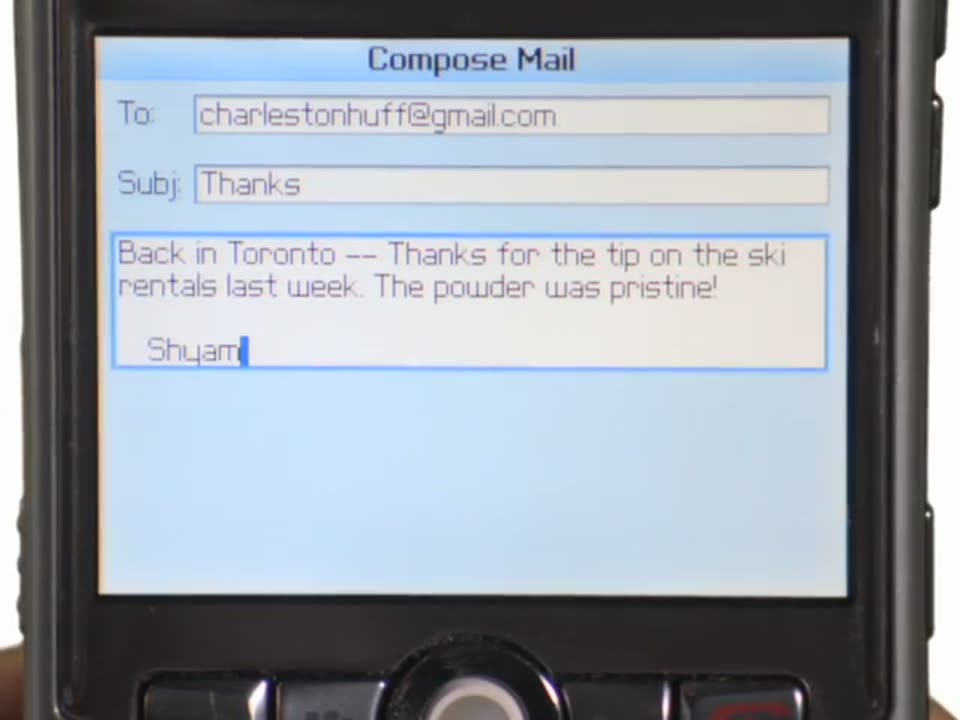 0:22–0:24Google · Introducing Gmail for mobile 2.0A tight close-up of a handheld phone screen shows a Compose Mail window with recipient, subject and body filled in. A blinking caret sits at the end of the message as the name Shyam is typed in. The device's physical keys and round navigation wheel sit at the bottom.
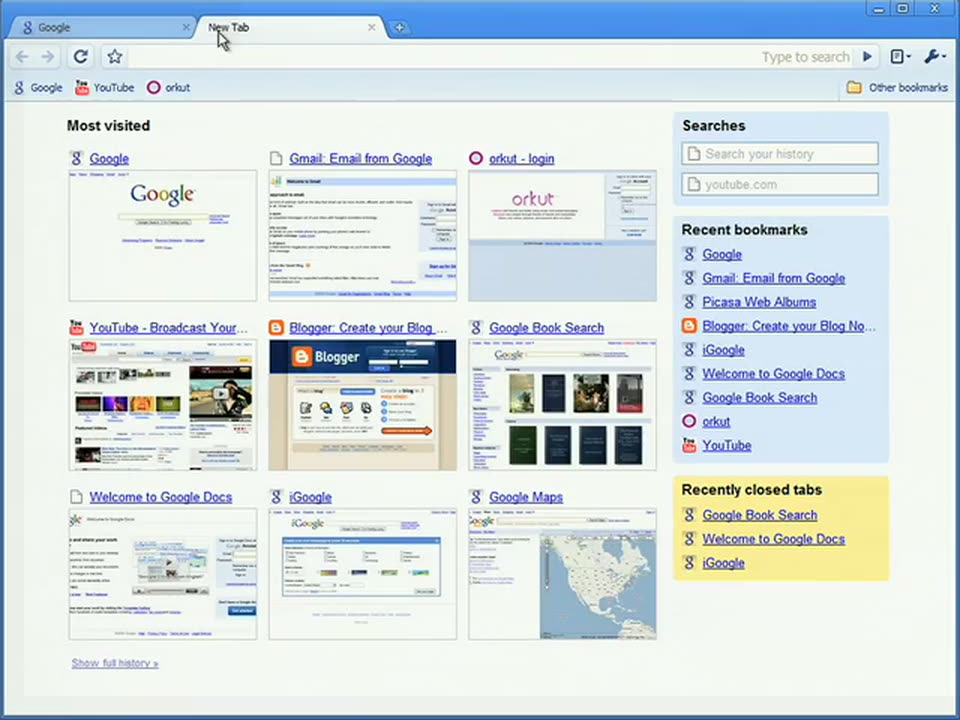 0:10–0:17Google · New Tab PageA dimmed Chrome new-tab page lights up panel by panel on the right, the Searches, Recent bookmarks and Recently closed tabs boxes brightening in turn, then the whole page returns to full color as a multicolored Google logo fades in at the bottom left.
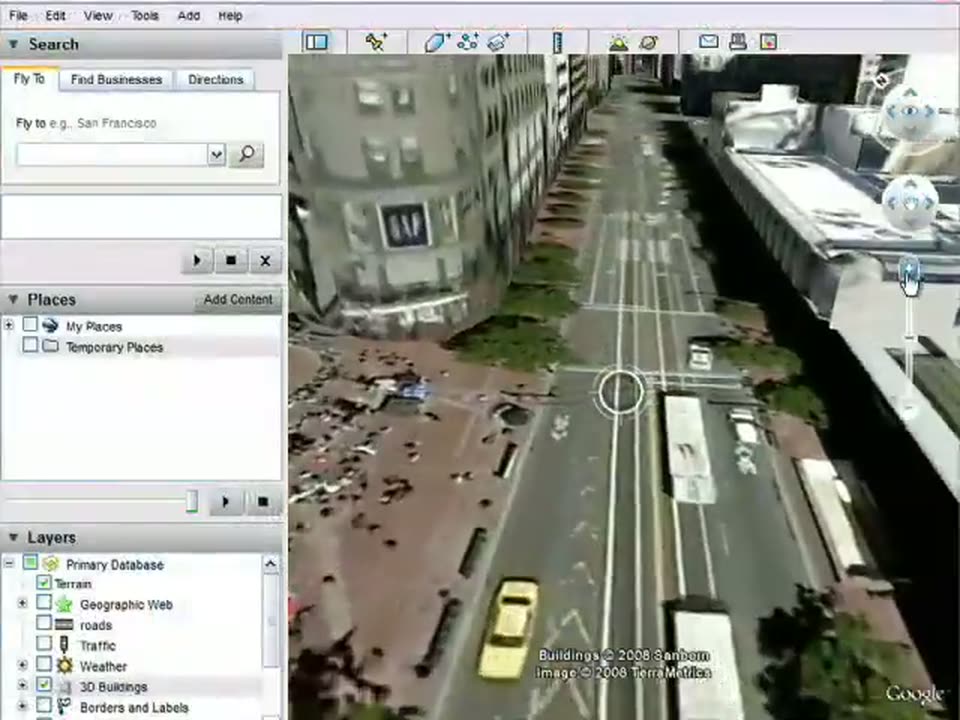 0:05–0:09Google · New features in Google Earth 4.3A full-screen Google Earth view shows a 3D San Francisco cityscape. A cursor drags the right-side zoom slider while the camera swoops from high altitude to street level, then rushes into a building facade with motion blur.
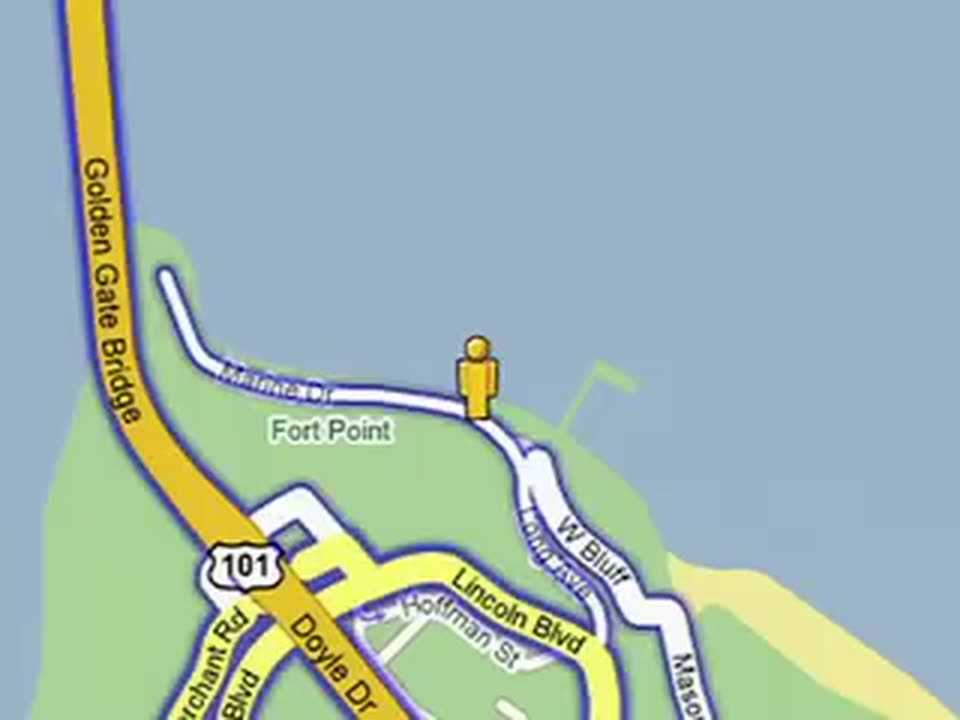 0:25–0:27Google · Google Maps Street View - launch videoA map of the San Francisco coastline shows Fort Point and the Golden Gate Bridge. A yellow person icon pops in on the shore, a hand cursor points at it, and the map drifts into a slight zoom.
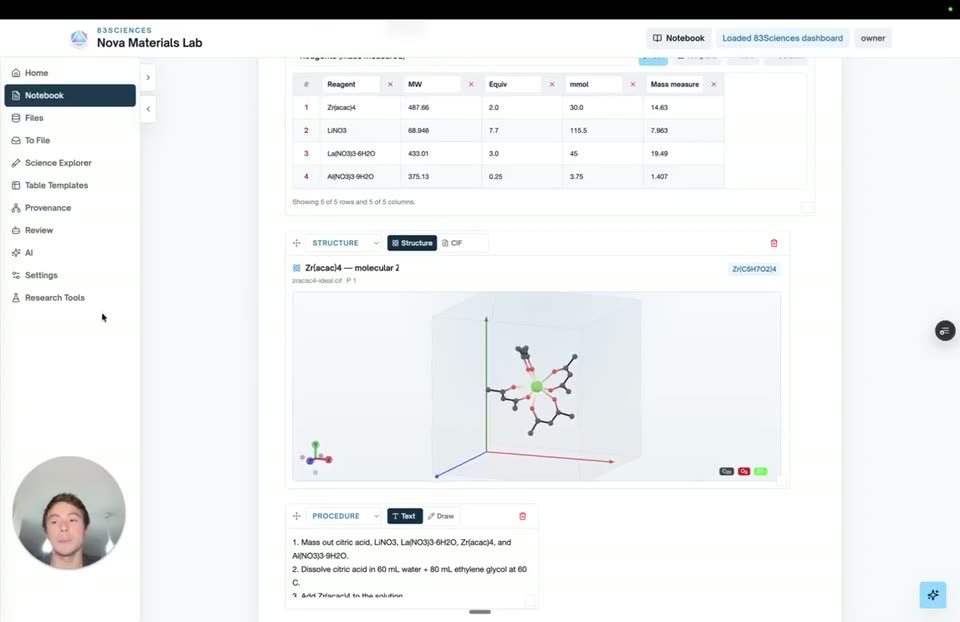 0:44–0:4883 Sciences · 83 Sciences Future of Scientific Discovery | 83 SciencesA lab notebook interface fills the screen: a reagent table on top, a 3D molecule in a wireframe box at center, a procedure list below, and a left menu with a webcam circle. The cursor glides down the menu, pauses on Research Tools, then rests on the structure panel.
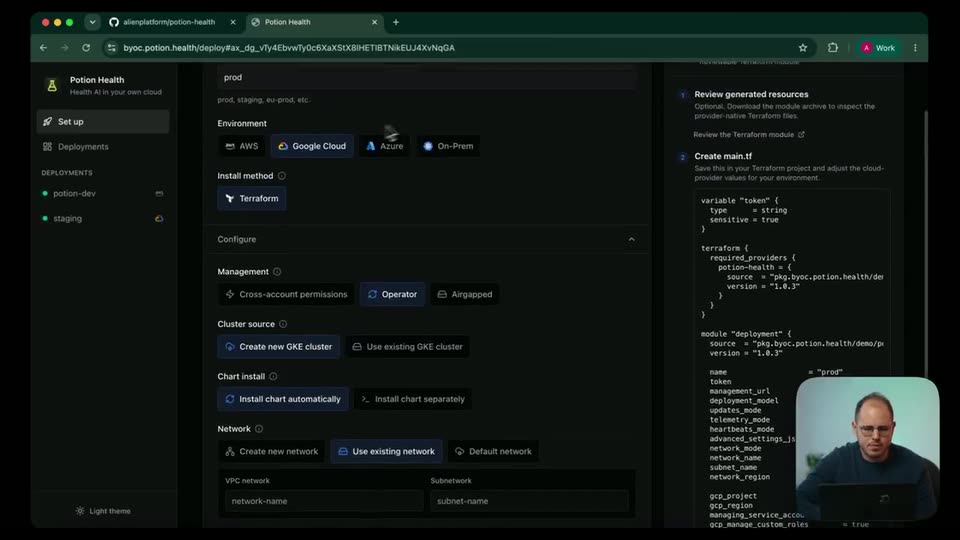 2:03–2:12Alien · We're launching the Alien platform today, backed by a $5M seed from Basis Set, Jibe Ventures, and angels from OpenAI, Google, and Databricks. We've built it so that when your next $300K enterpriseA dark deploy screen of the Potion Health app fills the frame beside a small video-call inset of the presenter. The cursor hovers over form options, clicks Google Login, and the right panel switches to a Google Cloud sign-in checklist with a green Start deployment button.
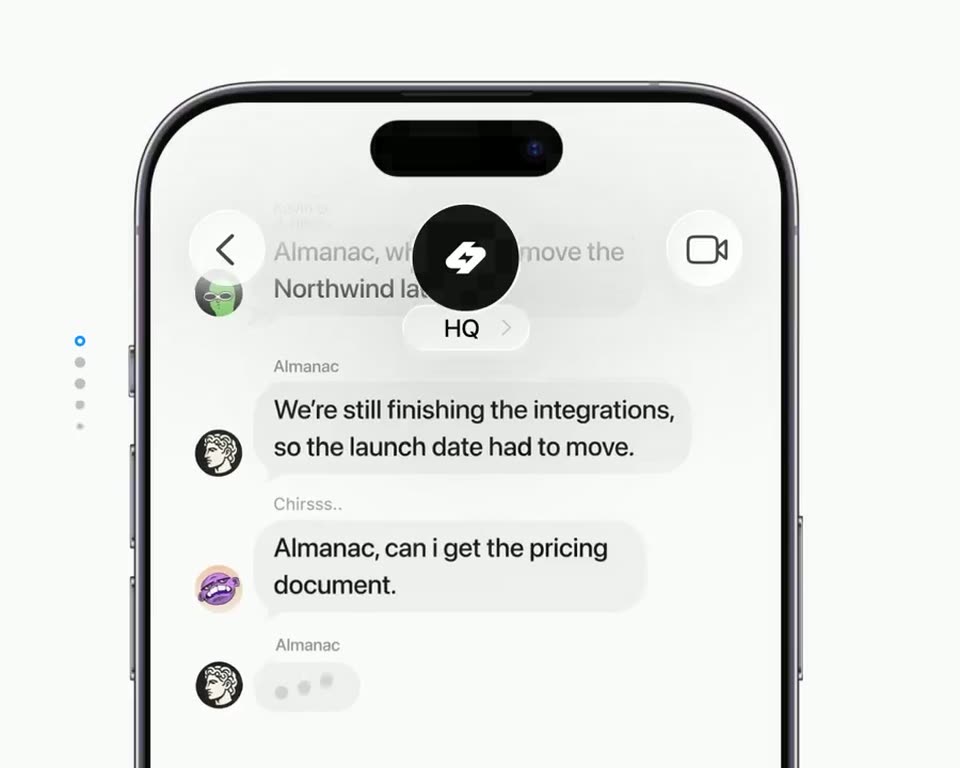 0:27–0:28Almanac · We just killed two biggest limitations of your favourite AI agents: Their memory and Your laptop Almanac’s agents have unlimited memory, their own computers, browsers and access to the tools theyA front-facing 3D phone mockup on a pale background shows a chat thread that scrolls upward, new messages entering from the bottom. A black circular badge with a white logo and an HQ label stays fixed at the center of the screen.
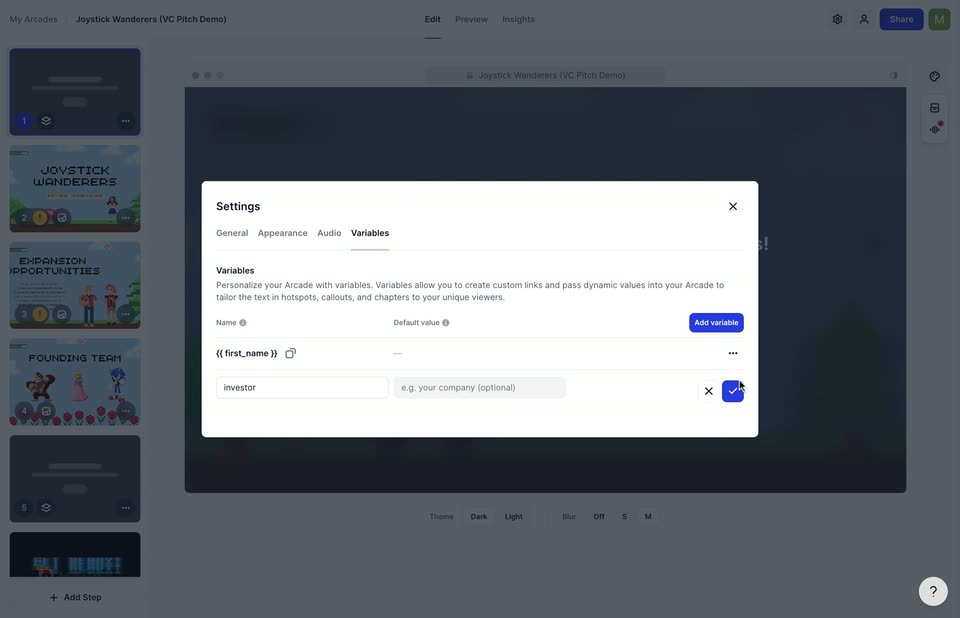 0:36–0:45Arcade · Arcade Adventure 👾A Settings dialog with the Variables tab open sits over a dimmed editor. A cursor clicks the ellipsis on a variable row, an inline name field expands, the cursor types investor and confirms it, adding a second variable row. The cursor then drifts to the close icon.
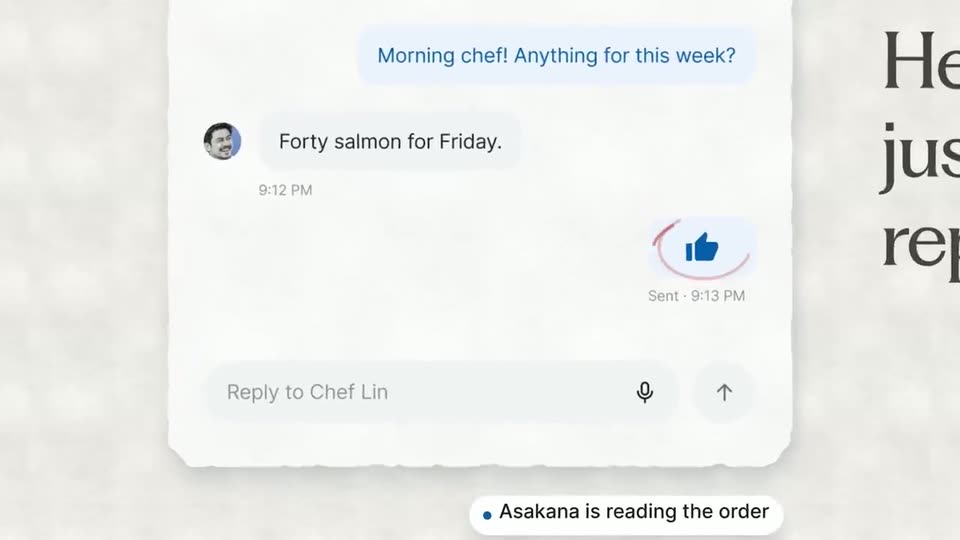 0:53–0:56Asakana · Asakana (YC F26) automates sales and the entire back office for food distributors. Restaurants still order by text, WhatsApp, phone, or a photo of a handwritten note, often not in EnglishA WeChat chat card with Chef Lin scales up from a small faded state over a cream textured background, revealing a circled thumbs-up reply, while a serif headline sits on the right.
 0:51–0:53Aside · AsideA chat exchange on a white background: a gray bubble on the right holds a user question, while the agent's reply types out word by word on the left, ending with a small cursor.
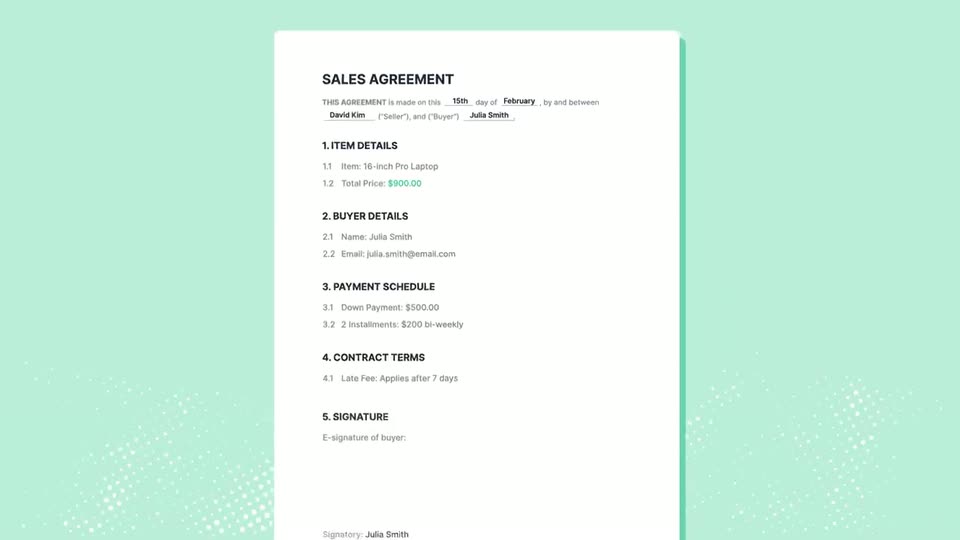 0:30–0:36Assuryn · Assuryn posted on LinkedInA white sales agreement card on a mint background scrolls and zooms out to reveal the full document, from item details to the signature block. A second identical card slides in from the right as a flat illustration of a woman holding a phone enters from the left.
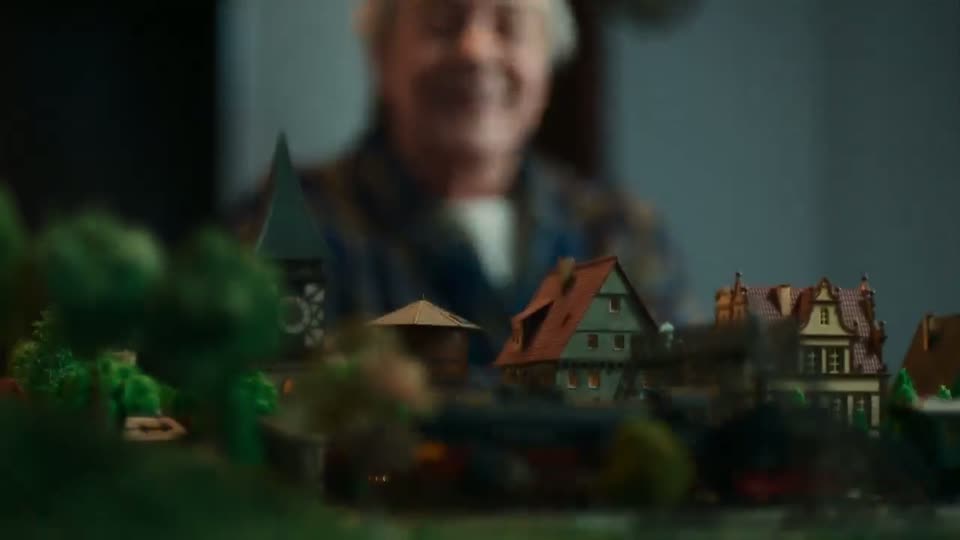 0:35–0:37Ato AI · Introducing Ato, your grandparent’s next computer. Over the past year, more than 2,500 older adults around the globe have used Ato in their daily lives through our beta program, and the adoption… | Ato AIAn older man in a plaid shirt smiles in the soft-focus background as the lens racks to a detailed miniature village diorama in the foreground, revealing tiny buildings, trees and figures.
 0:45–0:52Audun · Audun launch filmA man in a denim shirt sits cross-legged in a chair against a rough concrete wall, gesturing with both hands as he speaks. A brass dome lamp stands to his left. The shot is locked-off at medium distance, with white subtitles centered at the bottom.
 0:52–0:56Augmental · Augmental | 276 likes · 91 commentsA bearded man in a dark tee sits at a desk and talks to camera, flanked by a laptop showing a voice interface and a red audio unit. White captions on a black bar read at the bottom. Locked-off framing.
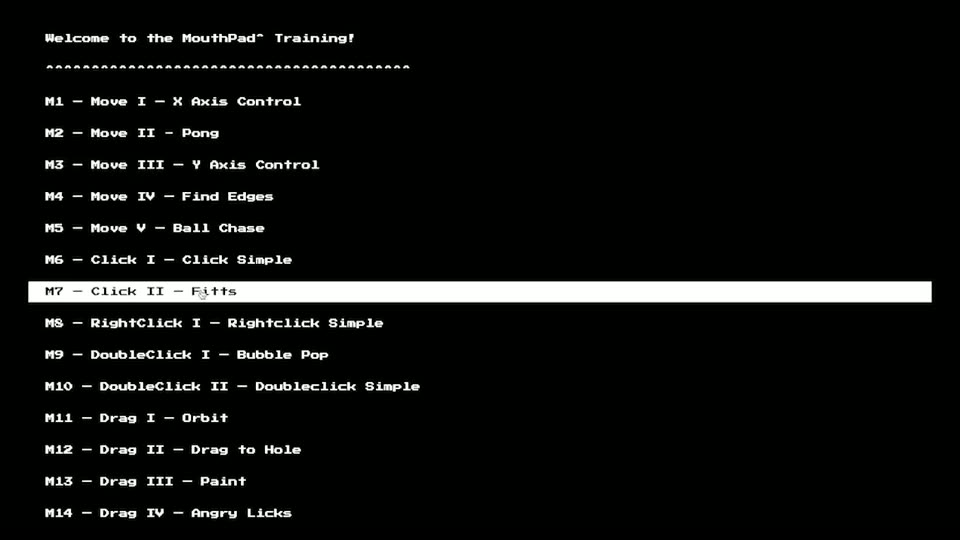 1:31–1:33Augmental · MouthPad is a touchpad you drive with your tongue. Now available across the US. Over 100 people already use it, some for up to 16 hours/day. It works for gaming, for CAD, for Figma, and we're inA black terminal screen shows a white monospace list of MouthPad training moves, M1 to M14. A white highlight bar scans down the list, moving from M1 to M7.
 0:20–0:24Augmental · VOX is the keyboard. MouthPad is the mouse. Neither one shows. The game is rigged. The interaction isn't. We built these around the needs of the people the keyboard and mouse were never built for:… | AugmentalA bearded man in a black T-shirt sits at a white desk talking to camera, a laptop showing a chess board on the left and white headphones on the right. At 3s two green circular icons, mouse and keyboard, pop in beside the laptop screen.
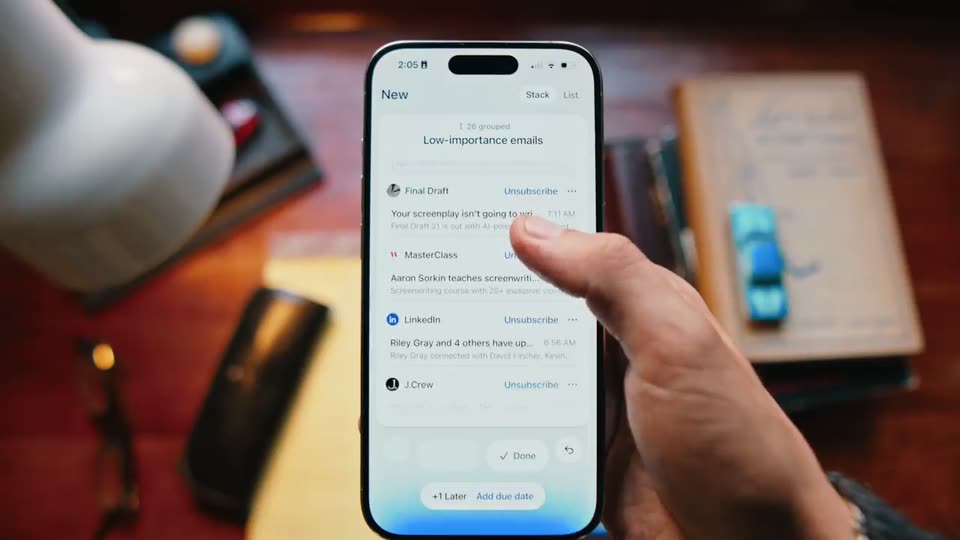 1:21–1:22Avec · Jonathan Unikowski | 219 likes · 63 commentsA thumb swipes down a phone screen held over a blurred desk, scrolling a list of low-importance emails. Each row slides up to reveal an Unsubscribe button as the finger passes, moving from Con Edison to LinkedIn.
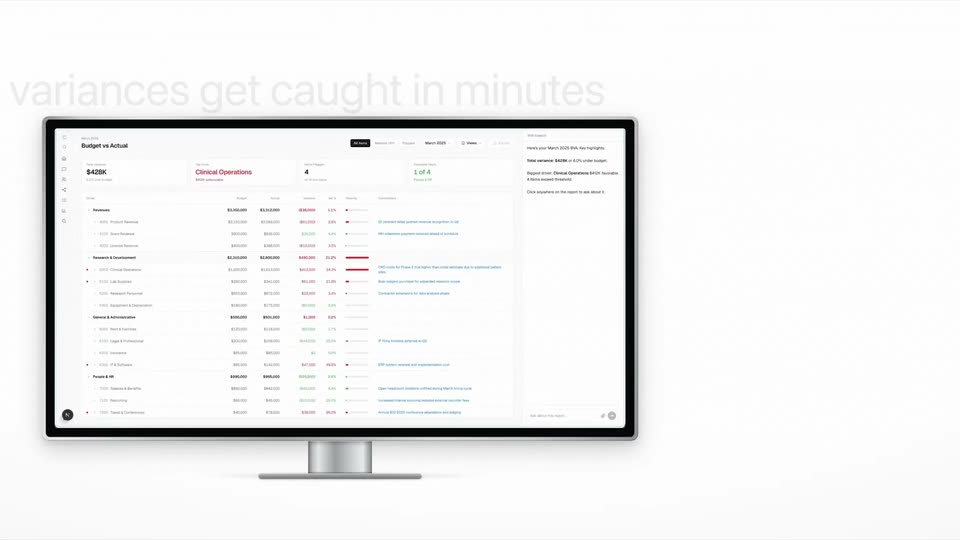 0:28–0:30Billow AI Labs · Billow - YC LaunchA laptop mockup in 3D perspective shows a budget dashboard. Above it, a black serif headline swaps from “variances get caught in minutes” to “insights are more accurate,” the last word fading in gray, while two insight cards with variance figures appear on the right, linked by thin lines.
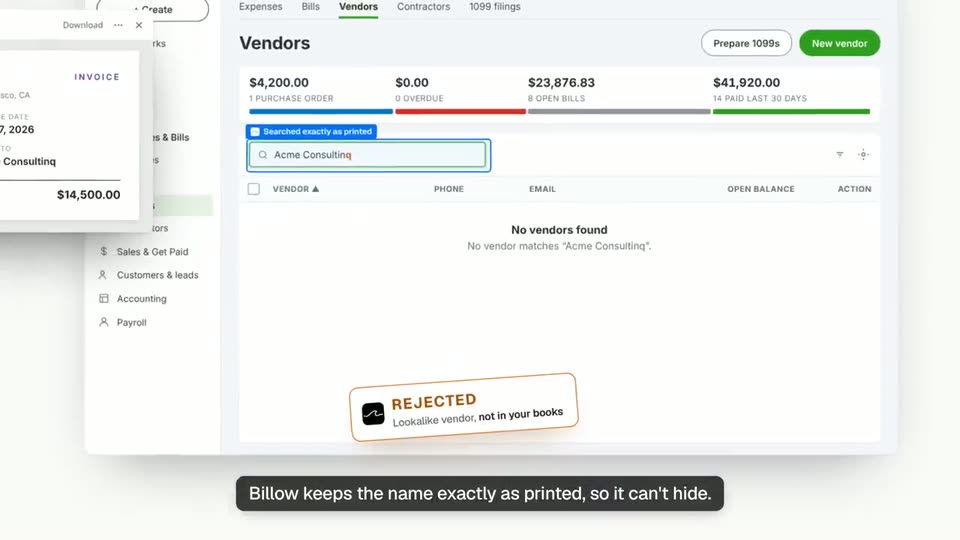 0:13–0:16Billow AI Labs · Last week, we showed our AI running Accounts Payable and many were skeptical 👀 "What if the AI misses a duplicate invoice, or pays a scammer?" So we made this video to show the guardrails weA QuickBooks vendors page with a PDF invoice floating at left. The view zooms into the search field where the vendor name is typed out; the list empties to a no-results state and a REJECTED badge stamps in. A caption pill sits at the bottom.
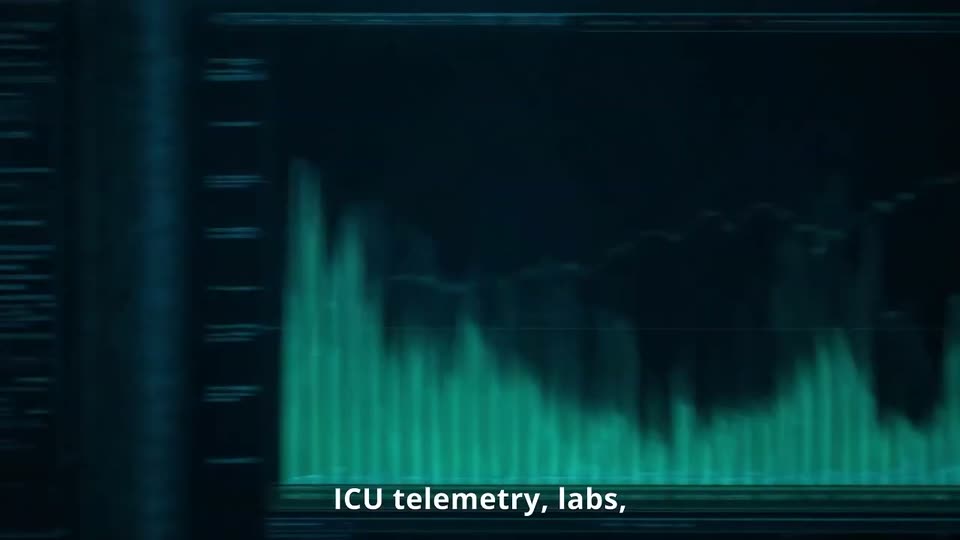 0:40 · 0.8sBioStack Platforms · BioStack Platforms launch filmA dark dashboard with teal vertical bars and a thin white line graph begins as a fast horizontal blur, then sharpens into a clear chart view. White caption text runs along the bottom edge.
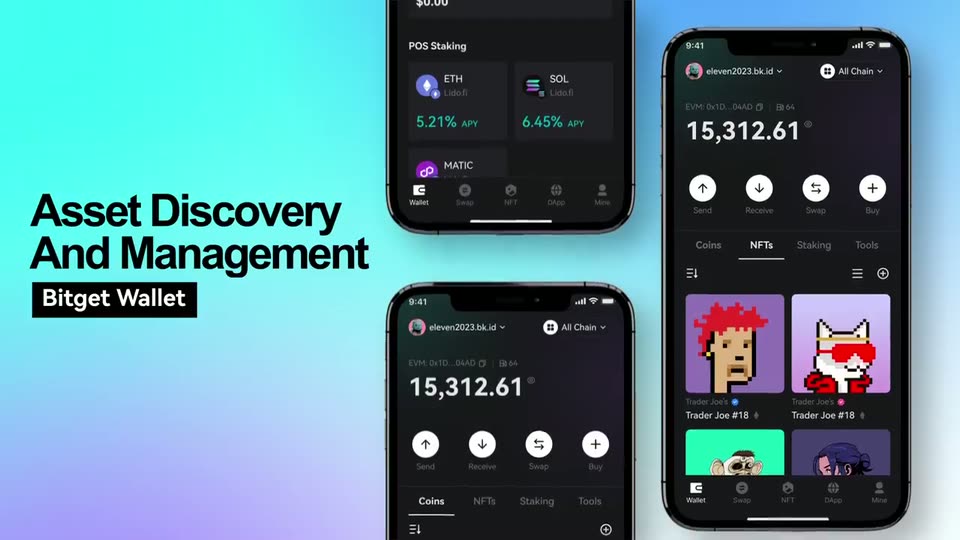 0:52–0:55Bitget Wallet · Bitget Wallet | 8 likes · 1 commentThree phone mockups of the Bitget Wallet app float gently on a cyan-to-purple gradient, showing staking, balance and NFT screens. A bold black headline and a black label box hold the left side.
 0:12–0:14Bitstack · A new Bitstack has landed. 👀 New logo. New colours. New app. Same ambition: helping you own your financial future. Don’t worry, your bitcoin is still where you left it. What hasn’t changed isUI cards, app icons and sketchbook pages slide in from the edges and stack into a fanned collage. The caption “A new symbol” fades in at center as the pile settles, showing Discord, Bits, Bitstamp and a row of app icons.
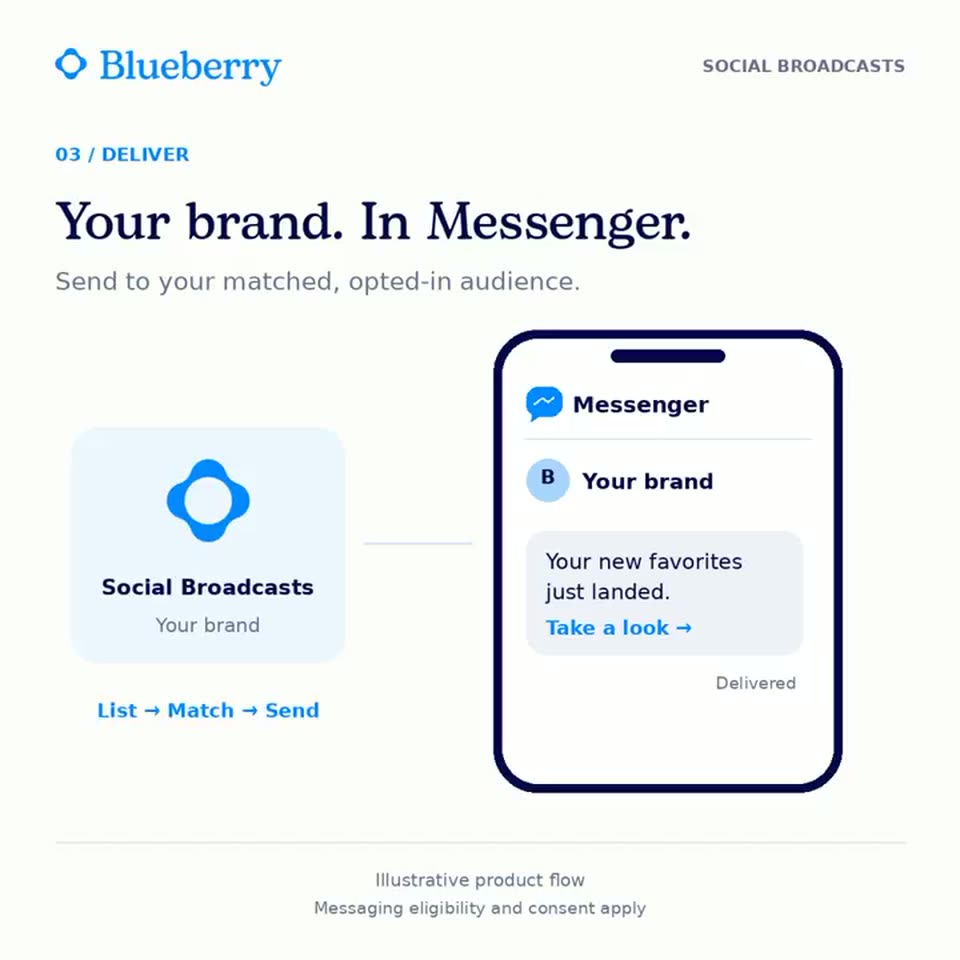 0:08–0:12Blueberry · Your email and SMS campaigns have another place to go this Black Friday. Upload your lists. Blueberry matches eligible contacts to Messenger profiles. Send your campaign to customers who've agreed… | BlueberryA flat illustration on a cream background pairs a Social Broadcasts card with a phone outline. A small blue chat icon slides along a line into the phone, a message bubble pops in, then the caption List → Match → Send and a Delivered tag fade in.
 0:27–0:28BridgeOpsOne · BridgeOpsOne Platform Overview | BridgeOpsOneOver a blue grid, a dark card of monitoring notes with a cursor sits left of a white headline. The layout flips: the headline slides to the left while a workflow card with a dropdown fills the right.
 0:28–0:29Clara · Clara launch videoA 3D satellite map of North America carries white location pins, each holding a clinician's portrait. The camera dives fast into one pin, which swells to fill the frame as the map blurs behind it.
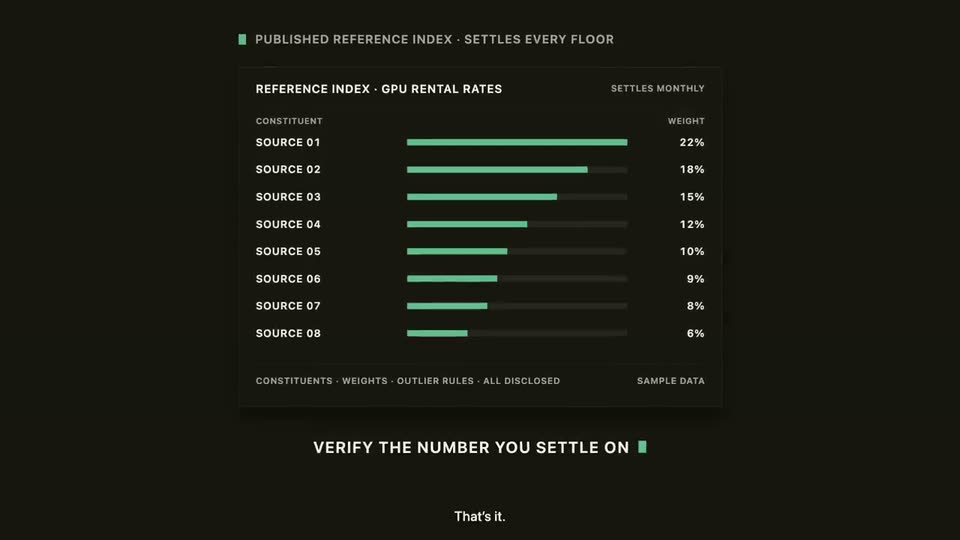 0:58–0:59Computable · Introducing the Rate Floor Pricer: like insurance on GPU prices, estimated in real time. GPU leases have become massive price bets. To meet surging demand, companies are signing multi-year GPU… | ComputableA dark data card listing eight GPU rental sources with green weight bars sits centered on a black field. A small green block pops in beside the top label and the headline, while the bottom caption swaps from a full sentence to “That's it.”
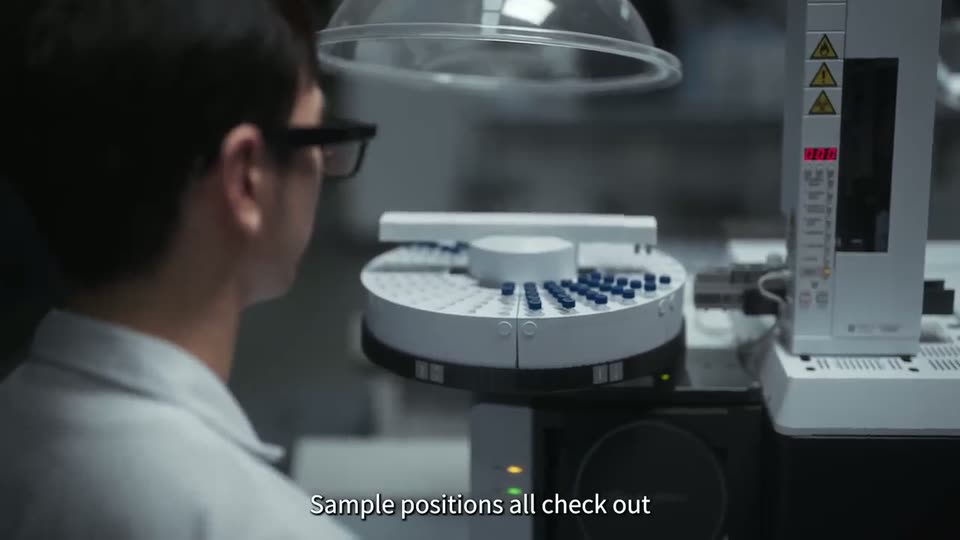 0:15–0:18DeepPrinciple · #aiforscience #scientificdiscovery #deepprinciple | Deep PrincipleOver-the-shoulder shot of a scientist watching a circular carousel of blue vials on an instrument as a blue-tipped robotic arm moves. Cut to a frontal medium shot of him speaking; a small orange pin marker and a typewriter label appear on the right.
 0:32–0:34Dipole Labs · Dipole (YC S26)A man with glasses in a green polo shirt talks to camera on a rooftop, gesturing with both hands, a blurred city skyline behind him. Small green caption boxes with white text pop up at the bottom center.
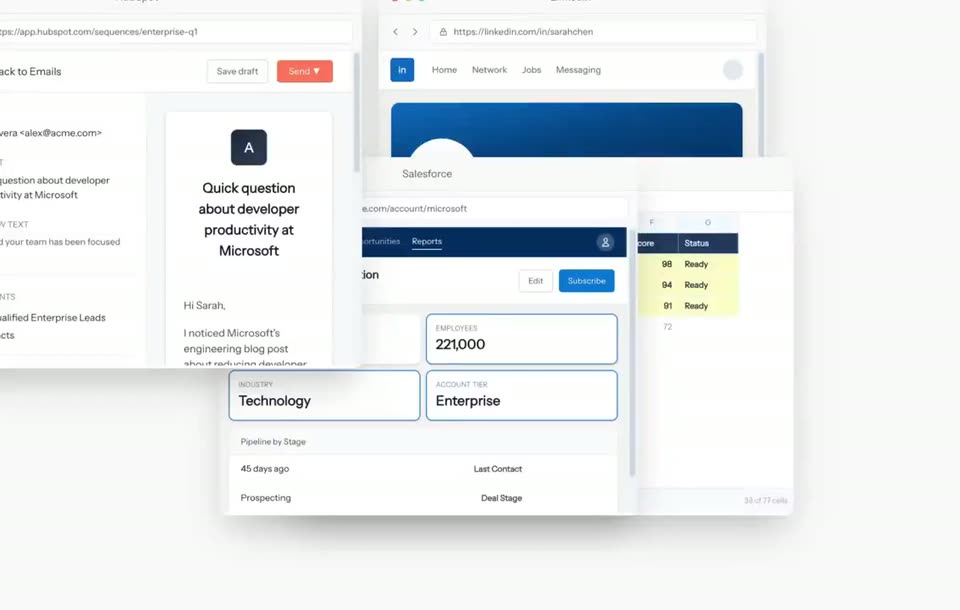 0:16–0:19Doe · Big update: Doe is reinventing work. We’re cutting time spent on office slog by up to 90%. With Doe, you can now connect with your business’s existing tools to complete tasks, automate workflowsFlat browser mockups of LinkedIn, Salesforce, HubSpot and a spreadsheet slide in and stack on a white background; the right spreadsheet populates with score and status rows.
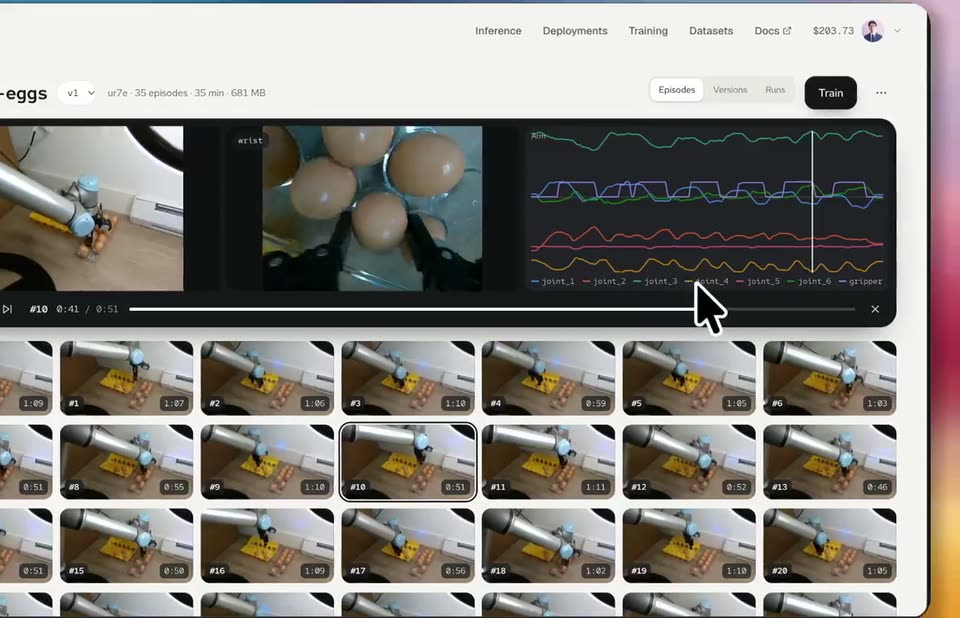 0:11–0:21Dreamscale Labs · Dreamscale Datasets is now live! | Dreamscale Labs (YC F26)A dataset viewer interface floats in 3D over a blue-to-orange gradient, tilted and slowly rotating. A white cursor clicks play, then drags the timeline right while robot-arm footage and a joint-value chart play. The view zooms into the player, then a hand cursor hovers over the Train button.
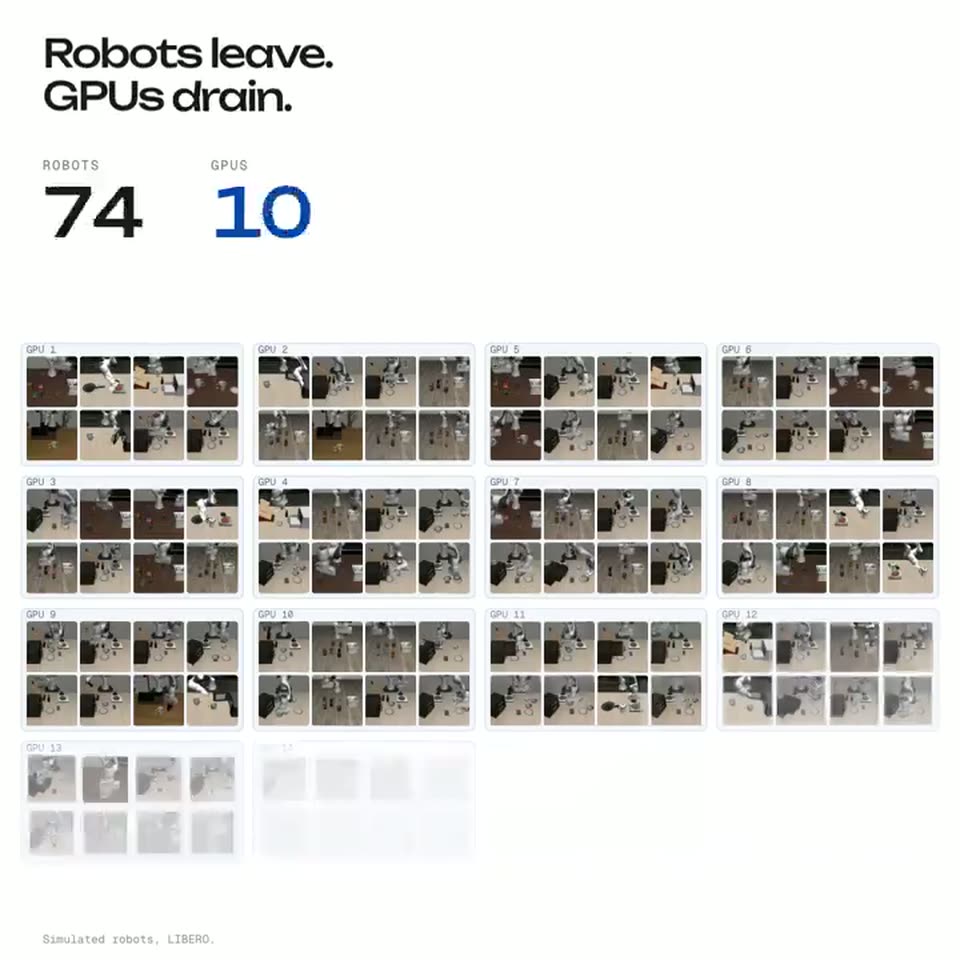 0:16 · 0.8sDreamscale Labs · It's now easier than ever to deploy your physical AI models on Dreamscale's inference platform! | Dreamscale Labs (YC F26)A white card shows the headline “Robots leave. GPUs drain.” while two counters tick down, ROBOTS from 125 to 24 and GPUS from 16 to 4. Below, a 4x4 grid of GPU panels, each filled with small robot simulation thumbnails, fades out one by one from the bottom right.
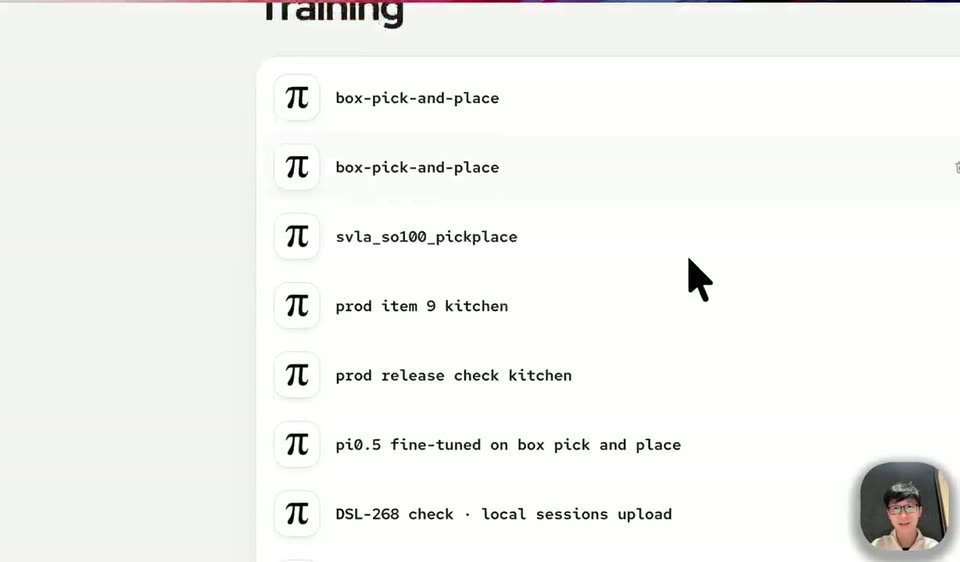 0:36–0:37Dreamscale Labs · Training is live on Dreamscale! | Dreamscale Labs (YC F26)A light interface titled Training lists rows of pi-logo checkpoints that scroll upward as a cursor moves and clicks a row; a small circular webcam of the presenter sits in the corner.
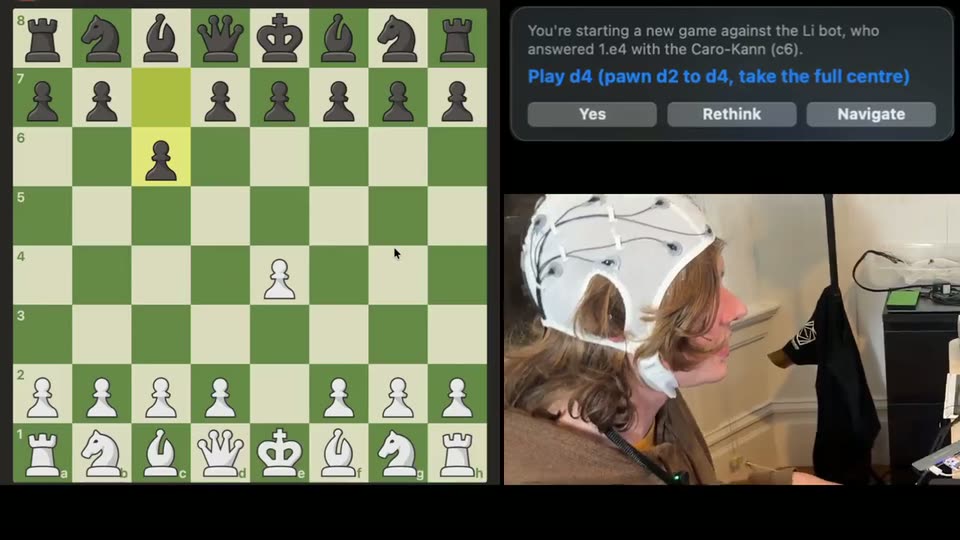 0:40–0:52Dydema · We’re officially launching with Y Combinator! Dydema is building personal, programmable brain–computer interfaces: you pick a thought and bind it to anything, like a key, a game or an agent. No… | Dydema (YC F26)Split screen: a Chess.com board left, the agent's suggestion box top right, and a person in a white electrode cap bottom right. The box swaps its prompt and toggles its middle button while the white pawn plays d4 and black answers c5.
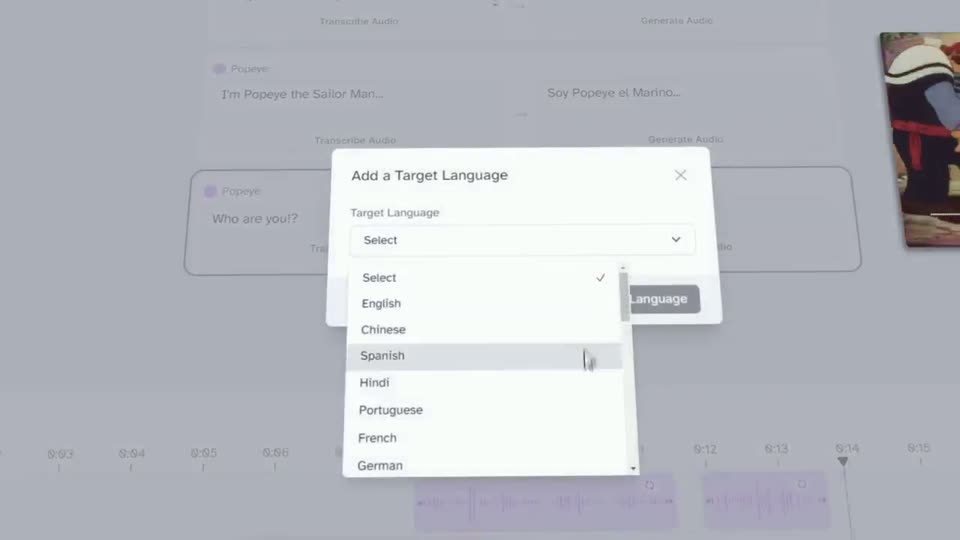 0:37–0:40ElevenLabs · Introducing Dubbing Studio. Our Dubbing Studio gives you precise control when translating your videos for global audiences. We detect and label each of your speakers and create an editable scriptA modal titled Add a Target Language floats over a dimmed interface. A cursor clicks the Select dropdown, expanding a list of languages, then glides down the options. The frame ends on a fade to white.
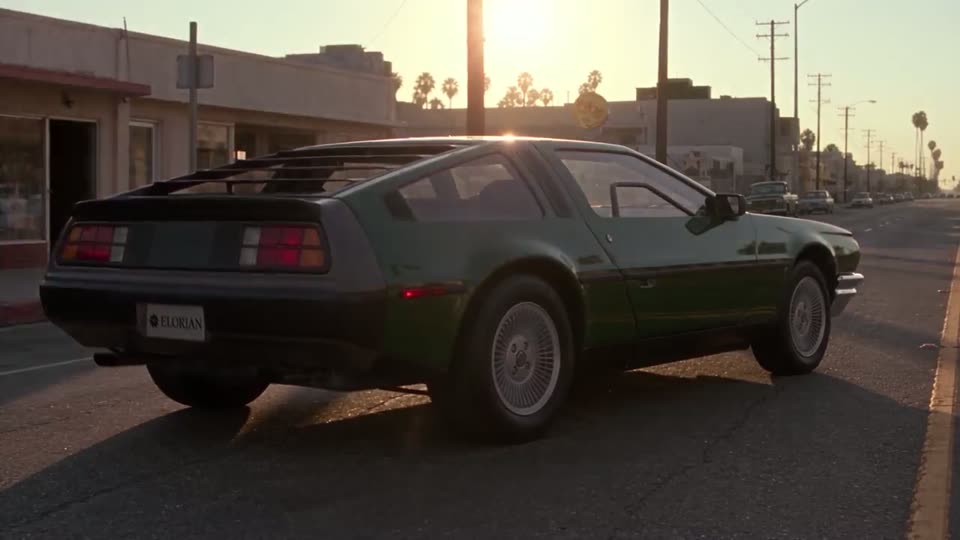 0:48 · 0.6sElorian · Today we're thrilled to announce the release of our first frontier visual reasoning model Read more about it on our blog or try it for yourself: https://lnkd.in/gwaU3gWqA green retro car with a black rear panel sits on an empty street at sunset, framed from a low rear three-quarter angle. The locked-off shot holds on the vehicle as the sun flares over the roofline and a long shadow stretches across the asphalt.
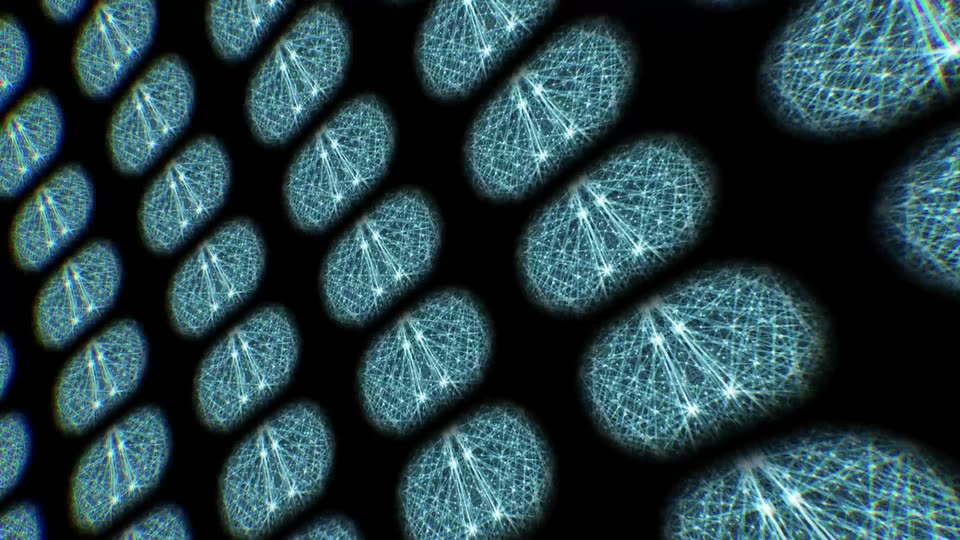 0:40 · 0.8sEngramme · Engramme – Remember EverythingGlowing cyan wireframe network spheres float on a black field. The shot pulls back from a tight cluster to reveal a receding diagonal grid of identical mesh balls.
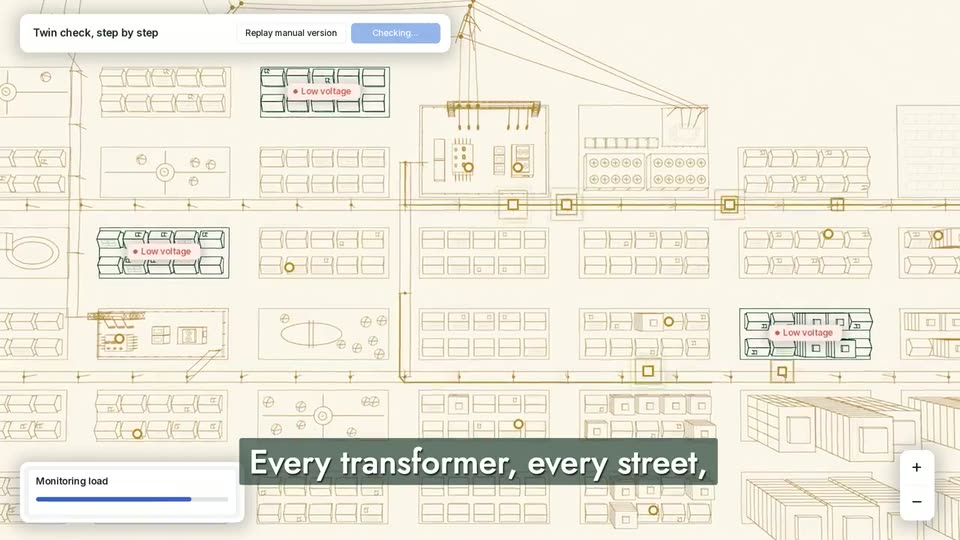 0:42–0:53Evardi · Evardi (YC F26) builds AI agents that engineer the grid edge: the transformers and local lines where rooftop solar, batteries, EVs, and data centers connect. Outages cost Americans up to $121B in aA top-down line-drawn map of a city power grid on a cream background. A cursor clicks the blue button, which changes to Checking, as gold nodes and lines light up and Low voltage tags pop in. Captions swap on a dark bar and a load bar fills bottom left.
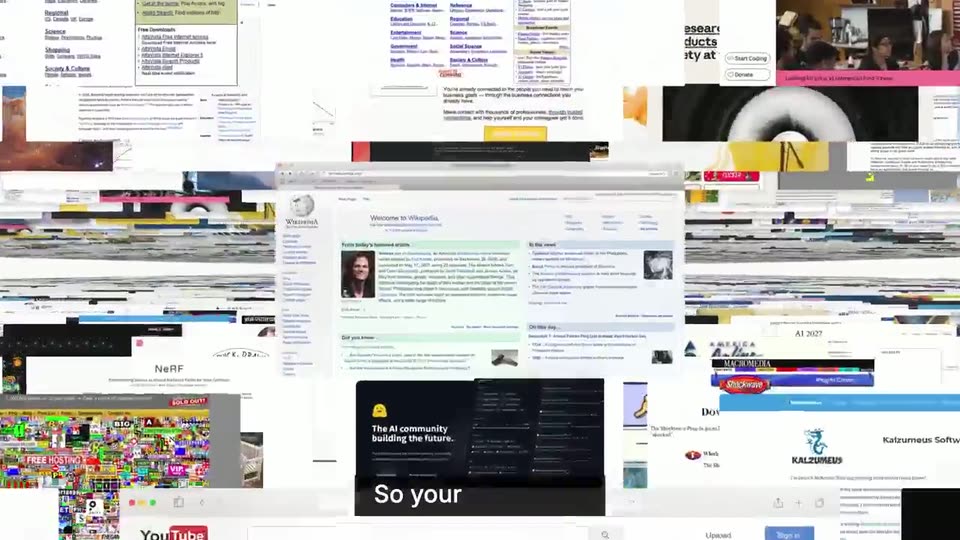 0:14–0:16Exa Agent · Introducing Exa Snapshot, A New Way to Search the PastA dense mosaic of small web pages from two decades of the internet drifts slowly across the frame, a YouTube basketball clip and a Wikipedia page held at the center. A black caption bar at the bottom reads 'across two decades of the internet.' then swaps to 'So your AI can live'.
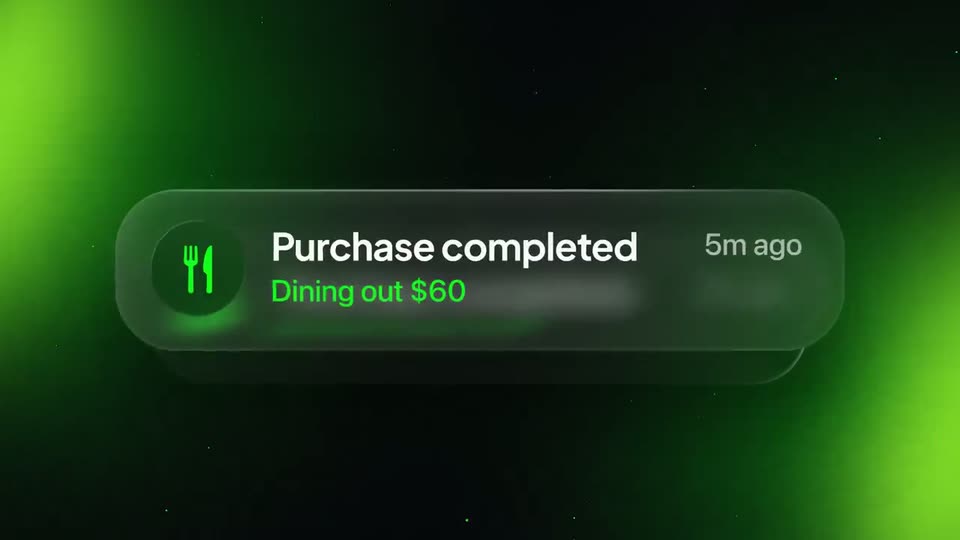 0:15–0:16Exodus · Introducing Exodus Pay, a self-custody payments experience designed to make digital dollars usable in everyday life. Now, you can spend with a card or Apple Pay, send by phone number, and earnA stack of glassy notification cards floats in a dark space with green edge glows. The top card swaps its icon and text from a baseball ticket to a dining receipt as the next card rises behind it, the stack scrolling upward.