Cursor demo
A visible cursor operates the interface.
15,081 scenes · page 65 of 252
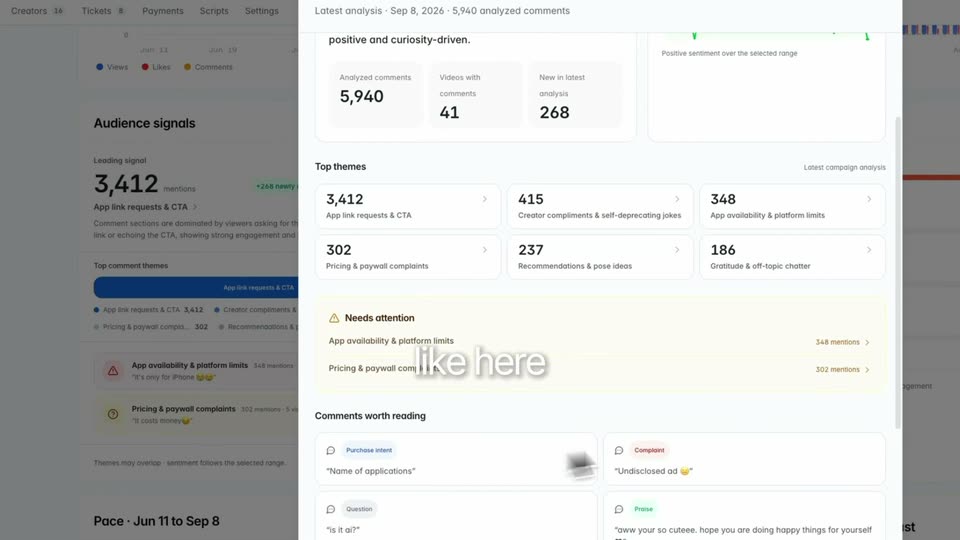 0:28–0:30NewWave · victoria luo - introducing comment analysis on newwave. now you can understand whatA dimmed analytics dashboard sits behind a white side panel that slides in from the right. The panel scrolls down, a cursor clicks the 'App availability & platform limits' row, it highlights yellow, and four comment cards appear below.
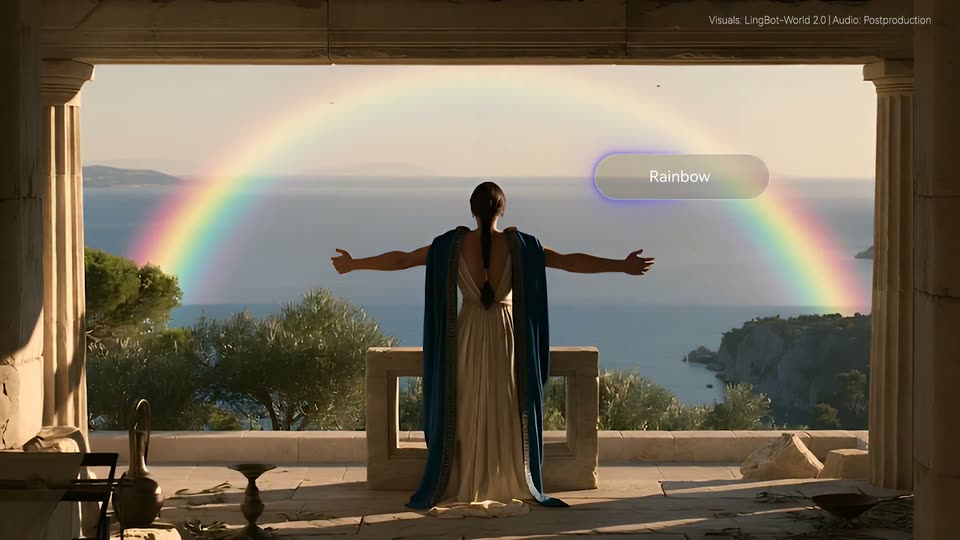 0:37–0:41Robbyant · Robbyant - 🌍 What if an AI-generated world didn’t end after a few seconds—but keA woman in a white gown and blue shawl stands with her back to camera on a columned terrace overlooking the sea. A glowing pill button on the right cycles prompts as a cursor hovers; a waterspout, then a rainbow, then a lightning bolt appear over the water.
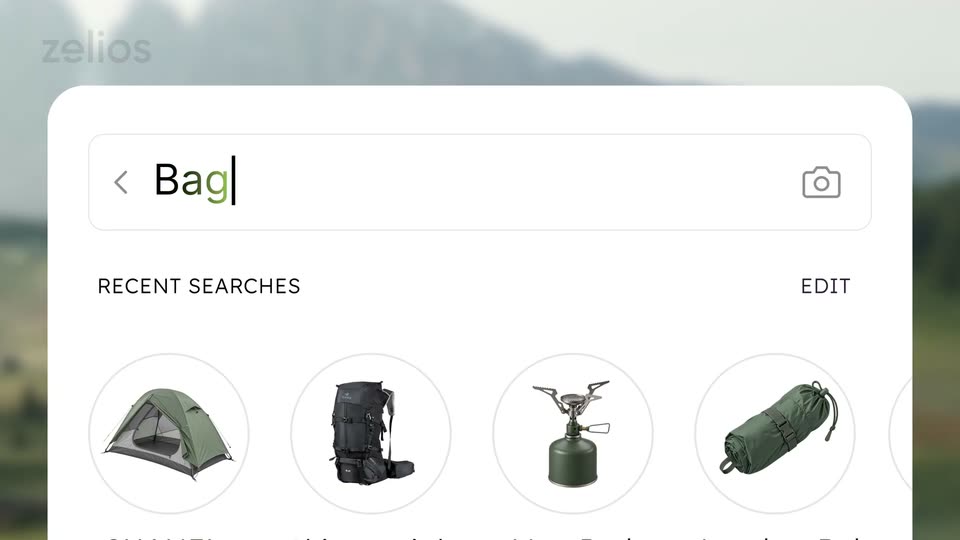 0:12–0:13SKUVE · Ecommerce Product Demo Video for Shopify | SKUVEClose-up of the zelios search screen on a white card over a blurred mountain photo. A caret blinks in the search field as the query Hiking backpack is typed letter by letter, above a row of circular recent-search thumbnails.
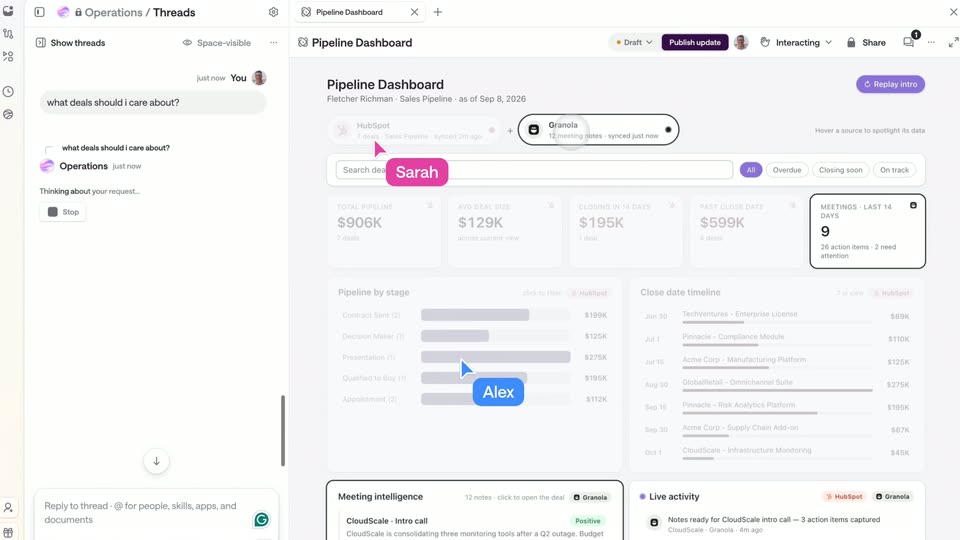 0:18–0:21Type · Fletcher Richman - Today we're officially launching @typedotcom, the shared space for yoA Pipeline Dashboard fills the frame after a brief blur, then two labeled cursors, Sarah in magenta and Alex in blue, glide across the interface, hovering source chips and panels so the related cards light up with a black outline while the rest dims.
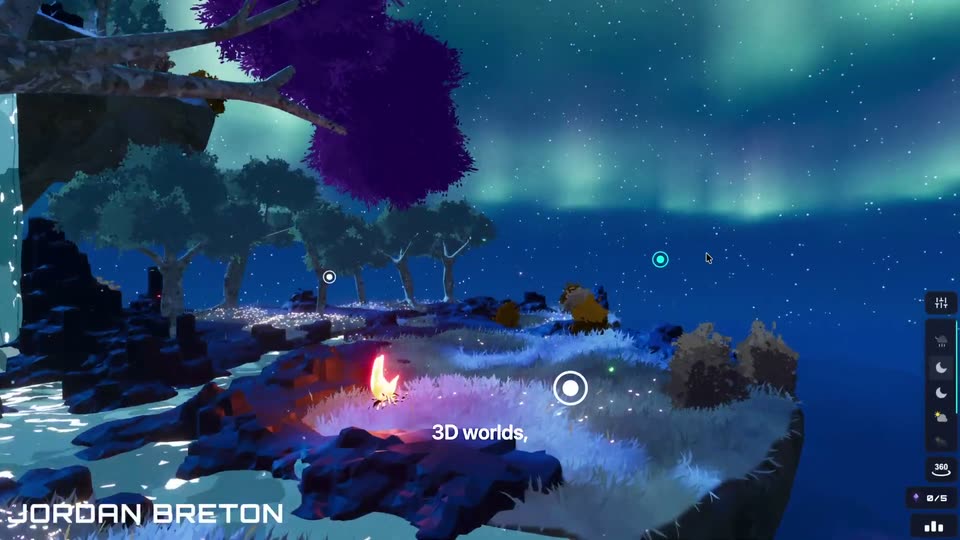 1:20–1:21Whip · Introducing Whip Web 2.0: YouTube for interactive experiences.A stylized 3D night landscape with a waterfall, purple trees, and a campfire orbits slowly under an aurora sky. A flat control panel with icons sits at the right edge and a cursor hovers over it. The caption scales up at the bottom center while a name credit holds in the lower left.
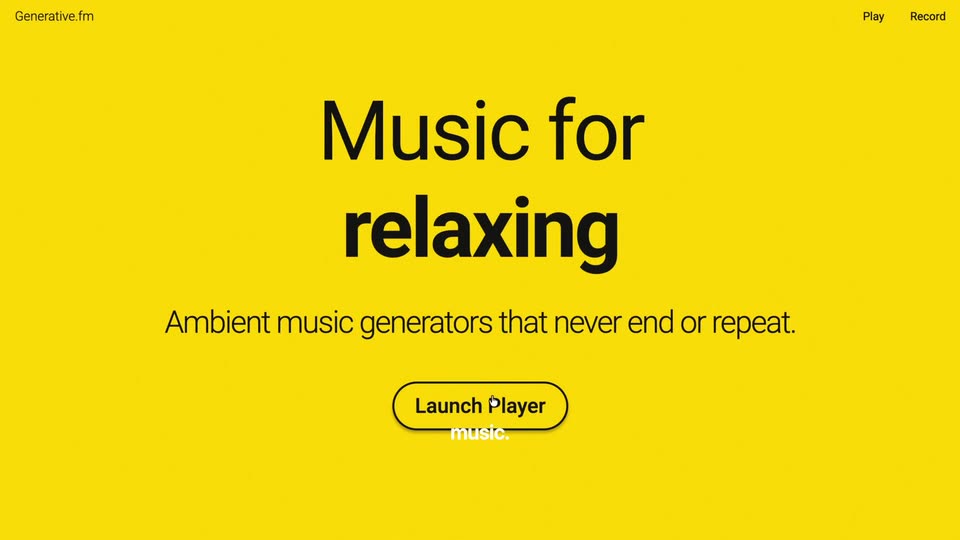 1:21–1:22Whip · samagra14 - Introducing Whip Web: Youtube for interactive experiences The next wA bright yellow website hero fills the frame. The headline reads “Music for relaxing,” the word “relaxing” shifting from olive to bold black, with the tagline “Ambient music generators that never end or repeat.” below. A cursor rests on the “Launch Player” button as a small white word cycles beneath it.
 0:43–0:44Antioch · Antioch - Today, we’re announcing Antioch’s $32 million Series A, led by @GreylA tilted product interface shows a scenario detail card, then a cursor clicks the Scenarios tab and the view switches to a searchable list with parameters and tracker settings.
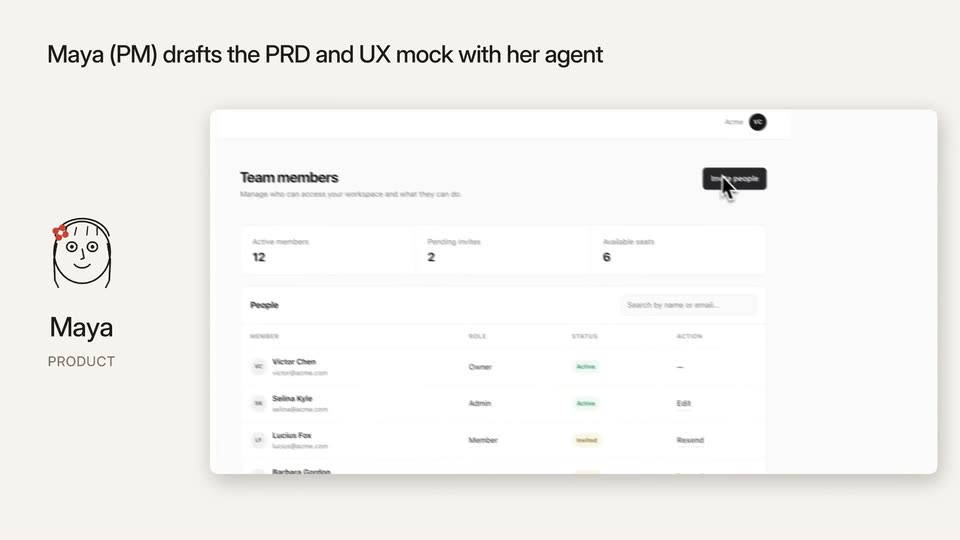 0:17–0:23Augment Code · Augment Code by Harness - Watch a PM and an engineer collaborate on a PRD — with their agents,A darkened browser window of the Team members page brightens and zooms in on the interface, while a cursor hovers the Invite people button and then the Edit row. A line-drawn avatar labeled Maya, PRODUCT, sits left under the scene headline.
 0:23–0:24Elefta · Best SaaS Product Demo Video 2026 | EleftaWhite dealer request cards float on a blue gradient, one sharp card in front of blurred ones. A sketch-style cursor drags the front card left while the background cards drift the other way, then a fast whip pan lands on a second list view at right.
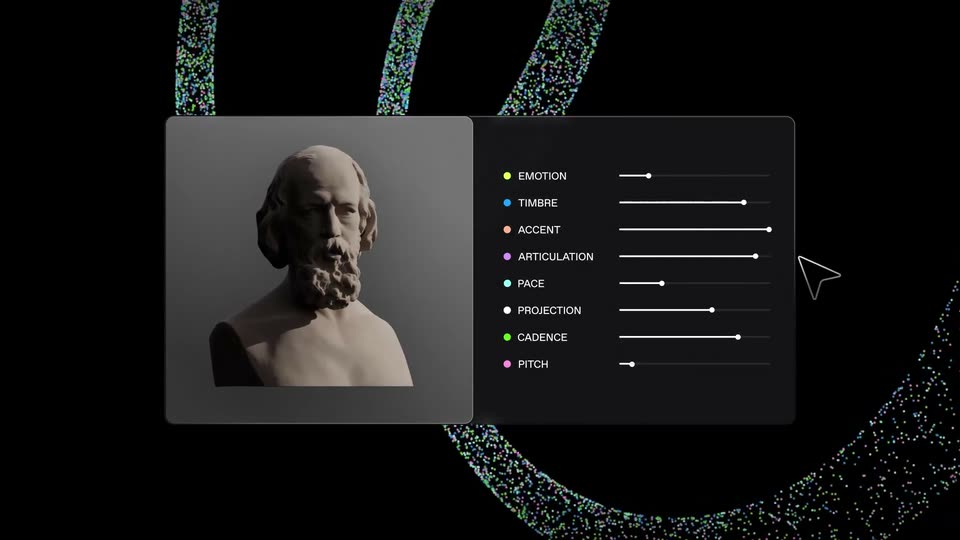 0:08–0:18Gradium · Gradium - Today, we’re launching Voice Design. Write a prompt, create a voicA dark control panel pairs a bearded stone bust on the left with eight voice sliders on the right. The bust starts as a pixelated blue-green mosaic and resolves into a clean statue as a white outline cursor drags the sliders. A shimmering particle ring drifts behind on black.
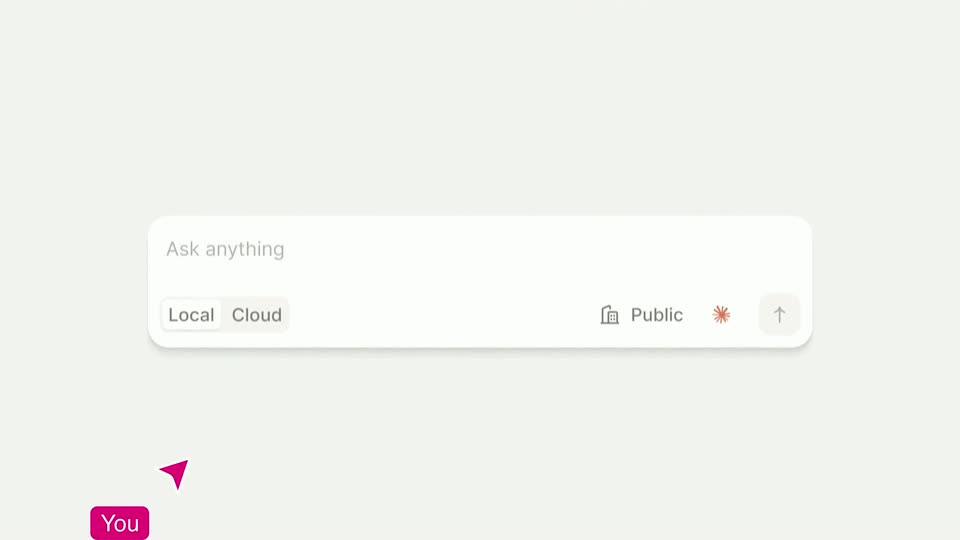 1:05–1:06Indent · Sashank - Introducing @indent, one coworker for your whole company Indent is aA light comment feed scrolls upward, the stacked cards with reaction pills sliding past the frame until a rounded input bar with a Local/Cloud switch and a Public chip settles in focus. A pink cursor and a small pink tag drift in at the lower left.
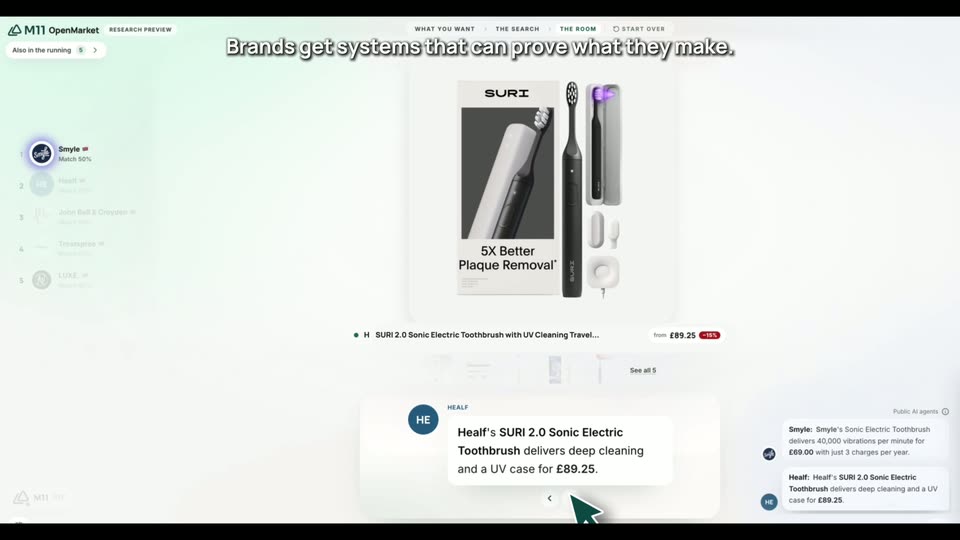 0:50–0:51M11 Labs AI · M11 - Introducing M11 OpenMarket The world's first multi-agent marketplaceA light marketplace interface shows a SURI toothbrush product card centered, a brand list on the left and a cursor at the bottom. A white outlined headline fades in across the top while the cursor nudges the pagination arrows.
 0:17–0:18Nex · Nex - Meet Nex-N2.5 family, our latest open source agentic models. Mini (3A grid of pastel dots on a white background. Dark dots fill in progressively to draw a smiley face with a curl on top. A black arrow cursor hovers at the right edge.
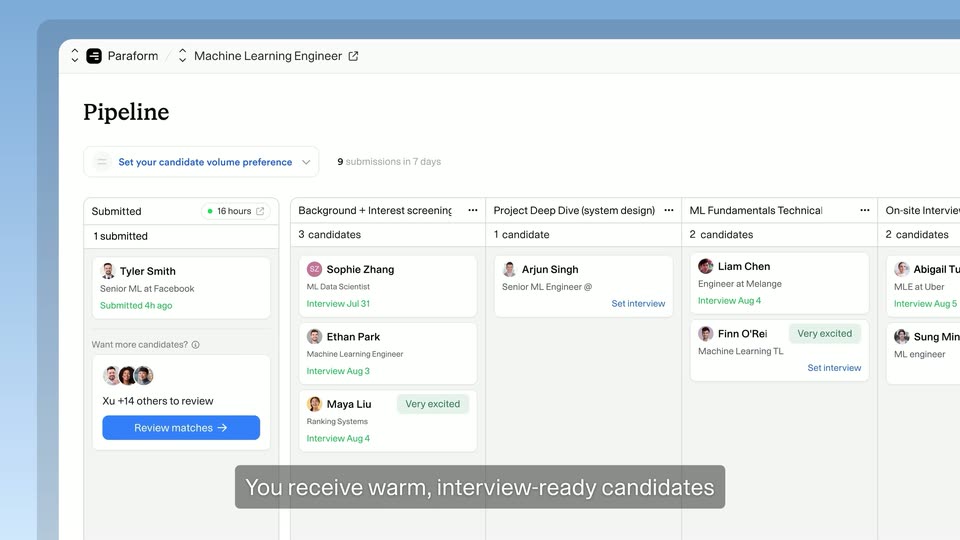 0:51–0:53Paraform AI · John Kim - Introducing Paraform Agents, powered by our Hiring Intelligence. EveA white kanban pipeline board with columns of candidate cards fills the frame. The view pushes in toward the left columns, and a dark caption bar at the bottom swaps its line of text. A cursor appears over a card in the zoomed view.
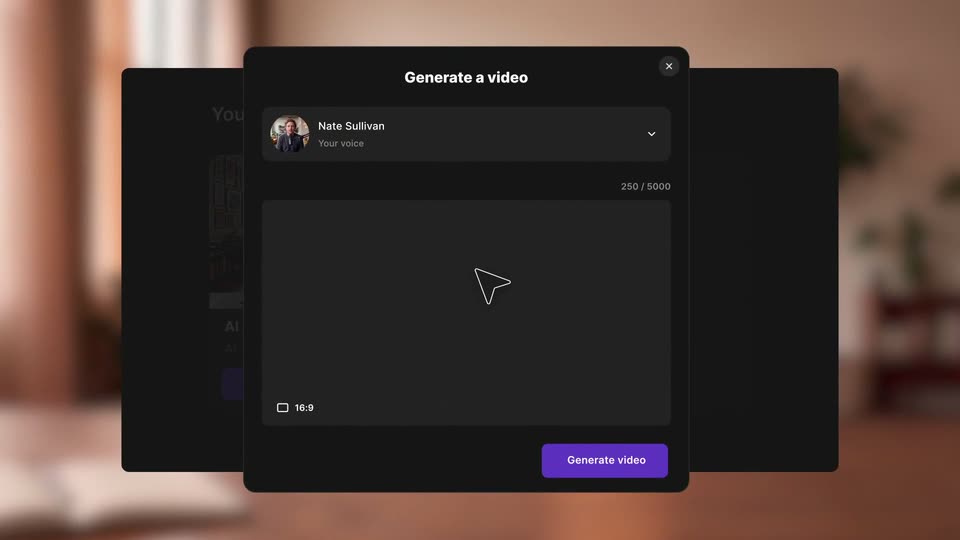 0:31–0:32Riverside · Riverside - AI Twins is now on Riverside (yes, you have a twin now. Congrats!) WA dark modal titled Generate a video sits over a blurred room; a voice dropdown and a purple button frame a text box that fills with a podcast script while a white cursor drifts inside, then the button pulses.
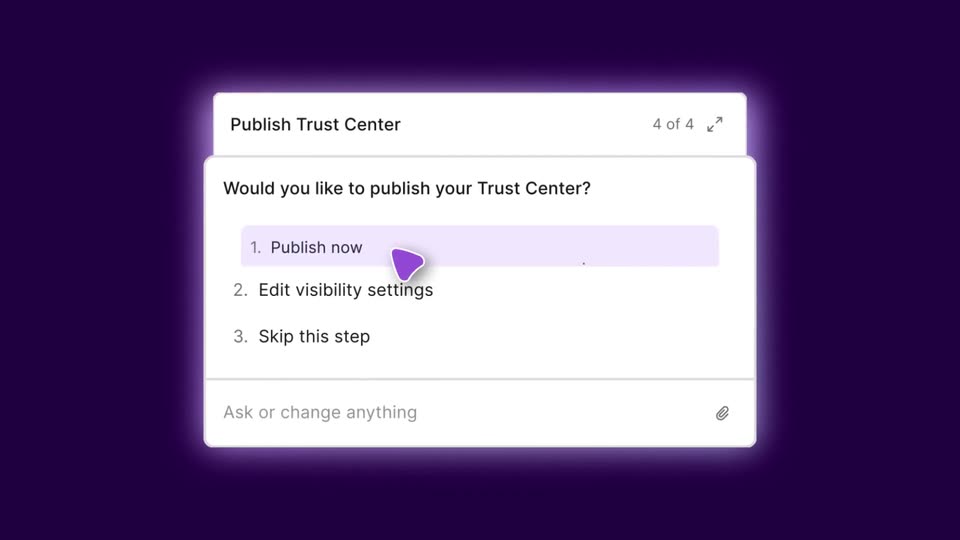 0:17–0:20Vanta · Best AI Product Demo Video | VantaA white dialog card titled Publish Trust Center settles on a dark purple field as a stacked duplicate slides away. A purple cursor selects Publish now, the row tints lavender, then the whole card slides off to the left.
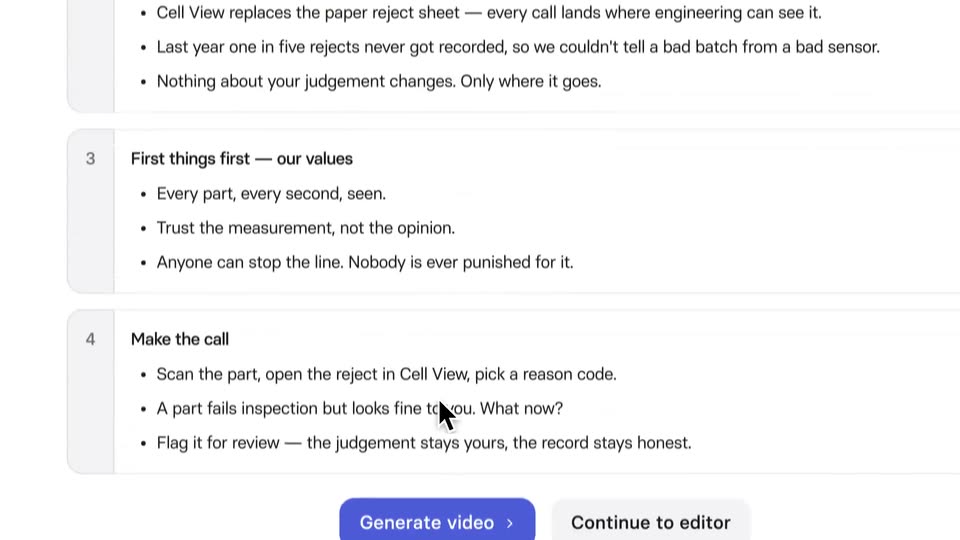 0:18–0:22Synthesia · Victor Riparbelli - Prompt your entire video in minutes with @synthesiaIO Assistant. DroA flat interface walks a generation workflow: a task list and a grid of photos fill in, the view shifts to the prompt, design cards and a numbered script, then a cursor clicks the blue Generate video button, opening an empty Interactive panel.
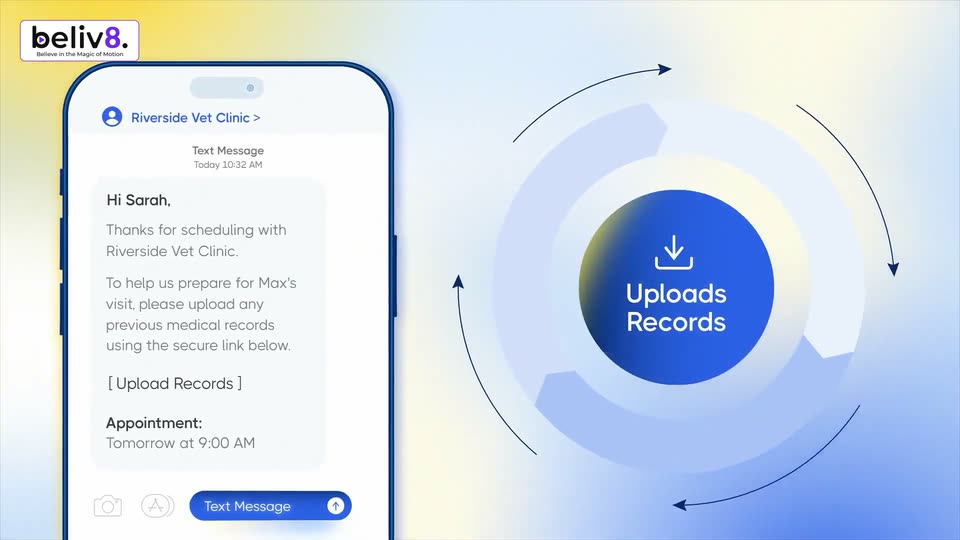 0:48–0:50VetRec · Product Feature Video for VetRec - Veterinary AI AssistantA 3D phone on the left shows a vet clinic text message. On the right, a blue circular button labeled Uploads Records spins inside concentric rings and curved arrows, while a yellow cursor glides in to point at it.
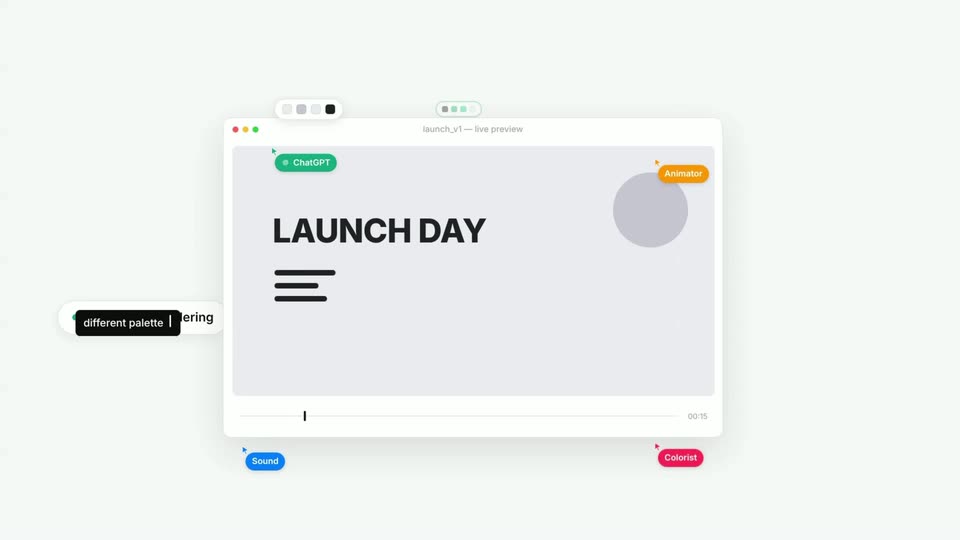 0:15–0:20Motion · Motion - Introducing Astra for product launches. Paste your website URL.A flat browser window plays a LAUNCH DAY preview, ringed by Animator, Sound and Colorist tags. A prompt types different palette, swatch rows pop above, and the preview re-renders dark with green accents as a Launch Video finished bubble appears.
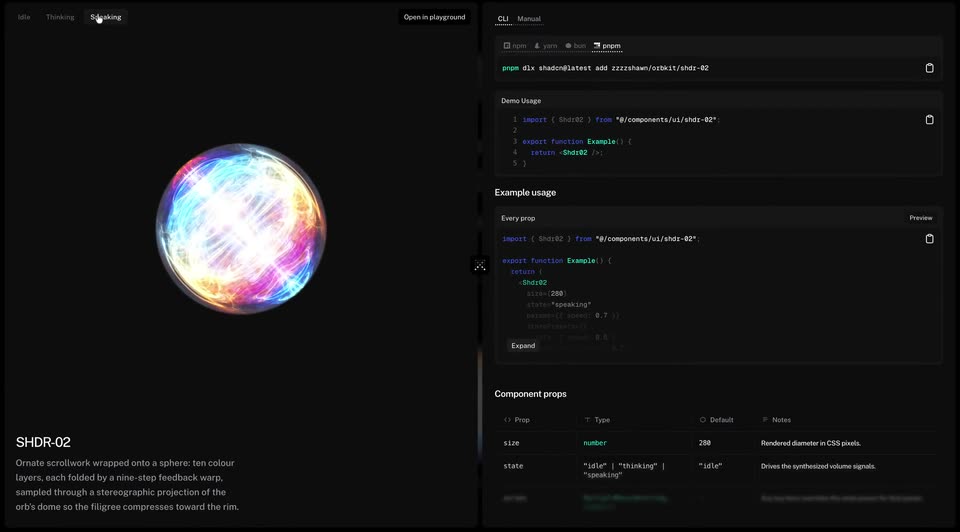 0:03–0:10Orbkit · shawn. - Introducing Orbkit 🔮 A collection of 30+ free and open-source WebGLA split documentation screen. Left, a glowing sphere of swirling neon filaments flares from dim to white-hot as the cursor clicks the Idle, Thinking and Speaking tabs. Right, code blocks and a props table stay static.
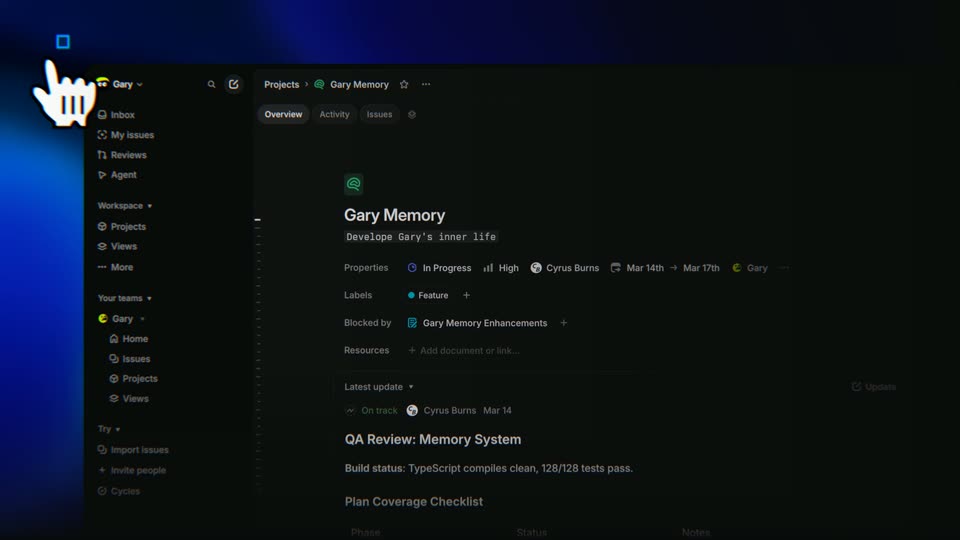 0:11–0:13Raylight · cy - Today we're launching Raylight Capture. 100% free. One click captureA dark project-management window with a left sidebar and a Gary Memory panel fills the frame. A white hand cursor drags a blue selection rectangle from the top-left corner, expanding it across the upper half, while a second hand cursor appears at the box's bottom-right corner.
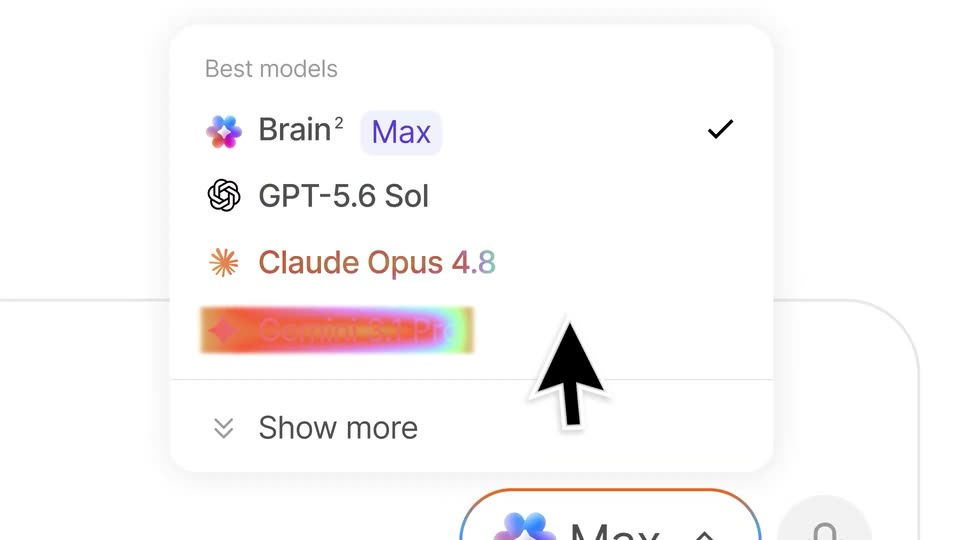 0:30–0:33ClickUp · ClickUp Launch VideoA white input bar with grey placeholder text fades in on a plain background. A black cursor moves to the Max model button, which gains a rainbow outline, and a dropdown panel of model names scales in above it as the view zooms closer.
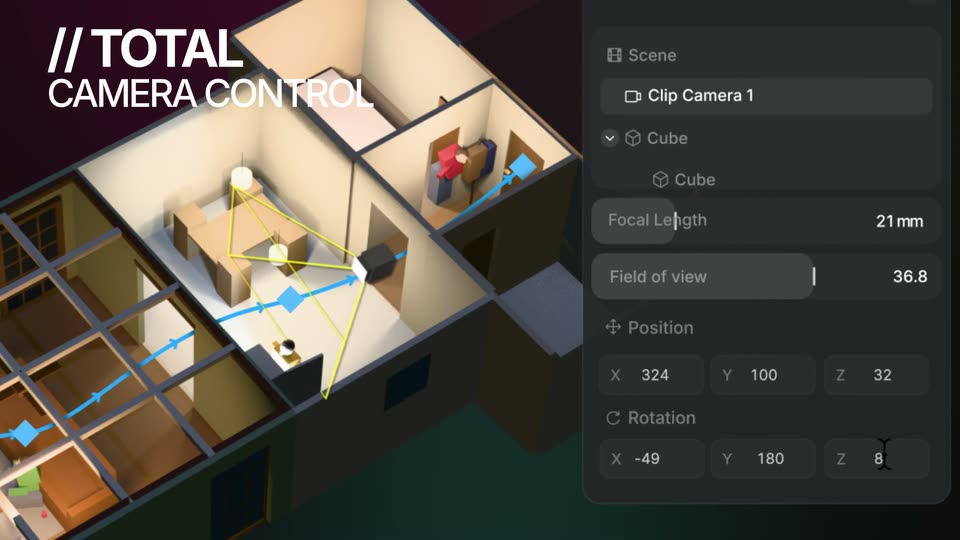 0:26–0:28Higgsfield · Higgsfield AI 🧩 - Introducing Higgsfield 3D Jutsu, powered by GPT-6 Astra. Turn a singA white headline reads TOTAL CAMERA CONTROL over an isometric 3D room with blue and yellow camera gizmos. A dark properties panel on the right shows focal length falling from 25 mm to 21 mm as the perspective shifts, a white cursor hovering on the fields.
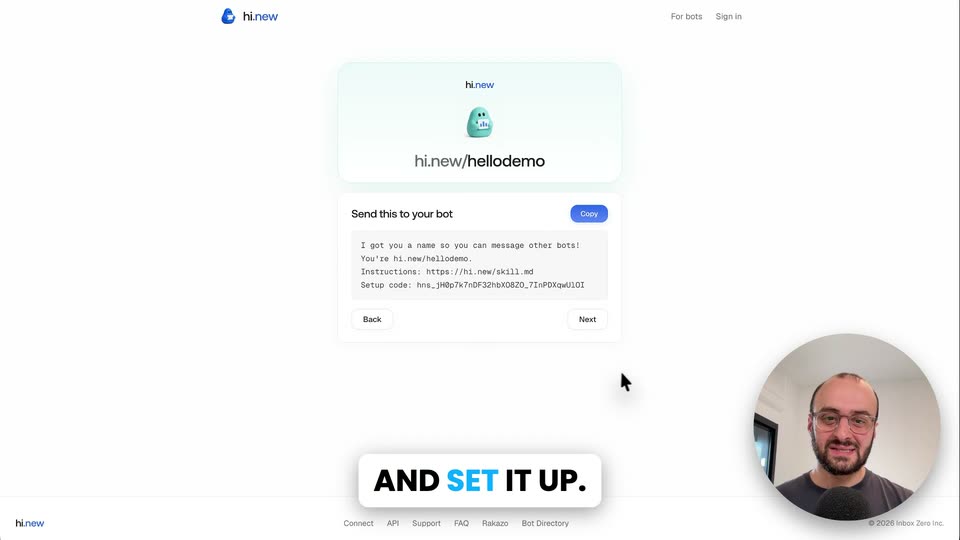 0:26–0:31Hi.new · Elie Steinbock - Introducing A way for bots to talk 1:1 or in groups. No more copy pA facecam circle sits in the corner over a screen recording of the hi.new page: the cursor taps a colour dot, the mascot tints green, the view scrolls to a copy-prompt panel, then cuts to a dark Grok chat screen. A white caption banner swaps text at the bottom.
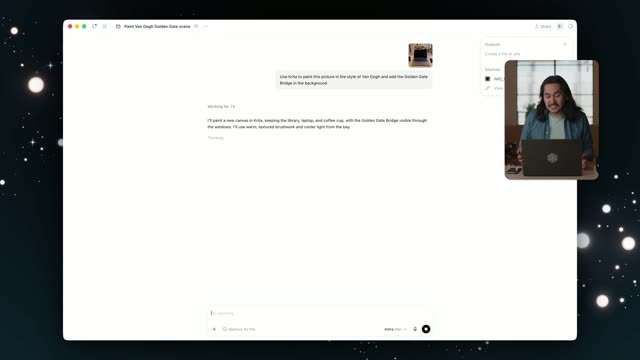 1:05–1:07OpenAI · Introducing GPT-6 Astra for developersA chat window for an AI assistant sits on a dark starry background, with a small live video of a man at a laptop in the upper right. The assistant's reply text types out step by step while the cursor hovers over a control in the bottom bar.
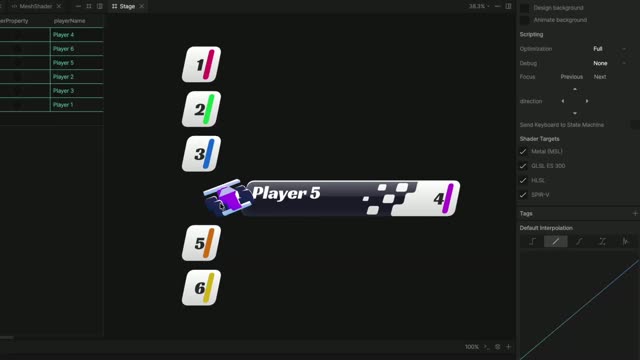 0:14–0:17Rive · Rive's GPU Canvas is now live for everyoneInside a dark design-tool stage, a vertical stack of numbered cards animates as horizontal leaderboard bars expand from selected cards, each carrying a small car icon and a player name, while a cursor moves over the list.
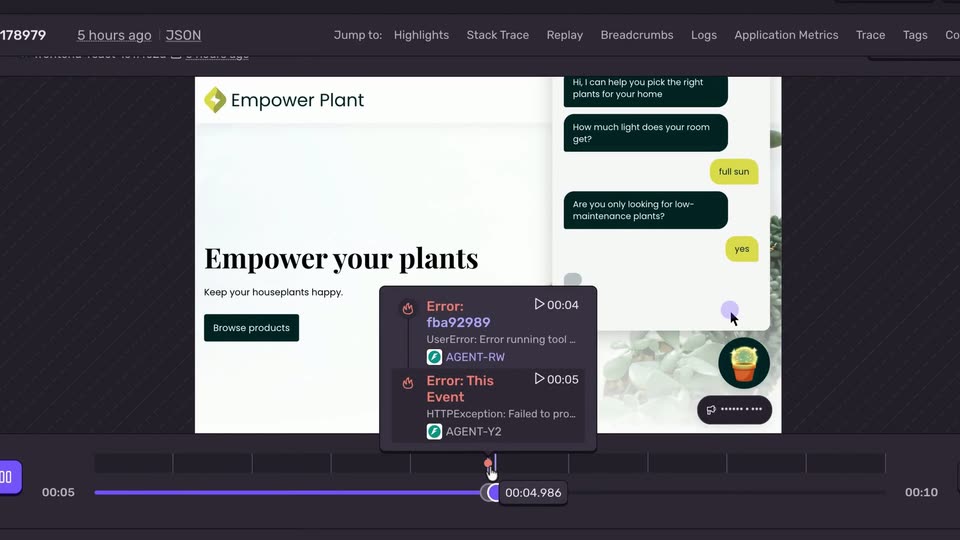 1:27–1:29boot.dev · ThePrimeagen - https://t.co/wDZMSB9QlEA dark trace viewer fills the frame, its top menu and bottom timeline scrubber framing a replayed Empower Plant webpage. A cursor clicks the Send button in the chat panel while an error list overlay shows two entries. The playhead advances along the timeline.
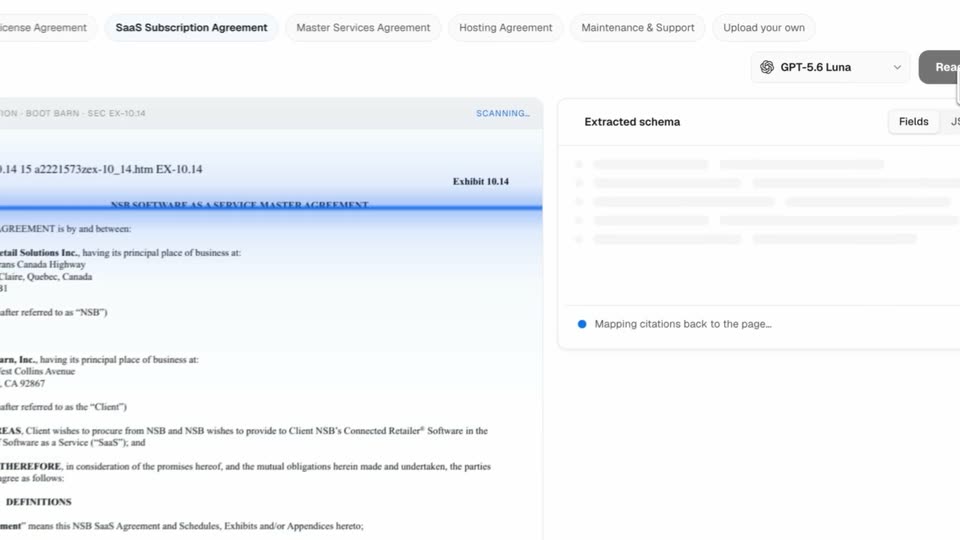 1:52–1:56Flex Price · Manish Choudhary - When did you last actually read a Contract? Nobody does. And insideClose-up of a dark Run extraction button as a cursor clicks it; the label flips to Reading... and the frame pulls back to the full interface, a contract page on the left and a schema panel on the right updating its status.
 0:11 · 0.5sHook · Gaurav Sharma - AI platforms are stealing from artists > Millions spent on data cA vertical phone screen shows the Hook feed on a black background. A white hand pointer swipes up the screen as the video glitches from red bars into a black-and-white figure. A white caption sits along the bottom edge.
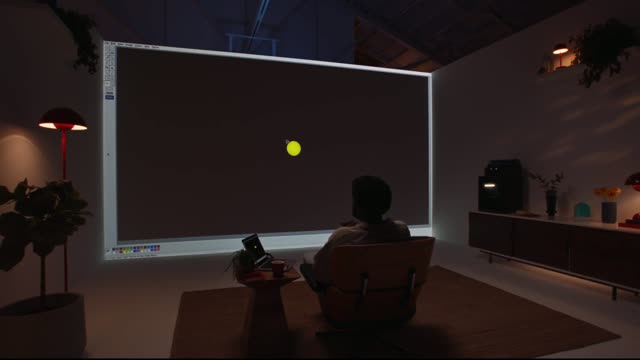 0:12–0:21OpenAI · Introducing GPT-6 Astra: the most intelligent and aligned model in the world.A giant design-app screen fills a dim 3D studio room, a glowing yellow 2026 fading out over the canvas. A man sits facing it as a cursor draws a small yellow circle. Cut to a close-up of the man gesturing while he speaks.
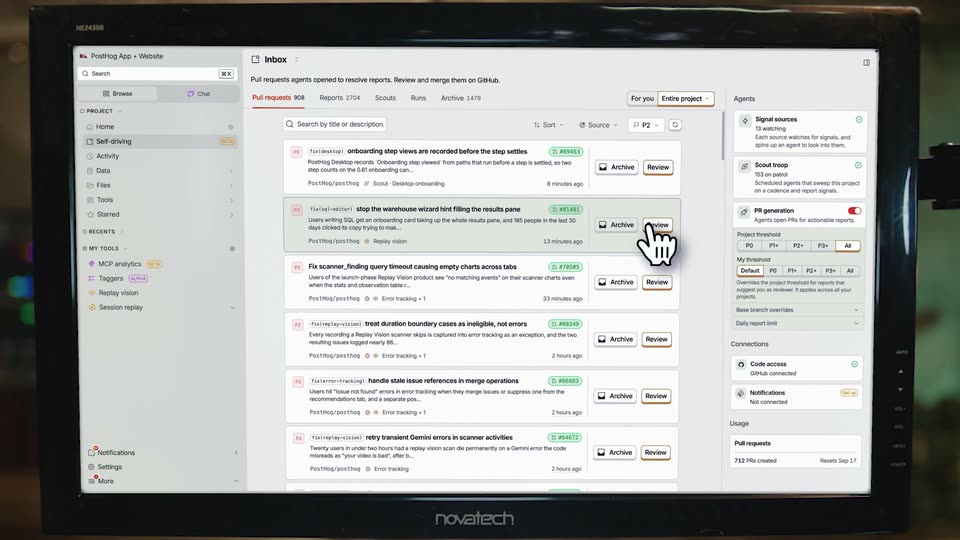 1:14–1:16Posthog · PostHog - He's been watching your session the whole time.A laptop mockup in a dark, bokeh-lit room displays the PostHorg inbox, a list of pull-request cards each with Archive and Review buttons. A white 3D hand cursor glides down the list, hovering over the Review button on the second row.
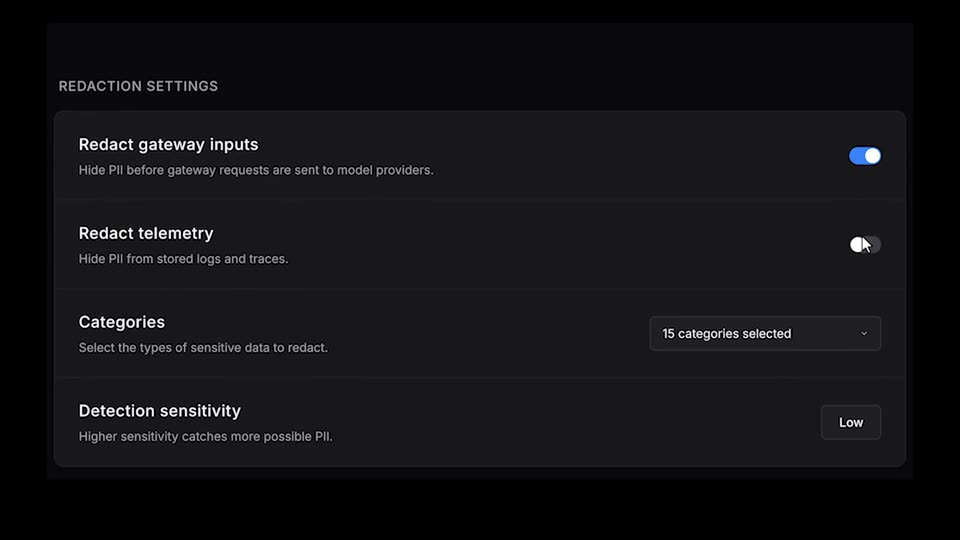 0:16–0:20Respan AI · Respan - Introducing Respan P-1, the world’s best privacy model. Every AI appA dark Redaction Settings panel lists four rows with toggles, a dropdown and a button. A cursor clicks the first toggle, turning it blue, then the second, flipping it on as well.
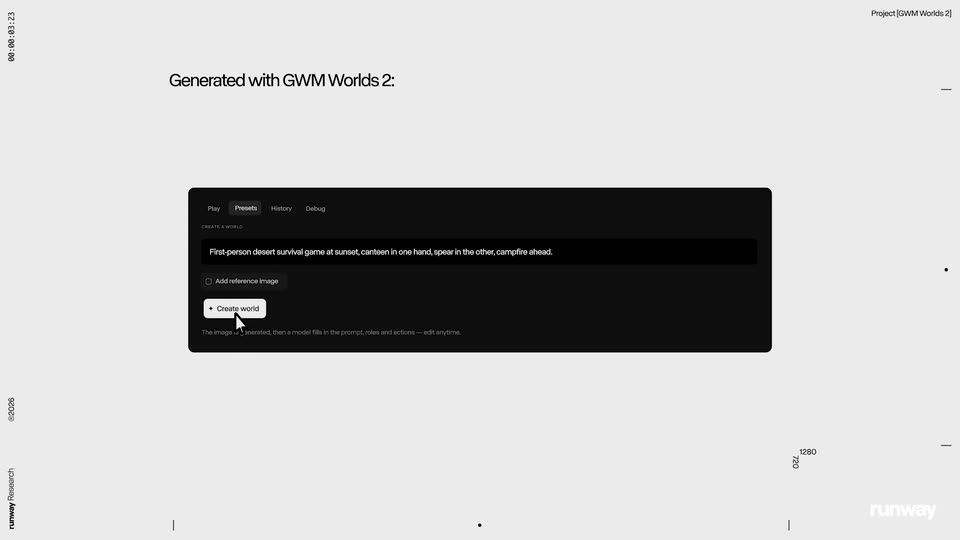 2:09–2:12Runway · Runway - Today, we're sharing new research on GWM Worlds 2. Our latest GeneralA dark form panel sits on a light gray field beneath a black headline. A prompt types itself into the input line, then a cursor moves down and presses the white Create world button.
 0:14 · 0.5sClad Labs · Richard Wang - Support teams spend their days digging, escalating, and re-explainingA close-up of a browser tab bar shows a white arrow cursor hovering over a dark square icon as the URL bar text scrolls left. A Gmail tab and a Drive tab flank the row, and an Ask Gmail prompt sits along the bottom edge.
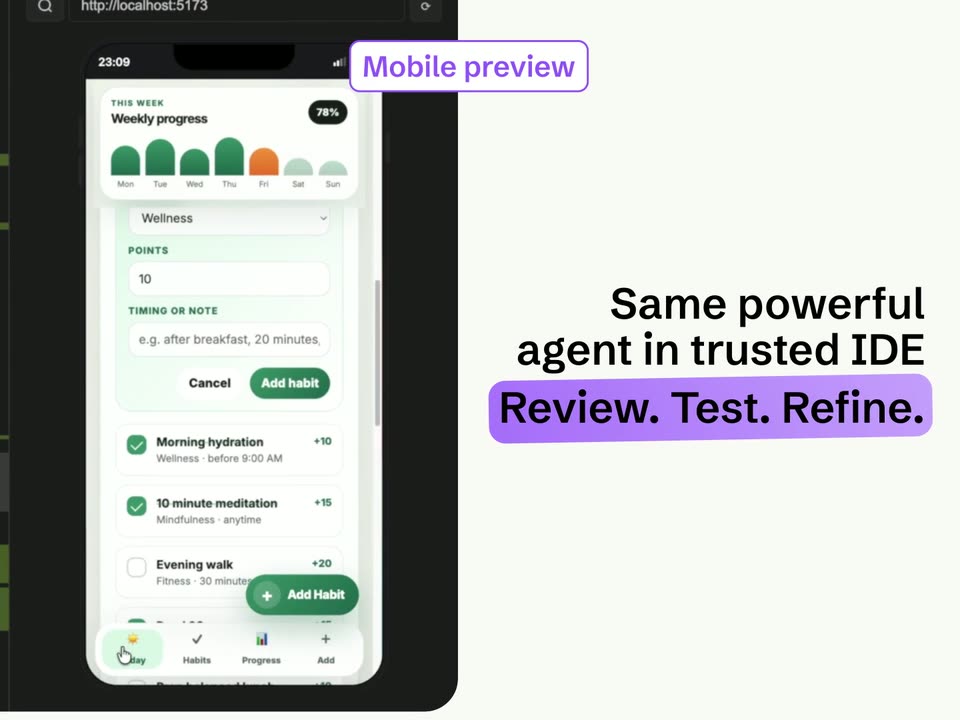 0:28–0:29Cline · Cline - We have completed migrating all 11 million users on the Cline extensiA tilted phone mockup of a habit app sits left of a static black headline on cream. The phone screen flips from a weekly progress form to a daily summary as a cursor taps the bottom tabs, under a purple Mobile preview tag.
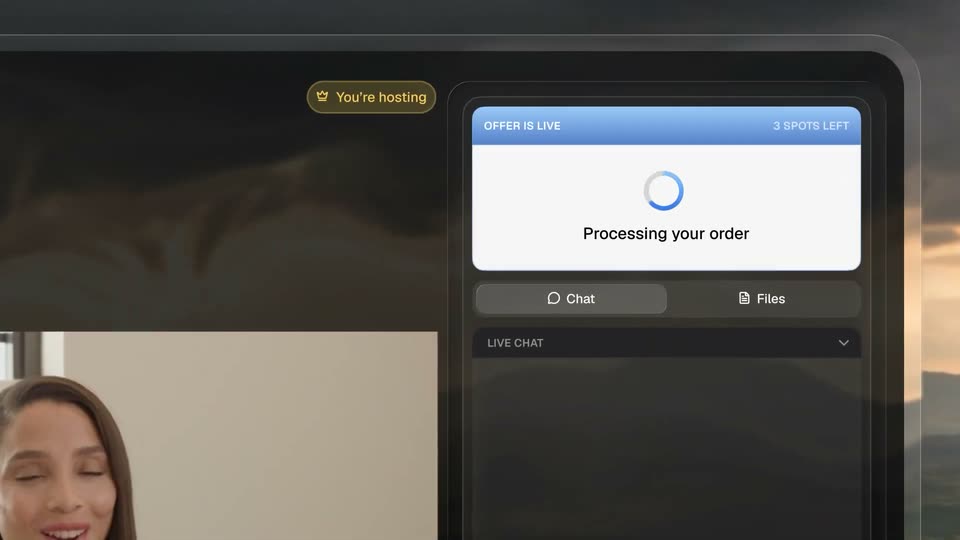 0:07–0:09Commas · Viral SaaS Product Launch Video Idea | Commas WebinarA video-call screen shows a smiling host on the left and a checkout panel on the right. A cursor clicks the blue pay button, the panel switches to a processing spinner, then a green check confirms the order.
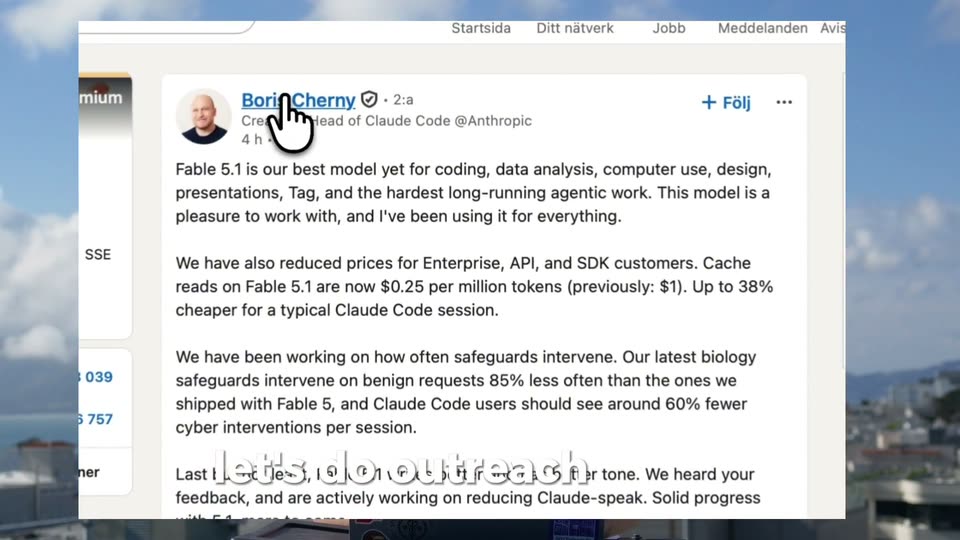 1:32–1:33Goldfish · Joel Edholm - Today, we’re releasing screen-aware one-click writing to everyone. TA LinkedIn post card floats over a blurred city skyline. A hand-shaped cursor taps the author name at the top while the post body sharpens from blur. A white outlined caption sits along the bottom edge.
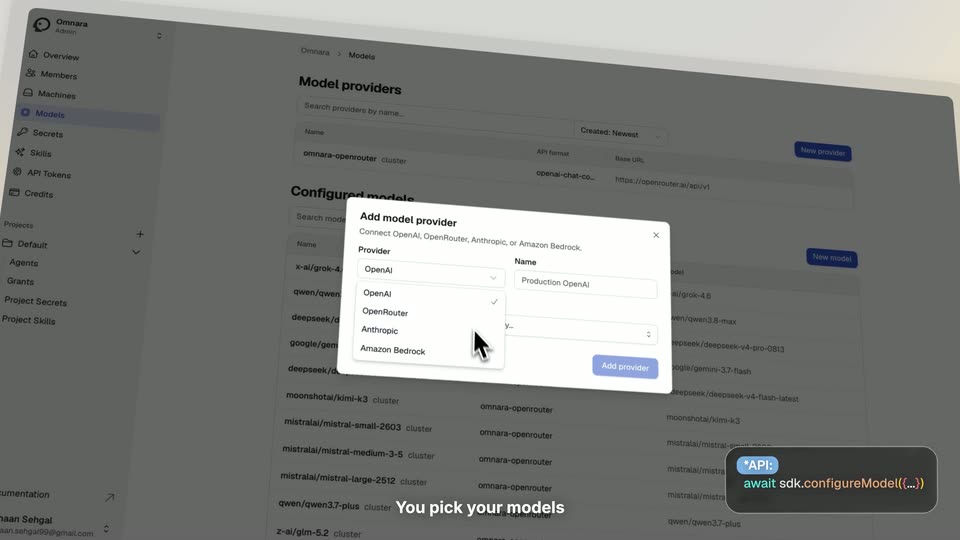 0:42–0:43Omnara · Ishaan Sehgal - Introducing Omnara: the open-source alternative to Claude Managed AgeA 3D-tilted Omnara dashboard shows the Model providers page with an open Add model provider dialog. A cursor hovers the provider dropdown, a code card floats bottom right, and white captions read at the bottom.
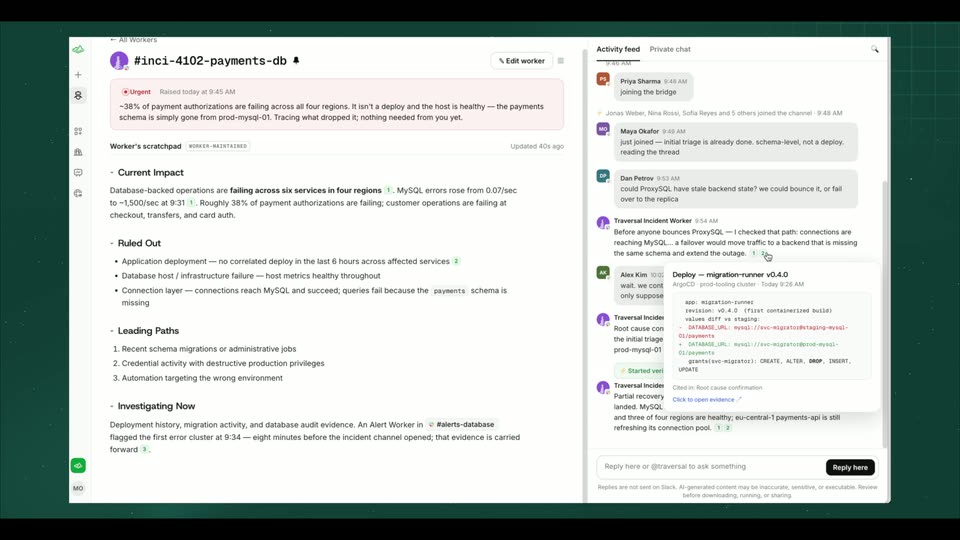 2:35–2:41Traversal AI · Anish Agarwal - Most AI agents wait to be told what to do. @traversal_ai 's Workers kA Slack workspace fills the frame on a dark green grid. A cursor hovers over inline chips in the channel and the activity feed, popping up small cards with a metric graph and a deploy diff. The right feed then scrolls upward through the chat.
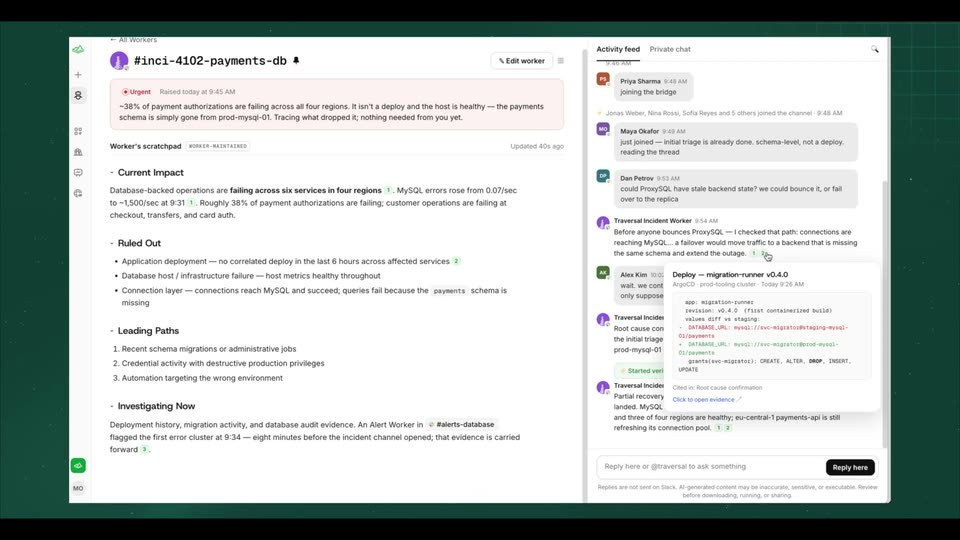 2:35–2:41Traversal AI · Traversal Workers Are Now Generally AvailableA two-panel Slack workspace fills the frame: an incident summary on the left, a live chat feed on the right. A cursor hovers over figures, popping up tooltips with an error-rate chart and a deploy code block, then the feed scrolls up to older messages.
 0:31–0:33Webflow · Introducing Source by WebflowA dark feature list zooms in on a 'Developer' dropdown as gray column headers drift past and a cursor glides in to hover over the field.
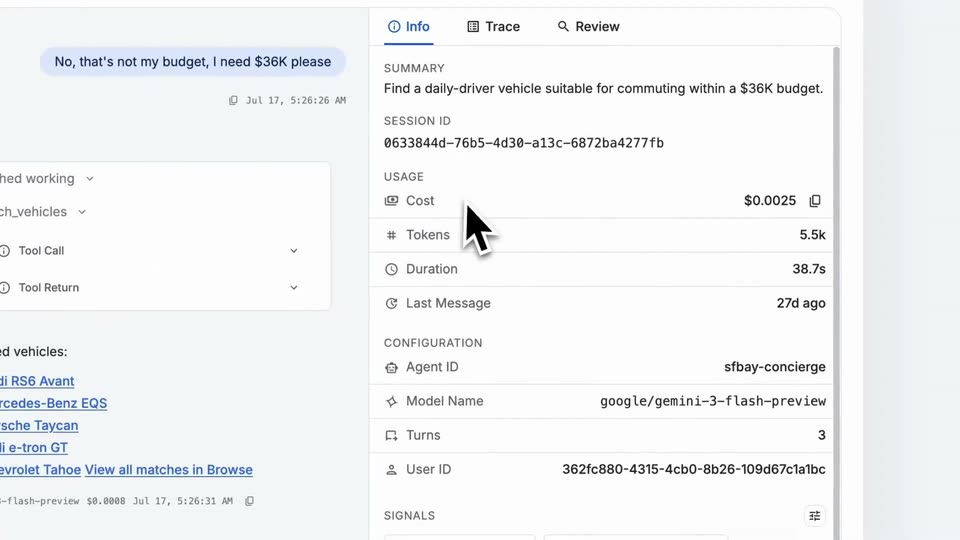 0:16–0:31Amplitude · Spenser Skates - Today we're launching Agent Analytics Every team shipping an AI agenLight dashboard with a session chat and a metadata panel. The transcript scrolls down, the view zooms into the chat, the cursor expands a finished-working block to reveal tool call rows, then pans right to hover over cost, duration and model rows.
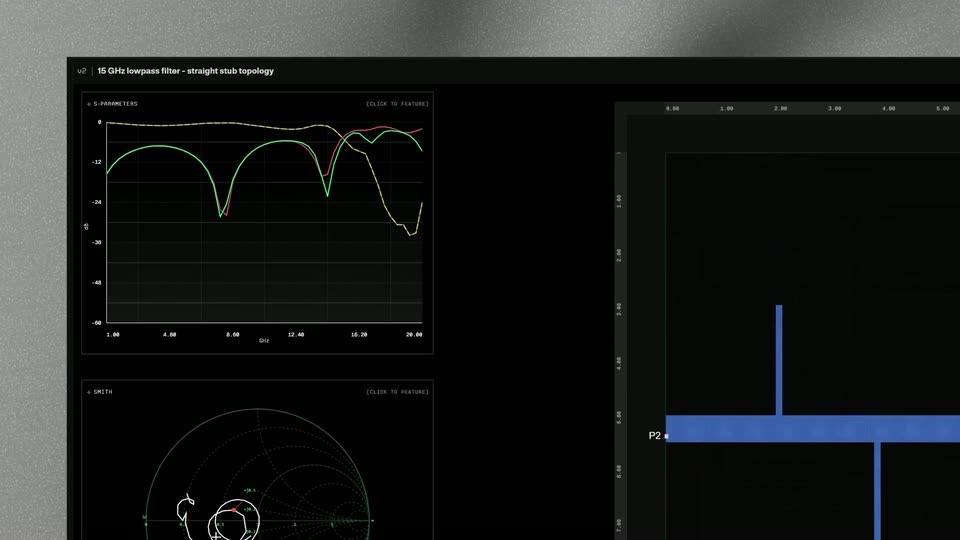 1:45–1:48Arena Physica · Pratap Ranade - Today, we’re excited to unveil Heaviside-1, @arenaphysica's second geA dark analysis window shows an S-parameter graph, a Smith chart and a blue stub layout on a grid. The view zooms into the graph as a hand cursor sweeps left to right, updating a frequency readout box and a highlighted axis marker.
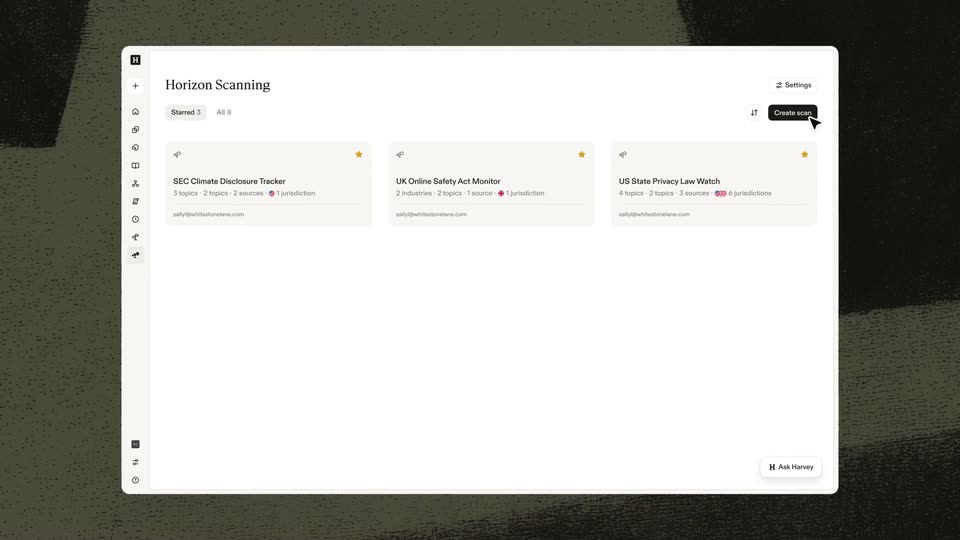 0:12–0:15Harvey · Harvey - Introducing Horizon Scanning. Legal teams spend days tracking regulaA tilted 3D panel of the Horizon Scanning app floats over a dark textured backdrop. A cursor glides in from the right, moves to the Create scan button and clicks it, popping open a centered Describe scan modal with a text field.
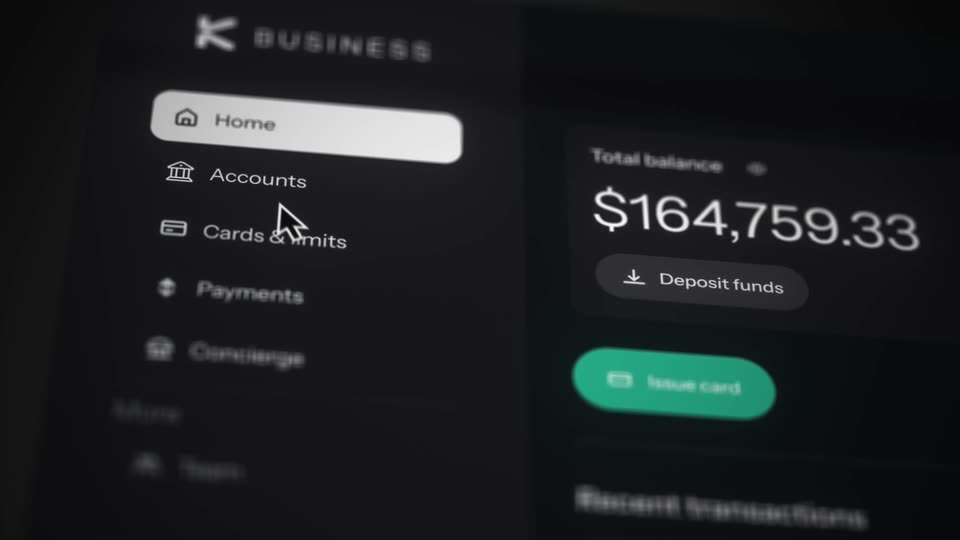 0:43–0:46KAST · KAST - KAST for Business is now open 🏦 > Open a global USD account >A dark banking dashboard sits in 3D perspective, the left menu in sharp focus while the right panel blurs into depth. A cursor glides down the menu list as the total balance counts upward and white captions swap at the bottom.
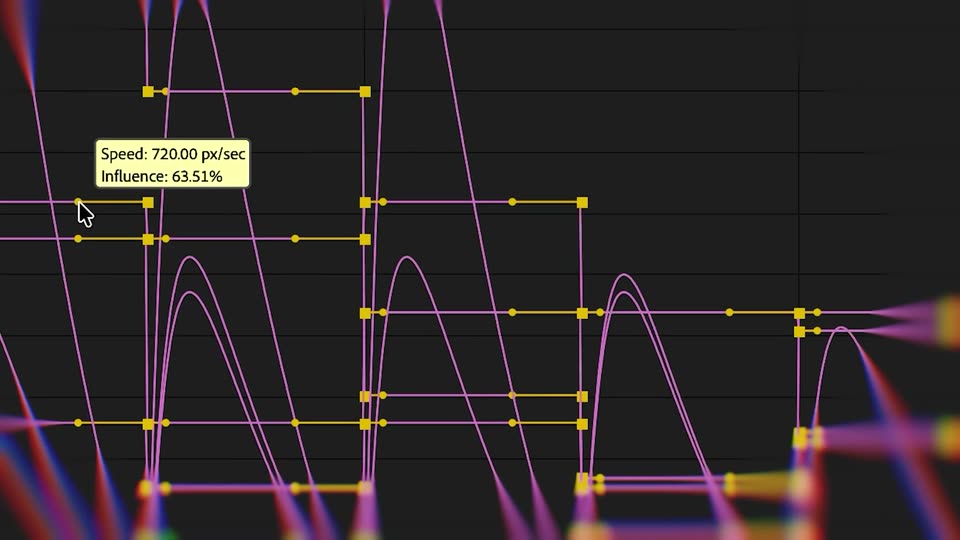 0:11–0:12Lottielab · Lottielab - Introducing Burp! ✨ Your AI editor for video and motion. 🔮 GenerateA dark keyframe graph with purple easing curves and yellow handles fills the frame. The view zooms in on the curves as a cursor hovers over a handle, and a small tooltip updates its speed and influence values.
 0:08–0:10OpenAI · Karan Singhal - Today, we’re bringing ChatGPT closer to the systems, information, andA black cursor drives a segmented Chat/Work toggle on white, under a blurred pink band; the white pill slides from Chat to Work, lifts with a drop shadow, and the Chat label fades to gray.
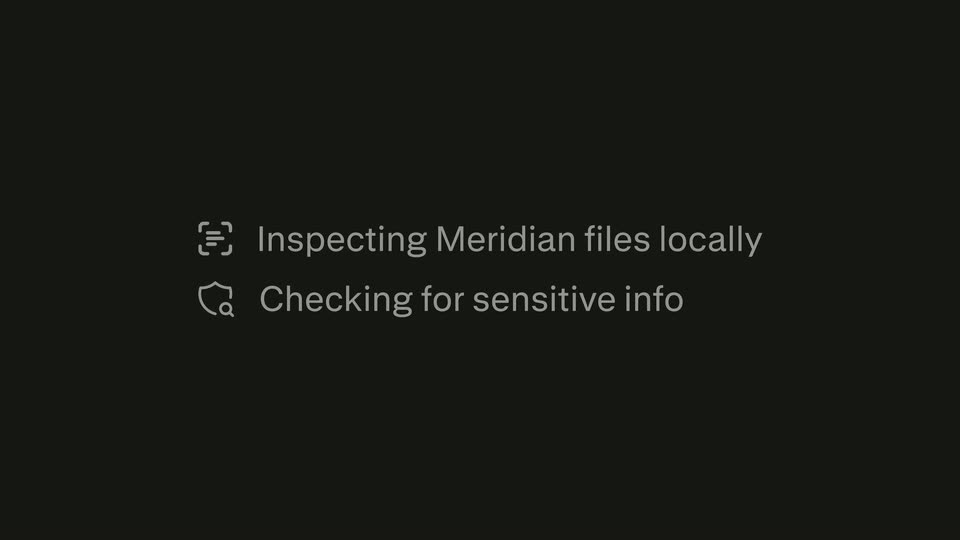 0:28–0:32Perplexity · Aravind Srinivas - We're introducing hybrid compute for all users of the Perplexity MacA dark chat prompt with a cursor on the send button cuts to a plain background, where a scan icon and the line about inspecting files slide in, then a shield icon and a sensitive-info line hold below. A bordered card with a Privacy Gate warning closes the scene.
 0:02–0:03Spline · Hana V2 is here to stay 🌸 #3d #3danimation #uiux #productdesign #graphicdesignA close-up of a light list interface. A black cursor with a white outline glides up and lands on the purple Design pill at the top, beside a blue 3D Scene pill and a green icon pill. Rows of 1 hour ago timestamps fill the white column below.
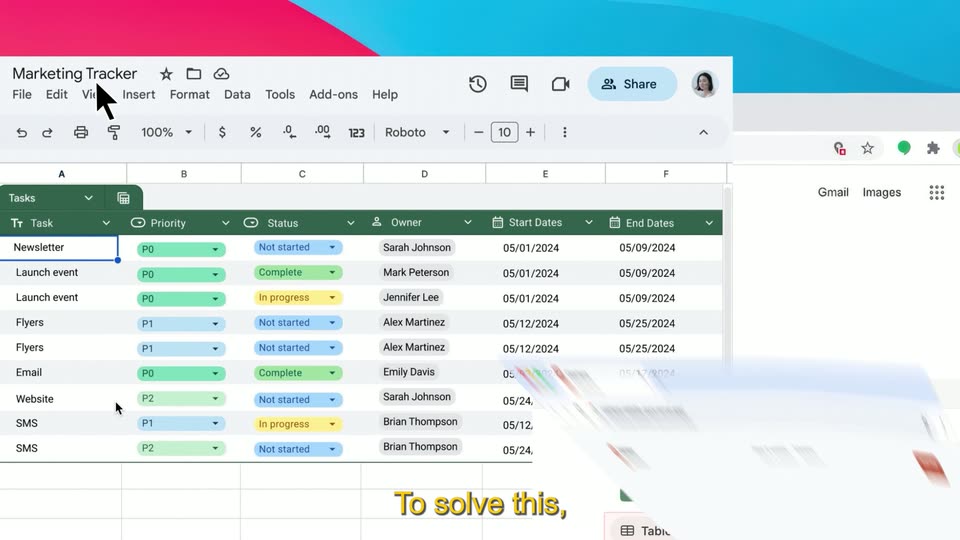 0:19 · 0.8sUserlens · Hai Ta - We’re launching Lumi by @userlens_hq. Lumi is an adoption agent thaA spreadsheet task tracker fills the frame, rows with green, blue and yellow priority and status pills. A cursor hovers the View menu, then sits near the Website row. A yellow subtitle at the bottom swaps from the first sentence to a new one.
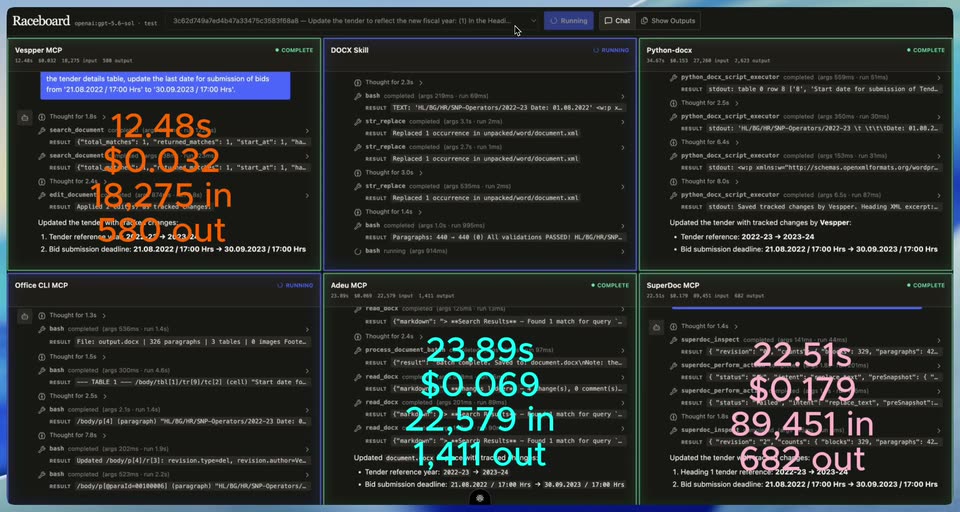 0:02–0:44Vespper · Introducing Vespper DOCX MCP - Let your AI agents edit Word docsA flat screen shows a 3x2 grid of six terminal panels running the same document task in parallel; logs stream line by line in each. As each finishes, a large colored stat block (time, cost, tokens) pops in over that panel while a cursor clicks the top bar.
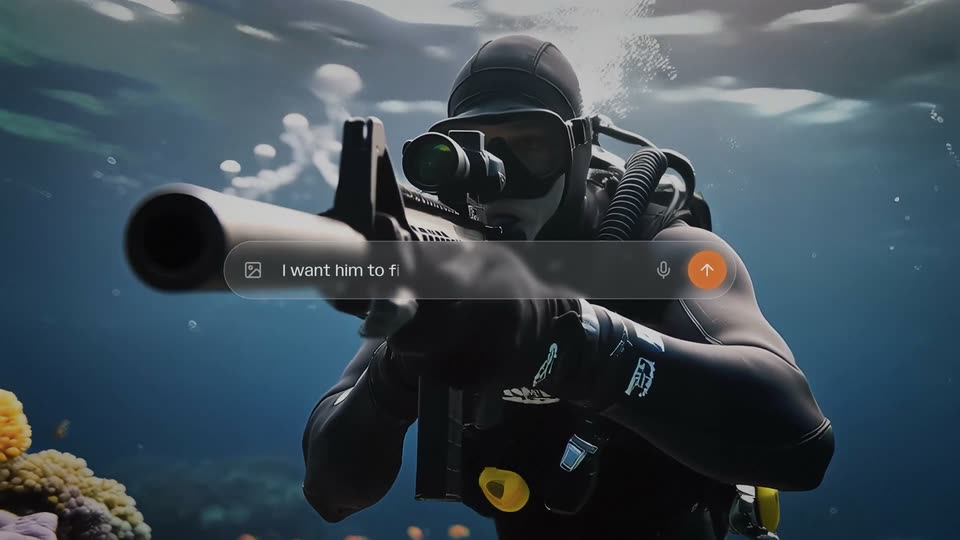 0:08–0:12Visko · Visko Orbis 1.0 — live interactive world modelA 3D-rendered scuba diver in a black wetsuit aims a suppressed rifle forward over a coral reef, bubbles rising. A translucent prompt bar floats at center; placeholder text swaps to a typed instruction, then a cursor moves to the orange send button and clicks it.
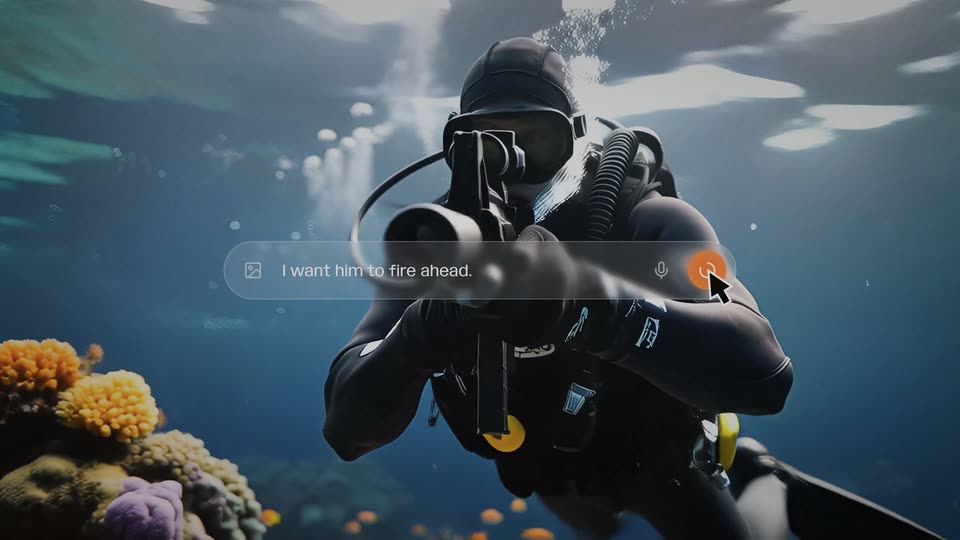 0:04–0:15Visko · Visko Platform - Today, we are introducing Orbis 1.0, our first Live Model! Create liA 3D rendered diver in a black drysuit swims above a coral reef with a rifle, turning from profile to face the camera. An input bar slides in, a prompt types in, a cursor clicks the orange send button, and the diver fires as the camera pulls back.
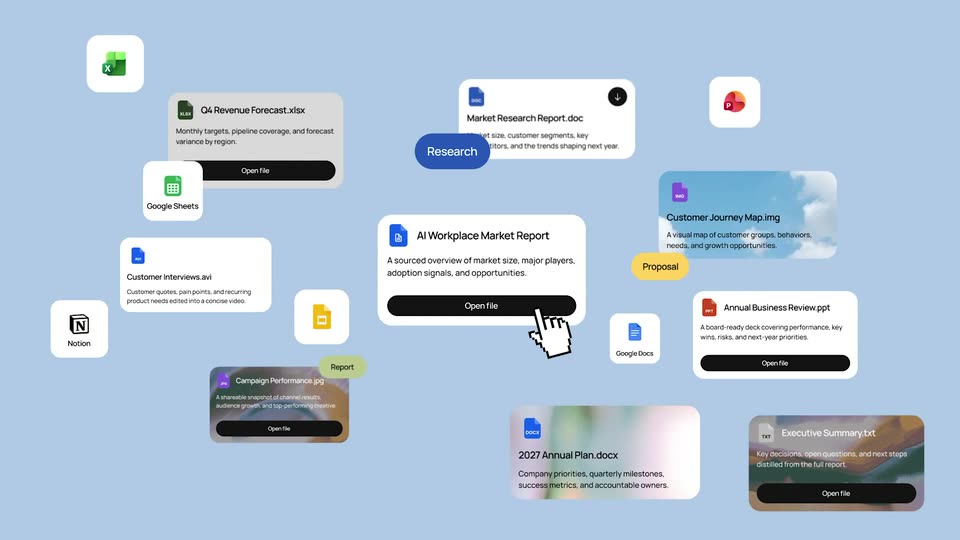 0:26–0:27YouWare · YouWare - The chatbot is done in 30 seconds. You are not. An answer is never eA pale blue workspace holds scattered white file cards and colored app icons that drift slowly; two white hand cursors rest on Open file buttons. Small pill labels, Research, Proposal, Report, sit between the cards.
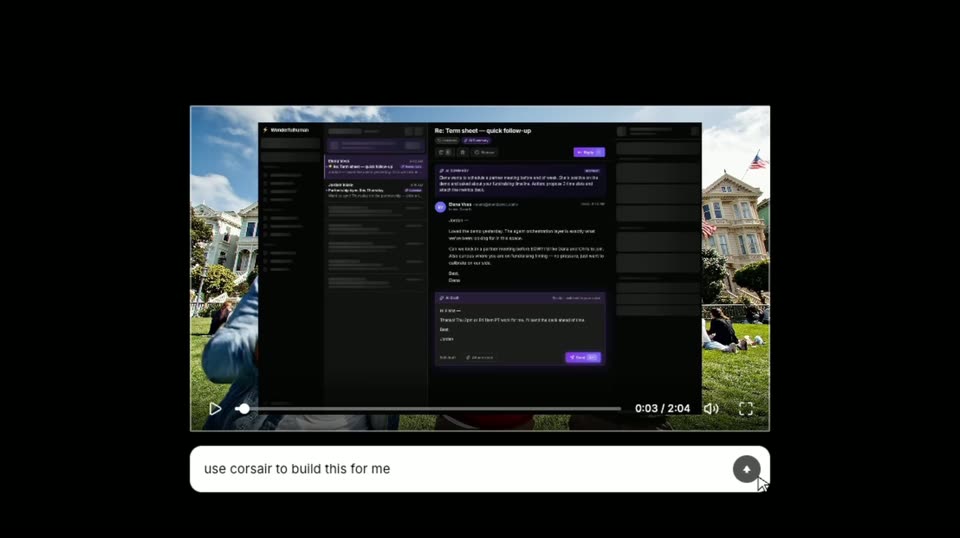 0:06–0:09Corsair · Dev Jain - Corsair connects your users to their apps. Build custom UIs, agents,A dark video player overlays a chat interface on a lawn scene with a white building. A white rounded prompt bar slides in below the player, and the text “use corsair to build this for me” is typed into it as a cursor rests at its edge, then the frame cuts to black.
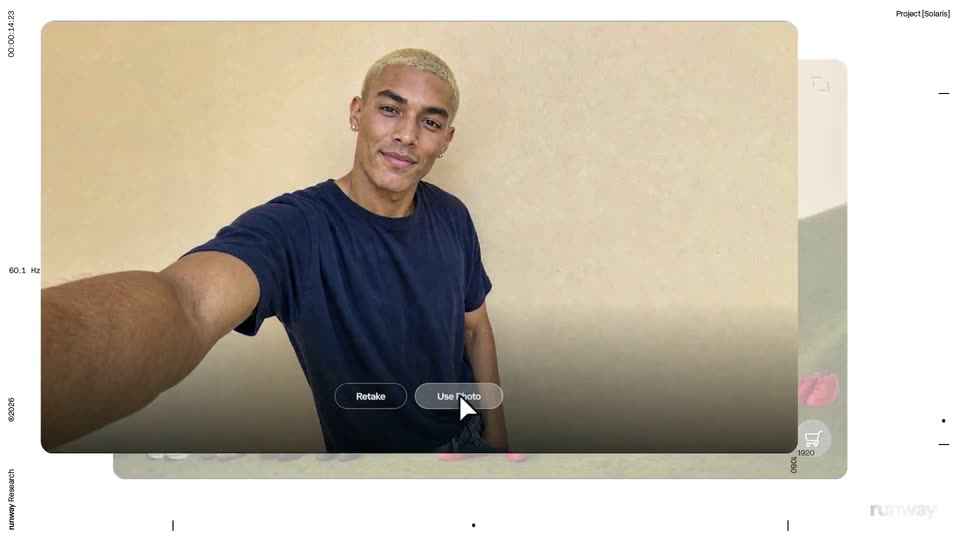 0:14–0:15Runway · Introducing Solaris our first Interface World Model | RunwayA man in a navy tee takes a selfie against a beige wall as the white title Introducing Solaris crosses his chest. The title fades, the photo insets into a rounded panel revealing timeline rulers, and a cursor hovers the Use Photo button.
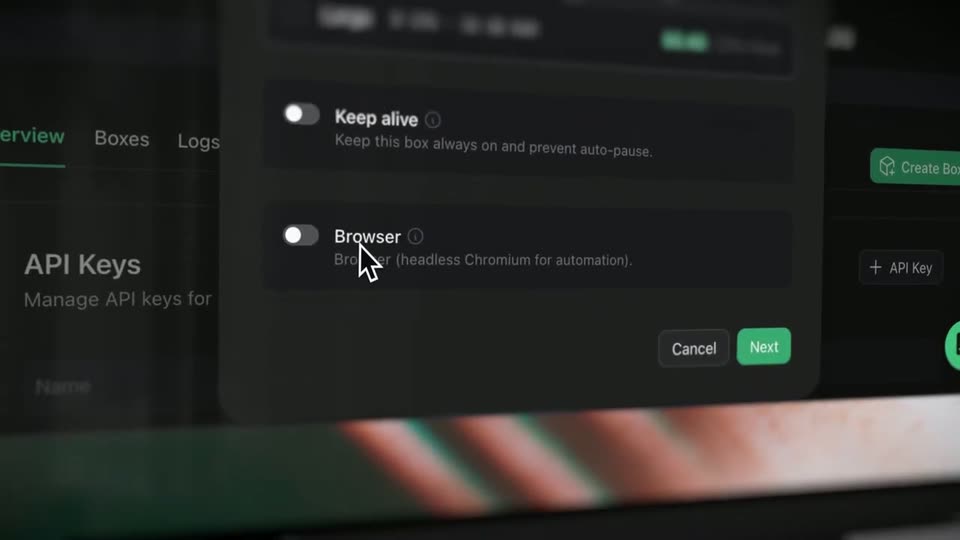 0:07–0:13Upstash · Upstash - Introducing Upstash Box Browser - a cloud browser built for AI agentsMacro shot of a laptop screen in shallow focus. A dark Create Box modal scrolls down as the camera pushes in; a white cursor glides to the Browser toggle and a hand cursor clicks it, turning the row green.
 0:05–0:09Motion · Motion - Introducing Apple for product launches. Paste your website URL. MotA white rounded prompt bar sits centered on a light gray field. The prompt “Make a launch video for my app” is typed as the view zooms into the bar. A cursor then moves to the blue send button, revealing a small black “Apple” tag beside it.
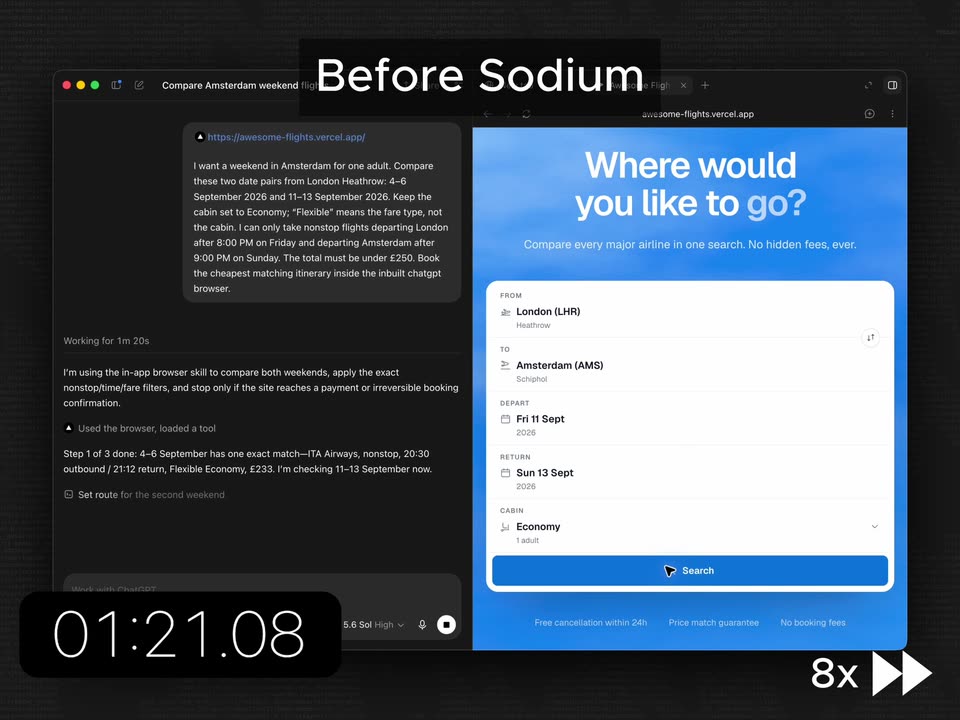 0:07–0:10Result · Result - Today we're introducing Sodium. Turn your website into tools AI agenA browser window pairs a dark chat panel with a blue flight-booking app. The right panel cycles through flight results, a search form, a destination dropdown and a date picker as a cursor clicks through, all at 8x speed under a 'Before Sodium' label and a running timer.
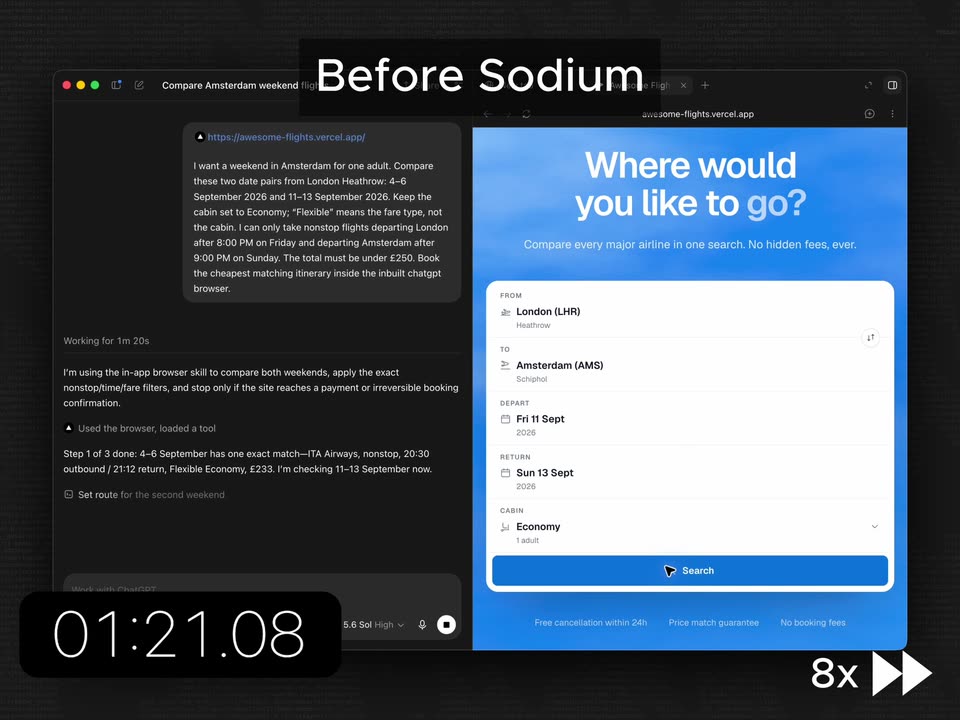 0:07–0:10Result · Savio - 1/ Introducing Sodium Sodium turns all your website’s existing featuSplit screen: a dark chat panel left, a blue flight-booking site right. A cursor fills the search form and selects dates on a September 2026 calendar as the chat logs steps. A 'Before Sodium' title, a running timecode and an 8x badge overlay the frame.