1:35

Introducing Confetti — Build hardware from a single prompt
Confetti · Consumer · Oct 2026
Riverside’s 0:45 launch film runs 20 scenes, about 2.3 s each. The product is on screen from the first frame and 1 feature is revealed. The call to action lands at 0:42 (95% in), over a voiceover. The video opens on a mirror gag that names the product, runs a fast-cut skit of the creator in three impossible situations, hands off to a floating UI walkthrough of the AI Twin from script to LinkedIn publish, and closes on a black Start Now card. Pacing is quick at about 12 cuts a minute, with whip pans, rack focuses and slow push-ins as the signature moves, and every UI panel is composited over a blurred live room so the product feels physical.
Is this your launch? to your site or press kit.
Confetti · Consumer · Oct 2026
The Browser Company · Productivity · Sep 2023
Google · AI · Apr 2010
Films whose music sounds like this one, voice left out
Simular AI · Electronic, Funk/Disco
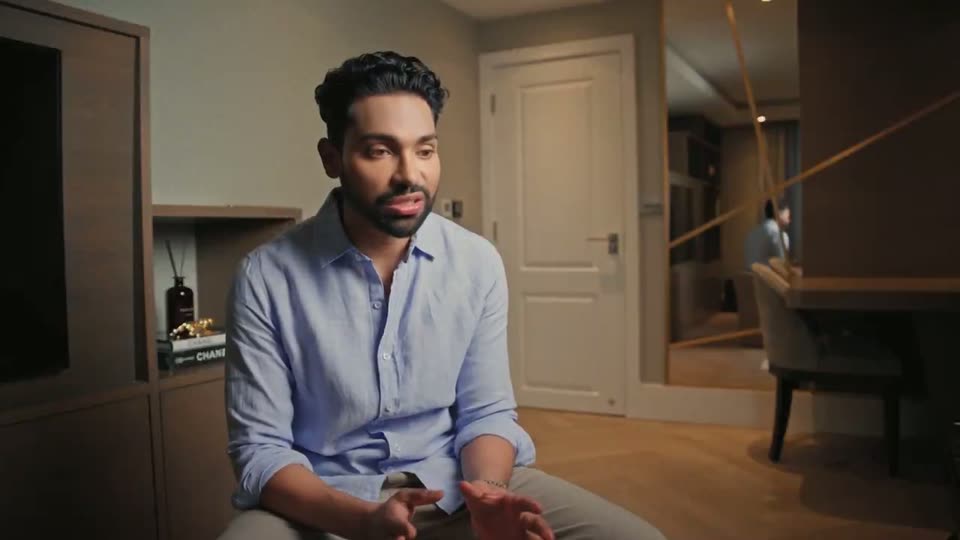
Fireflies.ai · Upbeat electronic
Ramp · Modern electronic
A man faces his mirror and touches his cheek with his index finger as his reflection shifts into a smile. The Riverside logo and 'AI Twin' label sit on either side of his face, then the shot cuts to a side profile with the tagline centered between the two faces.
On-screen text: “RIVERSIDE”, “AI Twin”, “2”, “Create more”, “without filming more”
Camera: Static
Two identical men in gray sweaters face each other in profile, mirror-like, against a softly blurred home interior. The frame stays locked-off. White text sits centered between their faces.
On-screen text: “Create more”, “without filming more”
Camera: Static
A man in a gray sweater sits in an airport terminal, glances at his watch, then looks up and speaks to camera as the shot pushes in from medium to close-up. Blurred passengers and a standing agent fill the background.
On-screen text: “Create more”, “without filming more”
Camera: Push in
A man in a blue suit sits in a bright airport lounge and speaks while pointing with his index finger. A woman in a yellow top reads a book behind him. The camera whips in from a blur to settle on his face.
Camera: Push in
A man in a dark airline vest and headset stands in an airport terminal holding a clipboard, his mouth open as if speaking, while seated passengers and a walking traveler fill the background. The frame opens soft and racks into sharp focus.
Camera: Pan
Over-the-shoulder shot of a doctor's office: a patient in a gray sweater sits on an exam table, blows his nose with a tissue, then talks. The doctor in a white coat stands and checks his forehead with his hand.
Camera: Static
A doctor in a white coat leans over a seated patient and presses his hand to the man's forehead, then lowers his arm as the patient turns his head. Medium shot in a beige exam room with a wall clock, wooden cabinets and an exam table.
Camera: Push in
In a warm-lit barbershop, a barber in a denim apron holds a black smartphone toward a seated customer with a tall pompadour. Cuts alternate between their close-ups as they talk, then a fast whip pan lands on a wider two-shot with the barber standing and the phone raised.
On-screen text: “8”, “12”
Camera: Push in
In a brick-walled barbershop, a blond barber in a denim apron trims a client's hair with clippers while talking. The camera pushes in on his face, ending in a soft blur as the reversed window lettering slides past.
Camera: Push in
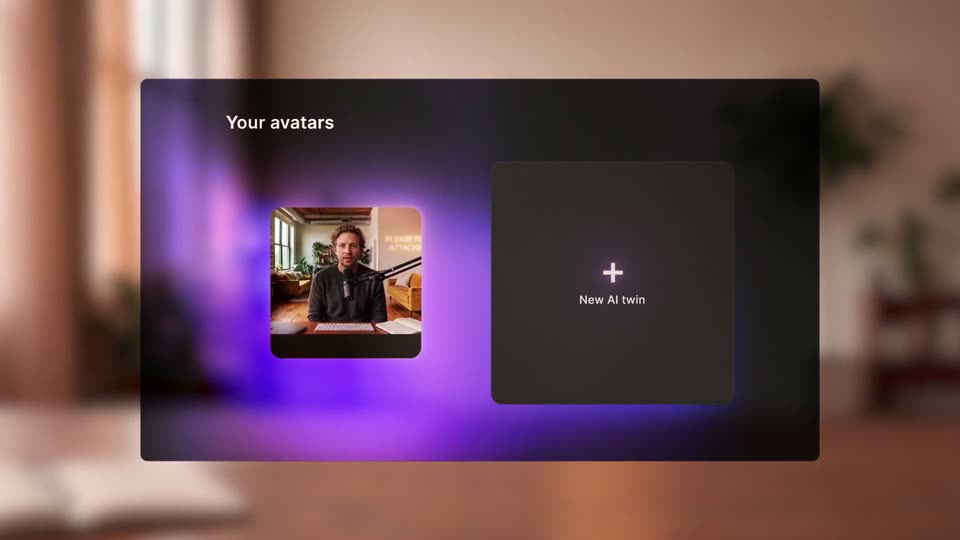
A dark rounded UI panel floats over a blurred warm-toned room. A purple glow fills the center as the heading and a photo card of a man at a desk fade in on the left, beside a plus icon labeled New AI twin on the right.
Camera: Static
A dark interface panel titled Your avatars floats in 3D perspective over a blurred room. A cursor glides to the purple Generate video button and clicks it, opening a Generate a video modal over the panel.
Techniques: 3D mockup, Cursor demo
Camera: Static
A dark modal titled Generate a video sits over a blurred room; a voice dropdown and a purple button frame a text box that fills with a podcast script while a white cursor drifts inside, then the button pulses.
Techniques: Cursor demo
Camera: Static
A close-up of a dark text editor with a block of typed text above a purple button. A white outline cursor hovers over the button, clicks it, and the button switches to a loading state with a spinning arc.
Techniques: Cursor demo
Camera: Static
Over-the-shoulder view of a person in headphones at a desk, typing. The monitor displays a video editor: a script column, a presenter preview, and a green audio waveform. The camera slowly pushes in on the screen.
Camera: Push in
A video editor window showing a man at a desk with a microphone floats over a blurred loft room. The window scales up and shifts as the top toolbar, yellow tiles and a caption bar slide into place.
Camera: Static
A video-call frame of a man speaking at a desk floats over a blurred copy of the same room. A top toolbar and a left Colors toggle fade out while a teal selection border with corner handles animates around the frame.
Camera: Static
A LinkedIn feed shows a man speaking into a microphone inside a video player, with a contacts panel on the right. The view slowly zooms in on the interface as small circular avatar icons drift across the left edge of the video.
Techniques: UI zoom, Particles
Camera: Static
A man in a gray sweater lifts headphones onto his head and smiles into a boom-arm microphone at a podcast desk. Behind him a man walks past with a coffee cup, two others sit on a yellow sofa, and a neon sign glows on the wall. The camera pushes in.
On-screen text: “PLEASE FIND ATTACHED”, “ON AIR”
Camera: Push in
On a black field, the white Riverside icon and wordmark sit above a dark Start Now pill. The wordmark opens with a horizontal glitch split that snaps clean. A white cursor glides from the lower right to hover the button, raising a violet glow on its right edge.
Techniques: Cursor demo
Camera: Static
On a black field, the white RIVERSIDE logo sits above a purple pill button. A white cursor hovers at the button's lower right edge as the button brightens from a dim purple with a glow at its base to a solid bright purple.
On-screen text: “RIVERSIDE”
Techniques: Cursor demo
Camera: Static