Feature reveal
A sequence devoted to one feature: its announcement and its demo.
70,341 scenes · page 60 of 1173
 0:05–0:06Something · something - Updates/features will be dropping daily. Early Adopters have access:A black screen holds the centered white phrase as it types out word by word, the glowing sans-serif text growing from 'Create' to the full line while the frame stays locked off.
 0:19–0:22Stripe · Stripe - Introducing Stablecoin Financial Accounts. Hold a stablecoin balance.A close-up of a payment interface begins out of focus and zoomed in, then the camera pulls back and the image sharpens. A Send button with a paper-plane icon and a blue-to-purple gradient outline sits left of a Transfer button and a partially visible Add button.
 0:08–0:09Kenley · Introducing Kenley WorkStreamsA low-opacity list of use-case lines holds on a plain field that fades from muted blue to white, while a small white rounded tile bearing a blue magnifying-glass icon stays fixed at the center.
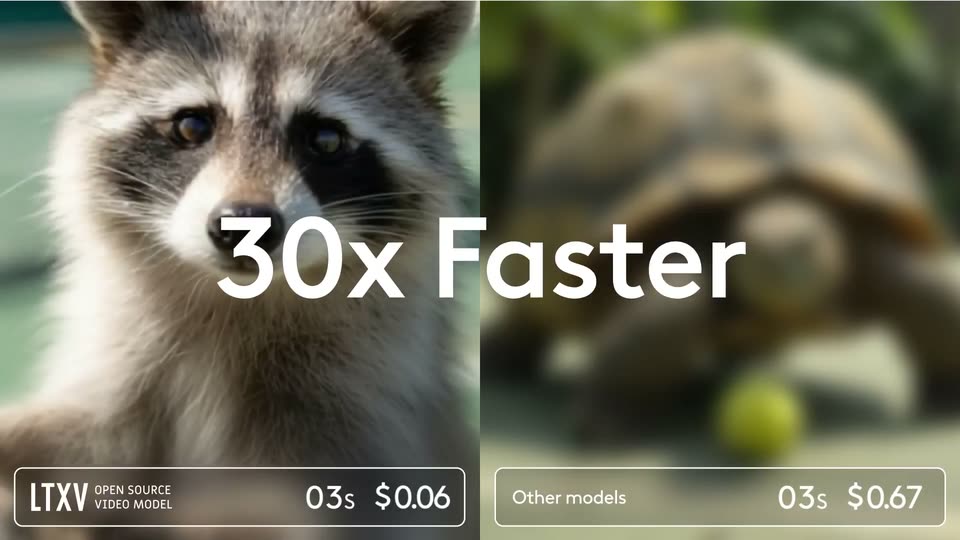 0:08–0:10Lightricks · Lightricks - We’re excited to launch our new model — LTXV-13B! 💫 LTXV-13B is ourA split screen compares a raccoon on the left with a tortoise on the right. The left clip pulls from blur into focus while the right stays soft, and the time and price counters at the bottom tick up. The white headline 30x Faster expands across the center.
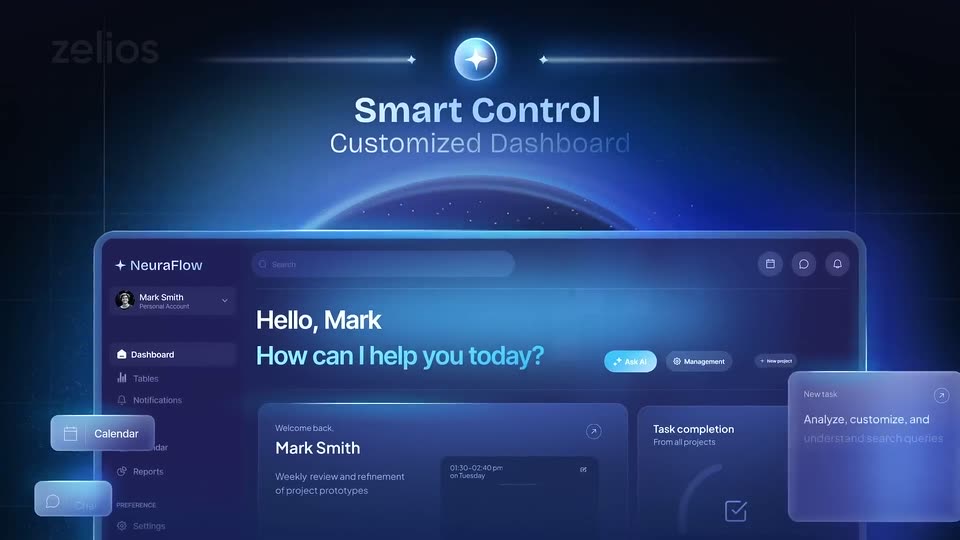 0:00–0:02NeuraFlow · Top SaaS Marketing Video Example | NeuraFlowIn a dark grid space above a glowing blue planet, the NeuraFlow title scales, then slides up as the Smart Control heading fades in. A dashboard panel with sidebar, greeting and cards rises from the bottom edge into the 3D scene.
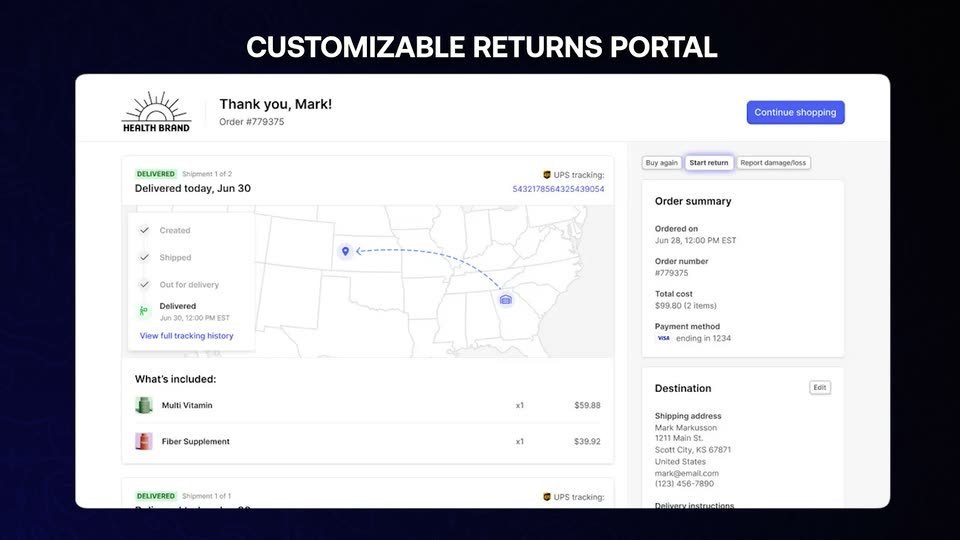 1:02–1:04Stord · Stord Returns - Product UpdateA flat returns-portal interface sits under a white headline on a dark blue background. The panel then slides left with motion blur as two white arrows flash in the center, suggesting a swipe.
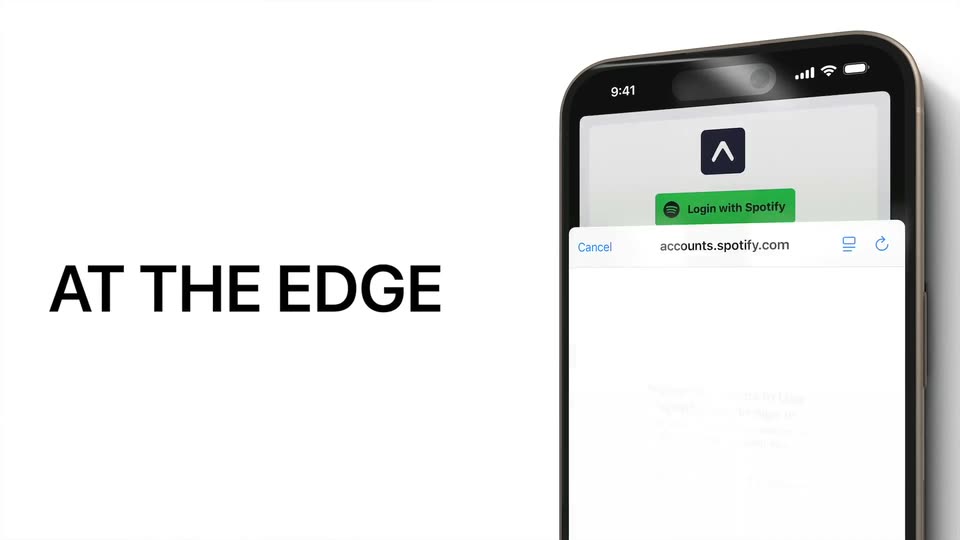 0:03–0:07Expo · Expo - 🥓Expo Router v5 is here and it's packed with powerful new features toA blurred close-up pulls back to a 3D iPhone mockup angled on the right, its screen showing a Spotify sign-in card sliding up, then a search screen. Large black headlines swap on the left: SECURE AUTH, AT THE EDGE, WITH SERVER FUNCTIONS.
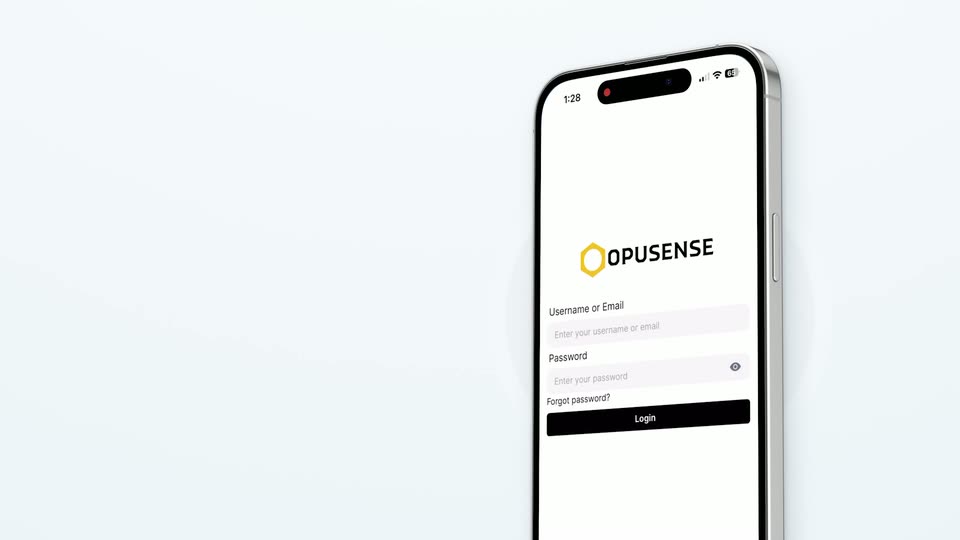 0:29 · 0.6sOpusense AI · OpusenseA 3D phone mockup stands at an angle on a pale gray background, its screen showing the Opusense login form. The device rotates slightly toward the camera as an email address fills the username field.
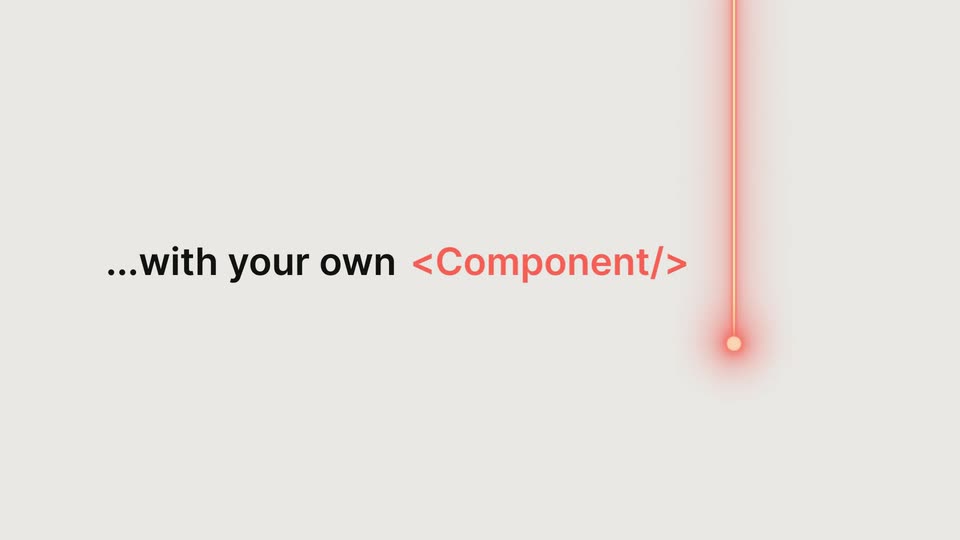 0:15–0:17Knock · Knock - Launch week → Day 5 Introducing Knock guides. Guides enable you toOn a flat light gray field, the line “...with your own <Component/>” builds word by word, black text with a coral code token, scaling in place. A thin coral vertical line with a glowing dot appears at the right edge and holds.
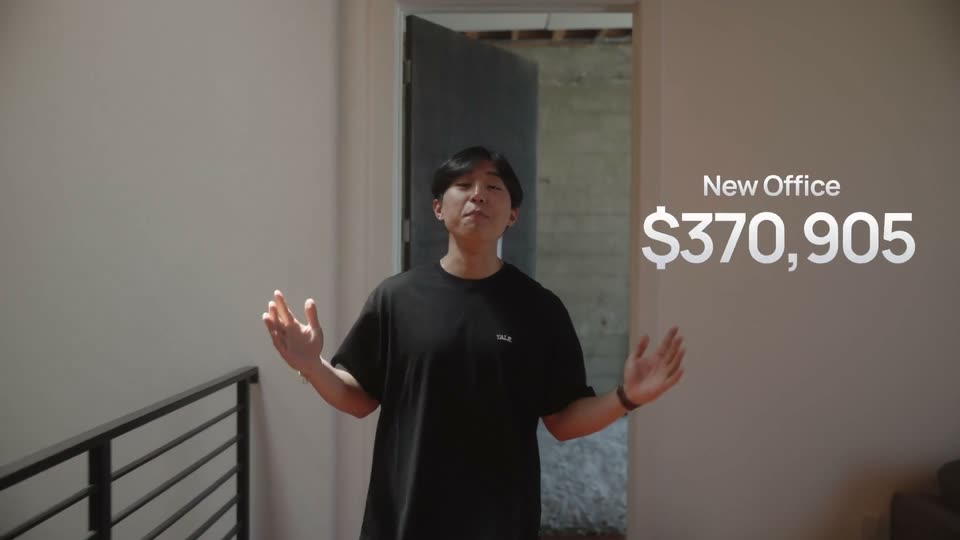 0:01–0:05Cluely · Roy - im hiring 50 interns in san francisco for @trycluely. $50/hr. + founClose-up of a paper sign reading CEO CLUELY taped to a dark door. The door opens and a man in a black t-shirt walks out into a bright empty room, gesturing with open hands. On the right, the caption New Office appears above a price that counts up to $500,000.
 0:13 · 0.7sHone · Meet Hone AIA vertical white beam of light sits at the center of a soft purple gradient. The beam widens and brightens, washing the frame to white as a few small white dots drift.
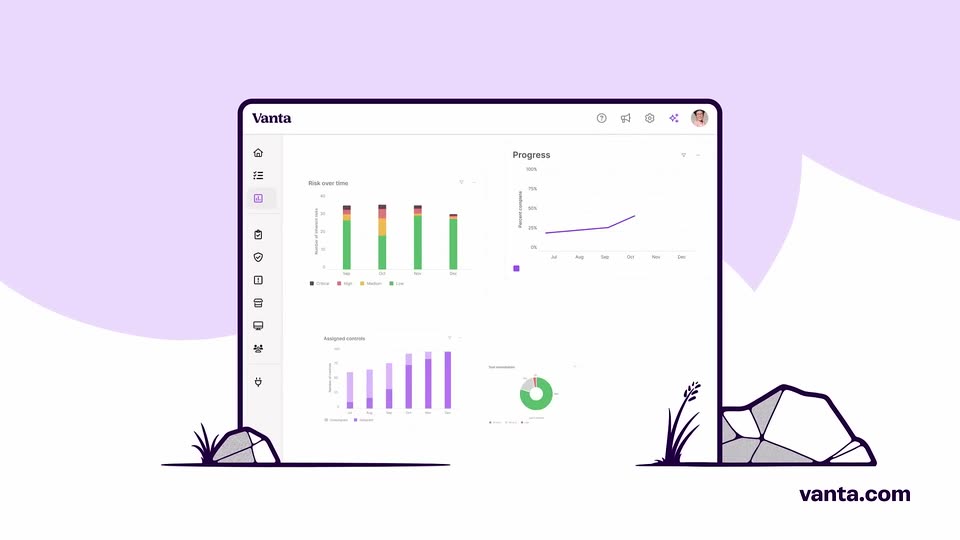 0:15–0:19Vanta · Meet the new way to GRCThe headline “Continuous compliance” sits above a flat laptop on a lavender backdrop with illustrated rocks. The dashboard populates as bars grow, a line draws and a donut fills, then the frame zooms into the Progress chart where a cursor hovers a SOC 2 tag.
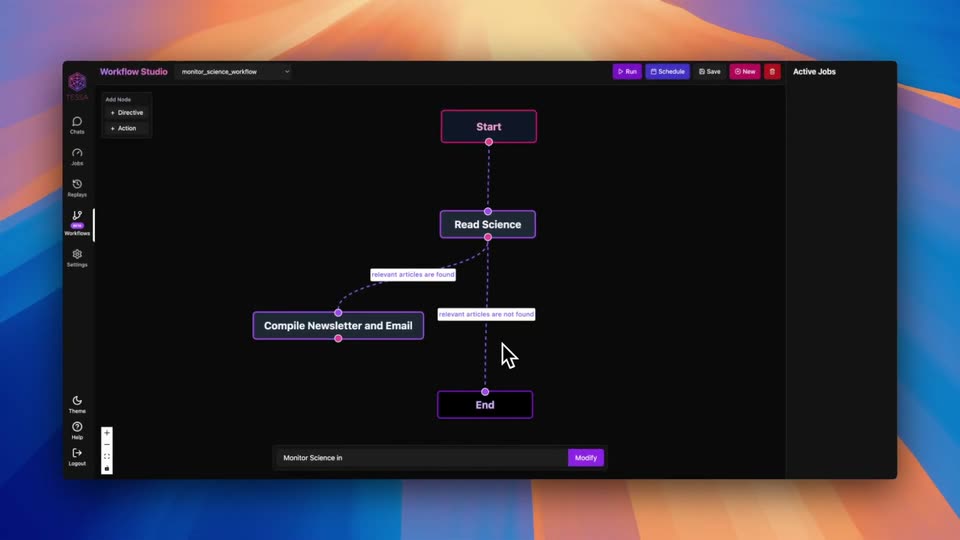 0:14–0:30Altrina · Workflow EditorA dark node graph (Start, Read Science, End) sits on a dotted canvas. A cursor clicks a dashed link, opens a label box, and types a condition. The shot cuts to the window in 3D on a gradient desktop, then zooms back in to label the other branch.
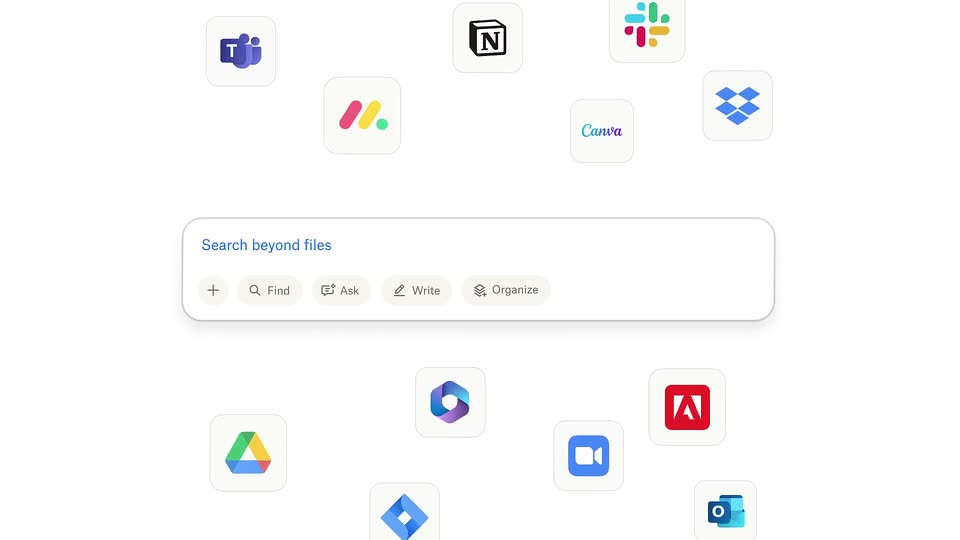 0:04–0:06Dropbox Dash · Dropbox Dash: Search videos, images, and create content fastA centered search field on white is ringed by floating app icons (Slack, Canva, Dropbox, Notion, Teams, Drive, Zoom). A blue bar slides away, the border turns blue, and a query types itself letter by letter as the icons drift out and fade.
 0:07–0:31Google · NotebookLM launches Audio Overviews in over 50 new languagesTwo thin waveform lines, blue and green, oscillate along the center of a near-black frame with a soft green glow at the bottom. Short dialogue lines in a light sans-serif fade in at the top-left and bottom-right, swapping with the voiceover.
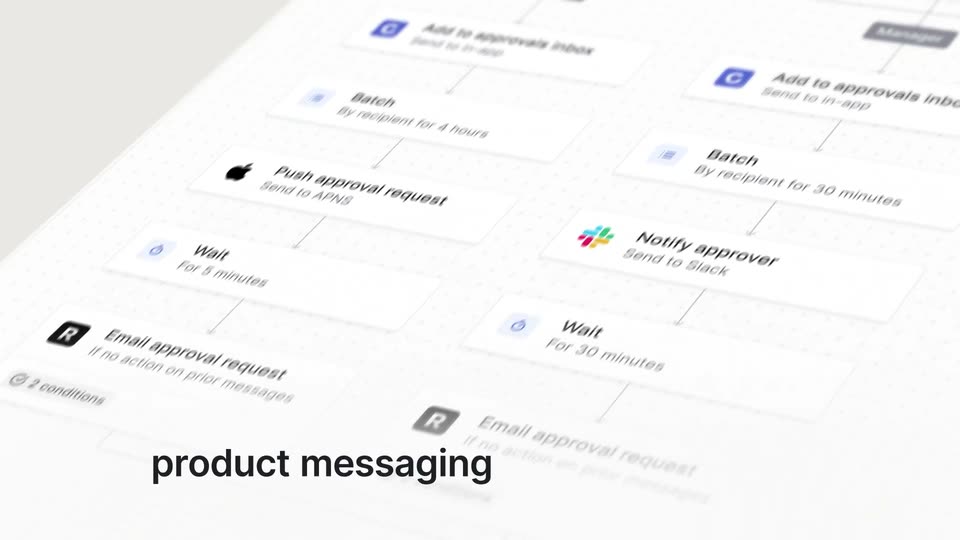 0:08–0:10Knock · Knock - Launch week → Day 2 Introducing Knock workflows 3.0. Rebuilt with aA 3D-tilted workflow canvas on a dotted grid shows connected step cards for triggers, approval checks and notifications, with Executive and Manager role tags. The view glides down the diagram while the caption product messaging stays fixed at the lower left.
 0:02–0:04Gamma · Gamma - Introducing AI Image Editing with animation! You can now edit and anA vertical blue gradient, dark navy at the top easing to a lighter blue at the bottom, fills the locked-off frame. A single centered white sentence fades in from near-transparent to full opacity over the first second, then holds still.
 0:18–0:20Knock · Knock - Launch week → Day 1 Introducing Knock Agent Toolkit. Build AI agentThe knock MCP logo and a “Searching tools” caption sit top left on a light gray field as a red line redraws from vertical to horizontal and the loading dots become a green check. A row of dark pill labels scrolls left along the bottom, one in red.
 0:01–0:02Adobe · Adobe Firefly: The next evolution of creative AI is hereA horizontal row of dark feature cards scrolls left, revealing a parrot, a blue furry creature, and a robot device. A white outline cursor sits at the bottom center, and a pink gradient glow lines the lower edge.
 0:33–0:34Lovable · Lovable 2.0 is here. Multiplayer vibe coding. Smarter & more secure.On a grainy cream-to-pink gradient, the word Now scales in at center and the line extends to Now with collaboration while two multiplayer cursors, pink Lucy and orange Jonathan, slide in and settle below the text.
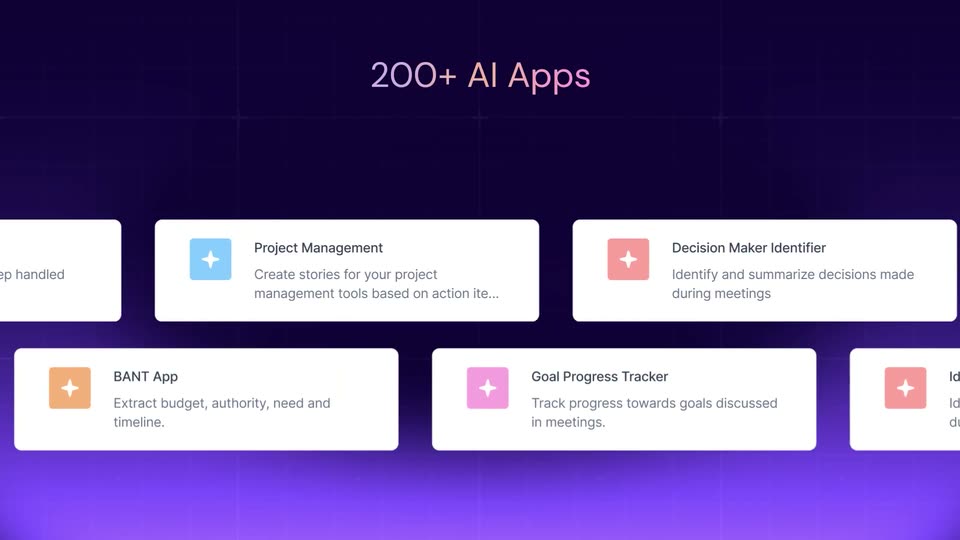 0:05–0:07Fireflies · Fireflies.ai - 🎉 We’ve reimagined meetings beyond note-taking. Introducing FireflieA gradient headline fades in centered above two rows of white app cards that slide in from the right on a dark purple grid. Each card pairs a colored sparkle icon with a title and short line.
 0:13–0:15Spline · Introducing Hana - A new canvas for interactivity - by SplineThe word booleans in black pixel font sits centered on a light gray field while colorful geometric shapes, blue, red, orange and teal squares, circles and a hexagon, drift and rotate slowly with soft blue drop shadows.
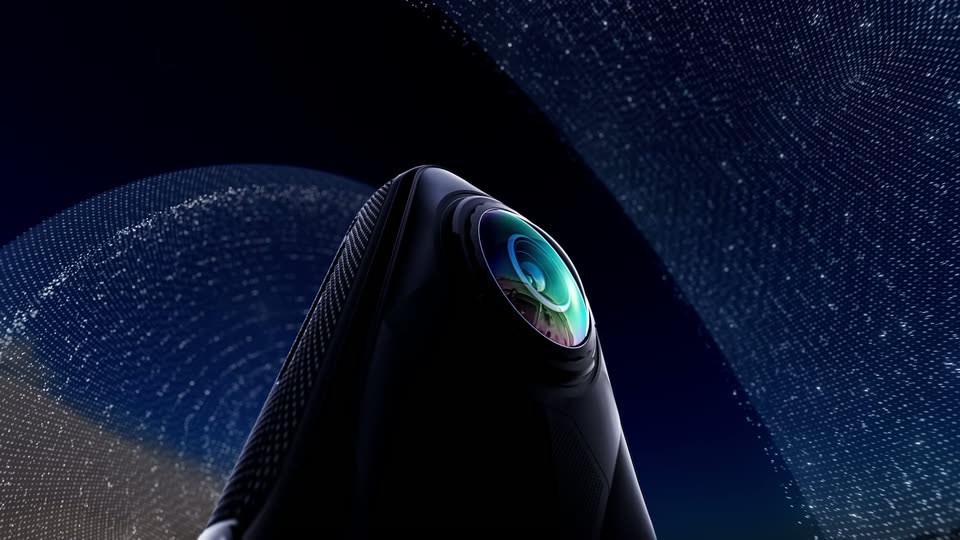 0:17–0:19Insta360 · Meet Insta360 X5 - New Flagship 8K 360 Action CameraA black rounded device with a circular lens and a textured band rotates in 3D against a starfield, the lens reflecting trees, sky and a camera rig. The device tilts as the dotted space background drifts.
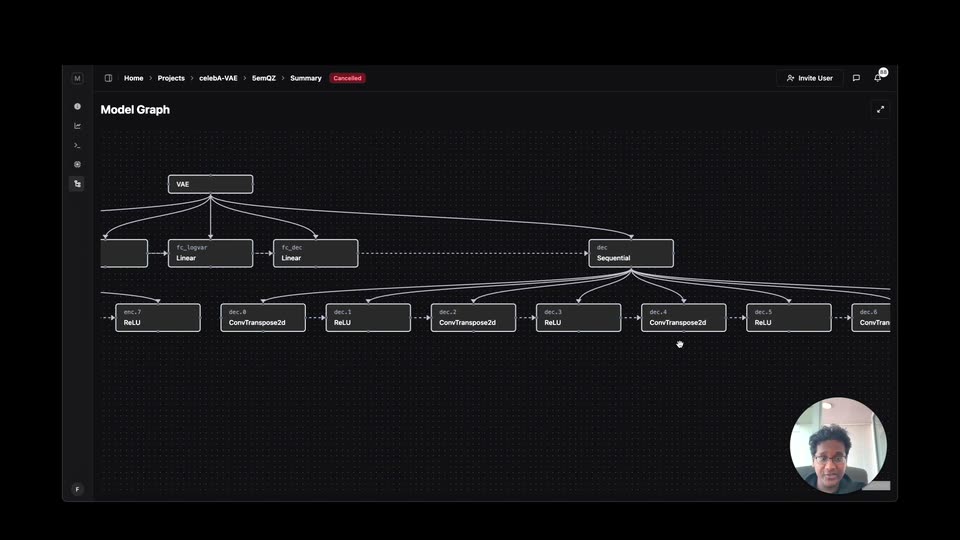 0:41–0:49mlop · mlop: introA dark node graph zooms in from a wide view to a close-up of the VAE layer tree. A cursor clicks the dec:2 ConvTranspose2d node, opening a left panel with four blue parameter and gradient histograms.
 0:03–0:05Vidu · Vidu AI - 🚀 Vidu Q1 is here — unleash imagination with extreme Quality. Four coA dark sphere floats in a swirling disc of glowing particles in space. The camera pushes in to center the sphere, then the white headline “Clarity, Unleashed” appears across the middle and holds still.
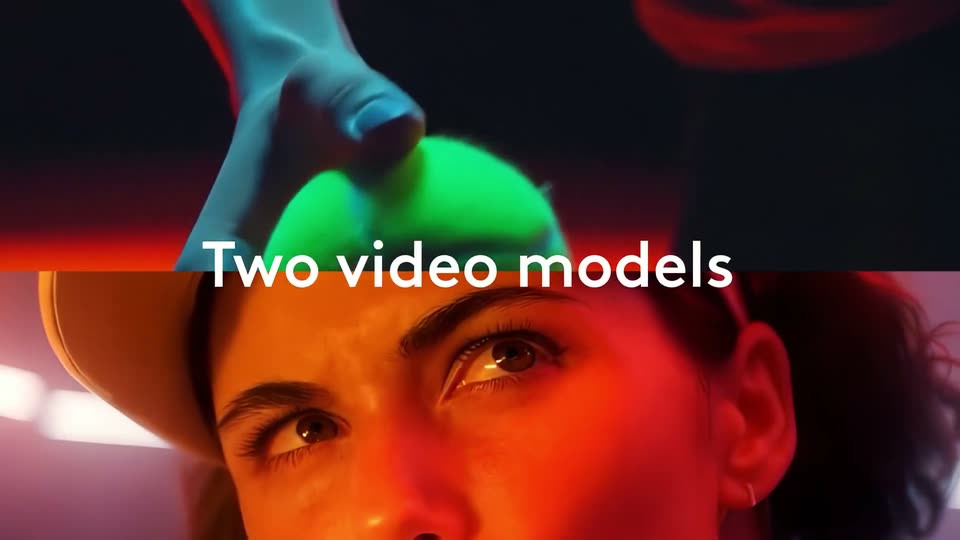 0:05–0:07Lightricks · Lightricks - Today we’re introducing Veo 2 in @LTXStudio . We’re giving you the fA split screen shows a gloved hand pressing a glowing green dome in the top half and a woman's face lit in red in the bottom half. White text Two video models scales across the center as the green object expands and the lighting shifts.
 0:07–0:11EigenCloud · EigenCloud - Slashing goes live on mainnet today! 🥳 The protocol is now feature-cA purple 3D cube on a grainy blue gradient squashes flat, then splits into two slabs that tilt and drift apart while white circles slide to the edges. The headline appears centered and holds, then the shapes fade out to the plain gradient.
 0:04–0:05FLORA · FLORA © - Image Blending is now live in FLORA. Connect two image blocks into oA black dotted grid fills the frame as the title “Style Transfer” fades in letter by letter from dim gray to bright white, centered and locked in place.
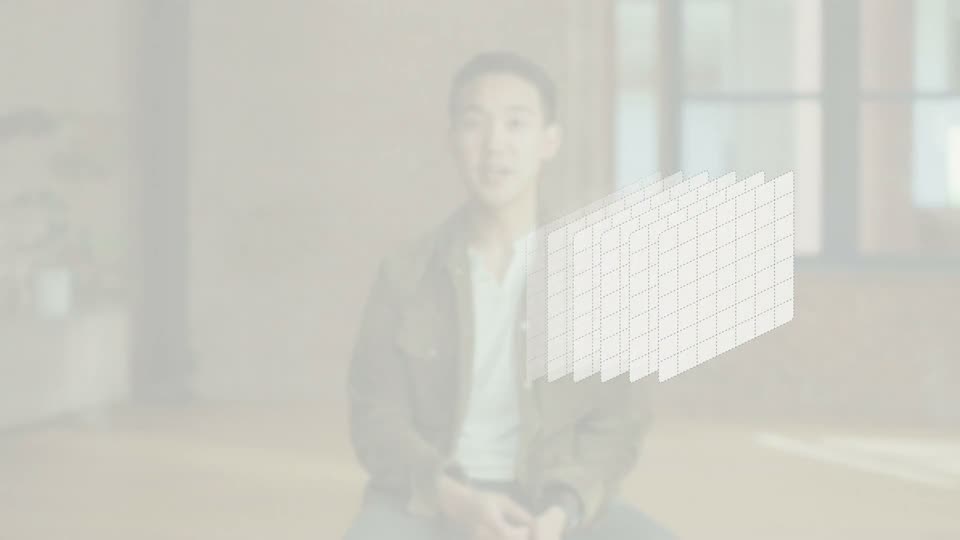 0:11–0:12Goodfire · Goodfire - Today, we're announcing our $50M Series A and sharing a preview of EmA man in a green corduroy jacket sits in a brick-walled room and speaks, then fades to white as a tilted 3D wireframe grid plane rotates in from the right.
 0:11–0:13Notion · Meet Notion MailThe headline “It organizes itself” sits centered in black bold type on a cream background while a gray triangle outline draws and expands below it, then a cut reveals a light UI panel with an Auto label button.
 0:08–0:12Make · Make - #MakeAIAgents are rolling out now. The next chapter of automation staOn a purple gradient, a centered white headline sharpens from blur into focus while department labels with line icons orbit the center on a circular path. The labels sit at different depths, some large and crisp, some small and soft, giving the orbit a sense of depth.
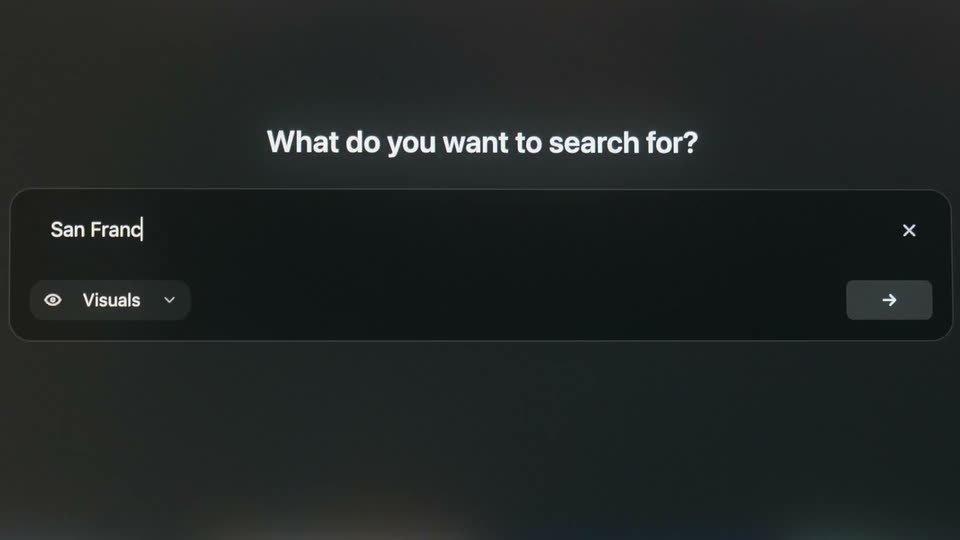 0:33 · 0.8sClova · William Wang - How I found my startup idea p.s we just publicly launched our produA dark search panel fills the frame, locked off. The white prompt headline sits centered above the input bar while the query “San Francisco, bridge, drone” types out character by character behind a blinking cursor. A “Visuals” mode chip with an eye icon and a send arrow button flank the field.
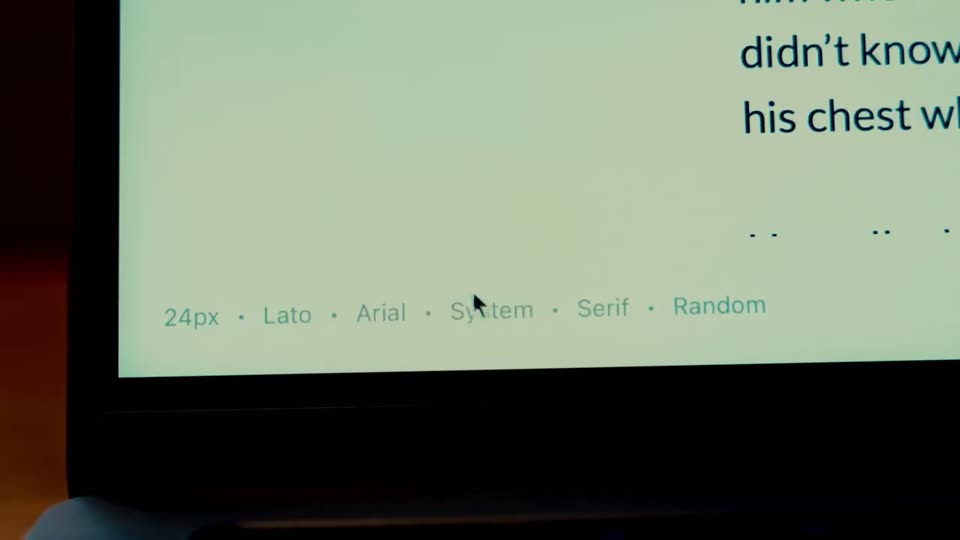 0:13–0:14Freewrite · Farza 🇵🇰🇺🇸 - introducing freewrite. a mac app i made for myself. one simple, cleA close-up of a laptop screen shows a light text editor with a row of font options along the bottom. A cursor glides across the row from Lato to Arial, then leaves the frame as the shot holds.
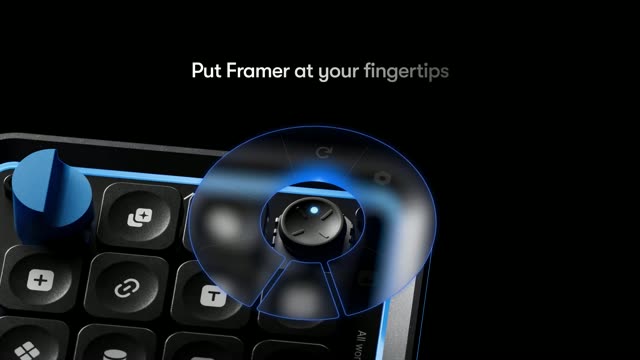 0:17–0:18Framer · Introducing the Framer Creator Micro 2A 3D close-up of a black keyboard corner with round keycaps and a blue knob sits on black. A translucent blue radial dial with small icons fades in over the knob. The white headline fades in above.
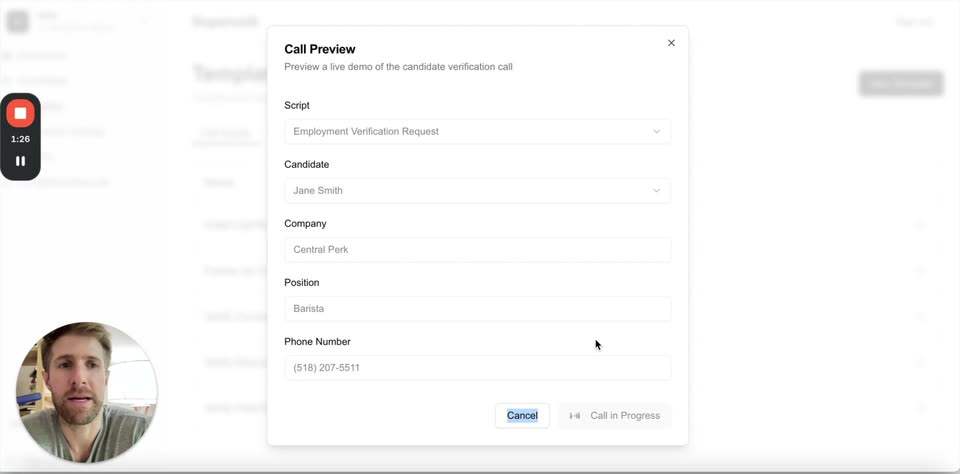 0:00–1:51Superunit · Superunit AI Employment Verification DemoA screen recording shows a Call Preview dialog over a blurred dashboard, with a circular webcam feed of a man in the corner and a red timer on the left. The cursor clicks Connect, the form greys out, then the dialog swaps to a Call Results summary.
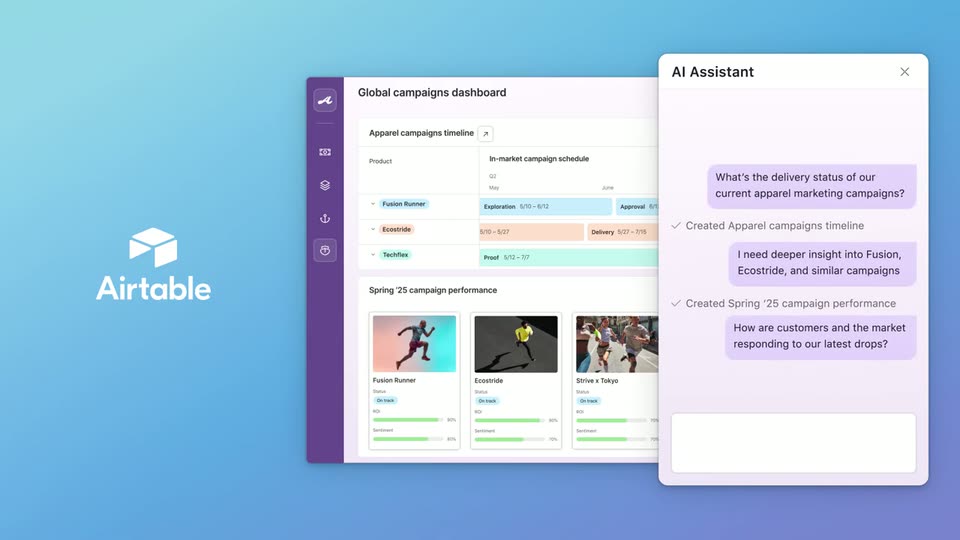 0:02–0:18Airtable · Airtable - We're excited to announce the Beta launch of 🚀Airtable Assistant 🚀– yOn a blue-purple gradient, the white Airtable logo anchors the left while a flat dashboard and an AI Assistant chat panel build in on the right. The timeline table fills row by row, performance cards slide up, and chat bubbles stack as a box types the next prompt.
 0:12–0:14Google · Introducing AI Mode: A New Experiment in Google SearchOn a near-black field, the line “A new experimental” slides in at left while a pill-shaped search bar labeled “search experience” fades in at right, its thin gradient outline brightening into a glowing blue-purple capsule.
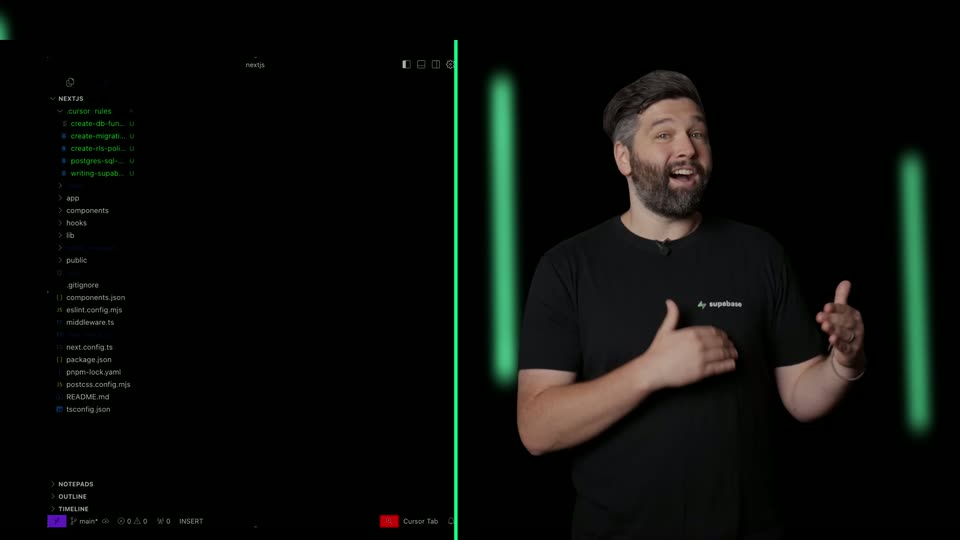 0:39–0:40Supabase · Introducing the official Supabase MCP ServerA bearded presenter in a black Supabase tee talks and gestures against a black set with blurred green light bars. A thin green vertical line slides from left to center as a dim code editor with a tsconfig.json tab fades in on the left.
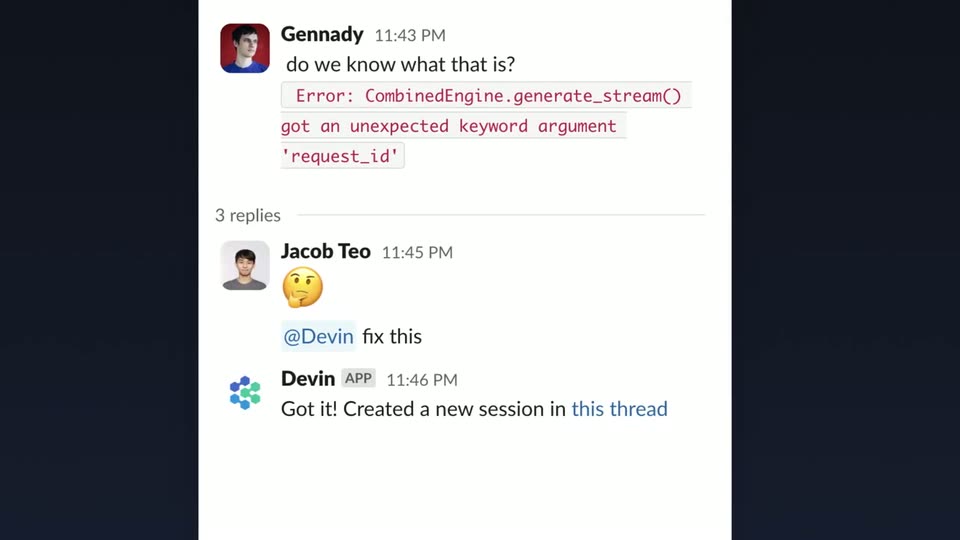 0:15–0:16Devin · Cognition - Introducing Devin 2.0: a new agent-native IDE experience. GenerallyA white Slack thread card fills the left of a dark frame, showing a red error line and a Devin reply. A dark task panel with a checklist then appears on the right, splitting the screen into two side-by-side views.
 0:00–0:01Kaiber · Kaiber - 🚨 BIG NEWS: Image Editing — in Canvas. •ᴗ• Change colors, combineA plain blue background holds centered white text, Introducing, that fades in, then gives way to two large light blue lines, In-Canvas and Image Editing, that slide into place. The frame stays locked off throughout the short clip.
 0:02–0:03Family · Family - Navigating Ethereum with Family is now simpler and safer than ever🔐A blue flower mascot with a face and stick legs walks right along a curved yellow trail on a cream background, trailing small stars. The headline Just got easier sits center-right, then the text changes to Sign up.
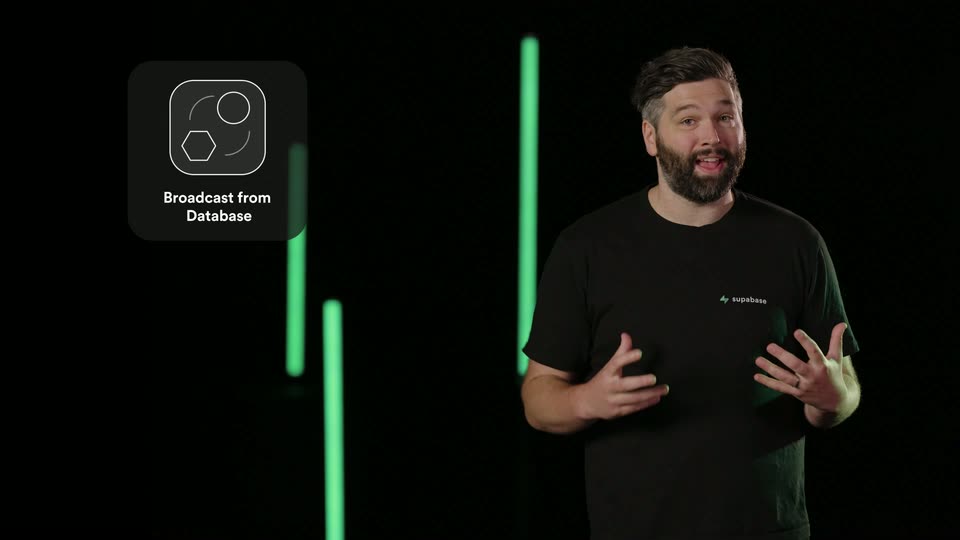 0:13–0:20Supabase · Introducing Realtime Broadcast from DatabaseA bearded presenter in a black t-shirt stands on the right against a black set with three vertical green light bars, gesturing as he speaks. A dark rounded card with a line icon and the caption 'Broadcast from Database' holds in the top-left.
 0:06–0:07Vapi · Vapi - 🚀 Vapi 2.0 is live on Product Hunt. A big milestone for the team! VOn a dark dotted grid, a green '+ CREATE ASSISTANT' pill sits centered while a cursor moves onto it. A large white headline at the right edge slides out as a smaller white title 'Create AI voice agent' appears above the button.
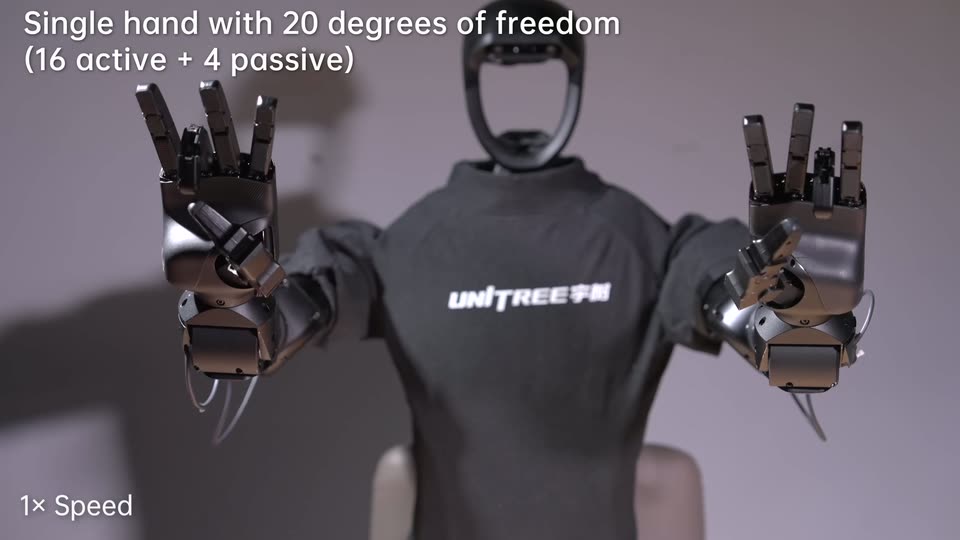 0:16–0:23Unitree · Unitree Release | Unitree Dex5 Dexterous Hand - Mastering the World with AgilityA gray humanoid robot torso with a black head ring sits centered against a plain wall, both articulated metal hands raised and cycling through finger motions. The camera slowly pushes in toward the hands. White captions sit in the top-left and bottom-left corners.
 0:18–0:22Razer · Razer Skibidi | Level Up Your LingoA bearded man in a VR headset and Razer headphones is filmed in a dark green room, then the shot cuts to the ear cup, its RGB Razer logo glowing. A green caption BRAINROT-TO-NORMAL TRANSLATOR appears, and the clip ends on the RÁZER AIGAMER sign-off.
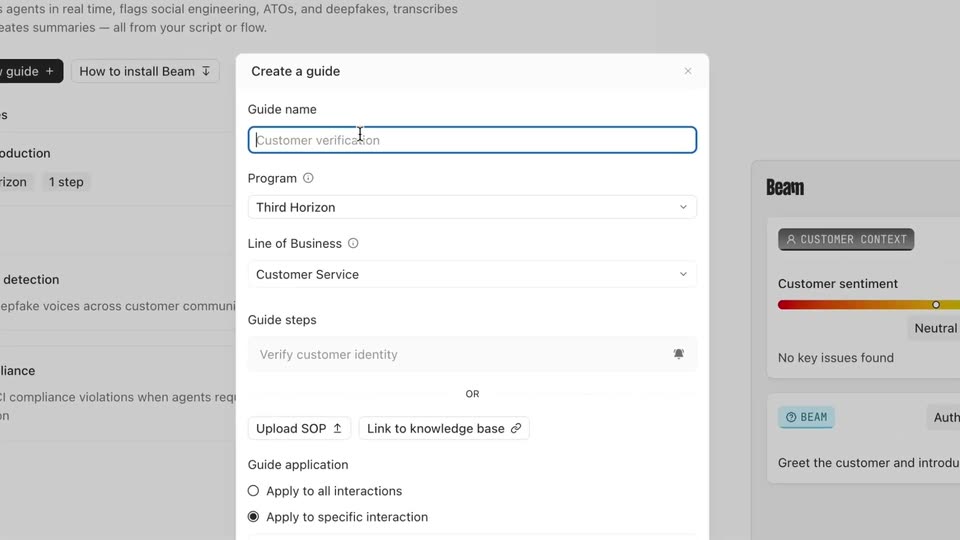 0:32–0:33Rulebase · Beam - The real-time copilot for customer service agents.A dimmed settings page sits behind an open Create a guide modal. The view zooms in on the modal as a guide name field types Customer verification. A right-hand panel shows a live call mockup with risk, sentiment and authentication labels.
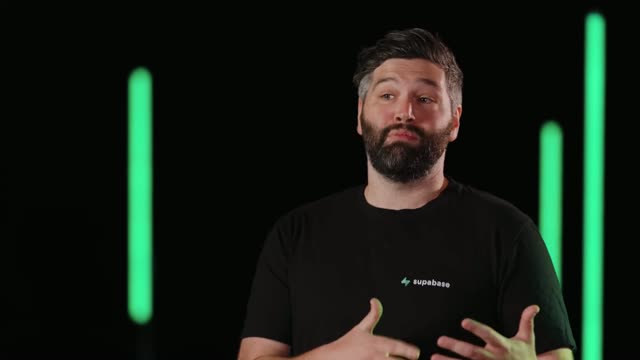 0:24–0:26Supabase · Announcing the Supabase UI LibraryA bearded man in a black Supabase t-shirt stands center-right against a black set with vertical green light bars. He faces the camera, talking and gesturing with both hands while the frame stays locked off.
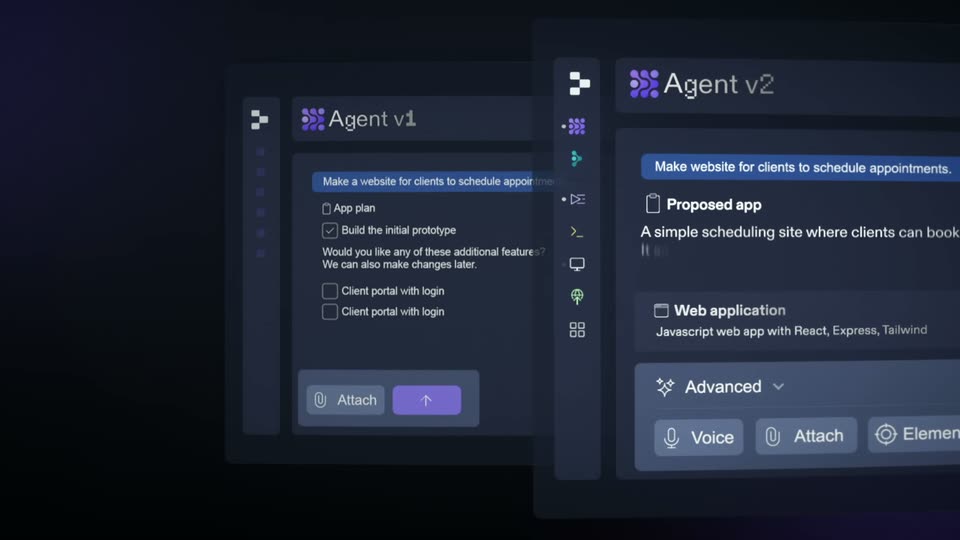 0:08–0:11Replit · Now Available: Replit Agent v2A tilted 3D close-up of a dark chat panel labeled Agent v2 pulls back and flattens to show two panels side by side, Agent v1 on the left and Agent v2 on the right, each with a blue prompt pill and a list of options.
 0:13–0:15Rive · Rive for Product Design Reel 2025A two-line headline sits centered on a black background: “A MODERN PIPELINE FOR” in light gray above “PRODUCTION-READY UI”, the first two words in orange. The text fades in, holds, then fades out.
 0:21 · 0.5sIdeogram · Ideogram - Meet Ideogram 3.0 — stunning realism, creative designs, and consistenA vertical photo feed scrolls upward in three columns. The center column stays sharp while the left and right columns are blurred, cycling through portraits of different people.
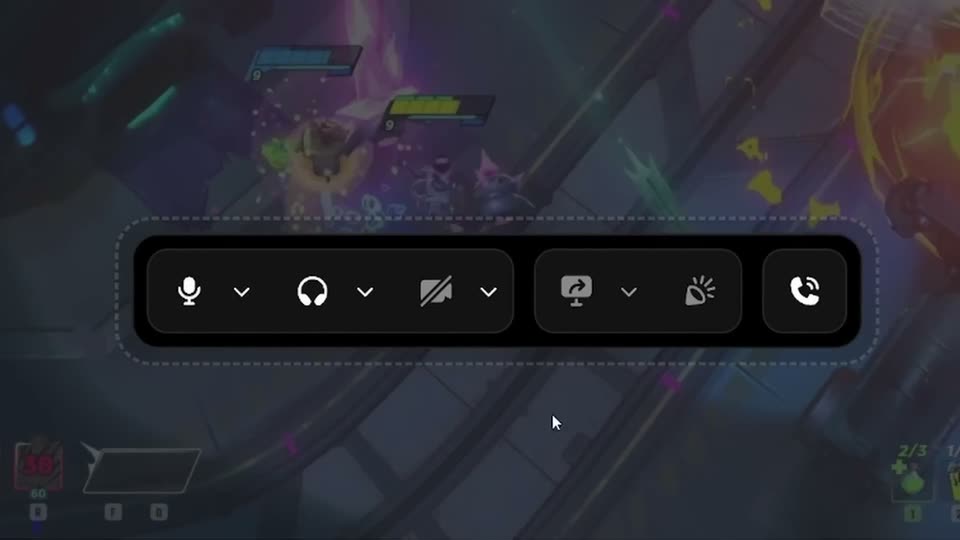 2:20–2:23Discord · Introducing the NEW Discord Game OverlayA darkened top-down gameplay view sits behind a centered black overlay bar with white mic, headphone, camera, share and call icons; a dashed outline frames the bar while a cursor hovers its icons. The shot opens with a blurry zoom that settles into a locked frame.
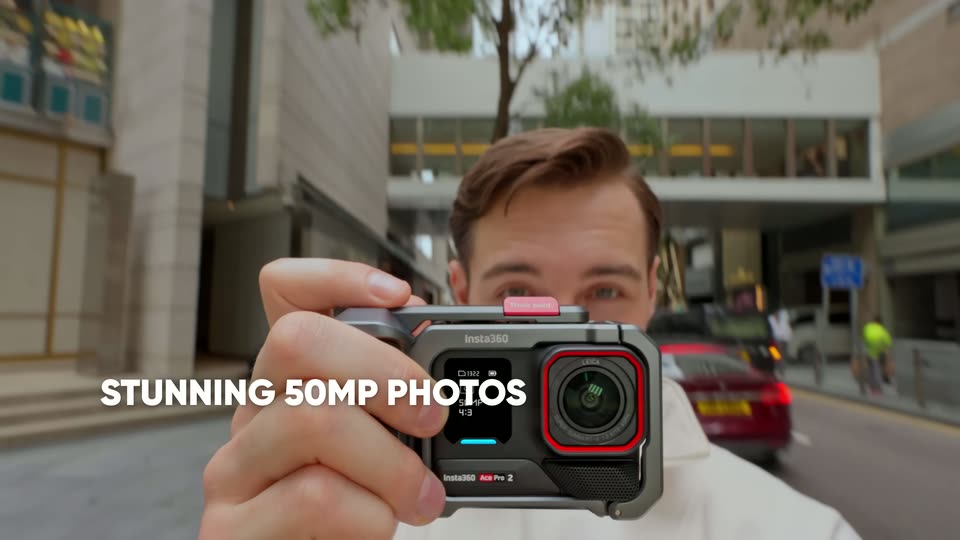 0:07–0:08Insta360 · The Action Camera Built for Real Creators – Insta360 Ace Pro 2A man holds a black Insta360 action camera toward the lens, its red-ringed lens in sharp focus, while his face and the city street behind him blur and spin. White bold text reading STUNNING 50MP PHOTOS scales in at the lower left.
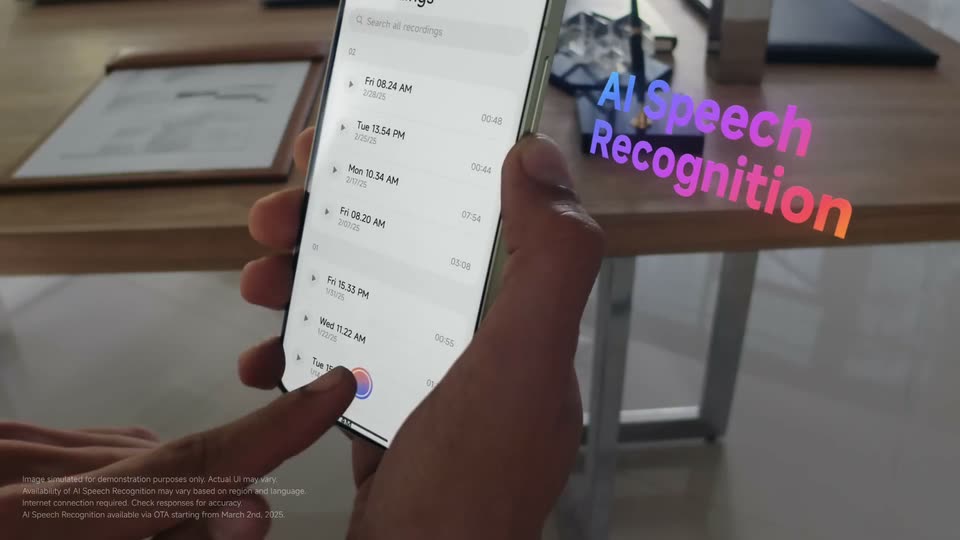 0:12–0:13Xiaomi · Goodbye Chaos | Xiaomi HyperAIA hand holds a phone in an office; the screen racks from blur to focus on a recording list while a finger taps the colorful round button at the bottom. The tilted gradient headline AI Speech Recognition sits at right, with a small legal caption at lower left.
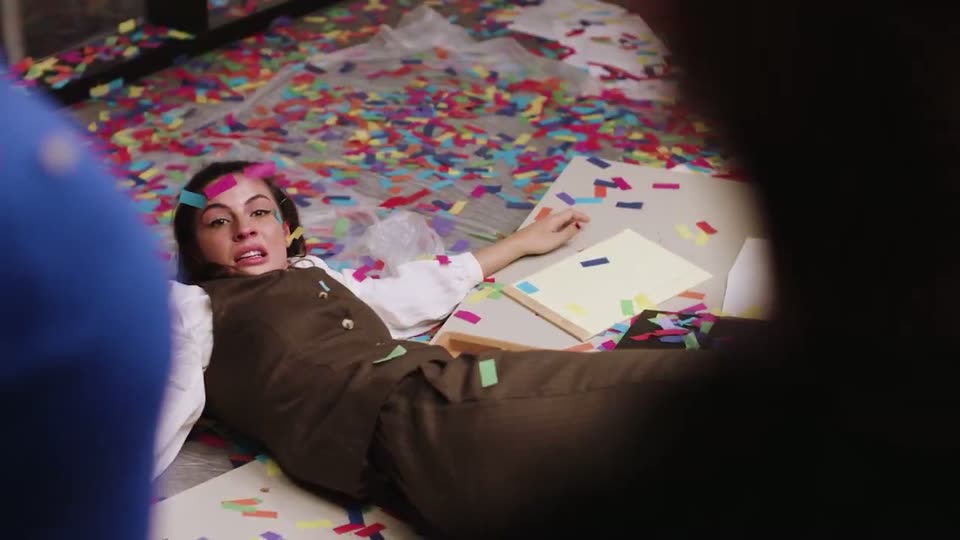 0:59–1:00Figma · Figma - All hands on deck. Figma Slides is now available to everyoneA woman in a brown jumpsuit lies on a floor strewn with multicolored confetti, seen through a dark foreground gap. She looks up and talks, one hand resting on a white board.
 0:05–0:10Google · Introducing Canvas in GeminiA white and purple line of text scales down on black, then a blue-purple gradient line appears and breaks into scattered fragments that reassemble into the word collaboration. A glowing blue-purple ring frames the small word Introducing.
 0:01–0:03Windsurf · Windsurf Wave 5: Windsurf TabA soft gradient shifts from green to blue and purple behind a centered white title, Windsurf Tab, that fades in as a small four-point star glint sweeps across the first letter.
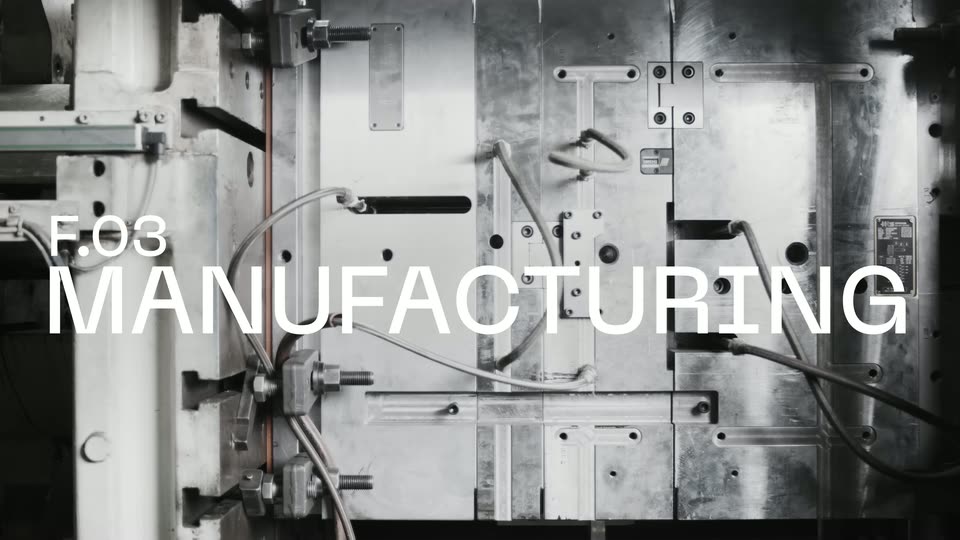 0:03–0:08Figure AI · Introducing BotQA slow push-in on a metal press machine as its stamping head cycles down among plates, bolts and cables. White text F.03 and MANUFACTURING fade in at the left over the machinery.
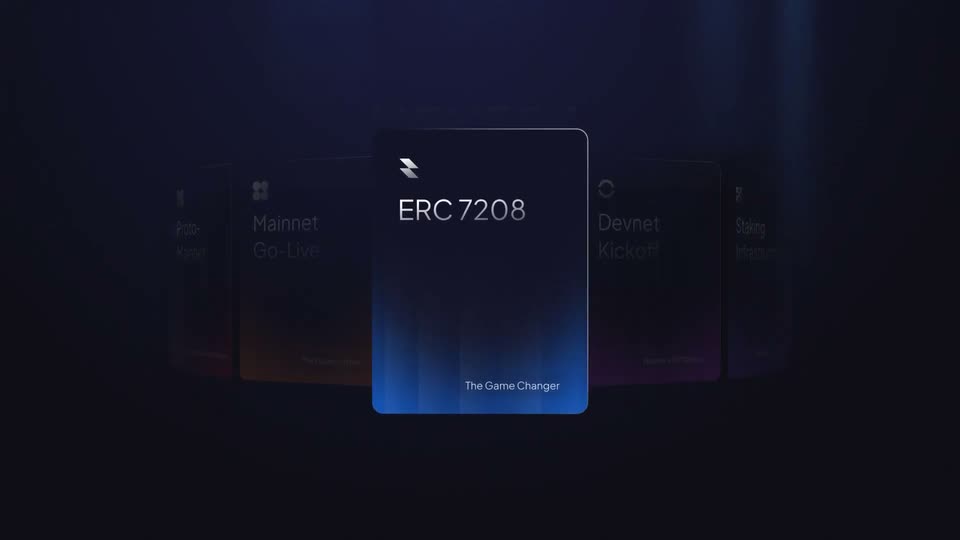 0:05–0:06Nexera · Web3 Explainer Video | Crypto Animation Video - NEXERAA 3D carousel of dark, color-graded cards rotates on a black background, swinging the blue ERC 7208 card to the center and scaling it up while the NEXERA wordmark fades out.
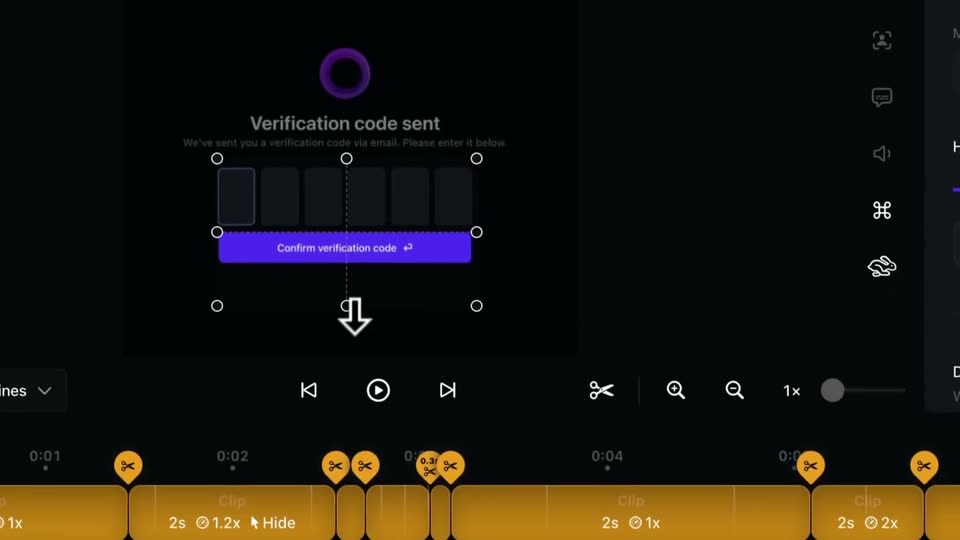 0:00–0:05Screen Studio · Screen Studio - Screen Studio 3.1 is here Introducing Masks: Blur sensitive data orA 3D window of a screen-recording editor sits on a gray backdrop, then the view zooms into the flat interface. A cursor clicks the Mask button, opens a dropdown, picks Sensitive data, and drags a selection box over the code field.
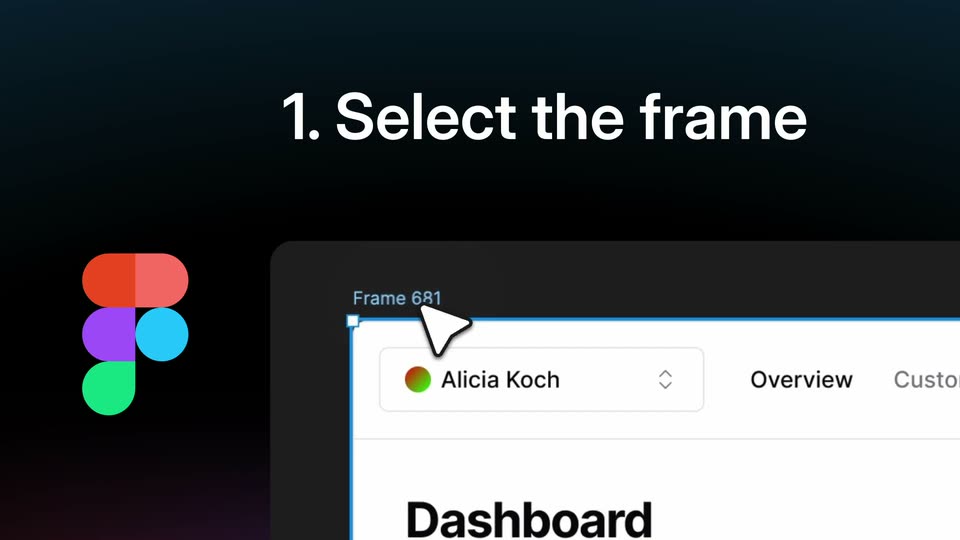 0:02–0:04StackBlitz · bolt.new - Introducing Figma to Bolt Go from Figma to pixel-perfect full stackA dark scene with the heading “1. Select the frame” above a tilted 3D browser window showing a dashboard UI. Two cursors glide toward the top-left corner of the frame, where a small white selection handle pops in.