Feature reveal
A sequence devoted to one feature: its announcement and its demo.
71,721 scenes · page 132 of 1196
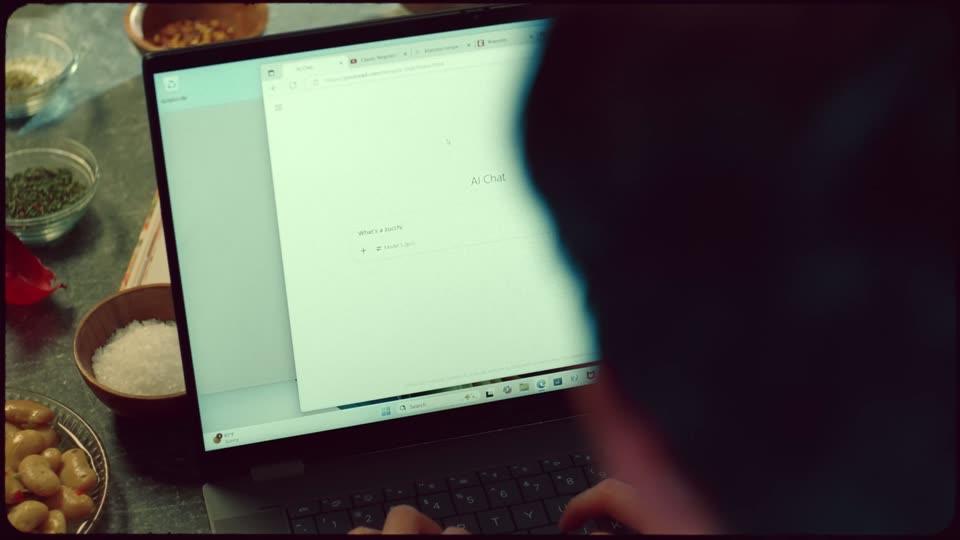 0:21–0:22The Browser Company · Dia Browser | Never Explain Yourself AgainOver-the-shoulder view of a person at a kitchen counter, their dark head and typing hands framing a laptop. The screen shows an AI chat window with the typed question. Bowls of salt, herbs and nuts sit to the left.
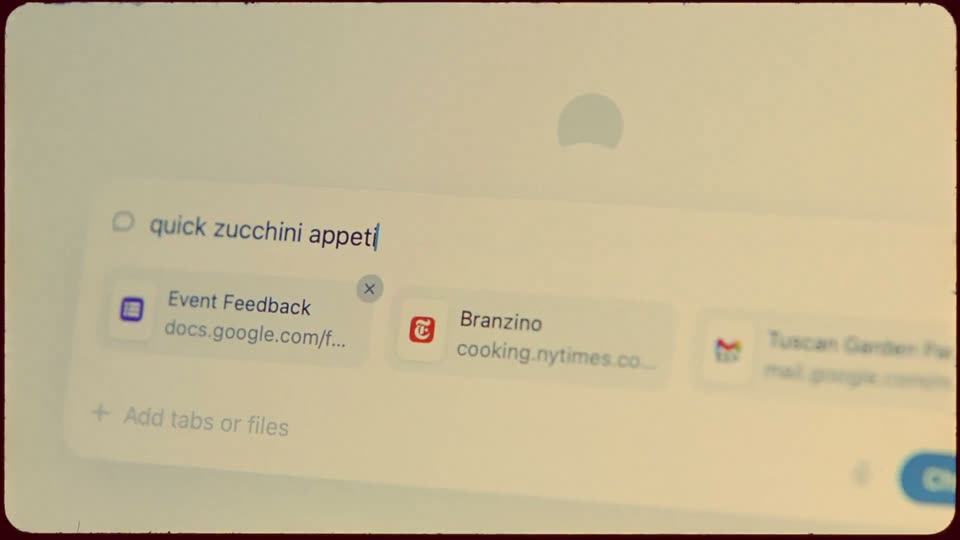 0:45–0:47The Browser Company · Dia - Meet Dia. Now available for Arc members.A locked-off close-up of a chat input on a warm cream background. A search field types out 'quick zinc chips' above a row of file chips, Event Feedback and Branzino. A caption reads 'If it's in your tabs'.
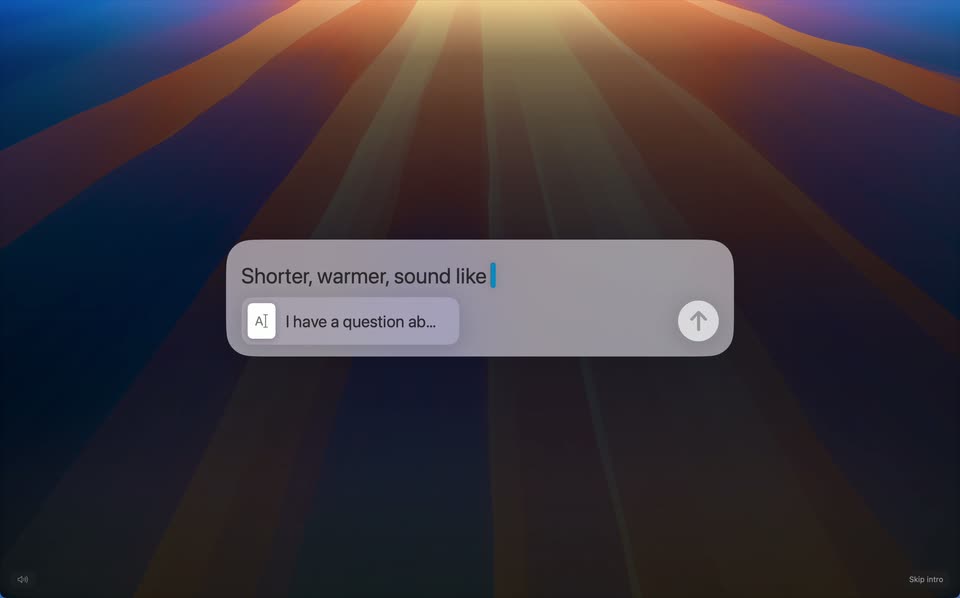 0:16–0:20The Browser Company · The Browser Company - Meet @diabrowser. Now available for Arc members.A translucent document grid and chat field float over a striped perspective road. The grid fades, and a prompt types itself into the field: “Shorter, warmer, sound like me”. It lifts to a chip at the top as the field resets to “Chat with your tabs”.
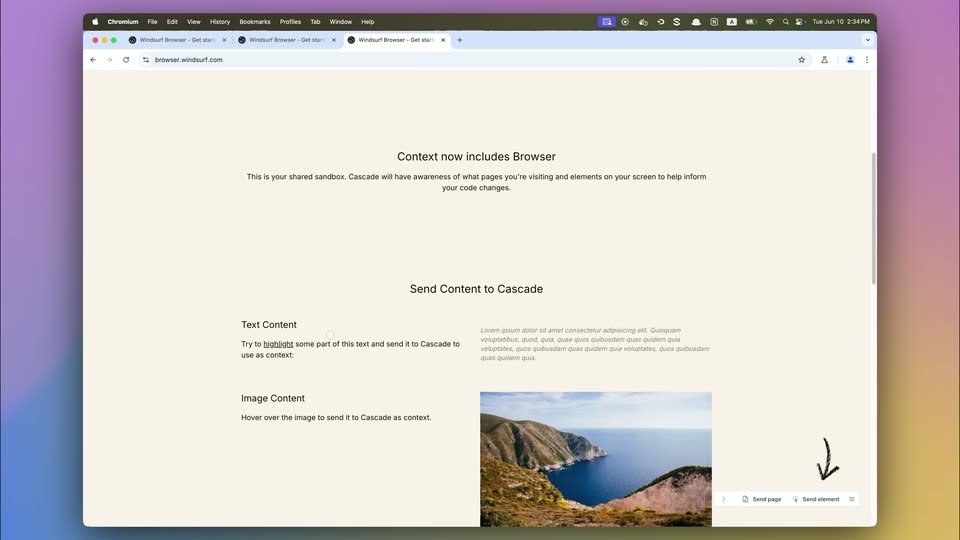 0:12–0:17Windsurf · Windsurf Wave 10 – Day 2: Windsurf BrowserThe Windsurf browser window settles into a flat view on a purple-to-yellow gradient desktop. The page scrolls from a “Welcome to Browser.” heading down through “Context now includes Browser” to a “Send Content to Cascade” section with text and image blocks. A hand-drawn arrow points at the green corner button.
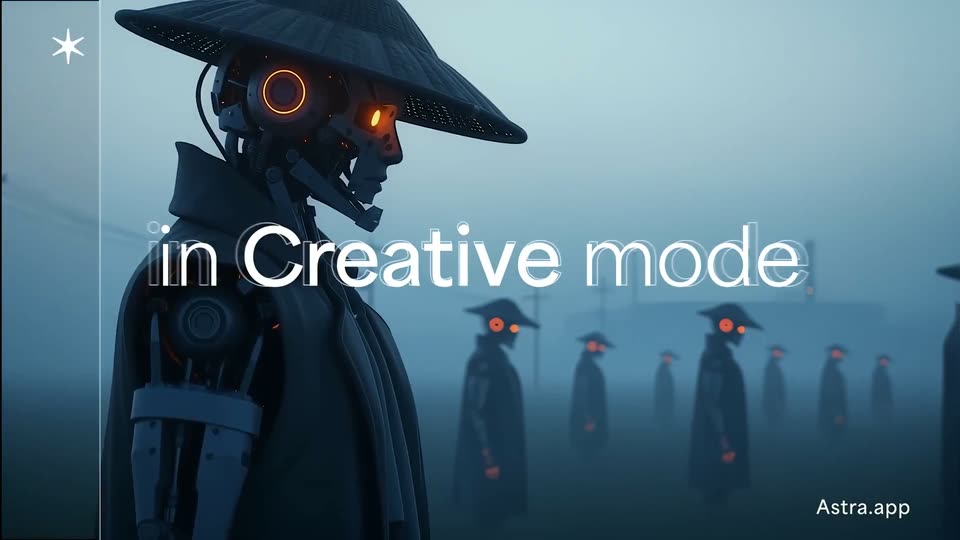 0:09–0:10Topaz Labs · Topaz Labs - 🚀BIG NEWS! We’re launching Astra: the first-ever creative upscaler foA dark foggy 3D render shows a cloaked robot wearing a conical hat in profile, with a line of similar robots fading into mist. Large white text “in Creative mode” scales up across the center while the Astra.app URL sits bottom right.
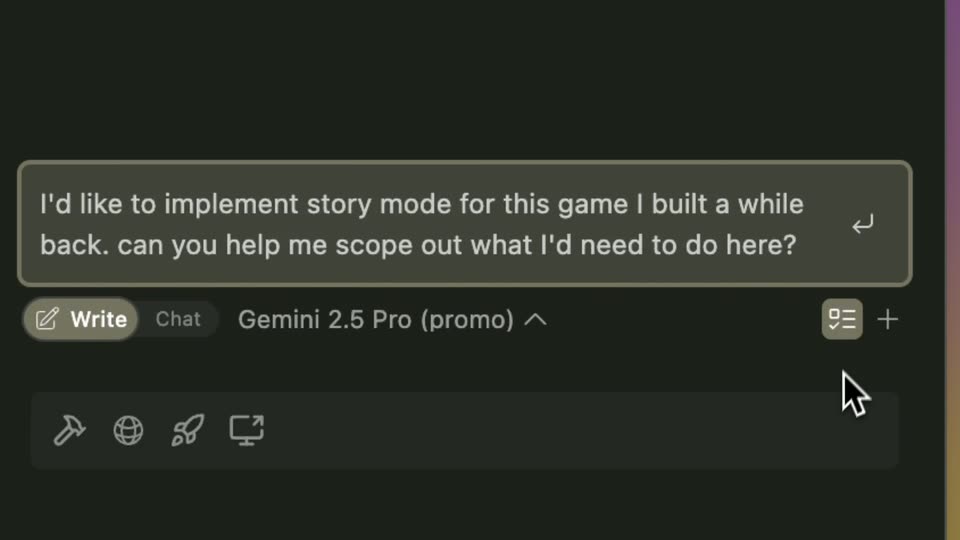 0:09–0:11Windsurf · Windsurf Wave 10 – Day 1: Planning ModeA dark chat input holds a typed prompt while a white hand cursor hovers a toggle button. A tooltip flips from Enable to Disable Plan Mode, then the cursor drops to the Write button below.
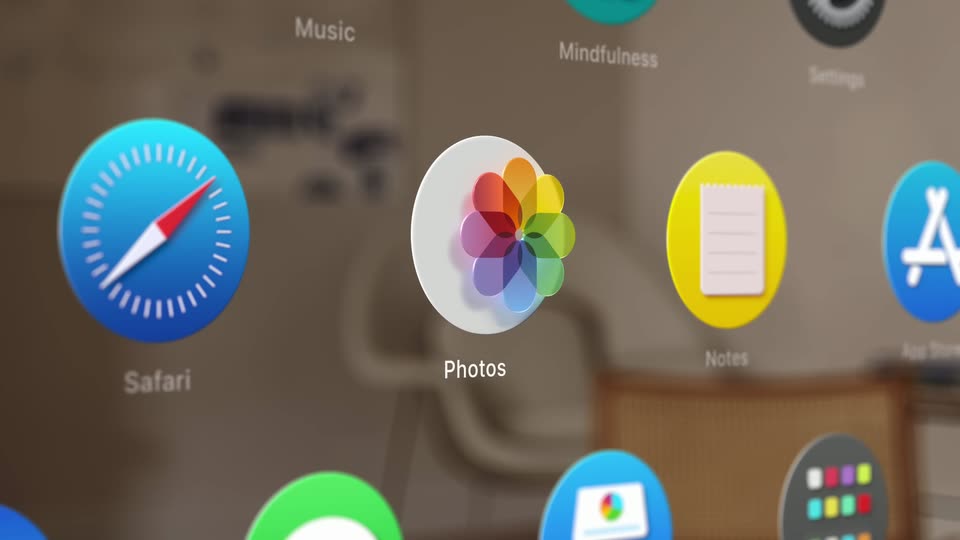 1:26–1:28Apple · iOS 26: Introducing Liquid GlassClose-up of an iOS home screen over a defocused room photo. The central Photos icon sharpens and inflates from a squashed white ellipse into a full circle, its flower scaling up, while the Safari and Notes icons beside it stay softly blurred.
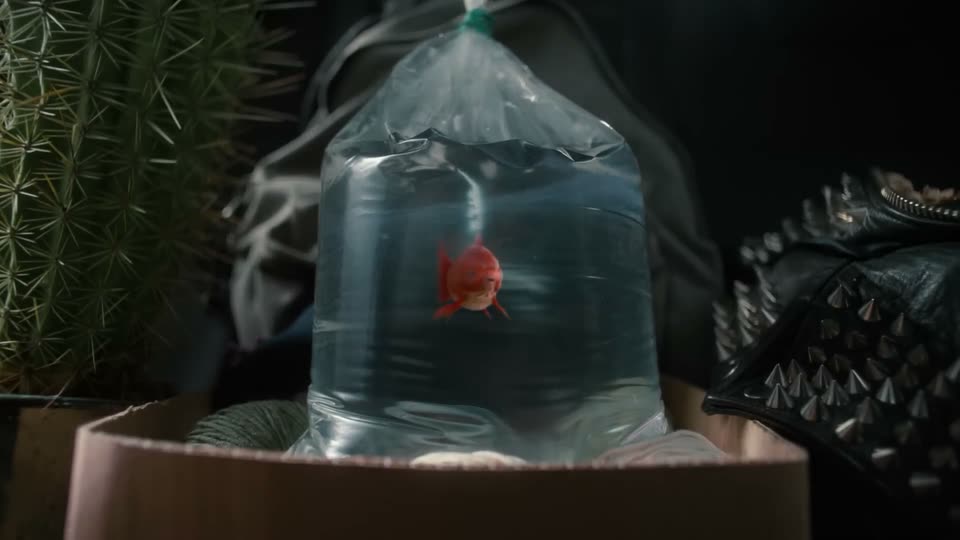 0:24–0:25BMW · BMW Intelligence | BMW Curve-Ahead View.A small orange fish swims inside a clear plastic bag of water set in a cardboard box, flanked by a cactus on the left and a studded leather jacket on the right. A small speed readout of 40 km/h sits beside the bag.
 0:53 · 0.8sElevenLabs · Introducing Eleven v3 (alpha) — Our Most Expressive Text to Speech ModelA defocused warm gradient of yellow, orange and deep maroon fills the frame. The centered white title “Situation Awareness” holds for a moment, then fades out over the short shot.
 0:08–0:10Perplexity · Perplexity - Starting today, all Perplexity users have access to SEC data across SA dark Perplexity Pro interface with the logo at top right. The search bar placeholder crossfades from “Ask anything...” to “Create anything...” as a hand cursor moves to the lightbulb icon, highlighting it in teal.
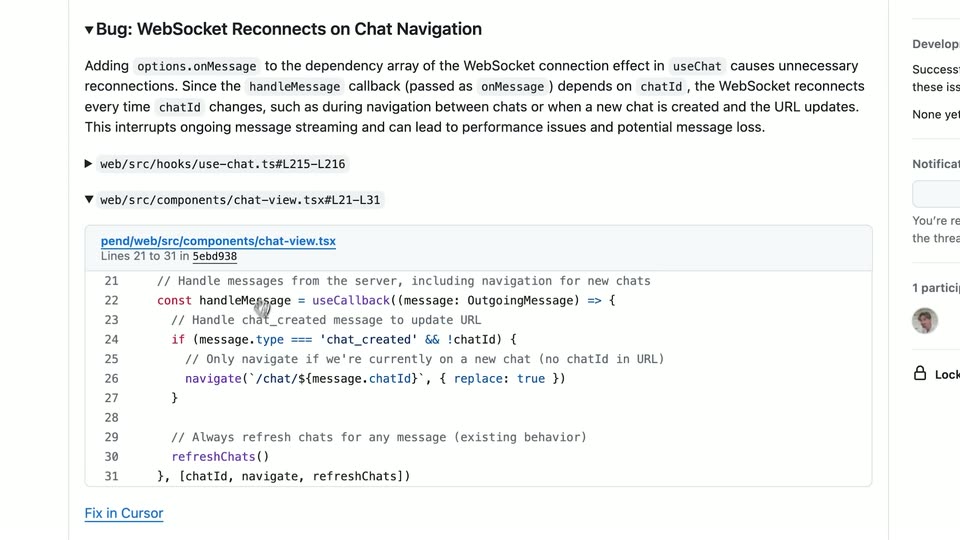 0:20–0:24Cursor · Meet Cursor 1.0A GitHub pull request review lists two bug annotations with body text and file references. The cursor clicks a file link, expanding a syntax-highlighted code block. The view then widens to show the Cursor editor beside the review panel.
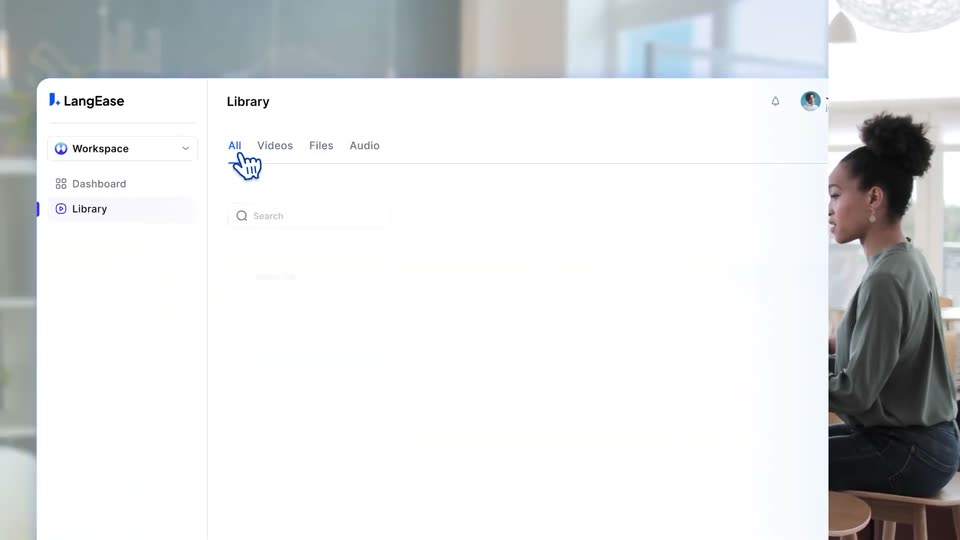 0:08–0:11LangEase · B2B Corporate Video Ad Example for SaaS Companies | LangEaseSplit screen: a white library interface on the left, a woman working at a table on the right. The interface panel expands to fill the frame and floats as a card over the now blurred office while cursors select tabs and files.
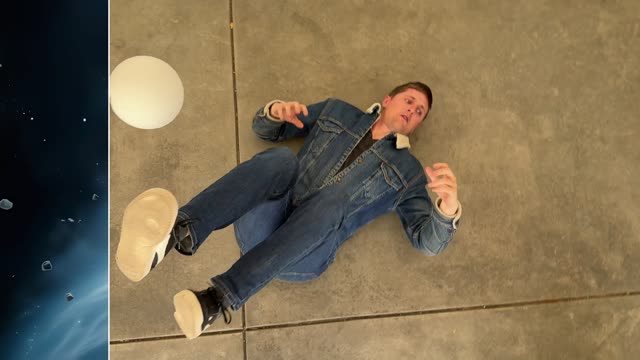 0:14–0:15Luma AI · Luma AI - Introducing Modify VideoTop-down view of a man in a denim jacket lying on a concrete floor, hands raised. A dark space panel with drifting asteroids and a glowing horizon slides in from the left, dividing the frame.
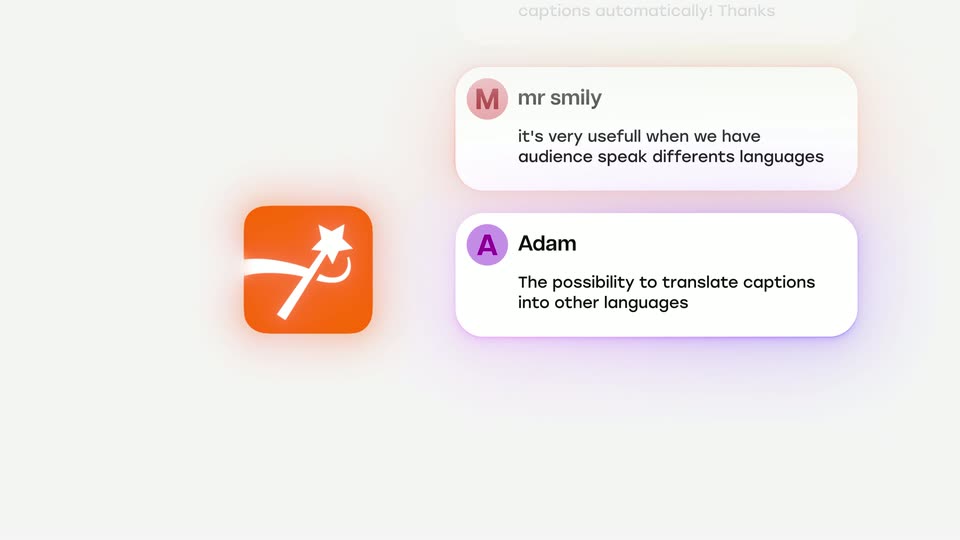 0:12–0:17Submagic · Submagic - Meet AI Caption Translation. What if your best video could reach milAn orange app icon with a magic-wand mark sits left of a vertical list of comment cards that scrolls upward, each card showing a user name and a request to auto-translate captions, with soft colored glows behind the cards.
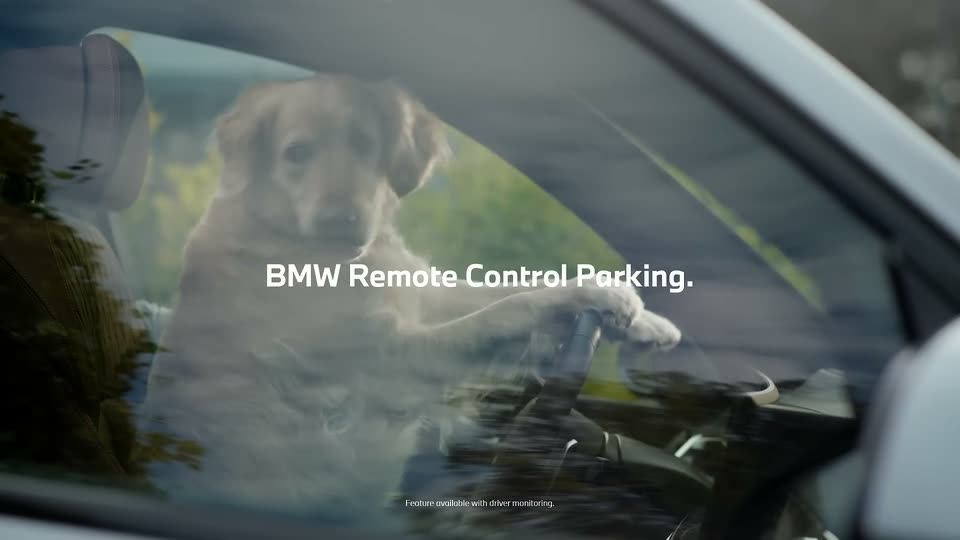 0:18–0:19BMW · BMW Intelligence | BMW Remote Control Parking.A dog sits in the driver's seat with its paws on the steering wheel, filmed through the car window so foliage reflections overlay the glass. The dog turns its head toward the camera while the centered title holds still.
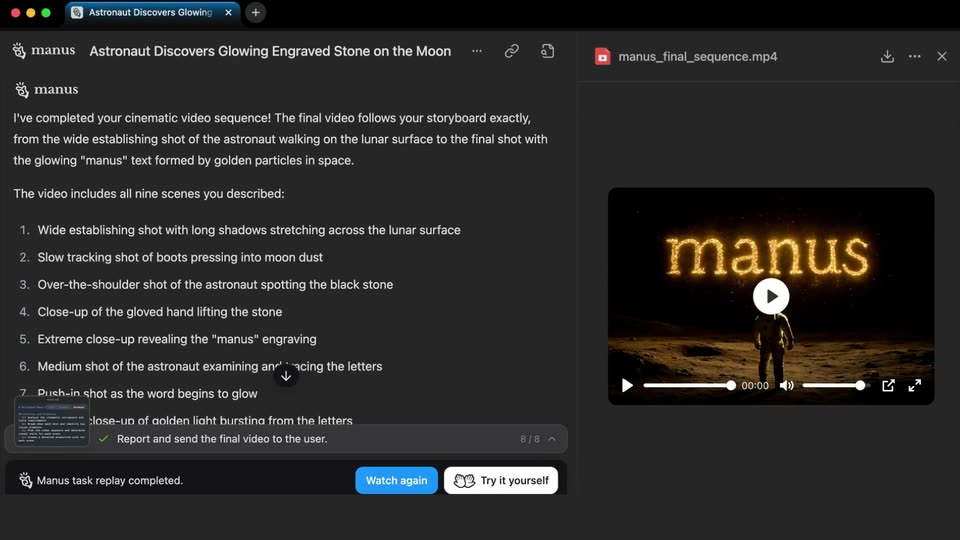 0:32–0:34Manus · Manus - Introducing Manus video generation. Manus transforms your prompts inA dark app window fills the frame, split into a chat pane on the left listing a numbered storyboard and a video player on the right showing a thumbnail of glowing golden letters over a moon scene. A status bar at the bottom offers two buttons. The interface stays static.
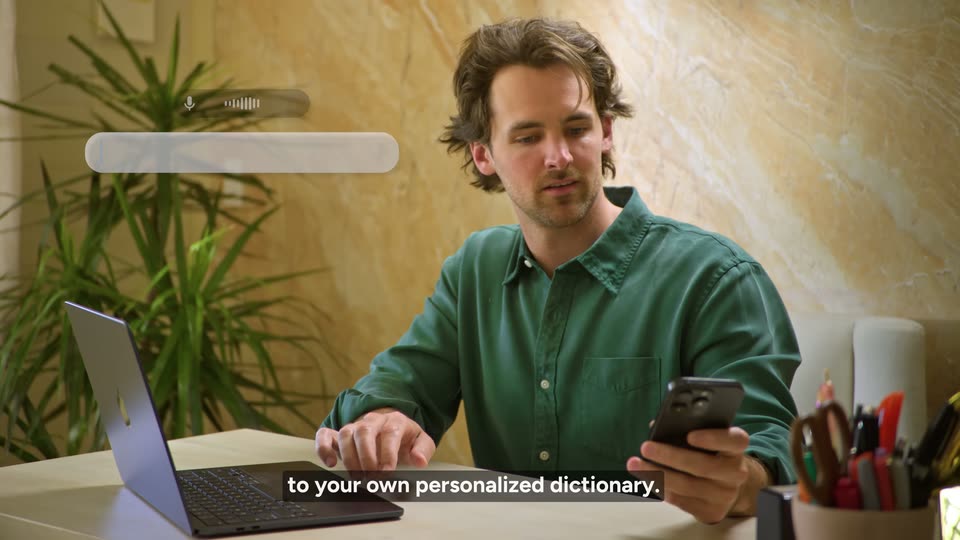 0:31–0:37Wispr Flow · Wispr Flow for iPhoneA man in a green shirt types on a laptop at a desk by a beige wall and plant. He lifts his phone as a black mic bar and a white text field with a green check chip animate in at the upper left, while captions roll at the bottom.
 0:14–0:15OpusClip · OpusClip - Welcome OpusSearch, the first AI growth agent that can automaticallyA glowing white headline caps a YouTube-style thumbnail of a bespectacled man. The card slides down and right over a dark, blurred interface showing a search bar and a TRIGGERS label, while the headline exits frame.
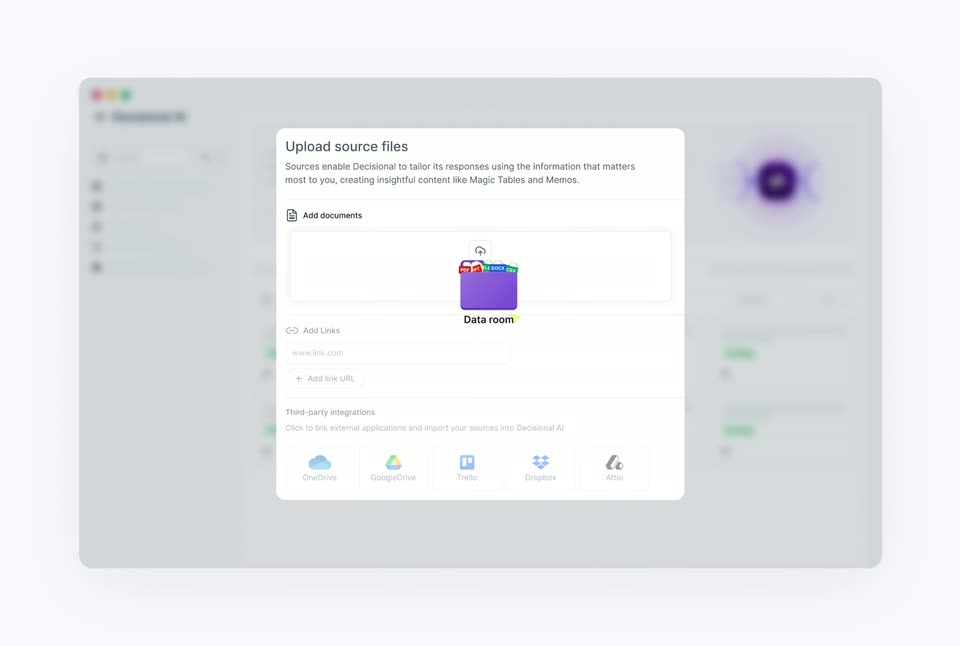 0:03–0:05Decisional AI · Decisional Knowledge Engine TeaserA white upload-source modal sits sharp over a blurred app window, then the modal fades to translucent as the background interface sharpens and a purple data-room folder with file icons pops in at the center.
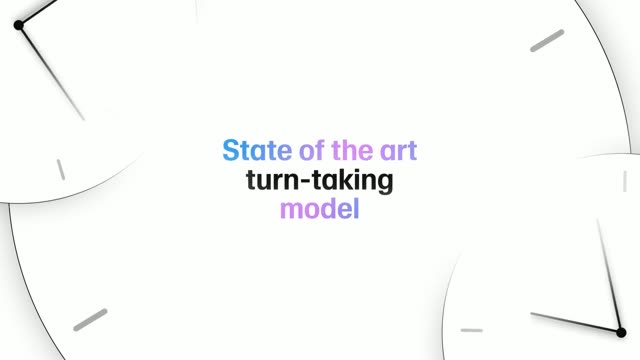 0:11–0:15ElevenLabs · Introducing ElevenLabs Conversational AI 2.0A centered three-line headline appears line by line on a white background in blue and black, while four partial clock faces slide in from the corners, their hands ticking.
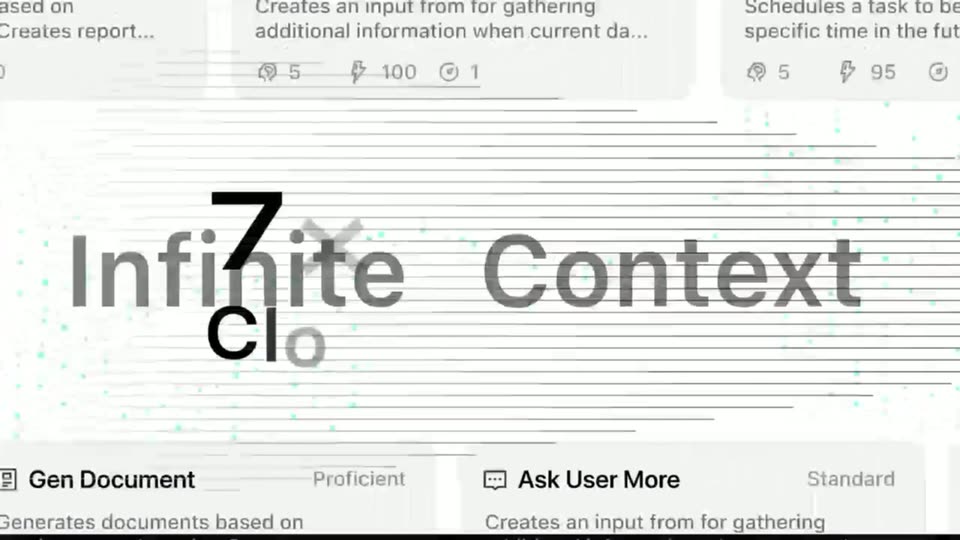 0:16 · 0.8sFlowith · Flowith - flowith neo is now open to everyone. no more codes hunting. gen anytA pale grid of tool cards and ruled lines with teal dots fills the frame. Large black text reads Infinite Context with a solid dot at its end; it shrinks and fades to grey while 7×24 Cloud Run scales up in black.
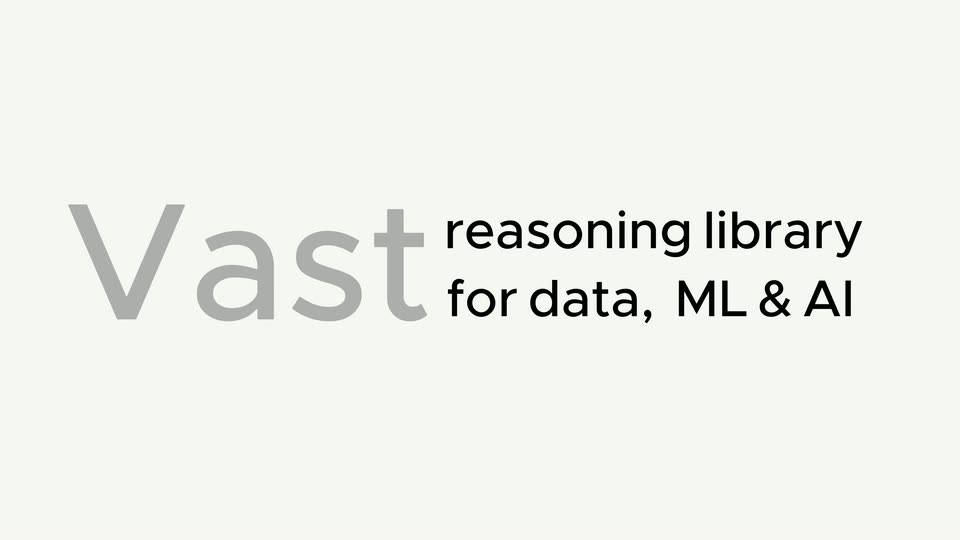 0:22–0:24Leeroo · Leeroo Continuous Learning AgentsA static title card on a cream background. The gray wordmark Vast holds the left side while two lines of black text, reasoning library and for data, ML & AI, sit to its right. The frame stays locked-off with no motion.
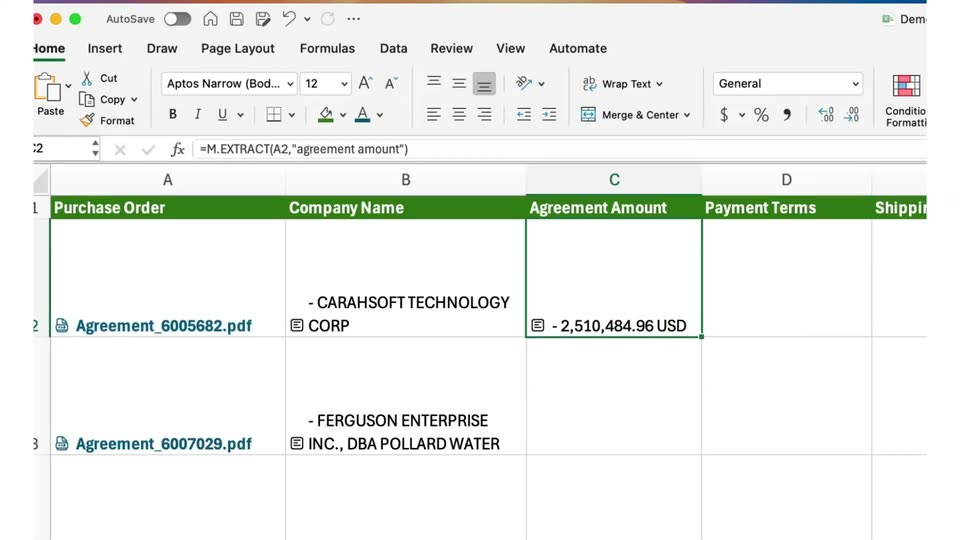 0:04–0:10Melder · Melder - AI for ExcelA full-screen Excel window shows a purchase-order table. The cursor types the formula =M.EXTRACT(A2, “agreement amount”) into cell C2, an autocomplete tooltip appears, and the extracted value fills the cell. The view then scrolls down the Agreement Amount column as more rows populate with USD figures.
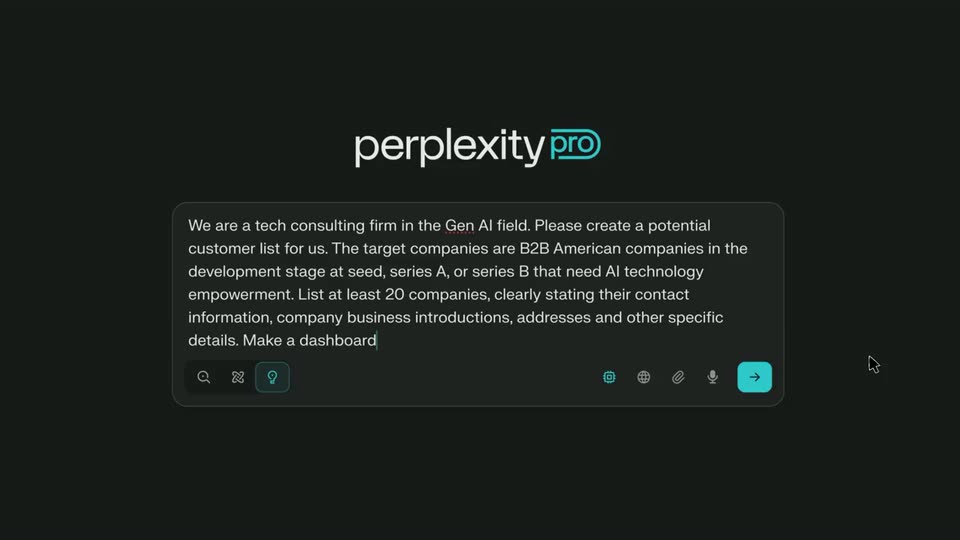 0:22–0:29Perplexity · Perplexity - Today we're launching Perplexity Labs. Labs is for your more complexThe Perplexity Pro logo sits above a dark prompt box on a black background. A long prompt requesting a B2B customer list and dashboard types itself out line by line, then the mouse cursor glides to the teal arrow button and clicks it.
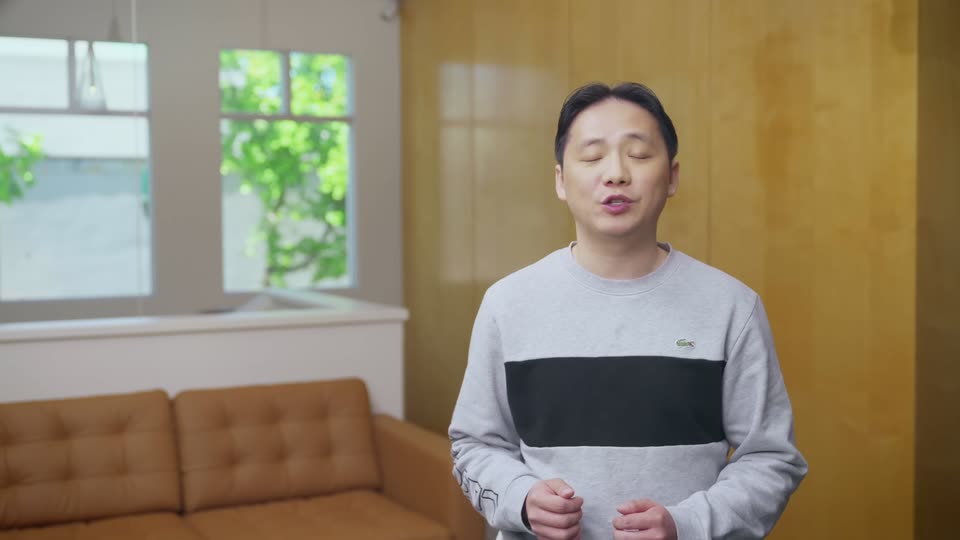 0:57–1:02Akool Inc · Introducing Akool Live Camera: Real-Time AI Video CreationA man in a gray sweatshirt with a black chest stripe stands in a bright room, a wooden wall and tan sofa behind him, and speaks to camera with small hand gestures. A static title reads Feature 1: Al Video Translation.
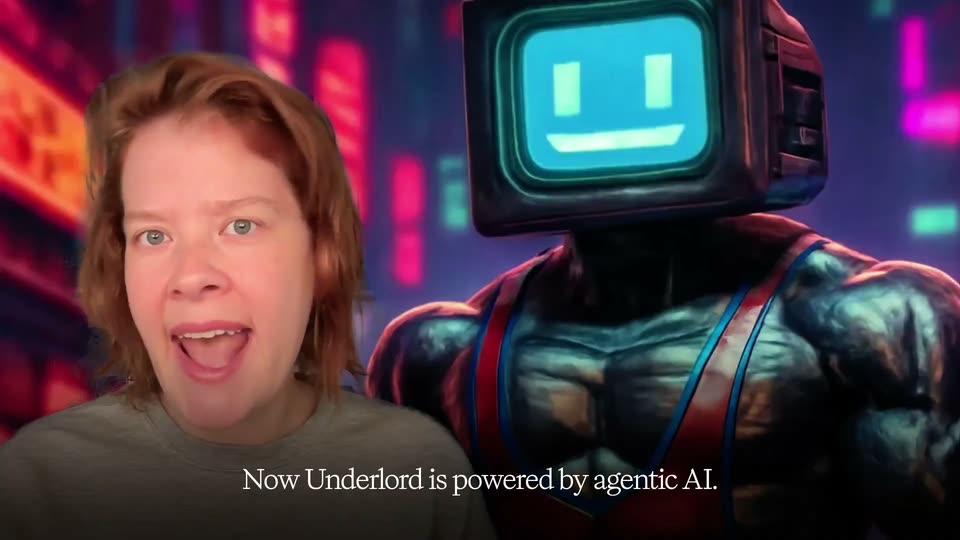 0:22–0:24Descript · Meet the Underlord: Descript's Open Beta Feature DropA person with shoulder-length reddish hair speaks on the left, mouth open, beside a 3D robot whose TV-screen head glows blue with a smile. A blurred neon city backdrop fills the frame. A white caption sits centered at the bottom.
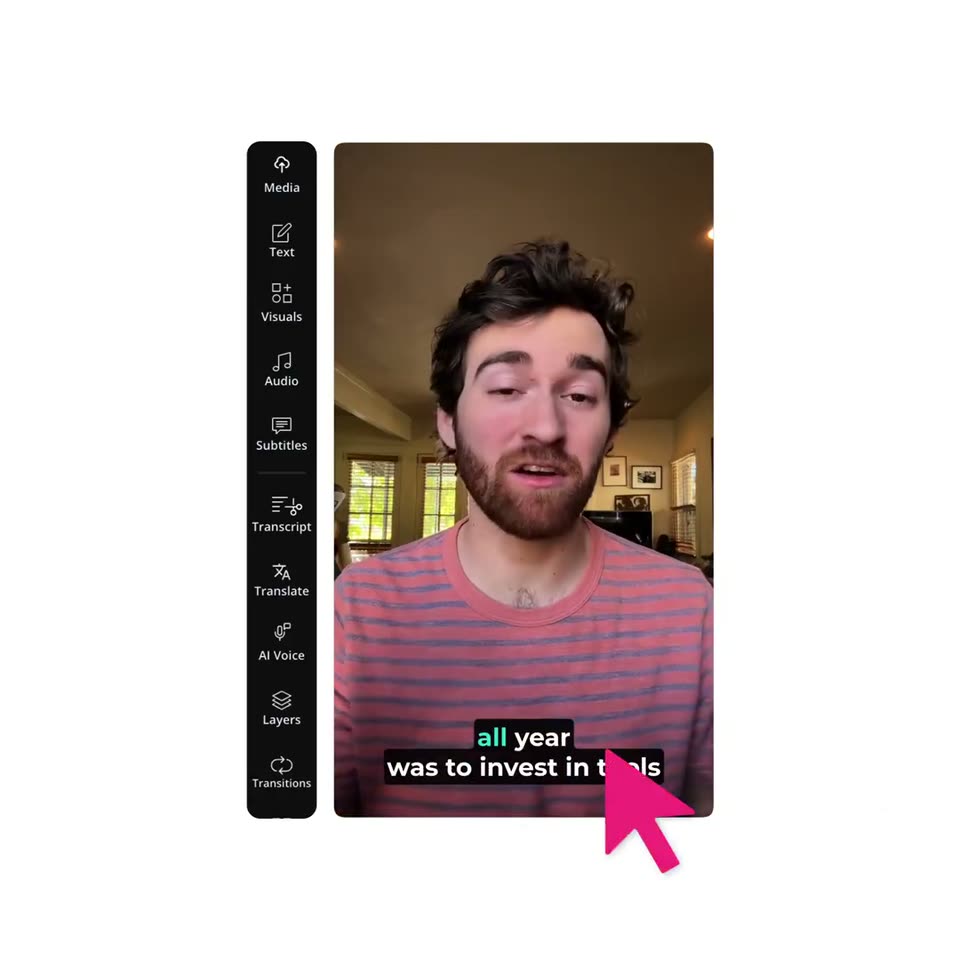 0:02–0:04Kapwing · Kapwing - Reaching a global audience just got easier 🌍 Kapwing’s AI Dubbing toA dark vertical editor toolbar sits left of a talking-head video on a white background. A pink cursor arrow slides in and points at the Translate item, then the view switches to a Translate panel listing Dub video and Translate subtitles.
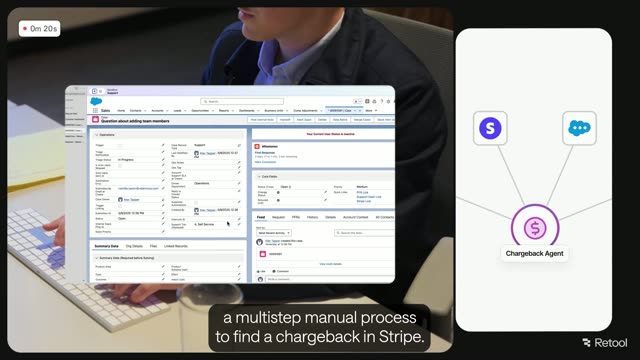 0:51–0:54Retool · Introducing Agents from RetoolA locked-off split screen shows a filmed accountant typing on the left with a floating Salesforce case window, and a white node diagram on the right, as two caption lines appear at the bottom describing the manual process.
 0:16–0:17Flott HQ · Flott HQ - AI Operating System for Fleet ManagementA beige van on a blue rounded card sits beneath a purple gradient orb with a white sparkle, surrounded by thin red line squiggles. The van card exits, and three pill labels slide and scale in: Engine failure, Loss of income, Vehicle stationary.
 0:23–0:26Freesolo · Introducing Clado (YC X25): Deep Research for PeopleA black headline 'Now imagine that...' builds word by word on a cream field, then the view cuts to a tight crop of a search card with a Deep Research row and a people list below.
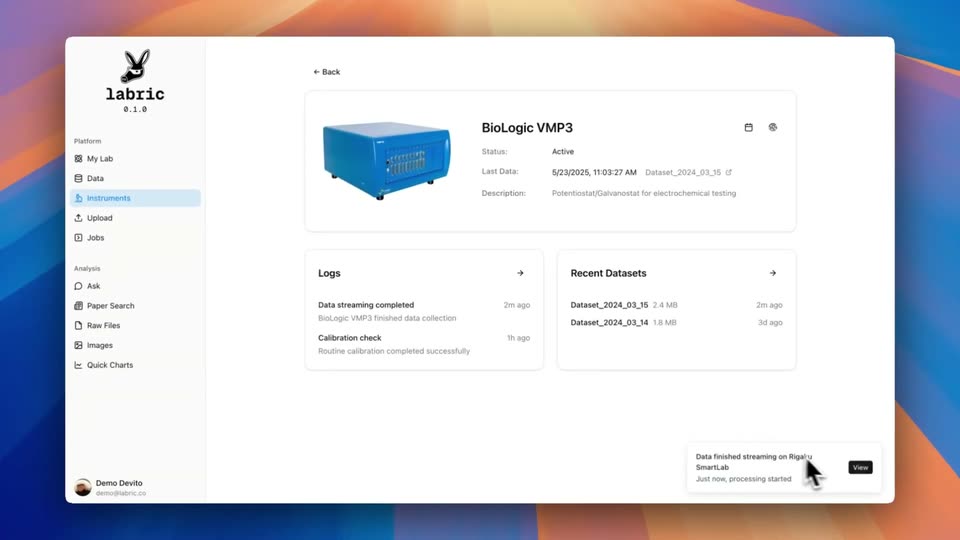 0:21–0:25Labric · Labric (YC X25) Launch VideoThe LabRIC instrument dashboard fills the frame, showing a blue BioLogic VMP3 device card above Logs and Recent Datasets panels. The view zooms toward the lower right corner as a cursor clicks the View button on a streaming notification toast.
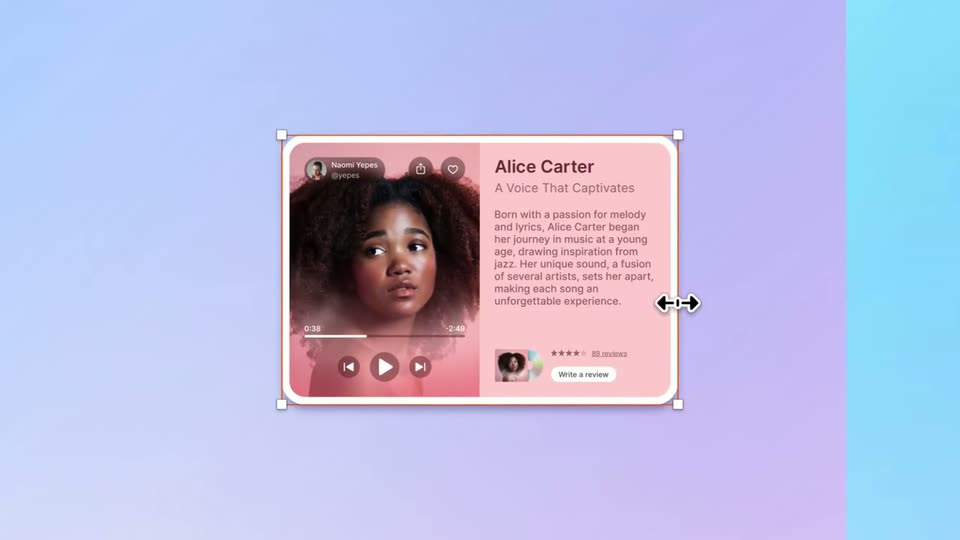 0:07–0:08Sketch · Sketch - Remember when we said auto layout was coming to Sketch? It’s here. ItA flat artist profile card, framed by a white selection box with corner handles and a resize arrow, rests on a lavender gradient. The bio text slides in line by line, then the card shifts left to reveal a column of rounded icon buttons at the right edge.
 0:52–0:54Sygaldry Technologies · Sygaldry: Quantum-Accelerated AI ServersA blue network of glowing nodes and thin lines radiates from the center, crossed by a horizontal band of bright starbursts. White bold caps text appears phrase by phrase in the middle: WILL COMBINE, MULTIPLE, QUBIT TYPES.
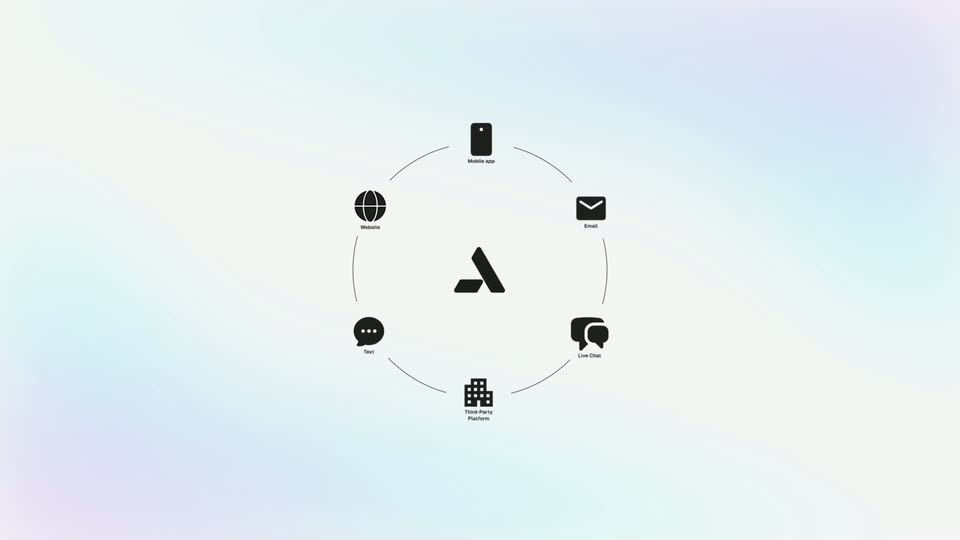 1:00–1:02Avallon AI · Introducing Avallon AIA pastel gradient background holds a black angular logo at center. A thin gray ring links six dark icons, each with a small label: Mobile app, Email, Live Chat, Third-Party Platforms, Text, Website. The icons drift downward into place as the ring draws in.
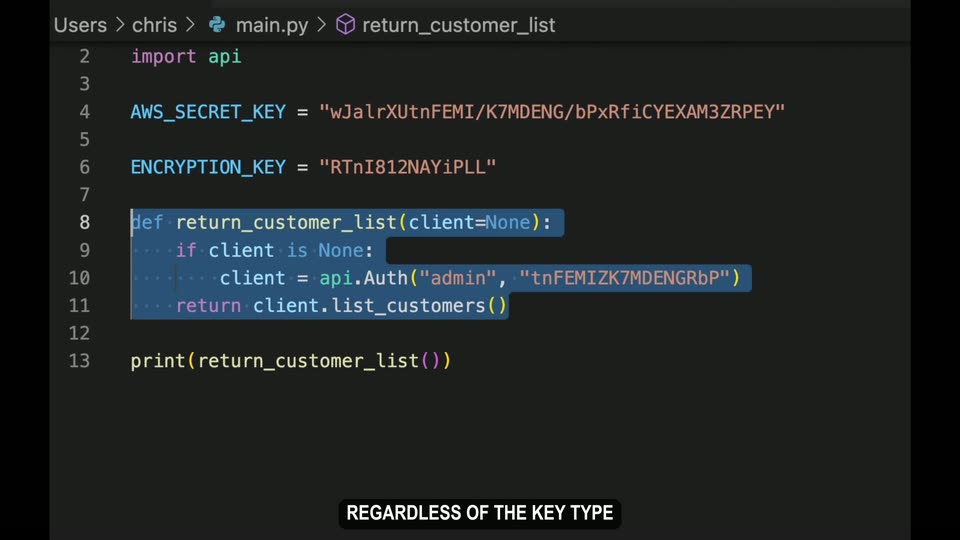 0:53–0:57BitPatrol · BitPatrol - Secret Detection That Actually Works (YC X25 Launch Video)A dark code editor close-up shows Python code with a function block highlighted in blue while bottom captions cycle through phrases. In the final second the frame zooms out to reveal the whole editor window on a colorful desktop background.
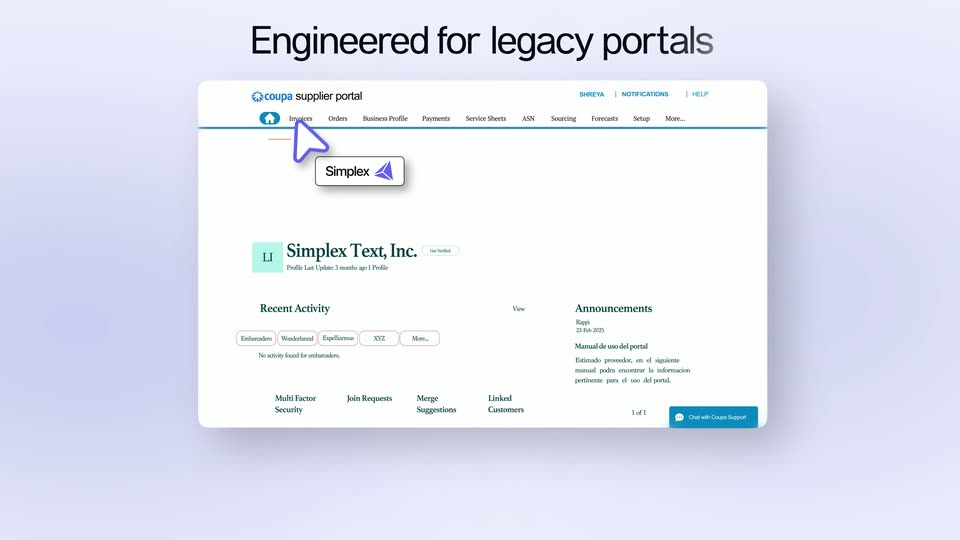 0:07–0:08Simplex · Simplex Launch VideoA headline reads above a flat Coupa supplier portal mockup that snaps from a ghosted double-exposure into full clarity. A cursor with a Simplex tooltip glides in from the left and rests near the top of the page.
 0:24–0:31ValueMate · ValueMate: Automating Real Estate Appraisals with AIA dimmed appraisal report floats centered on a dark purple field while a gradient headline types in word by word, followed by a white second line. The report shrinks to the top as a purple pill with a checkmark and “Completed” scales up below.
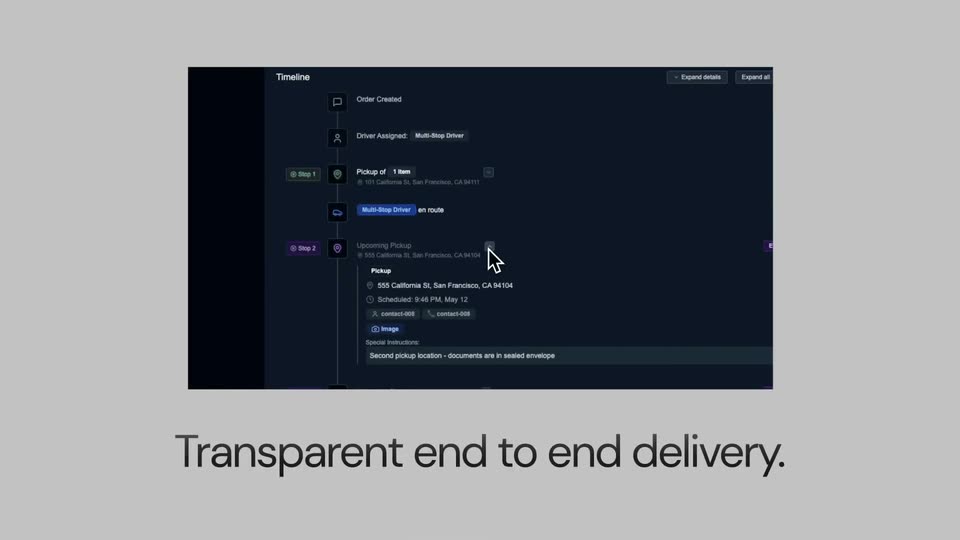 0:18–0:22chrt · chrt YC LaunchA dark delivery timeline interface on a light gray background zooms in as a cursor clicks an upcoming pickup row, expanding its address and contact details. The view pulls back and the caption below crossfades from the first line to the second.
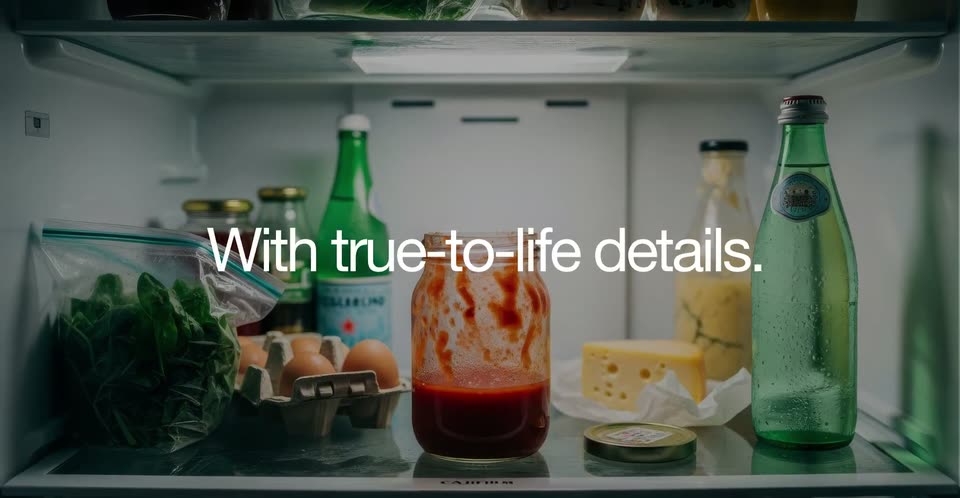 0:05–0:07FLORA · FLORA © - Photorealism, 2K resolution, and precise typography. Introducing ImaA black frame cuts to a locked-off interior of a refrigerator holding a bag of greens, a carton of eggs, a jar of red sauce, a cheese wedge and two bottles. The white caption “With true-to-life details.” holds centered over the still scene.
 0:18–0:19Google · Introducing Google AI Ultra: The best of Google AI in one subscriptionA black card with a rounded border that glows and shifts from red-orange to blue-purple holds the centered text 'Veo 3 in' above the Gemini wordmark; the words scale and slide in word by word beside a four-point sparkle icon.
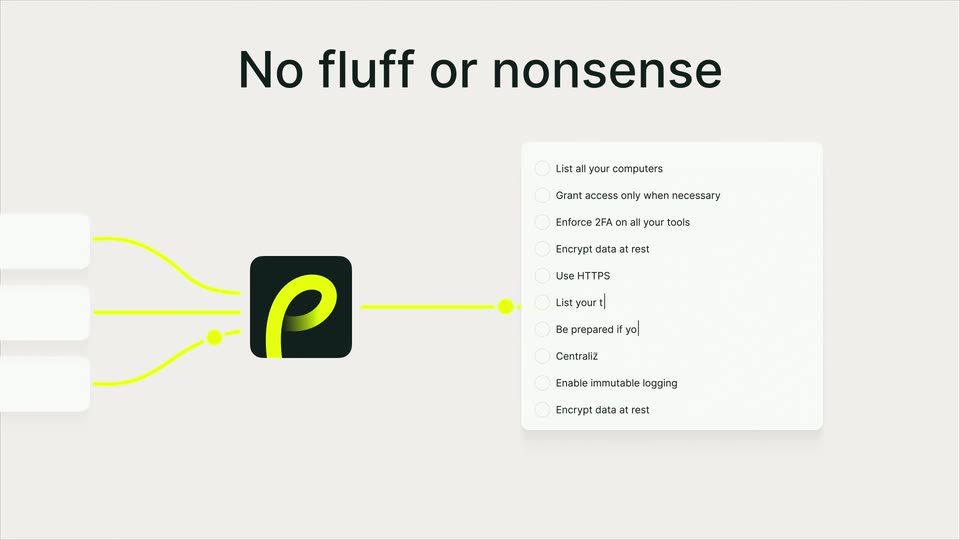 0:23–0:29Probo · Probo - SOC 2 in a weekA flat diagram on a light gray field: three white question cards link via yellow lines into a black app icon, which feeds a white checklist card. The verbose corporate list is swapped for short practical items while the headline “No fluff or nonsense” slides down from the top, and a yellow wave sweeps in at the bottom right.
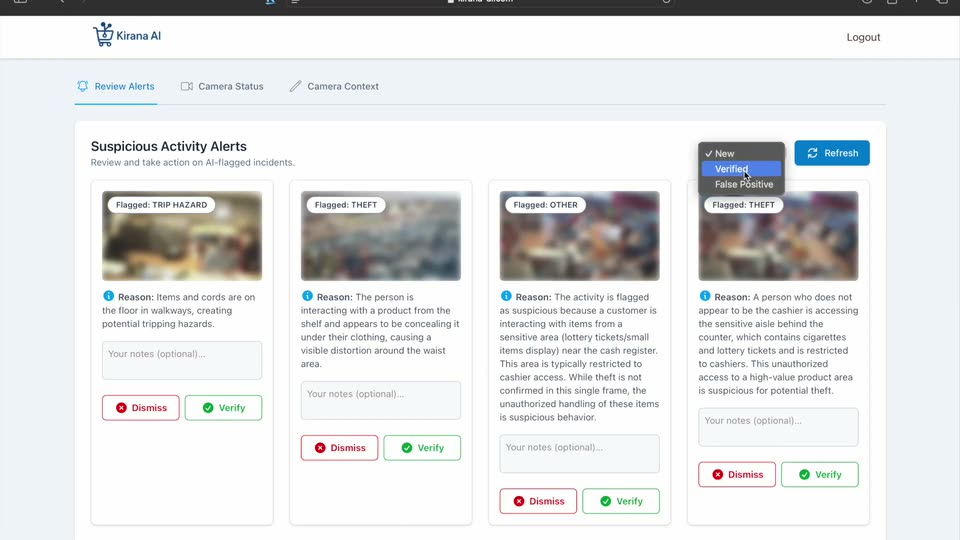 0:25–0:27Kirana AI · Kirana AI, Full-Stack AI Store ManagerA dashboard interface displays a row of four alert cards. A cursor moves to a dropdown menu in the top right and hovers over the Verified option as the first card loads a blurred store image.
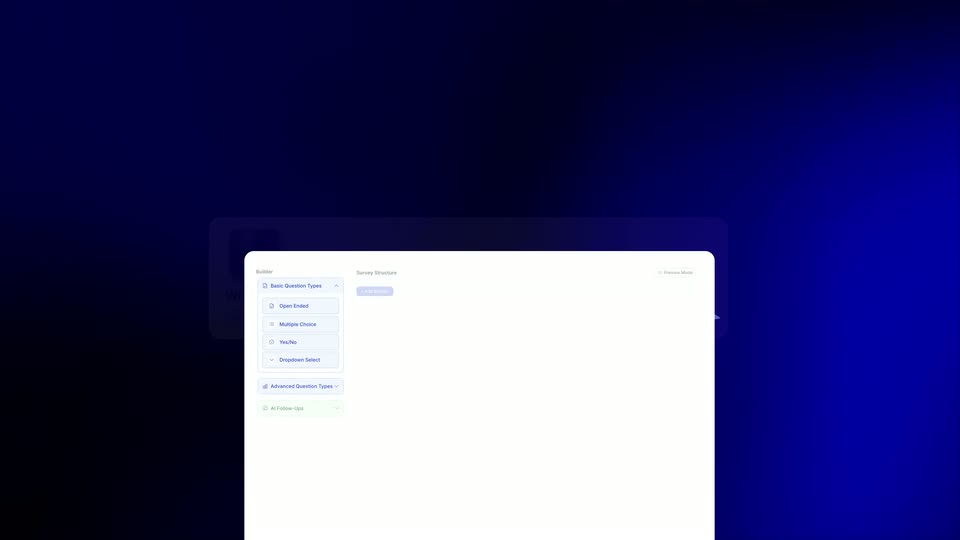 0:19–0:20stratify · Stratify Demo VideoA white rounded card slides in from the left over a deep blue gradient, then shifts upward to reveal a survey prompt and a row of icons. A second white panel with a question-type list rises from the bottom as a cursor hovers at the card's right edge.
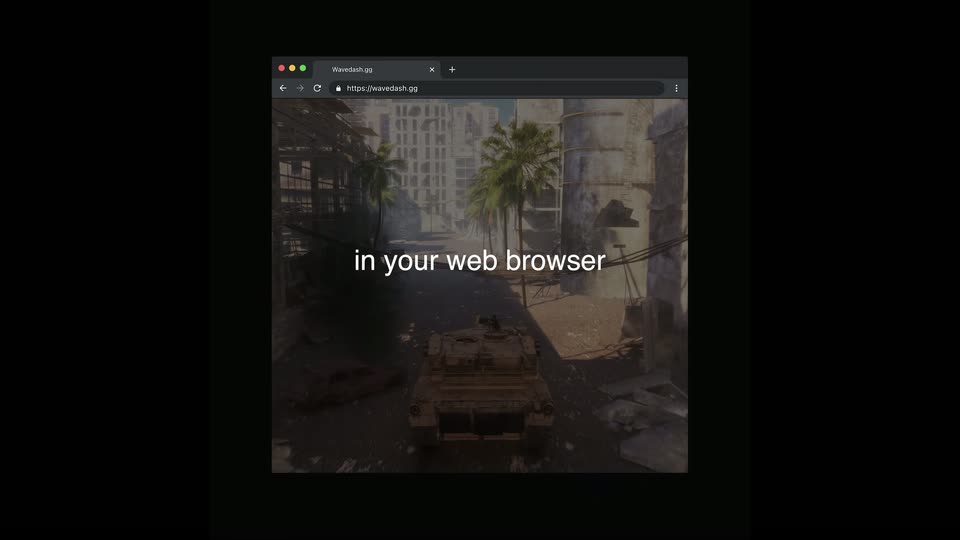 0:08–0:09Wavedash · Meet WavedashA macOS browser window on a black background plays a war game, a tan tank rolling down a ruined street lined with palm trees. The white caption sits centered over the action while the browser frame stays fixed.
 0:20 · 0.7sBesimple AI · Besimple AI: Spin up your own data annotation platform in 60 secondsA white document page holds a paragraph at the top while an orange fruit emoji tumbles in place beside the word Vibing..., which scales in the center as a loading state. The frame stays locked.
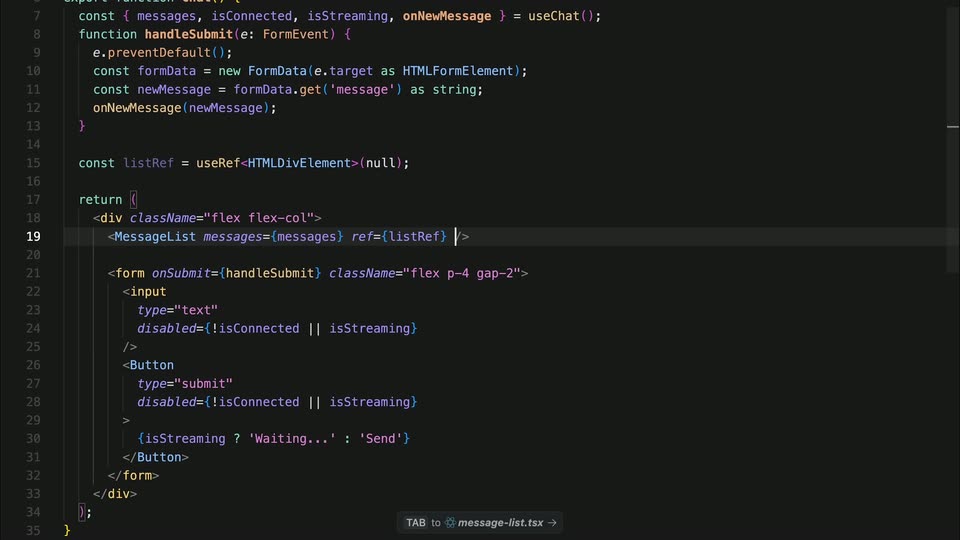 0:22–0:27Cursor · Cursor's largest update yetA dark code editor displays TypeScript source while a colored diff overlay collapses into typed lines. An autocomplete dropdown appears, then a peek window slides up at the bottom showing a second file, each step marked by a TAB hint.
 0:33–0:36Den · Introducing Den (2025)A white bold sans-serif headline sits centered on a soft gradient that warms from pale gray to peach. The two-line text scales up gently as the background shifts color.
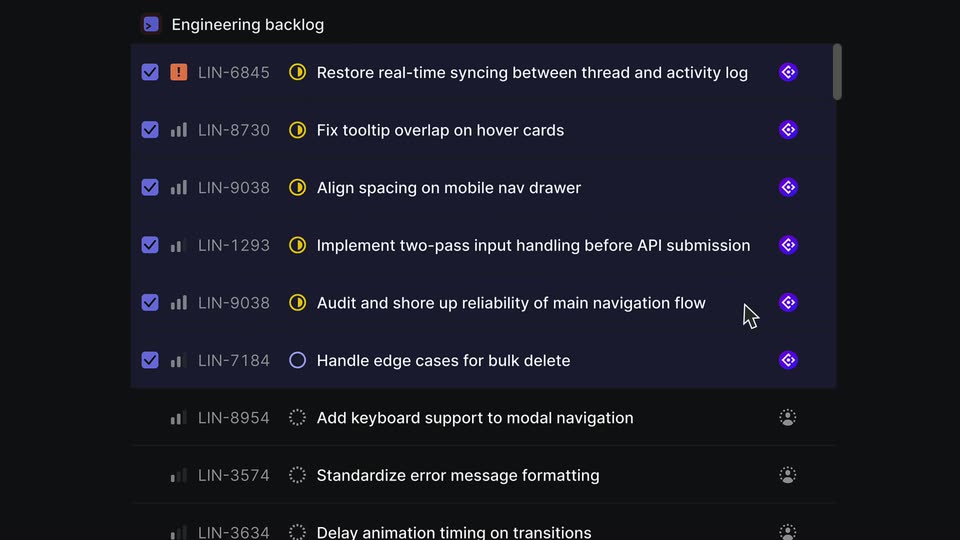 0:02–0:08Linear · Introducing Linear For AgentsThe screen shows a dark task management interface with a list of issues. A mouse cursor opens a dropdown menu to assign tasks to an application, then the selected items update with checked boxes and priority icons that change color.
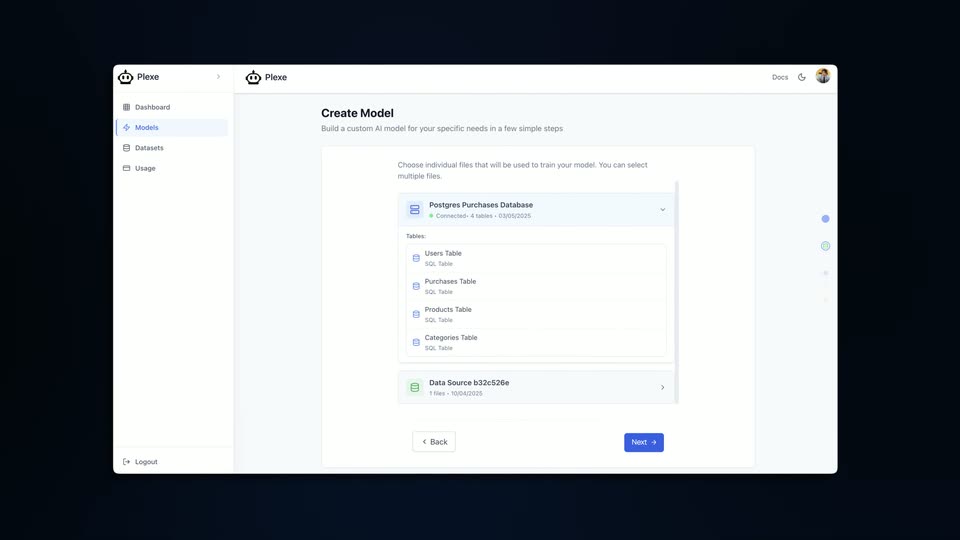 0:25–0:27Plexe · Plexe AI Launch VideoA product interface window floats on a dark background, showing a Create Model screen with a database table list. The window pushes in slowly while a large headline scales in over it.
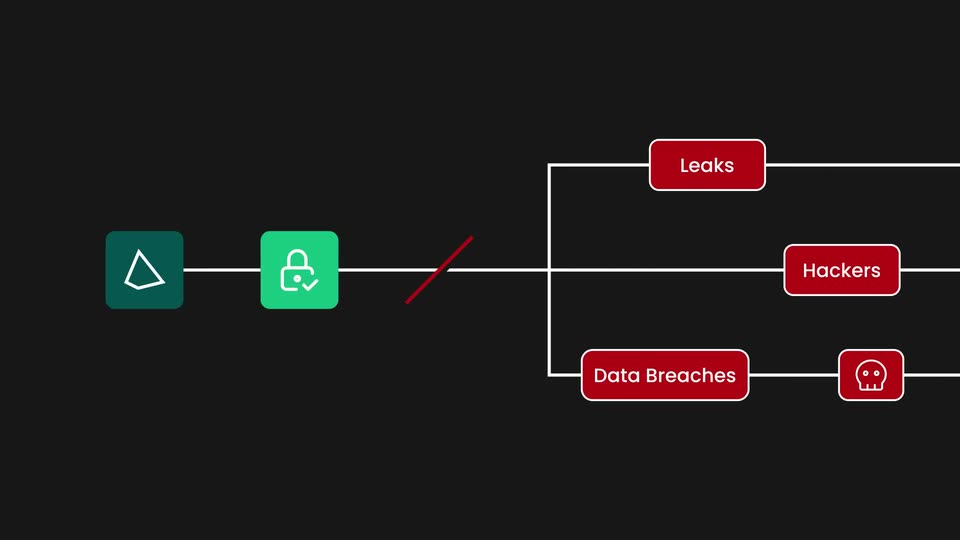 0:45–0:49Tinfoil · Introducing Tinfoil: Verifiable Privacy for Cloud AIOn a dark background, a teal triangle icon links to a red padlock, which branches into three red boxes labeled Leaks, Hackers, Data Breaches. The padlock then turns green with a checkmark as a red diagonal slash strikes through the connecting line, severing the path to the threats.
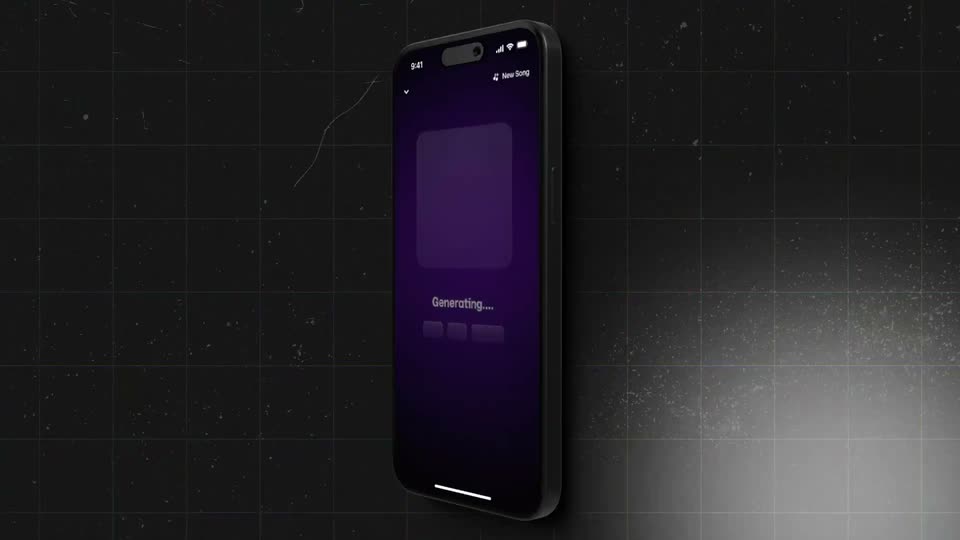 0:26–0:27Udio · udio - Udio is now available on iOS so you can make your music on the go andA black phone mockup in 3D perspective rests on a scratched dark grid, its purple screen showing a Generating state. The device rotates left as a two-line headline with white highlight blocks sits at the lower left.
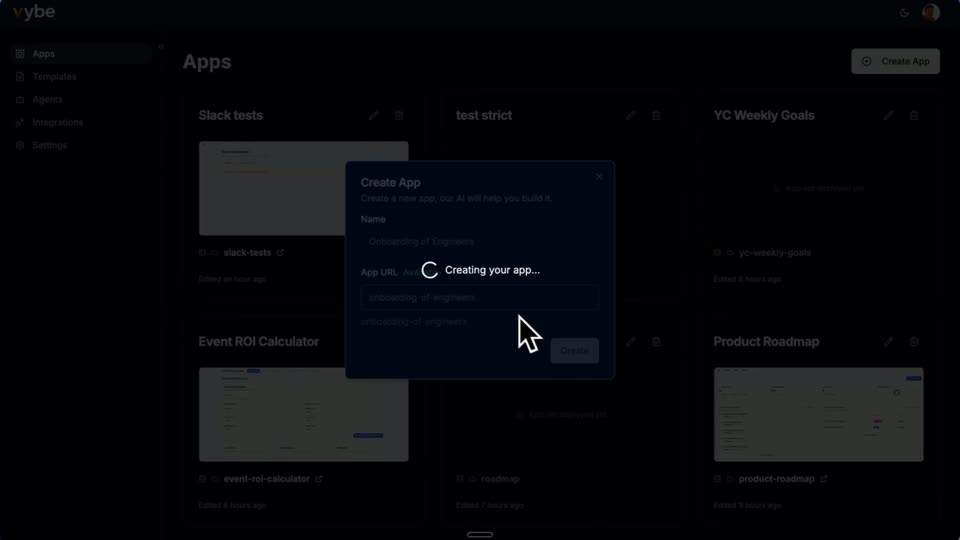 0:37–0:43Vybe · Vybe Demo - Build internal apps 10X fasterA dark dashboard with a grid of app cards sits behind a centered Create App modal. A white cursor clicks the button, types a name into the field, picks an autocomplete suggestion, then presses Create as a spinner reads Creating your app.
 0:39–0:40Bramante · Bramante Biologics (YC X25) Launch VideoA dark blue HUD fills the frame: a circular dial with tick marks sits center, surrounded by columns of glowing data readouts that flicker and update. The phrase a future holds still in white bold type at the dial's center on a locked-off frame.
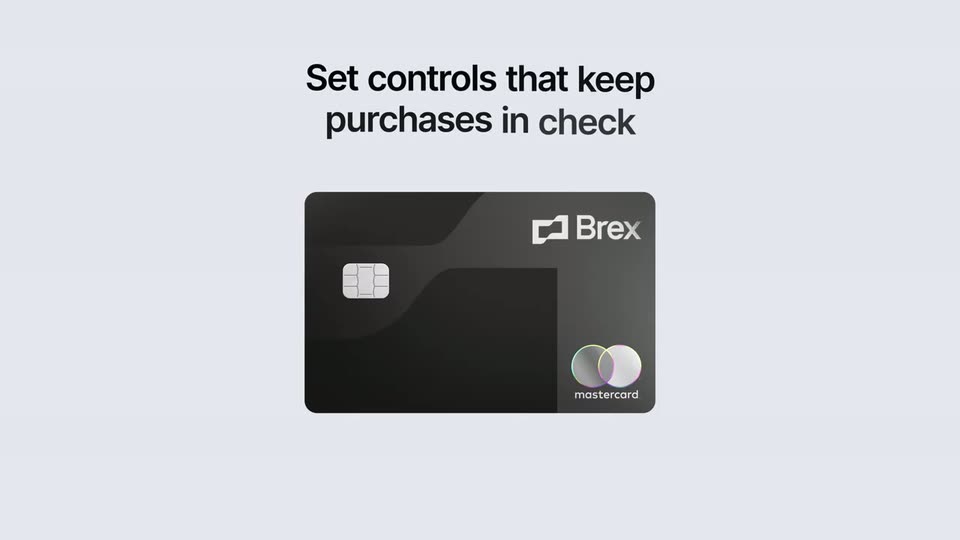 0:10–0:13Brex · Brex - Just launched: Brex for Zip🚀 Issue Brex cards in @theziphq to fast-A black Brex card rotates from a tilted 3D angle to flat on a light gray background. A bold black headline above it changes from the first line to the second, then a white settings panel with a range slider slides up over the card.
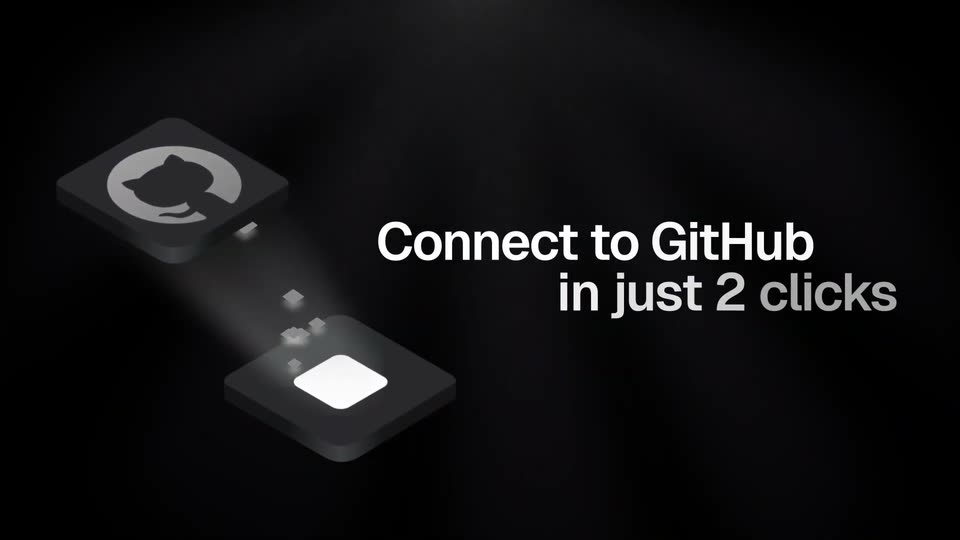 0:18–0:20cubic · Introducing cubic.devTwo dark 3D tiles, one with the GitHub mark and one a white rounded square, rotate from a vertical stack into a diagonal isometric layout. A light beam with small moving cubes links them. On the right, “Connect to GitHub” fades in, followed by “in just 2 clicks”.
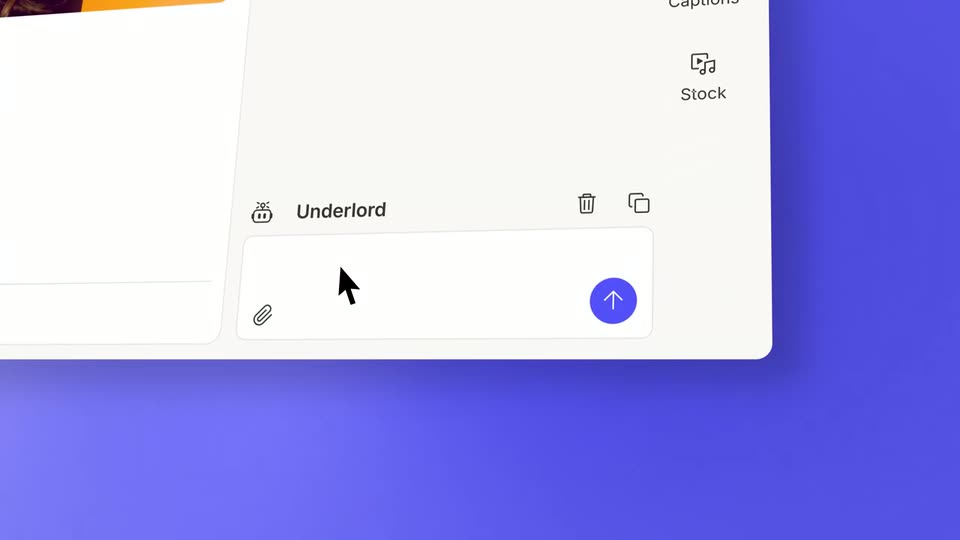 0:05–0:08Descript · Descript - Vibe editing is here. Any job, any video. Underlord’s got it.A tilted app window floats over a blue gradient. The camera slides down to the Underlord chat bar, where a cursor clicks the input field and types “Can you...” next to a purple send button.
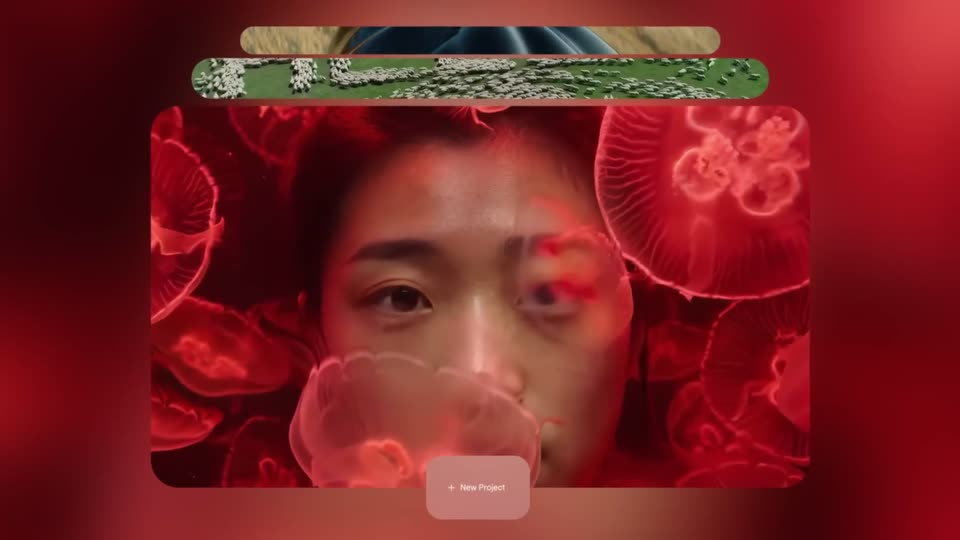 0:20–0:21Google · Introducing Flow | Google’s New AI Filmmaking ToolA stack of rounded cards sits on a soft red gradient. The front card plays a close-up of a woman's face with glowing red jellyfish drifting over it; two more cards peek out behind. A small pill button reading New Project rests at the bottom center.
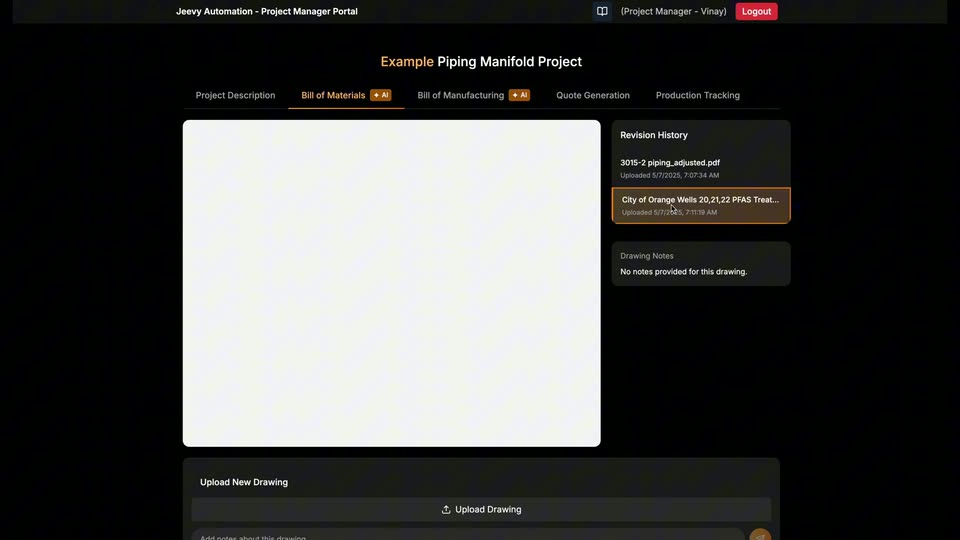 3:03–3:04Jeevy Fabrication · Introducing Jeevy FabricationA dark project manager portal screen holds still. The Bill of Materials tab is active in orange above a large blank white canvas. A revision history panel sits to the right, its second row outlined in orange.
 0:24–0:26Vesence · Vesence - Agentic AI for Transactional Law FirmsOn a soft blue background, 'One click' scales in, 'click' set larger in dark serif. The line switches to 'Vesence reviews every detail in your documents...', then a small gray 'Check' button floats in the center.
 0:03–0:05GitHub · Introducing the GitHub Copilot coding agentA dark blue gradient fills the frame behind a single centered white line. The line holds steady in the middle of the screen, then fades out toward the end of the clip.