Split screen
Several distinct areas shown at the same time, side by side.
5,552 scenes · page 79 of 93
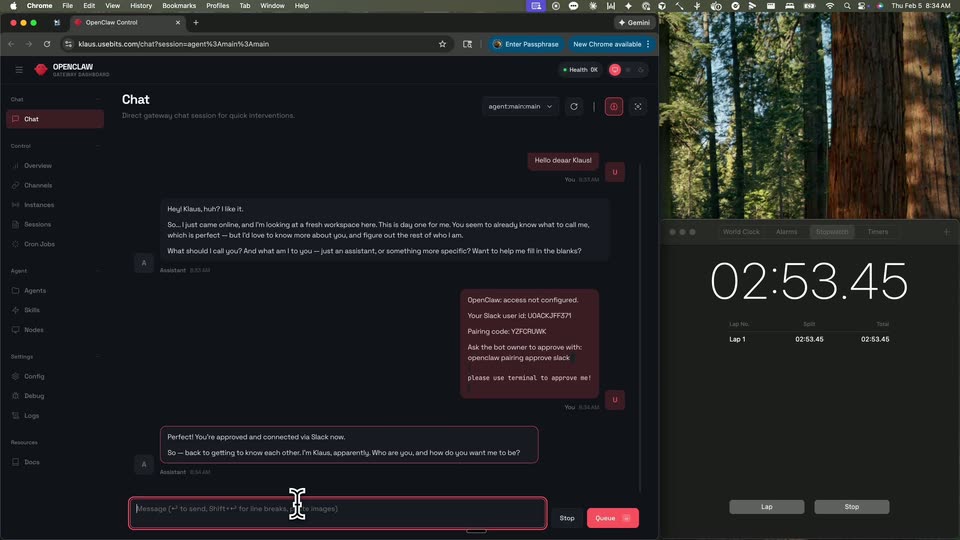 0:44–0:46usebits_inc · Y Combinator - OpenClaw is a new viral and scarily effective virtual assistant. ButA locked-off split screen shows a dark chat interface on the left and a stopwatch on the right. The chat list scrolls up as new messages appear, while the stopwatch time ticks forward.
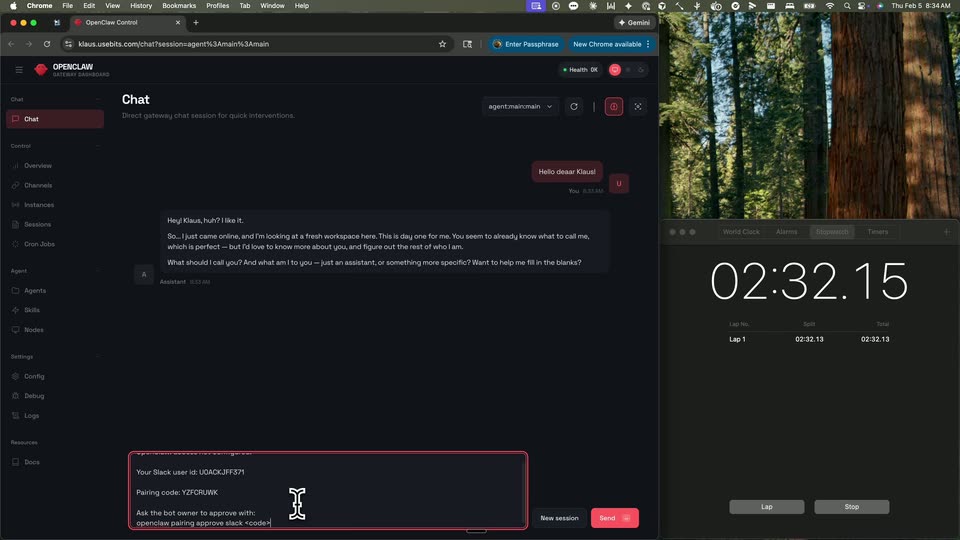 0:48–0:50Klaus AI · Klaus launchA locked-off screen recording shows two windows side by side. On the left, the OpenClaw Control chat view displays a conversation while a command is typed into the highlighted input box. On the right, a macOS stopwatch counts up over a forest wallpaper.
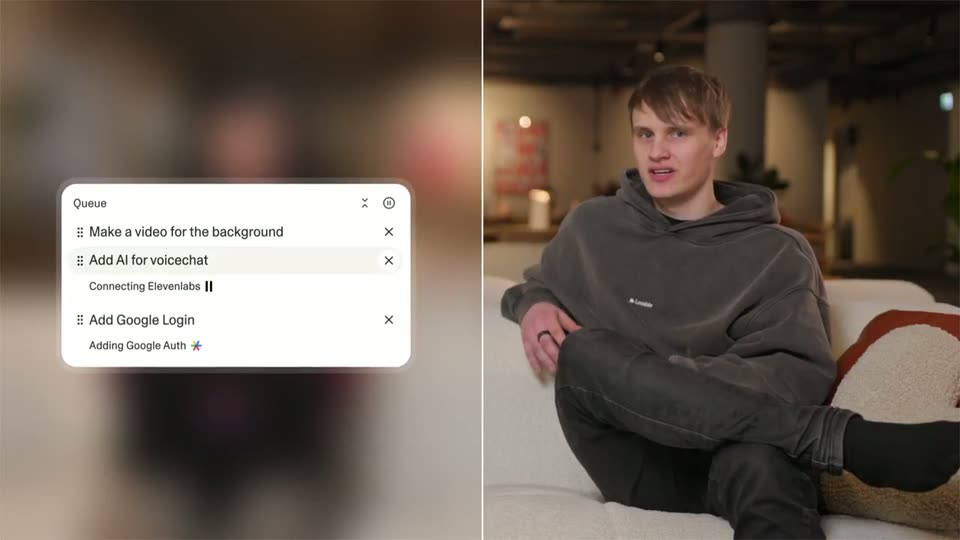 1:08–1:17Lovable · Lovable - Introducing a smarter Lovable that is 71% better at solving complex tSplit screen, locked-off. Left: a white task queue card floats over a blurred room, listing three tasks; small status lines such as “Adding Google Auth” fade in beneath each row as it runs. Right: a man in a gray hoodie sits on a cream couch, talking to camera.
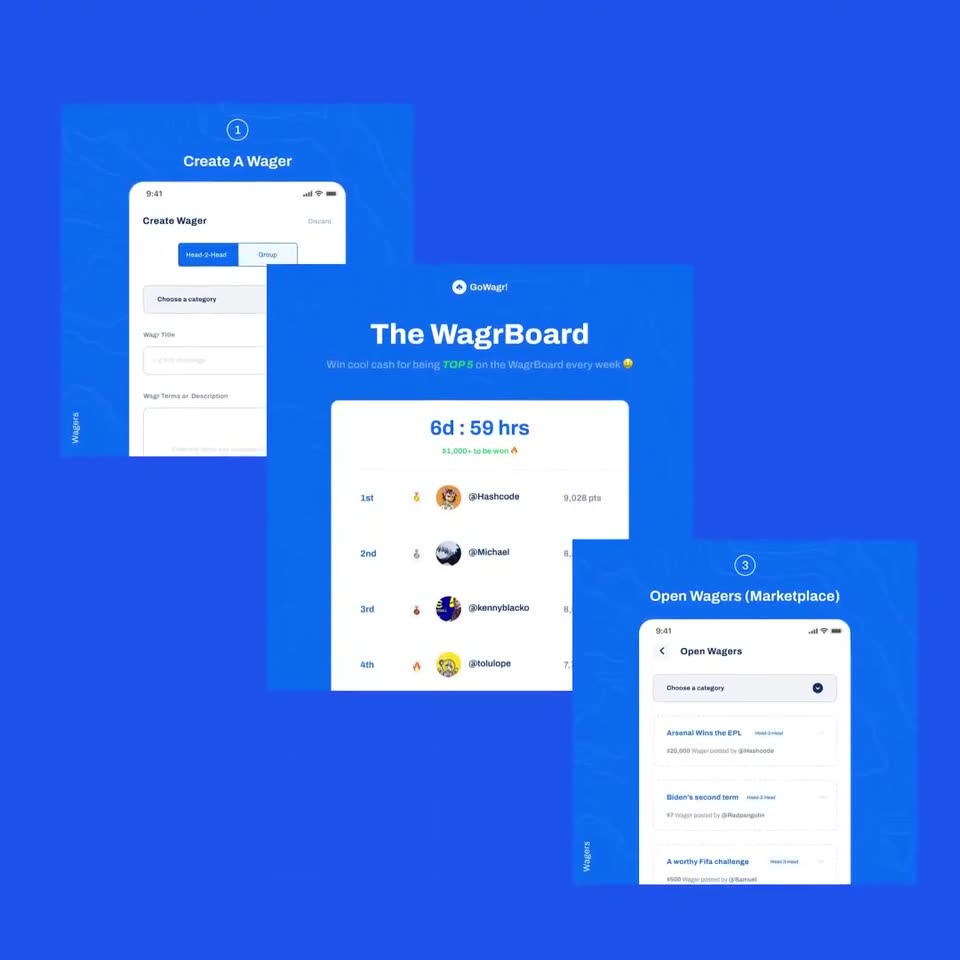 1:39–1:42Bayse · Bayse Markets - What started as a simple wager app grew into something bigger. GowaA blue leaderboard card for The WagrBoard slides up to center as two phone mockups, Create A Wager and Open Wagers, slide in from the left and right to form a staggered three-panel layout on a solid blue background.
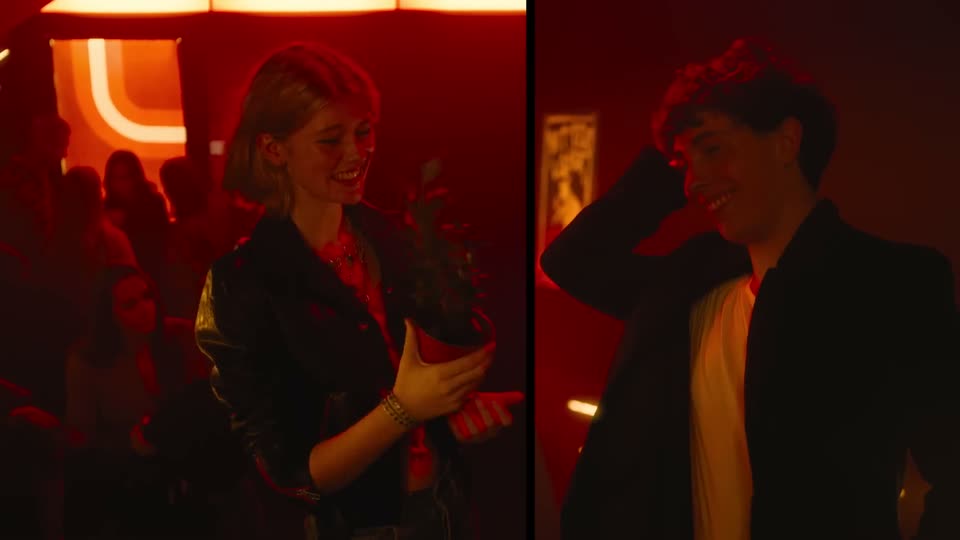 0:32–0:34Superprof · Des professeurs pour toute la vie !A red-lit club scene split down the middle: on the left, a smiling woman in a black leather jacket cradles a potted plant; on the right, a man in a dark jacket grins with his hand on his head. Both laugh among the dim crowd.
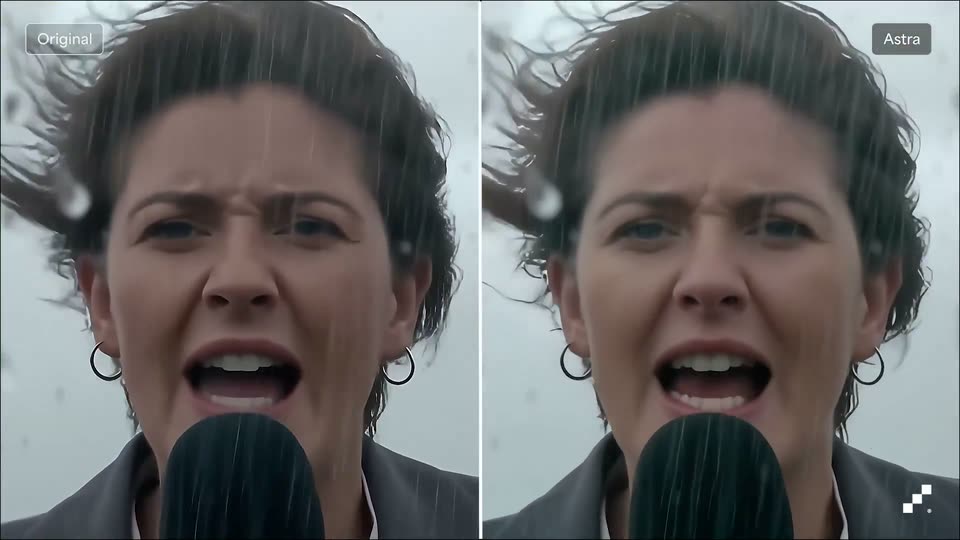 0:21–0:23Topaz Labs · Topaz Labs - 📢 Big release! Introducing Starlight Precise 2, a new video enhancemA split screen holds two close-ups of a woman singing into a microphone in the rain, wet hair and open mouth. The left panel is tagged Original, the right Astra, comparing the footage side by side.
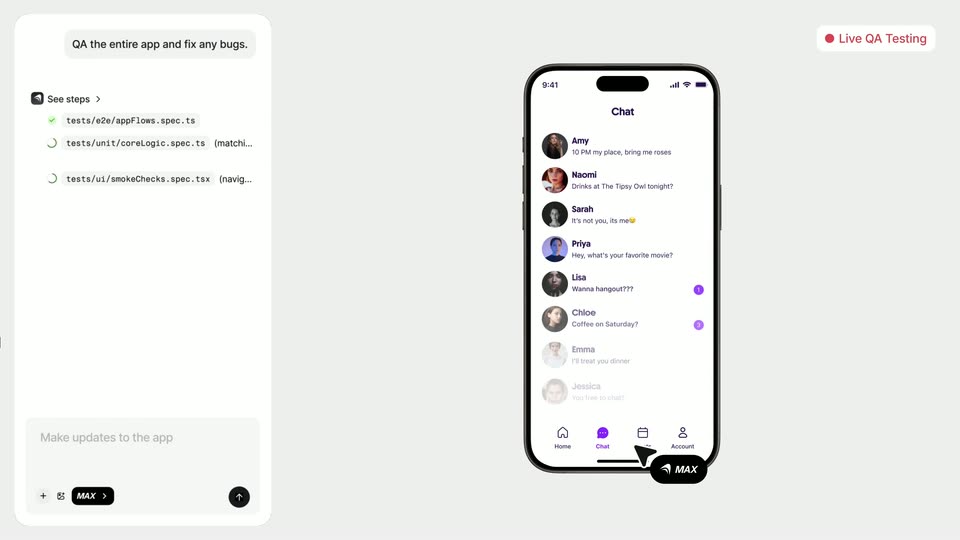 0:54–0:55Anything · Anything - Introducing Anything Max: Vibe Coding that's leaps above Lovable andSide by side, a left QA panel lists test files while a phone mockup quickly fills its chat list; a cursor taps the Chat tab. A bottom caption reads test all the buttons.
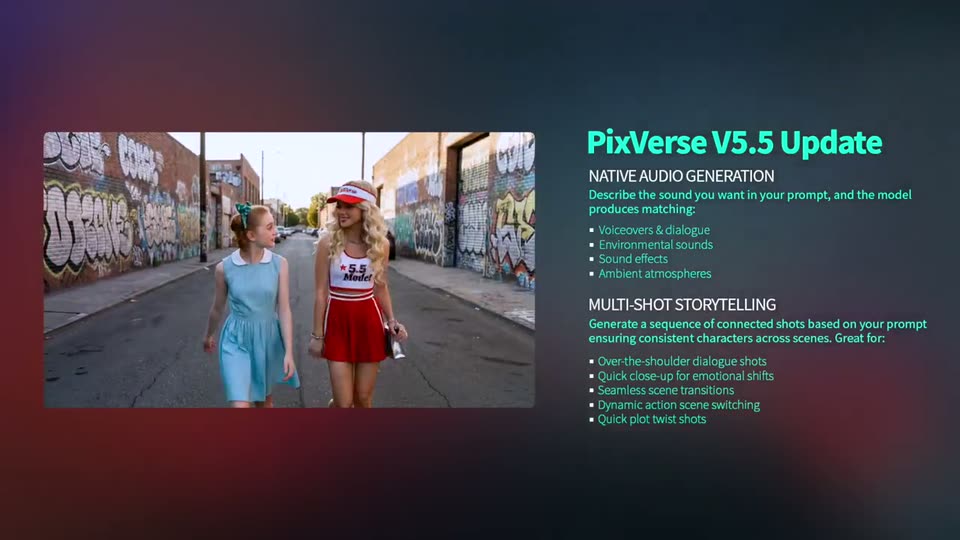 1:17–1:18PixVerse · PixVerse - Infinite Voices. Infinite Shots. Your call. PixVerse V5.5 is LIVE. OnA split layout on a dark maroon-to-blue gradient. Left: a framed video of two women walking down a graffiti-lined street, one in a blue dress, one in a red skirt and visor. Right: a teal headline and two feature sections with bullet lists, static throughout.
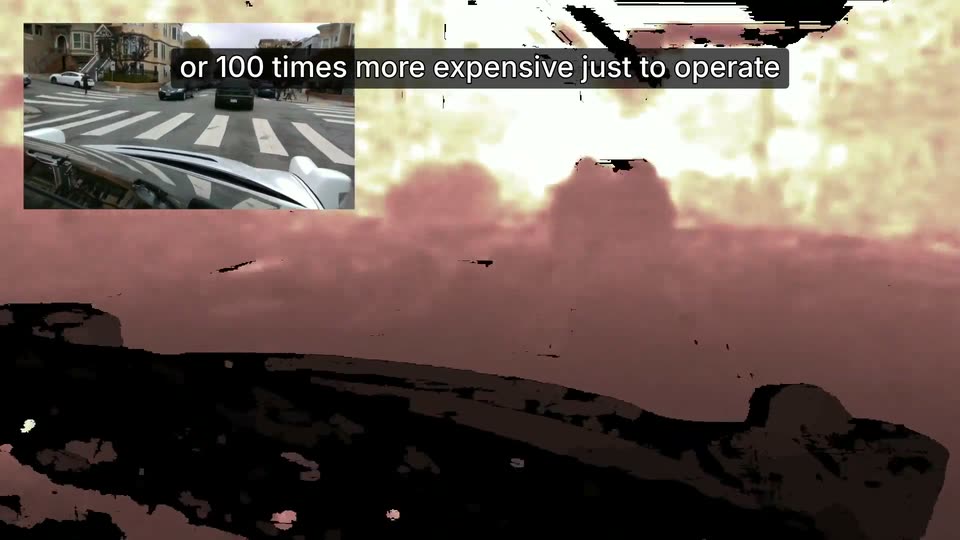 1:19–1:34Efference · Efference (YC F25) - Helping Robots See Like Humans doA top-left inset shows a car driving through a residential intersection with a STOP marking and crosswalk, while the full frame behind is a posterized, pink-tinted, glitched version of the same view. White subtitle lines on dark rounded bars appear across the top, swapping with the voiceover.
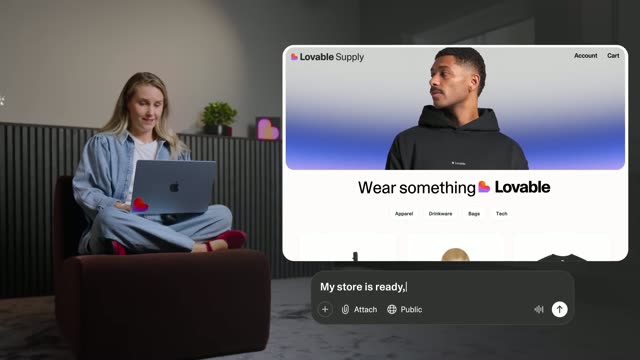 0:46–0:48Lovable · Introducing our Shopify IntegrationA woman sits cross-legged on a brown armchair, typing on a laptop, as a Lovable Supply storefront window floats on the right with a man in a black hoodie. A dark prompt bar below types “My store is ready, I want to start selling” letter by letter.
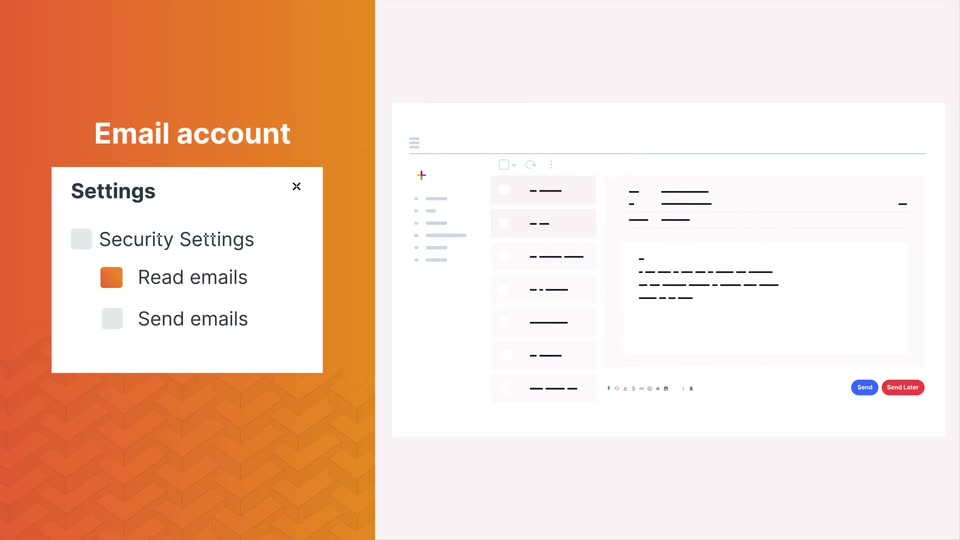 0:24–0:29Multifactor · Multifactor: Share Online Accounts with Humans & AI Agents (0:59)A split screen shows an orange panel with a Settings card on the left and an email interface on the right. The Read emails checkbox ticks on, then the right side zooms to the Send button as a red no-symbol and warning triangle appear over it.
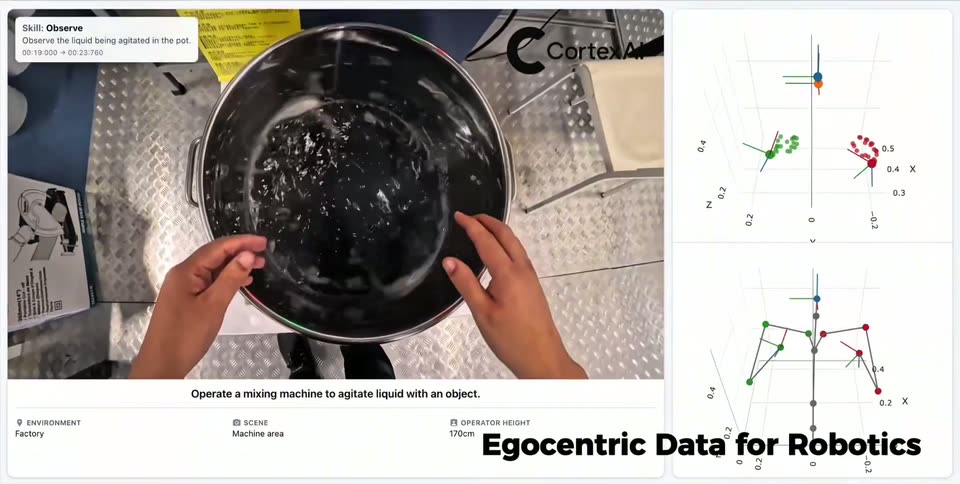 0:19–0:21Cortex AI · Cortex AI — Large-scale real-world robot & egocentric data for embodied AIA split layout pairs a first-person clip of hands stirring a metal mixing bowl and pressing a control keypad on the left with two 3D point-cloud trajectory plots on the right. A caption card, a metadata bar and a bold title frame the footage.
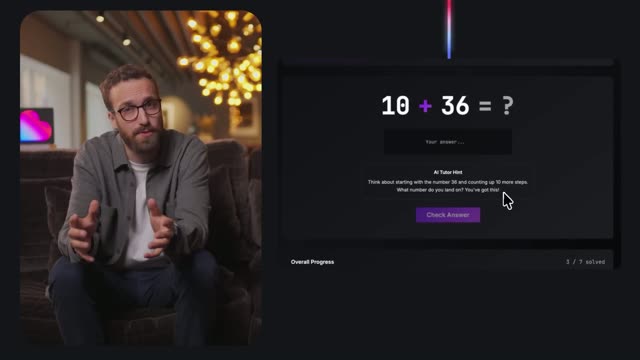 1:13–1:16Lovable · Introducing Lovable Cloud & AISplit-screen: left, a bearded man in a gray shirt sits on a couch in a warm-lit room, gesturing; right, a dark quiz panel shows 10 + 36 = ?, a cursor clicks the hint option and an AI Tutor Hint box slides in above a purple progress bar.
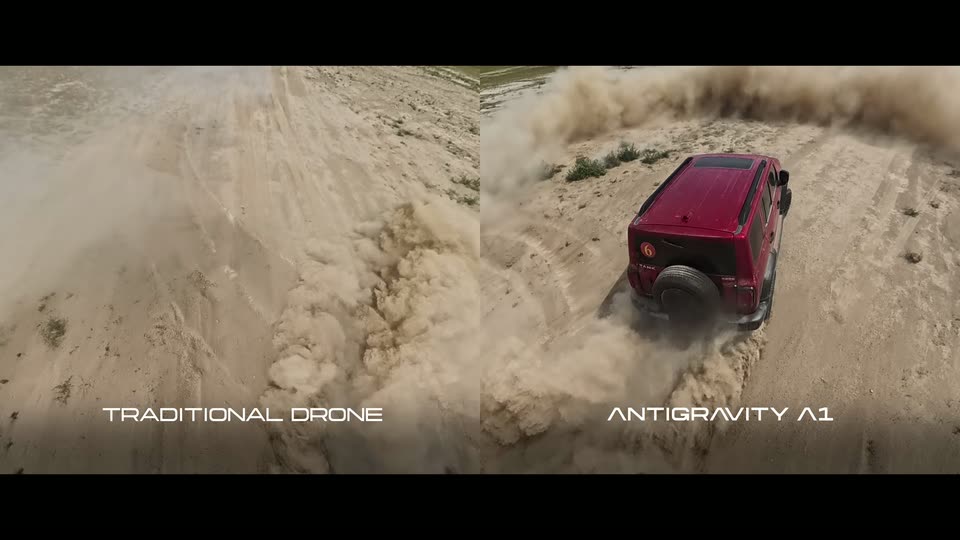 2:02–2:03Antigravity A1 · Meet Antigravity A1 — The 8K 360 DroneA split screen compares two aerial shots of a red SUV kicking up dust on sand. The left side is shaky and the car slips out of frame into a dust cloud, while the right side tracks the vehicle smoothly from above.
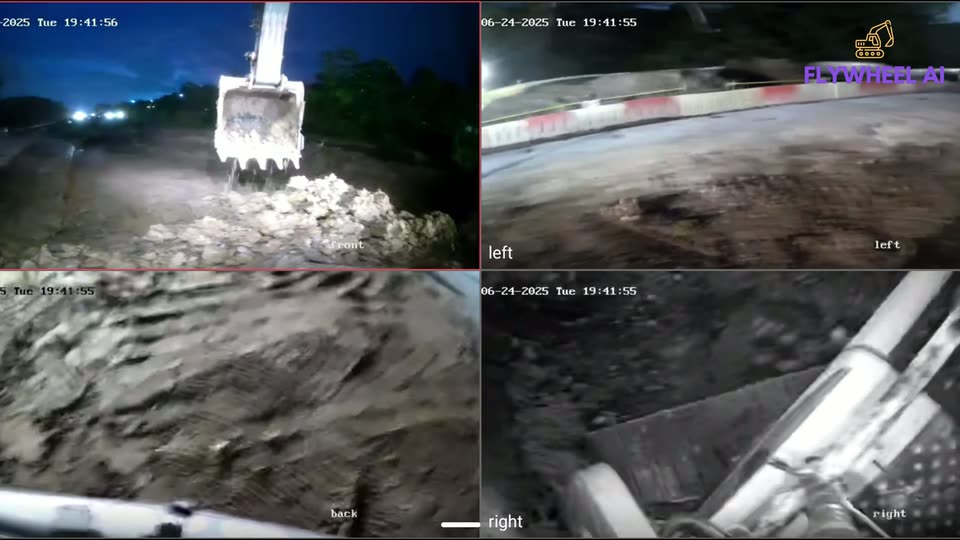 1:16 · 0.5sFlywheel AI · Flywheel AI (YC S25) Launch VideoA four-way split of night camera feeds labeled front, left, back, right shows an excavator bucket over gravel at a construction site. The feeds are dark and shaky, each carrying a timestamp, with the FLYWHEEL AI logo in the top right.
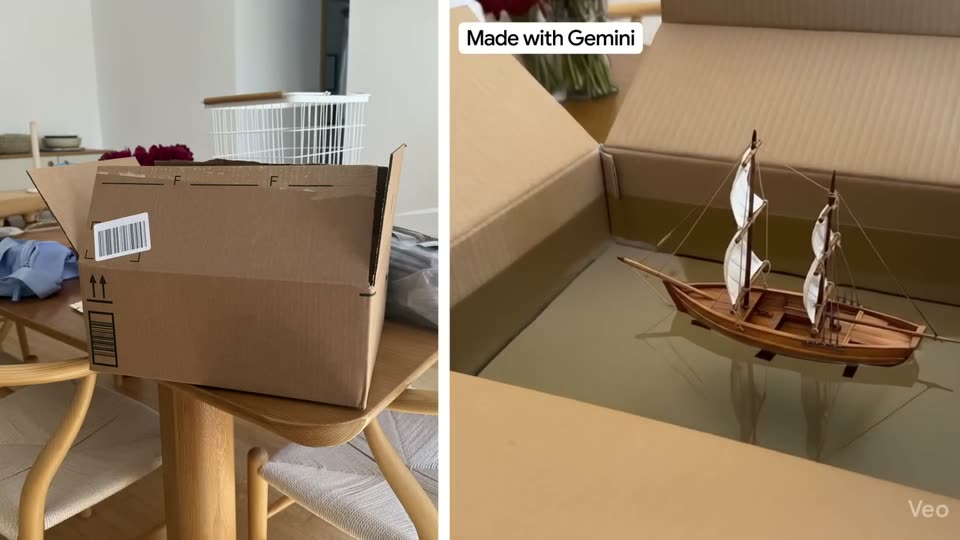 0:06–0:07Google · Turn your photos into videos using Veo 3 in GeminiA split screen compares a real cardboard box on a wooden chair with a 3D view inside the open box, where a model sailing ship floats in water. White badges read Made with Gemini and Veo.
 0:16–0:17Higgsfield · Higgsfield AI 🧩 - Higgsfield Soul is now FREE for everyone. Just unlocked Daily Free GA split screen holds a black headline on a white left panel beside a filmed woman smiling over her shoulder on the right. The text stays locked and still while she shifts slightly and her hair moves.
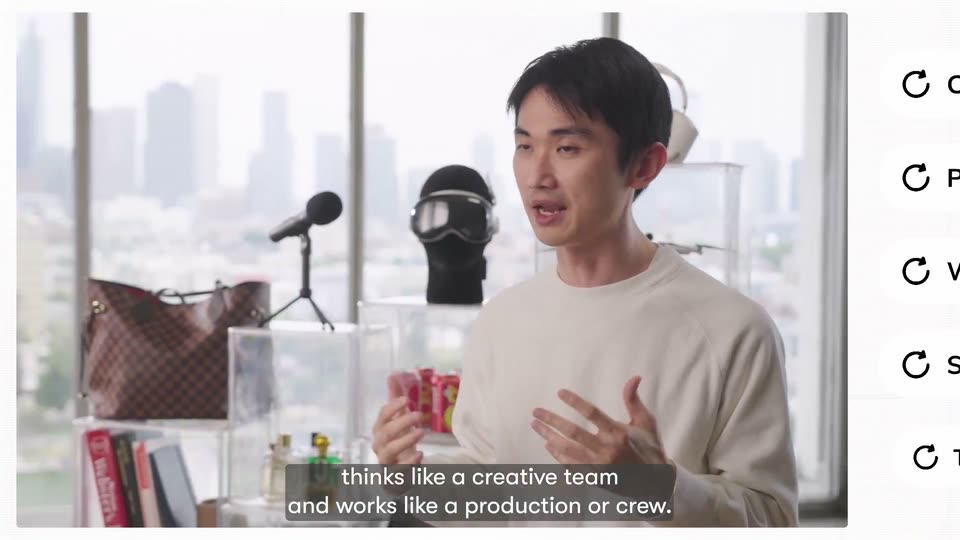 0:59–1:01HeyGen · Joshua Xu - Today we’re introducing you to the future of video. The world’s firsA vertical clip of a man in a white sweater talking in a bright room scales up from the left until it fills the frame, while a list of task labels with circular arrow icons slides out to the right. A two-line caption stays fixed at the bottom.
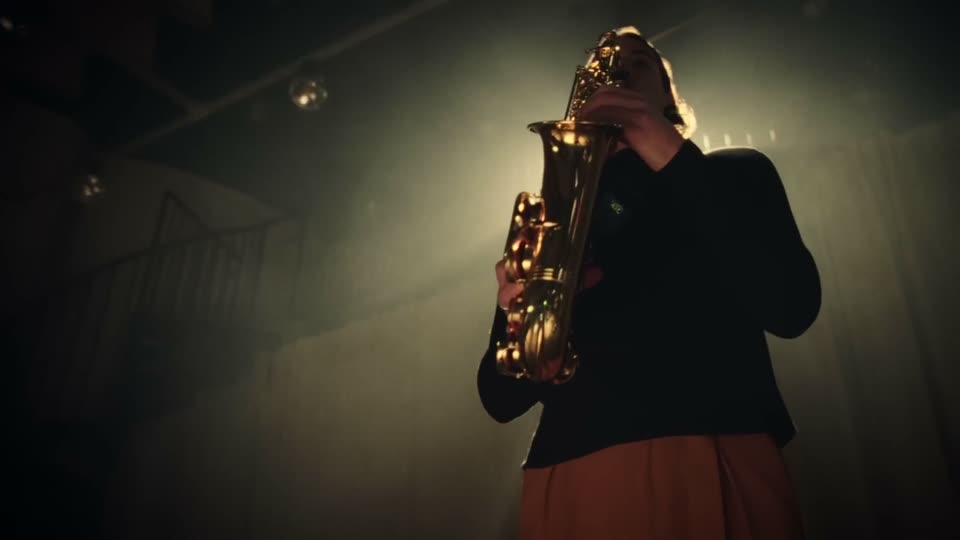 0:19–0:20Legora · Legora Workflows - The orchestration layer for legal workA saxophonist plays in a dark, hazy room lit by one overhead spotlight. The right half of the frame wipes open to a white panel holding a UI card with a play icon and a user row, forming a split screen.
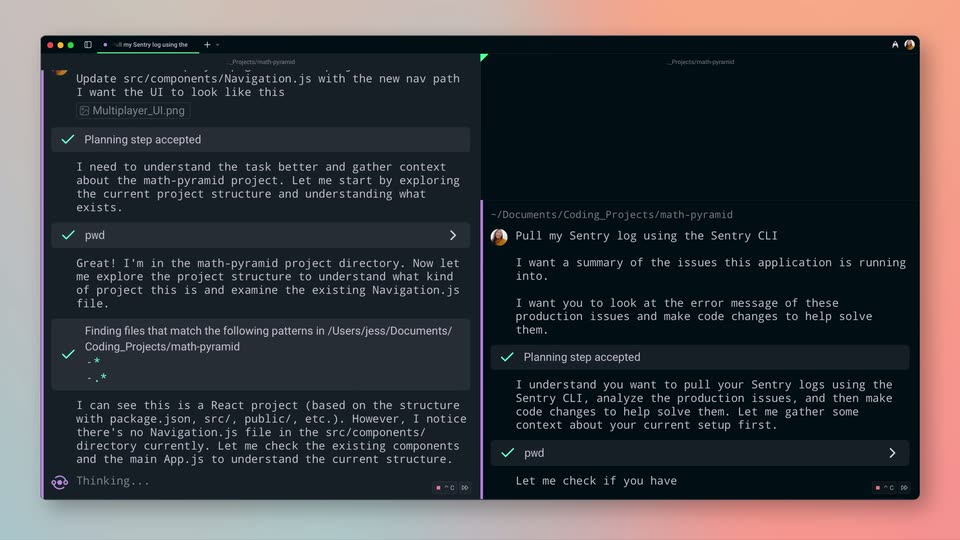 0:54–0:56Warp · Introducing Warp 2.0: The Agentic Development EnvironmentTwo dark terminal windows sit side by side on a peach background, each showing an AI coding agent session. Chat messages and command output scroll upward in both panels as the agents process tasks, with a Thinking indicator at the bottom of each.
 0:43–0:44Luma AI · Luma AI - Introducing Modify VideoA skydiver in an orange suit and black helmet freefalls head-down over a snow-dusted mountain range, filling most of the frame. A thin right panel shows aerial drone footage of green grass and a row of small cabins. The split boundary slides left, widening the skydiver view.
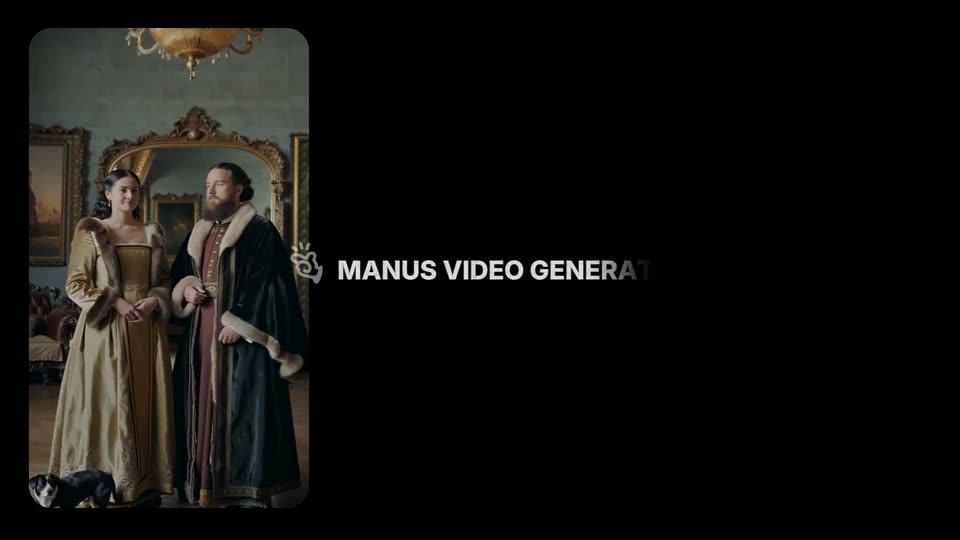 1:02 · 0.8sManus · Manus - Introducing Manus video generation. Manus transforms your prompts inA black screen holds two vertical video panels of costumed figures at the left and right edges, while the white title MANUS VIDEO GENERATION and a small hand logo scale in at the center.
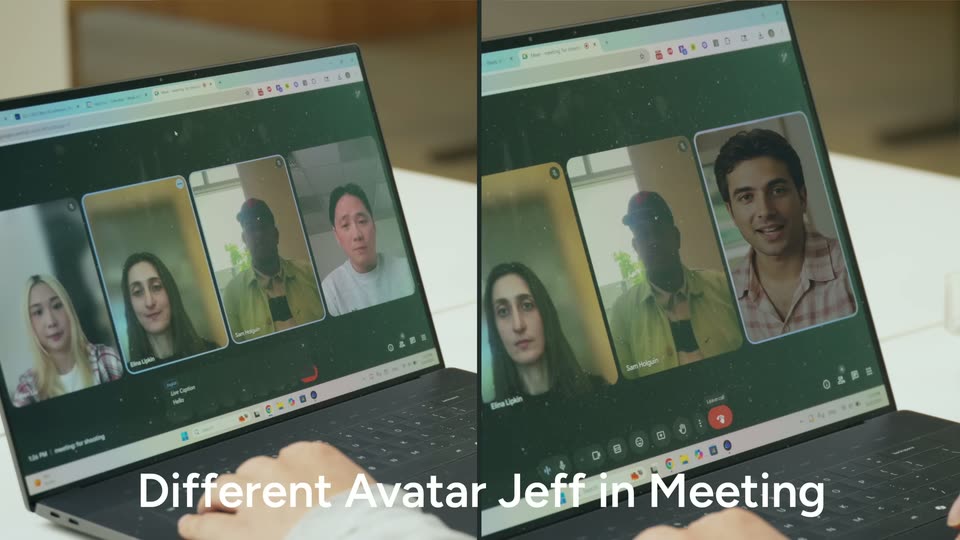 3:11–3:16Akool Inc · Introducing Akool Live Camera: Real-Time AI Video CreationOver-the-shoulder shot of a person typing on a laptop showing a four-tile video call, an AKOOL business card on the desk. At 2 s a split screen shows two laptops: left has Jeff as himself, right swaps him for a different avatar, caption below.
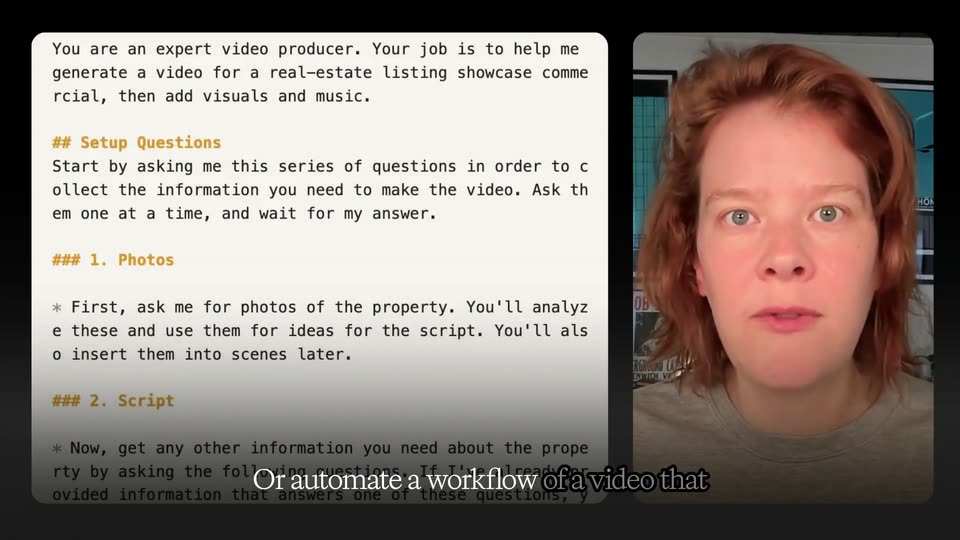 1:08–1:09Descript · Meet the Underlord: Descript's Open Beta Feature DropA text document with orange section headings fades in on the left half of a split screen, while a red-haired woman speaks to the camera in a rounded inset on the right. A white caption line sits along the bottom edge.
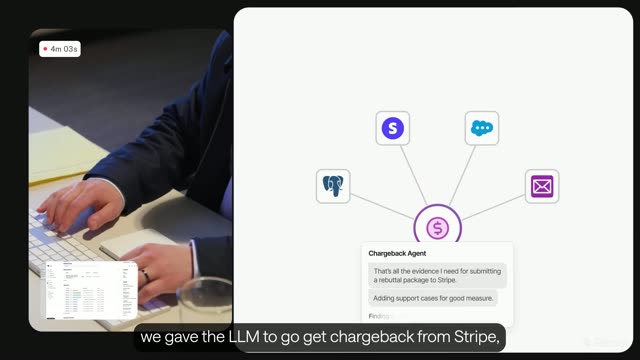 1:02–1:18Retool · Introducing Agents from RetoolSplit screen: left, a suited person types at a keyboard under a running red-dot timer with a small Stripe dashboard inset; right, a white panel shows the Chargeback Agent hub linked to Stripe, CRM, Postgres and email icons. Tool cards and chat lines pop in beside the icons as the agent works.
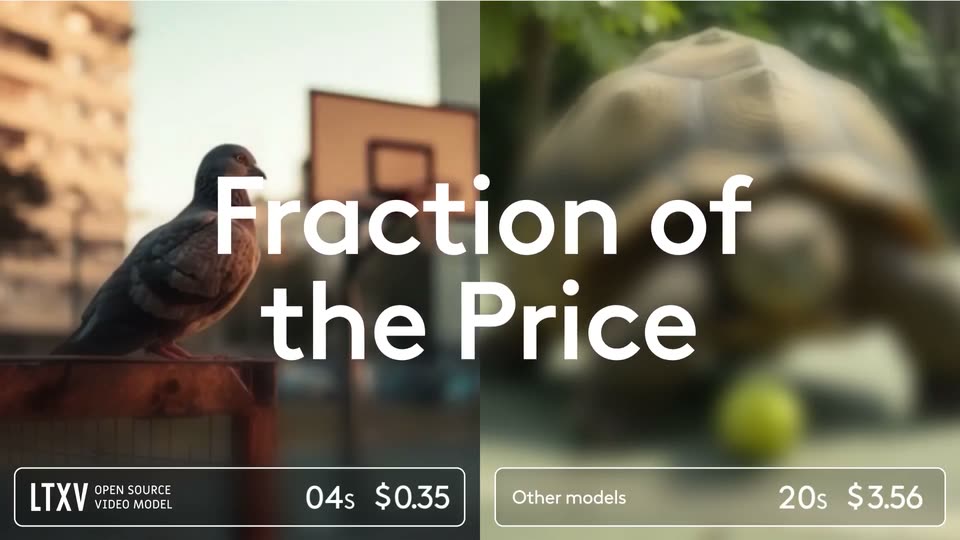 0:14–0:17Lightricks · Lightricks - We’re excited to launch our new model — LTXV-13B! 💫 LTXV-13B is ourA split screen compares two video clips: a pigeon on a railing sharpens into focus on the left, a tortoise stays blurred on the right. The white headline “Fraction of the Price” sits centered, and two outlined bars at the bottom tick up their time and cost counters.
 0:37–0:39Higgsfield · Higgsfield AI 🧩 - Introducing Higgsfield Effects - a cinematic pack of high-impact VFX.Split screen: left, a woman with a top bun, black sunglasses and gold grills points at her mouth; right, a man in a suit and black gloves adjusts chain sunglasses. Their surfaces flip between brushed gold and mirror chrome.
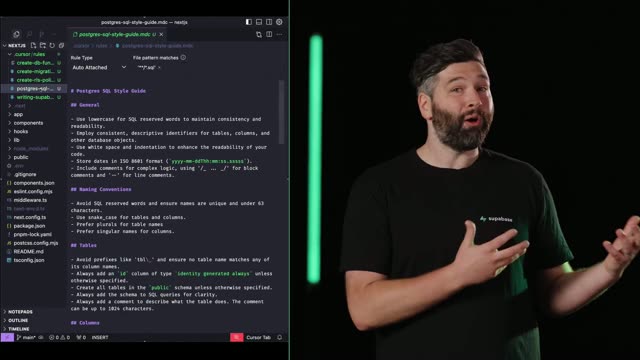 0:52–1:00Supabase · Announcing the Supabase UI LibraryA split screen pairs a VS Code editor on the left, which opens successive markdown rule files (create-db-functions, create-migrations, RLS policies, SQL style, edge functions), with a bearded man in a black Supabase tee gesturing on the right, divided by a glowing green vertical bar.
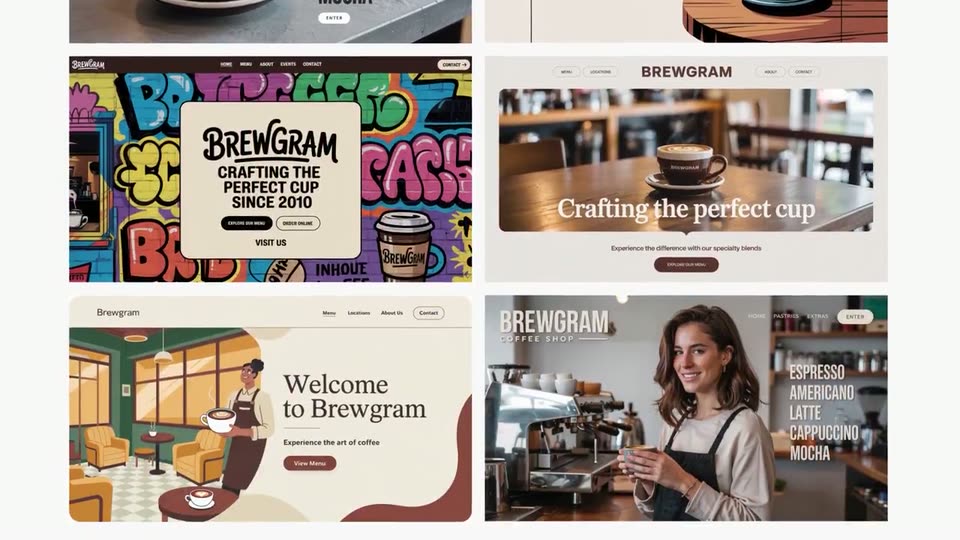 1:19–1:20Ideogram · Ideogram - Meet Ideogram 3.0 — stunning realism, creative designs, and consistenA grid of coffee shop website mockups fills the frame on a light background, arranged in two columns. The designs include a graffiti hero, a photo hero, an illustrated cafe interior, and a barista photo with a drink menu. The layout stays static.
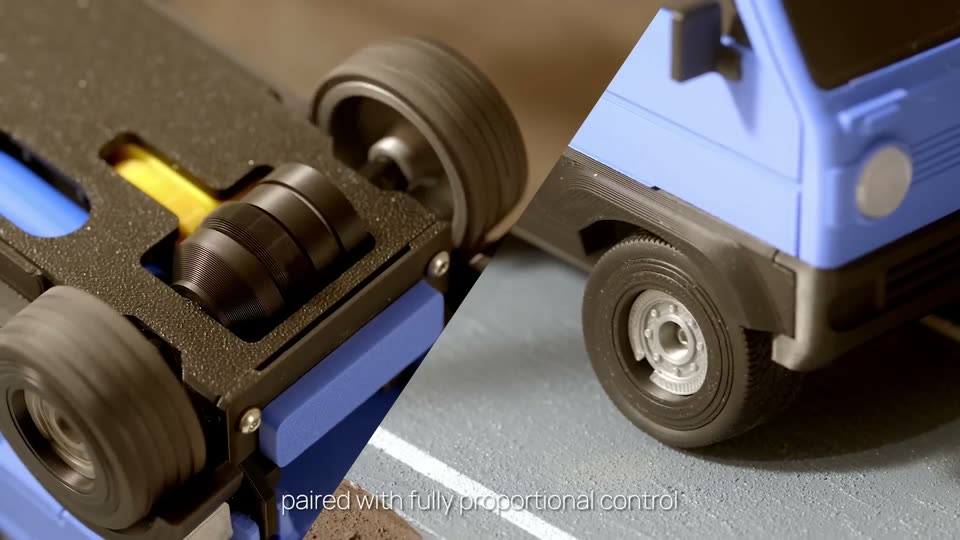 0:53–0:57Bambu Lab · CyberBrick: Build smarter. Code freer. Share globally.A diagonal split screen shows the truck's underside with spinning differential gears on the left and its front wheel turning on a painted road on the right. It cuts to the blue truck driving past orange cones with its cargo bed open. White captions run along the bottom.
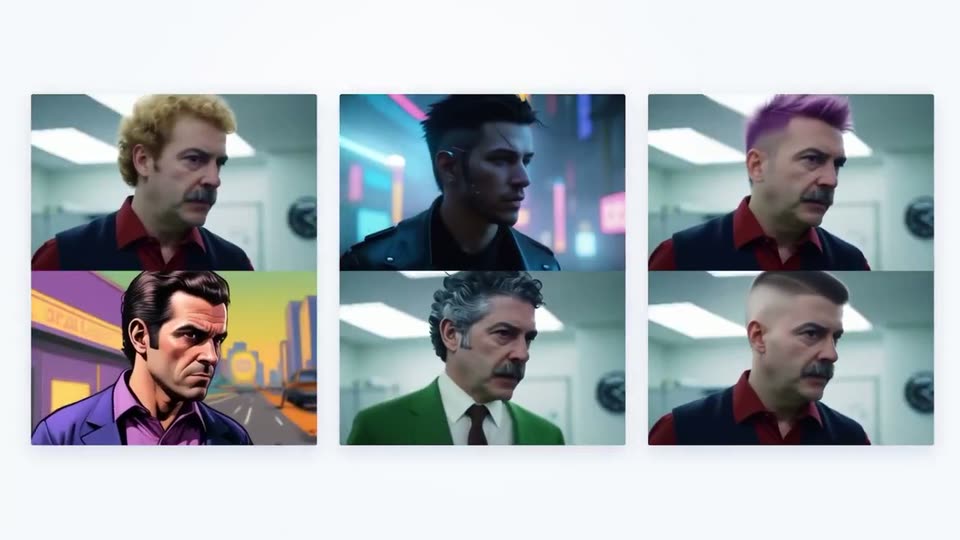 0:31–0:33Lightricks · Lightricks - 🚀 LTXV 0.9.5 is here! Our latest AI video model brings: ✅ CommercialA 2x3 grid of portrait panels on a white background, each playing a short clip of the same man's head turning, rendered in different styles: live action with varied hair, a neon cyberpunk look, a green suit, and a flat comic-book illustration.
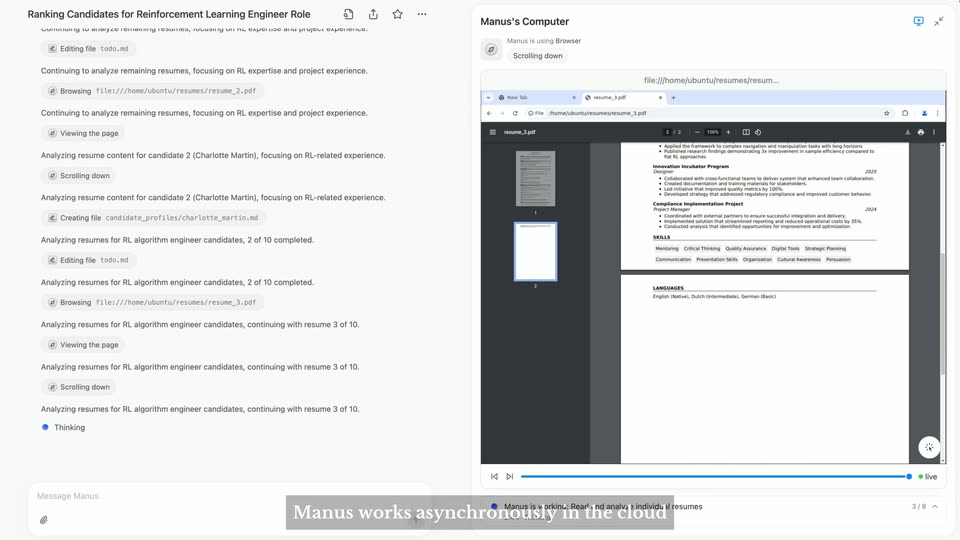 0:52–0:54Manus · Introducing Manus: The General AI AgentA split product view shows a task log scrolling up on the left and a browser window scrolling down through a PDF resume on the right. A gray caption bar rises at the bottom carrying the tagline.
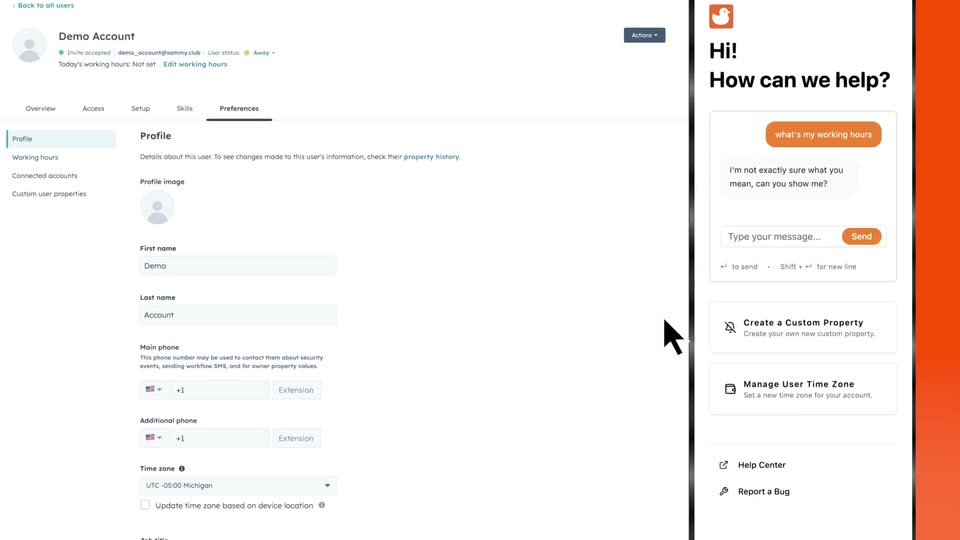 1:43–1:54SAMMY Labs · SAMMY Labs - Product TourA split view pairs an admin profile settings page on the left with an orange chat widget on the right. A cursor drifts down the chat as a question bubble and a reply appear, then the view scrolls to show a green add button on the profile.
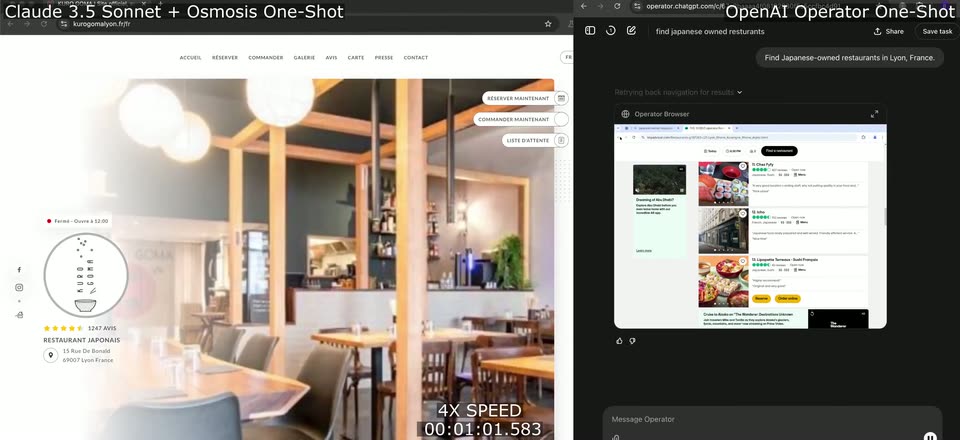 0:14–0:15Osmosis · Osmosis Demo (Head-to-Head with OpenAI Operator)A split screen compares two product demos: a Japanese restaurant website on the left and an OpenAI Operator browser searching for restaurants on the right. White title labels sit at the top of each half, and a 4X SPEED timecode runs at the bottom left.
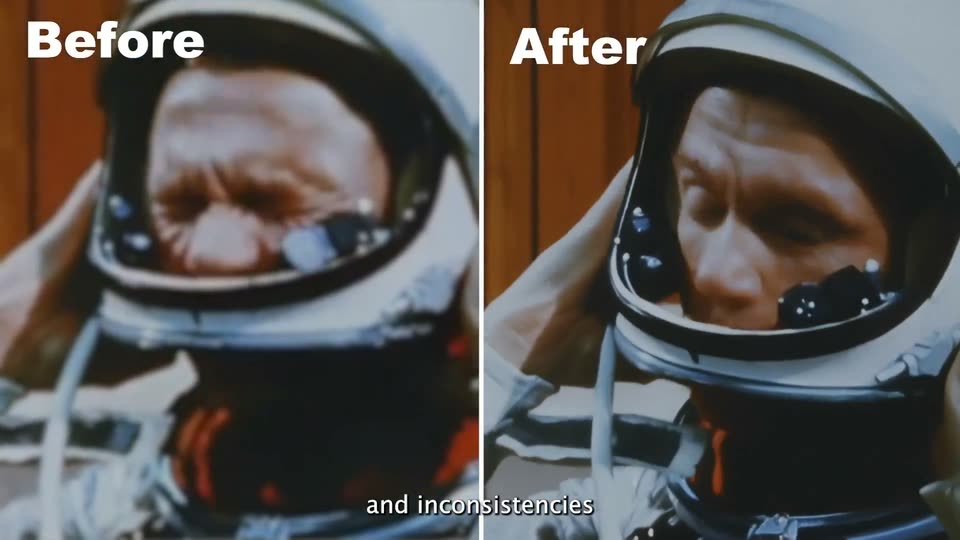 0:16–0:17Topaz Labs · Topaz Labs - 🚀Big news! We’re launching Project Starlight: the first-ever diffusioA split-screen comparison shows a man in a white astronaut helmet, the left side labeled Before with visible blur and smearing, the right side labeled After with a sharp image. Subtitles at the bottom carry the voiceover line.
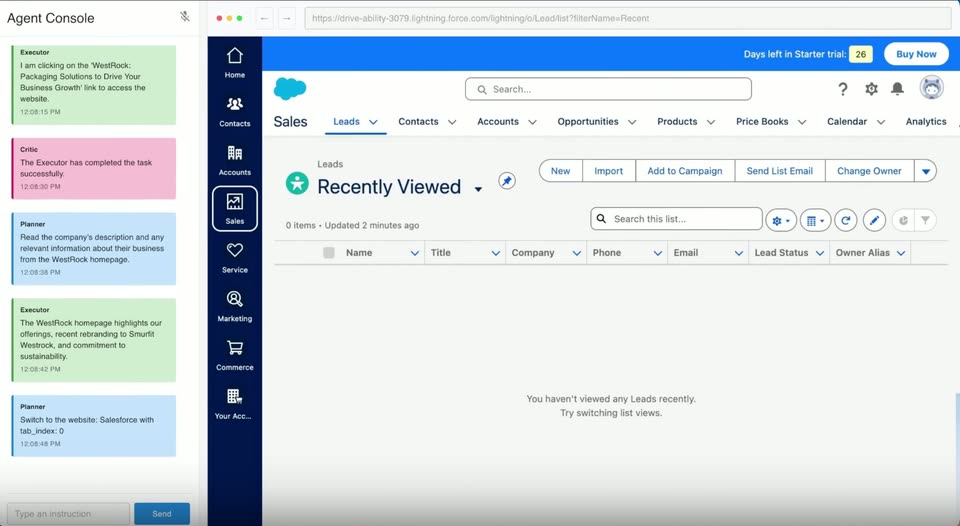 1:25–1:26Kura AI · Kura CRM demoSplit screen: a left Agent Console chat feed of colored message cards sits beside a right Salesforce Leads page showing an empty Recently Viewed list. The opening blur resolves into a static frame.
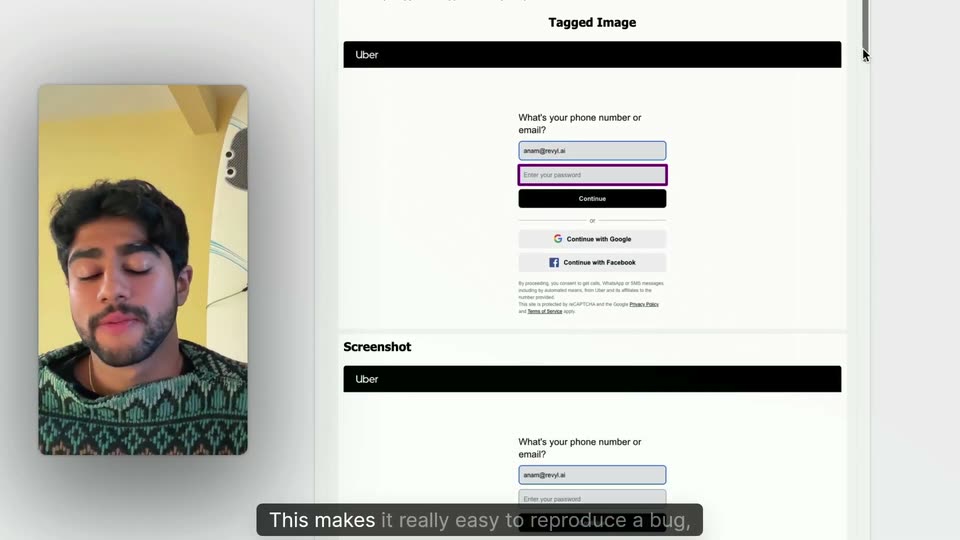 0:33–0:43Revyl · Launch YC: Revyl (F24)A presenter's webcam sits at left beside a large screen showing a Test Report. The view zooms into the report and scrolls down past numbered steps, each with a tagged image and screenshot of the Uber login form. Subtitle captions read at the bottom.
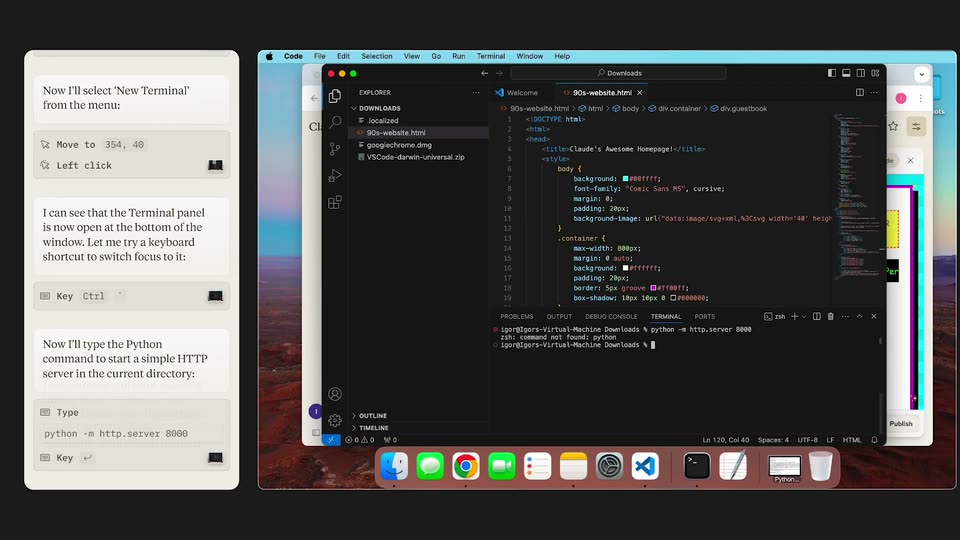 1:41–1:59Anthropic · Claude | Computer use for codingA split layout pairs a scrolling chat and action log on the left with a flat macOS screen on the right. A cursor opens the Terminal menu in VS Code, picks New Terminal, types a Python command that errors. The right side pushes in at the end.
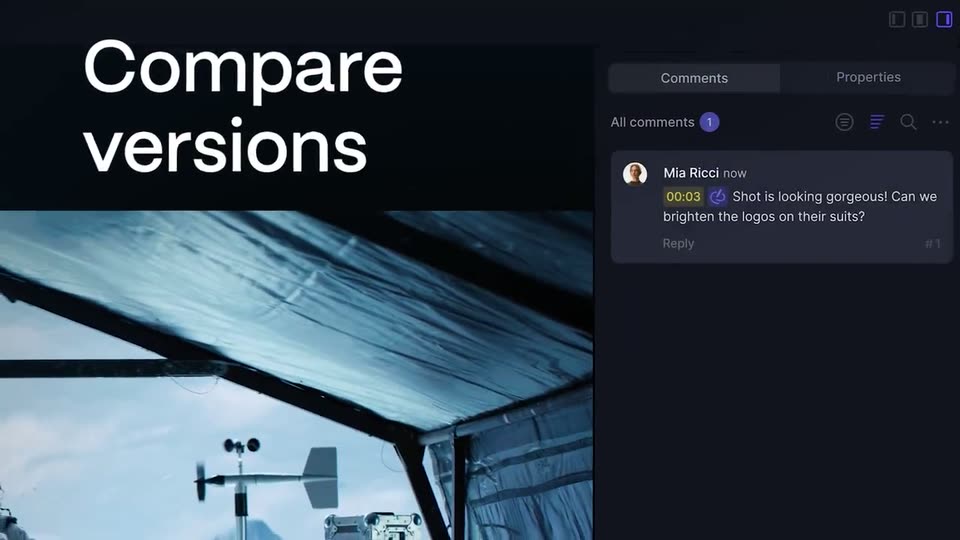 0:14–0:15Frame.io · Frame.io - Move creative projects forward faster with Version 4.A dark interface displays a split view with a video of two astronauts on the left and a comment panel on the right. A yellow circle highlights a subject in the video, while the text 'Compare versions' sits at the top left.
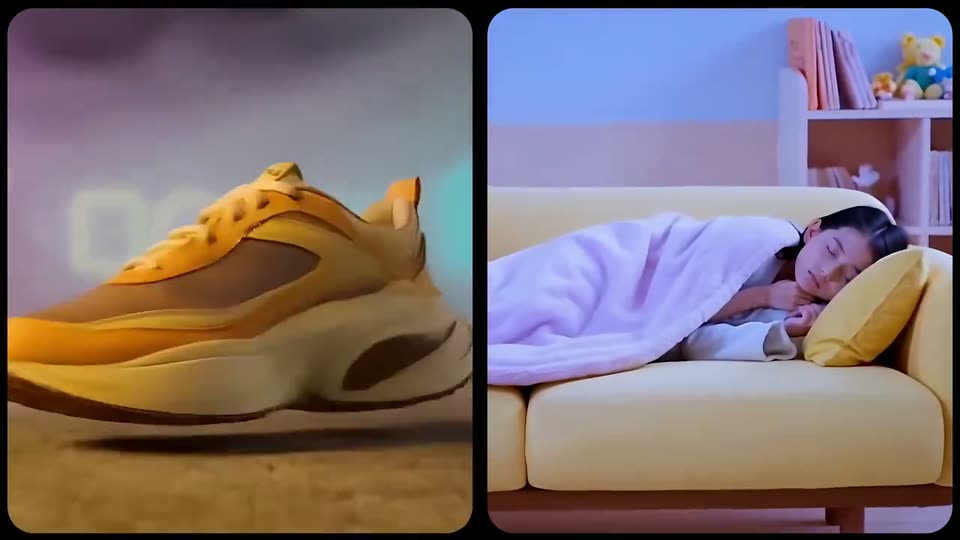 0:39–0:40Vidu · Vidu AI - 🥳Object Consistency is here!🚀 With the new "Reference to Video" featA rounded split screen holds two panels: left, a tan sneaker rotates slowly on a dusty floor before a blurred clock; right, a child sleeps on a yellow sofa under a white blanket, a bookshelf behind.
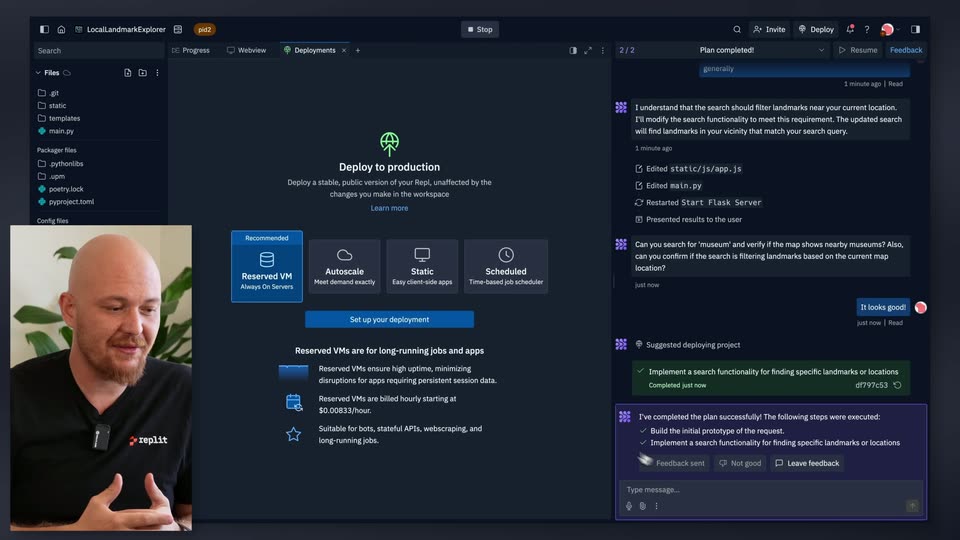 2:02–2:06Replit · Meet the Replit AgentA bald presenter in a black Replit shirt talks in a bottom-left webcam box while the Replit IDE fills the screen. A cursor clicks the Good feedback button in the chat panel, then the center deploy view switches to a Reserved VM configuration form.
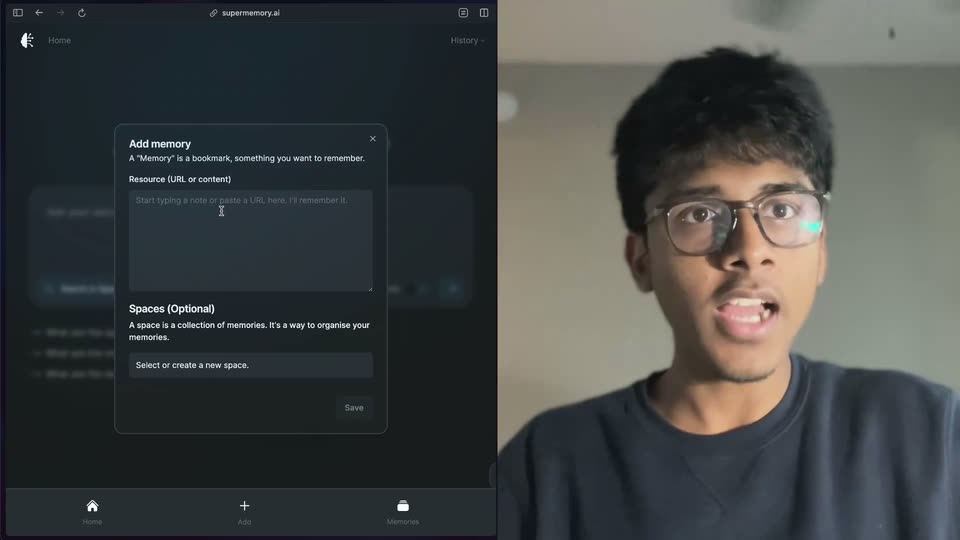 0:32–0:34Supermemory · Dhravya Shah - Introducing supermemory (again). an ai second brain for all your saA split screen shows a man with glasses talking on the right and the supermemory app on the left. The home view fades into an Add memory modal, then a cursor opens the spaces field and a dropdown of space names appears.
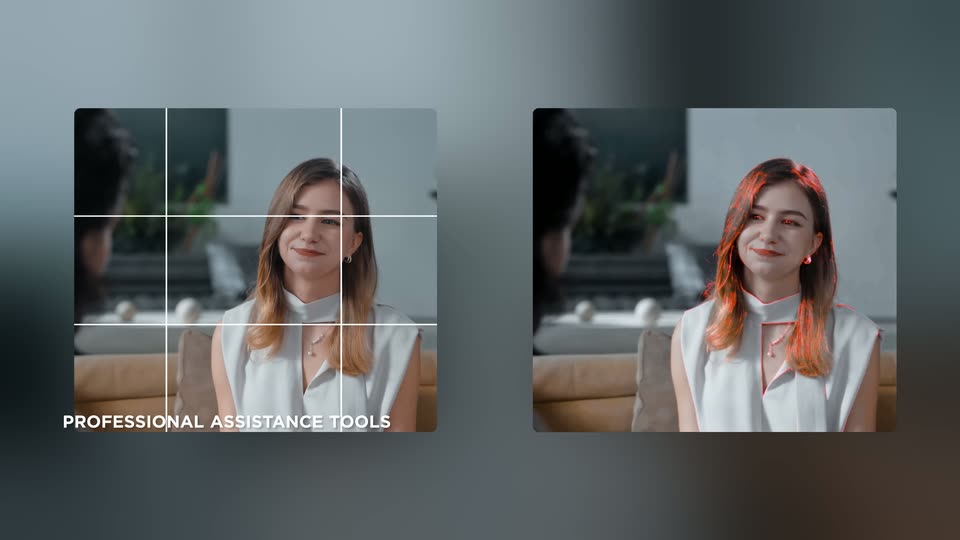 1:03–1:04DJI · Introducing DJI SDR TransmissionTwo rounded video panels sit side by side on a blurred gray background. The left shows a woman on a couch with a white rule-of-thirds grid; the right shows the same woman with an orange edge-detection outline tracing her hair and face. A caption sits at the lower left.
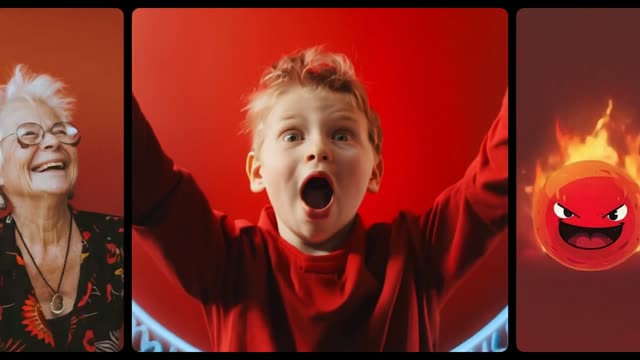 0:18 · 0.8sLuma AI · Introducing Luma Dream Machine - Next Generation AI VideoA boy in a red shirt shouts with arms raised against a red backdrop ringed by a blue arc. The frame splits into three vertical panels: a laughing elderly woman on the left, the boy in the center, and a flaming cartoon tomato on the right.
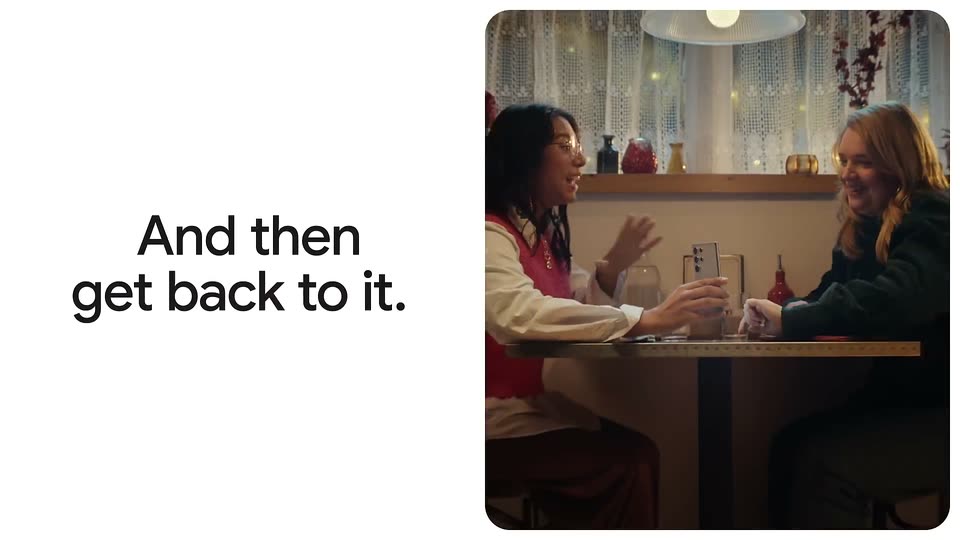 0:51–0:54Google · Introducing a new way to search | Circle to SearchScattered multicolored words rotate and converge into the black headline on the left, while a rounded-corner clip on the right shows two women chatting at a diner table, one holding a foldable phone upright on the counter.
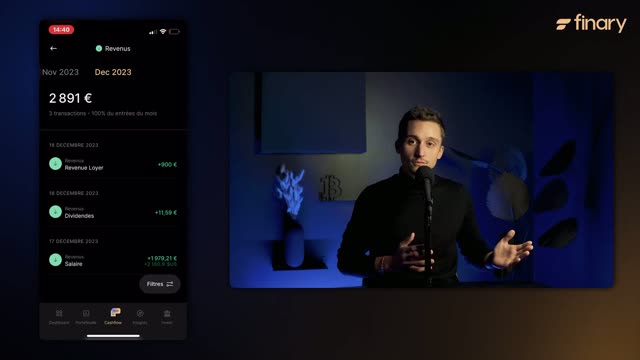 1:14–1:18Finary · Gérez votre budget efficacement et simplement avec Finary !A phone mockup of the Cashflow screen holds the left side while a man in a black turtleneck speaks into a microphone and gestures with his hands on the right. The finary logo sits in the top right corner.
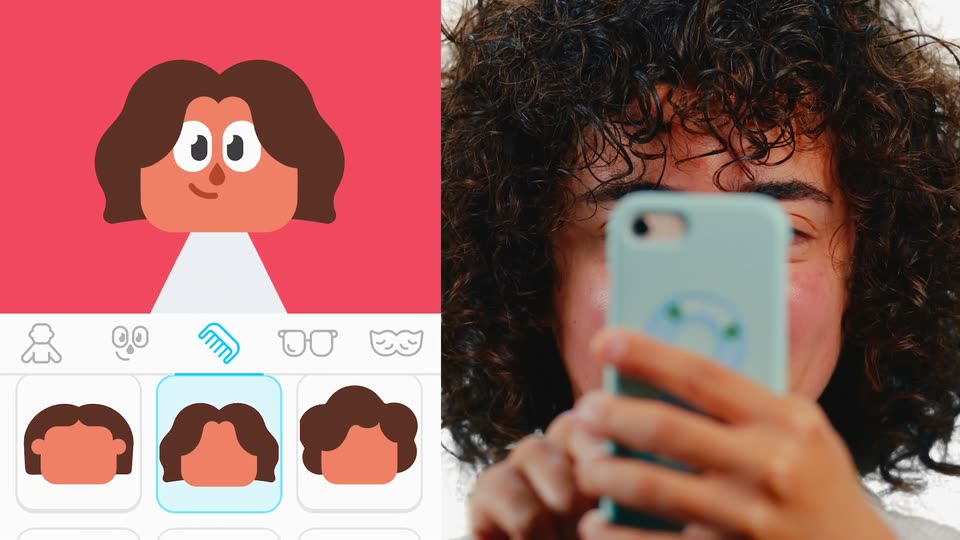 0:14–0:15Duolingo · Duolingo Avatar CreatorSplit screen: left shows a flat avatar builder with a brown-haired face on a coral field and a row of hairstyle options, right shows a curly-haired person holding a light blue phone up to their face. The avatar's hair shifts shape to echo the real curls.
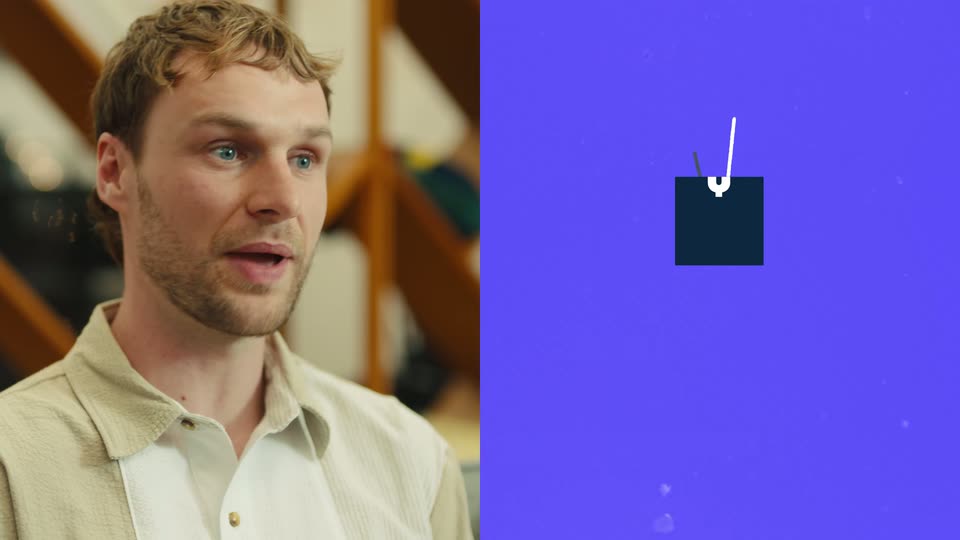 0:12–0:14Stripe · Introducing Stripe Reader S700Split screen: a man in a beige shirt talks on the left; on the right, a purple panel swaps flat white icons for bold navy labels, ending on a dollar sign in a navy square under PAYROLL.
 0:13–0:14Mercury · All Startups Start SomewhereSplit screen: a hand in a yellow sleeve rests on a laptop keyboard, the screen dimmed with a Mercury login dialog, while the word secure types in on a pale gray field at right.
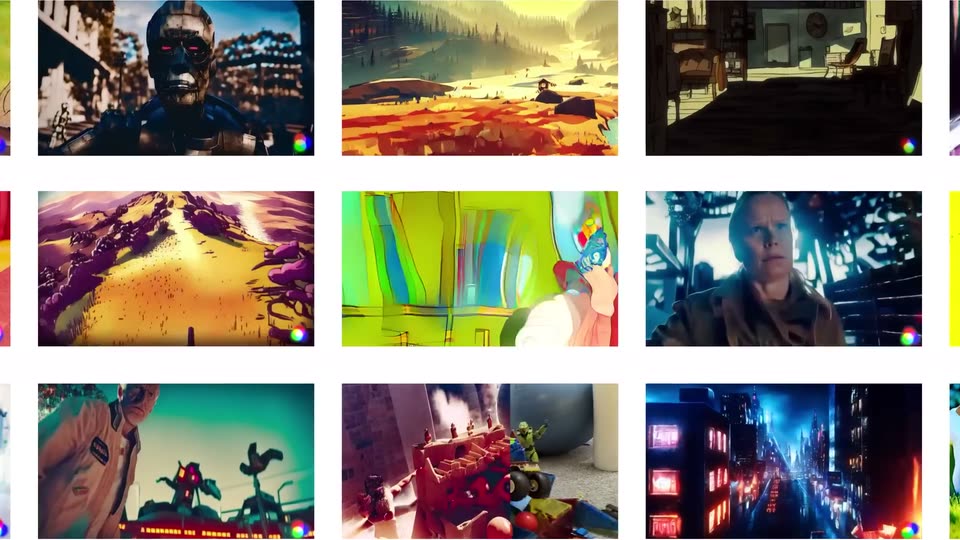 0:28–0:29Runway · Introducing Gen-2: Text to Video | RunwayA white background holds a grid of small video tiles, each playing a different clip: a metallic face, painted landscapes, a woman in blue light, a neon city, a LEGO model. The layout stays fixed while the footage inside each tile changes.
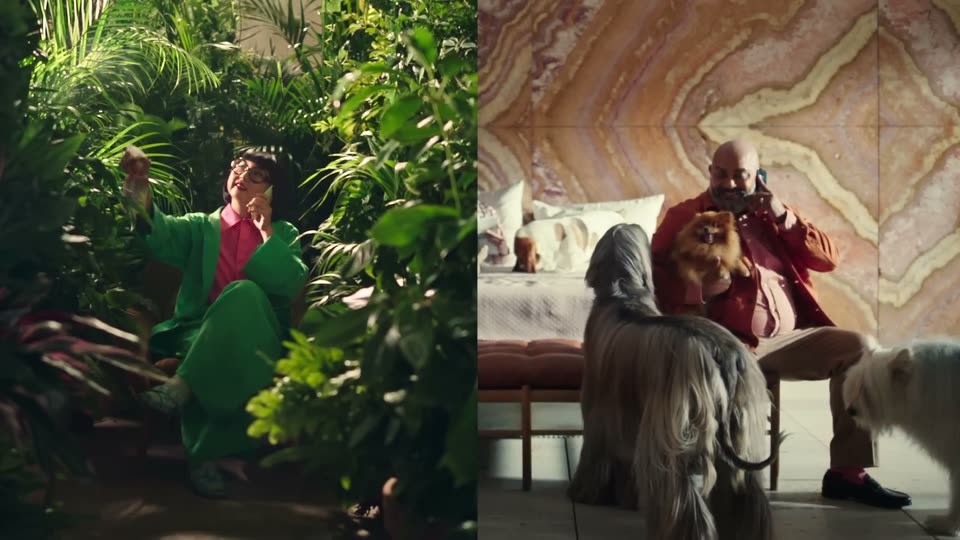 1:48–1:51Google · Meet Pixel 7 & Pixel 7 Pro: Google’s Most Advanced PhonesSplit screen of a video call. Left, a woman in a green suit sits among houseplants holding a phone to her ear. Right, a man in an orange jacket sits on a bench by a bed, cradling a small dog while two other dogs mill around him.
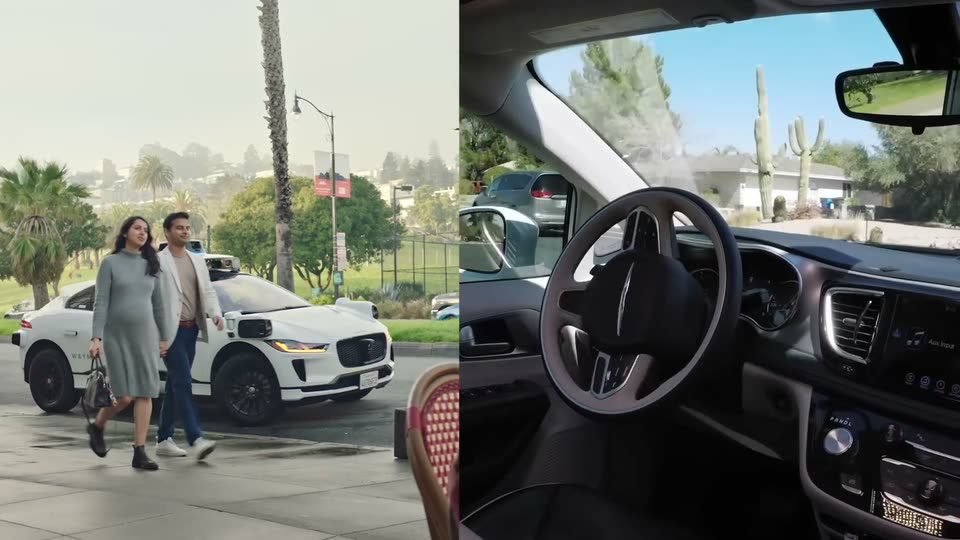 3:32–3:33Waymo · Sense, Solve, and Go: The Magic of the Waymo DriverA split screen pairs a couple walking past a white self-driving car on the left with the car's empty driver seat and steering wheel on the right, the vehicle gliding down a sunlit street.
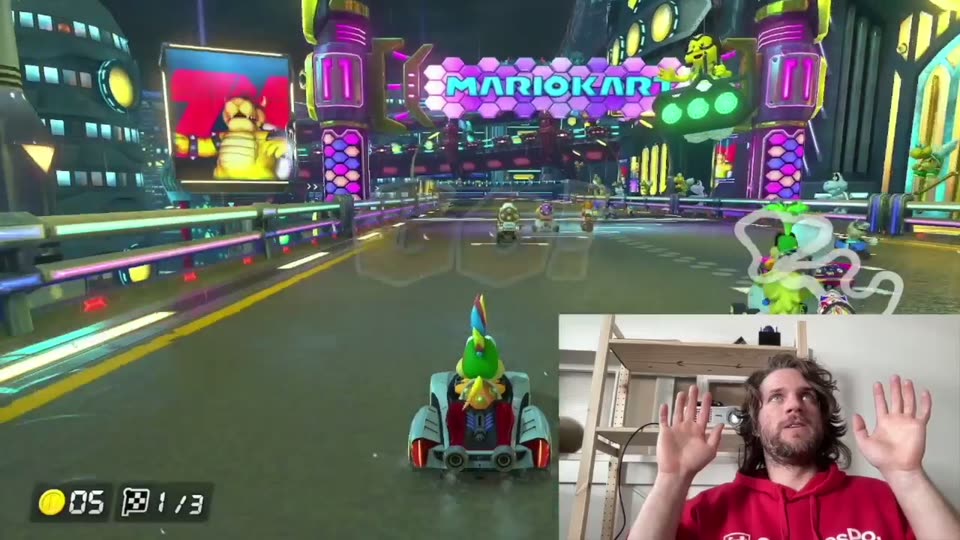 2:24 · 0.4sAugmental · MouthPad is a touchpad you drive with your tongue. Now available across the US. Over 100 people already use it, some for up to 16 hours/day. It works for gaming, for CAD, for Figma, and we're inA Mario Kart race fills the frame as a kart speeds down a neon track toward a glowing finish sign, while a streamer in a red hoodie raises both hands in a small bottom-right window.
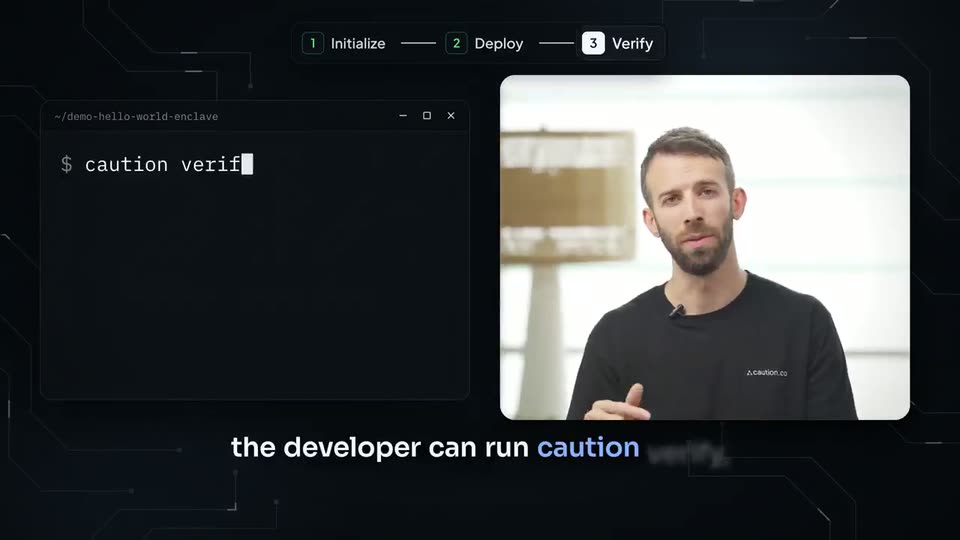 0:44–0:47Caution · Even if a developer's laptop, CI/CD pipeline, or cloud account is compromised, you should still be able to confirm that production is running the code you intended. That’s why we built Caution… | Caution (YC S26)A dark circuit-board background frames a split layout: a terminal on the left types the verify command and prints attestation output, while a presenter in a black shirt talks on the right. The step tracker advances to Verify and the presenter's video blurs out at the end.
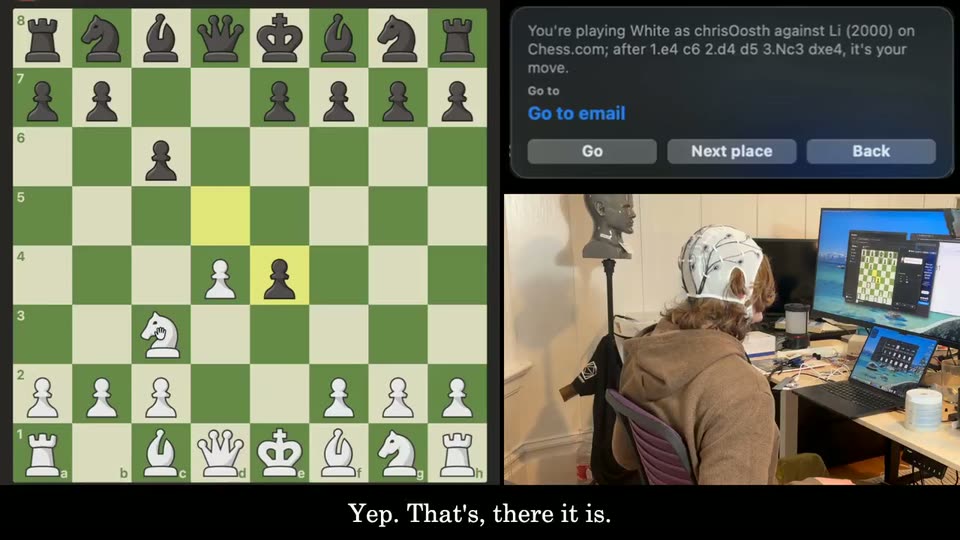 1:32–1:37Dydema · We’re officially launching with Y Combinator! Dydema is building personal, programmable brain–computer interfaces: you pick a thought and bind it to anything, like a key, a game or an agent. No… | Dydema (YC F26)Split layout: a green chess board with two squares highlighted on the left, a dark instruction panel with buttons top right, and a live shot of a person in a white EEG cap at a desk bottom right. The panel's blue line and buttons swap as the person reacts, then the left cuts to a Chess.com browser window and the right to a face close-up.
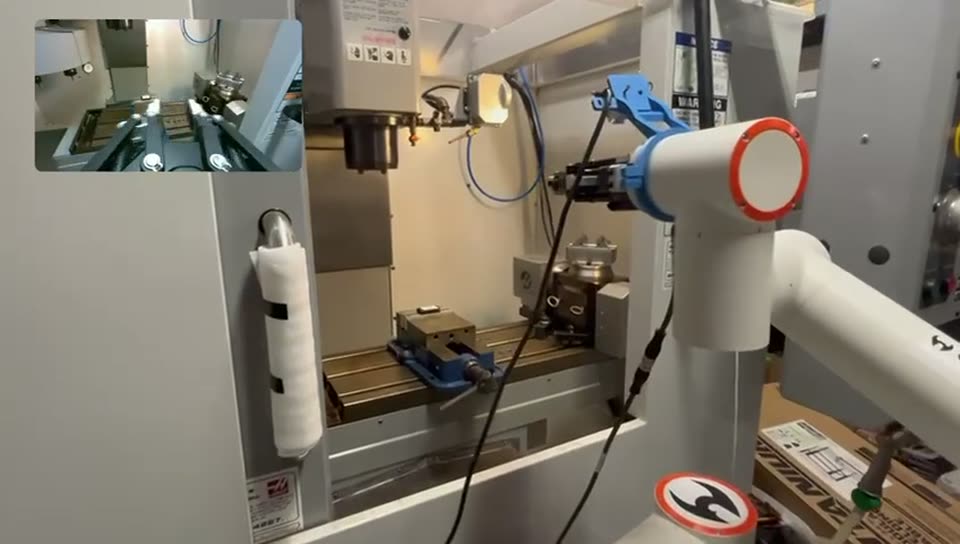 2:21–2:30Odin Robotics · Odin Robotics: machine tending demoA white robot arm with orange joint rings reaches into a CNC machine to load a small metal part, while an inset in the top-left corner shows the gripper jaws from a second camera. The camera pans to follow the arm as it extends and retracts.
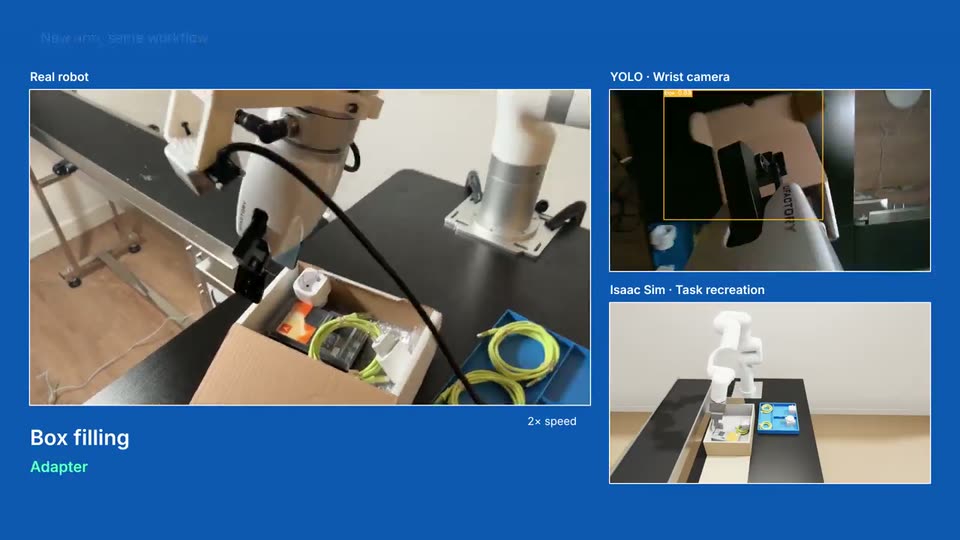 1:02–1:04Odin Robotics · See Odin Robotics (YC F26)’s activity on LinkedInA blue slide splits into three windows: a large left feed of a white arm dropping parts into a box, a top-right wrist-camera view with colored detection boxes, and a bottom-right 3D recreation of the same task. All three play at once while white labels caption each panel.
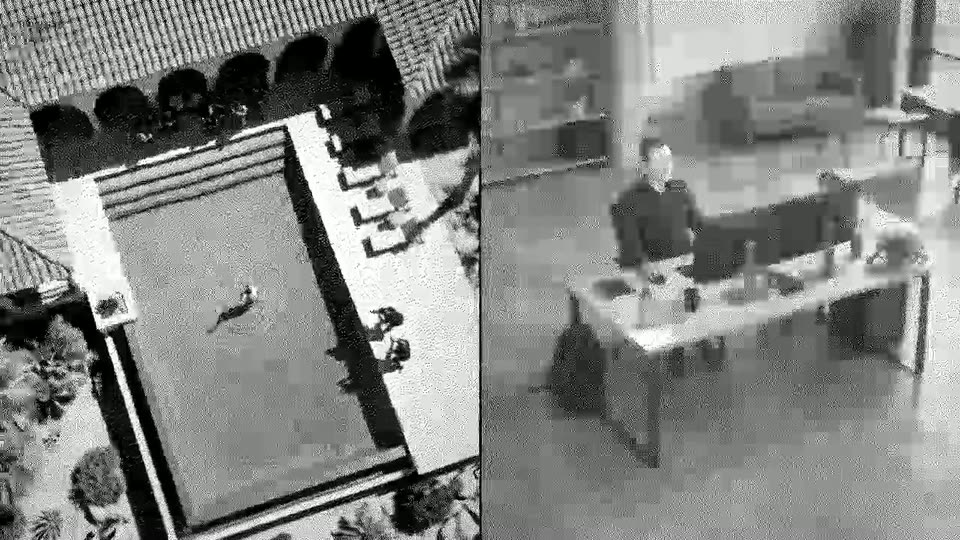 1:06–1:07Polsia · I hired a team of eleven. He is still a solo founder. Ask him. Log entry two | PolsiaA grainy black and white split screen holds a top-down pool with a swimmer on the left and a person at a desk with a monitor on the right. The tiled deck surrounds the pool; the right room shows a sofa and shelves in soft focus.
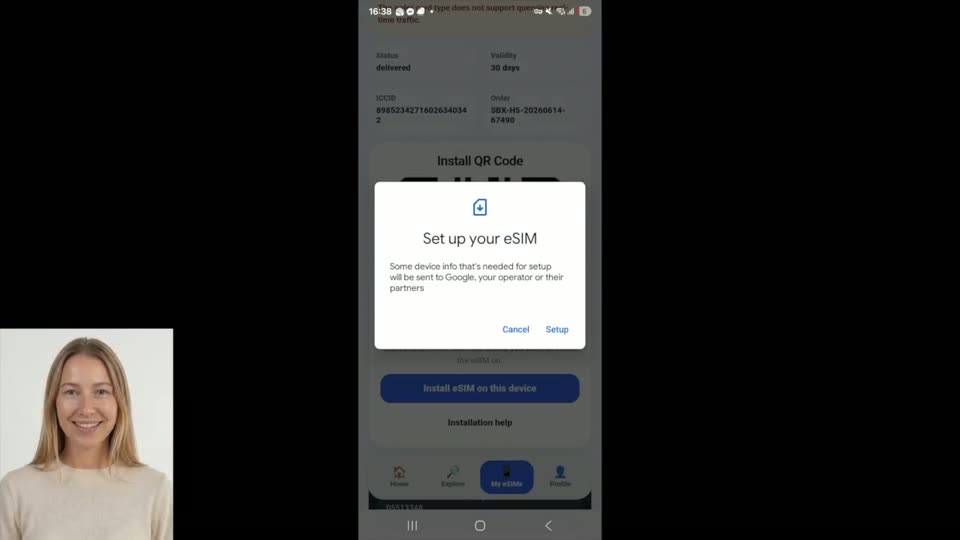 0:36–0:40SimBlox · SimBlox: apps demoA blonde woman in a cream sweater talks in the lower left corner while a phone screen on the right shows a dimmed eSIM page with a white dialog reading Set up your eSIM and Cancel and Setup buttons.
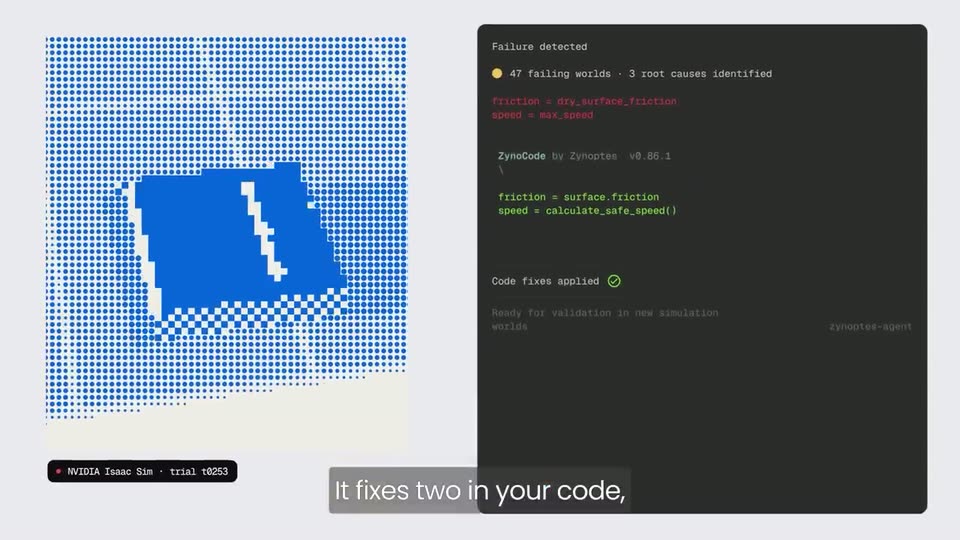 1:06–1:08Zynoptes · Building something to change the world? Get in touch to break it before the world does. | ZynoptesSplit layout: a blue halftone dot-matrix flag shape on the left, a dark agent panel on the right where red code lines are struck through and replaced by green fixes, ending with a checkmark. A bottom caption reads the line while the panel fills in.