Feature reveal
A sequence devoted to one feature: its announcement and its demo.
73,841 scenes · page 221 of 1231
 0:29–0:30Apple · Apple – Don’t BlinkA short white sentence sits centered on a flat near-black field bordered by black letterbox bars. The type holds perfectly still for the full shot, with no motion or reveal.
 0:54–0:57Google · Introducing Project BloksA bearded man in a cream sweater speaks and gestures in an office, an old monitor and window blinds behind him, the frame slowly tightening on his face.
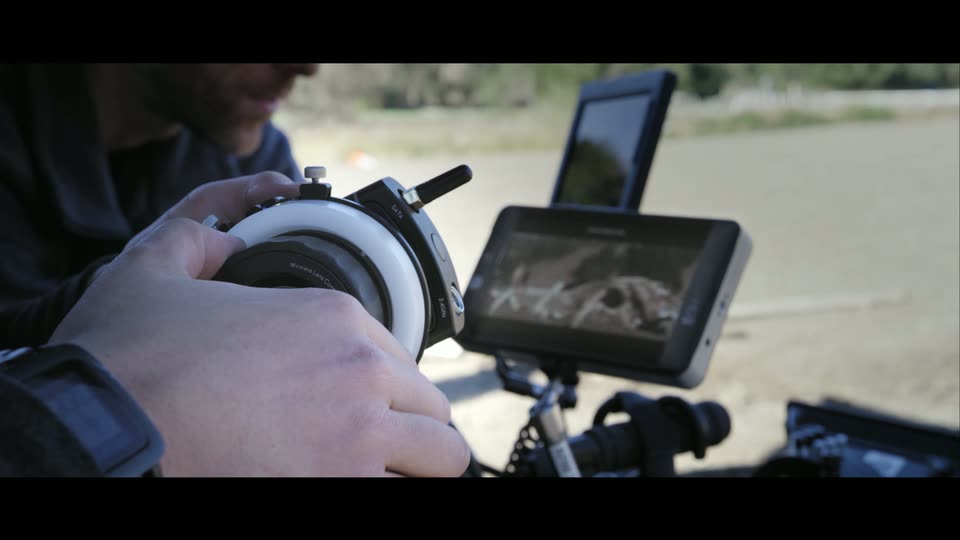 0:34–0:36DJI · DJI - Introducing the DJI FocusClose-up of hands turning the focus ring of a white-ringed cinema lens, with two field monitors showing a live feed in the soft-focus background. The camera holds a locked-off frame with a shallow depth of field on the lens and hands.
 0:34–0:35Adobe · Adobe Spark is Here! | AdobeA flat browser mockup on a light gray background scrolls upward, its 3D landscape content sliding out to reveal a red audio card with a blue music note and a red mic button. The thin gray label below scales up and blurs as the mockup transitions.
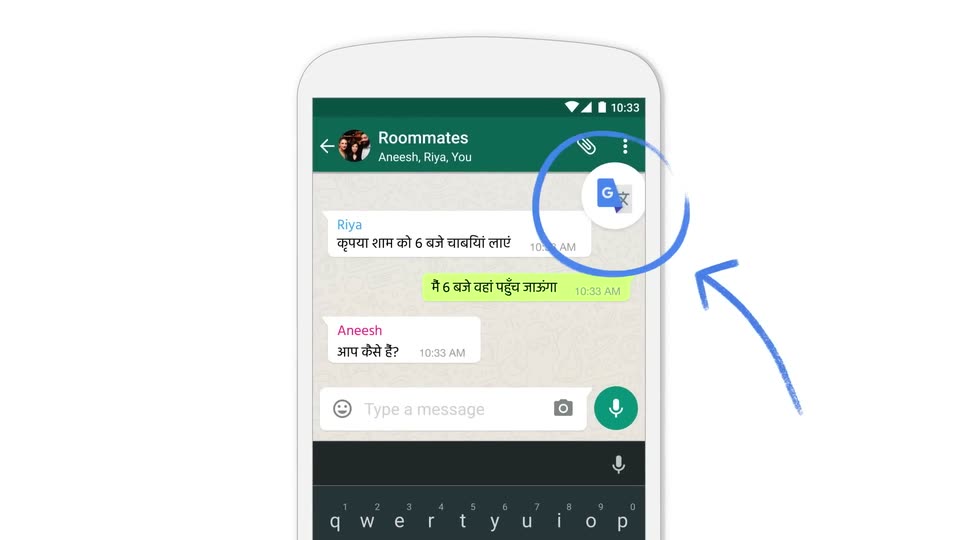 0:26–0:36Google · Introducing Tap to TranslateA blue G logo card sits left of a 3D phone mockup showing a Hindi group chat. The view zooms into the screen; a small Translate icon appears in the chat header, circled by a hand-drawn blue ring and arrow, and pulses.
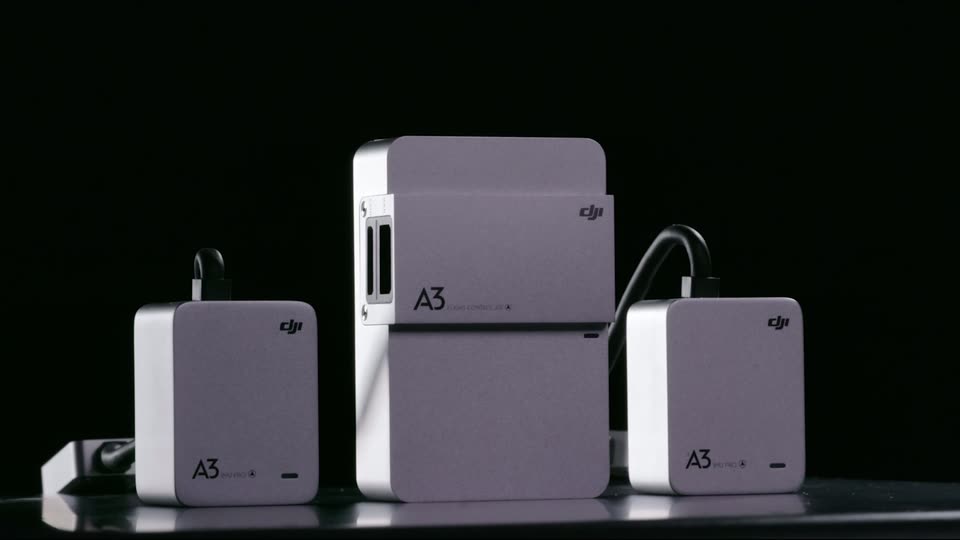 0:40–0:41DJI · DJI – Introducing the A3 and A3 ProThree white A3 modules stand on a glossy black surface in a dark studio. A hard cut reveals a top-down view of a black octagonal drone body, its carbon-fiber deck fitted with white A3 modules and red circular units.
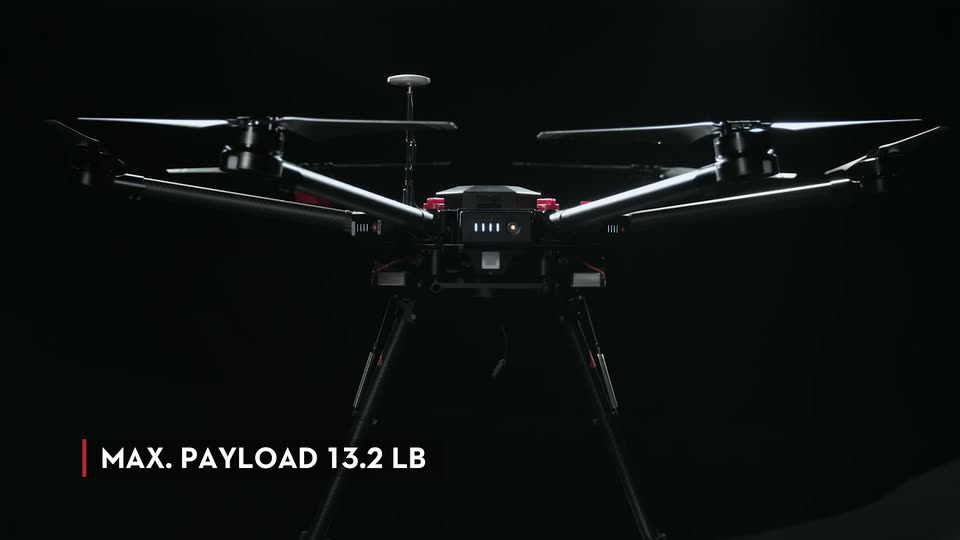 0:34–0:36DJI · DJI – Introducing the Matrice 600A black hexacopter drone sits centered on a pure black background, its carbon arms and propellers catching rim light. The camera pushes in slowly toward the airframe. A white spec line with a red accent bar fades in at the lower left.
 0:36–0:40DJI · DJI – Introducing the Ronin-MXBearded man in a checkered shirt speaks in a studio, a gimbal rig and softbox blurred behind him, locked-off medium shot. A red lower-third with his name and title fades in at the lower left, and a short caption appears near the end.
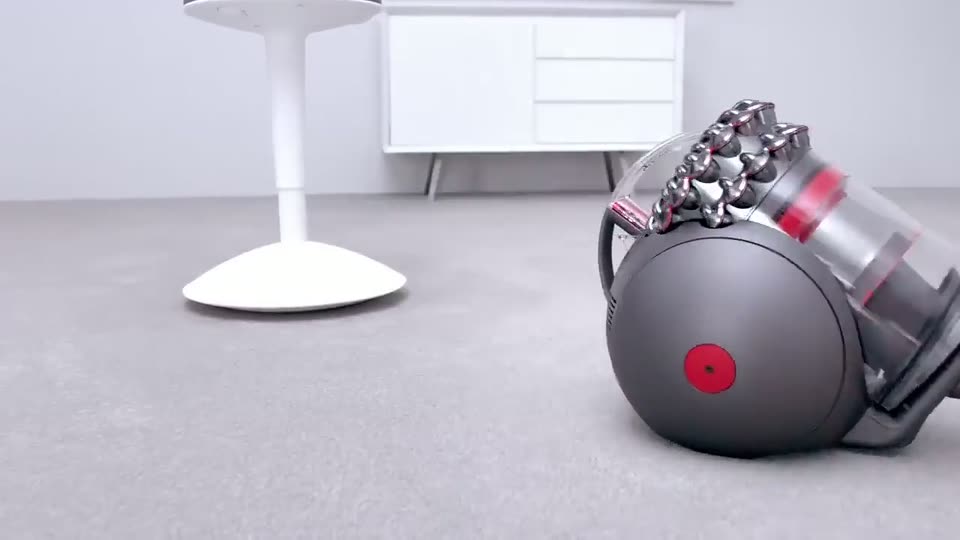 0:15–0:16Dyson · The Dyson Cinetic™ Big Ball cylinder vacuum. The perfect remedy to common vacuum issuesA gray robot vacuum lies on its side on a gray carpet, then rotates to right itself upright. A white caption card in the lower right holds the headline and a small inset clip of a person with a red X.
 0:15–0:21Google · Introducing Destinations on GoogleA phone screen shows a travel app's Europe destinations grid. The view opens cropped on the Prague and Madrid cards, emphasizing dates and prices, then zooms out to reveal the full screen and filter bar. A tap ripple pulses over the filter row.
 0:42–0:43DJI · DJI – Introducing the Agras MG-1An aerial shot of green terraced rice fields drifts slowly. A white grid overlay wipes in from the right, then the white headline AGRAS MG-1 SPRAYING SYSTEM appears centered over the grid.
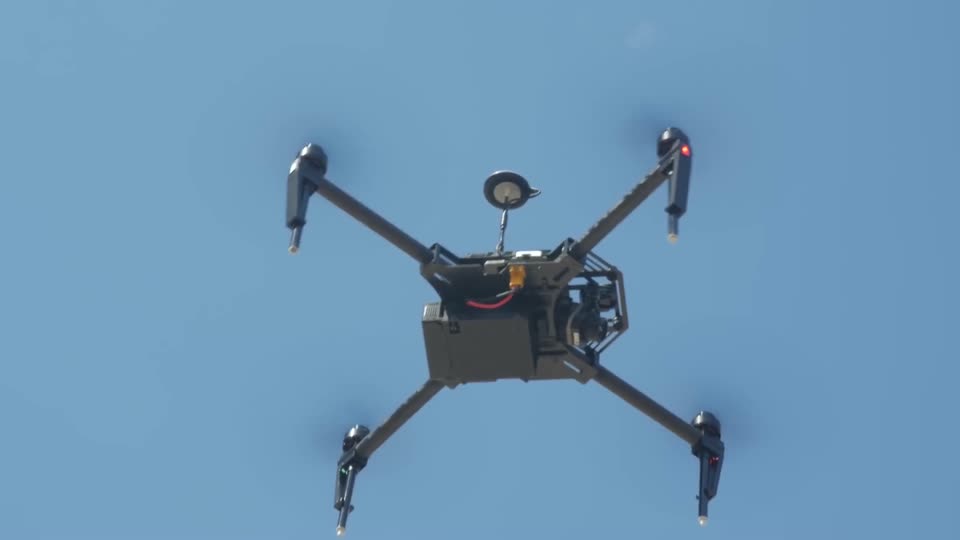 0:48–0:49DJI · DJI - Introducing the Zenmuse XT Thermal Camera and Gimbal Powered by FLIRA black multi-rotor drone with a payload box and gimbal hovers against a clear blue sky, its propellers blurred from spin as the camera tracks it from below.
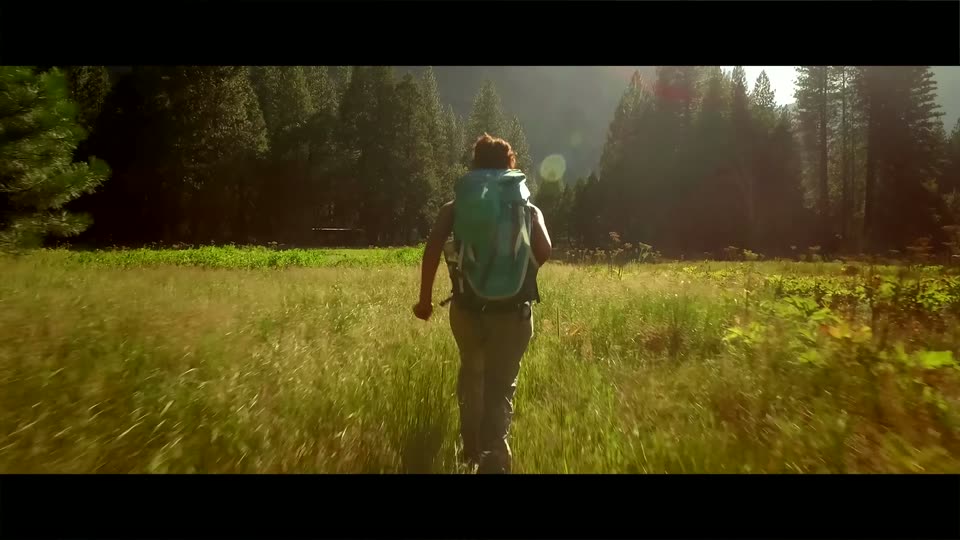 0:30–0:33DJI · Introducing the DJI OsmoA runner with a mint backpack sprints away from the camera across a sunlit meadow toward a pine forest, the tracking shot blurring the grass. It cuts to a man in a gray blazer and glasses before a dark DJI set, a gold name caption in the lower right.
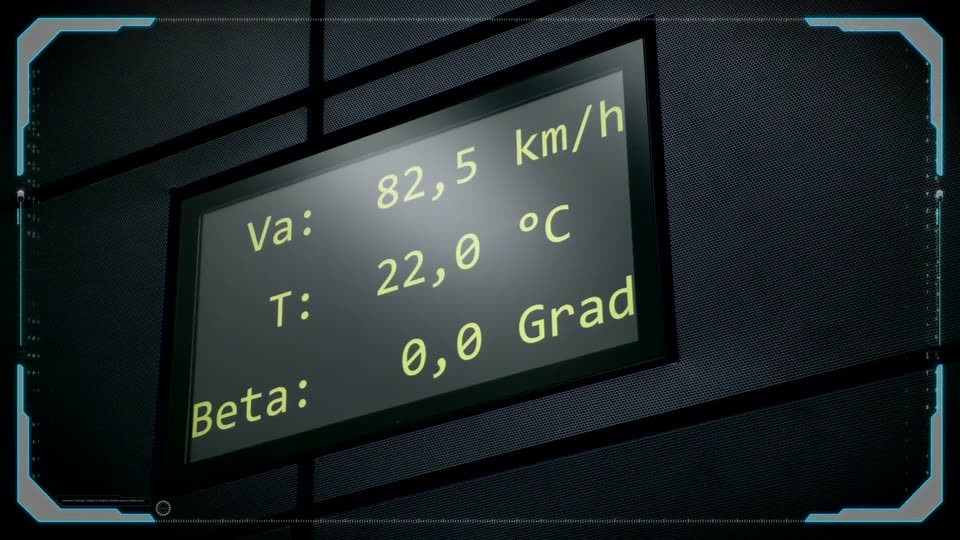 1:07–1:08Mercedes-Benz · Intelligent Aerodynamic Automobile – the “Concept IAA” – Mercedes-Benz originalA tilted digital display in 3D perspective shows yellow monospace telemetry text on a dark screen. The speed value updates from 80,5 to 82,5 km/h while temperature and gradient hold steady, all framed by a thin blue HUD border.
 0:50–0:54DJI · DJI - Introducing Lightbridge 2A 3D aerial view of a forested coastal cliff with a road and a small train entering a tunnel, turquoise water below. The camera glides slowly along the shoreline. A white caption sits in the lower right corner.
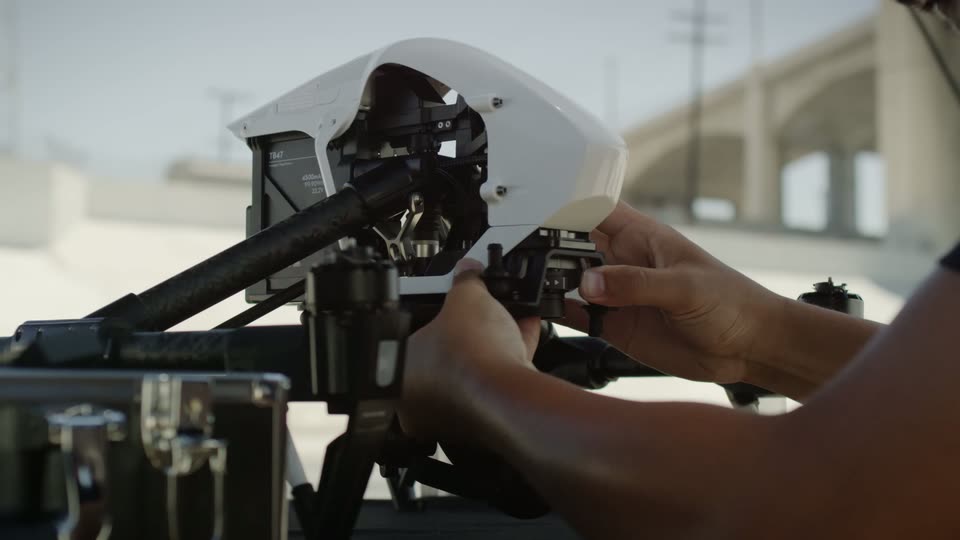 0:37–0:42DJI · DJI - Introducing the DJI Zenmuse X5 SeriesA pair of hands mounts a black camera module into the open bay of a white drone gimbal head, turning a locking knob to secure it. The drone arm and a black battery sit in the foreground against a blurred outdoor overpass.
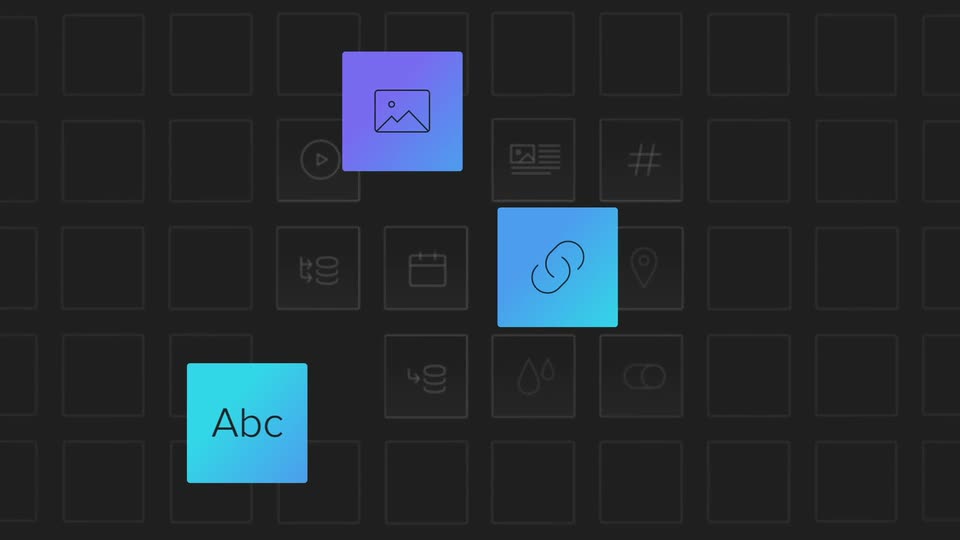 0:38–0:43Webflow · Introducing Webflow CMSA dark grid of line icons fills the frame. Three tiles, an image, a link and an Abc text block, glow purple and blue while the grid zooms. The grid fades and the tiles slide into a stacked layout inside a white outlined speech bubble with a BLOG tab.
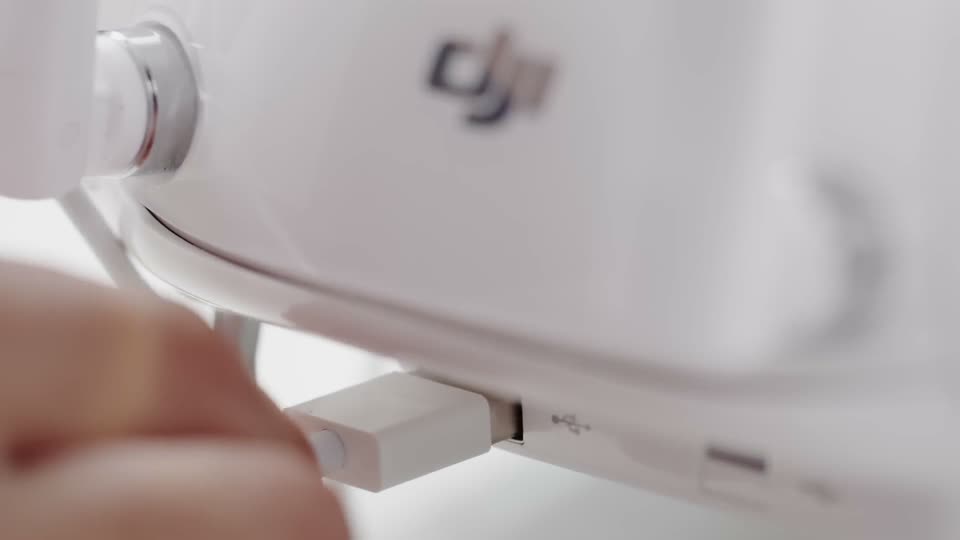 0:49–0:50DJI · Introducing the all-new DJI GO mobile appExtreme close-up of a white DJI controller body with shallow depth of field. A hand guides a white USB cable into the side port. The blurred DJI logo sits on the upper surface. Bright, soft lighting.
 0:34 · 0.8sGoogle · Introducing Project SunroofLine-drawn hands hold a three-panel folded paper map on the right, tilting it slightly as it turns. A solid black silhouette of a person with a hat slides in from the left edge. The background is off-white with a faint grain texture.
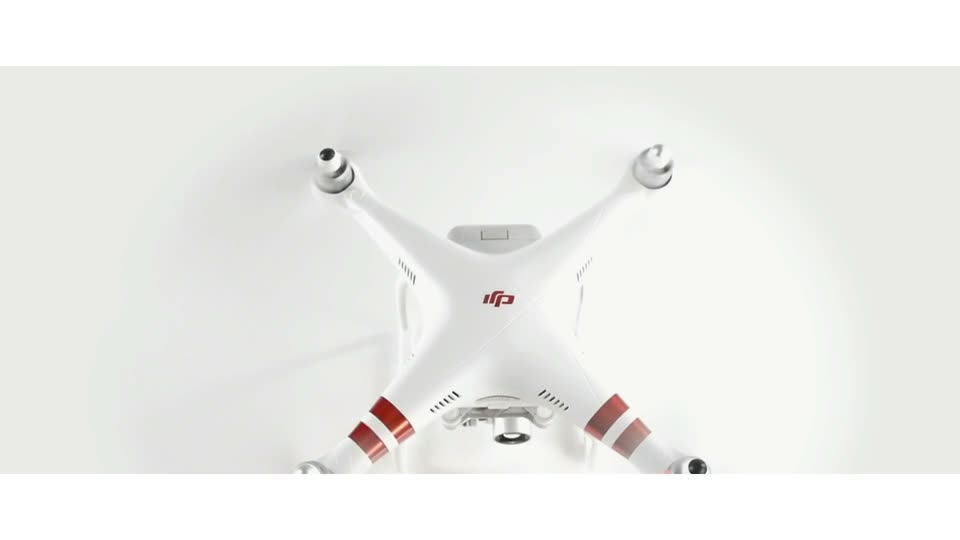 1:21–1:23DJI · DJI - Introducing the Phantom 3 StandardA white DJI quadcopter drone floats on a plain light gray background, viewed from above. The body rotates slowly in 3D, bringing the front camera gimbal into view at the bottom while the red DJI logo stays centered on the hull.
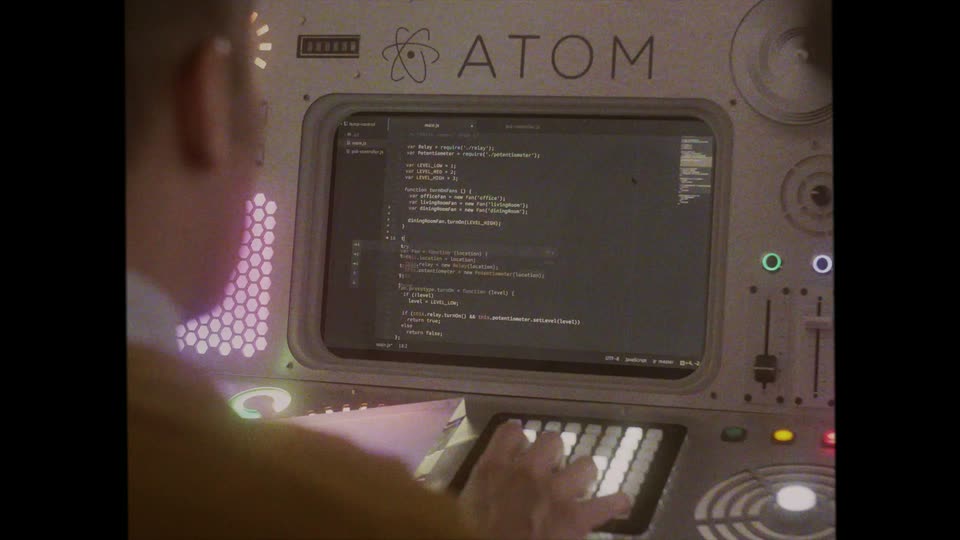 0:32–0:33GitHub · Introducing Atom 1.0!Over the shoulder of a person, a retro computer terminal labeled ATOM shows code on its screen while a hand types on the keyboard below. The frame is locked off; honeycomb lights and indicator dials glow on the panel.
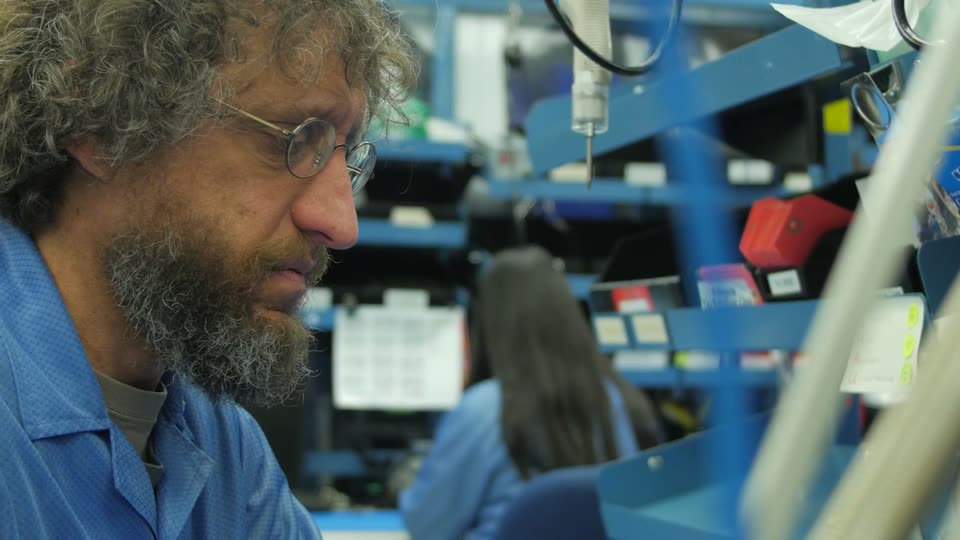 0:28–0:29DJI · DJI - Introducing the Matrice 100 and GuidanceA bearded man with curly gray hair and round glasses, in a blue shirt, looks down at his work in close profile. A second person and blue storage racks blur into the background of the workshop.
 0:08–0:10Google · Introducing Google Calendar for iPhoneA light gray sentence sits left of center on a plain white field. The line reads “And turn them into events.” then the word “Automagically.” appears at the end, extending the sentence in place.
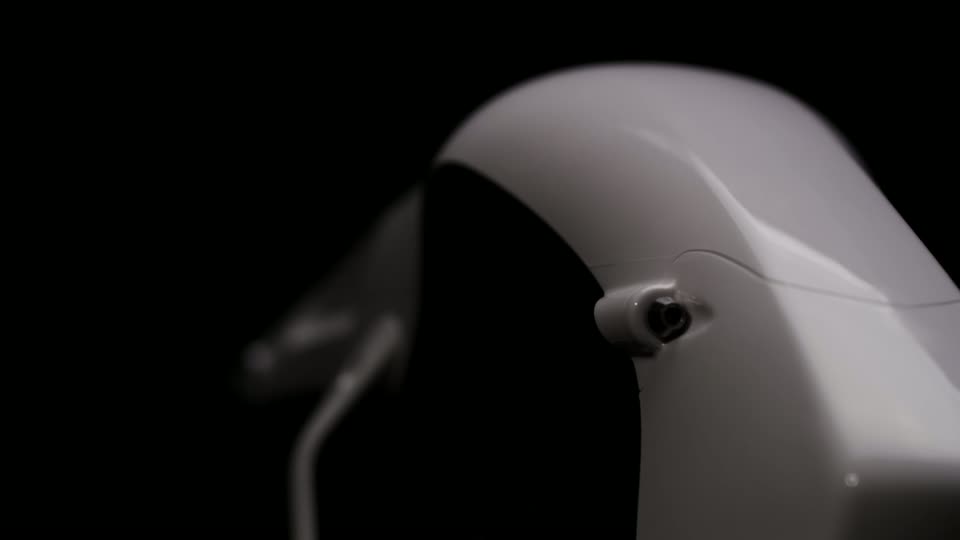 0:28–0:30DJI · DJI – Introducing the Inspire 1A white curved drone body with a small protruding camera lens fades up from black, the form brightening as a blurred arm sits out of focus on the left.
 0:10–0:11Google · The new Google Calendar app for Android and iPhoneA phone mockup with a red inbox header is held over a plate of oysters on ice, a hand reaching to grab one. It cuts to the same phone over a vinyl turntable and audio mixer while the notification list reorders.
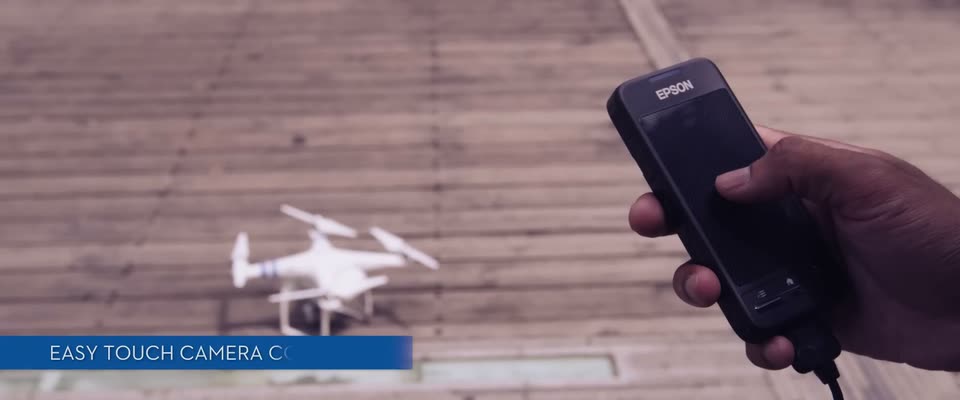 0:24–0:25DJI · DJI - Introducing Effortless FPV with Epson MoverioA hand grips a black Epson device on the right, sharp, while a white drone sits on a wooden deck in soft focus behind. A blue bar wipes in from the lower left, uncovering the caption about camera controls.
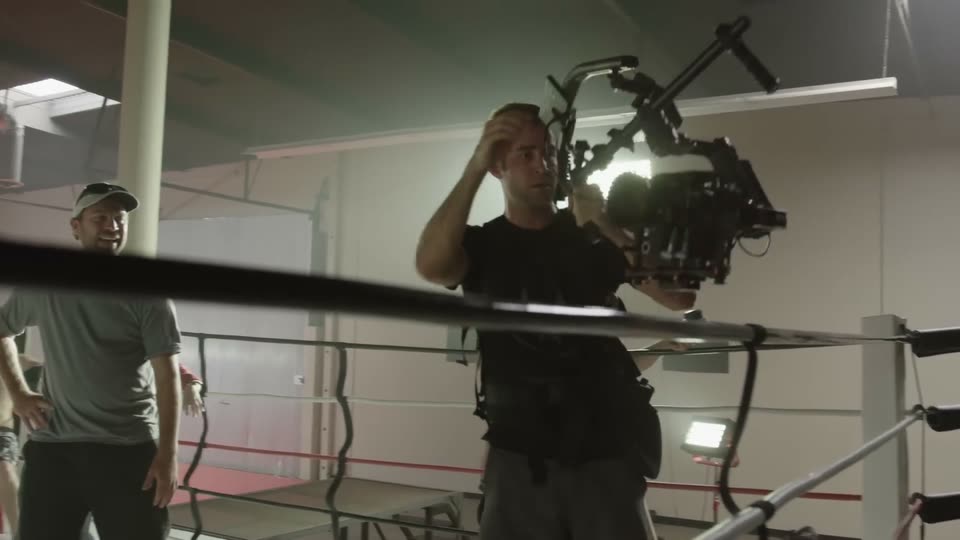 0:28–0:30DJI · DJI - Introducing the RoninA man in a black t-shirt holds a heavy camera gimbal in a bright studio, adjusting the rig and peering through it. A second man in a gray shirt and cap stands at left. Mirrored walls and a raised platform fill the background as the frame drifts left.
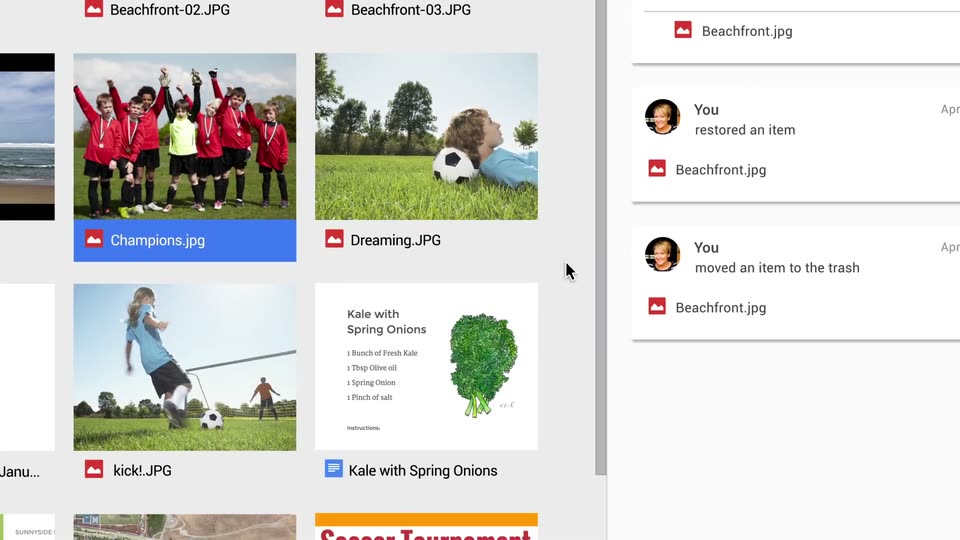 0:25–0:30Google · Meet the new Google DriveA Drive file grid sits beside a details panel that opens for an image. The cursor selects the Activity tab, the log scrolls, then double-clicks a recipe document, which opens in a new window.
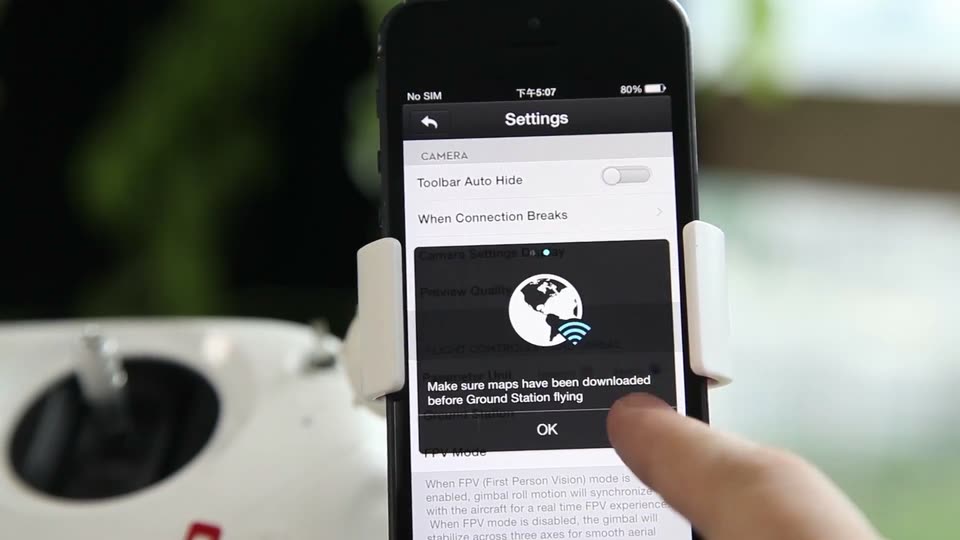 0:23–0:26DJI · DJI - Introducing Ground Station for the Phantom 2 Vision SeriesA close-up of a phone in a white clip shows the app's settings screen. A finger taps Accept on a disclaimer dialog, the dialog switches to a tips note, then clears to reveal the list with the Ground Station toggle on. A white drone sits blurred in the foreground.
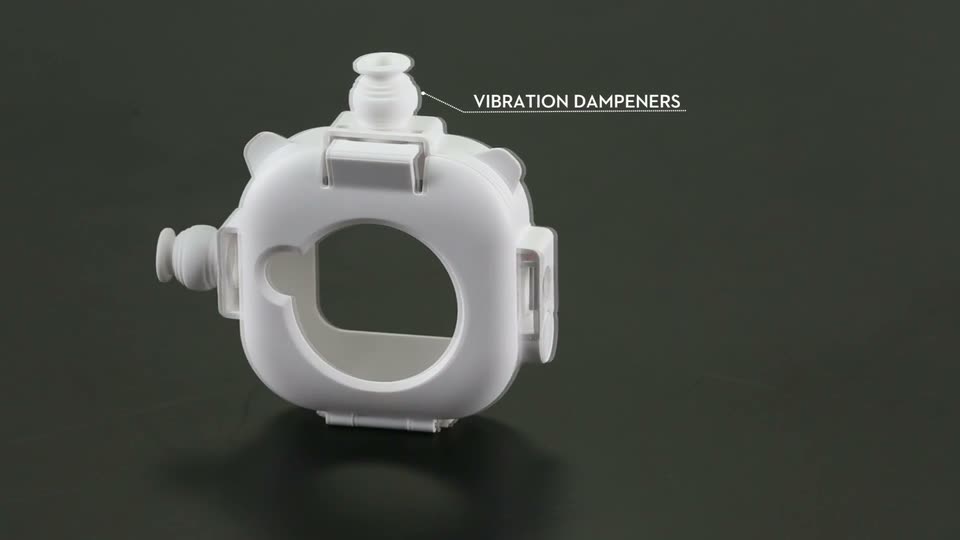 0:15–0:19DJI · DJI Introducing the Phantom FC40A white plastic drum bracket stands on a dark reflective surface, angled in 3D. Three cylindrical dampeners push out from its top and sides while a dotted leader line draws to the top one, revealing the label VIBRATION DAMPENERS.
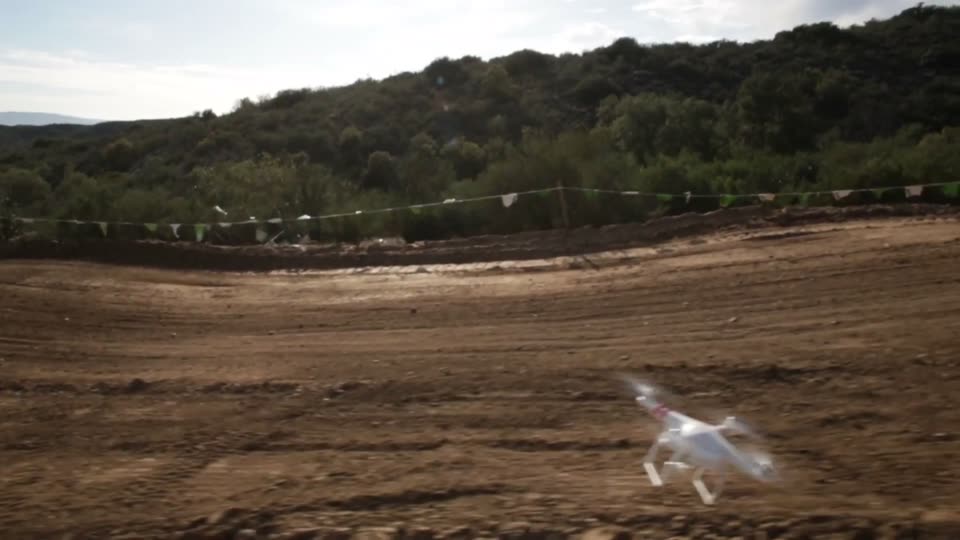 0:44–0:47DJI · DJI - Introducing the Phantom 2 Vision PlusA white quadcopter flies low over a dry dirt field, drifting left to right while the camera tracks it. A brush-covered hill and a line of small bunting flags fill the background under a pale sky.
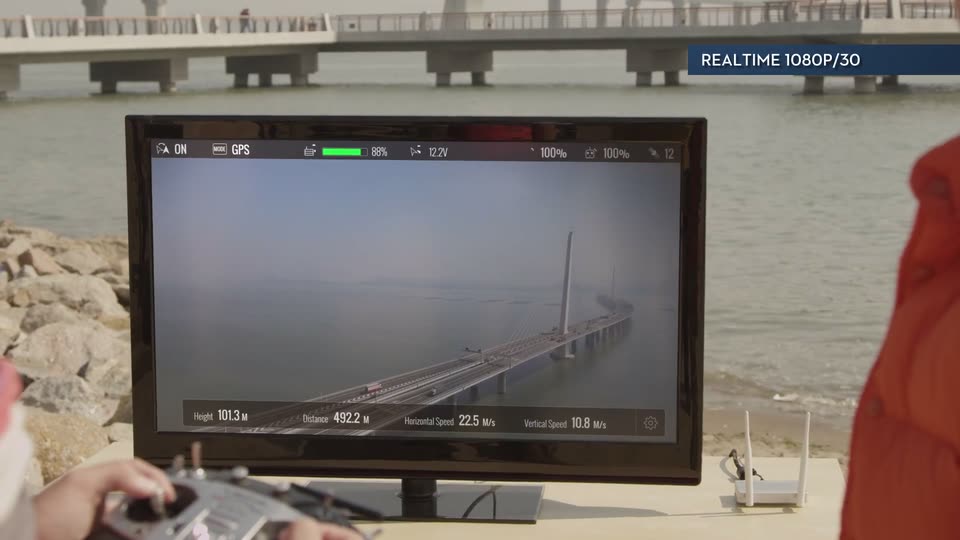 0:36–0:37DJI · DJI - Introducing the LightbridgeA table-top monitor shows a drone's aerial view of a long bridge over water, while a hand grips a remote controller in the lower left and a person in an orange jacket stands at the right. A dark blue caption box with white text slides in at the top right.
 0:13 · 0.8sDJI · DJI - Introducing the Spreading Wings S1000A macro shot of a 3D printer extruder head in a dark space, the silver nozzle block and orange wire in sharp focus. A dark blurred shape sweeps across the foreground, throwing the head out of focus.
 0:23–0:25Google · Meet the new Google SheetsA green field of faint spreadsheet icons (charts, grids, arrows) fills the frame. Two tilted green document icons with white grid lines scale up in the center, settling above the static white label “Filter views”.
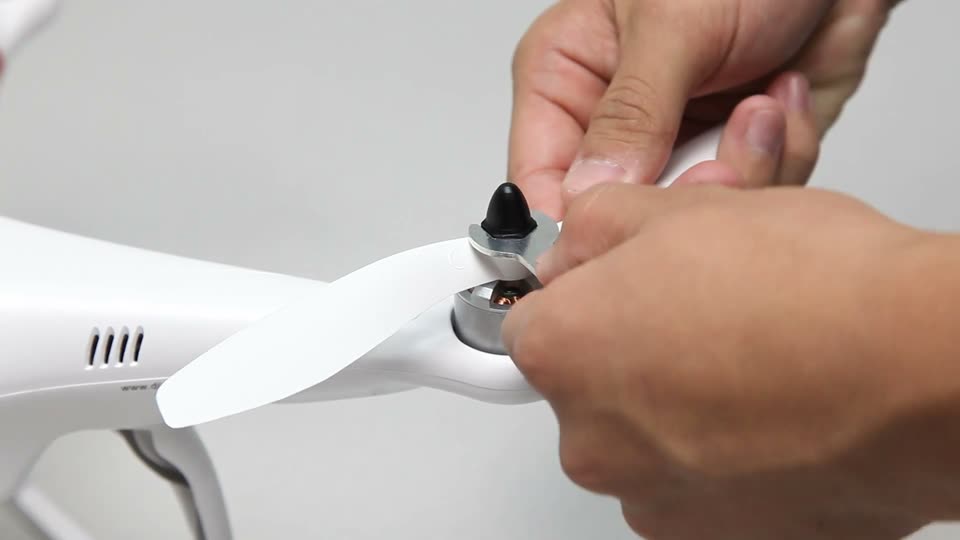 0:27–0:30DJI · DJI Introducing the Phantom Self - tightening PropellerClose-up of a white drone arm with a two-blade propeller on a plain light gray background. A hand enters from the right, pinches the blade, and lifts it off the motor mount, exposing the copper motor beneath. Locked-off frame.
 0:24–0:27Nintendo · Nintendo 2DS - IntroductionA 3D shelf of Nintendo DS game cases and cartridges stands in perspective on a white floor with soft reflections. The array slides slowly to reveal more front-row titles, while the gray headline stays fixed above.
 0:49–0:53Google · Introducing Google NoseA bearded man in an orange shirt and dark hoodie fills a medium close-up, centered against a blurred office backdrop. He speaks to camera, raising his right hand briefly. Shallow focus keeps his face sharp while glass panels and wood slats soften behind him.
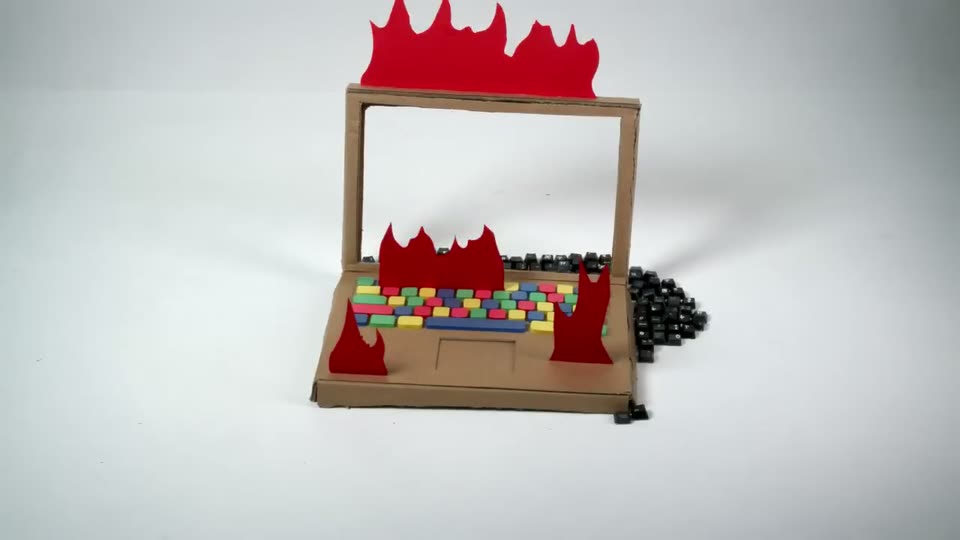 0:37–0:43Google · Introducing Google Input ToolsA cardboard laptop with colorful paper keys sits on a white surface. A red propeller spins on its blank screen, then red paper flames rise around it as the machine sinks into a spreading pile of black keys.
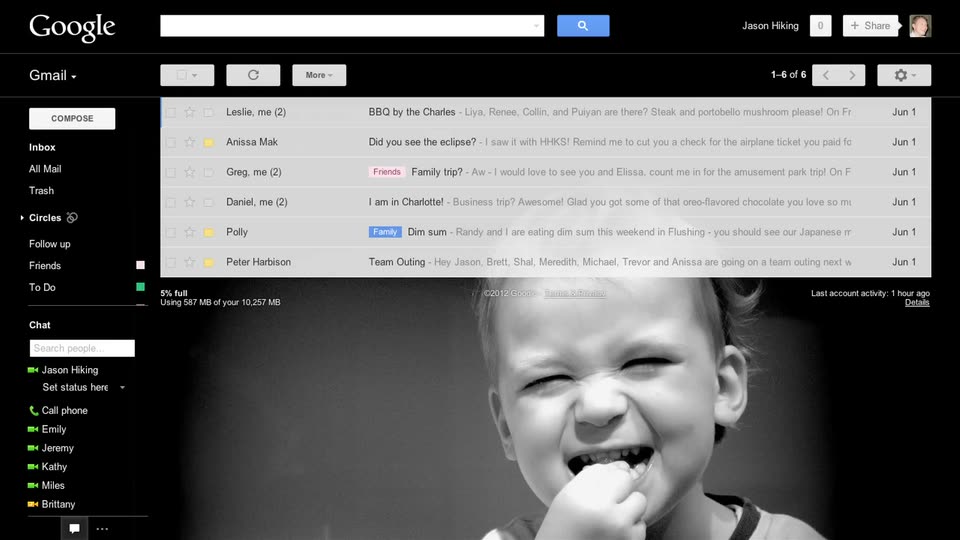 0:08–0:09Google · Introducing Custom Themes in GmailA Gmail inbox panel, listing emails and a contact sidebar, dissolves to transparent while the backdrop crossfades from a winking child in grayscale to a hiker silhouette on a sunset ridge.
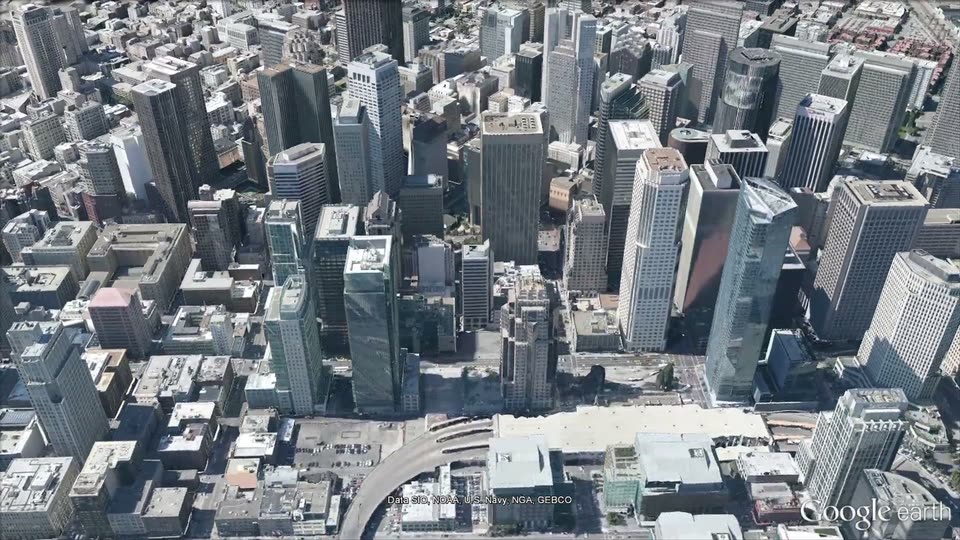 0:11–0:12Google · New 3D imagery for Google EarthA high-angle 3D satellite view of a dense downtown skyline glides forward over the rooftops. A tiny data-credit line holds the bottom center while the Google Earth wordmark scales in at the bottom right.
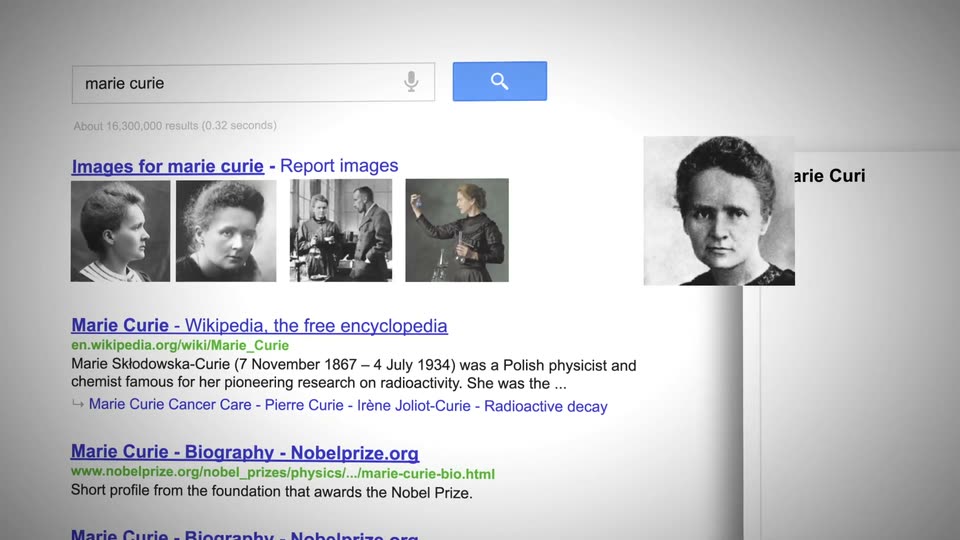 1:19–1:20Google · Introducing the Knowledge GraphA search results page for marie curie fills the left of the frame, showing black and white thumbnails and blue links. A white side panel slides in from the right edge, its heading Marie Curie revealed as the panel widens.
 0:13–0:15Google · Introducing Voice Search for your computerA man in a blue Google t-shirt stands centered against a plain light gray backdrop, holding a silver laptop at his right side. He faces the camera, smiling, then his expression softens as he speaks, nodding slightly.
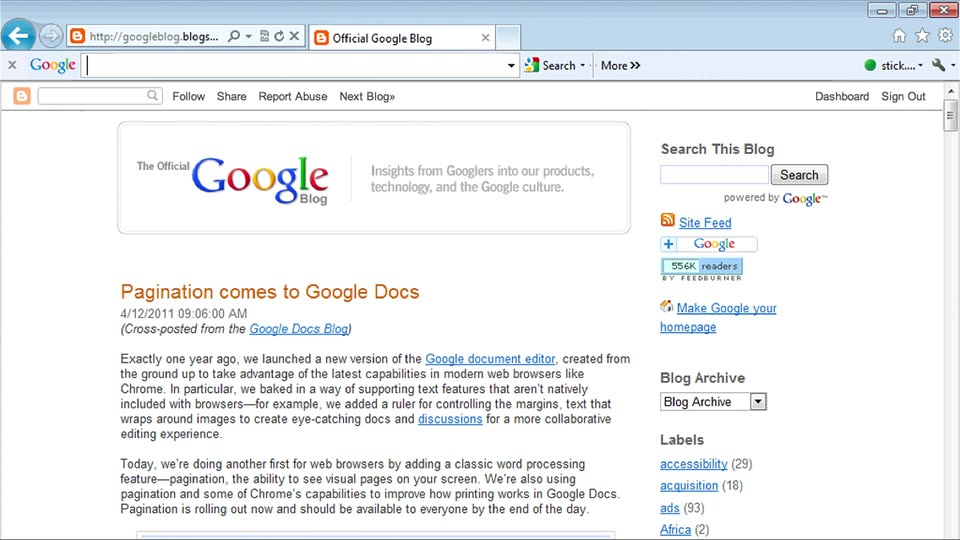 0:12–0:16Google · Introducing Google Toolbar 7A browser window holds the Official Google Blog page, showing the article titled Pagination comes to Google Docs, static for most of the clip. It then cuts to the search bar where shi is typed and a dropdown of word suggestions drops down.
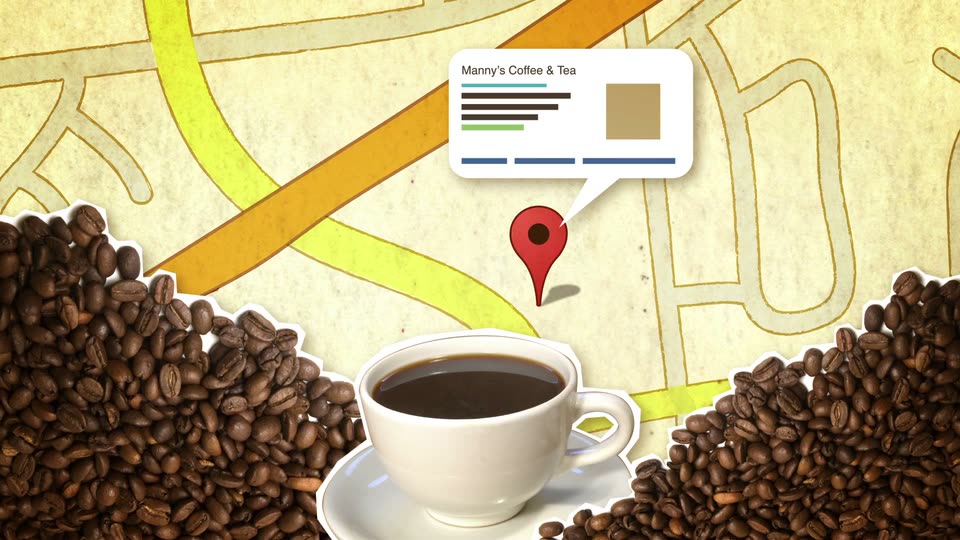 0:19–0:21Google · Introducing Google Map Maker for the United StatesA hand-drawn cream map with yellow and orange street lines fills the frame. A red location pin sits center, and a white info card labeled with a coffee shop name fades in above it. Piles of coffee beans and a white cup on a saucer frame the bottom edge.
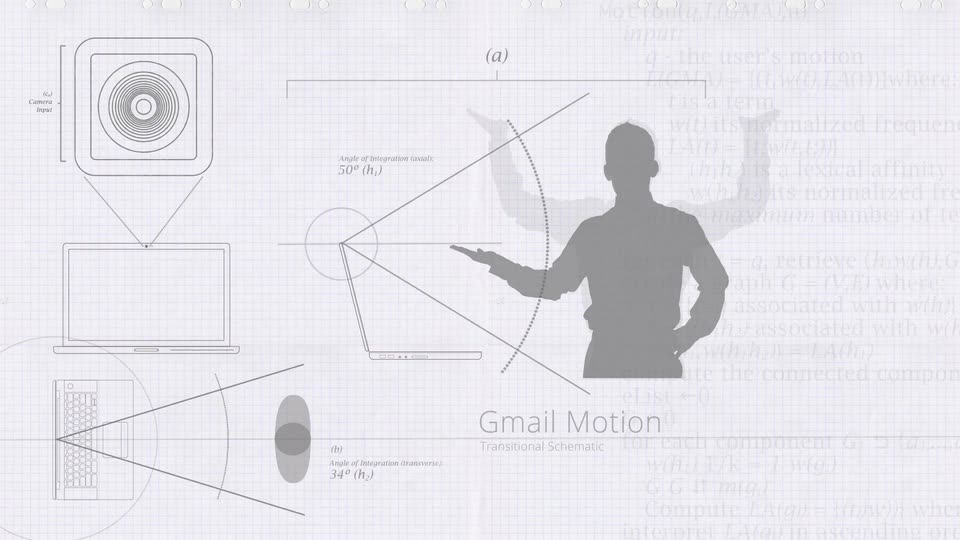 0:30–0:36Google · Introducing Gmail MotionOn a pale graph-paper grid, line drawings of a camera, two laptops and a keyboard anchor the left. Angled lines and a dotted arc draw from the side laptop as a gray human silhouette fades in at right, cycling through arm gestures; a title sits lower right.
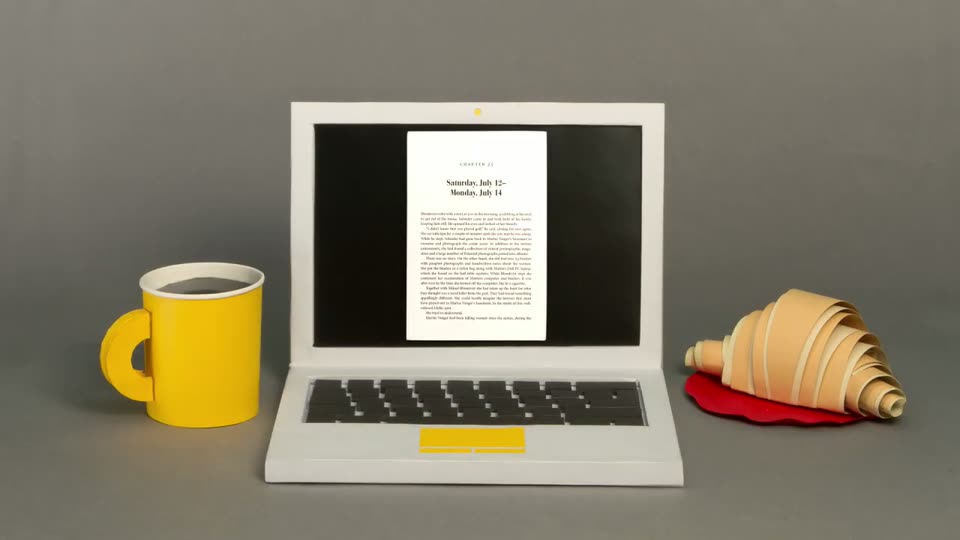 0:57–0:59Google · Introducing Google eBooksA papercraft white laptop sits on a gray surface between a yellow paper coffee mug and a paper croissant on a red napkin. The laptop screen switches from the yellow book cover to a chapter page while the camera stays locked off.
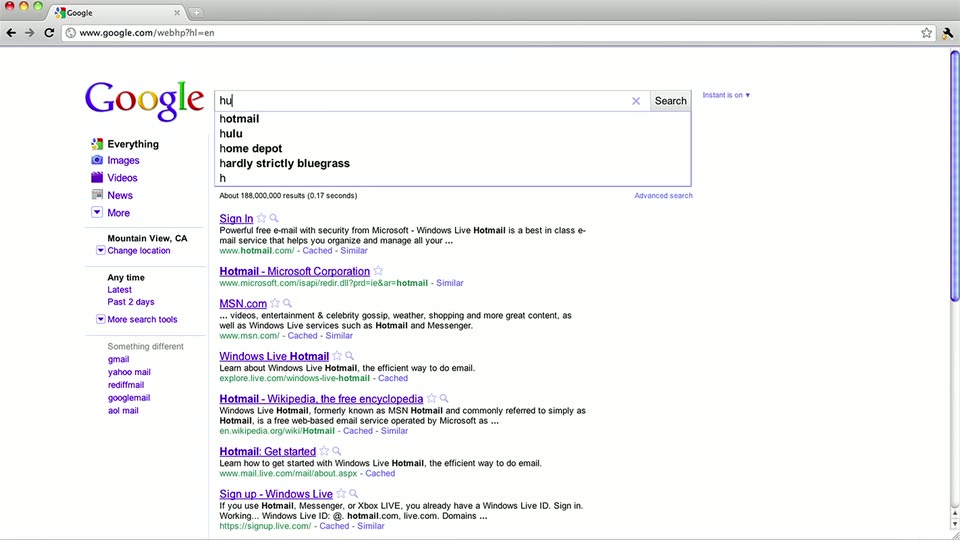 0:02–0:03Google · Introducing Instant PreviewsA browser window frames the Google homepage on a white page. The letter h is typed into the search box, and an autocomplete list of five suggestions drops down beneath it.
 0:57–0:59Google · Introducing a new Google DocsThree white clouds sit in a row on a plain white background, each cradling a tilted icon: a lined document, a green spreadsheet grid, and a sheet with a yellow pencil. The icons wobble and tilt, then blur into a fast spin as the scene exits.
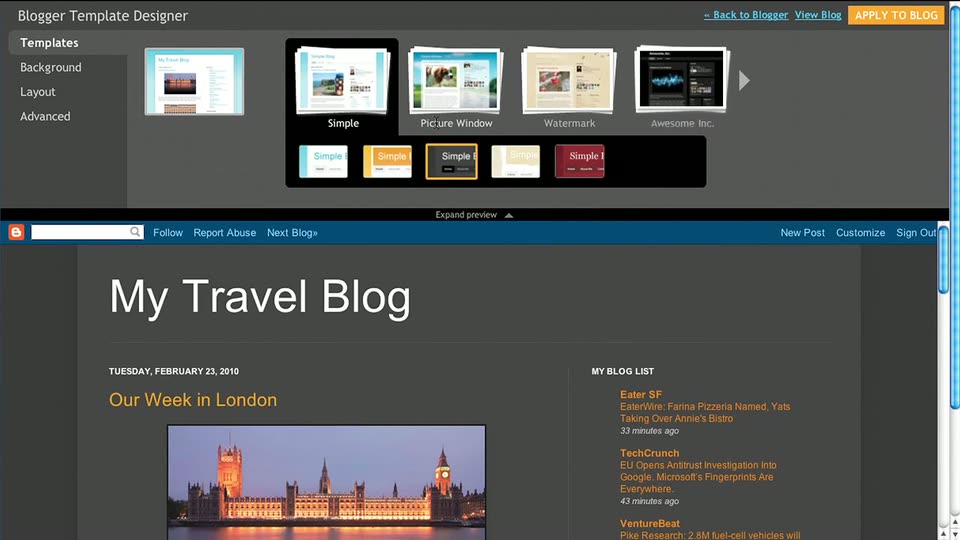 0:06–0:07Google · Introducing the Blogger Template DesignerA Blogger template designer screen shows a row of template thumbnails and color swatches above a dark blog preview titled My Travel Blog. A white cursor glides from a swatch up to the Picture Window thumbnail.
 0:07–0:09Google · Introducing the Street View snowmobileA white card holds the centered gray line as a washed-out live shot of a rider on a red snowmobile with a tall camera rig fades in on a snowy field, the line staying fixed over the image.
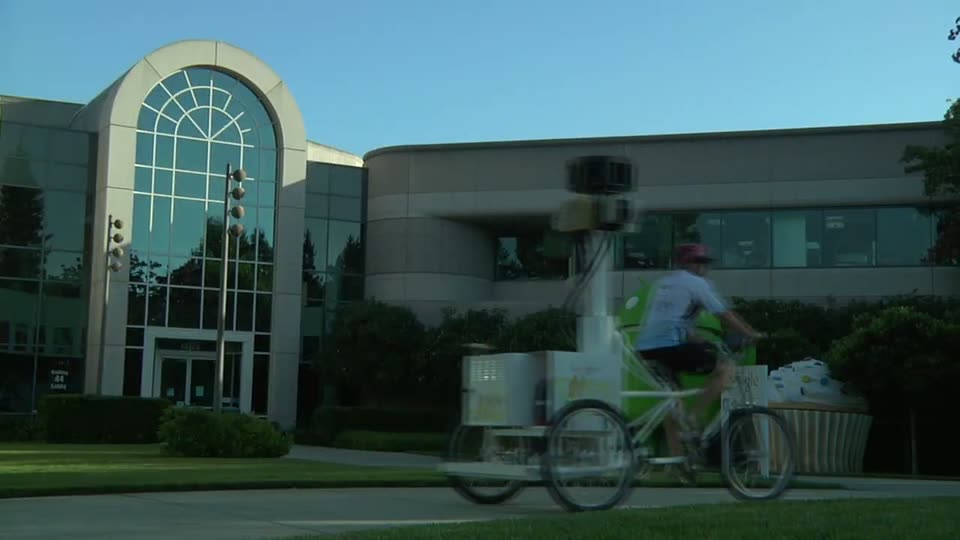 0:05–0:07Google · Introducing the Street View TrikeA cyclist in a white shirt and red helmet rides left to right across a Google campus lawn, hauling a tall pole topped with a dark disc and a white box. The green Android statue, a donut sculpture and a cupcake sit in the background.
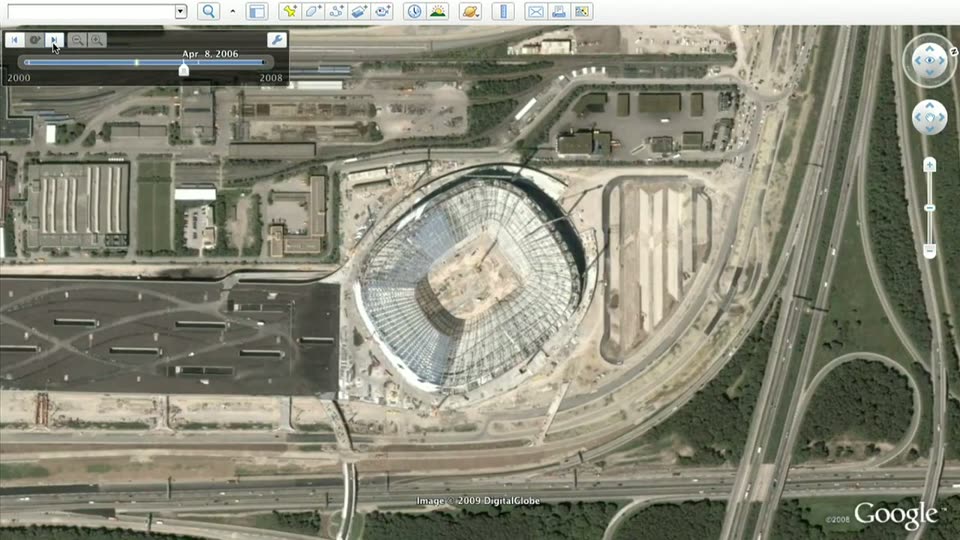 0:08–0:10Google · What's New in Google Earth 5.0A satellite view of a stadium under construction fills the frame in a locked-off shot. A timeline slider in the top-left corner advances, updating the date from Aug 29, 2004 to Apr 8, 2006, while a cursor hovers over the playback controls. The Google logo sits in the bottom-right corner.
 0:31–0:32Google · Street View now available in New ZealandA locked-off close-up of the Google Maps toolbar shows a gray Search Maps button beside a blue Show search options link. A hand cursor slides in from the lower left and clicks the button.
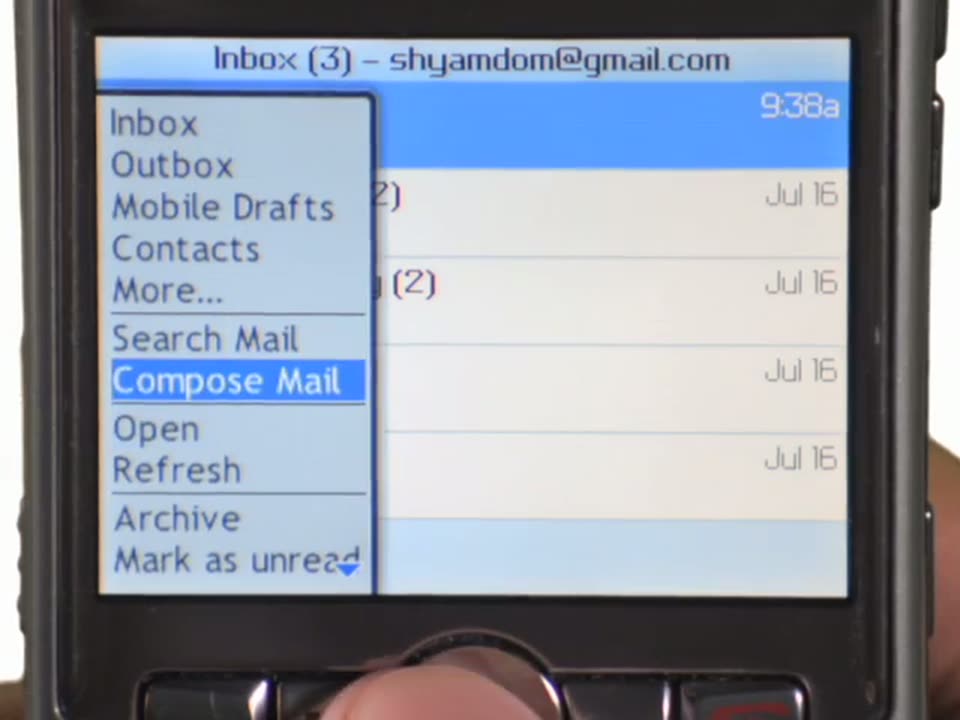 0:20–0:22Google · Introducing Gmail for mobile 2.0A close-up of a phone screen shows a Gmail inbox list. A vertical menu panel slides in from the left edge, its Compose Mail item highlighted in blue. A thumb rests on the navigation key at the bottom of the device.
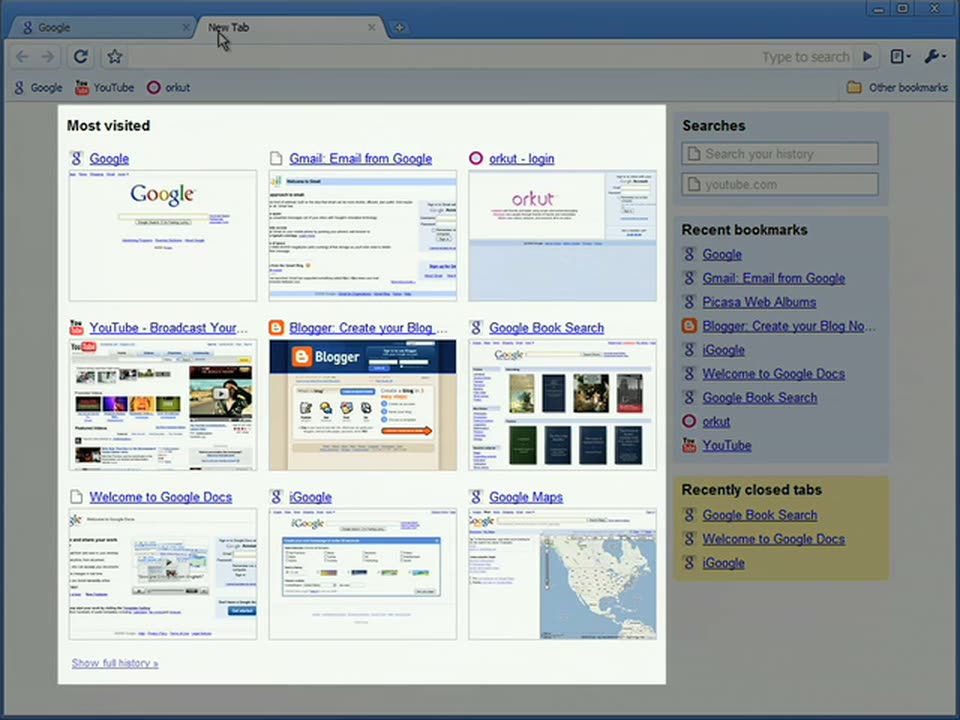 0:05–0:10Google · New Tab PageA full-screen Chrome window shows the New Tab page: a grid of most-visited site thumbnails on the left and a sidebar listing searches, recent bookmarks and recently closed tabs on the right. A mouse cursor rests on the New Tab tab, and the window dims slightly toward the end.
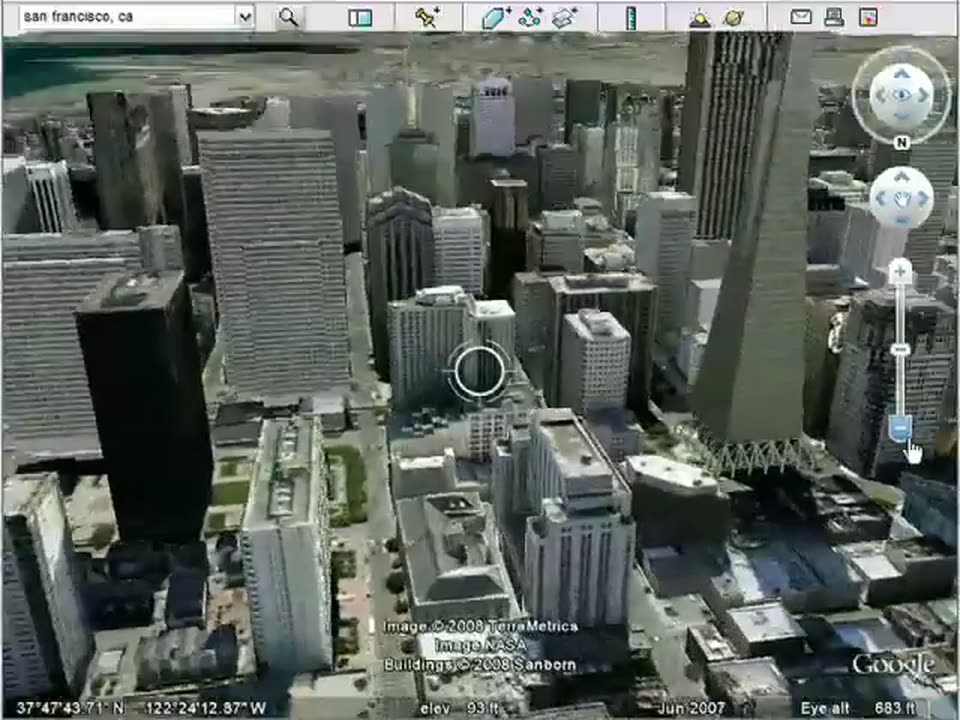 0:05 · 0.4sGoogle · New features in Google Earth 4.3The Google Earth interface displays a 3D view of the San Francisco skyline, tilting upward to reveal the horizon and sky. A cursor hovers over the zoom slider on the right edge.
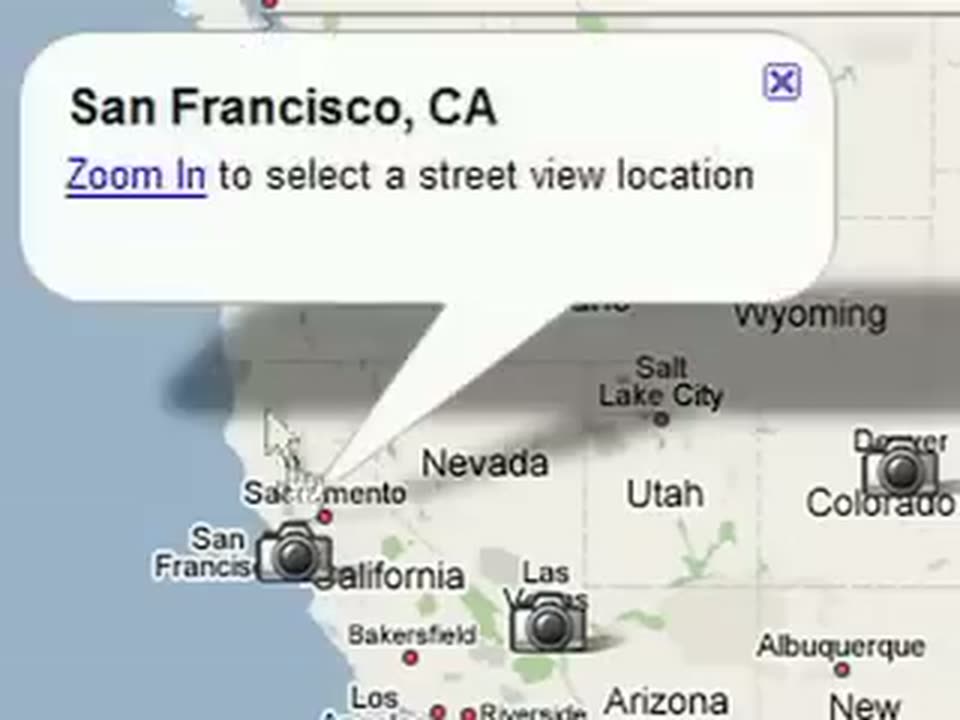 0:23–0:25Google · Google Maps Street View - launch videoA map of the western US displays Street View camera icons over San Francisco, Las Vegas and Denver. A hand cursor hovers near Salt Lake City, then a white tooltip pops up at the top left with a city name and zoom instruction as the cursor moves toward Sacramento.
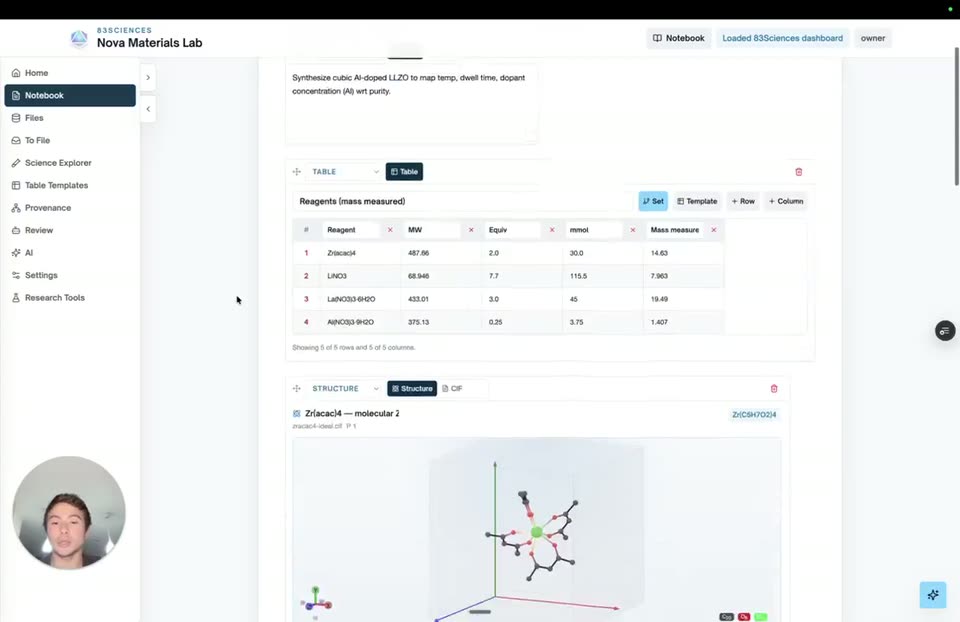 0:41–0:4483 Sciences · 83 Sciences Future of Scientific Discovery | 83 SciencesA browser window of a science notebook scrolls down through a reagents table to reveal a ball-and-stick molecular structure with red, green and blue axes. A small circular webcam self-view of a person sits in the lower left corner throughout.
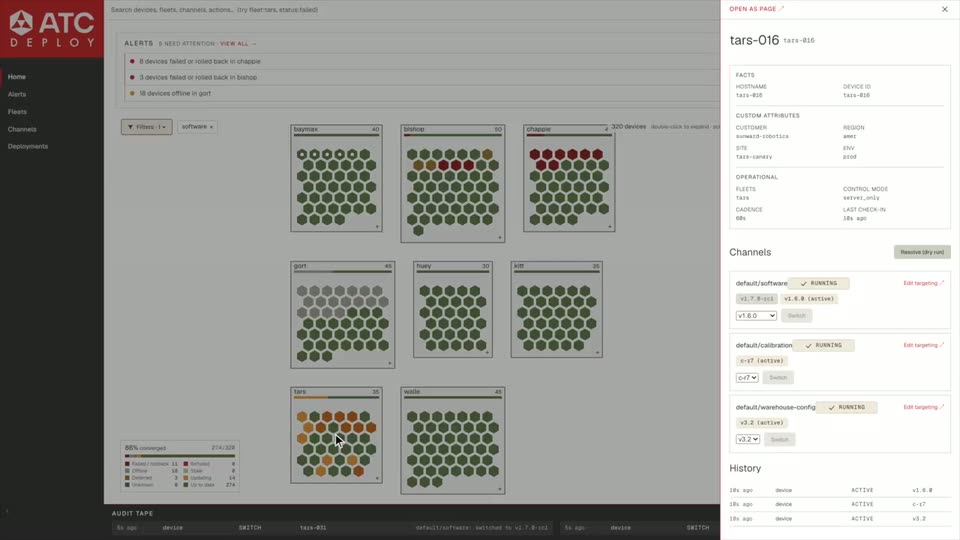 1:07–1:10Agency Tool Company · Introducing Agency Tool Company and ATC Deploy: fast, reliable software delivery for robots. Robotics teams build machines for fields, warehouses, factories, and other places where networks areA dark dashboard shows a grid of hexagonal fleet maps, a left nav rail, and a right detail panel for device tars-016. A cursor hovers over the tars map while the bottom audit tape and history list tick with fresh timestamps.
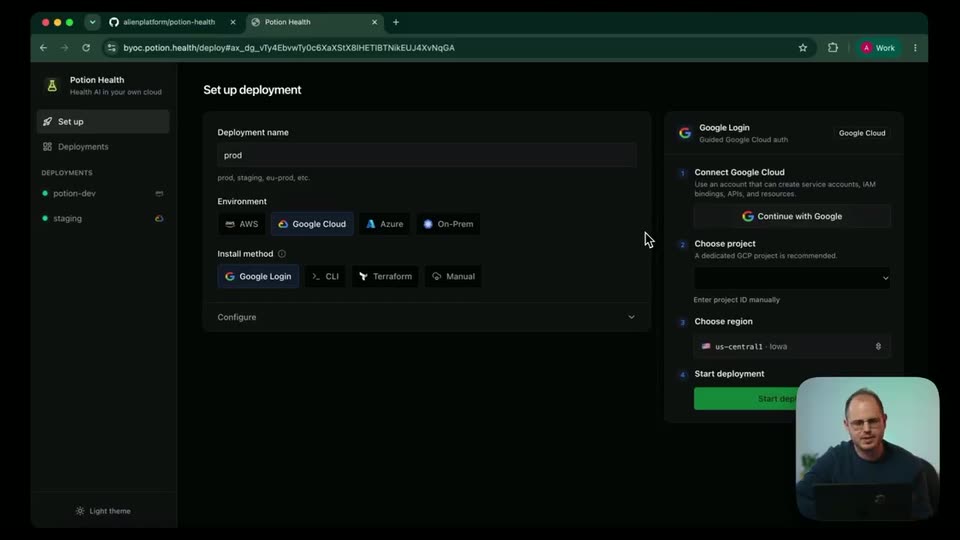 1:35–2:03Alien · We're launching the Alien platform today, backed by a $5M seed from Basis Set, Jibe Ventures, and angels from OpenAI, Google, and Databricks. We've built it so that when your next $300K enterpriseA dark browser window shows the Potion Health deployment portal: a form with environment and install buttons beside a step-by-step CloudFormation panel. A cursor highlights the URL bar, hovers the launch button, and the right panel switches to a Google Cloud setup. A presenter's webcam sits bottom-right.