Feature reveal
A sequence devoted to one feature: its announcement and its demo.
73,601 scenes · page 891 of 1227
 0:39–0:41Legora · Legora Workflows - The orchestration layer for legal workClose-up of hands playing a piano in near-darkness. Warm low-key light catches the fingers as they press the keys, and a faint sign reading MOUNTAIN & SONS blurs in the background. Shallow focus keeps the hands sharp while the keyboard falls soft.
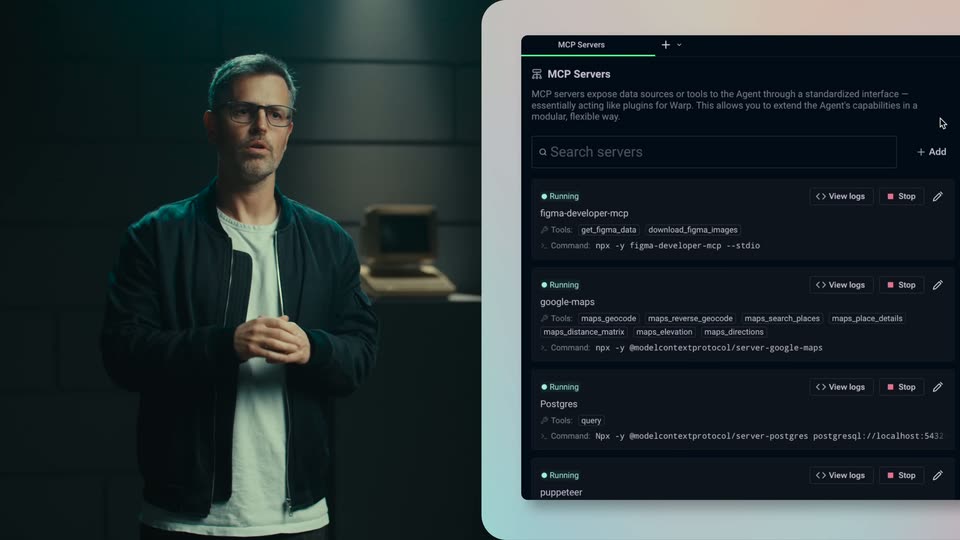 1:56–1:58Warp · Introducing Warp 2.0: The Agentic Development EnvironmentA presenter in a dark jacket stands in a dim studio, gesturing, while a rounded MCP Servers panel slides in from the right to settle beside him, listing running servers.
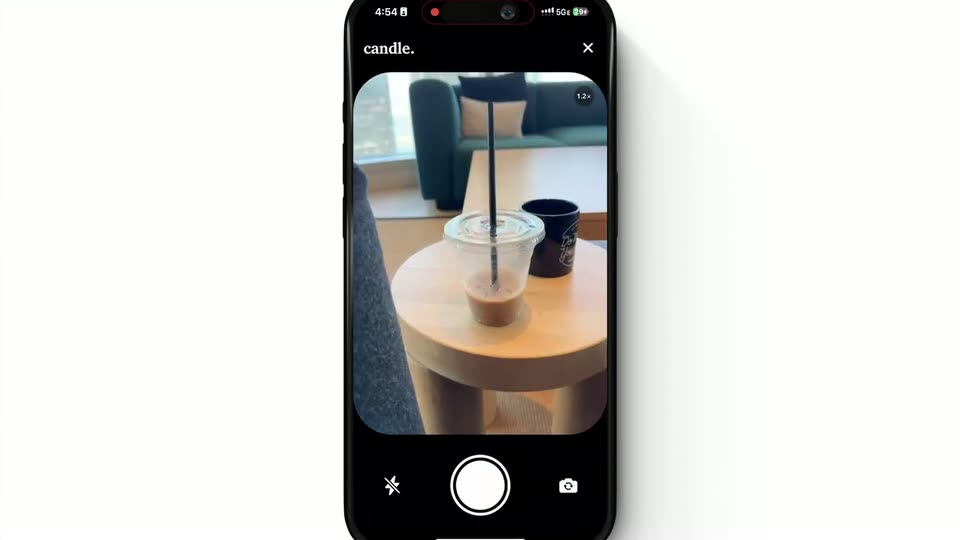 0:45–0:47Candle · Couple Games & Photos - Launch!A black phone mockup sits centered on a white background, showing the candle camera app. The viewfinder frames a coffee cup with a straw on a wooden table beside a dark mug; the zoom tag reads 1.8x then 1.2x and the shutter button turns into a paper plane.
 0:44–0:45The Browser Company · Dia Browser | Never Explain Yourself AgainThe phrase If it's in your tabs sits centered in white on a black background. The frame is locked off with no movement.
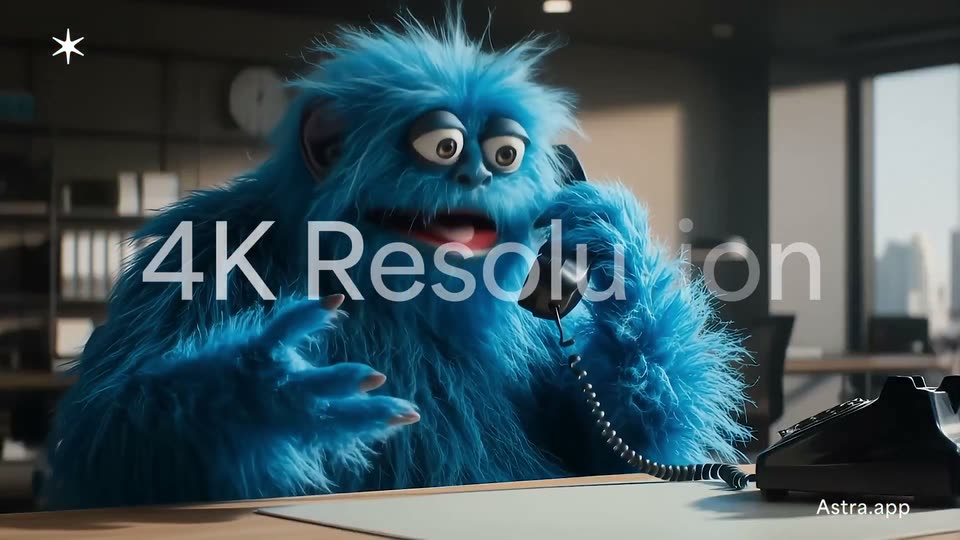 0:45–0:47Topaz Labs · Topaz Labs - 🚀BIG NEWS! We’re launching Astra: the first-ever creative upscaler foA blue furry 3D monster sits at an office desk, holding a black phone receiver to its ear and gesturing with its free hand. Large white “4K Resolution” text sits static across the center, with a small star mark top left and “Astra.app” bottom right.
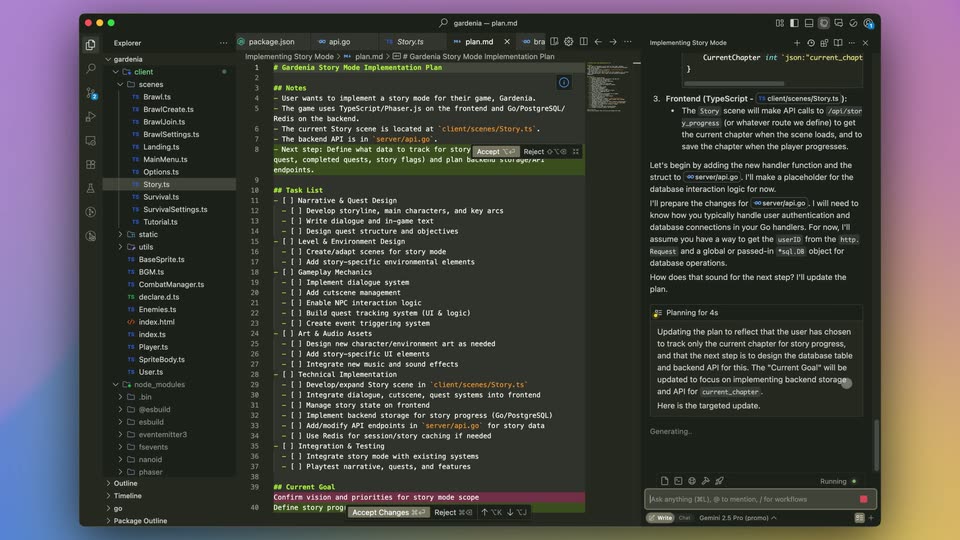 0:57–1:07Windsurf · Windsurf Wave 10 – Day 1: Planning ModeA dark code editor on a purple gradient shows a file tree, a markdown plan and an AI chat. The chat streams a long answer that scrolls as it types, ending in a plan card. The editor then marks updated lines in green and red.
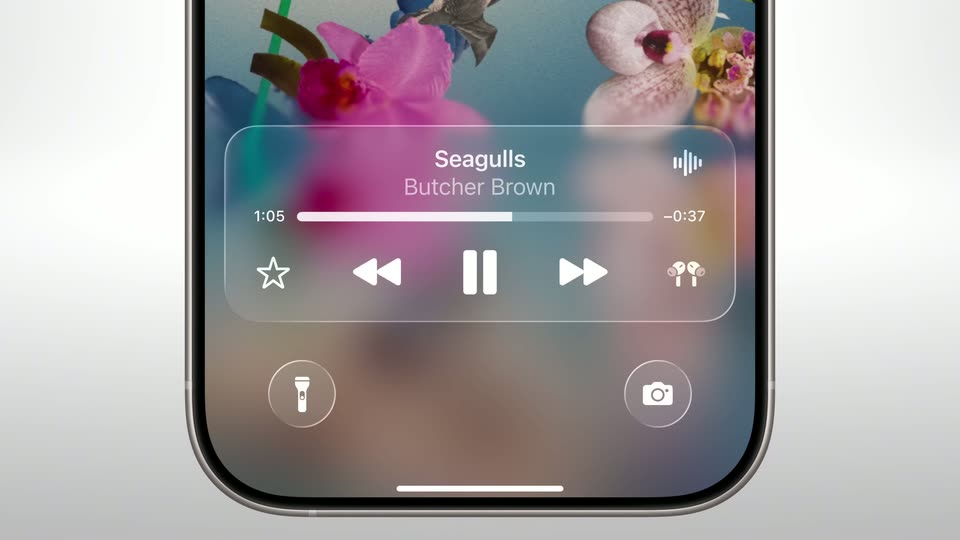 2:02–2:03Apple · iOS 26: Introducing Liquid GlassA 3D phone mockup on a pale studio background shows the Now Playing screen for Seagulls by Butcher Brown. The camera pulls back to reveal the full device and the flashlight and camera shortcut buttons beneath the player card.
 3:18 · 0.8sElevenLabs · Introducing Eleven v3 (alpha) — Our Most Expressive Text to Speech ModelOn a soft purple-to-orange gradient, the centered title Accent Emulation fades out as a left-aligned script block labeled MARK fades in, its bracketed accent tags set in outlined pills.
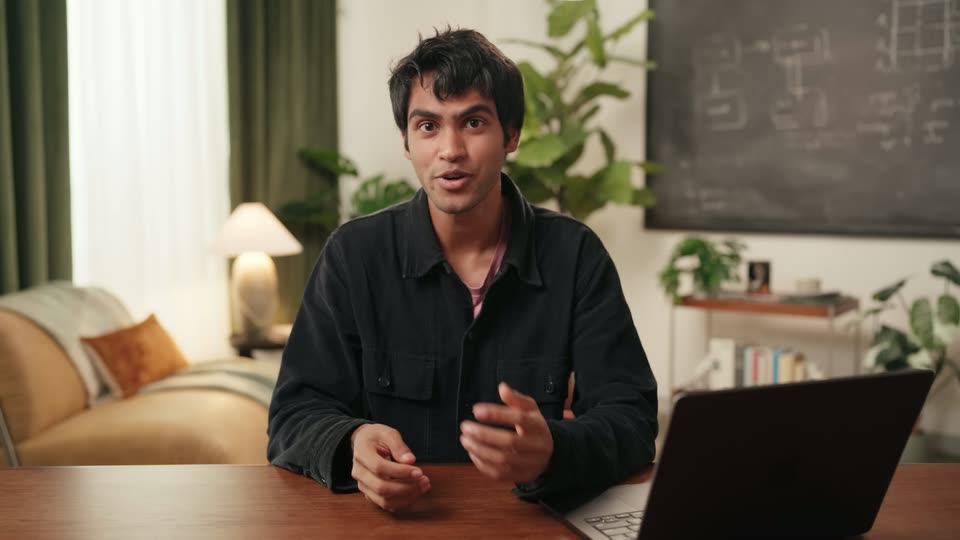 1:27–1:29Cursor · Meet Cursor 1.0A man in a dark jacket sits at a wooden desk in a home office, speaking to camera and gesturing with both hands. A laptop back faces him; a sofa, lamp, plants and a chalkboard diagram fill the background.
 0:31–0:32Luma AI · Luma AI - Introducing Modify VideoA man in a denim jacket with a fleece collar speaks to the camera against a beige wall marked with white paint. Mid-shot, black tribal tattoos flash onto his face and neck and his expression shifts to wide-eyed shock.
 0:36 · 0.8sOpusClip · OpusClip - Welcome OpusSearch, the first AI growth agent that can automaticallyA tilted 3D grid of channel thumbnails slides up and away. A dashed arrow points down to a single SCIENCE channel card, which scales up until it fills the frame.
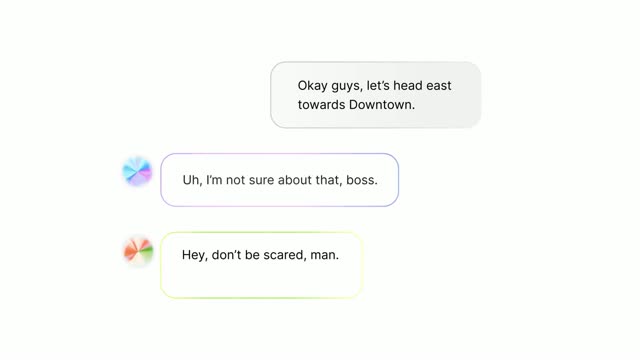 1:05–1:12ElevenLabs · Introducing ElevenLabs Conversational AI 2.0A chat thread on a white background builds top to bottom: a gray bubble types its line, then two white bubbles with gradient outlines and small pinwheel avatars pop in below, each typing its reply as the stack scrolls up.
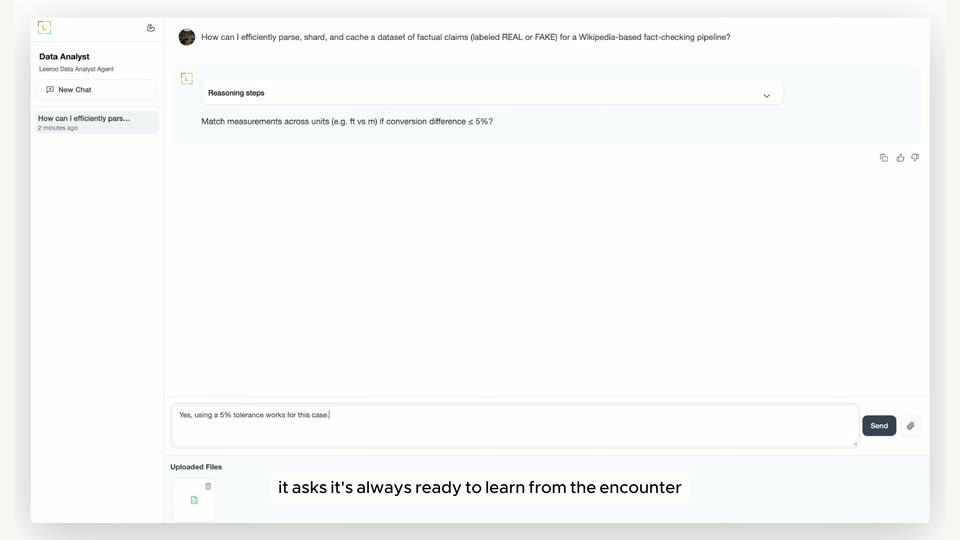 1:18–1:24Leeroo · Leeroo Continuous Learning AgentsA light chat UI for a data analyst agent holds on a question and a collapsed reasoning panel, then zooms in and back out as a new reply and a workflow-memory update card appear. A caption line sits at the bottom.
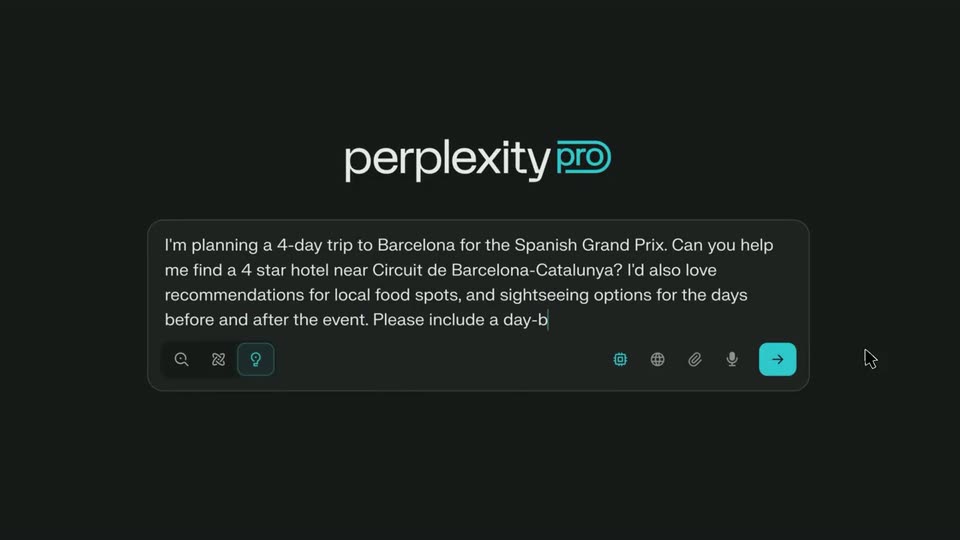 1:13–1:21Perplexity · Perplexity - Today we're launching Perplexity Labs. Labs is for your more complexA dark prompt field types out a long travel query about a Barcelona trip, the box stretching taller as new lines fill. The perplexity pro logo sits static above, and a white arrow cursor drifts in to press the teal send button.
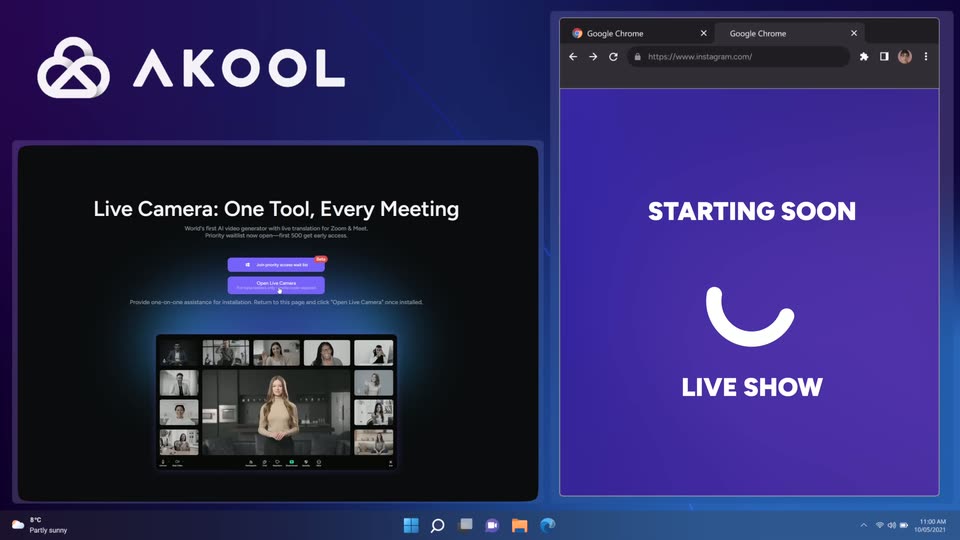 2:15–2:16Akool Inc · Introducing Akool Live Camera: Real-Time AI Video CreationA locked-off desktop shows the AKOOL logo top left, a dark product card on the left and a Chrome window on a purple live-show page on the right. The left card cross-fades from a headline and call grid to a live camera view, while a white loading ring spins on the right.
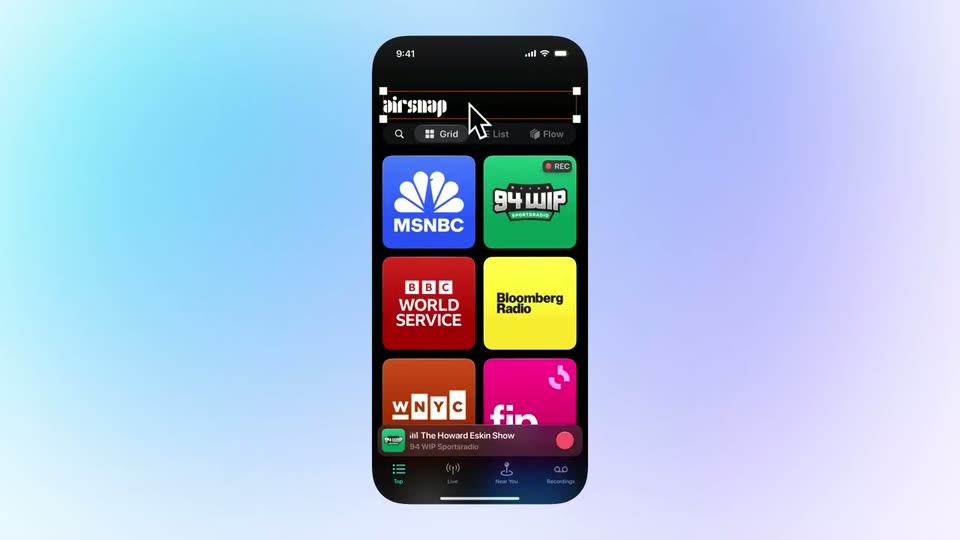 0:34–0:36Sketch · Sketch - Remember when we said auto layout was coming to Sketch? It’s here. ItA flat phone mockup on a soft blue-to-lavender gradient shows a podcast grid of colored tiles. At the top, a dashed selection box with corner handles frames the word AirSnap while an arrow cursor edits it, flipping its case. A now-playing bar sits at the bottom.
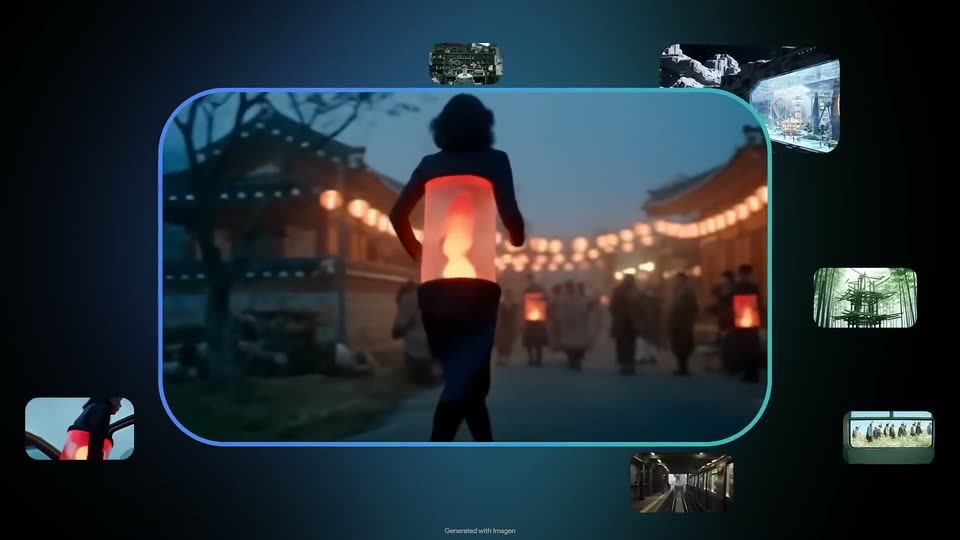 0:41–0:42Google · Introducing Google AI Ultra: The best of Google AI in one subscriptionA dark blue gradient field holds several rounded video cards that drift and reposition; the center card, outlined in blue, swaps from a jellyfish in a car seat to a figure with a glowing orange pack on a lantern street.
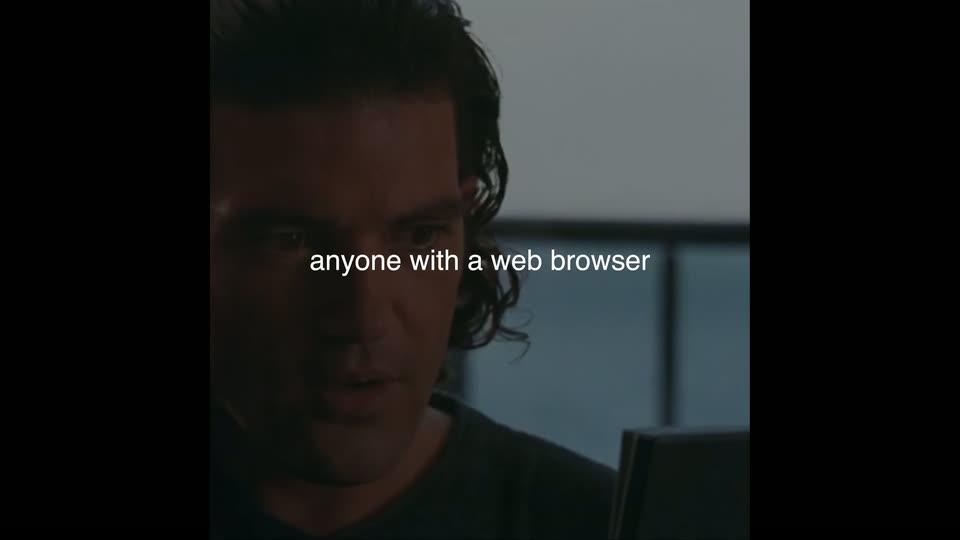 0:26–0:28Wavedash · Meet WavedashClose-up of a dark-haired man looking down at a laptop in dim light. A white centered caption reads “anyone with a web browser”, then swaps in place to “is your potential customer”.
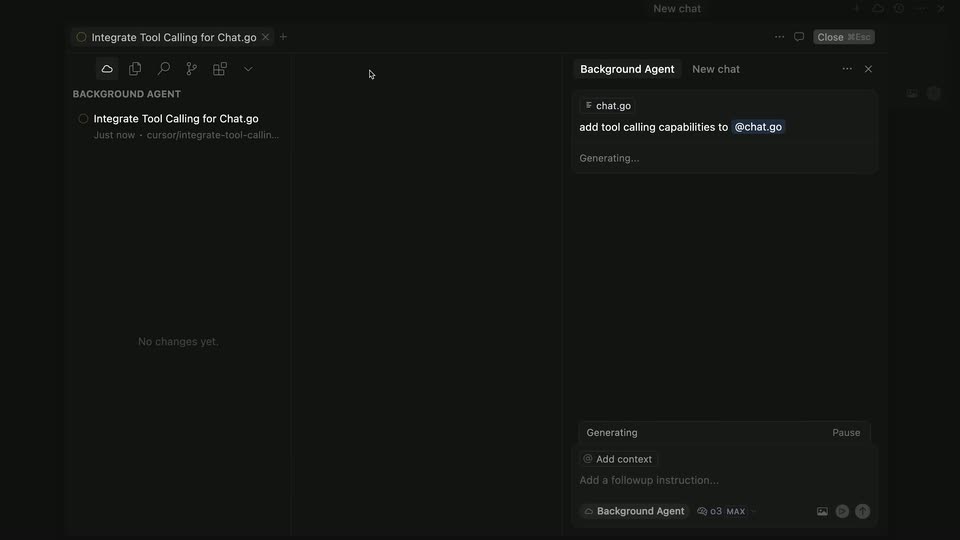 1:36–1:39Cursor · Cursor's largest update yetA dark code-editor window fills the frame: a left sidebar lists a background-agent task, the center panel stays empty, and a right chat panel shows the prompt to add tool calling to chat.go with a generating status. The mouse cursor drifts near the top while the interface loads.
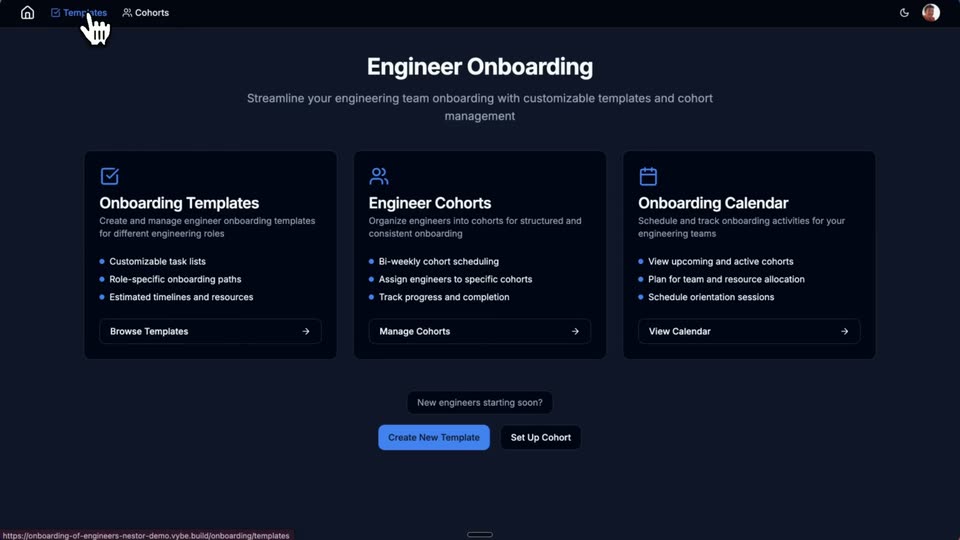 1:38–1:39Vybe · Vybe Demo - Build internal apps 10X fasterA dark product screen shows the Engineer Onboarding page with three feature cards and action buttons. A cursor glides from the top-right theme toggle across the top bar to hover the Templates nav item.
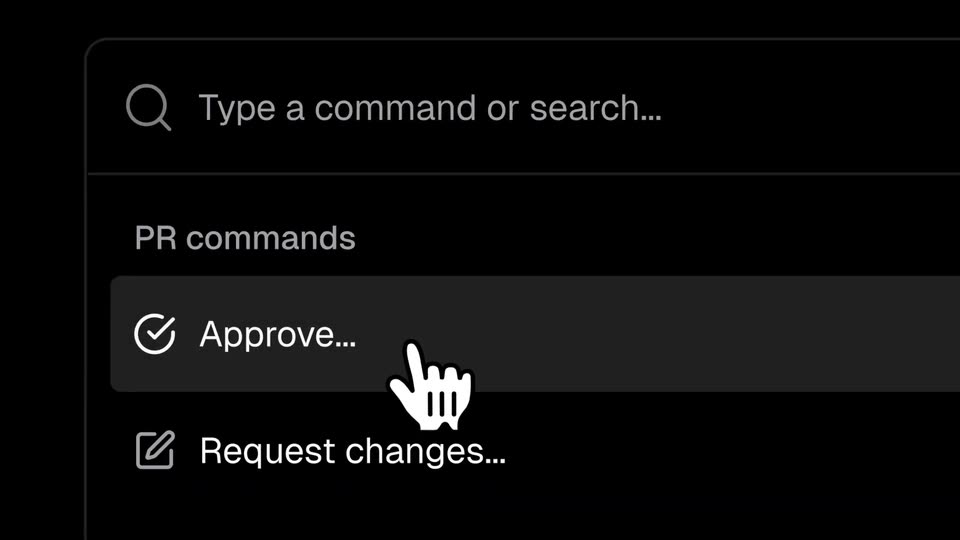 0:55–0:57cubic · Introducing cubic.devA dark command palette over a code review screen zooms in and expands to list more PR commands. A white hand cursor hovers over the Merge row, then the screen fades to black, leaving a small gray arc logo centered.
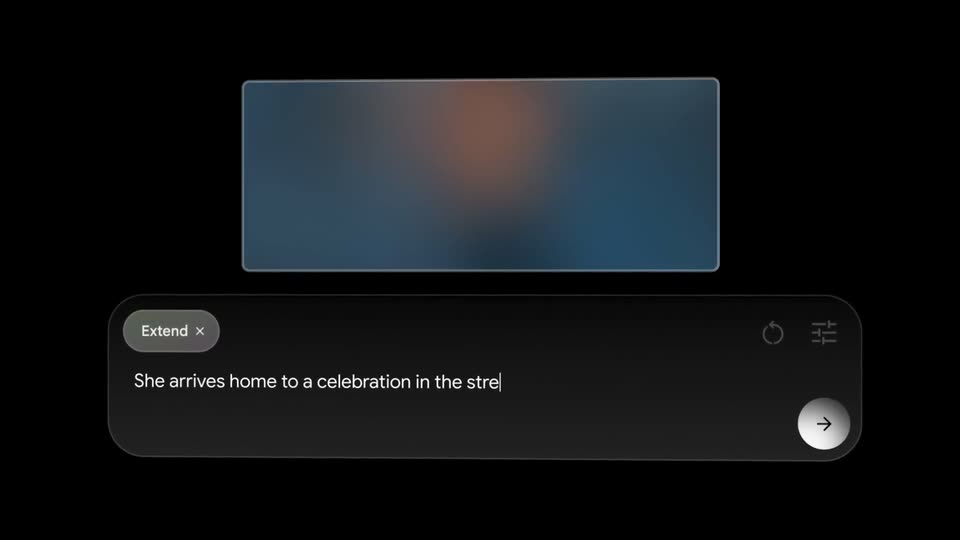 0:58–1:02Google · Introducing Flow | Google’s New AI Filmmaking ToolA 3D-tilted mockup of a dark prompt bar below a blurred video frame rotates flat into the frame. The gray placeholder gives way to typed white text, “She arrives home to a celebration in the street,” and the arrow button brightens.
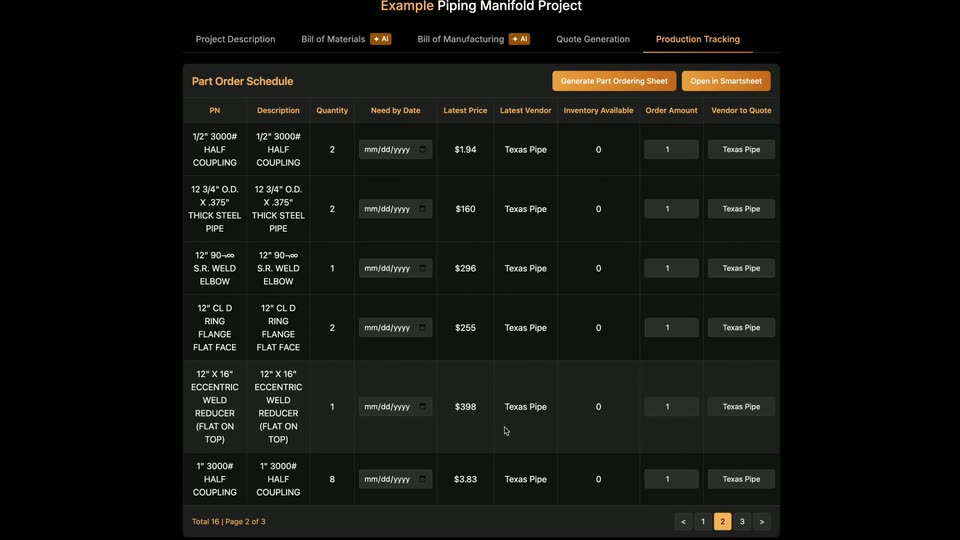 3:51–3:55Jeevy Fabrication · Introducing Jeevy FabricationA dark project dashboard shows a Part Order Schedule table with rows of piping parts, prices, and vendor names. A cursor glides across the table, pausing over the description, price, and vendor columns. The Production Tracking tab stays highlighted in orange at the top.
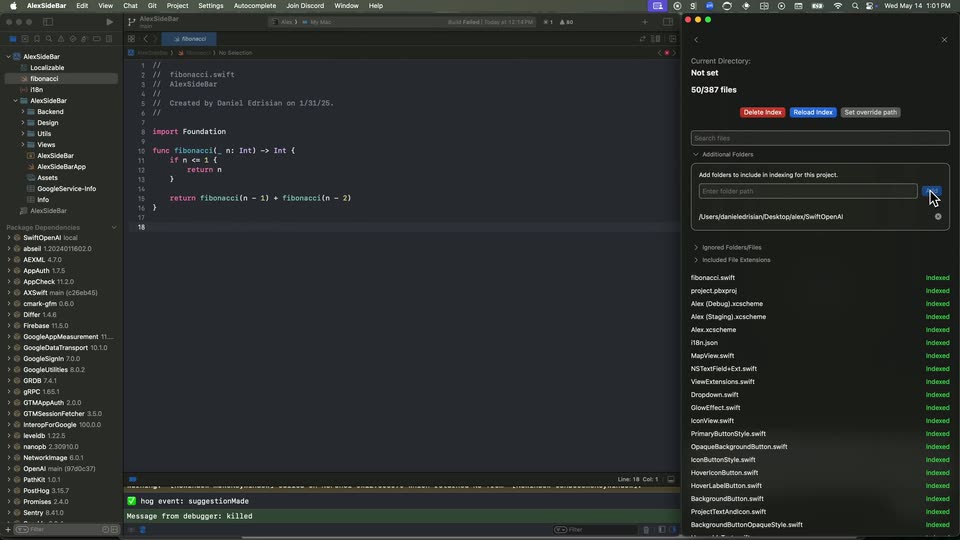 1:19–1:26Alex · Alex - Xcode AI Coding AssistantA dark index panel fills the right side, a folder path fills its input and the cursor clicks Add. The view pulls back to a full code editor, and the file list flips from red Not indexed to green Indexed row by row.
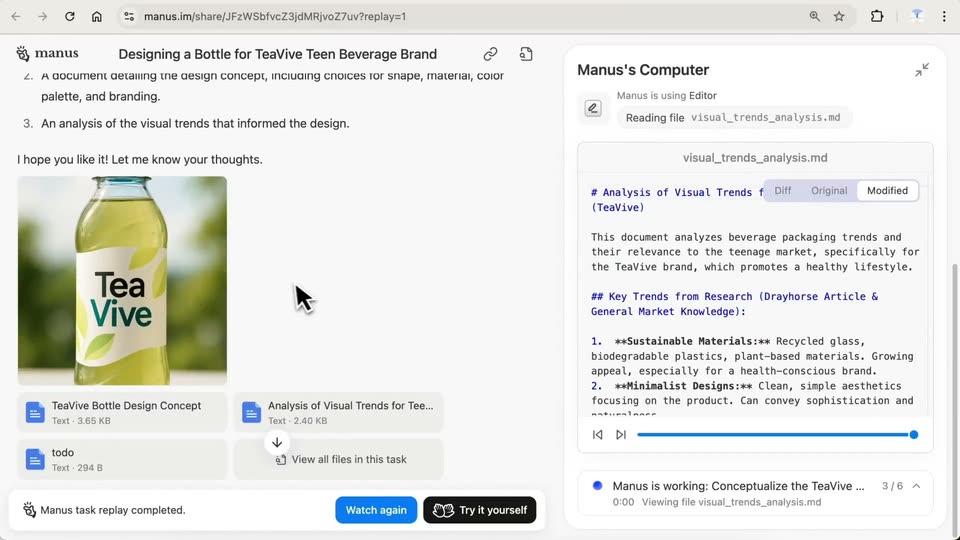 0:28–0:31Manus · Manus - Introducing Manus image generation. Manus doesn’t just generate imagA split screen pairs the Manus chat on the left with a simulated computer on the right. The chat scrolls to reveal a green TeaVive bottle render and file cards as a cursor hovers over the image. The right pane shows the editor filling the concept document beside a browser.
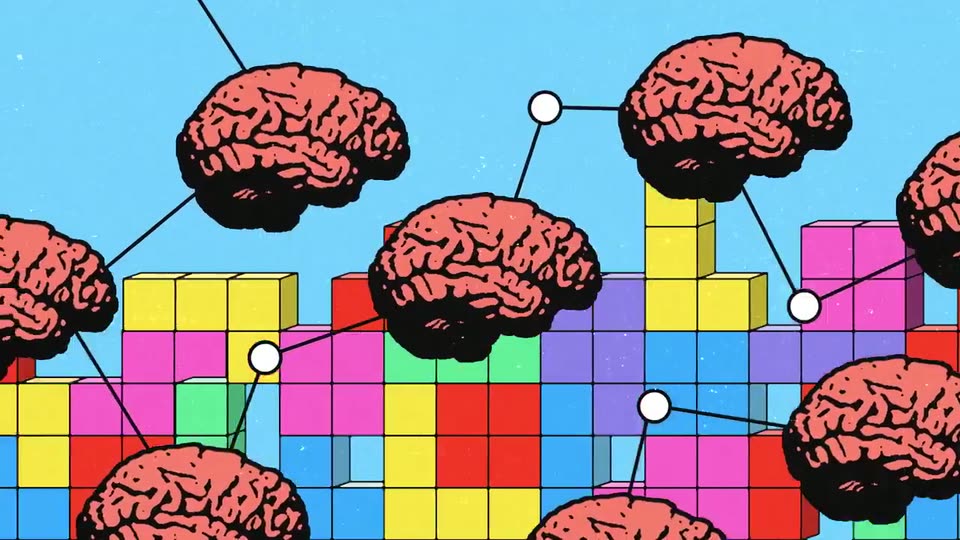 0:34–0:35Arbitrum · Arbitrum - We’re scaling Arbitrum. Everywhere.A flat illustration shows several pink brains linked by thin black lines to small white nodes, floating above a wall of multicolored 3D blocks on a light blue sky. The whole composition drifts slowly to the right.
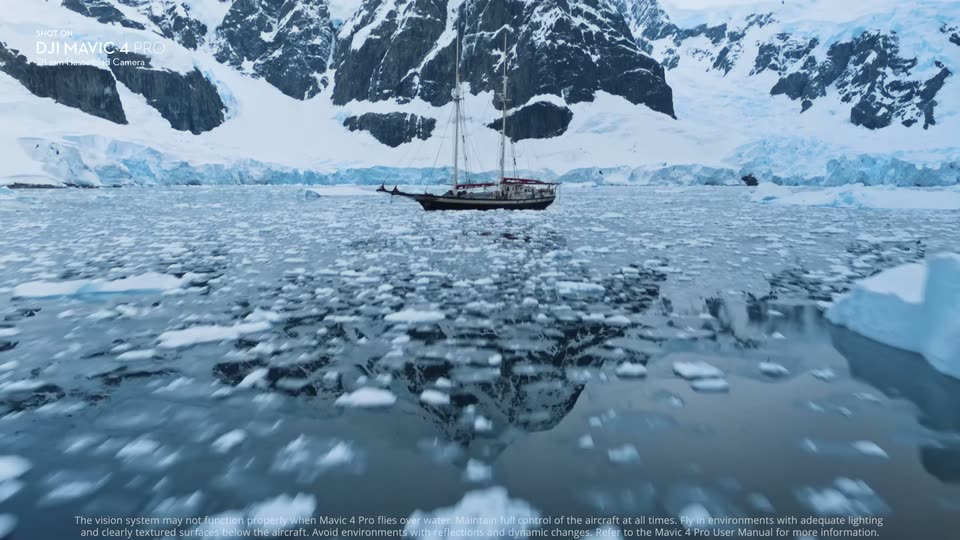 0:48–0:51DJI · Introducing DJI Mavic 4 ProA low aerial pass skims the surface of ice-choked water, then the camera climbs and tilts up to reveal a two-masted wooden sailing ship drifting before a wall of snow-covered peaks. The move is one continuous rise, foreground ice sliding out of frame as the horizon opens.
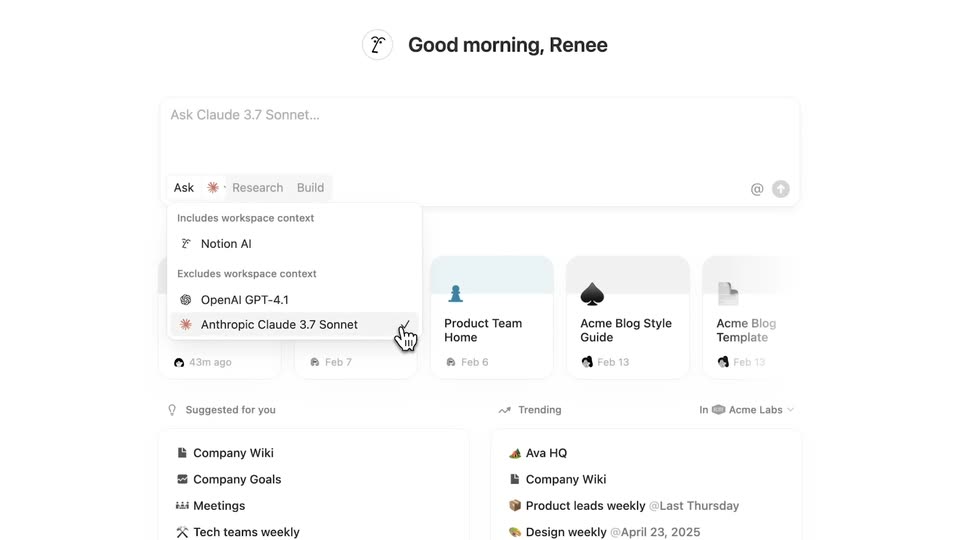 0:58–1:03Notion · Introducing Enterprise SearchA Notion workspace home screen shows a greeting and an ask bar. A hand cursor hovers the Ask tab, a tooltip fades in, then the cursor opens the model dropdown and selects Anthropic Claude 3.7 Sonnet, updating the placeholder text.
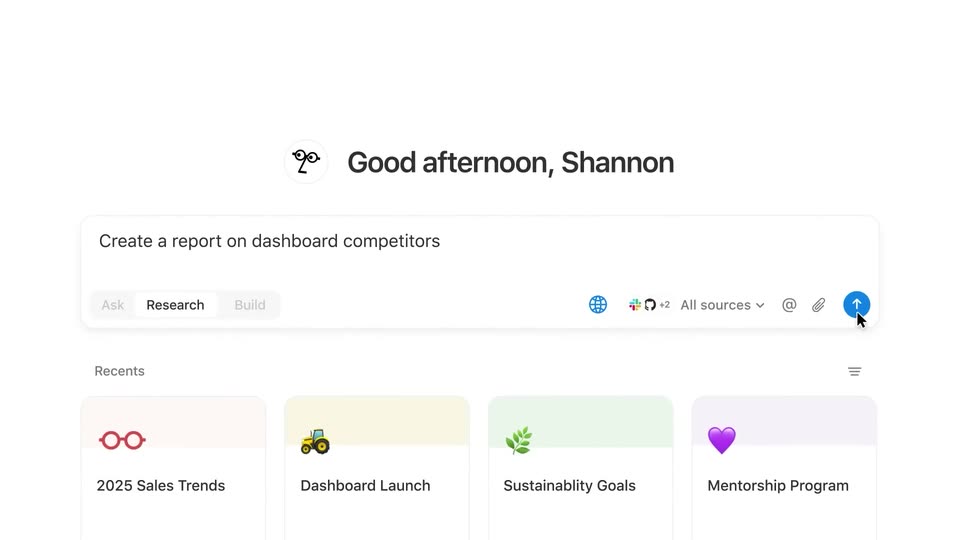 0:48–0:51Notion · Meet the all-in-one Notion AI for workA dashboard home screen greets Shannon above a prompt bar. The phrase Create a report on dashboard competitors types out letter by letter, then a cursor slides to the blue up-arrow button and clicks it. Recent report cards with emoji sit below.
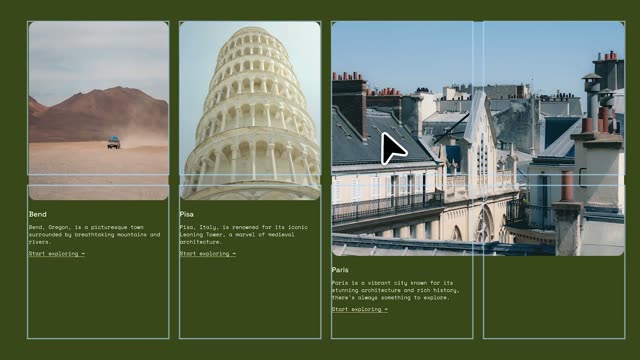 0:20 · 0.4sFigma · All the launches at Config 2025 | FigmaOn a dark olive panel, three photo cards for Bend, Pisa and Paris slide horizontally into a row, each pairing a destination image with a short caption and a start exploring link. Two white cursors hover over the Paris card.
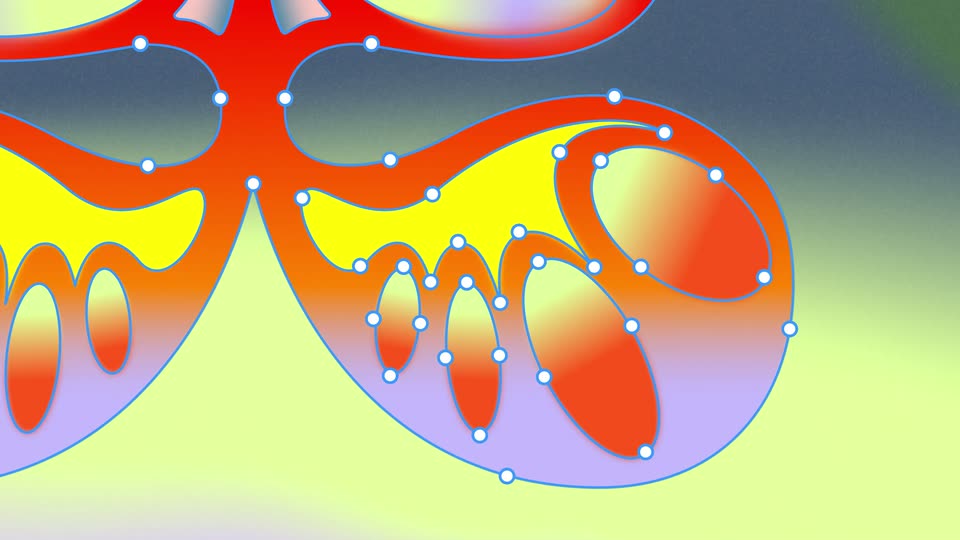 0:37–0:38Figma · Figma - Introducing Figma Draw New fills, effects, brushes, and more, now inA colorful vector butterfly with white anchor points along its curves rotates and scales up across the frame. A blue selection box with square handles around one wing fades out early. The background gradient cycles from pale green to teal to red.
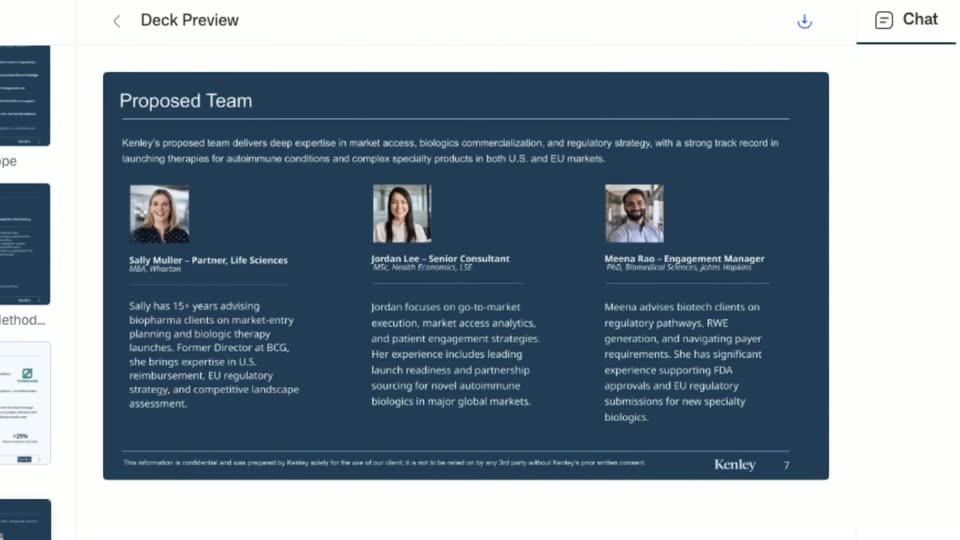 0:40–0:42Kenley · Introducing Kenley WorkStreamsThe full app view shows a slide outline, a dark blue title slide and a chat panel. The camera zooms into the preview, landing on a team slide with three profile cards and bios.
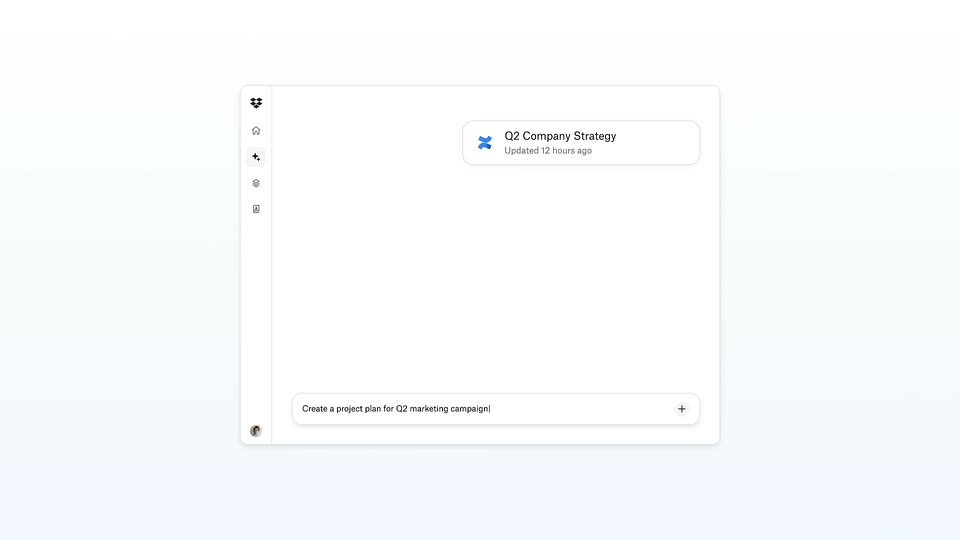 0:36–0:38Dropbox Dash · Dropbox Dash: Search videos, images, and create content fastA prompt is typed into a white input field, then the frame pulls back to reveal a left icon sidebar. The message becomes a right-aligned chat bubble, a “Thinking…” label appears, and a document card titled “Q2 Company Strategy” slides in at the top right.
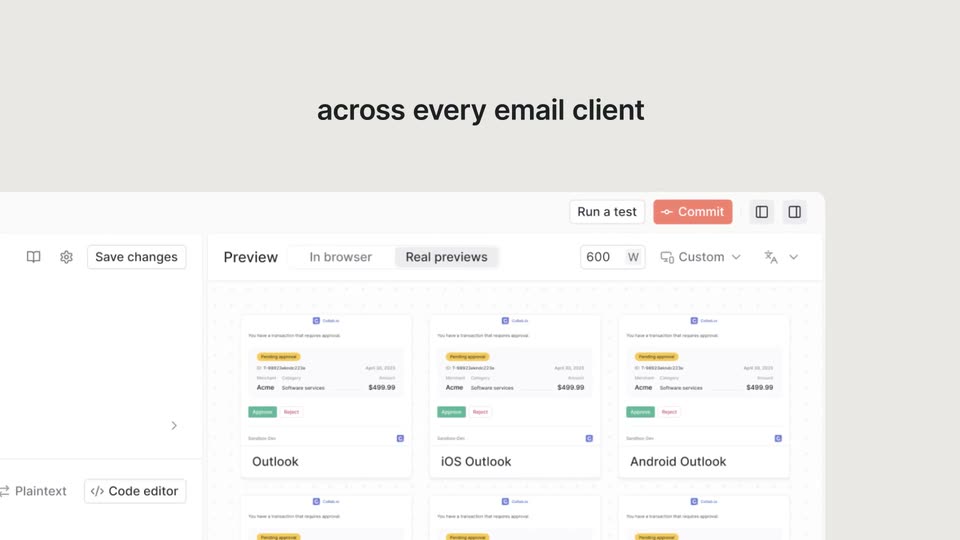 0:44–0:46Knock · Knock - Launch week → Day 2 Introducing Knock workflows 3.0. Rebuilt with aA dark gray headline fades in word by word above a white email-preview tool showing three client previews, Outlook, iOS Outlook and Android Outlook. The camera then zooms into the panel, enlarging the preview cards and the editor controls.
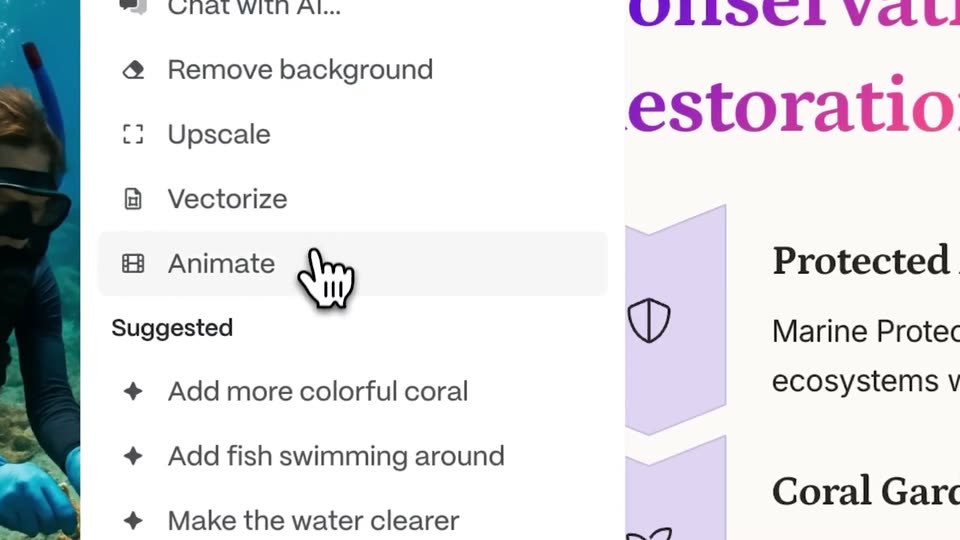 0:29–0:30Gamma · Gamma - Introducing AI Image Editing with animation! You can now edit and anA hand cursor slides down a white tool menu from Vectorize to Animate, which highlights gray, while a purple marine restoration document sits on the right and a scuba diver is visible at the left edge.
 1:04 · 0.9sLovable · Lovable 2.0 is here. Multiplayer vibe coding. Smarter & more secure.The wordmark “/dev mode” holds centered on a dark, grainy gradient background. Its lowercase letters are filled with a blue-to-orange gradient and a soft glow, and the locked-off frame keeps the text completely still.
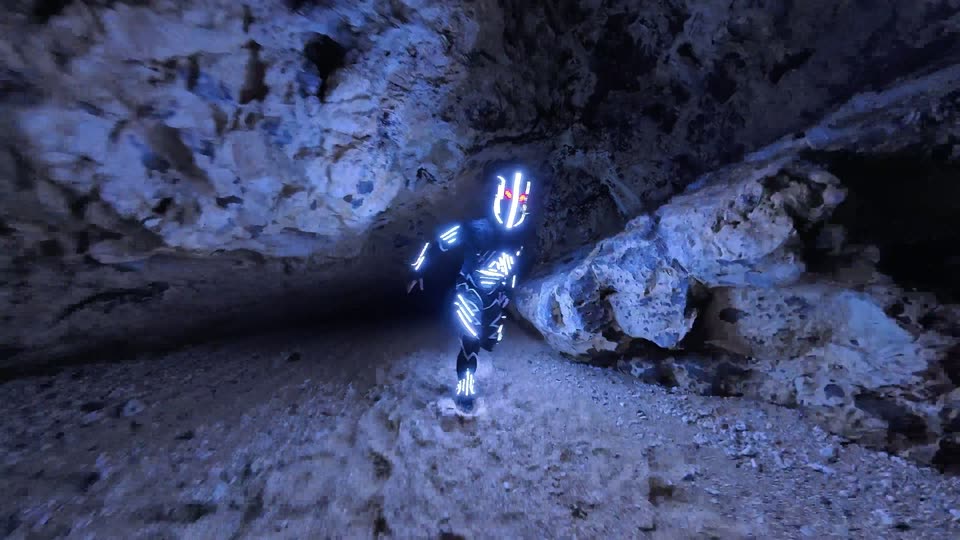 0:44–0:45Insta360 · Buy X5 - Flagship 360 Action Cam - Insta360 StoreA glowing armored figure with blue and yellow neon lines runs through a dark rocky cave tunnel, the camera tracking behind it as the rough stone walls rush past. Small brand labels scale in over the scene.
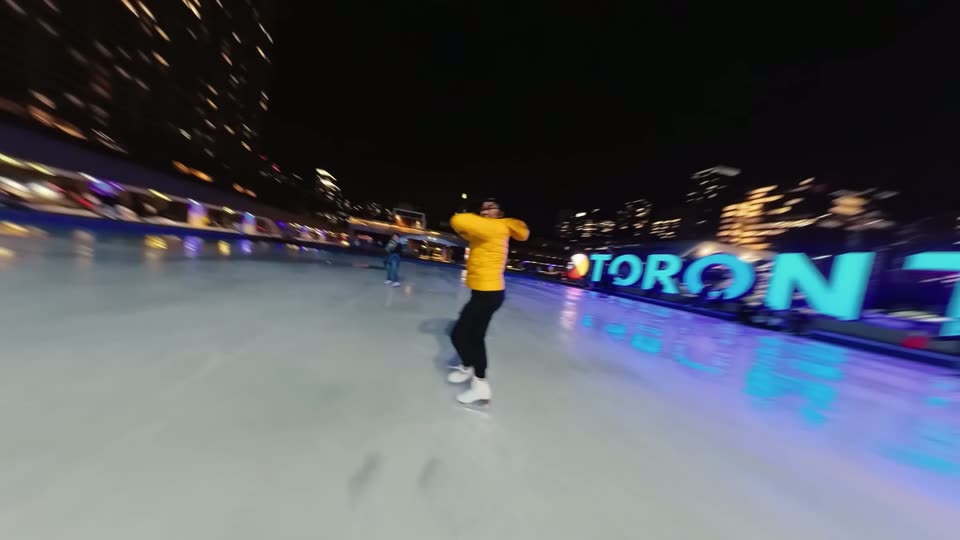 0:45–0:46Insta360 · Meet Insta360 X5 - New Flagship 8K 360 Action CameraA person in a yellow jacket glides across an outdoor night ice rink while the camera spins with heavy motion blur. Streaking city lights and the glowing blue TORONTO board letters sweep past the frame.
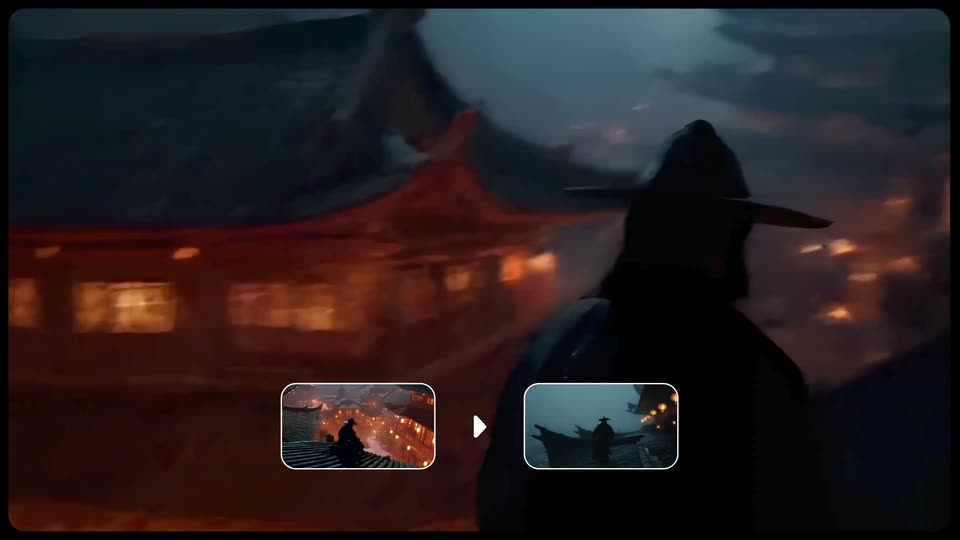 0:26–0:28Vidu · Vidu AI - 🚀 Vidu Q1 is here — unleash imagination with extreme Quality. Four coA 3D-rendered East Asian town glows with orange lanterns at night. A silhouetted figure in a wide-brimmed hat stands with back to camera as the camera whips around, blurring the rooftops. Two rounded thumbnails below show a warm and a cool grade of the shot, split by a play triangle.
 0:50–0:51Make · Make - #MakeAIAgents are rolling out now. The next chapter of automation staA plain black screen carries three lines of white text that scale in and settle in sequence: “don't just run...”, then “So your workflows”, then “...they adapt”. The lines hold in place, centered, with no other elements.
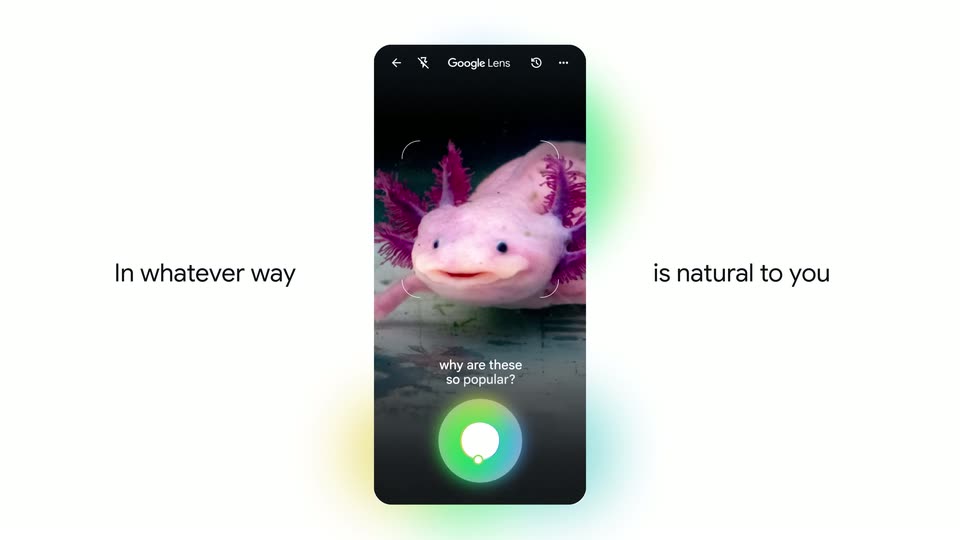 0:40–0:43Google · Introducing AI Mode: A New Experiment in Google SearchA centered phone mockup on white shows a Google Lens view of a pink axolotl, flanked by the static captions 'In whatever way' and 'is natural to you'. The query 'why are these so popular?' slides in over a multicolored circular button, then the phone tilts into 3D with a green and purple glow.
 0:27–0:28Family · Family - Navigating Ethereum with Family is now simpler and safer than ever🔐On a white background, a teal checkmark inside a circle draws in, a yellow scalloped badge pops in behind it, and a teal star with dots bursts out at the top right; the badge and particles then fade while the caption below updates and scales.
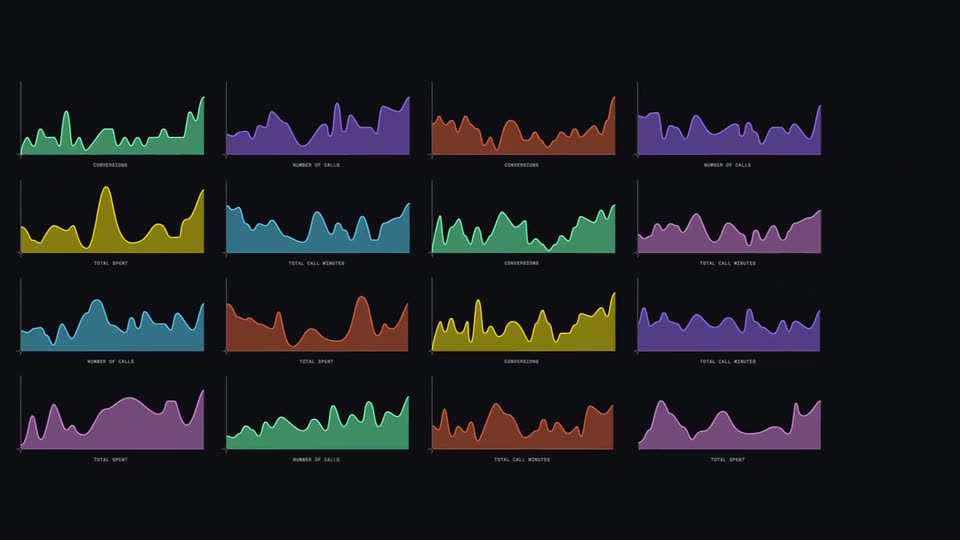 0:54–0:55Vapi · Vapi - 🚀 Vapi 2.0 is live on Product Hunt. A big milestone for the team! VA dark grid of multicolored line charts slides from scattered positions into a four-by-four layout, each panel carrying a metric label, while thin horizontal lines draw in along the right edge.
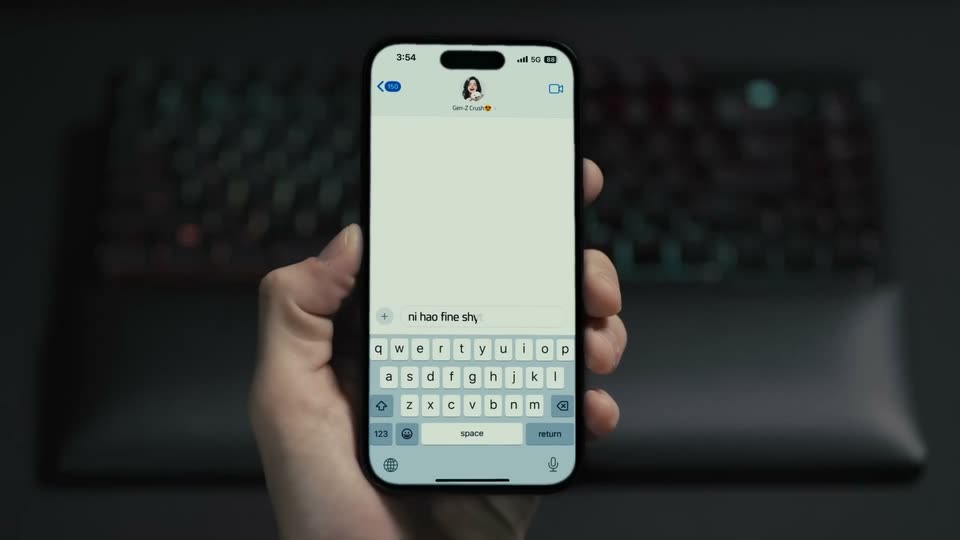 0:54–0:55Razer · Razer Skibidi | Level Up Your LingoA hand holds an iPhone in front of a blurred laptop keyboard, the chat app open on a contact labeled Gen-2 Cute. The message in the input field changes from “I think you're cute” to “ni hao fine shyt” above the on-screen keyboard.
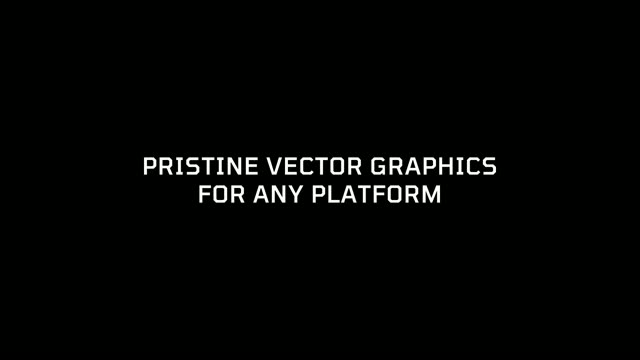 0:42–0:44Rive · Rive for Product Design Reel 2025A black screen holds the white headline PRISTINE VECTOR GRAPHICS, centered and locked off. A second line, FOR ANY PLATFORM, appears beneath it and the pair holds to the end of the clip.
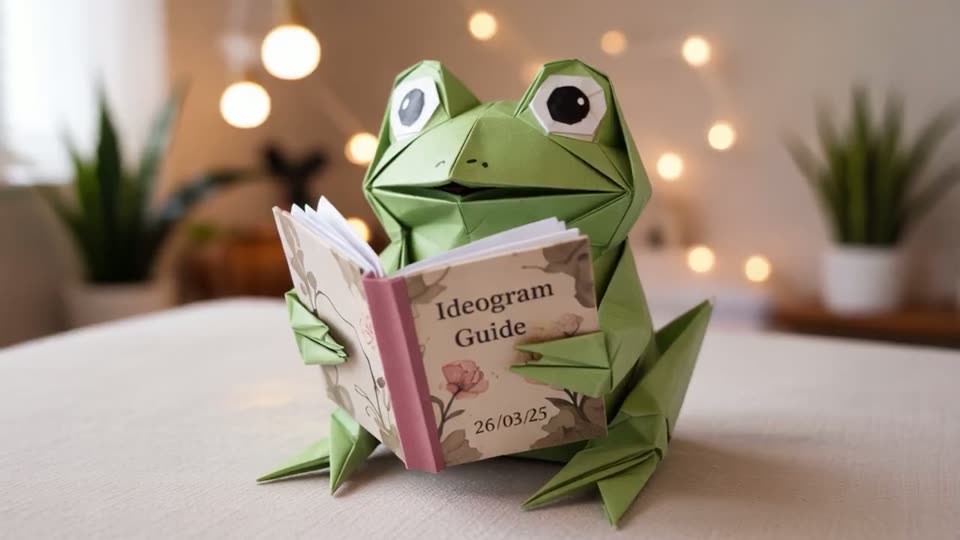 0:44–0:45Ideogram · Ideogram - Meet Ideogram 3.0 — stunning realism, creative designs, and consistenA green origami frog sits on a white table holding an open book titled Ideogram Guide. Warm string lights and potted plants blur into the background, and the shot holds steady on the prop as the cover text scales gently.
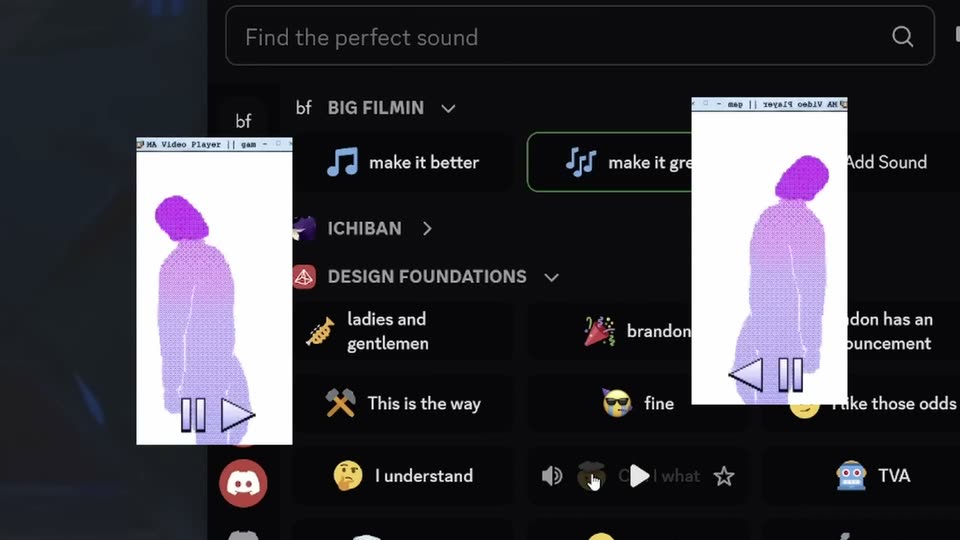 3:02–3:06Discord · Introducing the NEW Discord Game OverlayA dark soundboard grid fills the screen. A cursor clicks the make it better button, popping a retro video player window with a purple pixel figure on the left, then clicks make it great, opening a second player window on the right.
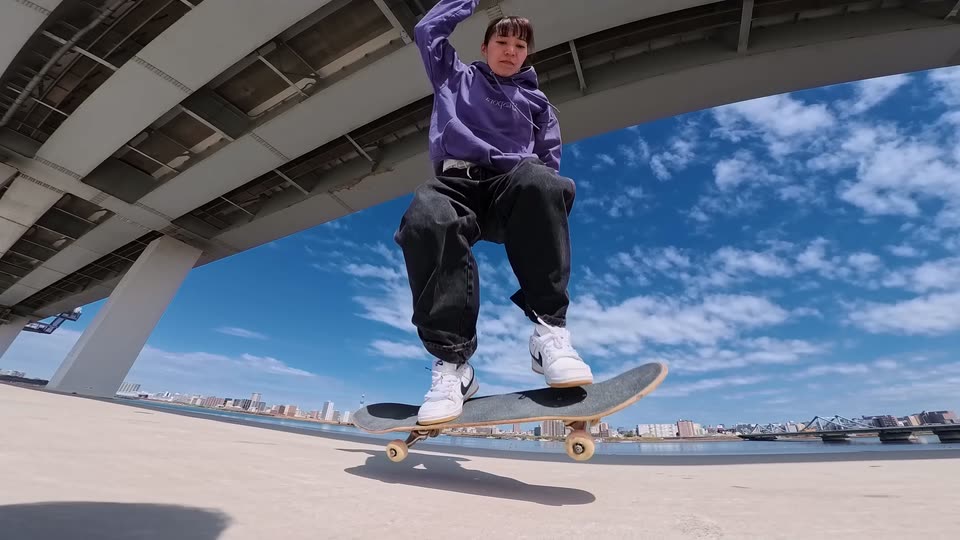 0:33–0:35Insta360 · The Action Camera Built for Real Creators – Insta360 Ace Pro 2A low-angle wide shot frames a young skateboarder in a purple hoodie executing a jump trick under a massive concrete overpass. The skater launches into the air and lands on the board against a backdrop of blue sky and water.
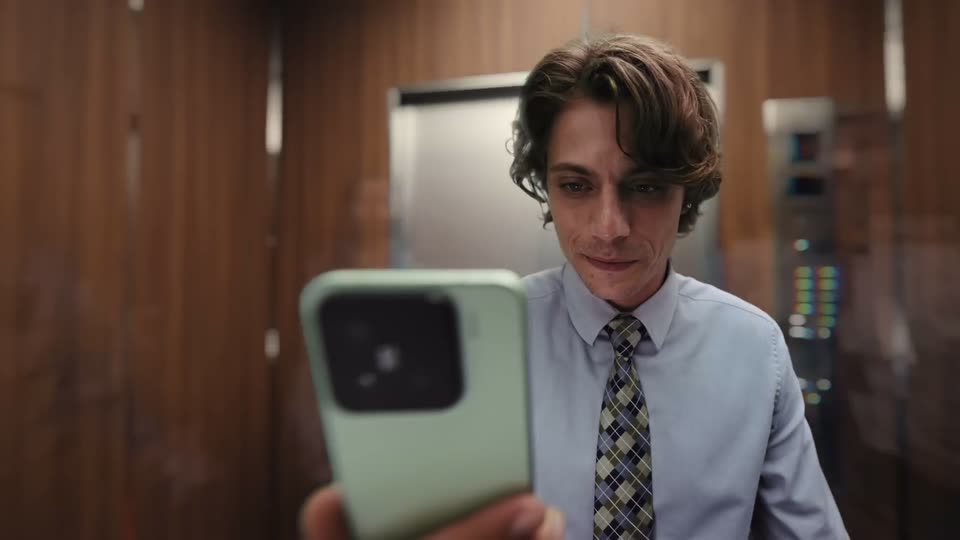 0:48–0:49Xiaomi · Goodbye Chaos | Xiaomi HyperAIA man in a light shirt and patterned tie stands in a wood-paneled elevator, holding a mint-green phone with a square camera module toward the lens. He looks down at the screen while a woman blurs out behind him as the angle shifts.
 0:39–0:41Google · Introducing Canvas in GeminiA dark editor toolbar shows a Code/Preview segmented toggle glowing blue while a white cursor hovers on Preview. The frame zooms in until the toggle fills the screen over a radial halo.
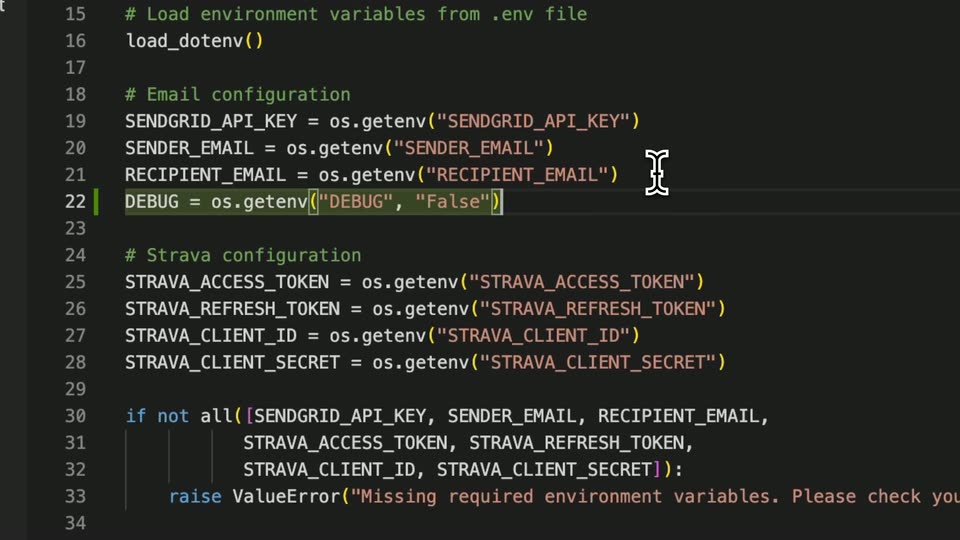 0:58–1:03Windsurf · Windsurf Wave 5: Windsurf TabA dark code editor showing Python configuration lines stabilizes out of a glitchy static burst. A green selection highlight fills the DEBUG variable line while a text caret blinks beside it, then the highlight lingers.
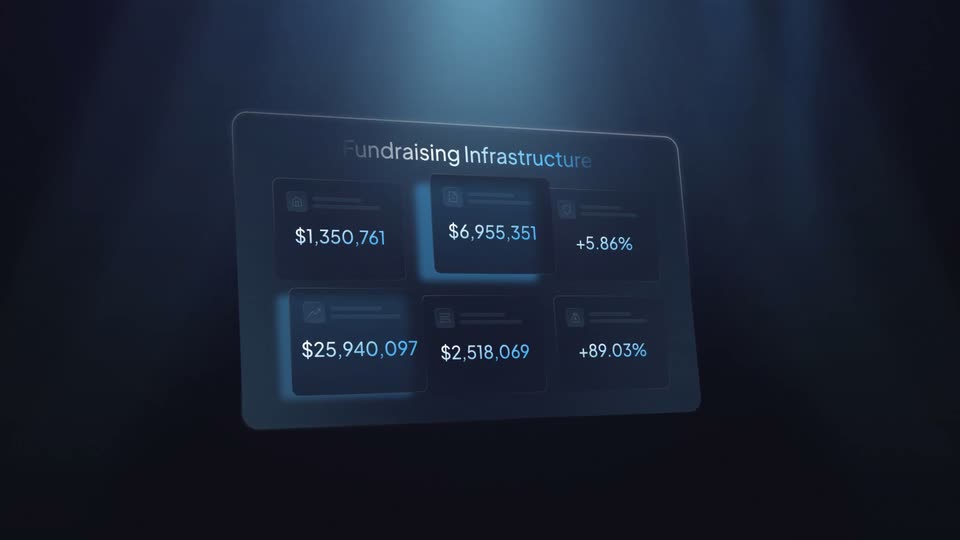 0:50–0:53Nexera · Web3 Explainer Video | Crypto Animation Video - NEXERAA frosted-glass dashboard titled “Fundraising Infrastructure” floats in a dark blue space, tilting from a 3D angle to face the camera as its six stat tiles tick up. The camera then pushes into the $6,955,357 tile, which scales to fill the frame.
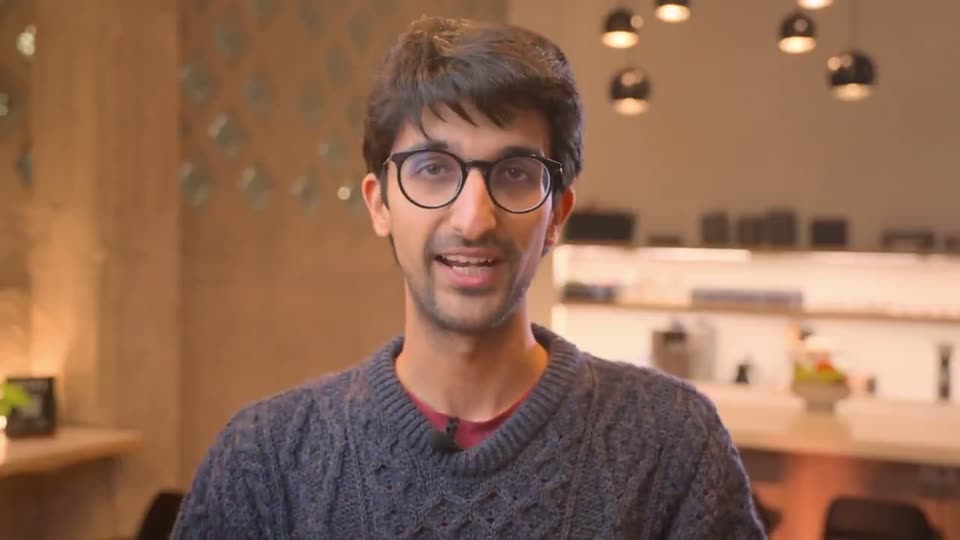 1:49–1:50Cartesia · Cartesia - We've raised a $64M Series A led by @kleinerperkins to build the platA man with glasses and a gray knit sweater faces the camera in a warm office, gesturing with both hands before lowering them. Shallow depth of field blurs the pendant lights and counter behind him.
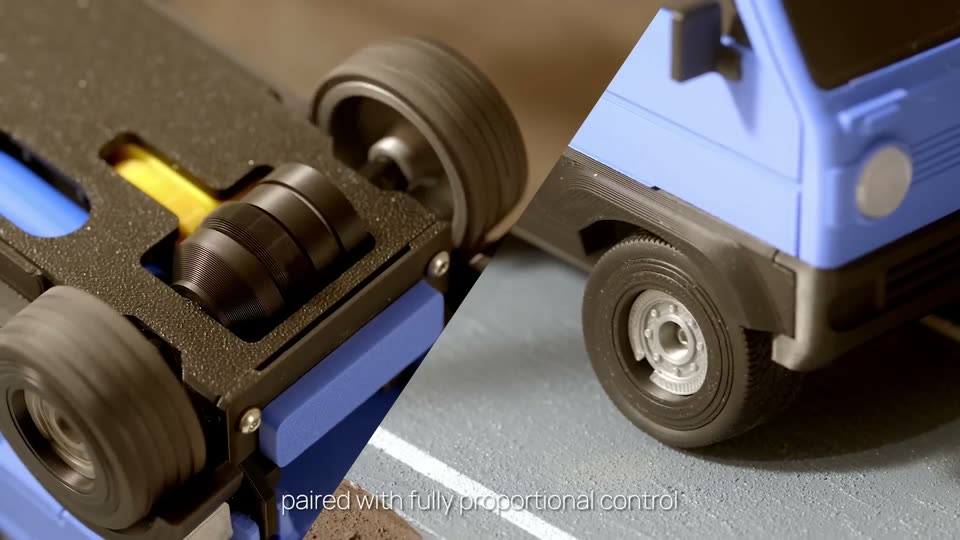 0:53–0:57Bambu Lab · CyberBrick: Build smarter. Code freer. Share globally.A diagonal split screen shows the truck's underside with spinning differential gears on the left and its front wheel turning on a painted road on the right. It cuts to the blue truck driving past orange cones with its cargo bed open. White captions run along the bottom.
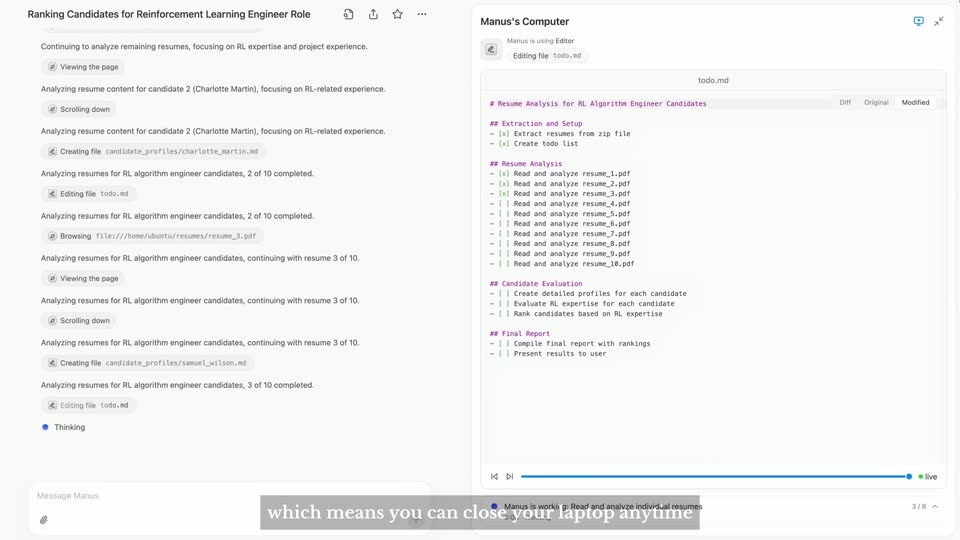 0:54–0:55Manus · Introducing Manus: The General AI AgentA split-screen product view: the left task log scrolls upward as new activity lines appear, while the right code editor swaps between two markdown files. A gray caption band along the bottom carries the spoken line.
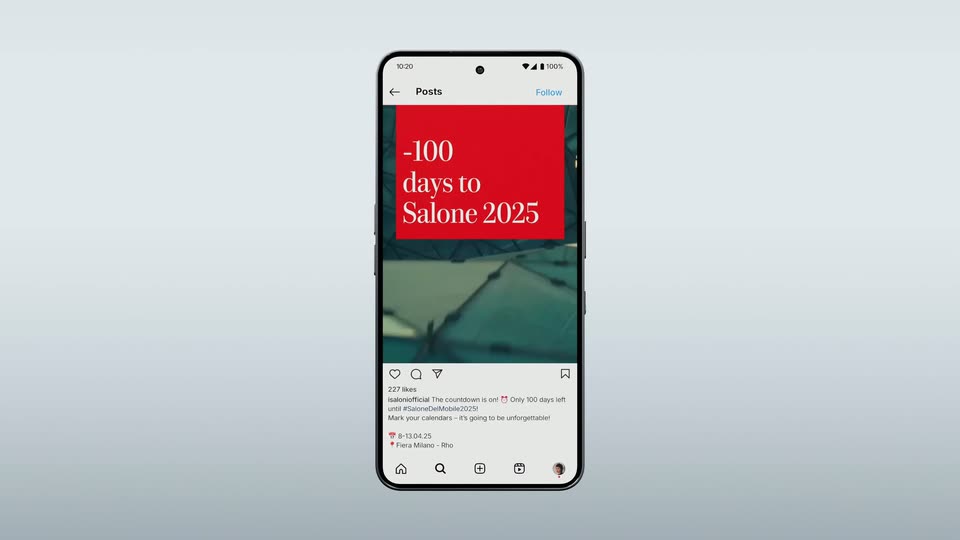 1:02–1:03Nothing · Phone (3a) Series: Power in PerspectiveA smartphone mockup sits centered on a plain light gray backdrop, angled to show 3D perspective. Its screen displays a social post with a red block reading -100 days to Salone 2025 over a glass dome photo. The frame stays locked off.
 0:30–0:32Inversion Semiconductor · Chip Manufacturing Isn't Rocket Science... It's HarderA dark, defocused industrial interior glows blue. Two bright cyan laser beams rise from the lower corners and meet at a glowing node, forming an angular V. The beams pulse brighter against the blurred machinery and panels in the background.
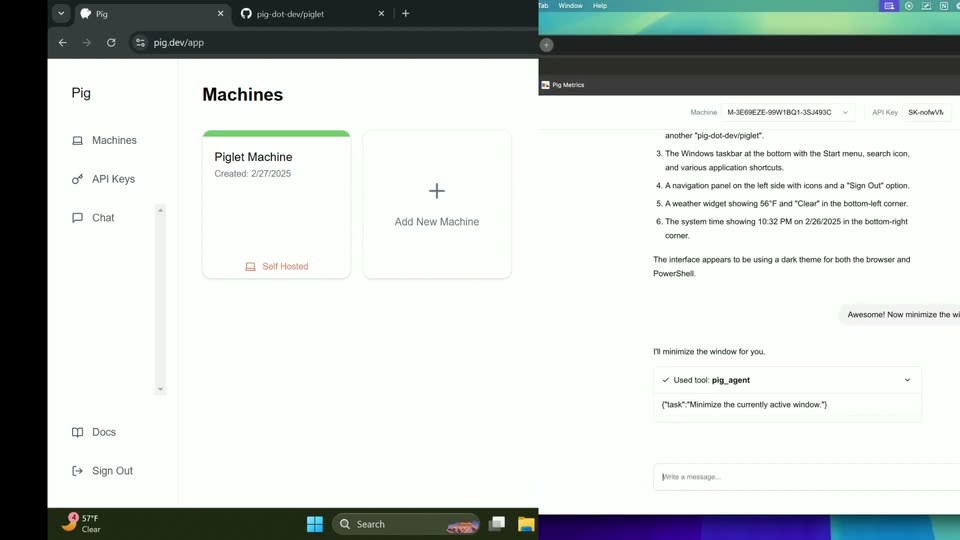 1:32–1:39Butter · Pig Official LaunchA desktop screen shows a browser on the left with the Pig Machines page and a chat panel on the right. A command is typed, the agent replies with a tool call, then the right window minimizes and the browser fills the screen, a pink cursor appearing.
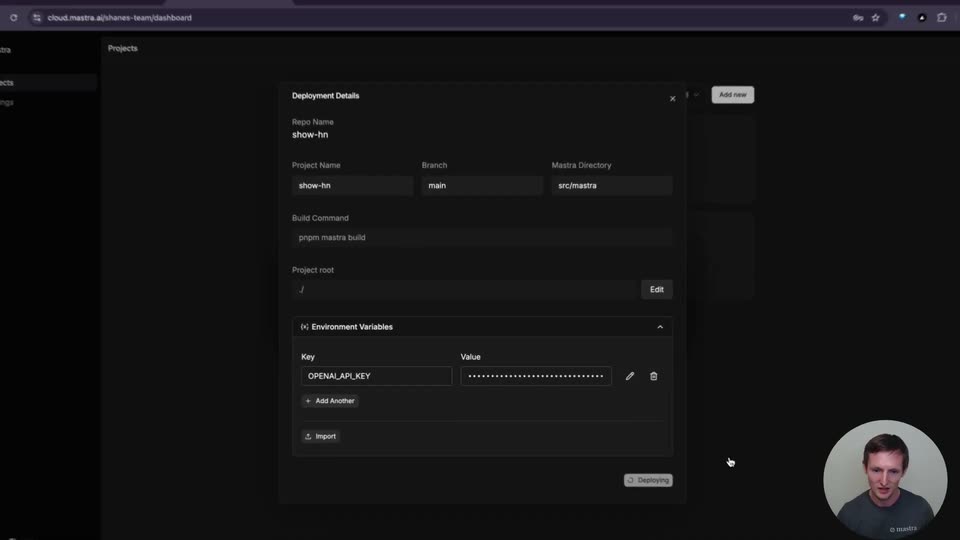 3:12–3:23Mastra · Mastra Demo - The Typescript AI Agent Framework (2024)A dark deployment modal fills the frame while a cursor types OPENAI_API_KEY and a masked value fills the field. The cursor clicks Deploy Project, the button reads Deploying, then the view reframes to the full browser window showing a deploying row. A small circular webcam sits bottom right.
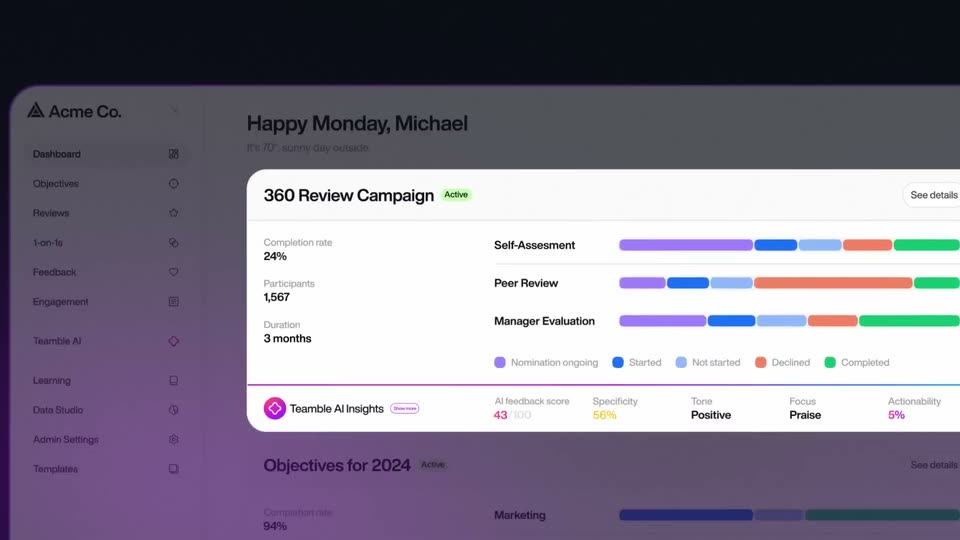 0:51–0:57Teamble · Best SaaS Product Demo Video | TeambleA tilted dashboard mockup rises into a dark purple space as the headline builds from 'Let's see' to 'how easy to find insights.' The view then zooms into the AI insights row, where a purple hand cursor taps the Show more button.