Feature reveal
A sequence devoted to one feature: its announcement and its demo.
73,535 scenes · page 911 of 1226
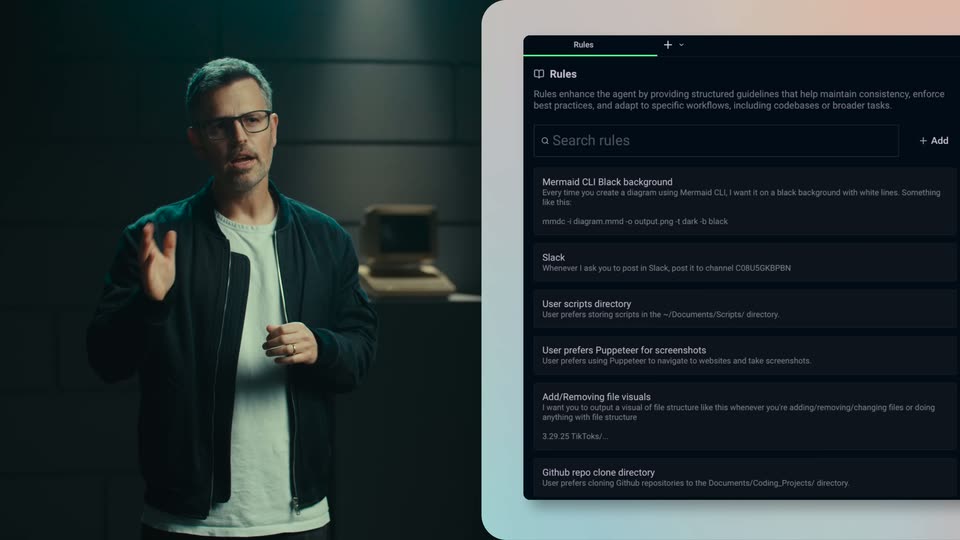 1:58–2:00Warp · Introducing Warp 2.0: The Agentic Development EnvironmentA presenter in a dark bomber jacket gestures on the left in a dim studio, while a white-bezeled tablet on the right rotates in 3D, flipping between a Rules list and a sidebar menu of the app.
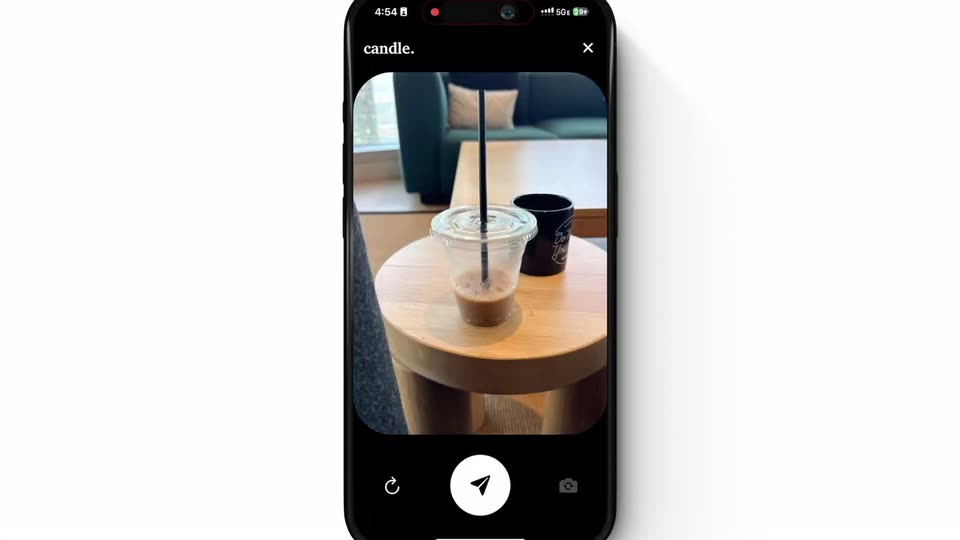 0:47 · 0.7sCandle · Couple Games & Photos - Launch!A phone mockup on a white background shows the candle app. The screen switches from a camera viewfinder framing a coffee cup on a wooden table to a teal prompt card that repeats the photo and asks the user to share it.
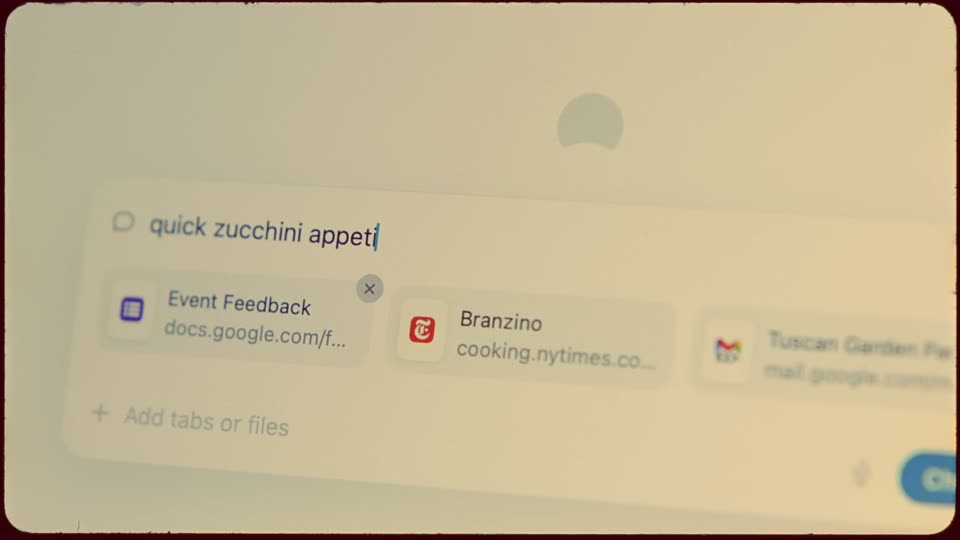 0:45–0:47The Browser Company · Dia Browser | Never Explain Yourself AgainA tilted close-up of a browser tab bar and address bar sits under a warm cream film filter with a maroon rounded border. The address bar types a query while pinned tabs for Event Feedback and Branzino rest below. A static caption reads 'If it's in your tabs'.
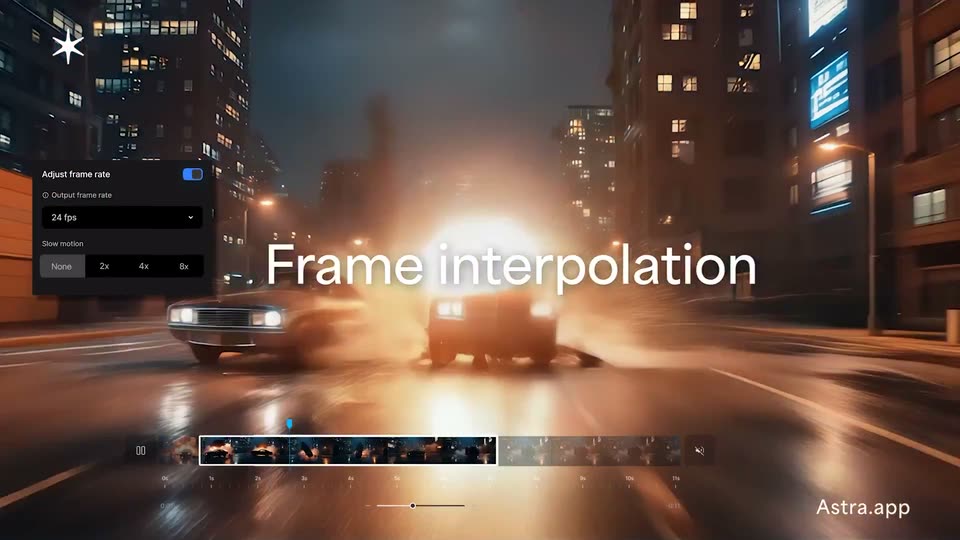 0:49–0:50Topaz Labs · Topaz Labs - 🚀BIG NEWS! We’re launching Astra: the first-ever creative upscaler foA night city street advances forward as cars drive past on a wet road, headlights reflecting on the asphalt. The white title holds centered over the scene, a star mark sits top-left and the URL sits bottom-right.
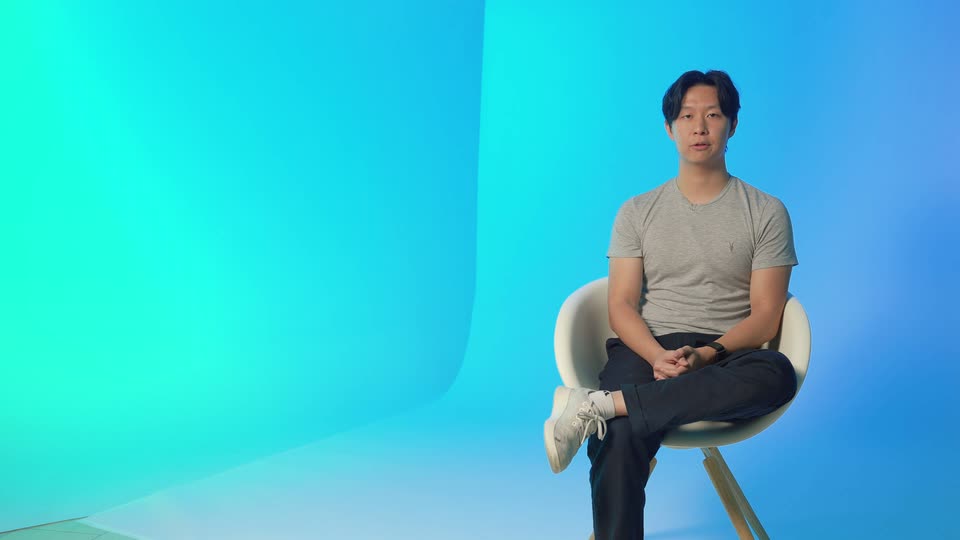 1:07–1:11Windsurf · Windsurf Wave 10 – Day 1: Planning ModeA man in a gray t-shirt and white sneakers sits in a white chair on the right of a blue gradient studio set, legs crossed and hands clasped, speaking to camera. The left half of the frame stays empty. The camera holds a static medium shot.
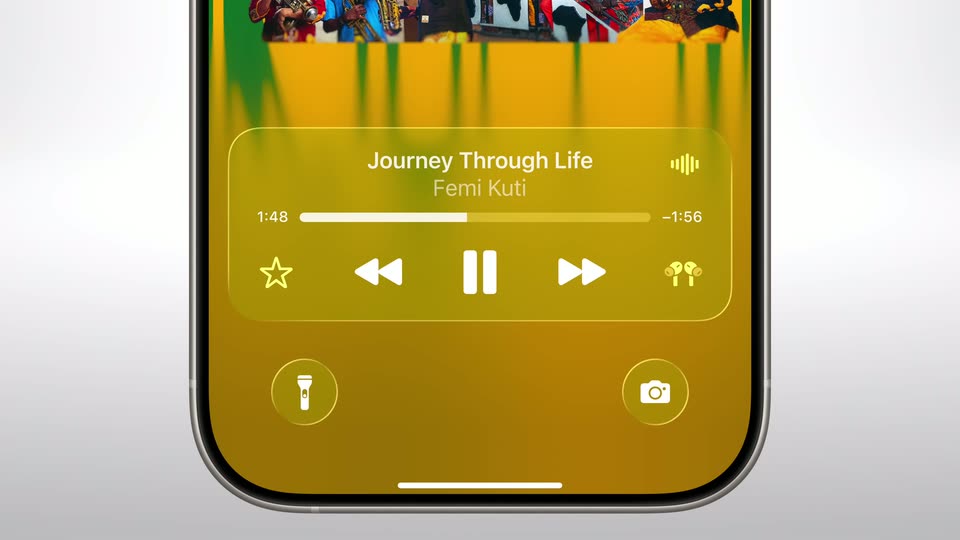 2:03–2:05Apple · iOS 26: Introducing Liquid GlassA close-up of the lower half of a phone tilts in 3D against a pale gray backdrop. Its music-player screen, tinted green and yellow, shifts hue as the device rotates, the gradient warming to orange. Playback controls and a now-playing card stay centered while the frame stays locked.
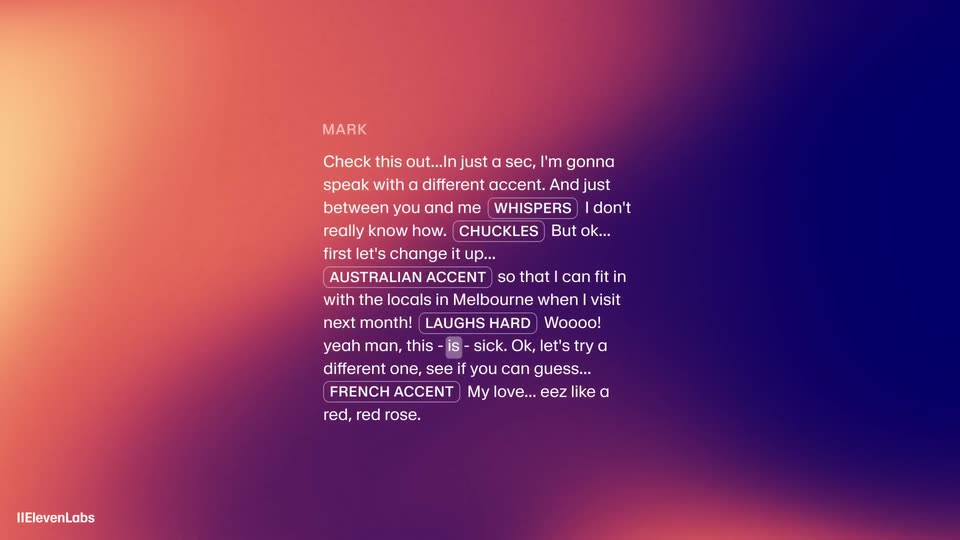 3:18–3:43ElevenLabs · Introducing Eleven v3 (alpha) — Our Most Expressive Text to Speech ModelA left-aligned dialogue block under the speaker name MARK, with bracketed stage directions, sits on a blurred orange and purple gradient that drifts slowly. A soft rounded highlight glides across the words in time with the voiceover.
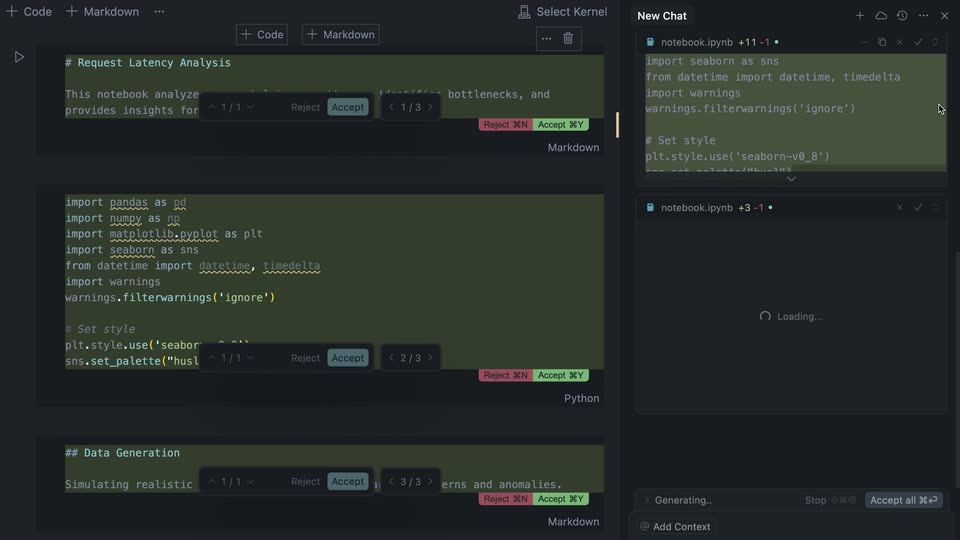 1:29–1:37Cursor · Meet Cursor 1.0A dark notebook editor on the left and an AI chat panel on the right. The chat streams code blocks while the notebook fills with markdown and Python cells, each tinted green and red with Accept and Reject buttons. The chat scrolls as new blocks arrive.
 0:32–0:33Luma AI · Luma AI - Introducing Modify VideoA white snowy owl flies straight toward the camera, wings outstretched and beating, backlit by a low sun over misty mountain ridges. The shot tracks backward as the owl closes the distance, its face and talons growing larger.
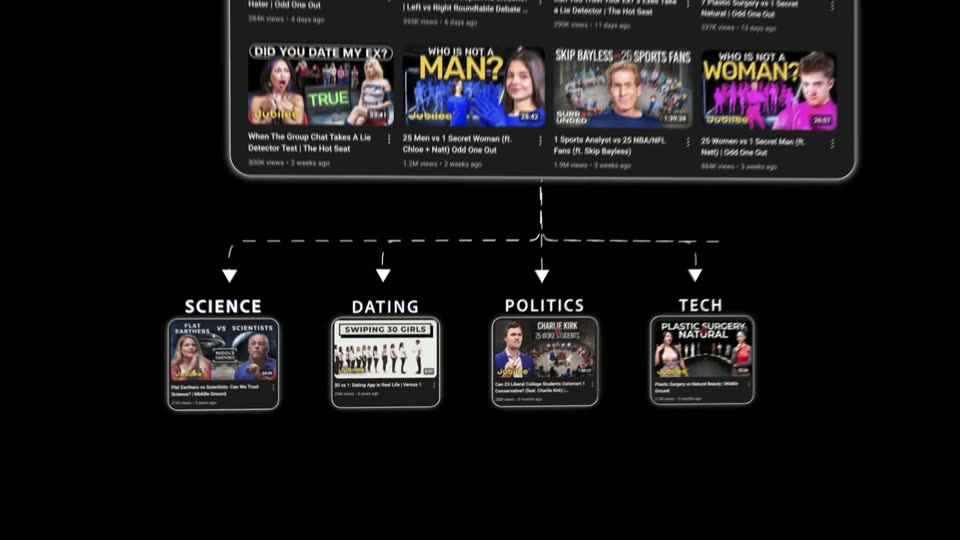 0:36–0:40OpusClip · OpusClip - Welcome OpusSearch, the first AI growth agent that can automaticallyA glowing video card under a SCIENCE label sits on black, then the view pulls back to reveal five niche cards, Science, Dating, Politics, Tech, Culture, each tied by a dashed arrow to a full YouTube grid above.
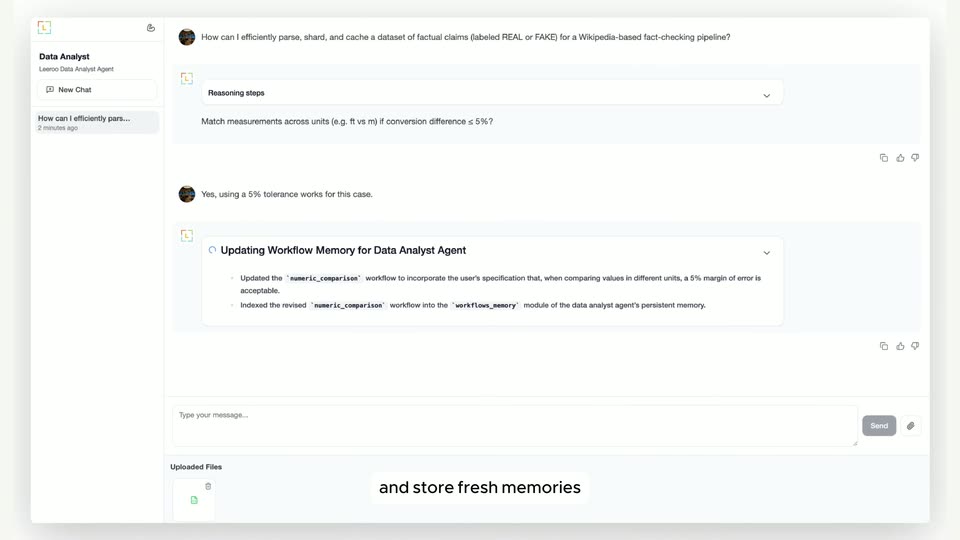 1:24–1:25Leeroo · Leeroo Continuous Learning AgentsA static view of a data analyst agent chat interface, showing a conversation thread with a reasoning-steps card and a workflow-memory update panel. A black caption sits across the lower center over the message input and file area.
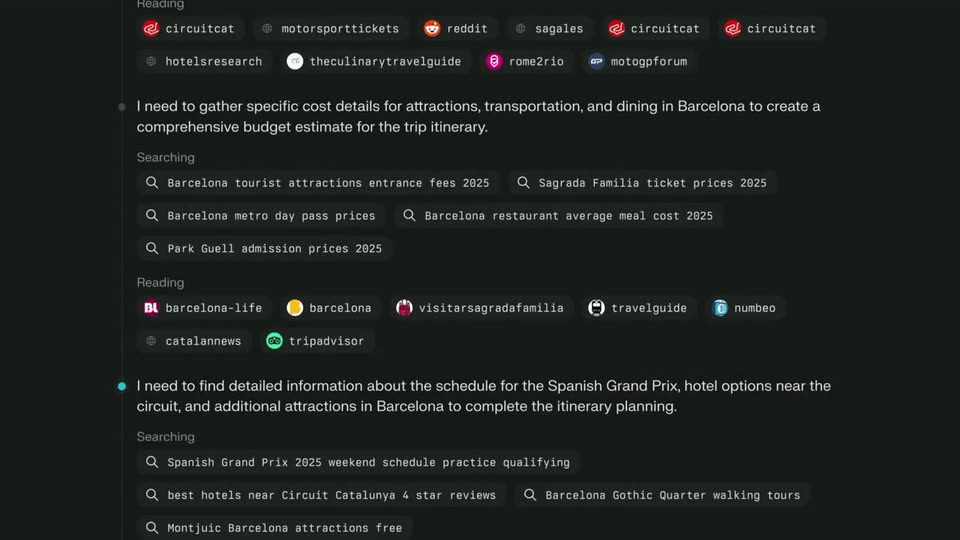 1:21–1:24Perplexity · Perplexity - Today we're launching Perplexity Labs. Labs is for your more complexA dark assistant log scrolls upward past rows of source tags and search queries about a Barcelona trip and the Spanish Grand Prix. New query pills fade in at the bottom as the list advances.
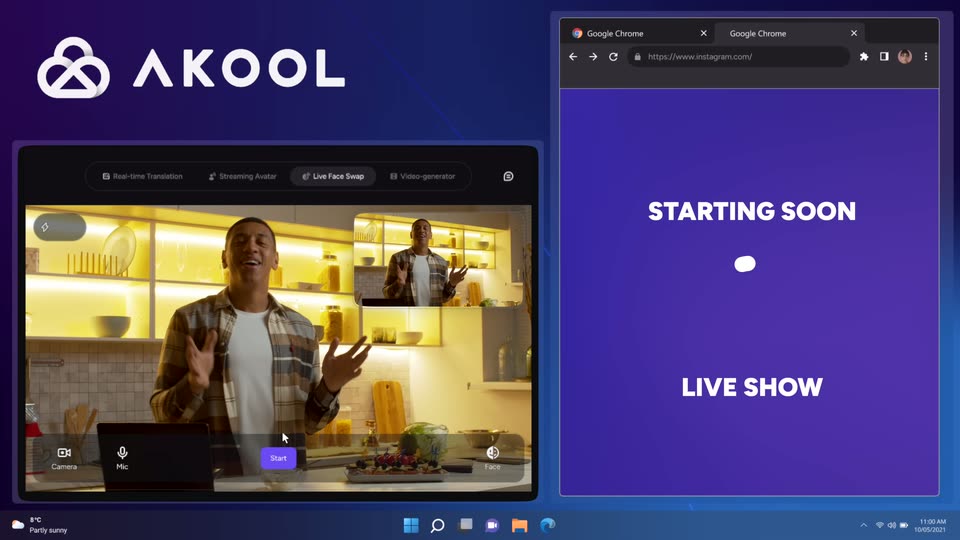 2:16–2:17Akool Inc · Introducing Akool Live Camera: Real-Time AI Video CreationA desktop screen shows two windows side by side: the AKOOL app on the left with a man in a kitchen and a face-swap preview, and a Chrome browser on the right on a purple live-show page with a spinning loader. A cursor drifts toward the Start button.
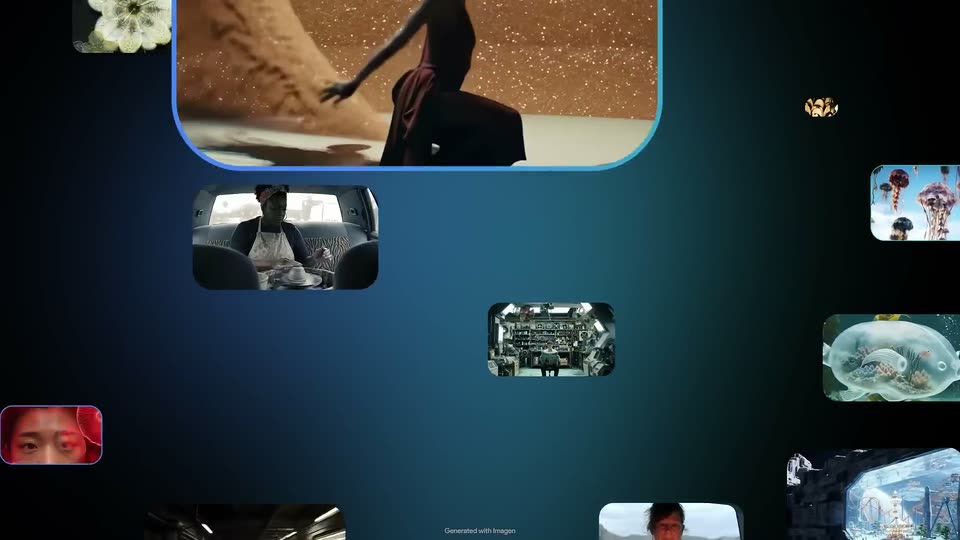 0:42–0:43Google · Introducing Google AI Ultra: The best of Google AI in one subscriptionA dark blue field of rounded video tiles, each looping a different generated clip, drifts across the screen as the camera glides through the collage. A glowing blue border marks the active tile while the layout shifts from a lantern-lit street to a desert dancer.
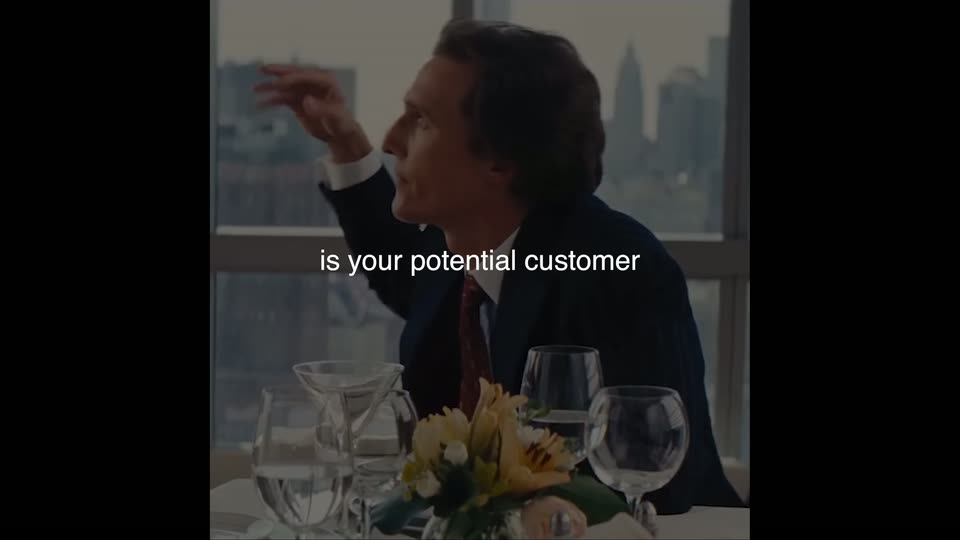 0:28–0:29Wavedash · Meet WavedashTwo live-action shots: a man in a suit gestures at a dining table by a city window, then a hand opens a refrigerator. White captions sit centered over each shot, the frame stays locked.
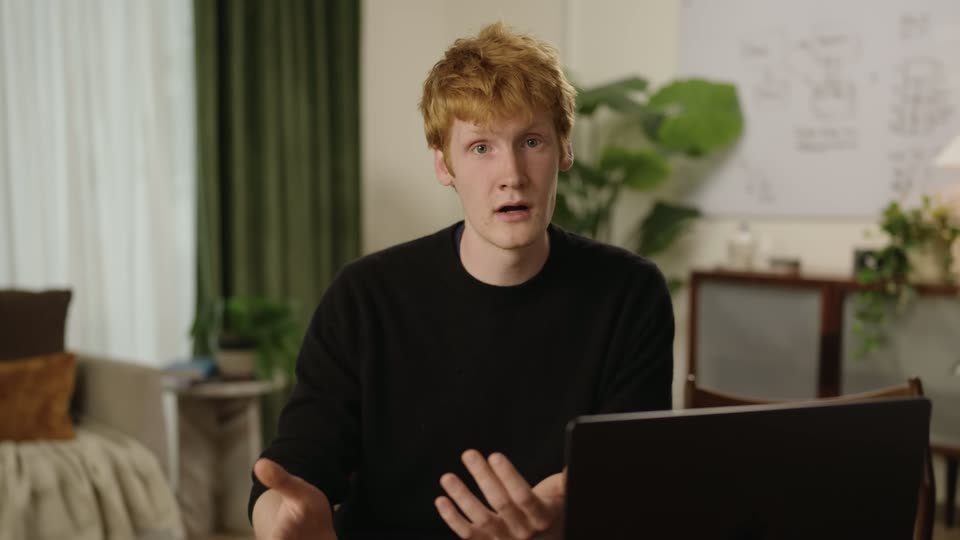 1:39–1:53Cursor · Cursor's largest update yetA red-haired man in a black sweater sits at a desk with a dark laptop, gesturing with both hands as he talks. The room behind him holds green curtains, potted plants, a couch, and a whiteboard with faint sketches. The camera stays fixed with a shallow depth of field.
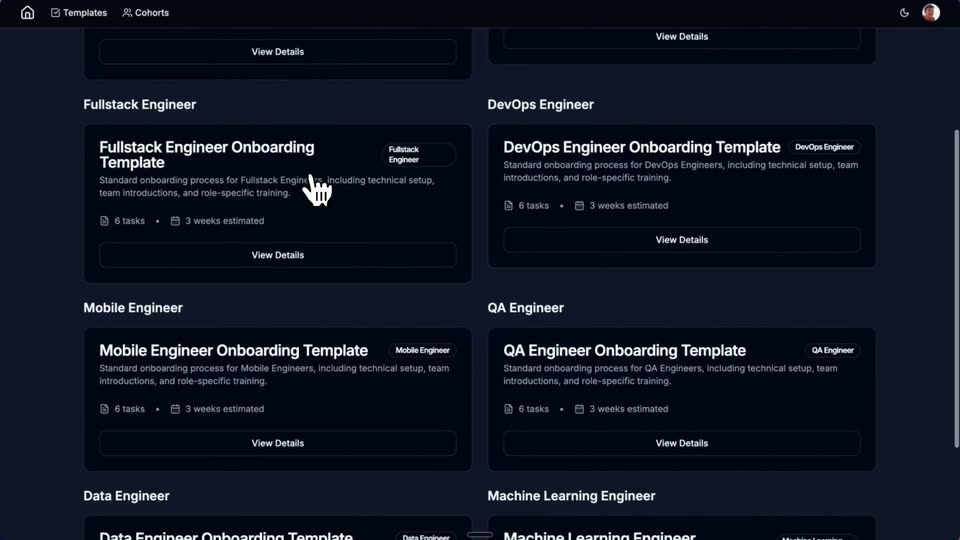 1:39–1:42Vybe · Vybe Demo - Build internal apps 10X fasterA dark product screen displays a grid of onboarding template cards. A hand cursor taps the Templates tab, then rests on the Frontend Engineer card while the list scrolls down to reveal Mobile, Data and Machine Learning cards.
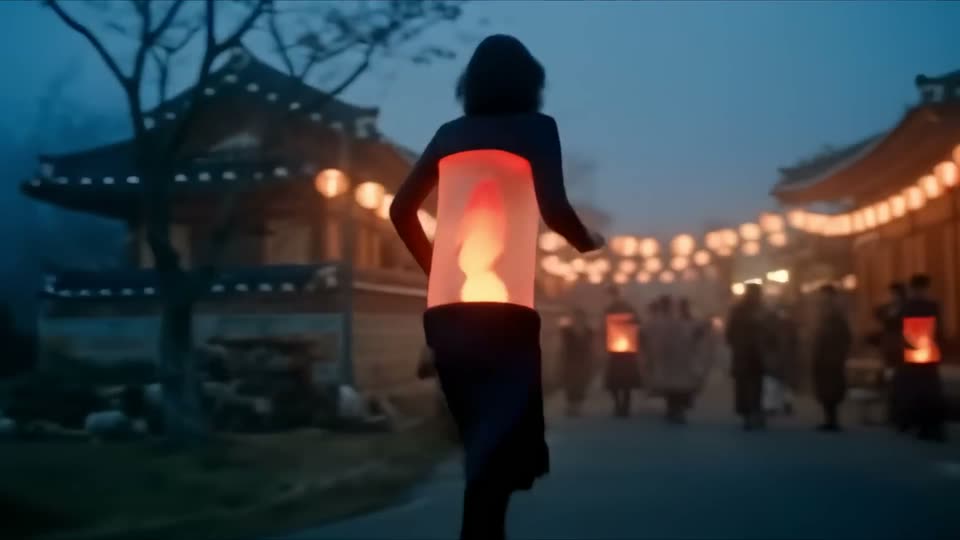 1:02–1:04Google · Introducing Flow | Google’s New AI Filmmaking ToolA dark prompt bar with an Extend chip and a typed line sits under a blurred preview, then the video expands to full frame: a woman with a glowing red lantern walks away down a dusk street strung with paper lanterns.
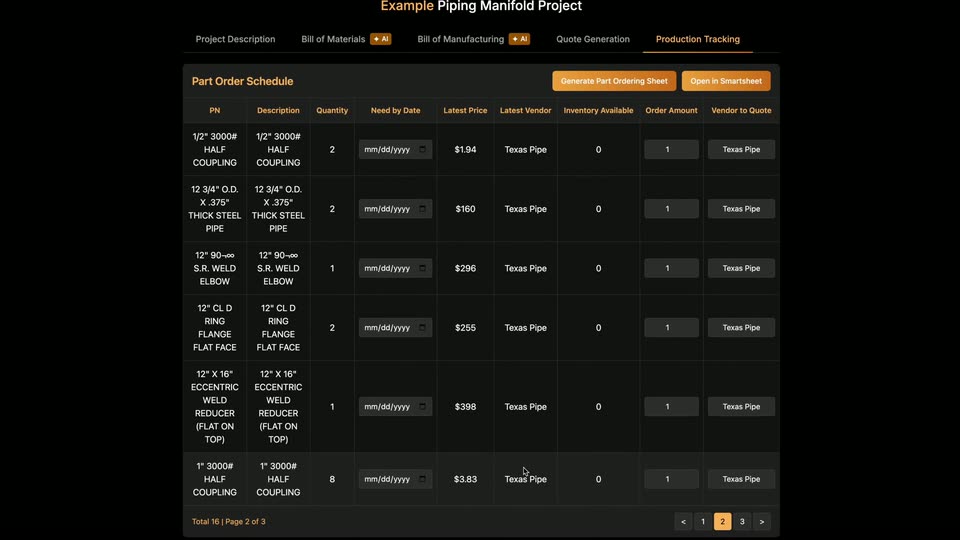 3:55–4:00Jeevy Fabrication · Introducing Jeevy FabricationA dark dashboard displays a Part Order Schedule table under the Production Tracking tab. A cursor moves down the Latest Vendor column, pausing over rows that read Texas Pipe.
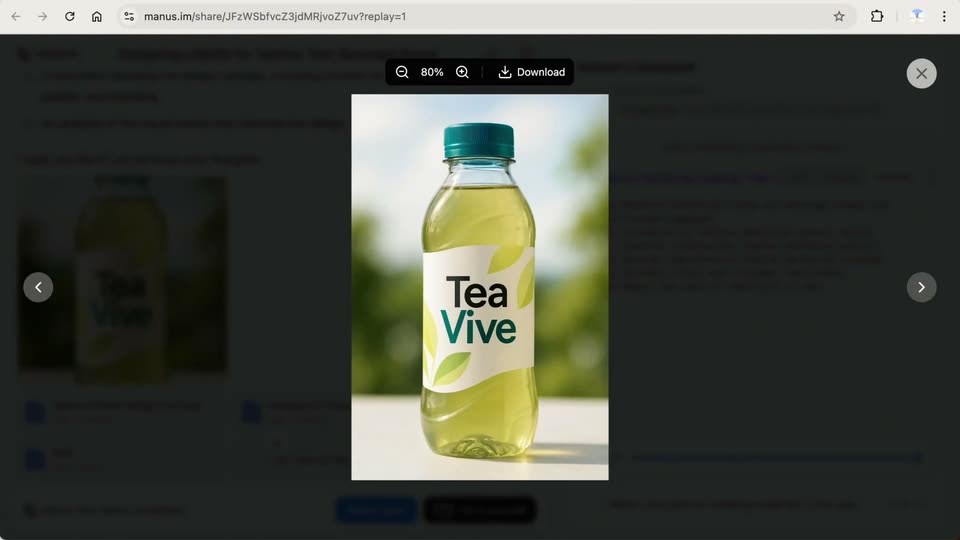 0:31–0:33Manus · Manus - Introducing Manus image generation. Manus doesn’t just generate imagA dimmed browser page frames a centered lightbox of a glass tea bottle labeled Tea Vive, with a black zoom toolbar above. A hand cursor glides to the close button in the top right corner.
 0:35–0:36Arbitrum · Arbitrum - We’re scaling Arbitrum. Everywhere.A colorful pixel grid with pink brain illustrations linked by thin network lines fills the frame. A red circle with a green center expands from the middle, covering the scene until the red field fills the screen.
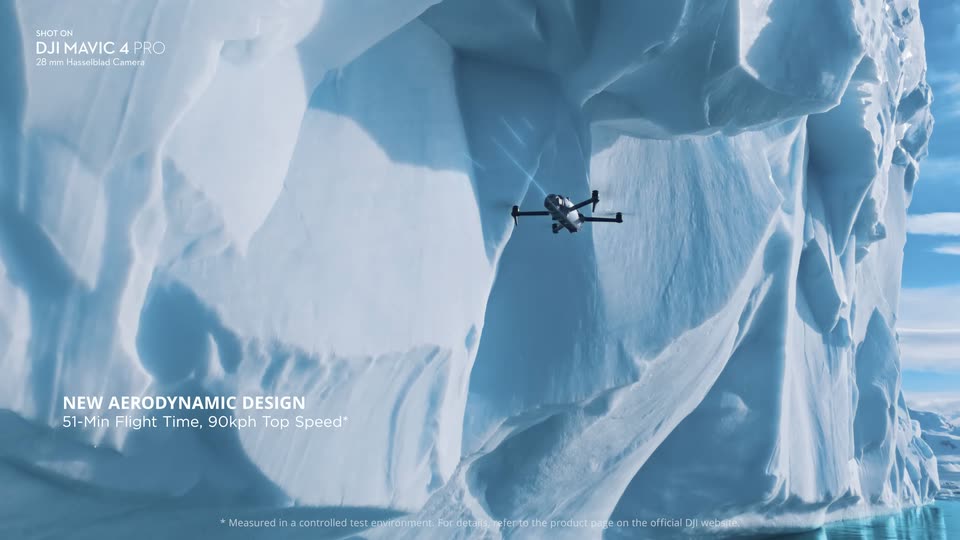 0:51–0:54DJI · Introducing DJI Mavic 4 ProA black quadcopter drone flies through a narrow slot between towering pale-blue ice cliffs above calm water. The camera tracks it through the passage while white captions sit in the lower left, and a spec line fades in beneath the headline.
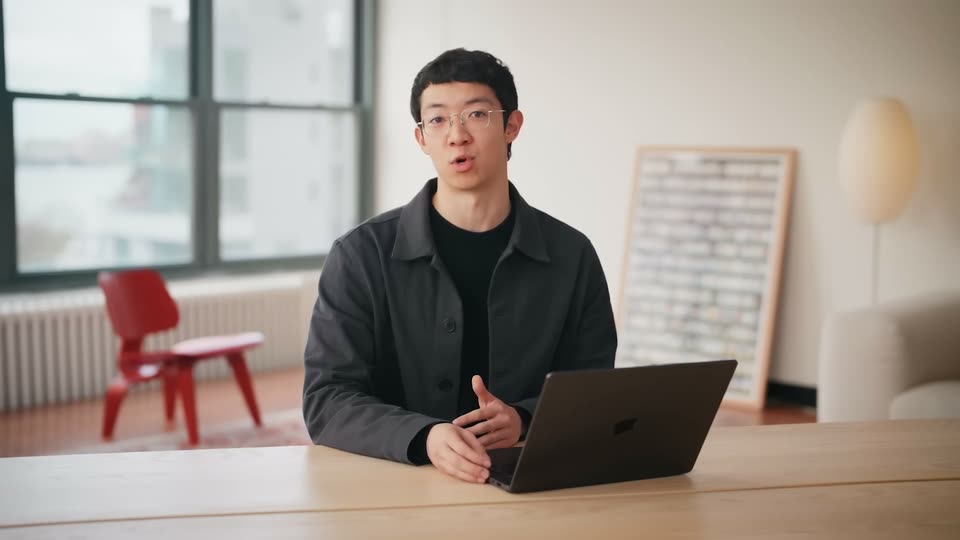 1:03–1:06Notion · Introducing Enterprise SearchA man with glasses in a dark jacket sits at a light wooden table with an open black laptop, speaking to camera and gesturing with his right hand. A bright room with a window, red chair, and framed poster fills the background.
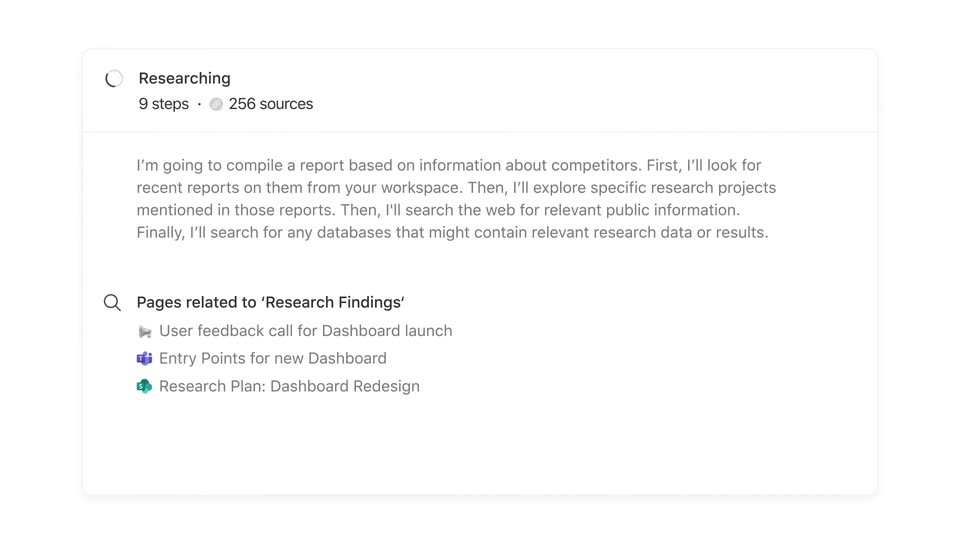 0:51–0:55Notion · Meet the all-in-one Notion AI for workA close-up of a light UI card pulls back as step and source counters tick up. Related page items list in one by one, then a blue check marks the task complete. The card zooms out to a Final report page with Copy and Save buttons.
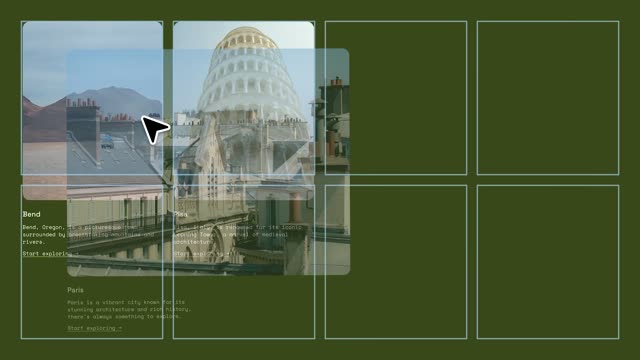 0:20–0:21Figma · All the launches at Config 2025 | FigmaOn a dark olive grid, destination cards for Bend, Pisa and Paris hold photos and captions. A large white cursor drifts across the cards while the Paris card and its text block shift into a new slot, overlapping its neighbors mid-move.
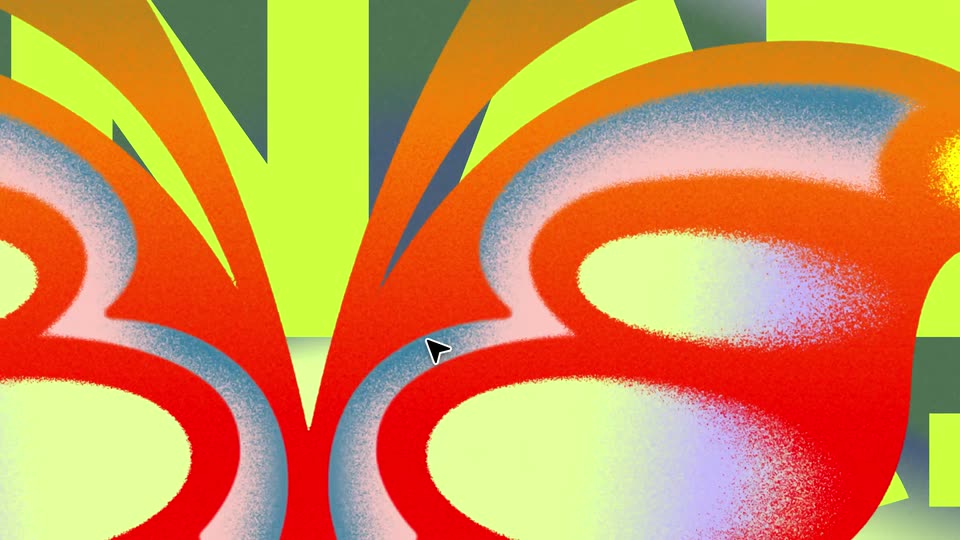 0:38–0:41Figma · Figma - Introducing Figma Draw New fills, effects, brushes, and more, now inA colorful abstract bird illustration fills the frame with a white Texture panel on the left. A cursor drags the Spread slider, adding a grainy noise texture to the shapes. The panel vanishes and the view zooms into the textured wings.
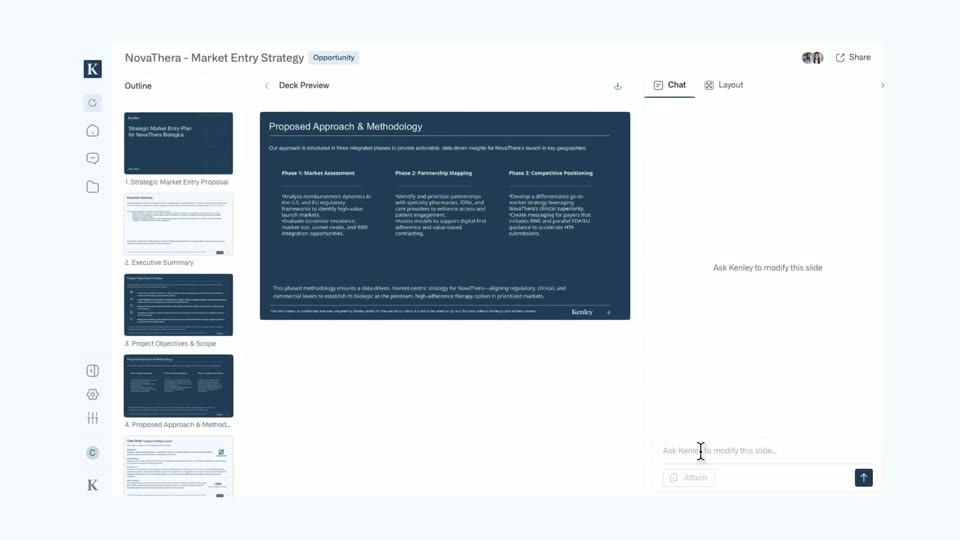 0:42–0:43Kenley · Introducing Kenley WorkStreamsA presentation editor interface settles into place: the left thumbnail rail and the central slide with three phase columns slide in from the left, while a right chat panel shows a prompt to ask Kenley to modify the slide. A cursor rests in the input field at the bottom.
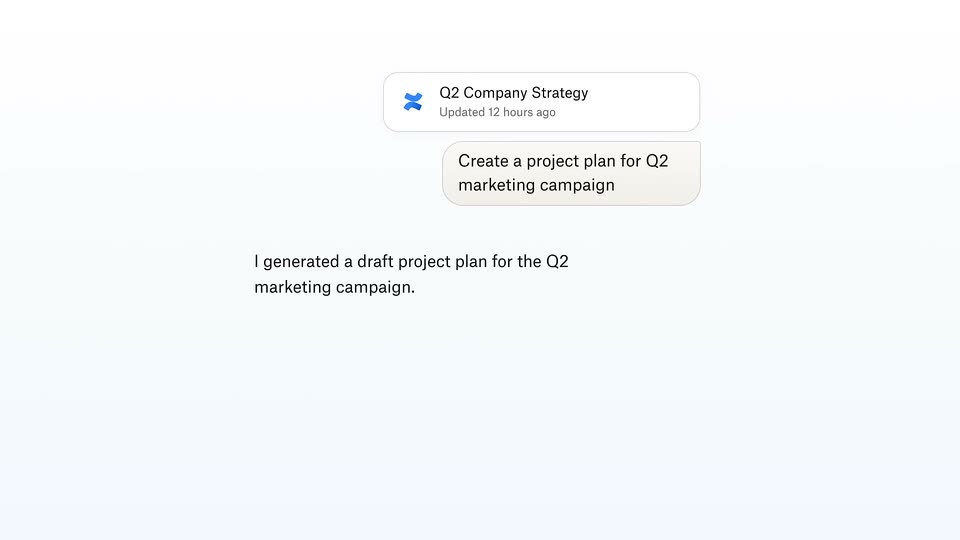 0:38–0:40Dropbox Dash · Dropbox Dash: Search videos, images, and create content fastA white chat screen holds a strategy card and a beige prompt bubble at the top. A 'Thinking...' label fades out, then a response sentence and two light-blue suggestion pills with sparkle icons fade in beneath it.
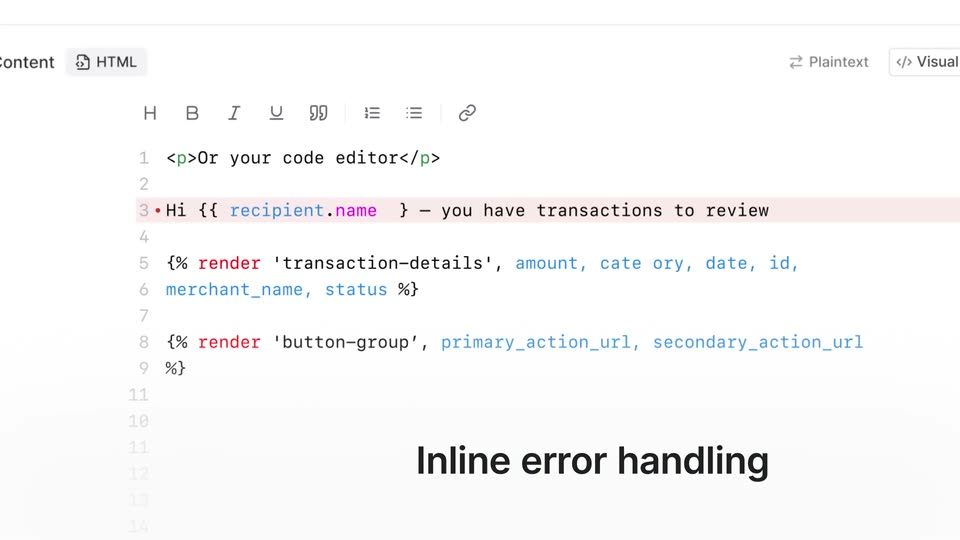 0:46–0:57Knock · Knock - Launch week → Day 2 Introducing Knock workflows 3.0. Rebuilt with aA cursor flips the editor toggle to Visual editor and the frame pulls back from a close-up to the full code view. As a typeahead dropdown, a red error line, and an AI fix panel appear, bold captions enter word by word.
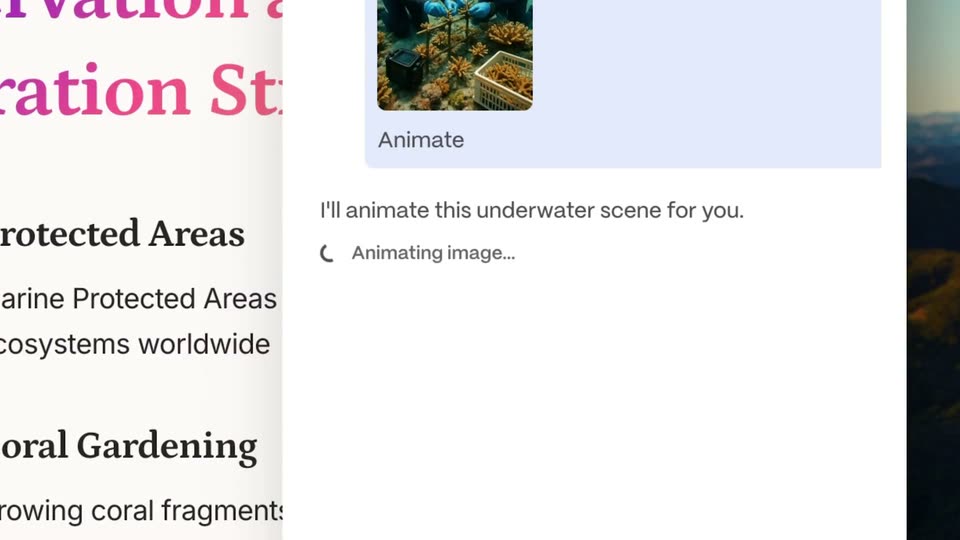 0:30–0:32Gamma · Gamma - Introducing AI Image Editing with animation! You can now edit and anA product interface shows a serif article list on the left and a chat panel on the right with an underwater coral thumbnail above an Animate button. The assistant line shifts from Thinking to a confirmation with a loading spinner; a blurred landscape video runs at the right edge.
 1:04–1:05Lovable · Lovable 2.0 is here. Multiplayer vibe coding. Smarter & more secure.On a black field with red and purple corner glows, a white hand cursor icon slides up and taps a dark rounded code icon holding angle brackets. The glyph inside the brackets shifts from an X to a blinking text cursor.
 0:45–0:46Insta360 · Buy X5 - Flagship 360 Action Cam - Insta360 StoreA skater in a yellow jacket glides across an outdoor night rink while the camera whips around, smearing the city lights and a glowing blue TORONTO sign into horizontal streaks.
 0:46–0:47Insta360 · Meet Insta360 X5 - New Flagship 8K 360 Action CameraA person in a black bodysuit tumbles through a dark void, limbs outstretched, while a pink canopy with a yellow stripe drifts past the frame. Blue light beams cut through the blackness as the camera tracks the fall.
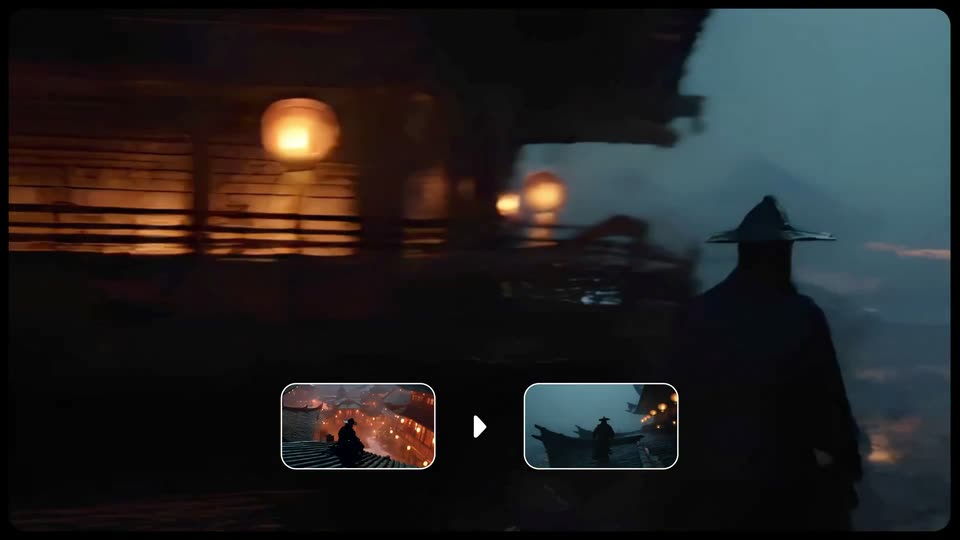 0:28 · 0.8sVidu · Vidu AI - 🚀 Vidu Q1 is here — unleash imagination with extreme Quality. Four coA video player frame shows a dark live-action preview of glowing lanterns and a silhouetted figure whipping past in a fast horizontal blur, while two rounded clip thumbnails and a play arrow sit fixed at the bottom center.
 0:43–0:44Google · Introducing AI Mode: A New Experiment in Google SearchA dark phone mockup at the bottom slides out of frame while a multicolor gradient logo sharpens in the center behind centered gray text. A thin connector line with two red dots sits to the right of the logo on the white background.
 0:28–0:29Family · Family - Navigating Ethereum with Family is now simpler and safer than ever🔐A wavy orange mask contracts from the edges to reveal a cream backdrop dotted with stars and squares, a hand holding a phone with a cat on it at the lower right. The centered headline holds still through the reveal.
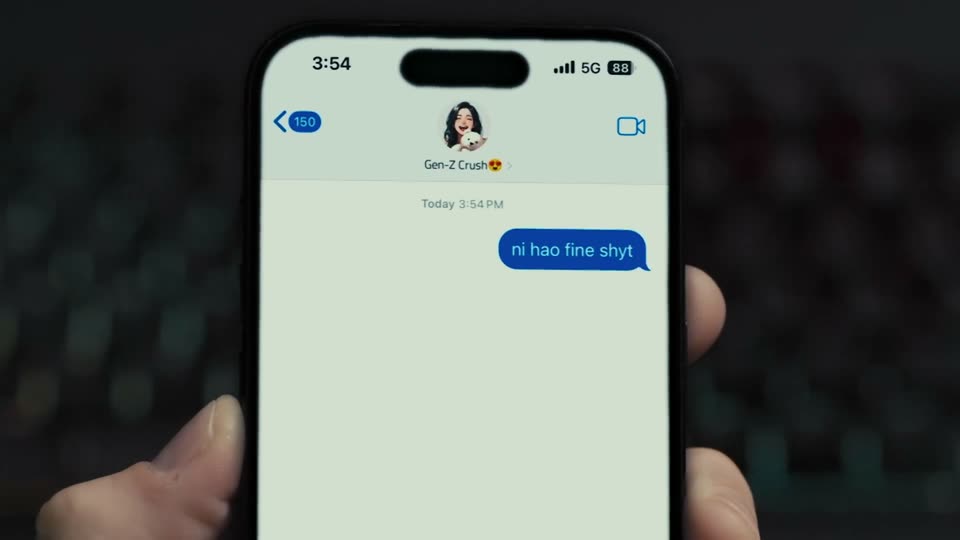 0:55–0:56Razer · Razer Skibidi | Level Up Your LingoA hand holds a phone against a dark, blurred background. In the chat view, the line typed in the bottom input field pops up as a blue sent bubble on the right while the field empties.
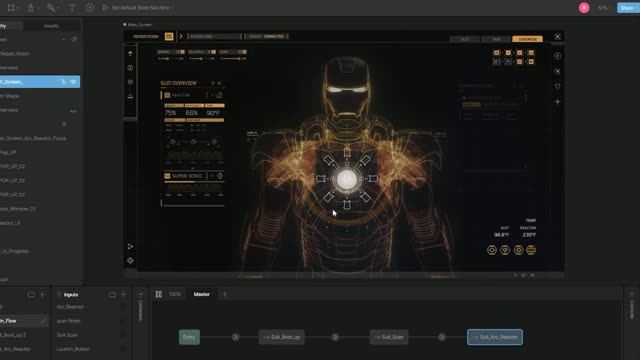 0:44–0:45Rive · Rive for Product Design Reel 2025A locked-off dark motion-tool interface: a holographic wireframe suit stands in the center canvas, its white chest reactor glowing while orange energy filaments flicker across the torso, with small data panels flanking the figure. A static headline overlays the shot.
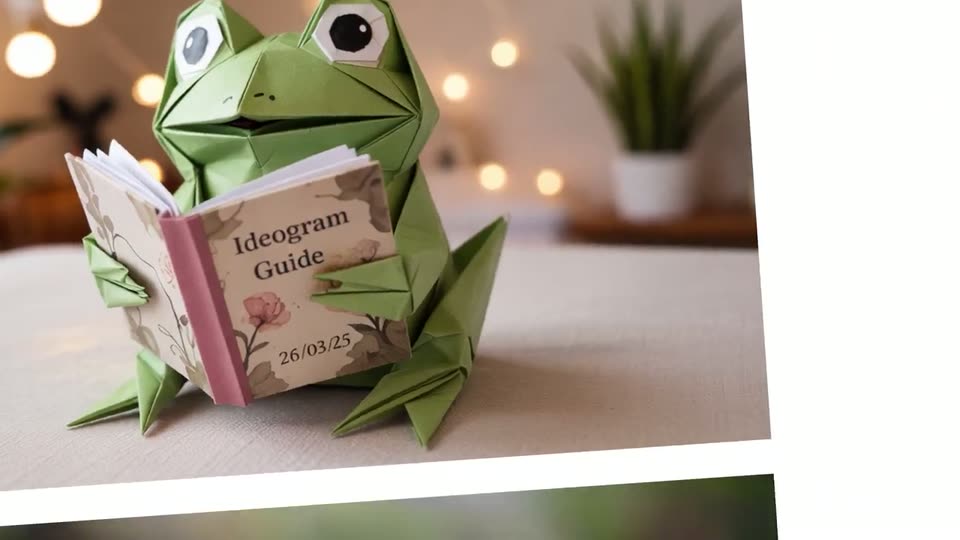 0:45–0:46Ideogram · Ideogram - Meet Ideogram 3.0 — stunning realism, creative designs, and consistenA green origami frog sits on a table holding an open book, against a soft-focus room with string lights and plants. The shot tilts and a white diagonal panel wipes across to reveal the next frame.
 3:06–3:09Discord · Introducing the NEW Discord Game OverlayA dimmed top-down game view pans and shifts behind a fixed Discord voice control bar at the bottom of the frame. The bar holds mic, headphones, camera and screen-share toggles plus a red end-call button, with a status line reading Voice Connected, a user name and General.
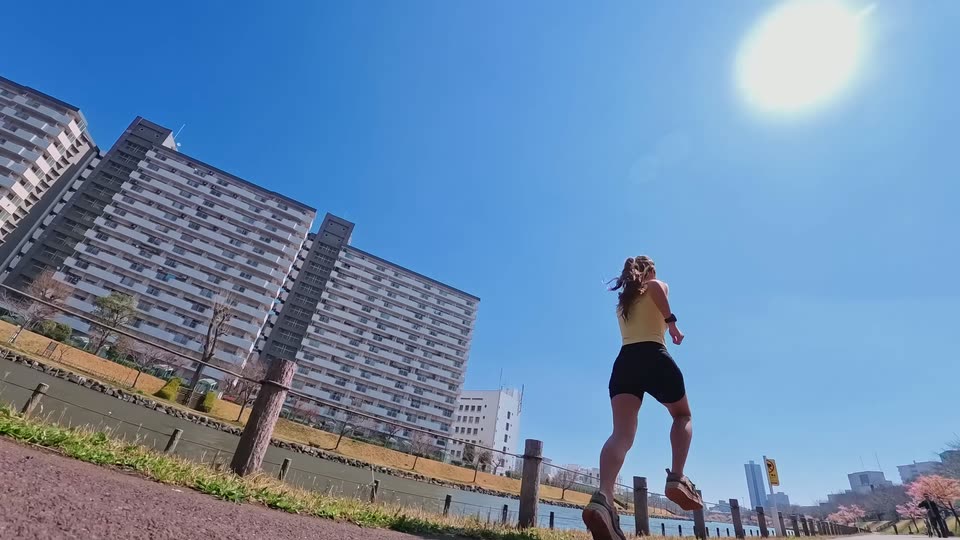 0:35–0:36Insta360 · The Action Camera Built for Real Creators – Insta360 Ace Pro 2A woman in a yellow shirt and black shorts runs past a low, tilted wide-angle camera, her chunky sneakers filling the frame before she sprints away. The blue sky and apartment blocks tilt in the background as the lens flares from the sun.
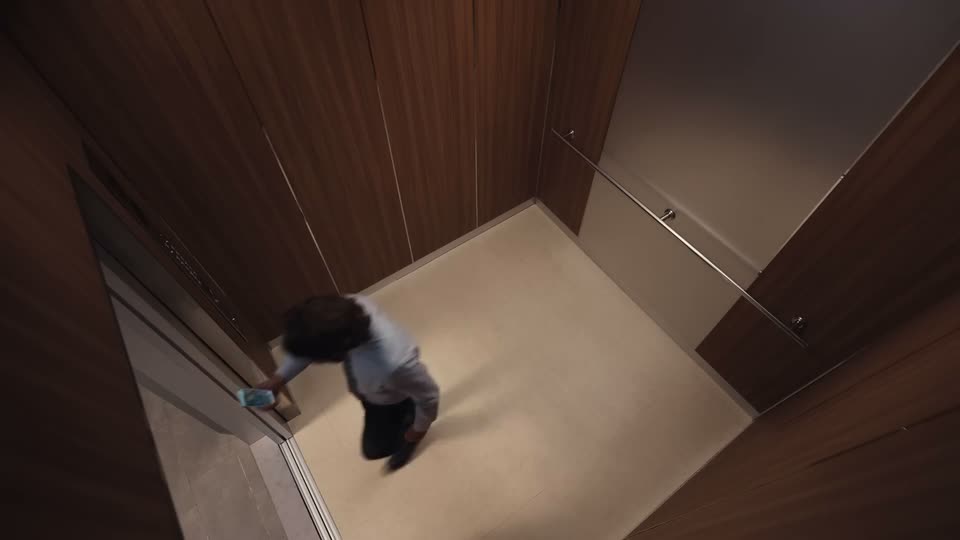 0:49–0:51Xiaomi · Goodbye Chaos | Xiaomi HyperAITop-down static shot of a man in a white shirt and tie standing in a wood-paneled elevator, phone in hand. He turns and strides out through the open doors to the left, his figure blurring as he exits the frame.
 0:41 · 0.8sGoogle · Introducing Canvas in GeminiA glowing Code/Preview toggle with a white cursor hovers in 3D space, then the camera pulls back to reveal a tilted periodic table grid and a Mercury element card with an orbital diagram behind it.
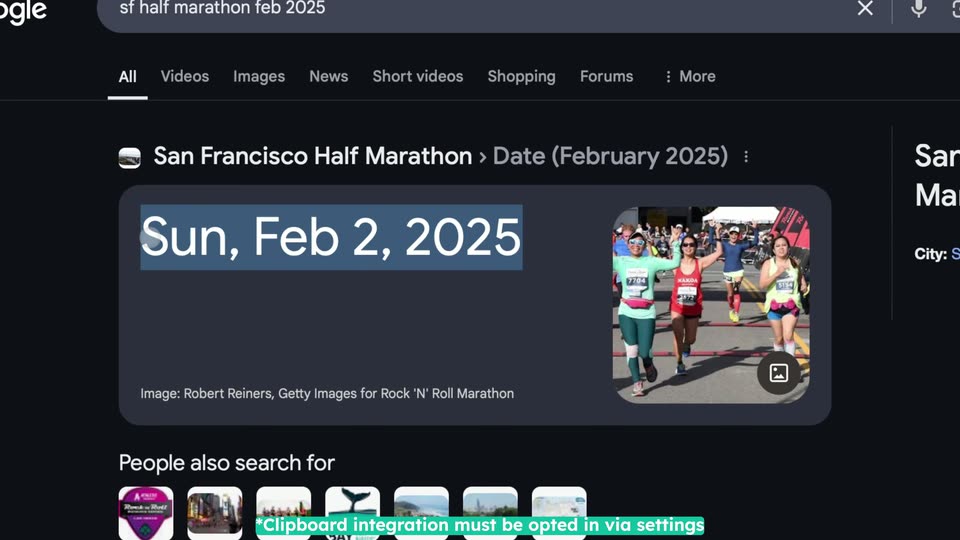 1:03–1:05Windsurf · Windsurf Wave 5: Windsurf TabA dark Google search page holds static, the date Sun, Feb 2, 2025 boxed in a blue selection highlight. A small cursor dot appears near the bottom. A green caption bar runs along the lower edge. The frame stays fixed on the selected date.
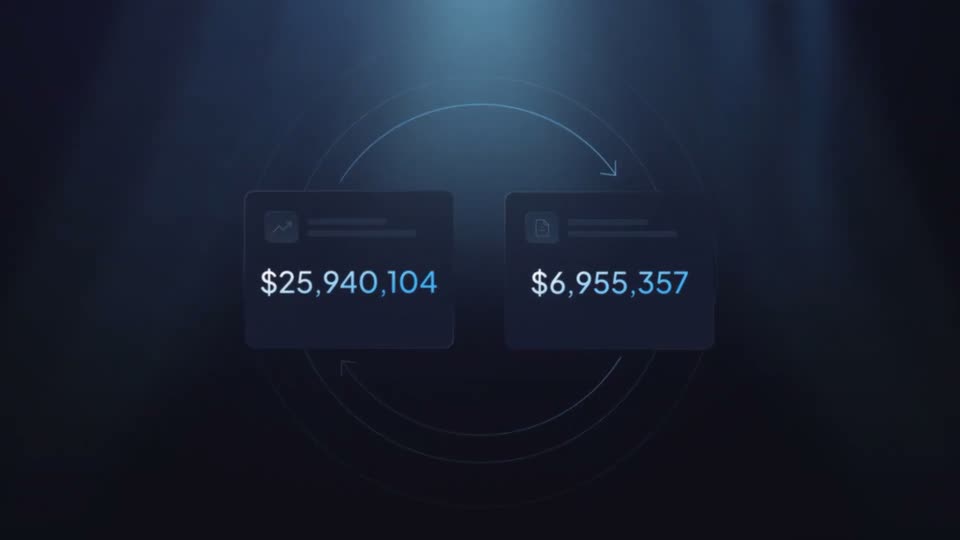 0:53–0:54Nexera · Web3 Explainer Video | Crypto Animation Video - NEXERATwo dark UI cards with large blue dollar figures float over a deep blue backdrop lit from above, a thin circular arrow drawn behind them. The figures light up from left to right and the right one scales, reading $25,940,104 and $6,955,357.
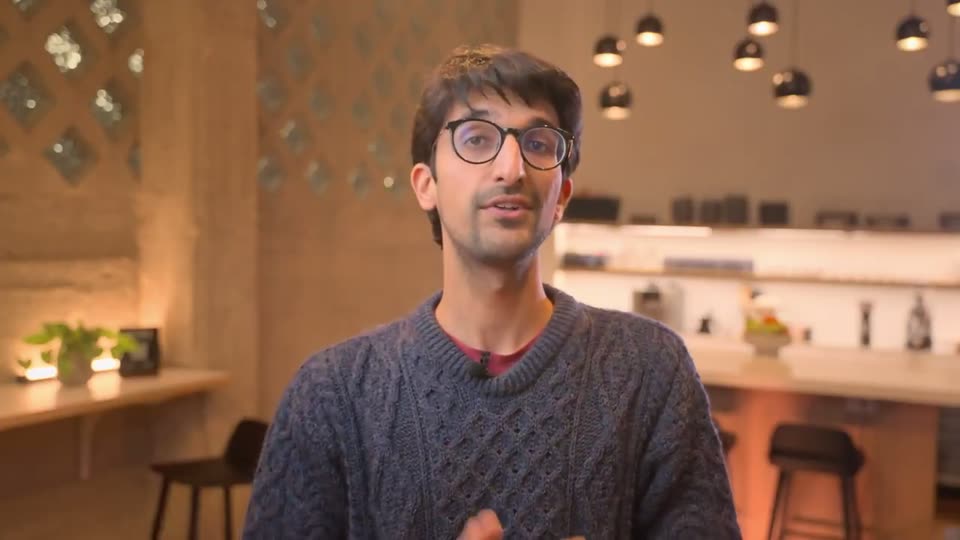 1:50–1:57Cartesia · Cartesia - We've raised a $64M Series A led by @kleinerperkins to build the platA man in a gray cable-knit sweater and round glasses speaks to camera in a warm room, gesturing with both hands. Behind him, pendant lamps and a kitchen counter sit softly out of focus in a static medium shot.
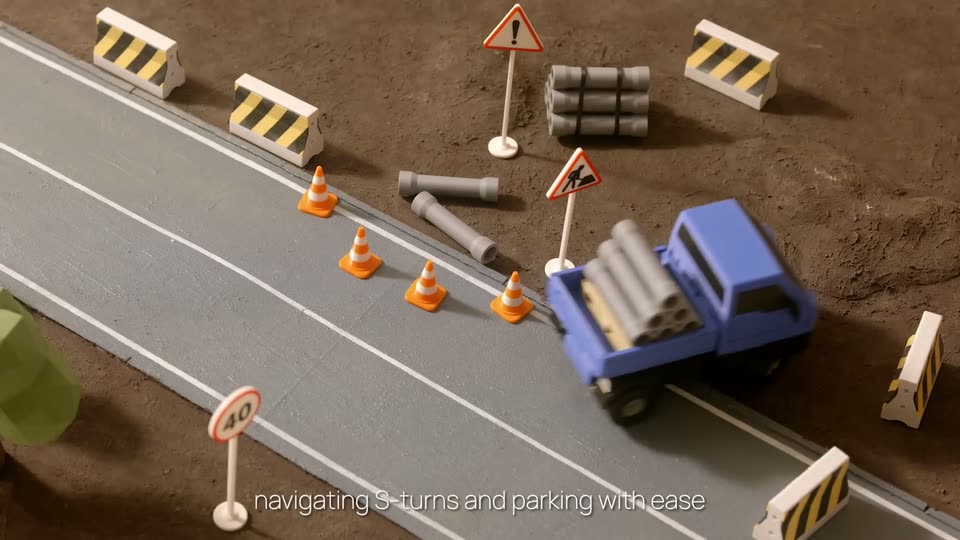 0:57–1:01Bambu Lab · CyberBrick: Build smarter. Code freer. Share globally.Top-down close-up of a miniature road course with cones, warning signs and barriers; a blue toy truck loaded with pipes drives along the lane, weaving past the cones. Cut to a girl on a couch holding a tablet, blurred, while the toy forklift and truck stay sharp in the foreground.
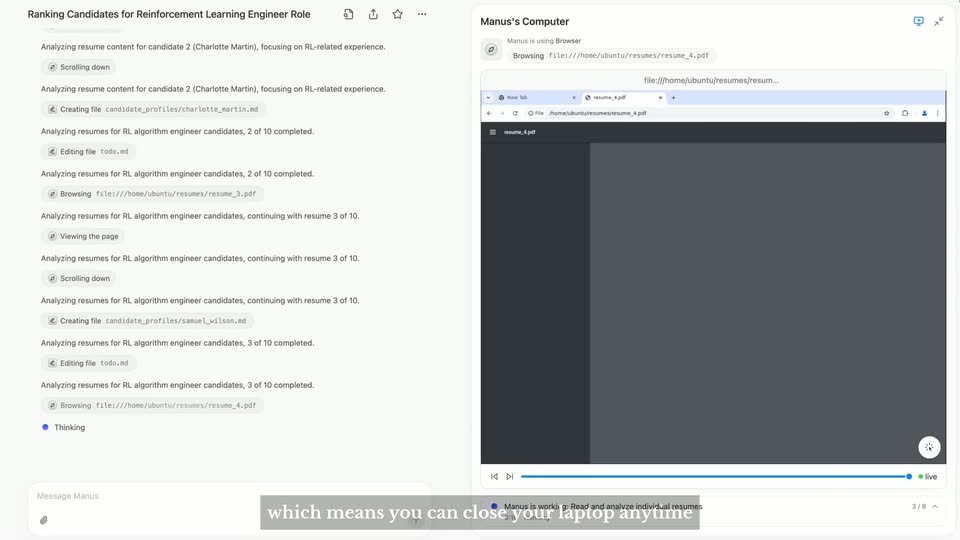 0:55–0:56Manus · Introducing Manus: The General AI AgentA split-screen product view pairs a task log of resume-analysis steps on the left with a live browser preview of a resume PDF on the right, as a white serif caption reads 'which means you can close your laptop anytime' along the bottom.
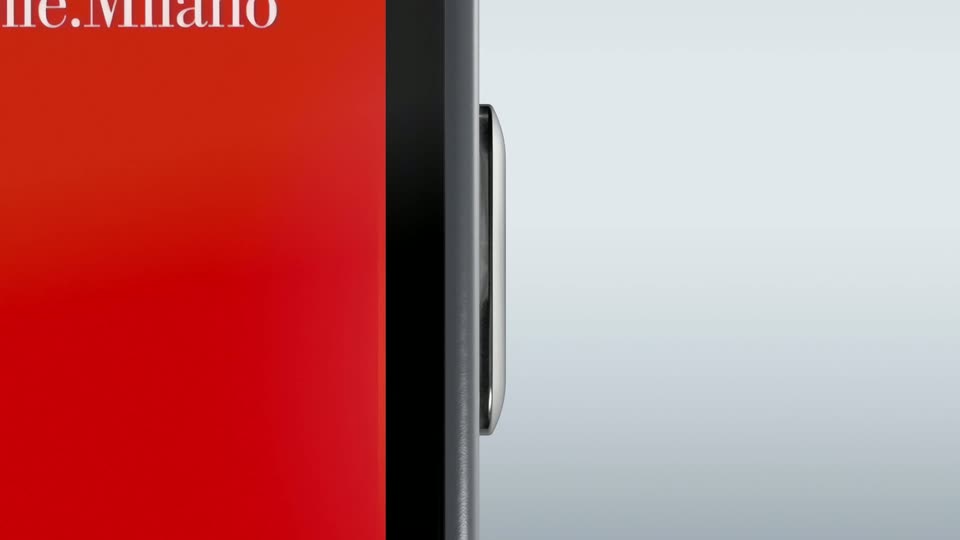 1:03 · 0.6sNothing · Phone (3a) Series: Power in PerspectiveMacro close-up of a phone's side edge against a plain white backdrop. The red screen at left carries white serif text that scrolls past, while the dark bezel, metal frame and raised side button hold the right of the locked-off frame.
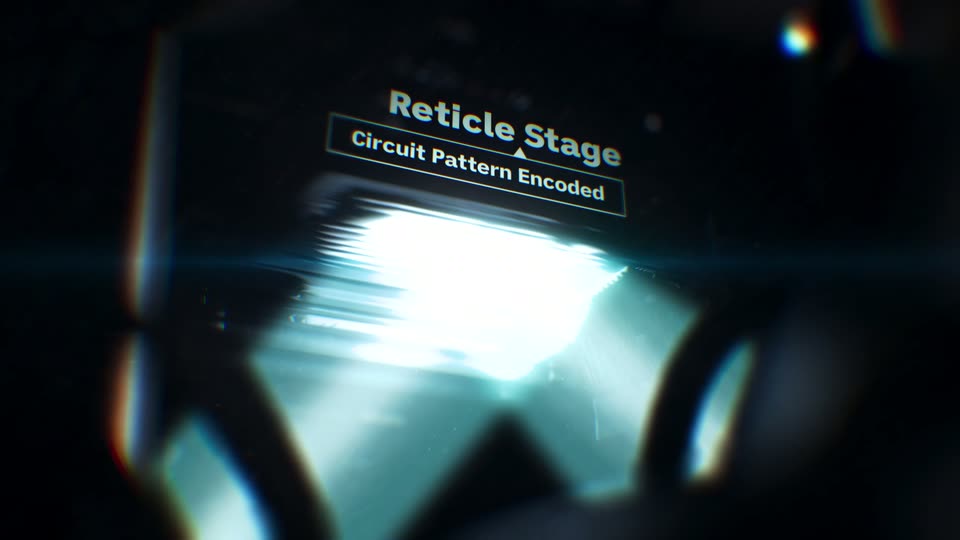 0:32–0:35Inversion Semiconductor · Chip Manufacturing Isn't Rocket Science... It's HarderA dark 3D chamber holds a bright white light source at center, framed by angled black supports and rainbow lens fringes. Two lines of white text sit in the upper right, the lower one inside a thin outlined box. The frame is locked off while the light flickers faintly.
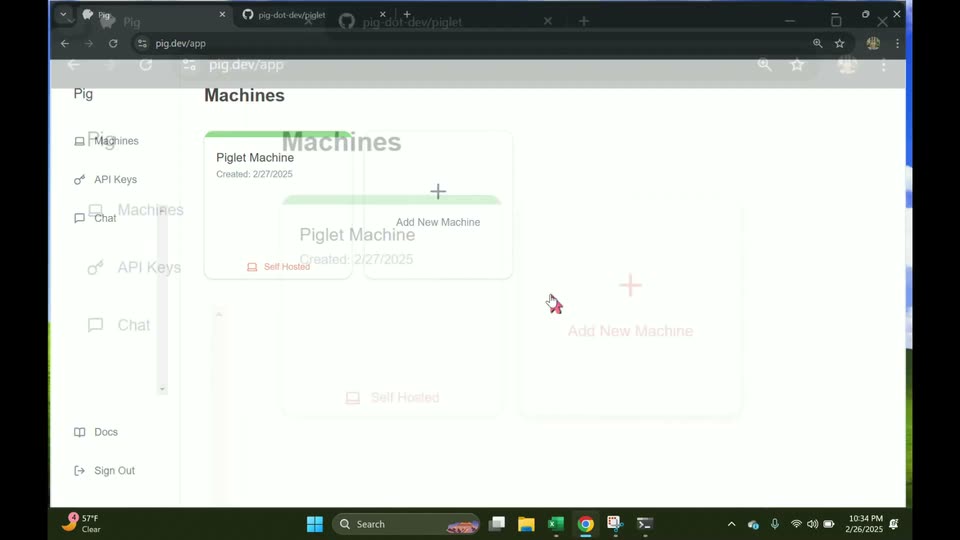 1:39–1:40Butter · Pig Official LaunchA browser window displays the Pig app's Machines page on a white background, with a Piglet Machine card and an Add New Machine card. A pink cursor with a white arrow hovers in the empty area to the right, drifting a few pixels between frames.
 3:23–3:24Mastra · Mastra Demo - The Typescript AI Agent Framework (2024)A dark Mastra Cloud dashboard, showing a project named show-hn with a deploying status, fades to black. A small circular face-cam of the presenter remains in the bottom-right corner throughout.
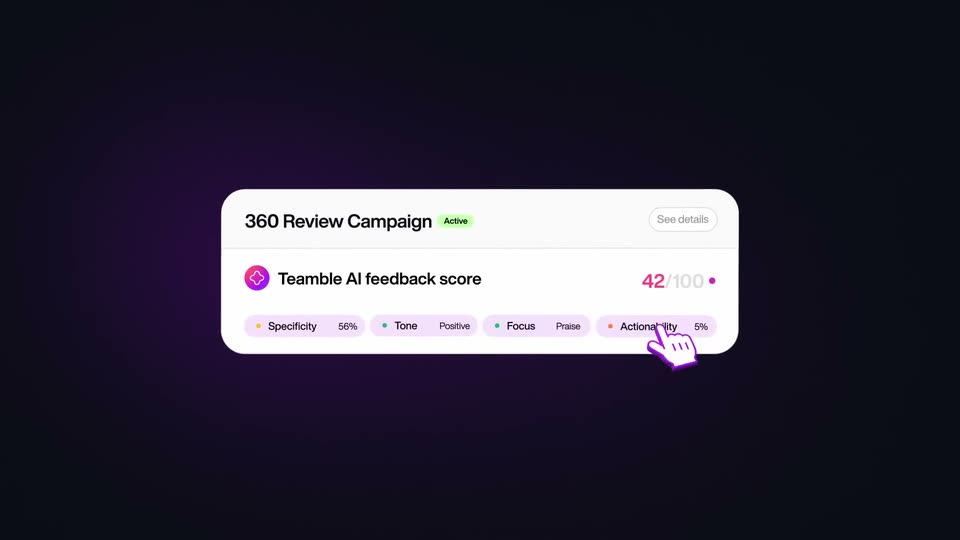 0:57–0:58Teamble · Best SaaS Product Demo Video | TeambleA white product card labeled 360 Review Campaign eases into frame on a dark purple gradient. Its AI feedback score ticks up from 40 to 42 while a purple hand cursor glides in and hovers over the Actionability tag.
 1:45–1:49Toothy AI · Toothy.ai (YC W25)A static black frame holds a centered white caption reading Toothy AI talking to insurance carrier, with human representative underlined beneath it. An italic note sits below. A phone conversation plays in the voiceover over the still frame.
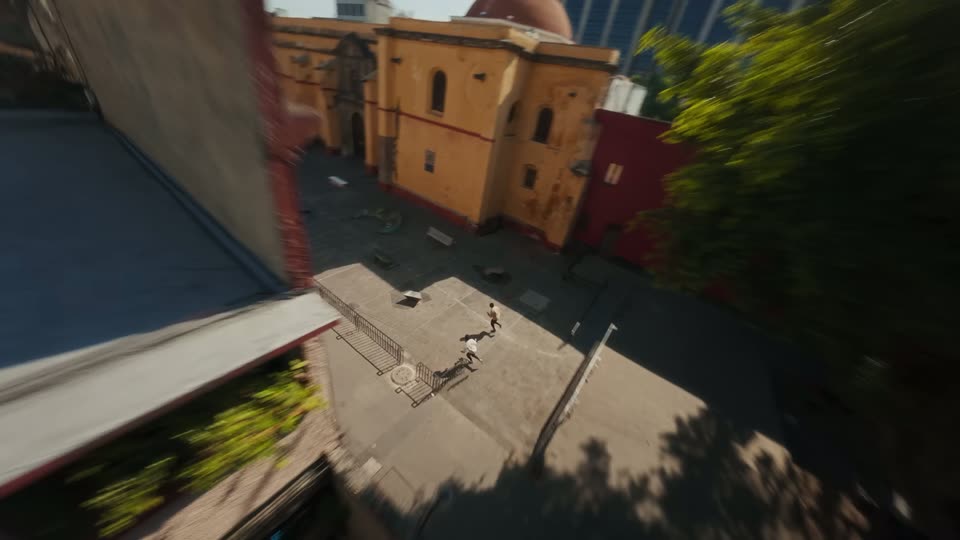 0:44–0:46DJI · Meet DJI RS 4 Mini: Compact and Lightweight Gimbal Designed for CreatorsA fast aerial drone shot dives over a sunlit city block, sweeping past orange colonial rooftops, a domed church and green trees with heavy motion blur. The frame locks off as white text AUTO CALIBRATION and Gimbal calibration complete hold on screen.
 0:49–0:53Fuse AI · FuseAI Launch VideoA chat interface on a white background shows a prompt card at the top, then an answer card streams in text line by line. As the answer fills, the view scrolls up to reveal a numbered list of competitors and a list of differentiators.
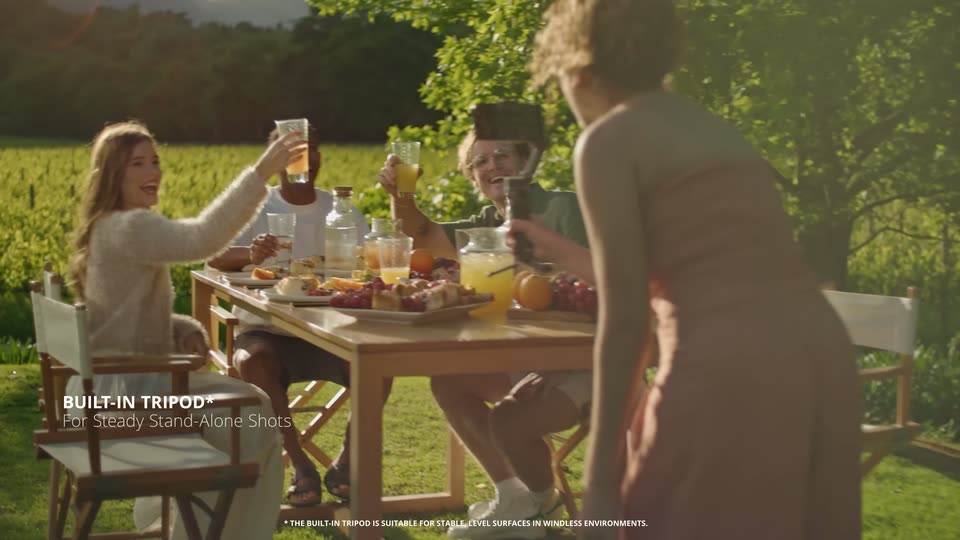 0:39–0:42DJI · Meet DJI Osmo Mobile 7 Series: Flagship Intelligent Tracking Phone GimbalsA group toasts with raised glasses at a wooden table in a sunlit garden while a woman in a tan dress walks into frame from the right holding a drink. The camera holds a steady wide shot as the feature callout fades in at the lower left.
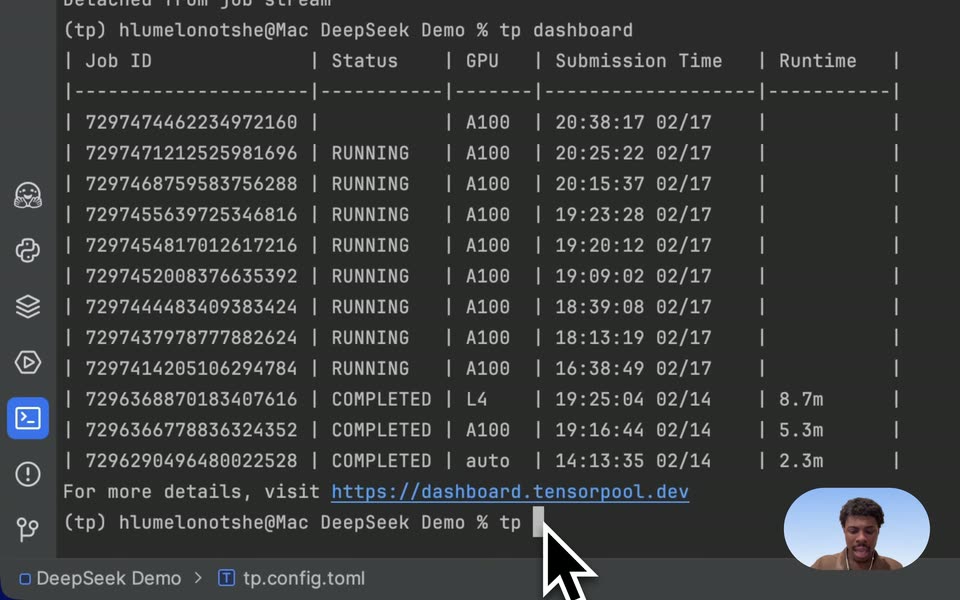 2:00–2:05TensorPool · TensorPool (W25) - The Easiest Way to Access GPUsA code editor with a terminal panel listing running jobs in a table. The view zooms into the terminal as a cursor moves down and types a command at the prompt. A small webcam feed of a presenter sits in the bottom corner.
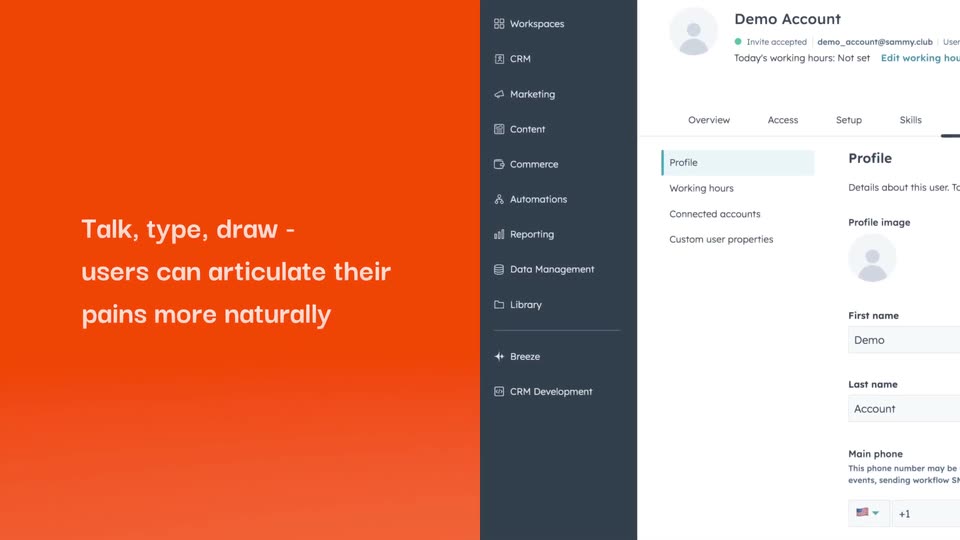 1:26–1:28SAMMY Labs · SAMMY Labs - Product TourAn orange panel with a white caption holds the left half; the right half shows a HubSpot account screen. The dark sidebar menu and the white profile panel scroll up a few lines while the caption stays fixed.
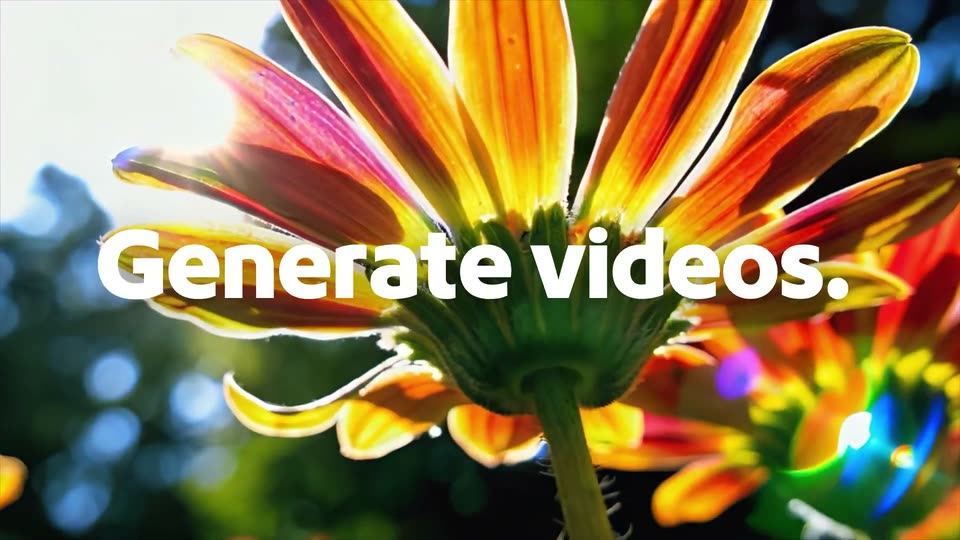 0:26–0:27Adobe · Meet Firefly Video Model | AdobeA close-up of a backlit orange flower fills the frame, its petals glowing against a soft blue-green background. The white text 'Generate videos.' sits centered across the middle, still and locked off for the full duration.