Feature reveal
A sequence devoted to one feature: its announcement and its demo.
87,386 scenes · page 736 of 1457
 1:01–1:03Microsoft · Introducing classroom experiences in Microsoft TeamsA woman in a green cardigan sits at a desk, smiling and talking as she looks at an open laptop. A colorful welcome sign sits on the desk behind her, and blurred yellow and pink flowers fill the left foreground. The frame is static.
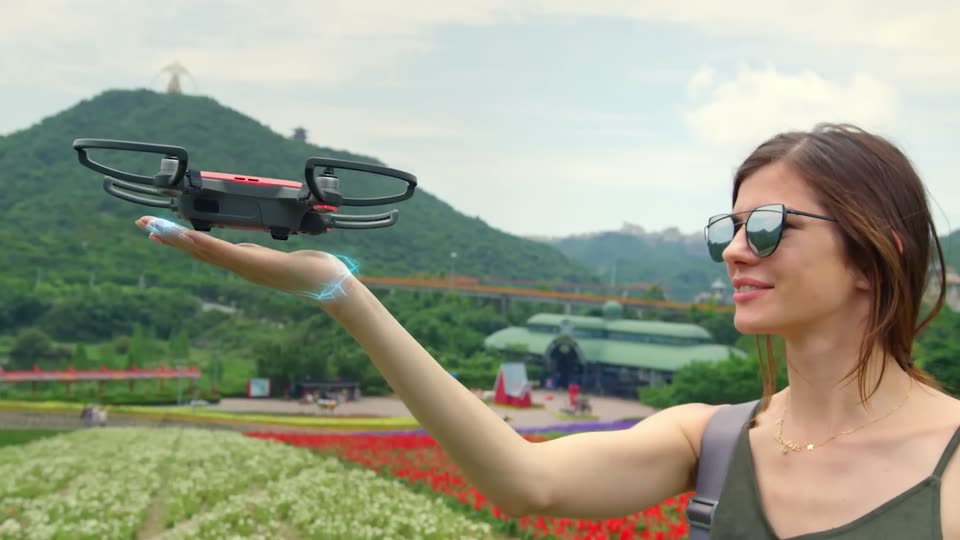 0:35–0:36DJI · DJI - Introducing SparkA woman in sunglasses stands in a flower field, palm raised, as a black-and-red drone hovers above her hand, a blue light beam linking the two. The drone drifts down toward her open palm while she smiles and watches it.
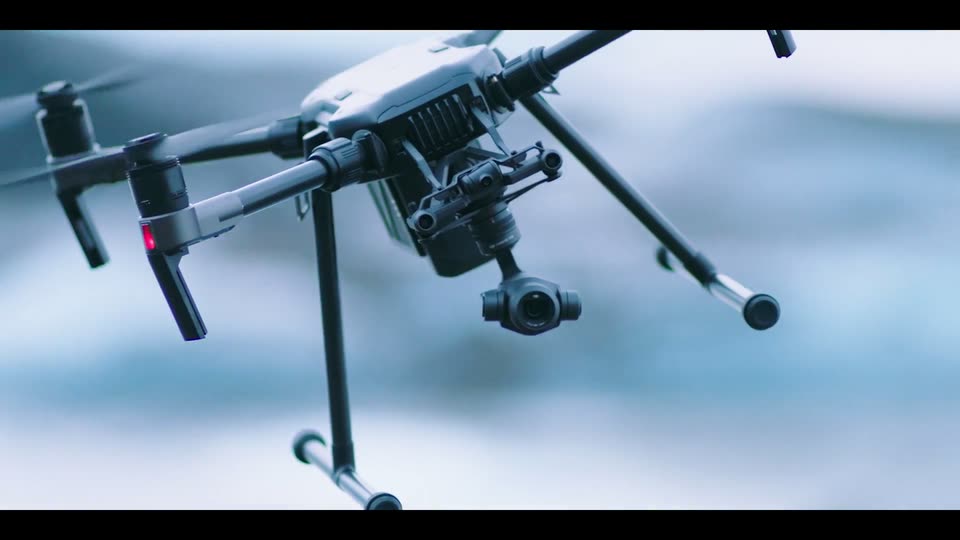 0:47–0:49DJI · DJI – Introducing the Matrice 200 SeriesA black multi-rotor drone drifts in a soft-focus close-up against a pale blue sky, a gimbal camera hanging below. It cuts to a wide shot of the same drone hovering steady over a circular yellow-and-black landing pad inside a white truss tent.
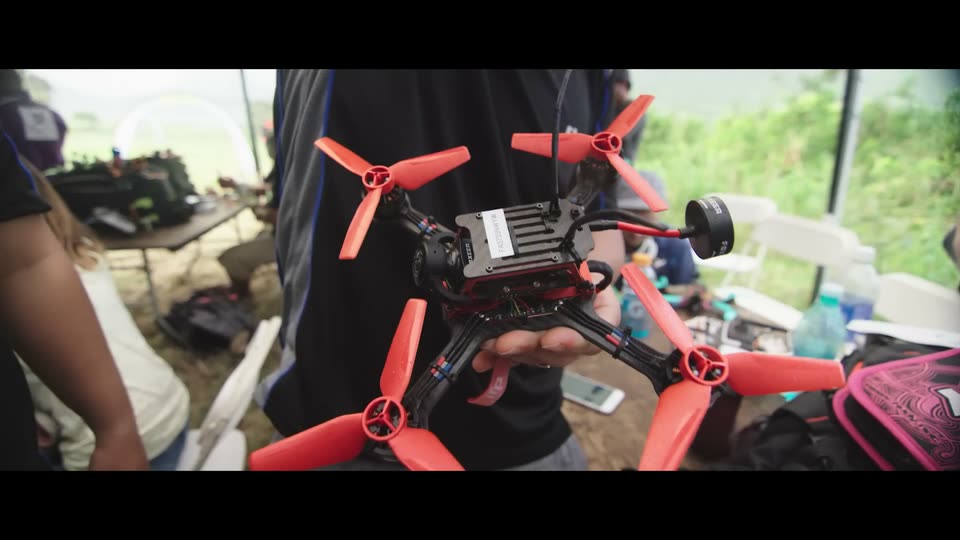 1:14–1:16DJI · DJI - Introducing the Snail and Takyon Racing SeriesA person holds a red and black drone with four propellers in a close-up shot. The background shows an outdoor event with tables and people.
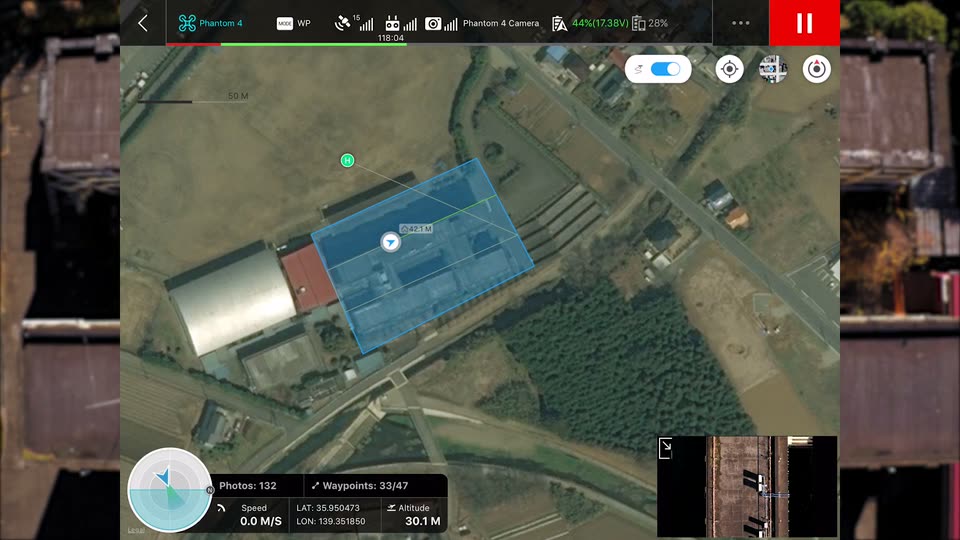 0:53–0:56DJI · DJI – Introducing DJI GS ProThe drone app map view shows a blue survey grid over a building. A white position marker slides along a green line toward the home marker while the waypoint count ticks up and speed changes. It cuts to the live camera feed of the ground with a center reticle.
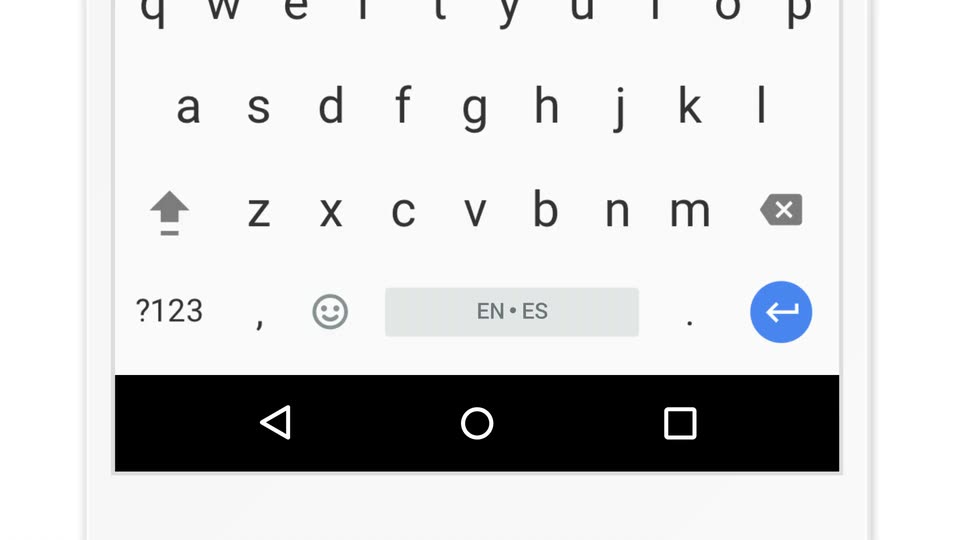 0:57–0:58Google · Gboard: now available for AndroidA close-up of a virtual QWERTY keyboard fills the frame, the black Android navigation bar sitting below. The gray language key at the bottom center updates its label from EN to ES, showing the keyboard switching languages on the fly.
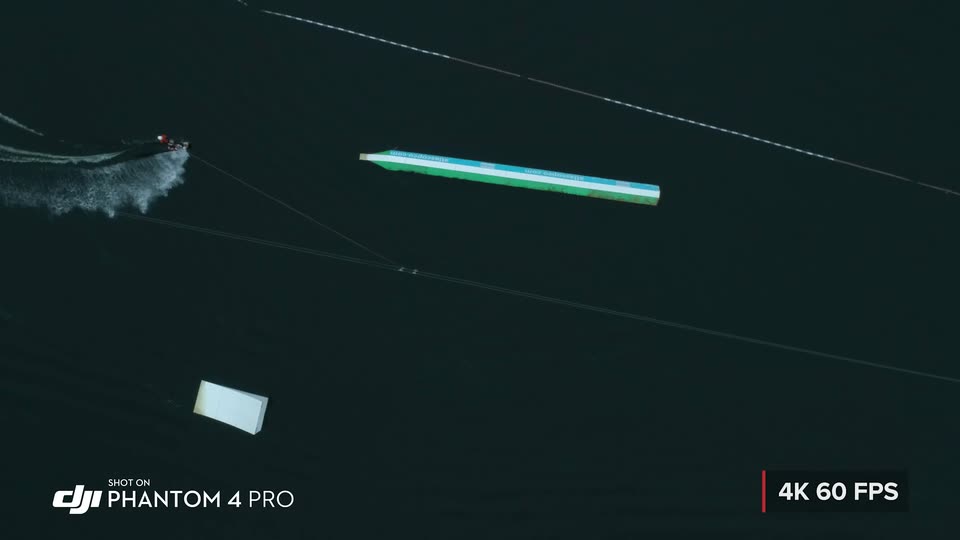 0:52–0:53DJI · DJI – Introducing Phantom 4 ProA top-down drone shot of dark open water holds steady as a small boat cuts across the left, leaving a white wake, while a long green-and-blue pontoon and a white raft float in the frame.
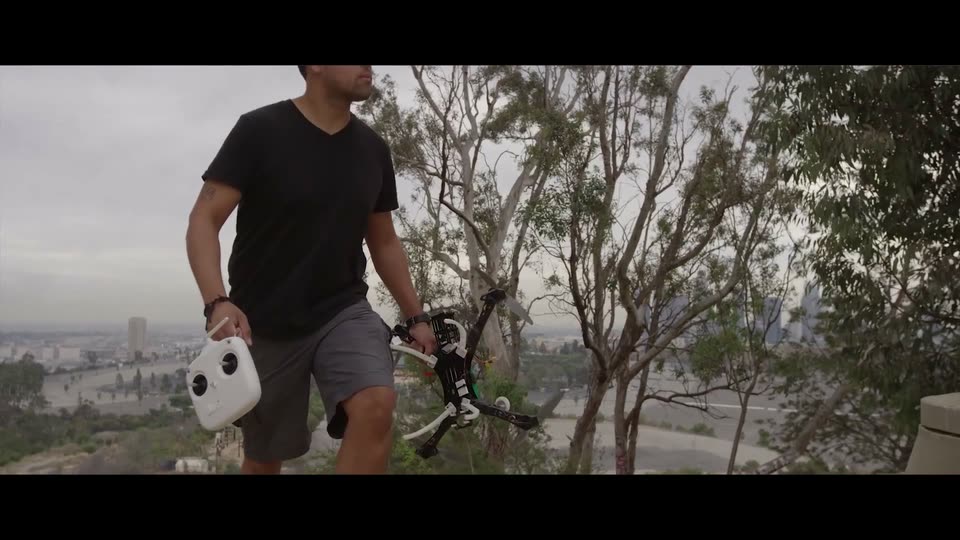 0:32–0:34DJI · DJI - Introducing the N3A man in a black t-shirt and gray shorts walks down a wooded ridge toward the camera, carrying a white drone controller in one hand and a small white and black drone in the other. A hazy city skyline sits behind him under an overcast sky.
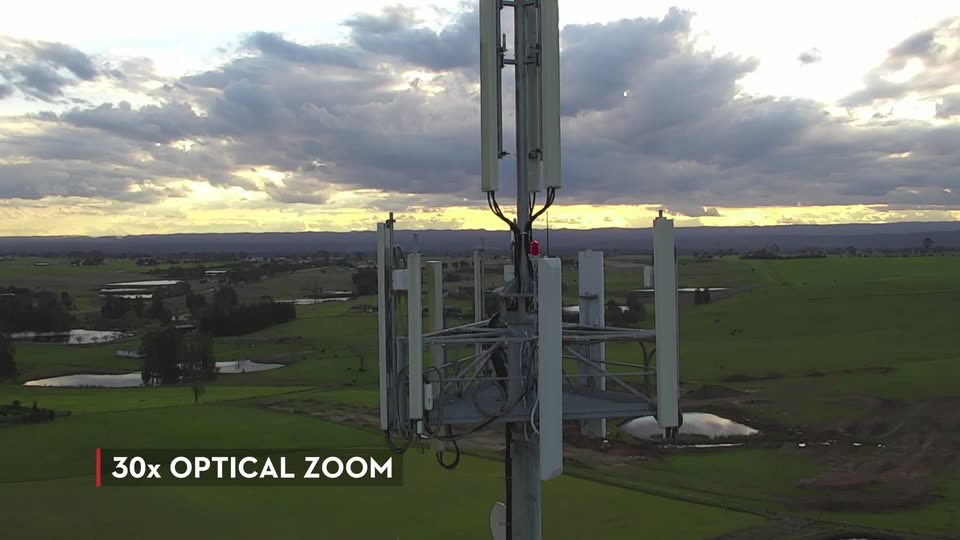 1:08–1:09DJI · DJI – Introducing Zenmuse Z30A wide dusk view of a rural landscape zooms in on a cell tower, ending on a close-up of its antennas. A caption appears in the lower left corner.
 0:30–0:32Google · Introducing Google Pixel 1A dark phone lies flat in landscape on black. A white two-line caption is centered on its blank screen. The camera app interface fades in on the screen, revealing a low-light sunset viewfinder, while the caption drops to a dim gray.
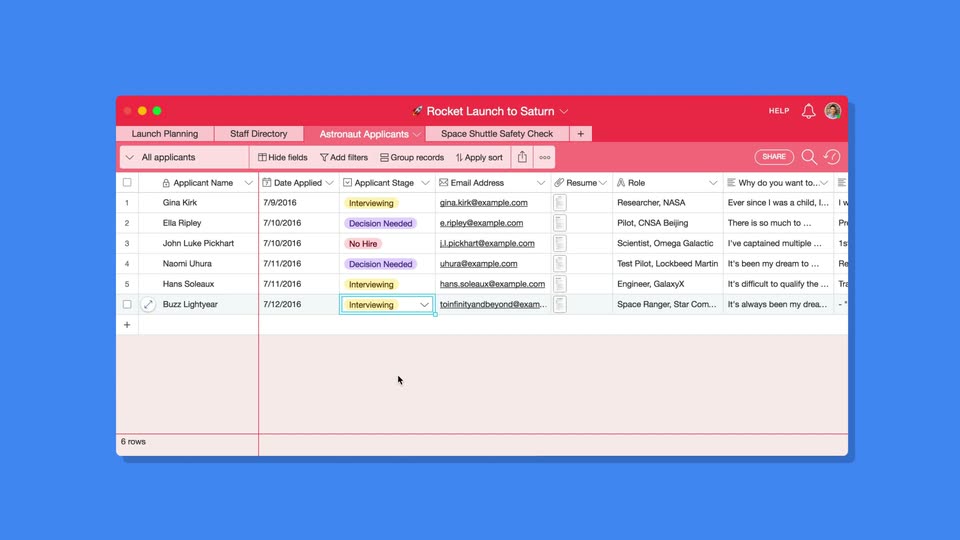 1:21–1:25Airtable · Meet AirtableA red Airtable window on a blue background lists astronaut applicants in a table. A cursor clicks the stage cell of the last row, opening a dropdown of status options, then moves left to hover the expand icon, which pops a small tooltip.
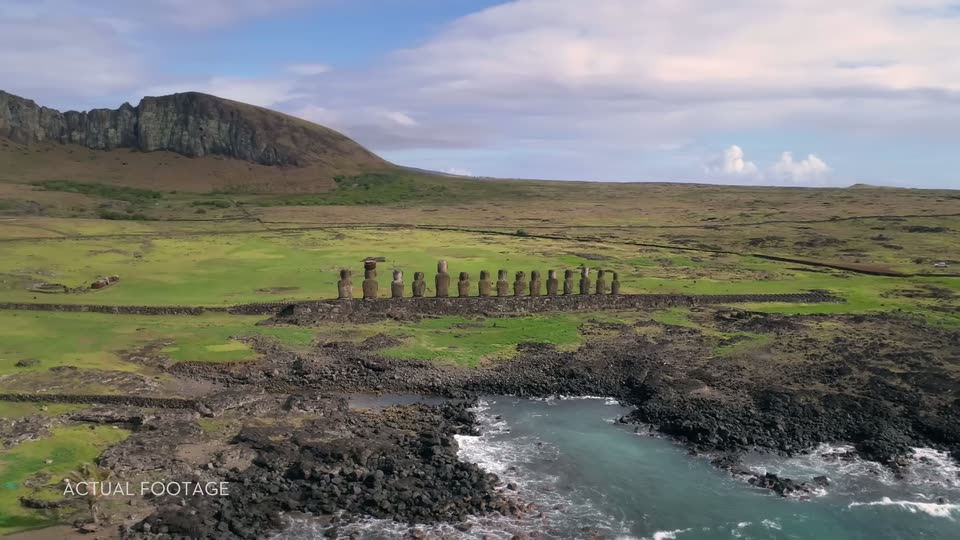 1:29–1:31DJI · DJI - Introducing the DJI MavicA wide aerial shot shows a green coastal plain with a row of hexagonal basalt columns along a low stone wall, rocky shore and sea in the foreground. A mountain ridge sits in the background under a partly cloudy sky. The camera drifts slowly forward.
 0:44–0:46Google · Introducing Google TripsA curly-haired woman in a light denim shirt sits in a brown leather armchair, smiling at her phone in a warm wood-paneled room. A man works at a desk behind her, softly out of focus. The shot starts blurred and racks focus onto her as the camera drifts gently.
 0:36–0:39Apple · Apple – Don’t BlinkOn a near-black background, white text builds word by word: two, Home, speakers, then the line swaps to a 25% brighter, then Retina HD display. Each phrase holds briefly before the next replaces it in the same centered position.
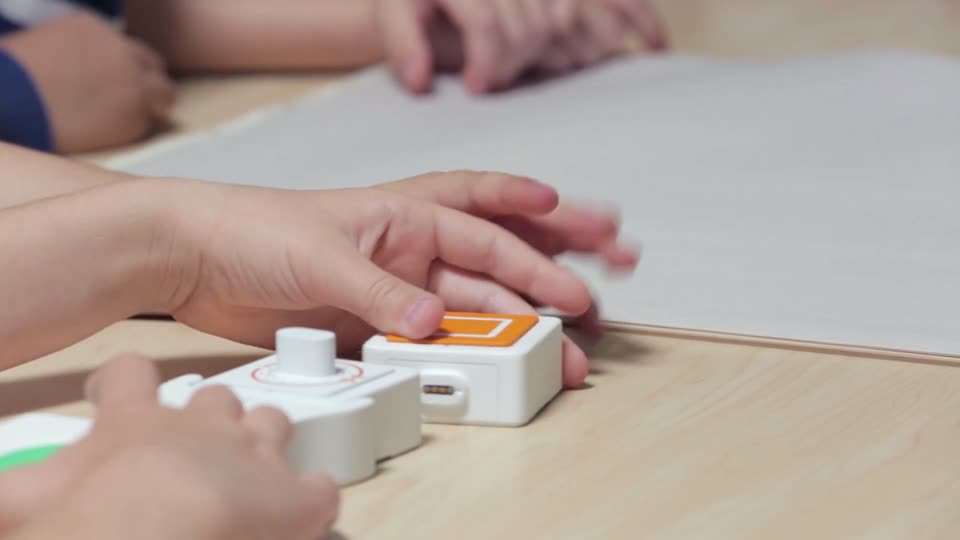 1:08–1:09Google · Introducing Project BloksClose-up on a wooden table where several children's hands place and rotate small white square tiles with orange tops and white knobs. A blank white sheet lies in the soft-focus background. The hands move the tiles around, one lifting a tile to show its side.
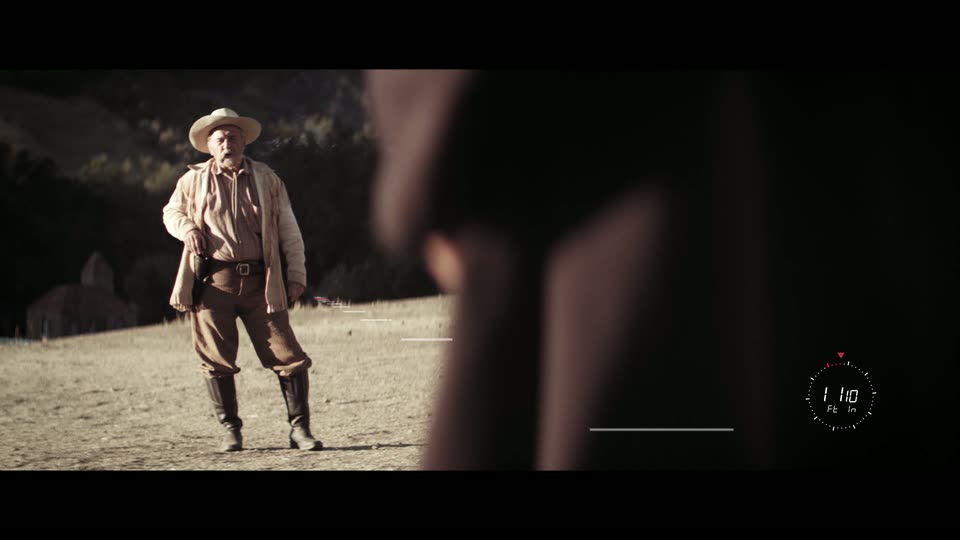 0:49–0:50DJI · DJI - Introducing the DJI FocusA man in western costume stands sharp in a sunlit dry field while an out-of-focus head and shoulder fill the right foreground. A circular focus readout in the corner ticks from 15 to 19 feet, with thin white guide lines floating mid-frame.
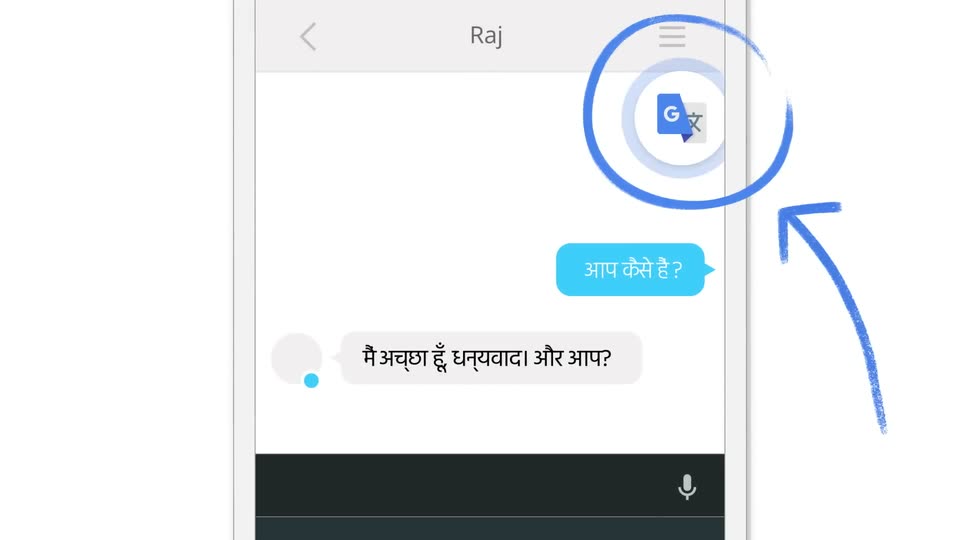 1:06–1:09Google · Introducing Tap to TranslateA front-facing phone screen shows a chat with Raj, with a blue bubble and a grey reply. A hand-drawn blue circle strokes itself around the translate icon at the top right, then a marker arrow draws in from the right, pointing at it.
 1:19–1:20WishUpon · A Universal Shopping Wishlist, WISHUPON | 단 하나의 쇼핑 위시리스트, 위시어폰A hand holds a white iPhone in 3D perspective against a peach and lavender backdrop. The screen shows a list of saved apps, then scrolls to a list of saved products with prices as the thumb taps the toolbar tabs.
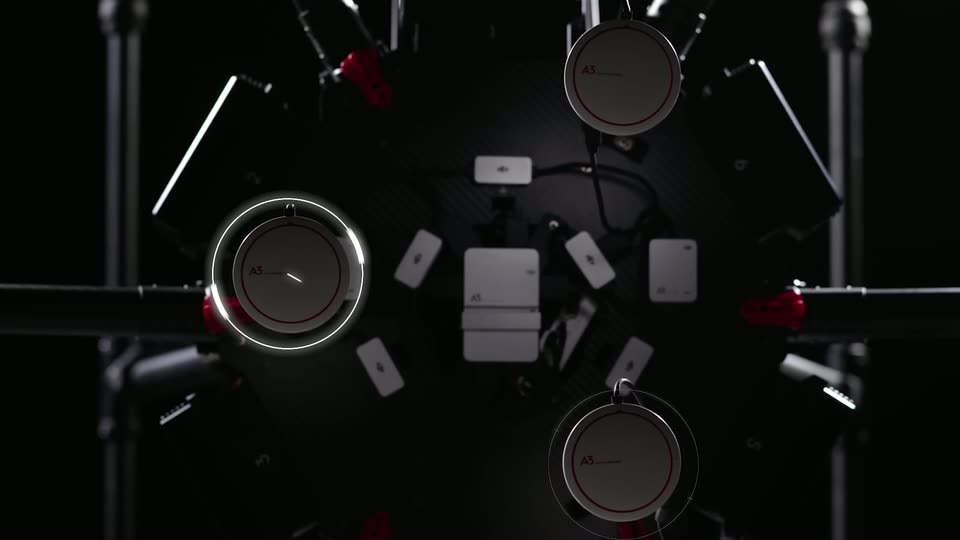 0:57–1:00DJI · DJI – Introducing the A3 and A3 ProIn a dark calibration rig, three white A3 targets hang on arms around a central cluster of small white drives. A glowing ring highlights each target in turn while a thin pointer line sweeps across the discs, matching the voiceover about switching between units.
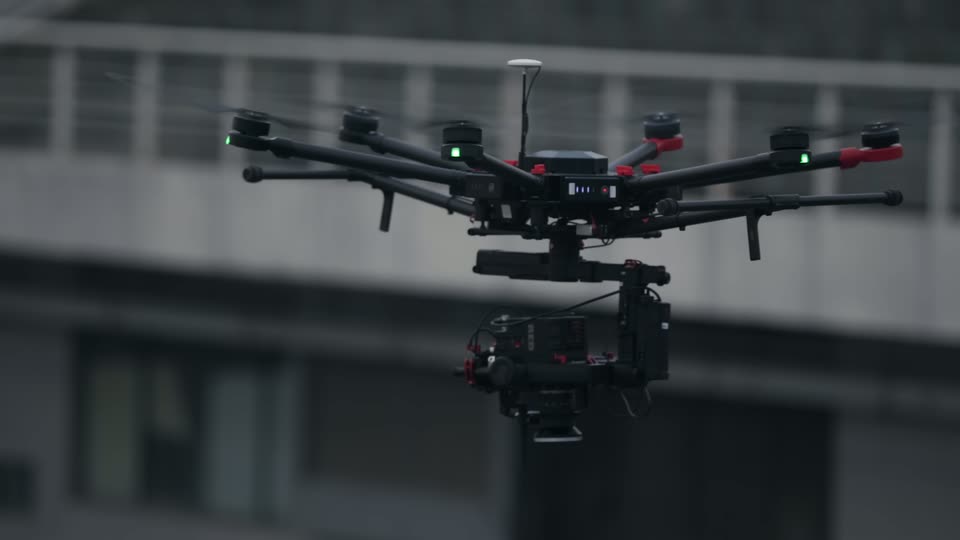 0:48–0:50DJI · DJI – Introducing the Matrice 600A black eight-rotor drone with red motor caps and green indicator lights hovers in front of a blurred gray building facade. A camera gimbal rig hangs beneath its body. The locked-off frame holds as the drone drifts slightly in place.
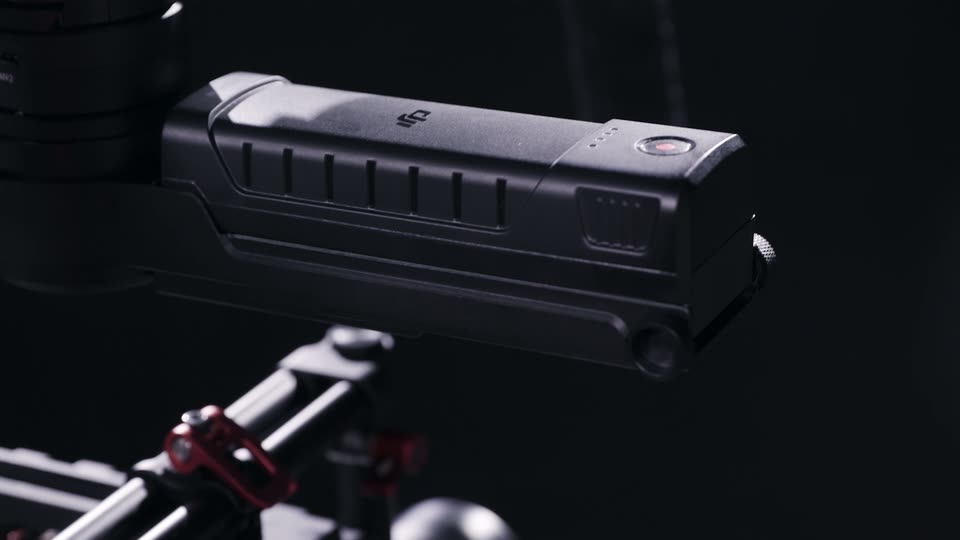 0:55–0:57DJI · DJI – Introducing the Ronin-MXA black drone battery with the DJI logo rests on a gimbal rig holding a camera lens. The camera slowly arcs and pulls back, racking focus from the blurred lens to the battery against a black background.
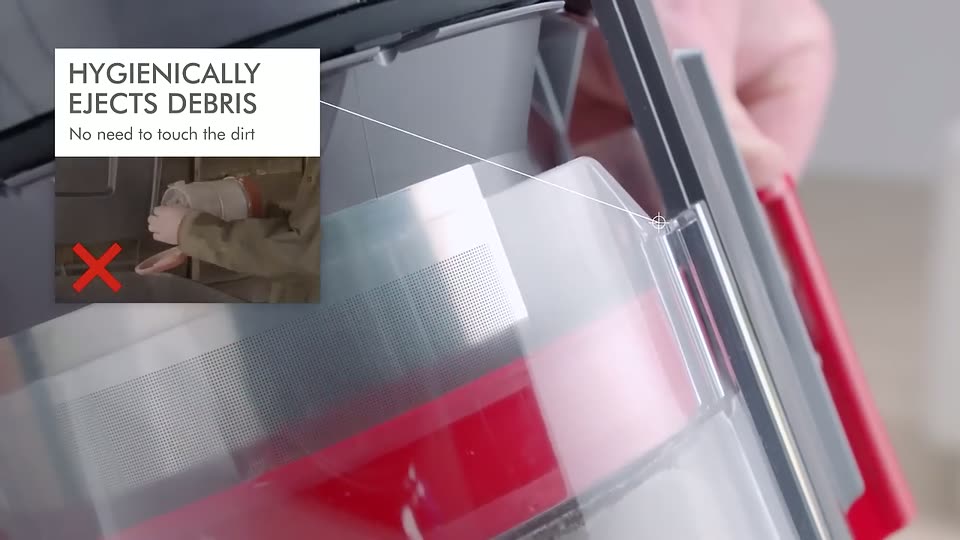 0:32–0:34Dyson · The Dyson Cinetic™ Big Ball cylinder vacuum. The perfect remedy to common vacuum issuesClose-up of a transparent vacuum bin with a red internal component, a hand holding the top edge. A white callout card slides in on the left with a headline and a small inset photo of a person touching a dirty bin marked with a red X, linked to the bin by thin white lines.
 1:20–1:28DJI · Meet the All New DJI+Discover AppA blue wipe reveals a flat 2D monitor on white. Colored blocks slide into its screen and expand into a blue banner with a shield checkmark, then the layout swaps to a text list and a row of gray icons: heart, QR code, scale, gears, shield. A bottom caption updates.
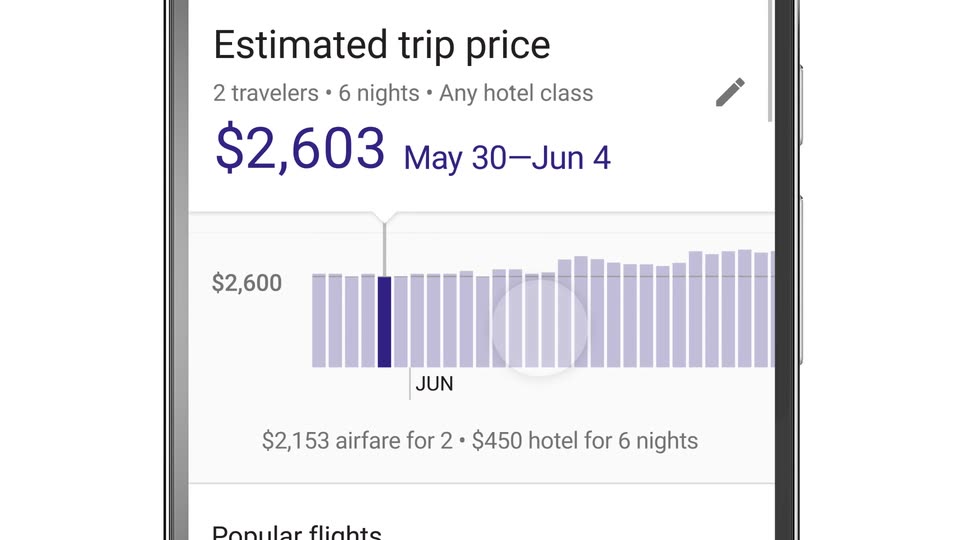 0:47–0:53Google · Introducing Destinations on GoogleA phone screen shows a Barcelona trip page, then zooms into the Estimated trip price card. A translucent ring scrubs left across the bar chart, updating the price and date range, and the view scrolls down to a list of popular flights.
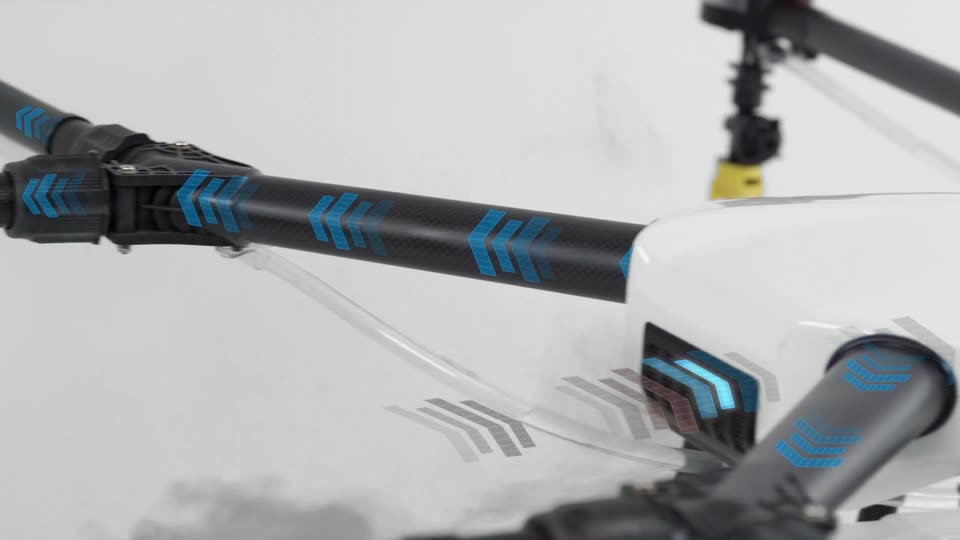 0:58–1:03DJI · DJI – Introducing the Agras MG-1Macro close-up of a white drone body and black carbon-fiber arms with blue chevrons in a fog-filled white studio. A clear guard with gray and blue chevron marks sits under the intake. The camera tracks slowly left as mist drifts.
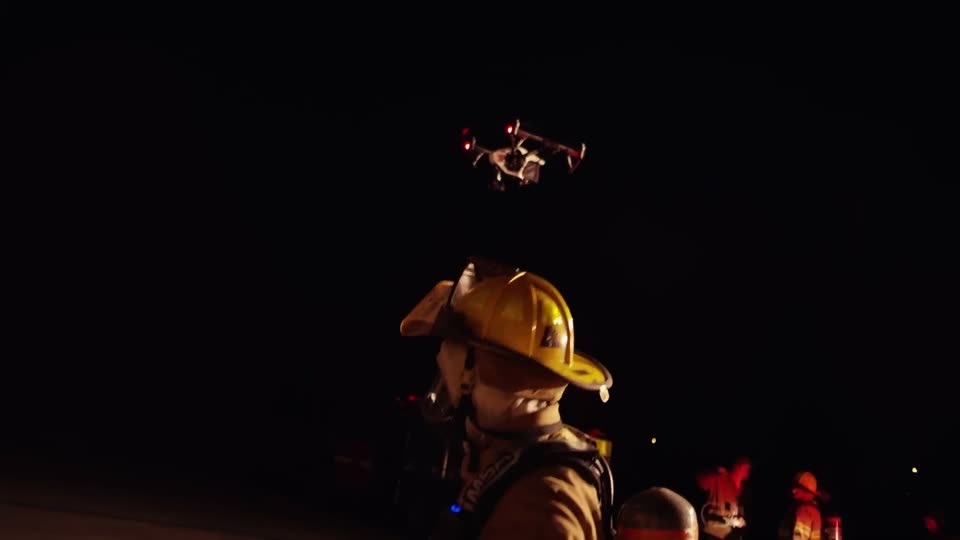 0:57–1:00DJI · DJI - Introducing the Zenmuse XT Thermal Camera and Gimbal Powered by FLIRNight exterior. A firefighter in a yellow helmet and breathing gear stands in the foreground, turning his head to look up at a drone hovering in the black sky, its red lights on. Other crew members are dimly visible behind him.
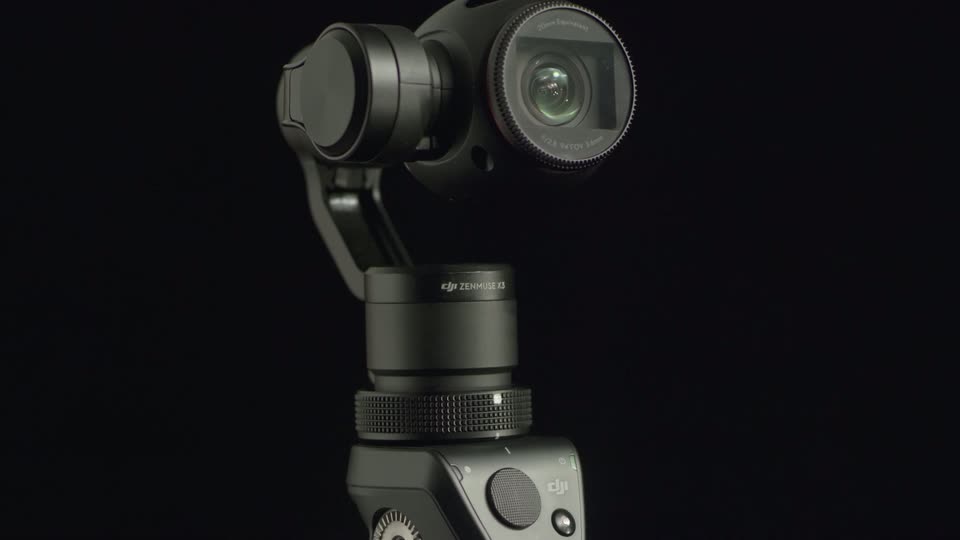 0:48–0:50DJI · Introducing the DJI OsmoA black camera gimbal with a lens module on top is lit by a thin rim light on a black background. It slowly rotates to reveal the handle dial and base, then fades to black.
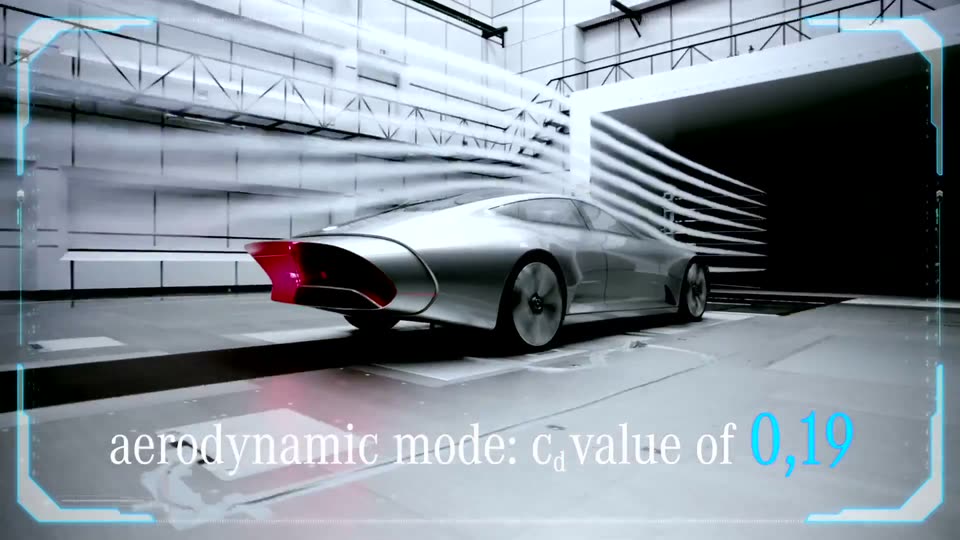 1:22–1:25Mercedes-Benz · Intelligent Aerodynamic Automobile – the “Concept IAA” – Mercedes-Benz originalA silver concept car turns on a platform inside a white wind tunnel hall while grey airflow streamlines sweep across its body. A thin cyan HUD frame borders the shot, and a caption sits along the bottom edge.
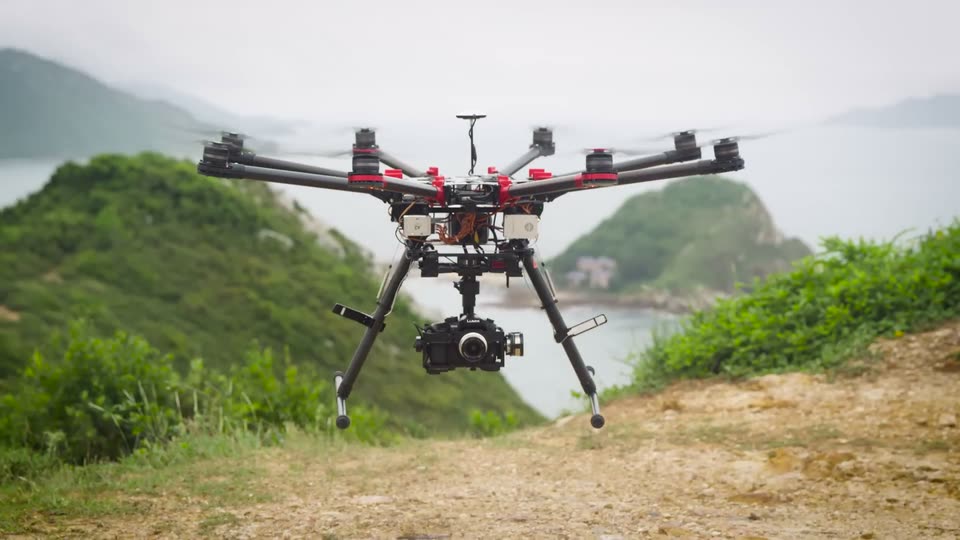 1:07–1:08DJI · DJI - Introducing Lightbridge 2A multirotor drone with red motors and a mounted camera hovers on a dirt path before cutting to a man in a denim shirt holding a two-screen remote controller and looking up.
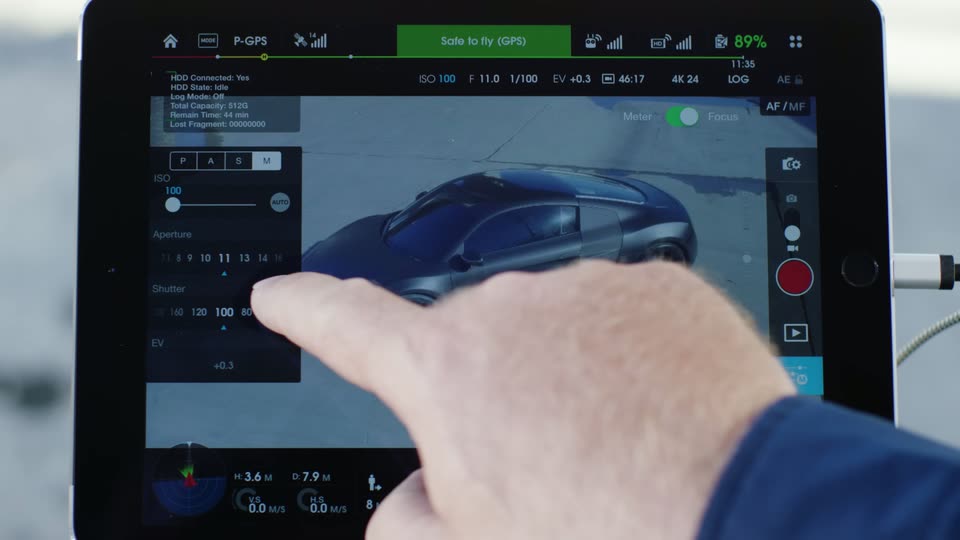 0:54–1:00DJI · DJI - Introducing the DJI Zenmuse X5 SeriesClose-up of a tablet held outdoors: a finger taps the camera app's shutter row, stepping from 1/320 to 1/60, and the live feed of a dark blue sports car on pale ground brightens accordingly. The hand then exits, leaving the full view.
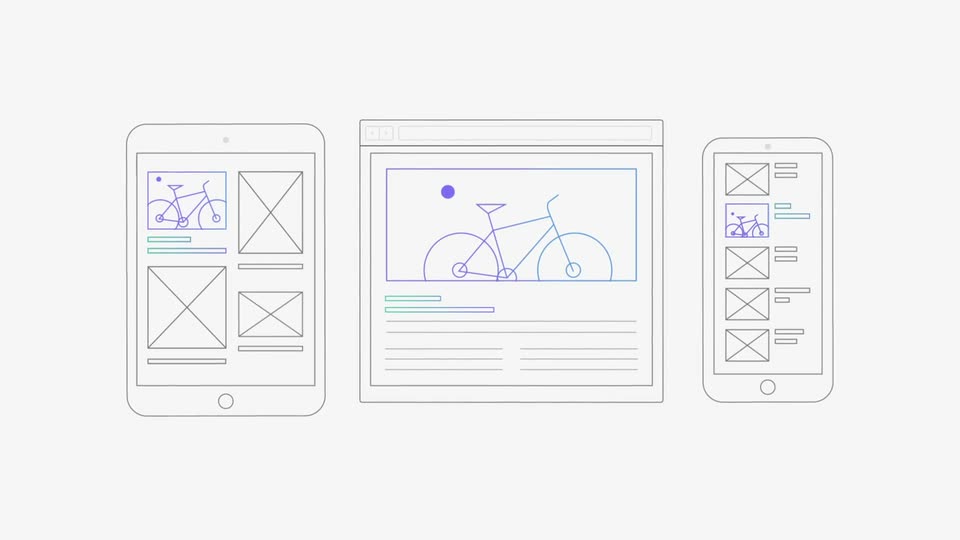 1:01–1:07Webflow · Introducing Webflow CMSThree wireframe panels labeled GRID, BLOG POST, and LIST show line-art bicycles and placeholder boxes on a light gray field. The panels morph into tablet, browser, and phone frames, then a zoom into the browser reveals a dark schematic with green connection lines and HTML and CSS labels.
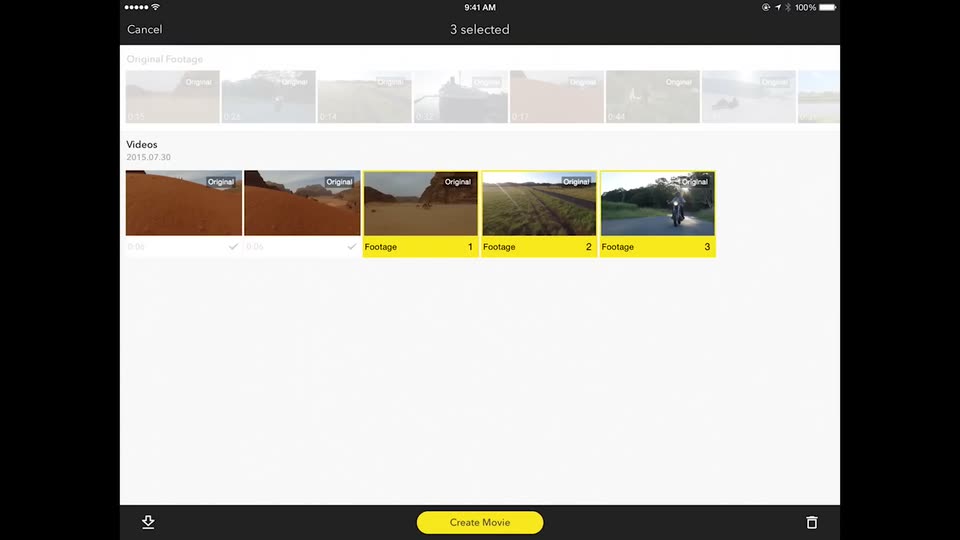 1:09–1:12DJI · Introducing the all-new DJI GO mobile appA phone photo picker fills the frame as a third clip highlights yellow and the counter reads 3 selected. The Create Movie screen then slides up over it, revealing a desert video preview, a numbered filmstrip and a row of style thumbnails.
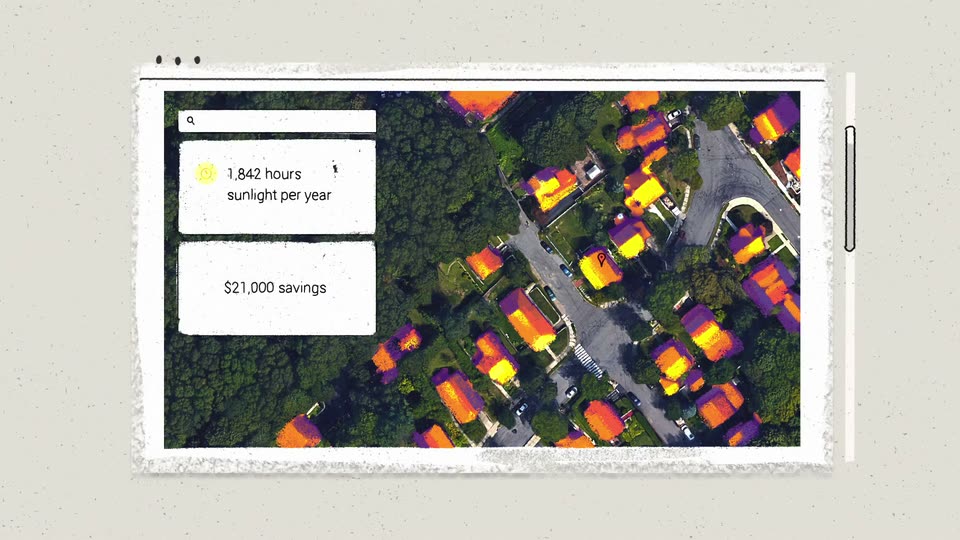 0:51–0:56Google · Introducing Project SunroofA sketchy browser window on a paper background frames an aerial map of a suburb, roofs tinted orange, yellow, and purple. A white mask lifts to reveal a card stating 1,842 hours sunlight per year; a $21,000 savings card pops in below as the view scrolls to the buttons.
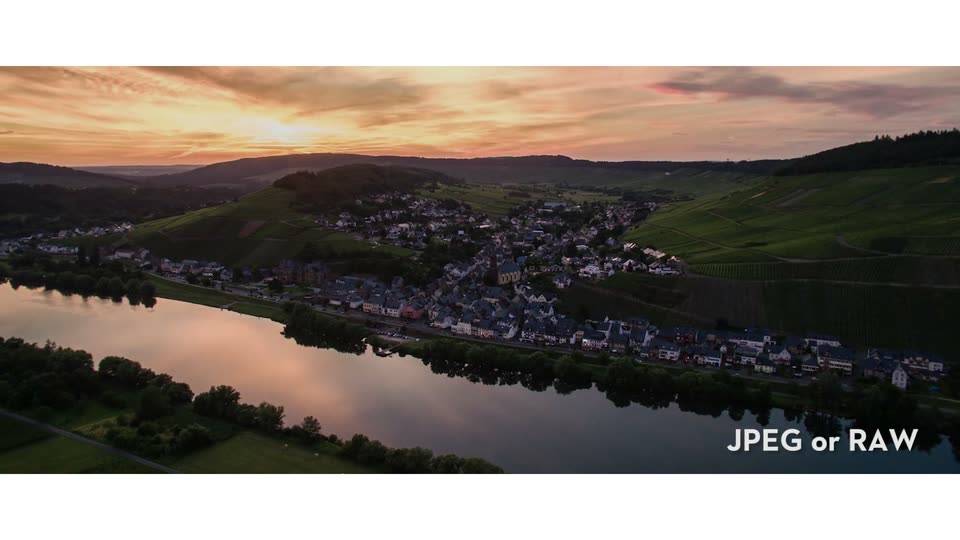 1:35–1:39DJI · DJI - Introducing the Phantom 3 StandardAerial drone shot of a valley town at sunset, the river mirroring the orange sky. The camera glides slowly forward over the rooftops and hills while the caption holds static in the lower right corner.
 1:29–1:31GitHub · Introducing Atom 1.0!An elderly woman with gray curly hair, glasses and a pearl earring sits in a warm-lit room. She looks down, then turns her head to the side with a faint smile while the floral background stays soft and out of focus.
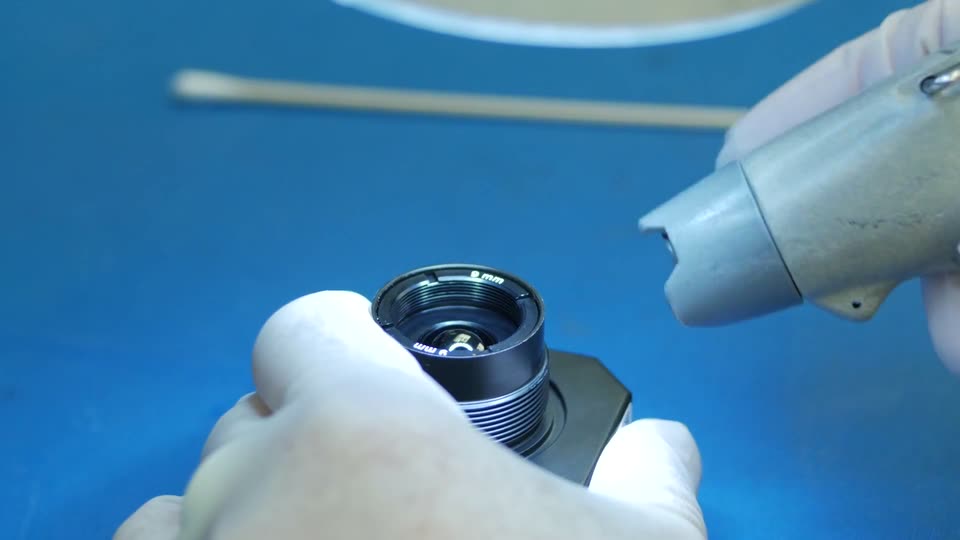 0:39–0:40DJI · DJI - Introducing the Matrice 100 and GuidanceA gloved hand holds a small black threaded lens housing over a blue work surface while a second gloved hand aims a gray handheld blower at it. The tight close-up stays mostly still as the tool shifts slightly toward the part.
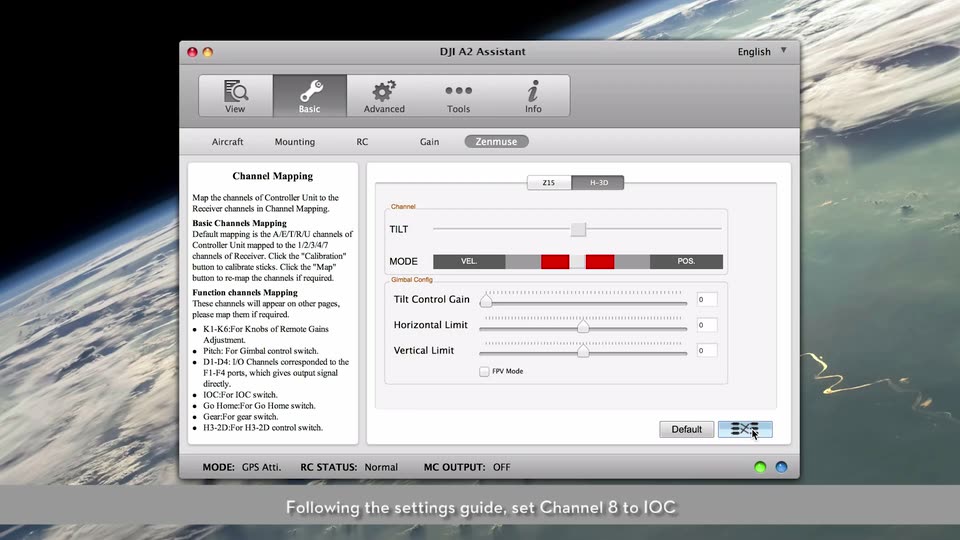 1:18–1:19DJI · New A2 Firmware (V2.5) IntroductionA macOS settings window titled DJI A2 Assistant floats over a satellite view of Earth. The Channel Mapping panel shows sliders and a hand cursor resting on a control. A white caption runs along the bottom edge.
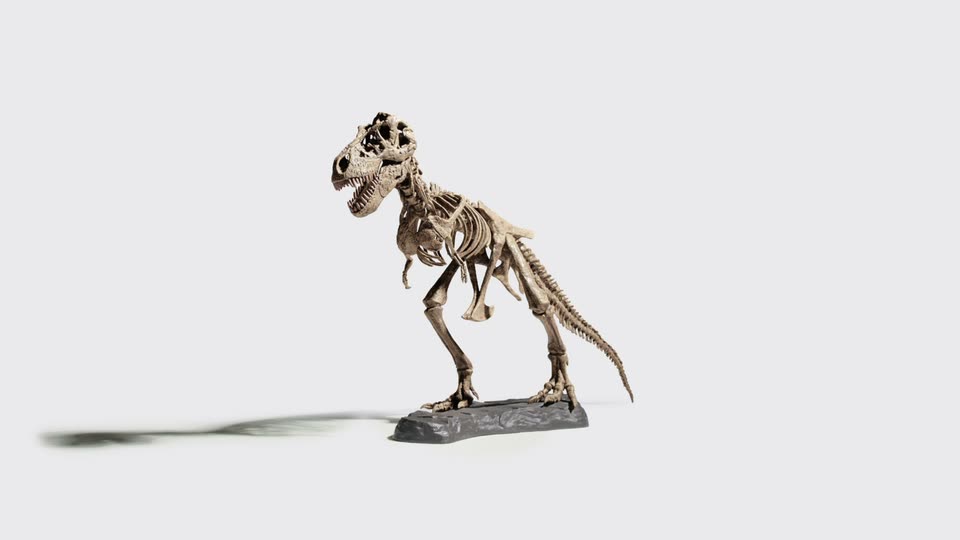 0:19–0:20Google · Introducing Google Calendar for iPhoneA 3D T-rex skeleton stands on the top edge of a white smartphone, whose screen shows the same fossil. The phone slides down out of frame, leaving the skeleton posed on a dark rock base against a plain light gray background.
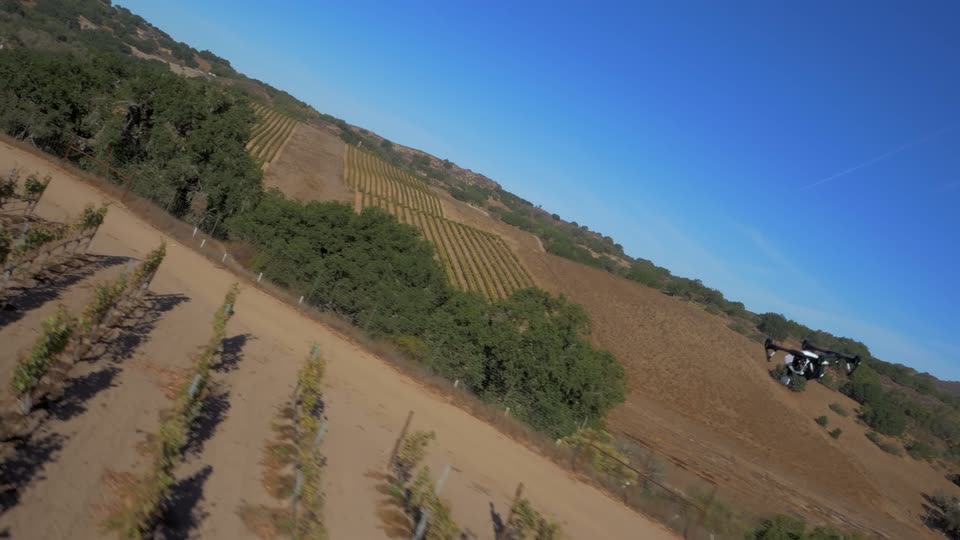 0:37–0:38DJI · DJI – Introducing the Inspire 1A tilted aerial shot tracks a white and black quadcopter hovering above dry vineyard rows on a sunlit hillside. The camera banks and drifts, keeping the drone framed on the right as the landscape slides past under a clear blue sky.
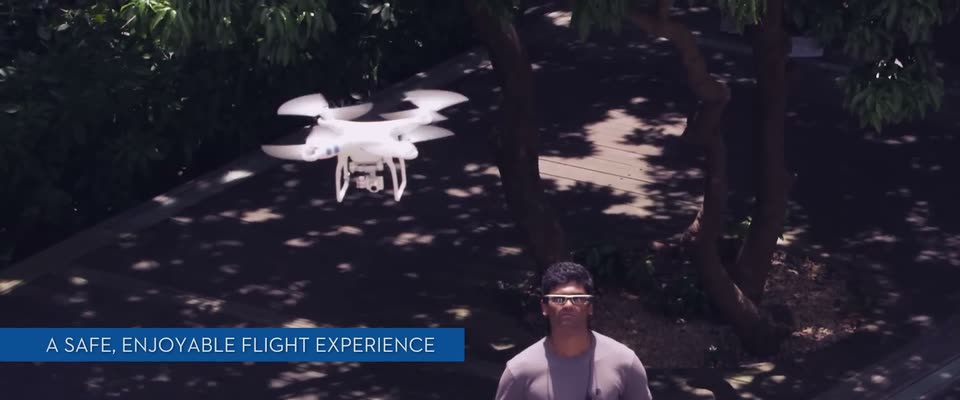 0:35–0:37DJI · DJI - Introducing Effortless FPV with Epson MoverioHigh-angle live shot of a goggled man standing on a sun-dappled park path while a white quadcopter hovers and drifts left overhead. A blue caption bar wipes open at lower left, revealing white uppercase text.
 0:46–0:47DJI · DJI - Introducing the RoninA green and white open-wheel race car, number 19, blurs past a parked red van with open doors on an empty circuit. The camera tracks the car as it rounds a bend and comes head-on toward the lens, the empty grandstands filling the background.
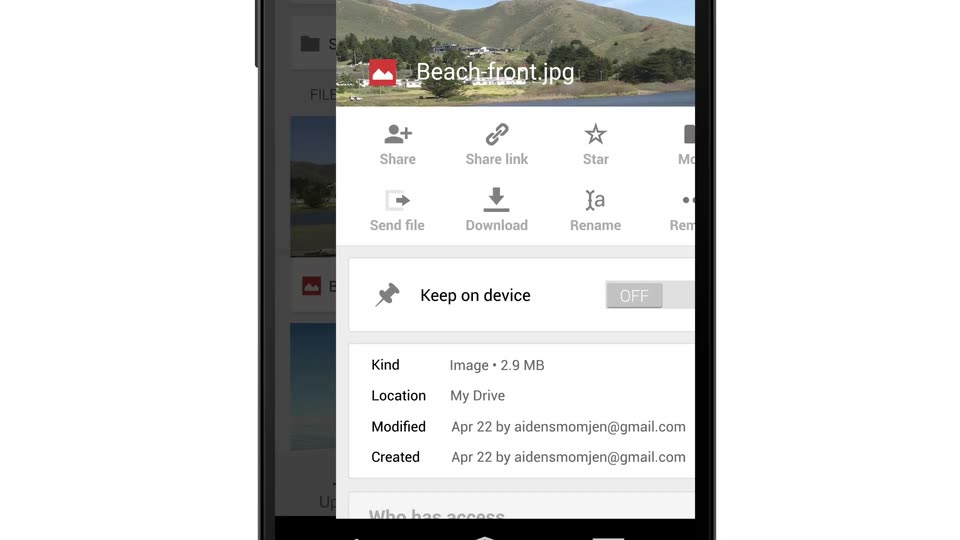 1:13 · 0.5sGoogle · Meet the new Google DriveA phone file grid with image thumbnails sits behind a context menu that slides in from the right. The view then opens a file detail card for Beach-front.jpg over a dimmed background, showing action buttons and a Keep on device toggle.
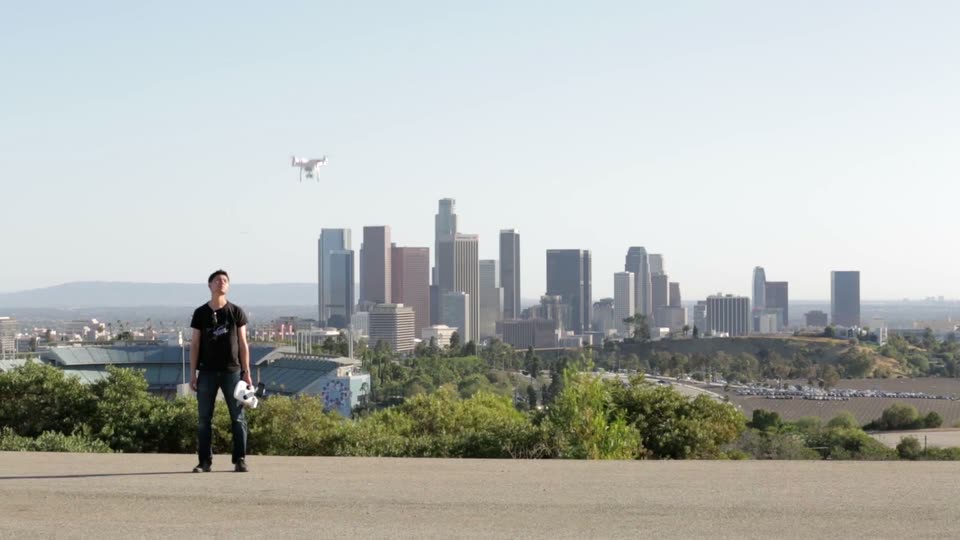 0:41–0:44DJI · DJI - Introducing Ground Station for the Phantom 2 Vision SeriesA man in a black shirt stands on a gravel overlook with a city skyline behind him, holding a white controller. A white quadcopter lifts off from the ground and climbs higher into the sky as he tilts his head up to follow it.
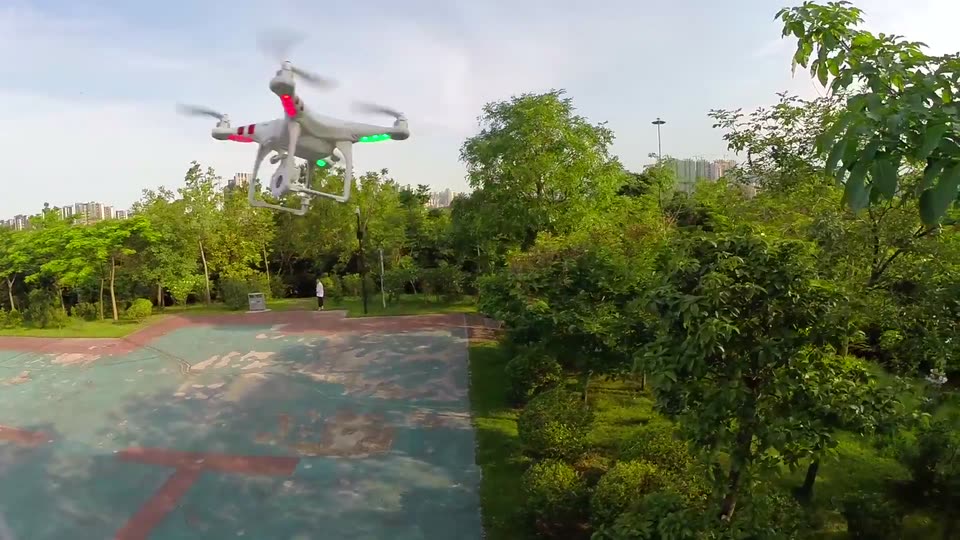 0:43–0:44DJI · DJI Introducing the Phantom FC40A white quadcopter with red and green lights banks from the right edge toward the left over a sunlit park, its props blurring as it passes a basketball court and a line of trees. A person in white stands near the court in the distance.
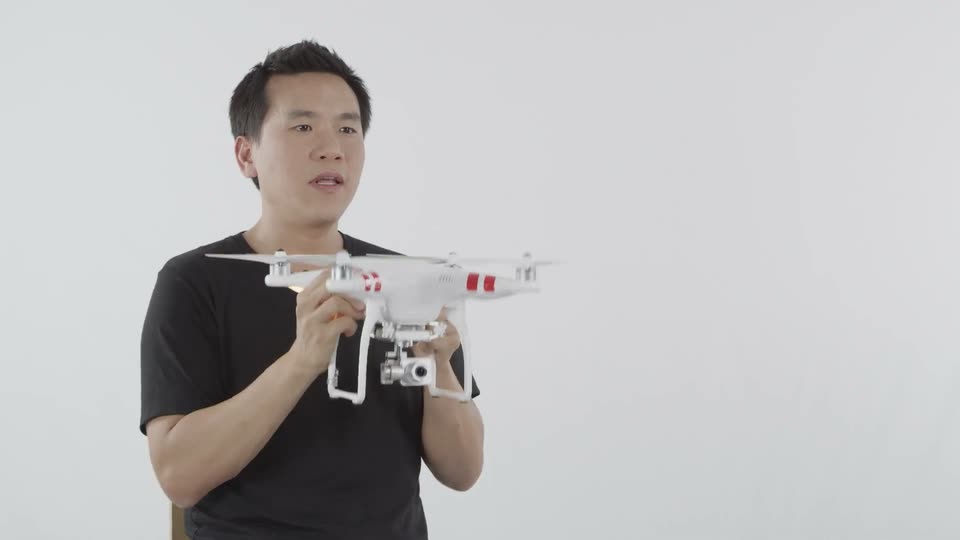 1:02–1:05DJI · DJI - Introducing the Phantom 2 Vision PlusA man in a black t-shirt holds a white quadcopter with red-striped arms and a gimbal camera at chest height against a plain light backdrop. He speaks to camera while the propellers spin. A small numeral 1 sits still on the frame.
 0:29 · 0.6sDJI · DJI - Introducing the Spreading Wings S1000A locked-off wide shot of a tree-lined paved plaza, red lanterns strung from the branches on the left, parked cars in the distance. The frame holds completely still with no camera movement or on-screen motion.
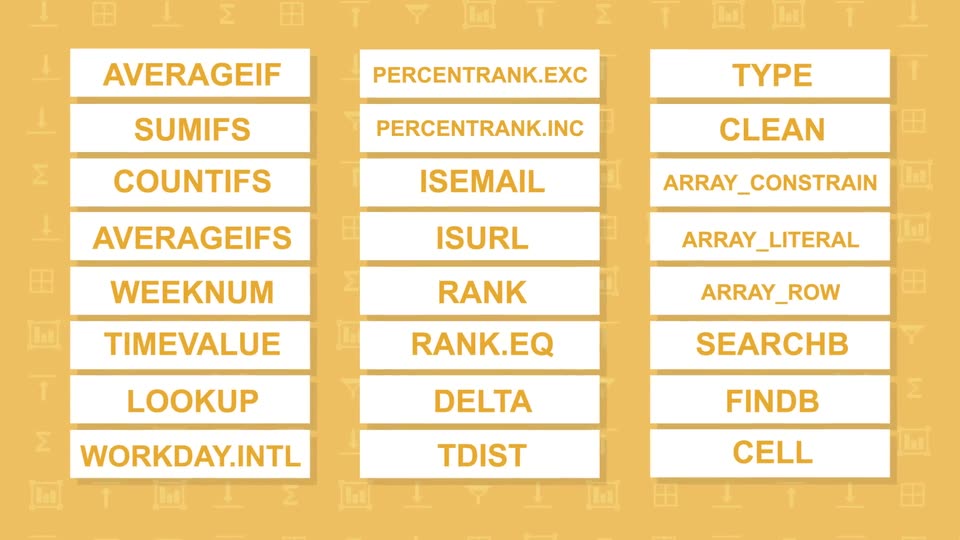 0:54–0:58Google · Meet the new Google SheetsThree columns of white tiles bearing amber function names (AVERAGEIF, SUMIFS, TYPE) fly in from the edges with a slight 3D tilt and settle into a flat grid on a yellow field patterned with faint white chart icons.
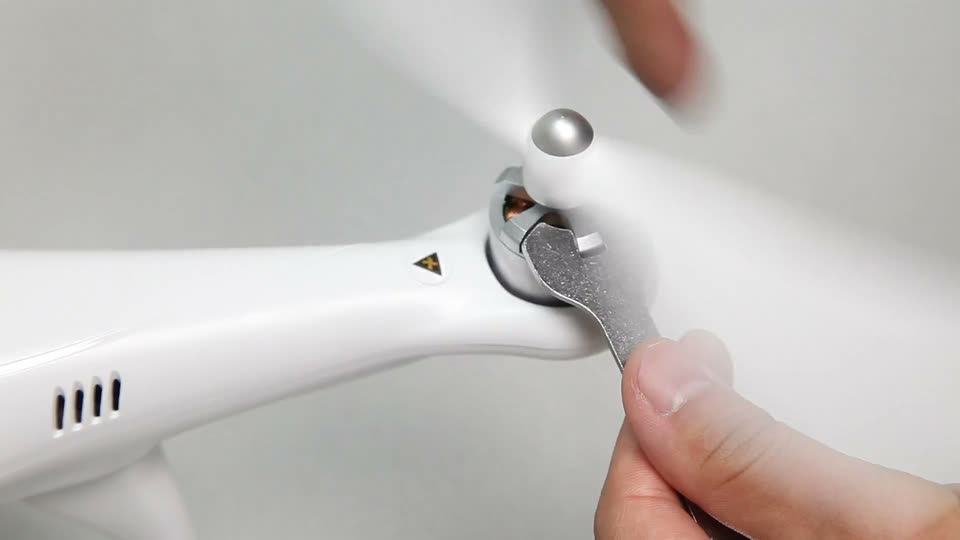 1:12–1:17DJI · DJI Introducing the Phantom Self - tightening PropellerClose-up on a white drone arm against a plain gray backdrop. A hand seats a white propeller with a silver dome cap onto the motor hub, then a small metal wrench tightens the blade; the propeller gives a quick spin.
 0:35–0:37Nintendo · Nintendo 2DS - IntroductionA man in a pink shirt sits on a couch holding a black handheld console, smiling and glancing at the screen as the camera drifts slightly. White text reads Enjoy Multiplayer Gaming over the device, locked to the frame.
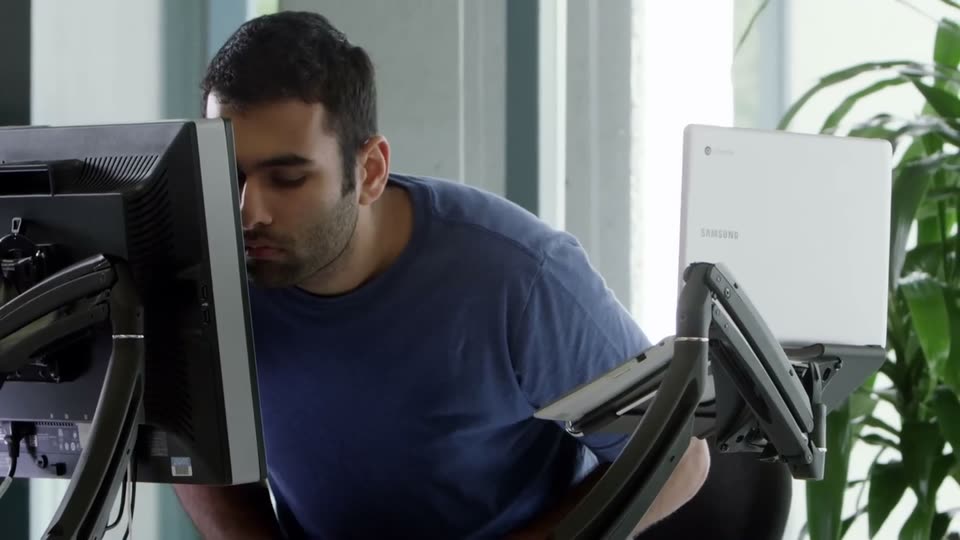 1:13–1:16Google · Introducing Google NoseA man in a blue t-shirt sits between two monitors mounted on articulating arms. He watches the dark left screen, then leans his head in close to inspect it. The white back of the right monitor and a leafy plant fill the bright window-lit background.
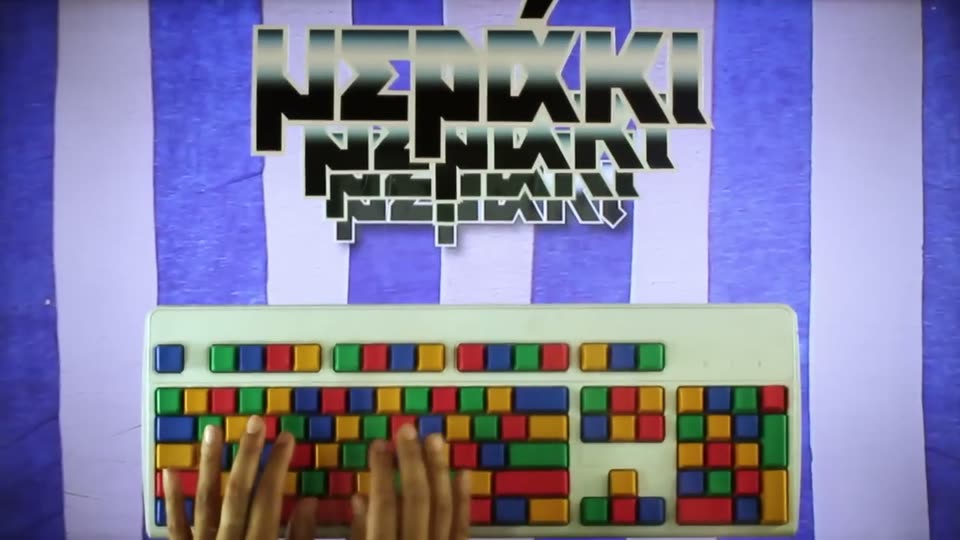 0:55–0:57Google · Introducing Google Input ToolsTop-down, hands type fast on a cream keyboard with rainbow keys over a blue-and-white striped backdrop. A chrome 3D logo with a lightning bolt assembles above the keys, then duplicates into three stacked copies while the hands keep typing with motion blur.
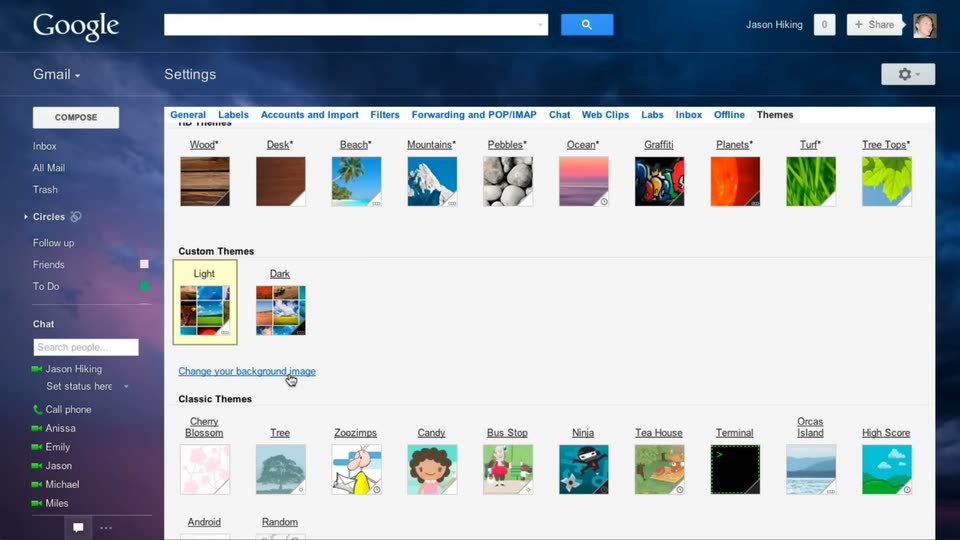 0:15–0:16Google · Introducing Custom Themes in GmailA locked-off Gmail settings page fills the frame, showing rows of theme thumbnails and a chat sidebar. The mouse cursor glides left and rests on the Change your background image link.
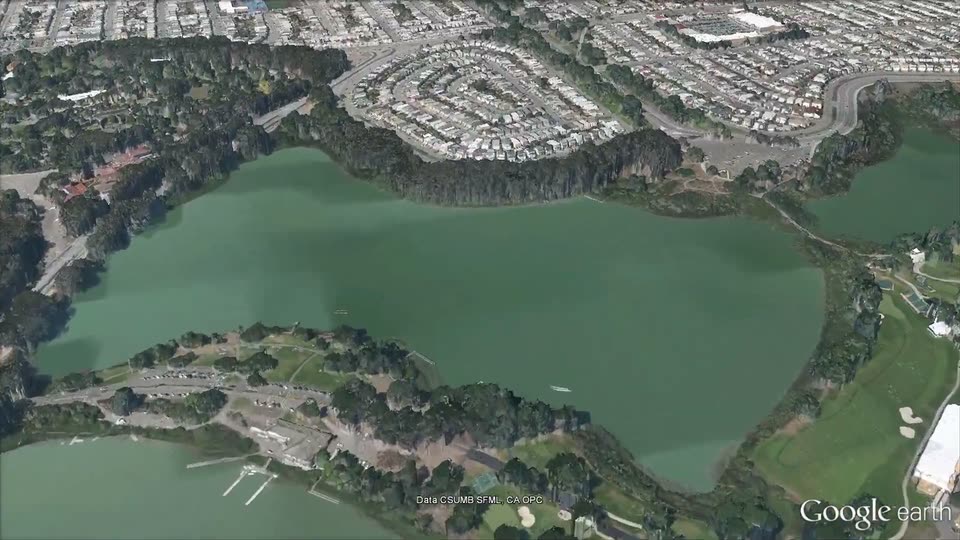 0:35–0:37Google · New 3D imagery for Google EarthA satellite view of green lakes, a golf course and a dense suburb pans slowly across the terrain, the camera drifting left to right, with the Google earth wordmark and a data credit fixed at the bottom edge.
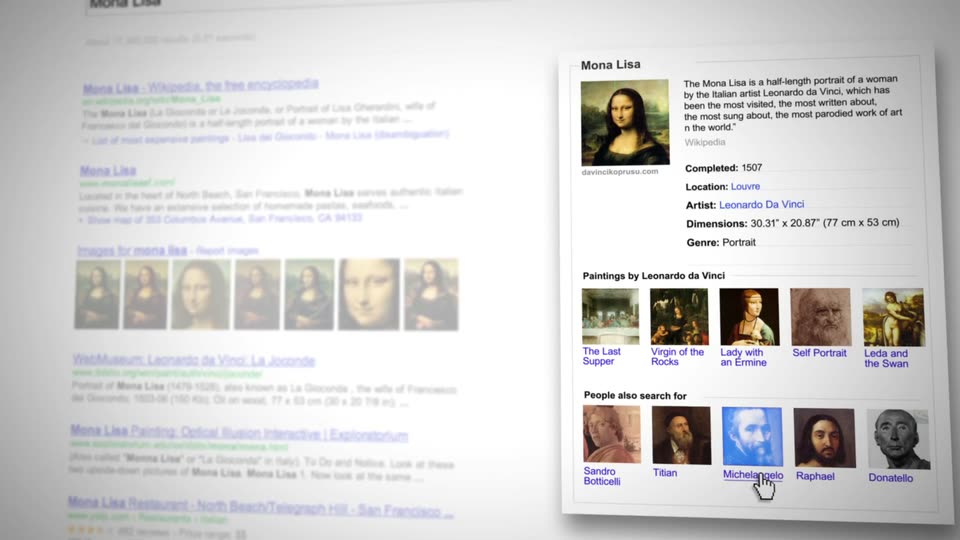 2:07–2:10Google · Introducing the Knowledge GraphA search results page sits blurred on the left while a sharp knowledge panel card holds focus on the right. The query retypes from Mona Lisa to Michelangelo, and the panel refreshes live: its title, portrait image, description and the People also search for thumbnails all swap, with a hand cursor resting at the bottom.
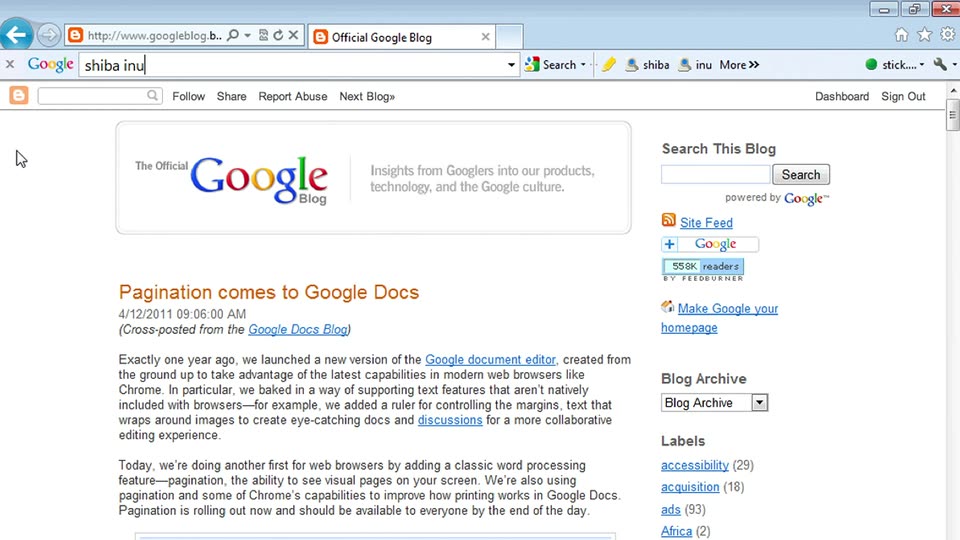 0:30–0:32Google · Introducing Google Toolbar 7A browser window crossfades through overlapping toolbar layers into the Official Google Blog page as a large Google logo scales down at bottom right. The view settles on the Pagination comes to Google Docs post while the cursor moves from the back button to the page edge.
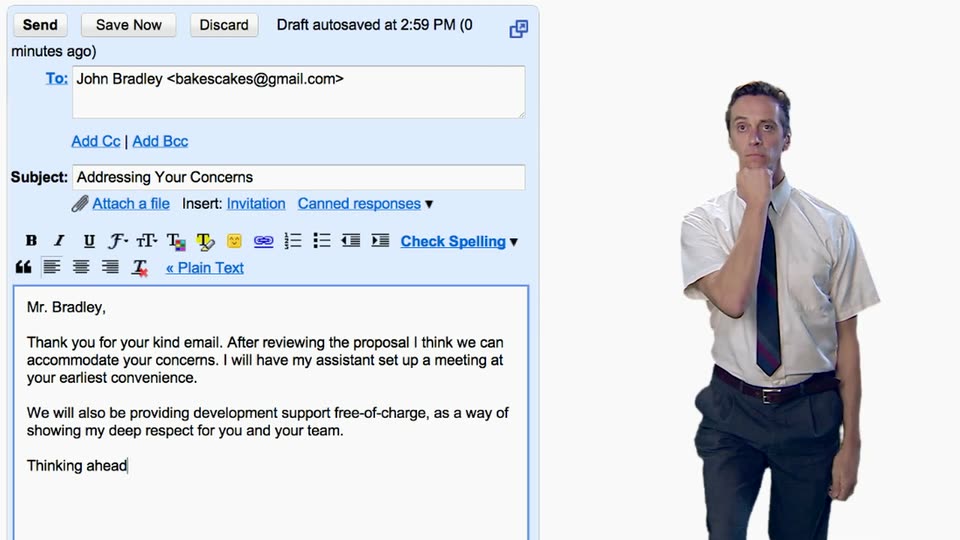 0:58–1:04Google · Introducing Gmail MotionA Gmail compose window fills the left half while a man in a shirt and tie stands right, gesturing as if typing; the email body fills in with each movement. The scene cuts to a close-up of a bespectacled man speaking in a bright office.
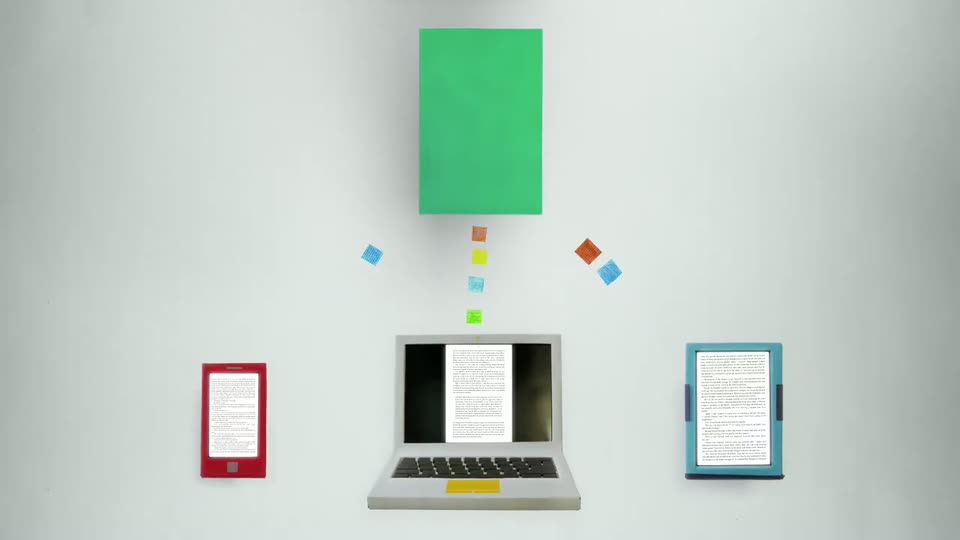 1:11–1:18Google · Introducing Google eBooksA top-down 3D view pulls back from a stack of colorful slabs to a green tablet, a white laptop, and red and blue e-readers on a white surface. Streams of small colored squares flow from the tablet to each device as their screens fill with book pages.
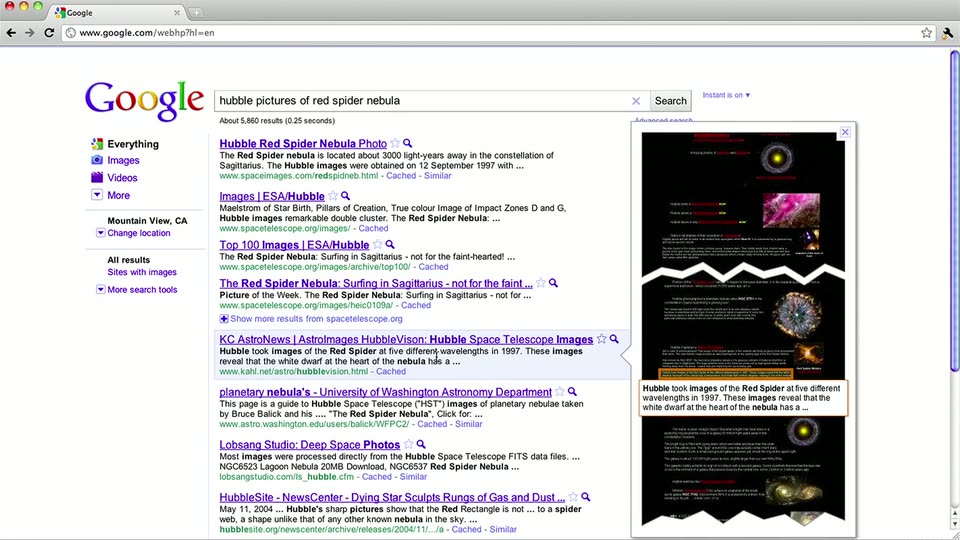 0:27–0:29Google · Introducing Instant PreviewsA Google search results page for a nebula query fills the screen. An Instant search preview panel on the right shows a web page with orange highlights over matching phrases and a tooltip callout quoting the article text.
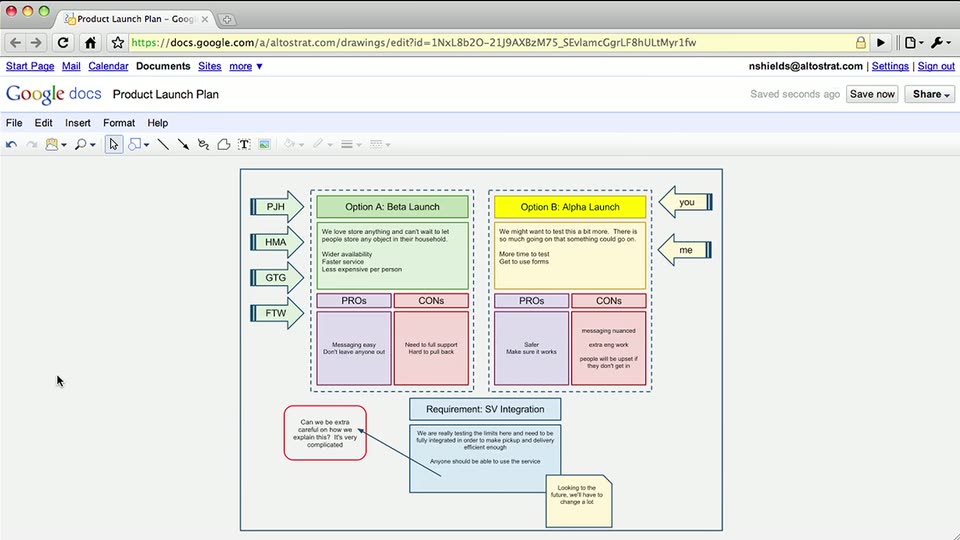 1:25–1:26Google · Introducing a new Google DocsA full browser window of Google Docs shows a flowchart with colored boxes and arrows. The document content cuts to a second plan diagram listing two launch options with pros and cons, then returns to the first. A cursor rests at the left edge.
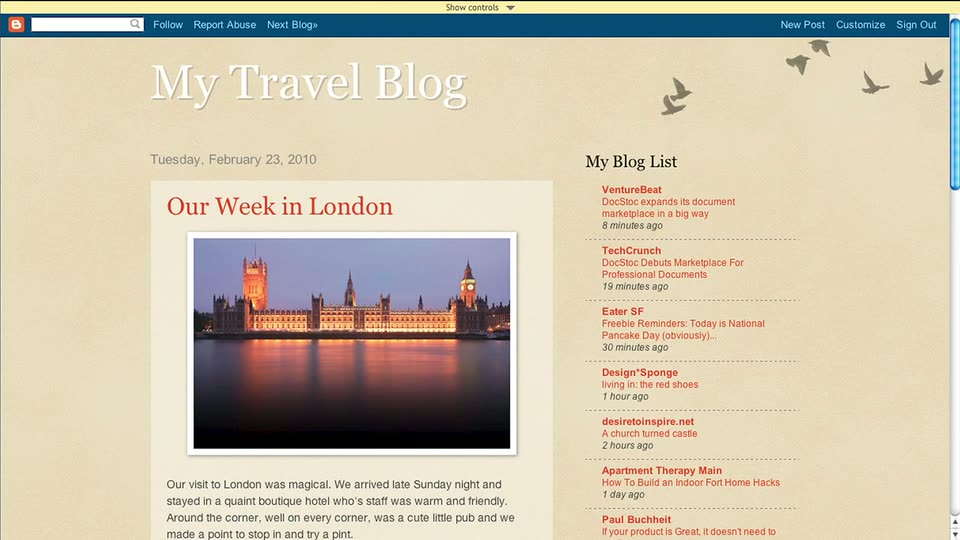 0:11–0:12Google · Introducing the Blogger Template DesignerA beige blog page titled My Travel Blog shows a London post with a Palace of Westminster photo and a red blog list sidebar. A few grey birds fly across the top right corner while the rest of the layout stays still.