Kinetic type
Animated text is the main element: words enter, transform or carry the rhythm.
32,490 scenes · page 269 of 542
 0:05–0:08ZoomInfo · MarketingOS: Transform Your B2B Marketing with ZoomInfo's Powerful ABM PlatformOn a dark blue radial glow with drifting dots and faint ripple rings, “Introducing” scales in above a blue app icon, then the icon slides left as the zoominfo MarketingOS wordmark slides in from the right, “OS” drawn in light blue outline.
 0:24 · 0.6sFramer · Framer Sites Beta — Sign up for early accessA purple landing page in a browser window displays a hand holding a phone. The word 'Investing' slides in, and 'for Everyone.' scales up.
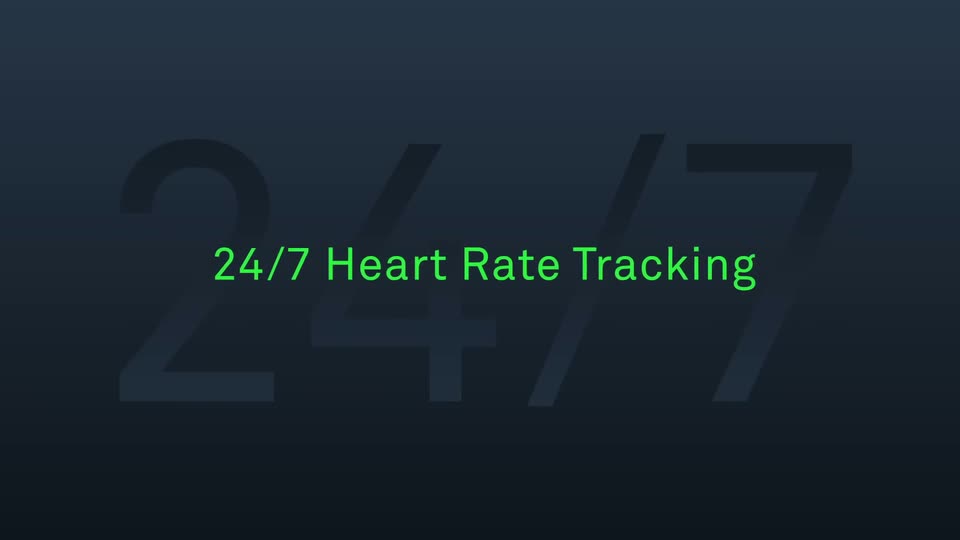 0:05–0:06Oura · Oura Ring Gen3 Is HereA dark navy card holds a green headline over a faint 24/7 watermark; a white heart-rate panel with a gauge and slider slides in from the right as the headline shrinks and shifts left.
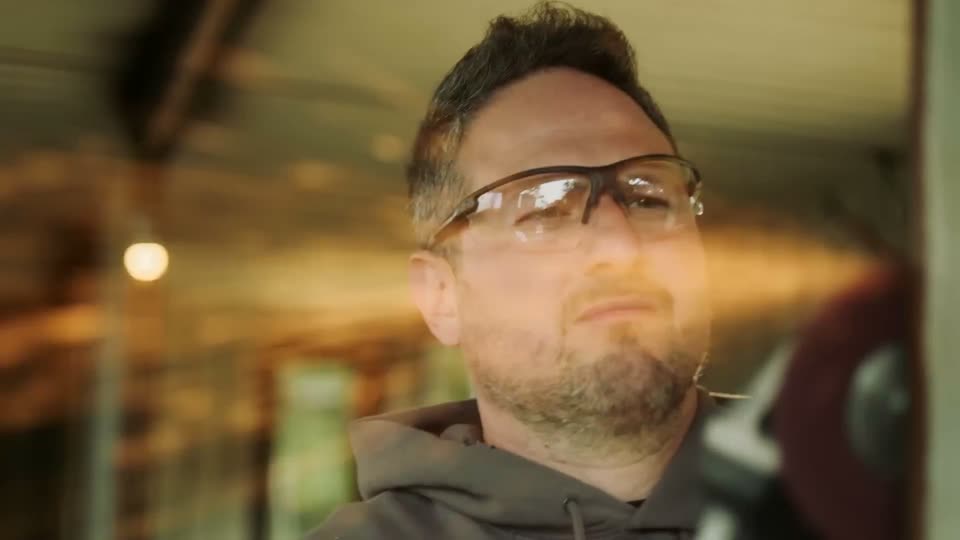 0:32–0:33Bose · Bose SoundLink Flex Bluetooth Portable Speaker | Rugged & WaterproofA bearded man in clear safety glasses and a dark hoodie stands in a wood-beamed workshop, gazing off camera, while a ghosted dissolve of a second workshop shot washes over his face. A small caption scales in over the locked-off frame.
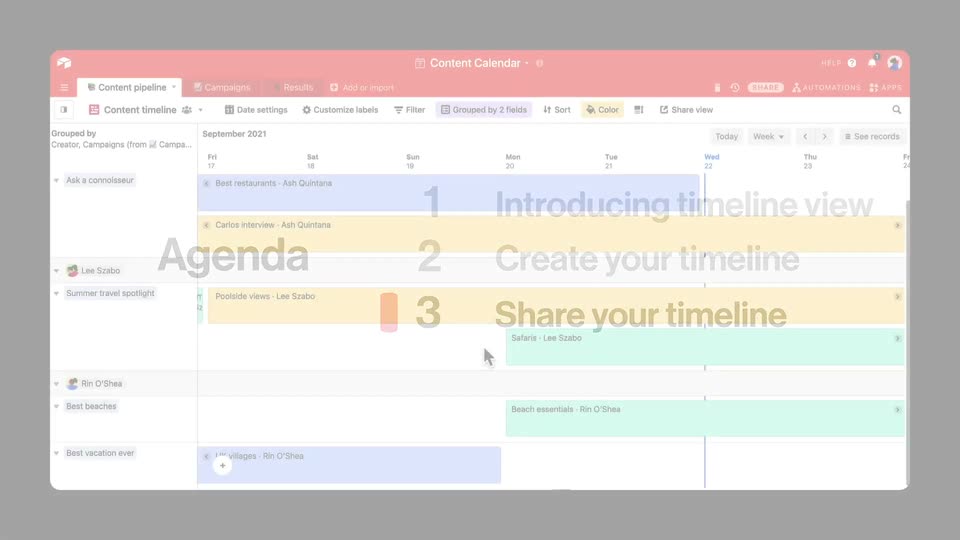 2:18–2:19Airtable · Introducing Timeline View | AirtableA flat product screen showing a timeline calendar sits on a gray backdrop, slightly faded. Large gray “Agenda” text and three numbered lines fade in over it; the third line, “Share your timeline”, is highlighted in brown with a red numeral.
 0:11–0:12Whoop · Introducing WHOOP 4.0 - The Personalized Digital Fitness and Health CoachCentered on a black background, the white phrase WAKE UP READY resolves from a dimmed, offset state on the right word into a clean, fully lit line in the first half second.
 0:08–0:09Whoop · WHOOP 4.0 - Smaller, Smarter, and Designed to Go Any-Wear™On a black background, the fading headline PERFORMANCE ghosts out as HAPTIC ALERTS snaps in with horizontal motion blur, then holds crisp and centered while ALWAYS ON scales in.
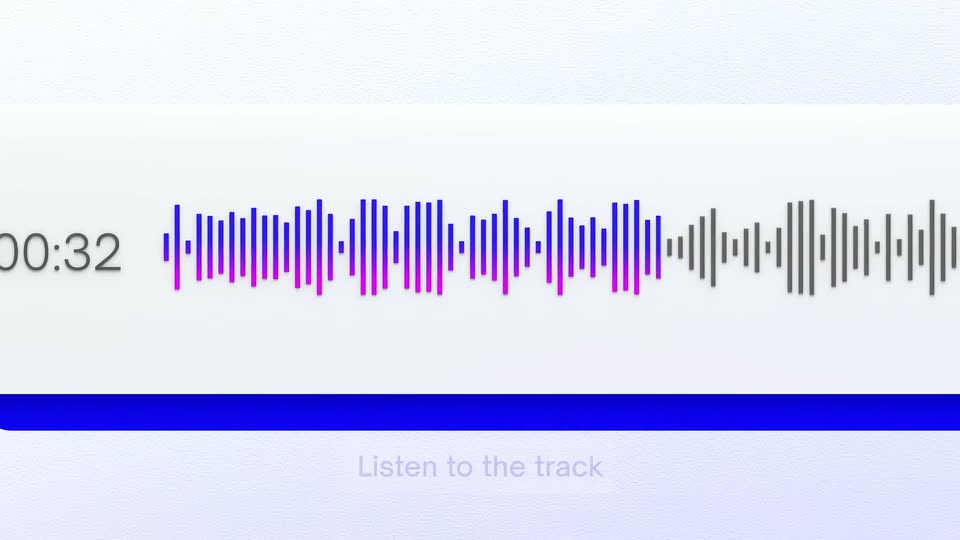 0:27–0:28Mubert · Mubert Render: Soundtracks That Fit Your Content PerfectlyClose-up of an audio player on white: the waveform playhead advances from 00:29 to 00:32 as a cursor hovers over the bars. A gradient oval download button pops in at center and the bottom caption swaps to a purple tagline that scales in.
 0:59–1:01Microsoft · Introducing Windows 365A pale gray background holds two centered blue headlines. The first line fades in word by word from left to right, then clears as the second line reveals the same way.
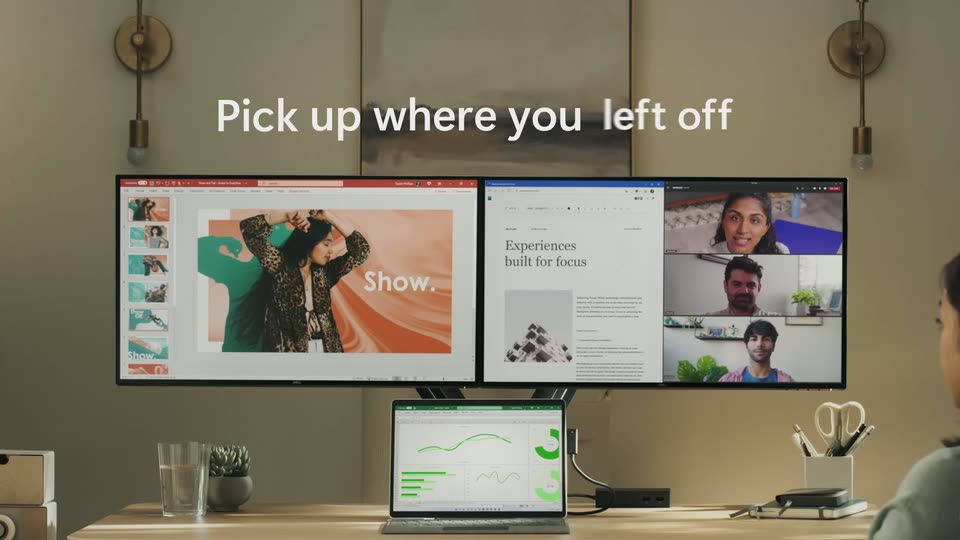 1:16–1:19Microsoft · Introducing Windows 11A woman works at a desk with two monitors showing design files and a video call, a laptop with green charts in front. A white headline fades in above the screens, then a purple card with a yellow wordmark fills the frame.
 0:12–0:14Softr · Softr | Build Powerful Software From Airtable, Fast. Without Coding.Centered two-line headline in dark gray bold sans on a white field with soft pastel shapes, a pink circle above and cream and blue waves at the sides. The first line holds still while the second line slides in as the text darkens.
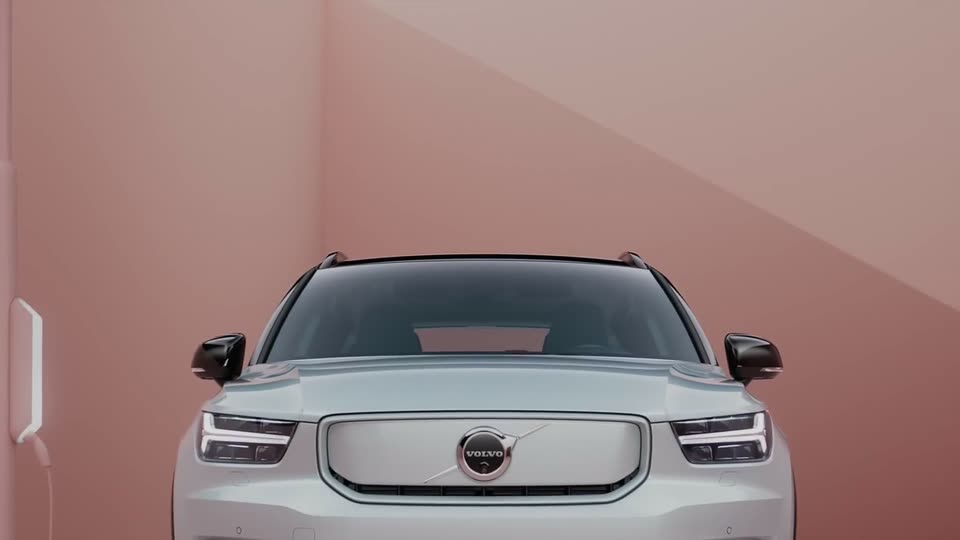 0:03 · 0.7sVolvo · XC40 Recharge. Now fully electric.A silver Volvo SUV faces the camera head-on against a flat pink wall, a slim white charging post at the left edge. The image sharpens from a soft blur while the caption scales up over the front of the car.
 0:16–0:17Superhuman · Introducing SuperhumanThe phrase Blazingly Fast fades in from dim gray to white, centered on a plain black background, in a locked-off frame.
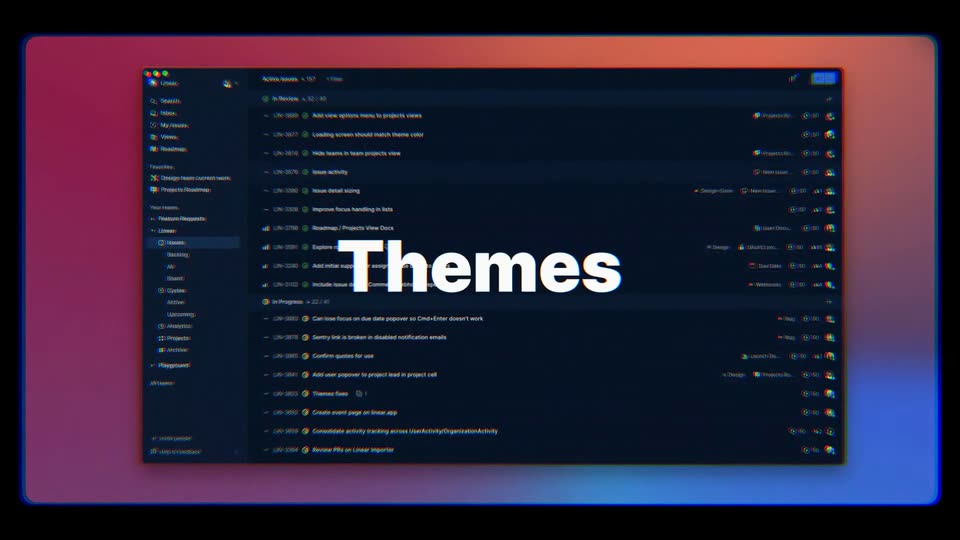 0:13 · 0.9sLinear · Linear 2020.12 releaseA Linear issue list fills a glowing rounded frame over a pink-to-blue gradient. The word Themes scales up at the center, blurring then locking into focus.
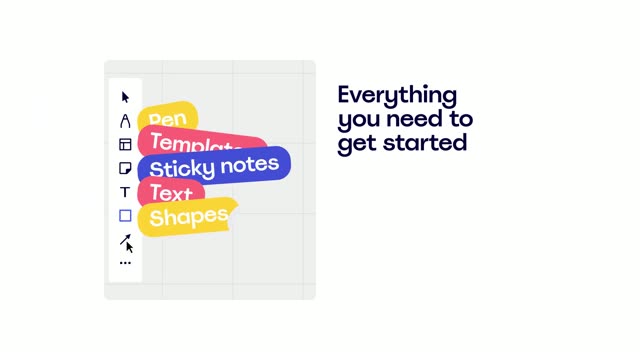 0:14–0:22Miro · Meet Miro Lite, the free online visual workspace for teamsA flat whiteboard canvas with a left icon toolbar sits beside the headline. A cursor steps down the toolbar, and as it hovers each icon a colored pill label pops in: Pen, Templates, Sticky notes, Text, Shapes, Connection lines. The stack of labels and the headline then fade out.
 0:14–0:16Curve · Curve in 60 secondsA white bold headline reads “How does that work?” on a dark gray field. The line scales up in place while the single question mark multiplies into four, pushing the text past the frame edges. The frame stays locked.
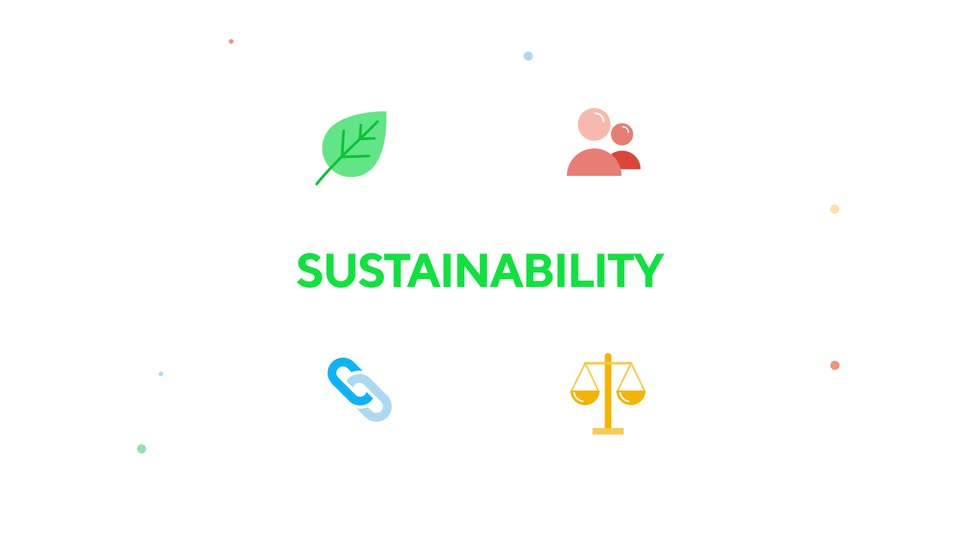 0:34–0:37Ecovadis · EcoVadis Ratings Solution Overview - About PageA white field holds the green word SUSTAINABILITY scaling up at the center. Four flat icons, a green leaf, coral people, blue chain link and yellow scales, settle into a loose frame around it while small colored dots drift across the background.
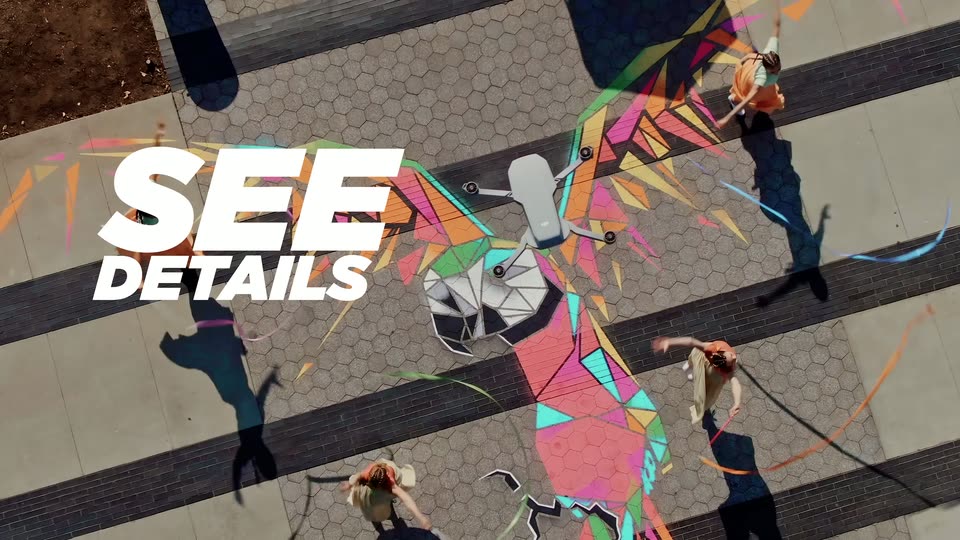 0:09–0:10DJI · DJI - Meet DJI Mini 2Top-down aerial view of a paved plaza with a colorful geometric bird mural. A white DJI drone rests on the ground as four dancers in orange shirts spin ribbons around it. The white headline scales in from a blur on the left.
 2:12–2:15Discord · How Discord Works in 148,000 Miliseconds or LessFlat illustration of a purple-to-pink gradient sky with clouds, a tree at right and a floating island. Centered white text swaps through short phrases while a blue robot bobs up from the bottom edge. The Discord logo hovers above the first line. Locked-off frame.
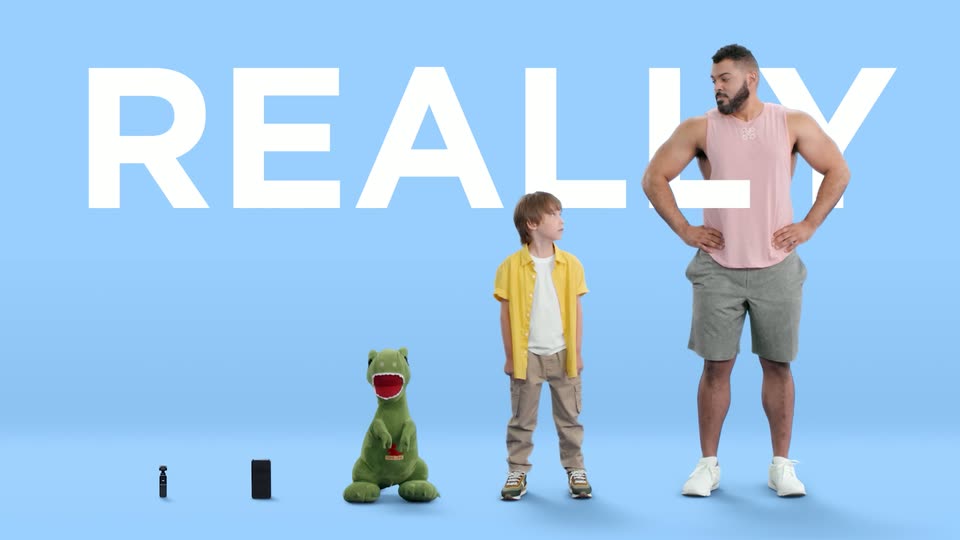 0:10–0:12DJI · DJI – Meet DJI Pocket 2A size-ordered lineup on a blue studio floor runs from a tiny black bottle and small black device, to a green plush dinosaur, a boy in a yellow shirt, and a muscular man in a pink tank top with hands on hips. The word REALLY spans the top and scales while the man and boy turn their heads.
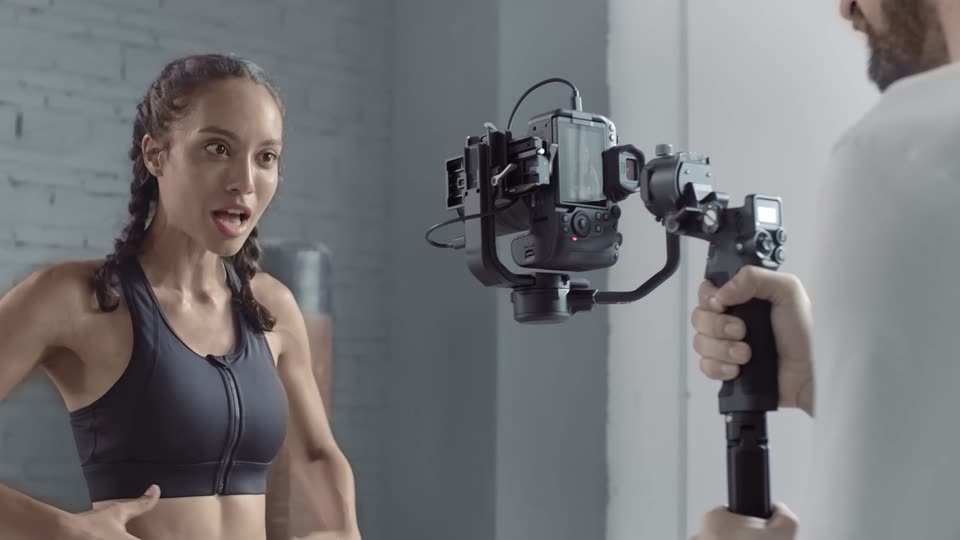 0:43–0:45DJI · DJI - Introducing DJI RSC 2Large text scaling in over a gym set: a woman in a gray zip-top sports bra talks and gestures while a man on the right holds a gimbal-mounted camera rig pointed at her.
 1:23–1:27Ahrefs · Ahrefs Webmaster Tools: What’s in it for me?Solid blue field. A white two-line question builds word by word, the last word fading in, then holds still while the voiceover repeats the question.
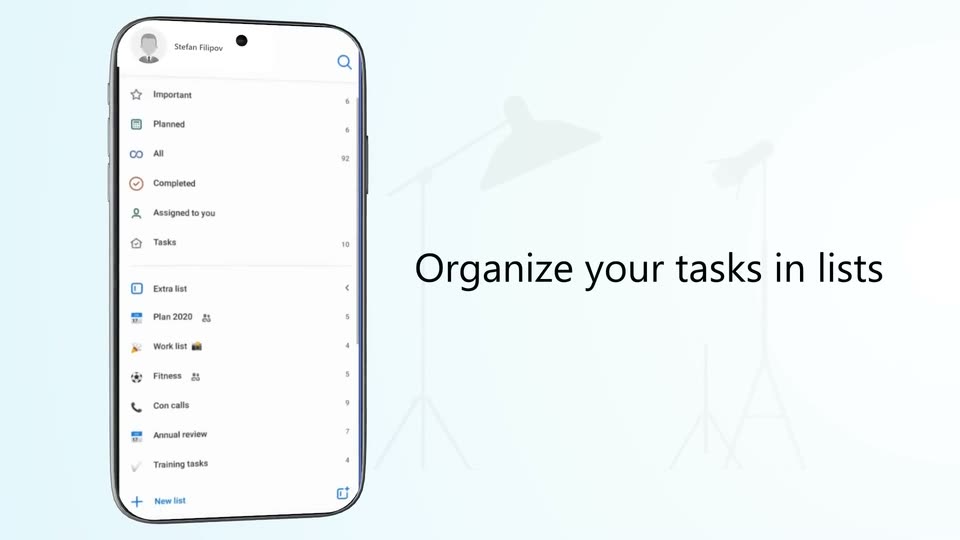 0:18–0:23Microsoft · Meet Microsoft To DoA phone mockup on a pale blue background shows the scrolling list view beside the headline “Organize your tasks in lists”. The phone slides to the center as a dark lock screen wipes in, and the headline becomes “Reminders for your tasks”, split around the device.
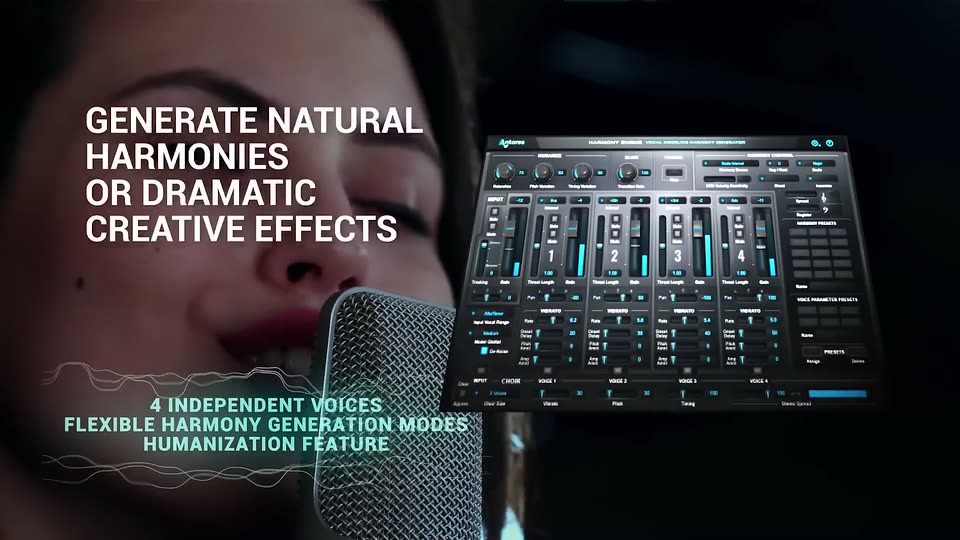 0:09–0:10Antares · Harmony Engine: Automatic Vocal Harmony GeneratorA woman sings into a studio microphone in a dark room. A tilted 3D audio-plugin interface with glowing sliders slides in on the right, a light glint crosses its top, and a white headline with three caption lines fades in on the left over a thin waveform.
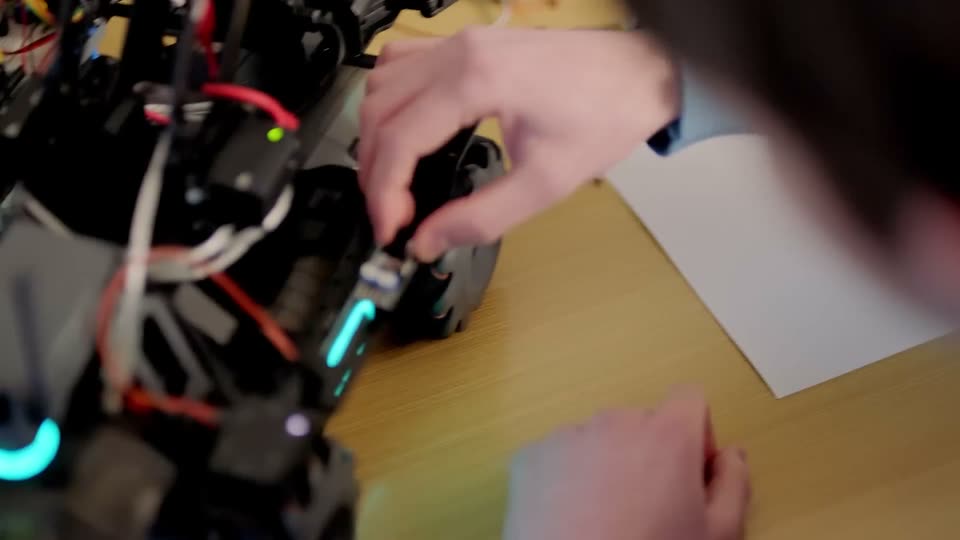 2:37–2:38DJI · Introducing the RoboMaster EP CoreOver-the-shoulder close-up on a wooden bench: a hand lifts a small blue-and-white sensor from a white sheet and presses it into the side of a black robot chassis. The camera trucks left to follow the hand as a large numeral 4 scales in.
 0:49–0:50Adobe · Adobe Stock Launches Audio | Adobe Creative CloudA blurred blue background of a reaching hand, letterboxed with white bars, sits behind a centered white search bar with a magnifying glass icon. The search field types a word in letter by letter while the frame stays locked off.
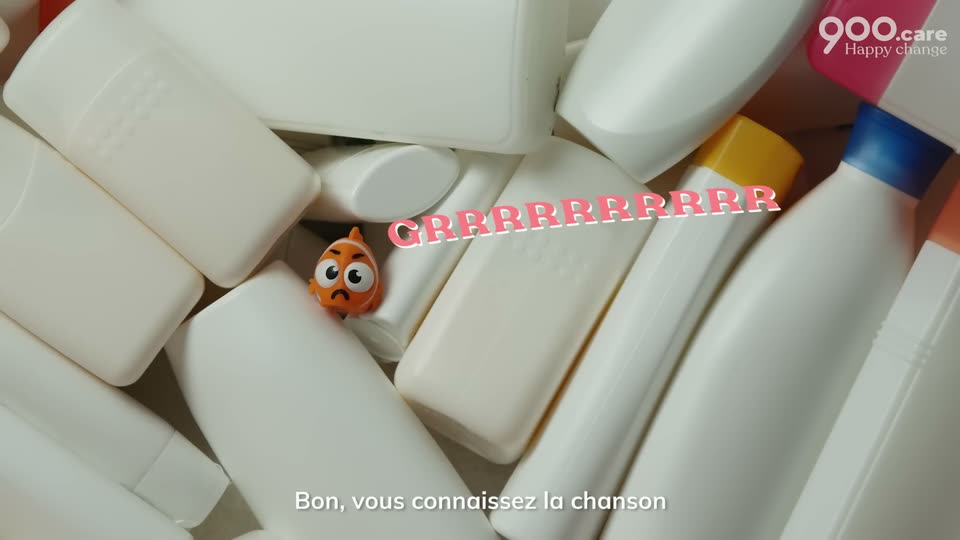 1:09–1:11900.care · Lancement de 900.care - 🌍 Produits de salle de bain à rechargerA pile of white plastic bottles and containers fills the frame while a small orange 3D character with a mustache peeks out between them. Pink GRRRRRRRRRR text pops in above it, then a French subtitle appears at the bottom.
 0:04–0:05Microsoft · Announcing Microsoft Lists - a new Microsoft 365 app to track information and organize workOn a teal field, a checklist of white line icons and text sits at left; the third row, of assets, slides in from the right as its circle checkmark draws on.
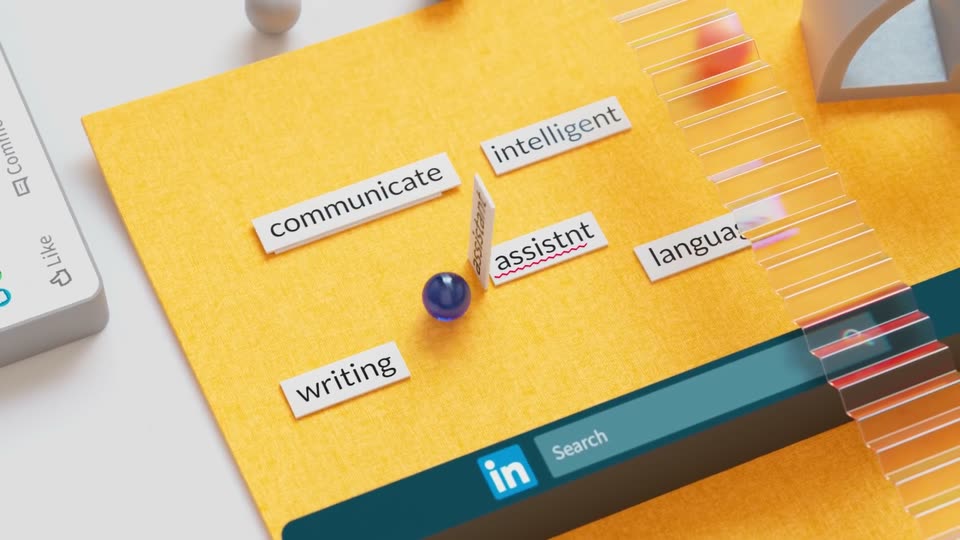 0:17–0:19Microsoft · Introducing Microsoft Editor: Write confidently across your Office apps and favorite websitesA static 3D macro shot of a yellow textured surface holding upright paper word strips (communicate, intelligent, assistant, writing, language). A glossy blue sphere rolls across the surface past a LinkedIn search bar, with clear acrylic steps glowing on the right.
 0:39–0:40Pitch · A first look at PitchViolet field framed by curved 3D tubes with marbles rolling inside; the centered white headline scales down as the camera pulls back, revealing more of the tubes.
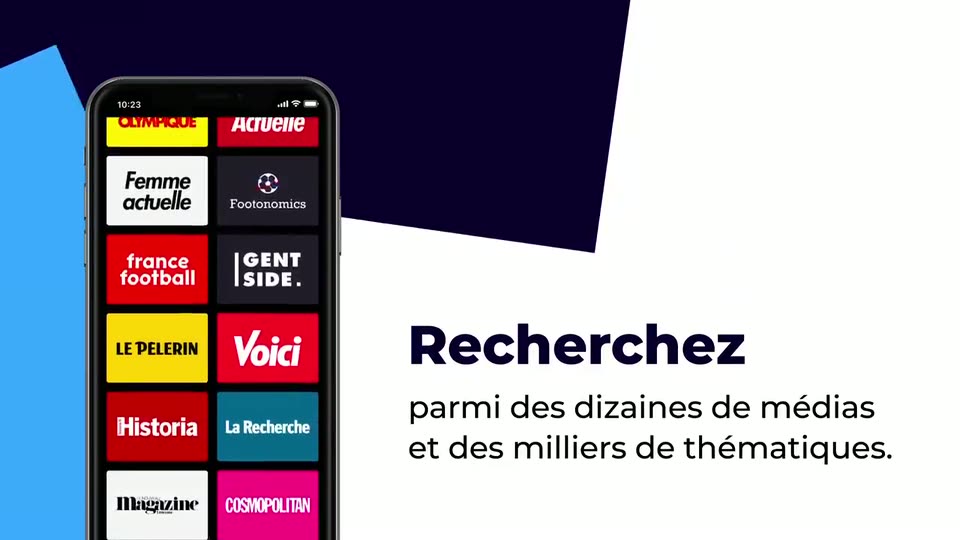 0:10–0:15Pressmium · Pressmium - Presse en illimité - @CCI_75 @DiabNext @BeedeezApp @weverapp @Green_spector @elliscarvl @mA front-facing iPhone mockup on the left shows a grid of colorful media logos scrolling upward. On the right, the dark navy headline “Recherchez” and a gray subline appear word by word, then the whole composition slides up out of the white frame.
 0:36–0:39Convey · Convey - Discover Overview - Real-time Network InsightsOn a purple field, a row of dark labeled circles (TMS, OMS, CRM, ERP, Carrier API, Claims) scrolls left along the top. A rounded card reading Last Mile Data slides left and exits, leaving a centered dark panel that resolves into a white line-art delivery truck icon.
 1:11–1:12Canva · Introducing Canva | CanvaVertical color bars give way to a split teal and blue background. The white headline “Create a” sits center as “free” fades in below it, then the Canva wordmark scales in.
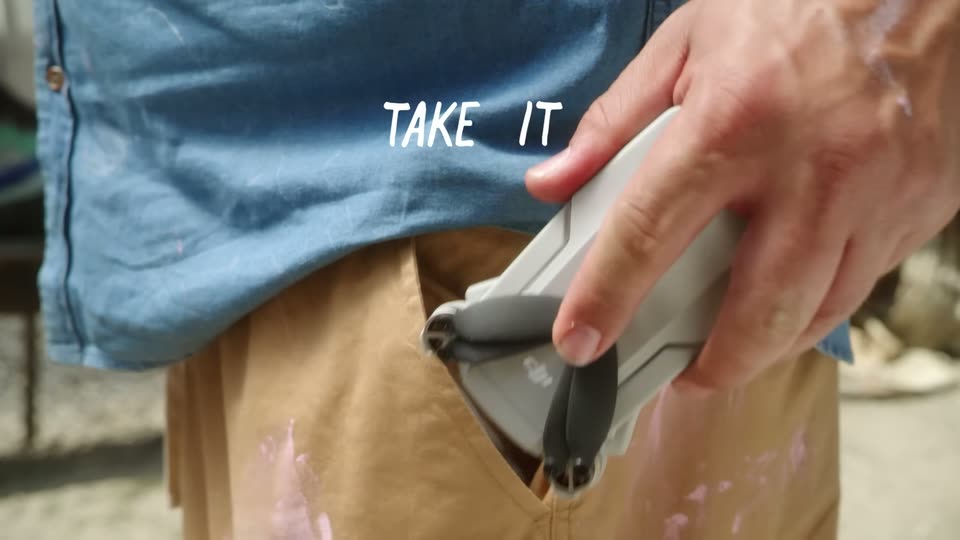 0:11–0:12DJI · Introducing DJI Mavic MiniClose-up on a paint-splattered blue shirt and tan trousers. A hand slides into the pocket and withdraws a small gray device. White handwritten text reads TAKE IT across the chest. Locked-off frame, natural light.
 1:25–1:26Google · Introducing Digital Wellbeing ExperimentsA gray URL sits centered on a plain light background while a yellow line-art magnifying glass slides off the right edge. The URL then fades and scales as the colored Google wordmark reveals in the center.
 1:33–1:35Figma · What's Figma? [2019]The black Figma wordmark sits centered on a plain off-white background. It slides in horizontally with a brief blur on the left letters, then settles into a locked, static position.
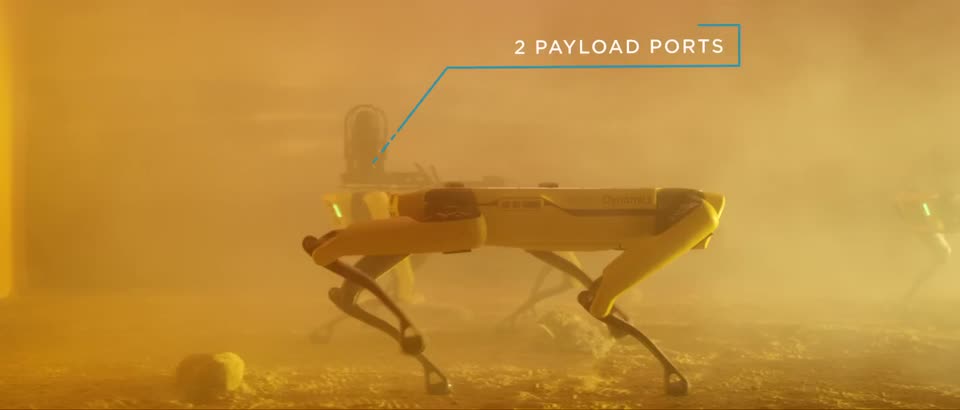 0:51–0:54Boston Dynamics · Spot LaunchA yellow robot dog runs left across a hazy, orange-lit dust field, a line of identical dogs trailing behind it. A blue leader line draws to two ports on its back as the label 2 PAYLOAD PORTS slides in.
 0:05–0:06Factio · FACTIO.ORG - Plateforme de lobbying citoyenA split frame stacks two labels: 'Les lobbys' on an orange field above 'Les citoyens' on white. The fields recolor to white and green as 'Les lobbys' slides; the Factis.org wordmark stays top right.
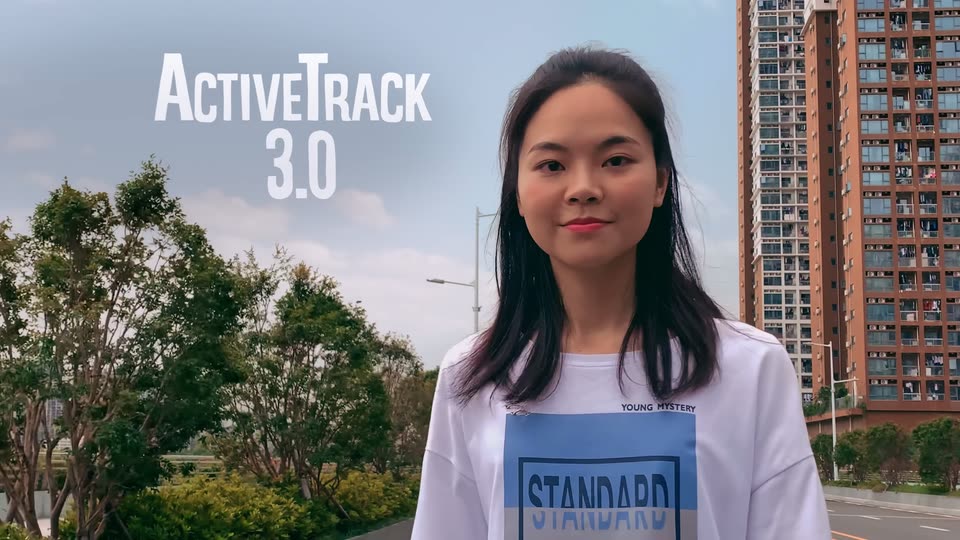 0:37–0:38DJI · DJI - Say Hello to Osmo Mobile 3A young woman in a white sweatshirt stands on a roadside, a tall residential tower to her right. She looks down, then raises her eyes to the camera as the title ACTIVETRACK 3.0 reveals in the upper left.
 1:50–1:52DJI · DJI - Introducing Ronin-SCA bride and groom kiss beneath a flower-draped canopy on a beach at sunset, an officiant watches from behind as the sun flares between them. Small captions read THIRD-PARTY ACCESSORIES and Expand your creativity, then the wordmark RONIN scales up over the couple.
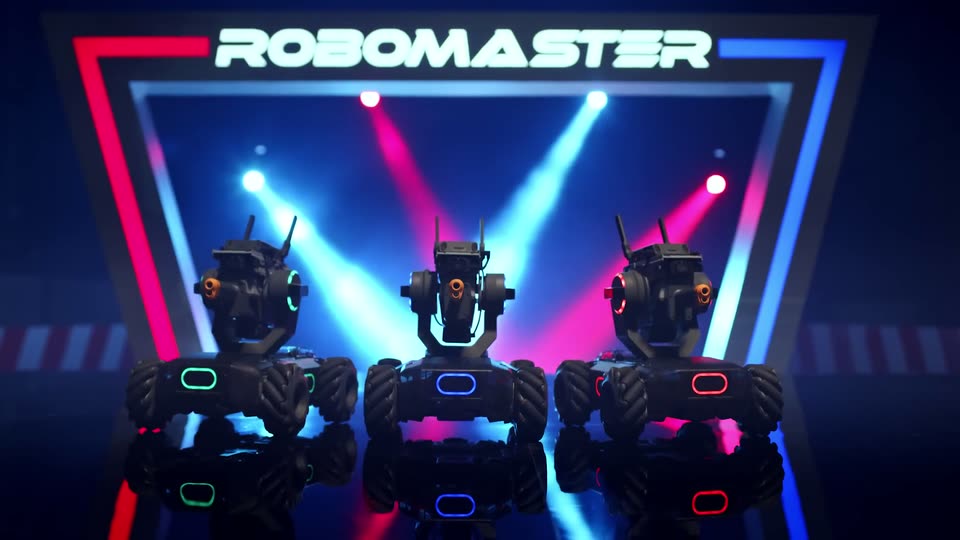 2:50–2:53DJI · DJI - Meet the RoboMaster S1Three black turret robots stand in a row on a glossy floor beneath a red-and-blue neon portal bearing the ROBOMASTER wordmark. Blue and pink stage beams cross behind them as the shot eases from blur into sharp focus.
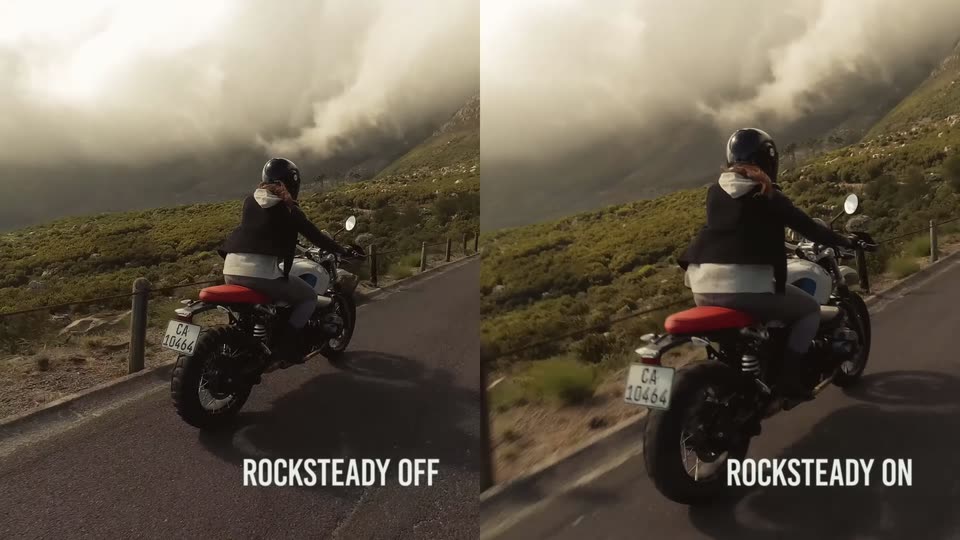 0:18–0:20DJI · DJI - Introducing Osmo ActionA split screen shows the same rear view of a helmeted rider on a motorcycle driving away on a winding mountain road under a cloudy sky. White all-caps labels scale in at the bottom of each panel, marking the two takes.
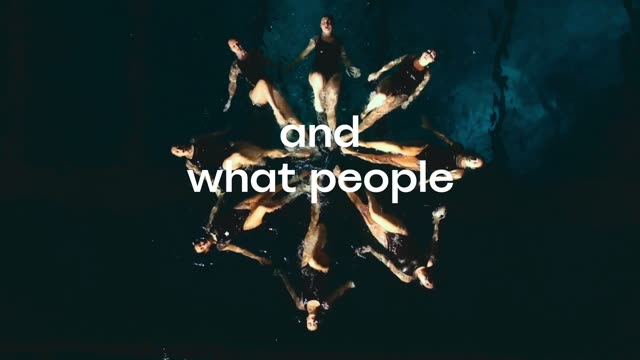 0:02–0:03Miro · Say hello to MiroOverhead view of synchronized swimmers in black suits arranged in a star on dark water. Centered white text reads “We love teamwork”, then swaps to “and what people create together” as the swimmers shift slightly.
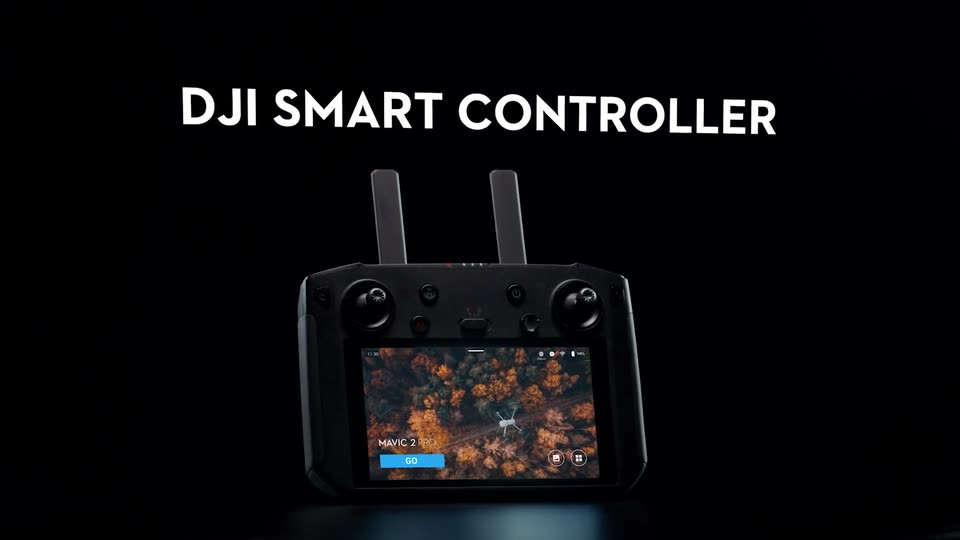 0:05–0:07DJI · Meet the DJI Smart ControllerA black DJI smart controller with two upright antennas sits centered on a black backdrop, its built-in screen showing an aerial autumn feed with a small drone icon. The white headline scales in above the device and sharpens as it locks off.
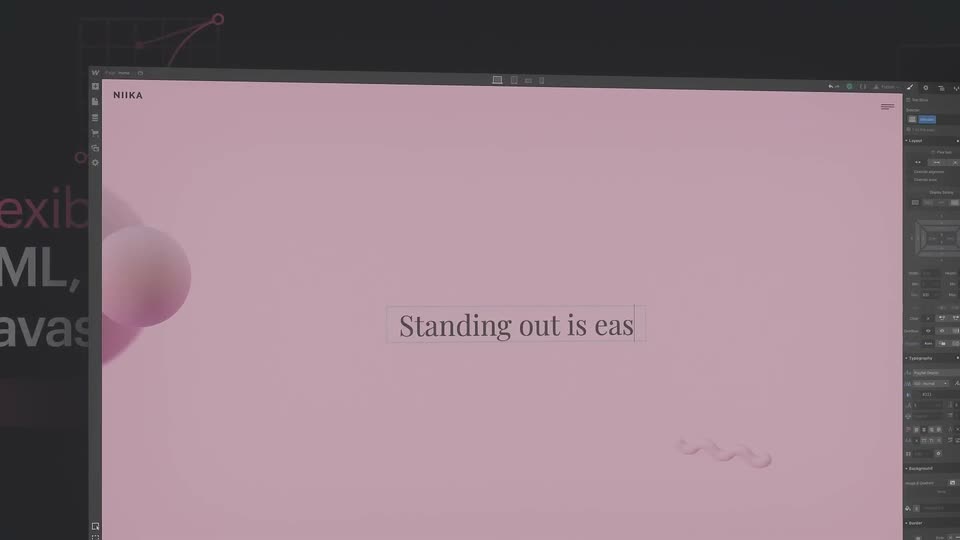 0:09–0:10Webflow · Design, build, and launch — with WebflowA dark panel on the left carries the headline while a pink canvas on the right slides left to reveal the tool's right sidebar; a line of text types out on the canvas.
 0:08–0:10Google · Introducing Actions for your Google AssistantA light gray rounded bubble sits centered on white. It first reads Play the news, then shrinks and the text swaps to Do I need an umbrella?, scaling in word by word as the bubble widens. A small gray disclaimer sits at the bottom.
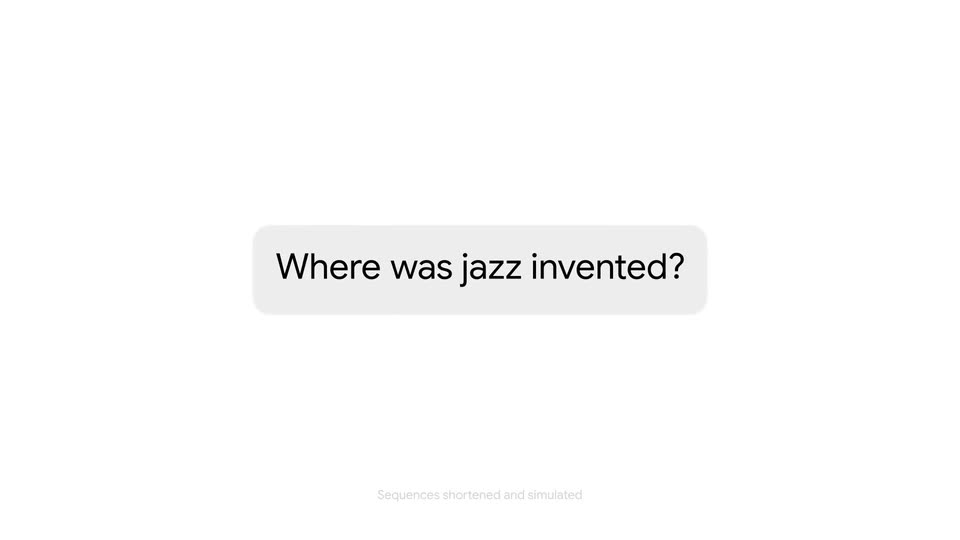 0:08–0:09Google · Music fans: Introducing Actions for your Google AssistantA light gray rounded pill carrying the black question 'Where was jazz invented?' slides into the center of a plain white frame. A small gray line, 'Sequences shortened and simulated,' sits still at the bottom.
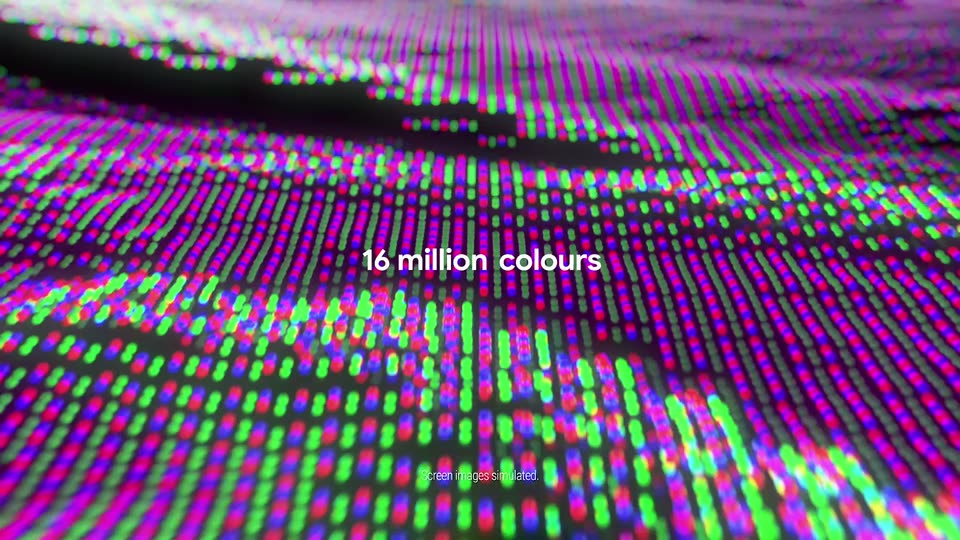 0:11–0:13Google · Meet Google Pixel 2 | More, more, moreA low 3D camera drifts across an undulating field of red, green, and blue pixel dots, like an OLED panel seen from the side. The white word 16 at center expands into 16 million colours, and a small caption Screen images simulated. sits at the bottom.
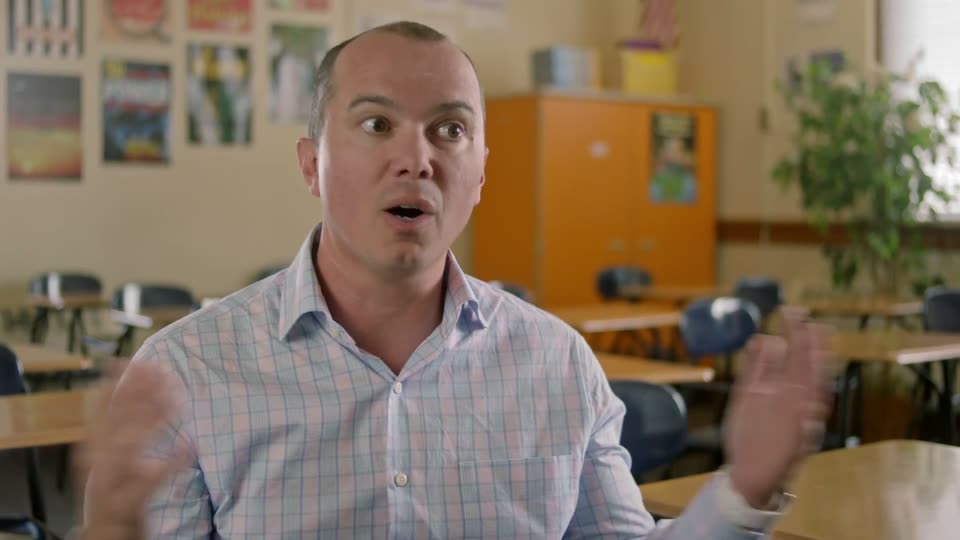 1:19–1:22Microsoft · Introducing classroom experiences in Microsoft TeamsA man in a checkered shirt speaks and gestures in a classroom, then the scene cuts to a low-angle shot of children's legs and shoes walking along a glossy hallway.
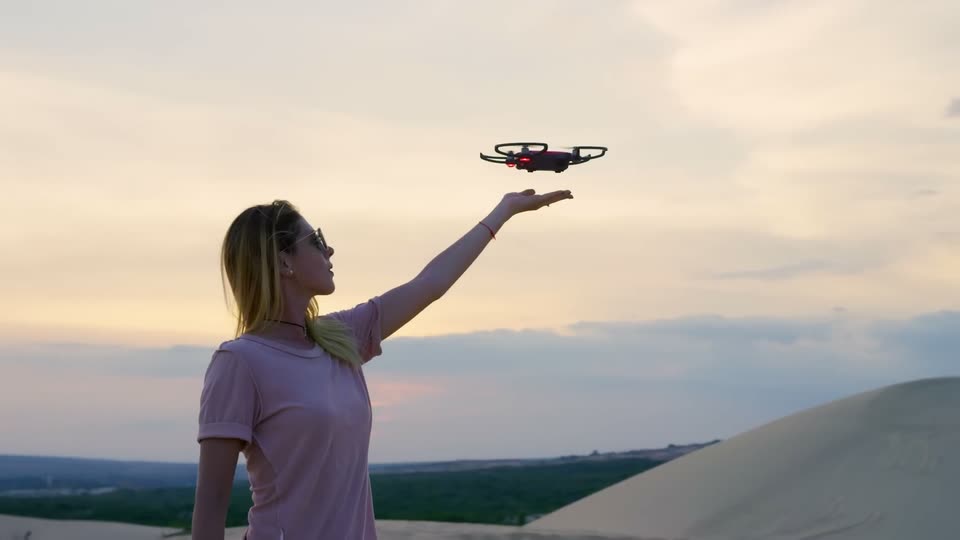 2:07–2:08DJI · DJI - Introducing SparkA woman in a pink t-shirt stands on a sand dune at dusk, palm raised, as a small black drone with red lights hovers just above her open hand. The drone drifts gently while the camera holds a locked-off medium shot against a soft sunset sky.
 0:12–0:15Microsoft · Introducing Microsoft To-Do, now in PreviewTwo women, seen from behind, stand before a large world map, one pointing at a spot. Centered over them, a thin white 130 with an envelope outline holds, then the figure rolls into 35,000 as the women shift slightly. Static shot, soft diffused light.
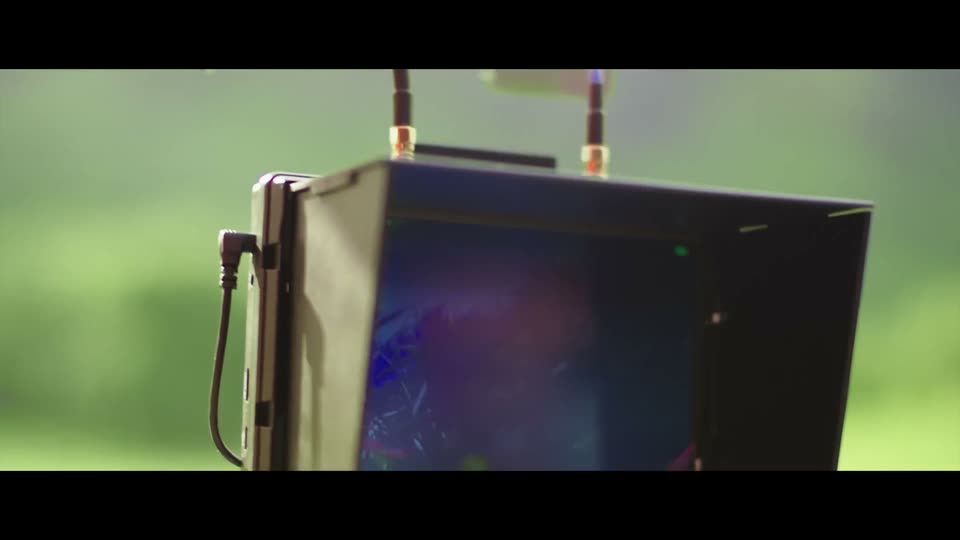 2:40–2:42DJI · DJI - Introducing the Snail and Takyon Racing SeriesClose-up of a small on-camera monitor with a flip-out screen, filmed outdoors against a blurred green field. The screen shows a live view of grass with a white ring, then a dark bokeh image. The camera slowly arcs around the device as a cable hangs from its left side.
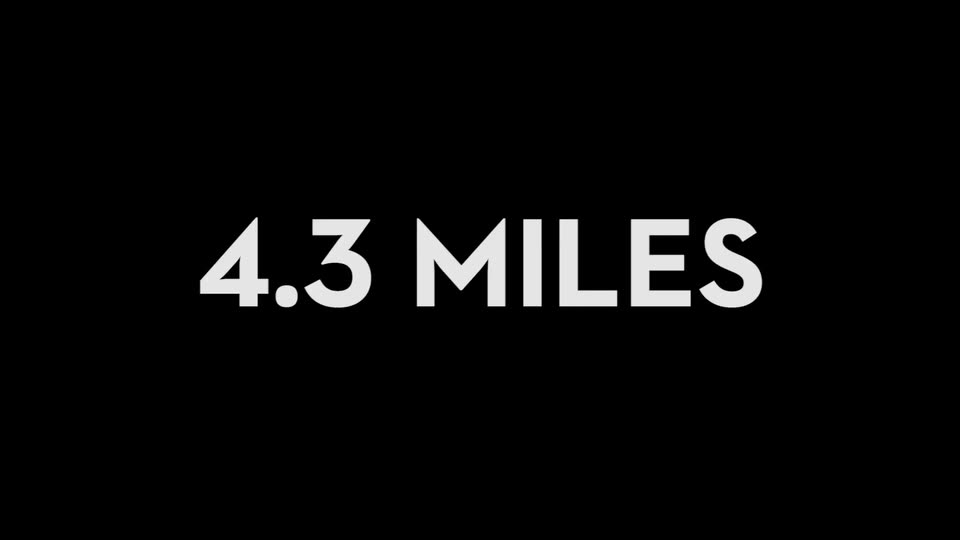 0:26–0:28DJI · DJI - Mavic Pro Worldwide LaunchWhite phrases cut on a black field: SMALL., then 4.27MLN, then ACTIVETRACK. A locked-off close-up of a black drone controller with a phone screen follows, held by two hands, with the word overlaid.
 3:21–3:23DJI · DJI – Introducing Zenmuse Z30A man in a white hard hat, glasses, and tan vest stands in a dry field, wind turbines blurred behind him, speaking to camera. The caption BURST MODE scales in over the shot.
 1:24–1:31Google · Meet your Google Assistant, your own personal GoogleThe Google wordmark and search bar scale in on white, then collapse into four colored dots. The dots bounce as a speech bubble appears with “Hi, how can I help?”, then the dots rise and the caption “Meet your personal Google Assistant.” fades in.
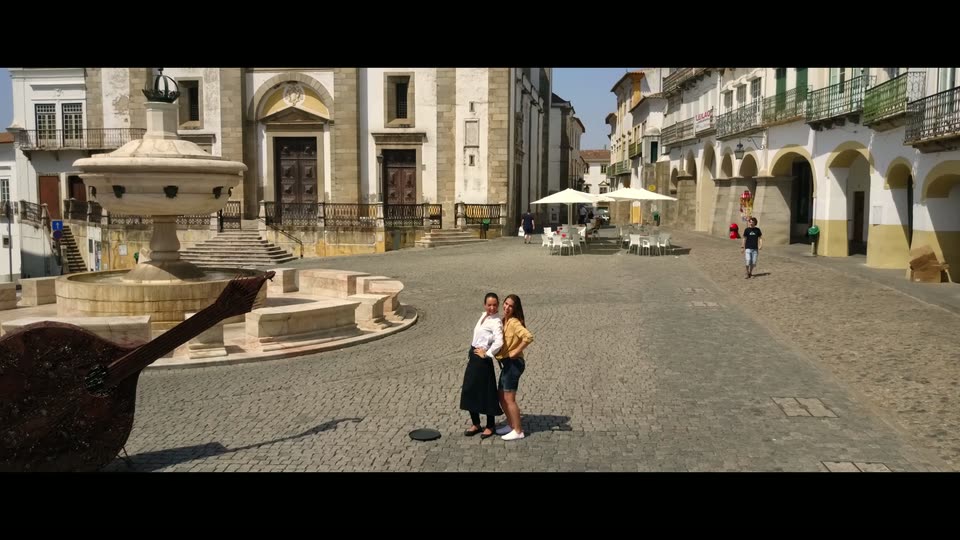 3:34–3:38DJI · DJI - Introducing the DJI MavicTwo women stand in a sunlit plaza before a fountain and church facade, raising their hands to frame a shape with their fingers. The shot cuts to a wide view of the cobblestone square, where they pose beside the fountain, one pointing at it.
 0:06 · 0.5sApple · Apple – Don’t BlinkOn a white field, an oversized black numeral 3 with the lowercase word blink set in its counter scales down to a small centered mark, then holds still.
 0:09–0:13Adobe · Adobe Spark is Here! | AdobeA dark green testimonial card opens through a circular iris over the previous scene. The Adobe Post logo and wordmark sit centered above a five-star rating that fills in, while the quote scales in below. A second iris reveals the blue Adobe Slate card at the end.
 2:23–2:24DJI · DJI – Introducing the A3 and A3 ProA locked-off aerial drone shot frames a low, faceted glass pavilion beside a still lake, with high-rise towers and hazy hills behind. A caption scales in along the bottom edge of the frame.
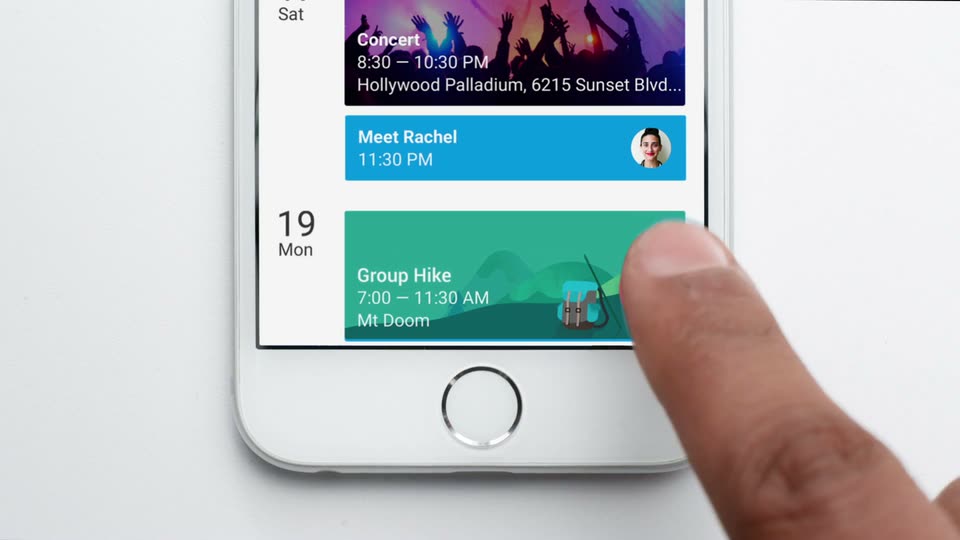 0:13–0:14Google · Introducing Google Calendar for iPhoneClose-up of a white phone on a pale surface, its calendar listing a concert, a meet-up and a hike. A finger taps the teal Group Hike card and a red circular plus button pops in. A caption scales in over the locked-off frame.