1:09

Fernando Young - Starting today, any company can scale creator marketing like paid ads
Beluga · B2B · Jul 2026
Google’s 0:21 launch film runs 10 scenes, about 2.2 s each. The product shows up at 0:02. The call to action lands at 0:18 (86% in), over a voiceover. The video is built as a single centered-text story: genre words cycle, the product claim scales in, then a chain of voice-command pills leads to one live-action kitchen payoff. Pacing is slow and centered, with text scaling and sliding into the middle of a white field, and UI bubbles overlaying the footage.
Is this your launch? to your site or press kit.
Beluga · B2B · Jul 2026
Apple · Hardware · May 2026
Apple · Hardware · Jan 2026
Films whose music sounds like this one, voice left out
Superapp · Modern rock with hip-hop and pop-punk influences
Discord · Japanese rock
Frevana · Instrumental rock, funk-rock
Centered on a plain off-white background, a single gray sans-serif word cycles through music genres: Jazz, then Rock, then Epic Doom Metal. Each label holds briefly in the middle of the frame with no camera movement.
On-screen text: “Jazz”, “Rock”, “Epic Doom Metal”
Techniques: Kinetic type
Camera: Static
On a plain white background, the gray phrase Epic Doom Metal holds centered, then yields to The Google Assistant has, with Google Assistant in blue, scaling into the center as a faint word over begins below.
On-screen text: “Epic Doom Metal”, “The Google Assistant has”
Techniques: Kinetic type
Camera: Static
On a white background, the line “The Google Assistant has over 1 million Actions” fades and scales in, gray with blue highlights. It cuts to “to help any music fan”, then “Just say”, and finally the huge black “Hey Google” wordmark fills the frame, cropped at the edges.
On-screen text: “The Google Assistant has”, “over 1 million Actions”, “to help any music fan”, “Just say”, “Hey Google”
Techniques: Kinetic type
Camera: Static
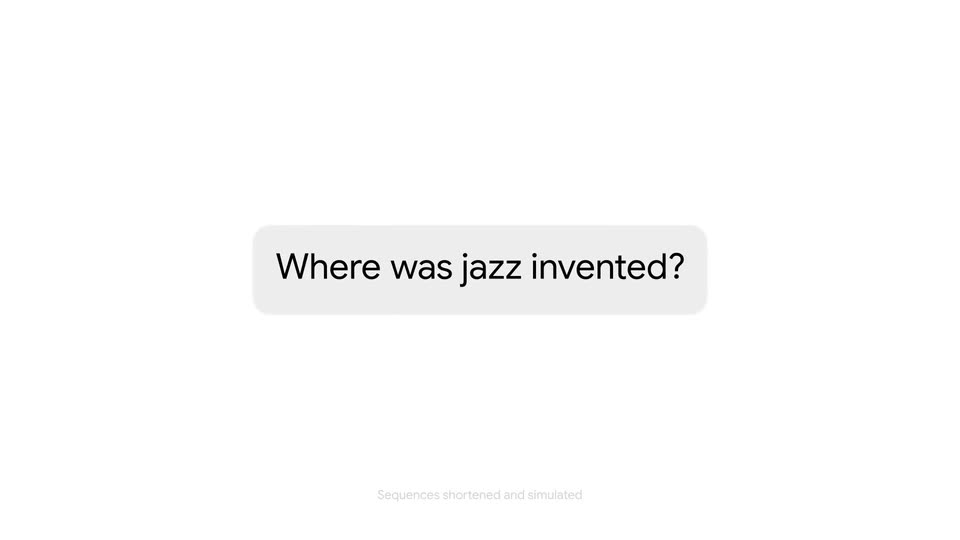
A light gray rounded pill carrying the black question 'Where was jazz invented?' slides into the center of a plain white frame. A small gray line, 'Sequences shortened and simulated,' sits still at the bottom.
On-screen text: “Where was jazz invented?”, “Sequences shortened and simulated”
Techniques: Kinetic type
Camera: Static
A light gray rounded prompt bubble sits centered on a white background. Its text fades in as “Where was jazz invented?”, then slides out and is replaced by “Set volume to 79%” and “Remind me to buy more guitar picks”. A small gray disclaimer caption rests at the bottom.
On-screen text: “Sequences shortened and simulated”
Techniques: Kinetic type
Camera: Static
A vertical stack of rounded suggestion pills scrolls upward on a plain cream background. The front pill holds dark text while the ones above fade to light gray, and new pills like Save this playlist enter at the bottom. A small caption sits at the base.
On-screen text: “Sequences shortened and simulated”
Techniques: Kinetic type
Camera: Static
A light gray rounded pill sits centered on a white field, holding a dark voice command. Two fainter commands hover behind it. The active line swaps and slides through “Tune my guitar” then “Play my cooking playlist” while the background suggestions fade and reposition.
On-screen text: “Find me a cool spot in nearby”, “Play some music”, “Tune my guitar”, “Play music for a rainy day”, “Drop me a beat”, “Play my cooking playlist”
Camera: Static
A light gray rounded rectangle bubble holding the black text “Play my cooking playlist” slides into the center of a plain off-white background. The frame stays locked-off while the bubble settles in place.
On-screen text: “Play my cooking playlist”
Techniques: Kinetic type
Camera: Static
Two people dance in a dim wood-cabinet kitchen. White chat bubbles slide in over the footage: a Google Assistant bubble reading 'Play my cooking playlist' slides out, then 'Okay, playing music.' and a 'Cooking Playlist' bubble with a red play icon hold on screen.
On-screen text: “Play my cooking playlist”, “Okay, playing music.”, “Cooking Playlist”
Techniques: Kinetic type
Camera: Static
The Google Assistant logo, four colored dots in blue, red, green and yellow, bobs gently at center on a white field while a soft ring highlight hops from one dot to the next. The gray wordmark and URL below remain still.
On-screen text: “Google Assistant”, “assistant.google.com”
Camera: Static