0:52
Explore
Softr | Build Powerful Software From Airtable, Fast. Without Coding.
Softr · Jun 2021 · 1:45 · Full motion · AI-annotated
studio Flowjam
- Length
- 1:45
- Scenes
- 34 · 3.1 s avg
- Product on screen
- 0:00
- Features shown
- 5
- Call to action
- 1:39 · 94%
- Voiceover
- No
- Views
- 396K on YouTube
as of November 25, 2026
00:00:00 / 01:45:02
- Length
- 1:45
- Scenes
- 34 · 3.1 s avg
- Product on screen
- 0:00
- Features shown
- 5
- Call to action
- 1:39 · 94%
- Voiceover
- No
- Views
- 396K on YouTube
as of November 25, 2026
Softr’s 1:45 launch film runs 34 scenes, about 3.1 s each. The product is on screen from the first frame and 5 features are revealed, with social proof. The call to action lands at 1:39 (94% in). The video opens with the logo, then a rapid montage of one-second color-blocked promise cards, and repeats a fixed pattern for each feature: a pastel title card naming it, followed by a dark purple split-screen where copy sits beside a cursor-driven UI walkthrough. It closes with a fast montage of example apps, a user-count card, a free-plan note and a logo CTA, all at a steady ~116 bpm pace with fade and slide-in type as the signature moves.
No filming indicatedEstimated needs: 6 capture groups — your screens or recordings · 1 official logo — reused across the film · 1 3D passage — build or supply
Is this your launch? to your site or press kit.
More like this
1:18
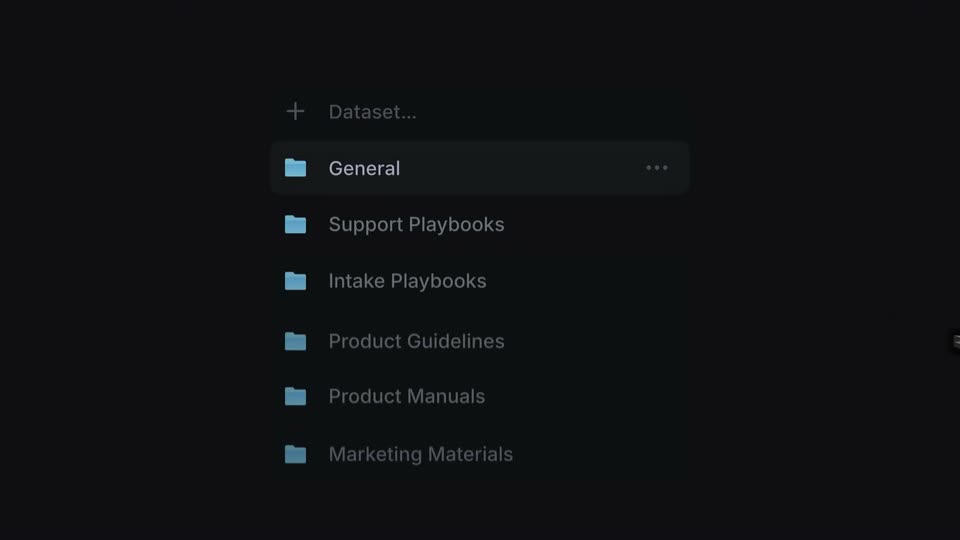
Input - Meet Lemni. Set up Ai agents for all your customer interactions, in j
Input Systems · Feb 2025
0:30

Runway - Use Runway inside ChatGPT to generate and edit video and images. No t
Runway · AI · Jun 2026
Similar soundtrack
Films whose music sounds like this one, voice left out
3:00
Stability AI - Introducing Stable Audio 2.0 – a new model capable of producing high-
Stability AI · Synthwave
1:10
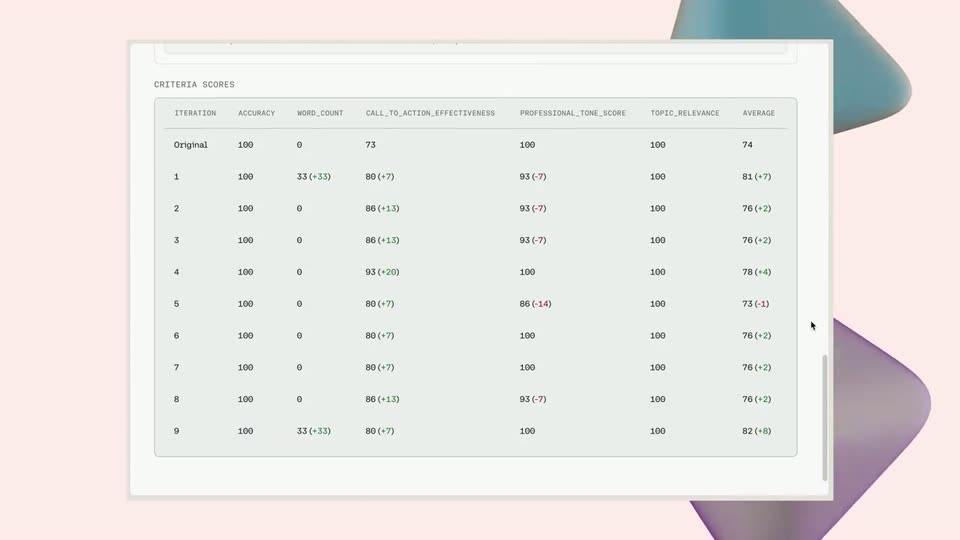
Cohere - We are excited to be introducing Prompt Tuner in beta today. It is a
Cohere · Synthwave, Eurodance
0:19

Genmo - Camera movement drives emotion, pace, and mood in filmmaking. Announ
Genmo · Electronic dance
Softr | Build Powerful Software From Airtable, Fast. Without Coding., scene by scene
· 34 scenes as text
01 · Product intro · 0:00–0:02
The softr logo and wordmark sit left of center on a pastel background of curved cream, pink and blue shapes. The mark and letters start in muted gray and saturate into orange, pink, blue and black. Locked-off frame.
On-screen text: “softr”
Camera: Static
02 · Hook · 0:02–0:04
A dark purple field with a faint diagonal band and a soft circle holds the centered headline “The easiest way to build,” which brightens from gray to white over the two seconds. A faint Softr wordmark sits behind the text on the locked-off frame.
On-screen text: “The easiest”, “way to build”
Camera: Static
03 · Hook · 0:04–0:05
A flat blue background with faint lighter curved shapes. The white line “a client portal” fades in at the center, then holds still for the rest of the shot.
On-screen text: “a client portal”
Camera: Static
04 · Hook · 0:05–0:06
A flat magenta-pink background with faint darker organic shapes. Centered white lowercase text reads “an internal tool”, static in a locked-off frame.
On-screen text: “a client portal”, “an internal tool”
Camera: Static
05 · Hook · 0:06–0:07
On a flat orange background, the white lowercase phrase a marketplace fades in and scales up at the center of the frame, following the static line an internal tool. The locked-off camera holds the text centered.
On-screen text: “an internal tool”, “a marketplace”
Techniques: Kinetic type
Camera: Static
06 · Hook · 0:07–0:08
A flat blue field with faint curved shapes. White text 'a marketplace' scales in at center, then the line 'an online community' holds still in the same position for the rest of the clip.
On-screen text: “a marketplace”, “an online community”
Techniques: Kinetic type
Camera: Static
07 · Hook · 0:08–0:09
White lowercase text reading a resource directory holds centered on a magenta field. Two faint lighter pink shapes sit behind it, drifting slowly. The frame stays locked off with the line static.
On-screen text: “a resource directory”
Camera: Static
08 · Hook · 0:09–0:10
A flat orange background holds centered white text that swaps from one short phrase to another. The frame stays locked and the type remains static in the middle of the screen.
On-screen text: “a resource directory”, “a website”
Camera: Static
09 · Hook · 0:10–0:12
A dark purple field with faint geometric shapes holds a centered two-line headline. 'Anything.' sits still while 'Without code.' slides in beneath it, both fading from dim gray to light gray over the two seconds.
On-screen text: “Anything.”, “Without code.”
Techniques: Kinetic type
Camera: Static
10 · Feature reveal · 0:12–0:14
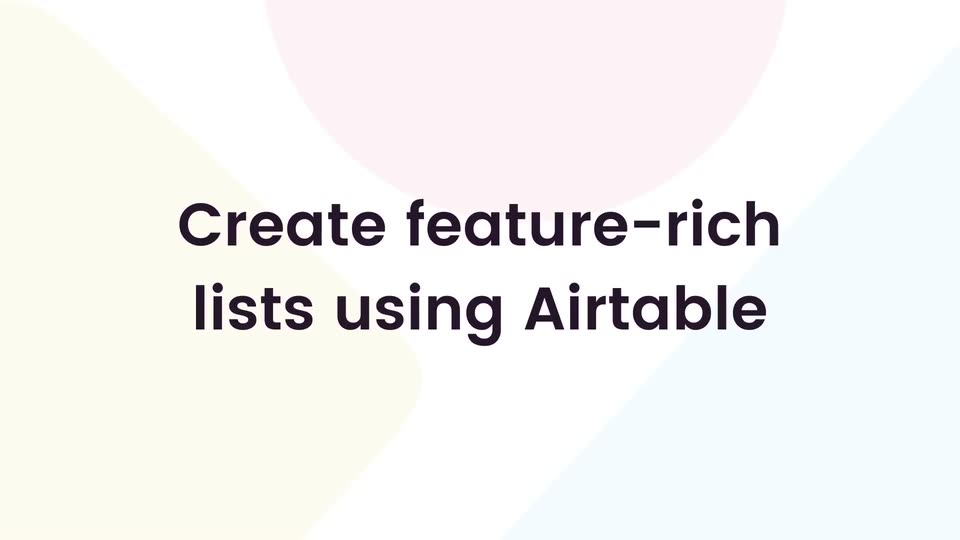
Centered two-line headline in dark gray bold sans on a white field with soft pastel shapes, a pink circle above and cream and blue waves at the sides. The first line holds still while the second line slides in as the text darkens.
On-screen text: “Create feature-rich”, “lists using Airtable”
Techniques: Kinetic type
Camera: Static
11 · Feature reveal · 0:14–0:14
A plain white card holds the phrase “lists using Airtable”, which slides across the frame at a steady pace on a locked-off shot.
On-screen text: “lists using Airtable”
Techniques: Kinetic type
Camera: Static
12 · Feature reveal · 0:14–0:24
A dark purple backdrop holds the white 'Airtable Powered' headline and paragraph on the left. On the right, a builder screen fades in as a cursor toggles side-panel fields, opens a dropdown to pick 'Tags', and the property grid updates with tag pills and dates before fading out.
On-screen text: “Airtable Powered”, “Easily display your Airtable data with a variety of pre-built layouts. Customize which information is shared, and which stays private to you.”
Techniques: Cursor demo
Camera: Static
13 · Feature reveal · 0:24–0:27
A dark two-line headline slides in over soft pastel organic shapes on a white field, holds briefly, then clears to white. The shapes are cream on the left, pink at the top, pale blue on the right.
On-screen text: “Build quickly”, “with blocks”
Techniques: Kinetic type
Camera: Static
14 · Feature reveal · 0:27–0:37
A flat web-builder UI occupies the left as a white headline and paragraph fade in on the right. A cursor clicks through block rows while the canvas preview populates and scrolls down the page, then the panel slides off to the left.
On-screen text: “As easy as lego”, “Build a beautiful web app choosing from 70+ blocks that you can easily custumize in every aspect of the design.”
Techniques: Cursor demo
Camera: Push in
15 · Feature reveal · 0:37–0:39
A light canvas holds a pink circle, a cream blob and a pale blue blob as static background. The centered headline fades from pale gray to dark purple in the middle of the frame.
On-screen text: “100% design freedom”
Camera: Static
16 · Feature reveal · 0:39–0:49
A white headline and body paragraph sit on a dark purple background at left, while a flat product interface at right opens a color-picker dialog, then a settings sidebar, then an image panel, showing fonts, colors and borders being changed.
On-screen text: “Customize easily”, “Customize the layout of any page, and personalize the look and feel of any section with custom fonts, backgrounds, and buttons.”
Camera: Pull out
17 · Feature reveal · 0:49–0:52
Centered dark geometric sans headline appears over soft pastel blobs in cream, pink and pale blue on a light field, holds, then fades to white.
On-screen text: “Add membership to your app”
Camera: Static
18 · Feature reveal · 0:52–1:03
A dark purple panel holds the white headline User Accounts and a paragraph on the left, while a co.live sign-up form on the right is filled in by a cursor, then switches to a property list and an account settings page.
On-screen text: “User Accounts”, “Let users sign up and sign in securely with email and password. No need to integrate with third-party tools and the data always belongs to you.”
Techniques: Kinetic type, Cursor demo
Camera: Pull out
19 · Feature reveal · 1:03–1:05
A bold dark headline sits centered on a white field with soft pastel blobs in cream, pink and blue. The line 'and checkouts' slides into place under 'Easily add payments', then the whole card fades to white.
On-screen text: “Easily add payments”, “and checkouts”
Techniques: Kinetic type
Camera: Static
20 · Feature reveal · 1:05–1:14
A dark purple backdrop frames a flat product interface on the left where a cursor opens the Payment settings panel and fills in fields, while a white headline and paragraph fade in on the right.
On-screen text: “Accept payments”, “Sell any goods or services, add subscriptions to your SaaS, offer premium membership to your community, all from your Softtr application.”
Techniques: Cursor demo
Camera: Static
21 · Feature reveal · 1:14–1:15
A course page interface rests on the left over a dark purple gradient, while a white headline and paragraph stay fixed on the right. The panel holds still as a small URL tooltip fades in at its lower-left corner.
On-screen text: “Accept payments”, “Sell any goods or services, add subscriptions to your SaaS, offer premium membership to your community, all from your Softr application.”
Camera: Static
22 · Feature reveal · 1:15–1:20
A 3D-tilted checkout page fills in card details, then a cursor moves to the Buy Course button and clicks it, triggering a loading spinner. To the right, white text reads Accept payments with a paragraph on a dark purple gradient.
On-screen text: “Accept payments”, “Sell any goods or services, add subscriptions to your SaaS, offer premium membership to your community, all from your Softr application.”
Techniques: 3D mockup, Cursor demo
Camera: Static
23 · Feature reveal · 1:20–1:20
A dark purple backdrop frames a flat browser window showing a JavaScript course page on the left. On the right, a large gray headline and a paragraph of copy dissolve out over the half second.
On-screen text: “Accept payments”, “Sell any goods or services, add subscriptions to your SaaS, offer premium membership to your community, all from your Soffr application.”
Camera: Static
24 · Demo · 1:20–1:23
A centered black headline reads “Turn your Airtable data into a powerful web app” over a pale background with a pink circle and diagonal cream and blue bands. The pastel shapes fade out to plain white while the text holds still.
On-screen text: “Turn your Airtable data into a powerful web app”
Camera: Static
25 · Demo · 1:23–1:24
A white video-library interface with category pills, a search bar and a grid of eight course cards sits centered on a blue field. The panel eases smaller over the shot while the three-line headline stays fixed.
On-screen text: “Turn your Airtable”, “data into a powerful”, “web app”
Camera: Static
26 · Demo · 1:24–1:25
A plain magenta background holds a white app-directory panel that scales up from a small centered card to fill the frame. The panel lists apps with logos, names, short descriptions and download counts, with a category menu along the right edge.
Techniques: UI zoom
Camera: Static
27 · Demo · 1:25–1:25
A white interface card on a pink striped background displays a search field above a list of app rows, each with an icon, name and a numeric count, while a category sidebar runs down the right edge. The composition holds still.
Camera: Static
28 · Demo · 1:25–1:27
A job board card is shown flat and front-on against a solid background that eases from red to orange. Two layouts crossfade: a list with a category sidebar and result counts gives way to a list with top filter pills and location tags.
Camera: Static
29 · Demo · 1:27–1:29
A white real-estate search panel fades in and settles slightly downward on a flat blue background. It holds a left filter sidebar and a two-row grid of six property cards with photos, locations, and prices.
Camera: Static
30 · Social proof · 1:29–1:33
Three centered lines of white text fade in over a dark purple background with faint abstract shapes, hold for a few seconds, then fade out. The frame stays locked off throughout.
On-screen text: “Join 10,000+ users”, “and create your own app.”, “No code required”
Camera: Static
31 · Pricing · 1:33–1:35
On a flat pink background, two centered lines of white text fade in. The top line holds still while the bottom line slides into place, with the word free underlined.
On-screen text: “Add your own domain”, “on our free plan.”
Techniques: Kinetic type
Camera: Static
32 · Pricing · 1:35–1:37
A flat amber background. The caption “on our free plan.” slides through, then “Yeah that's right, free.” appears centered in white and holds still for the rest of the clip.
On-screen text: “on our free plan.”, “Yeah that's right, free.”
Techniques: Kinetic type
Camera: Static
33 · Other · 1:37–1:39
A dark purple background with faint geometric shapes displays the text 'Simple, yet powerful' in the center, which fades in and holds.
On-screen text: “Simple, yet powerful”
Techniques: Kinetic type
Camera: Static
34 · CTA · 1:39–1:45
Centered on a soft pastel gradient of cream, pink and blue diagonal bands, the softr logo and the call-to-action line fade in from pale gray to full color, then hold on a locked-off frame.
On-screen text: “Get started now”, “at softr.io”
Camera: Static