CTA
Call to action: a URL, “Try it”, “Get started”, “Download now”.
6,043 scenes · page 77 of 101
 1:06–1:07Adobe · Adobe Stock Launches Audio | Adobe Creative CloudA pale gray canvas holds scattered wireframe rectangles, thin lines, dot grids and a small black circle. These abstract shapes drift and shift position across the shot while two black all-caps labels stay fixed in place.
 0:55–0:56Miro · Introducing Miro for meetings and workshopsA smiling man in a black henley sits at a desk behind a closed laptop, waving both open palms toward the camera in a greeting. A leafy green plant stands to his left against a plain white wall, and he is framed in a static medium shot.
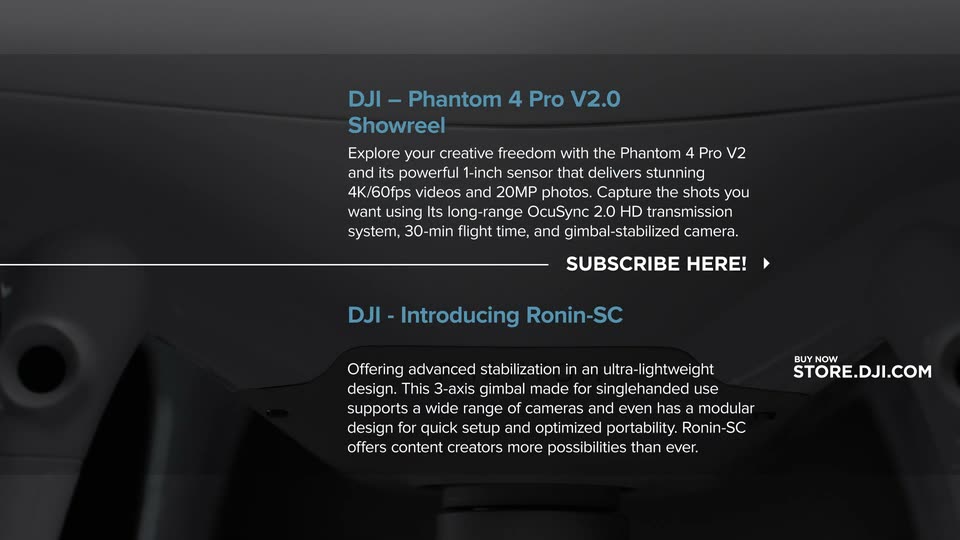 0:41–0:42DJI · DJI Phantom 4 Pro V2.0 is backA dim, blurred product image sits behind two stacked text blocks. A blue headline and white copy describe the Phantom 4 Pro; a line with a bold SUBSCRIBE HERE! callout divides the layout. A second blue headline and white copy introduce the Ronin-SC beside a STORE.DJI.COM tag.
 0:26–0:27Pressmium · Pressmium - Presse en illimité - @CCI_75 @DiabNext @BeedeezApp @weverapp @Green_spector @elliscarvl @mA dark navy diagonal panel sweeps off to the right in a fast wipe, clearing the frame to a plain white field.
 1:12–1:13Canva · Introducing Canva | CanvaCentered white bold text reading 'Create a free account' holds on a solid teal field, then the scene cuts to a white background where a teal circle with thin white arc strokes forms at the center.
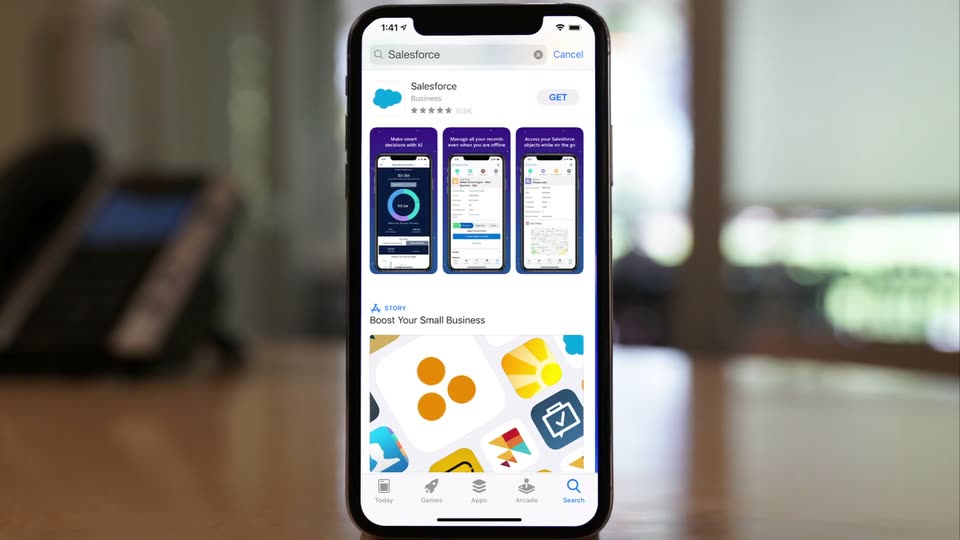 1:08–1:11Salesforce · Salesforce Mobile App DemoA phone mockup stands on a wooden desk against a blurred office background. Its screen switches from a search results list to the Salesforce app detail page as the camera slowly pushes in, tightening the frame.
 1:01–1:13Microsoft · The new Yammer in Microsoft 365A static blue panel on the left holds the white word Subscribe while, on the black right, a white dashed line draws the outlines of two stacked rectangles, settles to solid, erases, and redraws in a loop.
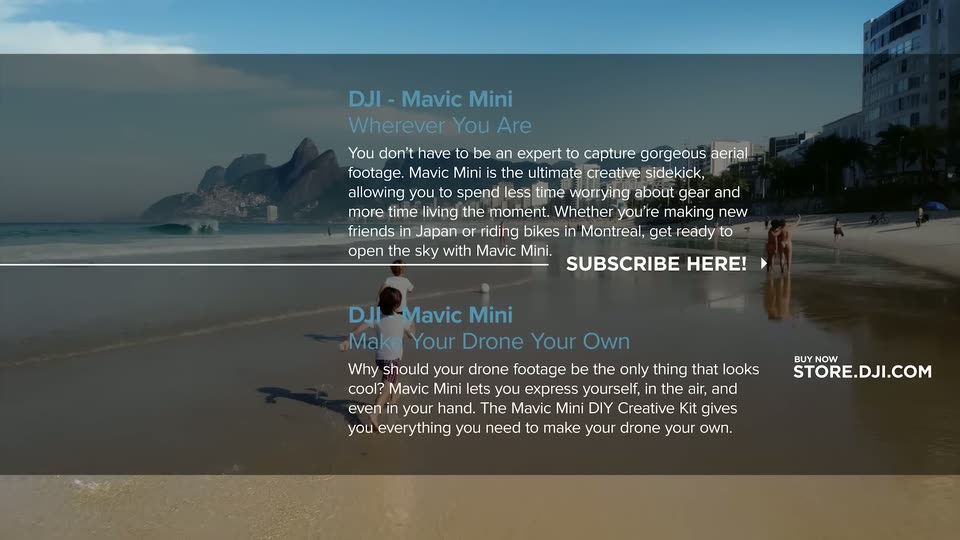 2:07–2:08DJI · Introducing DJI Mavic MiniA dark text panel overlays a beach shot where people stroll and a child runs across the wet sand. Two blue-and-white copy blocks for the DJI Mavic Mini sit above a subscribe bar, with a store URL in the lower right.
 1:23–1:25Google · Introducing Digital Wellbeing ExperimentsA hand-drawn tan magnifying glass drifts from the lower right up to a centered gray URL on a plain light gray background, scanning left to right as the address scales up, then settles back down as the text shrinks.
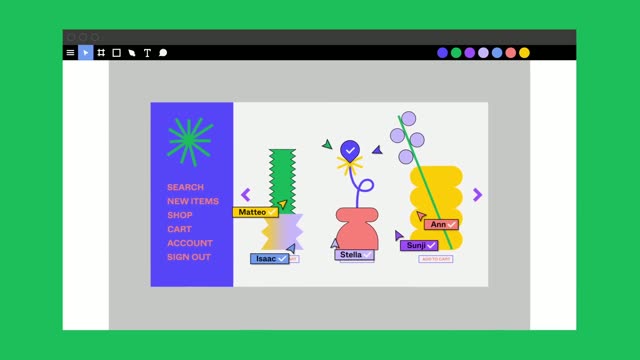 1:22–1:26Figma · What's Figma? [2019]A flat browser window on a green background shows a design-tool canvas: a purple sidebar with a green starburst logo and an orange menu list, and a page of abstract shapes (green zigzag, pink vase with a check balloon, yellow scallop) each tagged with a name pill and a small triangle cursor. The layout starts with a ghost copy offset to the left, snaps into a clean grid, then the whole mockup slowly scales down inside the window.
 0:26–0:28Factio · FACTIO.ORG - Plateforme de lobbying citoyenA white upper field and teal lower field hold a teal Factis.org logo top right. White sans-serif text fades in centered on the teal field, reading Décidez de votre avenir.
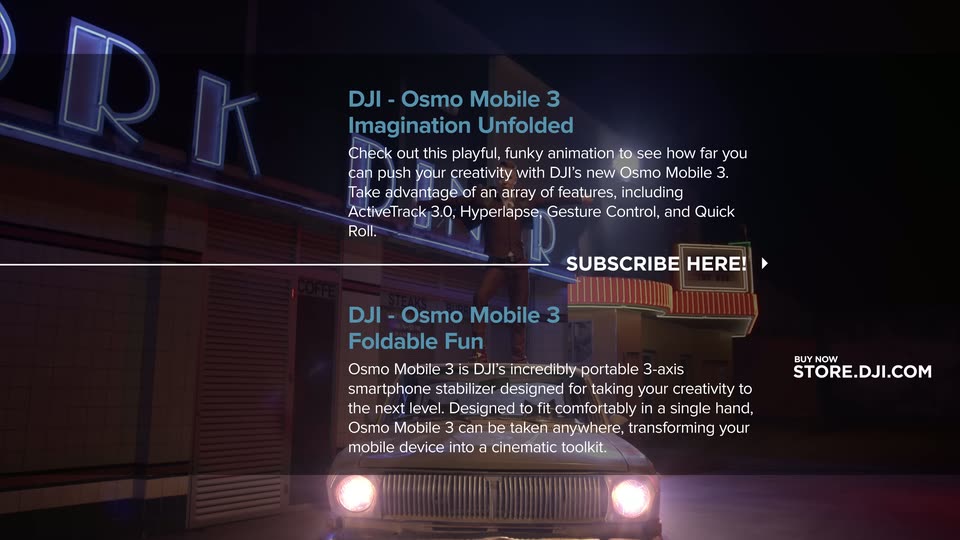 2:16–2:17DJI · DJI - Say Hello to Osmo Mobile 3A 3D night street with a glowing neon sign and a vintage car sits behind a static overlay of two Osmo Mobile 3 text blocks. The camera drifts left as the car's headlights flare on, while the subscribe and buy-now callouts stay fixed at right.
 2:53–2:58DJI · DJI - Introducing the DJI Digital FPV SystemA static text card sits over a dark, slowly panning landscape. Two blue headings and white body paragraphs describe the Osmo Action, with a horizontal rule, a SUBSCRIBE HERE! prompt and a play triangle, and a STORE.DJI.COM link at the right.
 2:31–2:33DJI · DJI – Introducing DJI Government EditionA static block of white and blue explanatory text sits over a hazy aerial shot of a slowly drifting drone above mountains. A subscribe prompt and a store URL anchor the right edge of the frame.
 3:04–3:13DJI · DJI - Meet the RoboMaster S1A black info card holds two stacked text blocks, each a blue heading over white body copy, split by a thin white line ending in a SUBSCRIBE HERE! link. A brief text overlap resolves at the start, then the layout stays static.
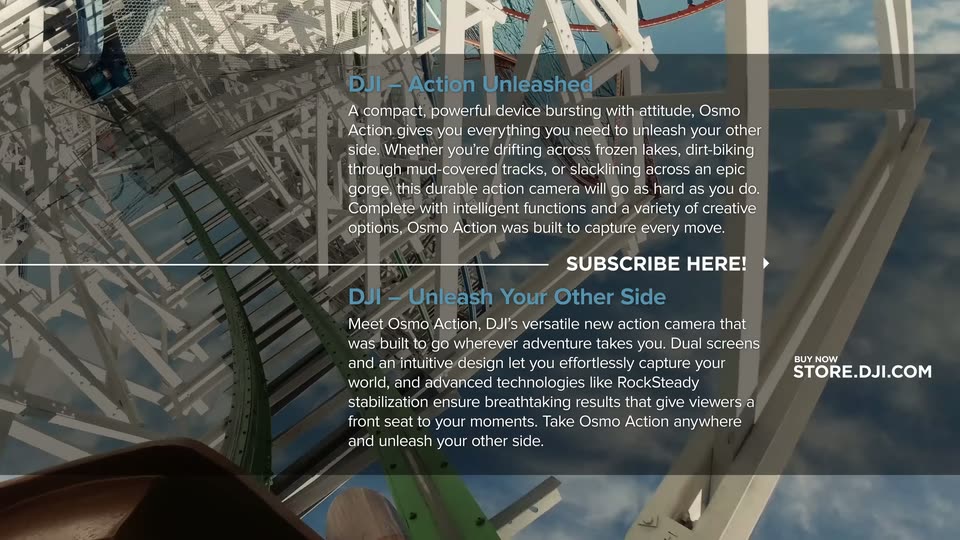 1:54–1:56DJI · DJI - Introducing Osmo ActionA dark overlay panel with two blue DJI headings and white body copy sits over an upward view of a white roller coaster structure. The coaster footage rotates and pans slightly while the subscribe and store callouts remain fixed.
 1:19–1:20Google · Introducing Screen Cleaner in the Files appOn a white field, a blue square icon with a green and yellow folded corner sits at center inside a red ring, thin green circle, blue corner arcs and scattered orange dots. The rings and dots contract and vanish, leaving the icon framed by a thin red circle.
 0:54–0:56Miro · Say hello to MiroA pink wordmark sits on a dark field as a white tagline completes beneath it. The card cuts to a yellow app icon with a yellow headline and a white URL.
 1:09–1:11DJI · DJI – Introducing the Matrice 200 Series V2A dark, defocused drone part sits centered behind a static text card. Two blue product titles with white paragraphs fill the right side, a white rule holds a SUBSCRIBE HERE! prompt, and a BUY NOW store link anchors the bottom right.
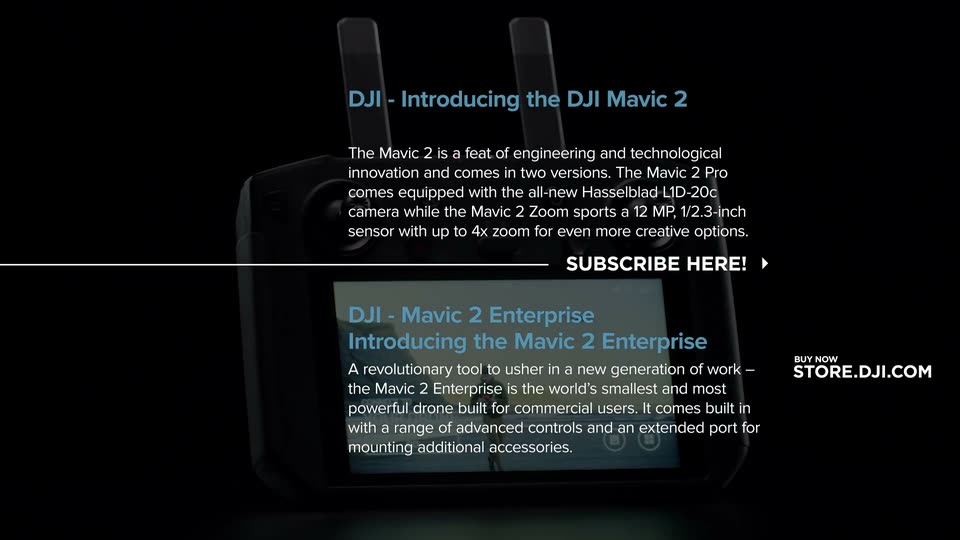 0:57–1:01DJI · Meet the DJI Smart ControllerA black DJI remote controller with two antennas sits centered on a pure black background, its screen glowing with a drone video. The frame is locked off; the text blocks brighten from near black over the first second. Blue headings and white body copy describe the Mavic 2 and Mavic 2 Enterprise, a subscribe line with a play arrow crosses the middle, and a buy-now URL sits at the right edge.
 2:31–2:35DJI · DJI - Introducing DJI Flight SimulatorThe white DJI logo sits centered on black, then the word ENTERPRISE assembles beside it to form the dji ENTERPRISE lockup. A thin horizontal line draws across the frame as the lockup dims, and end-card text appears at the right edge.
 2:07–2:08DJI · DJI - Mavic 2 Enterprise - Introducing the Mavic 2 EnterpriseA dimmed night shot of a man looking up, out of focus, sits behind a static text card. Two blue-headed article teasers stack in the center, a SUBSCRIBE HERE line cuts across the middle, and a BUY NOW STORE.DJI.COM tag anchors the right.
 2:17–2:18DJI · DJI - Introducing Force ProA dark 3D render of the Ronin gimbal turns in perspective, its metal body, knobs and rods catching the light. Static blue and white text blocks stay fixed over the moving model for the whole clip.
 2:40–2:41DJI · DJI - Introducing Master WheelsA dark close-up render of a gimbal handle and control dial holds still while white and blue text blocks fade in over it. A subscribe line and store URL sit at the bottom, with two product titles and their captions stacked in the center.
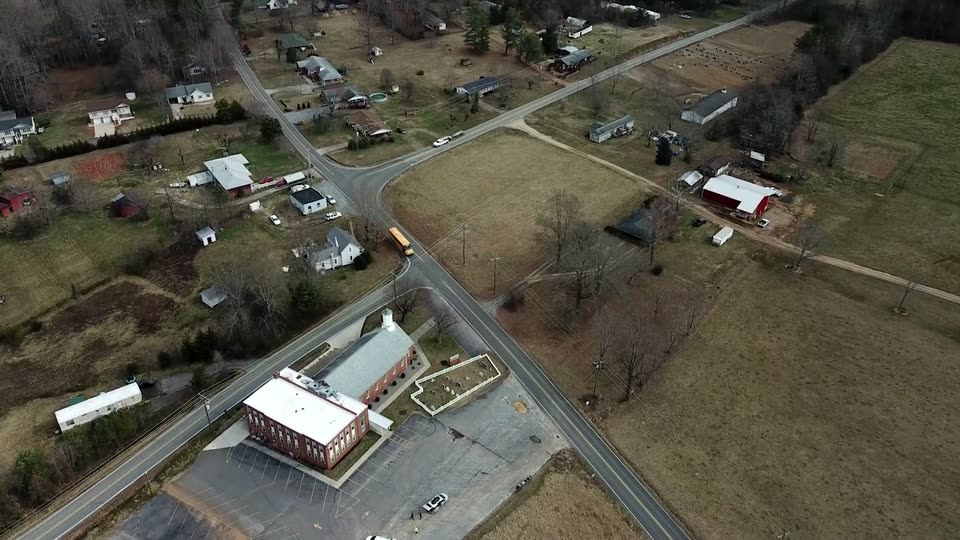 2:07–2:08Google · Introducing Rolling Study HallsAn aerial drone shot drifts slowly over a rural town. A brick building with an empty parking lot anchors the foreground, a yellow school bus travels along a forking road, and bare winter fields with scattered houses fill the background.
 1:29–1:34Google · Introducing Bad Joke DetectorA man in a dark wool jacket over a gray button-up shirt stands centered against a plain white backdrop, speaking to camera with small head tilts and blinks. The medium close-up shot stays static for the full duration.
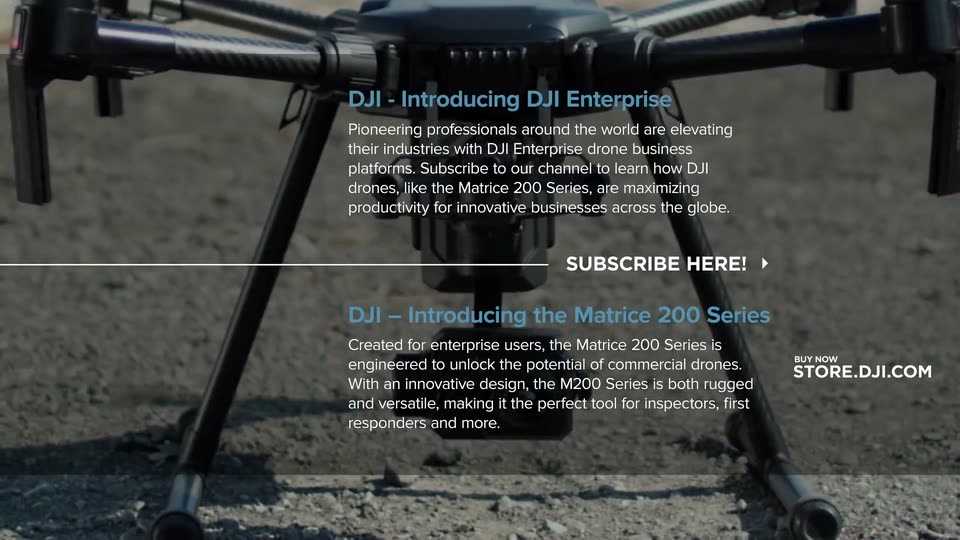 4:08–4:13DJI · DJI – Introducing the Zenmuse XT2A low-angle shot of a black drone on gravel, its carbon-fiber arms and landing gear filling the frame. A block of blue and white overlay text fades in across the right half, and the camera slowly tilts down to reveal the legs and ground.
 0:31–0:33Discord · Spotify is now available on DiscordA low, handheld close-up tracks a person's dark socked feet stepping across a beige carpet, then the frame cuts to black.
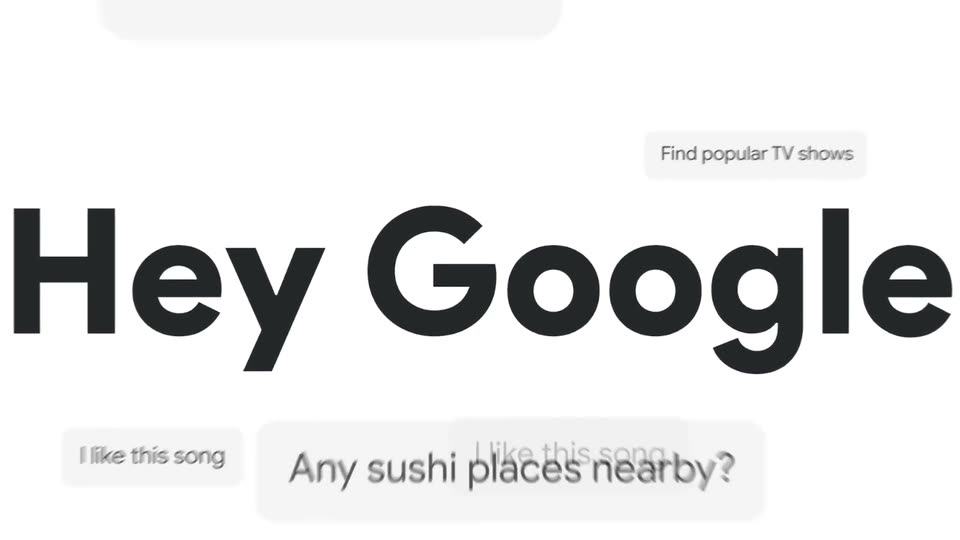 0:52–0:55Google · Introducing Actions for your Google AssistantBold black “Hey Google” sits centered on a white field. Small rounded chips with example voice commands scale in around it, then the camera pushes in on the word Google as the chips blur and drift out of frame.
 2:25–2:27Microsoft · Introducing classroom experiences in Microsoft TeamsA classroom of students at wooden desks uses laptops while a person in a green sweater holds a purple Surface tablet in the foreground. White text Microsoft Teams sits centered over the scene, static throughout.
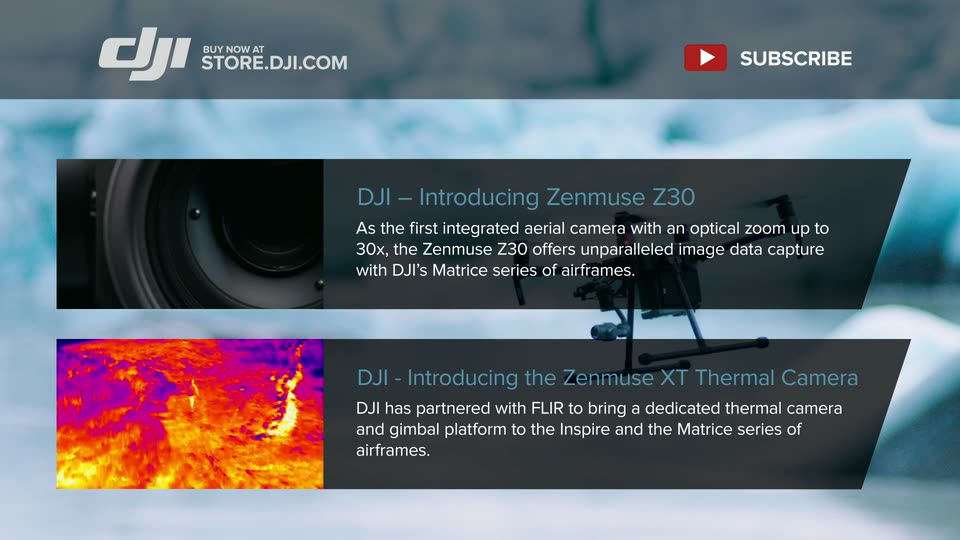 3:17–3:26DJI · DJI – Introducing the Matrice 200 SeriesA static YouTube end screen sits over a blurred blue drone image. A top bar holds the DJI logo, a store URL and a red subscribe button. Two slanted cards stack below, each pairing a looping thumbnail, a zooming lens and thermal footage, with a blue title and white body text.
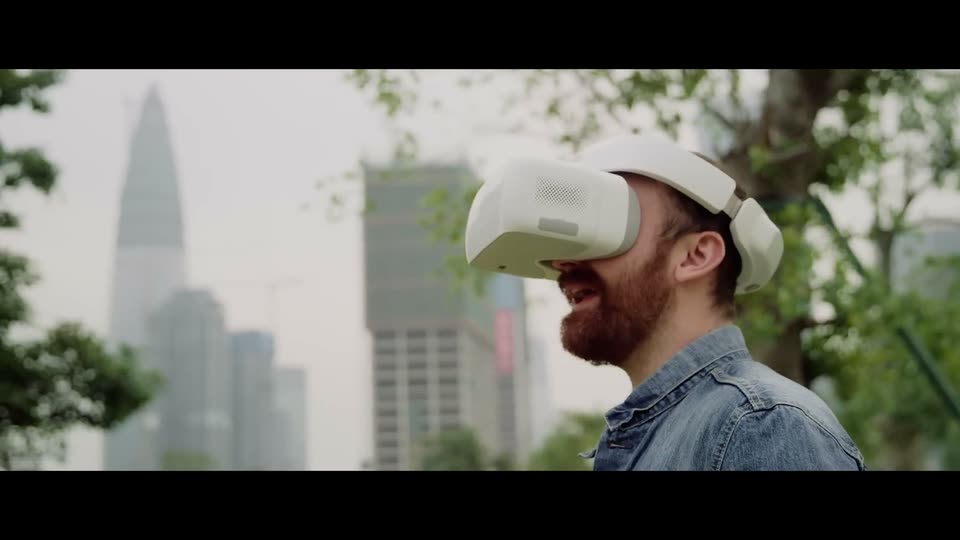 3:01–3:02DJI · DJI - Introducing the Snail and Takyon Racing SeriesA bearded man in a denim shirt wears a white VR headset, framed in profile against a soft-focus city skyline and green trees. He smiles and shifts his head, reacting to the virtual view. Shallow depth of field blurs the background as the camera holds a steady medium close-up.
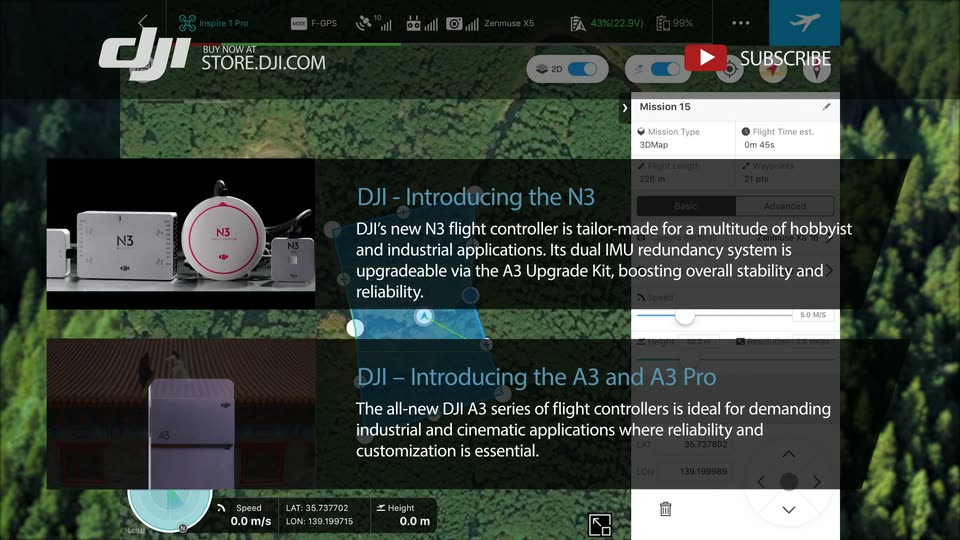 3:19–3:24DJI · DJI – Introducing DJI GS ProA DJI GO app screen shows a satellite map with a blue flight path, while two video panels on the left play product clips for the N3 and A3 flight controllers. A settings panel on the right scrolls through camera and mission options.
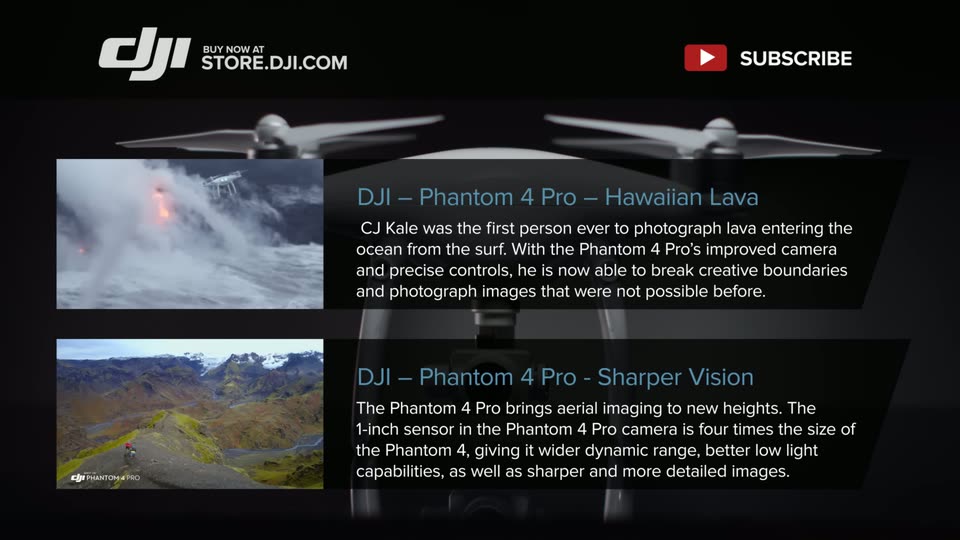 3:57–4:06DJI · DJI – Introducing Phantom 4 ProDark end card over a blurred drone silhouette. Two stacked rows pair a video thumbnail on the left with a text panel on the right. Thumbnails loop clips of drone footage, lava and landscapes while the copy stays static. A top bar shows the logo, store URL and subscribe button.
 4:33–4:34DJI · DJI - Introducing the DJI MavicA dark macro close-up of a drone camera lens holds on the right, its body blurred behind. Top corners gain a DJI store link and a red Subscribe button, while a faint gray trapezoid fades in at center left.
 1:43–1:45Google · Introducing Google TripsA static end card displays the Google Trips logo and a short tagline above two app store badges on a plain white background.
 3:25–3:26Google · Introducing Project BloksA plain light gray textured background holds two centered lines of white text that appear and stay locked. The second line carries an underlined URL. A larger title sits with them as a closing card.
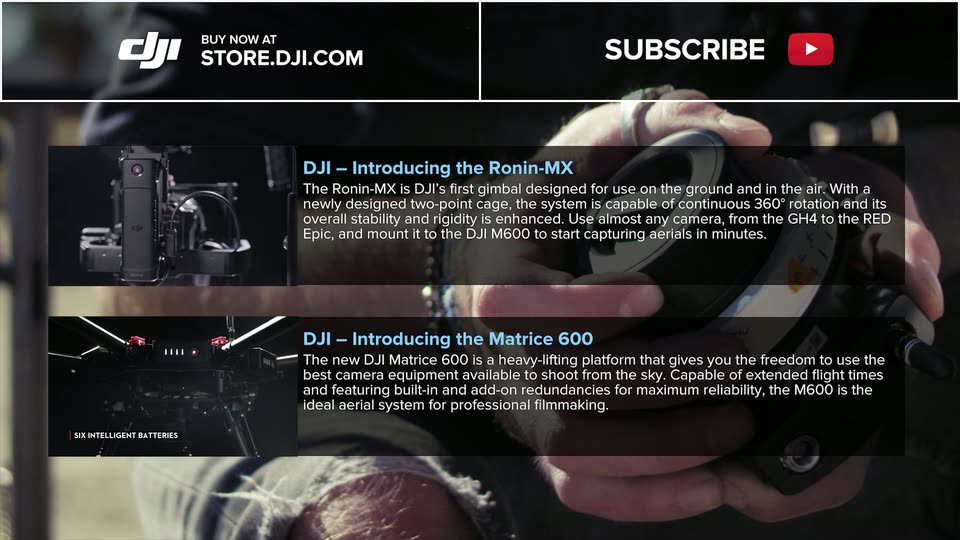 2:55–3:05DJI · DJI - Introducing the DJI FocusA YouTube end screen over a blurred shot of a hand holding a gimbal. A top banner holds the DJI logo with a store link and a SUBSCRIBE button; below, two link cards each pair a cycling video thumbnail with a blue title and white body copy.
 0:45–0:52Adobe · Adobe Spark is Here! | AdobeA centered sign-off lockup on a light gray background. The yellow Sp mark on a black square sits above the product name in gray, with the URL in dark blue beneath it. The frame holds static with no further motion.
 1:16–1:21Adobe · Meet Adobe Spark | AdobeA black square with a yellow Sp mark and the gray Adobe Spark wordmark draw in on a light background. Below, three gray tags fade in in a row, then the URL spark.adobe.com fades in at the bottom. The lockup holds static.
 3:06–3:09DJI · DJI – Introducing the A3 and A3 ProThe DJI logo fades up from black at center, then the frame cuts to an end card: a top bar with a store link and a subscribe button, two video thumbnails with captions, and three A3 controllers in 3D perspective on a dark reflective surface.
 2:44–2:49DJI · DJI - Introducing the Zenmuse XT Thermal Camera and Gimbal Powered by FLIRA centered three-line text block on a black background: 'GO TO' and 'TO LEARN MORE' in white, with the DJI product URL between them in light lavender. The block holds locked off, then fades to black at the end.
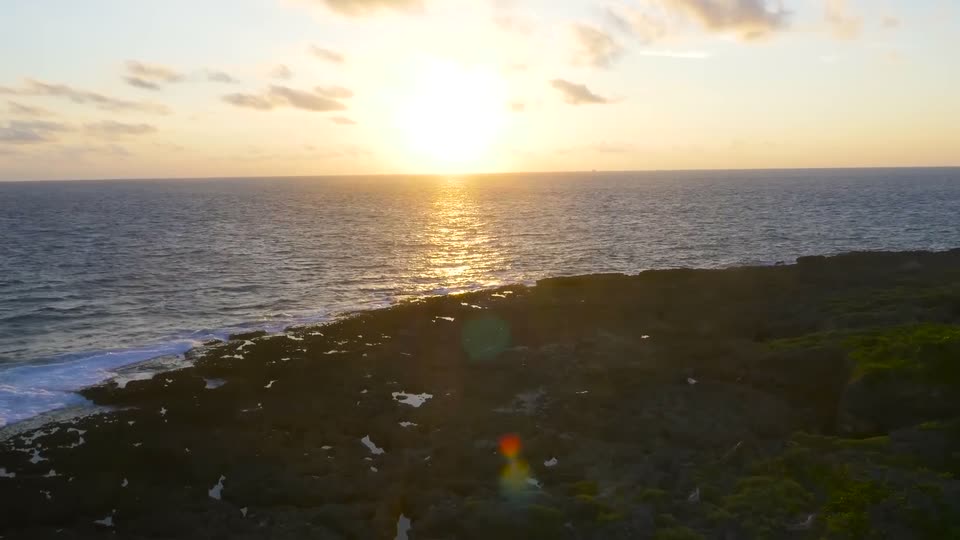 2:37–2:41DJI · DJI - Introducing Lightbridge 2Aerial drone shot glides forward over a mossy rocky shoreline at sunset. The low sun sits on the horizon, throwing a bright golden reflection across the open sea. A lens flare glows in the center of the frame as the camera advances toward the water.
 1:26–1:29Google · Introducing Project SunroofA purple magnifying-glass mark ringed by yellow and orange sun rays holds center on a cream field that fades to white. The gray URL sits below it, and the locked-off frame stays static for the full duration.
 3:40–3:53DJI · DJI - Introducing the Phantom 3 StandardA white quadcopter drone is shown from above, centered on a black background, while “PHANTOM 3 STANDARD” fades in at left and three feature lines fade in at right. The drone and text fade out, and the DJI logo with a URL fades in at center.
 2:13 · 0.4sGitHub · Introducing Atom 1.0!A black background displays static text reading Git Merge 2015, github.com, and Subscribe to GitHub.
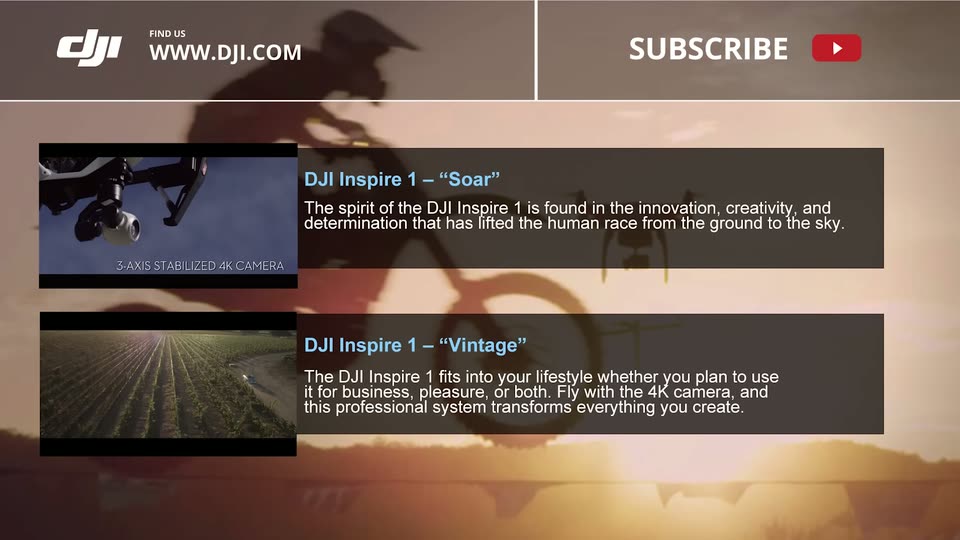 3:13–3:22DJI · DJI – Introducing the Inspire 1A static YouTube end card over a blurred sunset silhouette of a cyclist. A top bar holds the DJI logo, URL and a red SUBSCRIBE button. Two stacked cards each pair a looping clip (drones, cars, a gimbal) with a blue title and white paragraph.
 4:02–4:08DJI · DJI - Introducing the RoninA dark end screen holds a top bar with the DJI logo, a website address and a red SUBSCRIBE button. Two preview rows below pair looping film clips in left thumbnails with blue titles and white description text on gray panels, set over a blurred camera image.
 1:35–1:42Google · Meet the new Google DriveThe Google Drive logo, a green, yellow and blue triangle, sits centered on a white background and eases down in size to settle. Below it, the URL g.co/getdrive types in letter by letter in gray, completing by the fourth second.
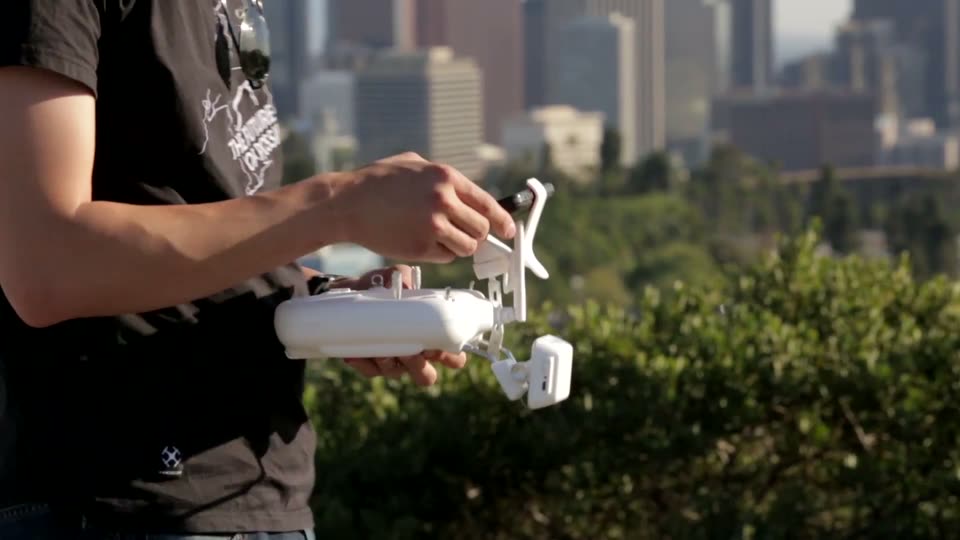 1:20–1:23DJI · DJI - Introducing Ground Station for the Phantom 2 Vision SeriesA person in a black t-shirt holds a white drone controller, fingers adjusting the smartphone clamped to its mount. A blurred city skyline and green shrubs fill the background in warm daylight.
 1:12–1:21Google · Meet the new Google SheetsA green backdrop with a faint repeating pattern of spreadsheet icons holds the Google Sheets logo centered. Below it, the static line “Learn more” sits while the URL “at g.co/newsheets” types in letter by letter, then the scene fades to black.
 1:39–1:47Google · Introducing Gmail BlueA bright blue flare bursts in a starry dark field, sending a stream of particles rightward as the wordmark GmailBlue assembles in the center, silver serif Gmail beside blue sans Blue. The mark scales down and fades, leaving the URL gmail.com/blue small and centered.
 2:38–2:44Google · Introducing the Knowledge GraphA static end card holds the multicolor Google logotype centered on a plain white background, with a two-line gray caption beneath it.
 1:51–2:00Google · Introducing the Google Fiber BarA light blue Google fiber cereal box with a red heart, wheat stalks and multicolor striped borders slides in from the right and settles centered on a white background. The URL www.google.com/fiber fades in below the box.
 0:21–0:23Google · Introducing Voice Search for your computerA flat browser window shows the address bar typing a Google URL, then the page cuts from the old Google homepage to the Chrome download page, with a blue download button and a small browser mockup on the left.
 1:31–1:35Google · Introducing Google Toolbar 7The multicolor Google wordmark sits centered on a plain off-white background. A URL fades in below it, starting light gray and settling into dark gray, while the logo remains static.
 0:48–0:52Google · Introducing Google Map Maker for the United StatesTop-down desk set with a vintage ruler, compass, sextant and pencil framing a cream card bearing a brown US silhouette. The card slides in from the left, then white title and URL fade in on the right; the frame holds and fades to black.
 1:44–1:47Google · Introducing a new Google DocsThree tilted document mockups (a page, a green spreadsheet, a pencil sketch) float inside soft white clouds above a gray URL. The clouds fade out, leaving the URL in black centered on a plain white background.
 1:31–1:32Google · What's New in Google Earth 5.0A hazy 3D mountain range fills the frame from a high vantage point. Centered dark gray text reads 'Download Google Earth 5.0' over a URL, with the multicolored Google logo beneath. The shot holds still as a closing call to action.
 1:26–1:34Google · Introducing Gmail for mobile 2.0A plain white card shows the black URL m.google.com/mail centered above the multicolor Google logo. The frame is locked off and stays completely still for the whole shot.