0:36
Explore
Ocular AI Demo
Ocular AI · Mar 2024 · 3:29 · Full motion · AI-annotated
- Length
- 3:29
- Scenes
- 18 · 11.6 s avg
- Product on screen
- 0:00
- Features shown
- 6
- Voiceover
- Yes
- Views
- 3.2K on YouTube
as of November 26, 2026
00:00:00 / 03:29:31
- Length
- 3:29
- Scenes
- 18 · 11.6 s avg
- Product on screen
- 0:00
- Features shown
- 6
- Voiceover
- Yes
- Views
- 3.2K on YouTube
as of November 26, 2026
Ocular AI’s 3:29 launch film runs 18 scenes, about 12 s each. The product is on screen from the first frame and 6 features are revealed. There is no explicit call to action; a voiceover carries the film. A single continuous screen recording in which a presenter tours Ocular's features in order, moving from the branded home page through results by source, Copilot translation, workspaces, files and collections, assistants, and a marketplace, closed by a logo card. The style pairs a clean white interface over a warm orange-red gradient desktop with smooth zoom-in and zoom-out camera moves on the browser window, using an iridescent gradient blob as the signature loading transition.
No filming indicatedEstimated needs: 8 capture groups — your screens or recordings · 1 official logo — reused across the film
Is this your launch? to your site or press kit.
More like this
0:37
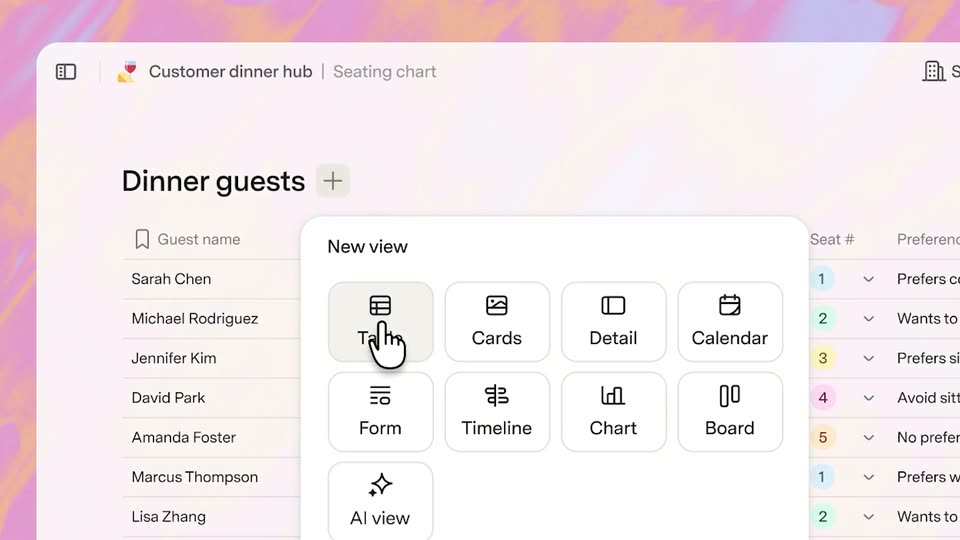

Superhuman - We just launched AI views in open beta, one of our most anticipated f
Superhuman · Productivity · Oct 2026
1:53
Similar soundtrack
Films whose music sounds like this one, voice left out
2:31
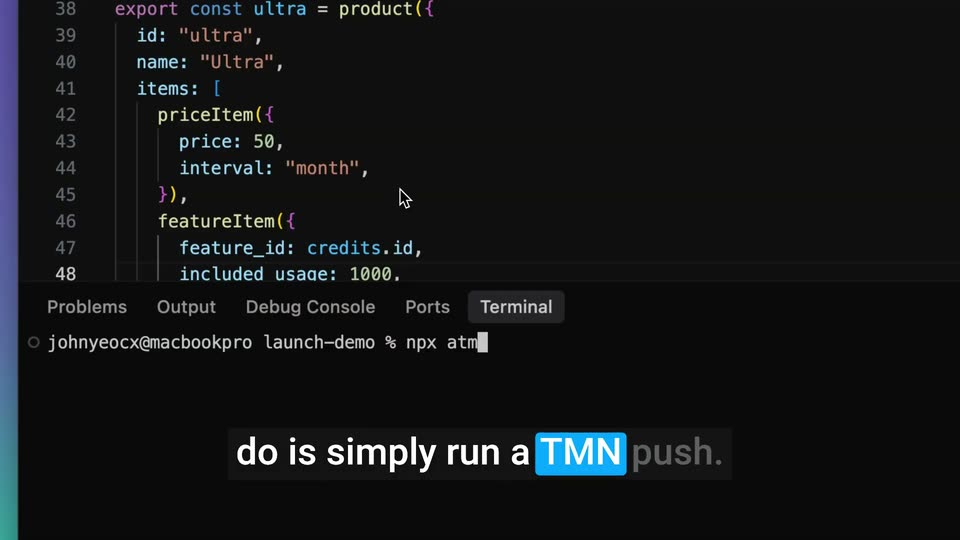

Autumn: Stripe for AI Startups
Autumn · Speech
3:22
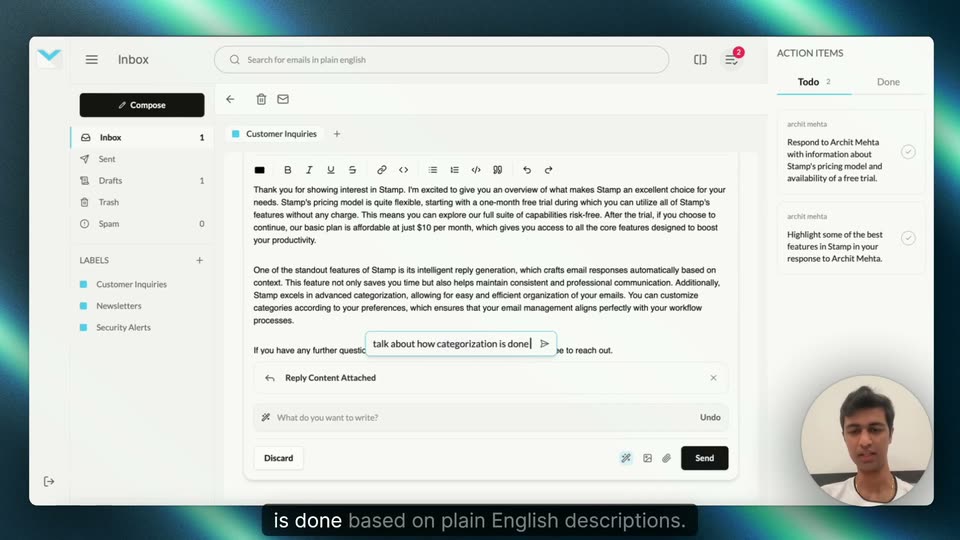

Introducing Stamp: The AI Native Email Client
Stamp · Tech Product Demonstration
2:08
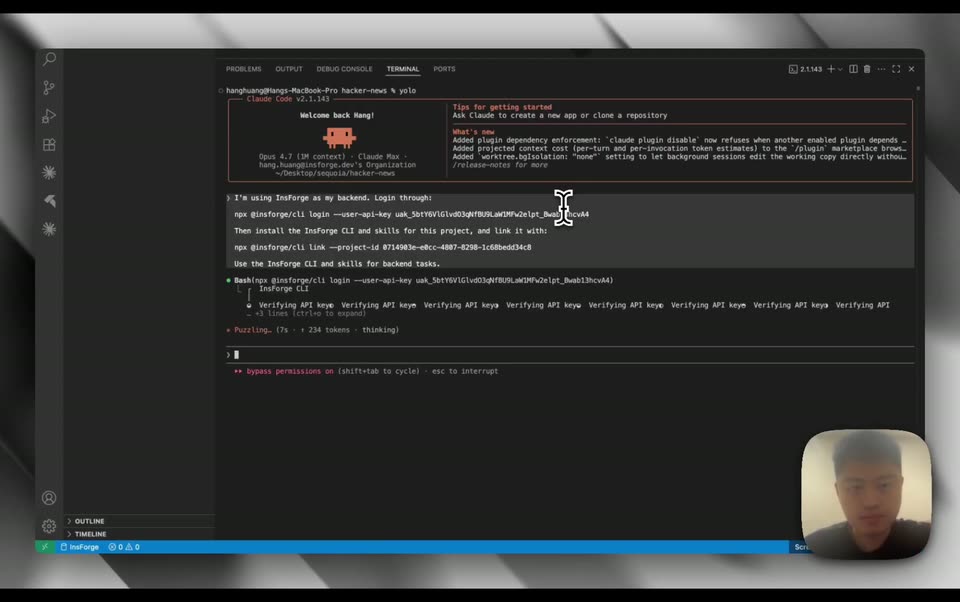

InsForge YC Launch Video
InstaBox
Ocular AI Demo, scene by scene
· 18 scenes as text
01 · Product intro · 0:00–0:43
A Chrome window shows the Ocular home page with a centered search bar and a row of app icons over an orange gradient wallpaper. A presenter's webcam sits bottom-right. The cursor hovers over icons, the view zooms onto the search field, then types a query.
Techniques: UI zoom, Cursor demo
Camera: Pull out
02 · Feature reveal · 0:43–0:55
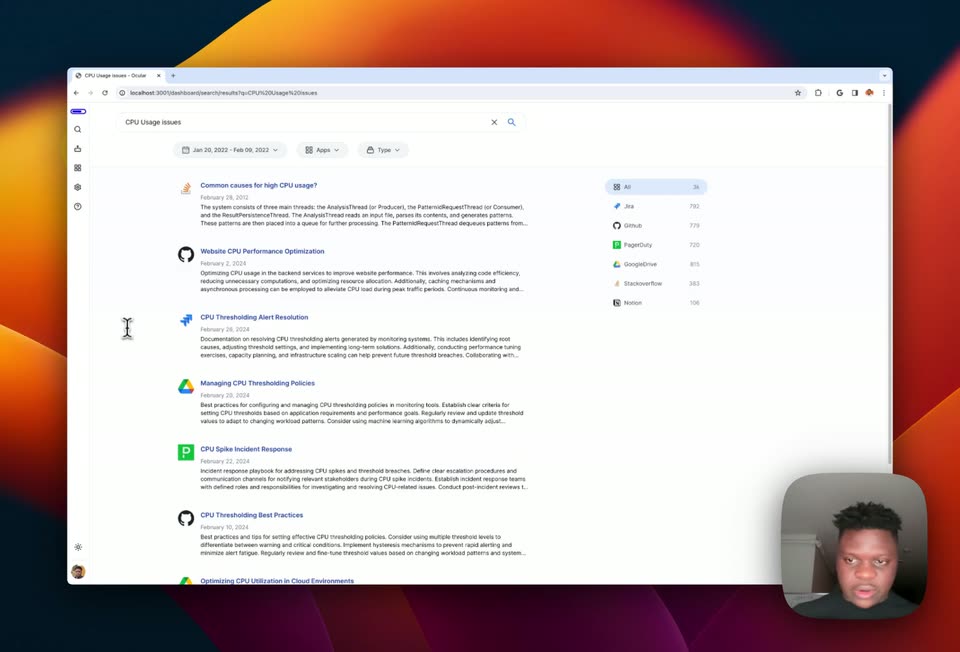
A browser dashboard lists CPU usage issues beside a sidebar of source apps with counts. A cursor glides across the list, hovering over entries, while a small webcam tile of a man sits bottom right. The clip ends with a zoom into the top of the list.
Techniques: Cursor demo, UI zoom
Camera: Push in
03 · Feature reveal · 0:55–1:06
A browser window shows a Stack Overflow question page, with a small webcam bubble of the speaker in the bottom right corner. The frame zooms out to reveal the whole window on an orange desktop, then zooms back in as the cursor highlights the question body in blue.
Techniques: UI zoom, Cursor demo
Camera: Static
04 · Feature reveal · 1:06–1:08
A browser window shows a search results page for CPU Usage issues. A cursor moves down the left sidebar and hovers over an icon, opening a Copilot tooltip.
Techniques: Cursor demo
Camera: Static
05 · Feature reveal · 1:08–1:10
A browser window shows a dashboard with a left icon rail; a hand cursor clicks an icon and the page clears to white. An iridescent blue-purple gradient blob then swells in from the top, fills the frame, and fades back to white. A small rounded webcam video of a man stays pinned in the bottom-right corner throughout.
Techniques: Cursor demo, Morph
Camera: Static
06 · Feature reveal · 1:10–1:11
A glowing iridescent blob in blue, purple and pink drifts slowly across the top of a white screen. A hand cursor hovers in the center below it, a small facecam overlay sits in the bottom right, and a dark maroon bar runs along the bottom edge.
Techniques: Cursor demo
Camera: Static
07 · Feature reveal · 1:11–1:12
A white screen holds a blurred blue and purple gradient blob at the top while a hand cursor hovers in the center and drifts slightly down. A rounded webcam inset of a man in a dark shirt sits at the bottom right above a maroon gradient bar.
Techniques: Cursor demo
Camera: Static
08 · Feature reveal · 1:12–1:18
A chat interface opens on a left column of prompt suggestions that sharpens and fades as the user types 'Translate into' in the input field, an iridescent blob shifting above. The frame pulls back to the full browser window, a rounded webcam tile of the presenter in the corner.
Techniques: Cursor demo, UI zoom
Camera: Pull out
09 · Feature reveal · 1:18–1:33
A Copilot dashboard in a browser shows an iridescent blob pulsing at center; a prompt is typed below. The chat view then appears with a user message and a Copilot reply streaming into a growing Python code block. A presenter webcam overlays the corner; the frame blurs into a zoom.
Techniques: Cursor demo, UI zoom
Camera: Push in
10 · Feature reveal · 1:33–1:43
The product screen shows a left list of chat sessions beside a Python code panel. A hand cursor scrolls the list, then clicks the bottom workspace dropdown, opening a popup with a blue New Workspace button. A man's face sits in a rounded video-call tile at the bottom right.
Techniques: Cursor demo
Camera: Push in
11 · Feature reveal · 1:43–1:53
A hand-shaped cursor clicks Files then Collections in the app's left sidebar, swapping the middle panel between a file list and a collection list. The view zooms out to frame the whole browser window on a gradient desktop, a face cam in the corner.
Techniques: Cursor demo, UI zoom
Camera: Pull out
12 · Feature reveal · 1:53–2:09
A product screen shows an assistants list left and a Python code panel right. The view zooms onto the right column, then the cursor moves into the bottom input field where a caret appears. A small webcam feed of the presenter sits in the corner.
Techniques: UI zoom, Cursor demo
Camera: Pull out
13 · Feature reveal · 2:09–2:14
A screen recording of an AI chat app shows the assistants dropdown; the cursor clicks Data Analyst, then the view zooms to the input bar with three CSV file chips and a caption reading Interacting with Data Analyst. A small webcam feed of a man sits in the corner.
On-screen text: “Interacting with Data Analyst”
Techniques: Cursor demo, UI zoom
Camera: Push in
14 · Feature reveal · 2:14–2:41
A close-up of the chat with a code block and three CSV chips zooms out to the full browser window on a gradient desktop. A hand cursor hovers over the files as a prompt is typed into the input bar; a webcam feed of a presenter sits in the corner.
Techniques: UI zoom, Cursor demo
Camera: Pull out
15 · Feature reveal · 2:41–3:13
A browser chat window streams a Data Analyst reply: a comparison table fills row by row, then a references list of three CSV files expands. The view zooms in and out on the table and references while a hand cursor hovers. A small webcam self-view sits in the corner.
Techniques: UI zoom, Cursor demo
Camera: Push in
16 · Feature reveal · 3:13–3:14
A hand cursor rests on the left sidebar of a browser window, then the view cuts to a marketplace dashboard with a category list, a search bar, and a Google Drive card, while a small webcam avatar sits in the corner.
Techniques: Cursor demo
Camera: Push in
17 · Feature reveal · 3:14–3:24
A close-up of a white marketplace page with a category list and integration cards zooms out to reveal the full browser window on a colorful desktop, the presenter's webcam feed in the corner. The cursor hovers over the page as the presenter speaks, then the frame blurs out.
Techniques: UI zoom, Cursor demo
Camera: Pull out
18 · Outro · 3:24–3:29
A close-up of the Ocular AI browser view: the cursor hovers the search icon, the page clears, and the Ocular logo, search bar, and app icons fade in. The frame pulls back to the full window over an orange wallpaper, with a webcam self-view pinned bottom right.
Techniques: Cursor demo, UI zoom
Camera: Pull out