0:58
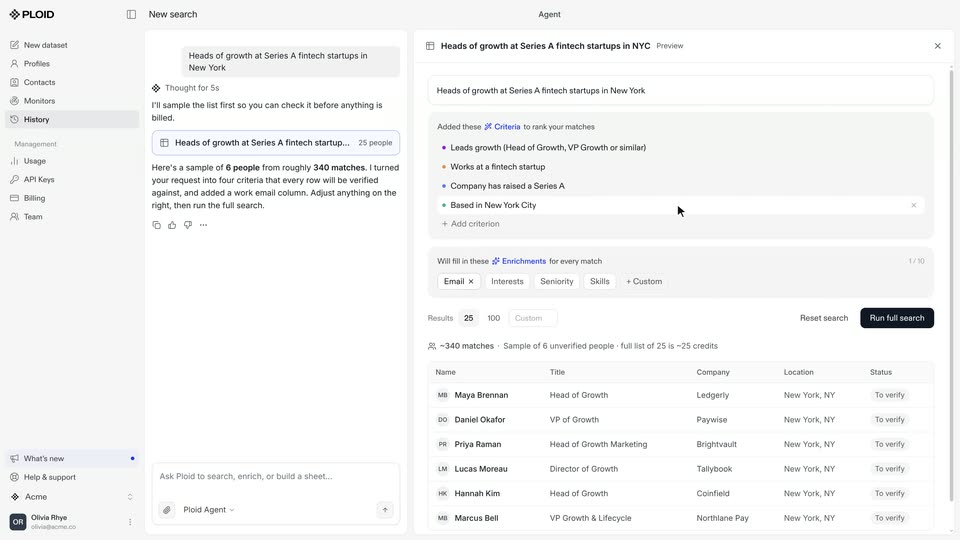

Ploid Demo: Creating a Dataset
Ploid · B2B · Oct 2026
Loom · Oct 2021 · 2:46 · Full motion · AI-annotated
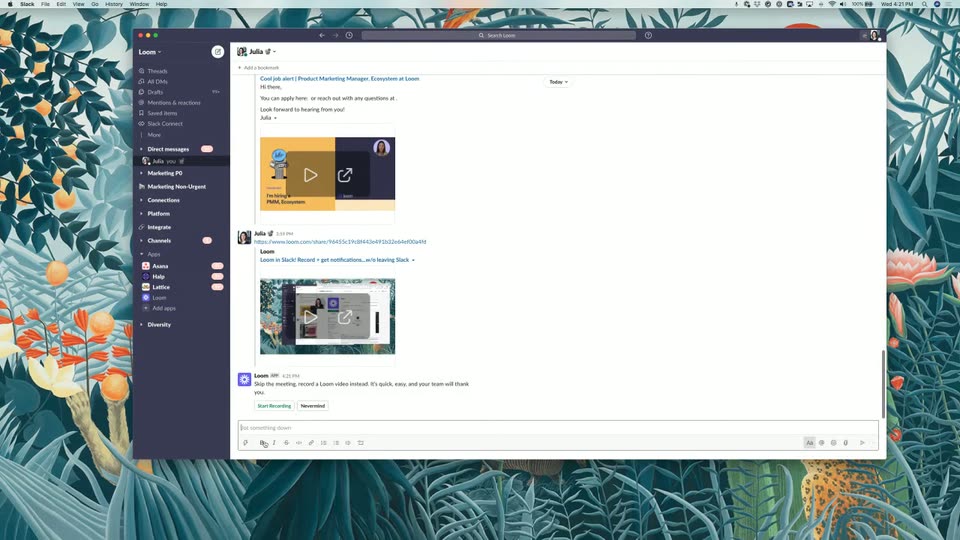
Loom’s 2:46 launch film runs 9 scenes, about 18 s each. The product is on screen from the first frame and 1 feature is revealed. There is no explicit call to action; a voiceover carries the film. A single presenter-led screen recording that alternates locked-off two-window layouts (Slack beside a browser or app) with full-screen demos, anchored by the host's circular webcam bubble. Pacing is steady at about two and a half cuts per minute, with the cursor spotlighting controls and smooth window scale transitions carrying the eye between Slack, the browser, and the Loom app.
Is this your launch? to your site or press kit.
Ploid · B2B · Oct 2026
Spacesheep · B2B · Nov 2026
HumanLayer · B2B · Sep 2026
Films whose music sounds like this one, voice left out
Solidroad · Corporate product demonstration
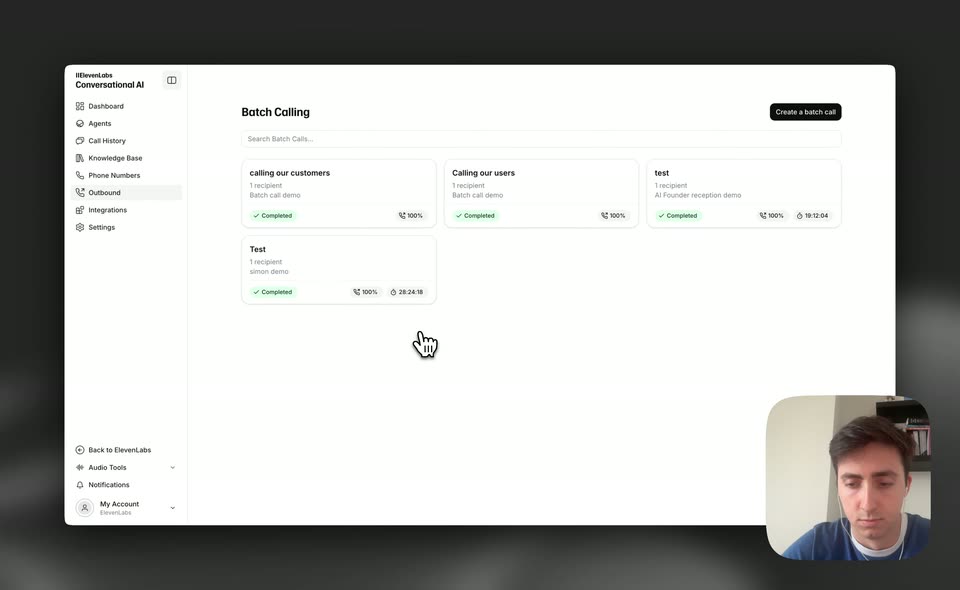
ElevenLabs · Speech
Locked-off screen capture: Slack on the left, the Loom page on the Slack App Directory in a browser on the right, over a teal leaf wallpaper. Julia speaks and gestures in the embedded video as the cursor hovers the Add to Slack button and the Apps list.
Techniques: Split screen, Cursor demo
Camera: Static
A Slack chat window on an illustrated floral desktop scales up to fill the screen. A cursor types the /loom command, selects Loom record from a dropdown, and clicks Start Recording, which opens a second browser window loading the Loom recording screen.
Techniques: Cursor demo
Camera: Static
A static screen capture of a desktop shows a Slack window, a Loom web page, and the Loom recording panel. A cursor moves toward the red Start recording button while a small webcam circle appears in the bottom-left corner.
Techniques: Cursor demo
Camera: Static
A locked-off shot of the Loom desktop app window on a floral macOS wallpaper. The cursor drifts across the chat view and clicks the Start Recording button, which then shows a small loading spinner.
Techniques: Cursor demo
Camera: Static
A desktop shows a Slack window left and a Loom browser tab right. A cursor opens the Loom menu, clicks Start Recording, and a circular webcam preview of a woman appears, then moves to the top of the thread as the right tab switches to an Asana board.
Techniques: Cursor demo
Camera: Static
A locked-off screen capture of a desktop: a Slack window on the left, an Asana timeline on the right, and a circular video of a woman talking in the center. The mouse cursor drifts across the task list on the right while she gestures.
Techniques: Cursor demo
Camera: Static
Locked-off screen capture of a Mac desktop with a colorful illustrated jungle wallpaper. A browser window with a feed sits top right, a spreadsheet window at right, and a small circular video-call avatar of a woman floats in the center. The frame holds still with no motion.
Camera: Static
A locked-off screen capture of a Mac desktop with floral wallpaper. A Slack window shows a Loom chat with video thumbnails as a Chrome window slides off the right edge. The cursor then opens the Loom app, switching from a setup page to a Messages feed of video reactions.
Techniques: Cursor demo
Camera: Static
A macOS desktop shows a Slack window with the Loom app open on its Messages tab. Two Loom video thumbnails sit in the message list, and a Loom player panel is partly visible at the right edge. The frame stays locked off as the video previews play.
Camera: Static