0:50
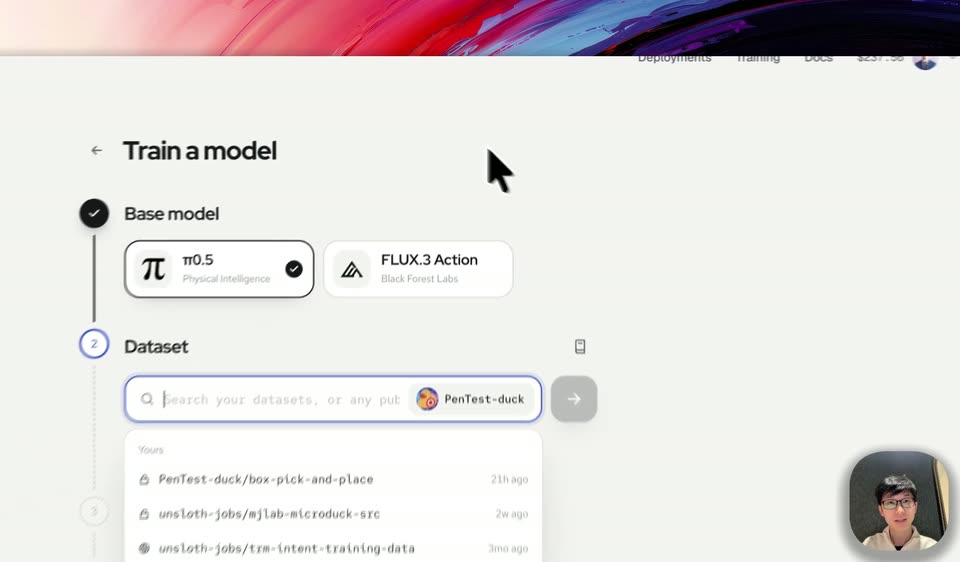

Chris Yoo ⚡ CoRL - Fine-tuning VLAs just got so much easier. Today, we're releasing Tra
Dreamscale Labs · Industrials · Oct 2026
ElevenLabs · May 2025 · 2:40 · Full motion · AI-annotated
ElevenLabs’s 2:40 launch film runs 10 scenes, about 16 s each. The product is on screen from the first frame and 1 feature is revealed. There is no explicit call to action; a voiceover carries the film. A single continuous screen-recording demo with a corner presenter tile, built from slow zooms, pans and reframes between list and detail views. The signature move is the magnifier zoom into form fields and the smooth slide between the batch list and the call detail.
Is this your launch? to your site or press kit.
Dreamscale Labs · Industrials · Oct 2026
OpenAI · AI · Oct 2026
Rowboat Labs · Consumer · Jul 2026
Films whose music sounds like this one, voice left out
Clippers · Spoken word with sound effects
Freestyle · Tech product demonstration and promotional pitch
Alex · Spoken word tech demonstration
A screen recording of the ElevenLabs agent settings page fills the frame, with a small rounded webcam of the presenter in the lower right. The cursor scrolls down, types a prompt, and clicks a Generate button that fills the field, then the view zooms into input fields as values are typed.
Techniques: UI zoom, Cursor demo
Camera: Push in
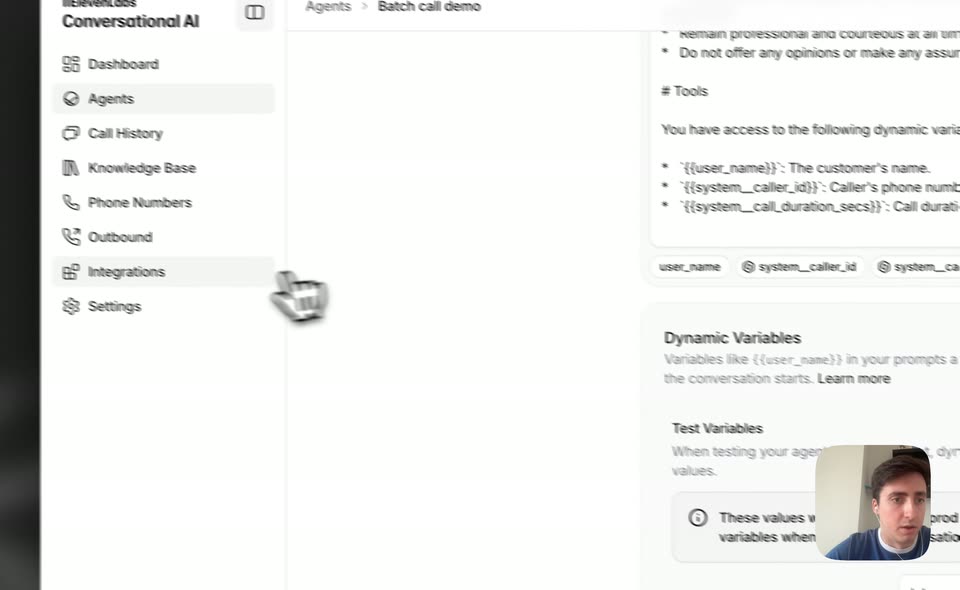
A tight crop on a Dynamic Variables panel pulls back to the full dashboard, exposing a left sidebar menu. A hand cursor drifts down the list and rests on the Outbound item, while a small webcam self-view sits in the bottom right corner.
Techniques: UI zoom, Cursor demo
Camera: Pan
A cursor clicks Outbound in the dashboard sidebar, then the view reframes onto the Batch Calling list. Two completed batch call cards sit below as the cursor hovers the Create a batch call button, raising a dark tooltip. A small talking-head video stays in the corner.
Techniques: Cursor demo, UI zoom
Camera: Pan
A product form titled Create a batch call fills in as a hand-pointer cursor types the name, picks a phone number and agent, then opens a file picker. A small presenter webcam sits in the corner. The view zooms out to the full form, then back in.
Techniques: Cursor demo, UI zoom
Camera: Pan
A close-up of the variable columns zooms out to the full batch-call form, with a presenter webcam in the corner. The cursor clicks Submit a Batch Call, and the screen switches to the Batch Calling list of completed calls.
Techniques: UI zoom, Cursor demo
Camera: Pull out
A product dashboard lists batch call cards in a grid. A white hand cursor hovers over the calling our customers card, then the view reframes into its detail page showing status, recipient count and a call recipients table. A small presenter video tile sits in the corner.
Techniques: Cursor demo, UI zoom
Camera: Push in
A product UI shows a batch call detail titled calling our customers with a status card and recipients table. A white hand cursor hovers over the green Completed badge as the view pans right to reveal a Progress 100% column. A small presenter webcam sits in the bottom right corner.
Techniques: Cursor demo
Camera: Pan
A white dashboard panel slides left to reveal an Overview tab with a summary paragraph and a green Successful pill. A hand cursor icon drifts downward over the content. A small webcam feed of a man in a blue shirt sits in the bottom right corner throughout.
Techniques: Cursor demo
Camera: Static
A call detail screen sharpens from a blur as a hand cursor taps the Transcription tab. The summary text cross-fades into timestamped chat bubbles of the phone conversation, while a presenter video sits in the corner. The screen then blurs and pulls back.
Techniques: Cursor demo
Camera: Pull out
A static screen recording of the ElevenLabs Conversational AI dashboard shows the transcription of a completed batch call, with chat bubbles for the agent and the customer. A mouse cursor hovers over the bubbles, and a small webcam feed of the presenter sits in the bottom-right corner.
Techniques: Cursor demo
Camera: Static