0:50
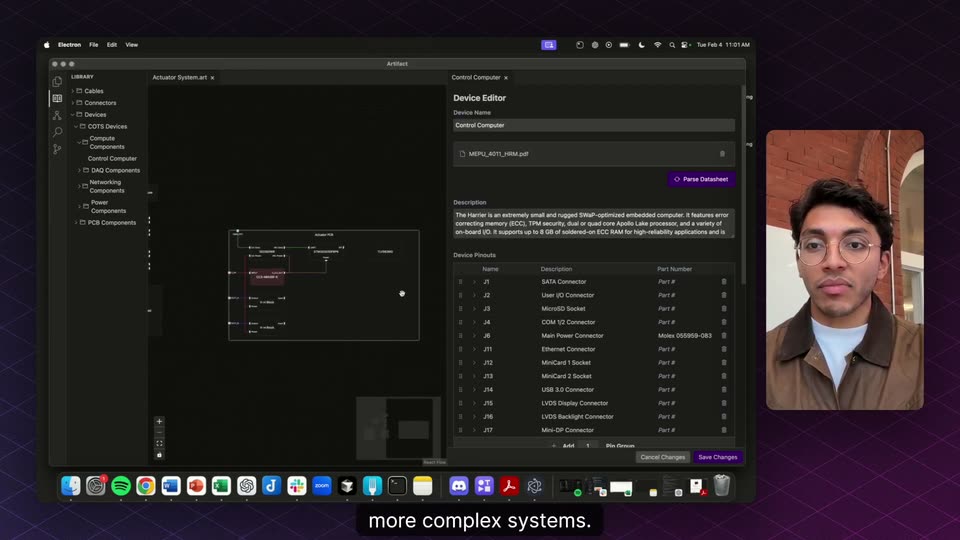

Artifact - A Modern Workspace for Electrical Design
Artifact · B2B · Feb 2025
RecipeUI · Aug 2023 · 2:20 · Full motion · AI-annotated
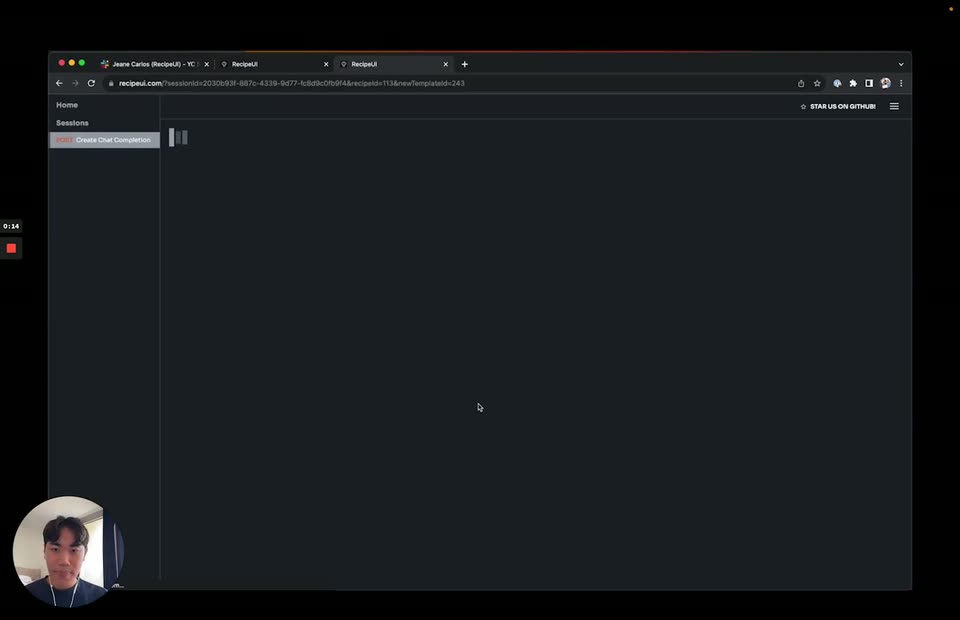
RecipeUI’s 2:20 launch film runs 15 scenes, about 9.4 s each. The product shows up at 0:11. There is no explicit call to action; a voiceover carries the film. A continuous screen recording with a corner face cam, cut into short cursor-driven beats, follows a PM and an engineer through a Slack-to-app workflow. The style relies on real-time generation effects (streaming text, live JSON, code blocks) and orange and teal accent pops against a dark UI.
Is this your launch? to your site or press kit.
Artifact · B2B · Feb 2025
TensorPool · B2B · Apr 2026
MecAgent · Nov 2026
A dark-mode Slack conversation fills a browser window, showing two orange message cards. A circular webcam of the presenter sits in the lower-left corner and a video player bar spans the bottom. The cursor hovers a shared link, a tooltip appears, then moves to the RecipeUI tab.
Techniques: Cursor demo
Camera: Static
A dark web app interface fills the browser window, a centered modal card over a dimmed background. A cursor drifts from the right edge to the green Use Template button and clicks it, producing a small ripple. A circular webcam of the presenter sits in the lower left corner.
Techniques: Cursor demo
Camera: Static
A dark browser window shows the RecepUI dashboard with a yellow banner, project cards and an API grid. The main panel content then vanishes, leaving an empty dark area while the sidebar and browser chrome remain and the cursor rests in the center.
Camera: Static
A dark API playground fills the screen. A cursor clicks USE on a recipe card, and the right panel generates parameter fields in real time, then a spinner, code blocks and a response. The presenter's webcam circle sits in the lower left.
Techniques: Cursor demo
Camera: Static
A dark API testing interface fills the browser. A cursor hovers a recipe card, a menu pops up, then the view shows a JSON request body left and a response pane right where text streams in. A circular facecam sits in the lower left.
Techniques: Cursor demo
Camera: Static
A screen recording of the RecipeUI web app shows its home page of API cards, with a small circular webcam self-view in the lower left. The page scrolls down through the card grid, then a cursor clicks to open the Import APIs screen.
Techniques: Cursor demo
Camera: Static
A screen capture of the RecipeUI import flow: the cursor opens a file picker, ticks two API endpoints, sets Bearer Token auth, types a docs link, picks a project, and clicks submit, while a small circular webcam of the presenter sits in the corner.
Techniques: Cursor demo
Camera: Pan
A screen capture of the RecipeUI app shows the YC Team page with three API cards. A cursor glides to the Create Chat Completion card and clicks it, swapping the view to the request details panel. A circular webcam of the presenter stays in the lower-left corner.
Techniques: Cursor demo
Camera: Static
A static screen recording of an API client window, with a small circular webcam of a presenter in the lower left. A cursor fills the request form, opens a model drop-down, types two message fields, and drags a temperature slider while the JSON pane updates live.
Techniques: Cursor demo
Camera: Static
An API client screen shows a static JSON request on the left and a dark output panel on the right that streams in, switching from a fetching status to extracted Python, JavaScript and C++ code blocks. A circular webcam of a man sits bottom-left; a cursor hovers over the tabs.
Techniques: Cursor demo
Camera: Static
A screen recording of an API client window shows a JSON request body on the left and a Create Chat Completion form on the right. A cursor hovers over the Code tab; a small circular webcam feed of a presenter sits in the bottom-left corner. The frame is static.
Techniques: Cursor demo
Camera: Static
A screen capture of an API request tool: a JSON body on the left, generated code on the right. A cursor opens a language dropdown and picks JavaScript Fetch, swapping the cURL snippet for JavaScript. A small face-cam of the presenter sits in the lower-left corner on a locked-off frame.
Techniques: Cursor demo
Camera: Static
A centered New Recipe modal sits over a dimmed web interface. The presenter types a title and description into the form, clicks the orange SAVE button, and the form becomes a small orange success icon. A circular webcam of the presenter is in the bottom-left corner.
Techniques: Cursor demo
Camera: Static
A locked-off screen capture of the RecipeUI app. The left panel holds a recipe card with USE and OPTIONS buttons; a cursor clicks the card, and four extra buttons, SEND, PREFILL, SHARE, DEL, pop in below. The right panel keeps a static JavaScript code block.
Techniques: Cursor demo
Camera: Static
A dimmed RecipeUI screen shows a centered modal with a dark recipe card and a teal SHARE button. A cursor glides to the button and clicks it, swapping the label to COPIED TO CLIPBOARD. A circular webcam feed of a presenter sits in the lower-left corner.
Techniques: Cursor demo
Camera: Static