0:23
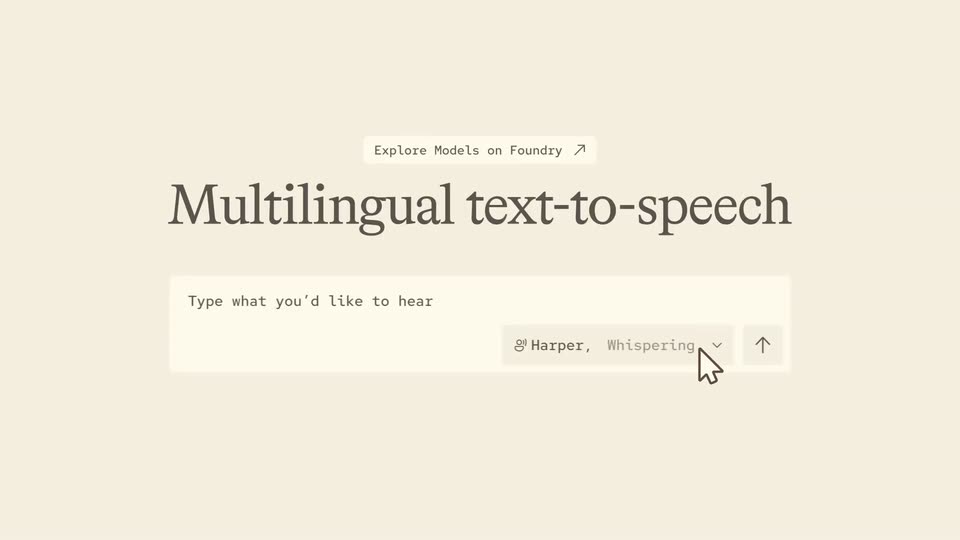

Introducing MAI-Voice-2 | Microsoft AI Models
Microsoft · AI · Jun 2026
Paragon · Oct 2021 · 3:44 · Full motion · AI-annotated
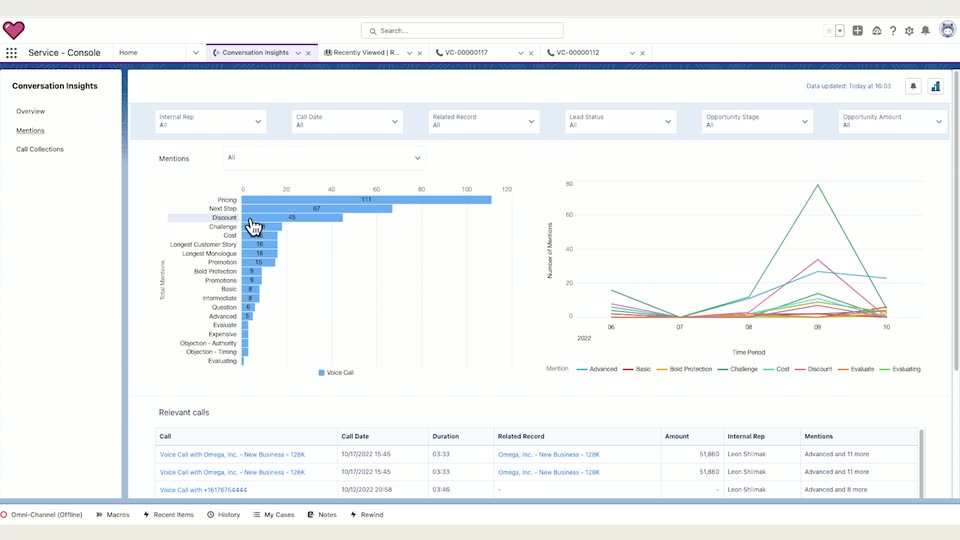
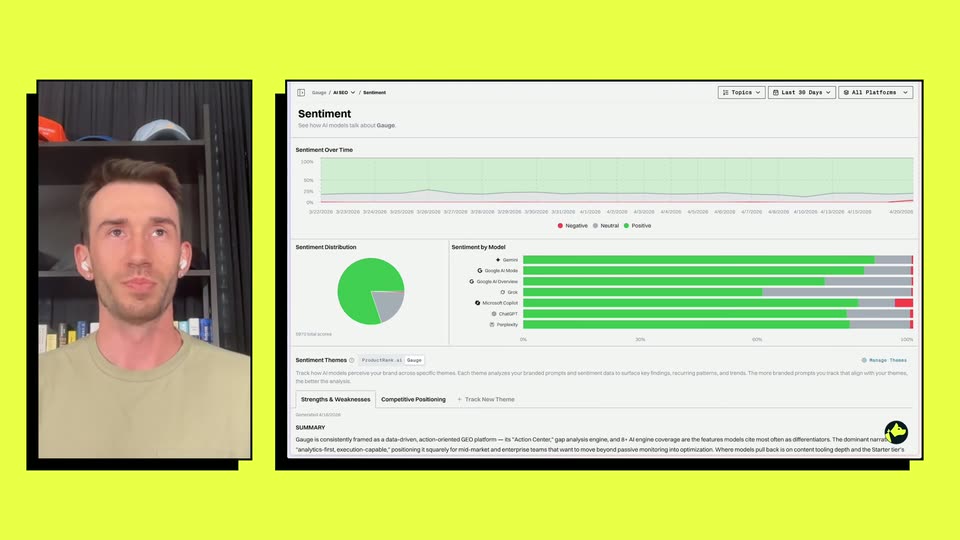
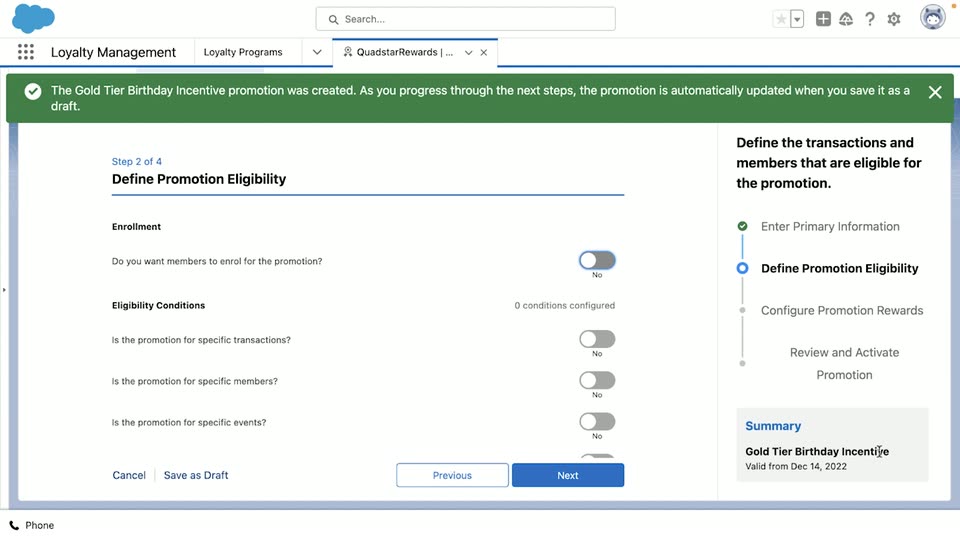
Paragon’s 3:44 launch film runs 6 scenes, about 37 s each. The product is on screen from the first frame and 2 features are revealed. There is no explicit call to action; a voiceover carries the film. One continuous locked-off screen recording with a circular presenter webcam pinned bottom left, cut only at form and page transitions. The story follows the cursor as it fills builder fields, tests the API, then moves to the dashboard and workflow editor at a slow, procedural pace.
Is this your launch? to your site or press kit.
Microsoft · AI · Jun 2026
Inkeep · B2B · Nov 2024
Films whose music sounds like this one, voice left out
A locked-off screen capture of an integration builder shows a Basic Info form on the left and a GitHub preview card on the right. A circular webcam of the presenter sits in the lower left corner while a cursor drifts across the form fields and the Enable button.
Techniques: Cursor demo
Camera: Static
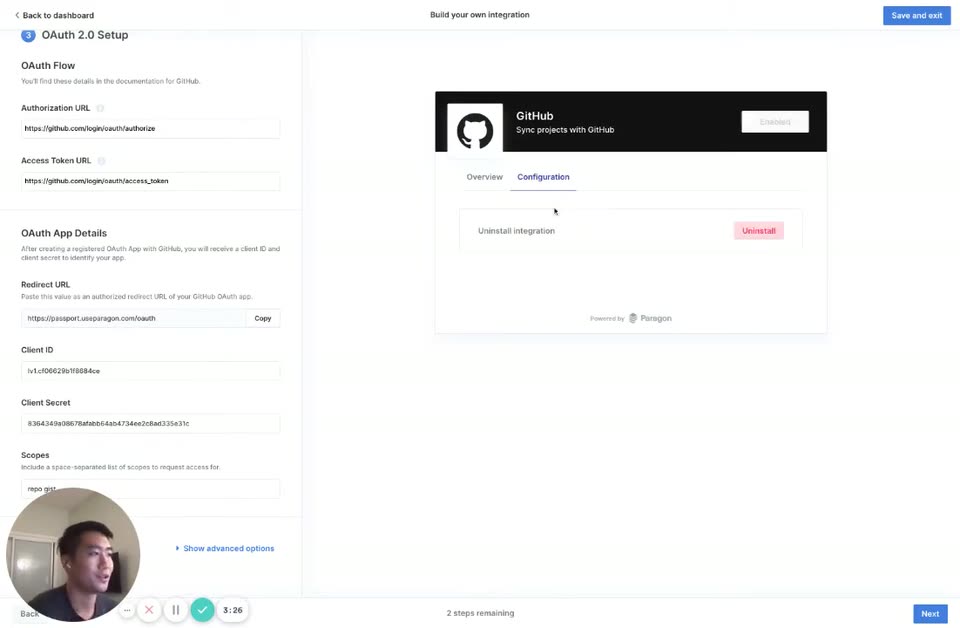
A locked-off screen capture of the integration builder: the left form switches from the Authentication step to the OAuth 2.0 Setup fields while the cursor hovers over them. On the right, the GitHub card's Enable button becomes Enabled and the Uninstall button activates. A circular webcam sits bottom-left.
Techniques: Cursor demo
Camera: Static
Locked-off screen recording of an API Setup form. The cursor types users into the Test Endpoint field, mirroring it into the GET path bar, then clicks Send test request. A spinner resolves into a Success panel of JSON output. A circular webcam of the presenter sits bottom left.
Techniques: Cursor demo
Camera: Static
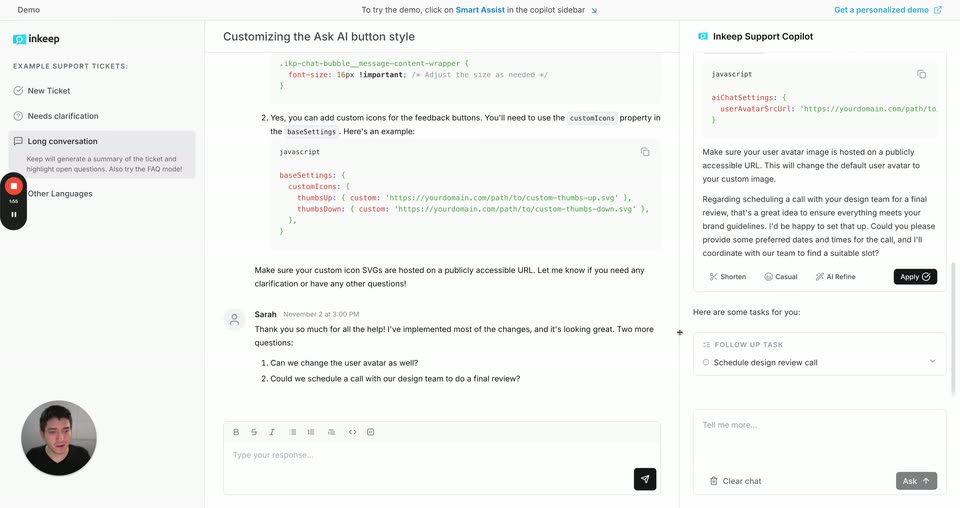
A light integrations dashboard lists services with status dots while a cursor glides down the rows and clicks GitHub, cutting to its detail page with a Workflows card. A circular webcam feed of the presenter and a countdown timer sit in the lower-left corner.
Techniques: Cursor demo
Camera: Static
A white GitHub integration page fills the frame, with a circular webcam of a man talking in the lower-left corner. The mouse cursor drifts down from the top of the page to the Workflows row, hovering over the sync workflow. The interface stays static throughout.
Techniques: Cursor demo
Camera: Static
A workflow editor fills the frame: a cursor selects the “Get users” step, the side panel slides in and renames it to “Create issue”, then the “Task Created” trigger opens with test JSON. A presenter’s webcam circle and a countdown timer sit at the bottom.
Techniques: Cursor demo
Camera: Static