
1:21
Explore
Inkeep - Copilot for Support Teams
Inkeep · Nov 2024 · 2:26 · Full motion · AI-annotated
- Length
- 2:26
- Scenes
- 4 · 36.5 s avg
- Product on screen
- 0:00
- Features shown
- 1
- Voiceover
- Yes
- Views
- 203 on YouTube
as of November 26, 2026
00:00:00 / 02:26:01
- Length
- 2:26
- Scenes
- 4 · 36.5 s avg
- Product on screen
- 0:00
- Features shown
- 1
- Voiceover
- Yes
- Views
- 203 on YouTube
as of November 26, 2026
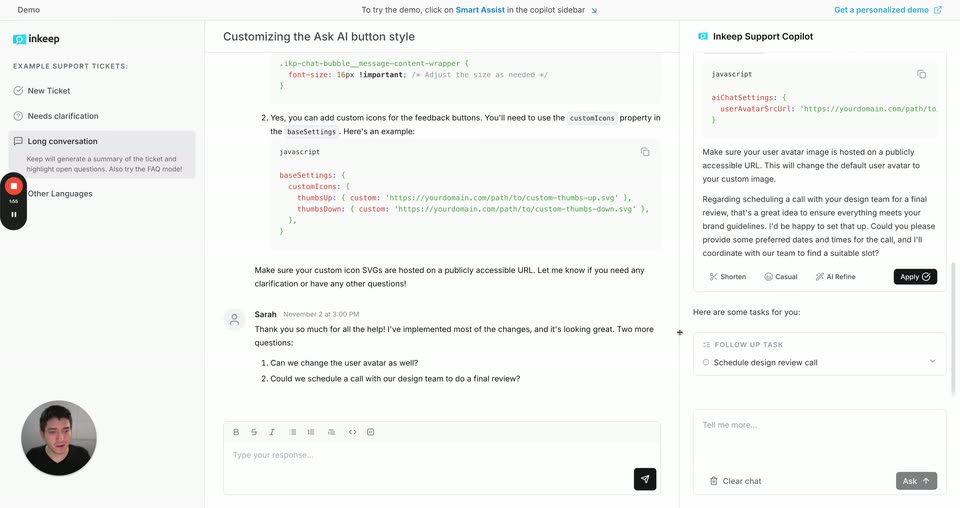
Inkeep’s 2:26 launch film runs 4 scenes, about 37 s each. The product is on screen from the first frame and 1 feature is revealed. There is no explicit call to action; a voiceover carries the film. The video is a single uncut screen recording of the Inkeep support app, with a pinned presenter webcam in the lower-left corner and a cursor driving the walkthrough. It opens by naming the product, then walks through three support tickets (a hummus brand query, a code-heavy thread, and a Spanish message) while the right-hand panel streams status checks, summaries and draft answers in real time. Pacing is slow and real-time, letting the streaming text, the Shorten and Apply clicks, and the multil
No filming indicatedEstimated needs: 2 capture groups — your screens or recordings
Is this your launch? to your site or press kit.
More like this


Similar soundtrack
Films whose music sounds like this one, voice left out
1:51
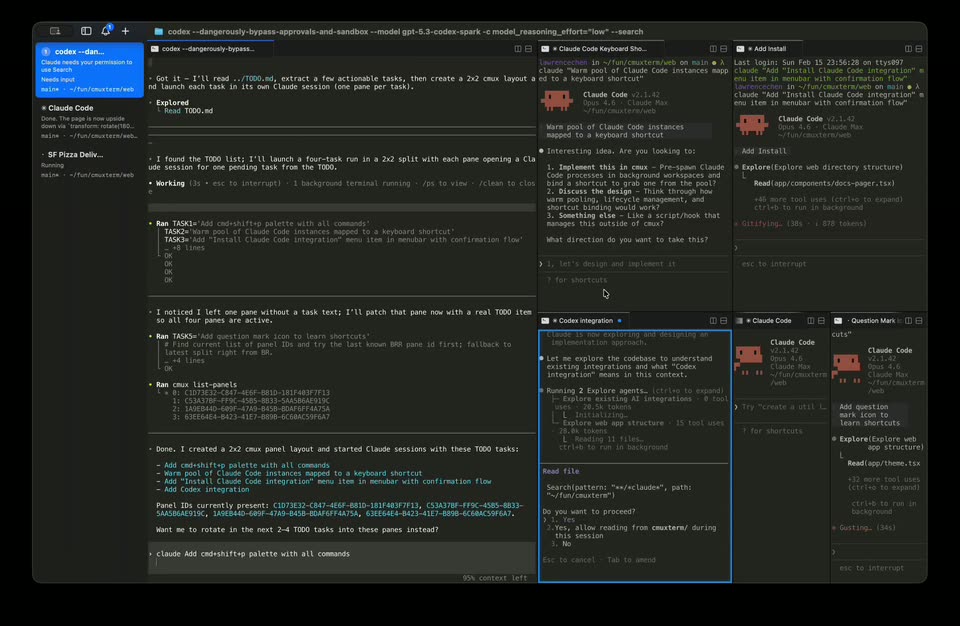

cmux - the terminal built for multitasking
cmux · Technical voiceover
1:51

1:28
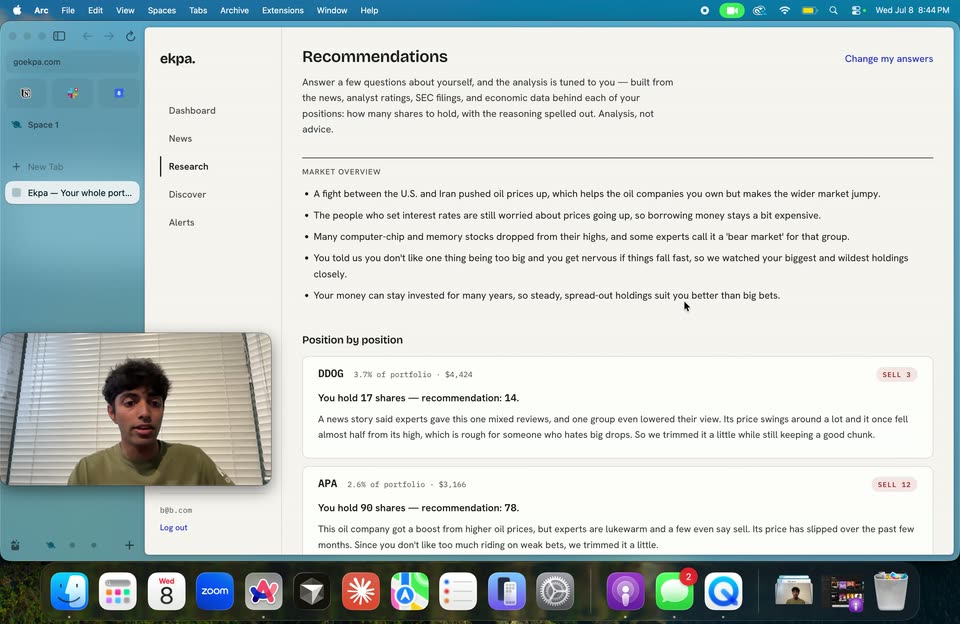

Ekpa Demo Video
Ekpa · Spoken word / Tech tutorial
Inkeep - Copilot for Support Teams, scene by scene
· 4 scenes as text
01 · Product intro · 0:00–1:21
A three-column support interface is shown. A cursor clicks Smart Assist in the right panel, which loads a ticket summary and draft answer. The cursor types Shorten, a shorter draft appears, then clicks Apply to fill the reply box. The view switches to a second ticket.
Techniques: Cursor demo
Camera: Pull out
02 · Feature reveal · 1:21–2:09
A full-screen view of the Inkeep support app shows a ticket thread in the center and a copilot panel on the right. The panel streams in status checks, a summary, sources and a draft answer while a cursor clicks through, with a small presenter webcam in the corner.
Techniques: Cursor demo
Camera: Static
03 · Feature reveal · 2:09–2:23
A full-screen Inkeep support app shows a Spanish customer message with an attached image, a left ticket list, and a right copilot panel. A presenter webcam occupies the lower-left corner as a cursor drifts over the panels and rests on the Smart Assist button.
Techniques: Cursor demo
Camera: Static
04 · Feature reveal · 2:23–2:26
A three-pane support ticket screen: a left ticket list with a presenter headshot, a center chat thread with code blocks that scrolls to a new set of messages, and a right Inkeep Support Copilot panel with a black Smart Assist button. The mouse cursor drifts from the panel into the chat.
Techniques: Cursor demo
Camera: Static