
0:33
Explore
machine0 product demo
machine0 · May 2026 · 4:05 · Full motion · AI-annotated
- Length
- 4:05
- Scenes
- 12 · 20.5 s avg
- Product on screen
- 0:00
- Features shown
- 3
- Call to action
- 3:43 · 91%
- Voiceover
- Yes
- Views
- 84 on YouTube
as of November 28, 2026
00:00:00 / 04:05:51
- Length
- 4:05
- Scenes
- 12 · 20.5 s avg
- Product on screen
- 0:00
- Features shown
- 3
- Call to action
- 3:43 · 91%
- Voiceover
- Yes
- Views
- 84 on YouTube
as of November 28, 2026
machine0’s 4:05 launch film runs 12 scenes, about 20 s each. The product is on screen from the first frame and 3 features are revealed. The call to action lands at 3:43 (91% in), over a voiceover. The video is a screen recorded walkthrough with a persistent presenter inset, so let typed commands and slow cuts set the pace. Keep the visual language flat and dark, using green diff blocks and small cursor moves as the main motion.
No filming indicatedEstimated needs: 5 capture groups — your screens or recordings · 1 3D passage — build or supply
Is this your launch? to your site or press kit.
More like this

Similar soundtrack
Films whose music sounds like this one, voice left out
2:31

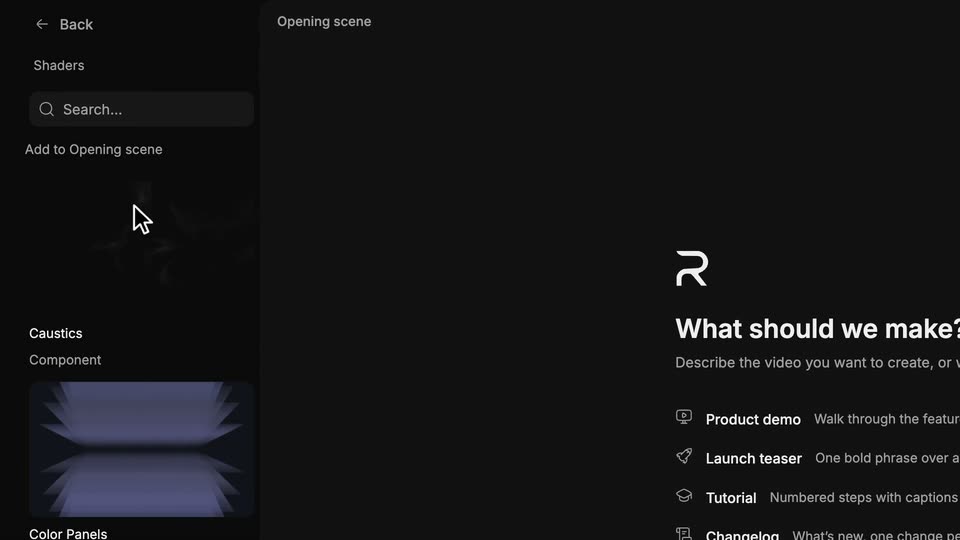
Autumn: Stripe for AI Startups
Autumn · Speech
2:14

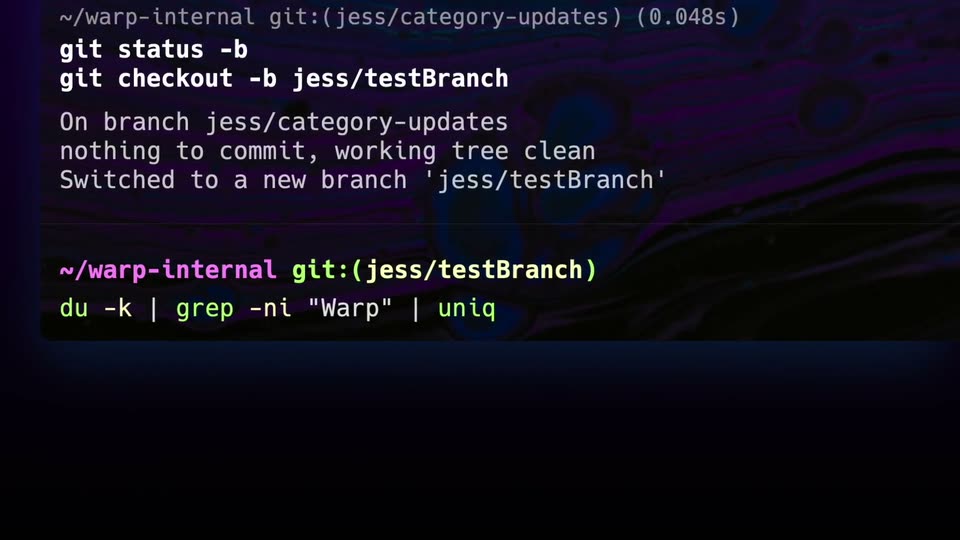
AutoComputer (YC F24) — Demo
AutoComputer · Corporate software tutorial
3:05

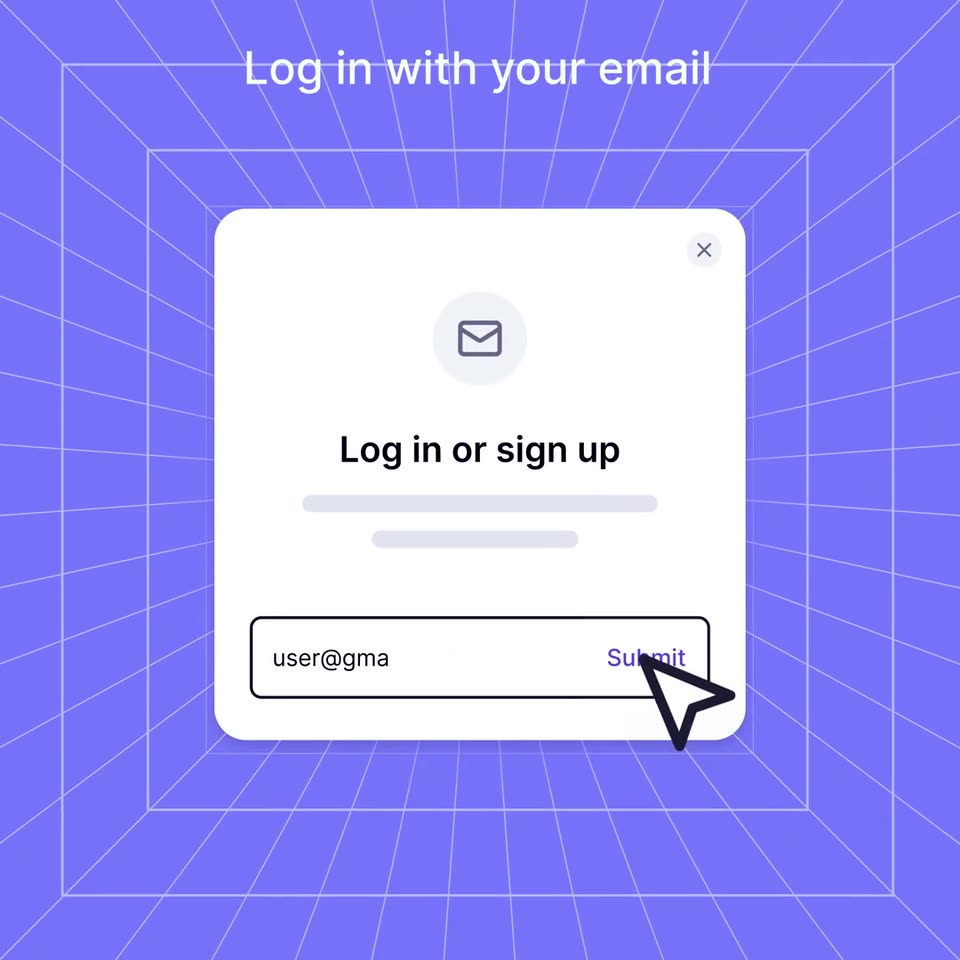
Lune AI Demo
Endstack
machine0 product demo, scene by scene
· 12 scenes as text
01 · Product intro · 0:00–0:18
A dark macOS terminal window fills the frame; a large white cursor in the center morphs into a text caret and fades. A rounded video inset of the presenter holds the bottom-right corner as install output appears and a second command is typed.
Techniques: Morph, Cursor demo
Camera: Static
02 · Feature reveal · 0:18–0:19
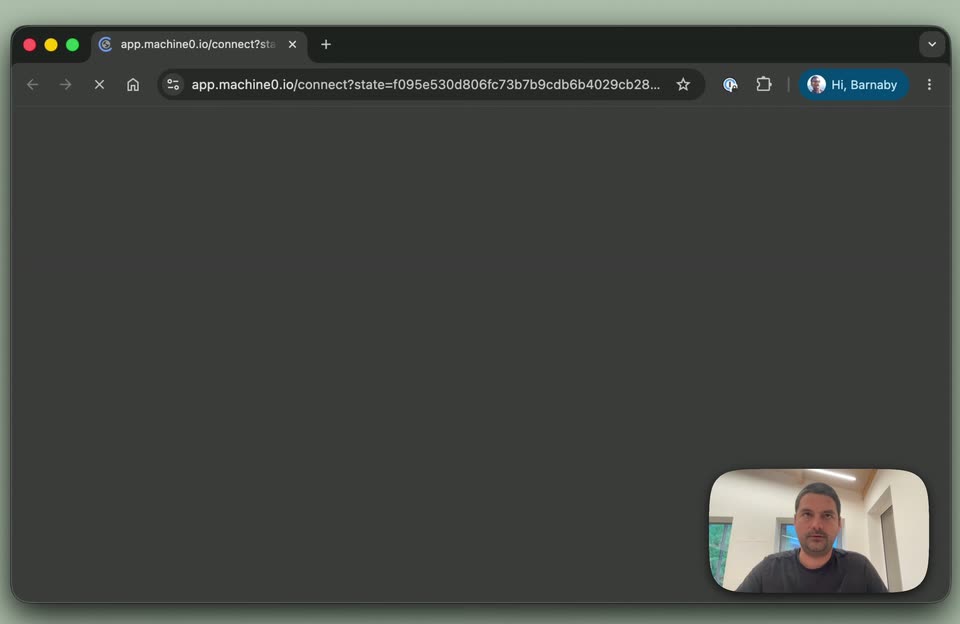
A macOS browser window fills the frame on a dark background. The page loads from a blank state to an authorization screen with a terminal icon and a connecting button. A small face-cam inset of a bearded man sits in the bottom right corner throughout.
On-screen text: “app.machine0.io/connect?state=f095e530d806fc73b7b9cdb6b4029cb28...”
Camera: Static
03 · Feature reveal · 0:19–0:30
A browser window shows the machine0 login; a cursor clicks the Google button, the page cuts to an Authorize the CLI screen, the cursor clicks Connect, and a checkmark success page appears. The tab closes, then a terminal shows the CLI output. A webcam feed of a man sits bottom-right.
On-screen text: “app.machine0.io/connect?state=f095e530d806fc73b7b9cdb6b4029cb28...”
Techniques: Cursor demo
Camera: Static
04 · Feature reveal · 0:30–1:22
A dark macOS terminal fills the frame, a small webcam of a presenter pinned to the lower right. Commands type in line by line, a cursor glides across the pane, and a NixOS login banner appears as the SSH session opens.
Techniques: Cursor demo
Camera: Static
05 · Feature reveal · 1:22–1:48
A dark terminal window shows a Claude Code session, with a webcam inset of the presenter in the bottom right. A command types into the input bar, then the log scrolls as status lines and JSON output appear while a bone cursor wobbles.
Techniques: Cursor demo
Camera: Pan
06 · Feature reveal · 1:48–1:51
A dark terminal window fills the frame, title bar reading Nginx Webserver Setup. A green diff block of added config lines sits center. A small rounded webcam inset of the presenter occupies the bottom right corner. Near the end a new status line appears below the diff.
Camera: Static
07 · Feature reveal · 1:51–3:17
A dark terminal fills the frame, showing a green NixOS config diff above a command log that streams new lines as provisioning runs. A small rounded webcam feed of a man in a dark shirt sits bottom right, gesturing as he speaks.
On-screen text: “https://devbox.mac0.io”
Camera: Static
08 · Feature reveal · 3:17–3:24
A dark code editor window fills the frame on a pale green background, showing a diff of a Nix file with a green block of added Nginx lines. A small rounded video inset of a man in a room sits in the bottom right, his head shifting as he speaks.
Camera: Static
09 · Feature reveal · 3:24–3:38
A macOS terminal window fills the frame on a pale green background, a small face-cam inset in the lower right. A cursor moves across the log, types machine0 get devbox, and a bordered table of VM details scrolls into view, then open https://devbox.mac0.io is typed.
Techniques: Cursor demo
Camera: Static
10 · Feature reveal · 3:38–3:43
A dark browser window loads a page; the cursor glides from the center to the top-left and selects the small monospace “Hello, world!” line, then hops up to the tab. A tiny webcam feed of the presenter stays in the bottom-right corner.
Techniques: Cursor demo
Camera: Static
11 · Feature reveal · 3:43–3:43
A tilted browser window on a green backdrop shows a page reading Hello, world, then swaps to terminal output listing a running devbox VM. A webcam video of a man sits in the bottom right corner while a cursor hovers by the tab.
Techniques: 3D mockup, Cursor demo
Camera: Static
12 · CTA · 3:43–4:05
A dark terminal window fills a sage backdrop, showing a devbox table with status RUNNING and a cost breakdown. A white arrow cursor drifts over the blank right half. A small rounded video inset in the lower right shows the presenter speaking.
Techniques: Cursor demo
Camera: Static