0:30

Dreamscale Datasets is now live! | Dreamscale Labs (YC F26)
Dreamscale Labs · Industrials
Screenpipe · Nov 2024 · 0:52 · Full motion · AI-annotated
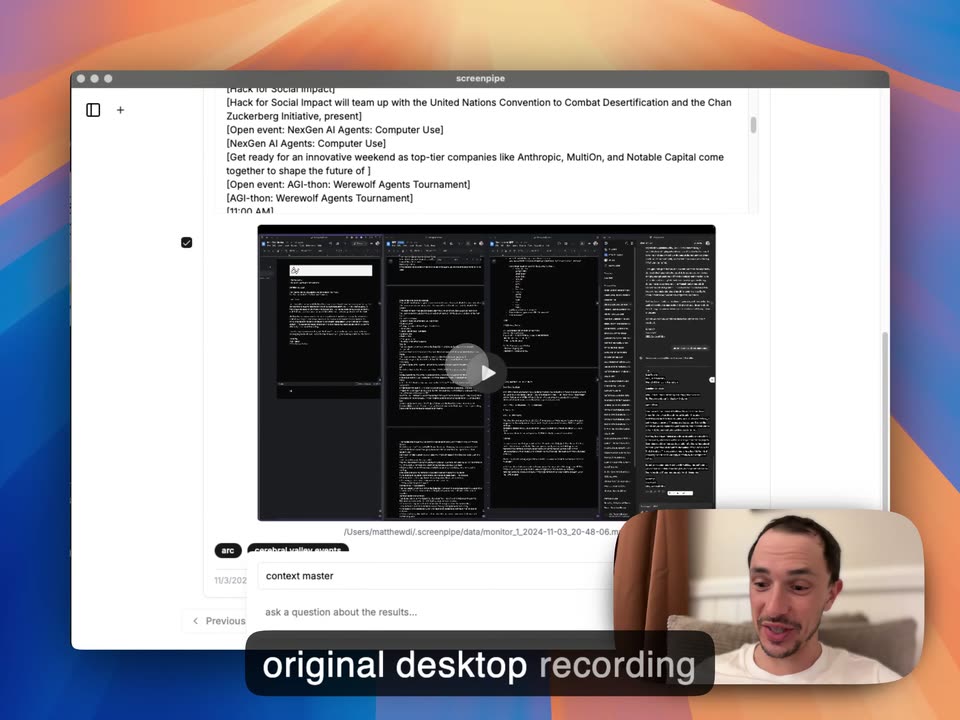
Screenpipe’s 0:52 launch film runs 2 scenes, about 26 s each. The product is on screen from the first frame and 2 features are revealed. There is no explicit call to action; a voiceover carries the film. A single continuous screen recording with a presenter inset: it opens tight on the search form, zooms out to the tilted window, then scrolls the result card to reveal the AI answer. Pacing is steady and cut-free, driven by live typing and cycling subtitle pills, with the zoom-out and the scroll as the only camera moves.
Is this your launch? to your site or press kit.
Dreamscale Labs · Industrials
Films whose music sounds like this one, voice left out
ElevenLabs · Speech
Alex · Spoken word tech demonstration
A screenpipe search form in close-up: the user types “Research paper” into the keyword field, then the frame zooms out to the full tilted window on a gradient desktop. A result card appears with the keyword highlighted in yellow, and a webcam feed sits in the corner.
On-screen text: “select screen UI, then for”, “example I am looking for”, “somebody mentioned about”, “an event that includes”, “reviewing research papers.”, “So I want to look for it.”, “we have the result.”, “you can see it's highlighted”, “yellow. And here Alpha”, “Trends webinar is talking', 'about key research papers.', 'You can also see the', 'original desktop recording', 'where this keyword was', 'mentioned. Thank you'”
Techniques: Cursor demo, UI zoom, 3D mockup
Camera: Pull out
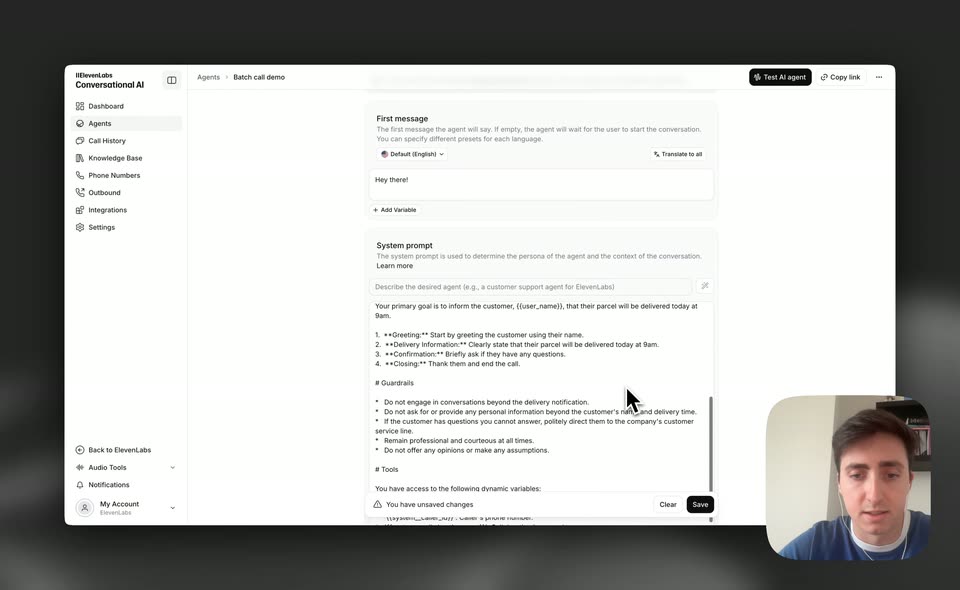
A browser window shows a video record and a chat panel; the view scrolls up as an AI answer appears below the query. A man speaks in a rounded inset at bottom right while white subtitle phrases cycle through a dark pill along the bottom.
On-screen text: “now based on this context”, “we will hear a response”, “from AI that correctly”, “identified that there is a”, “Zeta Alpha webinar.”, “Thanks a lot for watching.”
Camera: Static