1:08
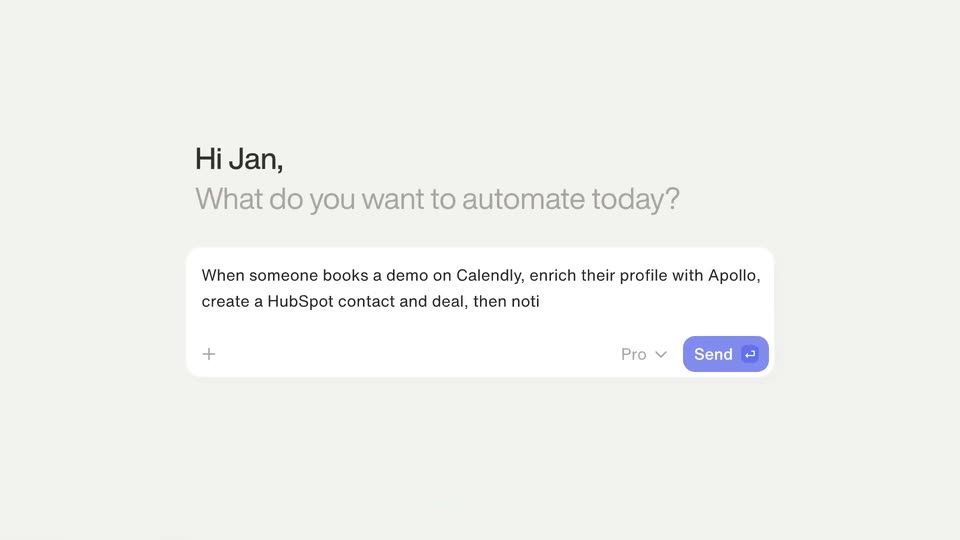

Dataleap - The world's first vibe working platform
Dataleap · B2B · Jan 2026
Kylon · Nov 2026 · 0:28 · Full motion · AI-annotated
Kylon’s 0:28 launch film runs 17 scenes, about 1.7 s each. The product shows up at 0:06. The call to action lands at 0:24 (87% in). Each beat pairs a bold two-color headline that crossfades above a flat, static browser mockup, with all motion happening inside the UI through typing carets, scrolling threads, popping callout pills, and a five-step progress bar. Pacing is even and unhurried at about eight cuts per minute, and the tour closes by collapsing the whole interface into a single logo before the CTA card.
Is this your launch? to your site or press kit.
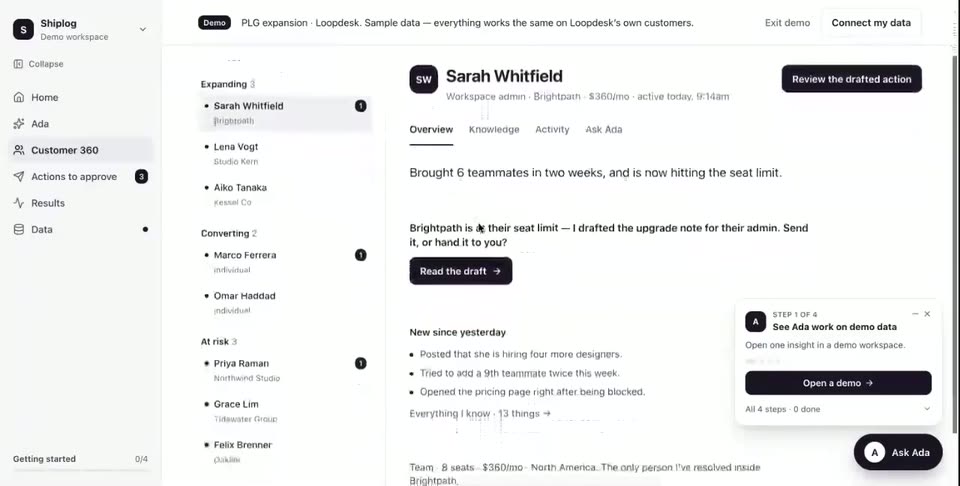
Dataleap · B2B · Jan 2026
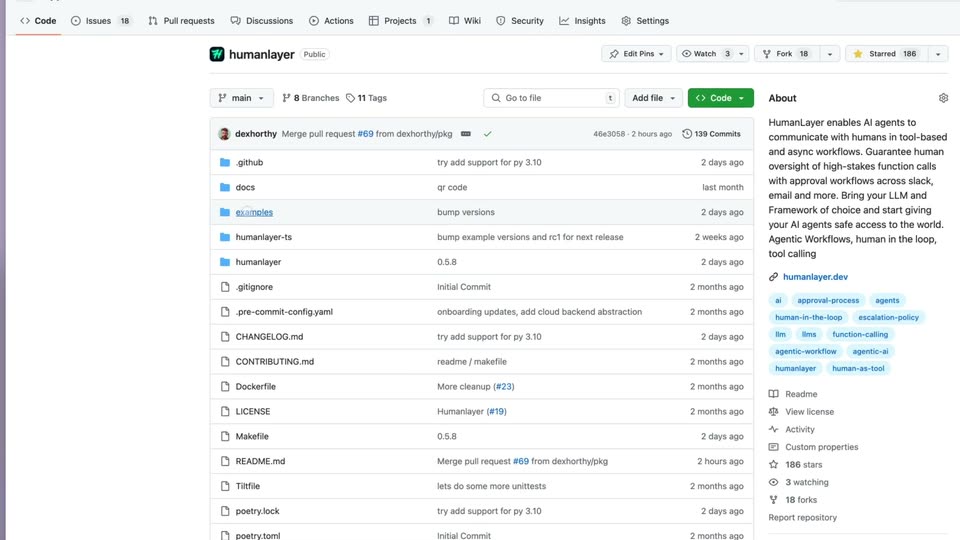
HumanLayer · B2B · Nov 2024
Films whose music sounds like this one, voice left out
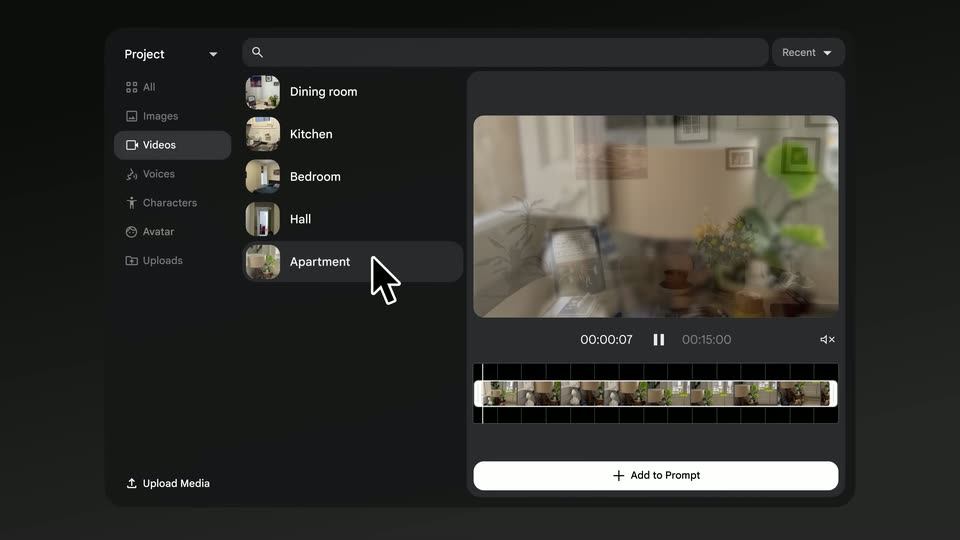
Google · Electronic dance music with Latin and house influences
Robbyant · Electronic, deep house, lo-fi hip-hop, ambient
Wabi · Electronic dance music
A cream background holds a bold two-color headline at top that settles from a motion blur, above a flat ChatGPT browser mockup. In the input field at the bottom, the words 'Write the' type out behind a blinking caret.
On-screen text: “Your business runs on a dozen apps.”
Camera: Static
A black headline with an olive-green closing phrase sits above a flat browser window. The window shows a Slack workspace with a purple sidebar and a launch channel listing three short messages from team members.
On-screen text: “Your business runs on a dozen apps.”
Camera: Static
A flat browser window sits on a cream field under a static headline. Inside, the app view cycles from a brand-voice document to an inbox list to a calendar, while the input line types out a prompt. A caption holds at right.
On-screen text: “Your business runs on a dozen apps.”, “What are you working on?”
Techniques: Morph
Camera: Static
A flat browser window on a cream background shows a Google Drive folder, then crossfades into a spreadsheet titled Black Friday plan with channel and owner rows. A two-tone headline sits static above the window.
On-screen text: “Your business runs on a dozen apps.”
Camera: Static
On a cream backdrop, a flat browser window shows a Shopify discounts admin, then morphs into a ChatGPT chat. Red callout pills pop onto the AI draft, and the top headline swaps from the apps line to the ChatGPT line.
On-screen text: “Your business runs on a dozen apps.”, “And ChatGPT still wrote this.”, “Legal said no”, “Starts Friday 6:00”, “Not our voice”
Techniques: Morph
Camera: Push in
A ChatGPT input field with an open dropdown menu sits under a bold headline. The cursor slides down to the highlighted Kylon row and clicks it, dropping a Kylon chip into the field beside the Ask anything prompt.
On-screen text: “Then we added Kylon to ChatGPT.”
Techniques: Cursor demo
Camera: Static
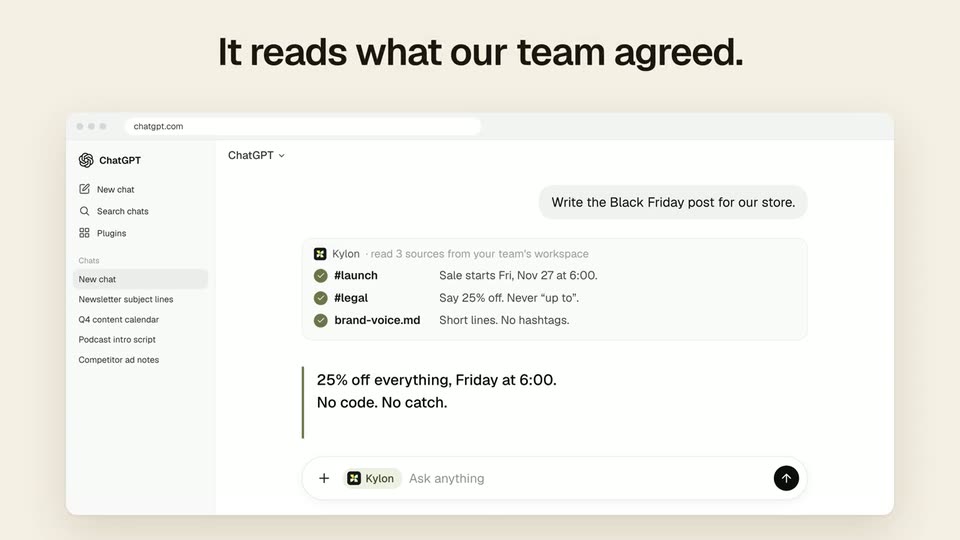
A flat ChatGPT browser window sits on a cream field beneath a bold headline that crossfades between three lines. A prompt types in, a source card lists three workspace files, a draft post types out with green highlights and attribution tags, then a send command is typed.
On-screen text: “It changed how we run a sale.”, “It reads what our team agreed.”, “I send it to the team in one line.”
Camera: Static
A flat ChatGPT chat window sits below the headline. It shrinks and shifts left while a team feed window opens on the right, displaying the shared post in the launch room.
On-screen text: “I send it to the team in one line.”
Techniques: Split screen
Camera: Pull out
A cream backdrop holds a centered headline and a five-step bar above two app windows, a ChatGPT draft left and a Klyon thread right. A green connector line runs from the posted card into the thread as the frame pushes in and reframes onto the right window.
On-screen text: “It lands in our #launch Room.”
Techniques: UI zoom
Camera: Push in
A team chat thread on a cream background scrolls upward, revealing new messages from Mira, Penn and Nina. A step bar above marks step 2, Team reviews, while the headline crossfades from the previous line to A teammate reviews it.
On-screen text: “It lands in our #launch Room.”, “A teammate reviews it.”, “1 Lands in #launch”, “2 Team reviews”, “3 Agent makes assets”, “4 Approved”, “5 Results”
Camera: Static
A white chat card on a cream background scrolls its message list upward, revealing a new agent reply, while the reply box types the word Approved. A bold headline and a five-step progress bar sit static above.
On-screen text: “An Agent makes every version.”, “1 Lands in #launch”, “2 Team reviews”, “3 Agent makes assets”, “4 Approved”, “5 Results”
Camera: Static
A Slack-style chat panel on a cream background shows a user asking an agent for three asset versions. The panel scrolls up as the agent's reply, three orange product cards, and a new approval message appear, with a headline and a five-step progress bar above.
On-screen text: “An Agent makes every version.”
Camera: Static
A beige slide holds a static view: the line I approve. It's scheduled. sits above a product thread UI. A five-step bar highlights step 4 Approved in green, and a chat card shows three orange Black Friday asset cards plus an approval bubble.
On-screen text: “I approve. It's scheduled.”
Camera: Static
A chat thread with approval messages and asset cards dissolves into a results dashboard of zeroed metrics. The centered headline cross-fades from one line to the next as the step tracker advances to Results.
On-screen text: “I approve. It's scheduled.”, “Then I watch the orders come in.”
Camera: Pull out
A bold headline above a five-step process bar sits on a cream background over two side-by-side app panels. Left, a chat thread shows three discount assets; right, a sales dashboard's counters roll up and green hourly bars fill in as the headline swaps to a final order count.
On-screen text: “Then I watch the orders come in.”, “1 Lands in #launch, 2 Team reviews, 3 Agent makes assets, 4 Approved, 5 Results”, “1,284 orders on Black Friday.”
Techniques: Split screen
Camera: Static
A two-panel product view, a chat thread with three asset cards on the left and a sales dashboard with stats and a bar chart on the right, sits under a bold headline. The whole interface shrinks and fades toward the center, collapsing into a small rounded-square logo icon on a cream background.
On-screen text: “1,284 orders on Black Friday.”, “1 Lands in #launch”, “2 Team reviews”, “3 Agent makes assets”, “4 Approved”, “5 Results”
Camera: Static
Two labeled app icons sit on a cream field, ChatGPT left and Kylon right, joined by a line whose arrow draws in. A bold black headline and a gray subline fade in below the icons.
On-screen text: “Add your team to your ChatGPT.”, “Search “Kylon” in ChatGPT or Codex Plugins.”
Camera: Static