2:36

Waybill - Take your supply chain for granted.
Waybill · B2B · Aug 2026
Dataleap’s 1:08 launch film runs 24 scenes, about 2.9 s each. The product shows up at 0:07. The call to action lands at 0:59 (86% in), over a voiceover. The video is built as a live-action bookend around one long, single-screen UI demo: a problem statement, a logo and tagline intro, then a natural-language prompt that the product turns into a working automation, and a final live-action call to action. Its style is flat off-white cards with indigo accents, type-on text, rounded notification pills, and a black cursor tagged Agent that clicks through each integration.
Is this your launch? to your site or press kit.
Waybill · B2B · Aug 2026
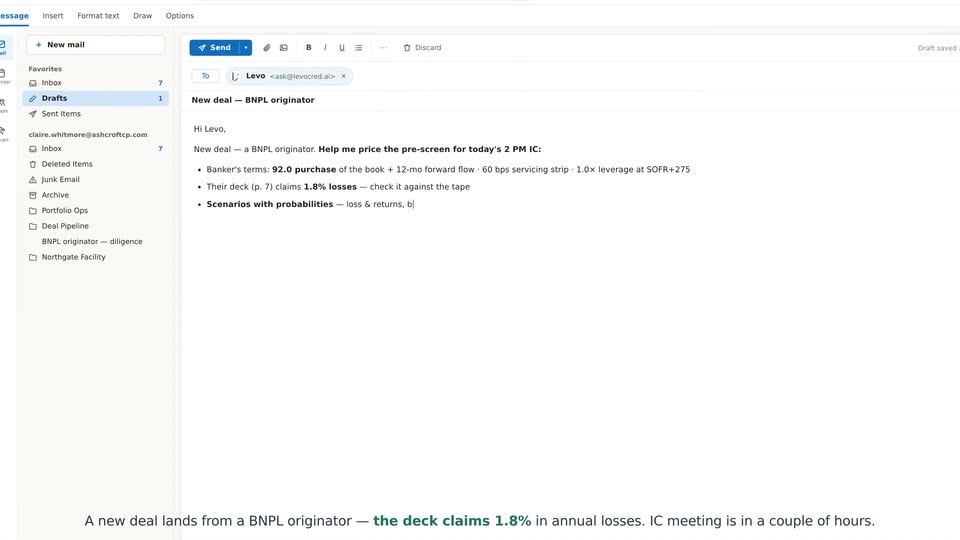
Levocred AI · Fintech · Aug 2026
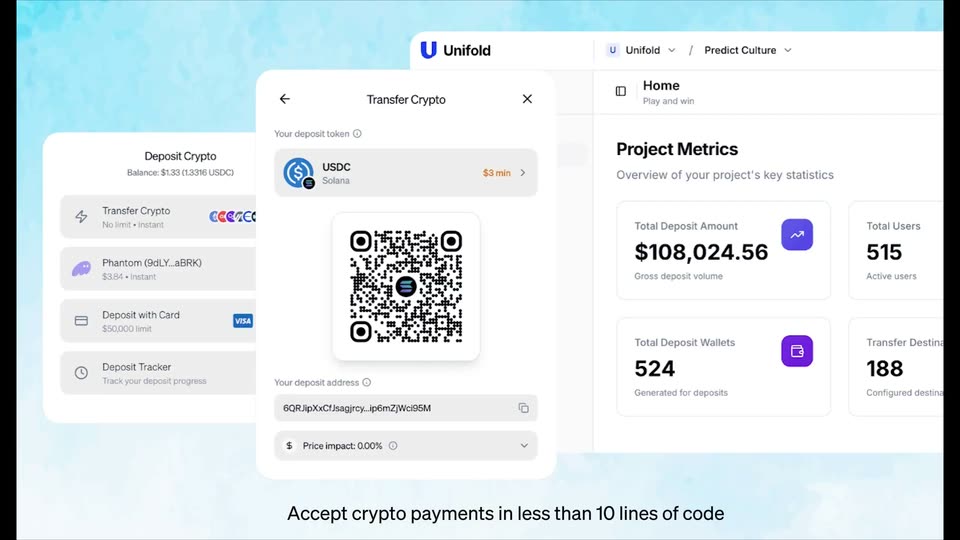
Unifold · Fintech · Feb 2026
Films whose music sounds like this one, voice left out
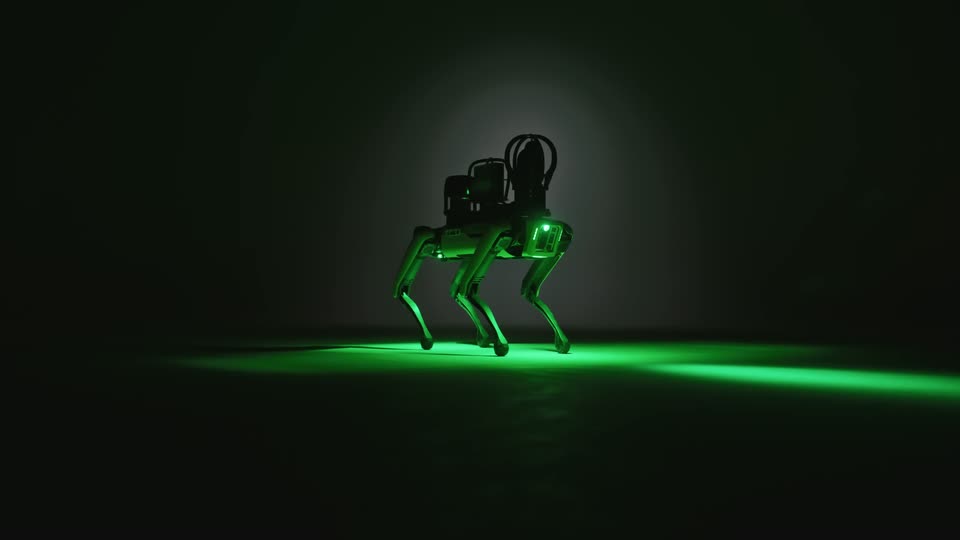
Boston Dynamics · Electronic dance music, transitioning to a cinematic sound effect
Golf · Electronic dance music, UK Garage, Tech House
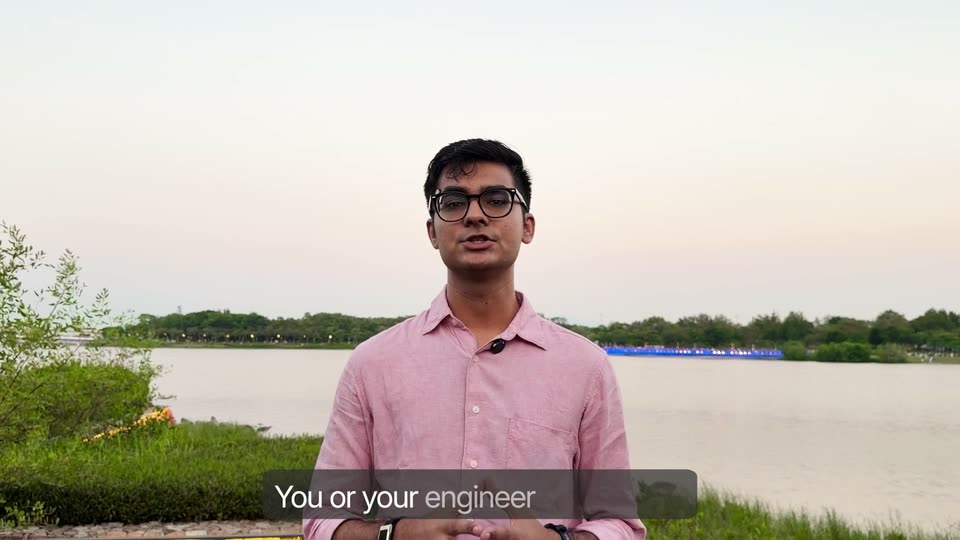
A man in a tan jacket sits at a desk with a laptop and papers, talking to camera before a whiteboard. Two rounded app icons, an orange sparkle and a dark cube, pop in beside him. The frame then closes into a small rounded card on black.
Techniques: Masking
Camera: Static
A rounded-corner clip of a man talking at a desk in front of a whiteboard scales up from small to full size at center, while the words This is why fade in on the left and We've Built on the right.
On-screen text: “This is”, “why”, “We've”, “Built”
Techniques: Kinetic type
Camera: Static
Two black rounded d-icons sit center on a dark gray field, flanked by faint gray words This is why and We've Built. The background flips to cream, the icons merge into one, and the Dataleap. wordmark fades in beside it.
On-screen text: “This is”, “why”, “We've”, “Built”, “Dataleap.”
Techniques: Morph
Camera: Static
The Dataleap lockup, a black rounded square with a white d beside the wordmark, sits centered on a pale gray field. The whole mark scales up slightly while the frame stays locked.
On-screen text: “Dataleap.”
Camera: Static
The word Dataleap. scales in on a light gray background, then the headline builds line by line: the world's first in black, vibe working in blue beside the logo icon, platform fading in from gray to black.
On-screen text: “Dataleap.”, “the world's first”, “vibe working”, “platform”
Techniques: Kinetic type
Camera: Static
A light gray card holds the centered headline with a small purple arrow icon, then the whole card fades to white as a product screen fades in showing a greeting and a prompt box with a Send button.
On-screen text: “the world's first”, “vibe working”, “platform”
Camera: Static
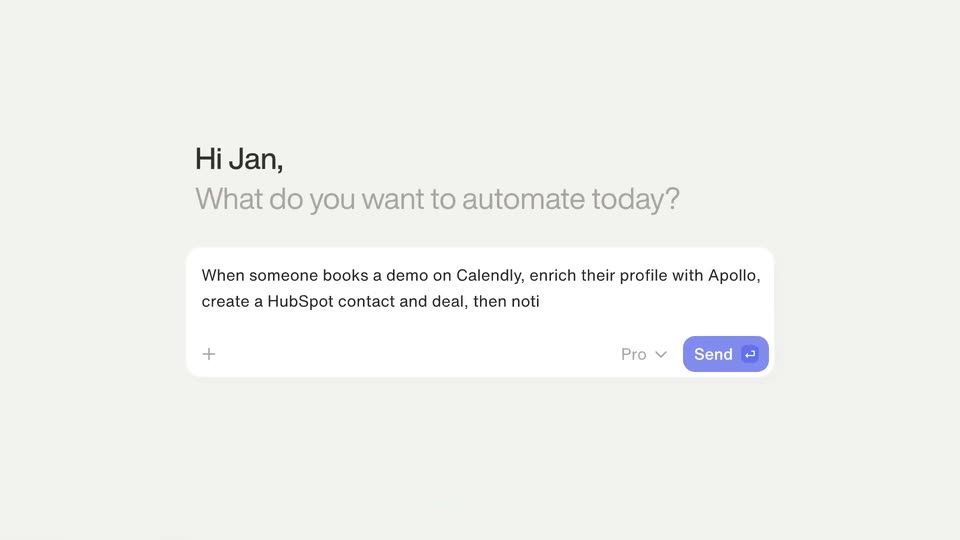
On a light gray screen, a white input card sits under the heading 'Hi Jan, What do you want to automate today?'. A task prompt types into the field character by character, the card expands, then a cursor glides to the purple Send button.
Techniques: Kinetic type, Cursor demo
Camera: Static
A gray prompt bubble fades into a light chat interface, then replies type out as the view scrolls past status rows. A command field is typed and sent. An integrations panel appears, and the cursor clicks each Connect button, turning rows into green Connected badges.
Techniques: Cursor demo
Camera: Pan
A light integration list with green Connected badges scrolls upward as a sentence types out word by word beneath it, under a static “Worked for less than a second” caption.
Techniques: Kinetic type
Camera: Pan
A chat panel fades in a message line and a 'Calendly Demo Scheduled' trigger card, then the frame cuts to a dark background where the word 'Enable' scales up beside a gray toggle switch.
On-screen text: “Enable”
Techniques: Kinetic type
Camera: Static
A pill-shaped toggle labeled Enable, switch on, sits centered on a flat indigo field. The control scales down and fades out while a small line with an eye icon, Agent status updated, fades in beneath it.
Camera: Static
On a solid indigo field, a rounded notification pill pops in at center, sharpening from a blur to read “Calendly Demo Scheduled 7:01 PM” with a blue Calendly icon. A smaller brand badge with the Calendly logo and the same label fades in above it.
Camera: Static
On a plain light gray field, a white pill notification with a blue Calendly dot reads “Calendly Demo Scheduled.” Below it, an “Agent” pill darkens, “Working for 1s” fades in, and a two-line message types in word by word.
Techniques: Kinetic type
Camera: Static
A white pill notification with the Calendly mark and the line “Calendly Demo Scheduled” sits centered on a light gray field. Below it, a vertical list of small icons with the names Apollo, Hubspot and Slack fades in one row at a time.
On-screen text: “Calendly Demo Scheduled”, “Agent”, “New demo booking detected from Calendly.”, “Let me process this lead.”, “Apollo Enriching Contact”, “Hubspot”, “Slack”
Camera: Static
A vertical list of integration rows, Calendly, Apollo, Hubspot and Slack with their icons, sits on a light gray field, the Apollo row in a white pill. The list slides left off frame as the status labels Demo Scheduled and Enriching Contact fade from pale gray to dark.
Camera: Static
A dark contact card sits beside an integration list. The Apollo row changes from Enriching Contact to Contact Enriched as a phone number fills in under the email, then the highlight slides to Hubspot. A cursor labeled Agent rests on the yellow Enrich Contact button.
On-screen text: “Agent”
Techniques: Cursor demo
Camera: Static
A flat Hubspot interface fills the right as an Agent cursor opens a new contact, Lauren, then a deal, while a left list of app statuses ticks from Creating Contact to Deal Created. The view blurs and slides up to a Slack channel.
On-screen text: “Calendly Demo Scheduled”, “Apollo Contact Enriched”, “Hubspot Creating Contact”, “Slack”, “Agent”, “Contact Created”, “Deal Created”, “Sending”
Techniques: Cursor demo
Camera: Pull out
A flat Slack channel mockup sits right of a vertical list of app statuses. A purple sidebar slides left to reveal the #sales-new-leads message, which then expands to a detail line, as a dark cursor with an Agent pill hovers over @channel.
On-screen text: “Slack”, “Calendly Demo Scheduled”, “Apollo Contact Enriched”, “Hubspot Deal Created”, “Slack Sending Messages”, “Agent”
Techniques: Cursor demo
Camera: Static
A flat Slack mockup card scrolls its message text upward while a black cursor labeled 'Agent' rests at the lower right. The left rail flips Slack to 'Messages Sent' and adds an 'All Done' row, then pans left to reveal a green 'Success' status card beside the chat.
Techniques: Cursor demo, UI zoom
Camera: Push in
A light two-column dashboard fills the frame; the left column lists four green Connected badges while the right shows a Runs detail with a green Success card. The view pulls back to reveal the full rounded window, a small logo top right, and two extra log rows.
Techniques: UI zoom
Camera: Pull out
A product interface fills the frame, split into a left panel listing connected tools and a right panel showing a successful run log. A centered title overlay reading “Calendly Signup Lead Enricher” fades in over the screen, then fades out to reveal the full UI.
On-screen text: “Calendly Signup Lead Enricher”, “Just Now”
Camera: Pull out
A grid of automation template cards scrolls, the center card, Calendly Signup Lead Enricher, stays in focus while the others fade. It cuts to a man in a tan jacket at a desk with a laptop, whiteboard behind, talking to camera.
Camera: Push in
A man in a beige jacket sits at a wooden desk before a whiteboard covered in handwritten notes, talking to the camera with a laptop and papers in front of him. He glances down, then stands and walks out of frame to the right.
Camera: Static
A home office with a whiteboard of handwritten notes, a couch, and a wooden table holding a laptop and papers. A man in a tan cardigan walks across from right to left, passing in front of a black dataleap.ai overlay on the board. The camera stays fixed.
On-screen text: “dataleap.ai”
Camera: Static