3:01

Introducing Enterprise AppGen: AI-Assisted Development from Retool
Retool · Developer tools · Oct 2025
Inari · Feb 2025 · 3:22 · Full motion · AI-annotated
Inari’s 3:22 launch film runs 19 scenes, about 11 s each. The product shows up at 0:45 and 5 features are revealed. The call to action lands at 3:06 (92% in), over a voiceover. A single continuous screen recording narrated by a presenter in a corner webcam walks the Inari app feature by feature, moving from a problem setup through highlights, insights, issues and an AI prompt workflow into a closing call to action. The style is a dark UI on a violet gradient with long takes, skeleton-load transitions, zoom-ins on data columns and occasional 3D tilts of the app window as its signature moves.
Is this your launch? to your site or press kit.
Retool · Developer tools · Oct 2025
Outship · B2B · Mar 2026
GitHub · Developer tools · Nov 2026
Films whose music sounds like this one, voice left out
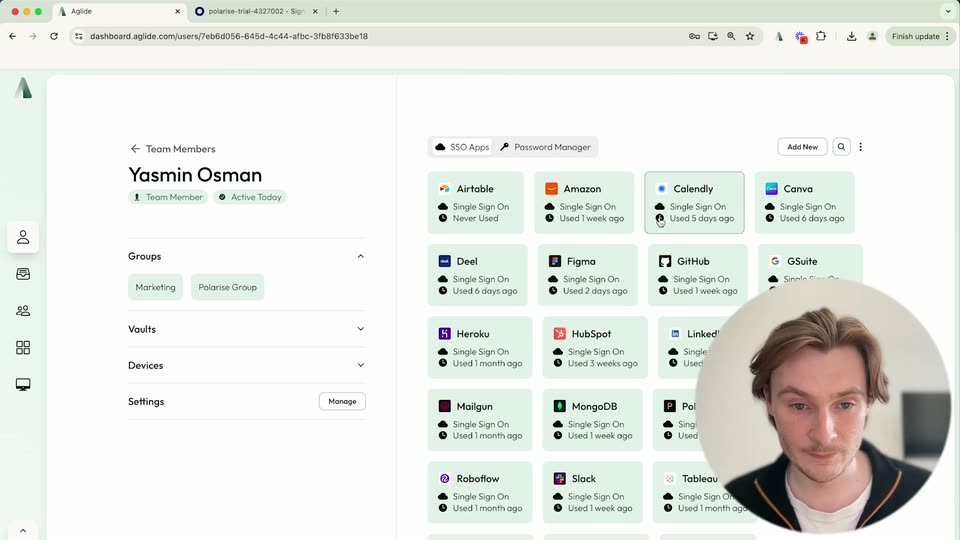
Aglide · Technical product demonstration
Cedana
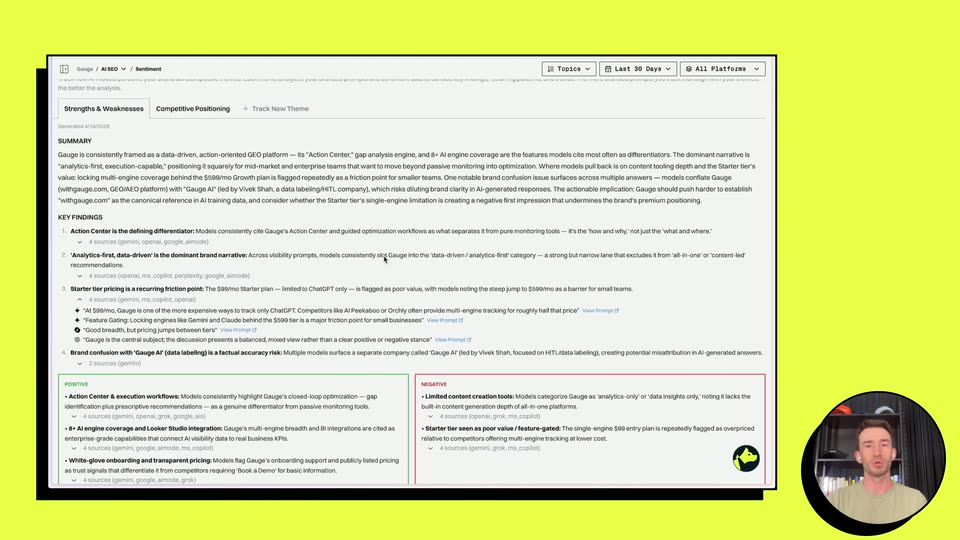
A dark insights table fills the screen, listing customer feedback rows with sentiment and revenue columns. A small webcam video of a man in a black cap and headphones sits in the bottom-left corner as he talks. A mouse cursor drifts across the rows and toward the column headers.
Techniques: Cursor demo
Camera: Static
A dark Inari feedback table fills the screen behind a small webcam overlay of a presenter. A command palette opens with a typed letter, a fun-fact card pops in the center, then the list loads and the view zooms into the right-hand columns.
Techniques: Cursor demo, UI zoom
Camera: Push in
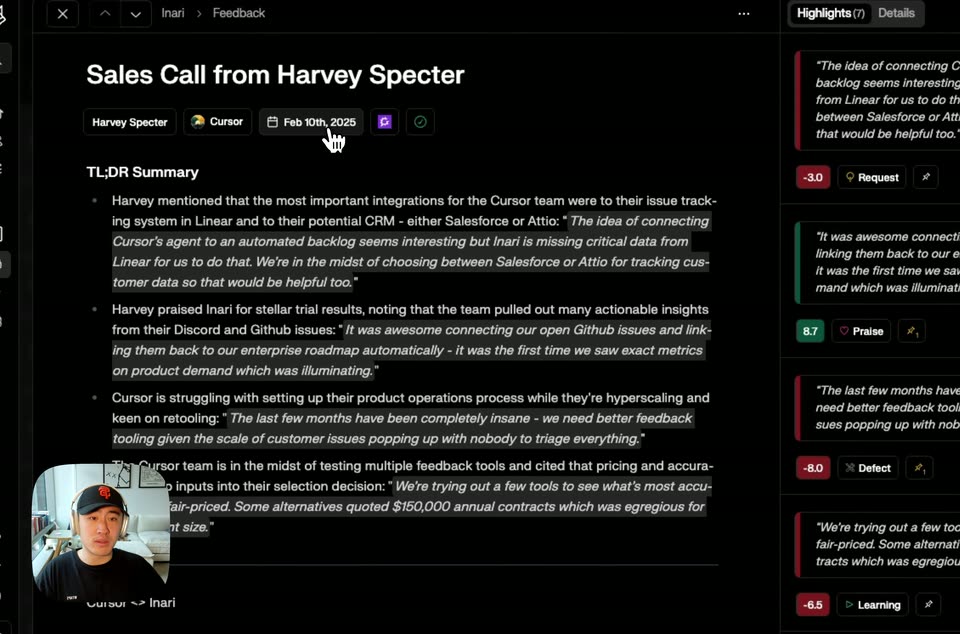
A dark feedback page loads from gray skeleton bars into a full view: a title, a TL;DR summary with highlighted quotes, and a right-hand column of sentiment-scored highlight cards. A presenter's webcam sits in the lower-left corner while a cursor hovers the date tag, then the whole frame blurs.
Techniques: Cursor demo
Camera: Push in
A dark product interface is split into two columns. The left holds body copy and a small circular video of a man in a cap. The right shows a Highlights list of quote cards with colored borders and score badges, scrolling downward.
Techniques: Split screen
Camera: Push in
A dark feedback table fills the screen, listing customer names, feedback excerpts, type, source and date columns. A small webcam feed of a man in a black cap and headphones sits in the lower left. The cursor rests near the top bar while a small View insights tag slides in beside one row.
Techniques: Cursor demo
Camera: Pull out
A dark insights dashboard loads from a fun-fact card into a list; the cursor switches to the Saved tab, the frame zooms onto the rows, and a hover opens the row's detail page with a metadata sidebar. A webcam self-view sits in the lower left.
Techniques: Cursor demo, UI zoom
Camera: Push in
A dark product screen shows a saved insight document with a feedback panel on the right. A cursor hovers the Highlights tab, then the view zooms into a data table and pans back across the document body. A small presenter webcam sits in the lower-left corner.
Techniques: Cursor demo, UI zoom
Camera: Pull out
A dark insights dashboard table fills the screen, listing feedback items with sentiment, revenue and user columns. A small webcam feed of a man in a cap and headphones sits in the lower left. The row text crossfades from a ghosted duplicate to a clean list while a cursor drifts.
Techniques: Cursor demo
Camera: Push in
A presenter webcam overlays a dark insights table with a 'Prompt Instructions' modal, then the UI reframes into a tilted 3D browser window on a purple gradient. A command palette opens, the view switches to an empty feedback page, and a list fills in as a cursor hovers a row.
Techniques: 3D mockup, Cursor demo
Camera: Pull out
A dark product interface loads from skeleton bars into a support conversation with a right-hand highlights panel; the view zooms into the panel as a cursor opens a dropdown and selects Create new issue, while a presenter appears in a small webcam window at lower left.
Techniques: UI zoom, Cursor demo
Camera: Static
A dark feedback app fills the frame. The left pane switches from a support thread to a list of customer feedback rows, while the right pane lists highlights and a create-issue box. A small webcam feed of a presenter in a black cap sits in the lower left corner.
Camera: Static
A dark feedback table fills the frame. A cursor moves from the top-left logo down the sidebar, which expands to reveal navigation items, the cursor resting on Backlog. A small video of a presenter sits in the bottom-left corner, and a toast reads Drafting backlog issue from highlight.
Techniques: Cursor demo
Camera: Static
A dark Inari dashboard fills the frame with a webcam self-view in the lower left. The sidebar collapses, a Generate Issues panel gives way to a populated backlog table, and a toast pops up as the view zooms in.
Techniques: Cursor demo, UI zoom
Camera: Push in
A dark data table fills the screen, a cursor hovers a View Issue button beside a toast notice. The view then shifts to a second table with a blurred text panel on the left, a small webcam of a presenter in a black cap stays in the lower corner.
Techniques: Cursor demo
Camera: Pull out
A dark issue-tracker screen with a small webcam PIP of a presenter in the corner. A cursor hovers over a revenue table and a revenue-impact field, the view zooms into the right details panel, then cuts to a backlog list of issues with revenue and impact columns.
Techniques: Cursor demo, UI zoom
Camera: Pull out
A dark app window with a small webcam feed of the presenter in the lower left. Skeleton bars resolve into an issue page titled “Implement Public Feedback Board”. The cursor clicks Generate Prompt, the view zooms in, then dives into a generated markdown prompt that scrolls.
Techniques: Cursor demo, UI zoom
Camera: Push in
A screen recording opens on a close-up of a white monospace instruction document, then zooms out to reveal the full Inari app with a right-side filter panel and company table, tilting into 3D perspective. A webcam feed of the presenter sits in the lower left.
Techniques: Cursor demo, UI zoom, 3D mockup
Camera: Pull out
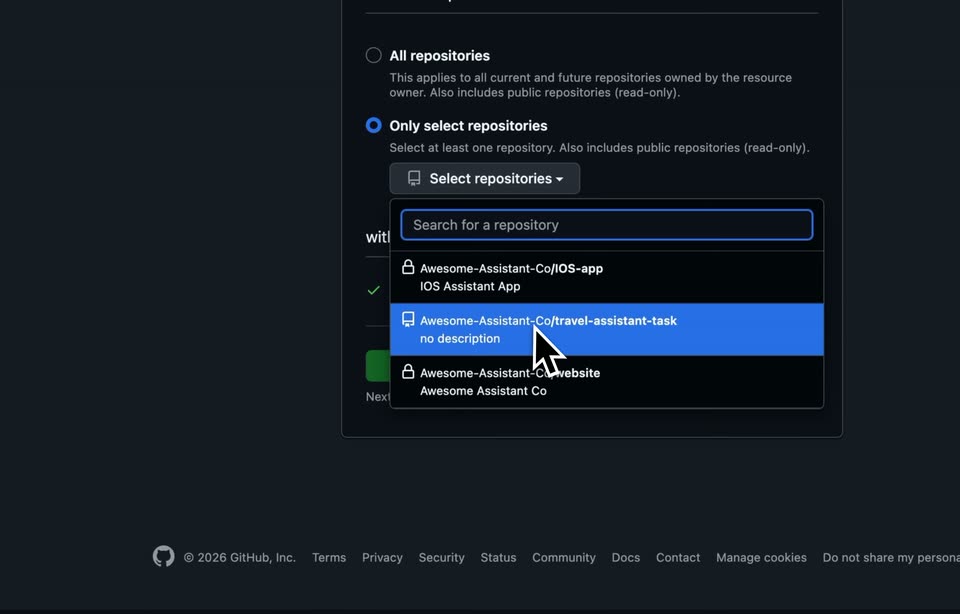
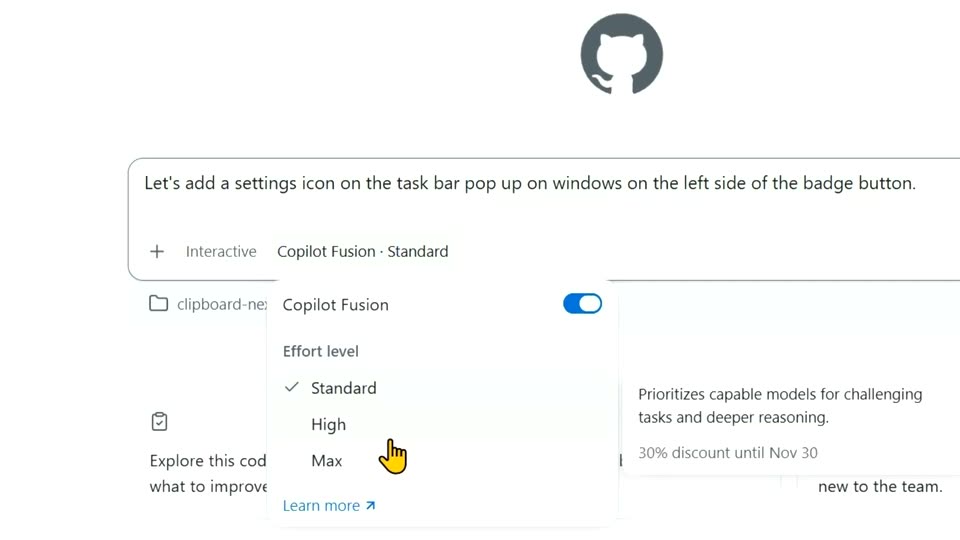
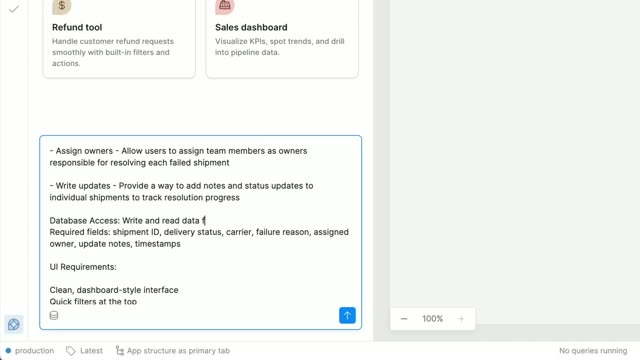
A dark Copilot Workspace screen fills the frame, a circular webcam feed of a presenter in a cap sits lower left. The cursor enters the task prompt box, selects text, the prompt swaps to a list of instructions, and the plan checklist scrolls down past new items.
Techniques: Cursor demo
Camera: Static
A flat screen recording of a dark app window: a chat panel with a small video feed of a man in a cap on the left, a white Feedback Board with two cards on the right. A cursor glides from the left panel to the board's lower right.
Techniques: Cursor demo
Camera: Static