0:52
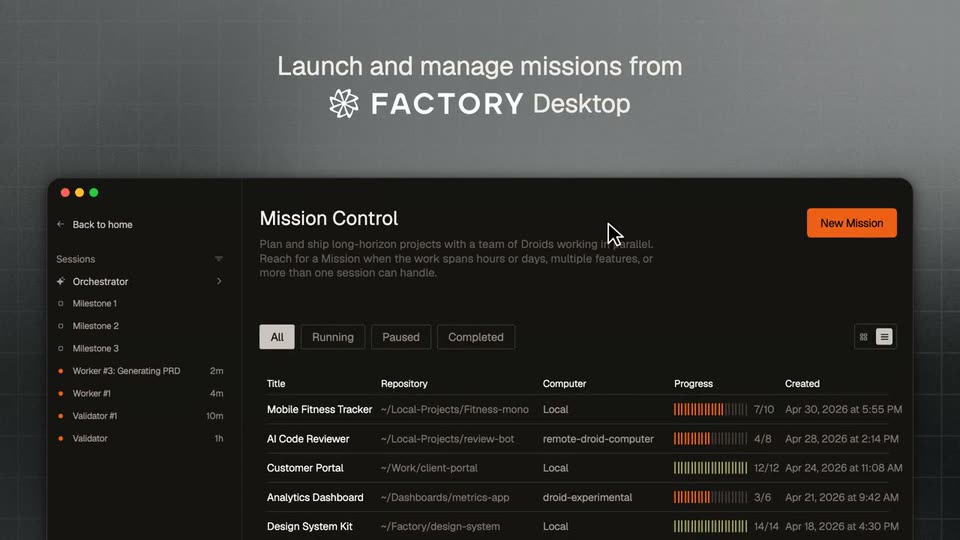

Factory - Missions are now available on Factory Desktop.
Factory · Jun 2026
Cedana’s 1:32 launch film runs 25 scenes, about 3.7 s each. The product is on screen from the first frame and 1 feature is revealed. There is no explicit call to action; a voiceover carries the film. The video is built as a branded promise, a stack of failure states, and two terminal-driven demonstrations of the same workflow. Its signature moves are locked-off black frames, centered white logos, and real-time monospace typing that lets the product speak through commands and logs.
Is this your launch? to your site or press kit.
Factory · Jun 2026
Replit · Developer tools · Nov 2026
Films whose music sounds like this one, voice left out
Haystack · Spoken word / Technical tutorial
Aglide · Technical product demonstration
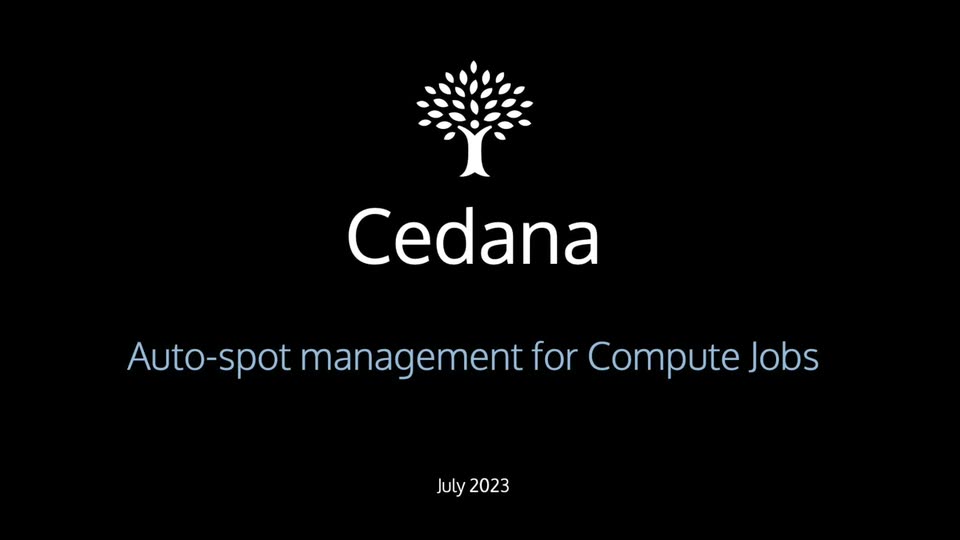
A black title card holds a white tree mark above the Cedana wordmark, with two light blue taglines beneath. The frame stays locked and still for the full duration.
On-screen text: “Cedana”, “Pause / Migrate / Resume”, “Never lose your work”
Camera: Static
A static white grid holds six panels: the PyTorch and TensorFlow wordmarks, a dark video-editor screenshot, the Jupyter mark over a code window, a yellow slide with a sunglasses llama beside a LLaMA-Adapter diagram, and a blue protein model with a yellow terminal.
On-screen text: “Cedana”, “Pause / Migrate / Resume”, “Never lose your work”
Camera: Static
A locked-off close-up of a gray Windows error dialog: a red circle with a white cross sits left of the line Out of memory., with a dotted OK button below. The frame holds static while the voiceover notes the instance ran out of memory.
Camera: Push in
A dark blue title 'Spot instance terminated' heads a log table with a filter row and four BidEvictedEvent entries, all enclosed in a selection marquee. The whole block scales up to fill the frame.
On-screen text: “Spot instance terminated”
Techniques: UI zoom
Camera: Push in
A light-gray workflow tool fills the frame, its canvas packed with green-bordered node boxes linked by thin gray lines. A top toolbar holds a run field, layout dropdown, Go button and status filter tags. The view holds static, no motion, as the voiceover plays.
Camera: Static
A man in profile sits in silhouette against a glowing cyan backdrop, head bowed, hands clasped to his forehead. The static close-up holds on his slumped posture, lit from behind so only his outline and collar read against the bright wall.
Camera: Static
A silver stopwatch with a white dial rests on a scattered pile of US dollar bills, its second hand ticking forward. The camera slowly pushes in on the dial while the brand mark and a two-line headline hold locked in place.
On-screen text: “Cedana”, “Pause / Migrate / Resume”, “Never lose your work”
Camera: Push in
A white tree logo and the wordmark Cedana sit centered on a black background, with two light-blue taglines stacked below. The frame is locked off and remains static for the full duration.
On-screen text: “Pause / Migrate / Resume”, “Never lose your work”
Camera: Static
A macOS terminal window on a black background types the command ./cedana-orch run example_job.yml, then ./cedana-orch show, and prints a dashed table listing compute instances with provider, vCPU, RAM and instance-type columns.
Camera: Static
A dark terminal window fills the frame on a locked-off camera. A table lists an AWS worker and a local orchestrator, both running. An ssh command is entered and the screen fills with an Ubuntu login banner and system stats.
Camera: Static
A black terminal window on a dark background. A green prompt types the command tail -f work_dir/test.log, then training and validation progress bars stream in and the log scrolls upward as new epochs print.
On-screen text: “TAG”, “0.00000”
Techniques: Kinetic type
Camera: Static
A black terminal window fills the left of the frame. White and green monospace log text scrolls upward as training progress bars fill and new epoch lines append, a block cursor blinks at the bottom line.
Camera: Static
A dark terminal window fills the frame with a block of white and green training log text, then the screen clears to a single prompt line where a command types in letter by letter behind a block cursor.
Camera: Static
A full-frame black terminal window, titled with an Ubuntu host, shows a bash session. Commands are typed at the prompt and a bordered table of job state prints below, the text scrolling up as new lines appear.
Camera: Static
A dark macOS terminal window with a bash prompt types two commands in sequence, ./cedana-orch restore and ./cedana-orch ssh. The frame cuts to a full-screen session printing the last-login line.
Techniques: Kinetic type
Camera: Static
A dark Ubuntu terminal fills the frame. The block cursor types the command tail -f work_dir/test.log at the prompt, then training logs stream in: epoch headers, progress bars filling left to right, and loss and accuracy lines updating in real time.
Techniques: Cursor demo
Camera: Static
A dark terminal window fills the left of a black frame, monospace log lines in green and white scroll upward as new epoch entries append at the bottom, ending on a progress bar with a blinking cursor.
Camera: Static
A terminal log screen dissolves to black as the white Cedana tree logo and wordmark fade in at center, with a blue tagline and a small date below.
On-screen text: “Cedana”, “Auto-spot management for Compute Jobs”, “July 2023”
Camera: Static
A dark bash terminal window fills the frame, locked off. A white block caret types ./cedana-orch run example_job.yml character by character, then a fresh line starts typing ./cedana-orch show.
Techniques: Kinetic type
Camera: Static
A dark terminal window shows a table of two running instances after a show command. The text cursor then types an ssh command with a long instance ID, character by character, until the line completes.
Techniques: Cursor demo
Camera: Static
A dark terminal window fills the frame. A command is typed at the prompt, then training logs stream in line by line with progress bars filling, the text scrolling upward as new epochs appear.
Techniques: Kinetic type
Camera: Static
A full-bleed dark terminal types a checkpoint command and prints a table of heartbeat checkpoints. The view cuts to a macOS terminal window that types a config command, then displays a JSON block.
Techniques: Kinetic type
Camera: Static
A dark terminal window fills with text. The command tail ~/cedana/orchestrate.log is typed, then log lines stream in showing heartbeat and checkpoint messages, ending with a spot revocation warning and a fresh prompt.
Techniques: Kinetic type
Camera: Static
A dark terminal window fills the locked-off frame. A command is typed and its output prints line by line, showing a JSON config, log lines, an instance table, then a cleared screen and an SSH login banner.
Camera: Static
A dark terminal fills the frame as a green prompt types a tail command, then training and validation log lines with progress bars stream in and scroll up through the epochs.
Camera: Pan