2:28
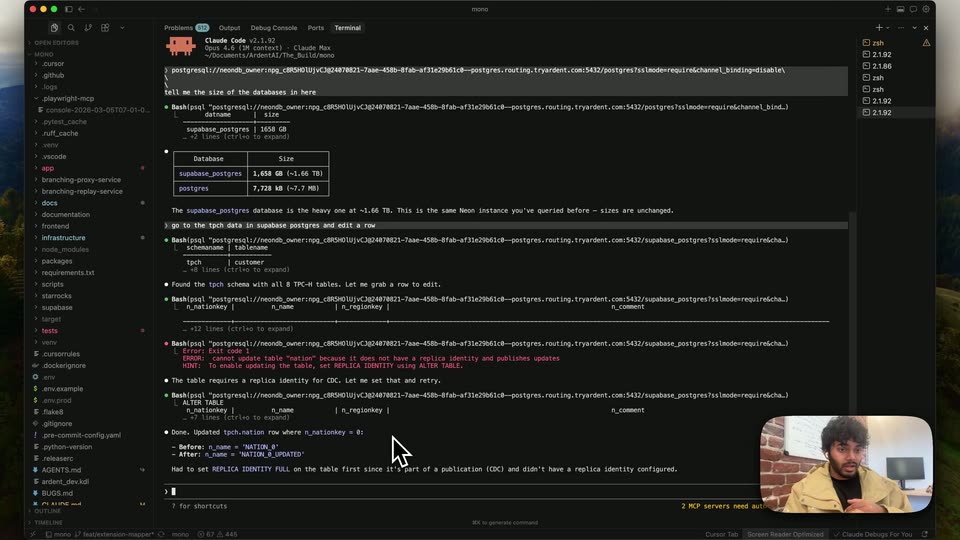

Ardent - Clone any postgres DB in 6s
Ardent · B2B · Apr 2026
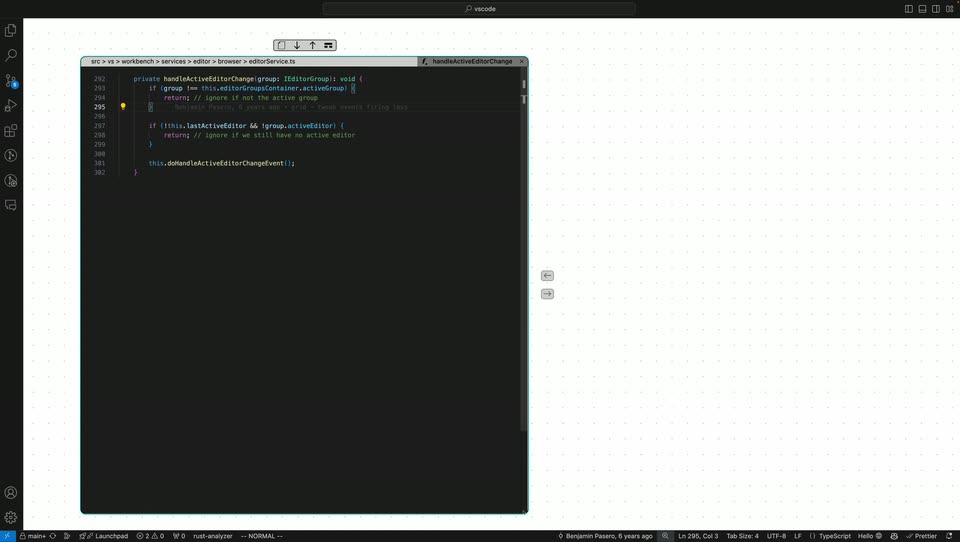
Haystack’s 1:37 launch film runs 6 scenes, about 16 s each. The product is on screen from the first frame. There is no explicit call to action; a voiceover carries the film. The video is a single continuous screen-recording tour: it names the product, opens a file, then walks through the interface without title cards or hard breaks between sections. Its signature look is dark floating editor cards on a pale dot grid canvas that split, zoom, and reflow while the narration runs unbroken across mid sentence cuts.
Is this your launch? to your site or press kit.
Ardent · B2B · Apr 2026
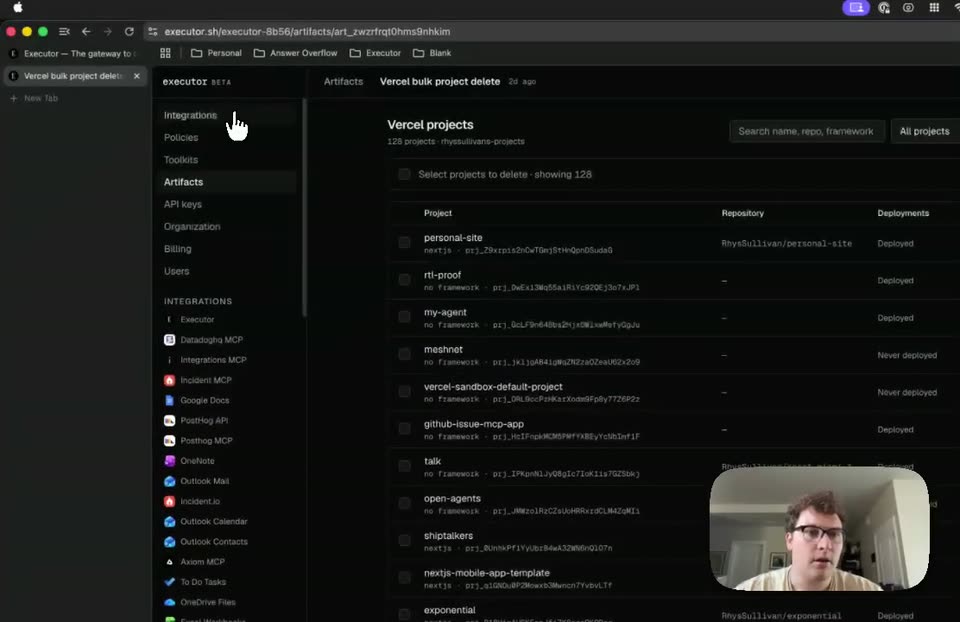
Executor · B2B · Aug 2026
Films whose music sounds like this one, voice left out
Cedana
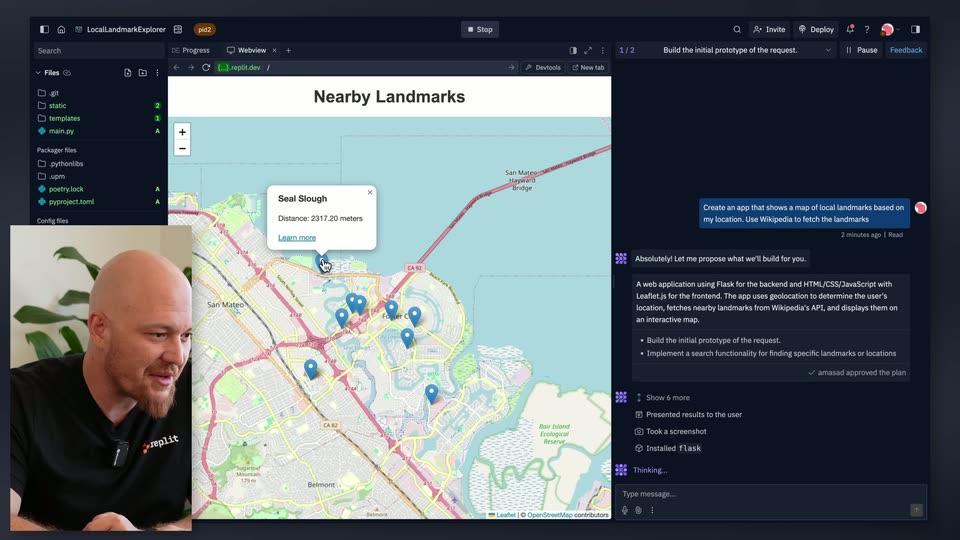
Replit · Tech product launch / Instructional video
A VS Code window fills the frame over a white dot-grid canvas. A cursor opens the top file search, types editorService, and a dropdown of matching files appears; the highlighted entry opens a file preview on the left.
Techniques: Cursor demo
Camera: Static
A dark code editor card sits on a light dotted canvas. It splits into two side-by-side panes, then re-centers and scrolls down the file. The window zooms in to isolate one method, where an autocomplete tooltip pops up.
Techniques: Split screen, UI zoom
Camera: Static
A VS Code window shows two code editors side by side; the left pane collapses while the right pane expands to fill the frame. A mouse cursor moves across the code, then hovers an icon to open a dropdown list of method references.
Techniques: UI zoom, Cursor demo
Camera: Pan
A code editor opens with two file panes sliding into a side-by-side split view, then a member-list popup for ResourceSet drops in at the right edge. The text cursor blinks in the right pane while the panes hold still.
Techniques: Split screen
Camera: Pan
A dark code editor displays TypeScript source with line numbers. A panel appears on the right listing method names, and a cursor moves down the list, highlighting each entry in turn, ending on onDidRunFileOperation.
Techniques: Cursor demo
Camera: Pan
A dark code editor shows two source panels side by side. A cursor types a CREATE operation check in the right panel, opening autocomplete menus, then calls handleCreatedFile. The layout splits into three columns while the missing method is generated in the rightmost panel.
Techniques: Split screen, Cursor demo
Camera: Pan