1:37


Tenor (YC S26) - Today we are excited to launch Tenor, backed by @ycombinator (S26).
Tenor · B2B · Aug 2026
Double – Coding Copilot · Jul 2024 · 0:54 · Full motion · AI-annotated
Double – Coding Copilot’s 0:54 launch film runs 4 scenes, about 14 s each. The product is on screen from the first frame and 1 feature is revealed. The call to action lands at 0:49 (91% in), over a voiceover. The video is a single continuous screen recording of the Double spreadsheet with a circular talking-head pinned bottom-left and bold italic captions that highlight word by word in red as the voiceover speaks. The structure is one long feature walkthrough (add an AI instruction, read the answers, open the details panel, follow a citation to the source) closed by a direct question to the viewer, with no logo cards, pricing, or URL, so the pacing is steady and tutorial-like rather than cut-driven.
Is this your launch? to your site or press kit.
Films whose music sounds like this one, voice left out
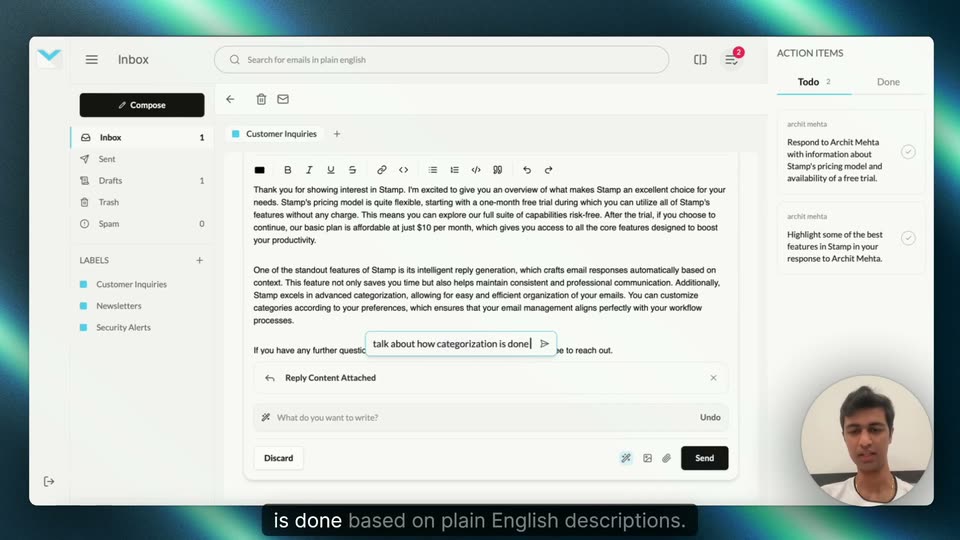
Stamp · Tech Product Demonstration
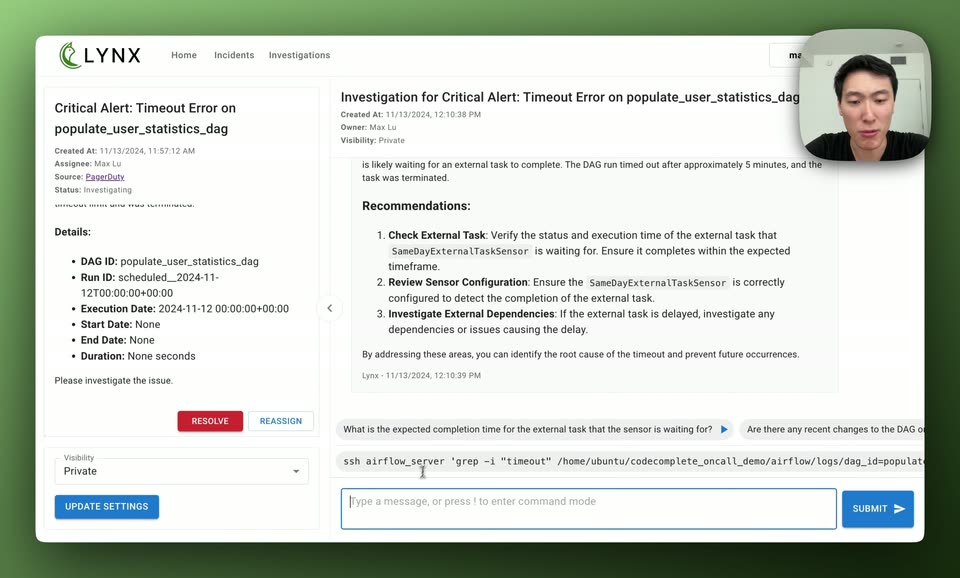
Lynx · Corporate Tech Tutorial
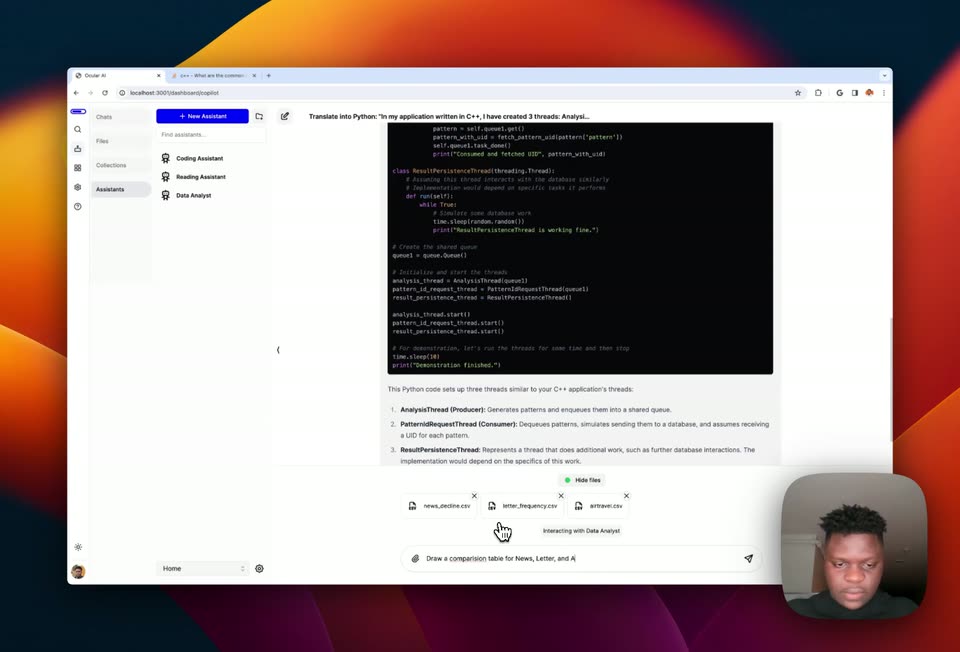
Ocular AI · Technical tutorial / Product demonstration
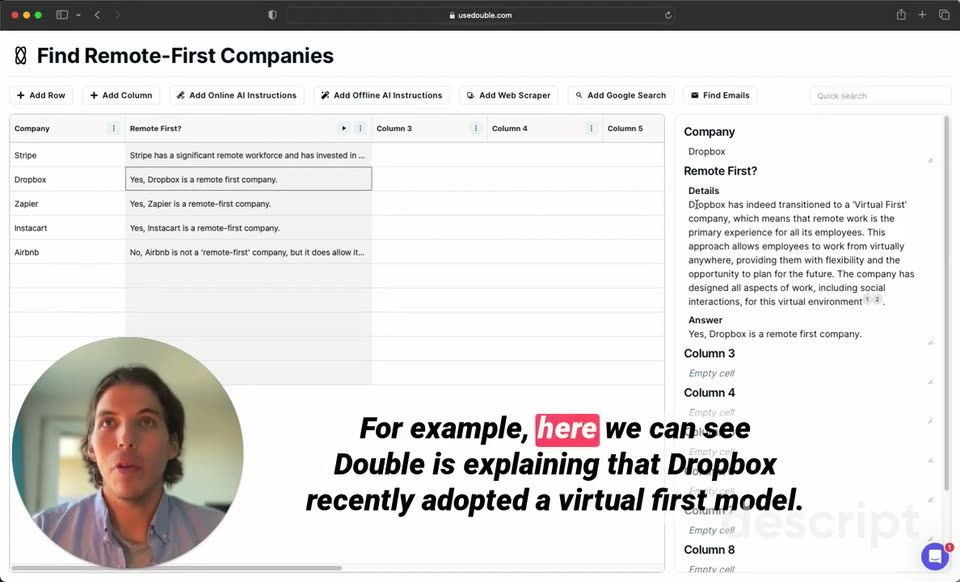
A screen capture of the Double spreadsheet plays as a cursor adds an online AI instruction, types a remote-first query, and pulls answers into the table. A circular talking-head video sits bottom left, and bold italic captions highlight word by word.
On-screen text: “Double helps you answer various specific questions about your sales prospects.”, “For example, here I have a list of companies and I want to know if these companies are remote first.”, “I simply click on add an online AI instruction and I ask the AI,”, “is this company a remote first company?”, “Then I save my search and double gets to work.”, “Within a few seconds, you'll see results appear on your spreadsheet.”, “For example, here we can see that Dropbox is in fact a remote first company.”, “On Double, if you click any of the answers, you'll see the details about this answer on the right side of your screen.”, “For example, here we can see Double is explaining that Dropbox recently adopted a virtual first model.”, “Now, with these details, you'll also find citations. Here we have one and two citations. You can click the citation bubbles, and Double will take you to the the”
Techniques: Cursor demo
Camera: Static
A dark browser window holds static, with a circular video of a man speaking in the lower left. A caption box at the bottom carries the voiceover line, a red highlight sliding across the words in sync with the speech.
On-screen text: “You can click the citation bubbles, and Double will take you to the source of the information.”
Camera: Static
A browser window shows a Dropbox blog post with a video of a man and a circular headshot. Subtitles at the bottom explain the citation, a red highlight box moving across key words. The cursor clicks the address bar, revealing a URL tooltip, then cuts to a spreadsheet app.
On-screen text: “In this case, it's the Dropbox Courier page.”, “Here you can verify the information, or dig deeper if you like.”
Techniques: Cursor demo
Camera: Static
A spreadsheet titled Find Remote-First Companies fills the screen, with a circular video of a speaker in the lower left. A cursor clicks through cells while bold italic captions with red word highlights appear at the bottom.
On-screen text: “Now, this was a simple example of what Double can do.”, “What do you want to know about your sales prospects?”
Techniques: Kinetic type, Cursor demo
Camera: Static