0:52
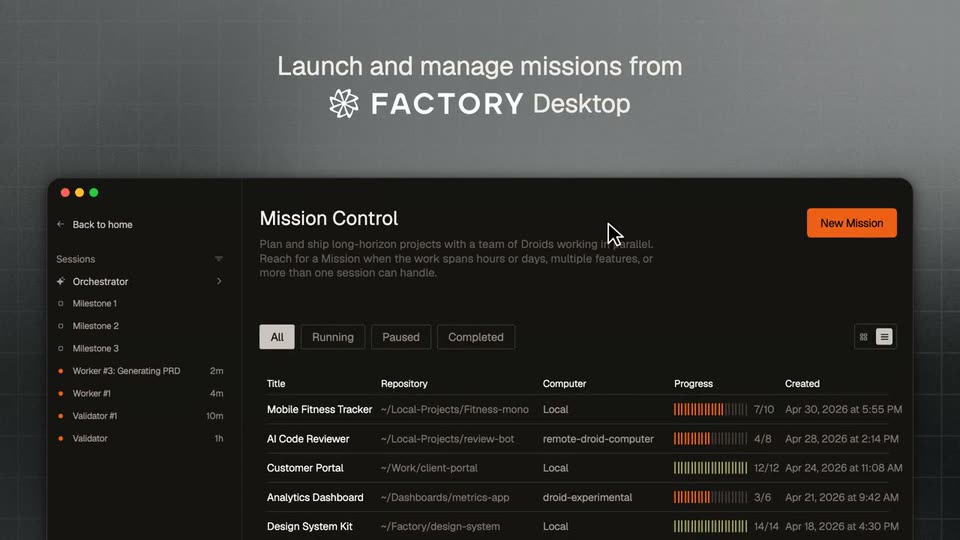

Factory - Missions are now available on Factory Desktop.
Factory · Jun 2026
Aqua Voice · Dec 2024 · 3:49 · AI-annotated
Aqua Voice’s 3:49 launch film runs 16 scenes, about 14 s each. The product is on screen from the first frame and 4 features are revealed. There is no explicit call to action; a voiceover carries the film. One continuous screen capture over a fixed forest wallpaper, with the presenter's face-cam pinned bottom-right and each new feature entered through a 3D window tilt, a zoom or a dock hover. Pacing is slow and real-time, letting dictated text appear word by word in each app before the next transition.
Is this your launch? to your site or press kit.
Factory · Jun 2026
primitive · B2B · Oct 2026
Films whose music sounds like this one, voice left out
Wispr Flow · Product Demo / Voiceover
Hey Revia · Corporate Tech Demo
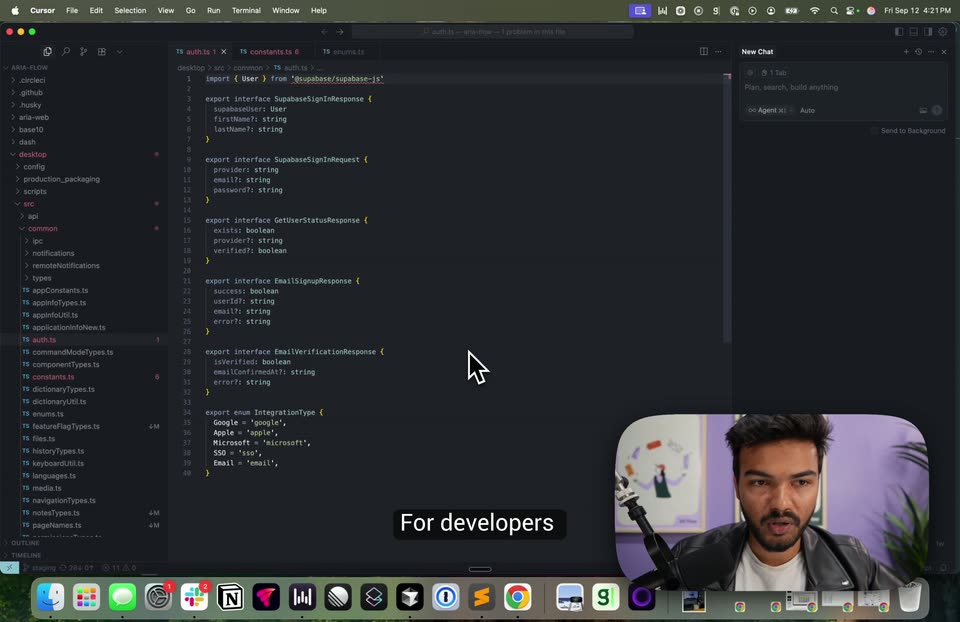
A macOS desktop over a forest wallpaper shows an empty New Note window centered, a cursor parked in its middle, and a rounded webcam inset of a talking man in the corner. The cursor then hops to the text field as the frame zooms in with a blur.
Techniques: Cursor demo, UI zoom
Camera: Push in
A locked-off macOS screen over a forest wallpaper shows a white voice-input card where dictated words appear and recolor into a bulleted to-do list. A face-cam of the presenter sits bottom-right. The card collapses into the Notes window, then a cursor clicks the red button to close it.
Techniques: Cursor demo
Camera: Pull out
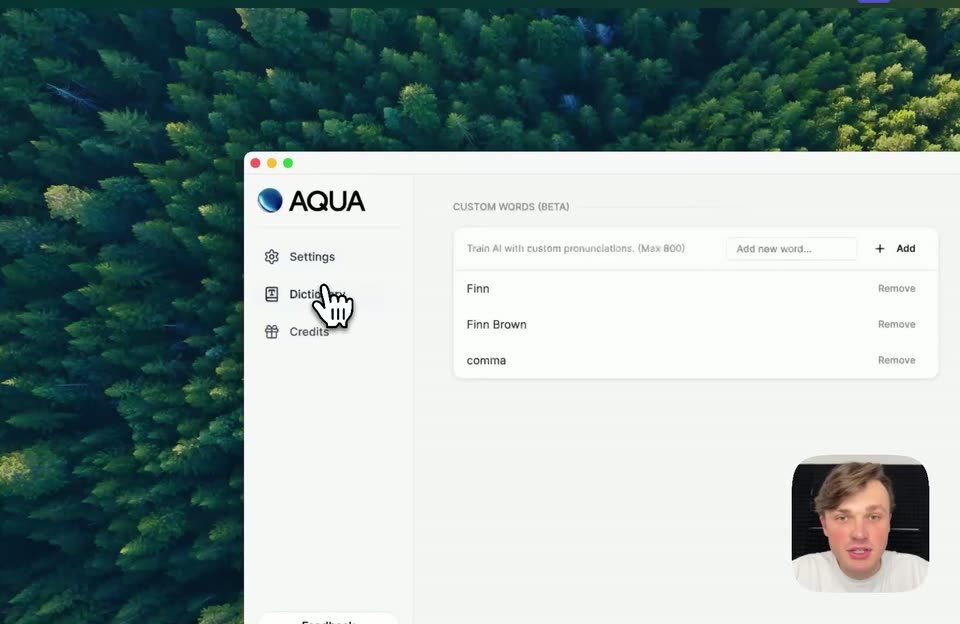
AQUA settings window sits on a forest desktop. A cursor clicks the Dictionary item in the sidebar, and the panel switches to a custom words list with an add field. A small face-cam of the presenter stays in the bottom right corner.
Techniques: Cursor demo
Camera: Static
Aqua Voice app window lists custom words over a forest wallpaper, a hand cursor hovering mid-panel. The capture zooms out to the full desktop, then back in as the cursor turns into a caret at the add field; a webcam self-view sits in the corner.
Techniques: UI zoom, Cursor demo
Camera: Pull out
A macOS screen shows the Aqua Voice app open on a custom-words list, with a rounded webcam feed of a man in the lower right. The cursor jumps to the window's top corner and drags the panel away, tilting it in 3D perspective over the forest wallpaper.
Techniques: Cursor demo
Camera: Push in
A macOS desktop with an aerial forest wallpaper fills the frame; the dock sits at the left edge and a cursor hovers its icons, popping gray tooltips. A small rounded facecam of a man in a white shirt talks in the bottom-right corner.
Techniques: Cursor demo
Camera: Static
A Word document titled Referee Report 3 settles in from a 3D rotation, with a webcam feed of a man in the corner. The cursor types a prompt into an AI box, the suggested sentence lands in the document, and the view zooms in as the cursor highlights a name.
Techniques: 3D mockup, Cursor demo, UI zoom
Camera: Pull out
A Word document window sits flat on a forest wallpaper, a small webcam self-view of a man in a white shirt in the corner. The window then tilts and rotates into a 3D perspective, angling away from the viewer while the cursor rests at the top left.
Techniques: 3D mockup
Camera: Push in
A macOS desktop with an aerial forest wallpaper fills the locked-off frame. The cursor glides down the left dock, hovering over app icons that pop up name tooltips. A small rounded facecam of a man in a white shirt sits in the bottom right corner.
Techniques: Cursor demo
Camera: Pull out
A macOS desktop screen shows a forest wallpaper with the dock on the left edge. A cursor slides down the dock, hovering icons and popping tooltips, while a rounded webcam clip of a man in a white shirt stays fixed in the bottom-right corner.
Techniques: Cursor demo
Camera: Pull out
On a Mac desktop with an aerial forest wallpaper, the cursor hovers over the Slack icon in the left Dock as its tooltip appears. A small video of a man in a white t-shirt sits in the bottom-right corner.
Techniques: Cursor demo
Camera: Push in
A Slack window on a forest wallpaper fills the screen as the view zooms into the channel. A cursor clicks the message box beside a video thumbnail of an AQUA panel. A webcam feed of a man sits in the corner, and a progress-bar window slides up at the end.
Techniques: UI zoom, Cursor demo
Camera: Pull out
A Slack window on a desktop shows the #aqua-on-socials channel with a posted video; the view briefly zooms into the message area. A dictation card at the bottom types the speaker's words one by one, then the line posts in the chat, with a webcam self-view in the corner.
Techniques: UI zoom, Cursor demo
Camera: Static
A tilted Discord window tumbles in 3D and flips out of frame over a forest backdrop, while a presenter's webcam stays pinned in the bottom-right corner.
Techniques: 3D mockup
Camera: Push in
A top-down drone view drifts slowly over a dense evergreen canopy. A white cursor arrow moves across the center of the frame, and a small rounded-square inset in the bottom right shows a young man in a white t-shirt speaking to the camera.
Techniques: Cursor demo
Camera: Pull out
A Mac desktop with a forest wallpaper holds a corner video-call window where a man in a white shirt talks and gestures. A white dictation box at the bottom fills line by line with his speech and expands as it grows; a large cursor hovers then rests on it.
Techniques: Kinetic type
Camera: Pull out