1:09
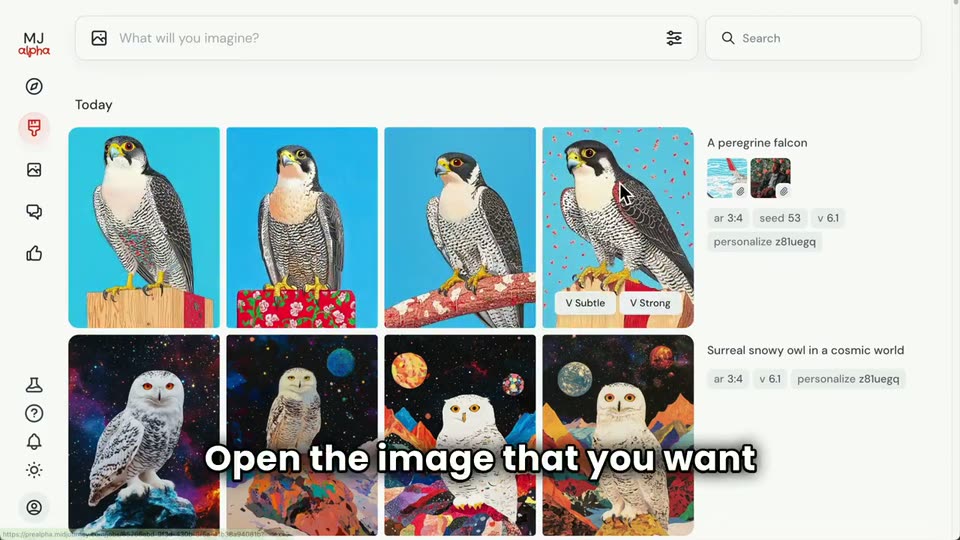
Midjourney - We're releasing a new web editor today. This combines many previously
Midjourney · Aug 2024
TensorPool · May 2026 · 1:49 · Full motion · AI-annotated
TensorPool’s 1:49 launch film runs 7 scenes, about 16 s each. The product is on screen from the first frame and 2 features are revealed. There is no explicit call to action; a voiceover carries the film. The video is a full-frame screen capture of the product UI with a small purple-framed face-cam of the presenter, cut into a landing-page intro, a live chat investigation, and a dynamic dashboard, ending on a spoken URL. Its look is a clean near-white interface with bold sans-serif headlines, a rolling dark subtitle bar, and a steady, conversational pace.
Is this your launch? to your site or press kit.
Films whose music sounds like this one, voice left out
BlindPay · Corporate tech presentation
AthenaHQ · Corporate Tutorial / Screencast
Static product landing page fills the frame: centered hero headline, black call-to-action button, two feature cards with line charts. A presenter in a cap and glasses speaks in a purple picture-in-picture box on the right, gesturing, while white subtitles roll in a dark bar below.
On-screen text: “Hey everyone.”, “excited to show you all Tensor Pool Recon.”, “Recon is a chat based observability tool for your”, “You're able to ask a question in plain English and”, “Recon will investigate and present you evidence.”, “Recon is intended to supplement your existing”, “Prometheus or Grafana setup.”, “Traditional dashboards are great for when you”, “already know what you want to watch,”, “but Recon is there for the questions that you', 'already how to answer”
Camera: Static
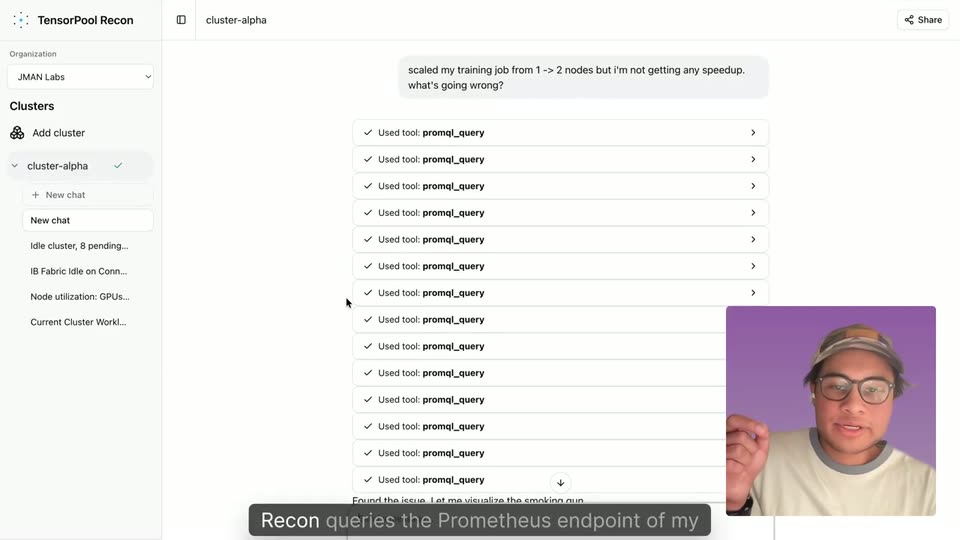
A screen capture of the TensorPool Recon chat fills the frame, with a small face-cam of the presenter in the lower right. He types a question into the chat box and sends it; a stack of promql_query tool rows appears, then the view scrolls to a written diagnosis.
On-screen text: “here.”, “I have given Recon access to a B200 cluster of”, “and I've just scaled up a model that I'm training”, “and I was expecting throughput to roughly double”, “as I scaled from one to two nodes.”, “the training run is slower than it was when it was”, “on a single node.”, “let's ask Recon what's going on?”, “Recon queries the Prometheus endpoint of my”, “cluster and is able to investigate what's going on. It looks like Recon correctly identified that the collectives are going over TCP and not R”
Techniques: Cursor demo
Camera: Static
A screen recording of the TensorPool Recon chat scrolls down a long diagnostic answer, revealing two line charts, while a presenter in a cap talks in a small video box at right. A cursor right-clicks a chart to open a browser menu. Subtitles caption the bottom.
On-screen text: “that the collectives are going over TCP and not”, “rdma.”, “And it looks like Nickel is misconfigured.”, “Every chart that Recon generates is backed by a”, “Prometheus query that you can inspect.”, “So this is how we can use Recon to answer a”, “specific question that we have.”, “sometimes we just want to see what's going on with”, “our cluster.”
Techniques: Cursor demo
Camera: Pan
A dashboard fills the frame: a sidebar of cluster items left, a grid of empty chart cards right. A small video of a presenter in a cap sits bottom right. The cursor moves from the sidebar into the chart grid; a caption appears at the bottom.
On-screen text: “So in addition to the chat,”
Techniques: Cursor demo
Camera: Static
A mostly empty chat interface shows a left sidebar with cluster options and a loading message. A cursor hovers near the center while a presenter in a bottom-right video inset gestures. A dark subtitle bar at the bottom carries the spoken line.
On-screen text: “So in addition to the chat,”
Techniques: Cursor demo
Camera: Static
A light dashboard lists four empty chart cards under cluster-alpha, with a left sidebar of chat entries and a cursor on the top card. A presenter in a corner window gestures on a purple background as a caption appears at the bottom.
On-screen text: “So in addition to the chat,”
Techniques: Cursor demo
Camera: Static
The TensorPool Recon dashboard fills the frame, four line charts in a two-by-two grid. A presenter in a purple-framed window at the lower right gestures while talking, and a dark caption bar rolls new lines across the bottom. The view drifts down a little to center the charts.
On-screen text: “Recon dynamically builds a dashboard for you based”, “off of the current state and workloads that are”, “running on a cluster.”, “So you can always see what's relevant”, “and not just what someone built six months ago.”, “Just like with the chat,”, “all the charts are backed by live Prometheus that”, “is updating with our cluster.”, “With Recon,”, “you can finally stop staring at dashboards and start asking questions. Talk to your cluster today at Recon tensorpool.dev.”
Camera: Pan