2:12
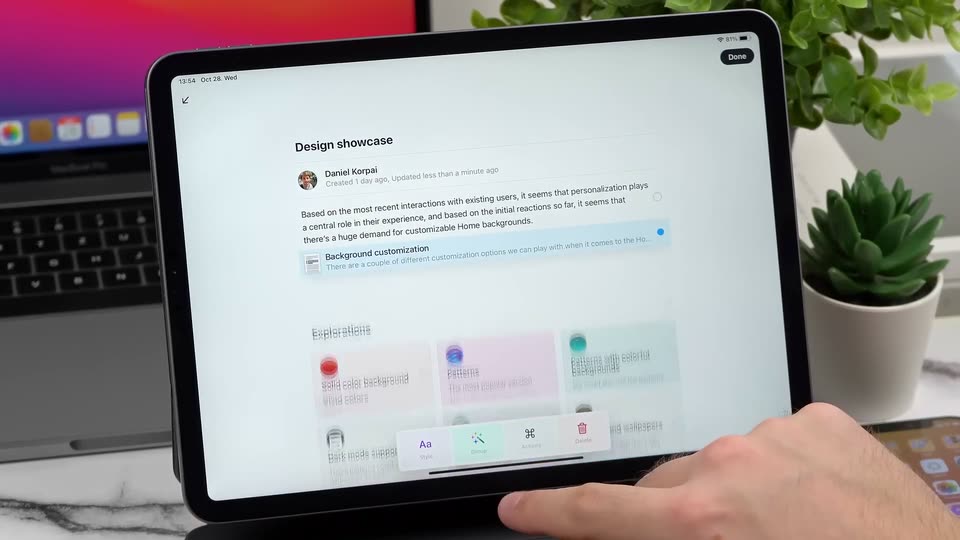

Introducing Craft for iPhone, iPad, and Mac
Craft · Productivity · Nov 2020
Tasklet · Apr 2026 · 3:39 · Full motion · AI-annotated
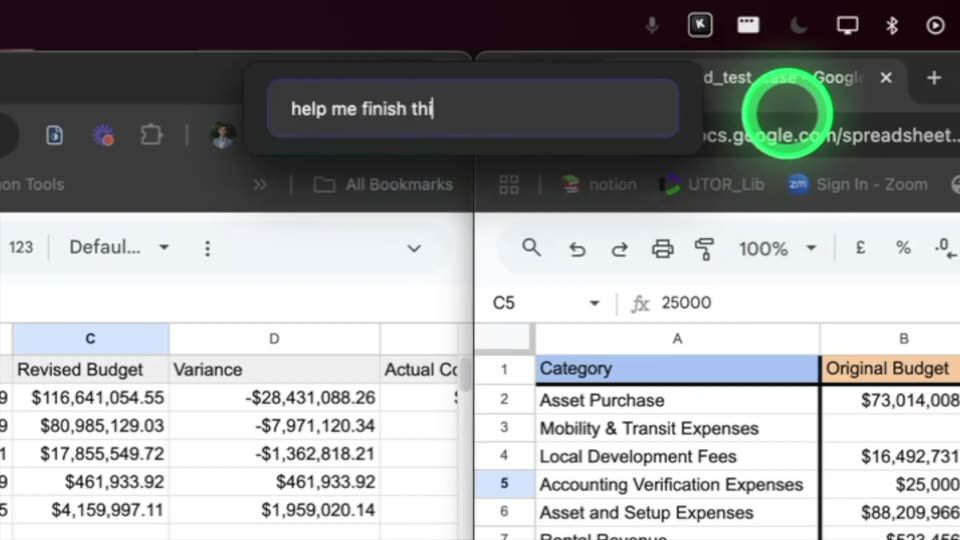
Tasklet’s 3:39 launch film runs 10 scenes, about 22 s each. The product is on screen from the first frame and 1 feature is revealed. There is no explicit call to action; a voiceover carries the film. The video is a single continuous screen-recording walkthrough: a host names the product, states the no-API problem, then demos the agent driving a live browser in a split view. Pacing is slow and steady (under one cut per minute), with the orange-glow browser frame as the signature visual accent.
Is this your launch? to your site or press kit.
Craft · Productivity · Nov 2020
Leeroo · B2B · May 2025
Zarna · B2B · Nov 2025
Films whose music sounds like this one, voice left out
Lightscreen AI
AutoComputer · Corporate software tutorial
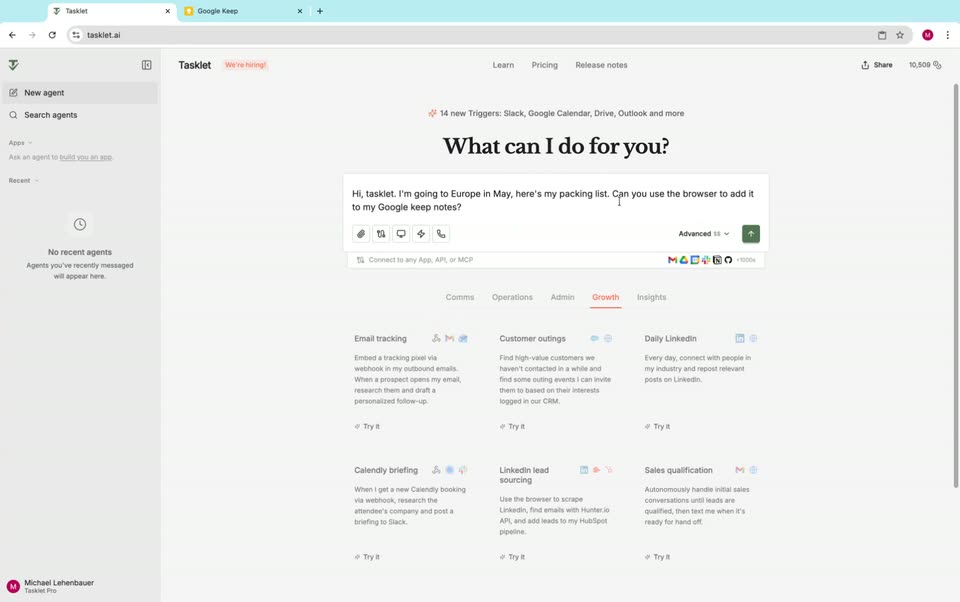
A static screen capture of the Tasklet dashboard shows the 'What can I do for you?' prompt above a grid of task cards. The cursor moves to the connections icon, the input row swaps to 'Trigger automatically on external events', and a dropdown of linked apps opens.
Techniques: Cursor demo
Camera: Static
A cursor scrolls a two-column grid of app integration cards inside a centered Connections dialog, moving past Gmail, Notion, Salesforce and Stripe, then moves to the close button in the top right corner.
Techniques: Cursor demo
Camera: Static
A locked-off full-screen view of the Tasklet dashboard in a Chrome window. The cursor lifts from the prompt field up to the tab bar and hovers over the Google Keep tab.
Techniques: Cursor demo
Camera: Static
The Google Keep web interface fills a locked-off browser frame with three checklist cards. A cursor hovers over each card in turn, revealing a pin icon and a bottom toolbar, then clicks the pin on the middle card before moving up to the browser tabs.
Techniques: Cursor demo
Camera: Static
The Tasklet interface fills the screen. The cursor clicks the mic icon, a waveform card appears in the input box, then the dictated prompt fills the field. A packing list is pasted, the box expands, and the cursor heads to the send button.
Techniques: Cursor demo
Camera: Static
A chat interface in a browser shows the agent title typing in, a working log filling line by line, and the agent's reply streaming in. A small browser card with a spinner appears top right; the cursor clicks Open in Sidebar and the card expands into a right-hand panel.
Techniques: Cursor demo, Morph
Camera: Pan
A split view shows a chat with a packing list on the left while the right browser panel shifts from a foggy gray to a black state framed by a bright red border. A cursor drifts across the panel as a loading spinner spins beside the word Connecting.
Techniques: Cursor demo
Camera: Static
A split-screen pairs an agent chat on the left with a live browser on the right, the browser framed in a soft orange glow. The browser loads Google Keep, types a sign-in, and the chat logs each step before the user replies.
Techniques: Split screen, Cursor demo
Camera: Static
A split-screen product view: a chat agent on the left posts status lines while a 3D-tilted browser window on the right, driven by a cursor, types a Keep note title, fills a checklist, and closes it into a card.
Techniques: Split screen, 3D mockup, Cursor demo
Camera: Static
A two-pane screen shows an agent chat on the left and a Google Keep browser window on the right. The cursor clicks the Europe Trip Packing List note, which expands into a full checklist, then closes back to the grid.
Techniques: Cursor demo
Camera: Static