
0:20
Explore
New in Hana: Fill to 3D, Copy-Paste from Figma, Pencil Tool & More
Spline · Feb 2026 · 0:25 · Full motion · AI-annotated
- Length
- 0:25
- Scenes
- 8 · 3.2 s avg
- Product on screen
- 0:23
- Features shown
- 5
- Call to action
- 0:24 · 96%
- Voiceover
- No
- Views
- 7.1K on YouTube
as of November 27, 2026
00:00:00 / 00:25:14
- Length
- 0:25
- Scenes
- 8 · 3.2 s avg
- Product on screen
- 0:23
- Features shown
- 5
- Call to action
- 0:24 · 96%
- Voiceover
- No
- Views
- 7.1K on YouTube
as of November 27, 2026
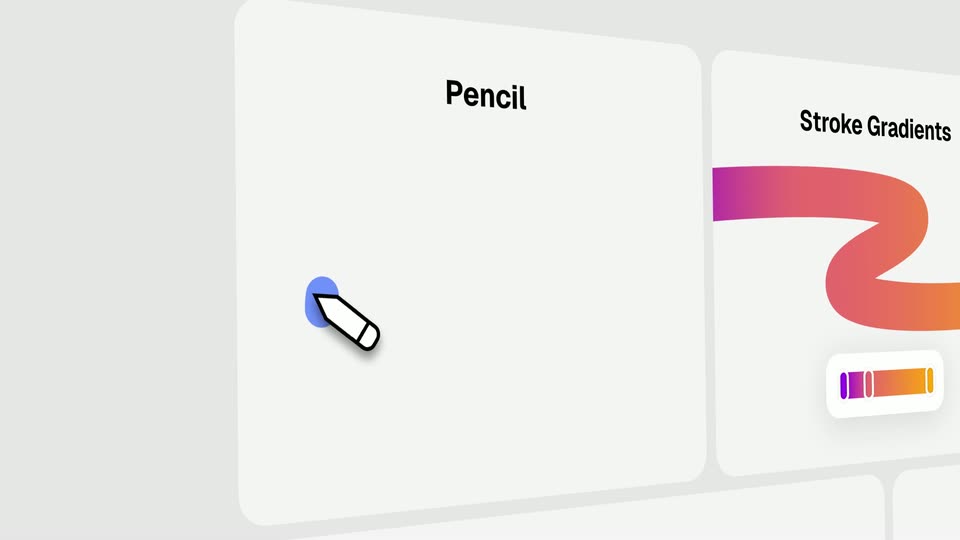
Spline’s 0:25 launch film runs 8 scenes, about 3.2 s each. The product shows up at 0:23 and 5 features are revealed. The call to action lands at 0:24 (96% in). The video is a continuous 3D camera tour across a wall of soft-shadowed white feature cards on a light gray stage, each card running its own looping demo, then it cuts to a black card that names the product and drops the URL. Keep the push-ins slow and the demos on a steady ~100 bpm loop, and let the iridescent orb be the only brand sign-off.
No filming indicatedEstimated needs: 1 official logo — reused across the film · 1 graphic passage — draw or supply · 5 3D passages — build or supply
Is this your launch? to your site or press kit.
More like this

Similar soundtrack
Films whose music sounds like this one, voice left out
0:53
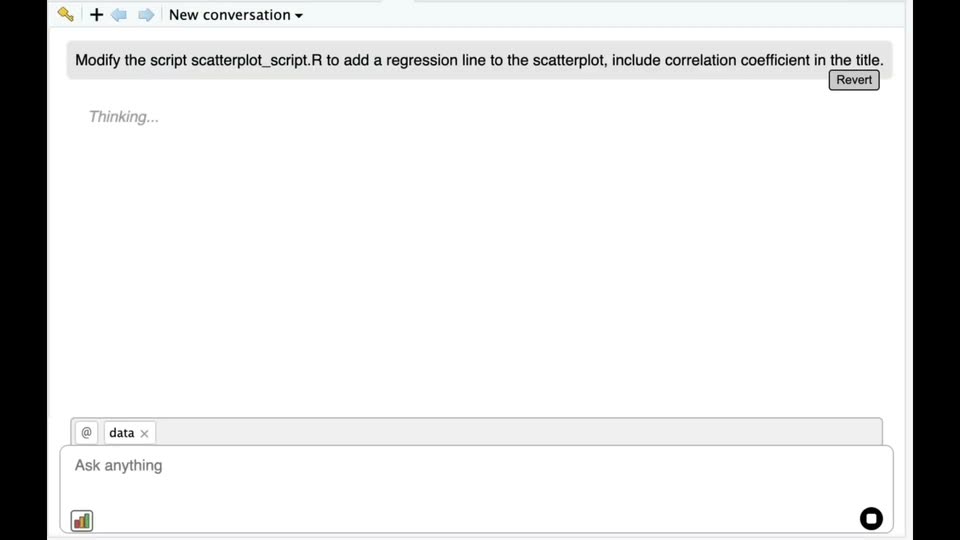

Rao — Cursor for RStudio
Lotas · Electronic, Corporate
3:18
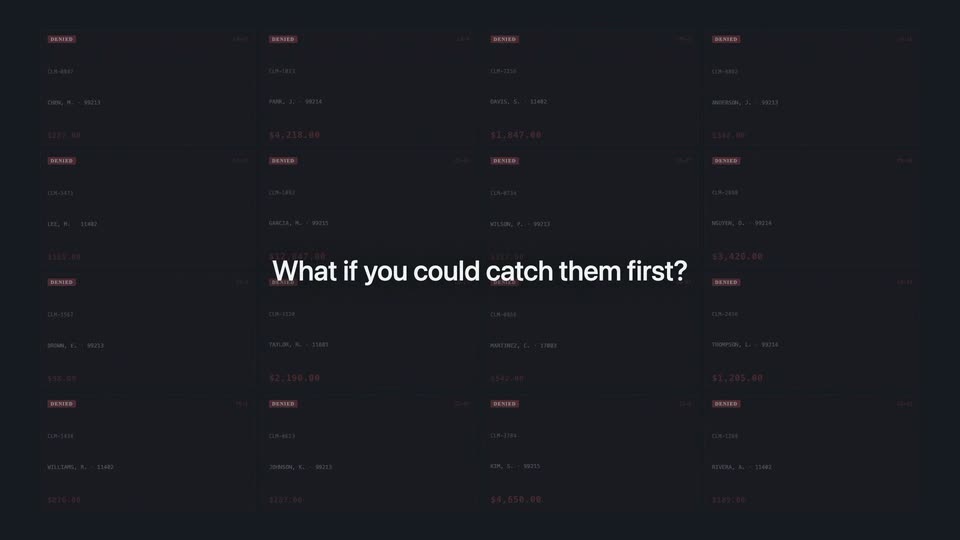

Altair Health: manifesto
Altair Health · Electronic
0:40


Leap - Introducing Leap, the mobile trading app designed for high performanc
Leap · Cinematic electronic
New in Hana: Fill to 3D, Copy-Paste from Figma, Pencil Tool & More, scene by scene
· 8 scenes as text
01 · Feature reveal · 0:00–0:03
Two white feature cards tilt in 3D perspective on a light gray background. On the left, a pencil cursor draws a looping blue stroke under the title Pencil, then resets and redraws. The right card shows a magenta-to-orange gradient zigzag and a small color picker under Stroke Gradients.
Techniques: 3D mockup, Cursor demo
Camera: Push in
02 · Feature reveal · 0:03–0:06
A 3D perspective of feature cards on a light gray stage. The center card holds a purple-to-orange gradient stroke and a slider; a pencil on the left draws a blue loop, a pages panel on the right. The camera pushes in on the center.
Techniques: 3D mockup, Parallax, UI zoom
Camera: Push in
03 · Feature reveal · 0:06–0:09
A tilted interface panel floats on a light gray background. A black-outlined cursor arrow moves down the page list, clicking UI Design, Components, then Explorations, each selection marked by a checkmark that clears the previous one.
Techniques: 3D mockup, Cursor demo
Camera: Push in
04 · Feature reveal · 0:09–0:13
A 3D wall of white feature cards recedes into the distance as the camera dollies in and pans left, reframing on the Fit to 3D card. It shows a flat music-player icon and a tilted 3D version of it, beside a Copy Paste from Figma card.
Techniques: 3D mockup, Parallax, UI zoom
Camera: Push in
05 · Feature reveal · 0:13–0:16
A tilted 3D view of a light interface canvas shows a bold heading above a blue-outlined frame filled with a grid of black line icons. The camera pushes in, reframing onto the frame as the heading and icons grow larger.
On-screen text: “Copy Paste from Figma”
Techniques: 3D mockup, UI zoom
Camera: Push in
06 · Demo · 0:16–0:23
A grid of five white cards on light gray, each titled, runs its own demo: a blue pencil loop redraws, a gradient stroke holds, a pages panel idles, two 3D app icons rotate, and line icons scroll under a Figma frame. The camera slowly pushes in.
On-screen text: “Pencil”, “Stroke Gradients”, “Pages”, “Fill to 3D”, “Copy Paste from Figma”
Techniques: 3D mockup
Camera: Pull out
07 · Product intro · 0:23–0:24
A small iridescent orb with green, yellow, pink and blue gradients sits centered on black, then vanishes as the white title Hana by Spline fades in at center and holds still.
On-screen text: “Hana by Spline”
Camera: Static
08 · CTA · 0:24–0:25
A black screen holds the white centered title Hana by Spline, then it cuts to the URL spline.design in the same centered position. Both lines sit still on the plain black background.
On-screen text: “Hana by Spline”, “spline.design”
Camera: Static