2:42

spacesheep - dashboard creation should be as fast as a comet here’s how spaceshee
Spacesheep · B2B · Nov 2026
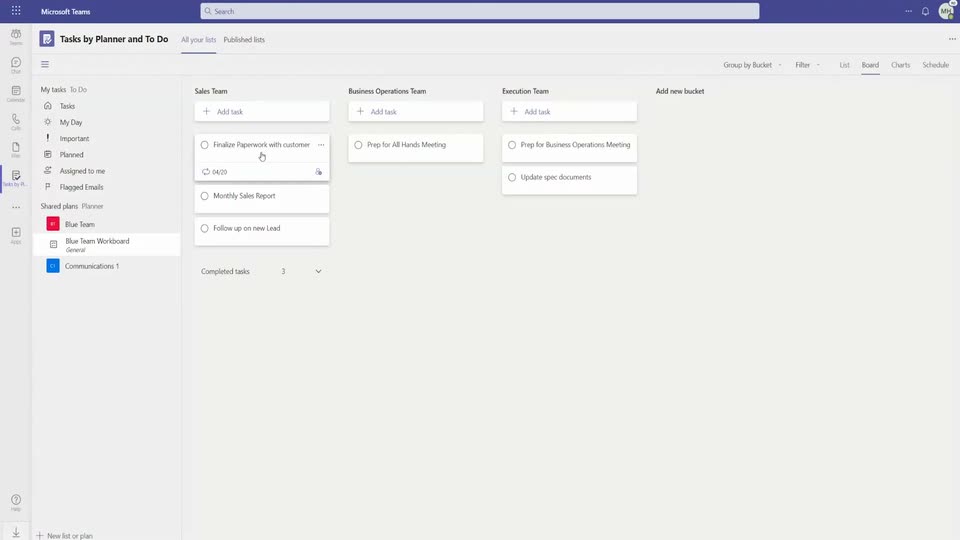
Microsoft’s 2:08 launch film runs 9 scenes, about 14 s each. The product is on screen from the first frame and 4 features are revealed. The call to action lands at 1:57 (91% in), over a voiceover. The video is built as a single locked-off screen recording of the Teams Tasks app, with the cursor walking through each feature in order after a static title card, capped by a live-action link card and an animated logo. Pacing is slow and methodical, relying on long static UI holds and cursor movement rather than motion graphics, with the only animated element being the closing Microsoft logo.
Is this your launch? to your site or press kit.
Spacesheep · B2B · Nov 2026
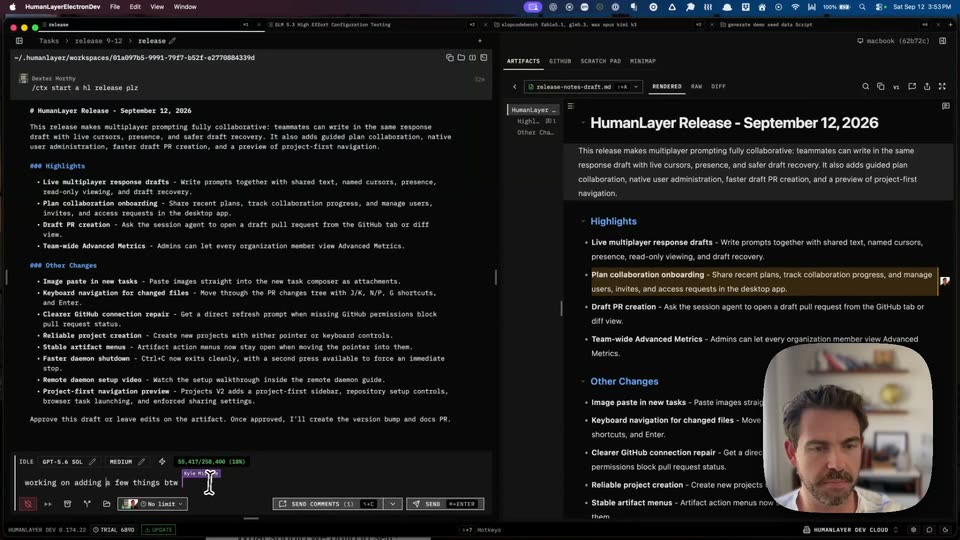
HumanLayer · B2B · Sep 2026
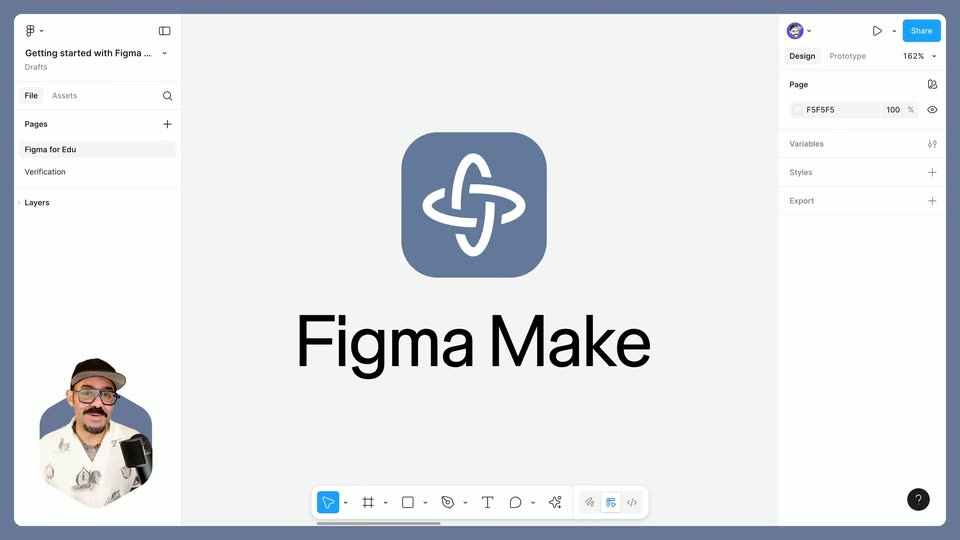
Figma · Design · Sep 2025
Films whose music sounds like this one, voice left out
Bitstack · Modern electronic
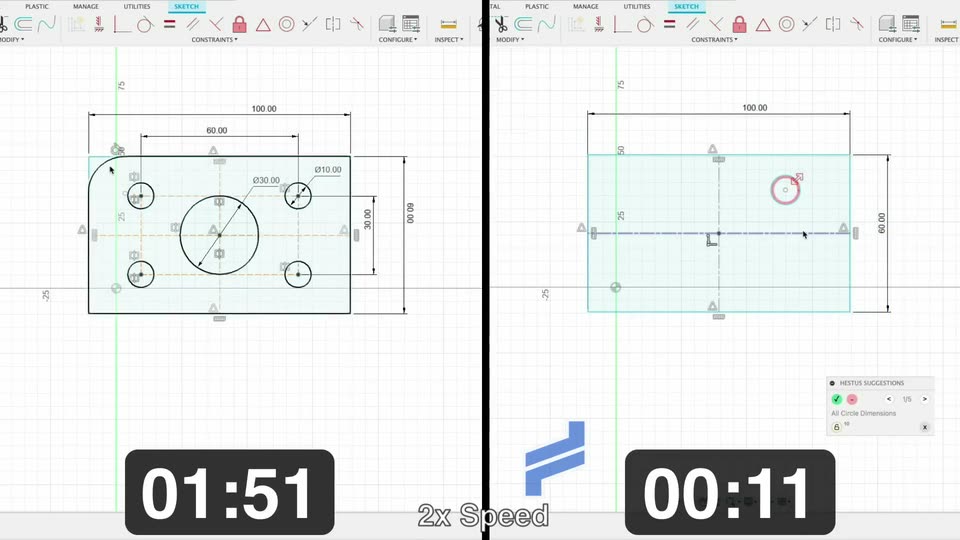
Hestus, Inc. · Electronic
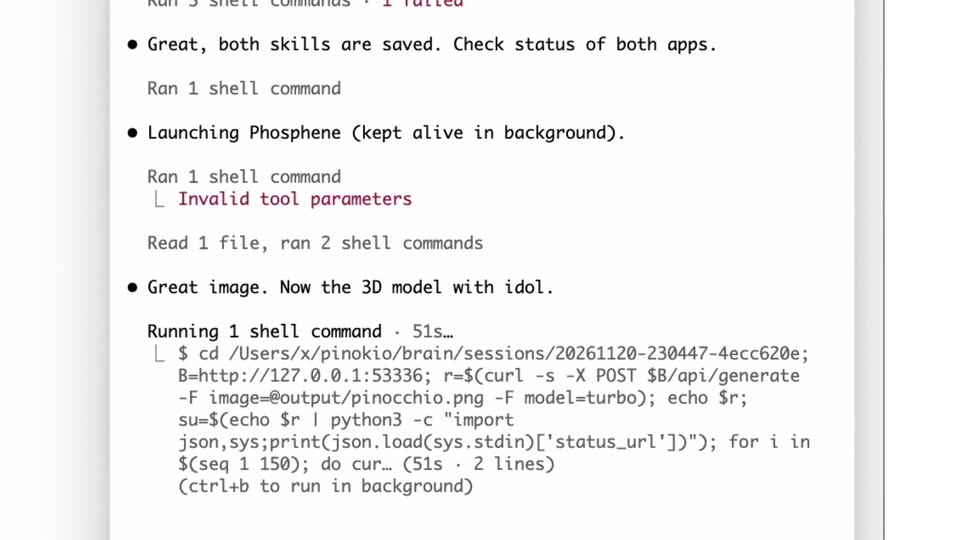
Pinokio · Modern electronic
A static title slide on a white field. The Microsoft logo sits top left above a bold black headline and the presenter name, while a green Planner tile icon and a blue Teams icon with two figures rest at the lower left. The frame is locked off with no motion.
On-screen text: “What's New in Tasks in Teams”, “Charlie Tran”
Camera: Static
A locked-off screen recording of Microsoft Teams shows the Tasks by Planner board with three columns of task cards. The cursor rests idle in the empty space below the columns while a title headline and presenter name hold on screen.
On-screen text: “What's New in Tasks in Teams”, “Charlie Tran”
Camera: Static
A locked-off screen capture of the Teams Tasks board. The cursor opens a task card, sets its repeat to Weekly, checks the task off, types a note, then switches to the Flagged Emails list.
Techniques: Cursor demo
Camera: Static
A dimmed Microsoft Teams task list sits behind a centered white task dialog titled “You have been added to a team in Microsoft Teams.” A cursor moves down the dialog, hovering the due date, notes, checklist, and attachment fields in sequence.
Techniques: Cursor demo
Camera: Static
A full Outlook email from Microsoft Teams sits in a locked-off frame, showing a team invitation card and two feature panels below. A cursor rests on the left margin. The sender avatar swaps from a placeholder to the four-color Microsoft logo in the first second.
Camera: Static
A Microsoft Teams Tasks screen fills the frame. A cursor clicks Assigned to me in the left list, loading a table of tasks with source and due-date chips, then jumps to My Day and back, selecting and checking a row.
Techniques: Cursor demo
Camera: Static
A Teams channel view with repeated task reminders fills the screen. The cursor clicks the Tasks icon in the left rail, and the view switches to the Tasks app, loading a My Day list with two tasks after a brief spinner.
On-screen text: “@”
Techniques: Cursor demo
Camera: Static
A split layout holds a white text panel on the left and a filmed man on the right. He sits at a desk with two monitors, typing on a laptop that shows a video call, smiling as he works. The panel lists three green links with URLs.
On-screen text: “Learn more about Project, Planner, and Tasks”, “Try Project for the web today!”, “aka.ms/tryprojectnow”, “Learn more or download the To Do App”, “aka.ms/microsofttodo”, “Give us feedback on the Feedback Portal”, “aka.ms/ProjectonFeedbackPortal”, “aka.ms/Planner_on_FeedbackPortal”
Techniques: Split screen
Camera: Static
A small four-square grid of red, green, blue and yellow blocks sits at center on a white field, then tightens and scales up as the gray wordmark Microsoft fades in to its right, forming the full logo.
On-screen text: “Microsoft”
Camera: Static