0:37

Microsoft AI - MAI‑Transcribe‑1 makes speech‑to‑text clearer, faster, and more relia
Microsoft · AI · Apr 2026
Grep AI’s 0:32 launch film runs 10 scenes, about 3.3 s each. The product shows up at 0:05 and 3 features are revealed. The call to action lands at 0:28 (86% in), over a voiceover. The video opens with a hook and a problem card, then runs one continuous product demo where each step is announced by a typed monospace headline and a bold caption synced to the voiceover, all laid on a faint graph-paper grid with an indigo accent. Its signature moves are the SOP card morphing into the prompt bar, the colored file tiles stacking and collapsing into a single SKILL.md, and the fan-out lines linking one skill to three agents.
Is this your launch? to your site or press kit.
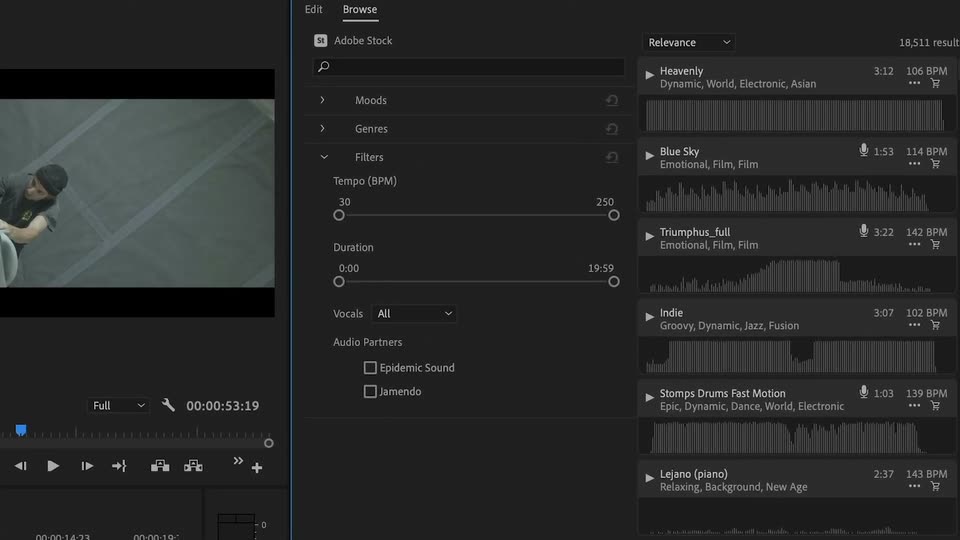
Films whose music sounds like this one, voice left out
Adobe · Upbeat electronic dance music
Baseten · Upbeat electronic
Arden · Modern corporate electronic
A large black monospace headline, “Your process, turned into a repeatable skill” with “skill” in purple, sits left of a grid of colored file tiles on a light gridded background. A bold caption builds line by line at the bottom, then the frame fades.
On-screen text: “Your process, turned into a repeatable skill”, “TURN YOUR PROCESS”, “IN YOUR SKILL”, “INST”
Techniques: Kinetic type
Camera: Static
Three white SOP document cards drift right across a faint grid, two procedure rows flash an orange highlight and small status tags pop in. Below, a heavy dark-gray headline swaps word by word from INSTEAD OF PASTING to INTO EVERY AGENT.
On-screen text: “INSTEAD OF PASTING”, “INTO EVERY AGENT”
Techniques: Kinetic type
Camera: Static
A white SOP card on a grid background morphs into a prompt bar. The card, listing a five-step procedure, reshapes into a text field with a context chip and a run button, a caret blinking in the field.
Techniques: Morph
Camera: Static
A white product screen shows a heading and an input card. A monospace prompt types out a sentence about assigning Visa MCC codes, while a bold caption at the bottom swaps through IN GREP, DESCRIBE, AND HIT RUN. A mouse cursor glides to the RUN button.
On-screen text: “IN GREP”, “DESCRIBE”, “AND HIT RUN”
Techniques: Kinetic type, Cursor demo
Camera: Static
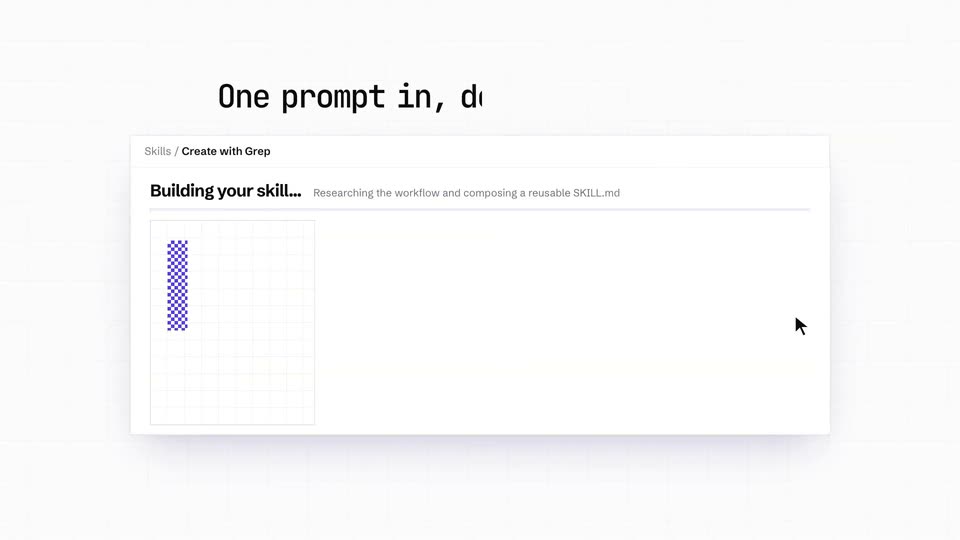
A white product card sits on a pale grid background while a headline types out above it and a bold purple word types below. Inside, a purple checkered bar fills a grid, a RUN button sits at right, and a Visa process doc with a CITED tag slides in under two tabs as the cursor drifts.
On-screen text: “One prompt in, deep research o”, “DEEP RESE”
Techniques: Kinetic type, Cursor demo
Camera: Static
A headline, One prompt in, deep research out, tops a flat skill-builder UI card on a light grid background. Three Visa PDFs download, then split into skill notes while a file list fills in on the right; large monospace captions cycle beneath the card.
On-screen text: “One prompt in, deep research out”, “DEEP RESEARCH”, “OVER 60 SOURCES”, “VISA'S PROCESS DOCS”, “SKILL FILES”
Techniques: Kinetic type
Camera: Static
Colored file tiles slide in and stack into a grid on the right of a pale grid background, beside a black monospace headline. Bold captions cycle at the bottom in sync with the voiceover, then the grid collapses to one purple SKILL.md tile.
On-screen text: “A complete skill, ready to use”, “A COMPLETE SKILL”, “INSTRUCTIONS”, “AND A SCRIPT”, “READY TO USE”
Techniques: Kinetic type
Camera: Static
On a light grid, a blue square card labeled visa-mcc-classifier sits left while a thin indigo curve draws out from it to a small dot. A gray monospace headline types in at the top, and the caption READY TO USE holds at the bottom.
On-screen text: “SKILL.md”, “READY TO USE”, “Build once, reuse in ev”
Techniques: Kinetic type
Camera: Static
Under the headline, a purple skill block fans out to three product cards. The chat card types a command and returns a result, the agent cards check the skill, synced badges appear, and bold captions cycle below.
On-screen text: “Build once, reuse in every agent”, “USE IT IN CHAT”, “UPDATE IT ONCE”, “AND THEY ALL FOLLOW”, “update once, all 3 follow”
Techniques: Kinetic type
Camera: Static
On a light grid background, the GREPAI wordmark and tagline sit centered above a black box with the white monospace URL grep.ai, which slides in. The bottom caption appears word by word as TRY GREP SKILLS, then changes to AT GREP.AI in purple, and fades out.
On-screen text: “Skills Library + Skill Builder”, “grep.ai”, “TRY GREP SKILLS”, “AT”, “AT GREP.AI”
Techniques: Kinetic type
Camera: Static