2:50

Introducing Customer Requests
Linear · Productivity · Dec 2024
Craft · Oct 2024 · 3:17 · Full motion · AI-annotated
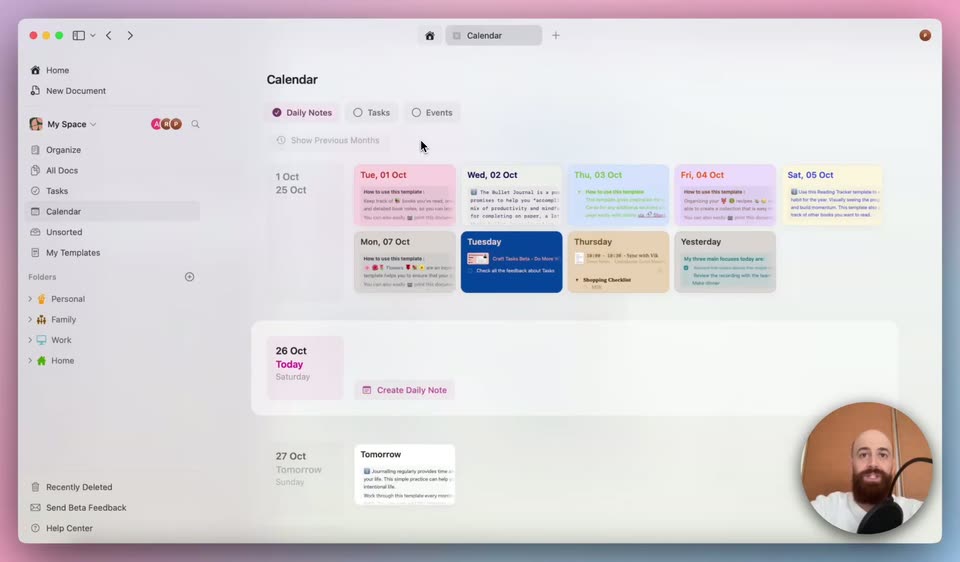
Craft’s 3:17 launch film runs 6 scenes, about 33 s each. The product is on screen from the first frame and 2 features are revealed. There is no explicit call to action; a voiceover carries the film. A single uncut screen recording of the Kraft calendar view, narrated by a presenter in a fixed corner bubble while the cursor performs each action live. The structure moves feature by feature, tasks then events, with steady instructional pacing and no title cards or cuts.
Is this your launch? to your site or press kit.
Linear · Productivity · Dec 2024
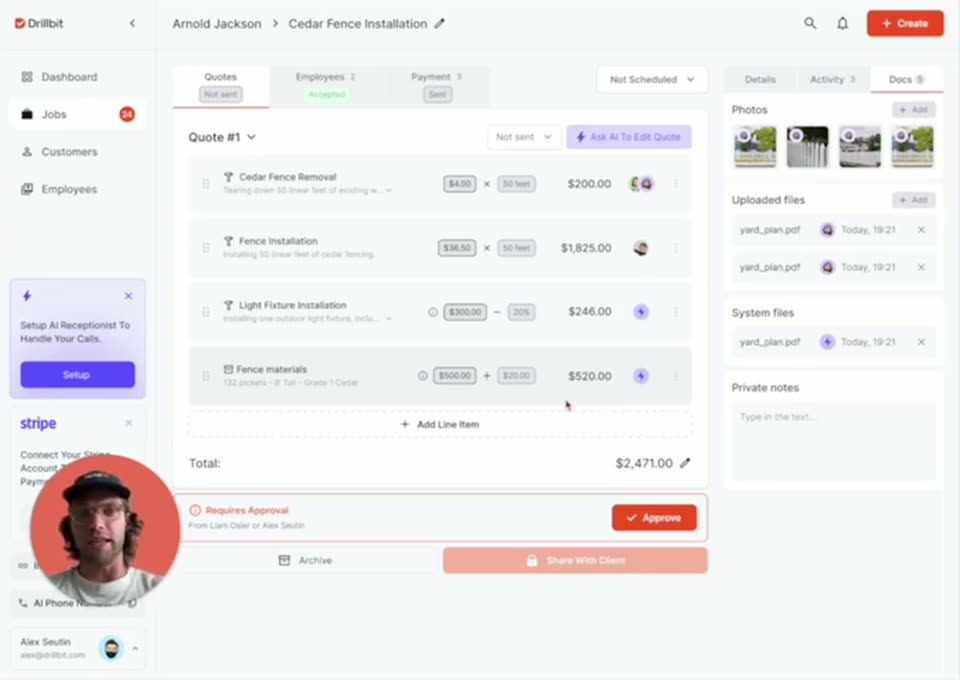
Drillbit · B2B · Jul 2024
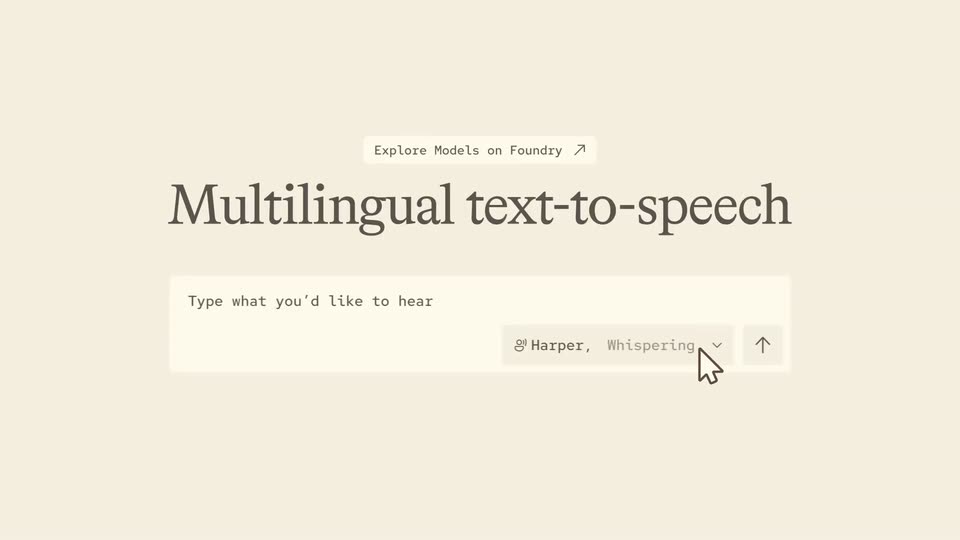
Microsoft · AI · Jun 2026
Films whose music sounds like this one, voice left out
A macOS window of the Kraft app shows its Calendar view, a grid of pastel date cards beside a navigation sidebar. A mouse cursor drifts across the cards and tabs while a bearded presenter talks in a circular webcam bubble at the bottom right.
Techniques: Cursor demo
Camera: Static
A note app's Calendar view fills the screen with pastel daily-note cards, a circular webcam of a bearded presenter in the lower right. The cursor glides to the Tasks tab and clicks it, swapping the card grid for a task list.
Techniques: Cursor demo
Camera: Static
A screen recording of a notes app's Calendar view shows a task list with checkboxes and dates. The cursor toggles a row of colored daily-note cards above the list, then scrolls down the tasks. A bearded presenter speaks from a circular webcam in the bottom-right corner.
Techniques: Cursor demo
Camera: Static
A macOS window shows the app's Calendar view with a task list and Today and Tomorrow cards. A cursor opens a date picker, then drags a task from the Today card to the Tomorrow card, while a bearded man speaks in a small video bubble at the lower right.
Techniques: Cursor demo
Camera: Static
Screen capture of a notes app daily page titled “Today, Sat, 26 Oct” with a “1 To Do” tag. The cursor moves to a blank line and types the task “Record this video” beside a checkbox. A circular webcam feed of a bearded speaker sits in the lower right.
Techniques: Cursor demo
Camera: Static
Full-frame macOS window on a pink gradient shows the CRAFT calendar. The cursor clicks the Events tab and a settings popover, switching the list from tasks to timed events, then scrolls down. A circular presenter video stays in the lower right.
Techniques: Cursor demo
Camera: Static