0:56

Introducing Tasklet: Automate your business with AI agents | Tasklet
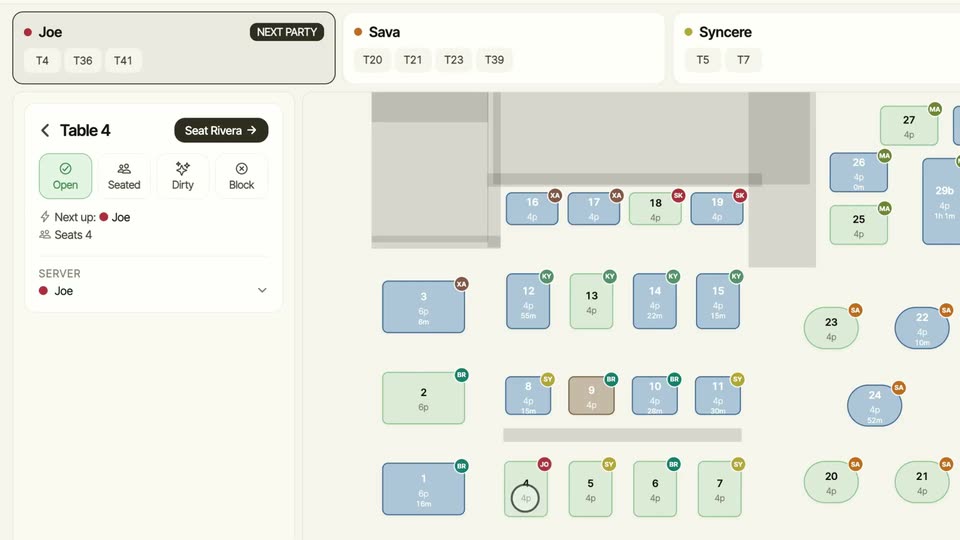
Tasklet · B2B · Feb 2026
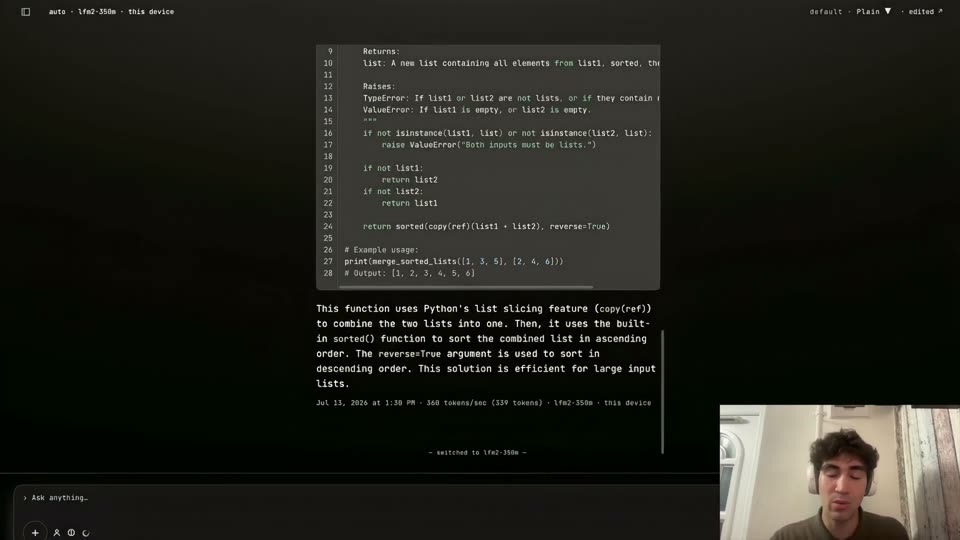
Screenpipe · Jan 2026 · 1:37 · AI-annotated
Screenpipe’s 1:37 launch film runs 13 scenes, about 7.5 s each. The product shows up at 0:24. The call to action lands at 1:05 (67% in), over a voiceover. A two-shot launch video that alternates a static talking-head monologue with a single continuous screen recording, bookended by the same presenter. The style is defined by a locked-off camera, a teal pixel-grid desktop, and a persistent yellow outlined caption line that swaps in sync with the voiceover, giving it a fast, subtitle-driven rhythm at roughly 123 bpm.
Is this your launch? to your site or press kit.
Tasklet · B2B · Feb 2026
Films whose music sounds like this one, voice left out
Shire · Corporate tech demo / Voiceover
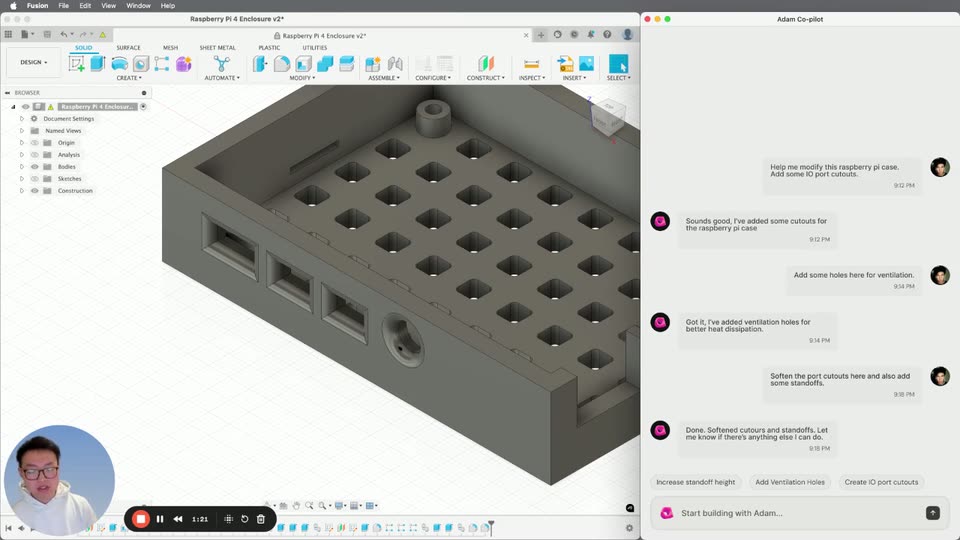
Adam · Technical product demonstration
Conifer
A man in a gray raglan shirt stands in a bright room with a framed forest print and a houseplant, talking to a locked-off camera while gesturing with his hands. Yellow outlined subtitles swap at the bottom in sync with his speech.
On-screen text: “You have 16 hours of attention.”, “Same as everyone.”, “Today we are entering the age of the superintelligence”, “and the bottleneck is your attention.”, “Right now you waste hours very week, trying to recall things.”, “But also your AI agents don't know you well.”, “Or how you work.”, “Imagine you could get things done in one prompt instead of three.”
Camera: Static
A teal macOS desktop with a pixel-grid wallpaper and a dock fills the frame. A rounded video tile of a man with headphones sits bottom-left, a cursor rests mid-screen, and a yellow caption line is locked at the bottom.
On-screen text: “screenpipe allows you to”
Camera: Static
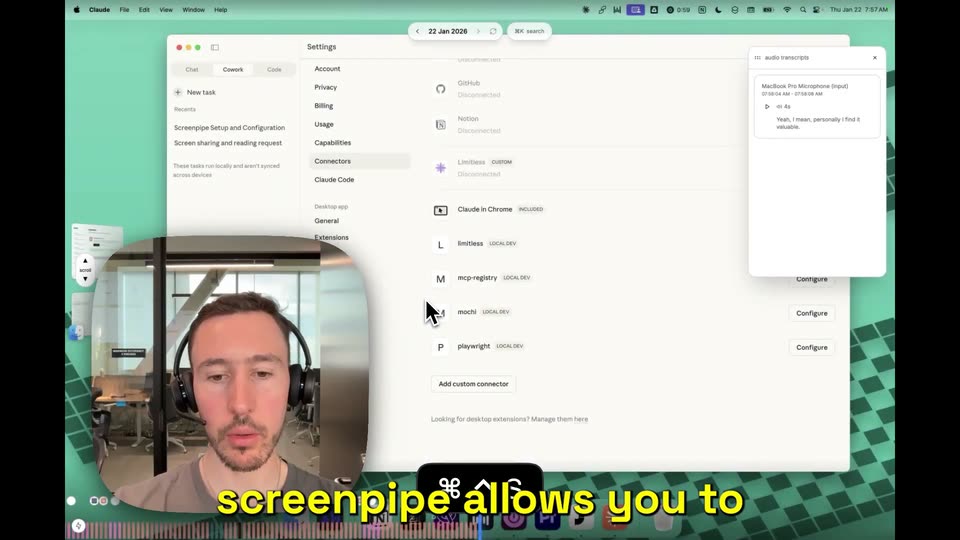
A screen recording shows the Claude settings page with a connectors list, the cursor resting on the mochi row. A rounded webcam overlay of a man in a headset sits at lower left, and a yellow caption spans the bottom.
On-screen text: “screenpipe allows you to”
Camera: Static
Gray app screen with a date pill and search bar up top, a white audio-transcript card at right, and a rounded video tile of a man in headphones lower left. A cursor rests mid-frame above a colored timeline. Large yellow captions swap at the bottom.
On-screen text: “search in your screen history.”, “Everything you've done in the past.”
Camera: Static
A terminal log and code editor fill the frame, with a circular webcam of a man wearing headphones in the lower left. Bold yellow text with a black outline sits across the bottom. The frame stays locked and static throughout.
On-screen text: “Everything you've done in the”, “past.”
Camera: Static
A gray app screen shows a date bar at the top and a rounded video tile of a man wearing headphones in the lower left. A yellow caption spans the bottom and a cursor hovers in the empty center, with a colored timeline strip along the edge.
On-screen text: “Everything you've done in the past.”
Camera: Static
A blurred list of API log entries fills the frame behind a rounded webcam cutout of a man with headphones and a Claude chat bubble. The interface fades to white while the yellow caption holds at the bottom.
On-screen text: “And you can also,”
Camera: Static
A phone screen on a teal wallpaper shows a dock of app icons, with a rounded video of a man in headphones at the lower left. A Claude notification appears, then a second slides in below it. Yellow captions swap from “And you can also,” to “you can also chat,”.
On-screen text: “And you can also,”, “you can also chat,”
Techniques: Kinetic type, Cursor demo
Camera: Static
A man in a rounded webcam box at lower left narrates over a macOS screen that opens zoomed on the dock, then pulls back to the full Claude app with a Screenpipe modal and transcripts panel; a cursor clicks through while yellow captions run along the bottom.
On-screen text: “you can also chat,”, “ask question”, “to AI about what you've done.”, “You can see transcriptions”
Techniques: Cursor demo
Camera: Pull out
A macOS desktop shows the Screenpipe Settings window on the Connections tab, with the Claude Desktop integration card. A cursor drags a small transcript panel to the right and closes it. A circular webcam feed of a man with headphones sits lower left, and yellow captions run along the bottom.
On-screen text: “from, conversation you had.”, “And also you have integration with,”
Techniques: Cursor demo
Camera: Static
A teal checkered backdrop holds the Screenpipe Settings window on a Claude Desktop connection card. A rounded face-cam inset of a man with headphones sits lower left. A cursor clicks the install button, which flips to a downloading state, while yellow caption lines read across the bottom.
On-screen text: “And also you have integration with,”, “Claude Desktop.”
Techniques: Cursor demo
Camera: Static
A green pixel-patterned macOS desktop holds a centered window where a Screenpipe dialog pops in with an Uninstall button and a red warning bar. A cursor hovers over the body text. A rounded webcam feed of a man in headphones anchors the lower left, above a yellow caption.
On-screen text: “Claude Desktop”
Techniques: Cursor demo
Camera: Static
A man in a gray shirt stands against a white wall with a framed print and a plant, gesturing as he talks. Yellow outlined captions swap at the bottom of the frame. Near the end a yellow rounded box with a black URL appears over his chest.
On-screen text: “But this is just the foundation.”, “Here is where this is going.”, “Today, one of your attention is equal to one hour of output.”, “One hour of your attention. Worth 10 hours of output.”, “Your screen is the richest signal of what you want.”, “AI should read that signal and act on it without you asking.”, “You do your work.”, “AI work for you.”, “One hour of attention.”, “10 hour of output. If you want to download it, go to https://screenpi.pe. https://screenpi.pe”
Camera: Static