1:56
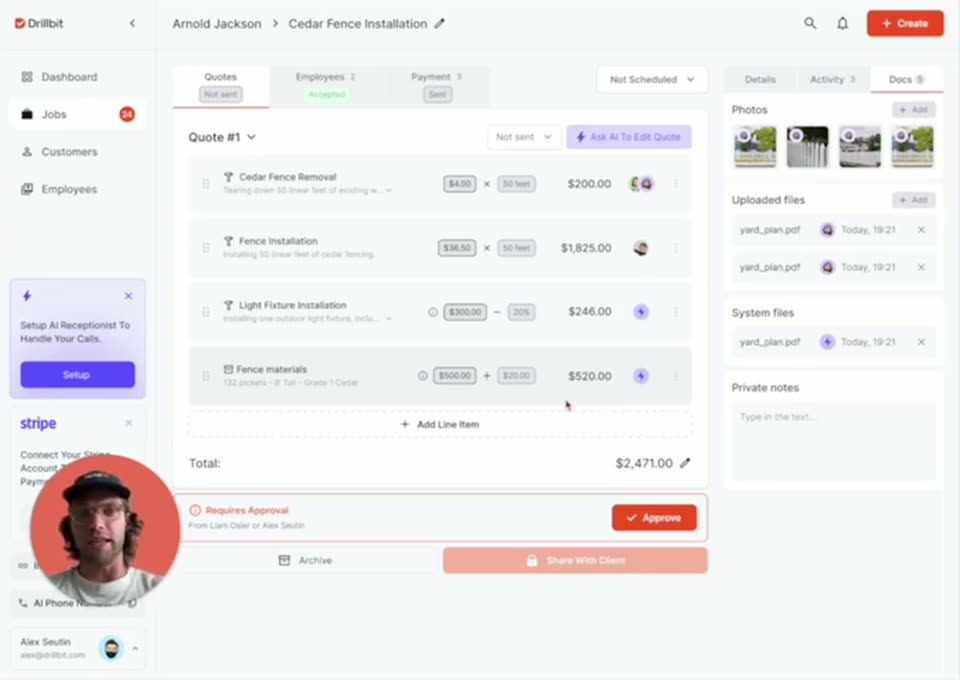

Drillbit Demo
Drillbit · B2B · Jul 2024
Linear · Dec 2024 · 2:50 · Full motion · AI-annotated
Linear’s 2:50 launch film runs 3 scenes, about 57 s each. The product is on screen from the first frame and 1 feature is revealed. There is no explicit call to action; a voiceover carries the film. The video is one continuous, uncut screen recording with no hard cuts, held together by a small circular presenter webcam pinned to the corner, so every beat is a cursor-driven interaction inside the live Linear UI. Its signature moves are expanding rows, sliding pop-up dialogs, and instant view swaps that track the cursor at real-time pace, keeping all motion flat, clean, and unadorned.
Is this your launch? to your site or press kit.
Drillbit · B2B · Jul 2024
Microsoft · AI · Jun 2026
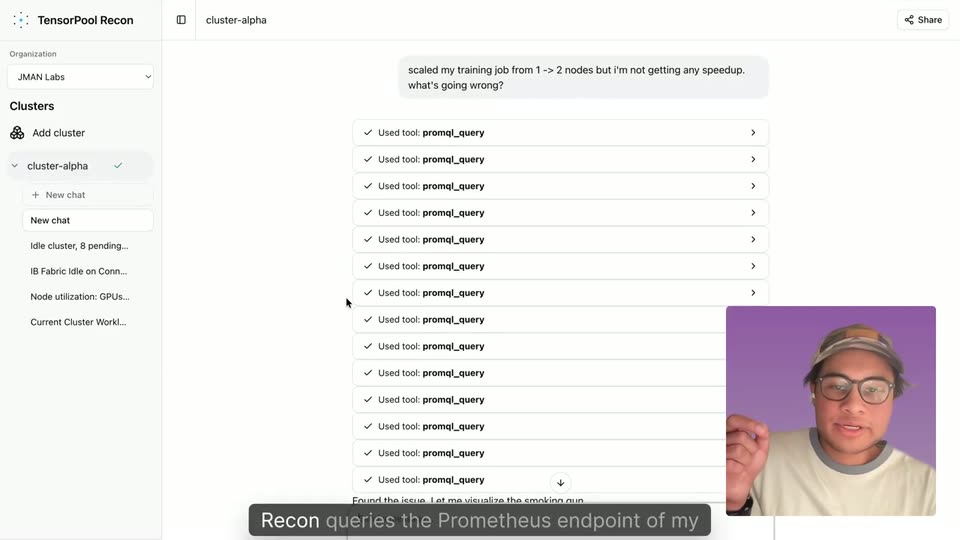
TensorPool · B2B · May 2026
A Linear customer detail view for Edge AI sits on a pale gray field, with a small circular webcam of the presenter in the lower left. A cursor glides across the attribute row, then clicks a request row, which expands to reveal a paragraph of description text.
Techniques: Cursor demo
Camera: Static
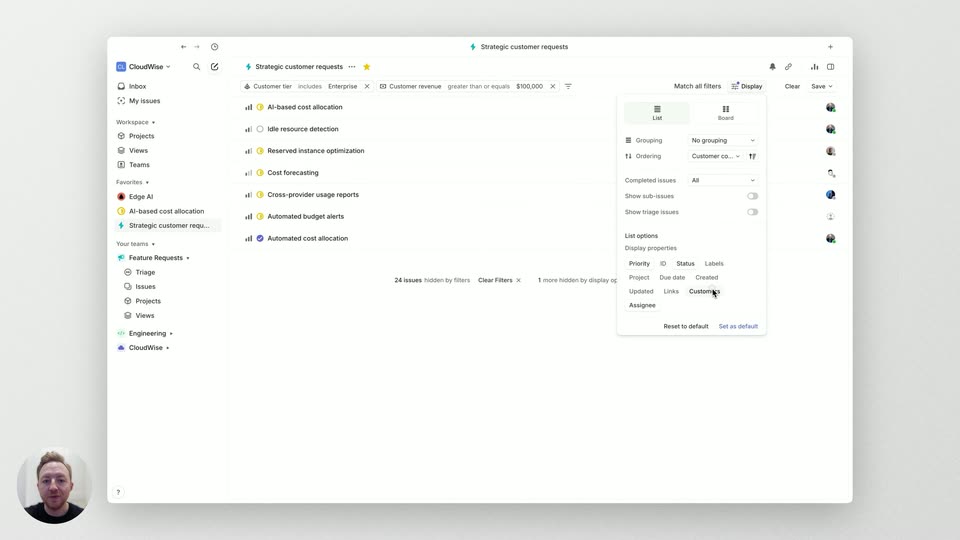
A locked-off view of the CloudWise app as a cursor types a customer request, links it to an existing issue, opens the issue page, then builds a filtered list with added columns.
Techniques: Cursor demo
Camera: Static
Screen recording of an issue tracker with a presenter webcam in the corner. A new-issue dialog is filled in: the cursor opens a menu, mentions a customer, types a request body, and clicks Create. The view switches to the customer page, where the new request appears highlighted in the list.
Techniques: Cursor demo
Camera: Static