0:52

Factory - Missions are now available on Factory Desktop.
Factory · Jun 2026
Bolna’s 0:34 launch film runs 14 scenes, about 2.5 s each. The product is on screen from the first frame and 7 features are revealed. There is no explicit call to action. The video runs as a title card, a 3D to flat interface reveal, then a chain of node demos where each feature pops in as a card and the camera trucks along the connector lines. Pacing holds a steady 120 bpm with short 2 to 5 second beats, and the signature moves are the springy card pop ins, the self drawing bezier lines and the tilted 3D interface angles.
Is this your launch? to your site or press kit.
Factory · Jun 2026
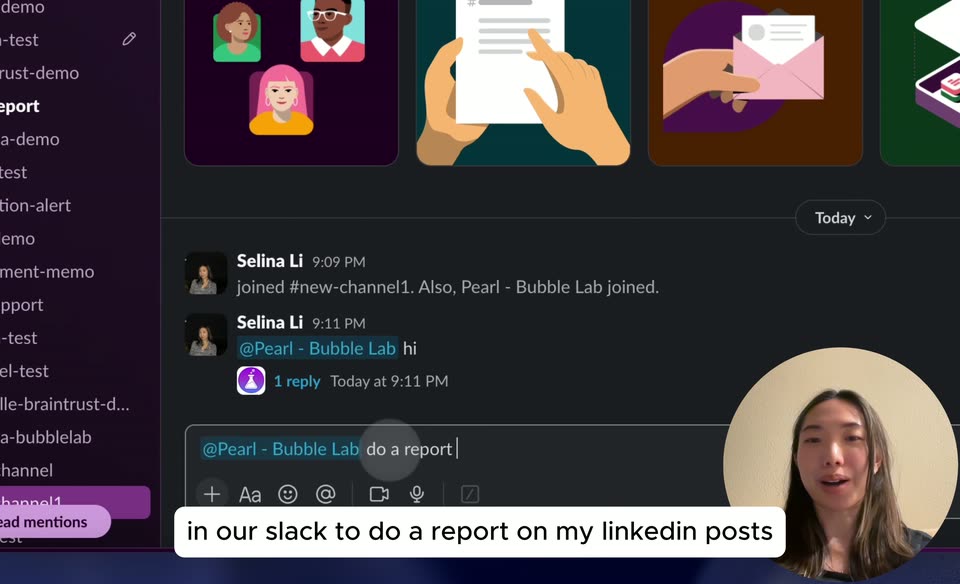
Bubble Lab · B2B · Feb 2026
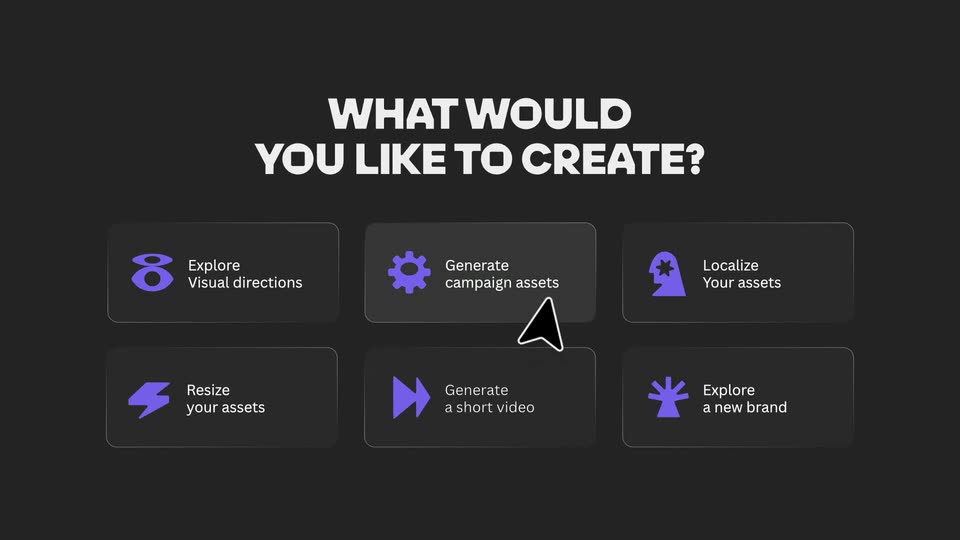
Leonardo AI · Sep 2026
Films whose music sounds like this one, voice left out
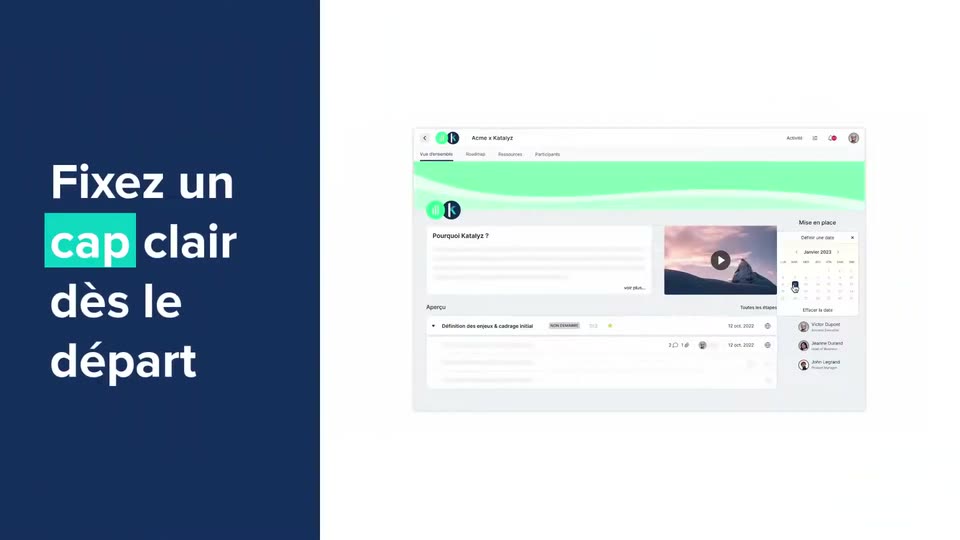
Katalyz · Upbeat instrumental funk-rock
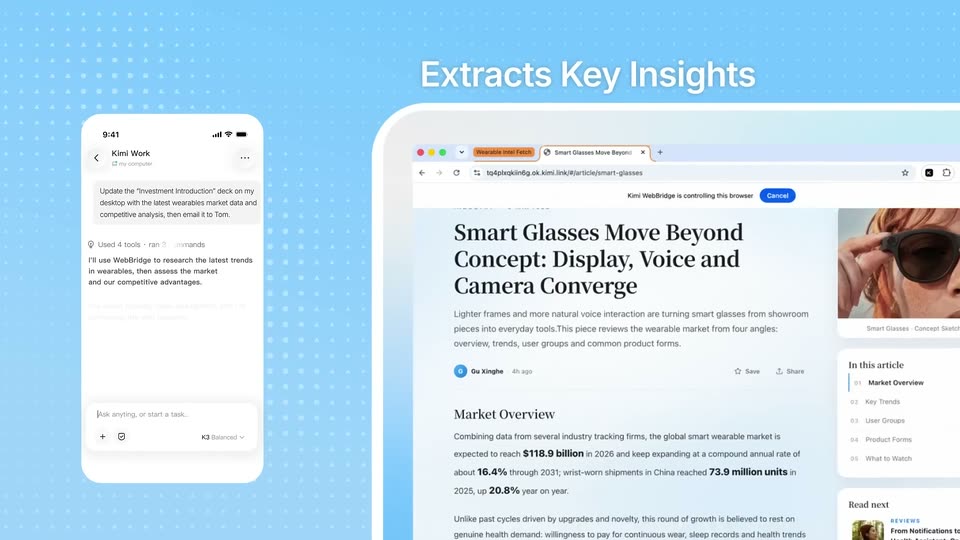
Moonshot AI · Funky, upbeat instrumental blend of electronic, jazz, and Latin elements
Catamaran · Electronic
A bold blue headline scales up from small to full size at the center of a plain white background, then holds still for the remainder of the clip.
On-screen text: “Introducing Workflows”
Techniques: Kinetic type
Camera: Static
A 3D perspective of a workflow builder interface flattens to a front view. The blue text 'Introducing Workflows' is overlaid.
On-screen text: “Introducing Workflows”
Techniques: 3D mockup
Camera: Pan
The view zooms into the inspector panel as a cursor moves down the node list and clicks Agent. The camera then reframes on the dotted canvas, where the new Agent node links to the Start trigger.
Techniques: UI zoom, Cursor demo
Camera: Pan
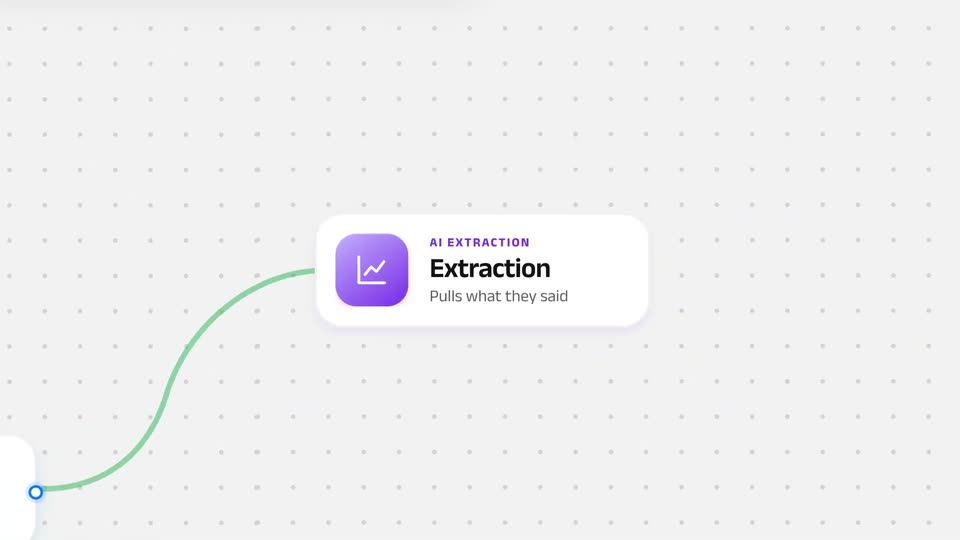
On a light dotted background, a white card with a purple chart icon and the words Extraction settles at center while the blue Agent card slides out toward the bottom left, trailing a green connector line.
On-screen text: “VOICE CALL”, “Agent”, “Places the call”, “AI EXTRACTION”, “Extraction”, “Pulls what they said”
Techniques: Parallax
Camera: Pan
A purple chart icon, the headline Extraction and the line Pulls what they said scale and slide out of center as a white product card fades in on a dotted gray background. The card pairs a call transcript with extracted fields, a green curve behind it.
On-screen text: “Extraction”, “Pulls what they said”
Techniques: Kinetic type
Camera: Static
A white API-request card on a dotted gray background slides left, revealing a FROM EXTRACTION field list. The extracted values fill the Rahul Mehta row in the CRM table, which highlights in blue, then a green CRM updated toast pops in at the top right.
Camera: Static
On a light dotted canvas, a red connector line draws from a white node at the left to a card that pops in at center. The card shows an orange retry icon, the FALLBACK label, the title Retry, and the subline Tries 3 more times. The frame then holds.
Camera: Static
A dotted-grid canvas holds a horizontal workflow of flat rounded nodes. The camera trucks right, sliding the orange Retry node off the left edge and bringing the teal Wait node into center, joined by a red connector line.
Techniques: Parallax
Camera: Static
A dotted canvas holds a horizontal automation flow of step cards: a retry card, a teal wait card and a green WhatsApp card joined by colored connector lines. The view pans left to feature the WhatsApp step, then the whole diagram tilts and slides off the top.
Camera: Push in
A tilted 3D view of a workflow builder shows a dotted canvas with connected nodes on the left and a white status panel on the right. The panel scrolls up to reveal a new checkmark row as a gray cursor hovers over the list.
Techniques: 3D mockup, Cursor demo
Camera: Static
A 3D-angled product interface scrolls down through a validation checklist into a version history list, a gray cursor glides along the rows. On the left, a flow canvas with colored nodes stays partly in frame.
Techniques: 3D mockup, Cursor demo
Camera: Static
A tilted 3D view of a workflow interface zooms out from a close-up of the blue Publish button, where a cursor hovers, to reveal the full node graph, a file drop zone, and a green status checklist.
Techniques: 3D mockup, Cursor demo, UI zoom
Camera: Static
A blurred workflow interface sits behind a white upload modal. A cursor drags a CSV file icon into it, and the modal switches to an uploaded state with leads.csv, 2,000 contacts and an Update campaign button. The cursor hovers the button as the card fades out.
Techniques: Cursor demo
Camera: Static
A dotted-grid automation canvas with a contact card labeled Aman at top left. A blue line draws through five nodes in order, each lighting up with a numbered badge, while tags for Busy and 2 hours apart pop in and a red NO REPLY tag appears at the end.
Techniques: Cursor demo
Camera: Static