2:48
Explore
00:00:00 / 01:16:15
- Length
- 1:16
- Scenes
- 31 · 2.5 s avg
- Product on screen
- 0:25
- Features shown
- 1
- Call to action
- 1:13 · 96%
- Voiceover
- Yes
- Views
- 1 on YouTube
as of November 26, 2026
Bolna’s 1:16 launch film runs 31 scenes, about 2.5 s each. The product shows up at 0:25 and 1 feature is revealed. The call to action lands at 1:13 (96% in), over a voiceover. The video opens on a live-action character study of a sales rep drowning in scattered tools, then pivots to a clean white-and-blue UI tour of the Workflows builder, animating node cards, connector lines and 3D-tilted app windows. It closes on a logo end card with a waveform motif, keeping a steady 120 BPM pace and alternating handheld live footage with flat motion-graphics demos.
Footage neededEstimated needs: 3 capture groups — your screens or recordings · 1 official logo — reused across the film · 8 filmed passages — shoot, supply or replace · 2 3D passages — build or supply
Is this your launch? to your site or press kit.
More like this
0:24
0:45
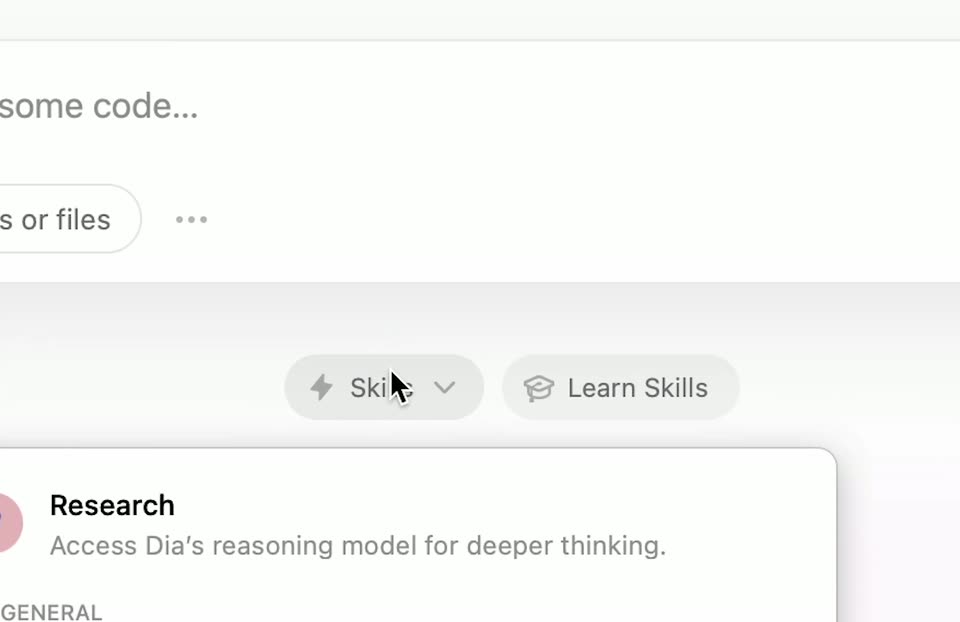

Dia - Complex Skills, simple words. Create expert-level prompts with the r
The Browser Company · Productivity · Oct 2025
Similar soundtrack
Films whose music sounds like this one, voice left out
1:14
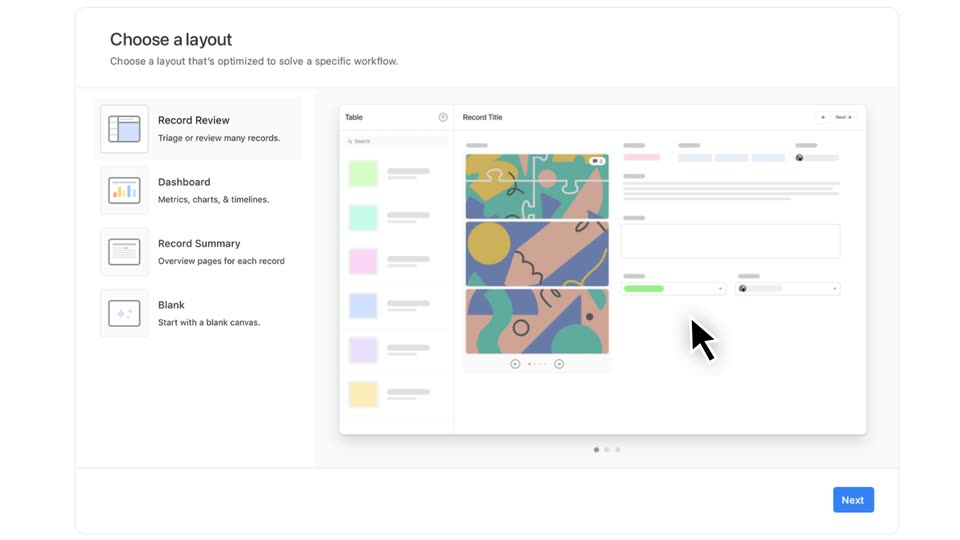

Airtable: introducing interface designer
Airtable · Upbeat electronic pop
1:37

ORUS ENERGY - VIDEO MOTION DESIGN
Orus Energy · Upbeat electronic
1:36
Resin: A new electronics firm
Resin · Upbeat electronic
Introducing Workflows 1, scene by scene
· 31 scenes as text
01 · Hook · 0:00–0:04
A woman in a white sleeveless top walks down a glass-walled office hallway holding a tablet and phone, glancing at the screen. A white title sits at the lower left. The shot cuts to a tight profile close-up of her face as the captions continue.
On-screen text: “Meet Asmi”, “She runs outreach for a lending team,”, “at least on Mondays.”
Camera: Pull out
02 · Problem · 0:04–0:07
On a handheld medium close-up, a woman in a white top stands in a dim office lobby, phone to her ear and tablet in her other hand, glancing off camera. White subtitles sit centered at the bottom of the frame.
On-screen text: “at least on Mondays.”, “Today, she needs to call 2000+ leads”, “and half of them won't even pick up.”
Camera: Pull out
03 · Problem · 0:07–0:10
A woman rests her cheek on her hand, eyes closed, then opens them and looks to camera. A mirrored reflection of a phone list, with lead names and loan types, fades in across the frame. White subtitles sit at the bottom.
On-screen text: “and half of them won't even pick up.”, “A few would need a WhatsApp”
Camera: Pull out
04 · Problem · 0:10–0:11
A smartphone lies angled on a wooden desk, its screen showing a contact list with green call icons. The camera tilts down past the phone to a laptop keyboard in soft focus. A white subtitle sits at the bottom.
On-screen text: “follow up to schedule the next meeting.”
Camera: Pull out
05 · Problem · 0:11–0:13
Close-up of fingers typing on a laptop keyboard, then a cut to both hands resting on the trackpad, a beaded bracelet on the left wrist. White captions sit at the bottom of the frame.
On-screen text: “follow up to schedule the next meeting.”, “And she needs to log”
Camera: Pull out
06 · Problem · 0:13–0:15
A dark CRM list fills the frame, dates and status pills scrolling upward in parallel columns. The right column stays softly out of focus, giving the interface a receding 3D depth. A white caption sits at the bottom edge.
On-screen text: “And she needs to log”, “every hot lead in the CRM.”
Techniques: 3D mockup
Camera: Pull out
07 · Problem · 0:15–0:18
A woman in a white top sits at a laptop, pressing both hands to her forehead in frustration. The shot cuts to a wide view of her at a wooden table as the caption 'Calls live in one tool' appears centered.
On-screen text: “Let's just say Asmi's life is tough.”, “Calls live in one tool”
Camera: Pan
08 · Problem · 0:18–0:25
A woman works on a laptop at a long wooden table in a bright office. A second woman walks in from the right holding a laptop, then a third woman with a phone sits on the left. The locked-off shot holds as three people fill the table.
On-screen text: “Calls live in one tool”, “and messages in another.”, “Follow-ups sit in a reminder app and”, “someone redials the missed ones by hand.”
Camera: Static
09 · Product intro · 0:25–0:28
A crossfade tightens from a wide cafe shot to a woman typing on a laptop at a wooden table. A bold white headline “Introducing Workflows” fades in at center over her, while small white captions run along the bottom edge.
On-screen text: “someone redials the missed ones by hand.”, “Something always slips.”, “So we built workflows on Bolna.”, “Introducing Workflows”
Camera: Push in
10 · Feature reveal · 0:28–0:30
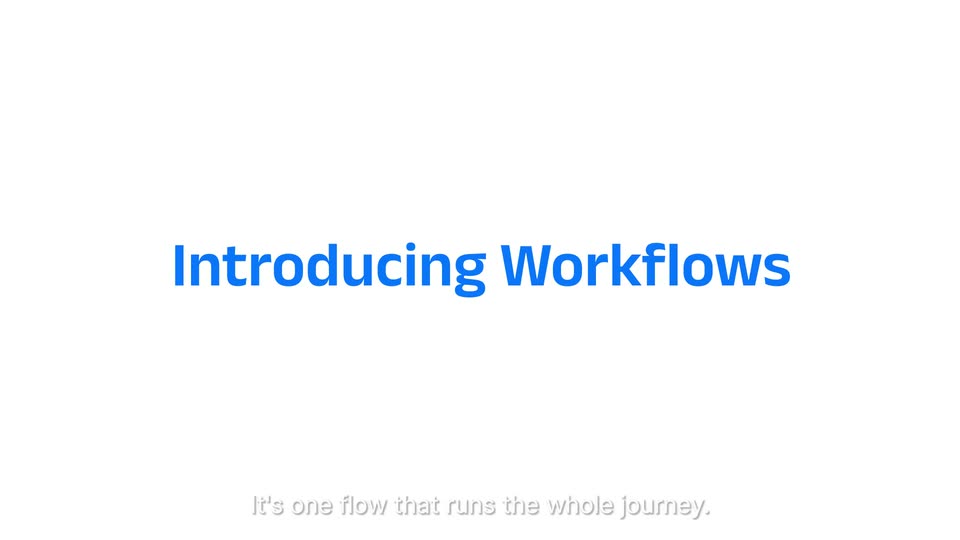
A blue bold headline 'Introducing Workflows' scales up on a white background while a gray caption at the bottom switches from 'So we built workflows on Bolna.' to 'It's one flow that runs the whole journey.' A tilted workflow card with a blue Publish button slides in from the bottom right corner.
On-screen text: “Introducing Workflows”, “So we built workflows on Bolna.”, “It's one flow that runs the whole journey.”
Techniques: Kinetic type
Camera: Static
11 · Feature reveal · 0:30–0:37
The product UI window opens tilted in 3D beneath a large blue headline, then flattens to face the camera. A Start node drops onto the canvas, then the view zooms into the right-hand Inspector list as the cursor hovers over the API request row.
On-screen text: “Introducing Workflows”, “It's one flow that runs the whole journey.”, “For every contact with calls, WhatsApp and API requests all in one place.”
Techniques: 3D mockup, Kinetic type, Cursor demo, UI zoom
Camera: Push in
12 · Feature reveal · 0:37–0:42
A workflow builder window shows a Start trigger and an Inspector panel; a cursor hovers the node list, then the view zooms into the canvas as a blue Agent node sits on the connecting line. White subtitles caption the action at the bottom.
On-screen text: “Asmi drops in her voice agent to make the call.”, “If the customer picks up”
Techniques: Cursor demo, UI zoom
Camera: Static
13 · Feature reveal · 0:42–0:43
A dotted-grid workflow canvas with two white node cards: a blue Agent card and a purple Extraction card. A green connector line draws from the Agent card to the Extraction card, a small blue dot riding its tip, while the cards slide left to center the Extraction node.
On-screen text: “an extraction node, pulls”
Camera: Pan
14 · Feature reveal · 0:43–0:45
A white Extraction node card slides in over a dotted gray backdrop. Chat bubbles populate the transcript panel while field rows fill in on the right, the badge switches from Reading transcript to 4 fields extracted, and a white subtitle caption sits along the bottom.
On-screen text: “what they said, and an API”, “an extraction node, pulls”
Camera: Static
15 · Feature reveal · 0:45–0:45
A white node card on a dotted canvas updates in place: its header swaps from a purple chart icon titled Extraction to a dark globe icon titled API request, while the right panel sharpens into a CRM leads table. A green connector line links the card to a node off the left edge.
On-screen text: “what they said, and an API”
Techniques: Morph
Camera: Static
16 · Feature reveal · 0:45–0:46
A white integration card shows an extraction panel on the left and a CRM leads table on the right. Checkmarks pop onto each extracted field, then the Rahul Mehta row fills in its callback time and its status badge flips from New to Qualified.
On-screen text: “node sends it to the CRM.”
Camera: Static
17 · Feature reveal · 0:46–0:47
A partially cropped white node card sits at the left edge of a dotted-grid canvas, its right port sending a green line and a red line that curve across the empty space. A white caption line sits centered at the bottom, the frame locked off.
On-screen text: “If the line is busy, a retry node tries”
Camera: Static
18 · Feature reveal · 0:47–0:50
Light dotted canvas holds a workflow diagram: a red curved line runs from a white node at the left edge into a center white card with an orange rounded-square icon and white circular arrow. An orange port marks its right side. A white caption at the bottom swaps once.
On-screen text: “If the line is busy, a retry node tries.”, “three more times two hours apart,”
Camera: Static
19 · Feature reveal · 0:50–0:51
A dotted-grid flow diagram pans right across white node cards. The orange-clocked Retry node, ringed by a soft shadow, slides to the left edge as the teal-clocked Wait node settles into the center, its red connector line drawn between them.
On-screen text: “three more times two hours apart,”
Camera: Static
20 · Feature reveal · 0:51–0:52
A dotted light-gray canvas shows a horizontal automation flow. A partially visible Wait card slides left, revealing a WhatsApp card labeled Sends a follow-up, while a bottom caption changes to then sends a WhatsApp.
On-screen text: “three more times, two hours apart,”, “then sends a WhatsApp.”
Camera: Pan
21 · Feature reveal · 0:52–0:55
A tilted 3D view of a workflow builder shows a checklist panel with green checks while a cursor glides to the blue Publish button and clicks. The camera pulls back, blurring the interface as a file-upload card scales in at center.
On-screen text: “She checks it with one click and publishes.”
Techniques: 3D mockup, Cursor demo, UI zoom
Camera: Pull out
22 · Feature reveal · 0:55–0:59
A blurred WorkFlow app fills the frame behind a centered white modal. A cursor drags a leads.csv file into the upload zone, the modal switches to an Uploaded state, and the cursor hovers over the Update campaign button while bottom captions narrate.
On-screen text: “She uploads her list as a CSV”, “and starts the campaign.”, “And if she wants to know”, “why someone dropped off,”
Techniques: Cursor demo
Camera: Static
23 · Feature reveal · 0:59–1:03
A dotted workflow canvas with an Aman, Dropped off card top-left. As a progress pill runs step 1 to 5 of 5, nodes Start, Agent, Retry, Wait and WhatsApp light up in order with blue outlines and number badges, finishing on a red NO REPLY tag.
On-screen text: “why someone dropped off,”, “she can replay their exact path”, “step by step.”
Camera: Static
24 · Feature reveal · 1:03–1:06
On a dotted light background, four floating UI cards and a coin stack fade in around a central white pill reading Lenders. The pill and cards crossfade into a Real Estate set with a green tint while the bottom caption switches to a new line.
On-screen text: “Lenders”, “Lenders capture promise to pay dates.”, “Real Estate”, “Real estate agents filter hot leads.”
Techniques: Morph
Camera: Push in
25 · Feature reveal · 1:06–1:08
A mint dotted backdrop holds a central Real Estate pill, with four product cards floating around it: an enquiries list, a property card, a map and a visit calendar. The cards fade and settle into place, calendar cells fill with green blocks, and a white caption fades in at the bottom.
On-screen text: “Real Estate”, “Real estate agents filter hot leads.”
Camera: Static
26 · Feature reveal · 1:08–1:08
A flat hub layout of four rounded mockup cards orbits a white pill whose label crossfades from Real Estate to Insurers. The right cards swap from a house listing to a health policy, and the bottom caption fades to a new line.
On-screen text: “Real Estate”, “Insurers”, “Insurers chase renewals”
Camera: Push in
27 · Feature reveal · 1:08–1:10
A purple 3D shield, an umbrella icon and three white UI cards float around a central pill reading Insurers, joined by a dotted elliptical orbit that draws in. The contact card flips from Scheduled to Calling with a filling bar. A thin caption Insurers chase renewals sits below.
On-screen text: “Insurers”, “Insurers chase renewals”
Techniques: 3D mockup
Camera: Static
28 · Demo · 1:10–1:11
A soft blue gradient background holds a centered blue headline that slides rightward across the frame, while a small white caption stays fixed along the bottom edge. The camera is locked off for the whole shot.
On-screen text: “With Workflows?”, “with workflows Asmi's Mondays”
Techniques: Kinetic type
Camera: Static
29 · Demo · 1:11–1:13
A woman in a white sleeveless top sits at a laptop, lifting a dark mug to her lips, while a white campaign report card on the left fills its blue progress bars and switches its status badge from Running to Completed. White subtitles run along the bottom.
On-screen text: “with workflows Asmi's Mondays”, “look a lot calmer now.”
Camera: Pull out
30 · CTA · 1:13–1:14
A white campaign report card fades out on a pale background, then the gray BOLNA wordmark framed by vertical sound-wave bars fades in at center, and the line Build your first workflow appears beneath it.
On-screen text: “Build your first workflow”
Camera: Static
31 · Outro · 1:14–1:16
The blue BOLNA wordmark holds center on a white field, framed by thin vertical bars that ripple like an audio waveform. The tagline below stays static throughout the locked-off shot.
On-screen text: “Build your first workflow”
Camera: Static