3:21
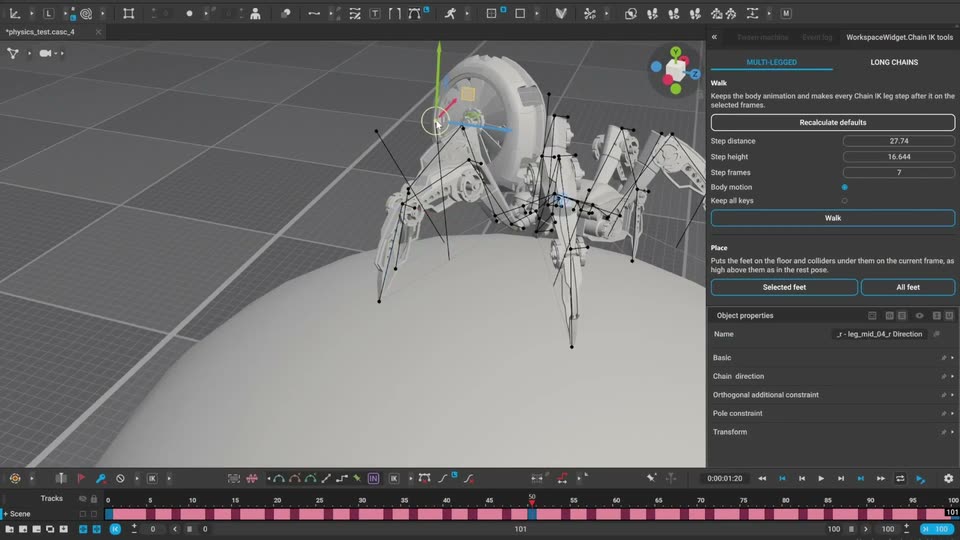
Cascadeur – The Future of Animation - CASCADEUR 2026.3 IS OUT ✅ AI Cloud: text-to-motion, mocap & rigg
Cascadeur 2026.3 · Nov 2026
Swapify’s 0:59 launch film runs 26 scenes, about 2.3 s each. The product shows up at 0:02. The call to action lands at 0:55 (93% in). A dark, code-forward launch built as one long screen-recording demo: a Claude Code terminal and a Swift editor sit left of an iPhone mockup right, with bold white captions and yellow millisecond counters punctuating each edit. Pacing is fast with hard cuts and speed badges in the simulator block, then slows into live-action desk shots for the real-device block, closing on a hand-drawn rainbow wordmark and a GitHub URL. The signature moves are the split code-plus-phone framing, the ticking yellow
Is this your launch? to your site or press kit.
Cascadeur 2026.3 · Nov 2026
Acyclic Labs · Nov 2026
Films whose music sounds like this one, voice left out
Craft · Lo-fi hip-hop
Affinity · Lo-fi hip-hop
Raycast · Lo-fi hip-hop
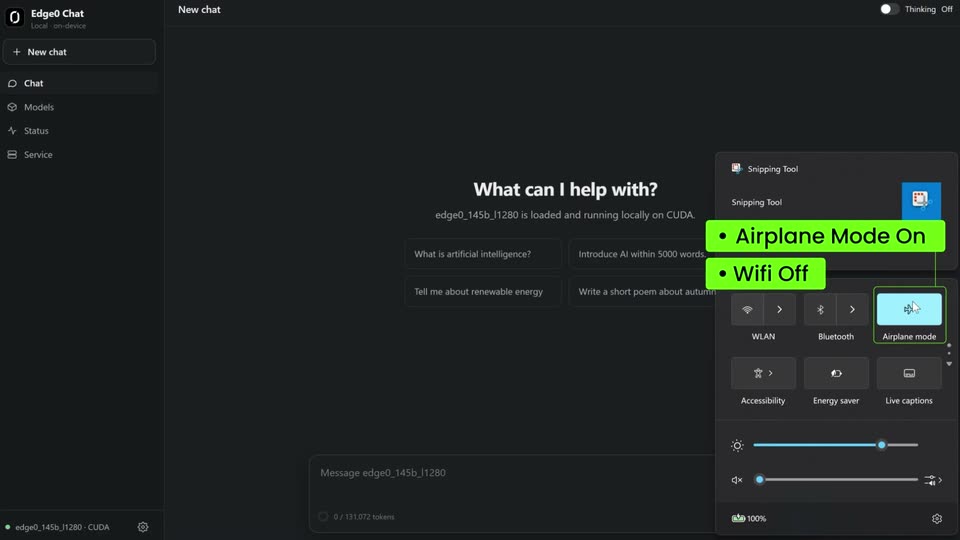
A dark terminal window rests on a blurred green, blue and red gradient, overlaid by two lines of white headline text. In the final second the terminal slides right and shrinks while the text holds its position.
On-screen text: “iOS hot reload for agents.”, “Works on simulators and real devices.”
Camera: Push in
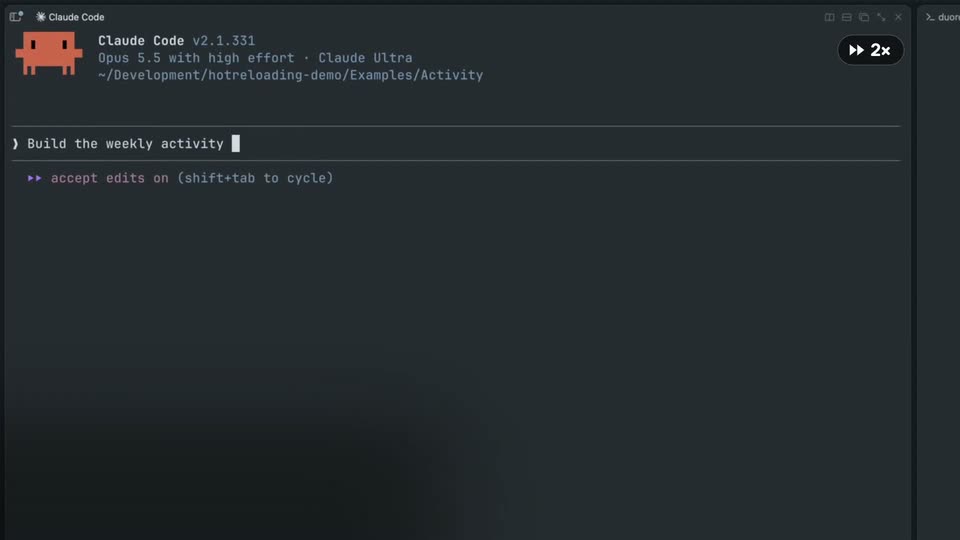
A dark terminal window fills the frame as the prompt text types out character by character behind a blinking caret. A 2x speed badge sits in the top right corner of the window.
Techniques: Cursor demo
Camera: Static
A terminal on the left streams a prompt and code edits beside a blank phone mockup on the right. The phone then fills with the built Activity screen as the frame zooms onto it.
On-screen text: “One prompt. An empty app.”
Techniques: Split screen, Speed ramp, UI zoom
Camera: Pan
A dark IDE splits into a green Swift code panel on the left and a phone preview of a fitness app on the right. The preview phone shrinks and slides left over the code, then a larger preview fills the right, while a white bottom-left caption swaps between two lines.
On-screen text: “Edit Swift file. Live in 966 ms.”, “The agent sees it.”
Techniques: Split screen
Camera: Pull out
A split screen shows a dark code editor on the left and an iPhone activity dashboard on the right. The phone UI scales up toward the viewer, overlapping the code, while the caption “The agent sees it.” sits lower left.
On-screen text: “The agent sees it.”
Techniques: Split screen, UI zoom
Camera: Push in
An angled phone mockup holds a weekly activity screen on the right over a dimmed desktop window. On the left, large yellow 590 ms text eases in, then a second line 591 ms and a small 6x badge drop in below it.
On-screen text: “590 ms”, “591 ms”, “6x”
Techniques: 3D mockup, Kinetic type
Camera: Static
A split view pairs a dark code editor on the left, where red and green diff lines cascade through Swift source, with a 3D iPhone on the right holding a static weekly activity screen. A 6x playback badge hovers at the top left.
Techniques: Split screen, 3D mockup
Camera: Static
Left half shows a dark Swift code editor scrolling fast under a 6x badge; right half, an iPhone mockup of a fitness app rotates from a 3D angle to a flat front view. The editor slides out of frame and a caption appears at the bottom left.
On-screen text: “6x”, “Edit Swift file. Live in 647 ms.”
Techniques: Split screen, 3D mockup, Speed ramp
Camera: Push in
A code editor with scrolling Swift code sits left of a phone mockup showing a live-updating fitness app. The camera pushes in on the phone while a large caption reads “Edit Swift, live in 647 ms.”, its yellow number ticking through 591, 603 and 630.
On-screen text: “Edit Swift, live in 647 ms.”, “Edit Swift, live in 591 ms.”, “Edit Swift, live in 603 ms.”, “Edit Swift, live in 630 ms.”
Techniques: Split screen, UI zoom
Camera: Push in
Split screen. Left, a dark code editor scrolls upward at high speed with a bold yellow 630ms label held over it and a 17x play badge. Right, a 3D iPhone mockup sits angled, showing a white fitness app with a weekly bar chart and stat tiles.
On-screen text: “630ms”
Techniques: Split screen, 3D mockup
Camera: Static
A dark code editor with green and red diff lines sits left of a phone preview showing a fitness dashboard. The view zooms in on the phone as a gold 500 ms label and a white caption hold on the left.
On-screen text: “baseline, and only the change is green. Next, the stat cards use it too.”, “500 ms”
Techniques: UI zoom
Camera: Static
A dark code editor fills the left half, overlaid with a large yellow 500 and white ms. On the right, a phone in 3D perspective shows a weekly health dashboard with a bar chart and stat tiles. The composition holds steady.
On-screen text: “500 ms”
Techniques: 3D mockup
Camera: Static
A code editor on the left scrolls Swift lines beneath a yellow 300 ms label and a 19x play badge, while a 3D iPhone on the right holds a weekly fitness dashboard with a bar chart and stat cards.
On-screen text: “300 ms”, “19x”
Techniques: Split screen, 3D mockup
Camera: Static
A dark code editor fills the left as Swift code scrolls, while a white iPhone mockup on the right shows a fitness dashboard. The view zooms into the code, pushing the phone's flat stat cards to the right edge.
Techniques: UI zoom
Camera: Push in
A dark code editor holds on a diff: a red block of Swift lines is struck through while a single green line reading stats is added just below. The frame stays fixed on the change with no further motion.
Camera: Static
Split screen: a dark code editor left, a phone mockup right. The editor's highlighted lines shift from red to green as the phone flips from a weekly to a monthly fitness dashboard. A red Compile label flashes, then a white headline with a green word lands at the bottom.
On-screen text: “Compile”, “The app keeps running.”
Techniques: Split screen
Camera: Pull out
A green code panel scrolls on the left beside a tilted 3D iPhone mockup showing a white fitness dashboard on the right. Captions at the lower left swap from one line to another, mixing white and yellow type.
On-screen text: “Fixed. Live in 632 ms.”, “17 edits. 0 rebuilds.”
Techniques: 3D mockup
Camera: Static
A dark code panel scrolls on the left beside an iPhone mockup on the right. The phone shows a fitness summary titled This week; a tap ripple lands on the Year segment and the white selection pill slides from Month to Year.
Techniques: Split screen, Cursor demo
Camera: Static
A 3D iPhone mockup on a desk displays a fitness dashboard with weekly activity stats. The device tilts to face the camera as the caption “On a real iPhone.” appears, then the view pushes in on the screen.
On-screen text: “On a real iPhone.”
Techniques: 3D mockup, UI zoom
Camera: Static
Xcode window shows Swift code; an autocomplete list of color names closes as green is typed into the gradient colors line, and a Cmd+S shortcut badge appears bottom right. Caption Edit in Xcode. Save. sits bottom left.
On-screen text: “Edit in Xcode. Save.”, “% S”
Techniques: Cursor demo
Camera: Static
A tilted iPhone mockup showing a health dashboard with a weekly bar chart and metric cards sits on a desk before a blurred keyboard and monitor. The camera slowly pushes in while the headline “Live on the iPhone in 1256 ms.” blurs into the top left.
On-screen text: “Live on the iPhone in 1256 ms.”
Techniques: 3D mockup, Kinetic type
Camera: Static
A dark Xcode code editor fills the frame, Swift code with syntax highlighting and a purple highlighted line. The caption Cut a view. Save. pops in at the lower left, then a Command-S shortcut badge appears at the lower right.
On-screen text: “Cut a view. Save.”, “⌘ S”
Camera: Static
A smartwatch on a stand, shown in 3D perspective over a blurred desk with code monitors, refreshes its fitness dashboard: the old weekly view fades out and an updated one fades in. A bold caption states the transition time.
On-screen text: “Gone in 1069 ms.”
Techniques: 3D mockup
Camera: Static
A dark Xcode window shows Swift code with one line highlighted in purple. In the lower left, the caption 'Paste it back.' is set, then 'Save.' appears in yellow with a gray ⌘S keycap at the right. The code stays still.
On-screen text: “Paste it back. Save. ⌘S”
Camera: Static
A tablet on a stand displays a fitness dashboard; stat cards fill in with numbers while a weekly bar chart sits above. Bold captions flash at the top left over a blurred desk with code on a monitor.
On-screen text: “Back in 1016 ms.”, “No rebuild. No debugger.”
Techniques: 3D mockup, Kinetic type
Camera: Static
A black frame holds a centered lock-up: a rainbow gradient swap icon sits above a script wordmark that draws itself in one continuous stroke, then a white tagline and a gray URL line appear below.
On-screen text: “iOS hot reload for agents.”, “Open source · github.com/tornikegomareli/swapify”
Techniques: Kinetic type
Camera: Static