1:02

Fenrock AI - back office AI agents for banks and private lenders
Fenrock AI · Fintech · Mar 2026
Rystic · Nov 2026 · 1:39 · Full motion · AI-annotated
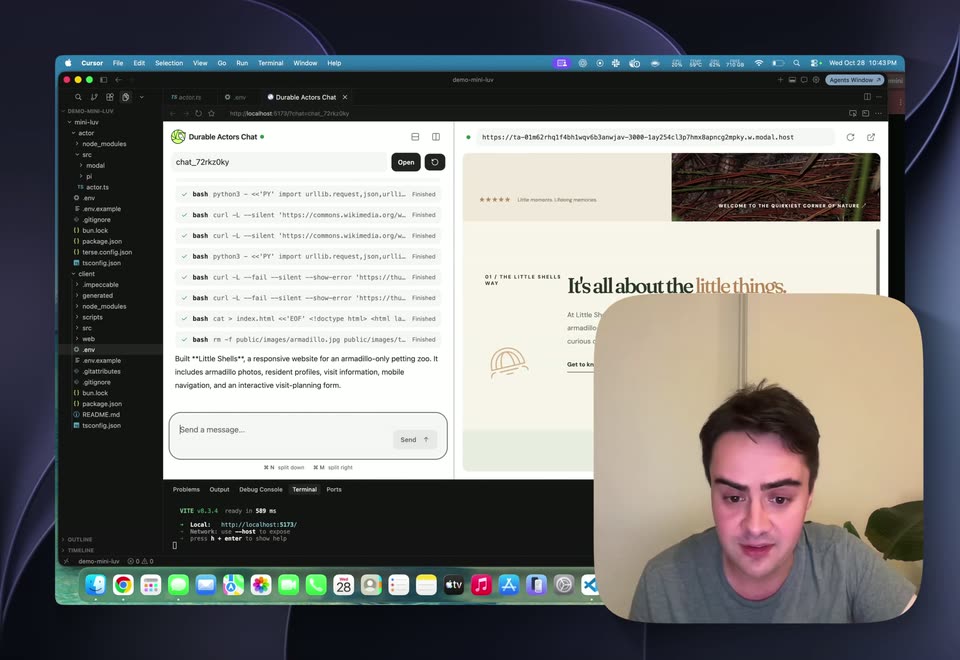
Rystic’s 1:39 launch film runs 4 scenes, about 25 s each. The product is on screen from the first frame. There is no explicit call to action; a voiceover carries the film. The video is one continuous Mac screen capture that hard-cuts between test stages while a fixed webcam inset and a fixtures card hold their positions. Pacing is steady and methodical, with terminal output and pass/fail counters carrying the visual interest.
Is this your launch? to your site or press kit.
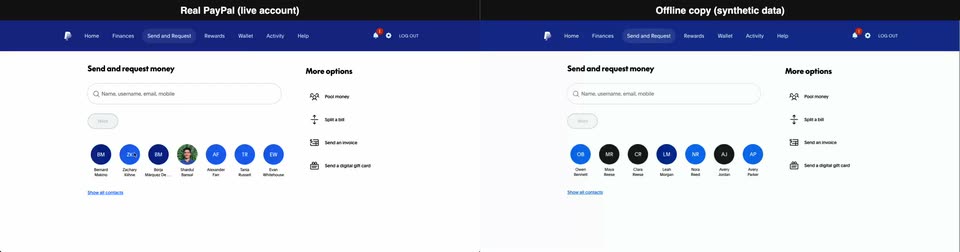
Fenrock AI · Fintech · Mar 2026
Rystic · B2B · Oct 2026
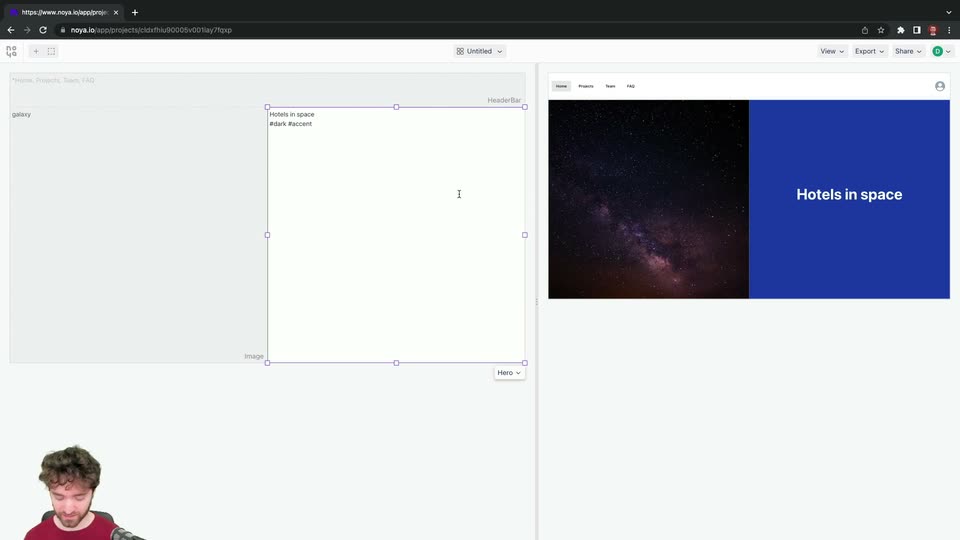
Noya Software · B2B · Feb 2023
Films whose music sounds like this one, voice left out
Alex · Spoken word tech demonstration
Andco · Corporate software tutorial and product demonstration
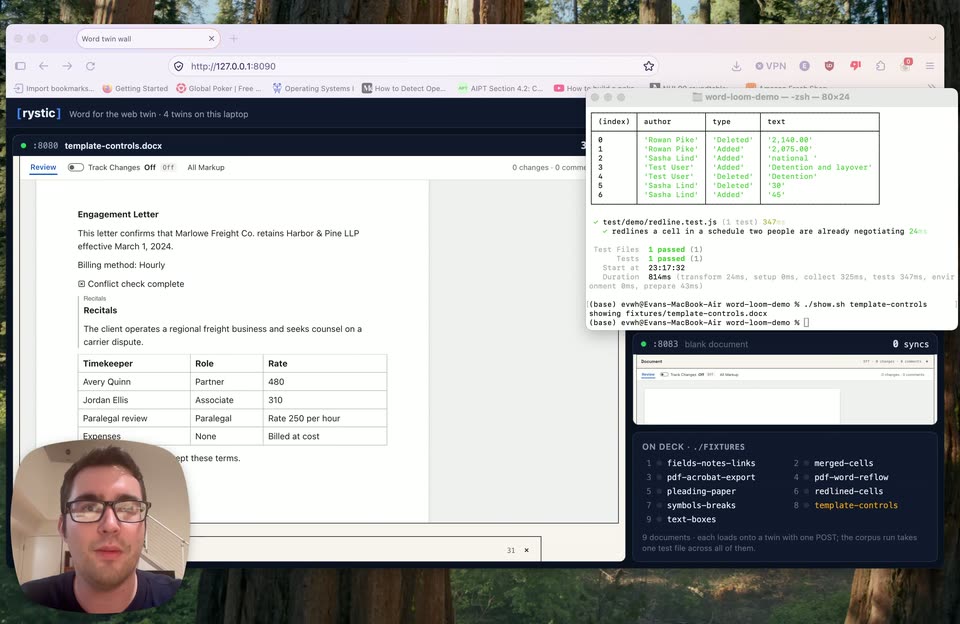
A locked-off screen capture of a Mac desktop. A browser window shows the Rystic Word web twin, a terminal window sits at the right, a small webcam feed of the presenter is inset bottom-left, and a dark card lists upcoming test fixtures bottom-right. The blank document loads a redlined pricing table as the terminal prints a passing test.
On-screen text: “ON DECK . /FIXTURES”, “1 fields-notes-links”, “2 merged-cells”, “3 pdf-acrobat-export”, “4 pdf-word-reflow”, “5 pleading-paper”, “6 redlined-cells”, “7 symbols-breaks”, “8 template-controls”, “9 text-boxes”
Camera: Static
A desktop screen recording shows a document editor with a letter and table on the left, a terminal and fixtures list on the right, and a circular webcam of a man in the corner. The windows trade focus, then the document swaps to a new phase table template.
Techniques: Cursor demo
Camera: Static
A screen capture shows a document editor with a fee schedule table beside a terminal window printing test results. A webcam feed of the presenter sits in the corner. The cursor moves between windows, and the terminal clears to run a new command at the end.
Techniques: Cursor demo
Camera: Static
A locked-off screen capture of a developer dashboard. Two Word document panels and a terminal fill the top; a grid of pass and fail checks with a green progress bar sits below; a webcam inset of a bespectacled man anchors the corner. Counters tick up as the bar fills.
Camera: Static